



Microsoft Windows Secure Boot Update: What You Need to Do Before June 2026
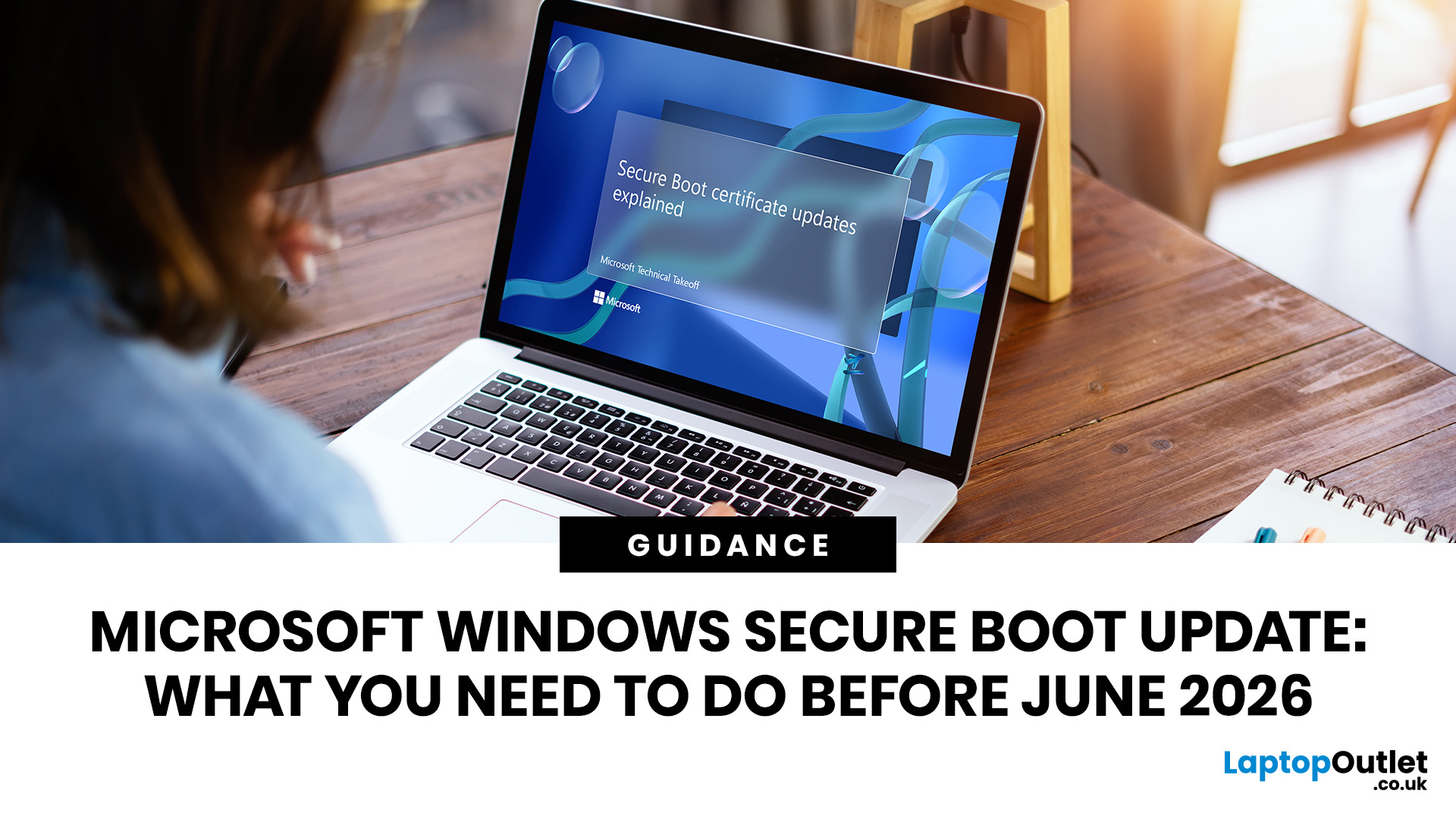
Microsoft is updating Windows Secure Boot certificates before they begin expiring in June 2026. Most supported Windows PCs will receive the update automatically, but users should check Windows Update, Secure Boot status, BIOS/UEFI firmware, and BitLocker recovery key access to avoid future security issues.
Microsoft is rolling out an important Windows Secure Boot update before older Secure Boot certificates begin expiring in 2026. For most home users on supported Windows devices, the update should arrive automatically through Windows Update. But if your PC is older, managed by an organisation, running Windows 10 without Extended Security Updates, or has outdated BIOS/UEFI firmware, you may need to check your device before June 2026.
Secure Boot is the Windows security feature that helps ensure your PC starts using trusted software only. Microsoft says Secure Boot certificates originally issued in 2011 begin expiring in June 2026, and devices need newer 2023 certificates to keep receiving future boot-level security protections.
What is the Microsoft Windows Secure Boot update?
The Microsoft Windows Secure Boot update replaces ageing 2011 Secure Boot certificates with newer 2023 certificates. These certificates are stored in your device's firmware and help Windows verify trusted boot components before the operating system loads.
In simple terms, Secure Boot checks whether early startup software, such as bootloaders and firmware components, can be trusted. Microsoft explains that Secure Boot uses UEFI firmware and digital certificates to verify pre-boot software before Windows starts.
This update matters because Microsoft’s original Secure Boot certificates are reaching the end of their planned lifecycle. The Microsoft Corporation KEK CA 2011 and Microsoft UEFI CA 2011 begin expiring in June 2026, while the Microsoft Windows Production PCA 2011 expires in October 2026.
If you are still using Windows 10, it is worth reviewing the key steps Windows 10 users should take to stay safe before relying on future security updates.
Quick answer: do you need to do anything?
For most supported Windows 10 and Windows 11 Home, Pro, or Education devices that receive updates directly from Microsoft, no manual Secure Boot fix is usually required. Microsoft says the new 2023 certificates are being delivered through regular Windows Update channels, and for most users supported Windows systems, no action is needed.
However, you should still check three things:
- Your PC is running a supported version of Windows.
- Windows Update is not paused.
- Secure Boot is enabled in BIOS/UEFI settings.
Microsoft notes that Windows 10 support ended on October 14, 2025, and users who want to continue receiving security updates, including Secure Boot updates, need the Windows 10 Extended Security Updates programme.
Why the Secure Boot update matters
Secure Boot protects your PC before Windows fully starts. That early boot stage is a valuable target for bootkits and other low-level malware because attacks at this level can load before normal antivirus or endpoint tools.
If your device does not receive the new Secure Boot certificates, Microsoft says the PC may still start, and standard Windows updates may continue to install. The risk is that the device may no longer receive future security protections for early boot components, including Windows Boot Manager updates, Secure Boot database updates, revocation lists, and mitigations for new boot-level vulnerabilities.
That means the issue is not simply “will my PC turn on after June 2026?” In many cases, it will be. The bigger concern is that the device can move into a weaker security position over time.
What happens if you ignore the Secure Boot certificate update?
If your PC reaches the certificate expiration date without the 2023 certificates, Microsoft says it should still start and operate normally, and everyday app use, browsing, networking, and most Windows features should remain unchanged.
The problem is security. Devices that remain on expired Secure Boot certificates may not receive future protections for the early boot process. Microsoft specifically mentions Windows Boot Manager protections, Secure Boot database and revocation updates, and fixes for boot-chain vulnerabilities.
In higher-risk environments, Microsoft warns that outdated firmware or failed certificate updates may lead to Secure Boot validation errors; BitLocker recovery prompts, startup hangs, or devices failing to boot.
How to check if Secure Boot is enabled
Use this quick Windows update guide to check your Secure Boot status:
- Press Windows + R.
- Type msinfo32 and press Enter.
- In System Information, look for Secure Boot State.
- If it says On, Secure Boot is enabled.
Microsoft gives the same msinfo32 method for checking Secure Boot State and says that if it shows “On,” you are good to go for Secure Boot being enabled.
You can also check in the Windows Security app:
Windows Security > Device security > Secure Boot
Starting in April 2026, Microsoft says the Windows Security app displays additional Secure Boot certificate update status information under Device security > Secure Boot. The app may show green, yellow, or red indicators depending on your device’s status.
A green check alone does not always prove the certificates are updated. Microsoft says to look for the message: “Secure Boot is on, and all required certificate updates have been applied. No further certificate changes are needed.”
As more users rethink their tech upgrades in 2026, upcoming devices like the iPhone Ultra show how security, performance, and long-term software support are becoming major buying factors.
What you should do before June 2026
1. Install all available Windows updates
Go to:
Settings > Windows Update > Check for updates
Install every available update, then restart your PC if prompted. If another update appears after rebooting, install it too. Microsoft says supported personal Windows devices are expected to receive the new certificates through regular Windows Update channels.
2. Make sure Windows Update is not paused
The Secure Boot update depends on your system receiving current Windows updates. Microsoft’s guidance for home users specifically says Windows updates should not be paused.
3. Check whether your Windows version is still supported
This is especially important for Windows 10 users. Windows 10 support ended on October 14, 2025, and Microsoft says users need Windows 10 Extended Security Updates to continue receiving security updates, including Secure Boot-related updates.
For many users, the practical options are:
- Upgrade to Windows 11 if the device meets Secure Boot requirements and other Windows 11 hardware requirements.
- Use Windows 10 ESU if eligible.
- Replace unsupported hardware if it cannot be updated safely.
4. Update your BIOS or UEFI firmware

Secure Boot certificates live in firmware, so BIOS/UEFI compatibility matters. Microsoft recommends checking for and deploying OEM firmware updates, especially on older device models, because firmware updates can improve compatibility and reduce update failures.
For personal PCs, visit your manufacturer’s support site, such as Dell, HP, Lenovo, ASUS, Acer, Microsoft Surface, or your motherboard vendor. Look for BIOS, UEFI, firmware, or security updates for your exact model.
5. Do not disable Secure Boot as a workaround
Disabling Secure Boot may look like a quick Secure Boot fix, but it weakens protection. Microsoft explicitly warns that Secure Boot should not be disabled to work around certificate expiration because doing so reduces device protection and can create new security and compliance risks.
Only disable Secure Boot temporarily if you are following official recovery steps after a boot failure or under guidance from your device manufacturer or IT team.
6. Back up your BitLocker recovery key
Secure Boot, TPM security, and BitLocker often work together as part of Windows device protection. Microsoft says some users may encounter a BitLocker recovery situation after receiving new certificates, and in that case, they need the 48-digit BitLocker recovery key.
7. Contact your device manufacturer if Windows shows a warning
If Windows Security says your device does not support the automated Secure Boot certificate update due to hardware or firmware limitations, Microsoft says to contact your device manufacturer for assistance.
What IT teams should do
For businesses, schools, and organisations, the Microsoft Secure Boot changes require more planning. Microsoft’s IT guidance recommends preparing, monitoring, deploying to small groups first, and remediating issues before broad rollout.
IT teams should:
- Inventory hardware models, BIOS versions, firmware dates, baseboard versions, and Secure Boot status.
- Test representative devices before fleet-wide deployment.
- Apply OEM BIOS/UEFI updates where needed.
- Monitor registry keys and event logs.
- Use Intune, Group Policy, registry keys, or Windows configuration tools for managed deployment.
Microsoft says IT-managed environments can deploy and monitor Secure Boot certificate updates using registry keys, Group Policy, Windows Configuration Service Provider/Windows Configuration System, or Microsoft Intune.
For Group Policy, Microsoft lists the policy path as:
Computer Configuration > Administrative Templates > Windows Components > Secure Boot
For Microsoft Intune, Microsoft says admins can use the Settings Catalog and search for Secure Boot settings, including certificate update deployment settings.
Windows Server also needs special attention. Microsoft says Windows Server instances do not receive the 2023 Secure Boot certificates through Controlled Feature Rollout in the same way Windows PCs do, so administrators must take action on in-scope servers with Secure Boot enabled.
Secure Boot requirements: what your PC needs
For this update to work smoothly, your device should have:
- UEFI firmware with Secure Boot support.
- Secure Boot enabled.
- A supported Windows version.
- Current Windows updates.
- Compatible OEM BIOS/UEFI firmware.
- TPM security available where features such as BitLocker rely on it.
Most devices manufactured since 2012 support Secure Boot and ship with Secure Boot enabled, according to Microsoft’s IT guidance.
A simple Secure Boot fix checklist
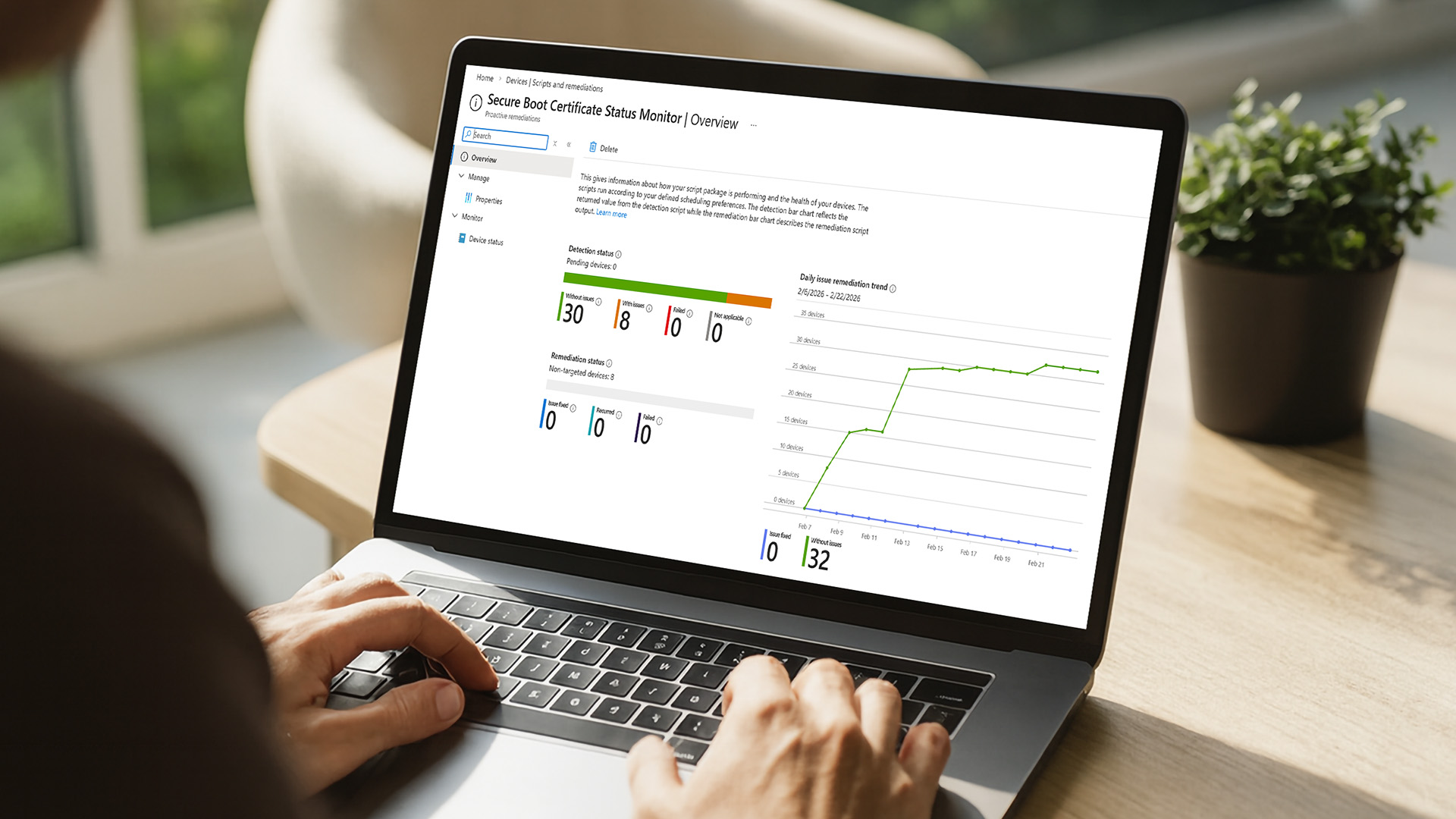
Use this checklist before June 2026:
- Open Settings > Windows Update and install all updates.
- Restart your PC after updates.
- Run msinfo32 and confirm Secure Boot State: On.
- Open Windows Security > Device security > Secure Boot and check certificate status.
- Update your BIOS/UEFI firmware from your device manufacturer.
- Save your BitLocker recovery key before firmware changes.
- Do not disable Secure Boot unless instructed for recovery.
- If you are on Windows 10, confirm ESU coverage or plan a Windows 11 upgrade.

Final takeaway
The Windows Secure Boot update is not something to ignore until the last minute. Microsoft is replacing old 2011 Secure Boot certificates with 2023 certificates before expiration begins in June 2026. For most supported home users, Windows Update should handle it automatically. For older PCs, Windows 10 systems, business devices, servers, and machines with outdated firmware, now is the time to check Secure Boot status, update BIOS/UEFI firmware, and confirm your device can keep receiving boot-level Windows security updates.

FAQ
What is the Windows Secure Boot update?
The Windows Secure Boot update is Microsoft’s rollout of newer 2023 Secure Boot certificates to replace certificates originally issued in 2011. The update helps Windows continue validating trusted boot software and receiving future boot-level security protections.
When do Microsoft Secure Boot certificates expire?
Some Microsoft Secure Boot certificates begin expiring in June 2026. Another key Windows Production PCA 2011 certificate expires in October 2026.
Will my PC stop working after June 2026?
Usually, no. Microsoft says devices without the new certificates may still start normally and receive standard Windows updates, but they may not receive future protections for early boot components.
Do Windows 11 users need to do anything?
Most supported Windows 11 users should receive the update automatically through Windows Update. Still, it is worth checking that Windows Update is not paused, Secure Boot is enabled, and the Windows Security app shows that certificate updates have been applied.
What about Windows 10 users?
Windows 10 support ended on October 14, 2025. Microsoft says Windows 10 users need Extended Security Updates to continue receiving security updates, including Secure Boot updates.
Should I change BIOS settings?
You should check that Secure Boot is enabled, but avoid making random BIOS settings changes. If Secure Boot is off or Windows reports a firmware limitation, check your manufacturer’s firmware guidance first.
Is this the same as TPM security?
No. Secure Boot and TPM are different technologies, but they often work together in Windows security. Secure Boot validates trusted startup components, while TPM security supports features such as encryption key protection and BitLocker.
What is the safest Secure Boot fix?
The safest Secure Boot fix is to keep Windows updated, install OEM BIOS/UEFI firmware updates, confirm Secure Boot is enabled, and check the Windows Security app for certificate update status. Do not disable Secure Boot to bypass the issue.
Related Articles


Last Updated: May 06, 2026
Your Apple AirPods are a brilliant piece of kit, but sometimes the default name – usually something like '[Your Name]'s AirPods' – just doesn't feel personal enough.
Perhaps you have multiple pairs, or maybe you've bought them second-hand and want to shake off the previous owner's tag. Whatever your reason, learning how to rename AirPods is a simple process that helps you personalise your wireless earbuds.
This comprehensive guide will walk you through the simple steps to rename AirPods across all the common platforms.
Renaming Your AirPods on iPhone or iPad (The Easiest Way)
Renaming your AirPods on an iOS or iPadOS device is arguably the simplest method. The change will then update automatically on any other Apple device you own that uses the same Apple ID.
Steps to Rename Your AirPods on iPhone or iPad
- Ensure Connection: Make sure your AirPods are connected to your iPhone or iPad. The quickest way to do this is to open the AirPods case lid near your unlocked device, or place the AirPods

Last Updated: December 31, 2025
With the right timing and the right specs, you can land an upgrade that feels genuinely transformative: faster performance, longer battery life, sharper screens, and smoother workflows for work, study, and downtime. New Year promotions are also one of the easiest moments to buy smarter. Stock moves quickly, retailers rotate lines, and discounts get sharper as people reset budgets and goals, meaning the best-value Apple kit often sells out first. That’s why this guide focuses on what to look for, what to prioritise, and how to choose the right Apple device for your needs.
Why New Year is the Best Time to Buy Apple Tech
Apple gear holds value well, which is great when you own it, but it also means discounts can feel harder to find at other times of the year. Around New Year, pricing tends to loosen up across multiple categories, making it easier to upgrade without compromising on model quality. Here’s why New Year shopping is ideal:
- Retail Stock Rotation: end-of-year inventory clears,
Last Updated: September 15, 2026
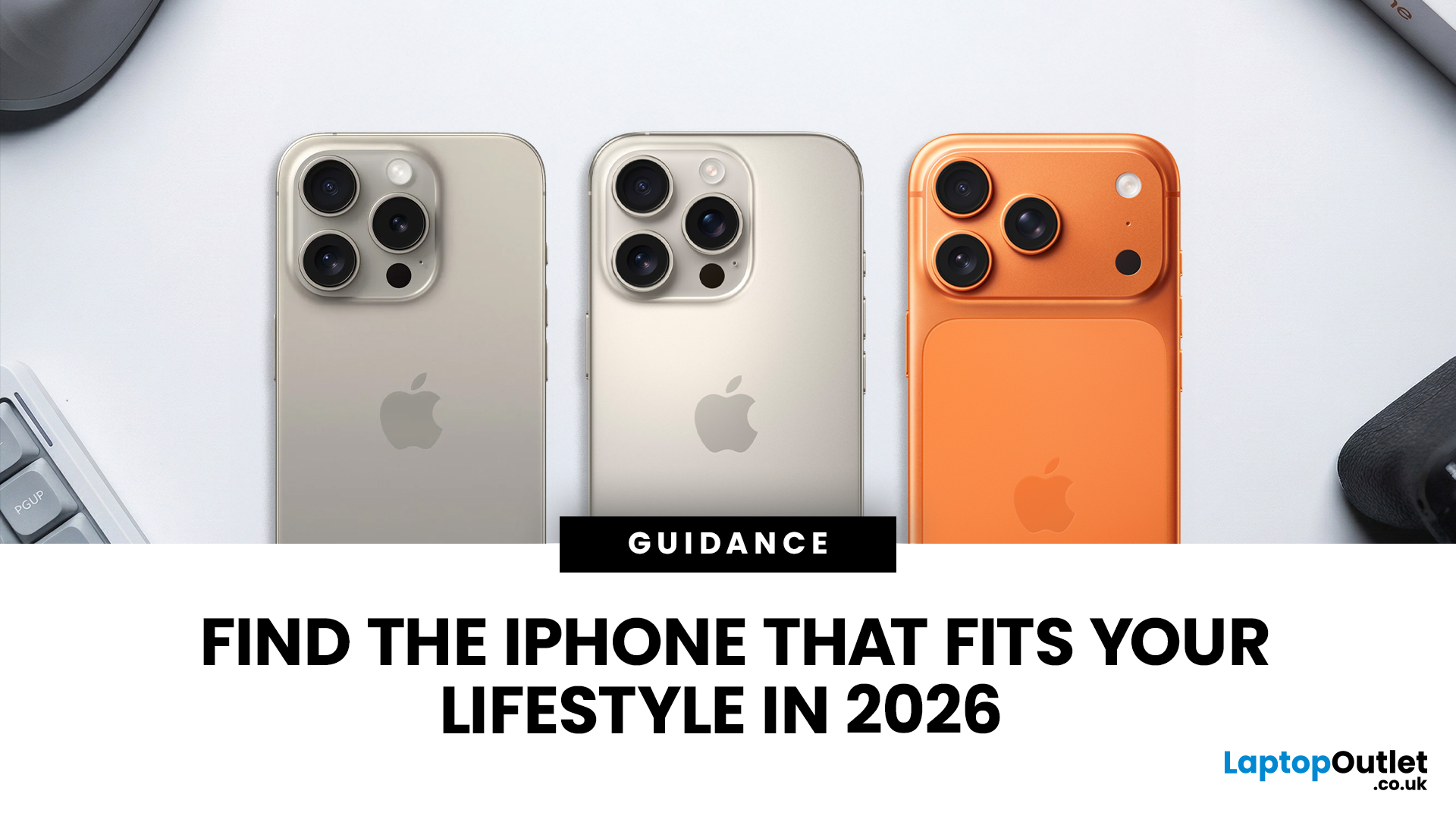
Buying an iPhone in September 2026 is a little different from earlier in the year. Apple has now announced the iPhone 18 Pro and iPhone 18 Pro Max, while the iPhone Duo brings a completely new foldable option. At the same time, the iPhone Air, iPhone 17, iPhone 17e and iPhone 16 remain available from Apple in the UK.
The best choice should not be automatically the newest or most expensive model. It depends on how much you want to spend, the size you prefer, how much you use the camera, how long you need the battery to last and whether you are comfortable waiting for a newly announced model to go on sale. This iPhone buying guide focuses on those practical differences so you can make a clear decision without paying for features you are unlikely to use.
Quick answer
Best overall for most buyers: iPhone 17. It has a 6.3-inch 120Hz ProMotion display, A19 chip, dual 48MP camera system and 256GB storage as standard.
Best premium choice: iPhone 18 Pro or Pro Max. Pre-orders open 12 September and

Last Updated: March 04, 2026
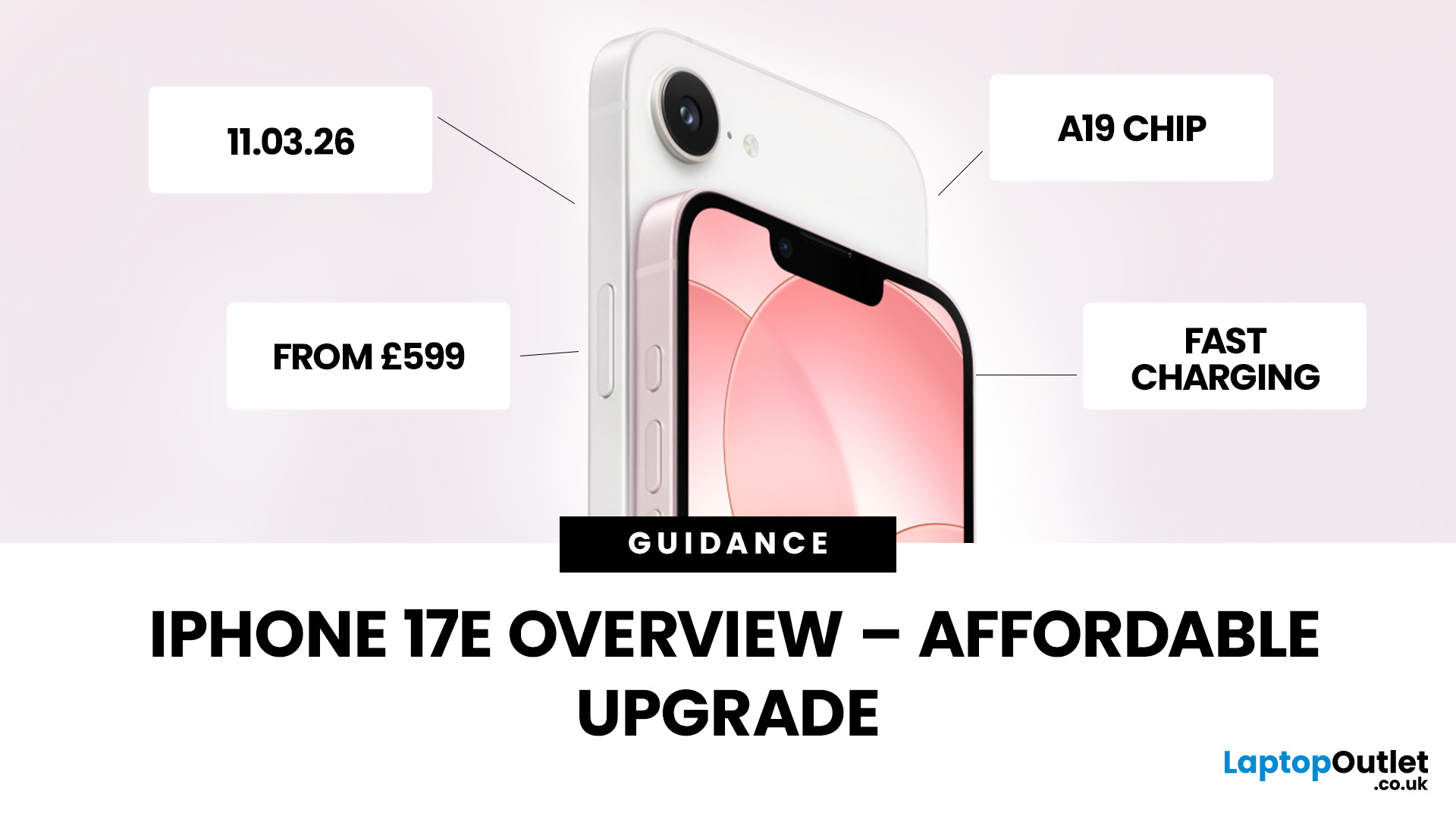
Your complete guide to Apple’s newest “value” iPhone for UK buyers, with the latest confirmed details on launch timing, pricing, key upgrades, and answers to the most searched questions online.
Release Date - When UK Buyers Can Get It
Apple has officially announced that the iPhone 17e will be available in early March 2026:
- Preorders begin: 4th March 2026
- General availability (in-store & online): 11th March 2026 9 (We’ve outlined the biggest launch-day advantages in our article.)
This continues Apple’s recent pattern of spring launches for its more affordable iPhone models, offering a separate window from the big autumn flagship releases.
If you want a deeper breakdown of real-world speed, gaming ability and camera quality, read our full blog on iPhone 17e camera and performance.
UK Pricing - How Much It Costs in the United Kingdom
In the UK, Apple has positioned the iPhone 17e as a competitively priced smartphone that still delivers meaningful upgrades:
- 256 GB: around £599 (base model)
Last Updated: March 04, 2026
If you’re in the UK and you’ve been waiting for an iPhone that hits the sweet spot between price, features, and longevity, the iPhone 17e is shaping up to be exactly that. Apple’s UK Store listing shows pre-orders open at 2:15 pm on 4th March, with availability from 11 March, starting at £599.
So… should you place an iPhone 17e pre-order as soon as it opens? Here are the top 5 reasons UK buyers might genuinely want to.
Quick UK iPhone 17e facts (at a glance)
- UK pre-order date & time: 2:15pm on 4th March
- UK availability: 11th March
- UK price: £599 (256GB) / £799 (512GB)
- Colours: Black, White, Soft Pink
- Standout upgrades: MagSafe (up to 15W), 48MP Fusion camera, A19 chip, Ceramic Shield 2
1) You’ll have the best shot at getting the colour + storage you actually want
Pre-orders aren’t just hype, they’re practical.
When demand spikes, it’s usually specific combinations that go first (popular colour + storage). With iPhone 17e you’ve got three colours (including the new Soft Pink) and two

Last Updated: March 04, 2026
Apple launched the iPhone 17e on 2 March 2026, and it has already caught a lot of attention. Priced at £599 with 256GB of base storage, it sits as the most affordable entry point into the iPhone 17 family. That is £200 less than the standard iPhone 17, yet the two share the same A19 chip generation.
But affordable does not mean basic. This iPhone packs serious upgrades, particularly in camera and performance. So, is it worth your money in 2026? Let us break it all down.
iPhone 17e Camera System: What's New in 2026
The iPhone 17e camera is one of the biggest talking points of this release. Apple has kept a single rear camera setup, but what it does with that one sensor is genuinely impressive.
48MP Fusion Camera: A 2-in-1 System
The rear camera features a 48MP Fusion sensor with an f/1.6 aperture and optical image stabilisation. On the surface, the megapixel count matches the iPhone 16e. However, Apple has made meaningful improvements underneath.
The most notable addition is the optical-quality
Last Updated: March 04, 2026
Apple has officially unveiled the iPhone 17e, positioning it as the most affordable way to get into the iPhone 17 lineup in 2026. If you’re in the UK and weighing up whether this is the right upgrade, here’s everything you need to know, including the iPhone 17e release date, UK price, specs, colours, features, and how it compares to the iPhone 17 and iPhone 16e.
iPhone 17e Release Date (UK)
Apple confirmed that pre-orders begin on 4 March, with the iPhone 17e available from 11 March.
That means UK buyers won’t have long to wait, and as with previous launches, early stock could sell quickly, especially for popular colours and higher storage configurations.
iPhone 17e UK Price and Storage
The iPhone 17e starts at £599 in the UK for the 256GB model, with the 512GB version priced at £799 .
Apple is also offering 0% finance options, with monthly payments available from £24.95 per month over 24 months.
What this means for UK buyers
- It’s £200 cheaper than the standard iPhone 17, which starts
Last Updated: March 04, 2026
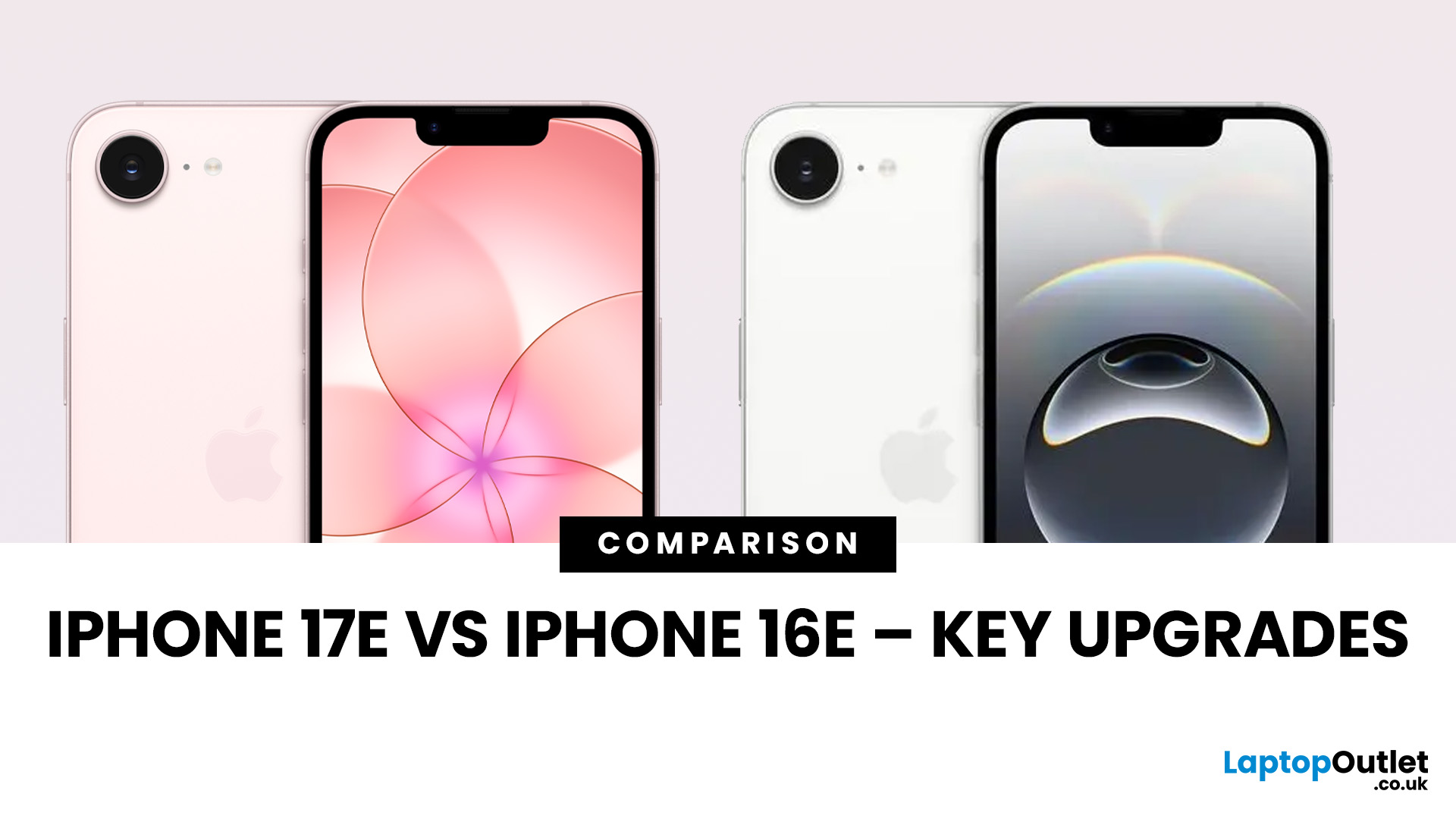
Apple’s “e” iPhones are the simple buys in the lineup: modern OLED screen, strong main camera, long battery, and a price that does not try to compete with the Pro models. The iPhone 17e keeps that formula but fixes a couple of pain points from the iPhone 16e and adds upgrades that matter in daily use, not just on a spec sheet.
If you are deciding between iPhone 17e vs iPhone 16e, the short version is this: iPhone 17e is the better long-term buy because it brings MagSafe back, doubles the base storage, and moves to the newer A19 chip, while keeping the same starting price in major markets like the UK.
Quick Answer: Which One Should You Buy?
Buy iPhone 17e if you want the smarter default choice
You should choose iPhone 17e if you care about any of these:
- MagSafe accessories and better wireless charging convenience
- More storage without paying extra
- A newer chip for longer iOS and Apple Intelligence headroom
- Slight durability improvements on the front glass
Buy iPhone 16e if the discount
Published: March 05, 2026
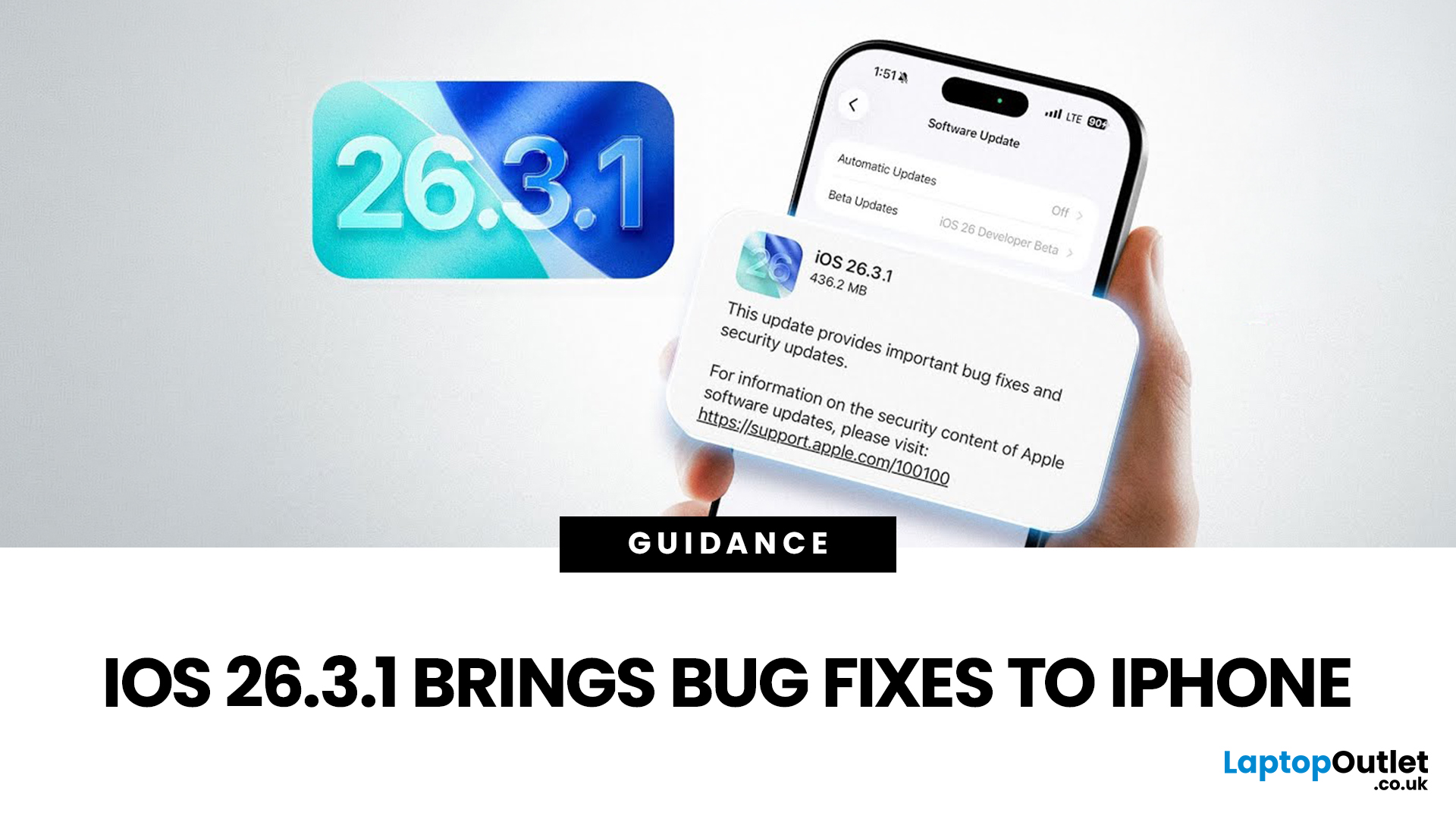
Apple has officially rolled out the iOS 26.3.1 update for iPhone users, bringing several important bug fixes, security patches, and performance improvements. While this is not a major feature update, it focuses on improving system stability and fixing issues reported in the previous iOS 26.3 version.
Minor iOS updates like iOS 26.3.1 are important because they often resolve bugs that affect everyday performance, connectivity, and device security. If you own a compatible iPhone, installing the iOS 26.3.1 update can help ensure smoother performance and better protection against vulnerabilities.
In this guide, we’ll cover the iOS 26.3.1 release date, features, download steps, supported devices, and answer the common question: Should you update to iOS 26.3.1?
iOS 26.3.1 Release Date
Apple released the iOS 26.3.1 update on March 04, 2026, after the launch of iOS 26.3, aiming to fix several issues discovered after the previous version went live.
Typically, Apple rolls out minor updates like
Last Updated: March 06, 2026
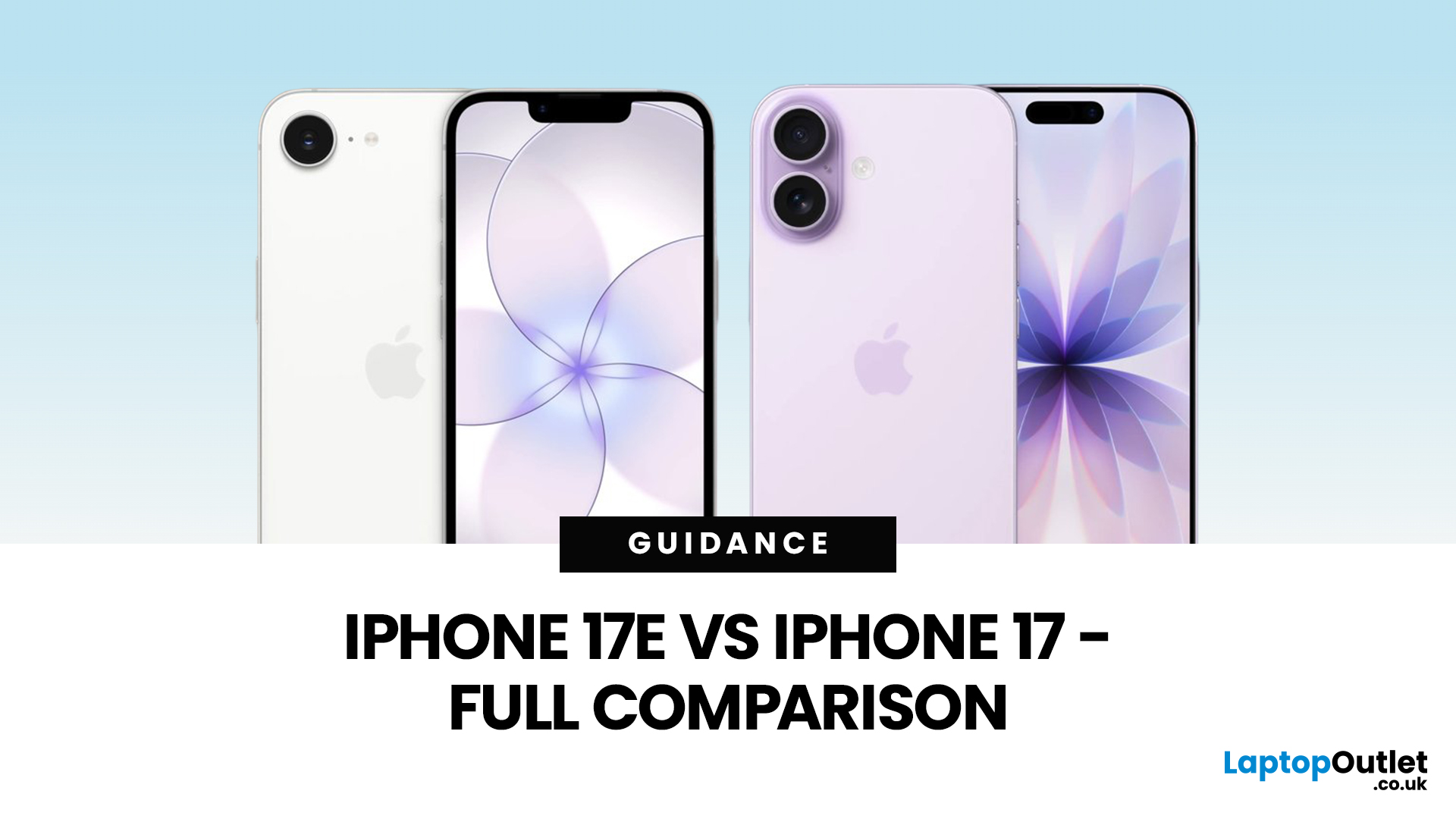
Apple has done that thing again where two phones look nearly the same… until you’re about to pay and suddenly it’s “wait, why am I spending £200 more?” If you’re deciding between iPhone 17 vs iPhone 17e, you’re basically trying to answer one question: will you feel the upgrades, or is it just spec-sheet sparkle?
The iPhone 17e (sometimes written as iPhone 17 e) is Apple’s newest “value” iPhone, designed to give you the essentials without the flagship price tag. In the UK, the iPhone 17e price starts at £599 for 256GB, while the standard iPhone 17 starts at £799 for 256GB, that’s the main reason the difference between iPhone 17 and 17e matters so much.
On paper, the iPhone 17e vs iPhone 17 looks closer than you might expect. Both share the A19-generation performance, but the iPhone 17 adds upgrades you’ll notice daily, especially smoother screens and more flexible cameras.
We cover everything UK shoppers need: size, display, cameras, battery, charging, connectivity, price, and iPhone 17e

