



Lenovo vs HP Laptops: Which Brand is Better for You in 2026?
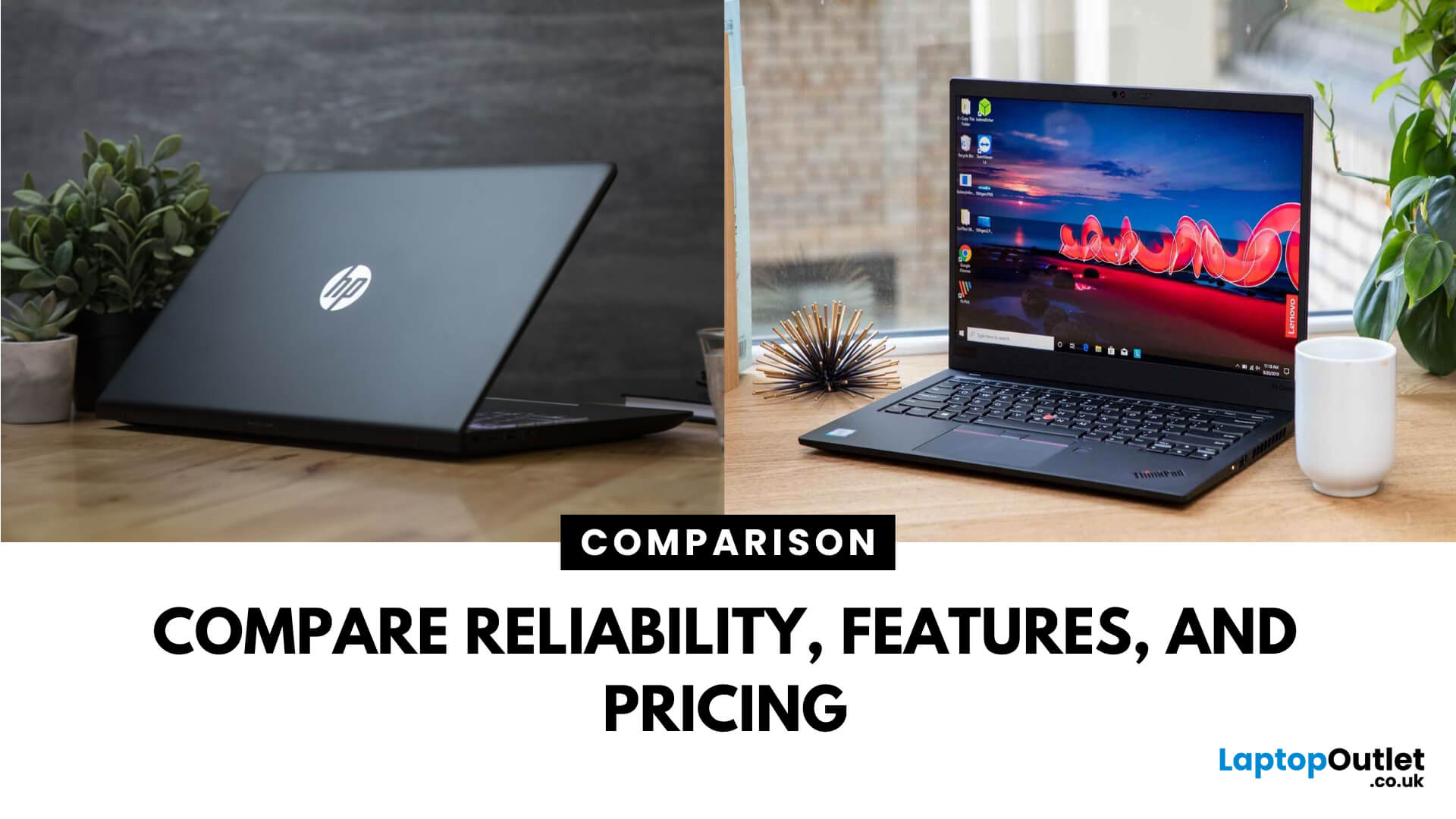
Choosing between Lenovo vs HP laptops is not simply a matter of picking the more recognisable logo. Both manufacturers offer affordable everyday notebooks, premium ultraportables, business devices, mobile workstations, and powerful gaming laptops.
The important difference is how each brand divides its range. Lenovo offers IdeaPad, Yoga, ThinkBook, ThinkPad, LOQ, and Legion models, while HP covers consumer computing with OmniBook alongside ProBook, EliteBook, ZBook, Victus, and OMEN.
Your ideal choice depends on the individual model, configuration, and intended workload. Processor performance, memory, storage, graphics, cooling, and display quality normally matter more than the brand name alone.
Quick Answer: Is Lenovo or HP Better?
Lenovo is a strong choice for buyers prioritising practical designs, comfortable keyboards, business features and a wide selection of gaming laptops. ThinkPad and ThinkBook cover professional use, while LOQ and Legion target different gaming budgets.
HP may be more suitable if you want a versatile consumer laptop, a modern convertible design, or a professionally managed business device. OmniBook covers home and personal computing, while ProBook, EliteBook, ZBook, Victus, and OMEN serve more specialised users.
Neither manufacturer is automatically better in every category. Compare equivalent product families and configurations rather than judging all HP and Lenovo laptops together.
Lenovo vs HP Laptops at a Glance
|
Comparison Area |
Lenovo |
HP |
|
Everyday laptops |
IdeaPad and Lenovo V Series |
OmniBook and general HP notebooks |
|
Premium and convertible models |
Yoga and Yoga Pro |
OmniBook X and OmniBook Flip |
|
Small business |
ThinkBook and V Series |
ProBook |
|
Enterprise business |
ThinkPad |
EliteBook |
|
Mobile workstations |
ThinkPad P Series |
ZBook |
|
Entry and mid-range gaming |
LOQ |
Victus |
|
Premium gaming |
Legion |
OMEN |
|
Chromebook options |
Lenovo Chromebooks |
HP Chromebooks and Fortis |
|
Main strength |
Practical range with strong business and gaming options |
Versatile range covering consumer, business and specialist use |
What is the Main Difference Between Lenovo and HP Laptops?
Lenovo generally separates its laptops clearly by user type. IdeaPad targets everyday computing, Yoga focuses on premium portability and flexible form factors, and ThinkBook offers business features with a more modern consumer-style design.
ThinkPad sits at the professional and enterprise end of Lenovo’s range. LOQ provides an accessible route into PC gaming, while Legion targets buyers who need stronger graphics, cooling and display specifications.
HP now uses OmniBook as the main name for its current consumer laptop portfolio. Depending on the model, OmniBook devices may be designed for everyday family use, portable productivity, AI features or flexible 2-in-1 computing.
HP’s professional range includes ProBook for everyday business use, EliteBook for more advanced enterprise requirements and ZBook for workstation workloads. Victus and OMEN cover gaming.

Lenovo vs HP Performance
Performance cannot be judged reliably by brand alone. Two laptops carrying the same processor name may behave differently because of their cooling systems, power limits, memory configuration and chassis size.
Both brands offer models with modern Intel, AMD and Qualcomm processors. Selected devices also include dedicated NVIDIA graphics for gaming, video production, engineering applications and 3D design.
For everyday browsing, Microsoft 365, streaming, and video calls, a Core i5, Ryzen 5, or similar modern processor with 16GB RAM should meet most users’ needs. More demanding creative or technical work may require a faster processor, 32GB RAM and dedicated graphics.
When comparing Lenovo vs HP laptops, match the full specifications rather than choosing the device with the newest processor name. RAM capacity, SSD size, screen resolution and thermal design can significantly affect the overall experience.
Winner: Tie
Design and Build Quality
Lenovo’s designs range from understated business machines to distinctive gaming laptops. ThinkPad models typically prioritise practicality, typing comfort and workplace usability, while Yoga devices offer slimmer designs, premium screens and convertible options.
IdeaPad models are usually more straightforward. Build materials and features vary considerably between entry-level and premium configurations, so buyers should not expect every IdeaPad to match a ThinkPad or Yoga.
HP also offers several design approaches. OmniBook laptops cover traditional clamshell devices and flexible Flip models, while EliteBook and ProBook machines are designed around professional use.
OMEN and Victus laptops use larger chassis to accommodate dedicated graphics and more capable cooling. ZBook mobile workstations are intended for demanding professional software rather than basic home computing.
Winner: Tie
Keyboard and Everyday Usability
Keyboard comfort matters for students, writers, programmers, and office workers who type throughout the day. Lenovo ThinkPad laptops are strongly associated with business-focused keyboards, while ThinkBook and selected IdeaPad models also provide comfortable layouts.
HP’s EliteBook and ProBook ranges are designed for regular professional use and commonly include practical keyboard layouts. OmniBook keyboard quality can vary depending on the price, size and specific product tier.
Buyers should also check the touchpad dimensions, keyboard backlighting, number pad, webcam quality, and port selection. These details often have a greater effect on daily usability than small differences in processor benchmark results.
Winner: Lenovo for keyboard-focused buyers
Display Quality and Convertible Options
Both manufacturers offer Full HD, WUXGA, 2K and higher-resolution displays across selected models. Features such as touchscreen support, OLED technology, high refresh rates and wider colour coverage are normally limited to particular configurations.
Lenovo Yoga is one of the brand’s main choices for buyers wanting premium screens or 2-in-1 flexibility. Some IdeaPad and ThinkPad models are also available with touchscreens or convertible hinges.
HP OmniBook Flip models are built for users who want to switch between laptop, tent, presentation and tablet-style positions. Higher-tier OmniBook, EliteBook, and ZBook configurations may also offer improved resolution, brightness or colour performance.
Do not assume that every premium-looking laptop has a high-quality display. Check the panel type, resolution, brightness and colour specifications before ordering.
Winner: Tie
Battery Life and Portability
Battery life varies according to the processor, display, battery capacity, performance mode and workload. A lightweight laptop with an efficient processor and lower-resolution display may last considerably longer than a gaming or workstation model.
Lenovo offers highly portable choices through ThinkPad X Series, Yoga Slim and selected IdeaPad models. Some Lenovo devices also include rapid-charging support, although charging performance varies between configurations.
HP offers portable options through OmniBook, EliteBook, and ProBook. OmniBook models equipped with efficient processors may suit students, commuters and hybrid workers who regularly work away from a plug socket.
Manufacturer battery estimates are useful for comparing configurations, but they should not be treated as guaranteed real-world results. Screen brightness, browser tabs, video calls and background applications can all reduce runtime.
Winner: Tie

Lenovo vs HP for Business
The closest enterprise comparison is usually Lenovo ThinkPad vs HP EliteBook. Both ranges offer professional designs, Windows Pro configurations and security features on selected models.
ThinkPad laptops are suitable for organisations that prioritise practical designs, typing comfort and a broad choice of screen sizes and performance levels. Lenovo also offers ThinkShield security features across eligible business devices.
EliteBook laptops are designed for managed business environments and may include HP Wolf Security features, privacy controls and professional support options. ProBook provides a more accessible alternative for smaller organisations and general office work.
ThinkBook sits between Lenovo’s consumer and enterprise ranges. It can suit freelancers, start-ups and smaller teams wanting professional features without moving fully into premium enterprise hardware.
Winner: Tie
Lenovo vs HP for Gaming
Lenovo divides its gaming laptops between LOQ and Legion. LOQ targets entry-level and mid-range gaming, while Legion models generally offer more advanced displays, stronger cooling and higher-performance configurations.
HP follows a similar structure with Victus and OMEN. Victus is intended to make gaming hardware more accessible, while OMEN targets buyers seeking higher-tier specifications and additional gaming features.
Actual frame rates depend on the graphics processor, its available power, the CPU, cooling and memory configuration. An RTX laptop with a higher GPU power limit can outperform another laptop carrying the same graphics chip.
Compare screen refresh rate, resolution, graphics power, RAM upgrade options and SSD capacity before choosing between Lenovo Legion vs HP OMEN or Lenovo LOQ vs HP Victus.
Winner: Lenovo for range choice
Lenovo vs HP for Students
For school, college and university work, Lenovo IdeaPad and HP OmniBook are the most relevant starting points. Both ranges include models suitable for research, essays, online classes, streaming and everyday productivity.
Lenovo IdeaPad may suit students seeking a straightforward Windows laptop at an accessible price. Yoga is more suitable for users who need touchscreen input, a premium display or a convertible design.
HP OmniBook covers a wide selection of consumer requirements. OmniBook Flip models are useful for handwritten notes and presentations, while conventional OmniBook laptops suit users who prefer a standard keyboard-and-screen design.
Students using engineering, architecture, animation or video production software should look beyond the brand name. Those workloads may require 16GB or 32GB RAM, a powerful processor and dedicated graphics.
Winner: Tie
AI Laptops and Copilot+ PCs
Both Lenovo and HP now offer AI-ready laptops with processors containing a neural processing unit, or NPU. These chips can accelerate compatible AI tasks without relying entirely on the CPU or graphics processor.
Lenovo offers AI-capable configurations across ThinkPad, Yoga, ThinkBook, IdeaPad and other ranges. HP provides similar options through OmniBook, EliteBook, ProBook and ZBook.
Some Copilot+ PCs use Qualcomm Snapdragon processors and Windows on Arm. These devices can deliver efficient mobile performance, but users should confirm that specialist software, drivers and peripherals support the platform before buying.
An NPU can be valuable for newer productivity and creative features, but it should not take priority over adequate RAM, storage, display quality or software compatibility.
Winner: Tie
Which Brand Is More Reliable?
It is misleading to describe every product from one manufacturer as more reliable than every product from the other. A premium ThinkPad or EliteBook is built for a different environment from an entry-level home laptop.
Reliability depends on the particular series, chassis, cooling design, usage conditions and maintenance. Warranty length and repair support should also be checked at the product level.
Business-class ThinkPad and EliteBook models are the most suitable starting points for buyers who need machines designed for regular professional use. ZBook and ThinkPad P Series are more appropriate for demanding workstation applications.
For home and student buyers, choosing a sensible configuration and keeping the vents clear may be more important than selecting Lenovo or HP based purely on reputation.
Winner: Tie

Lenovo vs HP Price and Value
Lenovo and HP both cover entry-level, mid-range and premium price points. Value depends on how much useful hardware you receive for the price, not simply which machine has the larger discount.
Compare processor generation, RAM, SSD capacity, display specifications and warranty. A lower-priced laptop may provide poor long-term value if it has insufficient memory, limited storage or a low-quality screen.
You can compare the latest Lenovo laptops across IdeaPad, Yoga, ThinkBook, ThinkPad, LOQ and Legion configurations. This makes it easier to match the range to your budget and workload.
Buyers considering OmniBook, ProBook, EliteBook, ZBook or OMEN can also browse HP laptops and compare the available processors, memory, storage and screen sizes.
Winner: Tie
The strongest value can shift between individual models, promotions and configurations.

Bottom Line
The Lenovo vs HP laptops comparison does not produce one universal winner. Lenovo stands out for its clear business hierarchy, keyboard-focused ThinkPad range and broad selection of LOQ and Legion gaming laptops. HP competes through the versatile OmniBook consumer family, established ProBook and EliteBook business devices, ZBook workstations and OMEN gaming systems.
Choose the range that matches your workload before comparing individual specifications. Lenovo may be the better fit for typing, business use or gaming choice, while HP may suit buyers wanting flexible consumer designs or established professional security features. The final decision should always be based on the exact processor, RAM, storage, display, graphics and warranty.

Still Got Questions?
Is Lenovo better than HP?
Lenovo may be better for keyboard-focused business use and gaming choice, while HP offers strong consumer, convertible and enterprise options. The individual product range matters more than the brand.
Which is better for students, Lenovo or HP?
Lenovo IdeaPad and HP OmniBook are both suitable for students. Compare portability, battery capacity, RAM and required software rather than selecting a laptop based solely on its manufacturer.
Is Lenovo or HP better for business?
Lenovo ThinkPad and HP EliteBook are both designed for professional environments. ThinkPad emphasises practical usability, while EliteBook offers advanced management and HP security features on eligible models.
Which is better for gaming, HP or Lenovo?
Lenovo offers LOQ and Legion, while HP provides Victus and OMEN. Compare the GPU, available graphics power, cooling, display refresh rate and upgrade options of each configuration.
Do Lenovo laptops last longer than HP laptops?
Neither brand has a guaranteed lifespan advantage. Longevity depends on the laptop range, build quality, cooling, maintenance, workload, battery health and how easily the device can be repaired.
Is HP OmniBook better than Lenovo IdeaPad?
OmniBook and IdeaPad both cover several price and performance levels. Compare their processor, RAM, display, battery, and construction because specifications can vary significantly within each family.
Related Articles

Last Updated: July 22, 2026
Last Updated: September 03, 2026
Published: July 22, 2026
Last Updated: July 23, 2026
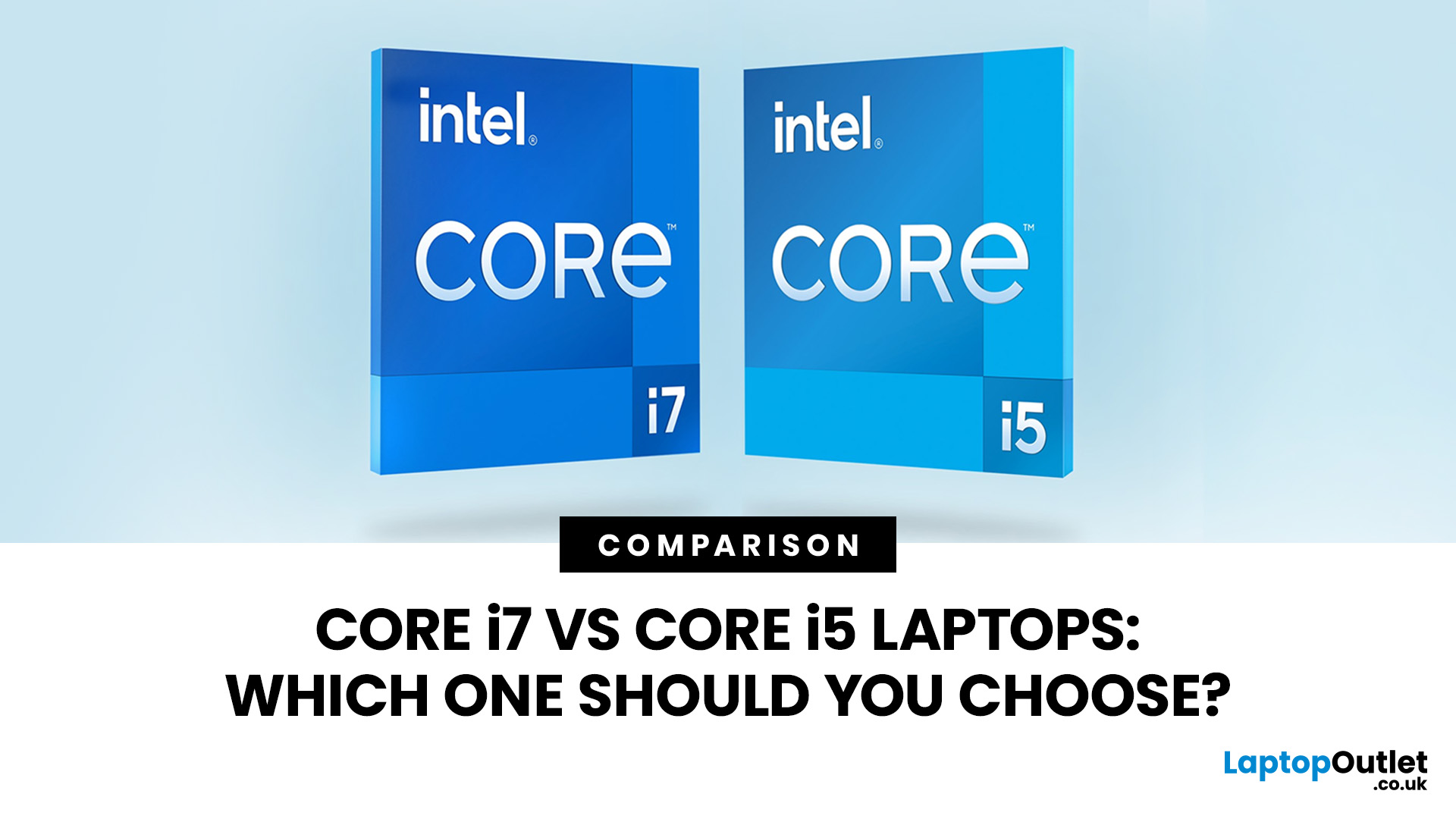
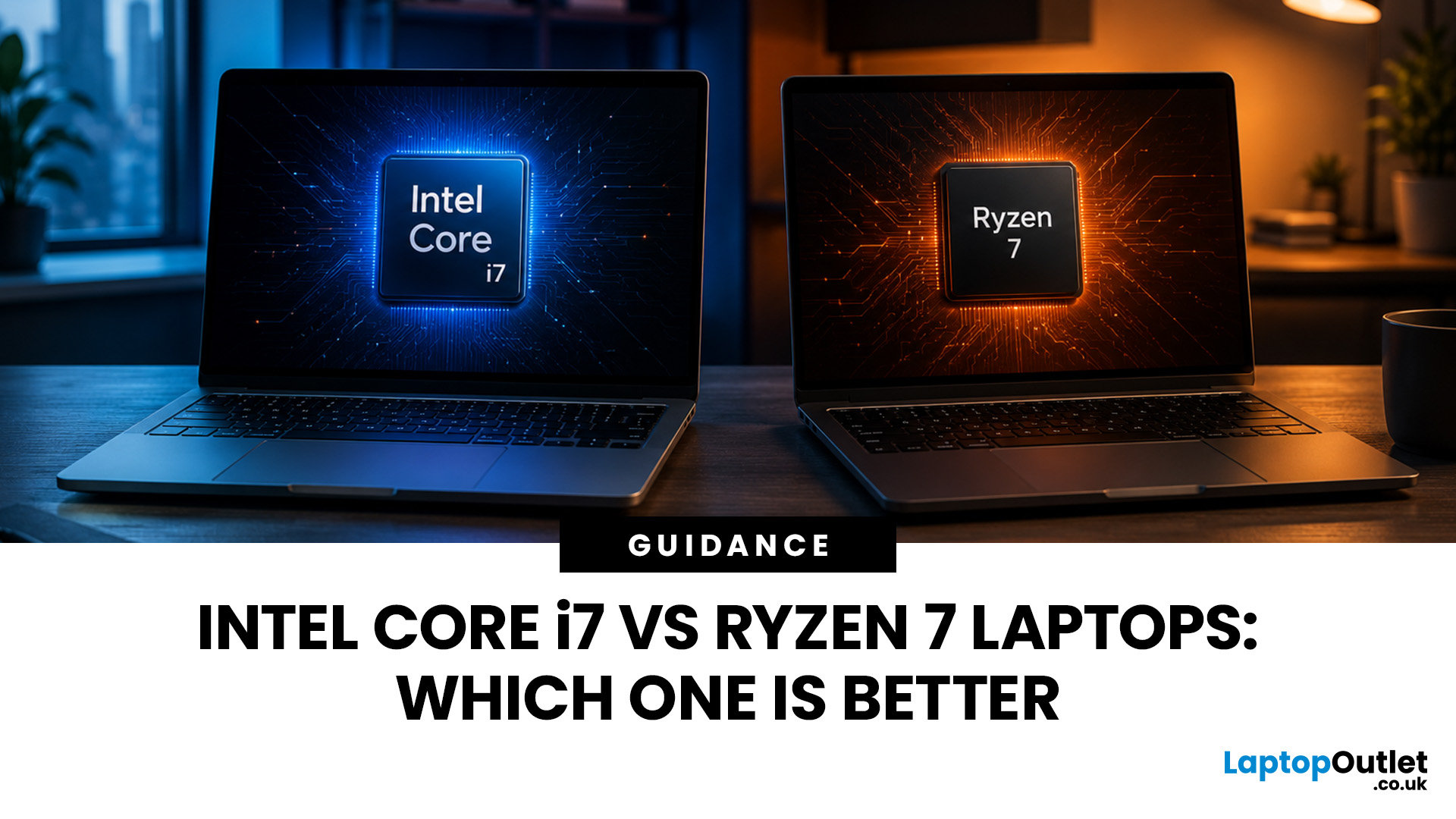
Neither processor family is automatically better. An Intel Core i7 laptop is often a strong choice for demanding productivity, supported video workflows and high-powered gaming configurations. A Ryzen 7 laptop can be especially attractive for efficient multitasking, capable integrated graphics and specification value.
When comparing an i7 vs Ryzen 7 laptop, the exact processor number matters more than the badge. A Core i7 U-series processor designed for a lightweight laptop is not equivalent to a Core i7 H-series gaming chip. The same applies to Ryzen 7 U, HS and HX processors.
For the broader brand-level differences, read our AMD vs Intel laptop guide. This guide goes deeper into the Core i7 and Ryzen 7 performance tier.
Intel Core i7 vs Ryzen 7 Laptops: Quick Answer
| Your priority | Better starting point | What to check |
| Everyday office work | Either | RAM, battery, screen and price |
| Heavy multitasking | Either | Exact CPU model, cooling and at least 16GB RAM |
| Gaming with dedicated graphics | Either | GPU |
Published: July 28, 2026
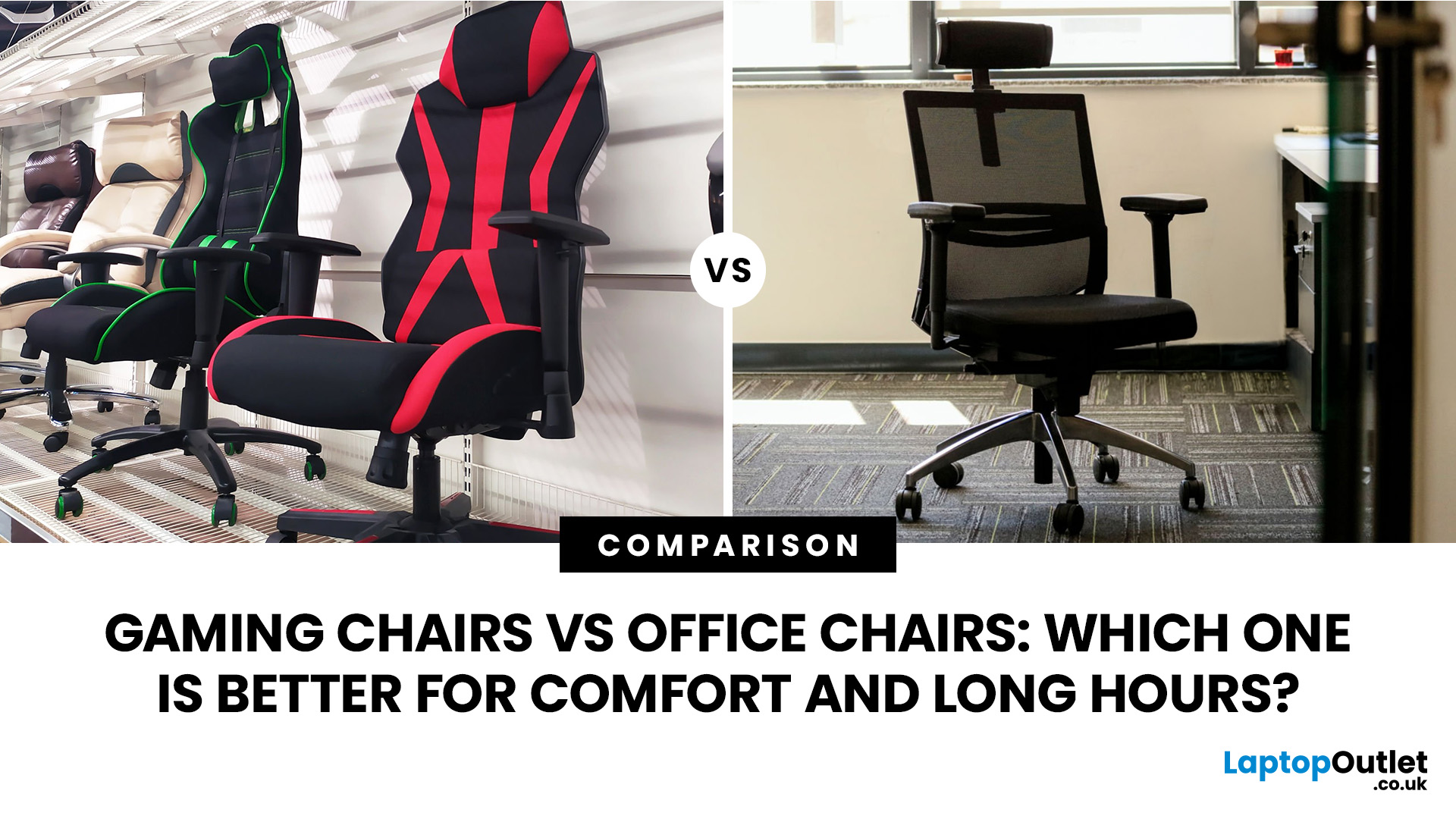
Choosing between a gaming chair vs office chair can feel surprisingly tricky. Both promise comfort, both look appealing in their own way, and both claim to support long hours at your desk.
- Gaming chairs focus on style, recline and immersive comfort
- Office chairs prioritise posture, flexibility and everyday usability
For most UK users working or studying 6–8 hours a day, a well-fitted ergonomic office chair often comes out on top. But that doesn’t mean gaming chairs don’t have their place - especially if you value design and relaxation.
Gaming Chair vs Office Chair: Quick Comparison
| Feature | Gaming Chair | Office Chair |
| Main purpose | Gaming, reclining and entertainment | Work, study and everyday desk use |
| Typical design | Tall back, side bolsters and bold styling | Professional and task-focused |
| Lumbar support | Cushion or integrated support | Often built in and more adjustable |
| Seat design | Firm foam with possible side bolsters | Flatter foam or breathable mesh |
| Recline | Usually deeper | Controlled tilt for working |
Last Updated: October 22, 2026
Last Updated: September 03, 2026
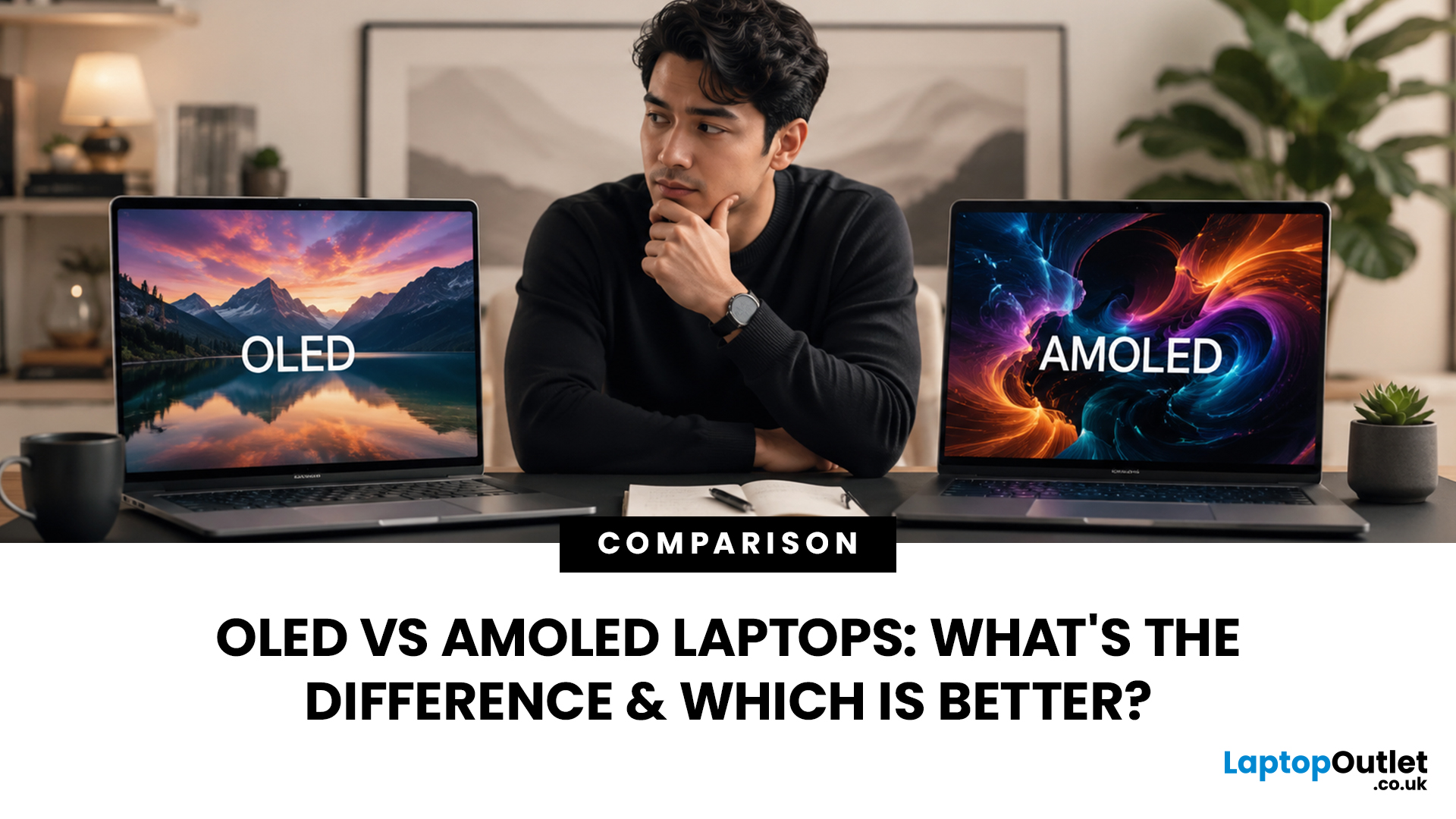
When comparing premium laptop screens, the OLED vs AMOLED debate is simpler than it seems. Both deliver deep blacks, vibrant colours, fast response times and strong contrast. OLED is the broader technology, while AMOLED is a type of OLED that uses an active-matrix system to control pixels. Many modern OLED laptops already use this system, even if not labelled AMOLED. Instead of focusing on the name, buyers should compare resolution, refresh rate, brightness, colour accuracy, battery life and burn-in protection. This guide helps you understand the differences and choose the right display for your needs.
OLED vs AMOLED: The Quick Answer
OLED, or Organic Light-Emitting Diode (OLED), is a display technology in which each pixel creates its own light. An OLED screen does not require the separate backlight used by traditional LCD panels.
AMOLED, or Active Matrix OLED (AMOLED), is a type of OLED display that uses an active-matrix transistor system to control each pixel quickly and individually.
Last Updated: August 06, 2026
Last Updated: July 31, 2026
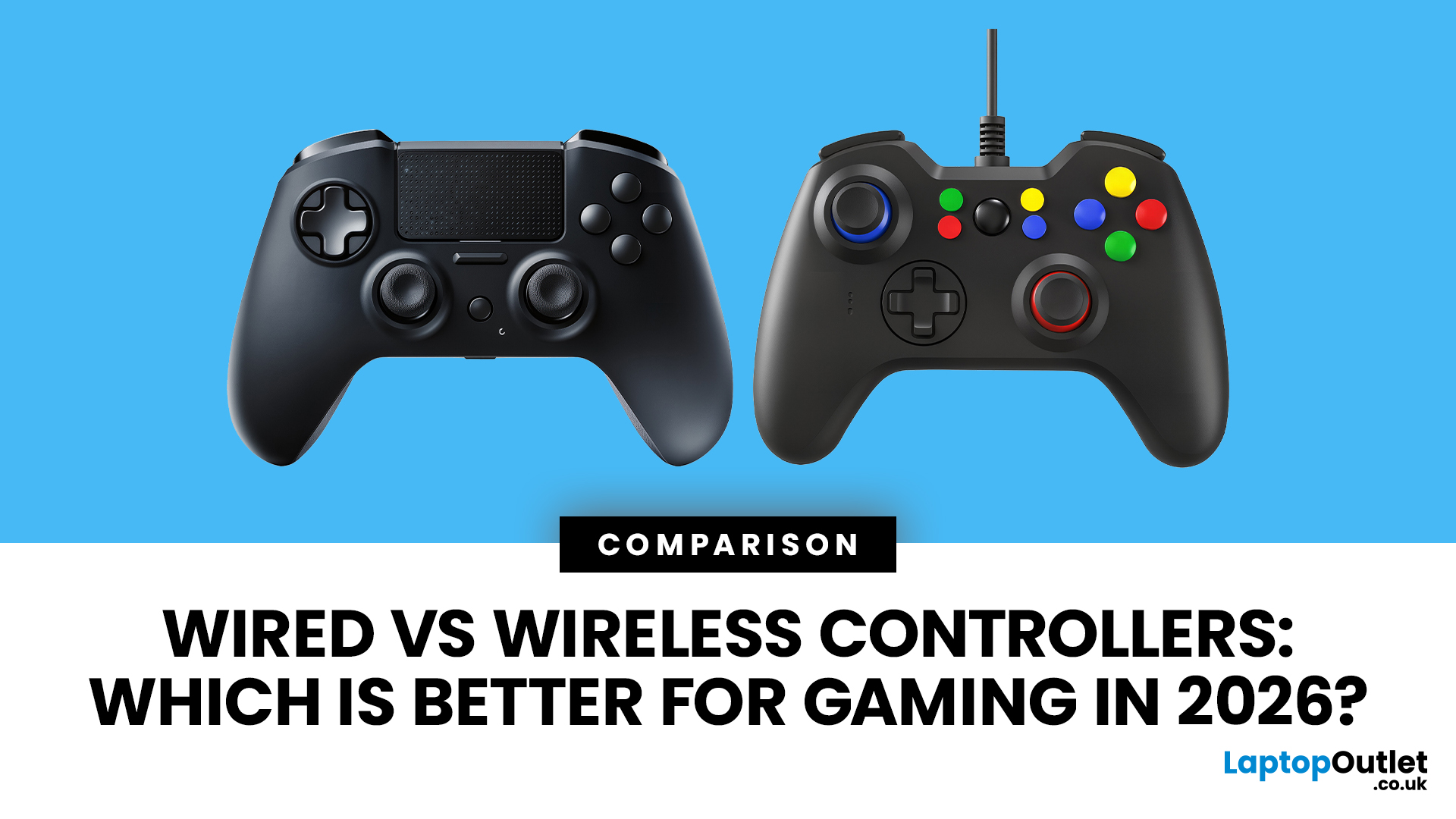
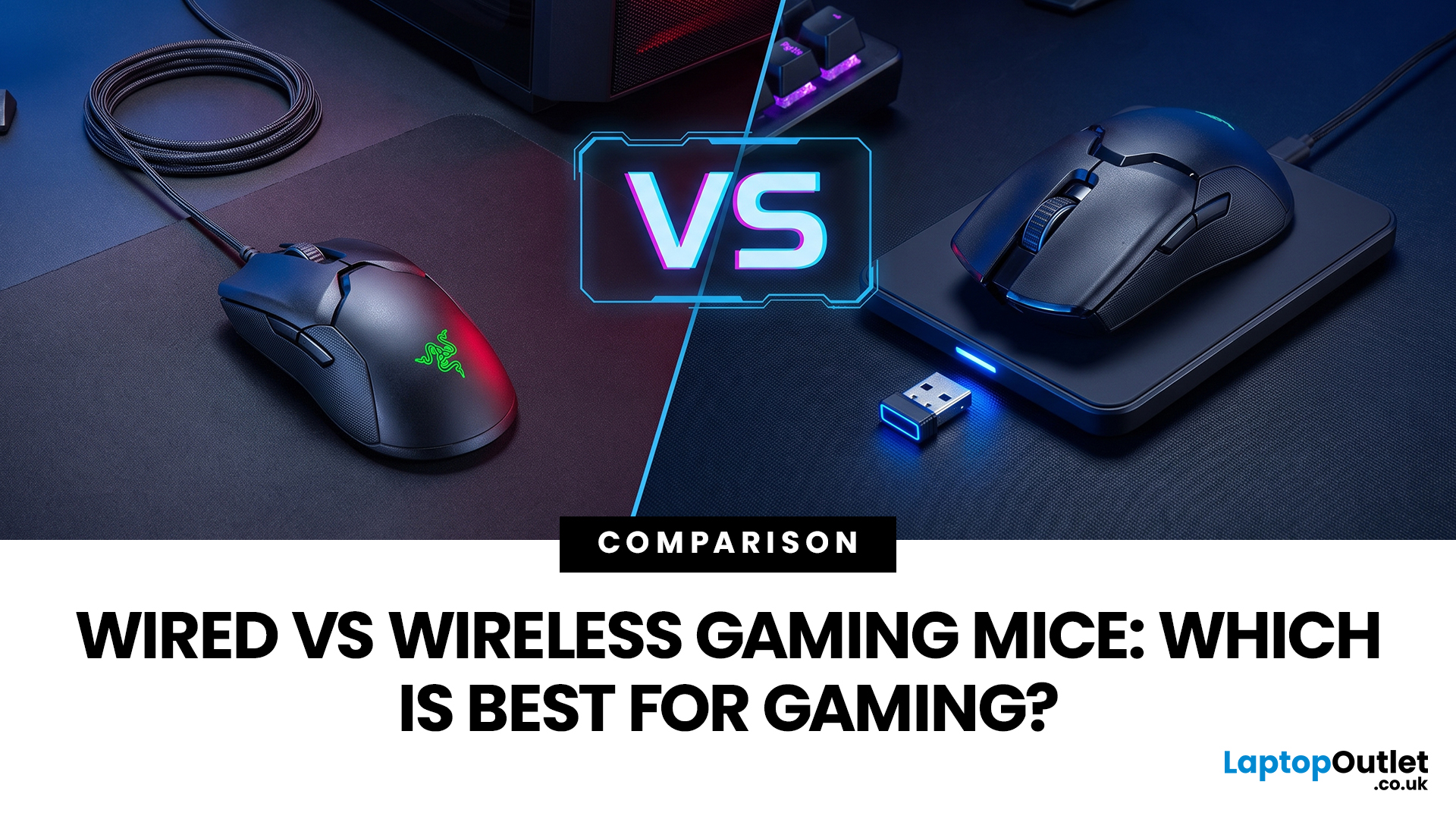
A gaming mouse with a 1,000Hz polling rate can report position every millisecond, and both wired and modern wireless models achieve this performance.
Wired gaming mice offer reliable plug-and-play use, lower cost, and no charging, while 2.4GHz wireless mice provide cable-free comfort and portability. Both can be low-latency for gaming, though Bluetooth is usually slower than a dedicated receiver. Choose wired for value and consistency, or wireless for freedom and convenience.
Wireless technology has advanced significantly. Gaming-grade 2.4GHz connections deliver low latency, lightweight wireless designs are common, and many mice can be used while charging. Wired mice offer lower cost, constant connection, and no battery concerns. Gamers must weigh latency, cable drag, weight, reliability, charging, and value.
This guide compares wired vs wireless gaming mice , explains 2.4GHz vs Bluetooth, helping you choose the best option.
Wired vs Wireless Gaming Mice: Quick Comparison
| Feature | Wired |
Published: August 03, 2026
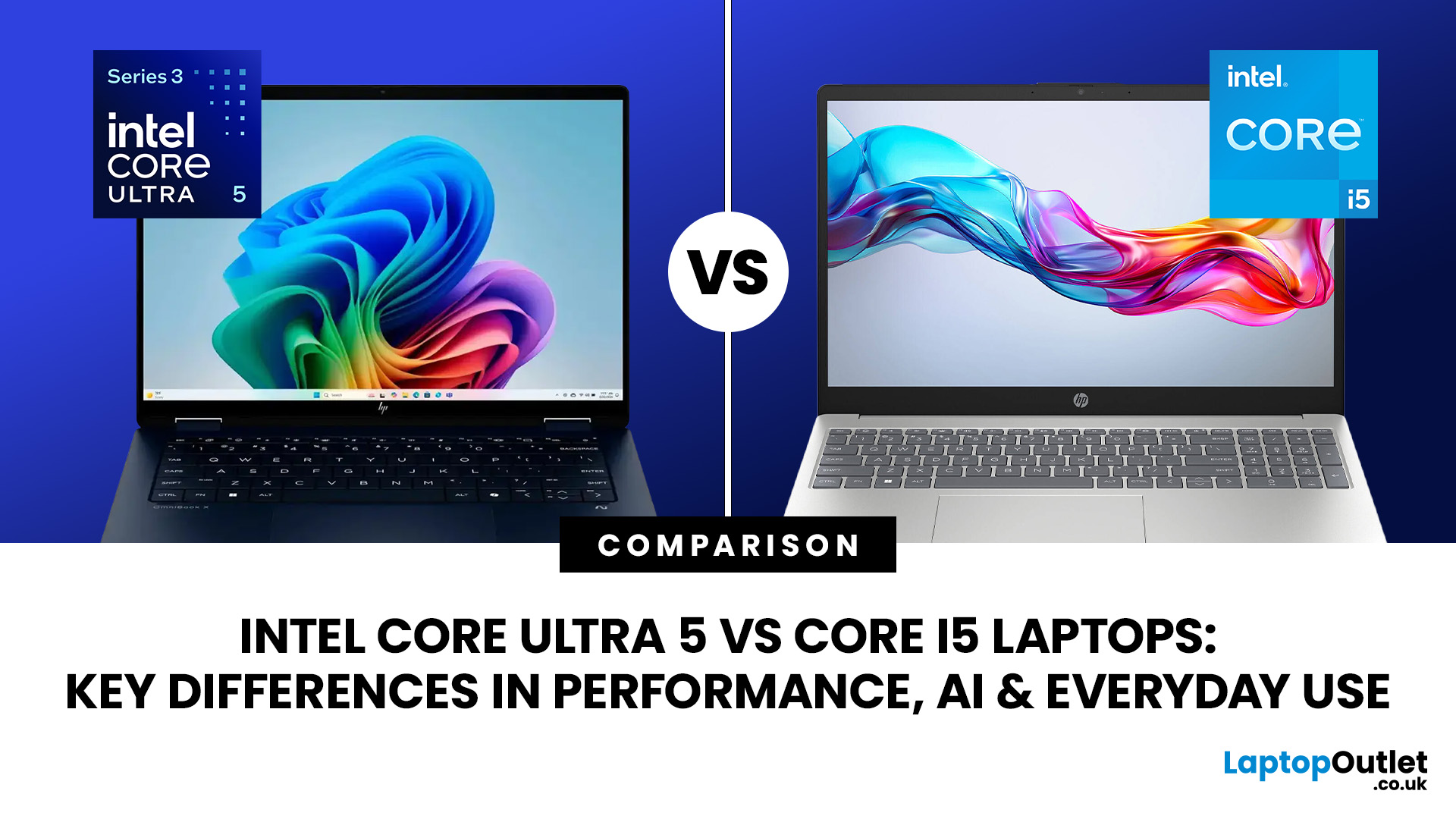
Intel has changed how it names and builds its laptop processors (CPUs). Traditional Core i5 chips remain widely available, but newer premium laptops increasingly use the Core Ultra 5 name, which Intel introduced alongside a major architectural redesign and built-in AI acceleration. That makes the Intel Core Ultra 5 vs i5 comparison more complicated than simply checking which number looks newer.
This guide explains the differences in everyday speed, multitasking, graphics, gaming, AI features, and battery life, without burying the answer under unnecessary technical jargon.
Quick Answer: Should You Buy Intel Core Ultra 5 or Core i5?
Buy Core Ultra 5 for stronger integrated graphics, on-device AI features and generally better efficiency. Buy Core i5 when price matters most, especially for office work or laptops with dedicated graphics card. Always compare the exact processor suffix and laptop configuration.
| If you want... | Buy | Why |
| Lowest price | Core i5 | Older i5 laptops are regularly discounted |

