



Lenovo ThinkPad vs HP EliteBook: Which is Better for Professionals?
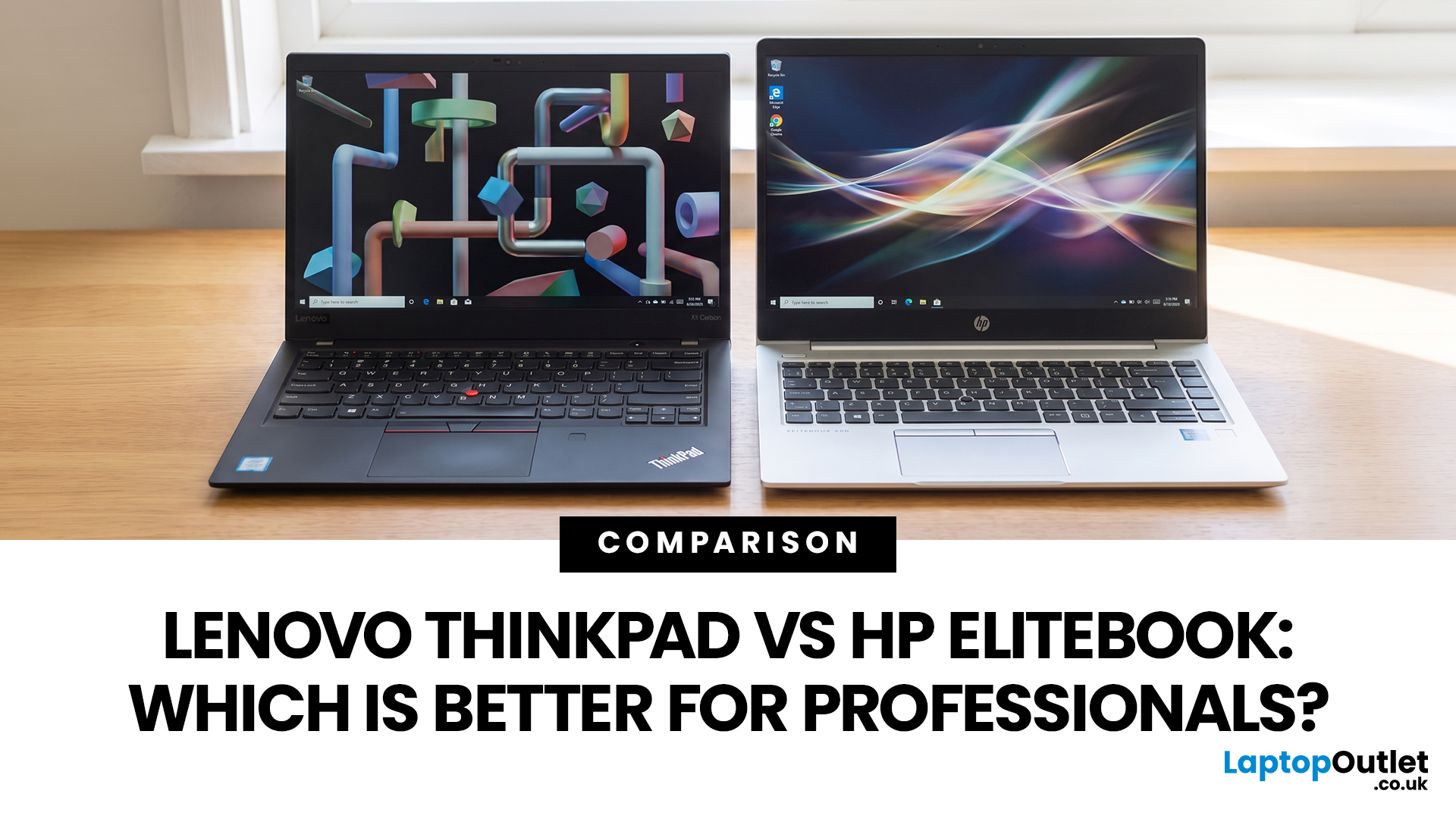
Ever Googled Lenovo ThinkPad vs HP EliteBook and still felt confused? You’re not alone.
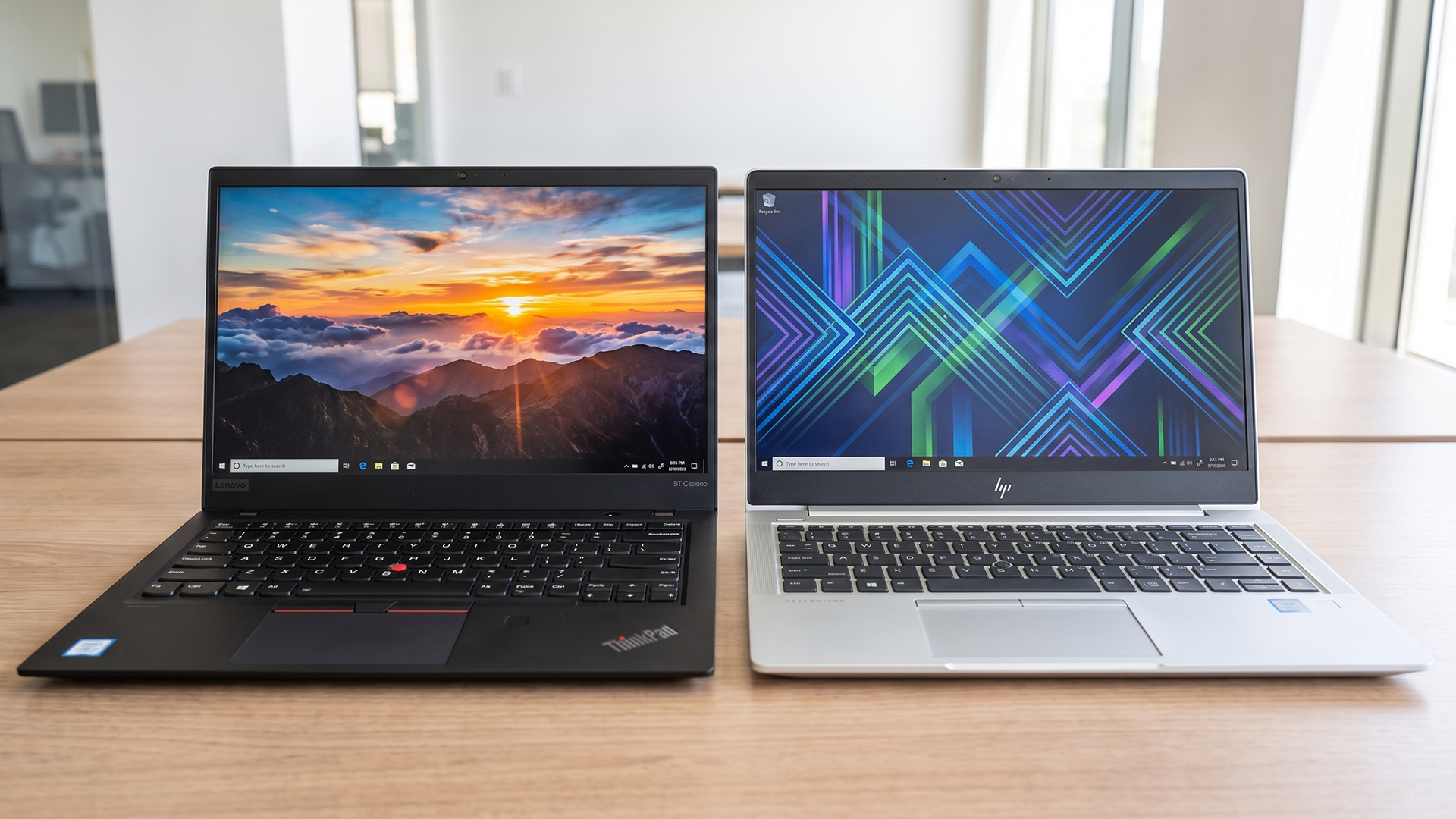
Both laptops are built for serious work, not just Netflix-and-chill setups. ThinkPads are basically the “keyboard kings” of the business world, loved for their durability, easy repairs, and no-nonsense design. EliteBooks, on the other hand, feel more like the sleek corporate executive, premium look, strong security, and built for smooth collaboration in hybrid work setups.
Here’s the real question: which one fits your workflow without wasting money on features you’ll never use?
In this ThinkPad vs EliteBook breakdown, we’ll compare performance, build quality, security, battery life, and long-term value in plain English. No jargon overload, just what actually matters when you’re choosing your next work laptop.
ThinkPad vs EliteBook: How These Business Laptop Lines Actually Differ
Brand Philosophy and Enterprise Positioning
Lenovo positions the ThinkPad for business users who prioritise dependable construction, practical ports, comfortable typing and straightforward fleet deployment. It has retained recognisable features such as the TrackPoint, understated design and business-focused keyboards.
HP takes a slightly more design-led approach. An EliteBook for corporate use typically combines enterprise manageability with slim metal construction, conferencing tools and HP’s hardware-backed security technologies. This makes the range especially attractive to hybrid teams and organisations already using HP device-management services.
Product Line Tiers: X, T, and L Series Vs EliteBook 800 and 1000 Series
The ThinkPad X and X1 ranges focus on premium mobility, while the T Series is Lenovo’s mainstream business workhorse. The L Series provides more cost-conscious enterprise deployment options, often with practical ports and upgradeability.
HP’s familiar EliteBook 800 and 1000 families remain widely available, but HP is transitioning to newer naming. The EliteBook 800 Series is becoming EliteBook 8, while premium 1000-class devices are increasingly represented by EliteBook X. HP introduced the EliteBook X G2 family in 2026, while Lenovo completed its 2026 ThinkPad portfolio with updated X, T, and L models.
|
Professional requirement |
Better starting point |
|
Frequent typing and programming |
ThinkPad T or X1 |
|
Premium hybrid-working experience |
EliteBook X or 1000 Series |
|
Large business deployment |
ThinkPad T/L or EliteBook 8 |
|
Cost-conscious small company |
ThinkPad L/E or EliteBook 6/800 |
|
Privacy-screen options |
EliteBook |
|
Repairability and replaceable parts |
Selected ThinkPad T/L models |
|
Executive portability |
ThinkPad X1 or EliteBook X |
Build Quality and Durability
ThinkPad MIL-STD-810H Compliance and Real-World Ruggedisation
Many modern ThinkPads are tested against MIL-STD-810H procedures covering conditions such as vibration, humidity, dust, temperature extremes, and pressure. Furthermore, recent models can undergo 12 standards, 26 procedures, and more than 200 quality checks.
This should not be interpreted as making every ThinkPad waterproof or indestructible. It does, however, provide additional confidence if you need a ThinkPad for work involving frequent travel, hot-desking, or occasional field use.
HP EliteBook Chassis Materials and Drop and Spill Resistance
EliteBooks commonly use aluminium or other metal chassis materials, giving them a more contemporary appearance than traditional black ThinkPads. HP business PCs also undergo the HP Total Test Process and multiple MIL-STD-810H procedures involving shock, vibration, humidity, temperature and dust.
Spill-resistant keyboards are available on numerous EliteBook configurations, but this feature must be checked on the exact model. It reduces the risk from minor accidents rather than making the laptop liquid-proof.
Which Laptop Holds Up Better in Field and Travel Conditions?
ThinkPad has a slight advantage for demanding travel and field environments because ruggedisation and serviceability remain central to its design. EliteBook is equally suitable for normal commuting, offices and client visits, with a more polished appearance that some professionals prefer.
For general business travel, both are dependable. ThinkPad becomes the stronger choice when repair access and practical durability matter more than appearance.

Performance Benchmarks: Processing Power for Professional Workloads
CPU Options: Intel Core Ultra and AMD Ryzen Availability Across Both Lines
Current ThinkPad and EliteBook ranges offer Intel Core Ultra and AMD Ryzen or Ryzen AI PRO processors. Lenovo’s 2026 T and L models include Intel Core Ultra Series 3 and AMD Ryzen AI PRO options, while HP’s current EliteBook 8 and EliteBook X ranges also cover Intel and AMD configurations. Selected EliteBook X models add Qualcomm alternatives.
An honest EliteBook vs ThinkPad performance comparison must use equivalent processors, memory, and cooling profiles. A Core Ultra 7 ThinkPad will naturally outperform an entry-level EliteBook, but that does not make the whole ThinkPad family faster.
RAM and Storage Configurations for Enterprise Deployment
Both ranges support fast NVMe SSDs and business-ready memory configurations. Selected ThinkPad T14 Gen 7 models support up to 64GB of LPCAMM2 memory, while some EliteBook 8 AMD models provide two SODIMM slots and configurations up to 64GB. Availability varies by model and region.
For office software, browser-based platforms and video meetings, 16GB is a sensible minimum. Choose 32GB for programming, large datasets, virtual machines or demanding multitasking.
Thermal Management and Sustained Performance Under Load
Neither brand wins consistently on thermals. A thicker 14-inch or 16-inch model can usually maintain processor performance longer than an ultrathin executive laptop using the same chip.
For sustained workloads, compare independent reviews of the exact model and avoid choosing solely by processor name. Performance modes can increase speed, but they also produce more fan noise and reduce battery life.
Integrated Vs Discrete GPU Options for Creative and Technical Users
Integrated Intel Arc and AMD Radeon graphics are now capable of presentation work, high-resolution displays, light content creation and multiple-monitor setups. However, discrete graphics remain uncommon in standard ThinkPad X, T, L, and EliteBook configurations.
Engineers, 3D designers and professional video editors should consider a mobile workstation rather than expecting a normal EliteBook work laptop to replace dedicated graphics hardware.
Display and Keyboard: The Daily Driver Experience
ThinkPad Keyboard: Why It Remains the Professional Gold Standard
ThinkPad keyboards generally provide clear feedback, well-spaced layouts, and the familiar TrackPoint. That makes a small business ThinkPad laptop particularly appealing for writers, programmers, analysts, and anyone working with documents throughout the day.
Keyboard travel varies between models, especially on thinner X1 devices, so it is still worth checking the exact generation. You can compare productivity-focused ThinkPad laptops according to screen size, keyboard layout, and specification.
EliteBook Display Quality: Sure View Privacy Screens and Colour Accuracy
EliteBook offers strong display flexibility. Available configurations include basic office panels, brighter low-power screens, higher-resolution options and HP Sure View privacy displays. Sure View reduces side-angle visibility when handling confidential information in public spaces.
For buyers searching for an HP EliteBook 14 inch model, the current EliteBook 8 and EliteBook X families provide portable options. Check brightness and colour-gamut figures carefully because not every EliteBook panel is suitable for colour-sensitive creative work.
Security and Enterprise Features
TPM, Fingerprint Readers, and Facial Recognition
Both families can include TPM 2.0, fingerprint authentication and infrared facial recognition. These features work alongside Windows Hello for Business, which supports enterprise authentication and centrally managed security policies.
Biometric hardware is sometimes optional, so confirm that the individual configuration includes an IR camera or fingerprint reader.
HP Wolf Security Vs Lenovo ThinkShield
HP Wolf Security uses protection across the hardware, firmware, operating system and application layers. Its business features can include threat isolation, BIOS protection and endpoint-security tools, although licences and capabilities vary by configuration.
Lenovo ThinkShield is a broader security portfolio covering supply-chain integrity, firmware protection, device security and OS-to-cloud services.
HP has a slight advantage if your organisation wants a tightly integrated, ready-made security suite. ThinkShield is highly competitive for businesses already managing Lenovo fleets.
BIOS and Enterprise-Level Protection
Both brands provide BIOS passwords, secure boot, TPM integration, and mechanisms designed to protect firmware. Windows 11 Pro adds BitLocker, Defender, and support for Secured-core PC capabilities on compatible devices.
Security is therefore less about ThinkPad or EliteBook in isolation and more about purchasing the correct hardware configuration and applying proper IT policies.
Battery Life and Portability: Can These Laptops Last a Full Workday?
Rated Vs Real-World Battery Performance for Each Series
Manufacturer battery claims are produced under controlled conditions and should not be treated as guaranteed working time. Lenovo, for example, lists up to 19.8 hours under a specific MobileMark configuration for the ThinkPad T14 Gen 7, while also stating that screen brightness, wireless use, software and power settings affect actual results.
In practice, either brand can cover a working day when fitted with a larger battery and efficient display. OLED panels, video calls, maximum brightness, and sustained processing reduce runtime considerably.
Weight, Form Factor, and Travel-Friendly Dimensions
ThinkPad X1 and HP EliteBook X models are the best travel options, while ThinkPad T and EliteBook 8 devices balance portability with connectivity. The latest ThinkPad T14 starts at approximately 1.27kg in selected configurations, while EliteBook X is specifically positioned as HP’s ultralight premium range.
The ThinkPad vs EliteBook for remote work decision is close. EliteBook often provides the more polished conferencing experience, while ThinkPad tends to offer the more comfortable typing and port selection.
Rapid Charging and Power Delivery Over USB-C
Both ranges include USB-C charging on current models, with fast-charging support available on selected configurations. Charging speed depends on the battery, power state and wattage of the adapter.
Use the manufacturer-supplied charger or a compatible USB-C Power Delivery adapter with sufficient wattage. A low-powered phone charger may connect successfully but charge slowly during use.
Connectivity, Ports, and Docking Support
Thunderbolt, USB, HDMI, and Ethernet Connectivity
ThinkPad T/L and EliteBook 8 models generally offer the most practical port selections. These can include USB-A, USB-C or Thunderbolt, HDMI, audio and optional Ethernet or smart-card support. Premium X1 and EliteBook X designs may rely more heavily on adapters.
The current EliteBook 8 G1i, for example, can include Thunderbolt 4, HDMI 2.1 and optional smart-card connectivity.
Wi-Fi 6E and Wi-Fi 7 Capabilities
Wi-Fi 6E remains common, while Wi-Fi 7 is appearing across newer ThinkPad and EliteBook configurations. HP lists Wi-Fi 7 on current EliteBook 8 models, although availability depends on the wireless card and region.
Your office router must also support Wi-Fi 7 before you receive its full benefits.
Docking Stations and Multi-Monitor Support
Both ranges work well with USB-C and Thunderbolt docks. Before connecting several high-resolution displays, check the laptop’s DisplayPort specification, graphics capability and dock bandwidth.
For broader options beyond ThinkPad, Laptop Outlet’s top Lenovo laptop range covers everyday, professional, and specialist systems.
Software, Manageability, and Operating System Experience
Lenovo Vantage Vs HP Support Assistant: Bloatware Assessment
Lenovo Commercial Vantage offers driver and BIOS updates, hardware controls, and policy-based fleet management. Lenovo states that the commercial version does not collect data or push updates without permission.
HP Support Assistant provides automatic updates, diagnostics and troubleshooting. HP Image Assistant gives administrators additional control over business drivers, BIOS packages and deployment images.
Neither tool is automatically bloatware. Commercial Vantage feels more consolidated, while HP separates some functions across several utilities.
Windows 11 Pro and Enterprise Management Compatibility
Both brands support Windows 11 Pro, Microsoft Intune, Group Policy, Entra ID, and Windows Autopilot. Autopilot can preconfigure devices before employees receive them, making either family suitable for remote deployment.
Driver Support, Update Cadence and Long-Term Reliability
Lenovo and HP maintain dedicated support portals with model-specific BIOS, firmware, driver and diagnostic downloads. Business customers should standardise a small number of configurations rather than purchasing many slightly different models, as this simplifies testing and updates.

Reliability, Warranty, and Long-Term Ownership
Business Support and Warranty Options
Lenovo offers Premier Support services with advanced technical assistance and escalation options. HP provides Care Pack and Active Care services, including options for extended warranties, predictive support and on-site repair. Availability and response times depend on the purchased package.
An HP EliteBook for business users can therefore be a strong fleet choice when paired with appropriate support coverage.
Repairability and Upgradeability
ThinkPad has the overall advantage here. Lenovo has increased serviceability on recent T Series models through easier bottom-cover access and more replaceable components, including batteries and USB-C ports on selected systems.
Some EliteBook 8 configurations still provide two SODIMM slots and replaceable storage, but premium ultrathin models may use non-upgradeable memory. Always check the service manual before ordering.
Businesses with lighter requirements can also consider affordable Lenovo laptops for daily tasks, although these may not include the same enterprise security and support features as ThinkPad.

Final Recommendation
- Choose a ThinkPad if keyboard comfort, repairability, practical ports and long-term maintainability are your priorities. It is particularly well suited to programmers, analysts, travelling professionals and companies that want reliable hardware without unnecessary design flourishes.
- Choose an EliteBook if you value premium chassis design, privacy-screen options, video-conferencing features and the integrated HP Wolf Security ecosystem. It is an excellent EliteBook for small business teams and larger organisations with existing HP infrastructure.
Overall, ThinkPad is the slightly better all-round professional choice, but EliteBook can be better for security-conscious corporate and hybrid-working environments. Compare the exact processor, display, battery, warranty and upgrade options before buying because these ThinkPad vs EliteBook differences matter more than the brand name alone.

In Case You’re Wondering...
Is the Lenovo ThinkPad better than the HP EliteBook for business use?
ThinkPad is generally better for professionals who prioritise keyboards, ports, durability and repairability. EliteBook may be preferable for organisations that want premium designs, HP Wolf Security and advanced collaboration features. Neither range is universally better, so compare equivalent models and configurations.
Do ThinkPads or EliteBooks have better security features?
Both provide TPM, biometric authentication, firmware protection and Windows 11 Pro security. EliteBook has a slight out-of-box advantage through HP Wolf Security, while ThinkPad offers comprehensive protection through ThinkShield. Actual features and software licences depend on the selected model.
Are HP EliteBooks good for heavy workloads?
Yes, provided you choose an EliteBook with a high-performance processor, sufficient memory and effective cooling. They can handle software development, data analysis and demanding multitasking. For sustained 3D, CAD or rendering workloads, however, a mobile workstation with dedicated graphics is more appropriate.
Which is better for programming: ThinkPad or EliteBook?
ThinkPad is usually the better programming laptop because of its keyboard, TrackPoint, practical ports and strong Linux reputation. EliteBook remains a good alternative if you prefer its display, touchpad or security ecosystem. For either range, choose at least 16GB of RAM, with 32GB recommended for virtual machines and large development environments.
| Read More: |
| HP vs Dell vs Lenovo Desktop PCs: Which One Should You Buy? |
| Security Features in HP EliteBook Laptops Explained |
| Common Lenovo Laptop Issues: Quick Solutions & UK Support Pathways |
Related Articles


Last Updated: February 11, 2026
Choosing the right desktop PC can feel a bit like picking a side in a long-running tech rivalry. HP, Dell, and Lenovo are three of the biggest names and for good reason. They all offer reliable, powerful desktops that suit everything from casual home use to hardcore business workloads and creative setups.
But when it comes to HP vs Dell vs Lenovo desktop PCs, which brand actually wins for you?
Why Compare HP, Dell, and Lenovo Desktop PCs?
HP, Dell, and Lenovo are all global heavyweights in the PC world. They each offer a wide range of desktops — from budget-friendly towers to powerful workstations and compact all-in-one PCs.
But here’s the thing:
Not all desktop PCs are built for the same kind of user.
Some are better for productivity, some for gaming, and others for long-term reliability. Understanding the differences is key before you hit “Add to Basket”.
HP Desktop PCs: Style Meets Performance
HP desktops are known for blending solid performance with modern design. If you like your
Last Updated: February 17, 2026
Lenovo laptops are widely trusted across the world, from ThinkPads in corporate offices to IdeaPads in student halls and Legion machines built for gaming. They’re generally dependable, however, even well-built machines can develop faults over time.
We regularly see the same issues cropping up across different Lenovo ranges, and in most cases the fix is simpler than people expect.
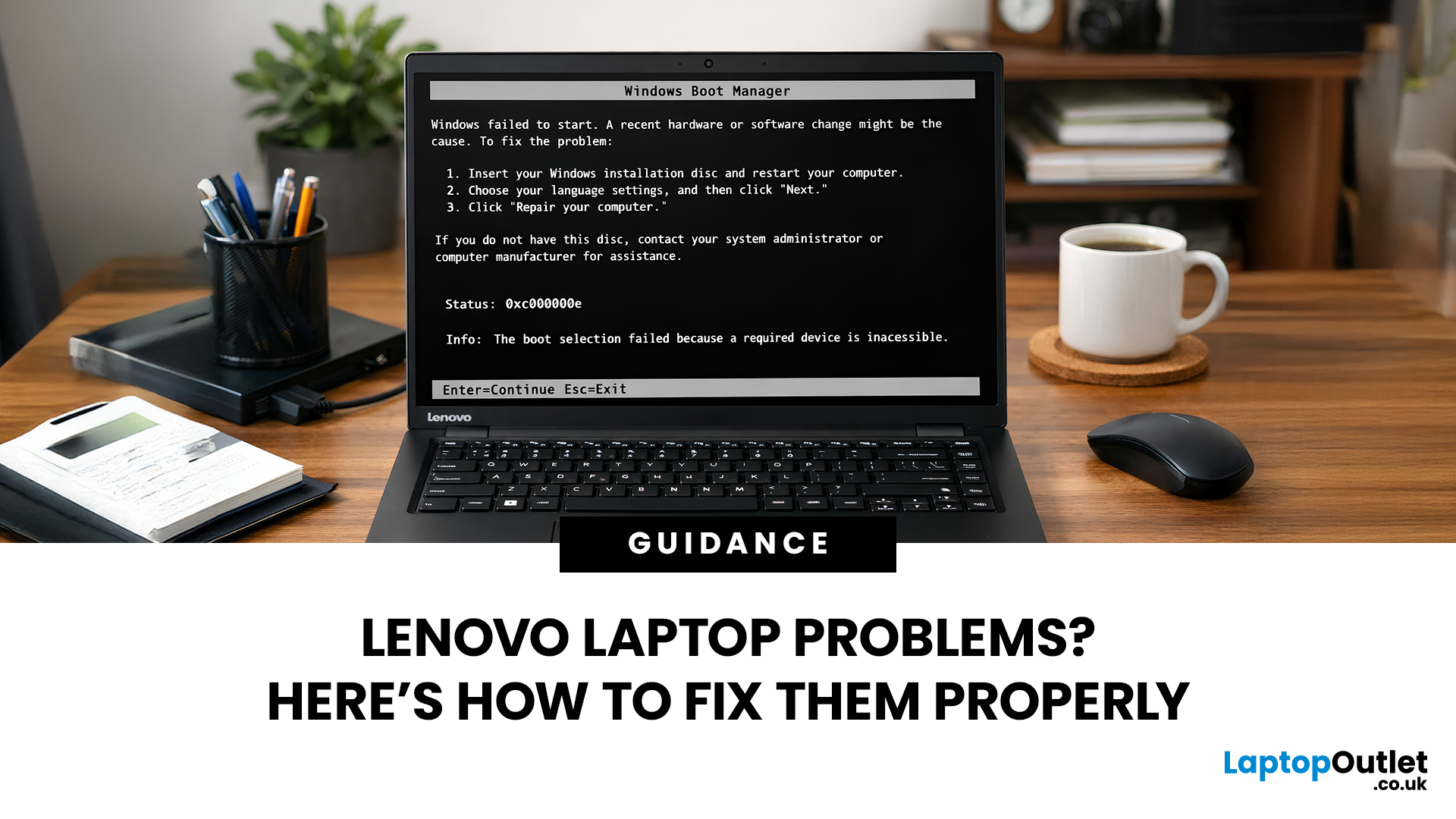
Before assuming your device is finished, it’s worth slowing down and checking a few things properly. Many common Lenovo laptop issues are software-related or power-related rather than serious hardware faults.
Below are some of the most common Lenovo laptop issues, why they occur, and what you can realistically do to solve them.
Quick Diagnostic Check Before You Start
Before diving into specific faults, ask yourself:
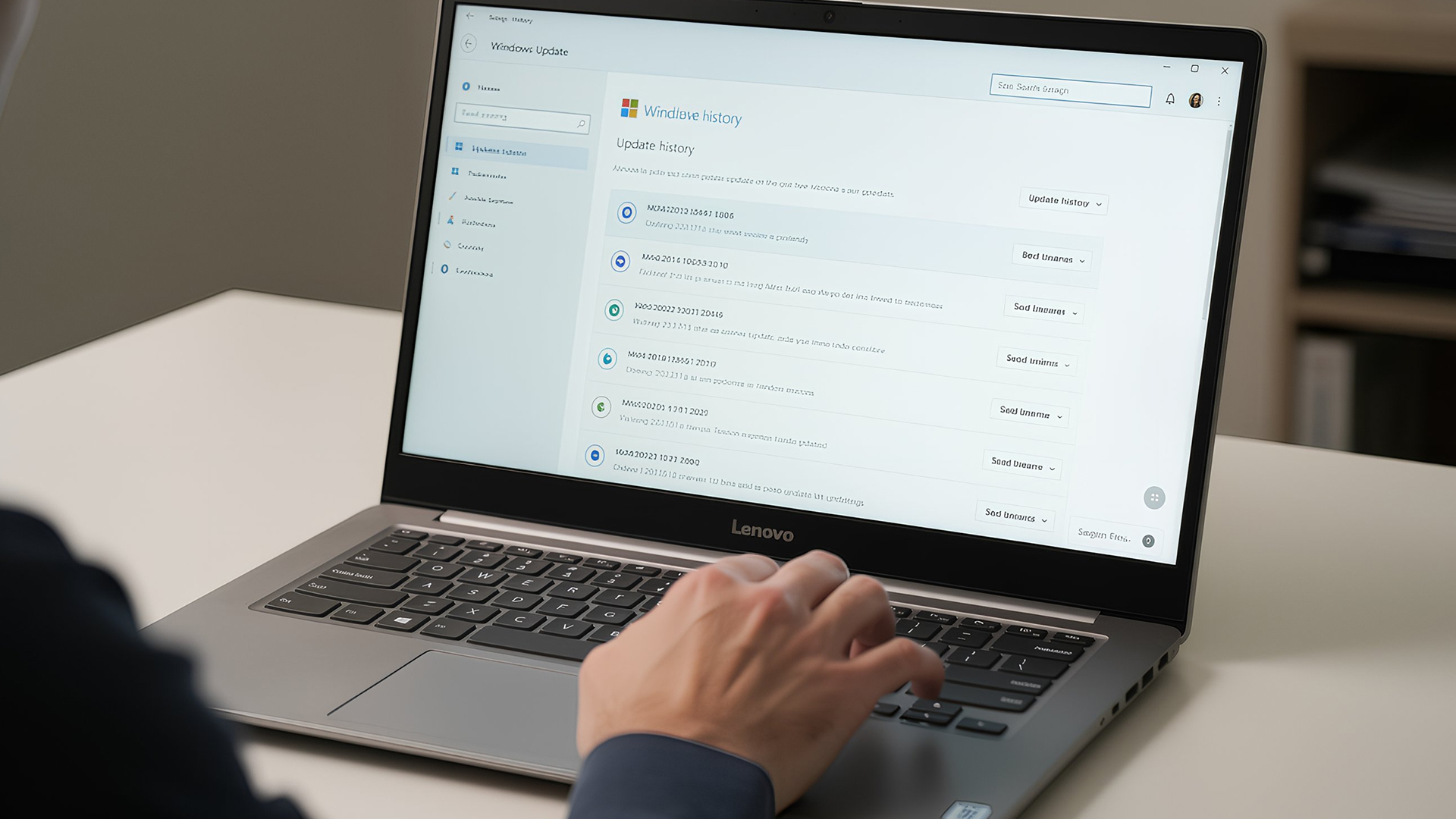
- Did this issue begin after a Windows update?
- Has the laptop recently overheated?
- Was it dropped or exposed to liquid?
- Is the battery older than three years?
- Does the problem occur only on battery
Last Updated: June 05, 2026
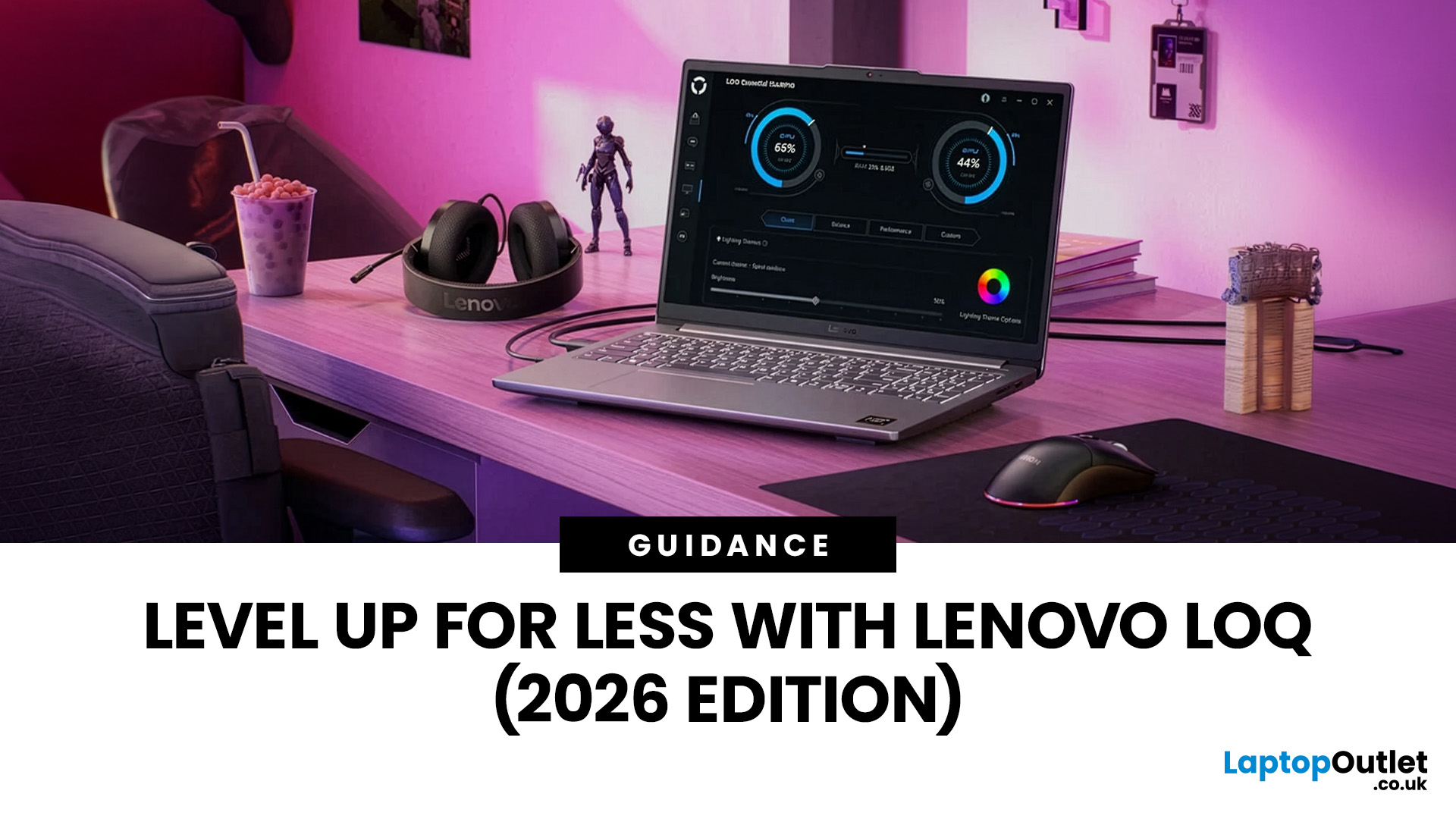
In 2026, you don’t need a four-figure budget to enjoy smooth, high-FPS gaming. With modern RTX 50-series graphics and 16GB RAM becoming the new standard, budget gaming laptops are more powerful and more accessible than ever. That’s where the Lenovo LOQ lineup comes in.
Designed as Lenovo’s entry-level gaming range, LOQ models deliver serious performance without the premium Legion price tag. Whether you’re grinding ranked matches, exploring open-world titles, or just want reliable everyday power, the best Lenovo LOQ laptops strike that sweet spot between price and performance.
In this guide, we’re breaking down the top Lenovo LOQ gaming laptops for 2026, who they’re perfect for, and how to choose the right one without overspending. Let’s get into it.
Why Lenovo LOQ Is Perfect for Budget Gaming in 2026
If you’re looking for a gaming laptop that doesn’t destroy your wallet but still runs modern games smoothly, Lenovo LOQ is basically the sweet spot in 2026.
Lenovo created the LOQ series
Last Updated: June 18, 2026
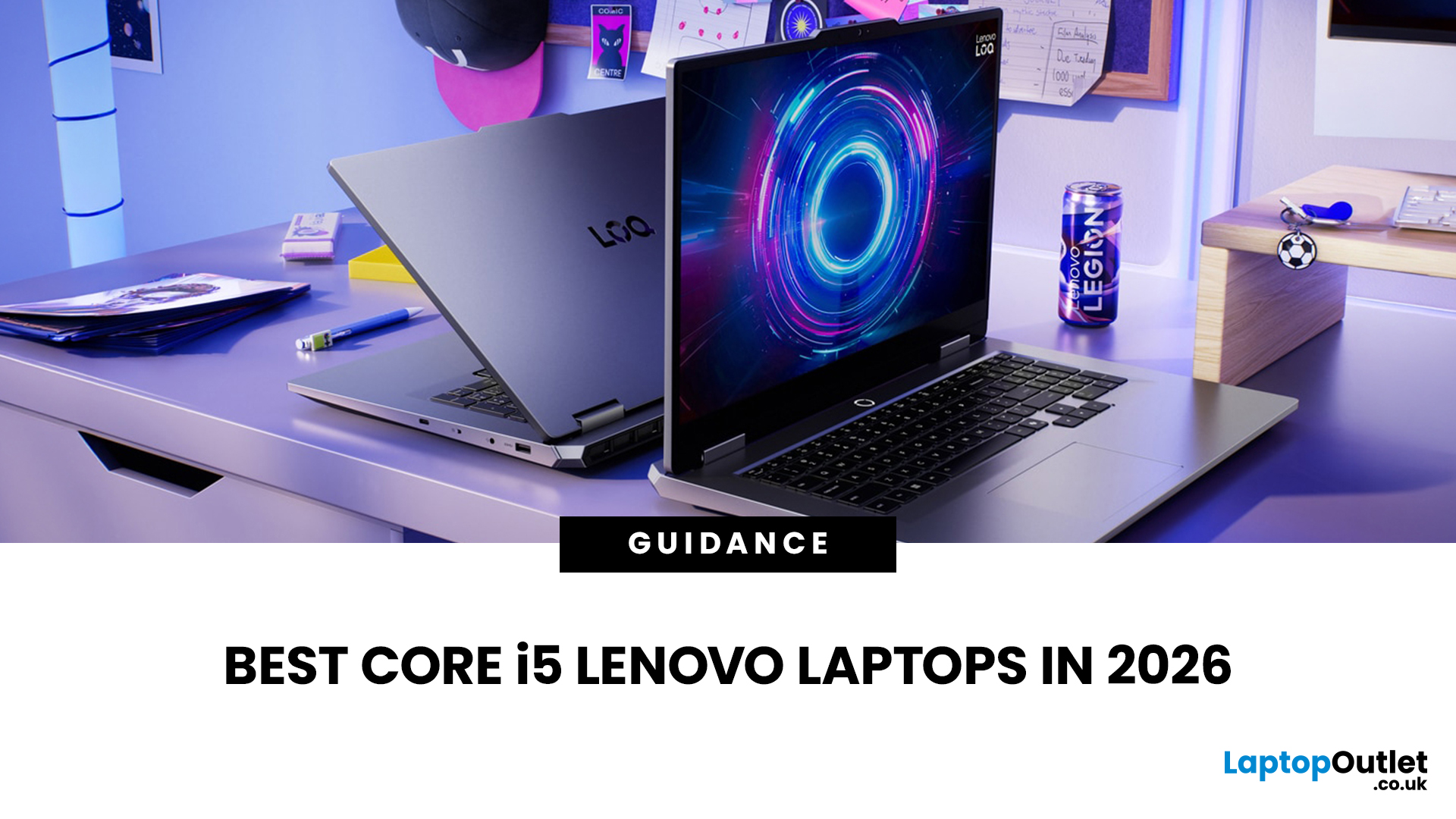
If you are searching for Core i5 Lenovo laptops, you are likely looking for a balance of performance, price, and reliability. And that is exactly where Lenovo stands out in 2026. From affordable everyday machines to durable business devices, Lenovo’s Core i5 lineup covers a wide range of use cases. Whether you need a laptop for work, study, or general productivity, there is a model that fits without pushing into premium pricing.
This guide breaks down the best options available right now, with a focus on real-world usability, value, and what each model is good for.
Why Choose a Lenovo Core i5 Laptop in 2026?
Lenovo continues to be one of the most consistent brands when it comes to mid-range laptops. Its Core i5 models are particularly popular because they offer:
- Reliable everyday performance
- Strong build quality across price ranges
- Good keyboard and typing experience
- Wide choice across business and budget segments
For most users, a Core i5 processor is more than enough for:
- Office work
Last Updated: July 09, 2026
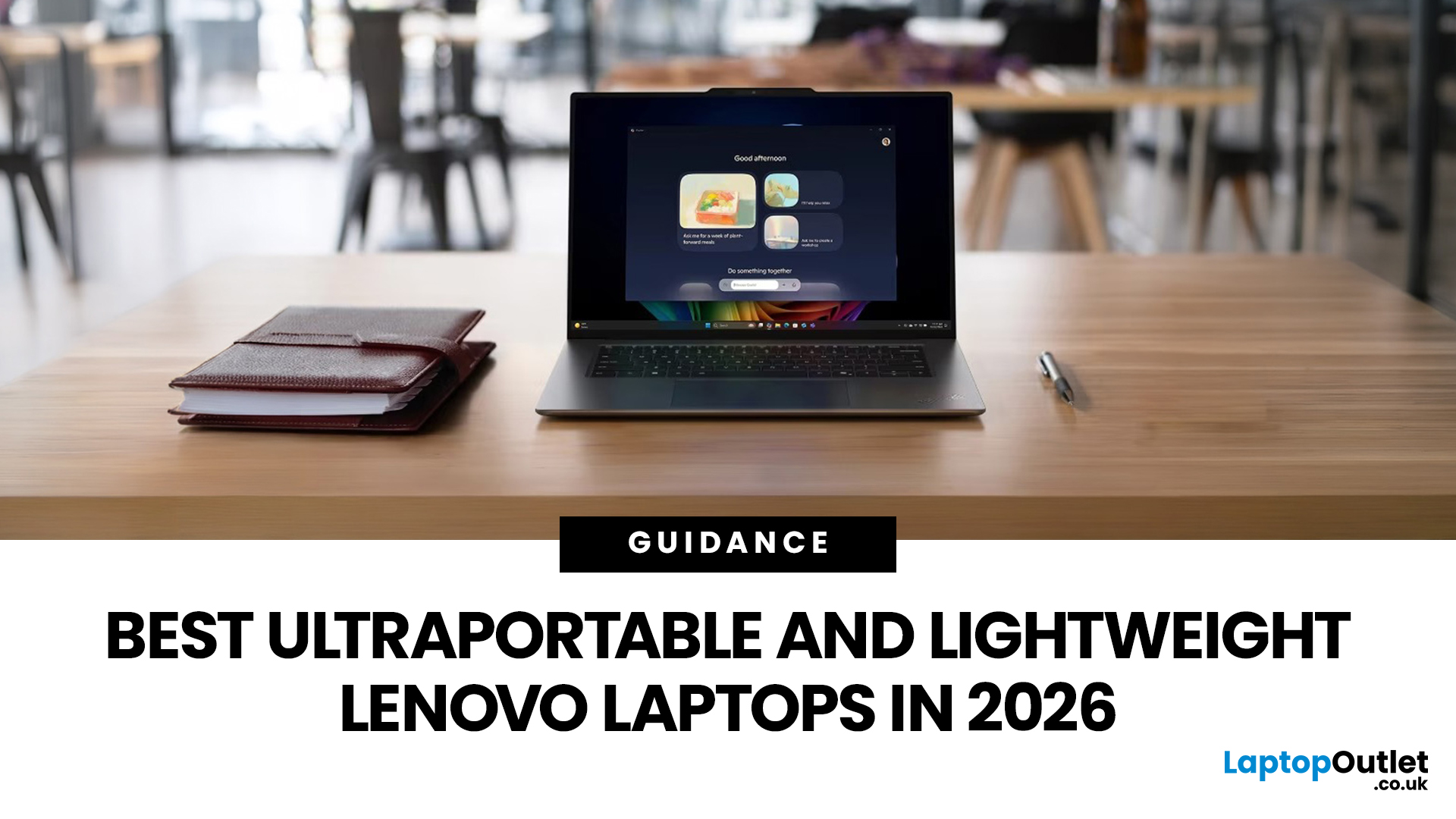
The best lightweight Lenovo laptops in 2026 are not all trying to do the same job. If we want the lightest premium 14-inch option, Lenovo’s Yoga Slim 7i Ultra Gen 11 Aura Edition stands out at 975g with a 75Wh battery. If business travel comes first, the ThinkPad X1 Carbon Gen 13 Aura Edition is still one of the strongest all-round choices thanks to its sub-1kg starting weight on some configs, proper business-grade connectivity, and classic ThinkPad focus.
That matters because buyers looking for ultraportable Lenovo laptops usually care about more than one thing at once: low carry weight, reliable battery life, enough ports to avoid living off dongles, and a screen that still feels good after a full day of work, study or travel. In this guide, we break down the best current Lenovo options for commuters, students, professionals, creators and home users, using Lenovo’s own 2026-era spec sheets first and independent reviews where they add useful trade-offs.
What Counts as a Genuinely Lightweight
Last Updated: June 30, 2026
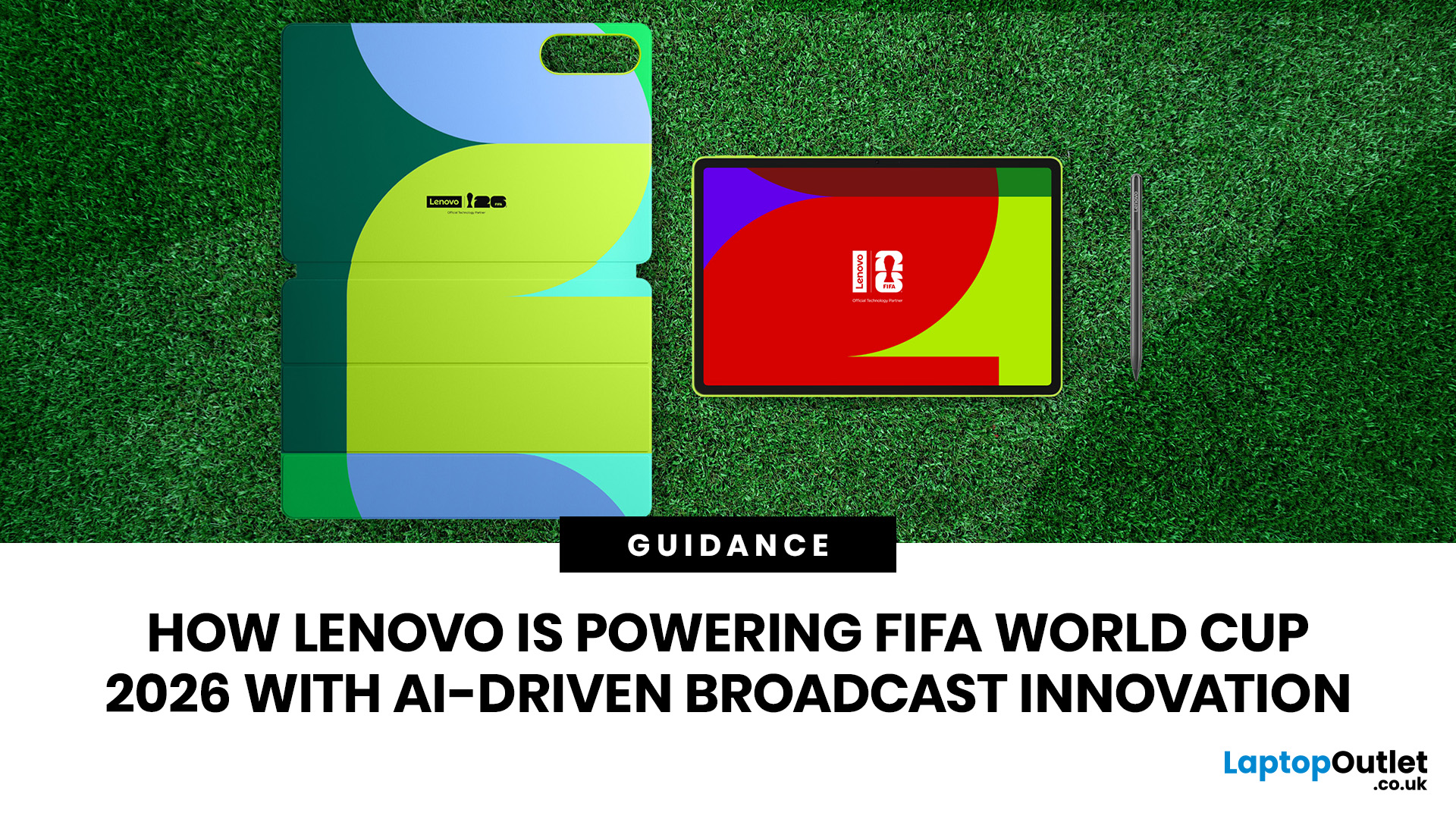
Lenovo technology is helping FIFA deliver a smarter and more connected FIFA World Cup 2026. Through advanced AI technology, intelligent infrastructure, and innovative broadcasting tools, Lenovo is transforming how matches are produced, analysed, and experienced by fans, broadcasters, teams, and tournament organisers worldwide.
The FIFA World Cup 2026 is in full swing across Canada, Mexico, and the United States, bringing unprecedented broadcasting demands. As the first 48-team FIFA World Cup with 104 matches, the tournament generates huge volumes of live video, data, and analysis that must be delivered instantly to global audiences.
This is where Lenovo technology plays a crucial role. Through the Lenovo FIFA partnership, Lenovo is supporting FIFA World Cup 2026 broadcasting with Lenovo AI-powered infrastructure, edge computing, connected devices, and near real-time IPTV delivery. Behind every match, Lenovo helps broadcasters manage complex workflows, ensuring fans enjoy a faster, smarter
Last Updated: August 25, 2026
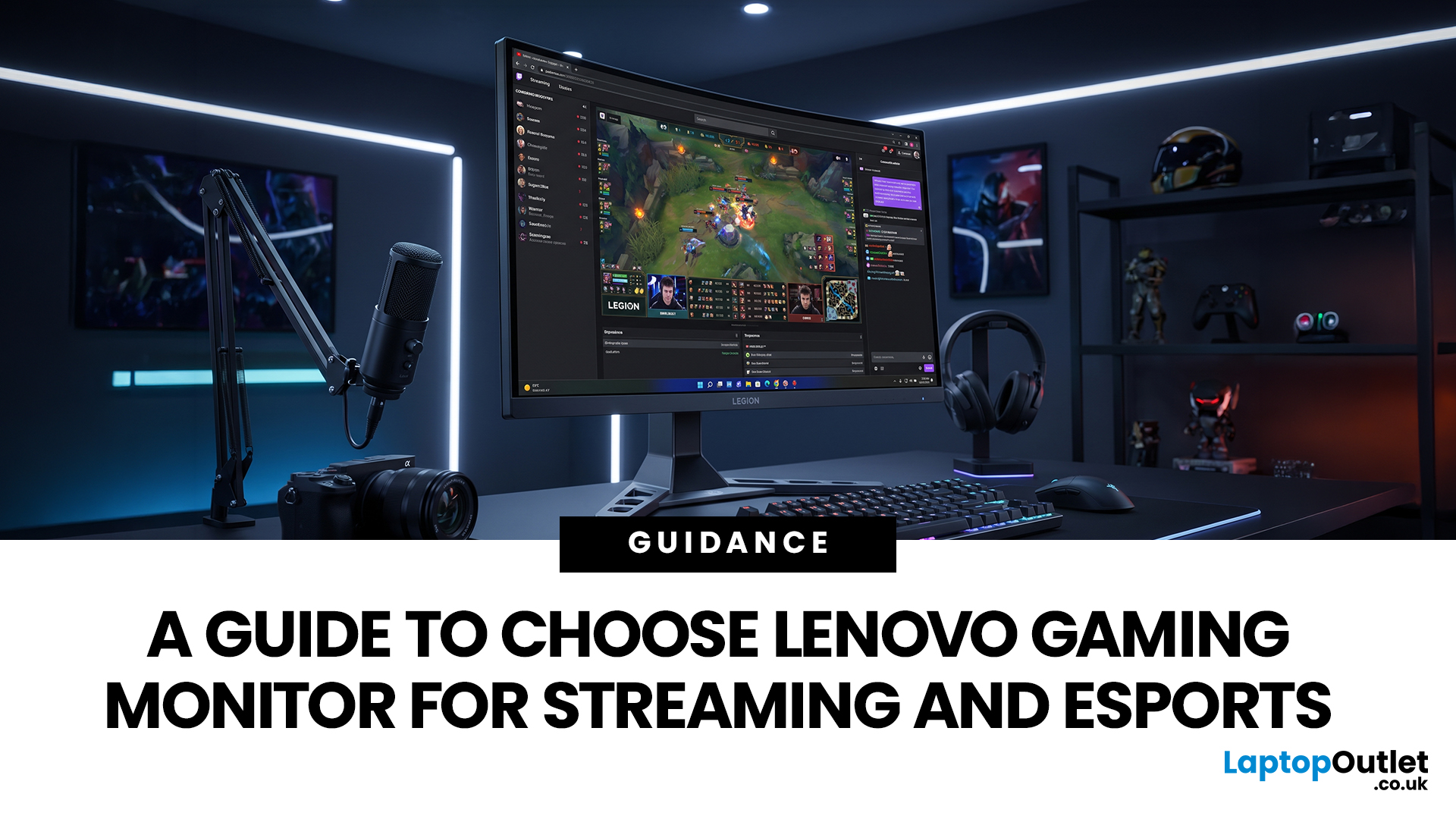
Quick answer: The best Lenovo gaming monitor for streaming and esports is the one your PC can drive consistently at its native resolution while it also handles your broadcast workflow. For many mixed-use setups, a 27-inch QHD display at 165Hz to 180Hz is the balanced choice. A 24.5-inch or 27-inch Full HD screen at 240Hz or above prioritises competitive speed, while a 34-inch UWQHD display at 165Hz to 180Hz provides more room for a single-screen streaming workspace.
Those are useful profiles, not universal rules. Your real decision depends on sustained frame rate, encoder load, game genre, desk space and whether OBS, chat and alerts live on the same display. A monitor does not encode the stream, and a 240Hz panel does not make viewers receive a 240fps broadcast. It changes the experience in front of you, which can still matter greatly during competitive play.
Last Updated: August 06, 2026
Last Updated: July 27, 2026
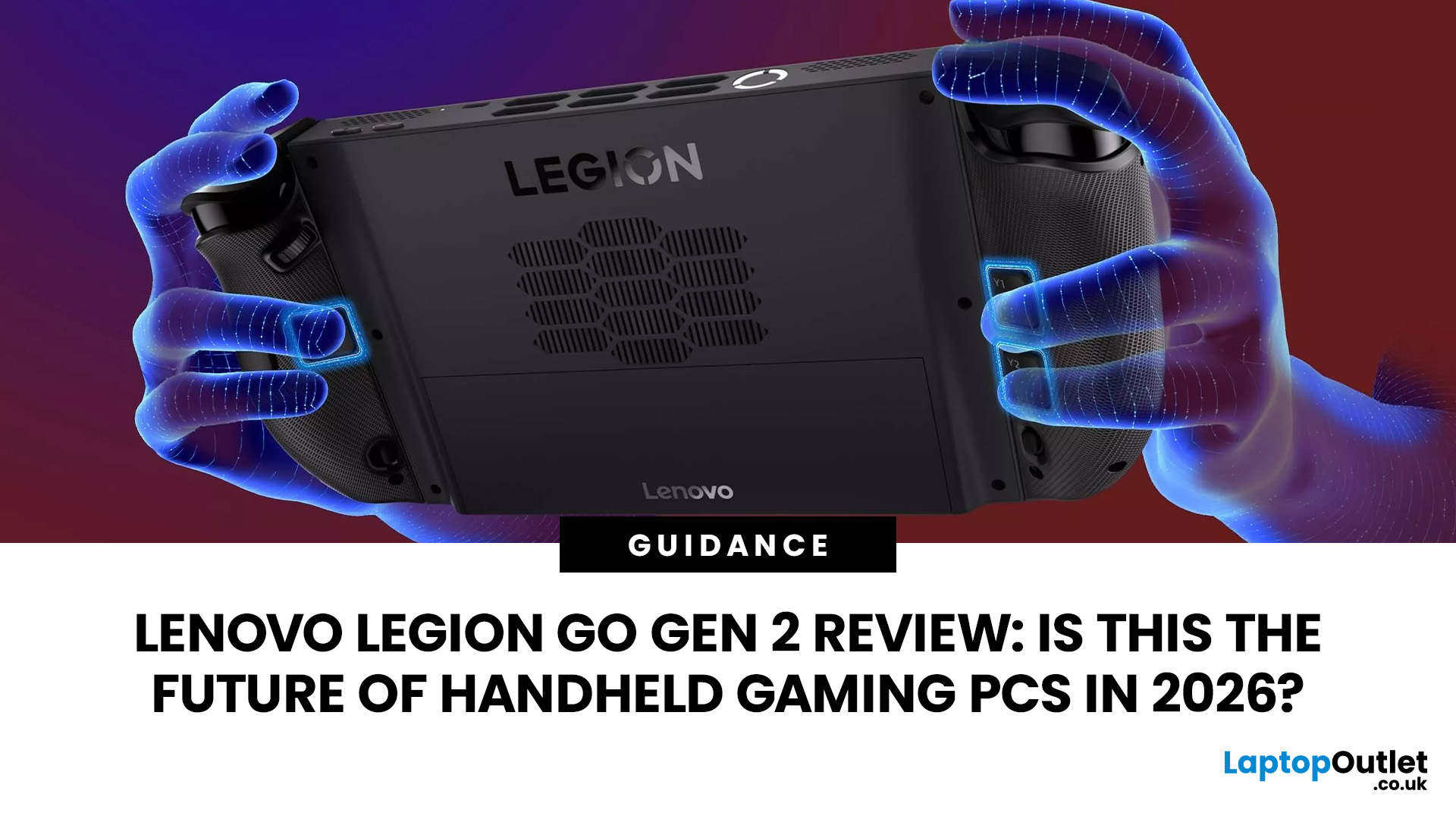
The Lenovo Legion Go Gen 2 takes almost everything that made the original handheld exciting and pushes it further. You get a huge 8.8-inch OLED display, smoother variable refresh rate gaming, upgraded AMD processing power and redesigned detachable controllers. It is powerful, flexible and packed with features, but it is also one of the biggest and most expensive handheld PCs available.
So, does this premium portable gaming PC represent the future of handheld gaming, or has Lenovo built more machine than most gamers need? This review examines its performance, battery, display, software, and competition.
Lenovo Legion Go Gen 2 Overview: What Makes This Handheld Gaming PC Different?
Lenovo officially markets the device as the Legion Go (8.8", 2), although Legion Go Gen 2 and Legion Go 2 are the names most gamers use. You may also see it shortened to Lenovo Go Gen 2, but it belongs firmly to Lenovo’s Legion gaming range. Its standout features include:
| Specification | Lenovo Legion Go Gen 2 |
| Processor |
Last Updated: September 03, 2026

