



Lenovo ThinkPad vs ThinkBook: Which Business Laptop Should You Choose?
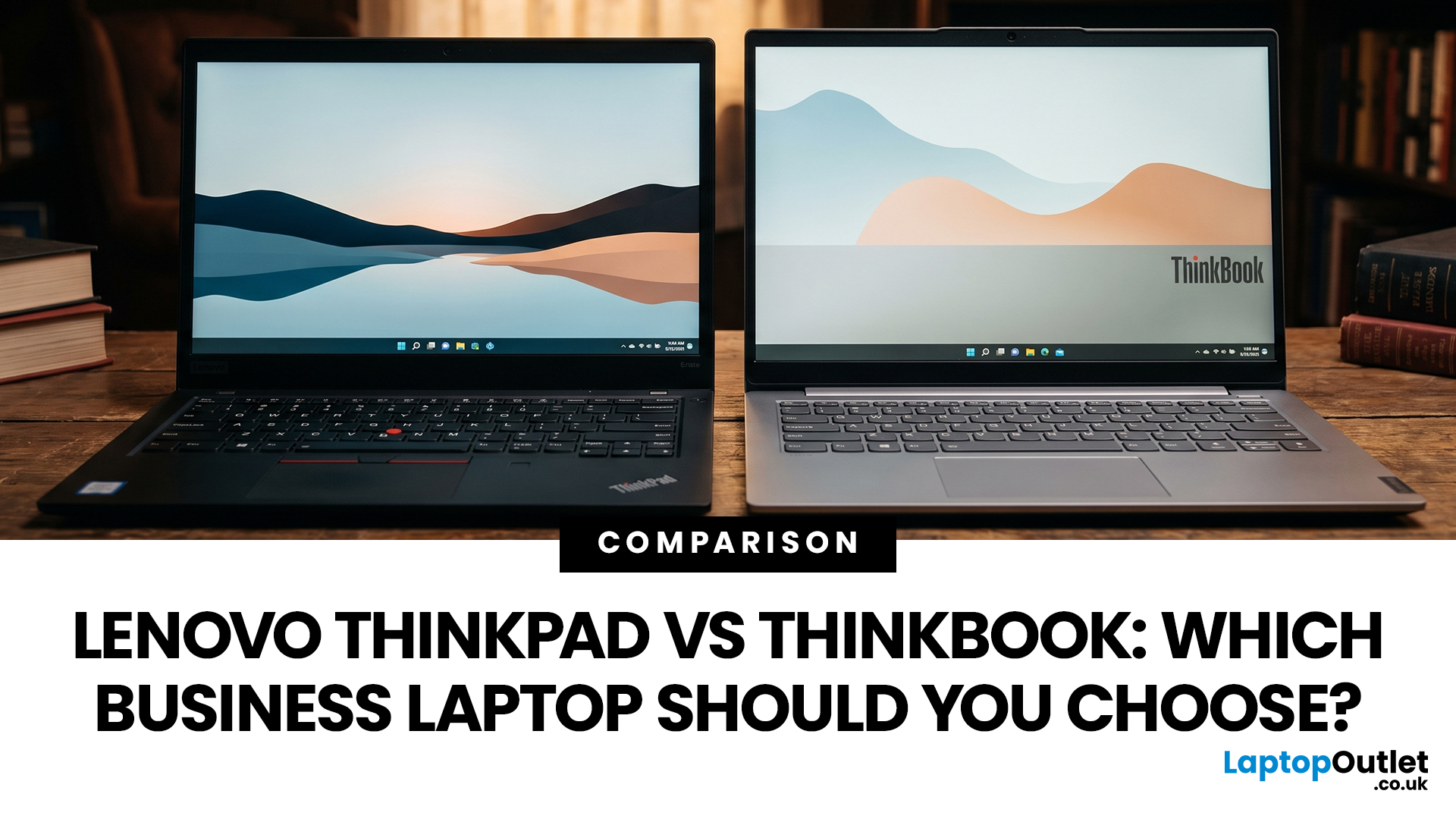
Choosing between Lenovo ThinkPad and ThinkBook laptops is not simply about buying the more expensive range. ThinkPad is usually the stronger choice for corporate deployment, frequent travel, and advanced management requirements. ThinkBook often suits freelancers, small businesses, and professionals who want modern styling, practical features and competitive value.
Specifications vary widely between models and generations, so compare the exact processor, memory, display, battery, ports, operating system and warranty rather than relying on the series name alone.
ThinkBook vs ThinkPad at a Glance
|
Area |
Lenovo ThinkPad |
Lenovo ThinkBook |
|
Best suited to |
Corporate teams, IT-managed fleets, mobile professionals, and specialist users |
Small businesses, freelancers, hybrid workers and value-conscious professionals |
|
Design |
Usually functional and understated, although premium models can be highly modern |
Typically slim, contemporary, and often finished in aluminium |
|
Durability |
Strong business focus, with rigorous testing on many models |
Many current models also receive durability testing |
|
Security |
Often offers broader ThinkShield, authentication, and management options |
Commonly includes TPM, privacy shutters and optional biometric login |
|
Keyboard |
Known for comfortable typing; many traditional models include TrackPoint |
Conventional keyboard and touchpad with a modern layout |
|
Performance |
Extends from entry-level business laptops to mobile workstations |
Strong everyday and mid-range business performance |
|
Main advantage |
Enterprise readiness and specialist business options |
Modern design and practical value |
What is a ThinkBook?
A Lenovo ThinkBook is a business-focused laptop designed mainly for small and medium-sized organisations, entrepreneurs, and independent professionals. It combines workplace features with the slimmer appearance commonly associated with consumer laptops.
A current ThinkBook computer may include Windows 11 Pro, biometric login, a webcam privacy shutter, fast SSD storage, modern USB-C connectivity, and an AI-capable processor. Some models also offer 2-in-1 designs, multi-screen formats or upgradeable memory and storage.

What is a ThinkPad?
ThinkPad is Lenovo’s long-established professional laptop family. It includes entry-level business devices, lightweight premium notebooks, mainstream corporate models and powerful mobile workstations.
Depending on the model, you may find ThinkShield security features, biometric authentication, privacy controls, docking support, mobile broadband, and processors designed for centrally managed business environments.
What is the Difference Between Lenovo ThinkPad and ThinkBook?
Design and Portability
ThinkBook generally places greater emphasis on a contemporary appearance. It is a good fit when you regularly meet clients or want a work laptop that also feels suitable for home use.
Lenovo ThinkPad design is usually more function-led. Some models prioritise low weight, while others include sturdier chassis, additional ports or more serviceable components. Compare the exact devices rather than assuming every ThinkBook is lighter.
Durability and Reliability
ThinkPad has the stronger reputation for intensive business use, but it is no longer accurate to say that ThinkBook laptops are not durability tested. Lenovo states that current devices in both families can undergo MIL-SPEC testing.
ThinkPad offers more models aimed at corporate fleets, frequent travel, field work and long replacement cycles. ThinkBook is usually positioned for everyday office and hybrid work. If you carry your laptop daily, check its chassis materials, hinge design, warranty and specific testing claims.
Furthermore, Understanding the features that define a business laptop can help you decide whether advanced security, durability and management tools are necessary for your work.
Security and IT Management
Both ranges can include TPM 2.0, fingerprint readers, IR cameras and physical webcam shutters. ThinkPad usually has the advantage when an organisation needs advanced firmware security, remote administration, business-class processor platforms or standardised deployment across many employees.
For a freelancer or small team using cloud software and standard security controls, a ThinkBook may provide everything required. For a regulated organisation or managed fleet, ask your IT team which features are mandatory.

Performance and AI Features
The ThinkPad versus ThinkBook label does not determine speed. Processor series, cooling, RAM, SSD capacity and power limits matter more.
Both families include configurations with Intel Core Ultra or AMD Ryzen AI processors, while selected models support on-device AI features. ThinkPad also extends into P Series mobile workstations with professional graphics options. Mainstream ThinkBooks focus more heavily on office productivity, conferencing and general creative work.
For email, Microsoft 365, browser-based systems and video calls, aim for 16GB RAM and a 512GB SSD if your budget allows. Consider 32GB RAM for large spreadsheets, development tools, design applications or heavy multitasking. Buy a workstation-class ThinkPad only when your software can use the extra performance.
Keyboard, Display, and Connectivity
ThinkPad remains a strong choice for people who type for hours, although keyboard quality varies by model. Many traditional ThinkPads include the red TrackPoint, while ThinkBooks use a conventional touchpad-led layout.
Check the screen specification before choosing either range. A high-resolution OLED panel may look excellent but use more power, while a dim entry-level IPS display may be uncomfortable in bright rooms. Confirm whether you need HDMI, Ethernet, an SD card reader, Thunderbolt, USB4, multiple external monitors or a dedicated dock.
Price and Long-Term Value
ThinkBook often provides more memory, storage or screen space at a lower initial price. ThinkPad may justify a higher cost when you benefit from stronger fleet management, premium support, business-focused durability or a specialist form factor.
Factor in warranty length, upgradeability, expected working life and the cost of downtime. Laptop Outlet lists both ranges alongside other affordable business laptops, helping you compare specifications and prices before deciding.
Which Lenovo Business Laptop Should You Choose?
- Choose a ThinkBook when you are a freelancer, startup owner or hybrid worker who wants a smart-looking laptop for everyday productivity. It also makes sense when specification value matters more than advanced corporate management.
- Choose a ThinkPad when you travel frequently, type for long periods, manage sensitive data or need a laptop that fits an established IT system. Consider ThinkPad T or X models for mobile professional use, L or E models for mainstream business needs, and P models for workstation workloads.
You can also compare the best Lenovo business laptops if you need help narrowing down specific models.

Expert Buying Checklist
Before choosing, confirm:
- Whether the laptop will be managed by an IT department.
- Whether you need Windows 11 Pro rather than Windows 11 Home.
- Whether 16GB RAM is enough or your workload needs 32GB.
- Whether memory and storage can be upgraded.
- Which ports, docks, and external monitors you must support.
- What warranty and accidental-damage options are included.

Wrapping Up
For most buyers comparing ThinkBook vs ThinkPad, the decision comes down to working environment rather than brand prestige. ThinkBook is usually the smarter value choice for independent professionals and smaller businesses. ThinkPad is generally the safer choice for corporate users, demanding travel schedules, and organisations needing advanced management or specialist performance.
Compare the full specification and warranty before ordering. Laptop Outlet offers Lenovo business laptops across different prices and configurations, so you can choose the features your work genuinely needs without paying for extras you will not use.

Buyers Also Ask
Is Lenovo ThinkBook a Good Laptop?
Yes. A Lenovo ThinkBook can be a good laptop for office work, remote working, study, video meetings and small-business use. Its suitability depends on the processor, RAM, display, battery and warranty rather than the ThinkBook name alone.
Is a ThinkPad Better Than a ThinkBook?
A ThinkPad is usually better for enterprise management, demanding professional use and specialist workloads. A ThinkBook may be better when you want modern styling and stronger specification value for everyday business tasks.
Can a ThinkBook Be Used as a Business Laptop?
Yes. ThinkBook laptops are designed for business users and can include Windows 11 Pro, TPM security, biometric login and privacy features. Check that the chosen model meets your organisation’s IT policies.
Which Lasts Longer, ThinkPad or ThinkBook?
ThinkPad generally has the stronger reputation for long-term professional use, but lifespan depends on build quality, workload, maintenance and the exact configuration. Some ThinkBooks are also tested for demanding conditions.
Should a Small Business Buy ThinkPad or ThinkBook?
Choose ThinkBook for everyday performance, modern design and value. Choose ThinkPad when your team requires advanced security, central management, premium support, or devices designed for heavier daily use.
Related Articles

Last Updated: June 05, 2026
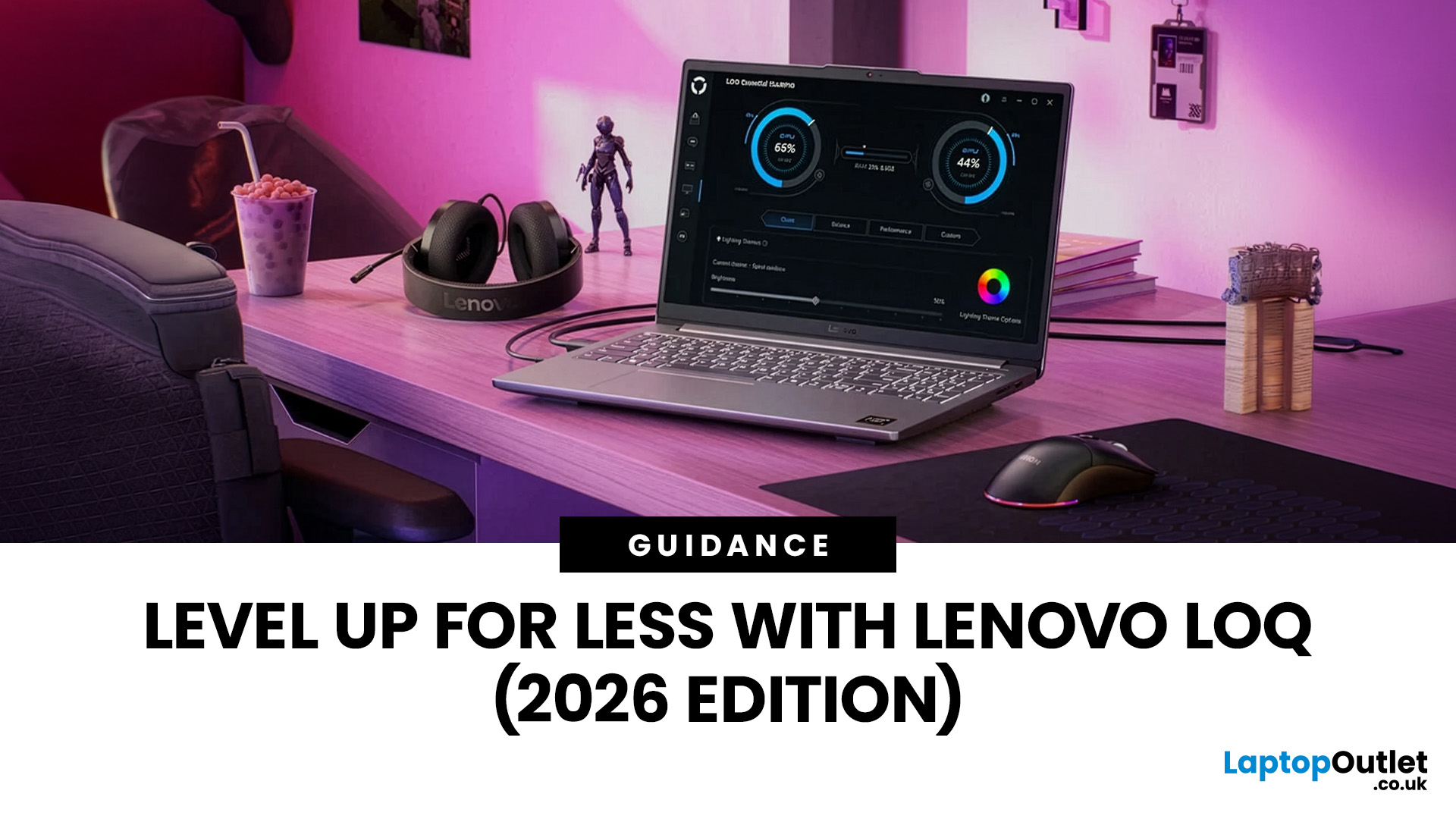
In 2026, you don’t need a four-figure budget to enjoy smooth, high-FPS gaming. With modern RTX 50-series graphics and 16GB RAM becoming the new standard, budget gaming laptops are more powerful and more accessible than ever. That’s where the Lenovo LOQ lineup comes in.
Designed as Lenovo’s entry-level gaming range, LOQ models deliver serious performance without the premium Legion price tag. Whether you’re grinding ranked matches, exploring open-world titles, or just want reliable everyday power, the best Lenovo LOQ laptops strike that sweet spot between price and performance.
In this guide, we’re breaking down the top Lenovo LOQ gaming laptops for 2026, who they’re perfect for, and how to choose the right one without overspending. Let’s get into it.
Why Lenovo LOQ Is Perfect for Budget Gaming in 2026
If you’re looking for a gaming laptop that doesn’t destroy your wallet but still runs modern games smoothly, Lenovo LOQ is basically the sweet spot in 2026.
Lenovo created the LOQ series
Last Updated: June 18, 2026
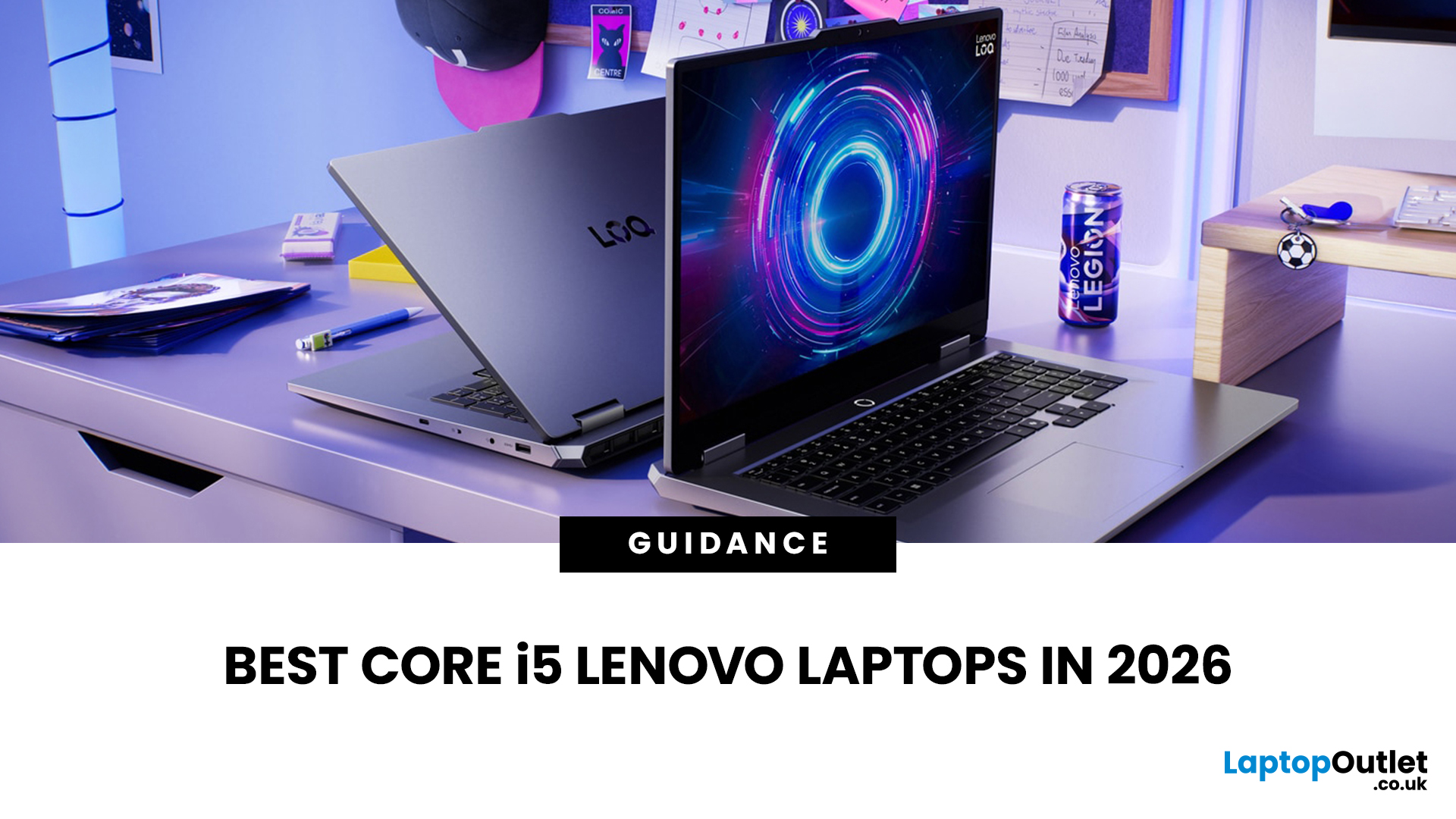
If you are searching for Core i5 Lenovo laptops, you are likely looking for a balance of performance, price, and reliability. And that is exactly where Lenovo stands out in 2026. From affordable everyday machines to durable business devices, Lenovo’s Core i5 lineup covers a wide range of use cases. Whether you need a laptop for work, study, or general productivity, there is a model that fits without pushing into premium pricing.
This guide breaks down the best options available right now, with a focus on real-world usability, value, and what each model is good for.
Why Choose a Lenovo Core i5 Laptop in 2026?
Lenovo continues to be one of the most consistent brands when it comes to mid-range laptops. Its Core i5 models are particularly popular because they offer:
- Reliable everyday performance
- Strong build quality across price ranges
- Good keyboard and typing experience
- Wide choice across business and budget segments
For most users, a Core i5 processor is more than enough for:
- Office work
Last Updated: July 09, 2026
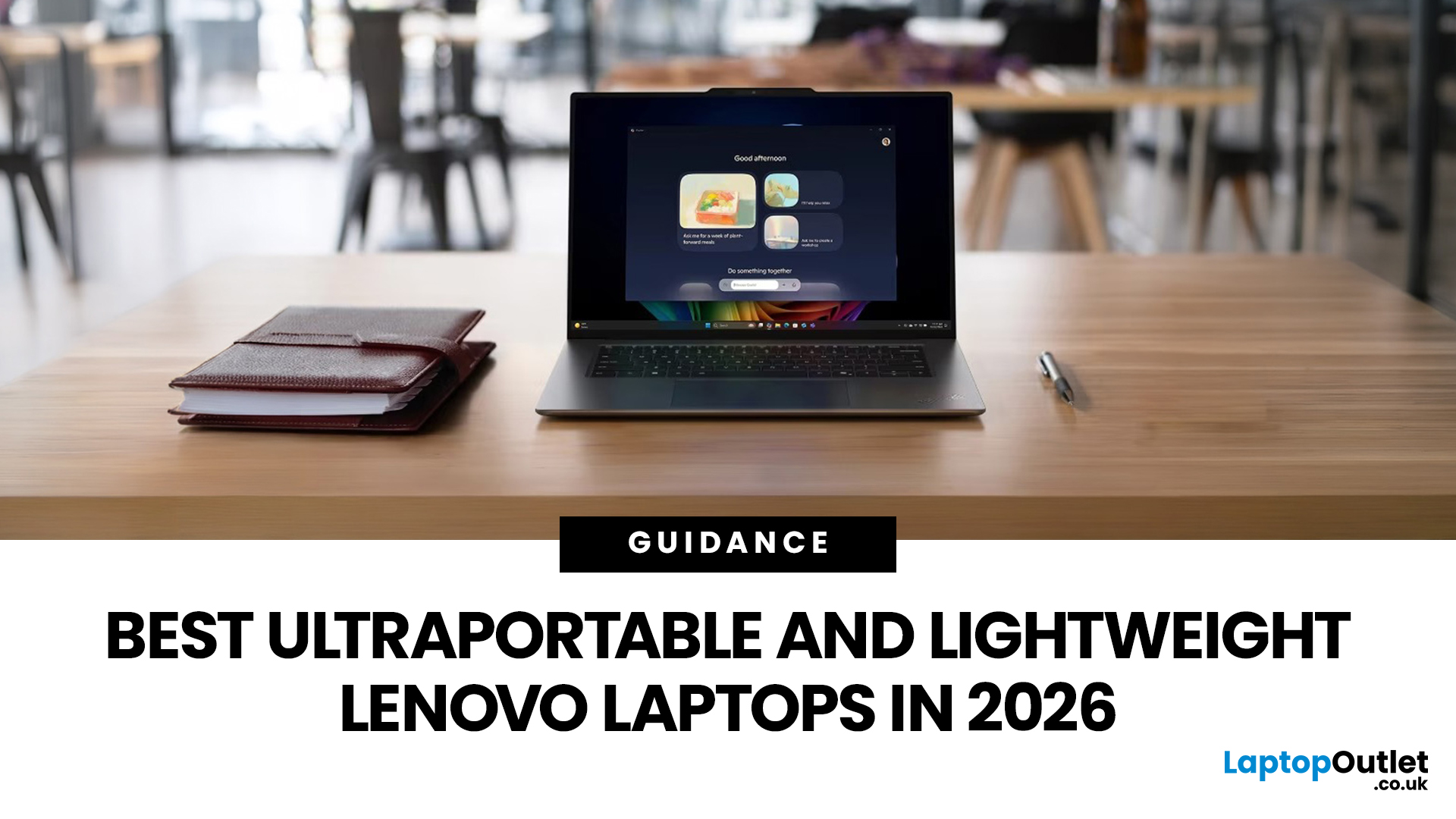
The best lightweight Lenovo laptops in 2026 are not all trying to do the same job. If we want the lightest premium 14-inch option, Lenovo’s Yoga Slim 7i Ultra Gen 11 Aura Edition stands out at 975g with a 75Wh battery. If business travel comes first, the ThinkPad X1 Carbon Gen 13 Aura Edition is still one of the strongest all-round choices thanks to its sub-1kg starting weight on some configs, proper business-grade connectivity, and classic ThinkPad focus.
That matters because buyers looking for ultraportable Lenovo laptops usually care about more than one thing at once: low carry weight, reliable battery life, enough ports to avoid living off dongles, and a screen that still feels good after a full day of work, study or travel. In this guide, we break down the best current Lenovo options for commuters, students, professionals, creators and home users, using Lenovo’s own 2026-era spec sheets first and independent reviews where they add useful trade-offs.
What Counts as a Genuinely Lightweight

Last Updated: June 30, 2026
Lenovo technology is helping FIFA deliver a smarter and more connected FIFA World Cup 2026. Through advanced AI technology, intelligent infrastructure, and innovative broadcasting tools, Lenovo is transforming how matches are produced, analysed, and experienced by fans, broadcasters, teams, and tournament organisers worldwide.
The FIFA World Cup 2026 is in full swing across Canada, Mexico, and the United States, bringing unprecedented broadcasting demands. As the first 48-team FIFA World Cup with 104 matches, the tournament generates huge volumes of live video, data, and analysis that must be delivered instantly to global audiences.
This is where Lenovo technology plays a crucial role. Through the Lenovo FIFA partnership, Lenovo is supporting FIFA World Cup 2026 broadcasting with Lenovo AI-powered infrastructure, edge computing, connected devices, and near real-time IPTV delivery. Behind every match, Lenovo helps broadcasters manage complex workflows, ensuring fans enjoy a faster, smarter
Last Updated: August 25, 2026
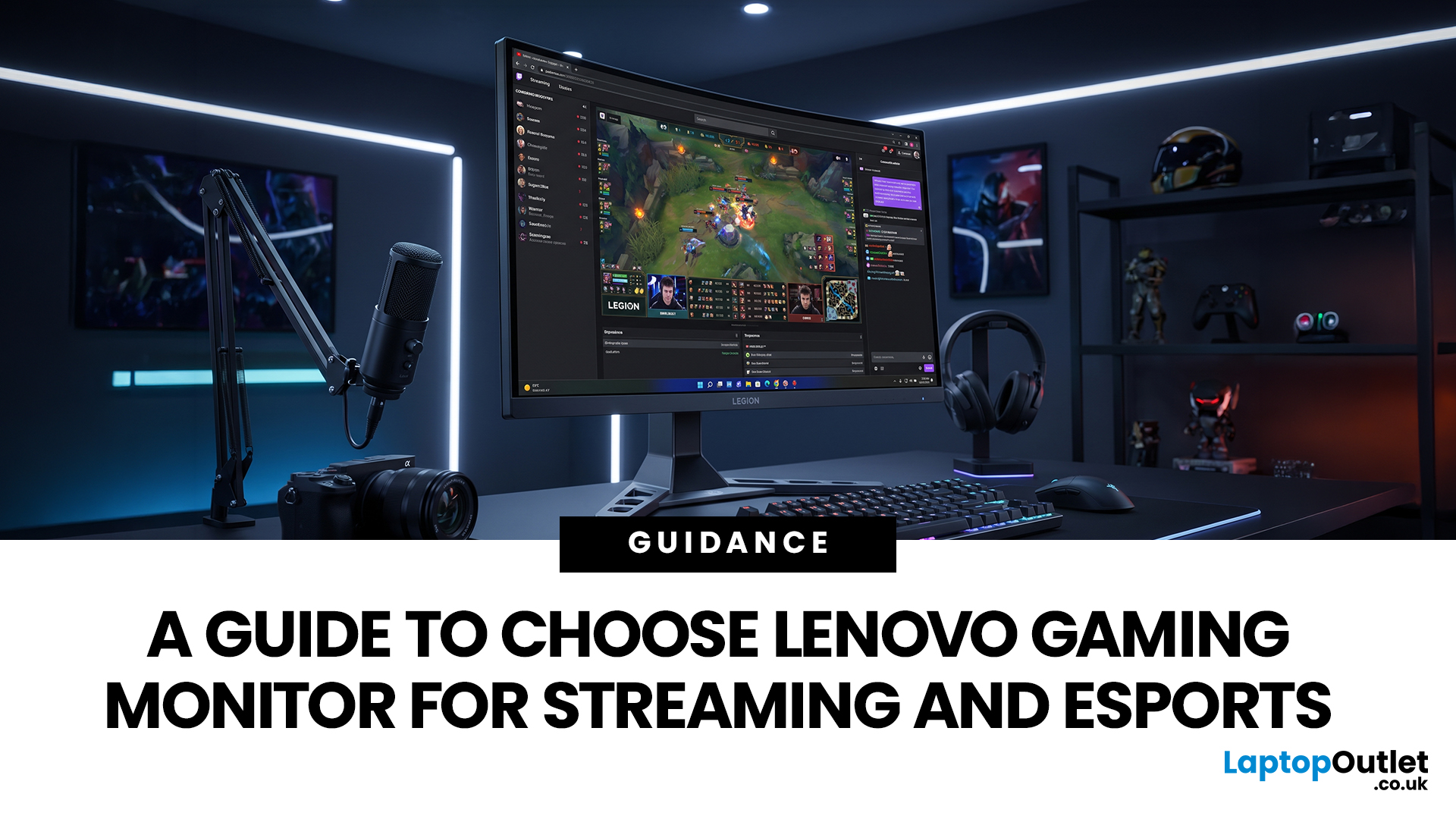
Quick answer: The best Lenovo gaming monitor for streaming and esports is the one your PC can drive consistently at its native resolution while it also handles your broadcast workflow. For many mixed-use setups, a 27-inch QHD display at 165Hz to 180Hz is the balanced choice. A 24.5-inch or 27-inch Full HD screen at 240Hz or above prioritises competitive speed, while a 34-inch UWQHD display at 165Hz to 180Hz provides more room for a single-screen streaming workspace.
Those are useful profiles, not universal rules. Your real decision depends on sustained frame rate, encoder load, game genre, desk space and whether OBS, chat and alerts live on the same display. A monitor does not encode the stream, and a 240Hz panel does not make viewers receive a 240fps broadcast. It changes the experience in front of you, which can still matter greatly during competitive play.
Last Updated: August 06, 2026
Last Updated: July 27, 2026
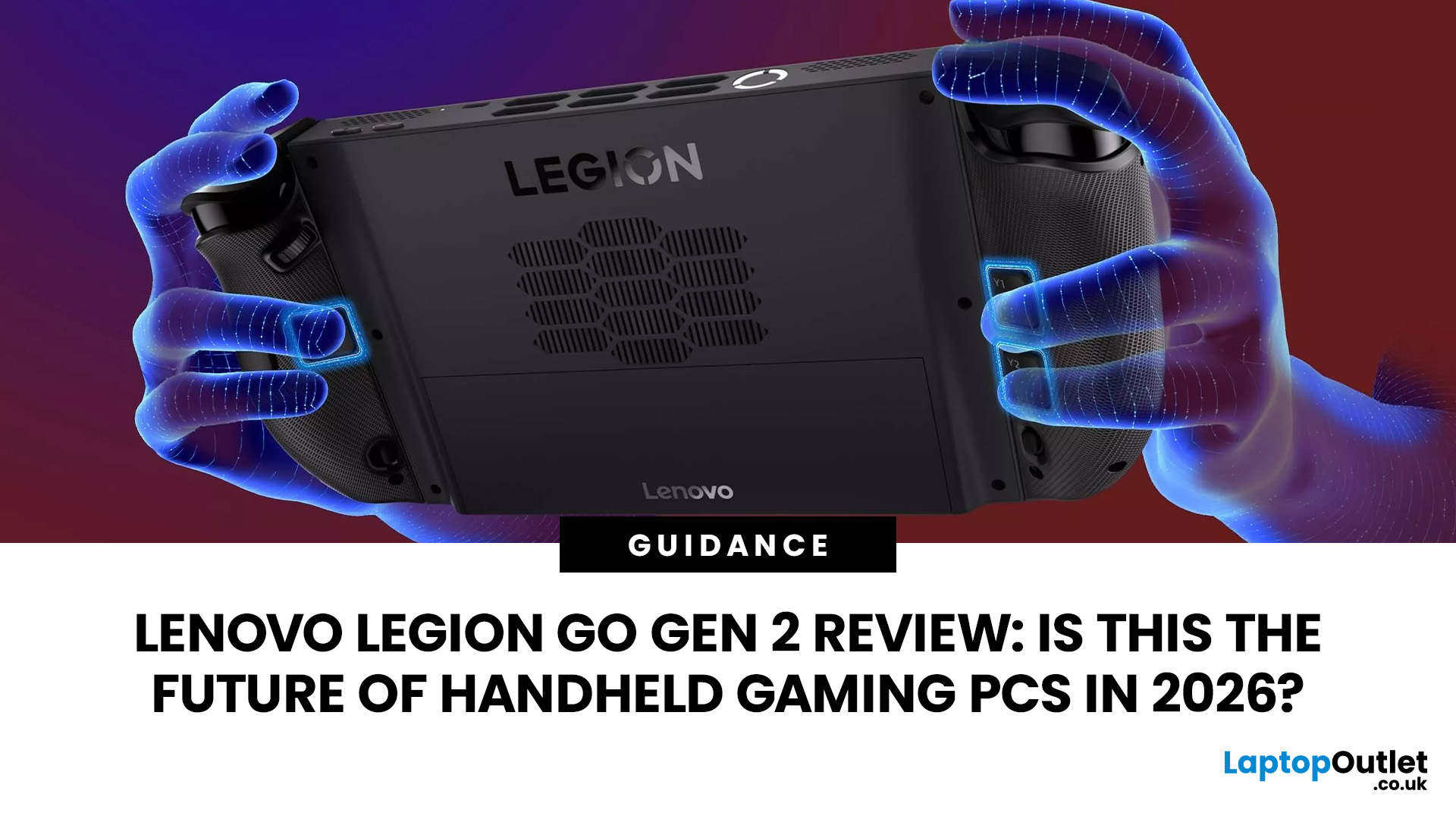
The Lenovo Legion Go Gen 2 takes almost everything that made the original handheld exciting and pushes it further. You get a huge 8.8-inch OLED display, smoother variable refresh rate gaming, upgraded AMD processing power and redesigned detachable controllers. It is powerful, flexible and packed with features, but it is also one of the biggest and most expensive handheld PCs available.
So, does this premium portable gaming PC represent the future of handheld gaming, or has Lenovo built more machine than most gamers need? This review examines its performance, battery, display, software, and competition.
Lenovo Legion Go Gen 2 Overview: What Makes This Handheld Gaming PC Different?
Lenovo officially markets the device as the Legion Go (8.8", 2), although Legion Go Gen 2 and Legion Go 2 are the names most gamers use. You may also see it shortened to Lenovo Go Gen 2, but it belongs firmly to Lenovo’s Legion gaming range. Its standout features include:
| Specification | Lenovo Legion Go Gen 2 |
| Processor |
Last Updated: September 03, 2026
Last Updated: August 06, 2026
A safe Lenovo drivers update should begin with Lenovo Vantage or Lenovo Support, followed by Windows Update and, when needed, the official NVIDIA or AMD graphics software. Using these trusted sources helps ensure that chipset, graphics, audio, network, firmware and system drivers are matched to your specific Lenovo Legion or LOQ laptop.
Updating drivers can fix hardware problems, improve compatibility with newer games and address security or stability issues. However, installing every available update immediately is not always necessary. Graphics drivers often change frequently, while BIOS and firmware updates require more caution.
This guide explains how to check your current versions, install Lenovo laptop drivers safely and recover if an update causes problems. The same general process can also apply to professional Lenovo laptops for work, although gaming systems require additional attention to graphics and performance-related drivers.
Quick Driver Update Order
For most Lenovo gaming
Last Updated: July 28, 2026

