



What Defines a Business Laptop? Key Features & Differentiations
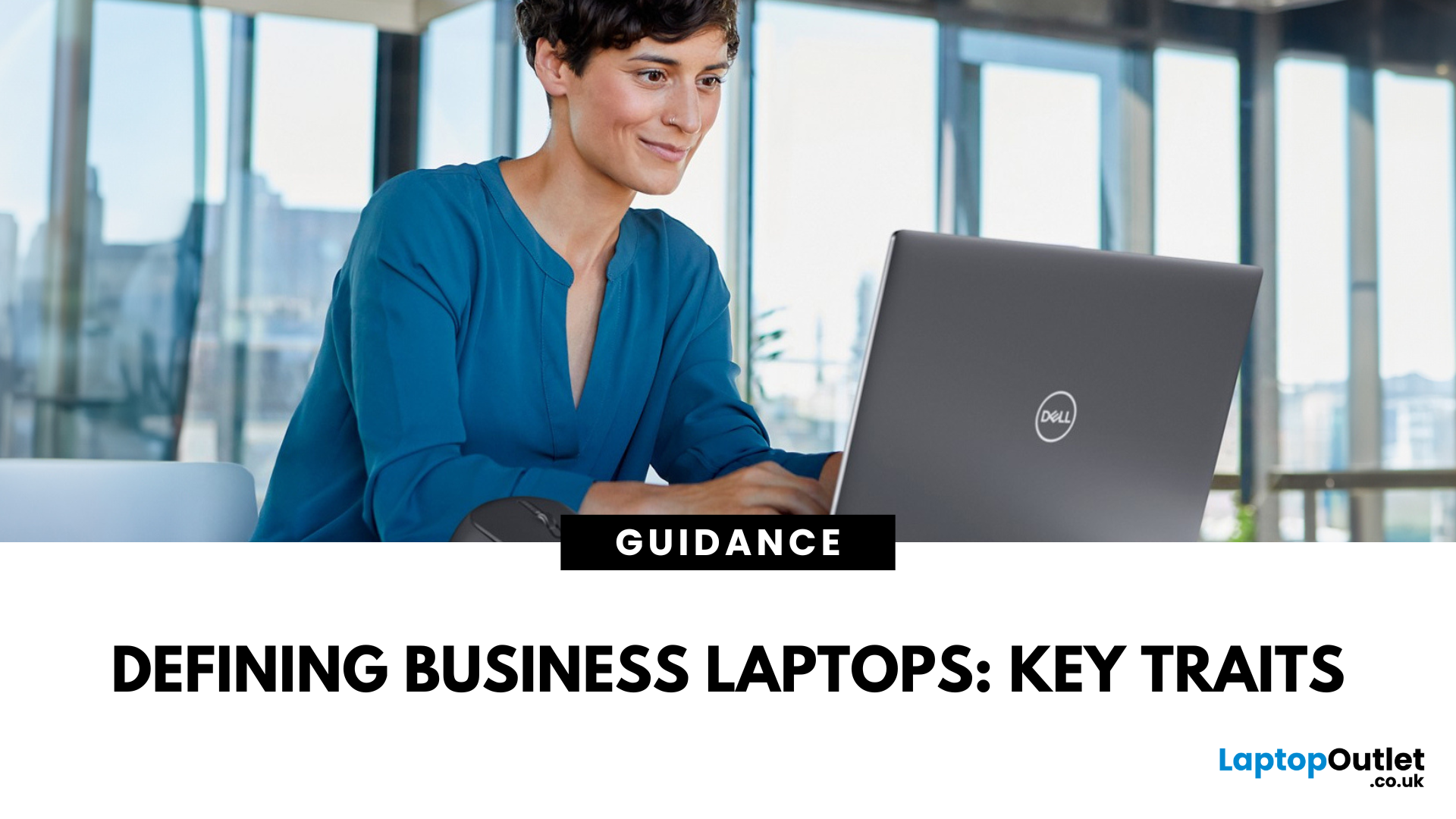
Laptops are essential tools for productivity, collaboration, and security in the modern workplace. But not all laptops are created equal. While consumer laptops are designed for everyday tasks, business laptops are purpose-built to handle professional workloads with enhanced durability, advanced security, and enterprise-ready specifications.
By understanding the defining characteristics of these machines, businesses and professionals can make informed decisions about which models deliver long-term value. This guide explores the most important business laptop features, compares them with consumer devices, and highlights the top models from brands such as ThinkPad business laptops, Latitude business laptops, and EliteBook business laptops. Whether you’re an IT manager sourcing fleet-ready devices or a freelancer investing in your next work tool, knowing what defines a business laptop ensures you get maximum performance, security, and durability.
Why Business Laptop Features Matter
In today’s competitive landscape, organisations require devices that are reliable, secure, and efficient enough to support remote and hybrid working models. That’s where business laptops stand out. Before diving into the details, it’s important to understand why business laptop features matter more than ever in 2025. Unlike consumer laptops that focus heavily on affordability or multimedia use, business machines prioritise long-term reliability, enhanced security, and professional-grade performance.
- Efficiency in Workflows: The right laptop enables faster multitasking, smoother collaboration, and fewer disruptions.
- Data Protection: Advanced hardware and software features protect sensitive company data.
- Durability: Built with stronger materials and tested for resilience, business laptops survive the demands of frequent travel and office use.
- Futureproofing: Enterprise-grade specifications extend the lifecycle, reducing the need for frequent replacements.
Enterprise Laptop Specifications: What Sets Them Apart
When evaluating enterprise laptop specifications, several components define whether a machine is suited for professional environments.
Robust Security Features
Security is one of the most critical business laptop features. Unlike standard consumer laptops, enterprise models include advanced tools such as:
- TPM 2.0 (Trusted Platform Module): Provides secure encryption for data.
- Biometric Authentication: Fingerprint readers and IR cameras for secure logins.
- Hardware-Based Security: Features like Intel vPro and HP Sure Start protecting against firmware attacks.
Durability for Work Environments
Businesses require devices that can withstand intensive daily use. Many durable laptops for work undergo rigorous testing to ensure they survive drops, shocks, and extreme temperatures. Magnesium-alloy or carbon-fibre builds are common in ThinkPad business laptops and EliteBook business laptops.
Professional Laptop Performance
Professional laptop performance goes beyond casual browsing or media consumption. Expect:
- Powerful CPUs: Intel Core i5/i7/i9 (13th & 14th Gen) or AMD Ryzen Pro processors.
- Memory & Storage: 16GB DDR5 RAM as standard, expandable to 32GB+, paired with PCIe Gen 5 SSDs.
- Long Battery Life: Optimised efficiency for up to 12–15 hours of real-world use.
Enhanced Connectivity Options
Enterprise laptops prioritise ports and connectivity. It includes:
- Multiple USB-C/Thunderbolt 4 ports for docking and accessories.
- HDMI, RJ-45 Ethernet, and smart card readers for professional environments.
- 5G and Wi-Fi 6E, 7 options for seamless remote working.
Business vs Consumer Laptops: Understanding the Differences
At first glance, consumer and business laptops may look similar, both are portable, powerful, and capable of running modern applications. However, once you dig deeper into business laptop features, the distinctions become much clearer. These differences reflect the priorities of two very different audiences: casual users versus professionals and enterprises. Let’s break down the latest points of comparison.
Design & Build Quality
- Business Laptops: Typically feature minimalist, understated designs in colours such as black, grey, or silver, suitable for professional environments. More importantly, their construction often involves reinforced hinges, spill-resistant keyboards, and durability testing to survive daily commutes, business travel, and constant use. Examples include ThinkPad business laptops and Latitude business laptops, which are known for their rugged, practical aesthetics.
- Consumer Laptops: Focus on style, portability, and visual appeal. Slimmer builds, vibrant colours, and sometimes gaming-inspired accents are common. However, durability standards are lower, as they are not expected to endure the same level of daily wear and tear.
Performance & Hardware Components
- Business Laptops: Equipped with enterprise-grade components designed for stability and long lifecycles. Many include Intel vPro or AMD Ryzen Pro processors, which enable remote management and enhanced security. Storage and RAM options are usually upgradable, ensuring the laptop remains relevant for years. Longer battery life, often exceeding 12 hours, is also prioritised for professionals on the go.
- Consumer Laptops: Built for general tasks like browsing, streaming, or light creative work. While many now offer good specs for home use, they rarely include enterprise CPUs or hardware-level security features. Battery life and cooling are typically optimised for casual use rather than demanding workloads.
Software, Security & Support
- Business Laptops: Come preloaded with professional software tools and support packages tailored for companies. For example, Lenovo ThinkPad E16, Dell DC15250, and HP 255 G9 allowing IT teams to manage fleets of devices remotely, update BIOS, and monitor hardware health. Security features such as TPM 2.0, biometric logins, smart card readers, and self-healing BIOS systems are now standard. Businesses also benefit from extended warranties, next-business-day repairs, and international support plans.
- Consumer Laptops: Generally, ship with standard operating systems and pre-installed apps for entertainment, shopping, or personal productivity. Warranty coverage is often limited to one year, with fewer upgrade or fleet management options.
Price Point & Total Cost of Ownership
- Business Laptops: While they may have higher upfront costs, they provide a lower total cost of ownership (TCO). Their durability reduces repair needs, their enterprise components extend usable life, and their professional support packages minimise downtime. For organisations, this translates into lower long-term expenses and higher productivity.
- Consumer Laptops: Offer lower initial prices, making them attractive to students and families. However, they tend to wear out faster under intensive workloads, may require more frequent repairs, and often need replacing sooner, leading to higher costs in the long run if used for professional purposes.
In short, consumer laptops focus on affordability and multimedia, while business laptops emphasise reliability, productivity, and security.
Popular Business Laptop Ranges
Now that we’ve established the differentiating factors, let’s explore popular series available in 2025, all of which are designed to meet professional requirements.
ThinkPad Business Laptops
Lenovo’s ThinkPad line remains iconic, known for its legendary durability, excellent keyboards, and enterprise-grade features. They’re ideal for industries requiring dependable machines that withstand frequent travel and rigorous use. For example, Lenovo V15, Lenovo ThinkPad E14, are durable and good choice for business work.
Latitude Business Laptops
Dell’s Latitude range delivers a blend of portability and enterprise-ready design. Many models come with advanced collaboration features such as noise-cancelling microphones and optimised battery life, making them excellent for hybrid workers. For example, you can use Refurbished DELL Latitude 5430 or DELL Latitude 5455 to facilitate your remote working.
HP 250 Business Series & EliteBook Laptops
The HP 250 business series cater to budget-conscious professionals, while the EliteBook business laptops offer premium designs, cutting-edge security, and high performance. For example, HP 250 G9 and HP EliteBook 840, both are widely adopted by businesses across sectors.
Surface Business Laptops
Microsoft’s Surface business laptops provide sleek, lightweight designs with excellent touchscreens and stylus support. For example, Refurbished Microsoft Surface Laptop SE Intel Celeron N4120 is for professionals in creative and collaborative roles.
ASUS Business Laptops
ASUS business laptops are gaining popularity for offering good value with strong specifications. For example, ASUS ExpertBook B5 or ASUS ExpertBook P1403CV are a great option for SMEs looking to shop business laptops without overspending.
Durable Laptops for Work: Why Build Quality Matters
Durability is not just about premium materials; it’s about long-term reliability. Business laptops are tested against drops, spills, and environmental conditions. Durability translates into fewer repairs, longer device lifespans, and improved return on investment. Its important features include:
- Spill-Resistant Keyboards: Protect against accidental damage.
- Reinforced Hinges: Designed for years of opening and closing cycles.
- Compact & Lightweight Builds: Ideal for frequent travellers.
Professional Laptop Performance: Power for Modern Workloads
With hybrid work, professionals need devices that support video calls, multitasking, and resource-heavy apps. High-performance business laptops are not only beneficial for IT managers but also critical for employees who demand productivity without compromise. Professional laptop performance ensures:
- Smooth running of software like Microsoft 365, Adobe Creative Cloud, and data analysis tools.
- Fast boot times and responsiveness.
- Stability during multitasking across dozens of tabs and apps.
Choosing the Right Business Laptop: Buying Guide
Before you shop business laptops, consider these practical steps:
1. Define Your Needs: Do you require a portable laptop for travel, or a workstation-class device for design and engineering?
2. Set a Budget: Entry-level business laptops start at under £600, while premium options can exceed £1,500.
3. Evaluate Enterprise Features: Look for security, manageability, and support plans.
4. Compare Brands: Use a gaming laptop comparisons-style approach but for business. Compare ThinkPad business laptops with Latitude business laptops, or EliteBook vs Surface.
5. Plan for Growth: Ensure RAM and storage are upgradeable for long-term use.
If you want to learn about business laptops in more detail, you can read our other guide of overview of Business laptops and decide which brand suits your requirements the best.
Final Thoughts
Understanding the defining business laptop features helps you make informed decisions that save time, money, and frustration. These devices are engineered for long-term productivity, resilience, and security. Whether you’re drawn to ThinkPad, Latitude, HP 250, or Surface, the goal is the same: empowering professionals with reliable, efficient, and future-ready tools.
At Laptop Outlet, we offer a wide range of durable laptops for work across brands, budgets, and configurations. From affordable ASUS business laptops to premium EliteBook business laptops, you’ll find solutions tailored to your needs.
FAQs
What makes a laptop a business laptop?
Business laptops are designed with durability, advanced security, and professional-grade specifications. They feature TPM 2.0, biometric authentication, enterprise-level CPUs, and long battery life, differentiating them from consumer devices.
Are business laptops more secure than consumer laptops?
Yes. Secure laptops for business include hardware-based protections such as TPM, BIOS security, and optional smart card readers. These are vital for protecting sensitive company data.
Can I use business laptops for personal use?
Absolutely. While built for professional workloads, business laptops excel at everyday tasks like browsing, streaming, and personal productivity, offering more reliability than standard consumer models.
Do Laptop Outlet offer finance or payment options on business laptops?
We accept all major credit and debit cards, including MasterCard, Visa, Visa Debit, Maestro, and American Express. You can also pay securely via PayPal (Credit & Pay in 3), Klarna, Apple Pay, and Google Pay. Split the cost with PayPal Pay in 3, PayPal Credit (0% up to 24 months), or flexible Klarna options including Pay Now, Pay Later, or instalments.
Which business laptop brands are best for professionals?
Top brands include Lenovo ThinkPad, Dell Latitude, HP EliteBook, and Microsoft Surface business laptops. For SMEs, ASUS business laptops and the HP 250 series provide affordable yet professional solutions.
Related Articles

Last Updated: September 03, 2026
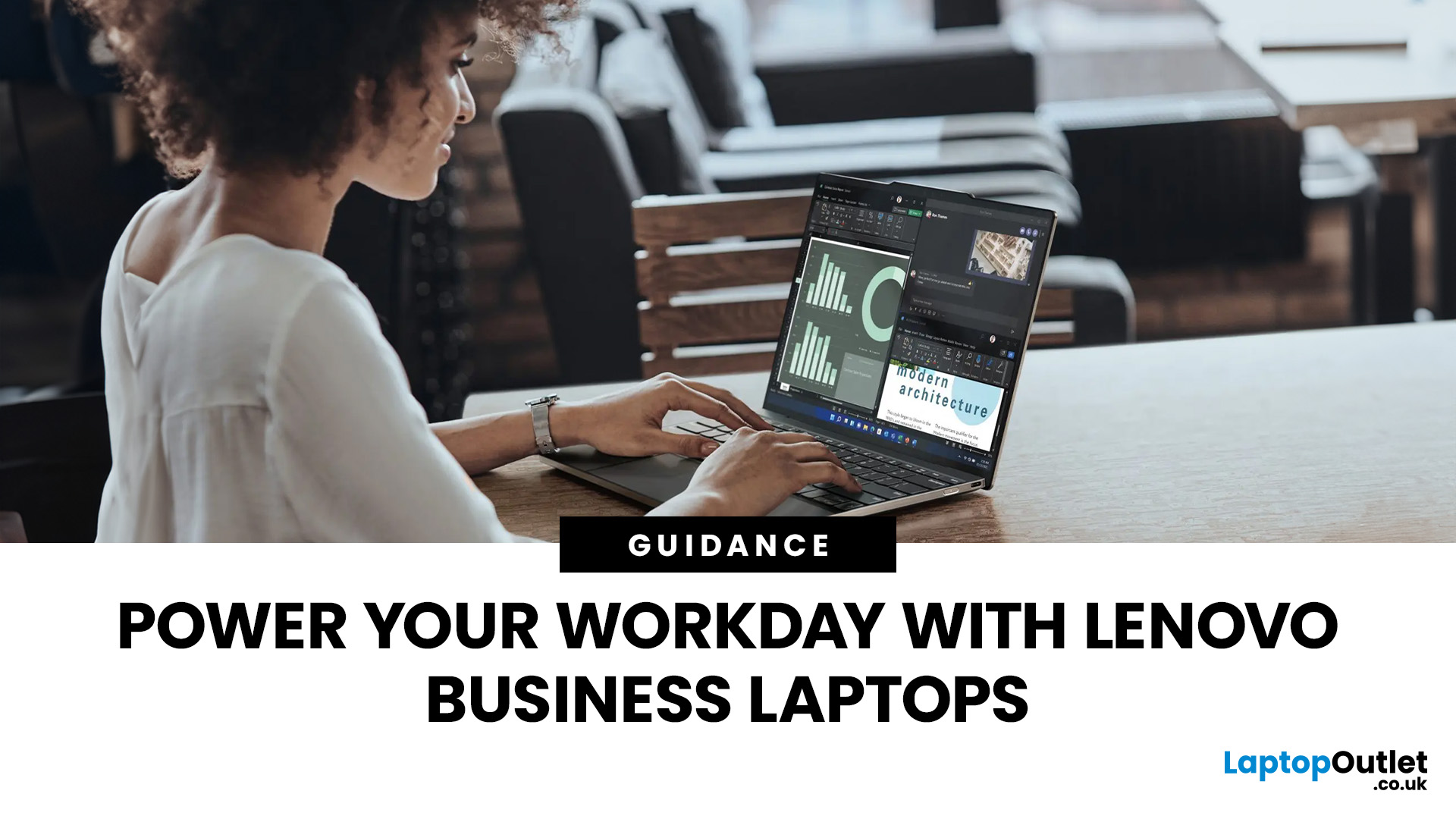
There is no single Lenovo laptop that makes sense for every business user. Someone spending most of the day in Microsoft Teams and browser-based tools needs something very different from an analyst working with complex spreadsheets or an engineer running graphics-intensive applications.
If you are comparing the best Lenovo laptops for business, start with your workload rather than the series name. The current Laptop Outlet range includes everything from straightforward office systems to portable ThinkPads and professional mobile workstations, so this guide compares five options based on what you actually need them to do.
Lenovo Laptop Comparison: Which One Fits Your Work?
| Business Need | Lenovo Laptop to Consider | Why It Stands Out |
| Everyday admin and office work | 16GB RAM, Windows 11 Pro and practical 15.6-inch display | |
| Remote work and independent professionals | 24GB RAM, 1TB SSD and compact 14-inch design | |
| Hybrid and corporate working |

Last Updated: April 03, 2026
Finding the right laptop for your business is a very important decision. In the modern corporate world, you need a device that is fast, stylish, and easy to carry between meetings. Samsung has become a major player in the laptop market. They are famous for their amazing screens and how well their devices work together.
In this blog, we will look at the 5 best Samsung business laptops. Whether you are a small business owner or a corporate professional, Samsung has a "Galaxy Book" for you. We will look at the specs and explain how these features will help your work life.
Why Choose Samsung Laptops for Business?
Samsung laptops are perfect for business because they are built to be thin and light. This makes them ideal for people who travel or work from different offices.
One of the best reasons to choose Samsung is the "Galaxy Ecosystem." If you already use a Samsung phone or tablet, your laptop will sync with them perfectly. You can share files instantly and even use your tablet as a second

Last Updated: February 19, 2026
The computer world changes fast. Choosing a new laptop can feel tricky. You might wonder if you need a business laptop or a normal laptop (commonly known as ‘everyday laptop’). The truth is, they are built for different purposes.
A normal laptop is perfect for home use, browsing, and student work. A business laptop, or professional model, is designed for work and enterprise. It has unique features to handle tough jobs and keep company data safe.
In 2025, the differences are clearer than ever. This guide will help you understand these key distinctions. It will ensure you buy the correct tool for your needs.
8 Key Differences Between a Business Laptop and a Normal Laptop
Here are the main distinctions that set professional-grade devices apart from standard models.
1. Durability and Build Quality
Business laptops are built with robust, premium materials like magnesium alloy or carbon fibre. They often meet strict military-grade durability standards (MIL-STD-810H). This makes them much

