



Intel XMP vs AMD EXPO: RAM Profiles and Compatibility Explained
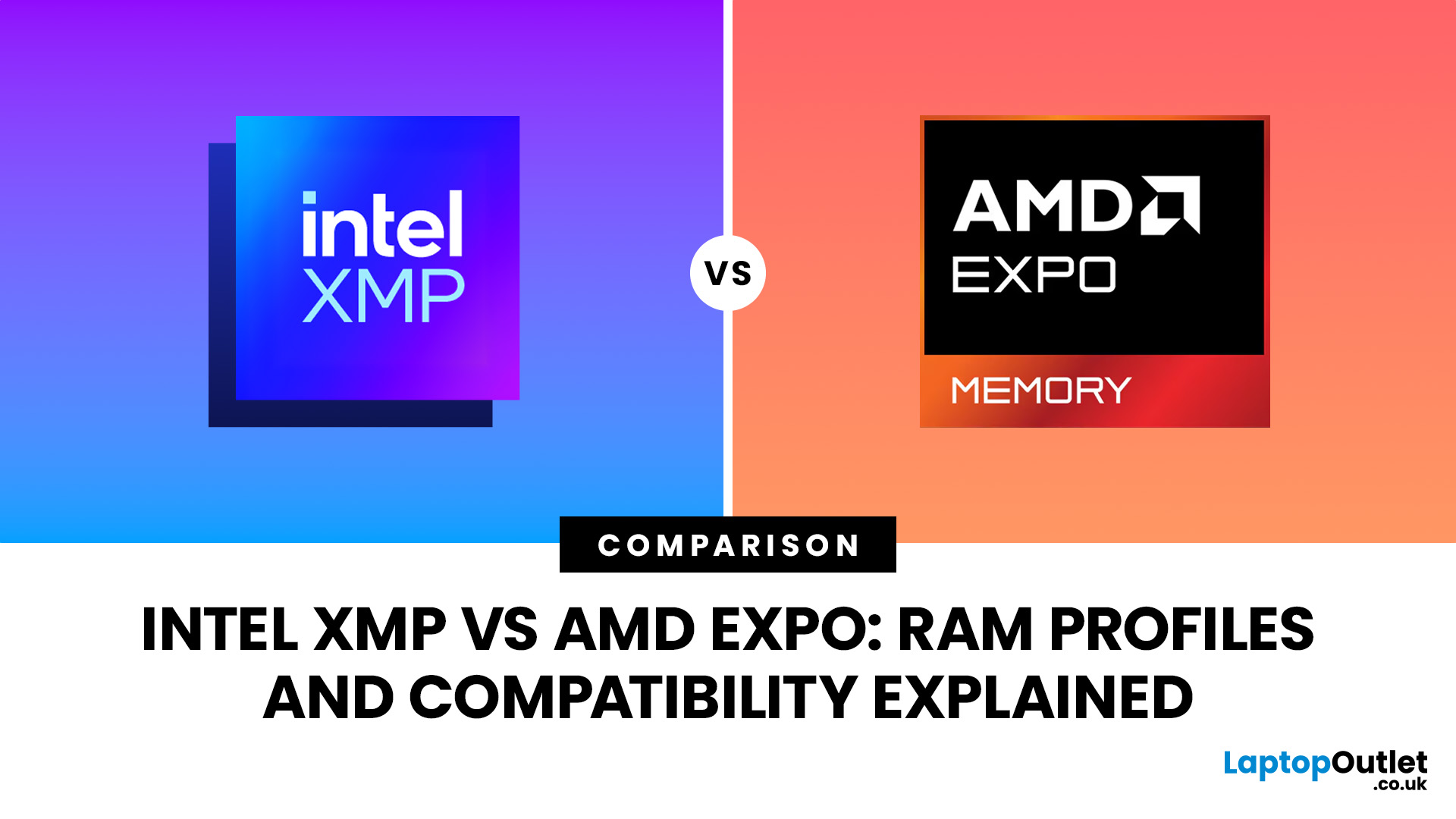
Buying fast DDR5 RAM is only part of getting the performance printed on the box. Your memory may initially run at a lower standard speed until you enable the appropriate performance profile in your motherboard BIOS.
That is where Intel XMP and AMD EXPO come in. Both are RAM overclocking profiles that apply tested memory frequency, timing, and voltage settings without requiring you to configure every value manually.
So, what is the difference between XMP vs EXPO, and can you use an XMP kit with AMD or EXPO memory with Intel? Here is what you need to know before choosing or configuring your RAM.
XMP vs EXPO: What is the Difference?
The simplest distinction is the platform each standard was developed for.
Intel XMP, or Extreme Memory Profile, is Intel's memory-overclocking technology. AMD EXPO, or Extended Profiles for Overclocking, was developed for DDR5 memory used with AMD Ryzen processors on the AM5 platform.
Both technologies let a compatible motherboard read preconfigured performance settings stored on the memory module and apply them through the BIOS.
|
Feature |
Intel XMP |
AMD EXPO |
|
Developed by |
Intel |
AMD |
|
Current DDR5 standard |
XMP 3.0 |
EXPO |
|
Primary platform |
Intel systems |
AMD AM5 systems |
|
Memory generation |
XMP 3.0: DDR5 |
DDR5 |
|
Settings configured |
Speed, timings and voltage |
Speed, timings and voltage |
|
Activated through |
Motherboard BIOS/UEFI |
Motherboard BIOS/UEFI |
|
Cross-platform use |
Possible on supported hardware |
Possible on supported hardware |
This means neither technology makes the RAM fundamentally different. The important questions are whether your motherboard recognises the profile and whether your complete CPU, motherboard and memory configuration can run those settings reliably.
How Do DDR5 Memory Profiles Work?
DDR5 RAM normally has standard JEDEC operating information that allows the system to start at broadly compatible settings. Performance memory can then store additional XMP, EXPO or both profiles containing more aggressive parameters.
Without enabling one of these DDR5 memory profiles, a kit advertised at a higher data rate may initially operate at its standard SPD/JEDEC configuration instead. Memory manufacturers therefore commonly instruct users to enable the relevant profile in the BIOS when the system supports it.
If you are upgrading, compare the specifications of your existing RAM with the available memory modules before assuming that two modules with the same capacity will behave identically.
What is Intel XMP?
Intel XMP provides predefined memory configurations that manufacturers can store on compatible RAM. Enabling a profile tells the motherboard to apply its specified data rate, timings and voltage automatically.
For DDR5, the relevant standard is Intel XMP 3.0. Intel states that XMP 3.0 can support up to five profiles: three vendor profiles and two rewriteable profiles. XMP 2.0 remains associated with DDR4.
You may also see XMP certified RAM. Intel explains that participating memory vendors test modules against its XMP specifications, while motherboard and memory manufacturers can identify supported products with XMP branding.
However, certification does not replace checking XMP motherboard support. Your exact board, BIOS version, processor and memory configuration still matter.
For a new DDR5 system, our DDR5 memory range lets you compare capacities, speeds and supported profile technologies before selecting a kit.
What is AMD EXPO?
AMD EXPO performs a similar job but was developed around AMD's DDR5 AM5 platform.
An AMD EXPO memory profile contains predefined settings designed to make memory overclocking easier with compatible Ryzen systems. AMD describes EXPO as an easy route to applying optimised DDR5 memory settings rather than requiring the user to enter timings manually.
AMD also maintains a Ryzen overclocked-memory compatibility list showing tested kits and whether they use EXPO, qualify for specific EXPO classifications or support the XMP standard.
When considering EXPO certified RAM, therefore, do not look at the EXPO logo alone. Check EXPO motherboard support, the manufacturer's memory support list and the specifications of your processor.
You can compare compatible chipsets and memory features across our PC motherboards before building or upgrading an AM5 system.
Can XMP RAM Work with AMD?
Often, yes, but you should not assume universal compatibility.
Modern AMD motherboards can support some XMP-based DDR5 kits. AMD's own compatibility database even identifies tested memory that is compatible with the XMP standard, while motherboard manufacturers such as Gigabyte document boards capable of reading both XMP and EXPO profiles.
That means DDR5 XMP compatibility on an AMD build depends on the particular RAM kit and motherboard implementation rather than simply whether "XMP" appears on the packaging.
An XMP-only kit may therefore work perfectly on one AM5 motherboard but require different settings or a lower memory speed on another.
Can EXPO RAM Work with Intel?
It can, particularly when the memory also includes an XMP profile.
Some manufacturers now produce dual profile DDR5 RAM containing both AMD EXPO and Intel XMP settings. Kingston, for example, documents EXPO products that also contain XMP profiles, while Corsair offers selected DDR5 kits with both technologies.
This can make a dual-profile kit useful if you may change platforms later.
However, DDR5 EXPO compatibility should still be checked against the Intel motherboard rather than assumed. An EXPO logo does not automatically guarantee that every Intel board will load that profile correctly.
The processor's memory controller also contributes to what your system can achieve, so consider the memory specifications when comparing Intel and AMD processors as part of a new build.
How to Check RAM Compatibility Before Buying
The safest approach is to check the complete configuration rather than choosing memory from profile branding alone.
1. Check the Motherboard Specification
Confirm that the board supports DDR5, the memory capacity you intend to install and the relevant XMP or EXPO functionality.
2. Check the Memory QVL
A motherboard's Qualified Vendor List records RAM configurations that the manufacturer has tested.
RAM QVL compatibility is particularly useful when you are targeting higher speeds or large capacities. MSI notes that a kit missing from its compatibility list is not necessarily incompatible; it may simply mean that configuration has not been officially tested and therefore cannot be guaranteed.
Check the full RAM part number rather than just the brand and advertised speed.
3. Check Your Processor
The CPU contains the memory controller, so memory stability depends partly on the individual processor and its supported configuration.
A motherboard advertising very high DDR5 frequencies does not mean every processor installed in it will reach those speeds.
4. Consider How Many DIMMs You Are Installing
Running two memory modules is generally easier on the memory controller than filling four DIMM slots at aggressive overclocked speeds.
If maximum capacity matters more than maximum frequency, you may need to accept a lower memory speed for stability.
5. Update the BIOS
Memory compatibility frequently improves through motherboard firmware updates. If a supported kit behaves unexpectedly, check whether a newer stable BIOS adds memory compatibility or training improvements.
Once compatibility is confirmed, our guide to choosing the right RAM for your PC build explains how capacity, speed, DDR generation and configuration should influence your choice.
How to Enable XMP or EXPO
Once you have confirmed compatibility, enabling a memory profile is normally straightforward:
- Restart the computer and enter the BIOS/UEFI.
- Find the memory or overclocking settings.
- Locate XMP, EXPO or the motherboard manufacturer's equivalent profile menu.
- Select the appropriate profile.
- Save the settings and restart.
- Check the resulting memory speed and test the system for stability.
The exact menu name varies between motherboard manufacturers.
DDR5 systems may also spend longer booting after a memory change while performing memory training. Kingston notes that this process helps optimise communication between the memory controller, BIOS and DRAM, with subsequent boots normally becoming quicker.
If the PC becomes unstable, return to the previous stable configuration rather than immediately increasing voltages manually.
Expert Advice: Remember that XMP and EXPO are forms of memory overclocking. Intel warns that changing memory frequency or voltage can affect stability and warranty coverage, while AMD states that damage caused by memory overclocking is outside applicable AMD product warranty coverage. Check the terms covering your particular components before enabling an overclocked profile.

XMP or EXPO: Which Should You Choose?
For an Intel build, an XMP-certified or appropriately validated XMP kit is normally the straightforward starting point. For an AMD AM5 build, EXPO memory provides profiles created specifically around that platform.
But XMP vs EXPO is no longer an absolute Intel-versus-AMD divide. Cross-profile motherboard support and dual-profile DDR5 kits have made compatibility more flexible.
Your best approach is to match the RAM to your processor and motherboard first, then confirm the profile type, QVL status, BIOS support, capacity and target speed. That gives you a much better chance of reaching the performance your memory kit was designed to provide without sacrificing system stability.

FAQs
Is XMP only for Intel processors?
XMP was developed by Intel, but some AMD motherboards can read XMP profiles. Always verify your exact RAM kit against the motherboard manufacturer's specifications or compatibility list.
Is AMD EXPO better than XMP?
Neither standard is inherently faster. Performance depends on the profile's memory speed, timings, voltage and the capabilities of your CPU, motherboard and RAM kit.
Can RAM support both XMP and EXPO?
Yes. Some current DDR5 kits contain profiles for both technologies. Check the exact product specification because dual-profile support varies between memory ranges and individual SKUs.
Why is my DDR5 RAM running slower than advertised?
The system may be using its standard JEDEC settings because XMP or EXPO has not been enabled. Compatibility limitations can also prevent the advertised profile from running reliably.
Does enabling XMP or EXPO count as overclocking?
Yes. Both technologies can configure memory beyond standard operating specifications. Check component warranty terms and test stability after enabling a profile, particularly at higher DDR5 speeds.
| Read More: |
| How Much RAM Do You Need? 8GB vs 16GB vs 32GB |
| AMD vs Intel Motherboards: Which One Should You Buy? |
| Kingston DDR4 vs DDR5 Performance: Which RAM Should You Buy? |
Related Articles

Last Updated: July 14, 2026
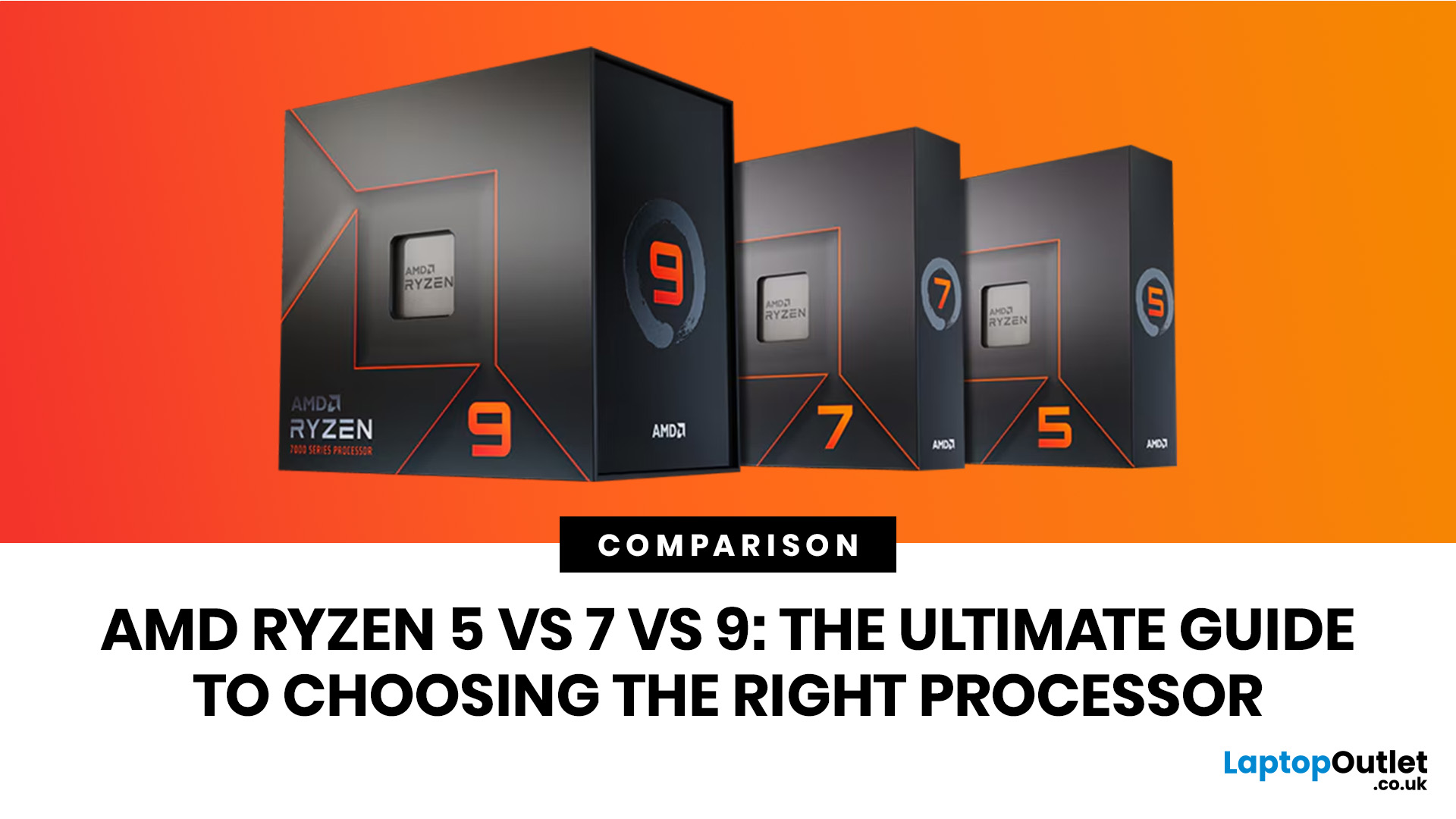
Ryzen 5 processors suit everyday use, budget gaming, and light multitasking. Ryzen 7 processors are better for 1080p and 1440p gaming, streaming, and moderate content creation. Ryzen 9 processors are good for heavy workloads like 4K video editing and 3D rendering. For most laptop buyers in 2026, a Ryzen 7 hits the sweet spot between performance and value.
This guide cuts through the noise and gives you a clear AMD Ryzen 5 vs 7 vs 9 comparison, so you can make a confident decision before you spend a penny.
What Is AMD Ryzen? Explained
AMD Ryzen is AMD’s mainstream family of computer processors. Ryzen CPUs power everything from affordable student laptops to high-end gaming PCs and professional workstation systems.
The number after “Ryzen” tells you the performance tier:
- Ryzen 5: Mainstream performance for everyday use, productivity and value gaming.
- Ryzen 7: Higher performance for gaming, creative work and heavier multi-tasking.
- Ryzen 9: Premium performance for professional workloads,

Last Updated: August 17, 2026
AMD RDNA 5 is the rumoured next-generation graphics architecture from AMD, expected to succeed the RDNA 4-based Radeon RX 9000 series. Based on credible leaks as of mid-2026, RDNA 5 is reportedly built on TSMC's N3P process node and is expected to introduce Neural Arrays, Radiance Cores, and GDDR7 graphics memory. Multiple OEM partners and industry sources point to a mid-to-late 2027 consumer launch window, with AMD itself yet to confirm any details publicly.
If you keep an eye on the GPU market, you will have noticed the buzz growing around AMD RDNA 5. AMD's current lineup, the Radeon RX 9000 series built on RDNA 4, has only recently settled into the market, yet the tech community is already looking ahead to what Team Red has in store next.
To be clear from the outset: AMD has not officially confirmed RDNA 5 by name, nor announced a release date or specifications for its next-generation consumer GPUs. Everything covered in this blog is based on leaks, patent filings, industry sources,
Last Updated: September 08, 2026
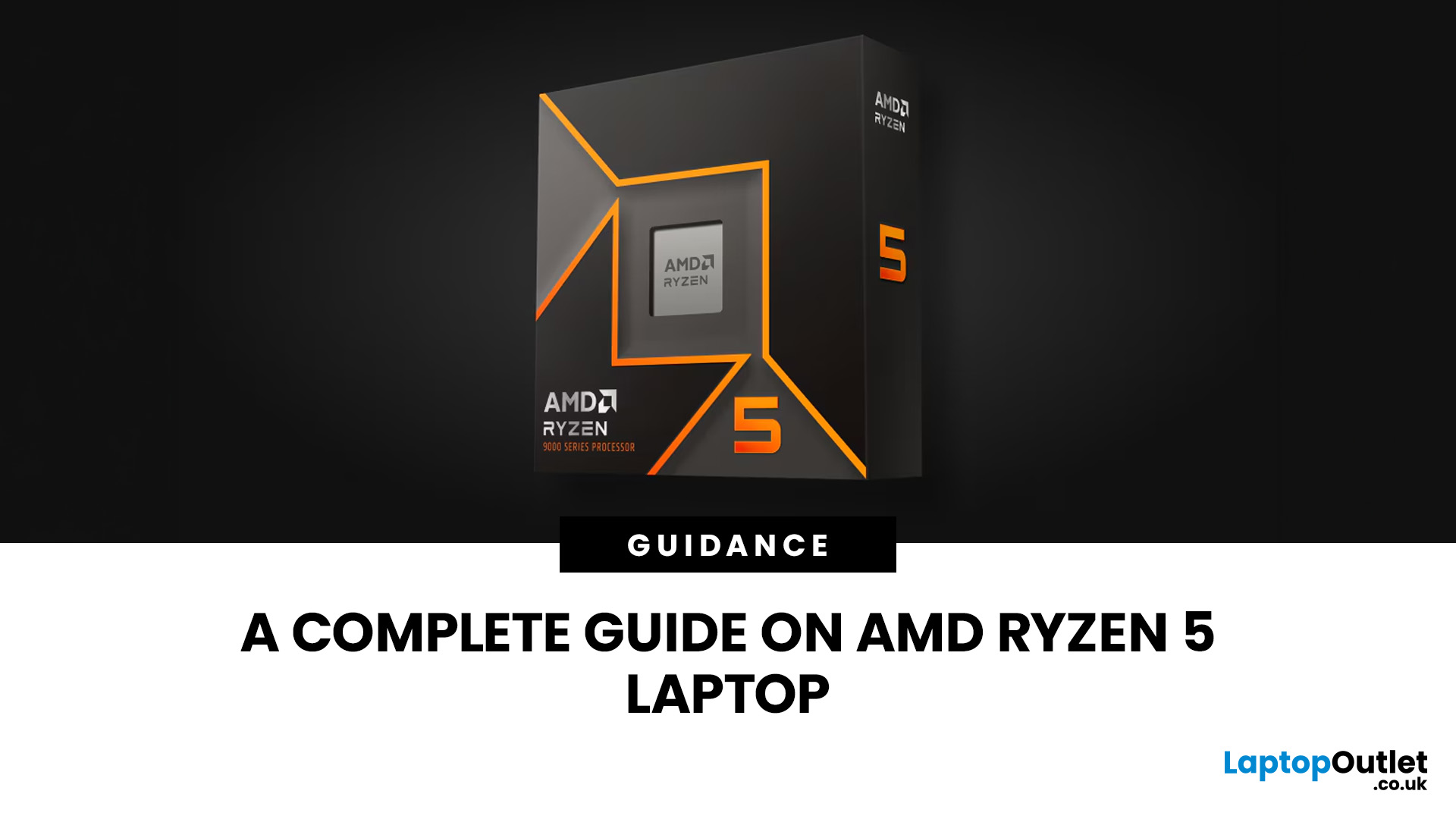
Two laptops can both say AMD Ryzen 5 on the specification sheet and still be built for very different jobs. One may prioritise battery efficiency and portability, while another is designed to sustain more performance for gaming, coding or creative work.
That is why choosing an AMD Ryzen 5 laptop in 2026 means looking beyond the tier name. AMD currently spans several mobile naming families, from Ryzen 7000 and 8000 to newer Ryzen 100, Ryzen 200 and Ryzen AI ranges. The exact processor, power class, memory, graphics, storage and laptop design all influence the experience.
This guide explains how to read those specifications, avoid misleading shortcuts and match the complete configuration to the way you actually use your laptop.
Quick Answer: How to Choose a Ryzen 5 Laptop
For most buyers, the right Ryzen 5 laptop is the one with a balanced specification rather than simply the largest processor number. Start with your main workload, then check the full CPU name, RAM, storage, graphics, display
Published: July 27, 2026
Last Updated: October 22, 2026

Last Updated: August 03, 2026
Handheld PC gaming has reached the point where portability alone is no longer enough. Players now expect current PC games, sharper displays, stable frame rates and usable battery life from a device small enough to carry in a bag.
Intel Arc G-Series processors have been developed specifically for that challenge. Instead of placing a conventional laptop processor inside a handheld and adjusting its power limits, Intel has rebalanced the design around integrated graphics, efficient CPU cores and lower-wattage gaming.
The first two processors are the Intel Arc G3 and Intel Arc G3 Extreme. Both combine a 14-core CPU, Xe3-based Intel Arc graphics, XeSS
Published: August 03, 2026
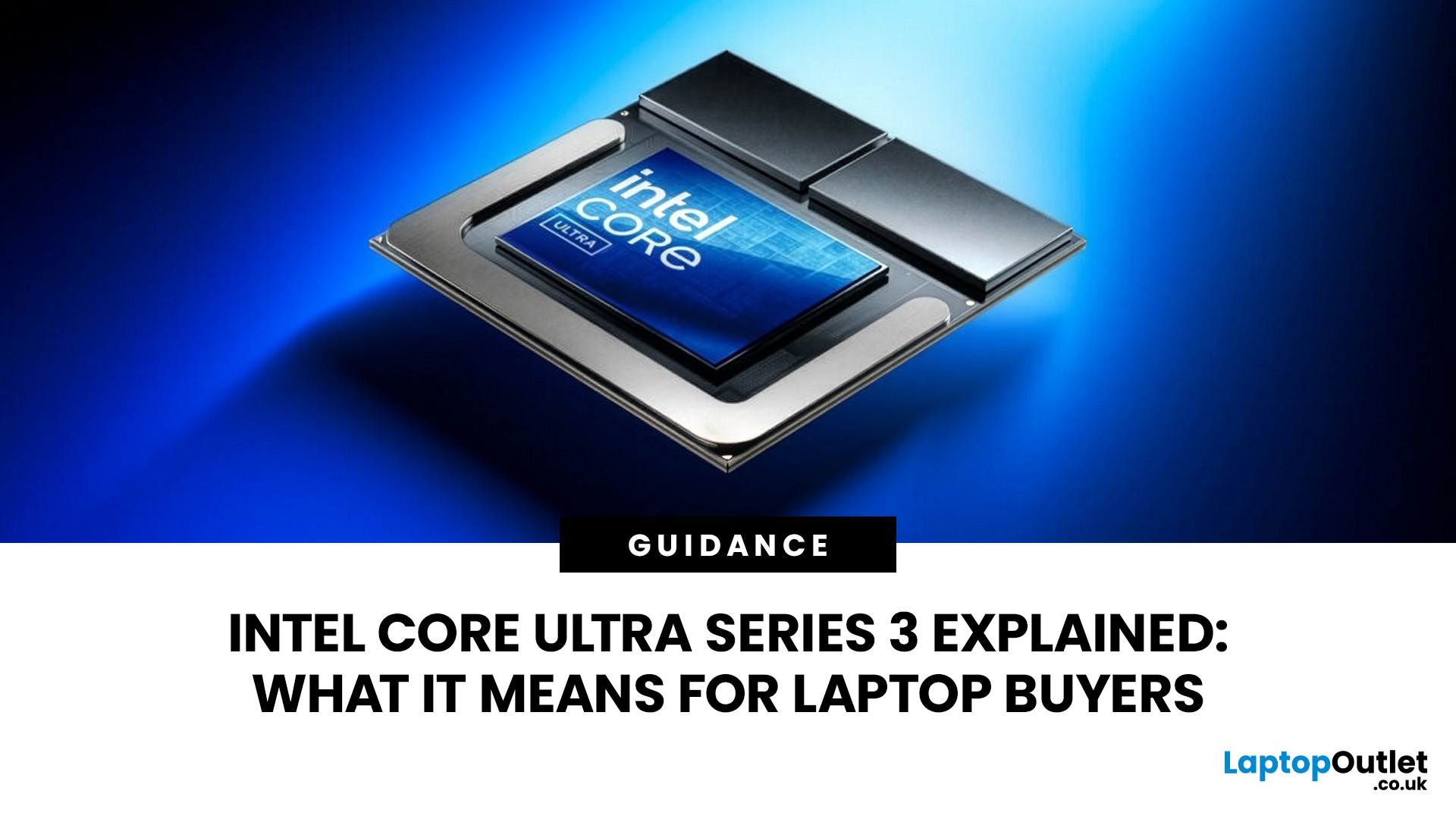
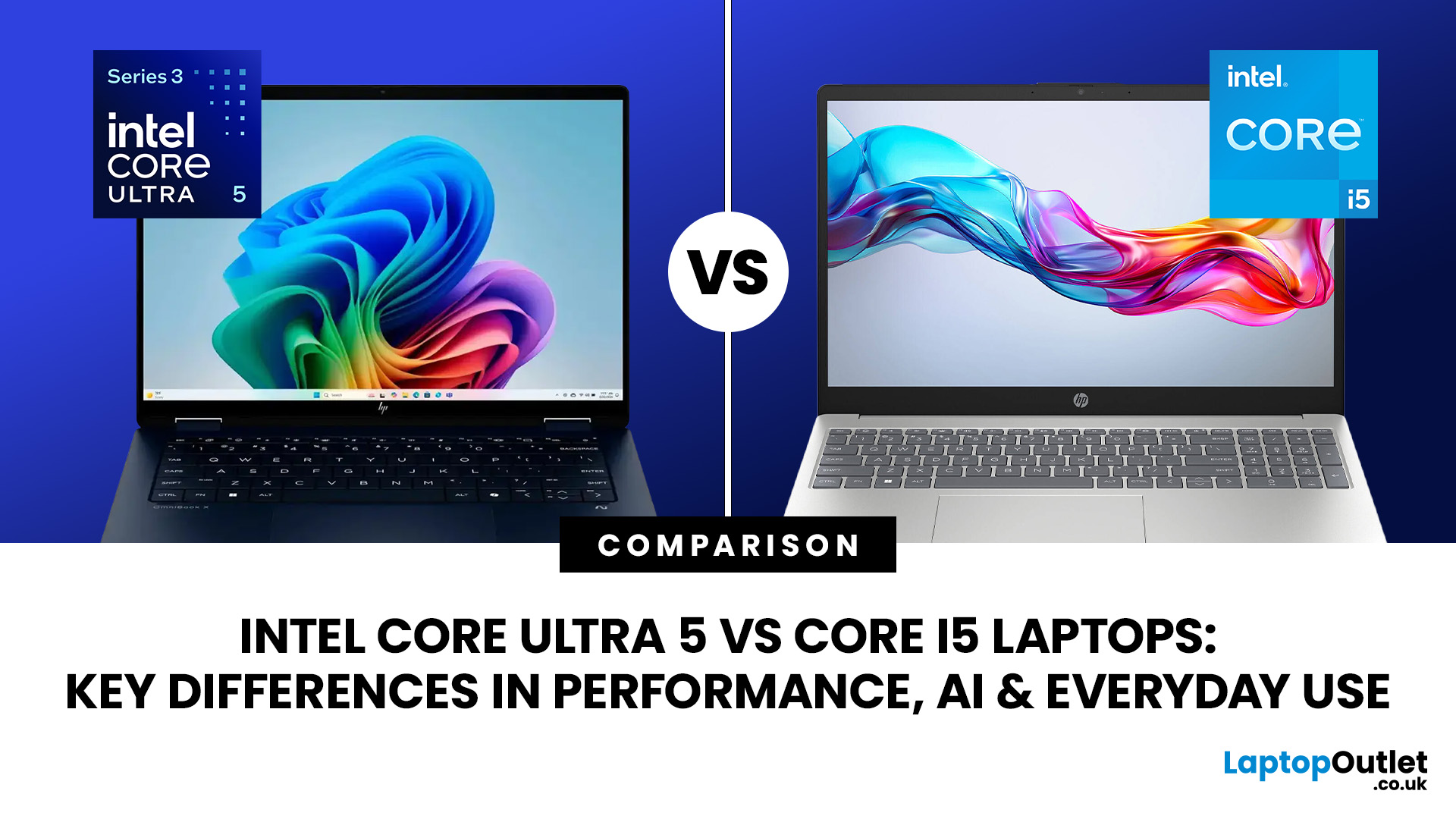
Intel has changed how it names and builds its laptop processors (CPUs). Traditional Core i5 chips remain widely available, but newer premium laptops increasingly use the Core Ultra 5 name, which Intel introduced alongside a major architectural redesign and built-in AI acceleration. That makes the Intel Core Ultra 5 vs i5 comparison more complicated than simply checking which number looks newer.
This guide explains the differences in everyday speed, multitasking, graphics, gaming, AI features, and battery life, without burying the answer under unnecessary technical jargon.
Quick Answer: Should You Buy Intel Core Ultra 5 or Core i5?
Buy Core Ultra 5 for stronger integrated graphics, on-device AI features and generally better efficiency. Buy Core i5 when price matters most, especially for office work or laptops with dedicated graphics card. Always compare the exact processor suffix and laptop configuration.
| If you want... | Buy | Why |
| Lowest price | Core i5 | Older i5 laptops are regularly discounted |
Last Updated: August 11, 2026
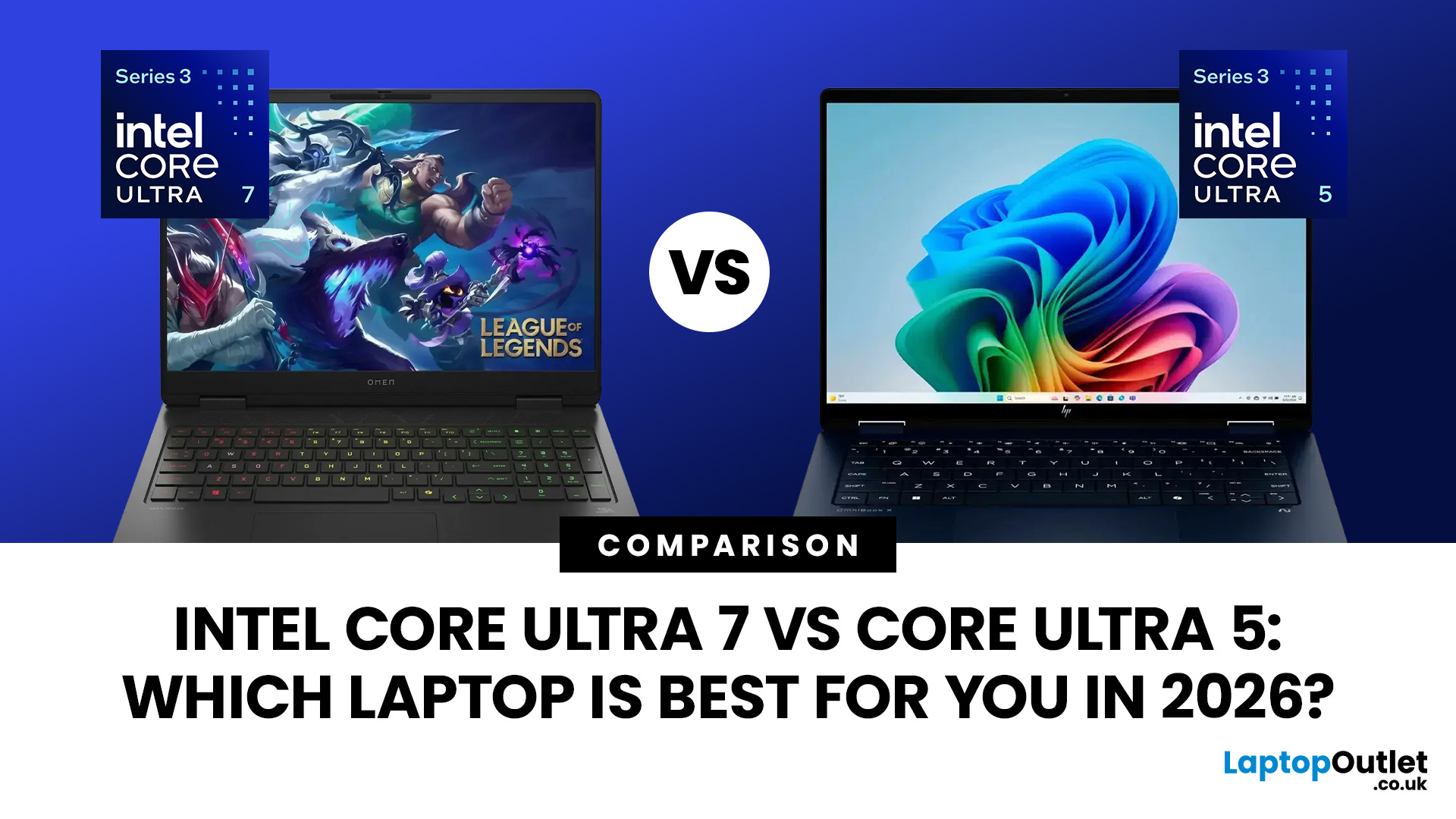
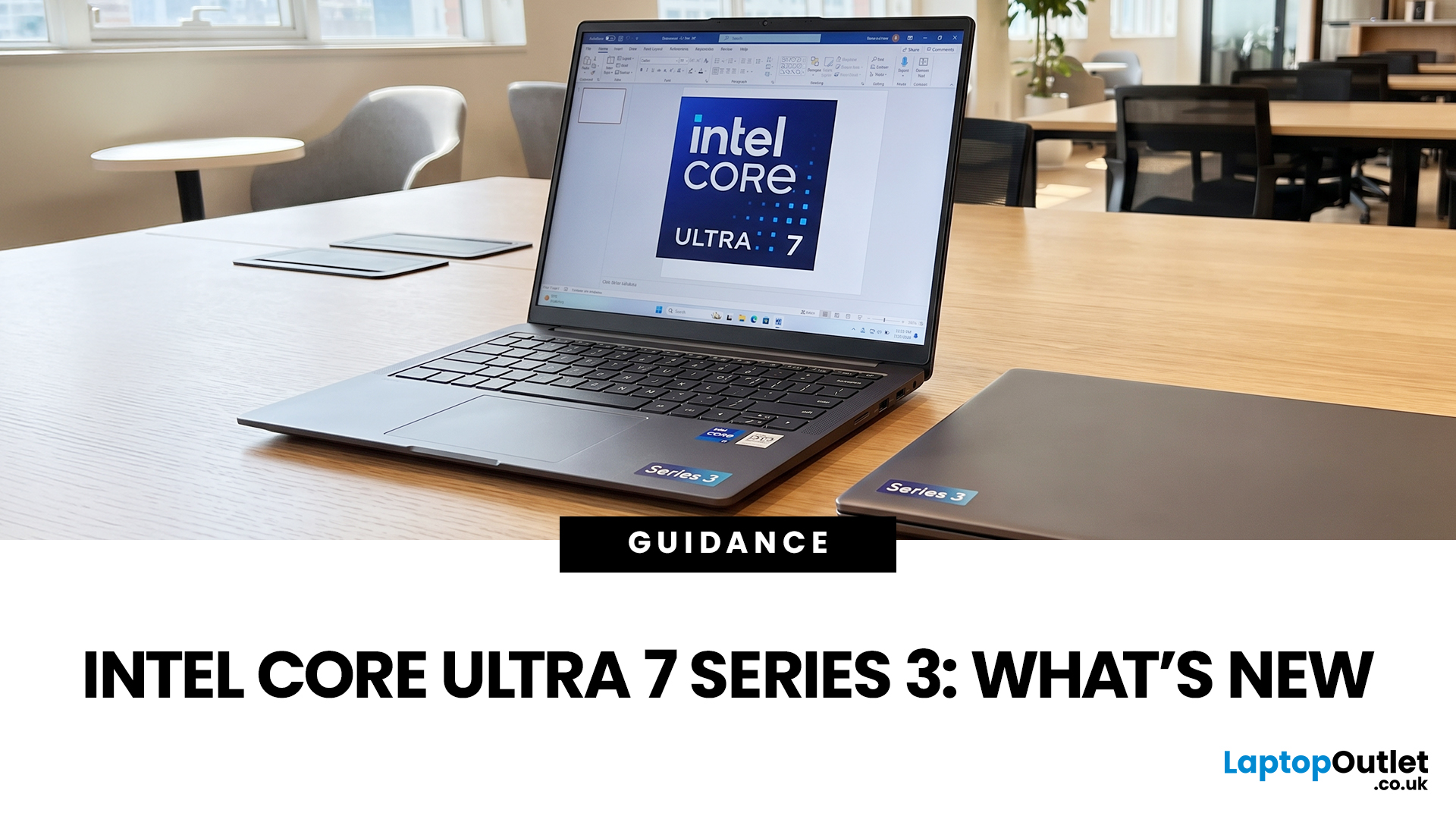
If you’re considering an Intel Core Ultra 7 Series 3 laptop in 2026, the processor name is only part of the story. Intel’s latest Core Ultra Series 3 generation brings a new architecture, Intel 18A process technology, built-in AI acceleration and updated graphics capabilities.
However, different Series 3 processors can have significantly different core and graphics configurations, so it is important to look beyond the “Core Ultra 7” label when choosing a laptop.
Series 3 is aimed at modern laptops that need to balance
Published: August 12, 2026
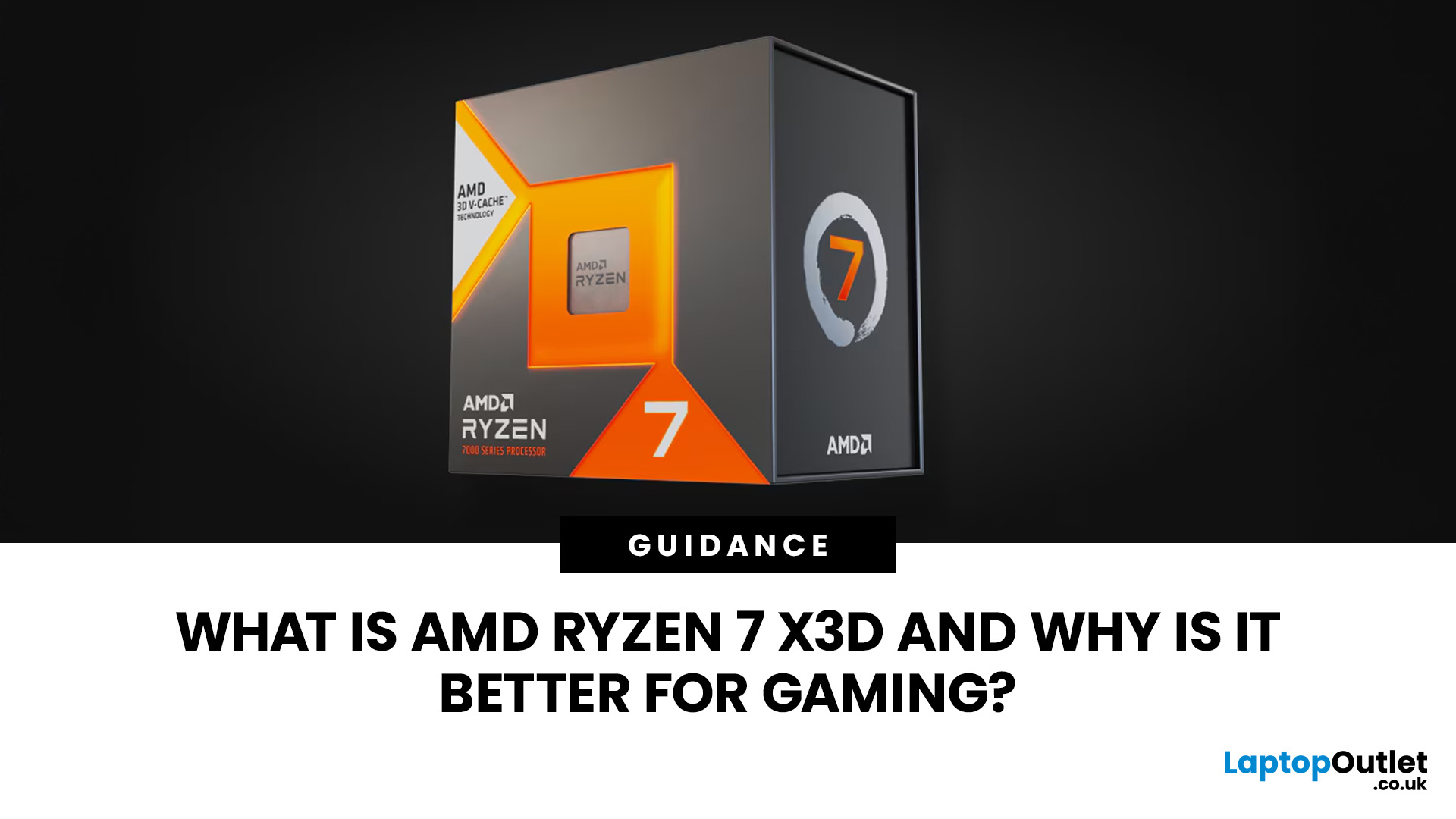
AMD Ryzen 7 X3D refers to high-performance desktop processors that combine Ryzen 7 CPU cores with AMD 3D V-Cache technology. The additional cache keeps more frequently used game data close to the processor, which can reduce delays, improve frame rates and deliver smoother frame times.
AMD Ryzen 7 X3D is a gaming-focused CPU that uses AMD 3D V-Cache to store more game data closer to the processor. This helps reduce delays and can improve FPS, 1% lows and smoothness in CPU-heavy and competitive games. The benefit is smaller at 4K or when the GPU is the main limit. Overall, it’s a strong choice for gamers wanting smoother, high-performance desktop gaming.
The benefit is usually greatest in CPU-limited games, competitive titles and high-refresh-rate systems. Results still depend on the graphics card, resolution and game engine. This guide explains how X3D works and whether it suits your setup.
What Does X3D Mean on an AMD Ryzen 7 Processor?
Ryzen 7 Describes the Performance Tier
Among AMD Ryzen
Last Updated: August 18, 2026
Choosing the best AMD gaming PC in 2026 is less about buying the fastest processor and more about matching the CPU, GPU, memory and monitor to your target resolution. AMD Ryzen processors scale from efficient integrated-graphics systems for light Full HD gaming to X3D-equipped towers built for demanding AAA titles.
This guide compares six current AMD Ryzen gaming PCs across 1080p, 1440p and 4K use. It explains where each system makes sense, where it has limitations and which games suit its hardware.
Best AMD Gaming PCs at a Glance
The six systems below cover very different levels of gaming performance. That matters because an office-focused PC with integrated graphics should not be judged in the same way as dedicated gaming desktop PCs equipped with RTX graphics.
| PC | Processor | Graphics | RAM | Storage | Best For |
| Lenovo ThinkCentre M75s Gen 2 | Ryzen 5 5600G | Integrated Radeon | 8GB DDR4 | 256GB SSD | Light 1080p gaming |
| Lenovo IdeaCentre AIO 24ARR9 | Ryzen 5 7533HS | Radeon 660M | 16GB DDR5 | 512GB SSD | Casual 1080p |

