



Intel Core i5 vs i7 vs i9: What’s the Difference & Which Should You Choose?
Intel Core i5, i7 and i9 processors all serve different types of laptop users. The right one depends on your daily workload, budget, battery expectations and the laptop’s overall build, not just the number printed on the processor badge.
For most people, Intel Core i5 is the sensible option. It handles study, office work, browsing, streaming, video calls and everyday multitasking without pushing the price too high. Intel Core i7 gives your laptop more breathing room. It suits people who work with heavier apps, play modern games, edit photos or videos, code, or keep lots of tasks open at the same time. Intel Core i9 sits at the top end. It is built for demanding users who need serious speed for 4K editing, 3D rendering, engineering software, large creative projects and premium gaming laptops with strong cooling.
The real answer is not always “i9 is best”. A newer i5 can outperform an older i7. A well-cooled i7 laptop can feel faster than a slim i9 laptop that overheats under pressure. This guide explains the difference between i5, i7 and i9 so you can buy with confidence.
Quick answer: Should you buy Intel Core i5, i7 or i9?
Intel Core i5 is best for everyday users. Intel Core i7 is the best all-rounder. Intel Core i9 is only worth paying extra for when your work can genuinely use that extra performance.
|
PROCESSOR TIER |
BEST FOR |
SIMPLE BUYING ADVICE |
|---|---|---|
|
Intel Core i5 |
Students, office work, browsing, video calls, light editing, everyday laptops |
Best value for most buyers |
|
Intel Core i7 |
Multitasking, gaming, coding, content creation, business power users |
Best balance of speed and price |
|
Intel Core i9 |
4K editing, 3D work, engineering, data-heavy tasks, top gaming laptops |
Best for demanding users, but only with good cooling |
New to laptop specifications? Start with our laptop specs explained guide to understand how CPU, RAM, GPU and storage work together before comparing processors.
Intel Core i5 vs i7 vs i9 specs comparison
Processor specs vary by generation and exact model, so use this as a simple tier guide rather than a fixed rule for every chip. Intel lists core count, boost speed, cache and graphics separately for each processor model.
|
FEATURE |
INTEL CORE i5 |
INTEL CORE i7 |
INTEL CORE i9 |
|---|---|---|---|
|
Tier |
Mainstream |
High performance |
Premium |
|
Cores and threads |
Good for daily multitasking |
Better for heavier workloads |
Strongest for demanding tasks |
|
Clock speed |
Fast |
Faster in many models |
Fastest in many premium models |
|
Cache |
Standard |
Larger |
Largest in many models |
|
Power and heat |
Usually lower |
Medium to high |
Usually highest |
|
Best laptop type |
Student, office and everyday laptops |
Gaming, business and creator laptops |
Workstation and premium gaming laptops |
|
Best use |
Study, browsing, office work |
Gaming, editing, coding, multitasking |
4K editing, 3D work, CAD, heavy creative tasks |
|
Price |
More affordable |
Mid to high |
Premium |
Important: This i5 vs i7 vs i9 specs comparison should be used as a guide, not a fixed rule. Intel has many processor models within each range, and laptop brands set different power and cooling limits.
How does Intel i5 vs i7 vs i9 performance compare?
Intel i5 vs i7 vs i9 performance becomes more noticeable as the workload gets heavier. For basic tasks, the difference may feel small. For demanding work, the gap becomes much clearer.
A modern Intel Core i5 laptop feels quick for everyday use. It opens apps smoothly, handles browser tabs well, runs Microsoft Office comfortably and copes with video calls, streaming and light editing.
Intel Core i7 performs better when several demanding jobs happen at the same time. It is more comfortable with large spreadsheets, creative apps, coding tools, modern games and heavier multitasking.
Intel Core i9 is built for high-pressure workloads. It can reduce waiting time in video exports, 3D rendering, engineering software, large data work and other processor-heavy tasks.
The laptop’s cooling decides how much of that power you actually get. A processor can only stay fast when the laptop can manage heat properly.
Is Intel Core i5 enough for students and office work?
Intel Core i5 is enough for most students and office workers. It offers the best mix of speed, value and practicality for everyday laptop use.
For essays, research, emails, presentations, spreadsheets, video calls and streaming, an i5 laptop is usually more than capable. It is also a smart option for buyers who want a reliable laptop without paying for performance they rarely use.
The main Intel Core i5 advantages are:
|
For everyday buying, laptops with Intel i5 processor are a practical place to start, especially when paired with 16GB RAM and SSD storage.
Is Intel Core i7 worth it over i5?
Intel Core i7 is worth the upgrade when your laptop needs to handle heavier work regularly. It gives you more performance headroom without moving into the highest price range.
The Intel Core i7 advantages are easy to notice in busy real-world use. Large spreadsheets feel smoother. Creative laptops with Core i7 have more room to work. Games run better when paired with a strong graphics card. Coding, compiling and multitasking also become more comfortable.
Core i7 makes sense for:
|
For users who want stronger performance without going all the way to i9, high-performance i7 laptops usually offer the best balance.
Is Intel Core i9 worth it in a laptop?
Intel Core i9 is worth it for demanding users, but it is not necessary for normal laptop use. It is a specialist choice, not the default best buy.
The Intel Core i9 advantages are strongest when the processor is working hard for long periods. Video editors, 3D artists, engineers, architects, data users and serious gamers may benefit from the extra power.
Core i9 is most useful for:
|
There is one important warning. Some slim laptops cannot cool an i9 processor well enough during long demanding sessions. The laptop may reduce speed to control heat, which means you do not always get the performance you paid for.
Buyers looking at high-end Intel i9 laptops should check cooling, RAM, graphics, display quality and laptop size before making a final decision.
How does i5 vs i7 vs i9 gaming performance compare?
i5 vs i7 vs i9 gaming performance depends more on the full laptop than the processor alone. In many gaming laptops, the GPU has a bigger impact on frame rates than moving from i7 to i9.
For gaming, a balanced laptop is usually better than a processor-heavy one. An Intel Core i7 laptop with a stronger graphics card can beat an Intel Core i9 laptop with a weaker GPU in many games.
- Choose Intel Core i5 for gaming if you play lighter esports titles, casual games or want a budget gaming laptop with a decent dedicated GPU.
- Choose Intel Core i7 for gaming if you want the best all-round choice for modern games, higher frame rates, streaming, multitasking and better long-term comfort.
- Choose Intel Core i9 for gaming if you are buying a premium gaming laptop with strong cooling and a high-end GPU, or if you also create content, stream or run CPU-heavy games.
For most gamers, Intel Core i7 is the sweet spot. Intel Core i9 is better for high-end gaming laptops, but it is not always the best use of your budget.
What do Intel laptop suffixes mean?
Intel laptop suffixes tell you a lot about performance and battery life. The letter at the end of the processor name can matter as much as i5, i7 or i9.
|
SUFFIX |
WHAT IT ACTUALLY MEANS |
BEST FOR |
|---|---|---|
|
U |
Lower-power laptop chip |
Thin laptops, office work, battery life |
|
H |
Higher-performance laptop chip |
Gaming, creative work, stronger multitasking |
|
HX |
Very high-performance laptop chip |
Premium gaming and workstation laptops |
|
V |
Efficiency-focused Core Ultra laptop chip |
Slim AI PCs and long battery life |
|
K |
Unlocked desktop chip |
Desktop PCs, not normal laptops |
|
F or KF |
No integrated graphics on many desktop chips |
Desktop systems with separate graphics |
For example, an Intel Core i7 U-series chip is not the same kind of processor as an Intel Core i7 HX-series chip. One is built for efficiency in slim laptops, while the other is built for high performance in larger machines.
This is one of the biggest mistakes buyers make. They compare i5, i7 and i9 without checking the suffix. A newer i5 H-series laptop may be better for some demanding tasks than an older i7 U-series laptop.
Processor names can be confusing, so it also helps to understand CPU clock speed vs cores before judging which chip is actually faster.
How does Intel Core Ultra change the i5, i7 and i9 decision?
Intel Core Ultra changes the decision because newer laptops may use names such as Core Ultra 5, Core Ultra 7 and Core Ultra 9 instead of the older Intel Core i5, i7 and i9 naming.
Core Ultra processors are designed for modern laptops, with more focus on efficiency, integrated graphics and AI features. Many include an NPU, which is a dedicated part of the processor for certain AI tasks. This can help with supported features such as background blur, image tools, transcription, productivity assistants and on-device AI workloads, depending on the software and laptop.
The rough buying logic is similar:
- Core Ultra 5 is the mainstream choice
- Core Ultra 7 is the performance sweet spot
- Core Ultra 9 is the premium choice
If you are buying a newer laptop in 2026, it is worth comparing:
If you are unsure where to start, browse Intel-powered laptops and compare by processor tier, RAM, SSD size, graphics, screen quality and intended use.
Should you choose Core i5, Core i7 or Core i9 for work?
For normal work, choose Core i5. For demanding work, choose Core i7. For professional workloads that save time with extra CPU power, choose Core i9.
Here is a practical way to decide:
|
TYPE OF WORK |
BEST CHOICE |
WHY |
|---|---|---|
|
Admin, email, documents, web apps |
Intel Core i5 |
Fast enough and better value |
|
Accounting, large spreadsheets, multitasking |
Intel Core i7 |
More headroom for heavy office use |
|
Coding and software development |
Intel Core i7 |
Better for compiling, multitasking and virtual tools |
|
Light design and photo editing |
Intel Core i5 or i7 |
i5 is fine for light use, i7 is better for regular editing |
|
Video editing and 3D work |
Intel Core i7 or i9 |
Demanding tasks benefit from more performance |
|
Engineering and workstation software |
Intel Core i9 |
Best for heavy professional workloads |
|
Business travel |
Intel Core i5 or Core Ultra 5/7 |
Better balance of speed and battery life |
If your job is mostly browser-based, do not overspend on i9. If your work includes heavy creative or technical software, do not buy purely on price either. The right processor can save time every day.
What other PC components matters besides the processor?
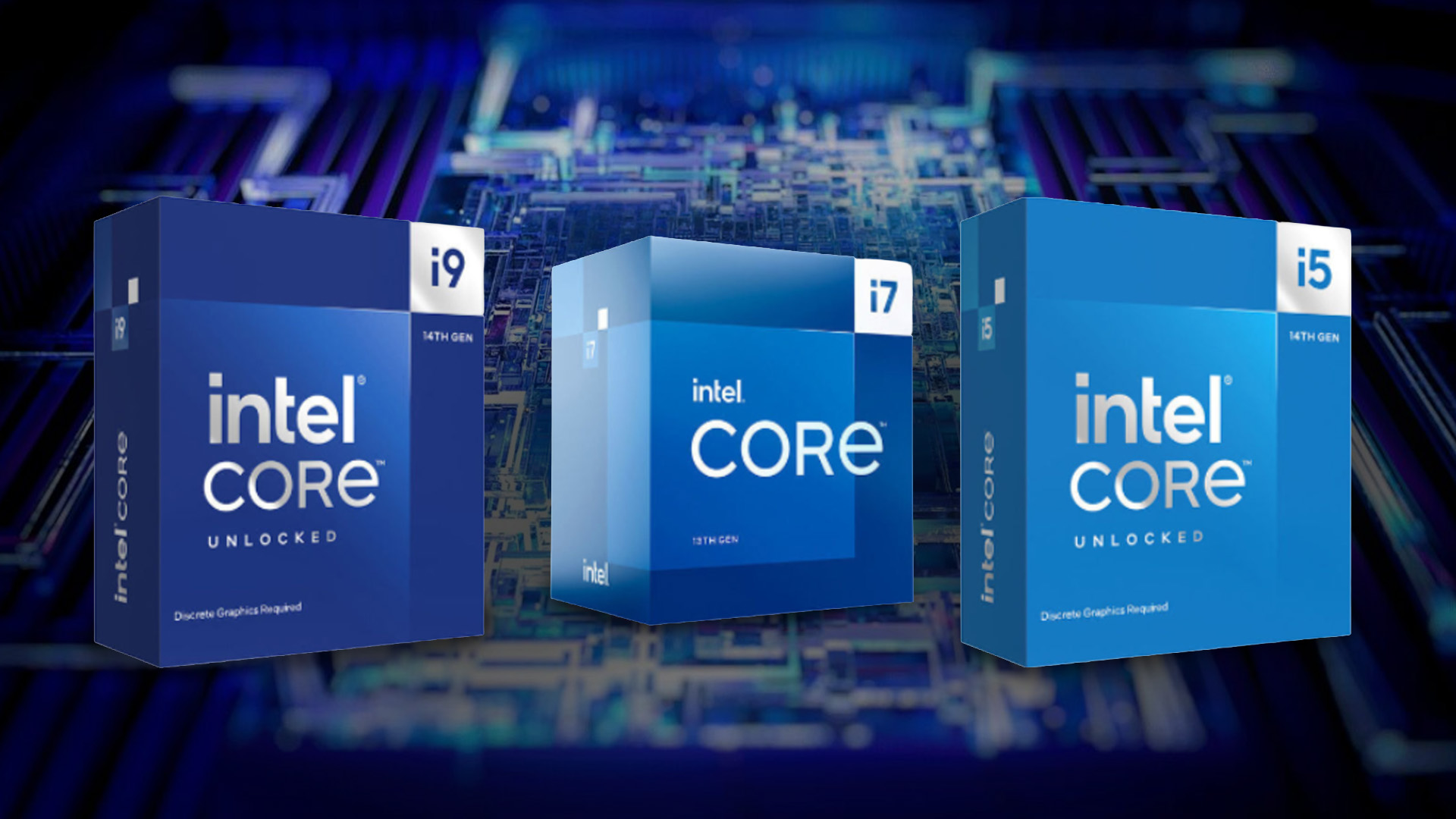
RAM, storage, graphics and cooling matter just as much as the processor. A laptop with the right balance will feel better than one with a powerful CPU but weak supporting specs.
Before choosing between Intel i5 vs i7 vs i9, check these parts:
- RAM: 16GB is a sensible starting point for most buyers in 2026. Choose 32GB for heavier creative work, coding, virtual machines or long-term comfort.
- Storage: A fast SSD makes the laptop feel much quicker. 512GB is a practical minimum for many users, while 1TB is better for games, media and creative files.
- Graphics: For gaming, 3D work and video editing, the GPU can matter more than the CPU. Do not choose i9 and ignore the graphics card.
- Cooling: A high-performance processor needs good cooling. This is especially important for i7 H-series, i7 HX-series, i9 and Core Ultra 9 laptops.
- Screen quality: If you edit photos, videos or design work, the display matters. Resolution, colour accuracy and refresh rate can affect daily experience.
- Battery life: More powerful chips often use more power under load. If portability matters, look beyond the processor name and check battery size, screen type and laptop reviews.
Newer Intel Core Ultra laptops often mention AI features, so it helps to understand what a neural processing unit is and why it matters.
Common mistakes when comparing Intel Core i5 vs i7 vs i9
|
✘ Do not assume Intel Core i9 is always the smartest option. It is the highest tier, but many buyers will get better value from a well-balanced i5 or i7 laptop. ✘ Do not compare different generations by name alone. A newer Intel Core i5 can be faster, more efficient and more practical than an older Intel Core i7. The same applies to newer Core Ultra chips. ✘ Pay attention to laptop size and cooling. A powerful processor inside a slim laptop may slow down under heavy use, while the same tier in a thicker gaming or workstation laptop may perform better. ✘ Do not ignore the graphics card. For gaming, the GPU often has a bigger effect on frame rates than the processor. A laptop with i7 and stronger graphics can be a better buy than an i9 model with weaker graphics. ✘ Do not spend all your budget on the processor and forget RAM or storage. Low memory or a small SSD can make the laptop feel limited, even when the CPU is powerful. |

Final verdict: which Intel processor should you choose?
- Get Intel Core i5 if you want the best value for everyday use, studying, office work and general home computing.
- Get Intel Core i7 if you want the best all-round option for performance, multitasking, gaming, coding and creative work.
- Get Intel Core i9 if you need maximum laptop performance for professional creative, engineering, workstation or premium gaming use, and you are buying a laptop with strong cooling.
For most Laptop Outlet customers, Intel Core i5 is the sensible budget-friendly choice, Intel Core i7 is the best performance sweet spot, and Intel Core i9 is only worth the extra cost when your workload can genuinely use it.

What is the difference between i5, i7 and i9?
The difference between i5, i7 and i9 is mainly performance tier. Intel Core i5 is mainstream, Intel Core i7 is higher performance, and Intel Core i9 is the premium range. Higher tiers often offer higher speeds, more cache, and better multitasking, but generation and laptop design also matter.
Is Intel Core i7 much better than i5?
Intel Core i7 is better than i5 for heavier multitasking, gaming, content creation and demanding work. For basic office use, browsing and studying, the difference may not feel huge if both laptops have enough RAM and SSD storage.
Is Intel Core i9 overkill?
Intel Core i9 is overkill for many users. It is not needed for simple office work, browsing, streaming, online learning or casual use. It makes sense for high-end gaming, professional video editing, 3D rendering, engineering software and other CPU-heavy tasks.
Is an i5 enough for students?
Yes, Intel Core i5 is enough for most students. It handles research, essays, presentations, video calls, online learning and everyday multitasking well. Students in creative, engineering or programming courses may benefit from Intel Core i7.
Should I choose an i5 or an i7 for office work?
Choose Intel Core i5 for normal office work. Choose Intel Core i7 if you use large spreadsheets, data tools, or run several apps at once, or if you want extra performance headroom for future use.
Is i7 or i9 better for gaming?
Intel Core i9 can be faster, but Intel Core i7 is usually the better-value gaming choice. The graphics card matters more in many games, so a balanced i7 gaming laptop with a strong GPU is often a better choice than paying extra for an i9.
Does Intel Core i9 use more battery?
Intel Core i9 laptops can use more power under heavy workloads, especially in high-performance H-series and HX-series models. Battery life depends on the entire laptop, including the screen, battery size, cooling, GPU, and power settings.
Is Core i7 better than Core Ultra?
Core Ultra is Intel’s newer naming for many modern laptop processors. A Core Ultra 7 is not automatically better than every Core i7, but it may offer newer efficiency, integrated graphics and AI-focused features. Always compare the exact processor model, generation and laptop design.
Can an Intel Core i5 laptop last for years?
A good Intel Core i5 laptop can last for years if it has enough RAM, SSD storage and build quality for your needs. For 2026, 16GB RAM and SSD storage are sensible choices if you want the laptop to stay comfortable for longer.
What is the best Intel processor for most people?
Intel Core i5 is best for most everyday buyers on value, while Intel Core i7 is best for people who want stronger performance without moving into premium pricing. Intel Core i9 is best for demanding professional users.
Related Articles

Last Updated: December 31, 2025
If you’re planning a new PC build or looking to breathe life into an older rig, New Year processor deals can be one of the smartest ways to upgrade without overspending. The start of 2026 is a prime time for CPU discounts: retailers clear stock, bundle components, and compete hard on price. The trick is knowing which processor deal is genuinely good, what to prioritise for your workload, and how to avoid buying the wrong platform.
In this guide to processor New Year deals 2026, you’ll find practical buying advice, use-case recommendations for gaming and productivity, and a simple checklist for compatibility. Whether you’re chasing high FPS, smoother streams, faster creative exports, or a snappier work machine, you’ll be able to shop with confidence.
Intel Core i5/i7 Discounts: Why they’re Best CPU for in 2026
When you see Intel Core i5/i7 discounts during New Year sales, they usually appeal to buyers who want a strong all-round PC: quick responsiveness, solid gaming performance,

Last Updated: May 06, 2026
year is more than just a fresh calendar; it’s one of the best times of the year to upgrade your PC hardware for less. As retailers clear stock, introduce refreshed product lines, and compete for attention during seasonal sales, motherboard New Year deals 2026 unlock savings that simply aren’t available during regular months. Whether you’re planning a brand-new desktop build, upgrading an ageing system, or finally pairing a powerful CPU with a compatible board, New Year sales make high-end components far more affordable.
New Year Sale on AMD Motherboards
This New Year, AMD motherboard discounts make it easier than ever to build or upgrade your PC with powerful AM5 boards at lowered prices.
1. ASUS TUF GAMING X870E-PLUS WIFI7 ATX AMD Socket AM5 Motherboard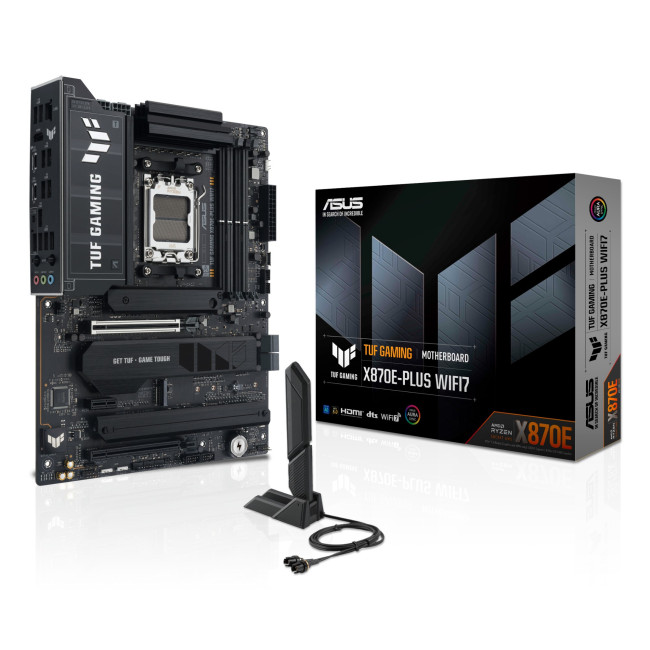
This flagship TUF board typically sits in the upper mid-range price bracket, but New Year Sale pricing often brings it into compelling territory compared to standard retail tags, shaving a noticeable percentage off regular prices.

Last Updated: January 27, 2026
Intel has remained a titan in the world of PC gaming for decades. Their processors power some of the most capable high-performance gaming desktops on the market today.
Recently, we have seen a massive shift in how these chips operate. The evolution from the classic Core i-series to the brand-new Ultra Core processors marks a new era. These advancements are not just about speed; they are redefining the entire gaming experience.
If you want a top-tier machine, understanding how Intel CPUs work in gaming desktops is essential.
The Role of a CPU in Gaming
The CPU acts as the brain of your computer. It handles every logic calculation and physics instruction required for your game.
CPU vs GPU: Understanding the Balance
The GPU handles the visuals and graphics rendering. Meanwhile, the CPU manages physics, logic, and artificial intelligence.
You need a strong balance between both components to avoid lag. If one is too slow, the other cannot perform at its full potential during intense sessions.
Last Updated: January 27, 2026
Over the past decade, AMD has transformed from an underdog in the CPU market to a dominant force in gaming PCs.
With its Ryzen series, AMD has consistently delivered processors that combine high performance, competitive pricing, and innovative features. For UK gamers, this has meant more choice, better value, and the ability to build powerful rigs without overspending.
In this guide, we’ll explore exactly how AMD processors work in gaming PCs, the key features that make them stand out, and the benefits they bring to gamers.
Understanding AMD Processors in Gaming PCs
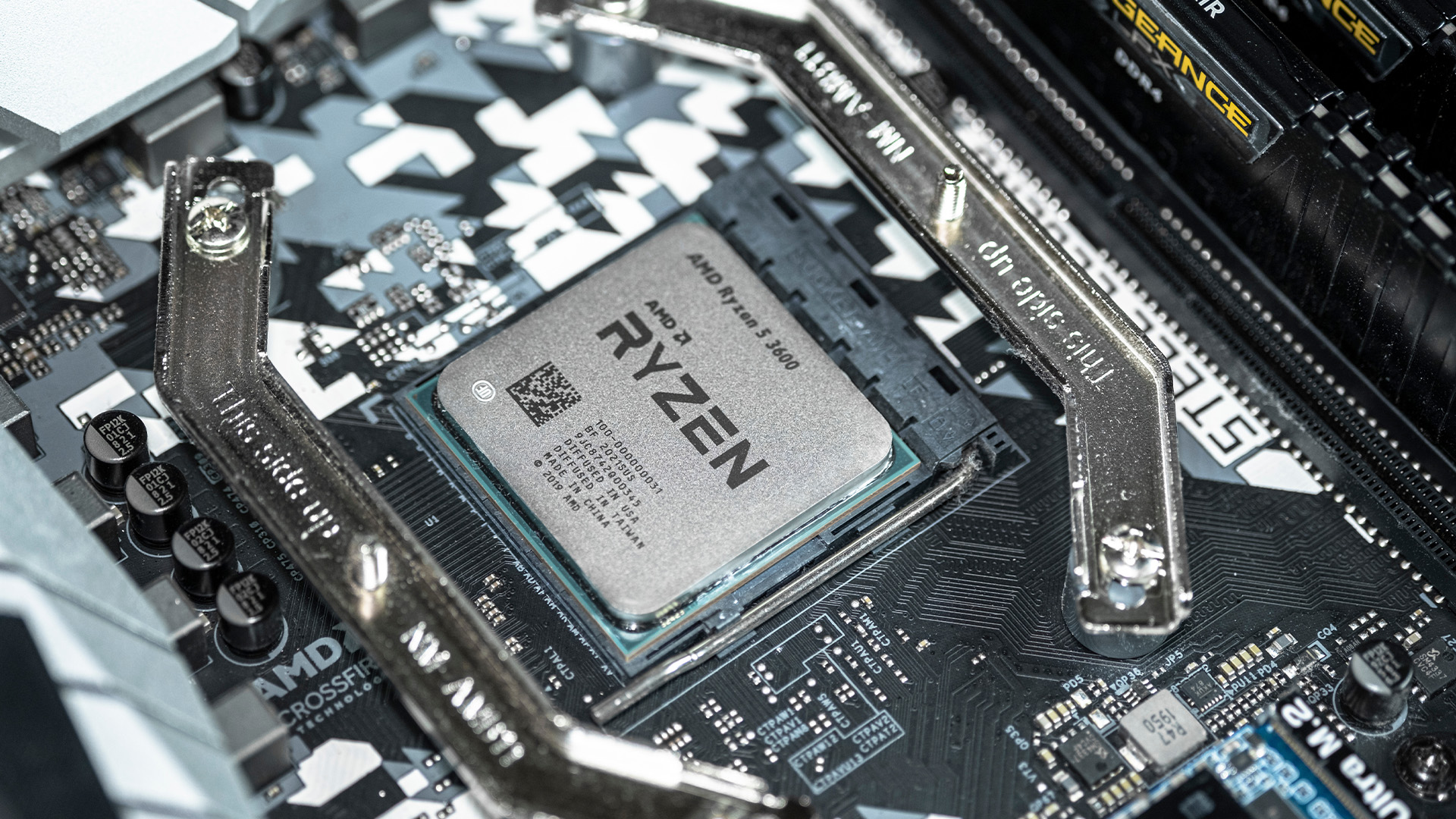
In any gaming setup, the Central Processing Unit (CPU) acts as the primary coordinator. It handles complex AI logic, processes game physics, and manages all background system tasks while your graphics card renders the visuals.
AMD has revolutionised this space by moving away from traditional "monolithic" chip designs where everything is on one piece of silicon. Instead, the modern AMD CPU architecture uses a modular

Last Updated: January 27, 2026
Building or buying a high-end gaming PC is an exciting journey for any enthusiast. The market moves fast, and staying updated on the latest hardware is essential for the best experience.
In this gaming desktop PC breakdown, we will explore the core parts that make a machine powerful. We will look at the latest processors from AMD and Intel, the incredible graphics power of NVIDIA RTX and Radeon RX, alongside other core components.
Whether you want to play the newest AAA titles or compete in esports, understanding these parts is vital. Let us dive into the modern world of gaming PC technologies.
Understanding Gaming Desktop PCs
A gaming desktop PC is a high-performance computer designed specifically to handle demanding video games. Unlike standard PCs, these machines focus on graphical power and fast processing speeds. They use specialised parts that can handle high heat and heavy workloads.
While gaming laptops and consoles are popular, the desktop remains the "gold standard" for several

Last Updated: February 03, 2026
Choosing a new processor used to be a simple choice between raw power and budget value. However, as we move through 2026, the landscape has shifted.
The rivalry of Intel vs AMD desktop processors has reached a fever pitch, with both "Team Blue" and "Team Red" offering incredible technology that caters to very specific types of users.
This guide breaks down everything you need to know about the current market to help you decide which brand deserves a spot in your desktop PC.
The State of the Market in 2026
As we move through 2026, both manufacturers have moved beyond simple core-count wars.
Intel has doubled down on its "Arrow Lake" and "Nova Lake" architectures, focusing heavily on integrated AI NPUs (Neural Processing Units) and a refined tiled architecture.
Meanwhile, AMD continues to dominate the enthusiast market with its Zen 5 architecture, led by the legendary 3D V-Cache technology.
Intel’s Current Strategy: The AI PC Era
Intel has successfully transitioned to its LGA 1851 socket.
Last Updated: April 07, 2026
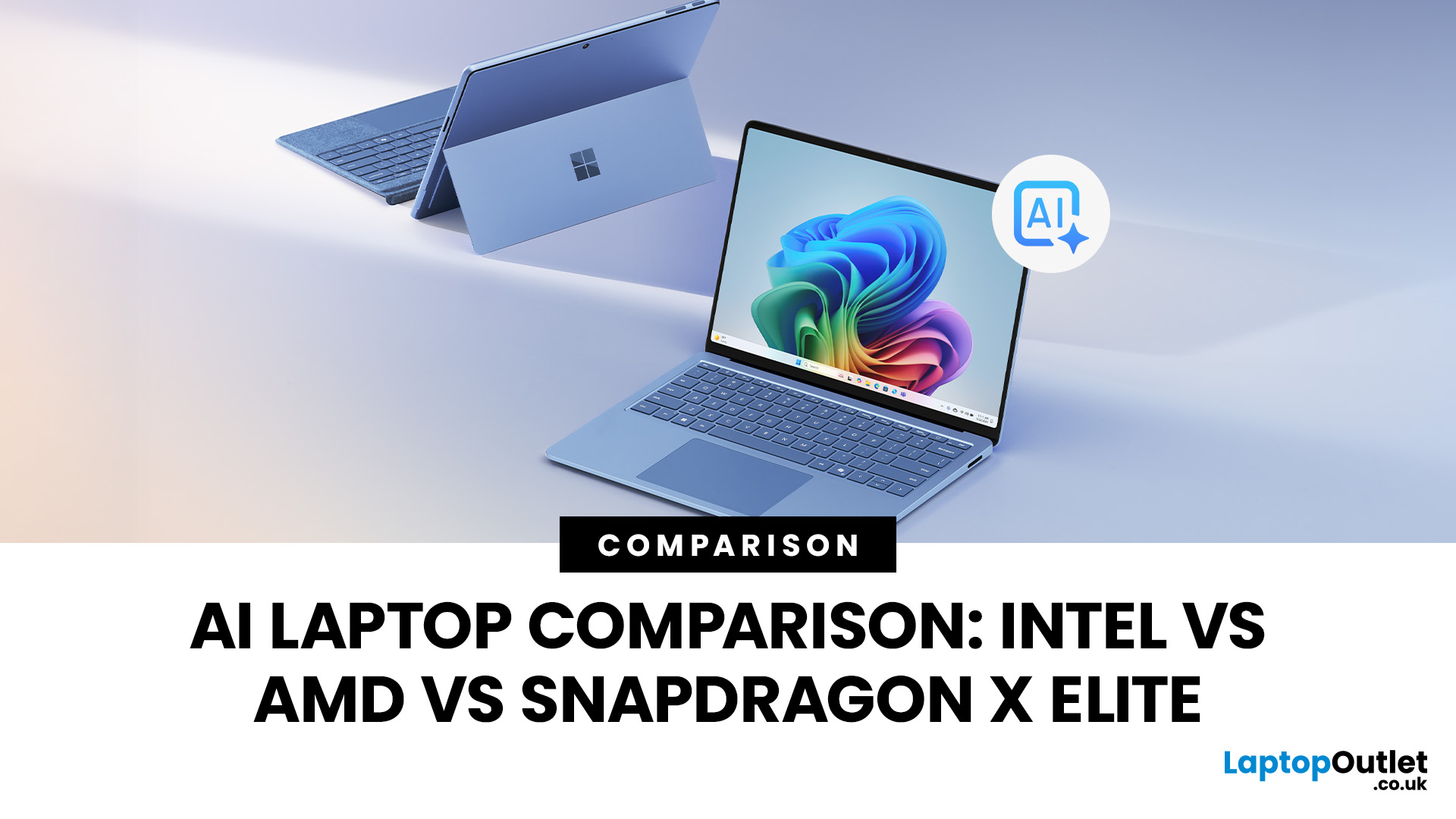
Buying an AI laptop in 2026 should be a quick decision. You pick a size, set a budget, and choose the “best” chip, right? In reality, the AI label is doing far too much work. Two laptops can sit side by side, both advertised as “AI-powered”, yet behave completely differently once you start writing documents, editing photos, joining video calls, or trying the latest Windows features.
That confusion usually comes down to one thing: people treat “AI laptop” as a single spec, when it’s really a mix of three engines working together.
- CPU: the general performance engine for everything you already do
- GPU: the visual and creative engine, also used for some AI workloads
- NPU: the efficiency engine for AI tasks that are built to run locally
This guide compares the 3 platforms shoppers are most likely to cross-shop when searching for an AI laptop today: Intel Core Ultra 200V (Lunar Lake), AMD Ryzen AI 300 (XDNA 2), and Qualcomm Snapdragon X Elite. We’ll keep it practical, explain the specs, and help
Last Updated: April 22, 2026
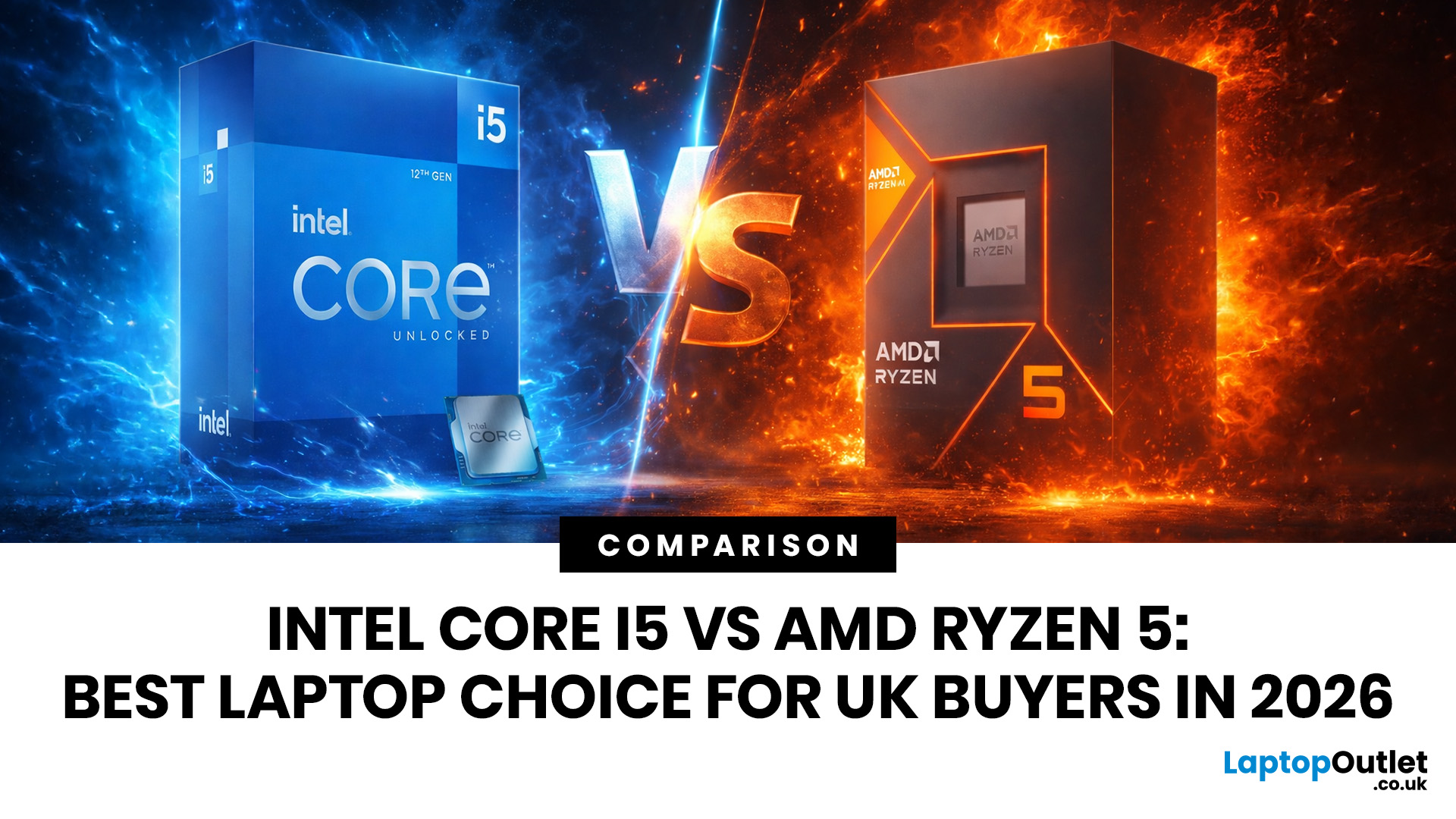
Choosing between Intel and AMD is no longer a simple case of picking the “faster” processor. If you are comparing Intel Core i5 vs Ryzen 5, you are looking at two highly capable mid-range options that power a large share of laptops available in the UK today.
Both deliver strong everyday performance, but they are designed with slightly different priorities. Understanding those differences is what helps you avoid overspending or buying a laptop that does not quite suit how you use it. This guide focuses on real-world use, not just specs, so you can make a confident decision in 2026.
Core i5 vs Ryzen 5: What is the Real Difference?
At a surface level, both processors handle everyday tasks comfortably. The difference comes from how they manage performance behind the scenes.
Intel’s modern Core i5 processors use a hybrid architecture that splits workloads between performance cores and efficiency cores. This allows the system to stay responsive even when multiple processes are running in the
Last Updated: June 18, 2026
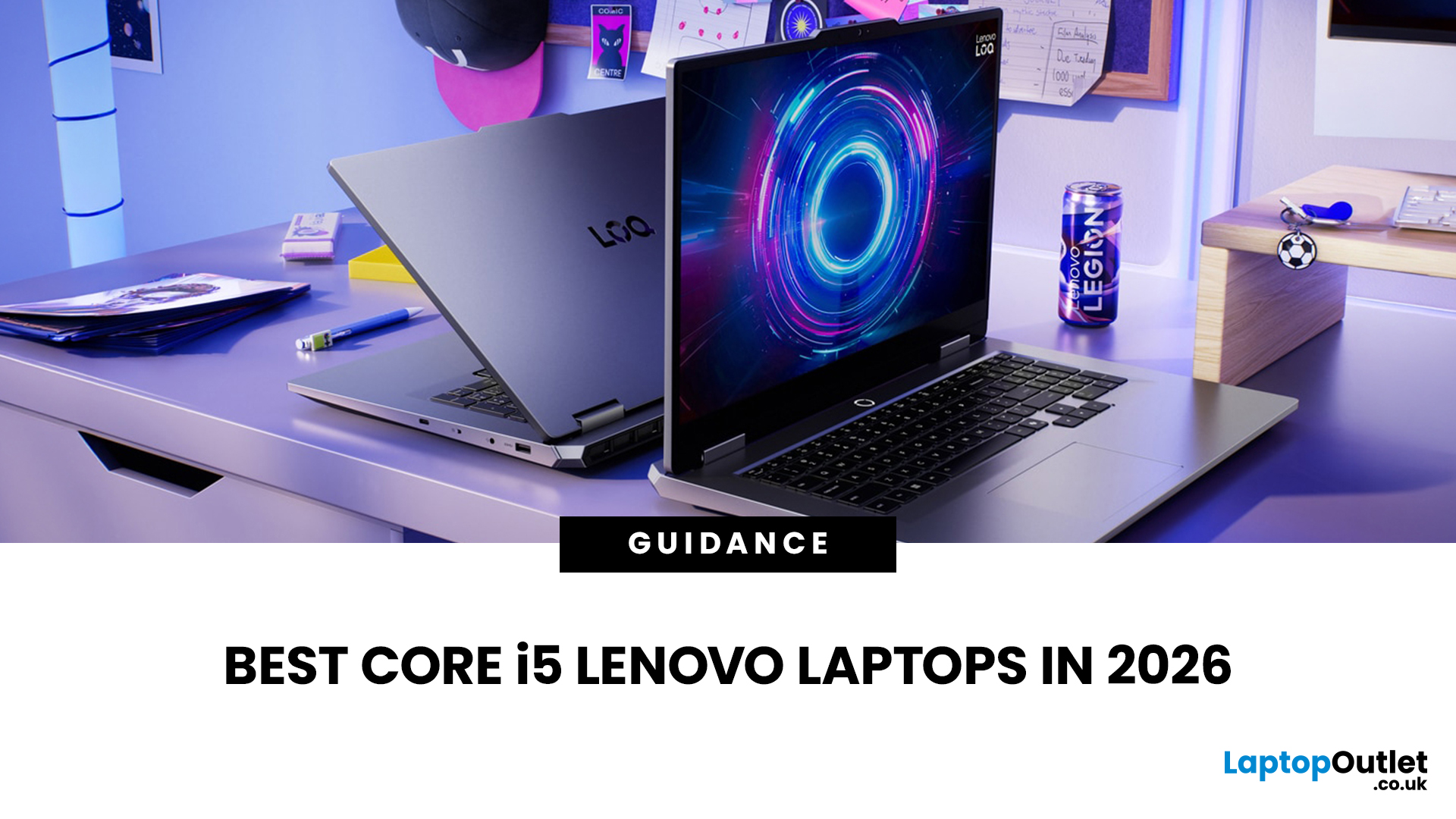
If you are searching for Core i5 Lenovo laptops, you are likely looking for a balance of performance, price, and reliability. And that is exactly where Lenovo stands out in 2026. From affordable everyday machines to durable business devices, Lenovo’s Core i5 lineup covers a wide range of use cases. Whether you need a laptop for work, study, or general productivity, there is a model that fits without pushing into premium pricing.
This guide breaks down the best options available right now, with a focus on real-world usability, value, and what each model is good for.
Why Choose a Lenovo Core i5 Laptop in 2026?
Lenovo continues to be one of the most consistent brands when it comes to mid-range laptops. Its Core i5 models are particularly popular because they offer:
- Reliable everyday performance
- Strong build quality across price ranges
- Good keyboard and typing experience
- Wide choice across business and budget segments
For most users, a Core i5 processor is more than enough for:
- Office work
Last Updated: May 06, 2026
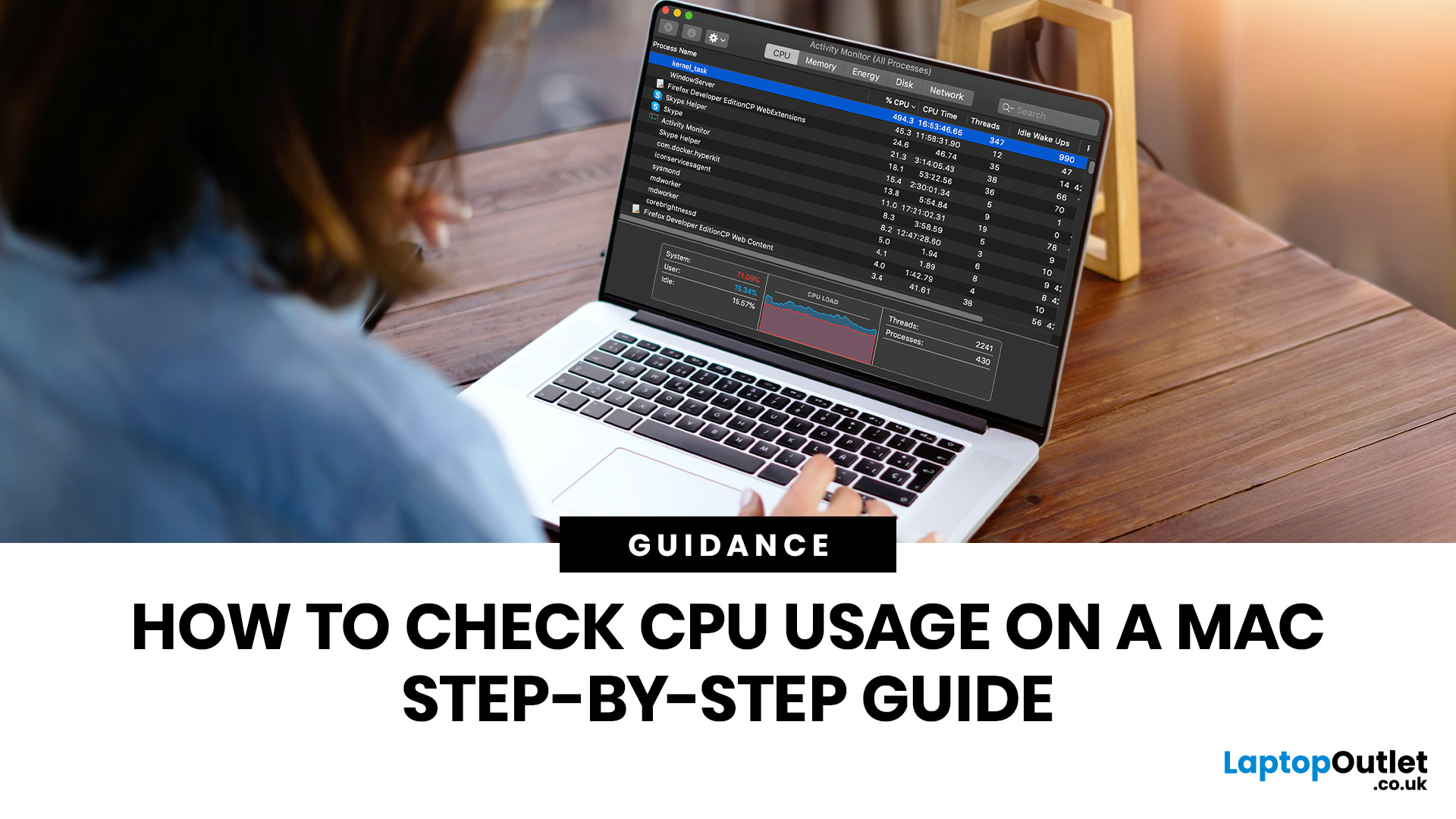
If you want to check CPU usage on a Mac, the fastest built-in method is Activity Monitor. Open it, click the CPU tab, and you can immediately see which APPs and processes are using the most processor power, along with overall User, System, and Idle percentages at the bottom of the window.
That makes CPU usage one of the most useful checks when your Mac feels slow, runs hot, drains battery quickly, or sounds busier than usual. In this guide, we will show you exactly how to see CPU usage on a Mac, how to interpret what you are looking at, and what to do next if one APP is using more processing power than it should.
How to See CPU Usage on a Mac
The easiest way to check processor usage on a Mac is to open Activity Monitor and click CPU. That view shows your Mac’s processor activity over time and lists active APPs and processes so you can spot what is using the most CPU. Apple also lets you open CPU Usage and CPU History from the Window menu for a more visual view.
If you want a quicker

