



How to Build a Gaming PC
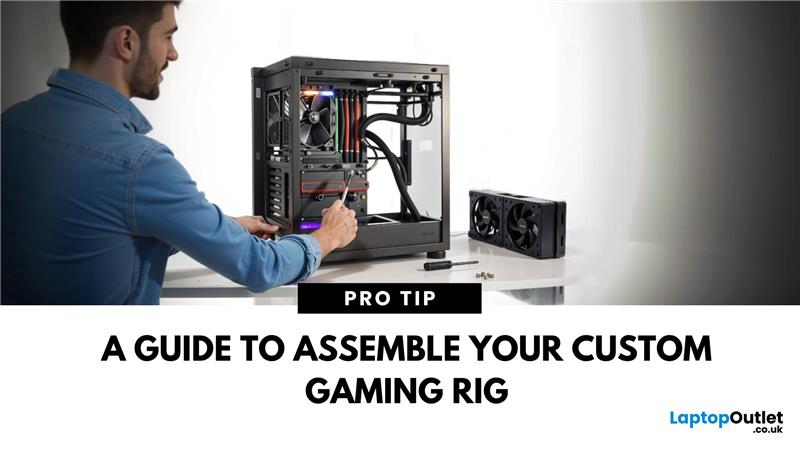
Introduction: Ready to Build Your Dream Gaming PC?
Building a gaming PC isn’t just for tech enthusiasts—it’s the best way to get exactly the performance you want for your budget. Whether you’re after high FPS, 4K visuals, or competitive play, building your own gaming PC gives you full control over your setup. Here’s how to do it, step by step.
What You’ll Need to Build a Gaming PC
Essential Components:
- CPU (Processor)
- GPU (Graphics Card)
- Motherboard
- RAM (Memory)
- Storage (SSD/HDD)
- Power Supply Unit (PSU)
- PC Case
- Cooling System (Stock cooler or aftermarket fans/liquid cooling)
Optional Components:
- RGB lighting
- Additional case fans
- Aftermarket CPU cooler
Step-by-Step: How to Build a Gaming PC
1. Prepare Your Workspace
- Work on a large, flat surface
- Use an anti-static mat or wrist strap
- Gather all your components and tools
2. Install the CPU
- Open the CPU socket on the motherboard
- Align the CPU correctly (check the corner marker)
- Gently place and lock the CPU in place
3. Install RAM (Memory)
- Find the RAM slots on the motherboard
- Push RAM sticks firmly into the slots until they click
4. Mount the Motherboard in the Case
- Align the motherboard with standoffs in the case
- Secure with screws
5. Install the Storage (SSD/HDD)
- Mount the SSD or HDD in its bracket
- Connect to the motherboard using SATA cables or NVMe slots
6. Install the Power Supply (PSU)
- Secure the PSU in the designated spot
- Connect power cables to motherboard, CPU, GPU, and storage
7. Install the GPU (Graphics Card)
- Insert the GPU into the PCIe slot on the motherboard
- Secure with screws
- Connect PCIe power cables
8. Connect Cables and Wires
- Power switch, USB ports, audio cables—all need to be plugged into the motherboard
- Refer to the motherboard manual
9. Add Cooling System
- Install stock or aftermarket CPU cooler
- Attach additional case fans if needed
10. Close the Case and Boot Up
- Double-check all connections
- Close the case
- Connect monitor, keyboard, mouse, and power
- Power on and enter BIOS to check component detection
- Install Your Operating System
- Once the hardware is ready:
- Download Windows or Linux OS to a USB drive
- Boot from USB and follow installation instructions
Why Build Your Own Gaming PC?
- Custom Performance: Tailor to your budget and gaming needs
- Easier to Upgrade: Swap parts in the future
- Better Value: Get more performance for your money
- Satisfaction: There’s nothing like building your own rig!
Final Thoughts: Build, Boot, Game
Building a gaming PC might seem daunting, but it’s incredibly rewarding. Plus, you’ll save money and learn valuable tech skills in the process.
Looking for components or pre-built gaming PCs? Check out Laptop Outlet’s latest gaming tech deals today.
FAQs: Gaming PC Building Questions Answered
1. How much does it cost to build a gaming PC?
Entry-level builds start around £500; high-end builds can go beyond £2,000.
2. How long does it take to build a gaming PC?
Typically 2–4 hours, depending on experience.
3. Can I build a gaming PC without technical knowledge?
Yes—with clear instructions and patience, even beginners can build a PC.
4. Is it cheaper to build a gaming PC or buy pre-built?
Building is usually cheaper and offers better customisation.
5. What tools do I need to build a gaming PC?
Mainly a Phillips-head screwdriver and an anti-static wrist strap (optional but recommended).
Read More:
| Which Gaming Keyboard and Mouse Are the Best |
| Gaming Desktop PCs vs. Gaming Laptops: Which Should You Buy? |
| How to Connect Nintendo Switch to TV |
Related Articles


Last Updated: June 17, 2025
Last Updated: September 09, 2025
Last Updated: October 08, 2025
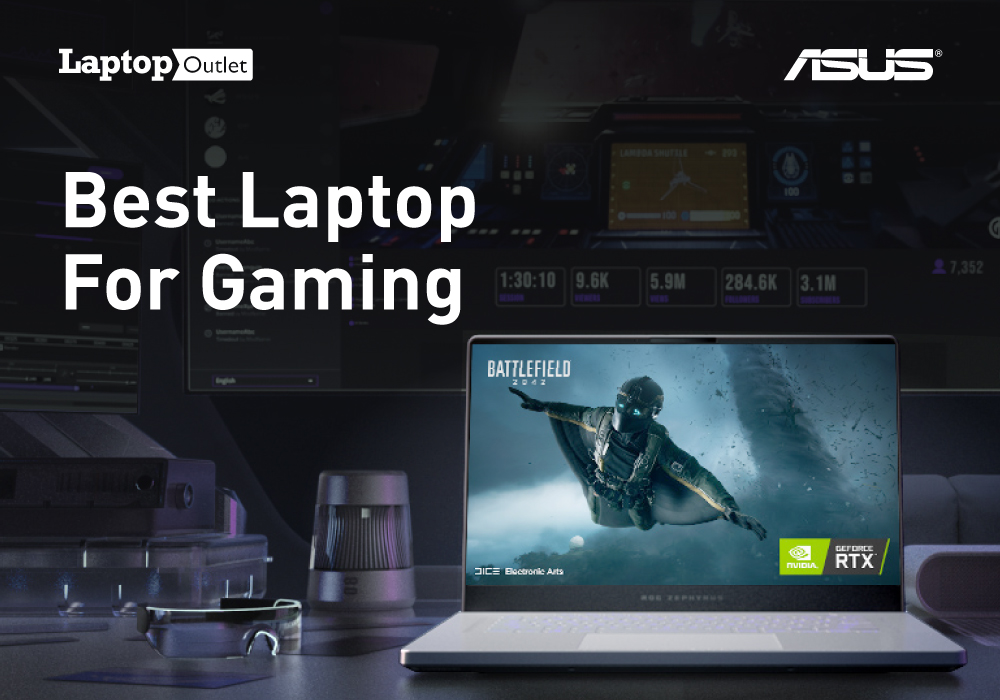
Which Asus laptop is best for gaming?
Gaming laptop is probably the best companion a gaming enthusiast can have. With the best gaming laptops, you can take your gaming sessions anywhere you want. Asus laptops have always been on top of the ladder and rightfully so. This is the reason you can find good quality Asus gaming laptop in the market with ease.
If you are thinking about buying a gaming laptop for yourself then let us help you out. We are going to be sharing with you guys our top pick for the best gaming laptop Asus has to offer. So let us just dive right in.
ASUS ROG Zephyrus M16
| Processor | Intel® Core™ i7 Processor |
| Display | 16 in Screen Size, 1920 x 1200 |
| Memory | 16 GB RAM |
| Storage | 1 TB SSD |
| Operating System | Windows 10 Home |
| Graphics | NVIDIA GeForce RTX 3060 GPU |
Asus ROG Zephyrus M16 is definitely the best gaming laptop you can find which Asus has to offer. It gives you enough power to get things done with precision and ease. Let us find out what this
Last Updated: March 30, 2026
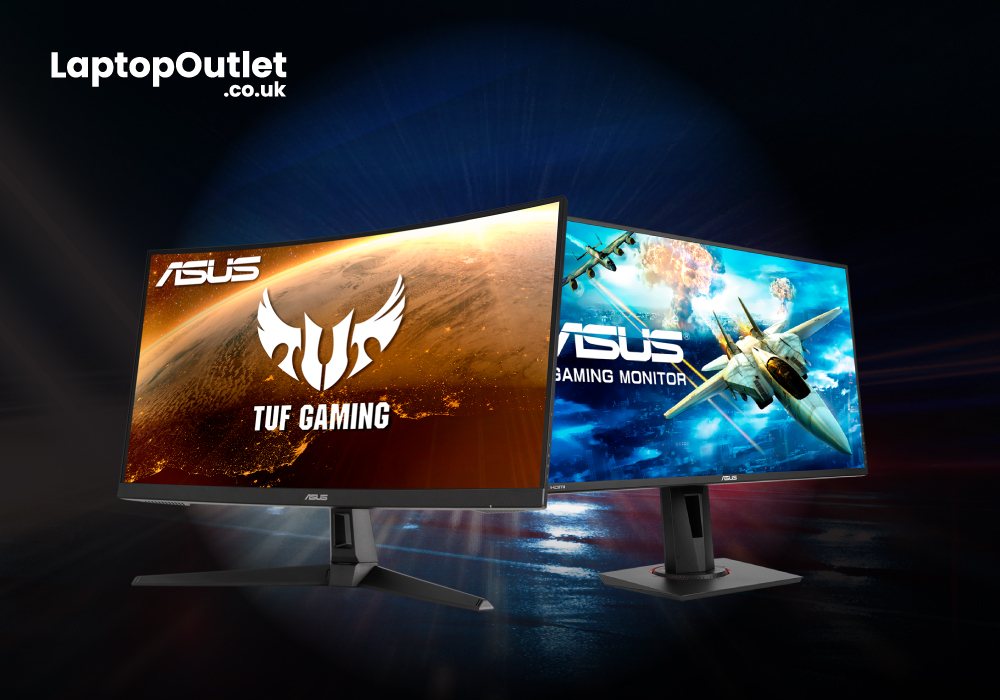
Specifications for gaming monitors and other computer components necessitate sorting through a large number of numbers. It makes purchasing anything computer-related extremely difficult. Although gamers are more tech-savvy than average users, monitors and their technology have become extremely complex. Here's a primer to help you understand the fundamentals so you can find a monitor that will give you the visibility you need when the game is on the line.

