



DDR5 CL30 vs CL36: Does RAM Latency Matter for Gaming?
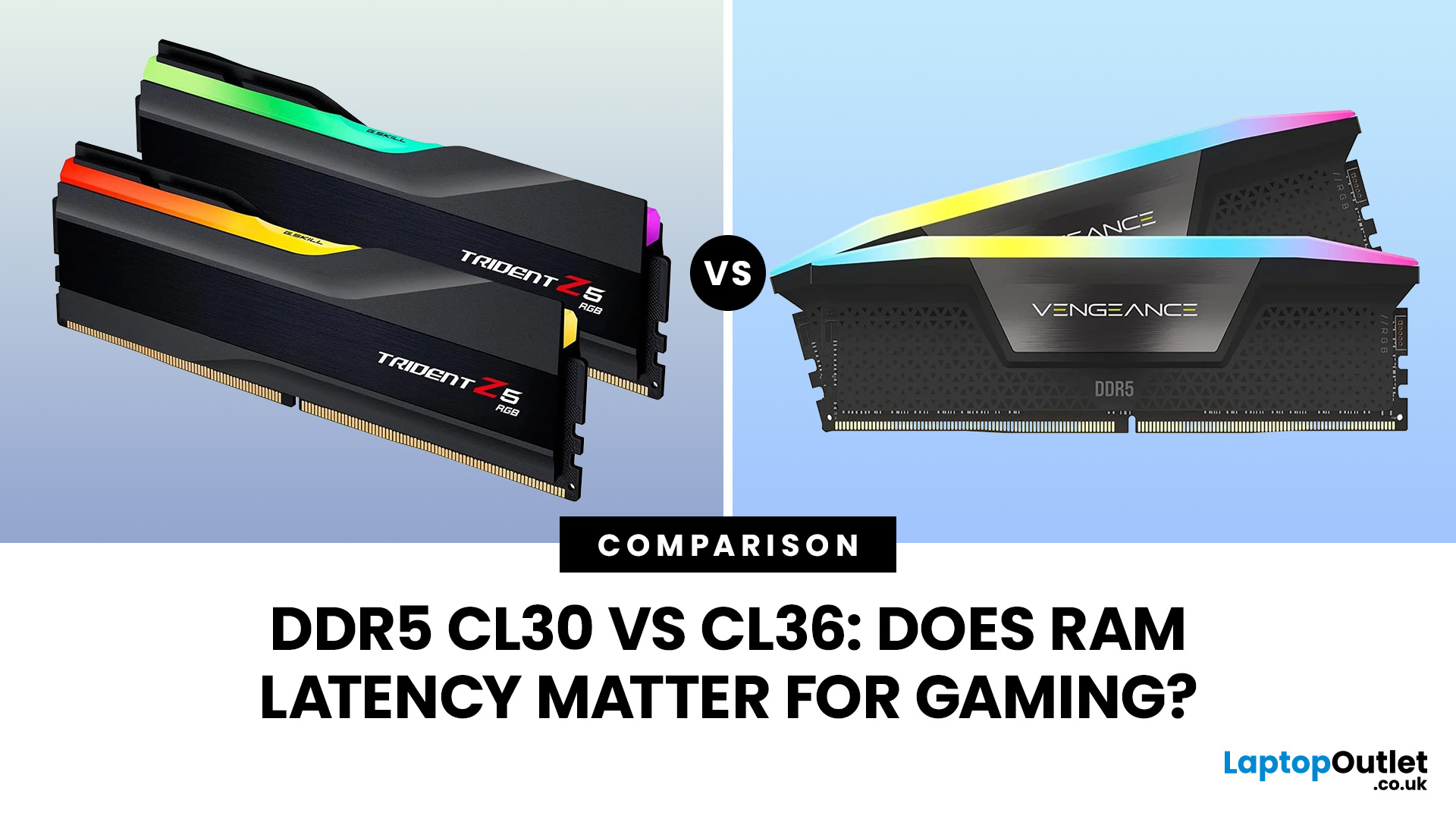
Quick Answer: If two DDR5 kits run at the same speed, CL30 has lower CAS latency than CL36. At DDR5-6000, CL30 works out at about 10ns of CAS delay versus 12ns for CL36. That can help in CPU-limited games, but the real gaming difference is usually much smaller than the 20% difference suggested by those latency figures. Memory speed, secondary timings, CPU architecture, and the game itself also matter.
When comparing RAM modules, specifications such as DDR5-6000 CL30 and DDR5-6000 CL36 can look confusingly similar. Both have the same data rate, so does paying attention to that CL number actually make a difference?
It can, but CL30 vs CL36 is not as simple as choosing the lowest number. Here is what those timings really mean and when lower RAM latency can affect your gaming PC.
What Do CL30 and CL36 Mean?
CL stands for CAS latency, or Column Address Strobe latency. It measures the number of memory clock cycles between a read command being issued and the RAM beginning to return the requested data.
So:
- CL30 waits 30 memory clock cycles.
- CL36 waits 36 memory clock cycles.
On otherwise identical memory, fewer cycles mean a shorter delay.
However, DDR5 CAS latency is measured in cycles rather than nanoseconds. That means you cannot compare the CL number properly without also considering the memory's data rate. A faster kit completes each clock cycle more quickly.
This distinction becomes important when comparing different DDR5 memory speeds rather than two kits running at the same MT/s.
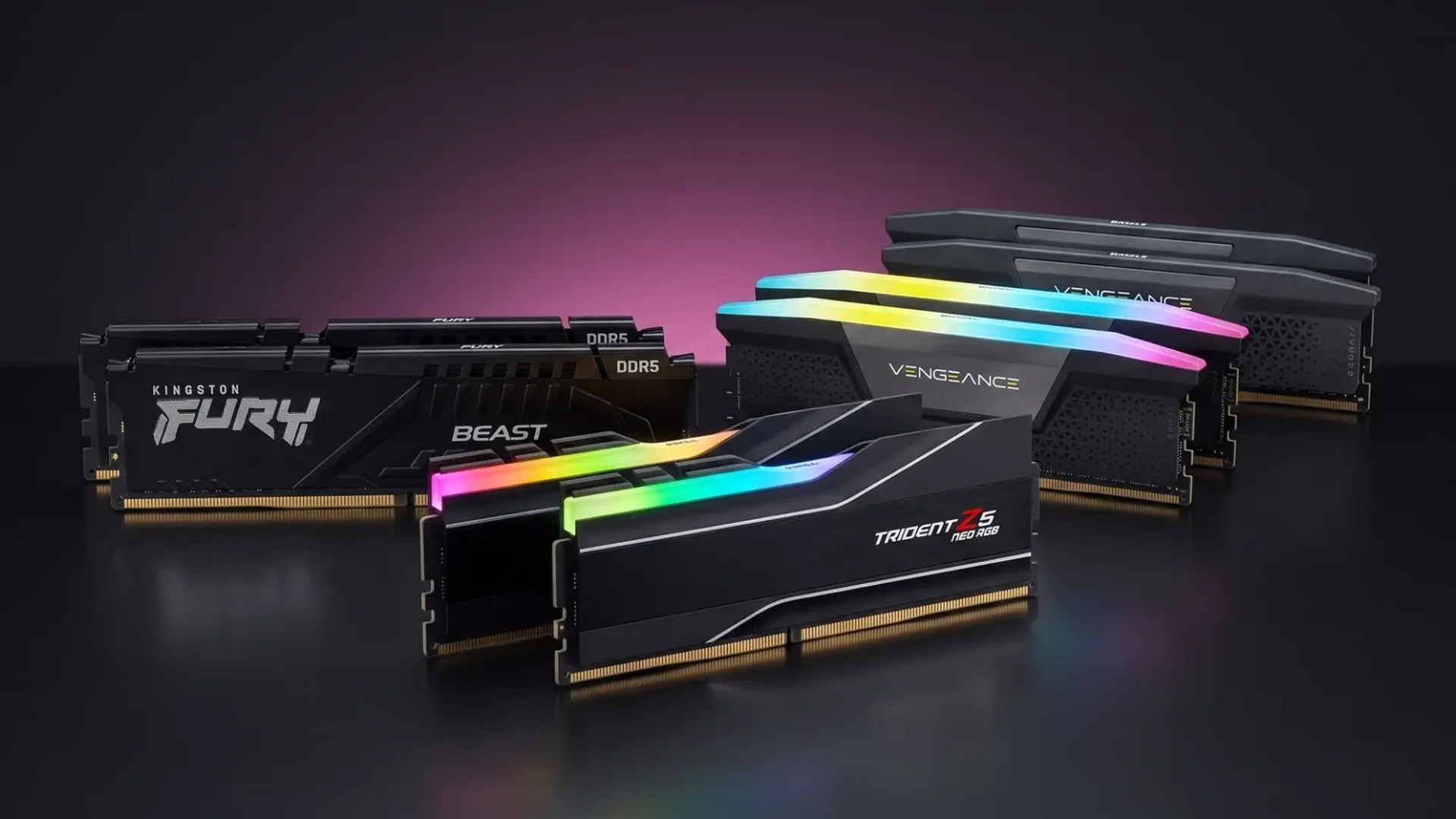
CAS Latency Explained in Nanoseconds
To turn the CL specification into an easier comparison, you can calculate the CAS portion of the latency in nanoseconds:
CAS latency in ns = CL × 2000 ÷ data rate in MT/s
For DDR5-6000:
|
Memory |
Calculation |
CAS Latency |
|
DDR5-6000 CL30 |
30 × 2000 ÷ 6000 |
10ns |
|
DDR5-6000 CL36 |
36 × 2000 ÷ 6000 |
12ns |
|
DDR5-6400 CL36 |
36 × 2000 ÷ 6400 |
11.25ns |
|
DDR5-5600 CL30 |
30 × 2000 ÷ 5600 |
10.71ns |
You therefore do not necessarily need a separate RAM latency calculator. This formula provides a quick way to compare the CAS component of different memory specifications. Kingston uses the same calculation when explaining true memory latency.
One important caveat: that 10ns or 12ns figure is not your PC's complete memory-access latency. It measures the CAS portion only. The memory controller, other timings, CPU architecture and memory subsystem introduce additional delays.
RAM Speed vs Latency: Which Matters More?
This is where the common RAM speed vs latency debate becomes misleading. Neither specification works independently.
Memory speed, expressed correctly in MT/s, affects bandwidth and how quickly clock cycles occur. CAS latency tells you how many of those cycles are needed before a particular read operation begins returning data.
Ideally, you want a useful balance of:
- sufficient memory bandwidth
- low primary and secondary timings
- stable operation
- good CPU and motherboard compatibility
For example, DDR5-6000 CL30 has the same bandwidth as DDR5-6000 CL36 but lower CAS delay. In that direct comparison, CL30 has the technical advantage.
Compare kits with different speeds, though, and simply picking the lowest CL number can lead you to the wrong conclusion.
RAM Timings Explained: Beyond CAS
A memory kit may be listed as something like 30-38-38-96. Those numbers describe several DDR5 memory timings, not just CAS latency.
- CL or tCL: delay before requested column data becomes available.
- tRCD: delay between opening a row and accessing its columns.
- tRP: time needed to close one row before another can be opened.
- tRAS: minimum period a memory row must remain active.
With the main RAM timings explained, you can see why two DDR5-6000 CL30 kits do not necessarily behave identically.
This has become even more relevant in 2026. Newer AMD EXPO Ultra Low Latency profiles can tune subtimings such as tREFI, tRRDS and tWR in addition to headline CAS latency. Recent testing found tightly tuned CL36 memory outperforming a conventional CL30 EXPO configuration in some games, demonstrating that the headline CL figure alone does not describe total memory performance. In addition, capacity should come before small timing differences, so check how much RAM you actually need before paying extra for a lower-latency kit.
Does CL30 vs CL36 Affect Gaming FPS?
Yes, but how much you notice depends heavily on where the performance bottleneck sits. The CL30 vs CL36 gaming difference is most likely to appear when:
- the CPU is limiting your frame rate
- you play at high frame rates
- the game frequently accesses system memory
- you use competitive or simulation titles
- the GPU has enough performance to expose CPU and memory differences
At higher resolutions and demanding graphical settings, your graphics card often becomes the limiting factor. hen that happens, reducing memory latency may produce little or no visible increase in average FPS. RAM is only one part of gaming performance; our gaming PC specs guide explains how memory works alongside the CPU, GPU and other core hardware.
CL30 vs CL36 on Ryzen
A CL30 vs CL36 Ryzen comparison deserves particular attention because modern AM5 processors can respond to memory frequency and timings, especially when the game is CPU-limited.
DDR5-6000 CL30 has become a common performance-oriented configuration for Ryzen systems, but modern AMD memory tuning goes considerably further than CAS alone. AMD EXPO profiles can configure memory speed, voltage and timings automatically, while AMD's current compatibility programme includes memory tested for rated frequency and latency.
Ryzen X3D processors may also behave differently from non-X3D chips. Their larger cache can reduce how often the processor must reach out to system memory, making RAM performance less influential in many games. There are still memory-sensitive exceptions, so this is not a universal rule.
If you are pairing memory with one of the latest Intel and AMD CPUs, check the processor's memory support and your board's qualified memory information before assuming a particular EXPO speed will run automatically.
CL30 vs CL36 on Intel
A CL30 vs CL36 Intel comparison follows the same underlying principle: at an identical DDR5 data rate, CL30 provides a shorter CAS delay.
Gaming performance still depends on the particular processor, memory controller, motherboard and workload. Some games respond to increased memory bandwidth or tighter timings more than others.
Compatible Intel systems can use XMP profiles to apply validated combinations of memory frequency, timings and voltage. Intel XMP 3.0 is designed for DDR5, and Intel recommends checking both motherboard and memory compatibility before relying on an XMP configuration.
That motherboard check matters whether you use Intel or AMD. Different gaming PC motherboards can support different memory speeds, capacities, DIMM configurations and overclocked profiles.
Is CL30 Worth Paying More Than CL36?
If you are comparing DDR5-6000 CL30 and DDR5-6000 CL36 with the same capacity and broadly similar secondary timings, CL30 is the stronger specification. Whether it is worth paying extra depends on the price difference and the rest of your PC.
CL30 makes more sense when you:
- want to maximise CPU-limited gaming performance
- play competitive games at very high frame rates
- are building a performance-focused system
- can get it for only a modest premium
CL36 remains perfectly usable when:
- it is noticeably cheaper
- you mainly play GPU-limited games
- you game at higher resolutions and visual settings
- outright memory optimisation is not a priority
Do not sacrifice capacity to get a lower CL number. For example, having enough memory for your games and background applications is normally more important than choosing CL30 instead of CL36. Furthermore, if you are comparing more than latency alone, our guide to the best RAM kits for gaming PCs covers capacity, memory speed, timings and platform compatibility.

So, Does RAM Latency Matter for Gaming?
Yes, RAM latency matters, but it is one part of a much larger memory-performance equation.
At the same DDR5 speed, CL30 has lower CAS delay than CL36. DDR5-6000 CL30 comes in at roughly 10ns compared with 12ns for CL36, giving it an advantage where the processor and game can actually use that lower latency.
For real gaming performance, though, look beyond CAS. Frequency, subtimings, memory profiles, CPU cache, motherboard behaviour and whether your game is CPU- or GPU-limited can all affect the result.
If you are putting together or upgrading a system, Laptop Outlet carries memory alongside other gaming PC components, so you can compare RAM specifications against the CPU and motherboard you plan to use rather than choosing latency in isolation.

Is CL30 faster than CL36?
At the same DDR5 data rate, yes. CL30 requires fewer clock cycles before returning requested data, giving it lower CAS latency than an otherwise comparable CL36 kit.
Is DDR5-6000 CL30 good for gaming?
DDR5-6000 CL30 offers a strong combination of bandwidth and latency for compatible gaming systems. Actual performance still depends on your CPU, motherboard, game and whether memory is limiting performance.
Can you notice the difference between CL30 and CL36?
Usually not through everyday use alone. Differences are more likely to appear in benchmarks, CPU-limited games and high-frame-rate scenarios where memory performance has more opportunity to influence results.
Is lower CAS latency always better?
Not automatically. Lower CAS latency helps when other specifications are comparable, but frequency and secondary timings also matter. A faster or better-tuned higher-CL kit can outperform lower-CL memory.
Does CL30 increase FPS?
It can increase FPS compared with looser memory at the same speed in memory-sensitive, CPU-limited games. In GPU-limited gaming, however, the performance difference may be negligible.
Related Articles


Last Updated: May 06, 2026
If your computer is slowing down when you’ve got too many tabs open or your favourite game is stuttering, chances are you’ve asked yourself: How much RAM do I actually need? It’s one of the most common questions when buying a new PC, laptop, or planning an upgrade, and the answer isn’t the same for everyone.
RAM, short for Random Access Memory, works as your computer’s short-term memory. It’s where your system stores active data while juggling multiple tasks. Not enough RAM and everything slows to a crawl, no matter how fast your processor or SSD is. Too much RAM, however, can feel like money wasted if you’ll never use it.
Let’s break down RAM requirements for everyday users, gamers, and professionals, plus how to future-proof your setup. By the end, you’ll know exactly how much RAM you need today (and tomorrow).
What Is RAM and Why Does It Matter?
Think of RAM as your computer’s workbench. The bigger the bench, the more projects you can spread out and handle at once. If your bench is tiny,
Last Updated: May 06, 2026
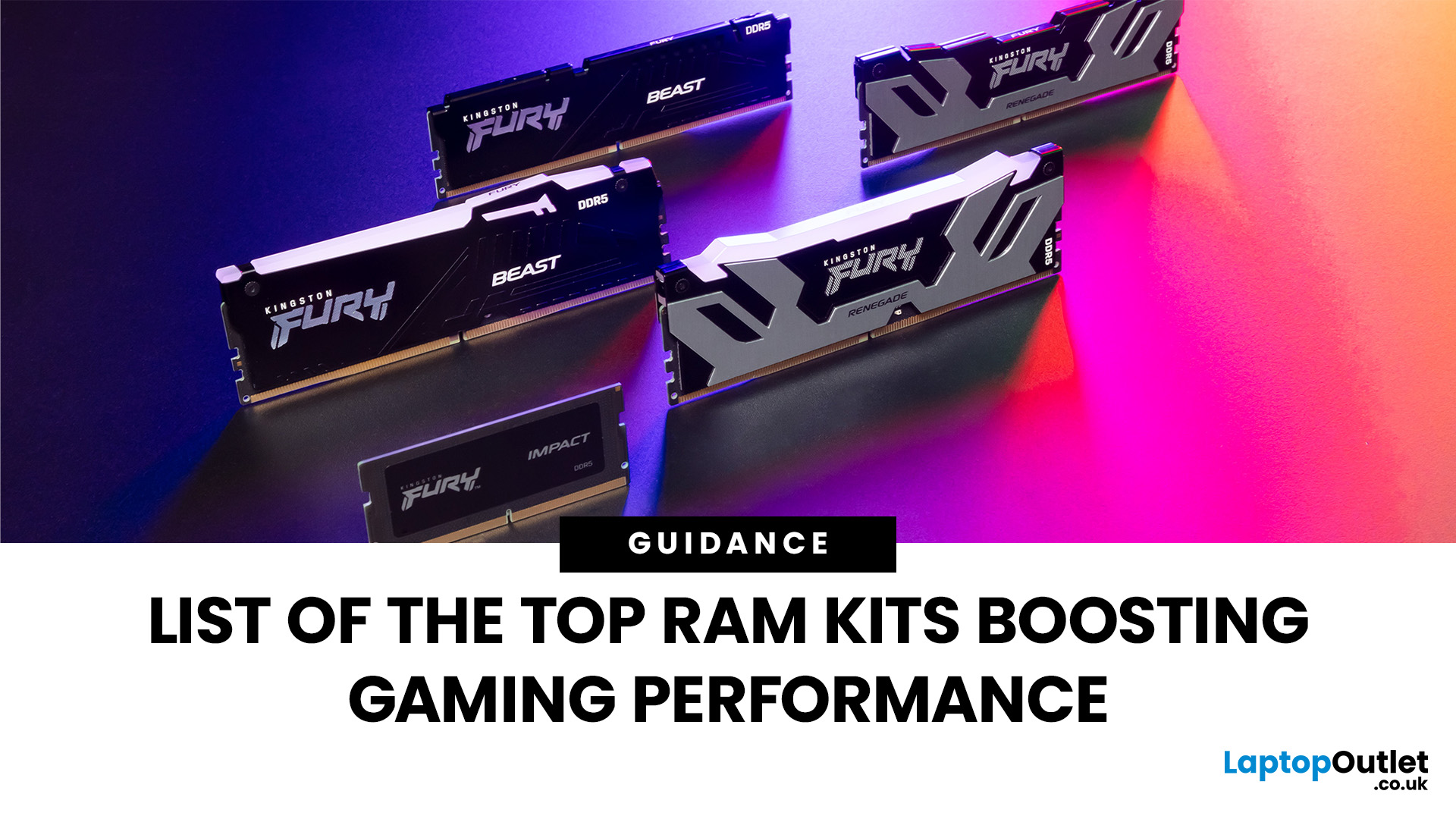
When building or upgrading a gaming PC in 2025, RAM is one of the most important components you’ll need to choose carefully. With DDR5 now mainstream and DDR4 still relevant for budget or older builds, there’s a wide variety of options on the market. But with so many choices, it’s easy to feel overwhelmed. Do you go for raw speed, bigger capacity, or flashy RGB? The truth is the best RAM kits for gaming in 2025 balance speed, latency, and capacity. Let’s highlight the top 10 RAM kits worth buying this year, from budget-friendly DDR4 sets to premium DDR5 kits designed for enthusiasts.
What Makes a RAM Kit Great for Gaming in 2025
The right kit can make the difference between smooth, responsive gameplay and frustrating stutters, especially in modern titles that demand more memory. Before the list, some essentials so you get RAM that actually improves your gaming:
- Capacity First: 32 GB is the new sweet spot. 16 GB still works for many (especially eSports, lighter titles) but headroom matters.

Last Updated: October 15, 2025
Buying a MacBook isn’t just about picking between an Air or a Pro - it’s also about making smart choices with RAM and storage. These two specs are often overlooked, yet they’re the backbone of your laptop’s performance and longevity. Choose too little, and you’ll quickly hit frustrating slowdowns or run out of space. Choose wisely, and your MacBook will stay fast, reliable, and future-proof for years.
Unlike many Windows laptops, MacBook RAM and storage can’t be upgraded later - what you buy upfront is what you’ll live with. That makes it essential to understand how much you really need. Do students get by with 8GB of RAM? Should professionals always go for 16GB or more? Is 256GB storage enough in the cloud era, or do video editors really need 1TB and beyond?
Why RAM & Storage Matter in a MacBook
When you’re choosing a MacBook, the processor often gets the spotlight - but RAM and storage are just as important. They determine how smooth your experience is today and how well your laptop
Last Updated: April 02, 2026
Black Friday 2025 is set to bring some of the best deals we’ve seen yet on gaming laptops and PCs, especially those powered by NVIDIA’s RTX 40-series graphics. But this year, smart buyers aren’t just chasing discounts, they’re targeting the right specs for lasting performance. The RTX 4060 and RTX 4070 GPUs have become the ideal mid-to-high range picks, balancing power, efficiency, and price. Pair that with fast DDR5 RAM and a 1TB NVMe SSD, and you have a future-ready setup built for modern gaming. This guide breaks down exactly what to look for in fast DDR5 RAM and a 1TB NVMe SSD, and you have a future-ready setup built for modern gaming. This guide breaks down exactly what to look for and make the most of Black Friday gaming laptop deals (RTX 4070) in the UK.
The 2025 Gaming Hardware Landscape: What’s Changed
Gaming hardware has evolved quickly over the past year, and 2025’s market looks very different from before. NVIDIA’s RTX 40-series GPUs, like the RTX 4060 and RTX 4070, now deliver
Last Updated: September 24, 2026
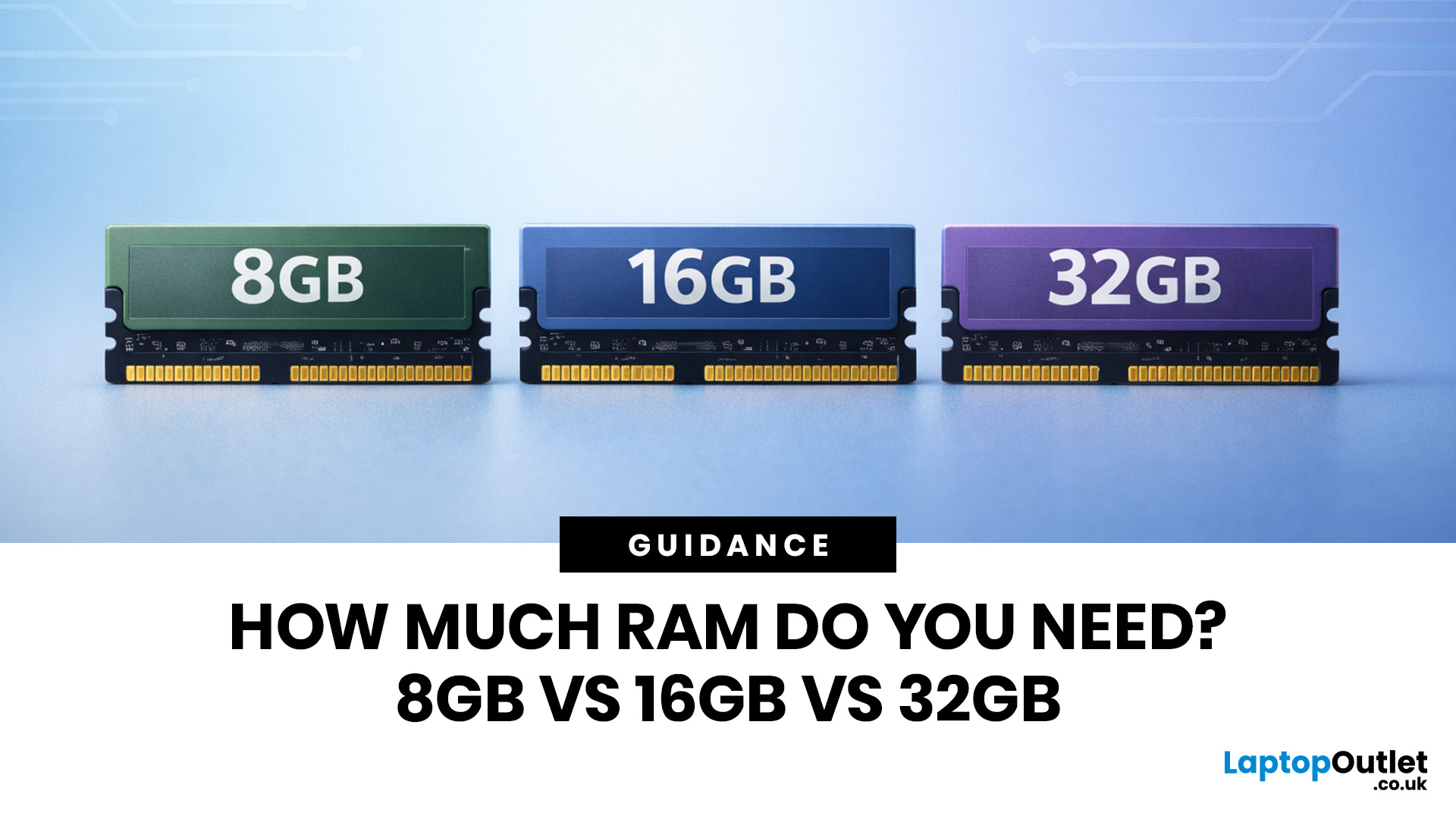
Wondering how much RAM you need? The practical answer is fairly simple. 8GB is still usable for basic laptop tasks; 16GB is the best all-around choice for most buyers, and 32GB is the right move for heavier gaming, creative work, coding, or extra long-term headroom.
For most laptop users, 16GB of RAM is the best all-round choice for work, study, multitasking and mainstream gaming. 8GB is still suitable for lighter everyday use, while 32GB makes more sense for creative work, coding, heavier gaming and demanding multitasking. 64GB is mainly for specialist professional workloads, while 4GB is best avoided on a new Windows laptop.
For RAM shoppers, the real question is not just how much RAM a laptop can run. It is about how much memory will give you a smooth, comfortable experience for how you actually work, study, stream, game, and multitask every day. That is where the difference between 8GB vs 16GB RAM, or 16GB vs 32GB, starts to matter.
What RAM Actually Does?
RAM is your laptop’s short-term
Last Updated: September 24, 2026
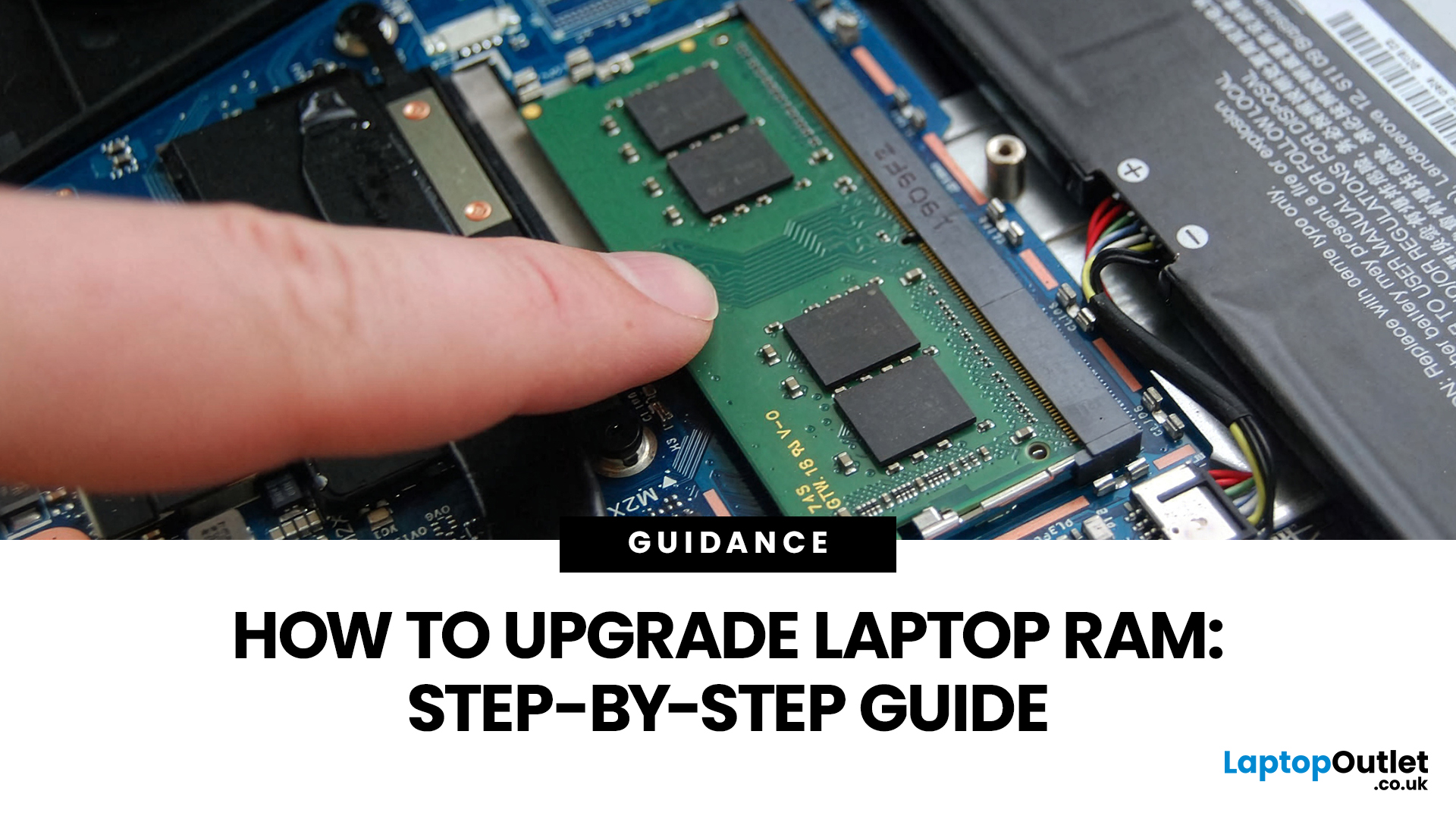
Upgrading laptop RAM is one of the simplest ways to make an older machine feel faster and more capable again, but only if the compatibility side is right from the start. That is the part many quick guides skip. Before buying anything, we always recommend checking whether the laptop has upgradeable memory, what RAM standard it uses, how much it supports, and whether upgrading means adding another module or replacing the existing setup.
To upgrade laptop RAM, first check whether your model has upgradeable SO-DIMM slots, the supported DDR generation, maximum capacity and current memory configuration. Buy compatible RAM, shut the laptop down, disconnect power, open the service panel, remove or add the module, then reassemble and boot up. Finally, confirm the new memory is recognised and test system performance for improved multitasking.
For UK shoppers, that matters because a RAM upgrade can be a much smarter option than replacing a laptop too early. If a system slows down with lots of browser
Last Updated: May 13, 2026
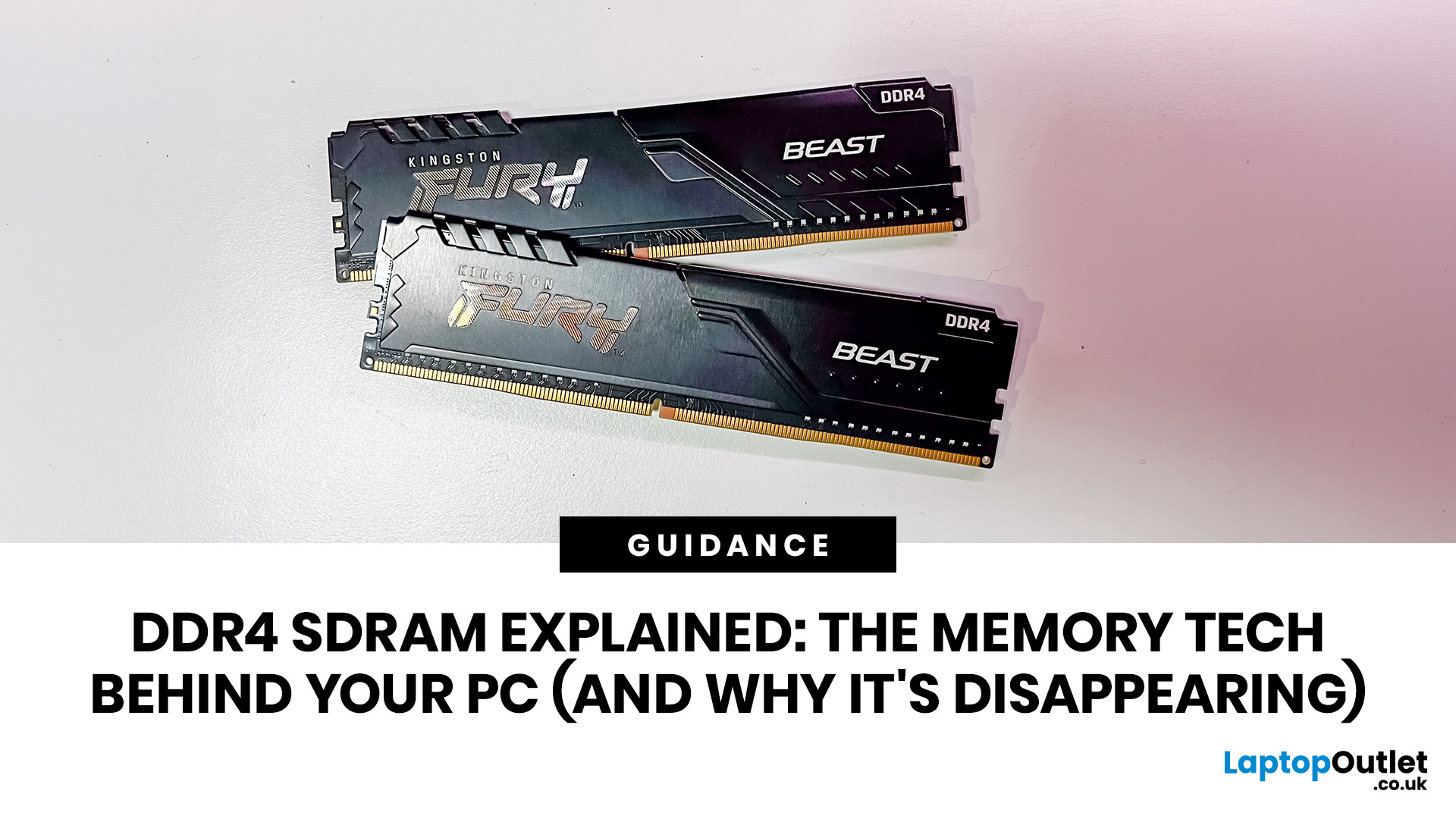
DDR4 is basically the reliable older sibling of modern PC memory. It powered gaming rigs, office PCs, laptops, creator setups and budget builds for years. But now? DDR5 has entered the chat, and new PC hardware is slowly moving on.
Still, DDR4 is not suddenly useless. Far from it. If your current PC uses DDR4, a memory upgrade can still make your system feel faster, smoother and less stressed. This guide has DDR4 SDRAM explained in plain English: what DDR4 memory is, how it works, how it compares with DDR5, and why it is gradually disappearing from new builds.
What is DDR4 SDRAM?
DDR4 stands for Double Data Rate 4. SDRAM stands for Synchronous Dynamic Random-Access Memory. Put together, DDR4 SDRAM is a type of computer memory used in desktops, laptops, workstations and servers.
In normal human terms, DDR4 is the short-term memory your PC uses while it is switched on. It temporarily holds the data your processor needs right now, such as open browser tabs, game assets, APPs, system

Last Updated: June 10, 2026
The 2026 RAM crunch is being driven by AI data centre demand. Memory makers are shifting capacity towards high-bandwidth memory, server DDR5, and enterprise SSDs, leaving less supply for consumer laptops. As a result, laptop RAM and SSD costs may rise, making many 2026 laptops more expensive or less generously specified.
If you were hoping laptop prices would settle down in 2026, the RAM market may have other plans.
The AI boom is pushing huge demand for memory chips, including DDR5, SSD storage, and high-bandwidth memory used in data centres. As manufacturers prioritise these high-margin AI products, consumer laptops could face tighter supply and higher component costs.
For UK buyers, that may mean more expensive laptops in 2026, fewer strong discounts, and budget models with weaker specs than before.
What Is the 2026 RAM Crunch?
The 2026 RAM crunch is a global memory shortage caused by rising demand for AI servers, high-bandwidth memory, DDR5 server memory, and enterprise SSDs.
In
Last Updated: June 18, 2026
For most buyers in 2026, the best laptop specs are a modern Intel Core Ultra 5/7 or AMD Ryzen AI 5/7 processor, 16GB RAM, 512GB SSD storage, and integrated graphics. Choose 32GB RAM, 1TB storage, and a dedicated GPU if you edit videos, create content, play demanding games, or use professional software.
Buying a new laptop in 2026 can feel confusing, especially when every product page is packed with technical words, numbers, and abbreviations. This processors & specs explained guide breaks everything down in plain English so you can understand what matters before you spend your money.
For most buyers, the four most important laptop components are the CPU, RAM, GPU, and storage. Once you understand these, it becomes much easier to compare models, avoid overspending, and choose a laptop that actually suits your daily needs.
What are Laptop Specs and Why Do They Matter?
Understanding laptop specifications becomes important. Specs affect:
- How fast your laptop feels when opening apps.
- How many
Last Updated: June 22, 2026
Your PC can look perfectly fine on the outside and still fail the moment it is pushed hard.
A game crashes after 20 minutes. A video export freezes at 92%. Your laptop randomly restarts during a heavy workload. Or maybe you have just upgraded your memory, changed your processor, built a new desktop, or enabled XMP/EXPO in the BIOS and want to know one thing:
Is my system actually stable?
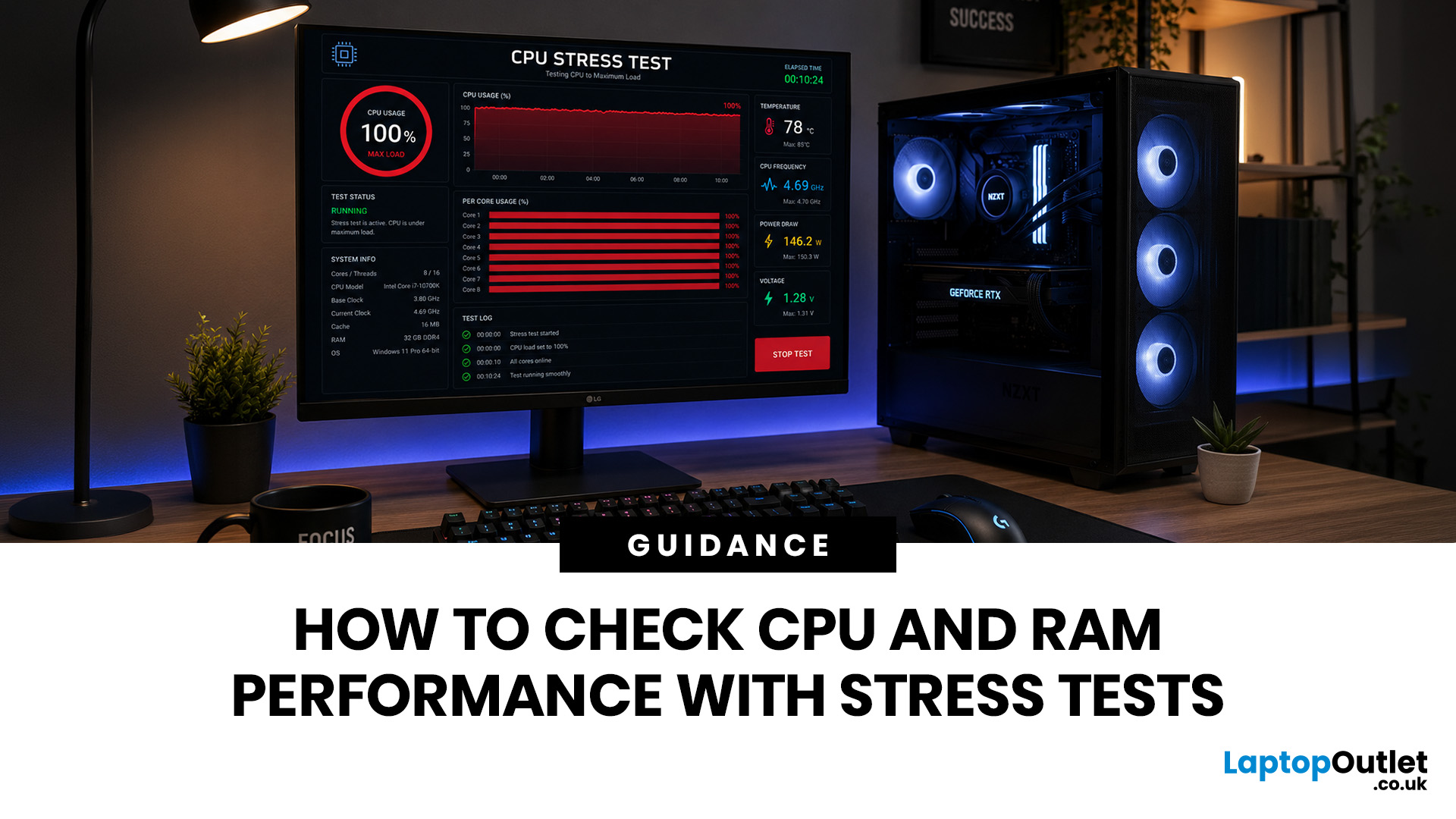
That is where a stress test CPU RAM process helps. By running a controlled CPU, RAM, or combined system stress testing session, you can find problems before they interrupt your work, gaming, editing, coding, or daily use.
In this guide, you will learn:
- What CPU and RAM stress testing

