



DDR4 SDRAM Explained: The Memory Tech Behind Your PC (And Why It's Disappearing)
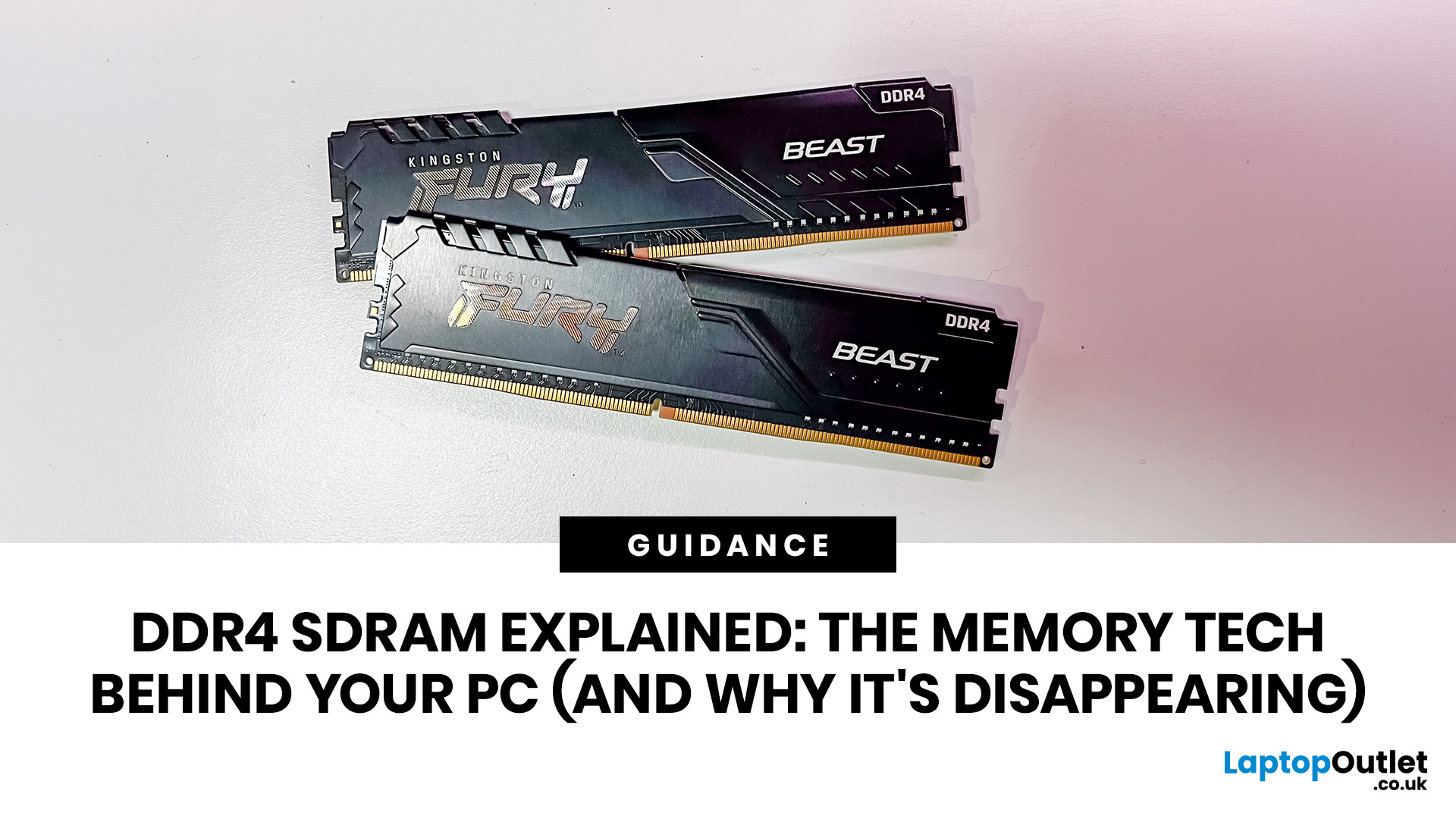
DDR4 is basically the reliable older sibling of modern PC memory. It powered gaming rigs, office PCs, laptops, creator setups and budget builds for years. But now? DDR5 has entered the chat, and new PC hardware is slowly moving on.
Still, DDR4 is not suddenly useless. Far from it. If your current PC uses DDR4, a memory upgrade can still make your system feel faster, smoother and less stressed. This guide has DDR4 SDRAM explained in plain English: what DDR4 memory is, how it works, how it compares with DDR5, and why it is gradually disappearing from new builds.
What is DDR4 SDRAM?
DDR4 stands for Double Data Rate 4. SDRAM stands for Synchronous Dynamic Random-Access Memory. Put together, DDR4 SDRAM is a type of computer memory used in desktops, laptops, workstations and servers.
In normal human terms, DDR4 is the short-term memory your PC uses while it is switched on. It temporarily holds the data your processor needs right now, such as open browser tabs, game assets, APPs, system files, and background processes.
The “synchronous” part means the memory works in sync with the system clock. That helps the CPU, memory controller, and RAM coordinate data transfers more efficiently. The “double data rate” part means DDR memory transfers data twice per clock cycle, once on the rising edge and once on the falling edge.
Why DDR4 Became the Default PC Memory
DDR4 became mainstream because it hit the sweet spot. It was faster and more efficient than DDR3, but eventually became affordable enough for everyday laptops, gaming PCs and office systems. For years, DDR4 was the go-to RAM technology for mainstream PC hardware because it offered:
|
DDR4 Benefit |
Why it Mattered |
|
Better bandwidth than DDR3 |
Faster data movement between RAM and CPU |
|
Lower power than DDR3 |
Better efficiency and less heat |
|
Wide compatibility |
Huge support across Intel and AMD platforms |
|
Affordable pricing |
Great for budget and mid-range builds |
|
Good gaming performance |
Strong enough for modern titles with the right capacity |
|
Mature stability |
Fewer early-platform issues over time |
That is why so many PCs still use DDR4 today. It was not the flashiest component in the build, but it did the job quietly and reliably.
How DDR4 SDRAM Works Inside Your PC
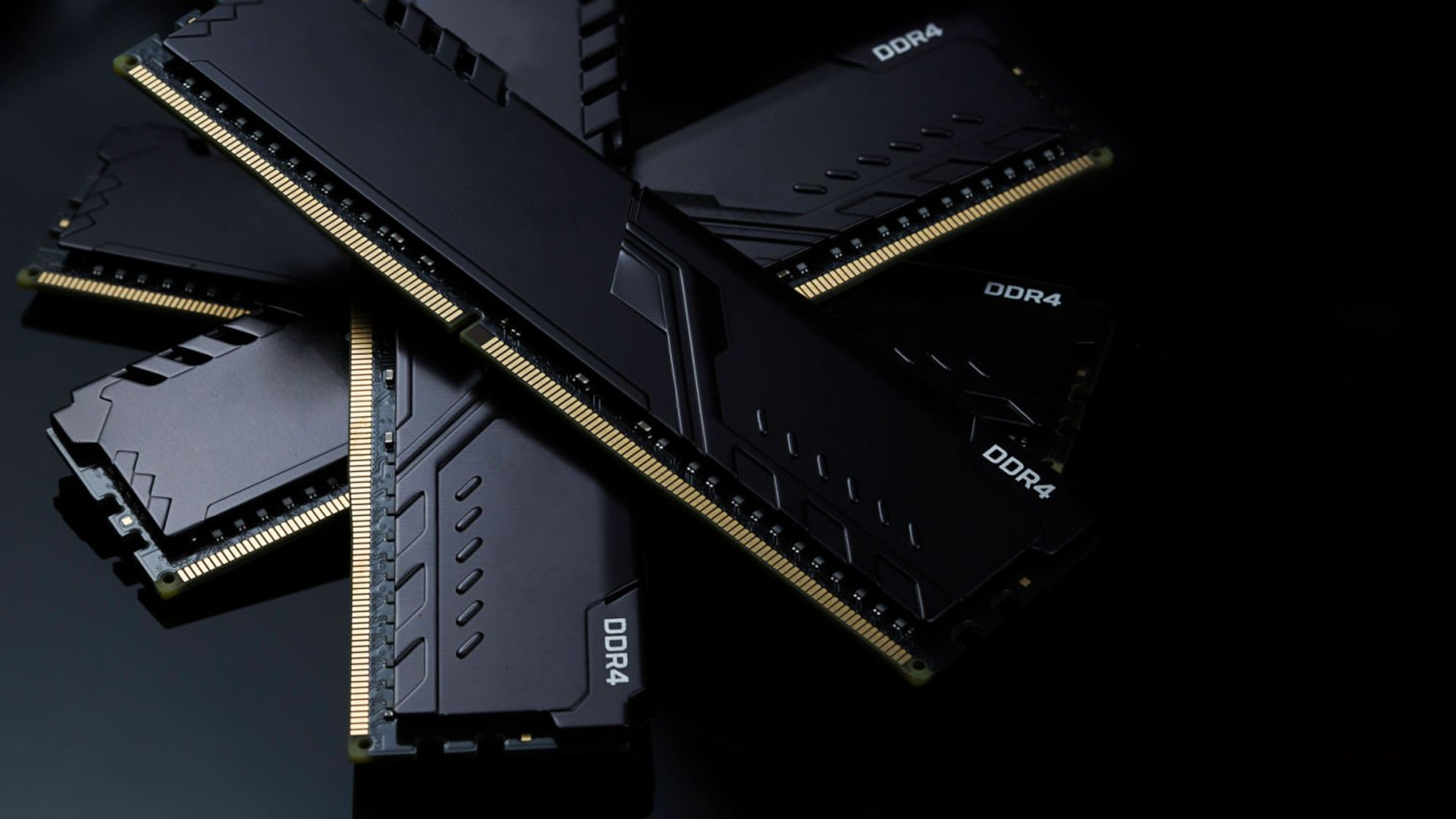
Think of storage as your long-term memory and RAM as your short-term memory.
Your SSD stores your operating system, games, documents, and APPs permanently. DDR4 RAM holds the stuff your PC is actively using right now. The CPU pulls data from RAM much faster than it can from storage, which is why having enough memory makes such a big difference.
If your PC runs out of RAM, it starts using storage as backup memory. That is when things get messy: APPs lag, tabs reload, games stutter and your laptop sounds like it is reconsidering its life choices.
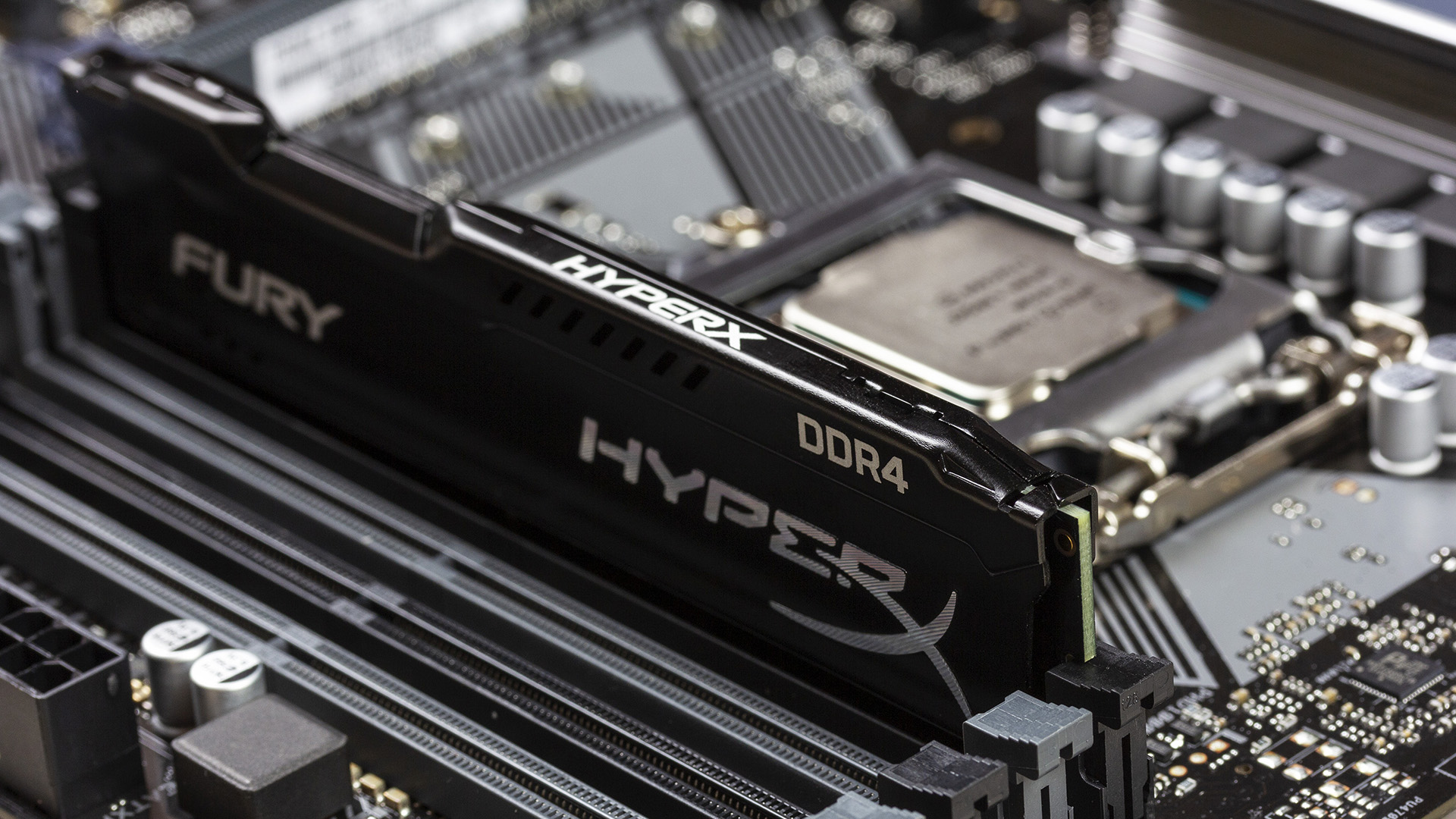
The CPU’s memory controller and your motherboard decide what type of RAM your system supports. That means you cannot simply buy any memory kit and hope for the best. DDR4 works only with DDR4-compatible motherboards and processors. In addition, RAM handles active tasks, but your SSD or hard drive stores your apps, games and files long-term, so it is worth understanding how to choose PC storage for gaming and work alongside your memory upgrade.
DDR4 RAM Specs Explained Without the Tech Headache
A proper DDR4 RAM guide needs to cover the numbers on the box. Here is what they actually mean.
|
Spec |
What it Means |
Why it Matters |
|
Capacity |
Usually 4GB, 8GB, 16GB or 32GB per stick |
More room for APPs, games and multitasking |
|
Speed |
Measured in MT/s |
Higher transfer rate means more bandwidth |
|
Latency |
Often shown as CL16, CL18 etc. |
Lower latency can improve responsiveness |
|
Voltage |
Usually 1.2V at standard settings |
Affects power and heat |
|
Form factor |
DIMM or SO-DIMM |
Desktop vs laptop compatibility |
|
Channels |
Single, dual or quad |
More channels improve bandwidth |
|
ECC |
Error-correcting memory |
Mainly used in servers/workstations |
MT/s vs MHz
You will often see DDR4 listed as 3200MHz, but technically, memory transfer speed is better described as 3200MT/s, meaning megatransfers per second. MT/s as the effective data rate for DDR SDRAM because DDR transfers data on both the rise and fall of each clock cycle.
So, when shoppers say “3200MHz RAM”, they usually mean DDR4-3200.
Common DDR4 Speeds
Common DDR4 speeds include:
- DDR4-2133
- DDR4-2400
- DDR4-2666
- DDR4-3000
- DDR4-3200
- DDR4-3600
For many gaming and everyday systems, 16GB or 32GB of DDR4-3200 or DDR4-3600 has been the sweet spot. Faster kits exist, but the real-world difference depends on your CPU, motherboard and workload.
DIMM vs SO-DIMM
Desktop PCs normally use full-size DIMM memory sticks. Laptops and mini PCs usually use smaller SO-DIMM modules.
They are not interchangeable. A desktop DDR4 DIMM will not fit in a laptop SO-DIMM slot, and a laptop SO-DIMM will not fit in a standard desktop slot.
If your PC still feels slow after a RAM upgrade, storage speed could be the next bottleneck; our guide to 512GB SSD speed and optimisation explains what to expect from everyday SSD performance.
DDR4 vs DDR5: What Actually Changed?
The DDR4 vs DDR5 debate is not just “new number better”. DDR5 brings real technical changes, but that does not mean every DDR4 PC is suddenly outdated.
|
Feature |
DDR4 |
DDR5 |
|
Mainstream launch era |
2014 onwards |
2021 onwards |
|
Standard voltage |
Around 1.2V |
Around 1.1V |
|
Typical mainstream speeds |
2133–3200MT/s JEDEC, higher with profiles |
4800MT/s and above |
|
Power management |
Mostly motherboard-side |
PMIC on memory module |
|
Module architecture |
Single 64-bit channel per DIMM |
Two 32-bit sub-channels per DIMM |
|
Capacity scaling |
Lower |
Higher |
|
Platform focus |
Older and budget systems |
Newer CPUs and motherboards |
DDR5 drops memory IC voltage from 1.2V on DDR4 to 1.1V, while moving power management onto the module through a PMIC. The catch? DDR5 can have higher latency, especially at lower speeds. That means DDR5 is not automatically a massive upgrade in every game or office task. For many users, the biggest real-world upgrade is still going from too little RAM to enough RAM.
In other words, 32GB of decent DDR4 can feel much better than 8GB of anything.
Why DDR4 is Disappearing from New PCs
DDR4 is not disappearing because it suddenly became bad. It is disappearing because new PC platforms are being built around DDR5.
AMD’s AM5 platform is designed around high-speed DDR5 memory, PCIe 5.0 and AMD EXPO memory profiles. Intel’s newer Core Ultra 200S Plus desktop processor coverage also focuses on DDR5 memory support, including higher-speed DDR5 profiles for newer enthusiast systems.
That shift affects the whole PC ecosystem. CPU makers move to DDR5. Motherboard makers follow. Prebuilt PC manufacturers follow. Laptop brands follow. Then retailers gradually stock fewer new DDR4-focused systems.
DDR4 is becoming the value upgrade path for older PCs rather than the default choice for brand-new builds. Basically, DDR4 is not getting cancelled. It is just being moved from “main character” to “still useful legacy legend”.
Is DDR4 Still Worth Buying?
Yes, DDR4 is still worth buying if your existing PC already supports it. A DDR4 upgrade can be a smart move if you are:
- Upgrading from 8GB to 16GB
- Upgrading from 16GB to 32GB
- Moving from single-channel to dual-channel memory
- Replacing slow or unstable RAM
- Keeping an older gaming PC alive
- Improving a budget workstation
For everyday use, 16GB is the practical minimum for a smoother Windows experience. For gaming, 16GB still works, but 32GB is becoming the safer pick if you play newer titles, stream, edit clips or keep loads of APPs open.
Where DDR4 makes less sense is a full new build. If you are buying a new CPU, motherboard and memory together, DDR5 gives you the better long-term upgrade path.
How Much DDR4 RAM Do You Need?
Here is the quick no-drama version.
|
Use Case |
Recommended DDR4 Capacity |
|
Basic browsing, email, schoolwork |
8GB minimum |
|
Everyday multitasking |
16GB |
|
Gaming |
16GB to 32GB |
|
Gaming plus streaming |
32GB |
|
Photo editing |
16GB to 32GB |
|
Video editing |
32GB or more |
|
Heavy workstation tasks |
64GB+, if supported |
8GB is technically alive, but 16GB is where your PC stops feeling like it is fighting for its life.
If your system has one 8GB stick, adding another matching 8GB stick can also enable dual-channel mode, which improves memory bandwidth. That can help integrated graphics and some CPU-heavy workloads.
For a deeper breakdown by gaming, studying, office work and creative workloads, read our full guide on how much RAM you really need before choosing your next memory upgrade.
Common DDR4 Buying Mistakes
Buying RAM Your Motherboard Does Not Support
Always check your motherboard’s memory support list, maximum capacity and supported speeds. Some older boards may not support high-capacity modules or faster kits properly.
Mixing Random RAM Kits
Mixing different brands, speeds and timings can work, but it can also cause instability. For best results, buy a matched kit, such as 2 × 8GB or 2 × 16GB.
Forgetting to Enable XMP
Many DDR4 kits run at a slower default speed until you enable XMP in BIOS. If you bought DDR4-3200 but Task Manager shows 2133MT/s or 2400MT/s, XMP may be off.
Buying Too Little RAM
For most people, capacity matters more than chasing tiny speed gains. A PC with 32GB of DDR4-3200 will usually feel better under multitasking than a PC with 8GB of faster RAM.
Expecting DDR4 to Fit in a DDR5 Motherboard
DDR4 and DDR5 are not interchangeable. They use different electrical designs and different slot keying, so you cannot install DDR4 into a DDR5 motherboard or DDR5 into a DDR4 board.
Quick DDR4 Troubleshooting Tips
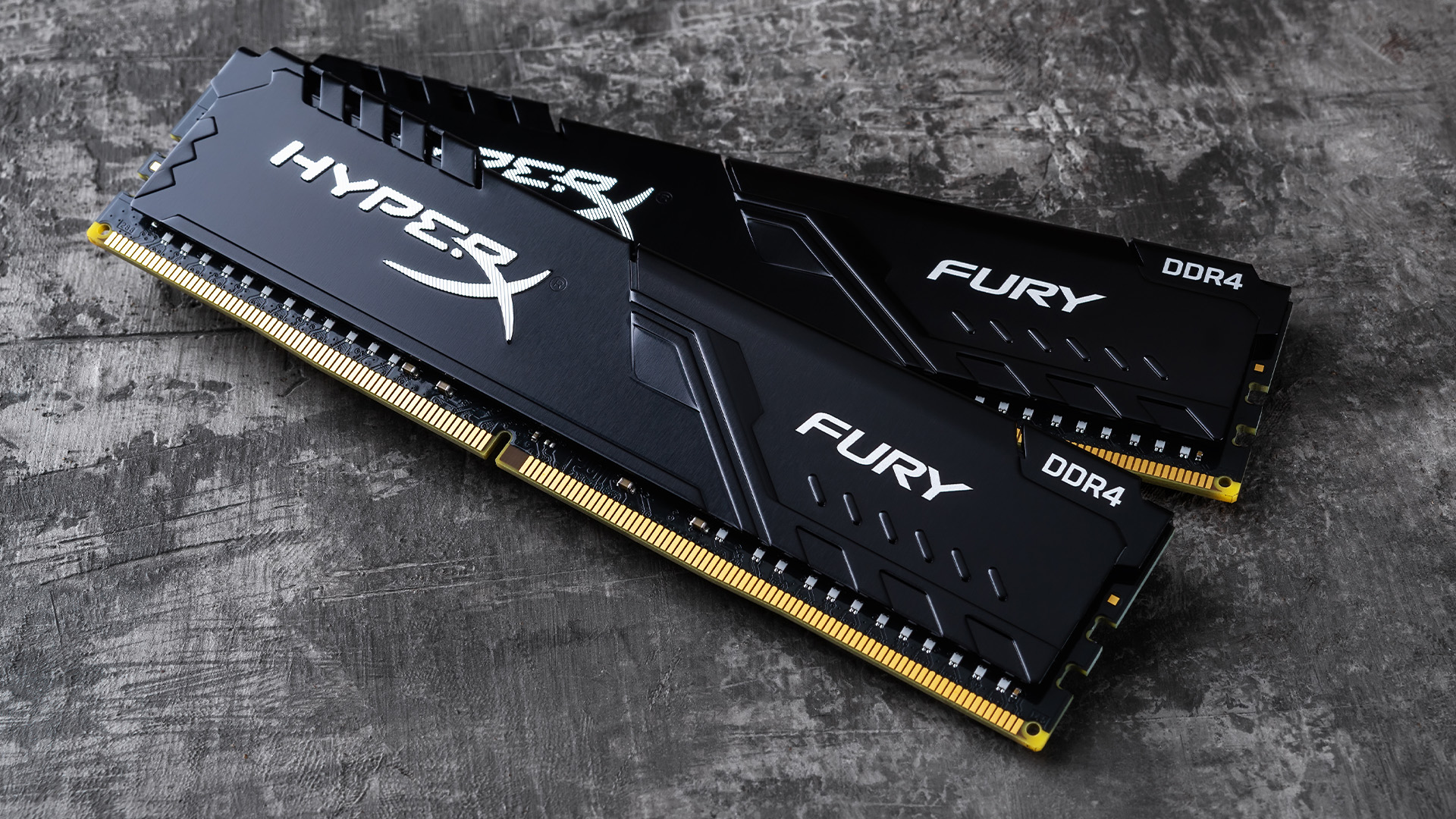
If your PC will not boot after a DDR4 upgrade, do not instantly assume the memory is dead. Try this checklist:
- Power off and reseat the RAM sticks.
- Use the recommended motherboard slots for dual-channel.
- Try one stick at a time.
- Clear CMOS if the system fails after enabling XMP.
- Update the motherboard BIOS.
- Check that the RAM is properly clicked into place.
- Run Windows Memory Diagnostic or MemTest86.
- Confirm capacity and speed in Task Manager or BIOS.
A surprising number of RAM problems are caused by sticks not being fully seated. DDR4 can look installed when it is actually one tiny click away from working.
If your laptop is lagging, freezing, or running out of space, the issue may not be RAM at all, so check our guide to fixing laptop storage issues, SSD/HDD errors and low space problems before replacing memory.

Bottom Line: DDR4 is Not Dead, But it is No Longer the Future
DDR4 SDRAM powered a huge generation of PCs, and it still has plenty of life left in existing systems. If your desktop or laptop uses DDR4, adding more memory can still be one of the easiest and most affordable upgrades.
For brand-new builds, the industry has clearly moved towards DDR5. New CPUs, motherboards and laptops are increasingly designed around newer RAM technology, higher bandwidth and future platform support. So, here is the simple answer: DDR4 RAM is still useful, still upgradeable and still worth buying for the right PC. It is just no longer where the next chapter of computer memory is heading.

FAQs About DDR4 SDRAM
1. What is DDR4 memory?
DDR4 memory is a type of SDRAM used as short-term computer memory in PCs, laptops, workstations and servers. It stores active data so the CPU can access it quickly while the system is running.
2. Is DDR4 still good?
Yes. DDR4 is still good for many existing PCs, especially for browsing, office work, gaming and general productivity. It is no longer the newest RAM technology, but it is still capable when paired with enough capacity.
3. What is the difference between DDR4 and DDR5?
DDR5 offers higher bandwidth, lower standard voltage, better capacity scaling and newer module architecture. DDR4 is usually cheaper and still widely supported by older systems, while DDR5 is the better long-term choice for new platforms.
4. Can I use DDR4 RAM in a DDR5 motherboard?
No. DDR4 and DDR5 are physically and electrically different. They are not cross-compatible, so you must buy memory that matches your motherboard.
5. Should I upgrade from DDR4 to DDR5?
Only upgrade to DDR5 if you are also moving to a DDR5-compatible CPU and motherboard. If you already own a DDR4 PC, upgrading from 8GB to 16GB or from 16GB to 32GB is usually better value than replacing the entire platform.
| Read More: |
| How to Choose the Right MacBook RAM & Storage |
| Signs You Need a RAM Upgrade (And How to Fix it) |
| Kingston DDR4 vs DDR5 Performance: Which RAM Should You Buy? |
Related Articles


Published: February 04, 2026
Your desktop PC is a key part of daily life. It handles work, gaming, and more. But how long can it last? Many users worry about desktop PC lifespan.
The good news is you can extend it to five years or beyond. With smart choices and simple habits, your setup stays reliable. This guide shares practical steps. It covers everything from processor picks to daily care.
Understanding Desktop PC Lifespan
Desktop PCs don't have a fixed expiry date. Their lifespan depends on build quality, usage, and maintenance. On average, a well-kept desktop lasts 5-8 years. But push it right, and you can hit 10 years or more. Why care? A longer desktop computer lifespan saves money and reduces waste.
Key Factors Affecting Longevity
Several elements play a role in how long your desktop endures. First, hardware quality matters most. Cheap parts wear out fast. Second, heat buildup shortens life—poor cooling is a killer. Third, software updates keep things secure and efficient. Finally, your habits, like overworking

Last Updated: February 11, 2026
Buying a desktop PC can quickly become frustrating. Endless specs, unfamiliar terms, and conflicting advice make it hard to know what really matters, and easy to waste money on the wrong setup. But here’s the solution: once you understand what desktop PC specifications actually do, choosing the right machine becomes simple. In this desktop PC specs explained guide, we break down every key component in plain English, showing you exactly what you need for work, home or gaming, and what you can safely ignore. No jargon, no guesswork, just confident buying decisions.
Processor (CPU): The Brain of Your Desktop
The processor, or CPU, is one of the most important parts of any desktop PC. It handles instructions and calculations, directly affecting how fast your system feels.
What to look for:
- Cores & Threads: More cores help with multitasking and demanding software
- Clock Speed (GHz): Higher speeds generally mean faster performance
What you actually

Last Updated: February 10, 2026
Buying a desktop PC is a big decision, especially when prices can range from a few hundred pounds to several thousand. The right choice depends not just on your budget, but on how you plan to use your PC now and in the future.
Let us help you understand exactly what you get at different price points, what specifications really matter, and how to avoid common mistakes. Whether you’re buying your first desktop or upgrading an older system, this guide will walk you through everything you need to know.
Why Choose a Desktop PC Instead of a Laptop?

Before diving into budgets, it’s worth understanding why many UK buyers still choose desktops:
- Better performance for the price
- Easier and cheaper upgrades
- Longer lifespan
- Improved cooling and sustained performance
- More connectivity options
For home offices, gaming setups, and creative work, desktops almost always offer better long-term value.
Understanding Desktop PC Specifications (Quick Primer)
If you’re not technical, these are the core components
Last Updated: May 05, 2026
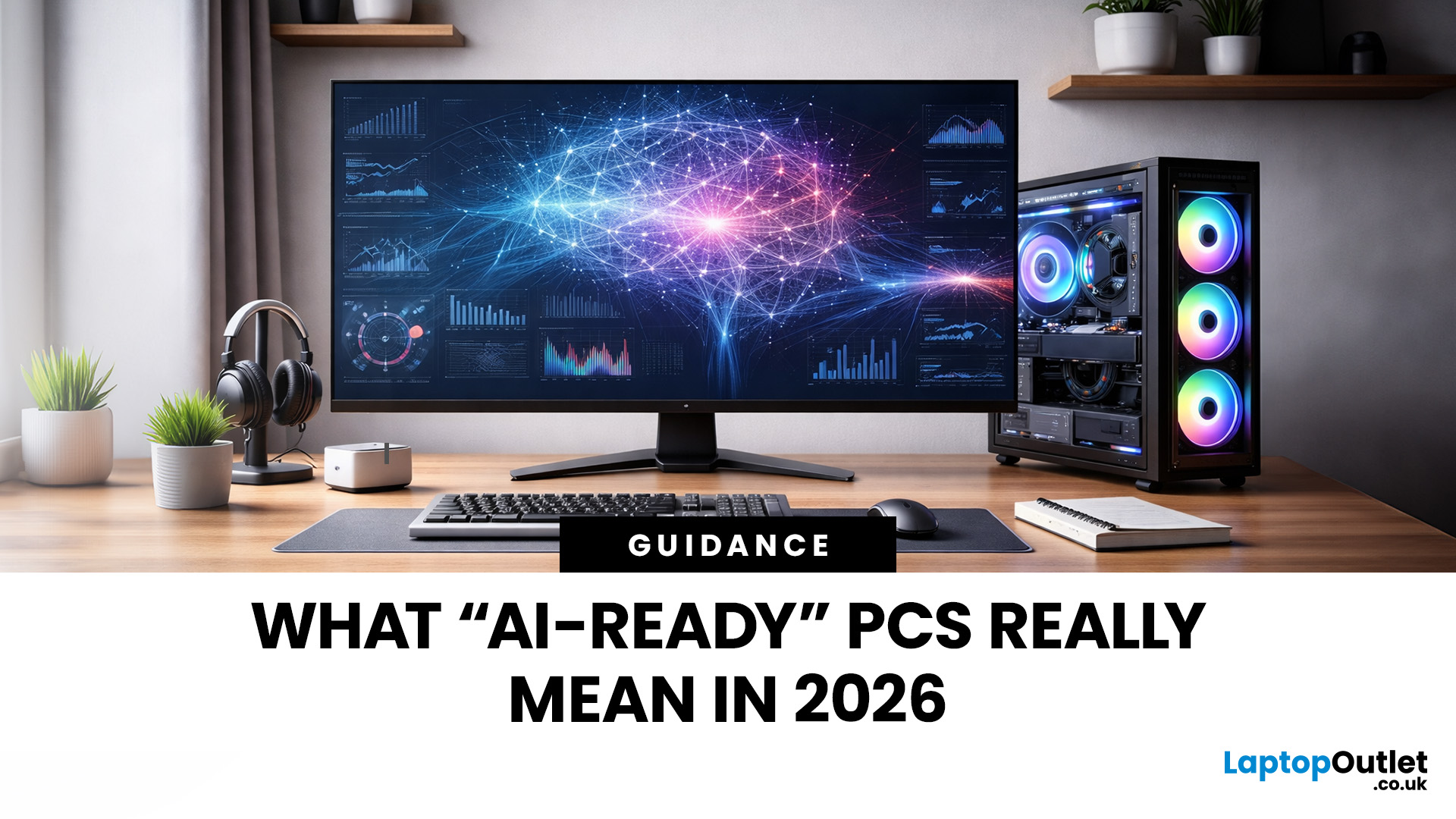
Let’s call this out early: “AI-Ready” is one of those phrases that sounds important but tells you almost nothing by itself.
Every PC brand is using it. Every listing claims it. And most buyers still walk away thinking, “Cool… but what does that actually do for me?”
So instead of selling you a future fantasy, let’s talk about what AI-Ready desktops actually change in 2026, where they matter, and where they really don’t.
First: Why Everyone Is Suddenly Calling Their PCs “AI-Ready”
AI didn’t just become a software thing - it became a hardware conversation.
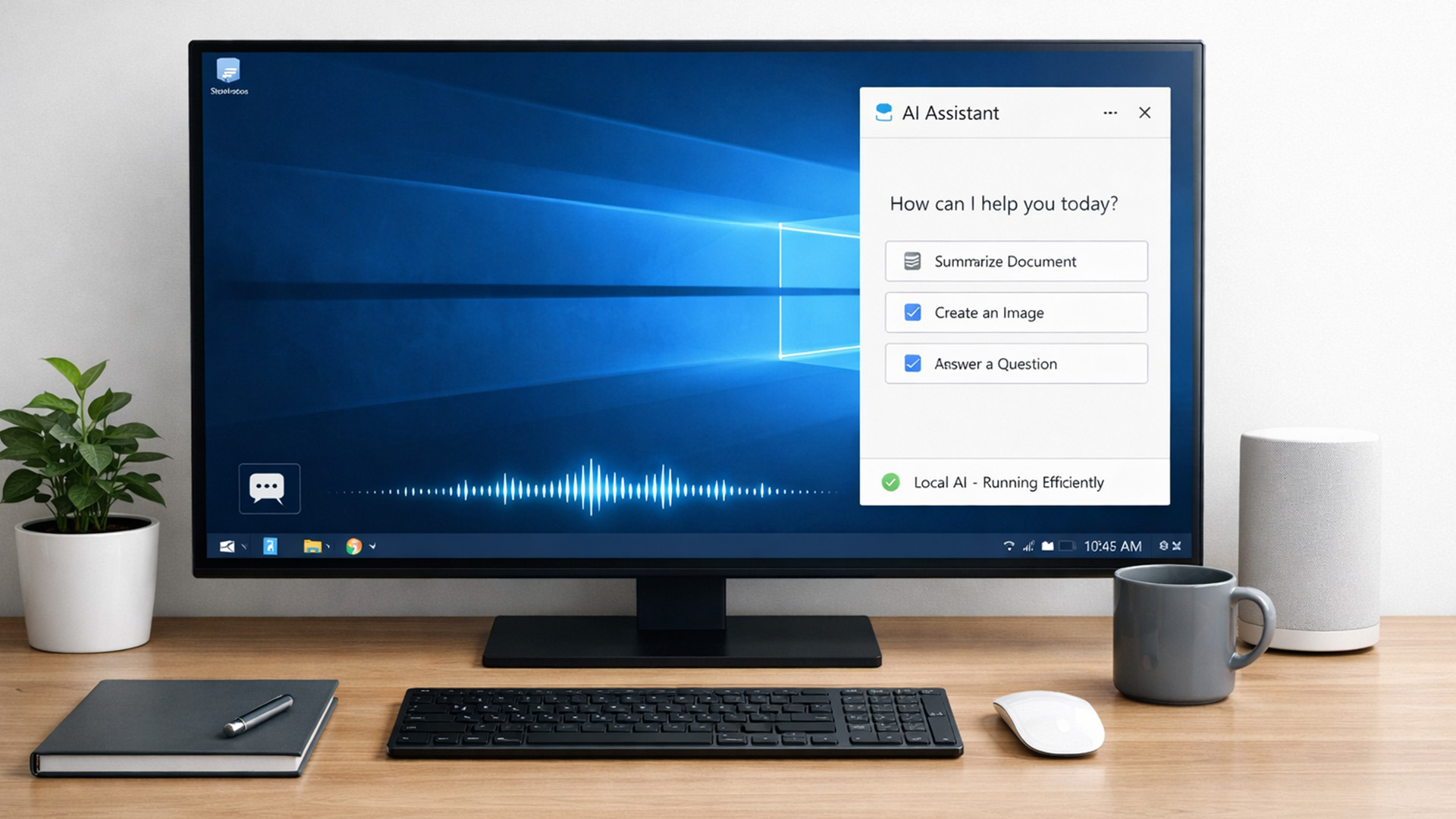
For years, AI lived in the cloud. You typed something, it went to a server, magic happened, and the result came back. Now, operating systems (especially Windows) are pushing AI features onto the device itself. That shift is what triggered the “AI-Ready” wave.
An AI-Ready desktop is basically a PC that can:
- Run certain AI tasks locally
- Do it efficiently
- Without destroying performance or power usage
That’s it. No sentience. No robot takeover.
Published: February 09, 2026
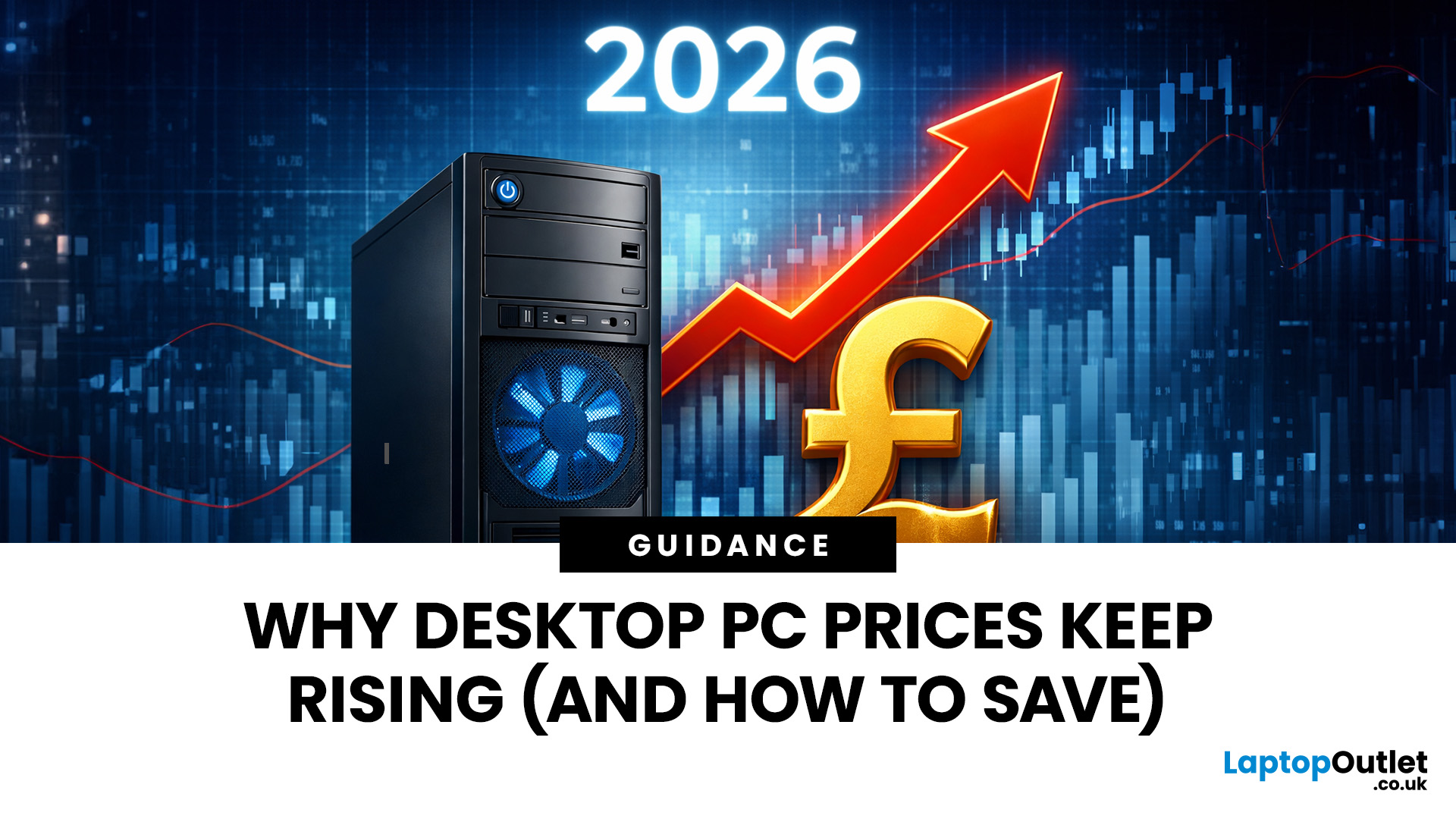
If you have been browsing for a new PC lately, you might have noticed a bit of a price shock. Whether you are looking for a sleek all-in-one for your home office or a powerful gaming rig, the numbers on the price tags in 2026 are noticeably higher than they were just a couple of years ago.
Many UK buyers are left scratching their heads, asking the same question: why are desktop PCs expensive all of a sudden? It is a fair question. In this guide, we will break down exactly what is driving these costs and, more importantly, how you can still find incredible value.
Key Reasons Desktop PC Prices Are Rising
Understanding the "why" behind the price hike helps you time your purchase better. Here are the primary factors driving the market today.
The "AI Squeeze" on Components
The biggest culprit isn't a lack of chips, but a shift in what those chips are used for. Huge data centres are currently buying up almost 70% of the world’s advanced memory (DRAM) and storage (NAND) to power AI models.

Published: April 14, 2026
Remote work is no longer a temporary perk. In 2026, it has become a steady work pattern for many UK employees, and the laptop has effectively turned into the main workplace tool, meeting room, and travel companion rolled into one.
That shift is changing what people prioritise when they buy. Price still matters, but buyers are more likely to pay for reliability, better video-call hardware, stronger security, and a setup that works just as well at home as on the train.
Hybrid Work is Pushing Standards Up, Not Down
UK hybrid working is best understood as a long-term rebalancing rather than a short-lived trend. In Great Britain, the Office for National Statistics has shown how hybrid working varies across demographic groups, reinforcing that it is embedded unevenly but persistently across the workforce rather than disappearing.
Employer practice points in the same direction. The CIPD’s research on flexible and hybrid working practices reports that a large share of organisations have hybrid

Last Updated: July 03, 2026
For most developers, the best machine is not necessarily the most expensive one. It is the one that keeps up with your workflow, feels comfortable to use for hours at a time, and still makes sense a few years down the line.
That matters even more in 2026. Modern development work is heavier than it used to be. A typical day might include an IDE, a browser with far too many tabs open, Docker, a local database, Slack, video calls, design files, and maybe a virtual machine or AI-assisted tools running in the background. A laptop that feels fine on paper can start to struggle surprisingly quickly once real work begins.
This guide is designed for a UK audience looking for a dependable laptop for software development, whether you are a student, a junior developer, a freelancer, or a full-time engineer replacing an ageing machine. Given below are top 10 laptops for programming and coding 2026:
1. ASUS Zenbook 14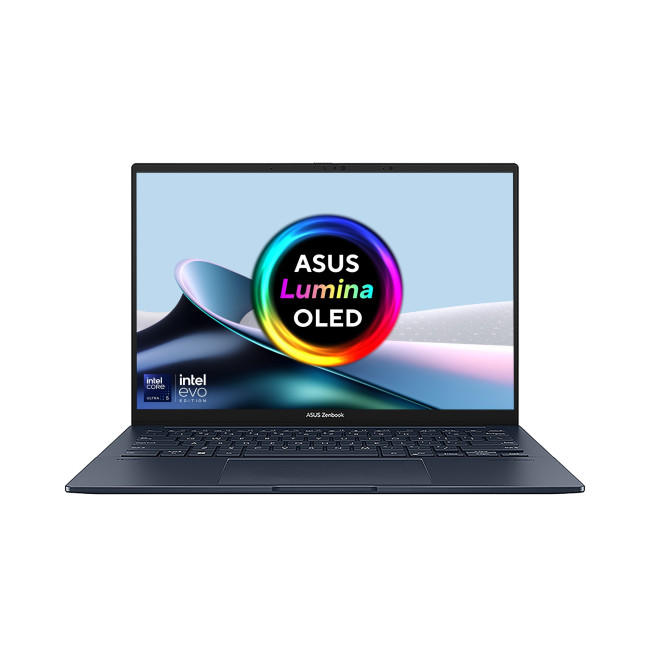
Technical Specs:
- Intel Core Ultra 5 225H 14-Core Processor
- AI Ready Laptop
Last Updated: September 24, 2026
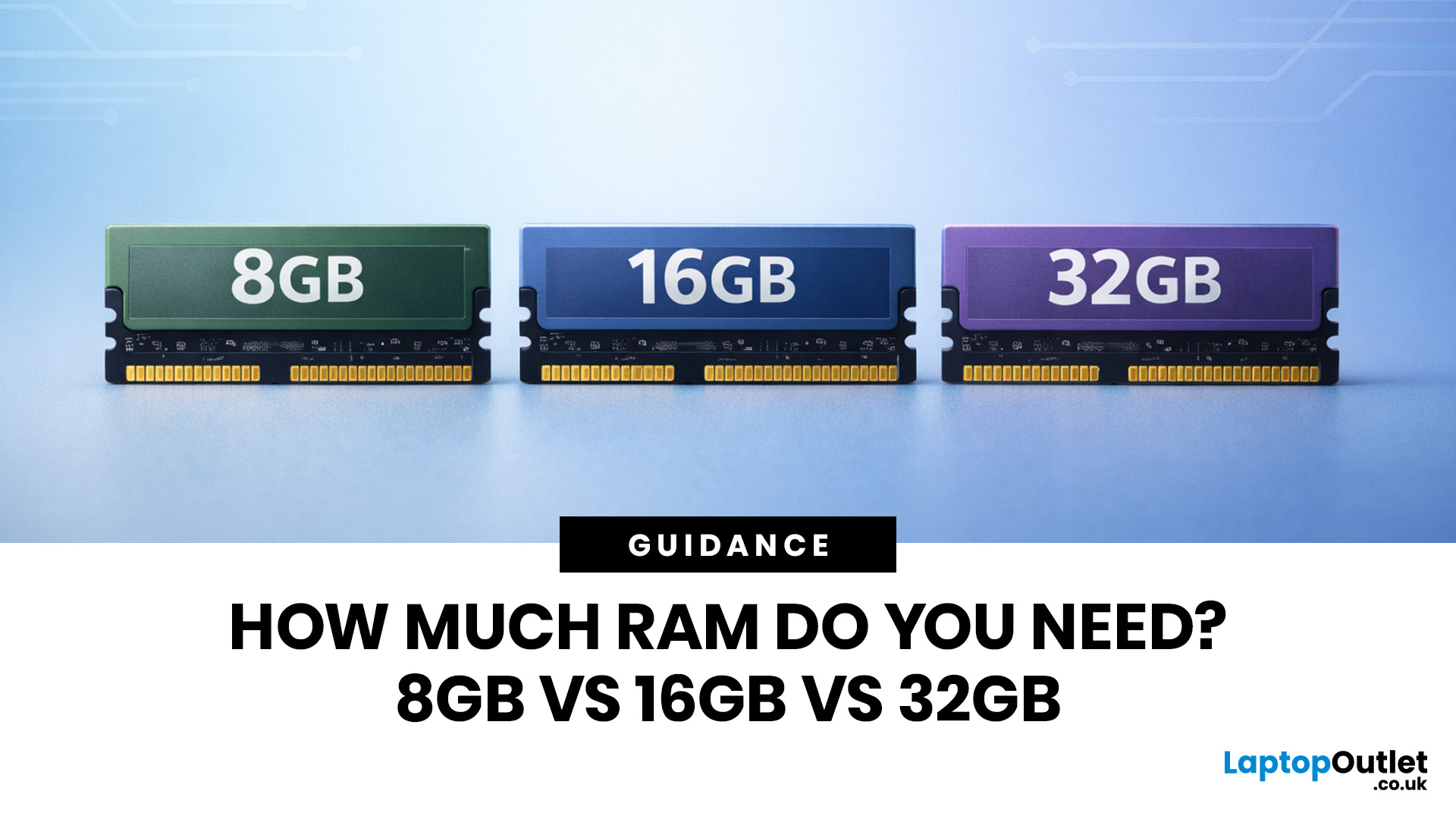
Wondering how much RAM you need? The practical answer is fairly simple. 8GB is still usable for basic laptop tasks; 16GB is the best all-around choice for most buyers, and 32GB is the right move for heavier gaming, creative work, coding, or extra long-term headroom.
For most laptop users, 16GB of RAM is the best all-round choice for work, study, multitasking and mainstream gaming. 8GB is still suitable for lighter everyday use, while 32GB makes more sense for creative work, coding, heavier gaming and demanding multitasking. 64GB is mainly for specialist professional workloads, while 4GB is best avoided on a new Windows laptop.
For RAM shoppers, the real question is not just how much RAM a laptop can run. It is about how much memory will give you a smooth, comfortable experience for how you actually work, study, stream, game, and multitask every day. That is where the difference between 8GB vs 16GB RAM, or 16GB vs 32GB, starts to matter.
What RAM Actually Does?
RAM is your laptop’s short-term
Last Updated: September 24, 2026
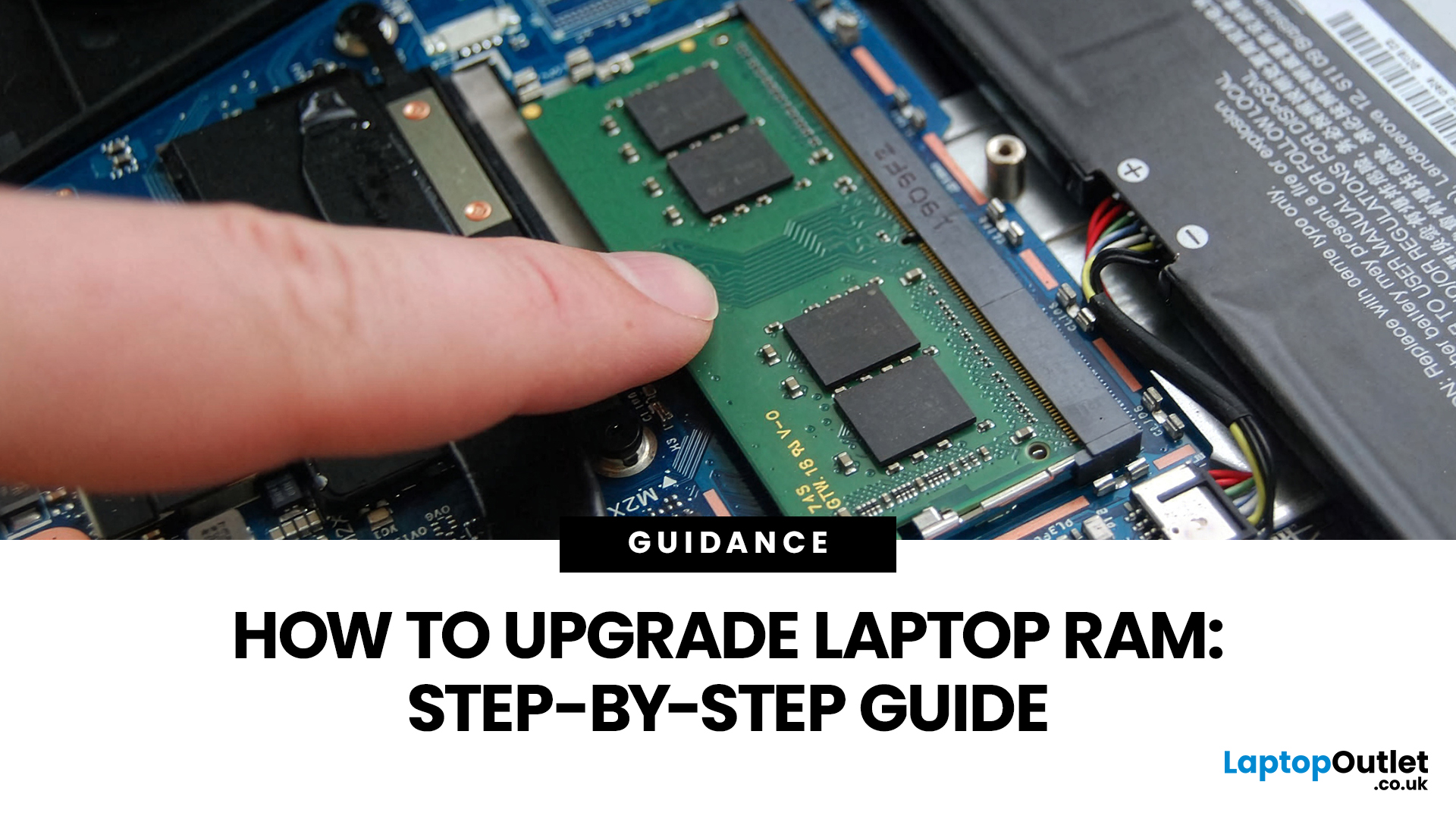
Upgrading laptop RAM is one of the simplest ways to make an older machine feel faster and more capable again, but only if the compatibility side is right from the start. That is the part many quick guides skip. Before buying anything, we always recommend checking whether the laptop has upgradeable memory, what RAM standard it uses, how much it supports, and whether upgrading means adding another module or replacing the existing setup.
To upgrade laptop RAM, first check whether your model has upgradeable SO-DIMM slots, the supported DDR generation, maximum capacity and current memory configuration. Buy compatible RAM, shut the laptop down, disconnect power, open the service panel, remove or add the module, then reassemble and boot up. Finally, confirm the new memory is recognised and test system performance for improved multitasking.
For UK shoppers, that matters because a RAM upgrade can be a much smarter option than replacing a laptop too early. If a system slows down with lots of browser
Last Updated: May 01, 2026
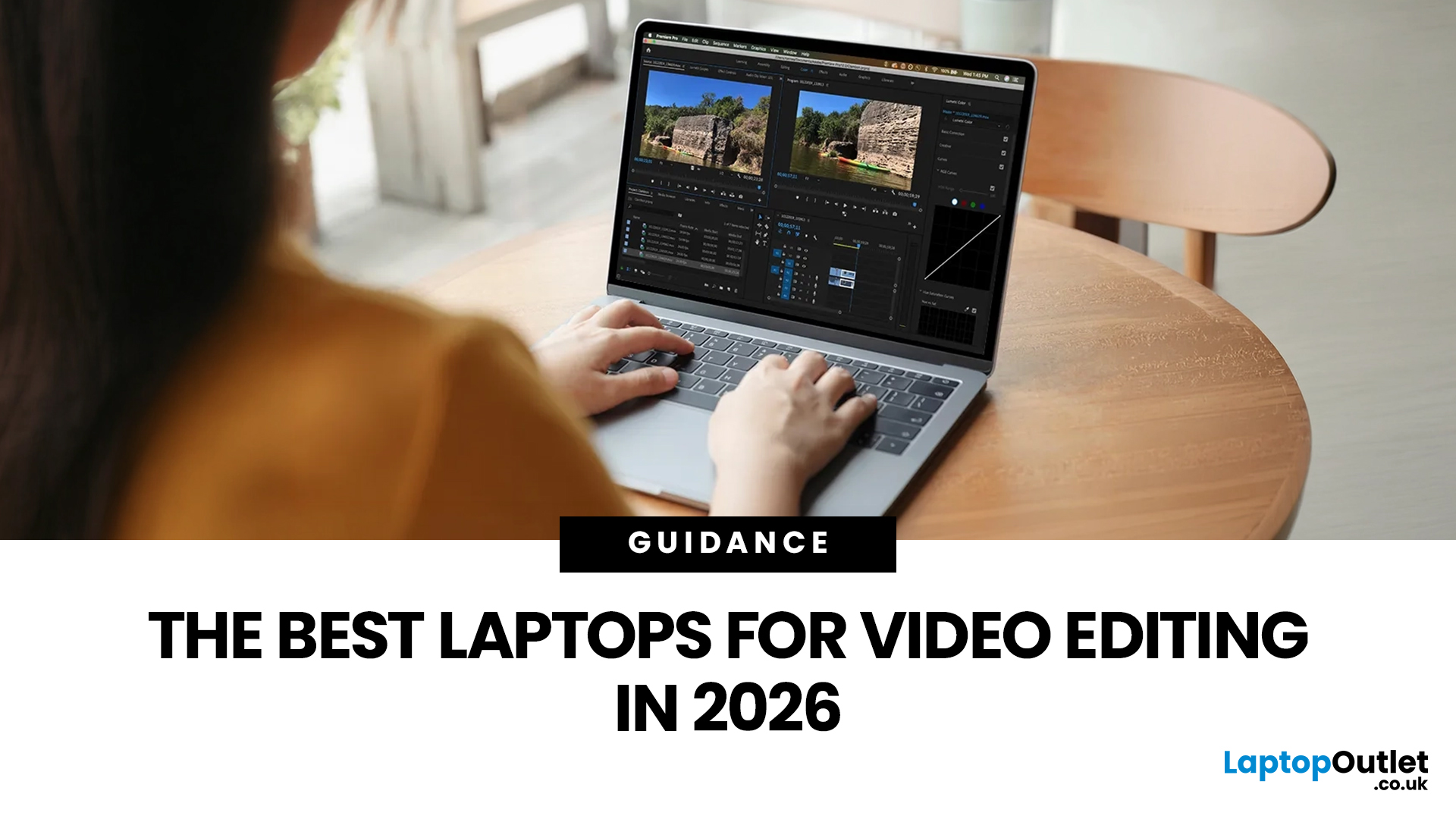
Video editing has become one of the most demanding everyday laptop workloads. Even relatively simple projects can involve high-resolution footage, multiple layers, colour work, motion graphics, audio cleanup, and export-heavy timelines. That means the best laptop for video editing is not just the one with the biggest headline spec. It is the one that fits the kind of editing you do, whether that is short-form social content, YouTube videos, client work, documentary edits, or more advanced professional production.
This guide includes mainstream creator laptops, premium ASUS ProArt models, mobile workstations, and a few higher-powered gaming machines that are relevant because video editing often benefits from the same strengths: strong sustained performance, capable graphics, fast storage, and displays built for visual work.
What Makes a Good Video Editing Laptop in 2026?
A good video editing laptop needs to do three things well:
- Handle demanding timelines smoothly,
- Stay responsive under

