



CPU Clock Speed vs Cores: What Really Matters for Performance?
If you mainly browse, stream, study or use office apps, choose a modern balanced processor rather than paying extra for lots of cores. If you game, prioritise strong single-core performance, cache and a good dedicated GPU. If you edit video, render, compile large projects or run virtual machines, more cores and threads become much more important.
Have you ever stared at two laptop spec sheets wondering whether a higher GHz number or an extra two cores will serve you better? You are not alone. This is one of the most common questions and this guide will answer it by breaking down CPU clock speed vs cores. It will help you work out which matters more for your specific use case, whether that is gaming, video editing, office work, or coding.
What Is CPU Clock Speed?
CPU clock speed is the rate at which a processor's cores work through instructions, measured in cycles per second. In simple terms, CPU clock speed tells you how many of these cycles a core can complete every second.
How Clock Speed Is Measured
The clock speed of a CPU is expressed in gigahertz, where 1GHz equals one billion cycles per second. A processor running at 3GHz, for example, completes three billion clock cycles every second.
It is worth knowing that one cycle does not always mean one finished instruction. Modern chips break work down into smaller micro-operations, so a processor's efficiency per cycle, something called IPC, plays a big role in real performance too.
Base Clock vs Boost Clock
Most modern chips list more than one clock speed. Understanding the difference helps you read a spec sheet properly.
- Base clock: The rated frequency under defined power and thermal conditions. Real laptop speeds can vary depending on workload, battery mode, cooling and manufacturer tuning.
- Boost clock: The maximum speed a core can reach for short periods when the workload demands it and thermal and power headroom allow.
Both Intel Turbo Boost and AMD Precision Boost raise frequency dynamically based on temperature, power draw, and how many cores are active at once.
What Are CPU Cores? Explained

A core is an independent processing unit inside the CPU, capable of carrying out its own instructions separately from the others. A processor with multiple cores can handle several streams of work simultaneously rather than one task at a time.
Physical Cores and Threads
Physical cores are real, separate processing units built into the silicon. Threads, by contrast, are virtual extensions created through technologies like Intel Hyper-Threading or AMD's Simultaneous Multithreading (SMT), allowing one physical core to juggle two streams of instructions.
A chip described as "6 cores, 12 threads" has 6 physical cores, each capable of handling two threads. This doesn't double real-world performance, but it does improve efficiency when a core would otherwise sit partly idle.
Hybrid Core Designs: P-Cores, E-Cores, Zen 5 and Zen 5c
Recent computer processors increasingly use mixed-core layouts, but Intel and AMD do not describe them in exactly the same way.
|
CORE TYPE |
PURPOSE |
TYPICAL USE |
|---|---|---|
|
Performance cores, or P-cores |
Handle demanding, latency-sensitive tasks |
Gaming, video editing, active foreground apps |
|
Efficiency cores, or E-cores |
Handle lighter background tasks at lower power |
Background sync, antivirus scans, system processes |
|
AMD Zen 5 cores |
Handle higher-performance work in AMD’s newer Ryzen AI chips |
Creative tasks, multitasking, gaming and foreground workloads |
|
AMD Zen 5c cores |
Use a denser, more compact design that helps AMD fit more cores into a mobile chip |
Parallel workloads, background work and efficiency-focused multitasking |
Intel's Thread Director technology and AMD's scheduling logic work with Windows to send each task to the most suitable core type automatically. This is one reason a newer hybrid chip can feel quicker than an older processor with a higher clock speed on paper.
Clock Speed vs Cores: The Core Difference
Here is a simple way to think about clock speed vs cores CPU comparisons. Cores are how many workers you have, and clock speed is how fast each worker gets through their to-do list. A processor with more cores can split a big job between several workers, while a processor with a higher clock speed gets through each individual task more quickly.
Single-Threaded Performance
Some tasks can only really be handled by one core at a time. Many everyday actions, like opening an app, loading a webpage, or scrolling through a spreadsheet, lean heavily on single-core, or single-threaded, performance.
A good number of older or simpler games also fall into this category, since their core game logic was written before multi-core CPUs were common. For these tasks, clock speed, alongside a chip's underlying efficiency, tends to have the bigger impact on how snappy things feel.
Multi-Threaded Performance
Other tasks are built to share work across as many cores as possible. Video editing, 3D rendering, code compiling, and running several demanding apps at once are classic examples of multi-threaded workloads.
Here, core count starts to matter a lot more. A processor with eight well-utilised cores can often work through a heavily threaded export or render noticeably faster than a four-core processor, even if that smaller chip has a slightly higher clock speed.
If you would like a wider look at how the processor fits alongside RAM, storage and graphics when choosing a laptop, our laptop specs guide covers the full picture.
Core Count vs Clock Speed: Which Matters More for Your Use Case
Thinking about CPU core count vs clock speed in terms of what you actually do with a laptop makes the decision far easier than comparing numbers in isolation. The breakdown below should help you work out where your priorities should sit.
Office and Everyday Productivity
For browsing, email, video calls and general office work, you do not need a huge number of cores. Most of these tasks are lightly threaded, so a modern chip with around 6 to 8 cores, or a well-designed mixed-core layout, will feel smooth for years.
A laptop with a current-generation Intel Core 5, Core Ultra 5, AMD Ryzen 5, Ryzen AI 5 or similar mid-range processor is usually more than enough here. Spending extra for a very high core count rarely brings a noticeable benefit for this kind of everyday use.
Gaming Performance
Gaming sits somewhere in the middle. Many game engines still rely heavily on a handful of fast cores for the main game logic, so clock speed and per-core efficiency tend to matter a great deal.
That said, modern titles increasingly spread physics, AI and background streaming tasks across more cores. Most games run comfortably on 6 to 8 cores, with gains beyond that point becoming smaller and harder to notice.
Cache size also plays a bigger role in gaming than many shoppers realise, which we will explain shortly. A laptop with a dedicated GPU and a balanced CPU will usually outperform one with a CPU that has more cores but a weaker graphics chip.
Video Editing and Rendering
Video editing, photo batch processing and 3D rendering are some of the most core-hungry tasks a laptop can handle. Exporting a long 4K timeline, for example, can use every available core and thread at once.
If this is your main use case, prioritise core count alongside a decent boost clock. A chip with 10 or more cores will usually shorten export and render times noticeably compared with a 4 or 6-core chip, even if that smaller chip clocks slightly higher.
Programming and Software Development
Software development is a mixed bag. Writing and debugging code is often single-threaded and benefits from a responsive, high-clock chip, while compiling large projects, running virtual machines, or working with containers can use many cores at once.
Developers who regularly compile big codebases or run multiple VMs side by side tend to benefit most from a higher core count, usually 10 or more, alongside plenty of RAM. Those mainly writing and testing smaller scripts can comfortably get away with fewer cores.
Beyond Clock Speed and Cores: Other Factors That Shape Real Performance
Clock speed and cores are only part of the picture. Two chips with identical numbers on both specs can still perform quite differently in the real world, so it is worth understanding why.
CPU performance ultimately comes down to how efficiently each cycle is used, not just how many cycles happen every second. That is where architecture and cache come in.
IPC (Instructions Per Cycle) and CPU Architecture

IPC, or instructions per cycle, measures how much useful work a core gets through during each clock cycle. It varies between chip generations and architectures, which is why comparing clock speed alone across different chips can be misleading.
A newer core running at 3.5GHz can comfortably outperform an older core running at the same 3.5GHz, simply because the newer architecture does more work per tick. Architectural improvements between generations can deliver meaningful IPC gains even when the headline clock speed barely changes.
This is exactly why a current Intel Core Ultra or AMD Ryzen AI chip with a seemingly modest clock speed can still feel noticeably faster than an older, higher-clocked chip from a few generations back.
Cache Size and Why It Matters More Than You'd Think
Cache is a small amount of very fast memory built directly into the processor, used to store data and instructions the CPU is likely to need again soon. Modern chips typically have three tiers: L1, L2 and L3.
- L1 cache: The smallest and fastest cache, closest to the CPU core
- L2 cache: Larger than L1, still very fast and often tied to individual cores
- L3 cache: Larger and usually shared across multiple cores
When the data a core needs is already sitting in cache, it can be fetched almost instantly. When it has to be pulled from system RAM instead, that takes longer, and frequent cache misses can slow things down even on a chip with a strong clock speed and core count.
Cache tends to matter most in gaming and workloads that repeatedly touch the same data, such as physics calculations, simulation work and some creative applications. Chips with generous cache can sometimes outperform rivals with a higher clock speed or more cores simply because they spend less time waiting on memory.
Why Laptops Are Different from Desktops When It Comes to Clock Speed and Cores
Everything covered so far applies to desktop and laptop CPUs alike, but laptops face a couple of extra constraints that change how those specs play out day to day. Power and heat are in much shorter supply inside a thin chassis than inside a desktop tower.
Thermal Throttling: The Laptop's Hidden Limit
Thermal throttling happens when a processor gets too hot and automatically lowers its clock speed to protect itself. It is a built-in safety feature rather than a fault, but it does mean boost clock figures on a spec sheet are best-case numbers rather than guaranteed performance.
Thin and light laptops, with smaller fans and less room for heatsinks, are more prone to throttling during long, demanding tasks like video exports or extended gaming sessions. Bulkier gaming and creator laptops, with bigger cooling systems, can usually sustain higher clock speeds for longer.
If you regularly run heavy, sustained workloads, it is worth checking laptop reviews for sustained performance figures rather than relying purely on the advertised boost clock.
Battery Life vs Raw Power
Higher clock speeds and more active cores both draw more power, which is the main reason laptop chips do not simply run at their absolute maximum all the time. Manufacturers set a TDP, or thermal design power, for each chip, and many laptops let that figure flex within a range depending on the model and cooling.
This is part of why the same processor name can perform differently across two laptops. A Ryzen AI 9 365, for example, has a default TDP of 28W but can be configured anywhere between 15W and 54W depending on how the manufacturer has tuned a particular model.
Hybrid core designs help here too. By sending light tasks to efficient cores and only waking the faster cores when needed, laptops can hold onto battery life without feeling sluggish during normal use.
Intel and AMD Laptop Processors in 2026: Cores and Clock Speeds Compared
To make all this a bit more concrete, here is a snapshot of where current Intel and AMD laptop chips sit on cores and clock speed. Exact model numbers change fairly often, so treat this as a general guide to typical 2026 ranges rather than an exhaustive list.
|
|
INTEL |
AMD | ||||
|---|---|---|---|---|---|---|
|
TIER |
INTEL EXAMPLE |
CORES / THREADS |
BASE TO BOOST CLOCK |
AMD EXAMPLE |
CORES / THREADS |
BASE TO BOOST CLOCK |
|
Entry / everyday |
Core Ultra 5 336H |
12 / 12 |
Up to 4.6GHz |
Ryzen AI 5 430 |
4 / 8 |
2.0GHz to 4.5GHz |
|
Mid-range |
Core Ultra 7 356H |
16 / 16 |
Up to 4.7GHz |
Ryzen AI 7 450 |
8 / 16 |
2.0GHz to 5.1GHz |
|
Upper mid-range |
Core Ultra 9 386H |
16 / 16 |
Up to 4.9GHz |
Ryzen AI 9 465 |
10 / 20 |
2.0GHz to 5.0GHz |
|
High-end |
Core Ultra X9 388H |
16 / 16 |
Up to 5.1GHz |
Ryzen AI 9 HX 475 |
12 / 24 |
2.0GHz to 5.2GHz |
Figures are taken from manufacturer specifications and are intended as a general snapshot rather than a complete or permanent list.
Notice that Intel and AMD take different approaches. Intel’s current mobile range often uses a larger number of mixed cores, while AMD’s Ryzen AI 400 range combines Zen 5 and Zen 5c cores with SMT, so many models show twice as many threads as physical cores. Neither approach is simply "better"; they are different ways of balancing performance, efficiency, battery life and laptop design.
If you would rather compare real laptops than spec sheets, it is worth browsing our range of laptops with Intel processors or seeing what is currently available among our AMD-powered laptops to find a model that matches the balance of cores and clock speed you actually need.
How to Choose the Right Balance for Your Needs
Once you know roughly what you will be using a laptop for, weighing up CPU cores vs clock speed becomes a lot more straightforward. The table below gives a sensible starting point for common UK buyers.
|
USER TYPE |
PRIORITY |
SENSIBLE SPEC TO LOOK FOR |
TYPICAL UK PRICE RANGE |
|---|---|---|---|
|
Everyday browsing & home use |
Clock speed, efficiency and value |
Modern Intel Core 5, Core Ultra 5, Ryzen 5 or Ryzen AI 5; ideally 16GB RAM |
Roughly £350 to £500 |
|
Students & office workers |
Balanced performance and battery life |
Modern mid-range CPU, 16GB RAM, fast SSD, good webcam and battery life |
Roughly £450 to £700 |
|
Gamers |
Clock speed, IPC, cache |
Strong boost clock, 6 to 8 fast cores, dedicated GPU |
Roughly £700 to £1,200+ |
|
Creators & video editors |
Core count, GPU and RAM |
10+ cores, Intel Core Ultra 7/9 or Ryzen AI 7/9, 16GB to 32GB RAM |
Roughly £900 to £1,500+ |
|
Developers |
Mixed, leaning towards cores |
10+ cores, plenty of RAM |
Roughly £700 to £1,200 |
Prices vary by brand, screen, RAM and storage, so treat the figures above as rough guides rather than fixed amounts. It is always worth comparing the full spec sheet rather than the processor name alone.
For most students, home users and office workers in the UK, a sensible everyday balance of cores and clock speed without overspending can be found among our Intel Core i5 laptops or our AMD Ryzen 5 laptops, both of which sit comfortably in that mid-range sweet spot.
Common Mistakes to Avoid When Comparing CPUs

A few common slip-ups can lead you to the wrong laptop even after doing plenty of research. Here are the ones we see most often.
- Comparing clock speeds across different brands or generations as if they're equivalent. A 3.5GHz chip from a newer generation can comfortably outperform an older 4GHz chip thanks to IPC improvements.
- Assuming more cores automatically means a faster laptop. Extra cores only help if the software you actually use is built to take advantage of them.
- Treating the advertised boost clock as an all-day speed. On a laptop, that figure is closer to a short burst maximum than a sustained average.
- Ignoring cache size and RAM speed. A chip with a smaller cache or slower memory can bottleneck performance even when its clock speed and core count look strong on paper.
- Assuming "Core i5" or "Ryzen 5" always means the same performance. These labels can span several generations and architectures with genuinely different real-world speeds.
- Choosing whichever spec sounds biggest in an advert. A laptop with more cores or a higher GHz figure is not automatically the right choice; it needs to match how you will actually use it.
- Forgetting about RAM, storage and GPU. A laptop is a complete system, and CPU specs alone rarely tell the whole story.

It’s All About Your Use Case
CPU clock speed vs cores is not a contest with one winner. Clock speed decides how quickly a single core works through instructions, while cores decide how much a laptop can handle at once. The right balance depends on what you do day to day, since architecture and cache shape performance too.
For everyday browsing and office work, a balanced mid-range chip is usually plenty. Gaming leans more on clock speed and cache, while video editing and heavy multitasking lean towards core count. Match the spec to your use case rather than chasing the biggest number, and you will end up with a laptop that actually suits you.
Ready to upgrade? Shop our laptops & notebooks and choose a device with the right balance of performance, portability and price.

Let’s Clear a Few Things Up...
Is higher clock speed better than more cores?
Neither is automatically better. Clock speed helps single-threaded tasks like browsing, while more cores help multitasking and parallel workloads like video editing or rendering.
How does core count impact performance?
More cores let a CPU handle several tasks simultaneously, improving multitasking and parallel workloads, though software must be built to use multiple cores effectively.
How does clock speed affect CPU performance?
Clock speed determines how many cycles a core completes per second. Higher clock speeds mean faster processing for tasks that rely on a single core.
What is a good CPU clock speed for a laptop in 2026?
Most everyday laptops run base speeds around 2 to 3GHz with boost speeds above 4.5GHz. Anything in this range suits browsing, office work and streaming.
Do more cores affect a laptop's battery life?
Yes. Running many cores at once draws more power. Modern hybrid designs use efficient cores for light tasks, helping balance performance with longer battery life.
Is a 4-core processor still enough for everyday laptop use?
For basic browsing, email and document editing, 4 cores can still cope. However, most 2026 laptops now include 6 or more cores as standard.
Does cache size matter more than clock speed or core count?
Cache can have a noticeable effect, especially in gaming. A processor with more cache sometimes outperforms one with a higher clock speed or more cores.
| Read More |
| AMD vs Intel Laptop: Which Is Best for You in 2026? |
| What Is a Neural Processing Unit? Everything You Need to Know |
| How to Check CPU and RAM Performance with Stress Tests |
Related Articles

Last Updated: December 31, 2025
If you’re planning a new PC build or looking to breathe life into an older rig, New Year processor deals can be one of the smartest ways to upgrade without overspending. The start of 2026 is a prime time for CPU discounts: retailers clear stock, bundle components, and compete hard on price. The trick is knowing which processor deal is genuinely good, what to prioritise for your workload, and how to avoid buying the wrong platform.
In this guide to processor New Year deals 2026, you’ll find practical buying advice, use-case recommendations for gaming and productivity, and a simple checklist for compatibility. Whether you’re chasing high FPS, smoother streams, faster creative exports, or a snappier work machine, you’ll be able to shop with confidence.
Intel Core i5/i7 Discounts: Why they’re Best CPU for in 2026
When you see Intel Core i5/i7 discounts during New Year sales, they usually appeal to buyers who want a strong all-round PC: quick responsiveness, solid gaming performance,

Last Updated: May 06, 2026
year is more than just a fresh calendar; it’s one of the best times of the year to upgrade your PC hardware for less. As retailers clear stock, introduce refreshed product lines, and compete for attention during seasonal sales, motherboard New Year deals 2026 unlock savings that simply aren’t available during regular months. Whether you’re planning a brand-new desktop build, upgrading an ageing system, or finally pairing a powerful CPU with a compatible board, New Year sales make high-end components far more affordable.
New Year Sale on AMD Motherboards
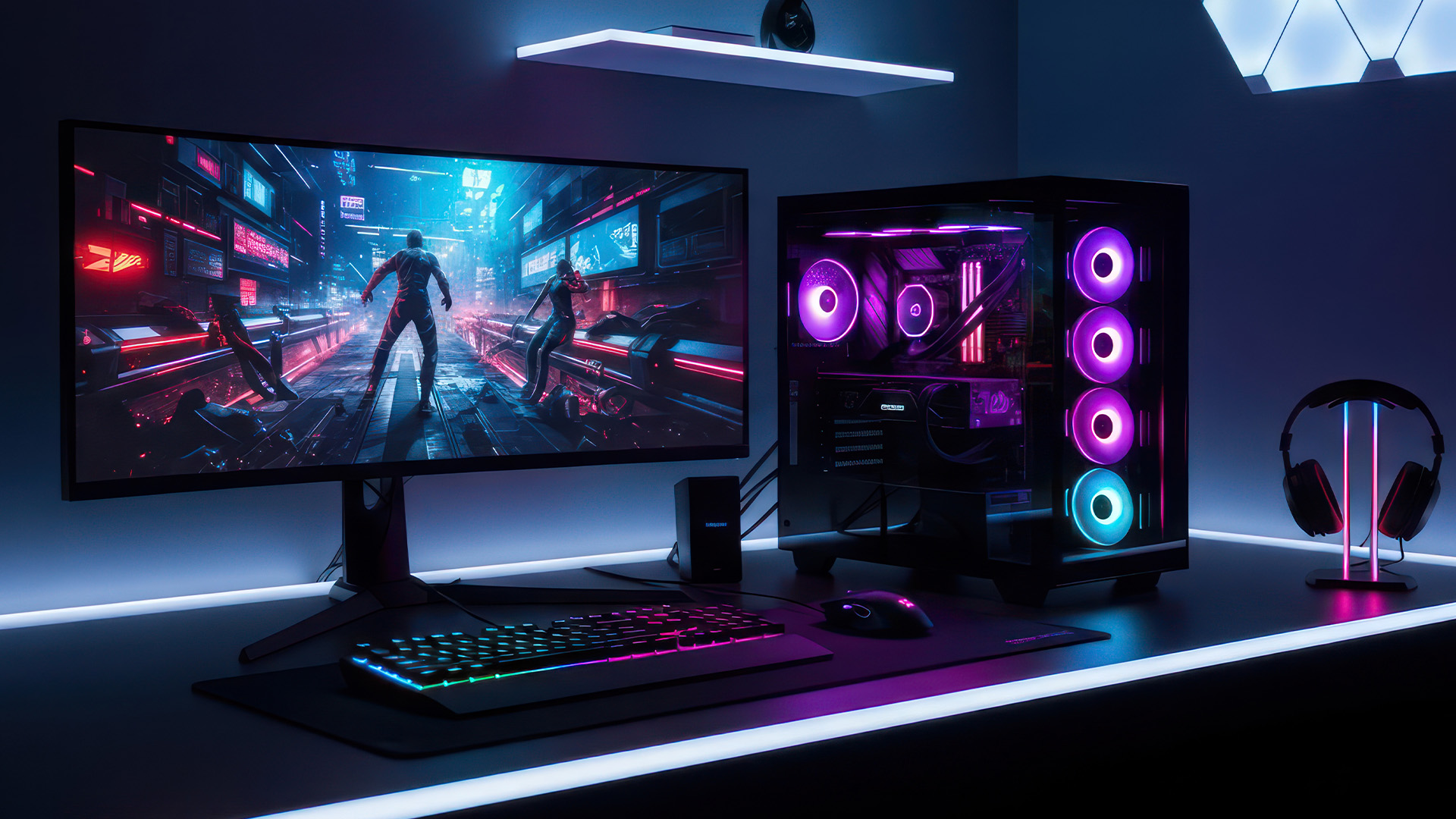
This New Year, AMD motherboard discounts make it easier than ever to build or upgrade your PC with powerful AM5 boards at lowered prices.
1. ASUS TUF GAMING X870E-PLUS WIFI7 ATX AMD Socket AM5 Motherboard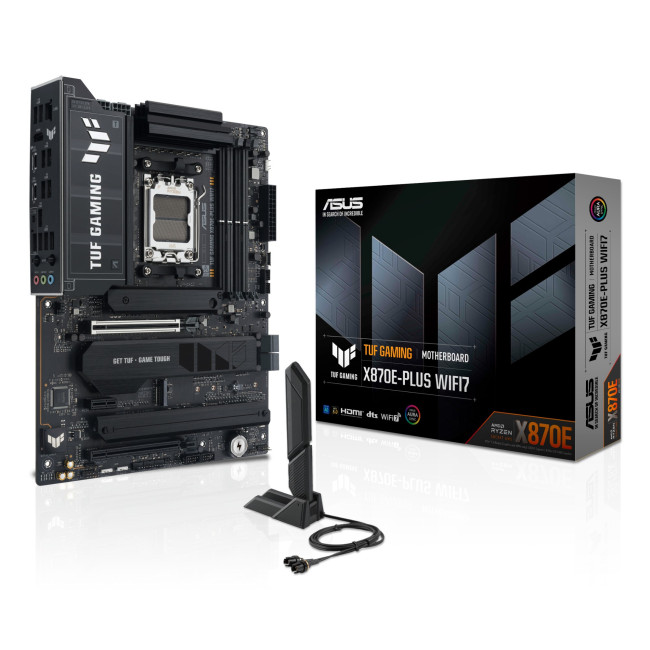
This flagship TUF board typically sits in the upper mid-range price bracket, but New Year Sale pricing often brings it into compelling territory compared to standard retail tags, shaving a noticeable percentage off regular prices.

Last Updated: January 27, 2026
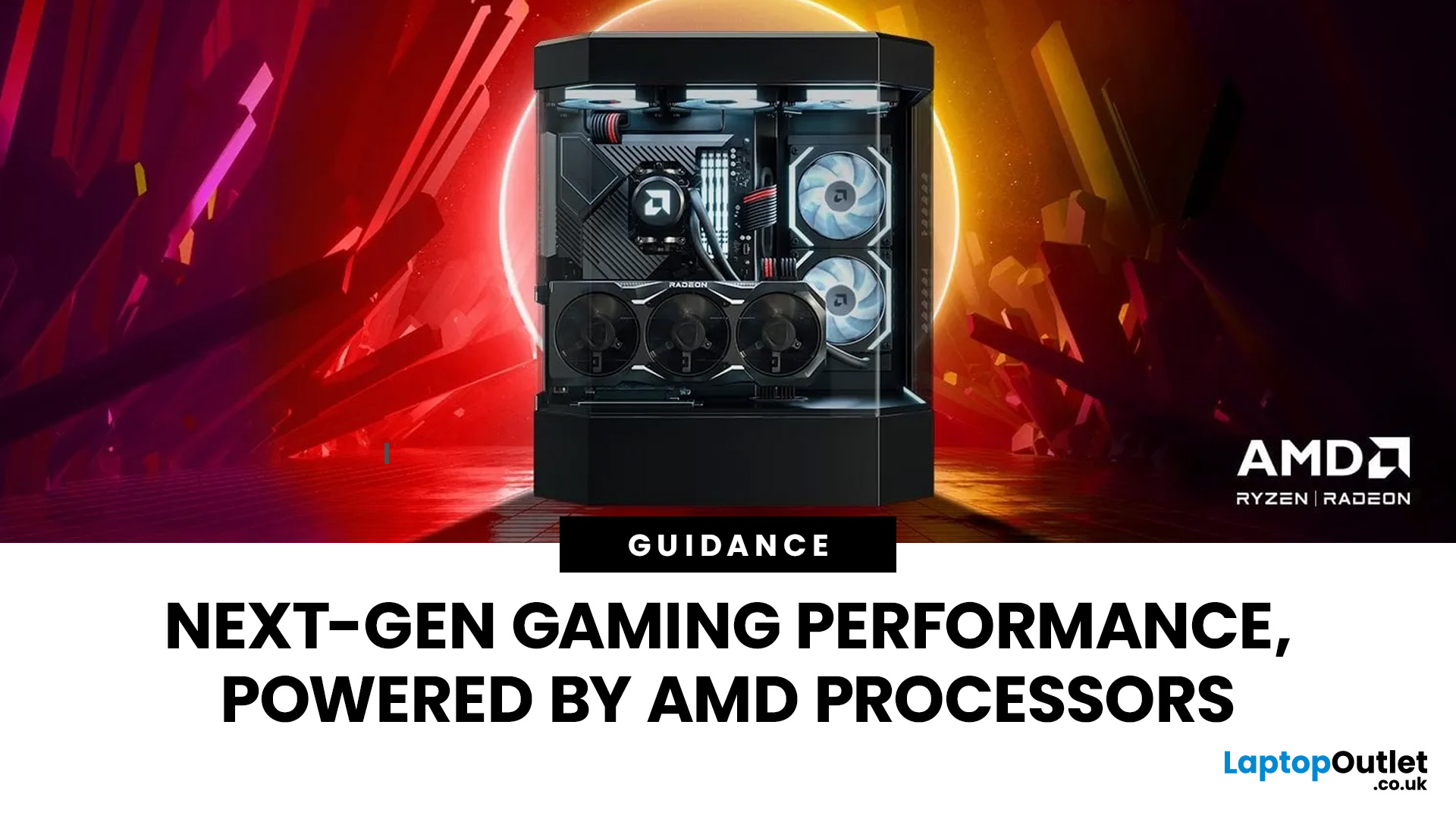
Intel has remained a titan in the world of PC gaming for decades. Their processors power some of the most capable high-performance gaming desktops on the market today.
Recently, we have seen a massive shift in how these chips operate. The evolution from the classic Core i-series to the brand-new Ultra Core processors marks a new era. These advancements are not just about speed; they are redefining the entire gaming experience.
If you want a top-tier machine, understanding how Intel CPUs work in gaming desktops is essential.
The Role of a CPU in Gaming
The CPU acts as the brain of your computer. It handles every logic calculation and physics instruction required for your game.
CPU vs GPU: Understanding the Balance
The GPU handles the visuals and graphics rendering. Meanwhile, the CPU manages physics, logic, and artificial intelligence.
You need a strong balance between both components to avoid lag. If one is too slow, the other cannot perform at its full potential during intense sessions.
Last Updated: January 27, 2026
Over the past decade, AMD has transformed from an underdog in the CPU market to a dominant force in gaming PCs.
With its Ryzen series, AMD has consistently delivered processors that combine high performance, competitive pricing, and innovative features. For UK gamers, this has meant more choice, better value, and the ability to build powerful rigs without overspending.
In this guide, we’ll explore exactly how AMD processors work in gaming PCs, the key features that make them stand out, and the benefits they bring to gamers.
Understanding AMD Processors in Gaming PCs
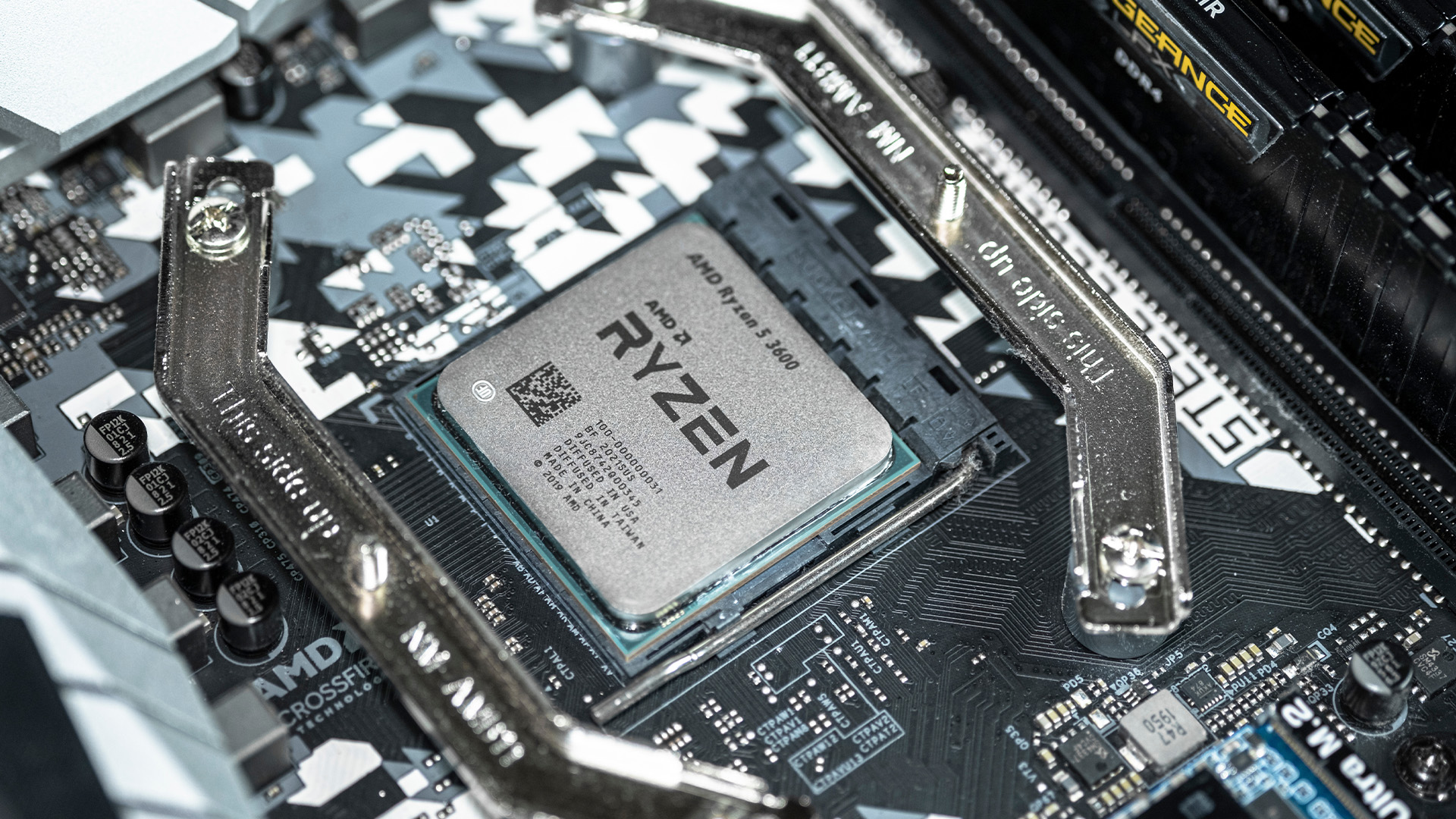
In any gaming setup, the Central Processing Unit (CPU) acts as the primary coordinator. It handles complex AI logic, processes game physics, and manages all background system tasks while your graphics card renders the visuals.
AMD has revolutionised this space by moving away from traditional "monolithic" chip designs where everything is on one piece of silicon. Instead, the modern AMD CPU architecture uses a modular

Last Updated: February 20, 2026
If you have been considering a high-performance processor upgrade this year, you may have noticed pricing staying firmer than expected. High-End CPU prices 2026 are under upward pressure, and in the UK, this often shows up as fewer meaningful discounts, shorter sale windows, and popular models holding close to launch pricing for longer.
A key driver is the scale of AI hardware demand 2026 and the wider push to expand AI data centres. While GPUs get most of the attention, large AI deployments also consume huge volumes of CPUs for orchestration, data handling, virtualisation, networking, and general system control. Recent industry reporting has pointed to rising pressure in high-end server CPU prices and tighter availability in some regions as AI-related demand ramps up.
This article explains what is changing, why it matters for premium desktop and laptop processors, how these pressures can filter into UK retail pricing, and what practical steps you can take to get better value when shopping
Last Updated: May 06, 2026
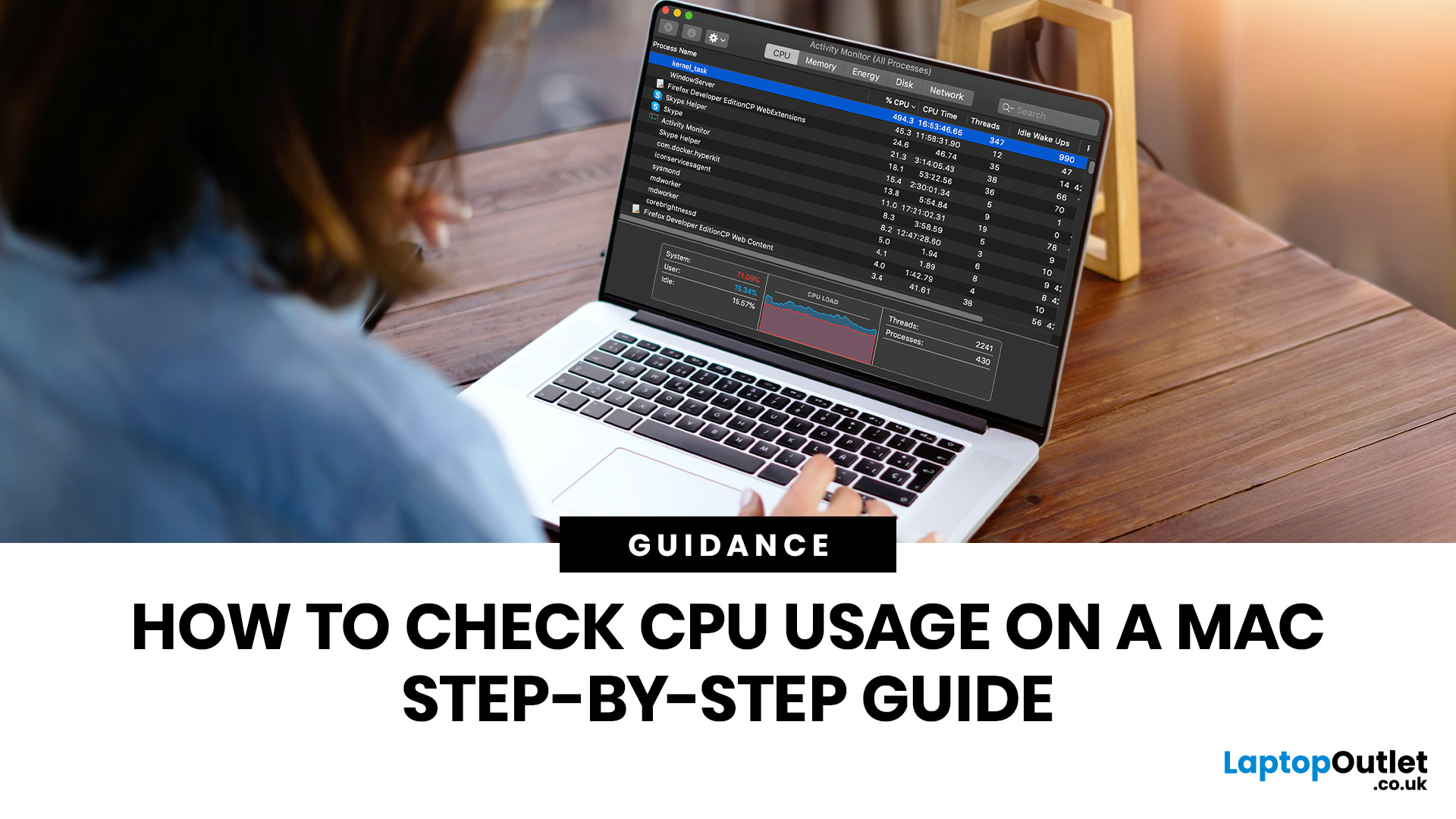
If you want to check CPU usage on a Mac, the fastest built-in method is Activity Monitor. Open it, click the CPU tab, and you can immediately see which APPs and processes are using the most processor power, along with overall User, System, and Idle percentages at the bottom of the window.
That makes CPU usage one of the most useful checks when your Mac feels slow, runs hot, drains battery quickly, or sounds busier than usual. In this guide, we will show you exactly how to see CPU usage on a Mac, how to interpret what you are looking at, and what to do next if one APP is using more processing power than it should.
How to See CPU Usage on a Mac
The easiest way to check processor usage on a Mac is to open Activity Monitor and click CPU. That view shows your Mac’s processor activity over time and lists active APPs and processes so you can spot what is using the most CPU. Apple also lets you open CPU Usage and CPU History from the Window menu for a more visual view.
If you want a quicker
Last Updated: June 18, 2026
For most buyers in 2026, the best laptop specs are a modern Intel Core Ultra 5/7 or AMD Ryzen AI 5/7 processor, 16GB RAM, 512GB SSD storage, and integrated graphics. Choose 32GB RAM, 1TB storage, and a dedicated GPU if you edit videos, create content, play demanding games, or use professional software.
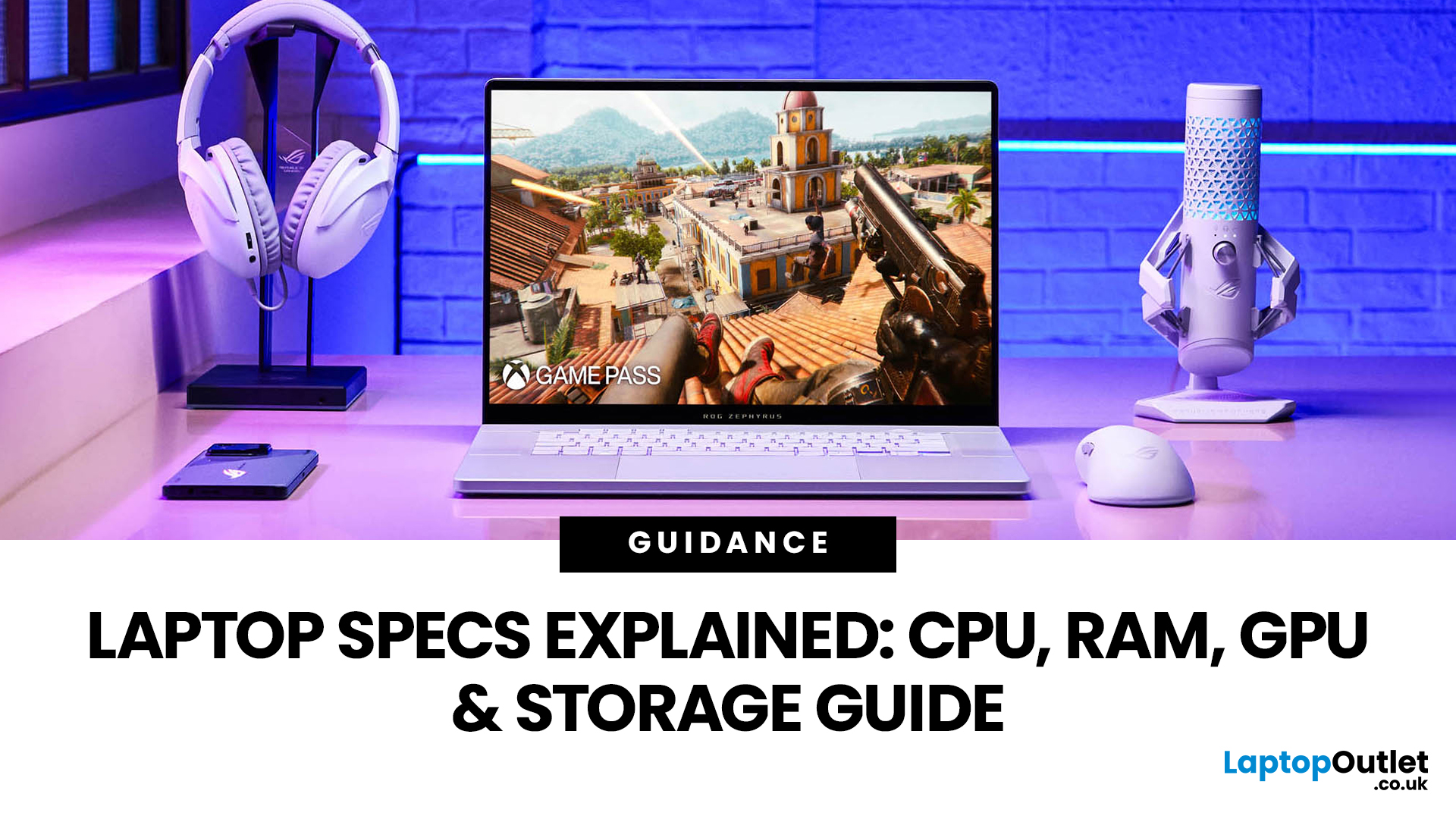
Buying a new laptop in 2026 can feel confusing, especially when every product page is packed with technical words, numbers, and abbreviations. This processors & specs explained guide breaks everything down in plain English so you can understand what matters before you spend your money.
For most buyers, the four most important laptop components are the CPU, RAM, GPU, and storage. Once you understand these, it becomes much easier to compare models, avoid overspending, and choose a laptop that actually suits your daily needs.
What are Laptop Specs and Why Do They Matter?
Understanding laptop specifications becomes important. Specs affect:
- How fast your laptop feels when opening apps.
- How many
Published: June 11, 2026
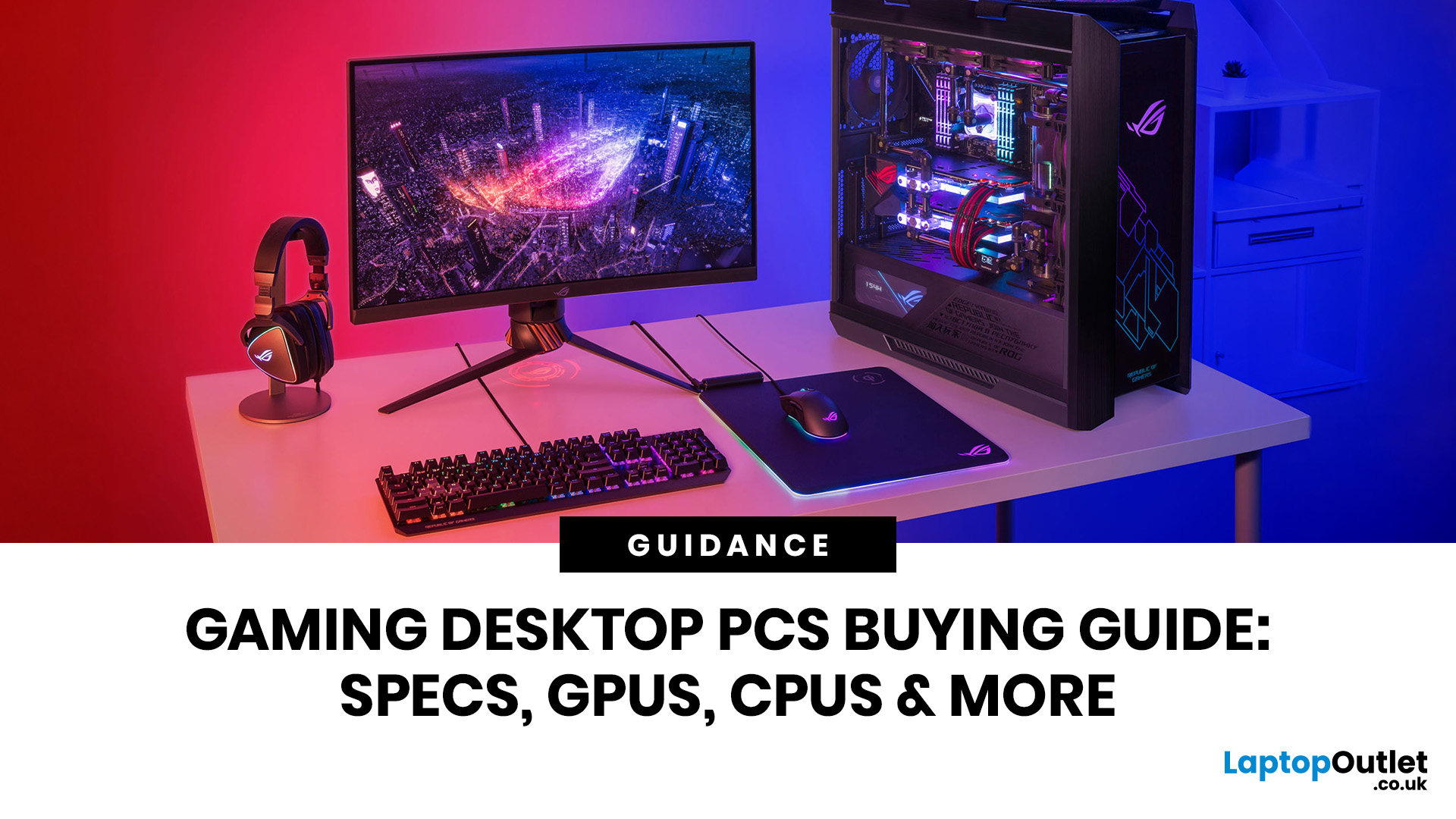
Choosing the right gaming desktop can be the difference between smooth, immersive gameplay and a system that struggles within a year. This gaming PC buying guide explains the key components that affect gaming performance, future-proofing, and value for money, so you can buy with confidence rather than guessing from confusing spec sheets.
A good gaming PC is not just about the most expensive graphics card. It is about balance. The CPU, GPU, RAM, storage, cooling, power supply, motherboard, and case all work together. Whether you play competitive esports, cinematic single-player titles, open-world RPGs, racing games or VR, understanding the right configuration helps you avoid overspending and choose a desktop that lasts.
This article is designed as a practical gaming PC specs guide for beginners, but it also includes up-to-date 2026 advice for buyers comparing modern RTX, Radeon, Intel, and AMD-powered systems.
Why Buy a Gaming Desktop PC?
A gaming desktop PC remains one of the best choices
Last Updated: August 17, 2026
ARM processors are reshaping the laptop and tablet market in 2026, offering faster performance, longer battery life and cooler, quieter designs. Apple Silicon and Snapdragon are two leading ARM platforms, but they serve slightly different users. Apple Silicon is known for strong MacBook performance and excellent energy efficiency, while Snapdragon brings ARM power to modern Windows laptops and tablets.
ARM processors laptops are no longer niche devices. In 2026, they are a serious choice for students, remote workers, business users, and creators who want slim designs, long battery life and fast everyday performance. This guide offers ARM processors explained in plain English, then compares Apple Silicon and Snapdragon, the two most visible ARM platforms in laptops and tablets. Buyers usually care about four things: speed, battery life, app compatibility, and long-term value. That is where the Snapdragon vs Apple Silicon debate becomes important.
What are ARM Processors in Laptops and How
Last Updated: July 14, 2026
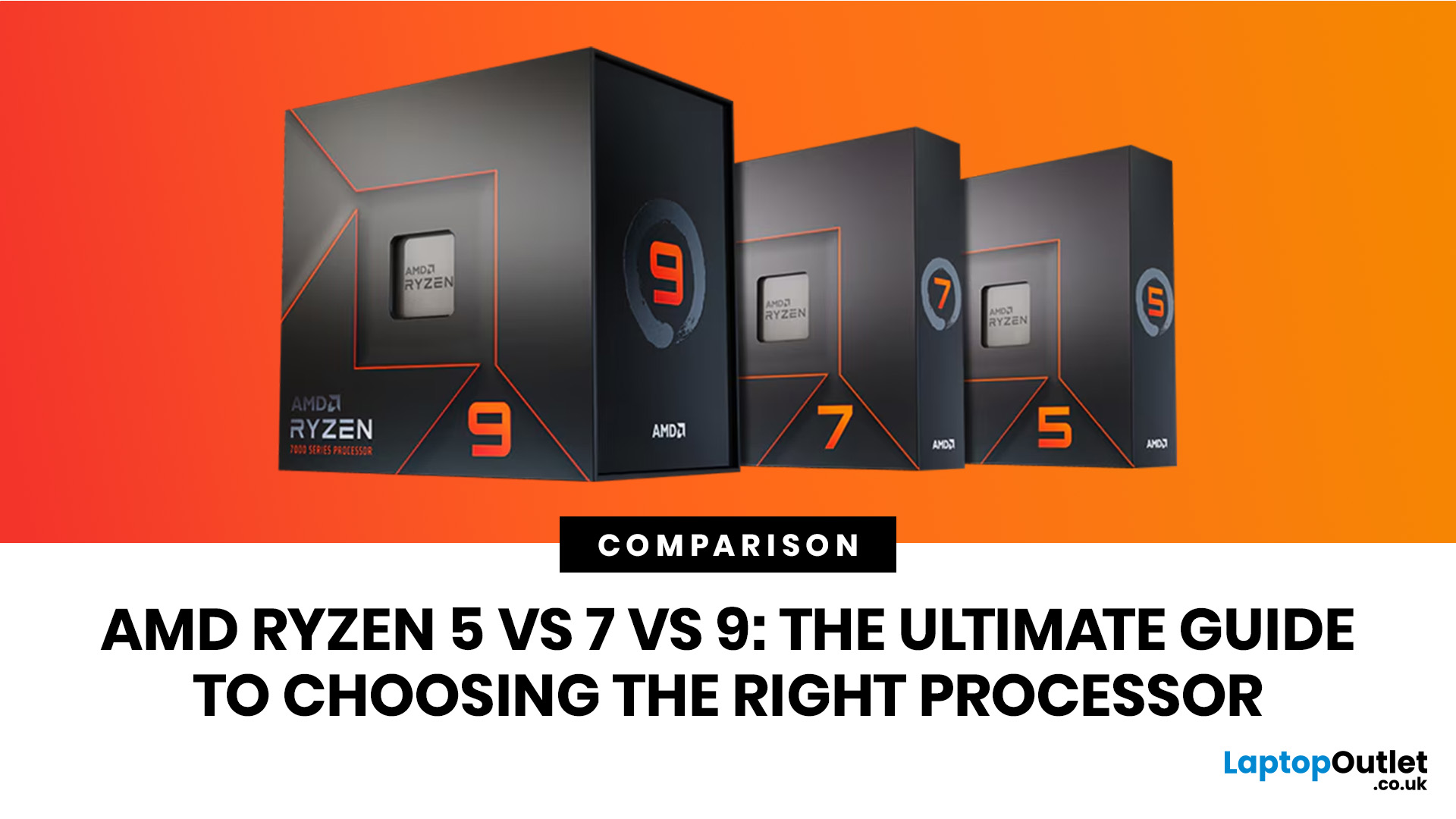
Ryzen 5 processors suit everyday use, budget gaming, and light multitasking. Ryzen 7 processors are better for 1080p and 1440p gaming, streaming, and moderate content creation. Ryzen 9 processors are good for heavy workloads like 4K video editing and 3D rendering. For most laptop buyers in 2026, a Ryzen 7 hits the sweet spot between performance and value.
This guide cuts through the noise and gives you a clear AMD Ryzen 5 vs 7 vs 9 comparison, so you can make a confident decision before you spend a penny.
What Is AMD Ryzen? Explained
AMD Ryzen is AMD’s mainstream family of computer processors. Ryzen CPUs power everything from affordable student laptops to high-end gaming PCs and professional workstation systems.
The number after “Ryzen” tells you the performance tier:
- Ryzen 5: Mainstream performance for everyday use, productivity and value gaming.
- Ryzen 7: Higher performance for gaming, creative work and heavier multi-tasking.
- Ryzen 9: Premium performance for professional workloads,

