



Best Laptops for Adobe Creative Cloud Apps (Photoshop, Illustrator & Premiere Pro)

Adobe Creative Cloud apps aren’t lightweight anymore and in 2026, they’re pushing laptops harder than ever. From editing high-resolution photos in Photoshop to building complex vector artwork in Illustrator and exporting 4K timelines in Premiere Pro, creative software demands serious performance. That means choosing the right laptops for Adobe Creative Cloud isn’t optional, it’s essential.
A slow system can kill your workflow, delay exports, and turn simple edits into waiting games. The good news? Modern creator machines are faster, smarter, and built specifically for creative workloads. In this guide, we’ll break down the best laptops for Photoshop, Illustrator, and Premiere Pro, so you can create without limits (or lag).
Why Your Laptop Matters for Creative Work in 2026
Creative work isn’t just “opening Photoshop” anymore - in 2026, Adobe apps are basically full production studios. Whether you’re designing brand visuals, editing YouTube videos, or building content for clients, your laptop has to keep up.
The thing is, Creative Cloud workflows hit your system from every angle. You’re often running multiple apps at once, working with huge files, and using AI-powered tools that demand more processing power than ever. A weak laptop can mean laggy brushes, choppy playback, slow exports, and way too much time spent staring at loading bars.
That’s why investing in the right laptops for creative professionals makes a real difference. The best systems are built to handle heavy workloads smoothly, making them true high-performance laptops for Adobe apps, not just “nice-to-have” upgrades.
If video editing is your main focus, you can also explore our guide to best laptops for video editing (beginner to pro) for more workflow-specific recommendations.
Adobe Creative Cloud Laptop Requirements in 2026
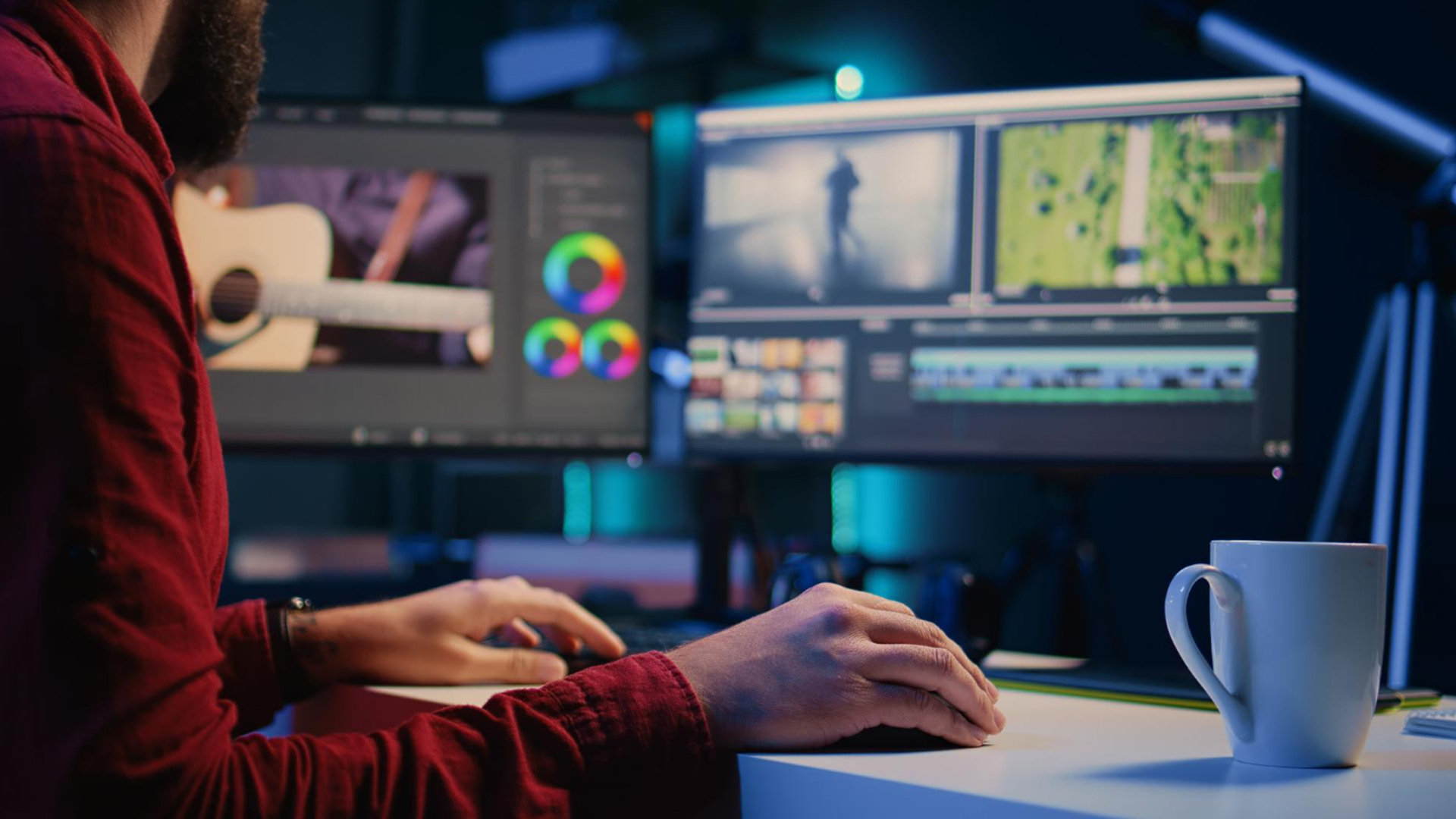
Before choosing the best laptop, it helps to understand what Adobe Creative Cloud actually needs in 2026. The apps may look sleek, but behind the scenes they’re doing serious work, especially with modern AI features and higher-resolution content becoming standard.
Here’s what matters most.
Your CPU handles the core workload in apps like Photoshop and Illustrator, and it plays a huge role in Premiere Pro exports.
For smooth performance, look for:
- Intel Core i7 or i9
- AMD Ryzen 7 or Ryzen 9
Entry-level chips can run Adobe apps, but for real creative speed, stronger multi-core performance is key.
If you’re doing video editing or motion work, a dedicated GPU is a game-changer.
A good GPU helps with:
- Real-time playback in Premiere Pro
- GPU-accelerated effects
- Faster rendering and exporting
This is especially important when shopping for the best laptops for Premiere Pro. If you’re working in motion graphics or 3D environments, check out our guide to best laptops for animation and 3D modeling to find systems built for rendering-heavy tasks.
In 2026, Adobe apps love RAM.
- 16GB is the minimum for smooth Creative Cloud use
- 32GB is recommended for serious video editing or multitasking
If you’re working with layered files or editing 4K footage, more RAM = fewer slowdowns.
Creative projects get huge fast.
A fast SSD is essential, and ideally you want:
- 512GB minimum
- 1TB recommended for video editors
More storage means more room for assets, footage, and Adobe cache files.
Display Quality
For creators, the screen isn’t just a screen, it’s your workspace.
Look for:
- Colour accuracy (100% sRGB or better)
- Brightness above 300 nits
- IPS or OLED panels
This is especially important for laptops for graphic design and photo editing.
What Specs Matter Most for Each Adobe App
Not every Adobe app pushes hardware the same way. The best laptop for Photoshop isn’t always the best laptop for Premiere Pro, so choosing based on your workflow is the smartest move.
Best Laptops for Photoshop
Photoshop is all about smooth performance with high-resolution images, brushes, and layered edits.
The best laptops for Photoshop usually prioritise:
- Fast CPU performance
- At least 16GB RAM
- Colour-accurate display
- Quick SSD storage
If you’re doing photo editing, digital art, or design work, display quality matters just as much as speed.
Best Laptops for Illustrator
Illustrator is lighter than Premiere Pro, but it still needs power for complex vector projects.
The best laptops for Illustrator should have:
- Strong processor speed
- Plenty of RAM for large files
- Sharp, accurate screens for design precision
For logo designers, illustrators, and branding work, smooth zooming and rendering is key.
Best Laptops for Premiere Pro
Premiere Pro is easily the most demanding Adobe app in the Creative Cloud lineup.
If you’re shopping for the best laptops for video editing, you’ll want:
- Multi-core CPU
- Dedicated GPU (RTX-level recommended)
- 32GB RAM for 4K workflows
- Large SSD storage for footage
Premiere is where high-performance laptops really prove their value, especially when deadlines are real.
Best Laptops for Adobe Creative Cloud in 2026
If you’re looking for the best laptops for Adobe Creative Cloud right now, the key is choosing a machine that matches your workflow. Whether you’re editing photos, designing vector graphics, or exporting 4K video, the right hardware makes everything smoother.
Here are the top categories to consider in 2026.
Best Overall Laptop for Adobe Creative Cloud
For most creators, the best choice is a balanced machine with a powerful CPU, dedicated GPU, 16GB–32GB RAM, and fast SSD storage.
This type of laptop handles:
- Photoshop editing
- Illustrator projects
- Light-to-moderate Premiere Pro work
- Multitasking across apps
If you want one device that can manage design, content creation, and video editing without compromise, explore the latest best creative laptops to compare high-performance models built specifically for demanding creative workflows.
Best Laptop for Photoshop & Graphic Design
If your focus is photography, digital art, or branding projects, display quality and CPU speed matter most.
Look for laptops with:
- Colour-accurate IPS or OLED screens
- At least 16GB RAM
- Fast SSD storage
- Strong single-core performance
These are ideal laptops for graphic design and image-heavy projects where precision and smooth editing are critical.
Best Laptop for Premiere Pro & Video Editing
Video editing pushes systems harder than most creative tasks.
The best laptops for Premiere Pro and serious video work should include:
- Multi-core processors
- Dedicated NVIDIA RTX graphics
- 32GB RAM (recommended for 4K editing)
- Large, fast SSD storage
If you regularly edit high-resolution footage, investing in stronger hardware will dramatically improve playback, rendering, and export speeds.
These are true high-performance laptops for Adobe apps, built for professional-level workloads.
Best Budget Laptop for Adobe Creative Cloud
If you’re a student or just starting out, you don’t need ultra-premium specs — but you do need the right baseline.
Aim for:
- Intel Core i5 / Ryzen 5 minimum
- 16GB RAM
- SSD storage
- Good colour accuracy
This setup handles Photoshop and Illustrator smoothly and can manage light video editing.
Best Portable Laptop for Creative Professionals
For freelancers, remote creators, and content creators on the move, portability matters.
Look for:
- Lightweight design
- Long battery life
- Strong CPU performance
- High-quality display
These systems balance power and portability, making them perfect for creatives who travel or work in multiple locations.
How to Choose the Right Creative Laptop for Your Workflow
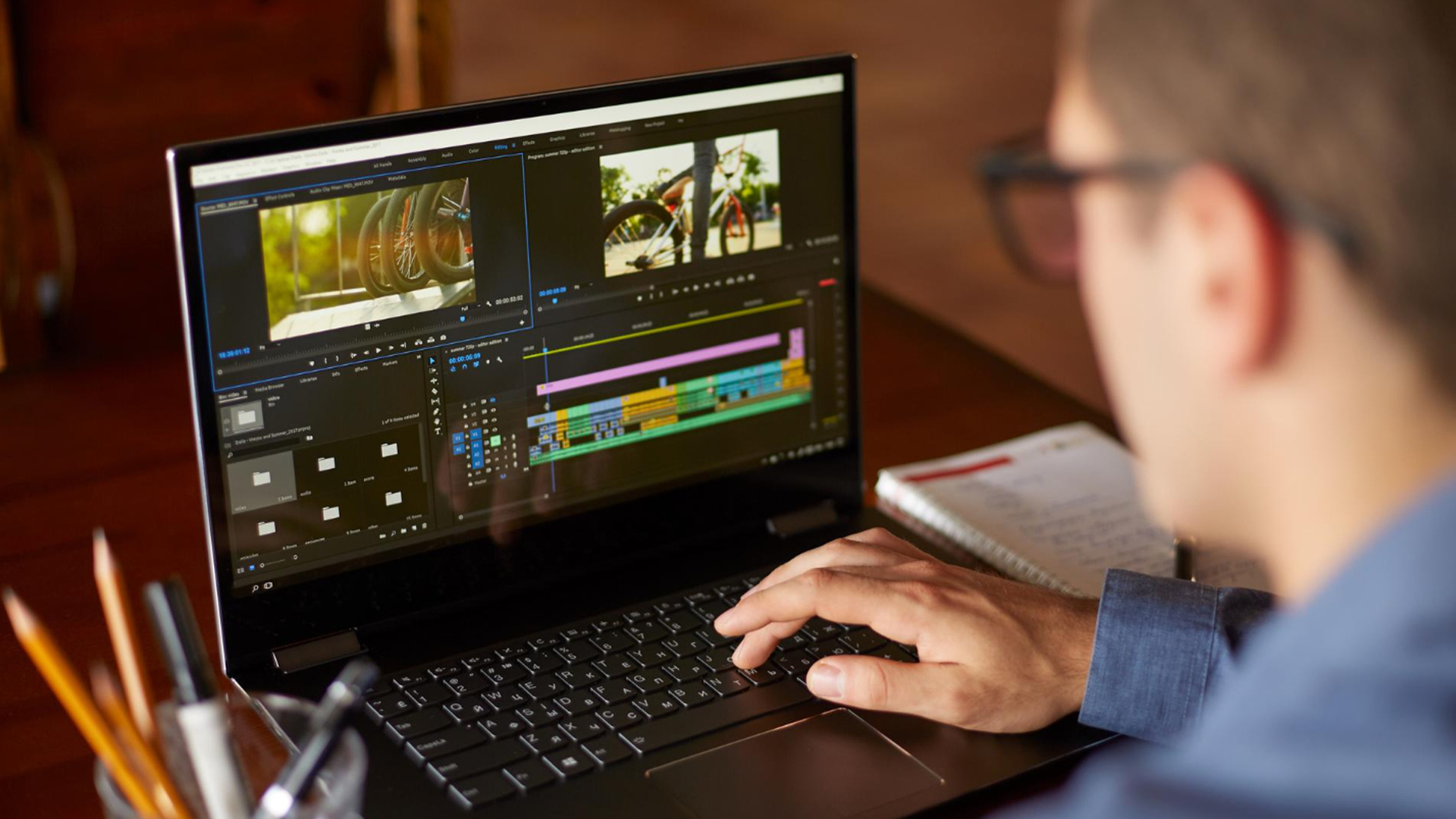
Choosing from the many laptops for Adobe Creative Cloud comes down to how you actually work.
If you mainly:
- Edit photos → prioritise CPU speed, RAM, and display accuracy.
- Create vector artwork → focus on RAM and display clarity.
- Edit 4K video → invest in dedicated GPU and 32GB RAM.
- Travel often → balance weight with performance.
The smartest approach isn’t always buying the most expensive machine, it’s choosing a laptop that aligns with your creative needs.
Many modern laptops for creative professionals now combine powerful internals with colour-accurate displays, making it easier than ever to find a system tailored to your workflow.
Windows vs macOS for Adobe Creative Cloud
One of the biggest questions creatives ask is: Windows or Mac?
The truth? Adobe Creative Cloud runs well on both.
Windows systems offer:
- Wider hardware variety
- More price flexibility
- Strong GPU options (especially RTX)
- Great performance for video editing
They’re often preferred by users looking for upgrade flexibility and powerful laptops for video editing.
MacBooks are known for:
- Optimised performance
- Excellent display quality
- Strong battery life
- Smooth integration within Apple ecosystems
They’re popular among designers and content creators who value portability and display accuracy.
Ultimately, the best platform depends on your workflow, budget, and software ecosystem. Both offer excellent options among today’s best creator laptops; it’s about choosing what fits your creative process best.
Top Laptop Picks for Adobe Creative Cloud at Laptop Outlet
If you’re searching for the best laptops for Adobe Creative Cloud in 2026, choosing the right model can make a huge difference to your workflow. Below are some top picks available at Laptop Outlet that deliver the power and versatility creative professionals need.
Lenovo Legion 5 – Great All-Round Creator Power
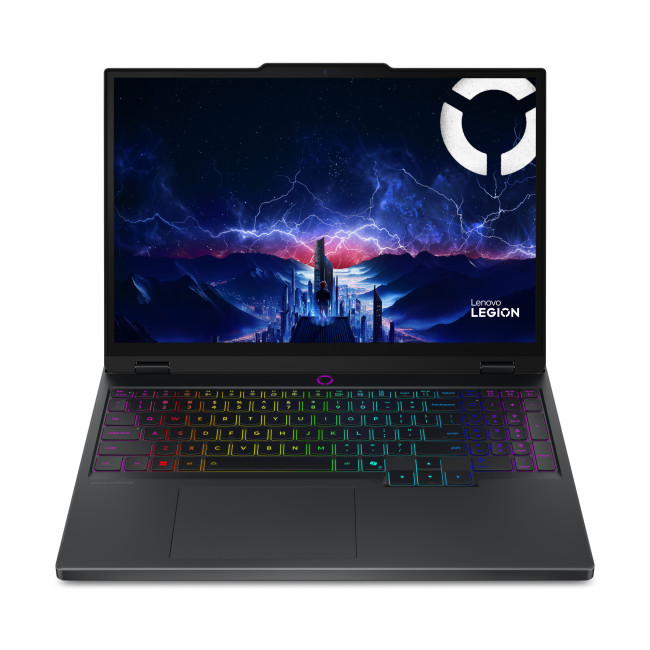
Highlights:
- Intel Core i7 -13650HX 14-Core Processor
- 15.1" WQXGA Display, OLED, 2560 x 1600 Max. Resolution
- 16 GB RAM, 1 TB SSD
- Dedicated NVIDIA RTX 5050 Graphics
- HDMI | USB 3.2 | USB C
- Black Colour
For creators who want serious performance with a bit of gaming-grade punch, the Lenovo Legion 5 hits the sweet spot between creative workflows and high-end specs. Its robust CPU and dedicated GPU make it a strong choice for Photoshop, Illustrator, and even heavier Premiere Pro timelines - especially if you’re bouncing between apps or working with large files. It’s one of the best creative laptops available right now and perfect if you want smooth multitasking without compromise.
ASUS Vivobook M1407K – Best Budget-Friendly Pick for Creatives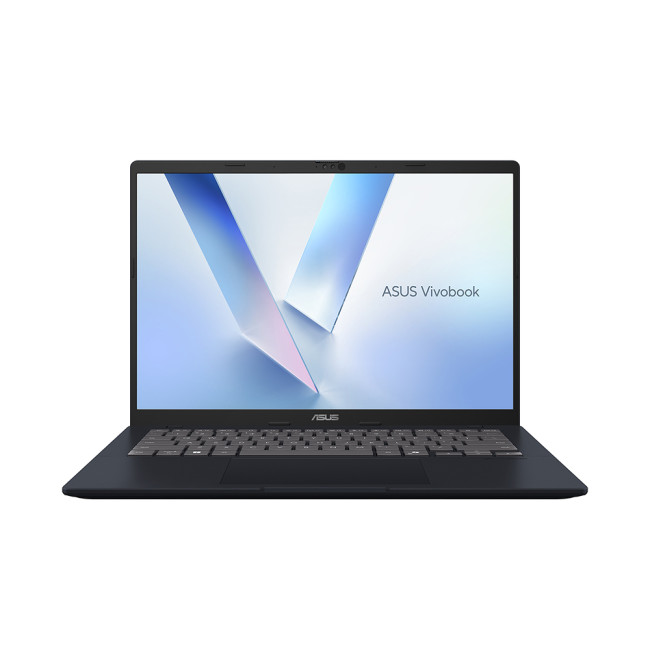
Highlights:
- AMD Ryzen AI 7 350 Octa-Core Processor
- 14" WUXGA Display, IPS, 1900 x 1200 Max. Resolution
- 16 GB RAM, 1 TB SSD
- Integrated AMD Radeon 860M Graphics
- USB Type-C | USB-A | HDMI | Wi-Fi | Bluetooth | Ethernet
- Quiet Blue Colour
If you’re just starting out or want a solid all-purpose laptop that doesn’t break the bank, the ASUS Vivobook M1407K is a standout choice. It offers reliable performance for daily creative tasks like photo editing and light video work, with enough power to run Photoshop and Illustrator comfortably. Its balance of price and performance makes it one of the best laptops for Adobe Creative Cloud when budget matters.
ASUS Zenbook RFB UX3405MA – Best Portable Creator Laptop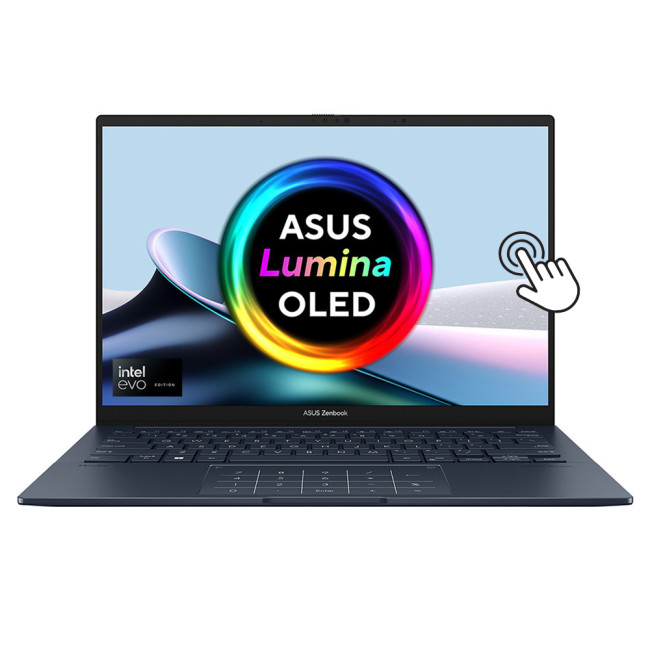
Highlights:
- Intel Core Ultra 5 125H 14-Core Processor
- 14" 3K Display, OLED, 2880 x 1800 Max. Resolution
- 16 GB RAM, 512 GB SSD
- Intel Arc Graphics
- HDMI | USB 3.2 | Thunderbolt 4
- Blue Colour
For creatives on the go, the ASUS Zenbook RFB UX3405MA delivers sleek portability without sacrificing performance. With a vibrant display and efficient hardware, it’s perfect for design work, photo editing, and everyday creative tasks. Its lightweight build and reliable battery life make it a top pick for freelancers, students, or anyone who needs power outside the studio.

Final Thoughts: Choosing the Right Laptop for Your Creative Workflow
Adobe Creative Cloud is powerful and your laptop should be too.
Whether you’re designing in Photoshop, building vector graphics in Illustrator, or editing 4K footage in Premiere Pro, the right hardware makes everything faster, smoother, and less stressful.
The best approach isn’t just buying the most expensive system, it’s choosing a machine that matches your creative workflow. Prioritise RAM, CPU performance, GPU power (for video editing), and display quality, and you’ll future-proof your setup for years to come.
If you’re ready to upgrade, explore our latest range of best creative laptops to find high-performance options built specifically for Adobe workflows.
Your creativity deserves hardware that keeps up.

Frequently Asked Questions About Laptops for Adobe Creative Cloud
What laptop specs do I need for Adobe Creative Cloud?
For smooth performance in 2026, your laptop should have:
- Intel Core i7 / Ryzen 7 (or better)
- 16GB RAM minimum
- SSD storage
- Dedicated GPU for video editing
If you’re running multiple Adobe apps at once or working with large media files, stepping up to 32GB RAM and stronger GPU options will noticeably improve performance.
Is 16GB RAM enough for Premiere Pro?
For basic 1080p editing, yes - 16GB can work. However, if you’re editing 4K footage, using multiple effects, or multitasking across apps, 32GB RAM is strongly recommended. Premiere Pro is memory-intensive, and more RAM helps with smoother timeline playback and faster exports.
That’s why many of the best laptops for Premiere Pro start at 16GB but offer upgrade options.
Do I need a dedicated GPU for Photoshop?
Not always - but it helps.
Photoshop uses GPU acceleration for certain features, filters, and AI tools. While integrated graphics can handle light editing, a dedicated GPU improves responsiveness and future-proofs your system.
If you’re also using Premiere Pro, a dedicated GPU becomes far more important.
Are gaming laptops good for creative work?
Yes - many gaming laptops double as powerful creator machines.
Because they include strong CPUs, dedicated GPUs, and high refresh displays, they often perform well as laptops for video editing and demanding creative workloads.
The key difference is display accuracy. For colour-sensitive work like branding and photography, make sure the screen offers strong sRGB or higher colour coverage.
What’s the best budget laptop for Adobe apps?
If you’re starting out, focus on:
- 16GB RAM
- SSD storage
- Mid-range processor
- Decent colour display
You don’t need ultra-premium specs to begin working in Photoshop or Illustrator — but avoiding 8GB RAM systems is important.
Many affordable creator-focused models now offer strong performance at reasonable prices.
Related Articles

Last Updated: June 05, 2026
Football Manager 26 is finally here, built on a new Unity-powered 3D match engine with richer lighting, animations and stadium detail.
The good news? Sports Interactive has kept the minimum specs low, so older systems can still load up the game. The less good news is that the new engine leans more heavily on both CPU and GPU, especially during 3D matches and busy transfer windows.
If you want fast simulations, big databases and smooth 3D on high settings, you need the right hardware. This guide walks through Football Manager 26 recommended specs, then highlights the best gaming laptops and PCs for Football Manager 26 available from Laptop Outlet – from budget-friendly picks to powerhouse rigs.
Which Hardware Matters More for Football Manager 26?
Before choosing your machine, it is vital to understand what Football Manager 26 actually is. It is a detailed management simulation, not a graphics-intensive action game.
When you hit the 'Continue' button, the game is not just rendering a stadium.

Last Updated: June 10, 2026
Hades II has arrived, and it’s already proving itself as one of the most stylish, addictive, and fast-paced roguelikes of the year. Supergiant Games has taken everything players loved from the first title and given it more flair, more depth, more chaos, and far more visual punch. And with all that comes the question many players are quietly asking: what are the best gaming PCs and laptops for Hades II?
Whether you're upgrading your battlestation, grabbing a powerful yet portable gaming laptop, or hunting a cheap refurbished gaming laptop for Hades 2, this guide breaks down real, current system requirements, recommended modern hardware, and the best deals you can jump on right now.
Let’s dig in.
Why Gaming PCs and Laptops for Hades II Matters?
Although Hades II is beautifully optimised, it is still more demanding than the original game. More spell effects, more enemies on screen, more layered environments, higher-resolution assets and a broader range of animations mean your hardware needs
Last Updated: February 24, 2026
Looking for the best budget gaming laptops and PCs for Sonic Rumble? You’re in the right place. At Laptop Outlet, we’ve scoured our range of powerful yet affordable gaming laptops, so you can find the perfect gear to jump into Sonic’s newest adventure without breaking the bank. Whether you’re after cheap gaming PC deals Sonic, gaming laptops with entry-level GPUs, or compact rigs that punch above their weight, we’ve got you covered. Let’s dive into the best options that’ll give you smooth gameplay, popping visuals, and long-lasting performance.
Recommended Specs to Play Sonic Rumble
By balancing these core specs, you’ll enjoy Sonic Rumble with the performance it deserves:
Processor (CPU)
A modern multi-core processor (such as Intel Core i5/i7 or AMD Ryzen 5/7) is great for entry-to-mid-range gaming. For high-end gaming, you would need an i9 or AMD Ryzen 9.
Graphics (GPU)
To play Sonic Rumble smoothly, aim for at least an entry-level dedicated GPU, something like NVIDIA’s RTX 4070 or
Last Updated: July 10, 2026
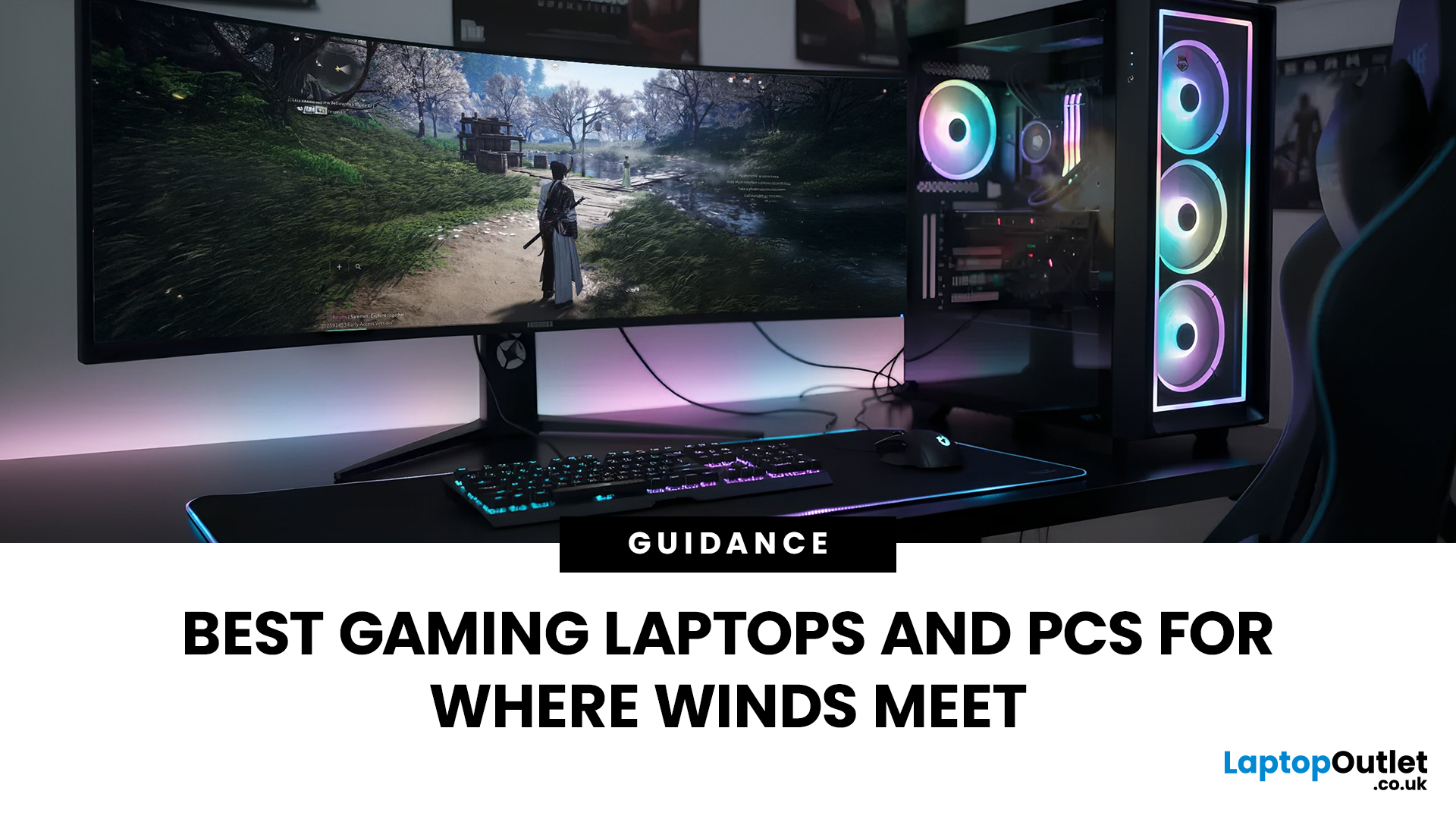
If you’re gearing up to explore the beautifully crafted, action-packed world of Where Winds Meet, choosing the right hardware is just as important as mastering your combat skills. This visually rich open-world action RPG blends fast-paced combat, sweeping landscapes and cinematic storytelling, all of which demand capable, well-balanced hardware.
In this guide, we’ll break down the recommended specs for Where Winds Meet, explain what really matters when it comes to performance, and highlight excellent-value options, including gaming deals for Where Winds Meet that won’t stretch your budget.
Recommended Specs for Where Winds Meet
Before diving into specific systems, let’s outline the core specifications you should be aiming for.
Processor (CPU)
Open-world RPGs rely heavily on CPU performance for AI, physics and world simulation. A modern Intel Core i5 / i7 or AMD Ryzen 5 / 7 is ideal. This ensures stable performance during exploration and combat-heavy sequences.
Graphics Card (GPU)
A dedicated

Last Updated: April 29, 2026
If you’re buying a gaming or creator PC in 2025, you’ve probably asked the same question as everyone else:
“Do I get more performance for my money from a desktop, or from a laptop?”
Marketing loves to tell you that gaming laptops are “desktop-class”. The reality is more nuanced. In this 2025 study we’ve combined UK market data, global hardware surveys, independent GPU benchmarks, and real UK pricing to see where the better performance per pound actually is.
How we ran this 2025 “performance per pound” study

Rather than running our own gamer survey, we pulled from large, trusted datasets and combined them:
UK ownership & market context
- ONS / Living Costs and Food Survey: 90% of UK private households had a home computer in 2020–21.
- Grand View Research(UK gaming PC market): UK gaming PC revenue was about £2.12bn in 2024, projected to reach £3.88bn by 2030, with desktops still the largest product segment (≈59% of 2024 revenue) and laptops the fastest-growing category.
Global gaming hardware

Last Updated: December 24, 2025
Technology never stands still, and if the past few years have taught us anything, it’s that innovation moves fast. As we look ahead, tech trends 2026 are shaping up to be smarter, faster and more user-focused than ever before. From AI-powered laptops to next-level PCs and sustainable tech, the future is all about performance with purpose. So, whether you’re upgrading your setup, planning ahead, or just love staying in the know, here’s a breakdown of the biggest tech trends set to define 2026.
AI Everywhere: Smarter Devices, Smarter Decisions
Artificial Intelligence is no longer a “nice to have” by 2026, it’s expected to be built into almost every device we use. We’re talking about laptops that learn your preferences, PCs that optimise performance in real time, and software that adapts to how you work or play.
AI-driven features such as predictive battery management, real-time security monitoring and intelligent multitasking will become standard. For users, this means less time managing
Published: December 24, 2025
Heading into 2026, the student laptop vibe is basically: lightweight enough to carry all day, fast enough to handle 27 Chrome tabs + a Zoom call, and affordable enough that you can still buy snacks. Whether you’re doing GCSE homework, uni essays, coding projects, or just living in Google Docs, this blog on Student Laptops 2026 breaks down what matters (and what’s just marketing fluff).
What to look for in Student Laptops 2026 (aka the “don’t get scammed” checklist)

1) RAM (memory):
- 8GB = the realistic minimum for 2026 if you want smooth multitasking.
- 16GB = the “I’m serious about this degree” upgrade (especially for creative apps, coding, or heavy research).
2) Storage:
- 256GB is okay, but 512GB is comfy if you keep lots of files, downloads, photos, and videos.
- If you see 128GB, it can work for light use - but you’ll want cloud storage habits.
3) Screen size:
- 14" laptop = the sweet spot (portable, still comfy for essays).
- 15" laptop = bigger and nicer for split-screen, but less “throw-it-in-your-bag”
Last Updated: April 21, 2026
The world of computing is changing fast. We are no longer just looking for faster processors or thinner designs. Today, the focus has shifted to intelligence.
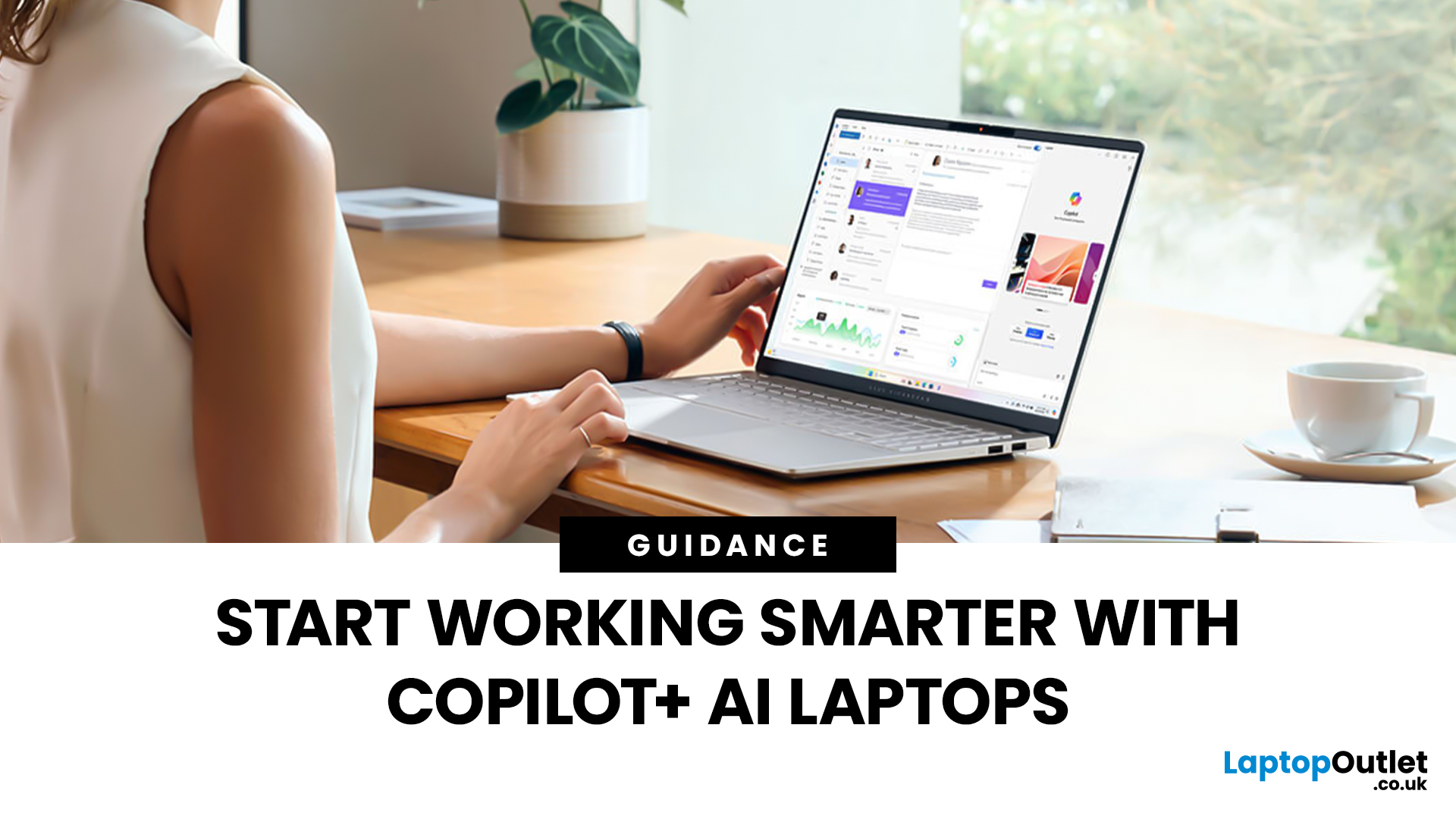
To understand this shift, we need to look at a new category of devices: Copilot+ Laptops. These are not just standard computers; they are AI-powered laptops designed to think, learn, and assist you in real-time.
Whether you are a busy professional, a digital artist, or a student, Windows Copilot+ PCs offer a new way to interact with technology. By integrating hardware and software more tightly than ever before, these machines handle complex tasks with ease.
In this guide, we will explore why these next-generation Windows laptops are the ultimate choice for your next upgrade.
What are Copilot+ Laptops?
Copilot+ Laptops are a new class of Windows 11 laptops with dedicated hardware for advanced Artificial Intelligence (AI) tasks. They offer enhanced performance, security, and unique features that run locally on the device.
Unlike

Last Updated: January 21, 2026
Let’s be honest - most of us don’t work (or study, or relax) in just one way anymore. One minute you’re typing notes, the next you’re scrolling, watching something, sketching ideas, or replying to emails from the sofa.
That’s exactly why convertible tablets exist.
Also called 2-in-1 laptops, laptop tablets, or the very literal notebook two-in-one, these devices are designed to adapt to how you use tech throughout the day - not force you into one setup.
But choosing the right 2 in 1 laptop convertible isn’t always straightforward. Some lean more laptop. Some feel more like tablets. And some just… try to do everything and don’t quite nail it.
This guide breaks it all down in a way that actually makes sense.
What Is a Convertible Tablet (And Why Do People Buy Them)?
A convertible tablet is a hybrid device that combines:
- A laptop’s power (keyboard, trackpad, desktop software)
- A tablet’s flexibility (touchscreen, pen input, portability)
Most convertible tablets run Windows, which means you’re
Last Updated: April 28, 2026
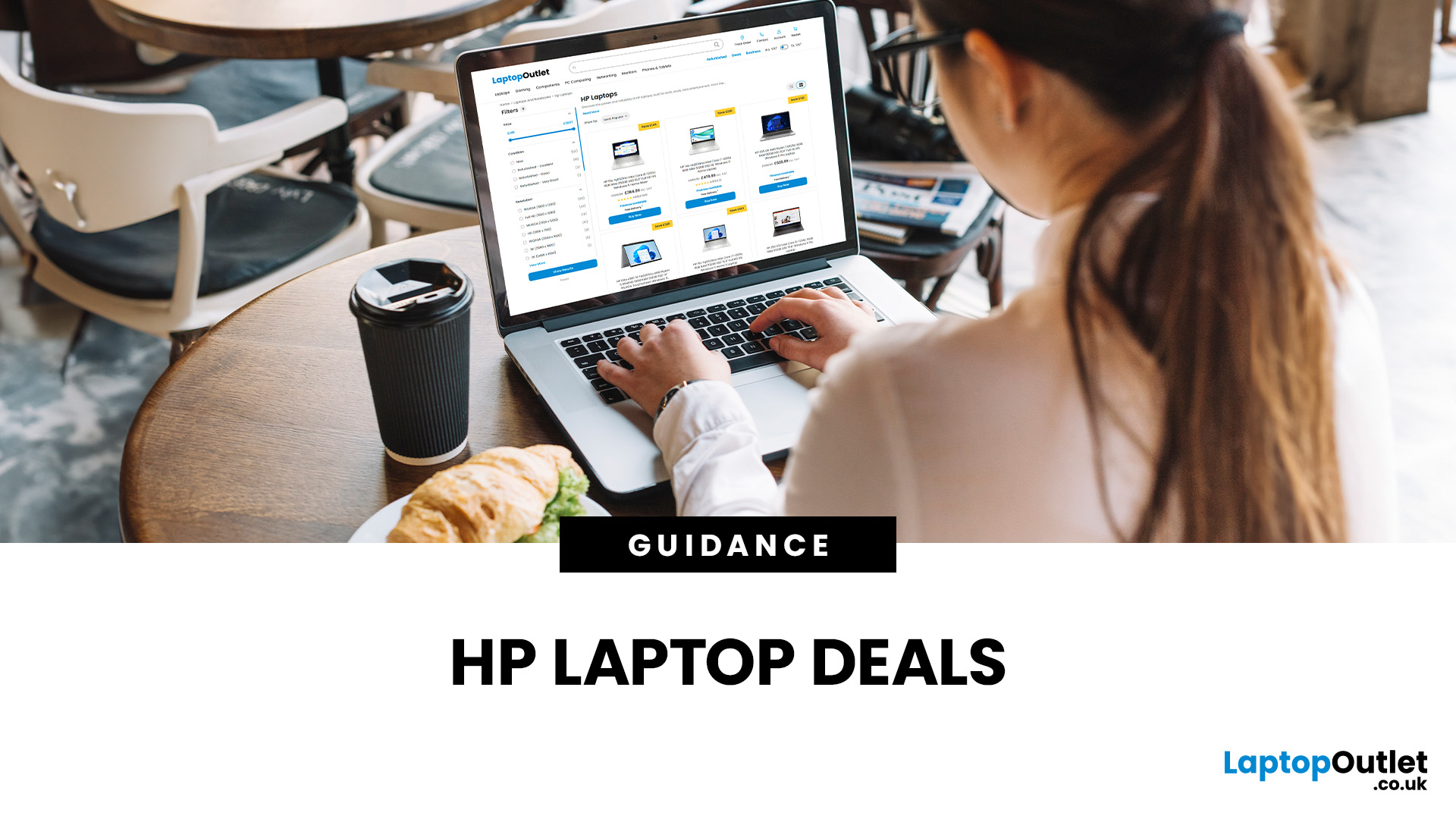
Struggling to find HP laptop deals that don’t feel overpriced, outdated, or just not worth it? Yeah — scrolling through endless specs, inflated prices, and “fake” discounts can be frustrating, especially when you just need a laptop that actually works for study, work, or everyday life.
The problem? Too many laptops either cost way too much or cut corners where it matters. Slow performance, tiny storage, poor screens, not the vibe. And when you’re on a budget, finding reliable HP laptops UK shoppers can trust shouldn’t feel like a gamble.
That’s where Laptop Outlet comes in. We’ve rounded up some of the best HP laptops on sale in the UK, with prices starting from just £149.99. From cheap HP laptops for everyday use to powerful business-ready machines, our handpicked HP laptop offers give you serious value without compromising on quality.
HP 15-fc0045na – Everyday Power for You
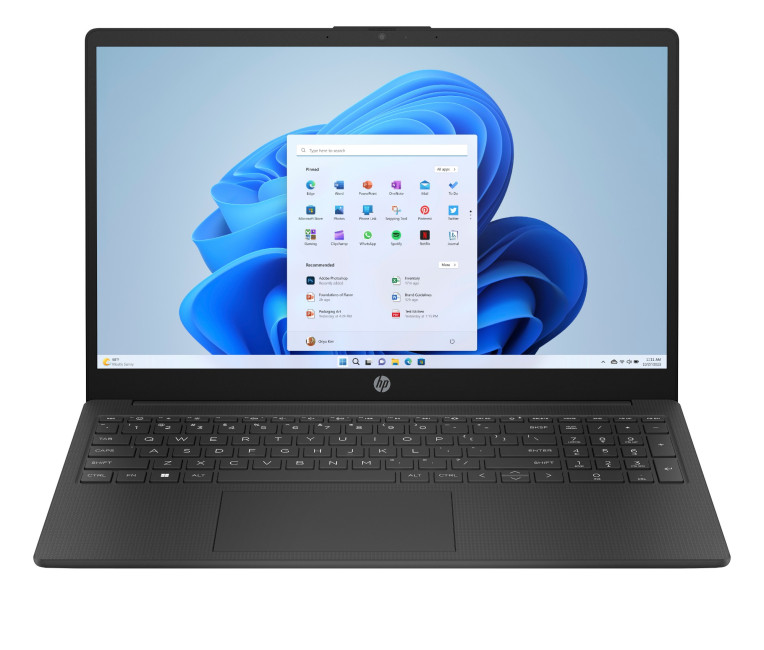
- The HP 15-fc0045na is a well-balanced 15.6-inch laptop that perfectly blends performance with everyday

