



Common Lenovo Laptop Issues: Quick Solutions & UK Support Pathways
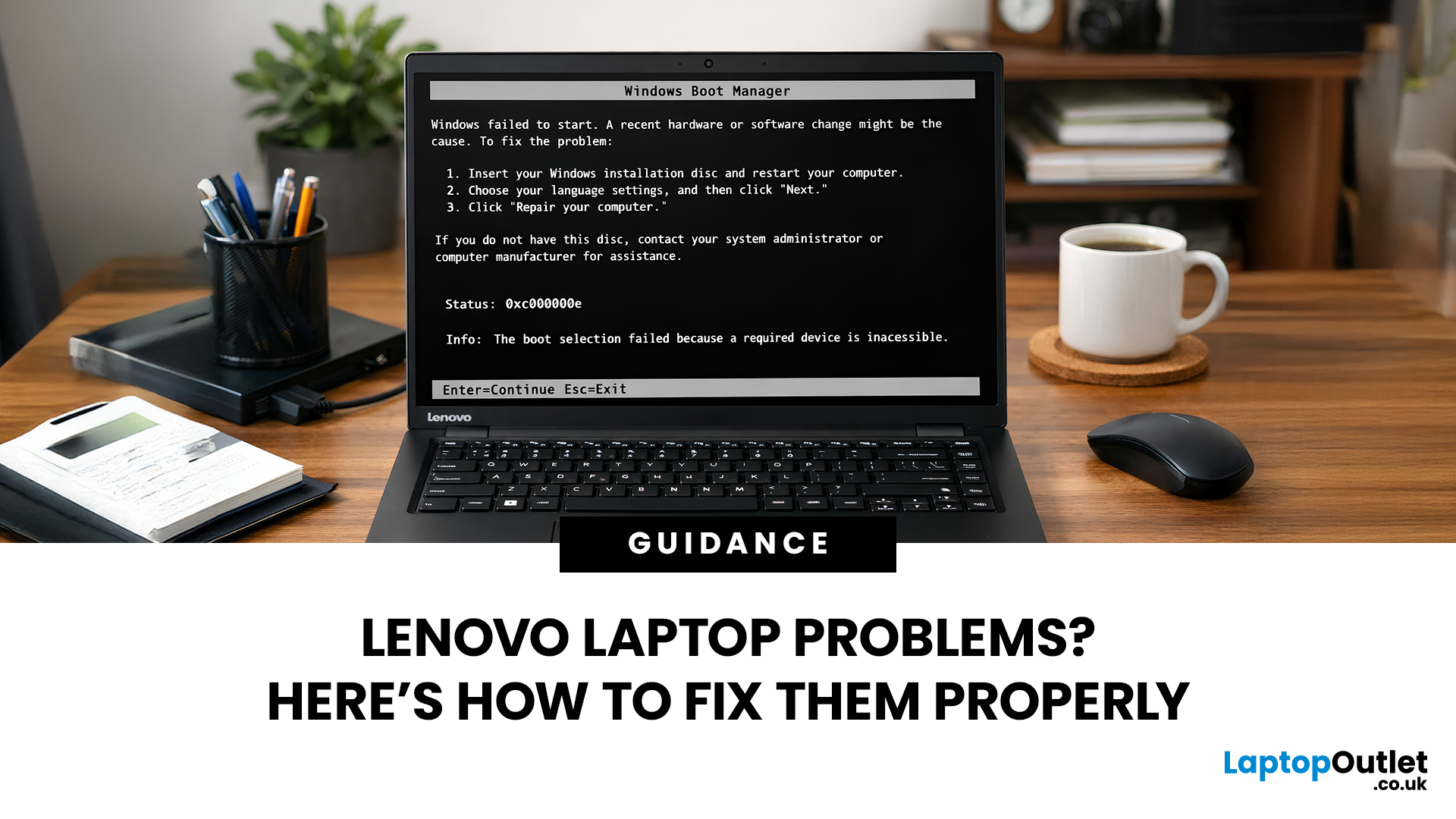
Lenovo laptops are widely trusted across the world, from ThinkPads in corporate offices to IdeaPads in student halls and Legion machines built for gaming. They’re generally dependable, however, even well-built machines can develop faults over time.
We regularly see the same issues cropping up across different Lenovo ranges, and in most cases the fix is simpler than people expect.
Before assuming your device is finished, it’s worth slowing down and checking a few things properly. Many common Lenovo laptop issues are software-related or power-related rather than serious hardware faults.
Below are some of the most common Lenovo laptop issues, why they occur, and what you can realistically do to solve them.
Quick Diagnostic Check Before You Start
Before diving into specific faults, ask yourself:
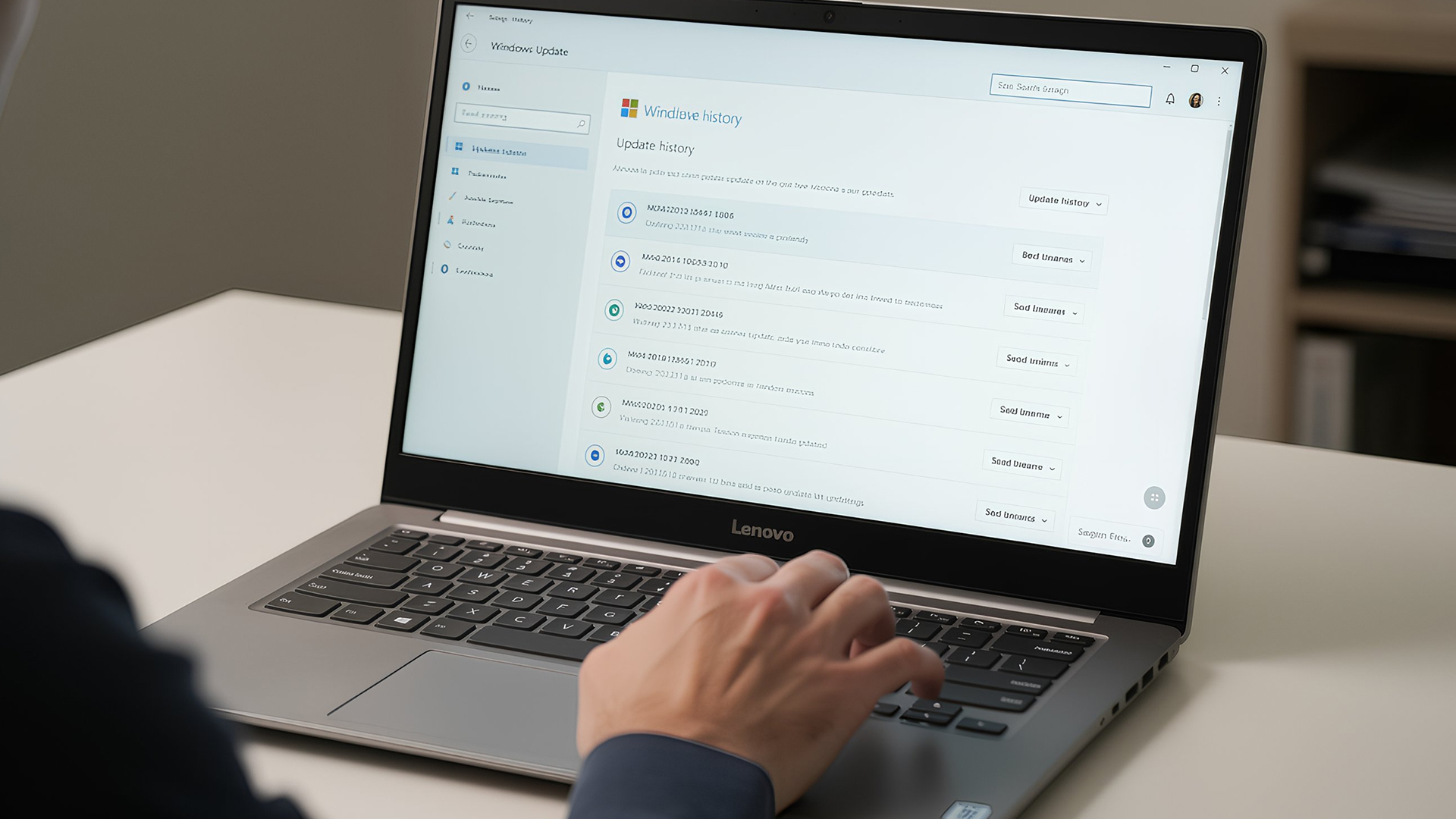
- Did this issue begin after a Windows update?
- Has the laptop recently overheated?
- Was it dropped or exposed to liquid?
- Is the battery older than three years?
- Does the problem occur only on battery power?
Answering these early questions narrows the cause dramatically.
Power & Boot Issues
Lenovo Laptop Not Turning On
You press the power button and nothing happens. No screen, no fan noise, sometimes not even a charging light. It feels serious straight away, especially if you were using the laptop earlier that day without any warning signs.
Why this happens
When a Lenovo laptop refuses to turn on completely, the issue is usually related to power delivery rather than total system failure.
Common causes include:
- A faulty or damaged charger
- A drained or failing battery
- A power surge that triggered internal protection
- A loose internal battery connection
- In rarer cases, motherboard or power circuit failure
How to fix it
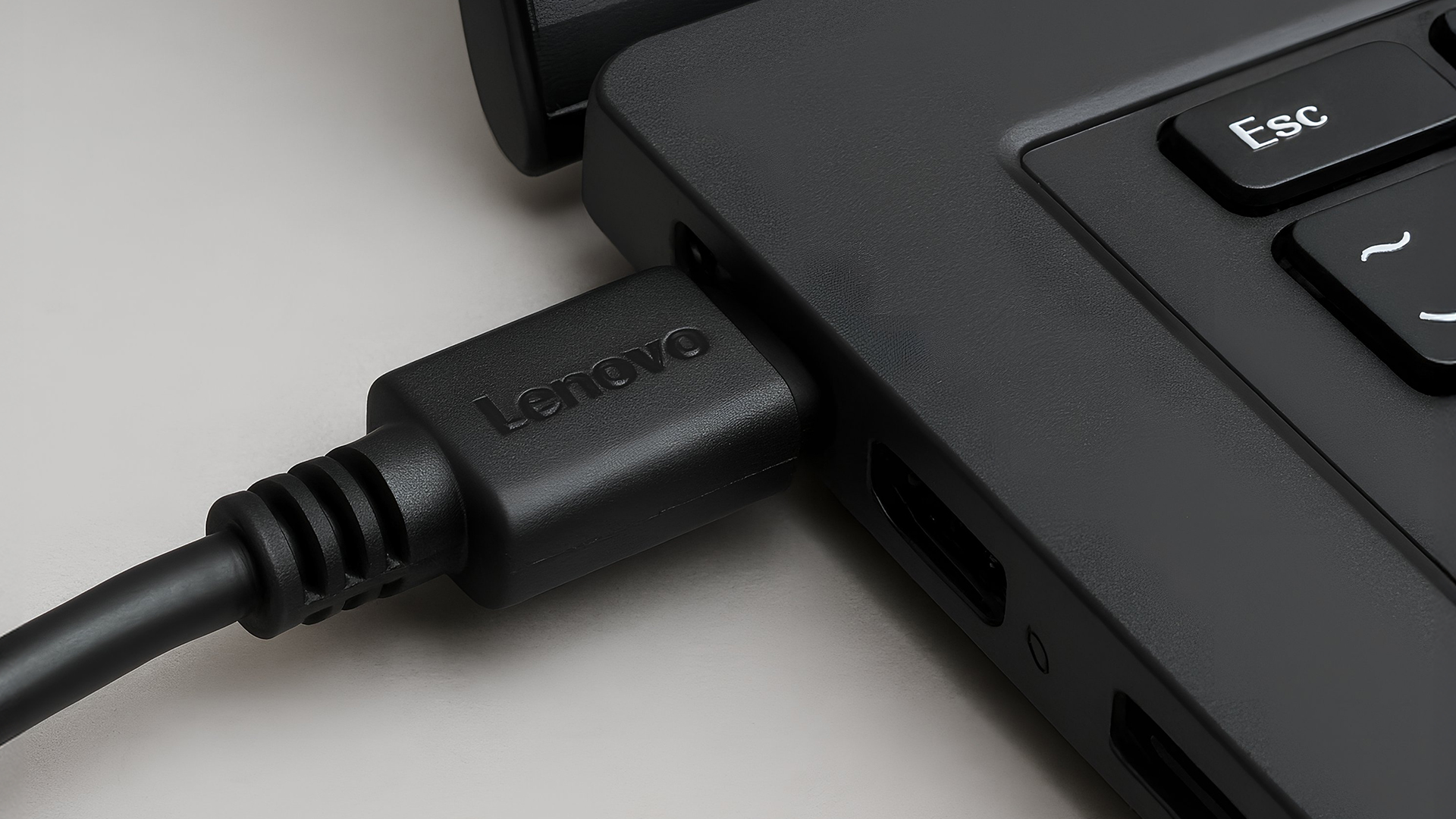
Start by checking the charger. Try a different wall socket and, if possible, test with another compatible Lenovo charger.
Next, disconnect the charger and hold the power button down for around 20 seconds. This drains residual charge and can reset internal components.
If your model has a reset pinhole underneath, press it gently with a paperclip, then reconnect the charger and try again.
If there are still no lights at all, professional inspection may be required, particularly if the device is under warranty.
Lenovo Laptop Stuck on Startup Screen
Your laptop powers on, shows the Lenovo logo, and then freezes. Windows never loads.
Why this happens
This is usually linked to Lenovo software problems rather than hardware faults. Interrupted Windows updates, corrupted system files or sudden shutdowns can prevent the operating system from loading properly.
How to fix it
- Force a full shutdown by holding the power button. Restart and enter recovery mode, often by pressing F11 during startup. Running Startup Repair can resolve damaged boot files.
- If the issue began after an update, System Restore can roll the system back to a stable point without deleting personal files.
- If recovery tools fail to load, check in the BIOS that the internal drive is detected. If it is missing, the issue may be storage-related.
Lenovo Black Screen After Update
The laptop powers on but shows a black display after a Windows update.
Why this occurs
Display driver conflicts are the most common cause. The update may have altered graphics settings or installed incompatible drivers.
How to fix it
- Boot into Safe Mode.
- Uninstall the recent update or reinstall graphics drivers.
- If an external monitor works while the internal display remains black, the issue may be panel-related.
Lenovo Laptop Keeps Restarting
The laptop restarts unexpectedly during use.
Why this occurs
This can be linked to overheating, unstable drivers, memory issues or corrupted system files. Sudden restarts often happen when the system detects an internal fault.
How to fix it
- Check for Windows updates and driver updates.
- Run a memory diagnostic test.
- Monitor system temperature to rule out overheating.
Lenovo Laptop Won’t Wake from Sleep
You open the lid or press a key, but the screen remains black.
Why this occurs
Sleep and power management settings sometimes conflict with graphics drivers or chipset drivers after Windows updates.
How to fix it
- Update graphics and chipset drivers.
- Adjust power plan settings.
- Disable fast startup temporarily to test stability.
Battery & Charging
Lenovo Battery Not Charging
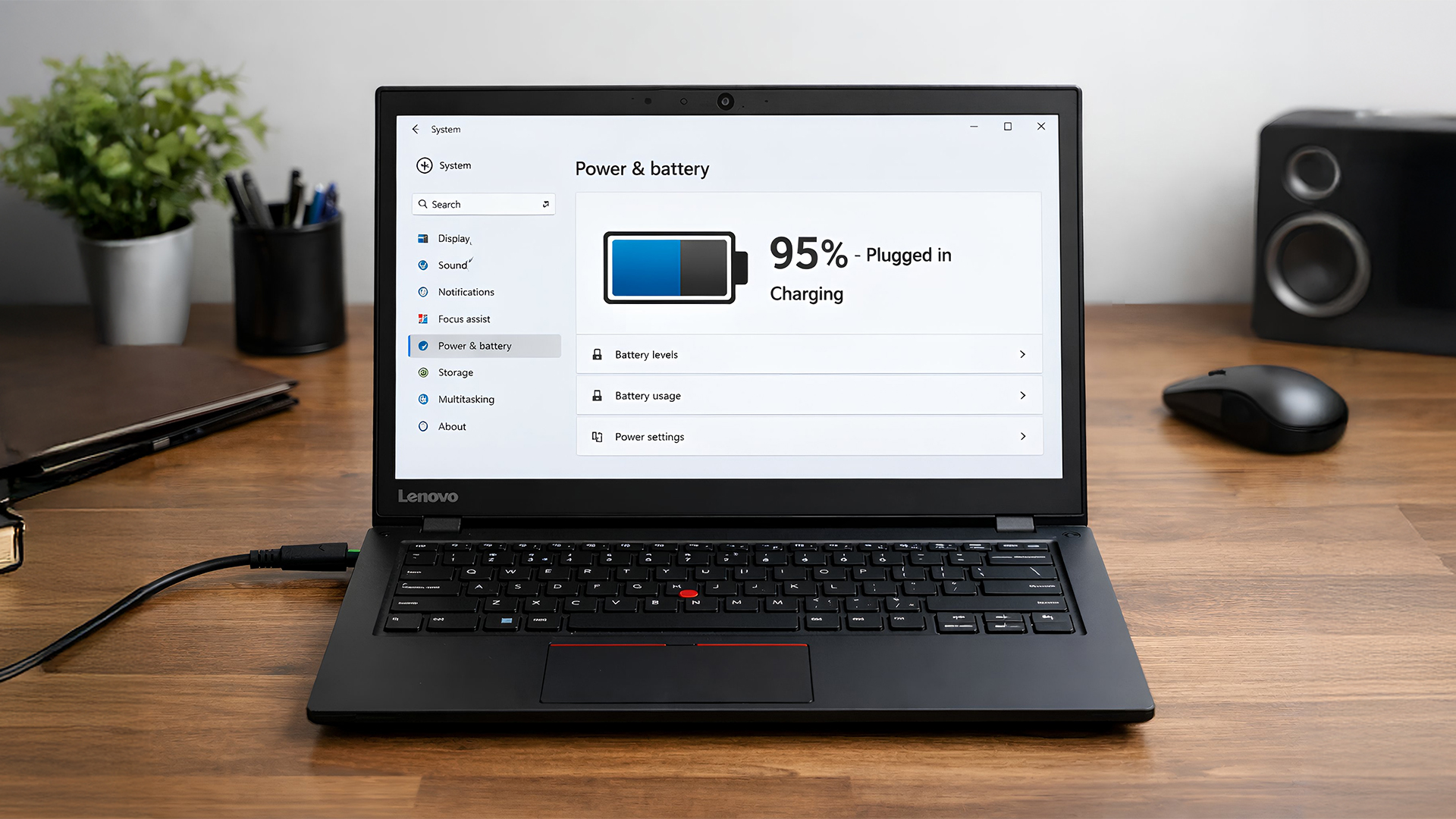
Your laptop recognises the charger, but the battery percentage doesn’t increase. It may stop at 60 or 80 percent or drain unusually quickly.
Why this occurs
Lenovo battery problems often develop naturally after several years of use. Lithium-ion batteries degrade gradually. Heat exposure, heavy usage and constant charging accelerate this process.
In some cases, charging thresholds are enabled in Lenovo Vantage to protect battery health, which can make it appear as though charging has stopped.
How to fix it
- First, check Lenovo Vantage settings to ensure no charging limits are active.
- Update BIOS and firmware if available, as charging behaviour is partly controlled at that level.
- If the battery drains rapidly even after updates and the laptop is several years old, replacement may be the most realistic long-term solution.
Lenovo Battery Draining Fast
The battery life has reduced significantly compared to when the laptop was new.
Why this occurs
Battery capacity reduces over time. Background applications, high screen brightness and constant WiFi usage also increase drain.
How to fix it
- Lower screen brightness and close unnecessary background apps.
- Check battery health using Windows battery report.
- If wear level is high, replacement may be required.
Lenovo Laptop Only Works When Plugged In
The laptop shuts off immediately when unplugged.
Why this occurs
This usually indicates the battery can no longer hold charge.
How to fix it
- Check battery health status.
- If the laptop powers down instantly when unplugged, battery replacement is likely necessary.
Lenovo Charger Plugged in But Not Charging
The charger is connected, but Windows displays “plugged in, not charging.”
Why this occurs
Battery protection settings, firmware inconsistencies or charger compatibility issues may cause this.
How to fix it
- Check Lenovo Vantage charging settings.
- Try another compatible charger.
- Update BIOS if necessary.
Display Problems
Lenovo Screen Flickering
The display flickers, dims unexpectedly, or shows lines across the screen.
Why this occurs
This can be caused by outdated graphics drivers, incorrect refresh rate settings, or, less commonly, a loose internal display cable.
If flickering happens before Windows loads, hardware is more likely involved.
How to fix it
- Update graphics drivers first.
- Check display settings to confirm the refresh rate is set correctly.
- If flickering persists across all settings and even in BIOS, professional repair may be required.
Lenovo Screen Dim or Brightness Not Changing
The brightness slider doesn’t respond, or the screen appears permanently dim.
Why this occurs
Graphics driver issues or incorrect power plan settings can override brightness controls.
How to fix it
- Update display drivers.
- Check Windows power plan settings.
Lenovo Screen Lines or Display Distortion
Horizontal or vertical lines appear on the display.
Why this occurs
This may indicate a loose display cable or panel fault.
How to fix it
- Connect an external monitor to test.
- If distortion appears only on the laptop screen, internal repair may be required.
Performance Issues
Lenovo Laptop Running Very Slow
Basic tasks take longer than usual and applications feel sluggish.
Why this occurs
Too many startup programmes, outdated drivers or low storage space are common causes.
How to fix it
- Disable unnecessary startup apps.
- Update Windows and drivers.
- Free up storage space.
Lenovo Laptop Freezing Randomly
The system becomes unresponsive during use.
Why this occurs
Driver conflicts, overheating or memory instability may be responsible.
How to fix it
- Update drivers.
- Run memory diagnostics.
- Check internal temperatures.
Lenovo Laptop Overheating Issues
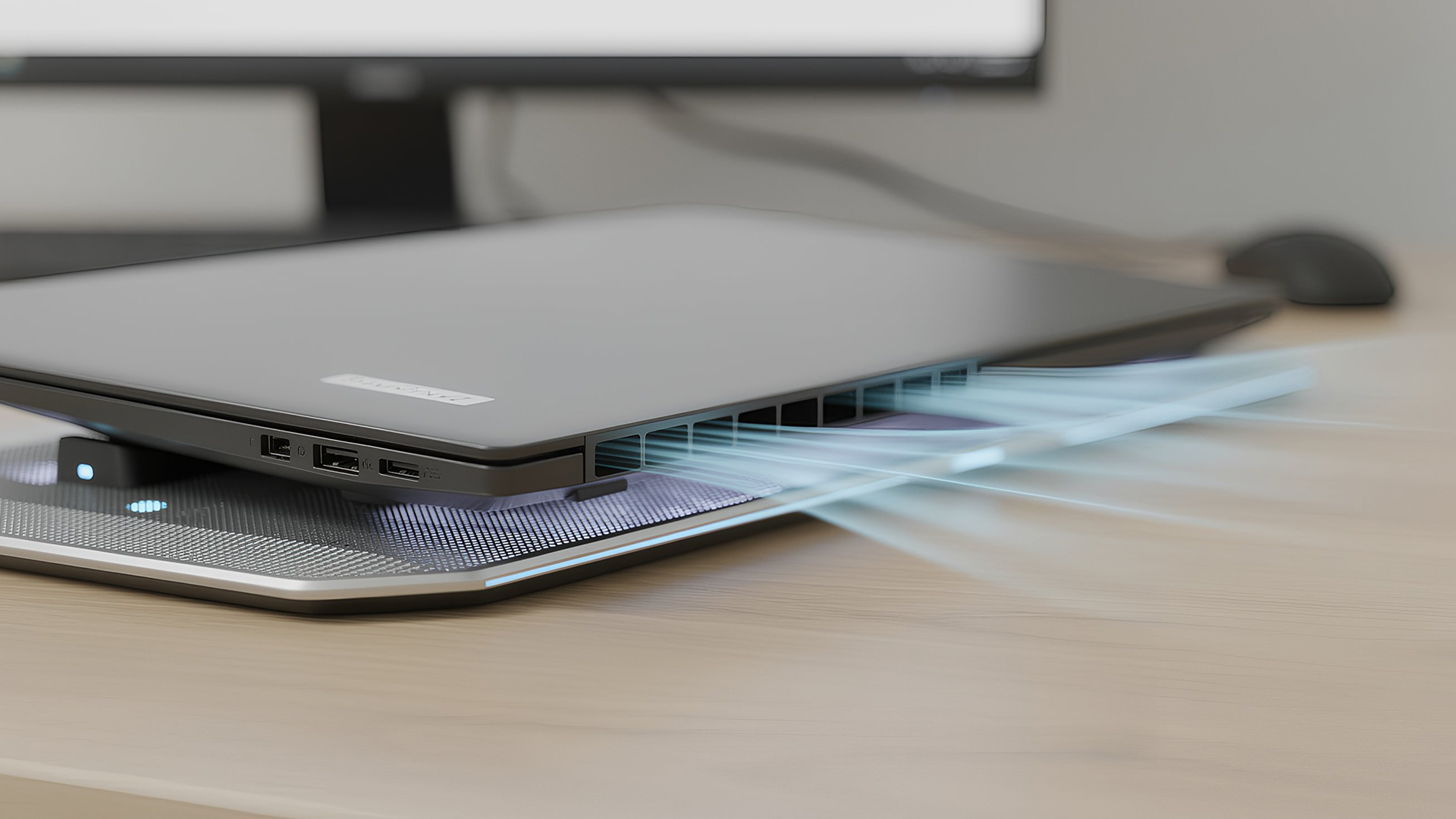
If your laptop feels unusually hot, the fan runs constantly, or performance slows down during basic tasks, overheating may be the cause.
Why this happens
Dust build-up inside the cooling system is the most common reason. Ageing thermal paste or blocked air vents can also contribute. Gaming and heavy workloads increase heat output significantly.
How to fix it
For a Lenovo overheating fix, ensure the laptop is used on a flat, hard surface to allow airflow. Cleaning external vents can help, but internal cleaning may require professional servicing. In some cases, a cooling pad provides temporary improvement.
Gaming and heavy workloads increase heat output significantly. If your current device struggles with sustained performance under load, upgrading to a purpose-built gaming system such as the latest Lenovo LOQ models can provide stronger cooling design and better thermal management.
Lenovo Fan Making Loud Noise
The fan runs at high speed even during light use.
Why this occurs
Overheating or high CPU usage from background processes.
How to fix it
- Check Task Manager for high CPU usage.
- Clean air vents and ensure proper ventilation.
Input & Connectivity
Laptop Keyboard Not Working
Some keys stop responding, type incorrect characters, or double-input unexpectedly. In more severe cases, the keyboard may stop working entirely.
Why this occurs
Lenovo keyboard issues can be caused by driver conflicts, accessibility settings, or physical wear. Dust and debris can affect specific keys, while liquid spills may cause wider damage.
Business laptops that see heavy daily typing are particularly prone to gradual key wear.
How to fix it
- Restart the laptop and update keyboard drivers first.
- Check accessibility settings such as Filter Keys, which can change keyboard behaviour.
- If only certain keys are affected, gentle cleaning may help. If multiple keys fail simultaneously, hardware replacement may be necessary.
Lenovo Trackpad Not Working
A Lenovo trackpad not working can feel like a major fault, but it’s often a simple setting issue.
Why this occurs
A Lenovo trackpad not working is often the result of accidental disablement. Some models allow the trackpad to be turned off via a keyboard shortcut. Driver conflicts after updates can also cause it to stop responding.
How to fix it
- Check function keys to ensure it hasn’t been disabled.
- Confirm the trackpad is enabled in Windows settings.
- Reinstall or update the touchpad driver if needed.
- If the issue continues even after these checks, hardware inspection may be required.
Lenovo WiFi Keeps Disconnecting
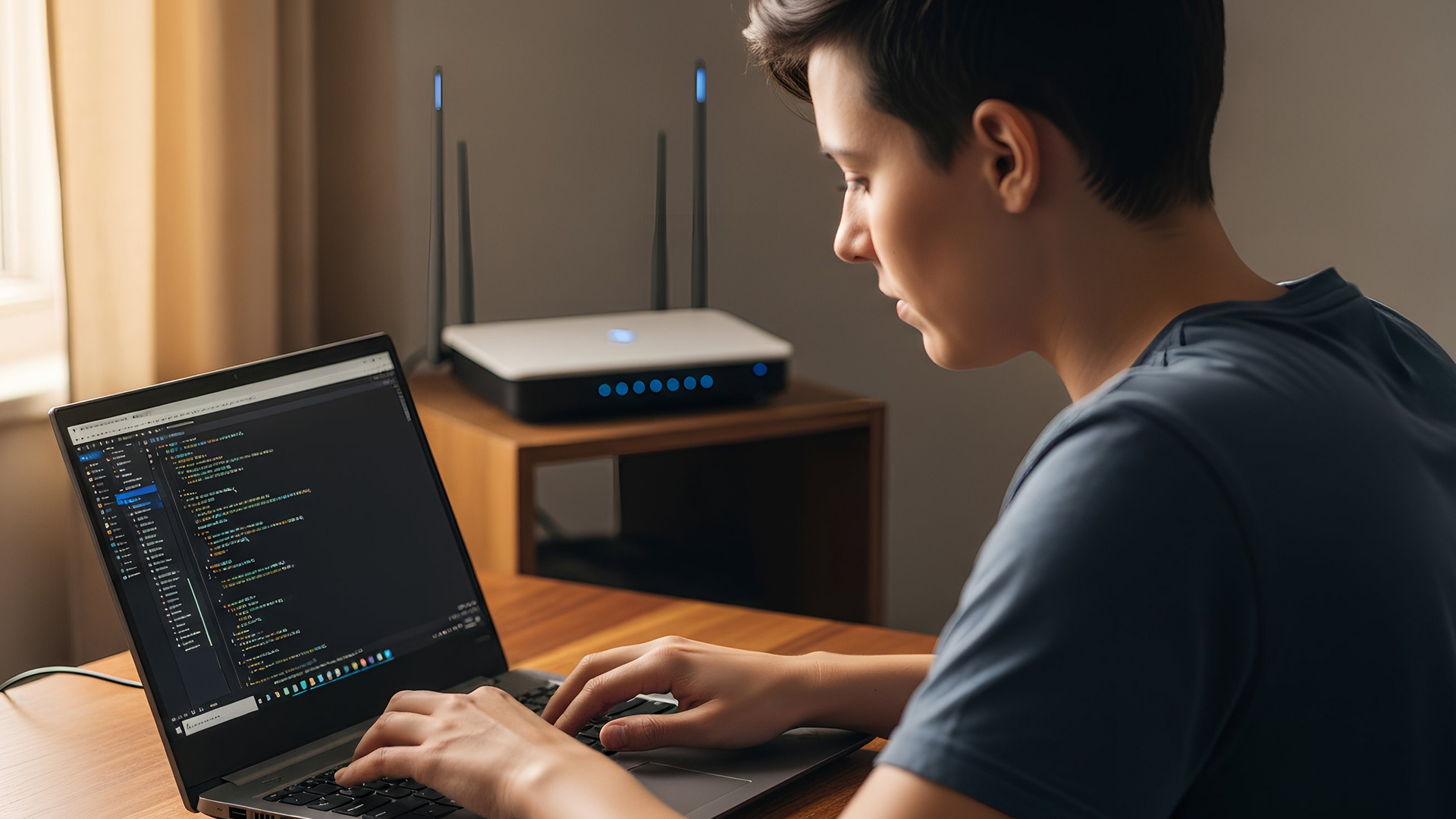
Your WiFi connects normally, then suddenly drops. Or it shows full signal strength, but pages refuse to load. It’s frustrating, especially when other devices in the house seem perfectly fine.
Why this occurs
Connection problems often appear after Windows updates. Drivers can become unstable, or power-saving settings may start disabling the wireless adapter in the background. Sometimes the network configuration itself becomes corrupted, which causes random dropouts even though the hardware is working.
So, behind any Lenovo Wi-Fi issues, it's rarely the WiFi card itself unless the laptop has suffered physical damage.
How to fix it
Updating the wireless driver is usually the first step. Even reinstalling the current driver can stabilise things if it became corrupted.
After that, check the power management settings for the WiFi adapter. There’s an option that allows Windows to turn it off to save energy. Disabling that setting alone resolves many random disconnect issues.
If the problem continues, performing a full Windows network reset can clear deeper configuration errors and rebuild the connection properly.
Lenovo Bluetooth Not Working
Bluetooth devices fail to connect or disconnect unexpectedly.
Why this occurs
Driver corruption, disabled Bluetooth settings or interference from recent updates can cause instability.
How to fix it
- Ensure Bluetooth is enabled in settings.
- Reinstall Bluetooth drivers.
- Remove and re-pair connected devices.
Lenovo UK Support: Warranty, Repairs and When to Escalate
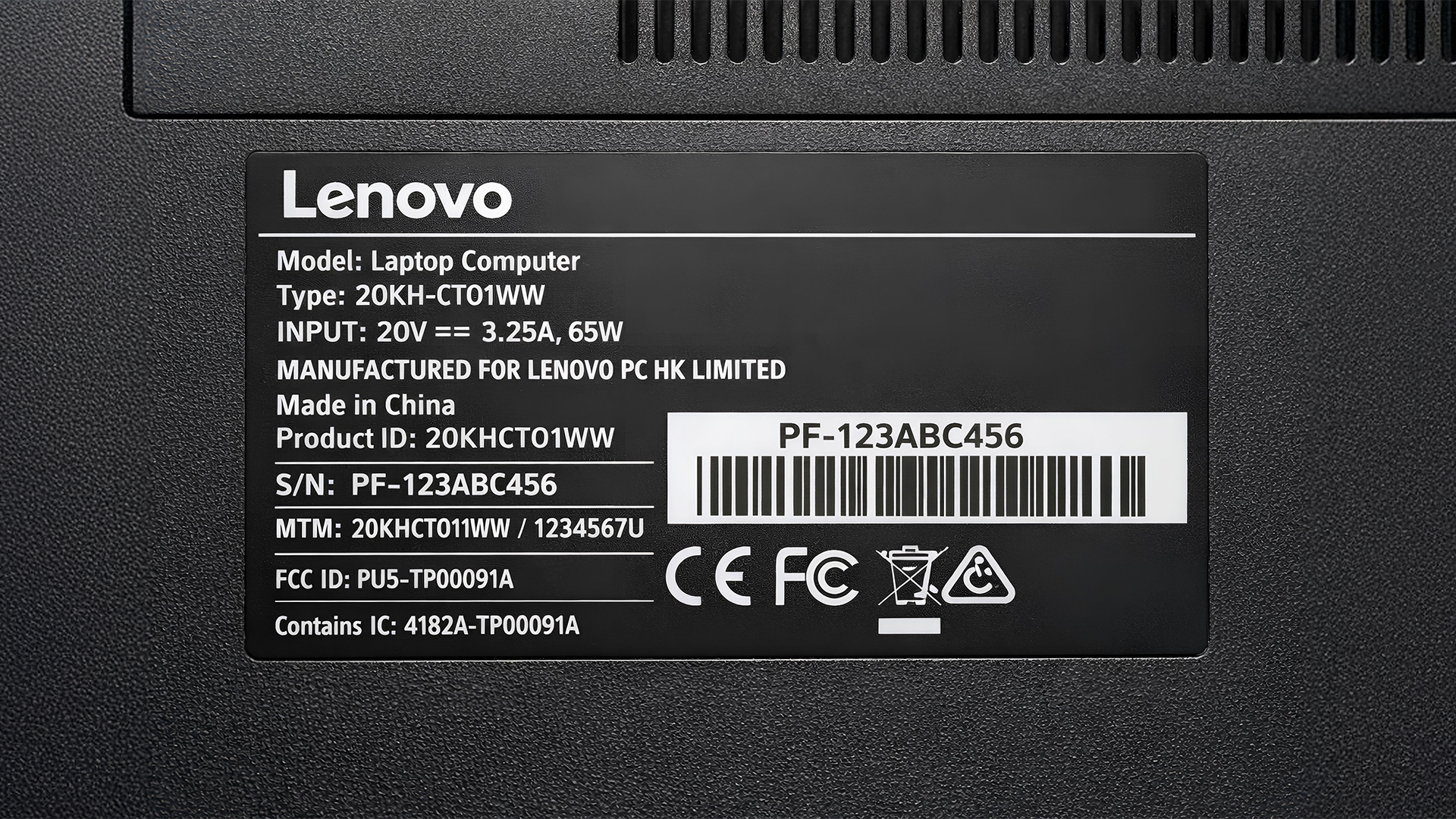
If troubleshooting does not resolve the issue, your next step should be checking your warranty status.
Every Lenovo laptop has a serial number printed on the underside of the device. Using that serial number, you can check warranty coverage through Lenovo’s official UK support portal and get Lenovo’s official UK warranty repair service.
This will confirm:
- Whether your device is still under manufacturer warranty
- What type of coverage applies (carry-in, mail-in or on-site service)
- Whether battery replacement is included
- Estimated repair pathways
For business-class devices such as ThinkPads, Lenovo UK support may offer on-site service depending on the warranty tier.
If your device is out of warranty, compare the estimated repair cost against the current market value of the laptop. In many cases:
- Battery replacement is cost-effective
- Storage upgrades are worthwhile
- Motherboard repairs are often not economical
Repairs covered under warranty are carried out at no cost. If you’re unsure about eligibility or next steps, you can contact Lenovo’s UK live chat support for guidance or review the official repair and replacement policy for full details.
If repair costs approach half the price of a new device, replacement may offer better long-term value.
When escalating to Lenovo UK support, ensure you:
- Back up your data first
- Record any error messages
- Note when the issue began
- Mention if the problem started after an update
Still Having Lenovo Laptop Issues? Repair or Replace
|
Situation |
Practical Option |
|
Minor software errors |
Troubleshoot at home |
|
Battery degradation after 3+ years |
Replace battery |
|
Repeated overheating |
Professional cleaning |
|
Motherboard failure |
Consider replacement |
|
Multiple ageing issues |
Upgrade to newer model |
For older laptops, replacing the device may offer better long-term value than repeated repairs. If your device is facing multiple ageing issues, declining battery life or ongoing performance slowdowns, it may be worth considering newer lightweight laptops by Lenovo built for improved efficiency, portability and modern performance standards.
How to Prevent Future Lenovo Laptop Issues?
- Keep drivers updated
- Avoid blocking air vents
- Restart weekly
- Clean dust every 6–12 months
- Avoid constant 100% charging

Getting Your Lenovo Laptop Back on Track
Most common issues are manageable with structured Lenovo laptop troubleshooting steps mentioned in this guide. Power faults, battery degradation, and driver conflicts account for the majority of reported problems.
If you’ve worked through the steps above and your laptop still isn’t performing reliably, it may be time to compare repair costs with the value of upgrading.
At Laptop Outlet, we stock a wide range of dependable laptops by Lenovo suited for business, study and everyday use across the UK, helping you stay productive without unnecessary downtime.

Frequently Asked Questions
Why is my Lenovo laptop not turning on even when plugged in?
This is usually caused by a faulty charger, battery failure or internal power reset requirement rather than complete hardware failure.
How do I fix Lenovo battery not charging?
Check power settings, update BIOS and drivers, and inspect the charger. If battery health is low, replacement may be necessary.
Why does my Lenovo laptop keep disconnecting from WiFi?
Outdated network drivers or power management settings are common causes. Updating drivers and adjusting power options usually resolves the issue.
How do I fix Lenovo keyboard keys not working?
Update keyboard drivers first. If only certain keys fail, debris or physical wear may be responsible.
What should I do if my Lenovo laptop is overheating?
Ensure proper ventilation, clean air vents and consider professional internal cleaning if overheating continues.
How do I contact Lenovo UK support?
You can check warranty status and service options using your laptop’s serial number through Lenovo’s official UK support system.
| Read More: |
| Review – Lenovo V15 Ada 15.6 Inch Business Laptop Amd Ryzen 5 |
| Lenovo vs HP vs Dell: Which Brand to Buy |
| Are Lenovo Laptops Any Good |
Related Articles


Last Updated: September 09, 2025
What’s the main difference between Lenovo and Dell laptops?
Lenovo (ThinkPad, Yoga, Legion, IdeaPad) is known for MIL-STD-tested durability, spill-resistant keyboards, and the ThinkShield security stack on business lines. Great for students and professionals who prioritise reliability and manageability. On the other hand, Dell (XPS, Latitude, Inspiron, Alienware/ G-Series) is famous for premium XPS ultrabooks with excellent battery life and ProSupport/ProSupport Plus service for businesses, plus fast-charge (ExpressCharge) options.
Lenovo vs Dell laptops: Quick Comparison
| Feature | Lenovo | Dell |
| Build & Durability | MIL-STD testing on ThinkPads; spill-resistant keyboards. | Premium metal builds on XPS; robust Latitude chassis. |
| Battery Life | Strong on premium models; varies by series. | Standout on XPS (widely reviewed as “all-day+”). |
| Security/Manageability | ThinkShield stack & enterprise controls. | ProSupport/ProSupport Plus, ExpressCharge & fleet tools. |
| Key Lines | ThinkPad, Yoga, Legion, IdeaPad | XPS, |
Last Updated: August 07, 2026
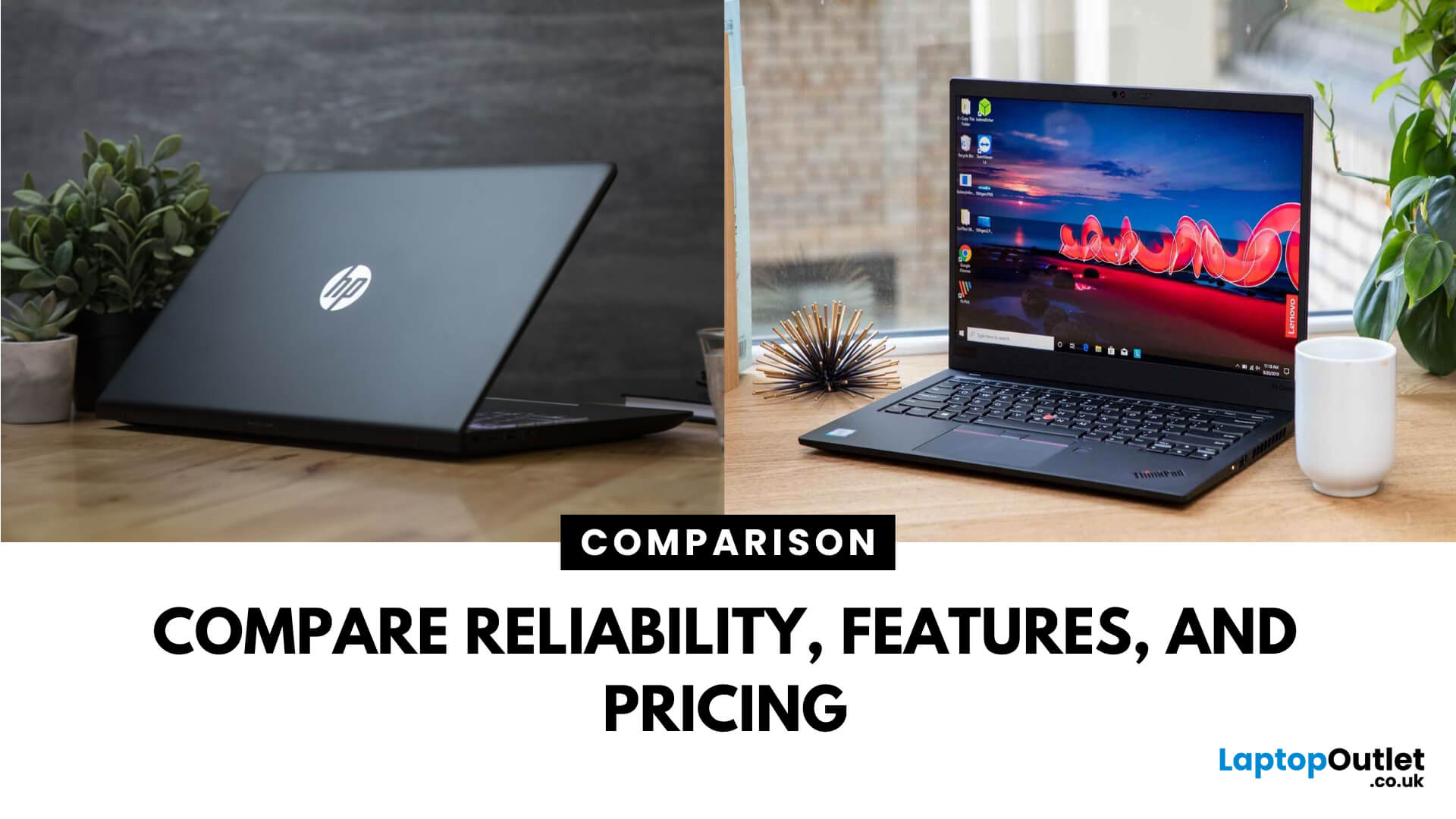
Choosing between Lenovo vs HP laptops is not simply a matter of picking the more recognisable logo. Both manufacturers offer affordable everyday notebooks, premium ultraportables, business devices, mobile workstations, and powerful gaming laptops.
The important difference is how each brand divides its range. Lenovo offers IdeaPad, Yoga, ThinkBook, ThinkPad, LOQ, and Legion models, while HP covers consumer computing with OmniBook alongside ProBook, EliteBook, ZBook, Victus, and OMEN.
Your ideal choice depends on the individual model, configuration, and intended workload. Processor performance, memory, storage, graphics, cooling, and display quality normally matter more than the brand name alone.
Quick Answer: Is Lenovo or HP Better?
Lenovo is a strong choice for buyers prioritising practical designs, comfortable keyboards, business features and a wide selection of gaming laptops. ThinkPad and ThinkBook cover professional use, while LOQ and Legion target different gaming budgets.
HP may be
Last Updated: September 08, 2026
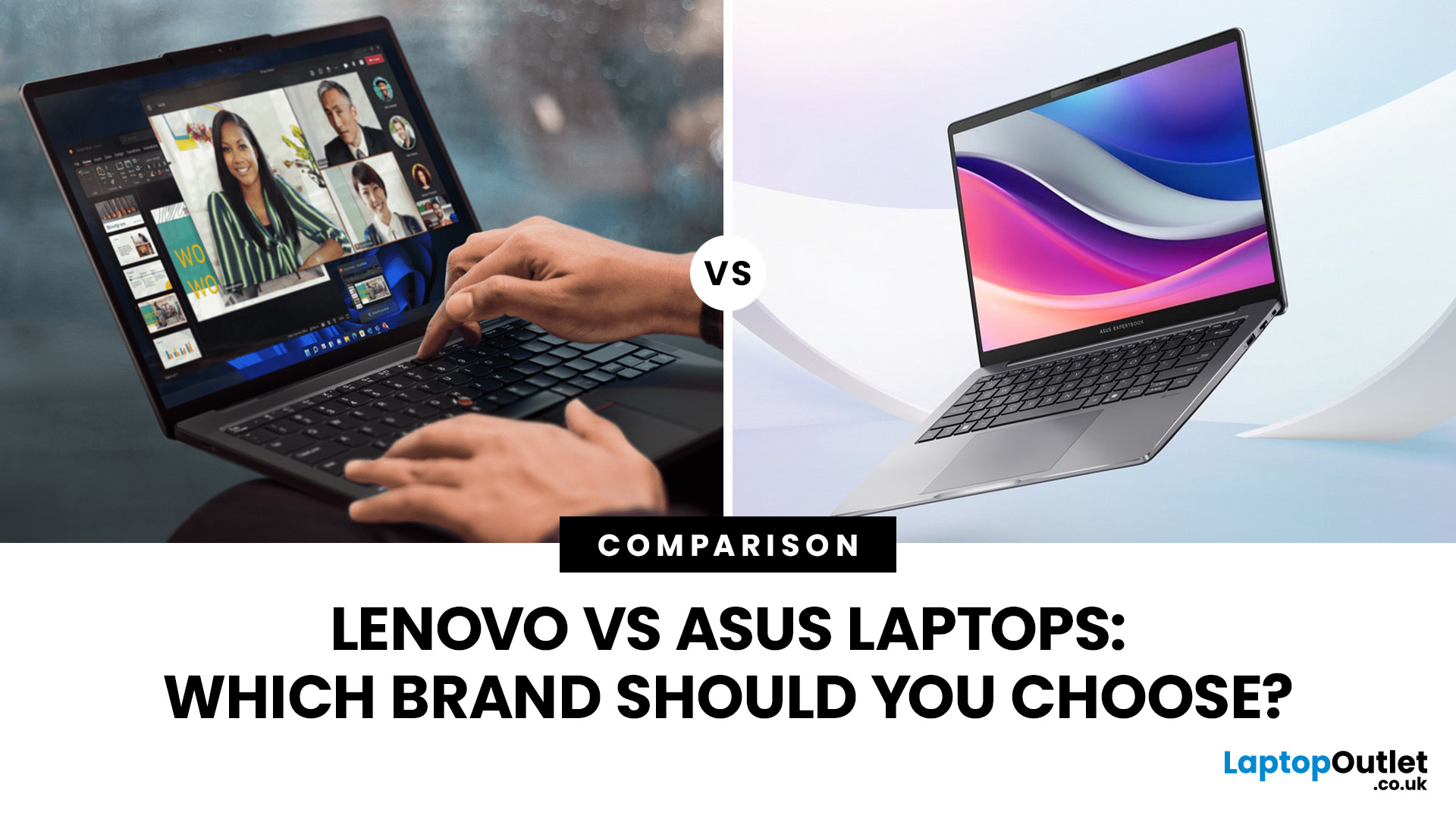
Lenovo and ASUS both cover everything from everyday laptops to premium business machines and high-performance gaming systems, but their strengths are not identical. Lenovo stands out through ThinkPad, Yoga, IdeaPad and Legion, while ASUS counters with Zenbook, Vivobook, ExpertBook, TUF Gaming and ROG. This Lenovo vs ASUS laptops comparison looks at processors, RAM, storage, displays, battery life, upgradeability and gaming hardware to help you see which brand fits your needs in 2026.
Lenovo vs ASUS: Quick Comparison
| Area | Lenovo | ASUS |
| Everyday laptops | IdeaPad | Vivobook |
| Premium thin-and-light | Yoga | Zenbook |
| Business | ThinkPad | ExpertBook |
| Gaming | Legion / LOQ | ROG / TUF Gaming |
| Current processors | Intel Core Ultra, AMD Ryzen AI, Snapdragon options | Intel Core Ultra, AMD Ryzen AI, Snapdragon options |
| Memory | Soldered or upgradeable depending on model | Soldered or upgradeable depending on model |
| Displays | IPS, OLED, touch and high-refresh options | IPS, OLED, touch, Mini LED and high-refresh options |
| Main strength |
Last Updated: September 07, 2026
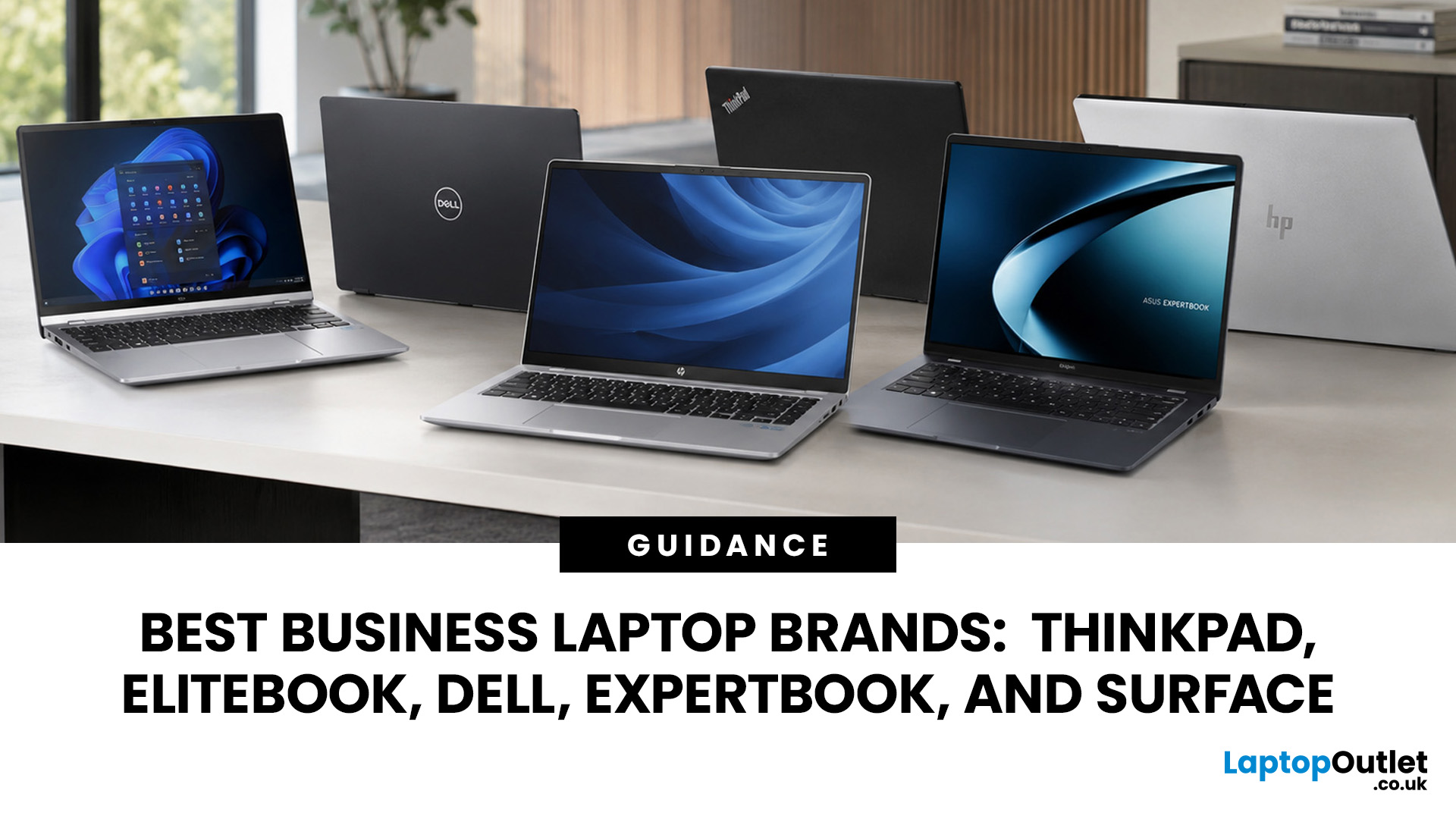
A dependable business laptop must do more than open emails and spreadsheets. It should support your applications, protect company data, connect to workplace equipment, and remain comfortable through long working days. However, even the best business laptop brands take different approaches to these requirements. This guide compares Lenovo ThinkPad, HP EliteBook, Dell Latitude, and Dell Pro, ASUS ExpertBook, and Microsoft Surface so you can identify the most suitable range for your work.
Which Business Laptop Brand is Best?
There is no single best brand for every professional. Lenovo ThinkPad offers one of the broadest selections, while HP EliteBook places strong emphasis on security and collaboration. Dell Latitude and newer Dell Pro systems suit managed IT environments, ASUS ExpertBook provides practical options for SMEs, and Microsoft Surface combines premium mobility with close Windows integration.
The right choice ultimately depends on your software, security policies, working location,

Last Updated: September 10, 2025
When it comes to business laptops in 2025, two names consistently stand out: Microsoft Surface and Lenovo ThinkPad. Both brands are trusted by organisations worldwide, but they serve professional needs in very different ways. For UK businesses deciding on their next laptop fleet or professionals choosing their personal work machine, the decision between Surface vs ThinkPad is not about which is objectively “better,” but which aligns best with your workflow, environment, and long-term priorities. This comparison explores the critical factors - design, durability, performance, battery life, manageability, and cost so you can make an informed decision that delivers true business value.
Microsoft Surface vs Lenovo ThinkPad: What’s the Main Difference?
Microsoft Surface (for Business) prioritises a modern, touch-first experience with lightweight designs, 2-in-1 versatility and Copilot+ AI acceleration. New models on Snapdragon X deliver impressive battery life, though Arm-based Windows can still
Last Updated: September 24, 2026
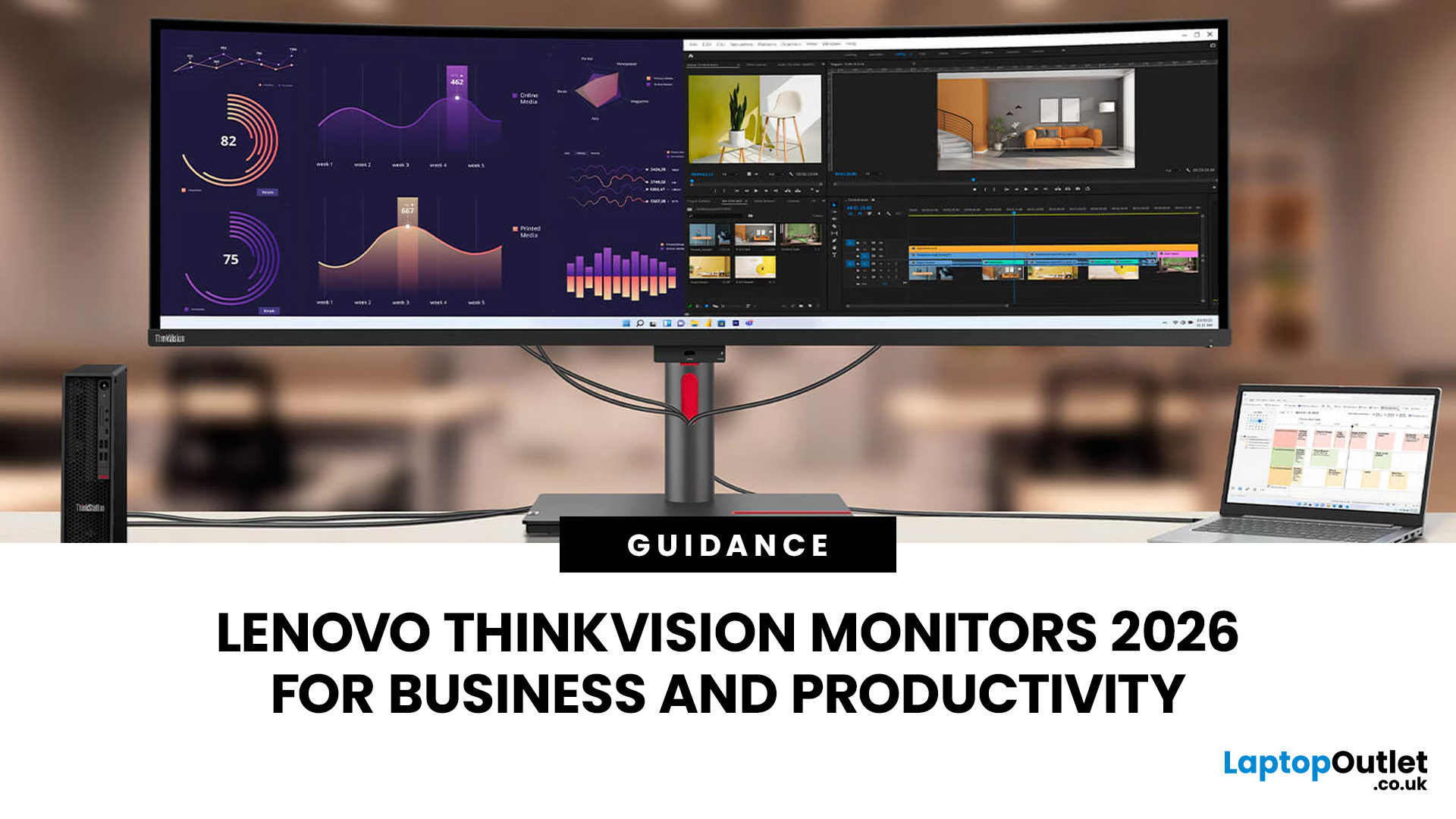
Productivity at work can be significantly improved with the right display, especially when handling spreadsheets, switching between multiple applications, attending video meetings or working with detailed visual content. Lenovo ThinkVision monitors are designed for business environments, offering a range of QHD and 4K resolutions, USB-C connectivity, conferencing tools and ergonomic flexibility.
Different users have different needs, from balanced 27-inch QHD setups for everyday office tasks to USB-C docking for hybrid working and 4K panels for colour-critical or detail-focused work. Lenovo also advises evaluating resolution, refresh rate, panel type and connectivity rather than screen size alone. This guide compares the best Lenovo ThinkVision monitors available from Laptop Outlet for business use.
Best Lenovo ThinkVision Monitors for Business: Quick Comparison
| Model | Best for | Size | Resolution | Refresh rate | USB-C | Key feature | View price |
| Lenovo ThinkVision P27Q-40 | All-round office work and multitasking |
Published: September 17, 2025
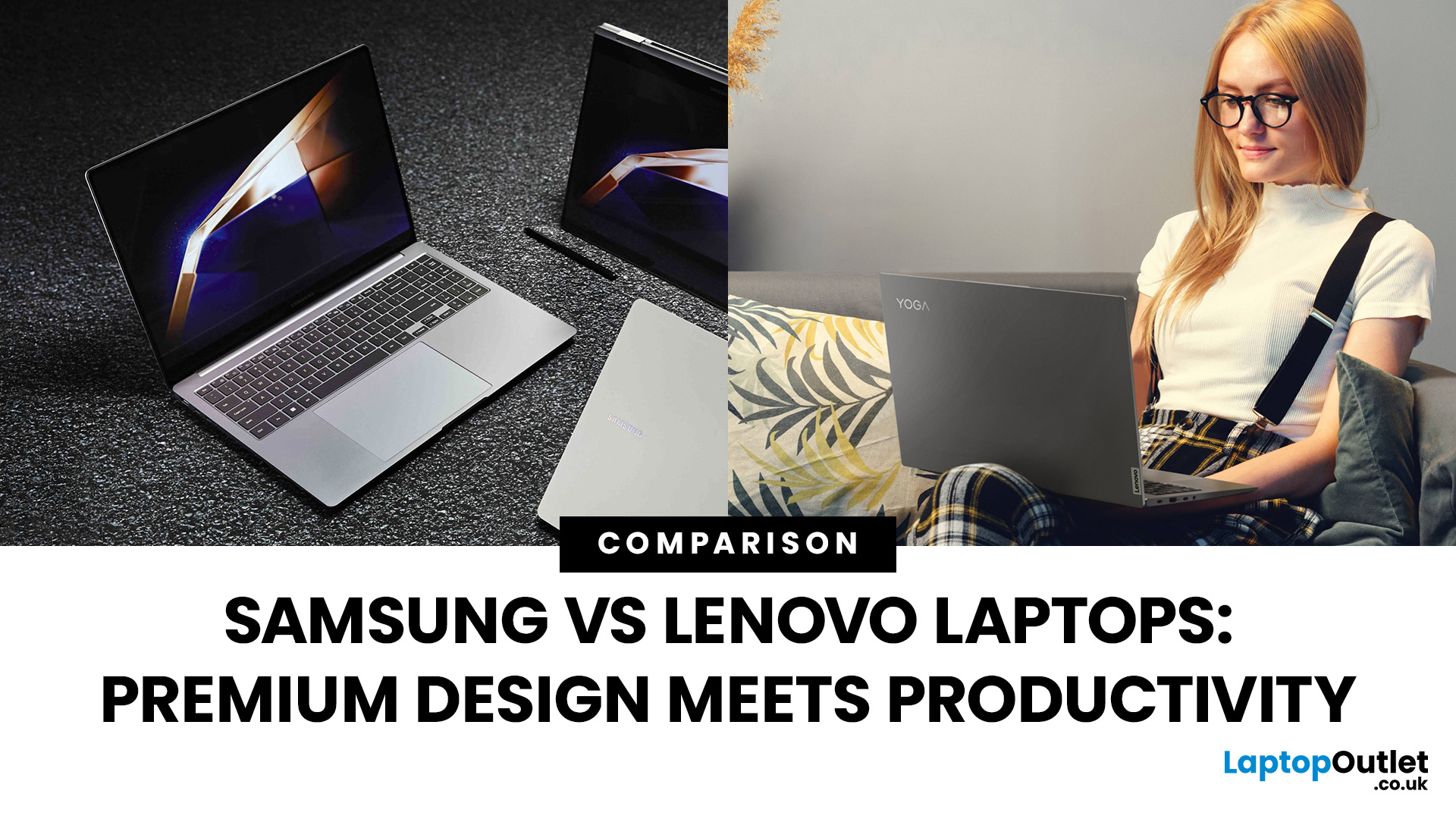
Shopping for a new laptop in 2025 and torn between Samsung vs Lenovo laptops? Both brands deliver big innovation but shine in different ways. Samsung is known for premium design, AMOLED displays, and portability, while Lenovo dominates the productivity space with ThinkPad reliability, Yoga flexibility, and Legion gaming power.
So, which one deserves your money? Let’s compare Samsung and Lenovo across design, performance, battery, and price to help you choose the right fit.
Samsung vs Lenovo: Key Differences
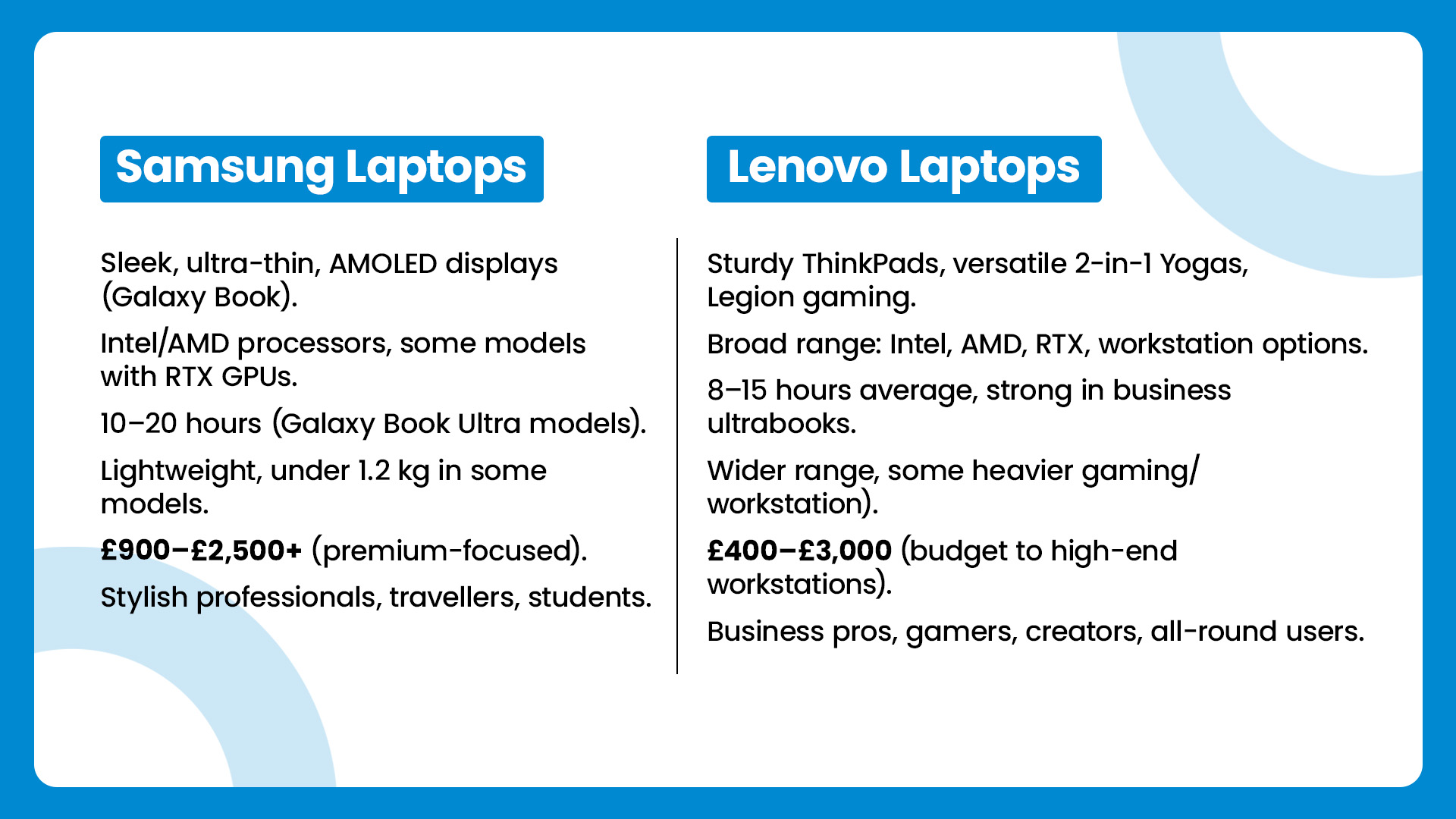
| Feature | Samsung Laptops | Lenovo Laptops |
| Design & Build | Sleek, ultra-thin, AMOLED displays (Galaxy Book) | Sturdy ThinkPads, versatile 2-in-1 Yogas, Legion gaming |
| Performance | Intel/AMD processors, some models with RTX GPUs | Broad range: Intel, AMD, RTX, workstation options |
| Battery Life | 10–20 hours (Galaxy Book Ultra models) | 8–15 hours average, strong in business ultrabooks |
| Portability | Lightweight, under 1.2 kg in some models | Wider range, some heavier (gaming/workstation) |
| Price Range | £900–£2,500+ |

Last Updated: September 19, 2025
In the laptop world, Lenovo is a household name. But a UK specialist like Entity has been making waves, especially for buyers looking for budget-friendly or niche options. This post compares “Entity vs Lenovo laptops” so you can decide which suits your needs better - whether for study, work, or general use and help you get the best value from Laptop Outlet.
Brand Profiles: Who They Are
Entity
- UK-based specialist focusing on “high-quality, affordable laptops and tablets to suit all your online needs.”
- Their product range tends to target entry-level / casual use: browsing, streaming, word-processing, light home tasks.
- Models often have basic processors (e.g. Intel Celeron), modest RAM and storage, but decent displays and essentials like USB ports, webcam, etc.
Lenovo
- Global major with a wide portfolio: from budget machines through business laptops (ThinkPad), Ultrabook (Yoga, Slim), to gaming (Legion) and premium devices.
- Known for good build quality, durability, variety in performance
Last Updated: September 19, 2025
When it comes to everyday computing, both LG and Lenovo deliver laptops that check most of the boxes, but they cater to very different audiences. LG laptops, led by the Gram and Gram Pro lines, are known for being feather-light, ultra-portable, and battery champions. On the flip side, Lenovo laptops (ThinkPad, ThinkBook, Legion, and more) are business and performance powerhouses which are rugged, versatile, and trusted in workplaces worldwide.
So, which one should you choose in 2025? Let’s dive into this LG vs Lenovo laptops comparison and find out.
What’s the Difference Between LG and Lenovo Laptops?
- LG, especially through the Gram/Gram Pro lines, focuses on ultra-portability, thin builds, light weight, and modern features like long battery life, OLED options, and new AI-assist tools.
- Lenovo offers a wider lineup: from ultraportables (ThinkPad X / T series), to business workhorses (ThinkBook, ThinkPad business), to gaming/performance lines. They tend to emphasize durability (MIL-STD
Last Updated: January 21, 2026
For years, Lenovo has quietly done something most tech brands struggle with:
making devices that actually make sense for real people.
- Not flashy-for-the-sake-of-it.
- Not overpriced because of a logo.
- Not confusing hybrids that don’t know what they want to be.
In 2026, Lenovo Tablet PCs feel more relevant than ever, especially if you care about value, flexibility, and devices that work just as well for studying, working, streaming, or light creativity.
This isn’t about hype.
It’s about what Lenovo tablets actually do well, where they fit best, and why they’re still one of the smartest tablet choices in the UK right now.
Why Lenovo Tablet PCs Still Matter in 2026
The tablet market has split into extremes. On one end, you’ve got ultra-premium devices that cost as much as laptops. On the other, budget tablets that struggle with basic multitasking.
Lenovo lives in the sweet spot.
Lenovo tablet PCs focus on:
- Practical performance
- Reliable build quality
- Sensible pricing
- Clear use cases
That’s

