



Best Laptops for Video Editing (Beginner to Pro)
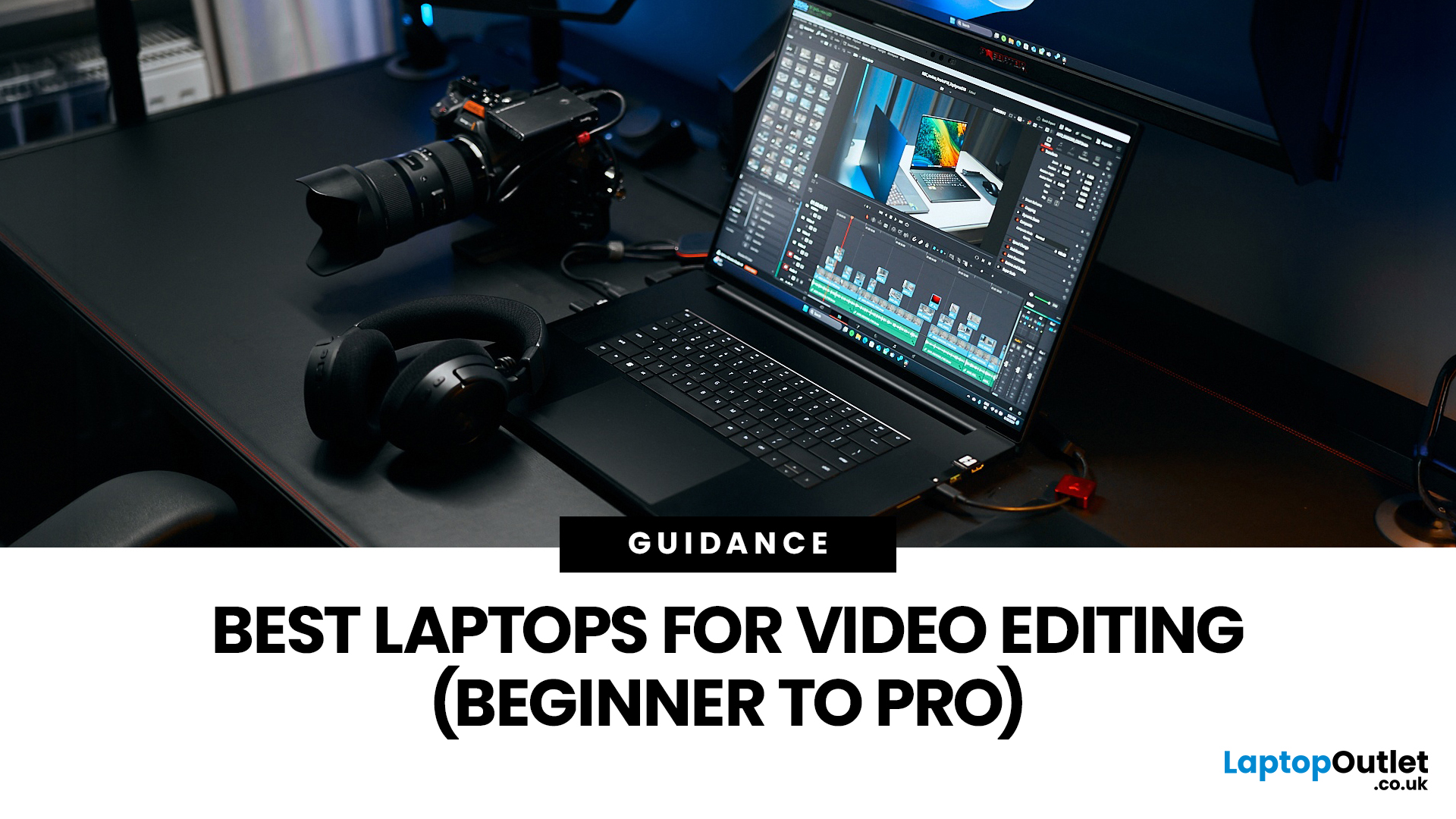
Choosing the right laptops for video editing can feel far more complicated than it should. Some brands focus on AI features; others push gaming specs, and many guides make it sound as though you need a studio-grade machine just to edit a few clips.
In reality, the best laptop depends on the type of editing you do.
A beginner creating YouTube videos, reels, or student projects will not need the same machine as someone working on commercial edits, colour grading in DaVinci Resolve, or handling large 4K client timelines. That is why this guide breaks down the best laptops for video editing by editing level, workflow, and real-world use case.
Whether you need a machine for social content, advanced post-production, or portable editing on the move, these are the options worth considering.
If your creative work also includes Photoshop, Illustrator, or wider Adobe software, it is worth reading our guide to the best laptops for Adobe Creative Cloud apps as well.
What to Look for in Laptops for Video Editing
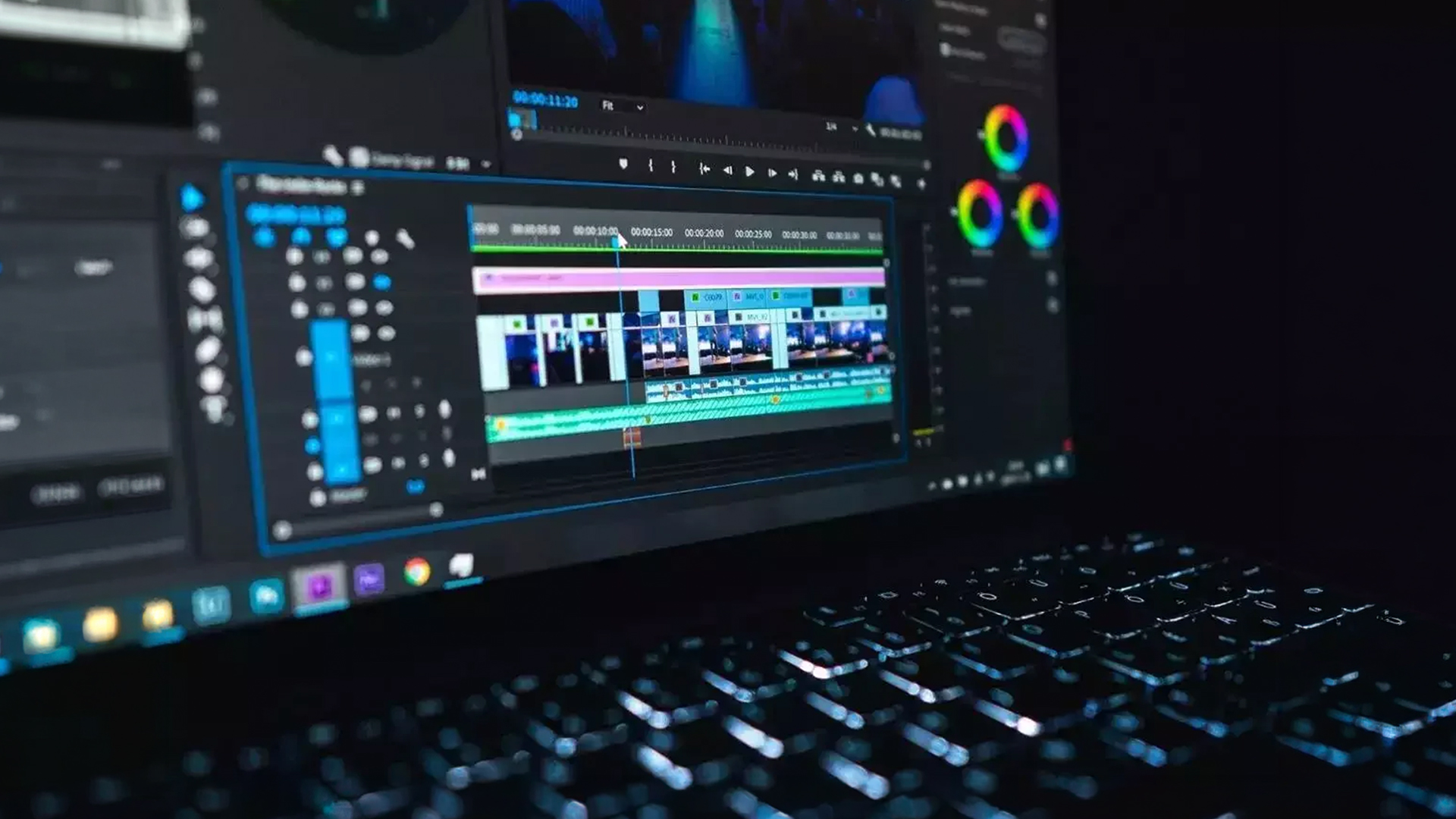
Before looking at individual models, it helps to know what actually matters in a video editing laptop.
For light editing, such as 1080p YouTube uploads, social clips, and beginner projects, a modern processor, 16GB RAM, and SSD storage are usually enough to get started comfortably. If you are moving into laptops for 4K & 8K video editing, more memory, better graphics performance, and faster storage become much more important.
Display quality also matters more than many people realise. If you spend hours reviewing footage, adjusting exposure, or working with colour, a better panel makes a real difference. That is why many editors look for laptops with colour accuracy, especially OLED models or displays with strong DCI-P3 coverage.
If you are browsing creator-focused systems, it is also worth looking at dedicated collections of laptops with colour accuracy, as these are often better suited to editing, design, and visual workflows than standard everyday laptops.
Pro Level: Best Laptops for 4K & 8K Video Editing
These are the strongest options for editors dealing with demanding timelines, heavier effects, large project files, and longer rendering sessions.
ASUS ROG Zephyrus G16 (Refurbished)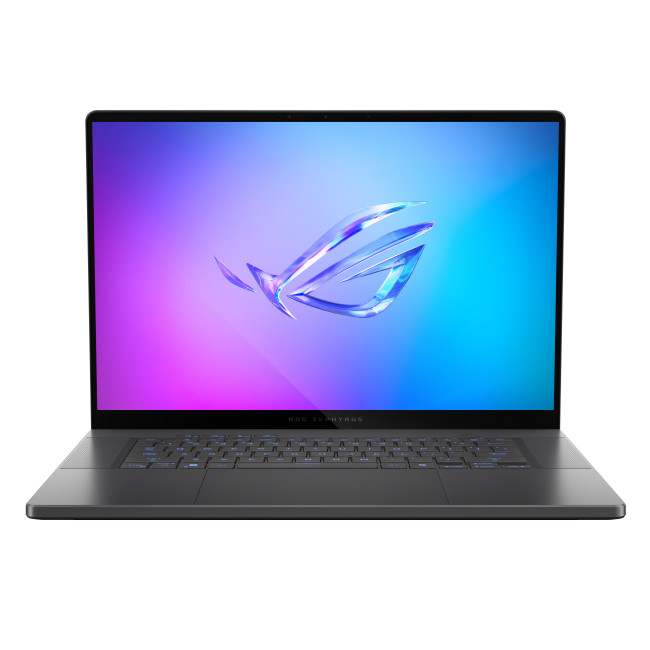
Specs:
- Intel Core Ultra 9 285H
- NVIDIA RTX 5080
- 32GB RAM
- 2TB SSD
- 16-inch OLED, 240Hz
The ASUS ROG Zephyrus G16 is a powerful choice for editors who want serious performance without moving to an oversized desktop replacement. With an RTX 5080, 32GB RAM, and a large 2TB SSD, it has the kind of hardware that suits laptops for 4K & 8K video editing very well.
It is especially well-suited to editors working across Premiere Pro, After Effects, and laptops for DaVinci Resolve searches, where GPU performance and memory headroom play a much bigger role. The OLED display also adds to its appeal for people who care about contrast, clarity, and overall viewing quality.
Why it stands out:
It delivers premium-level editing performance while still feeling more portable than many large gaming laptops.
Lenovo Legion Pro 7 OLED

Specs:
- Intel Core Ultra 9 275HX
- NVIDIA RTX 5080
- 32GB RAM
- 1TB SSD
- 16-inch WQXGA OLED, 240Hz
If raw performance matters more than portability, the Lenovo Legion Pro 7 OLED is one of the strongest laptops for video editing in this list. It has the power needed for demanding editing sessions, complex timelines, and longer renders, making it a strong fit for editors working on client projects or production-heavy workloads.
This is the kind of machine that suits laptops for wedding video editors particularly well. Wedding editing often involves long timelines, multicam footage, layered audio, colour matching, and export-heavy workflows, all of which benefit from stronger CPU and GPU performance.
Why it stands out:
It is built for demanding editors who need performance first and are willing to carry a larger, more powerful machine.
ASUS ROG Strix G18 (Refurbished) 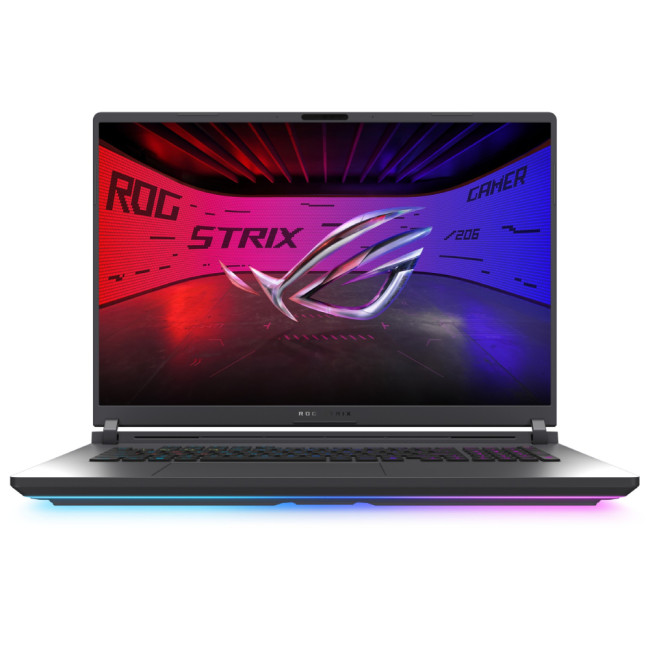
Specs:
- Intel Core Ultra 9 275HX
- NVIDIA RTX 5070
- 16GB RAM
- 1TB SSD
- 18-inch large display
The ASUS ROG Strix G18 stands out for one simple reason: screen space. If you dislike editing on compact screens, the 18-inch display gives you much more room for timelines, preview windows, bins, and editing tools.
It is a good match for editors looking at laptops for documentary & cinematic video production, especially those who value workspace and visibility while cutting larger projects. The only limitation is the 16GB RAM, which is decent for many workflows but offers less breathing room than the 32GB models above when projects become more demanding.
Why it stands out:
The larger screen makes editing more comfortable, especially for editors who want more workspace directly on the laptop.
If your work goes beyond editing into rendering, modelling, or motion-heavy creative tasks, see our guide to the best laptops for animation and 3D modelling.
Intermediate Level: Best Laptops for DaVinci Resolve, Content Creation, and Mobile Editing
These laptops are ideal for people creating regular content, editing on the go, and balancing portability with creative performance.
ASUS ProArt PX13 HN7306EAC-LX084W
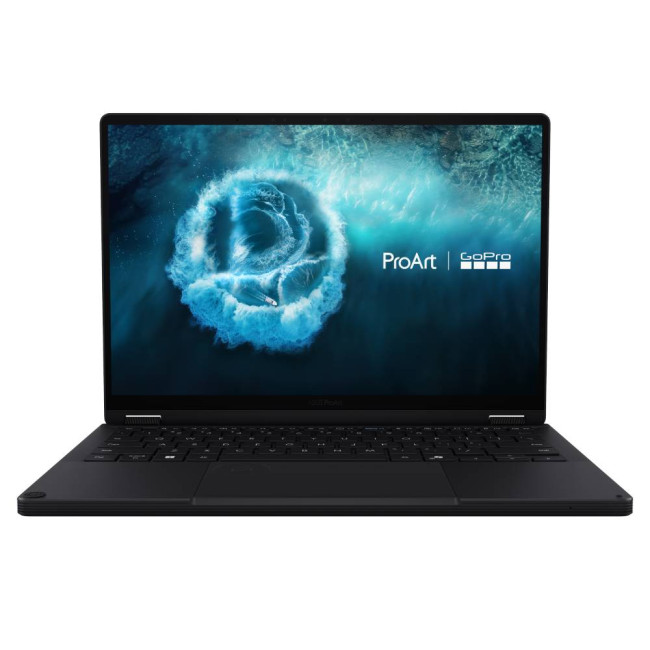
Specs:
- AMD Ryzen AI Max+ 395
- Integrated AMD Radeon Graphics
- 128GB RAM
- 2TB SSD
- 13.3-inch 3K OLED touchscreen
- 2-in-1 design
The ASUS ProArt PX13 is one of the most unique laptops for video editing on this list. It combines a compact 2-in-1 design with a sharp 3K OLED touchscreen, very high memory capacity, and creator-focused styling.
For users researching laptops for DaVinci Resolve, this model is interesting because it offers enormous memory headroom and strong creator credentials in a much smaller body. While it does not rely on a dedicated NVIDIA GPU, it remains a compelling choice for mobile editors, designers, and creators who value flexibility, screen quality, and multitasking performance.
It also works well for people comparing laptops for CapCut, Filmora & mobile video editors, where portability, touchscreen usability, and fast everyday editing matter just as much as raw rendering speed.
Why it stands out:
It offers a rare blend of portability, touchscreen flexibility, OLED quality, and massive RAM capacity in a compact creator machine.
Samsung Galaxy Book4 Ultra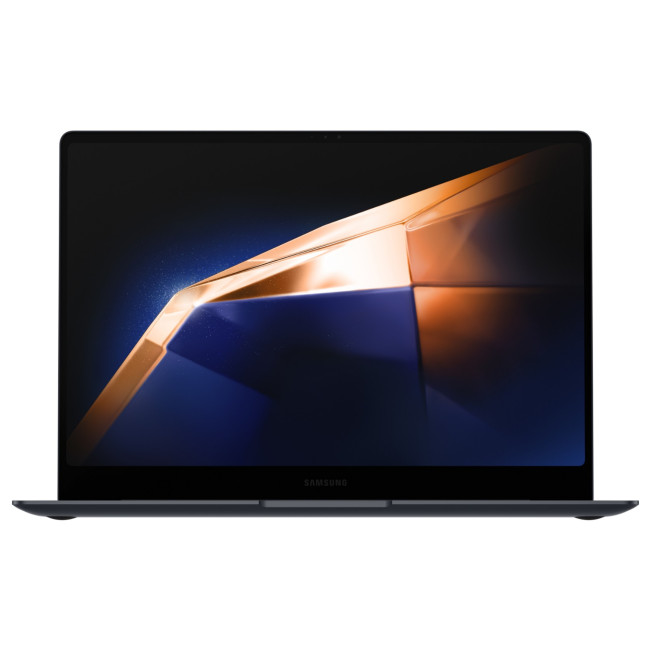
Specs:
- Intel Core Ultra 7 155H
- NVIDIA RTX 4050
- 32GB RAM
- 1TB SSD
- 16-inch 3K OLED touchscreen
The Samsung Galaxy Book4 Ultra sits in a very attractive middle ground. It feels more premium and refined than many gaming-led editing laptops, but still gives you dedicated RTX graphics and 32GB RAM for more serious creative workloads.
This makes it a strong option for editors looking at laptops for DaVinci Resolve, light-to-moderate 4K editing, and creator workflows that need more than integrated graphics. It is also a strong fit for people who want a polished Windows machine for editing without stepping all the way up to a heavier flagship system.
Why it stands out:
It balances sleek design, dedicated graphics, and a large OLED display better than many thin creative laptops.
Samsung Galaxy Book5 Pro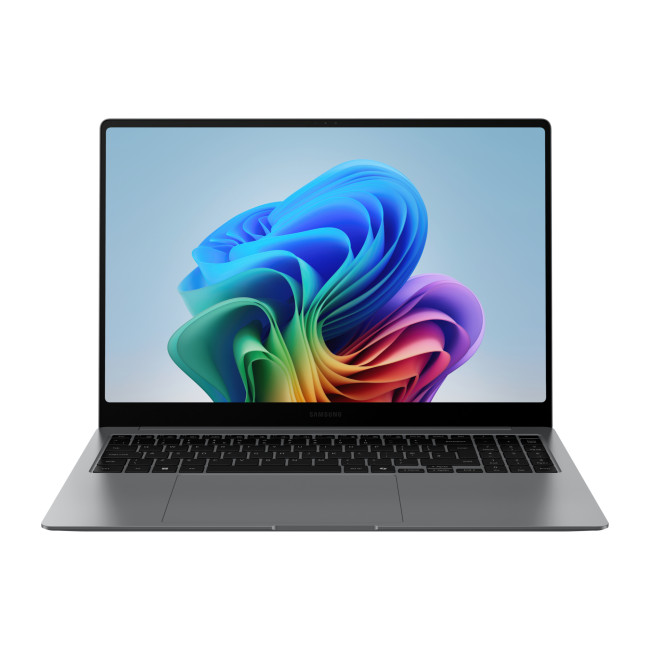
Specs:
- Intel Core Ultra 7 258V
- Intel Arc integrated graphics
- 32GB RAM
- 512GB SSD
- 14-inch WQXGA+ AMOLED 120Hz touchscreen
The Samsung Galaxy Book5 Pro is better suited to creators who prioritise portability, battery life, and a high-quality screen over heavy rendering power. That makes it a smart choice for laptops for TikTok & short-form video editing, where projects are often lighter, turnaround is faster, and editing may happen while travelling or working between locations.
The 32GB RAM is a real advantage here, and the AMOLED display makes footage look excellent. While it is not the strongest choice for complex 4K workflows, it is a very appealing option for mobile content creators.
Why it stands out:
It is ideal for creators who edit regularly and want something lightweight, polished, and easy to carry.
ASUS ZenBook 14X OLED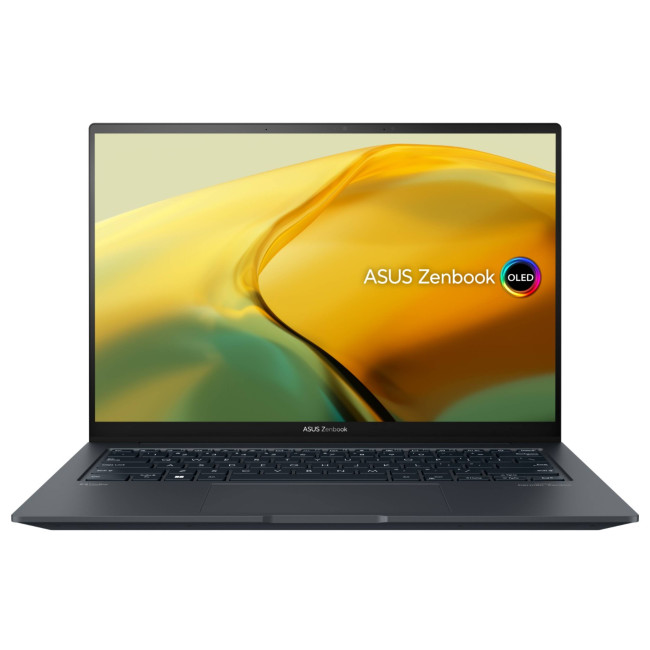
Specs:
- Intel Core i9-13900H
- NVIDIA RTX 3050
- 16GB RAM
- 1TB SSD
- 14.5-inch 2.8K touchscreen
The ASUS ZenBook 14X OLED works well as an all-around creator laptop. It is slim enough to stay portable, but still includes enough power for regular editing tasks, shorter 4K projects, and content creation beyond basic trimming.
It is particularly relevant for people searching for laptops for CapCut, Filmora & mobile video editors, where a balance of GPU support, portability, and screen quality makes more sense than buying a bulky performance-first machine.
Why it stands out:
It gives intermediate creators a strong mix of portability, display quality, and editing-friendly hardware.
Beginner Level: Best Laptops for TikTok & Short-Form Video Editing
Not everyone needs studio-grade hardware. If you are editing social-first content, reels, short YouTube uploads, and beginner projects, these laptops make more practical sense.
ASUS VivoBook M1407KA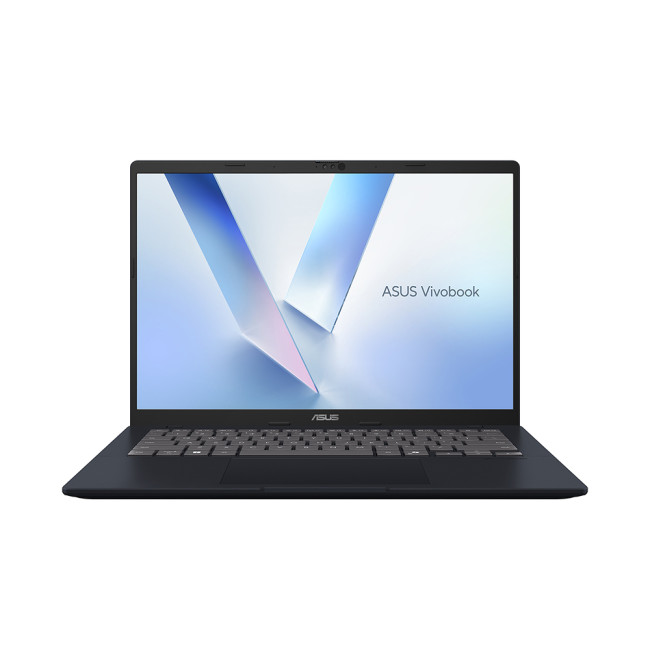
Specs:
- AMD Ryzen AI 7 350
- AMD Radeon integrated graphics
- 16GB RAM
- 1TB SSD
- 14-inch WUXGA IPS display
The ASUS VivoBook M1407KA is a sensible starting point for new editors. It has enough memory, storage, and a modern enough processor to handle everyday creative work without requiring a premium price.
It is a good fit for laptops for TikTok & short-form video editing, especially for people creating basic social clips, student content, or first-time YouTube projects. It is not designed for advanced grading or demanding effects work, but that is not what most beginners need.
Why it stands out:
It offers a practical, affordable entry point into video editing without feeling underpowered for everyday use.
Lenovo LOQ 15AHP10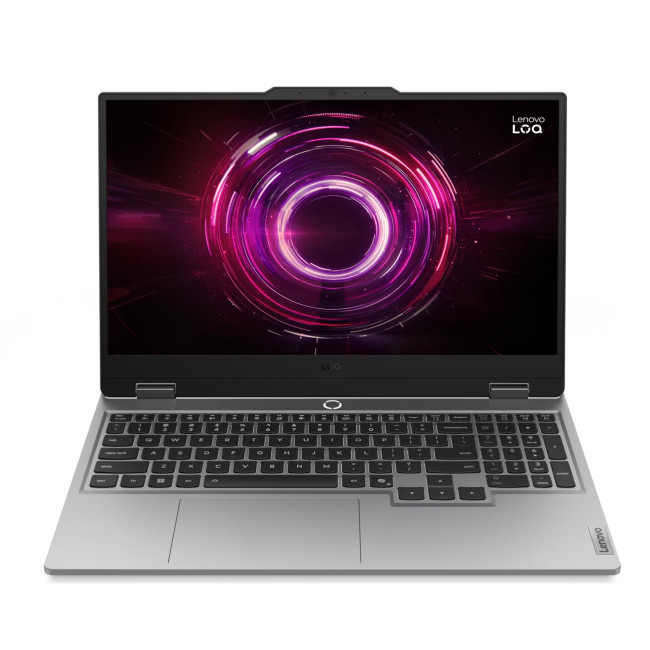
Specs:
- AMD Ryzen 5 220 Hexa-Core Processor
- NVIDIA RTX 5050
- 16GB RAM
- 512GB SSD
- 15.6-inch Full HD IPS display, 144Hz
- Windows 11 Home
The Lenovo LOQ 15AHP10 is a strong beginner-friendly choice for users who want dedicated graphics for smoother editing performance without jumping straight into premium pricing. With an RTX 5050, 16GB RAM, and a 512GB SSD, it has the right kind of hardware for editors working on 1080p projects, short-form content, and early-stage 4K editing.
This makes it a solid fit for users researching laptops for TikTok & short-form video editing or laptops for CapCut, Filmora & mobile video editors, where fast exports, smoother playback, and better graphics acceleration can make editing much easier. The 15.6-inch Full HD display also gives you a practical amount of workspace for timeline-based editing without making the laptop feel too bulky.
The main trade-off is storage. A 512GB SSD is enough to get started, but it can fill up quickly once you begin storing raw footage, project files, and exports. Even so, for a first serious editing laptop, it offers a very good balance of performance and value.
Why it stands out:
It gives beginner editors dedicated RTX graphics and practical all-round performance at a more accessible level.
Which Laptop Is Best for Your Editing Style?
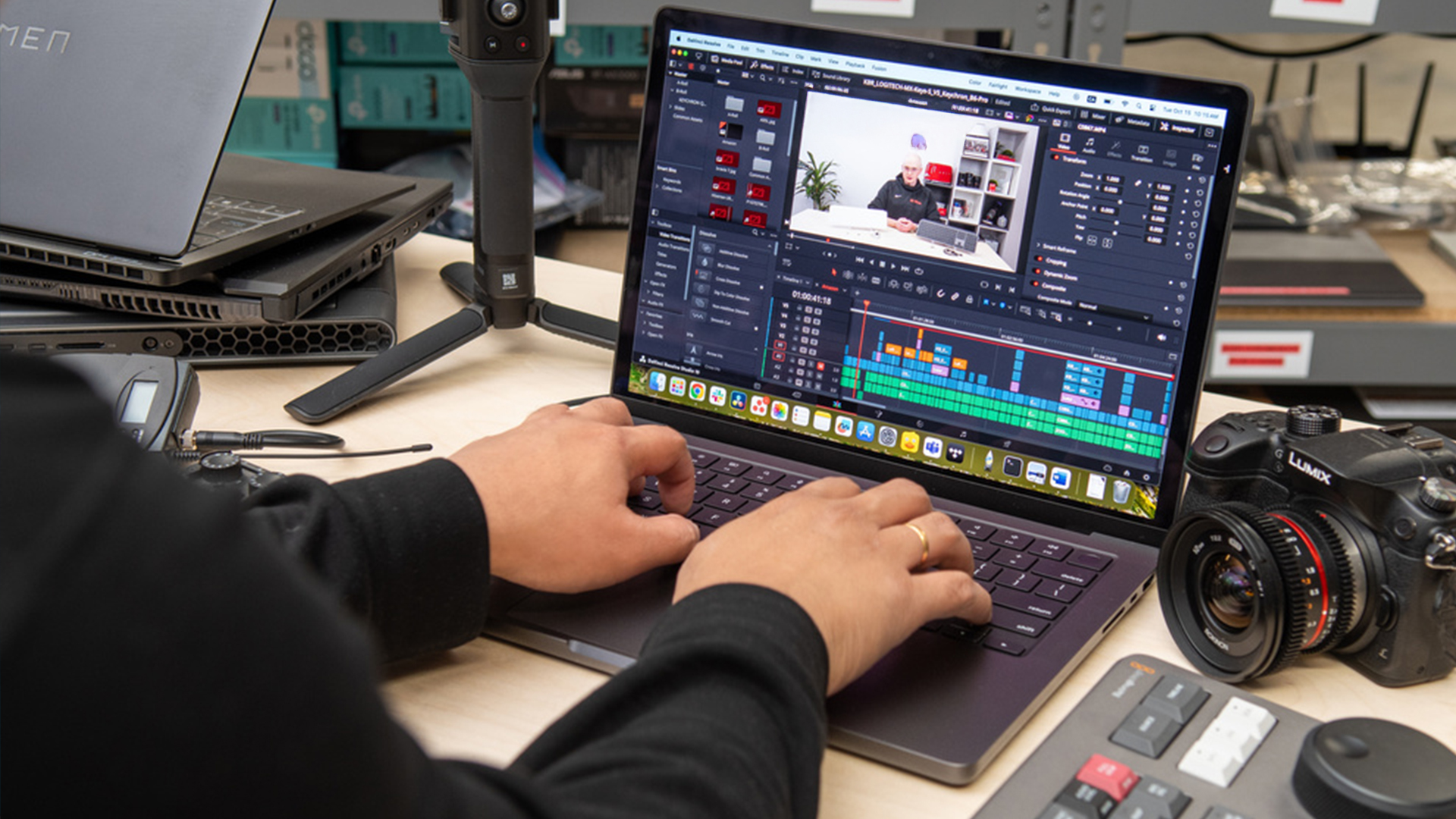
The best laptops for video editing will depend on the kind of work you actually do.
If you edit social clips, reels, or student projects, a laptop such as the ASUS VivoBook M1407KA or Lenovo LOQ 15AHP10 makes more sense than overspending on a flagship system.
If you create content regularly and need something portable, the Samsung Galaxy Book5 Pro, ASUS ZenBook 14X OLED, and ASUS ProArt PX13 are all strong choices for mobile workflows.
If you work on client edits, larger footage libraries, or more demanding software, the ASUS ROG Zephyrus G16, Lenovo Legion Pro 7 OLED, and Samsung Galaxy Book4 Ultra are the stronger choices for more advanced editing.
For editors handling longer commercial projects, cinematic edits, or event footage, the best options are usually the ones with stronger graphics, more memory, and better displays. That is especially true when comparing laptops for wedding video editors or laptops for documentary & cinematic video production, where heavier footage and longer timelines are far more common.

Final Thoughts on the Best Laptops for Video Editing
The best laptops for video editing are not always the most expensive or the most aggressive on paper. The right choice is the one that fits your workflow, your editing software, and the kind of projects you actually create.
A beginner does not need to buy a full production studio. At the same time, serious editors will quickly outgrow lightweight machines with limited graphics power and small storage capacities.
This list covers a strong range of needs, from laptops for TikTok & short-form video editing through to laptops for 4K & 8K video editing, more advanced laptops for DaVinci Resolve, and higher-performance systems suited to professional editing work.
The smartest approach is to choose the level you are at now, while making sure your laptop still has enough headroom for where your editing is heading next.

FAQ: Video Editing Laptops
Is 32GB RAM enough for 4K video editing?
Yes, 32GB RAM is enough for 4K video editing for most users. It is a strong balance for editing in Adobe Premiere Pro, DaVinci Resolve, and similar software, especially when working with multiple layers, colour correction, and moderate effects. For heavier 6K or 8K workflows, 64GB RAM may be a better long-term option.
Which laptop is best for videos?
The best laptop for videos depends on the type of editing you do. For short-form content and basic editing, a mid-range laptop with 16GB of RAM and an SSD can be enough. For 4K editing, client work, or advanced software, a laptop with a faster processor, dedicated graphics, and at least 32GB RAM is usually the better choice.
How do I choose a good laptop for video editing?
To choose a good laptop for video editing, focus on the processor, graphics card, RAM, storage, and display quality. A modern multi-core processor helps with rendering, a dedicated GPU improves playback and effects performance, and SSD storage keeps editing responsive. If you edit regularly, a colour-accurate display is also worth prioritising.
Is i5 or i7 better for video editing?
Intel Core i7 is usually better than i5 for video editing because it offers stronger performance for multitasking, exporting, and demanding creative workloads. An i5 can still handle basic 1080p editing and beginner projects, but an i7 is the better choice for regular editing or more demanding footage.
Do I need a powerful laptop for video editing?
No, you do not always need a very powerful laptop for video editing. For 1080p videos, social media content, and beginner projects, a mid-range laptop can work well. For 4K footage, effects-heavy timelines, or professional editing, a more powerful laptop with better graphics and more RAM will make a noticeable difference.
What is the lifespan of a video editing laptop?
A video editing laptop usually lasts around 4 to 6 years, depending on its specifications and your editing workload. Higher-end laptops often stay useful for longer because they have more performance headroom. Entry-level models can still last well, but they may feel limited sooner as software and file sizes become more demanding.
Related Articles

Last Updated: August 06, 2026
In a world driven by creativity and content, having the right tools can make or break your workflow. Whether you're an aspiring YouTuber, a freelance designer, or a professional video editor, the performance of your laptop matters. But here’s the big question: can refurbished laptops handle design and video editing?
The answer is a resounding yes, if you know what to look for.
Refurbished laptops for creators have come a long way. With powerful specs, tested reliability, and a fraction of the price tag, they offer unbeatable value for modern content creators. In this blog, we'll walk you through why refurbished laptops are a smart choice, what features to prioritise, and which models are worth considering.
Who Are Creative Users & What Do They Need?
Content creators cover a wide range of spectrum. You might be:
- A graphic designer using tools like Adobe Illustrator or Figma
- A video editor working with Premiere Pro or Final Cut Pro
- A 3D artist or animator using Blender or After
Published: October 08, 2025
Why AI Editing is the New Creative Superpower
Back in the day, photo and video editing meant hours hunched over Adobe apps, manually tweaking every detail. Fast-forward to 2025, and AI has changed the game. Now, your laptop can generate hyper-realistic art in seconds, cut down video editing workflows, and even clean up footage automatically. But here’s the catch — with so many tools out there and specs to think about, diving into AI image & video editing can feel overwhelming.
What is AI Image & Video Editing, Anyway?
Simply put, AI image & video editing is when your laptop uses machine learning to handle tasks that normally take ages. That includes:
- AI Image Generation: Tools like Stable Diffusion, DALL·E, or MidJourney can create custom visuals, concept art, or even product photos just from text prompts.
- AI Video Editing: Think auto-cutting, background removal, colour correction, or even AI-generated B-roll clips. Apps like Runway, Adobe Premiere Pro’s AI tools, and DaVinci Resolve
Published: October 23, 2025
Do you think your GPU needs an immediate upgrade but confused which one is good?
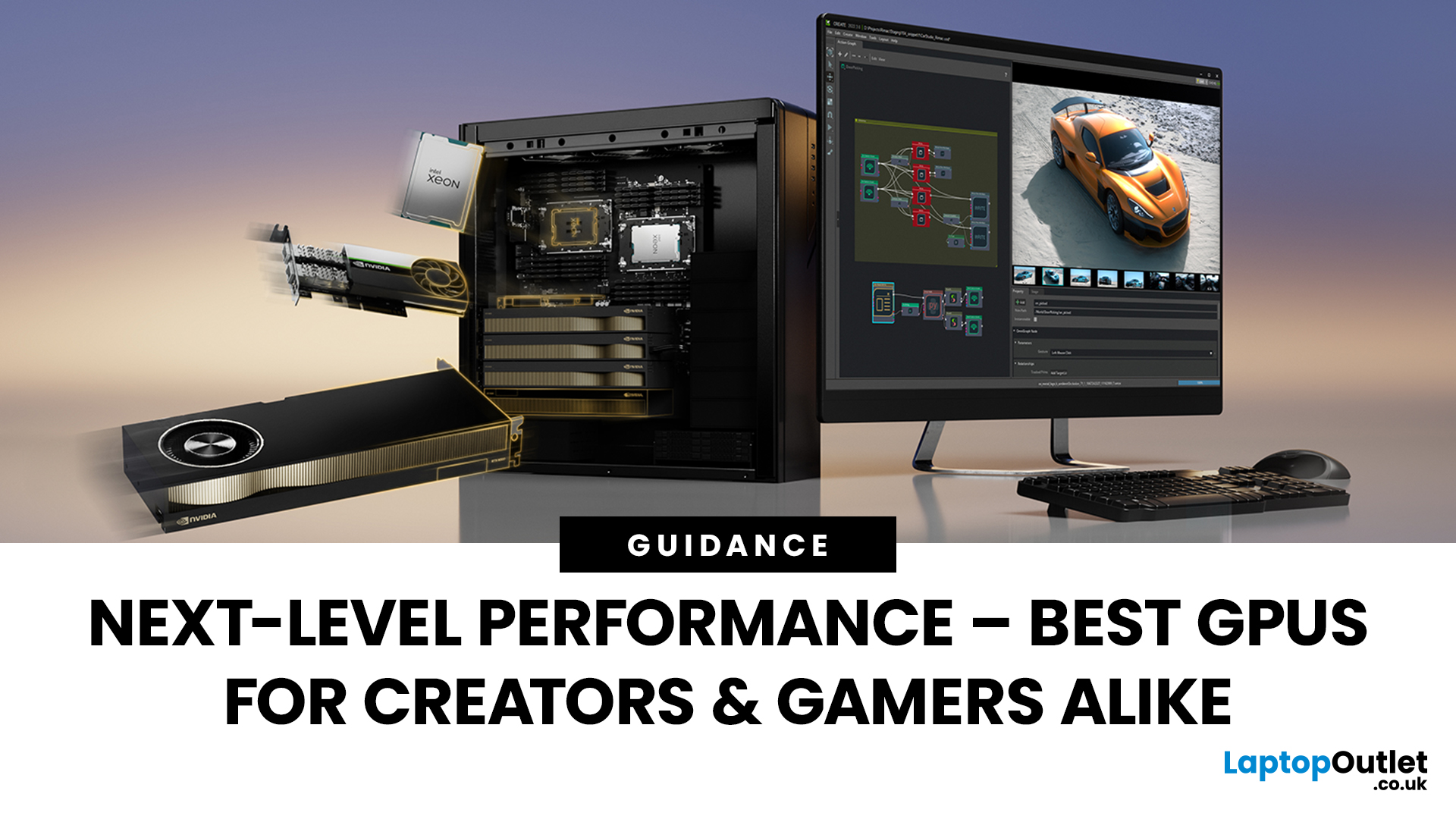
Whether you’re a 3D artist, a content creator, or a streaming professional, choosing the right GPU can make or break your workflow. In 2025, graphics cards have evolved beyond gaming, they’re now AI-accelerated powerhouses that handle everything from 4K video editing to real-time ray tracing and live encoding. Let’s discuss the best GPUs for 3D rendering, video editing, and game streaming, comparing the latest NVIDIA RTX 50-series and AMD Radeon RX 9000-series cards. In addition, learn which models perform best in software like DaVinci Resolve, Adobe Premiere Pro, and OBS, helping you choose the perfect GPU for your professional or creative setup.
What to Look for in a GPU for Creative Work

Before choosing a GPU, it’s important to understand the key specifications that make a real difference in 3D rendering, video editing, and streaming performance. In 2025, the newest GPU architectures, NVIDIA Blackwell
Published: October 28, 2025
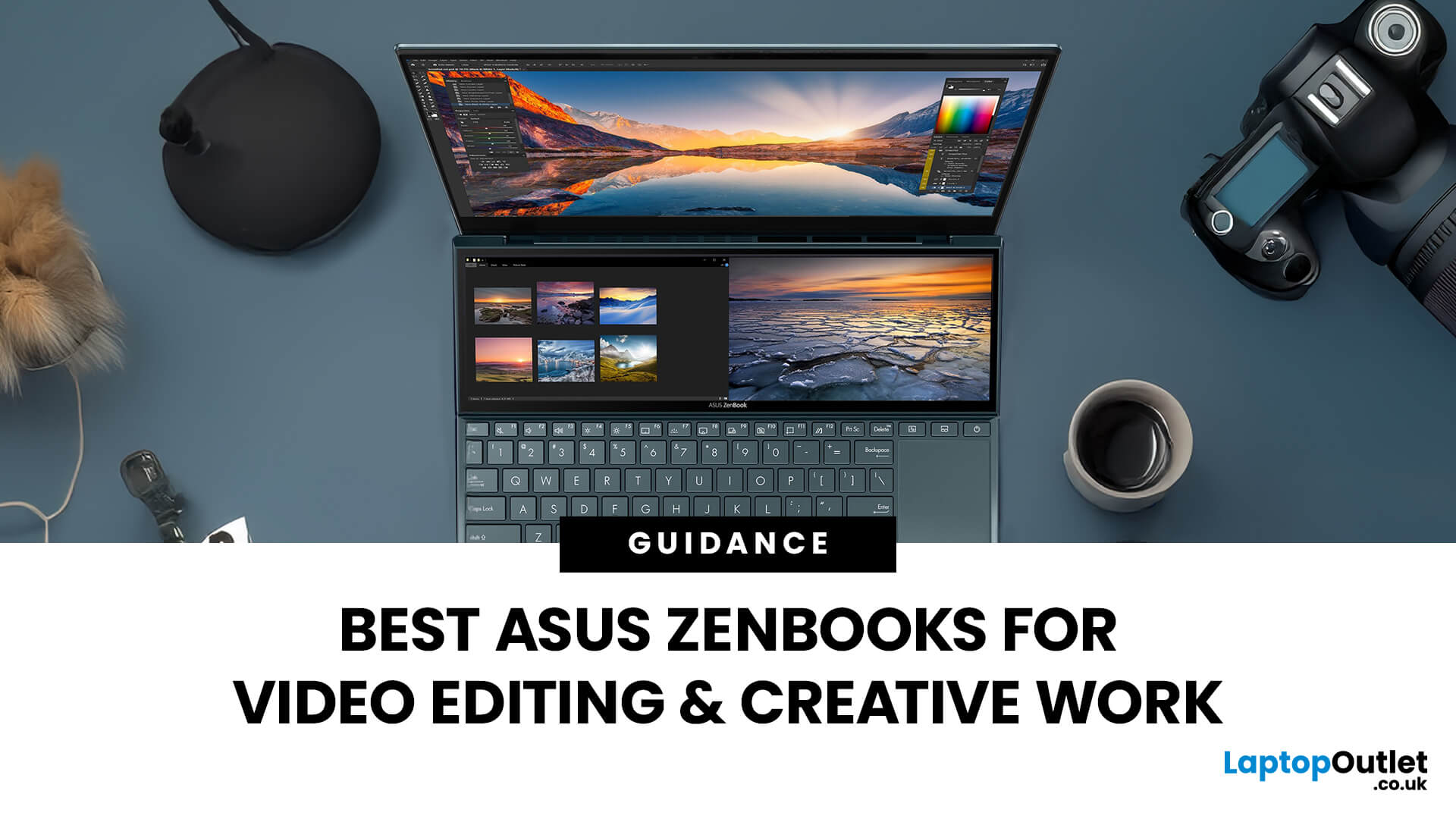
In the world of video editing, motion graphics and creative workflows, picking the right laptop isn’t just about getting “something that works” - it’s about securing a machine that gives you freedom, performance and accuracy. If you’re a professional creator in the UK (or serve the retail/B2C market), you’ll want something that doesn’t compromise when you’re rendering timelines, colour‐grading in 10-bit, switching between apps, or hauling your work between studio and location. That’s where the ASUS ZenBook line comes in.
Why ASUS ZenBooks Are Ideal for Video Editing & Creative Work
The ZenBook range has carved out a strong position for creators, offering a blend of build quality, lightweight design, powerful internals and premium displays. According to ASUS, their “creator” ZenBooks are designed specifically for editing, design and graphics-intensive workflows.
Here are some of the key features that make them stand out:
- Display quality: Many ZenBooks offer OLED panels, high refresh rates,
Last Updated: February 19, 2026
Are you a creative professional or a student looking for the perfect hardware? Choosing the right tools can make or break your workflow. Animation and 3D design are demanding tasks. They require power, precision, and reliability. In this guide, we explore the best laptops for animation and 3D modelling available today.
Why Your Hardware Matters for 3D Work?
Animation is not just about drawing. It involves complex calculations. When you work in software like Blender or Autodesk Maya, your computer handles millions of polygons. It also calculates lighting, physics, and textures in real-time.
If your laptop is too slow, you will face lag. Your software might crash. Most importantly, your rendering times will be incredibly long. High-performance 3D laptops solve these problems. They allow you to focus on your art instead of your technical issues.
To get the best results, you need a balance of components. This includes a fast processor (CPU), a powerful graphics card (GPU), and plenty of memory
Last Updated: March 19, 2026
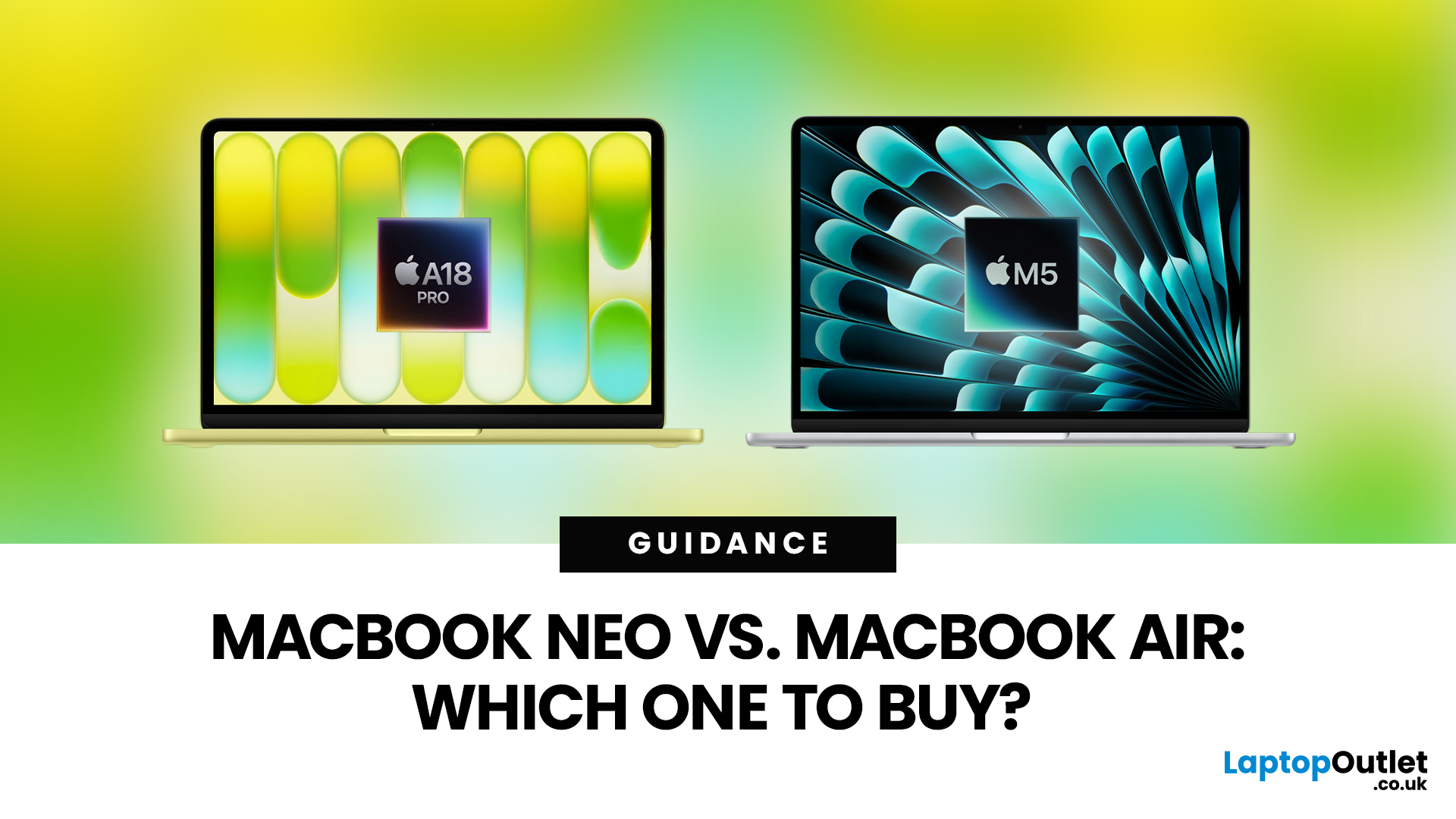
Apple’s 2026 MacBook line-up has a new talking point: MacBook Neo, a genuinely lower-cost Mac designed to bring more people into macOS without asking them to pay MacBook Air money. But the Air hasn’t suddenly become irrelevant. In fact, the newest MacBook Air (M5) is still Apple’s “default” recommendation for most buyers, thanks to stronger performance, more premium extras, and broader long-term headroom.
So, in this MacBook Neo vs MacBook Air guide, we’ll cut through the marketing, look at the real trade-offs (performance, ports, display, battery, and price), and help you choose the right Apple laptop for how you live and work in 2026.
MacBook Neo Overview
The MacBook Neo is Apple’s new entry-level MacBook, positioned below the Air on price. In the UK, Apple lists it from £599. To hit that price, Apple leans on iPhone-class silicon, the Neo is powered by the A18 Pro (the chip family used in iPhone Pro models), paired with 8GB of unified memory and 256GB or 512GB storage.
It also comes
Published: March 05, 2026
AI laptop buying in 2026 is not a trend you have to imagine. It is already changing how people shortlist, compare, and commit to a purchase.
Two shifts are happening at once. The first is behavioural: more people are using AI tools to conduct early research, compress reviews into a few usable insights, and quickly turn a vague requirement into a shortlist. Adyen’s UK retail research finds that 35% of UK consumers use AI to shop, and 56% of those say it influences what they buy.
The second shift is product-led: laptops are now being sold as AI PCs, with new labels and performance claims built around NPUs and TOPS. The problem is that marketing language and real-world value do not always line up. A badge can inflate the price, while the things that make a laptop genuinely pleasant to own are still the basics: screen, keyboard, battery, cooling, ports, and RAM.
So, the practical question in 2026 is not “Should you buy AI?” It is “Where does AI genuinely save time or improve the experience,
Last Updated: April 08, 2026
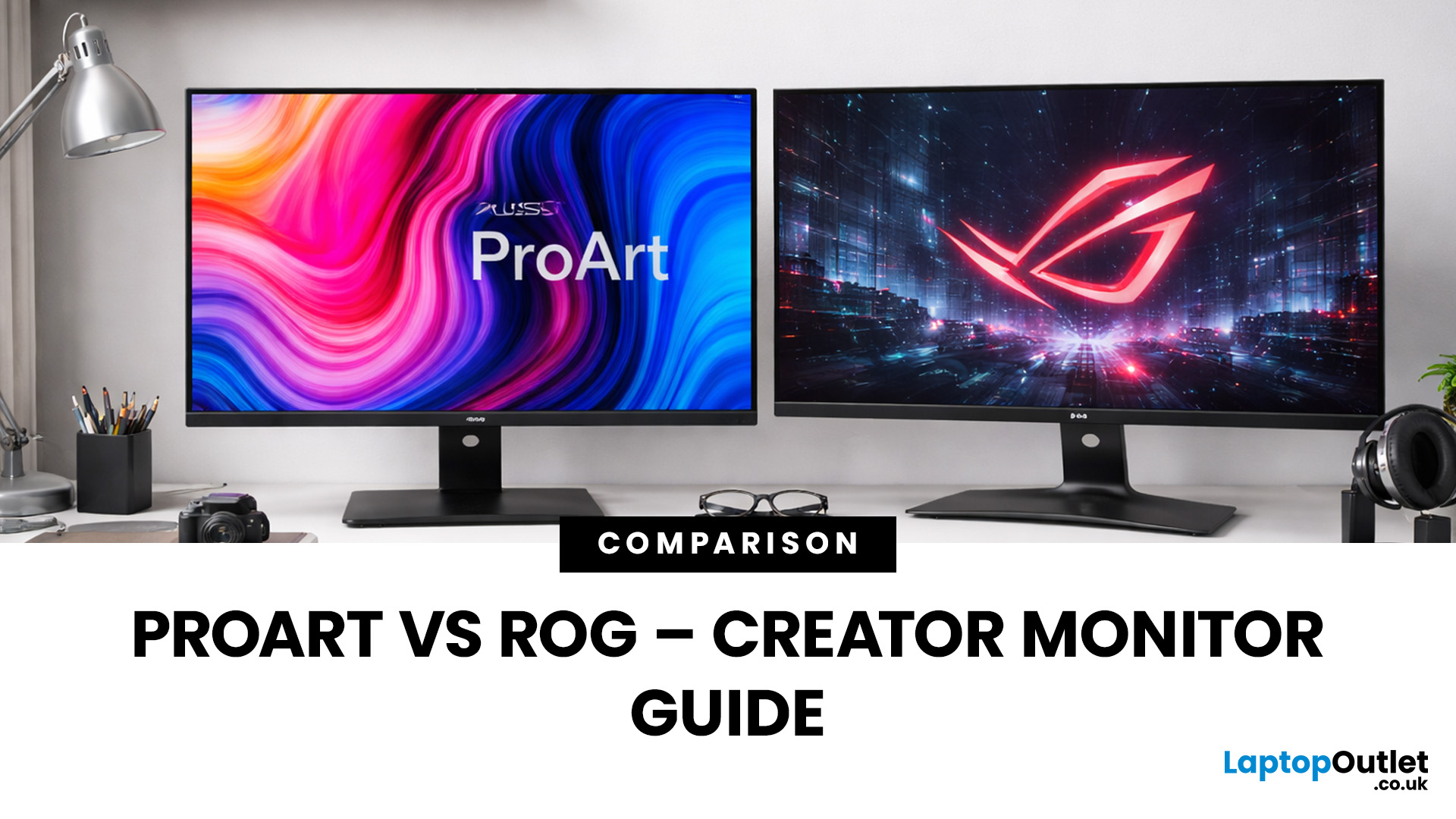
Choosing the right display can dramatically impact your workflow, especially when it comes to colour grading, motion graphics, and smooth timeline playback. If you're deciding between ASUS ProArt vs ROG for video editing, you're essentially choosing between two different philosophies: precision-focused colour accuracy or high refresh performance.
Both ranges are among the best ASUS monitors available today, but they serve different types of creators. In this guide, we’ll break down everything you need to know about ASUS ProArt vs ROG, including panel technology, refresh rates, HDR performance, and which models make the most sense for editors in the UK.
What Video Editors Actually Need from a Monitor
Before comparing models, it’s important to understand what really matters in a video editing monitor UK buyers should consider.
1. Colour Accuracy (ΔE, Rec.709 & DCI-P3)
For editors, colour accuracy is critical. If you're delivering to YouTube or broadcast, your monitor must reproduce colours
Last Updated: April 07, 2026
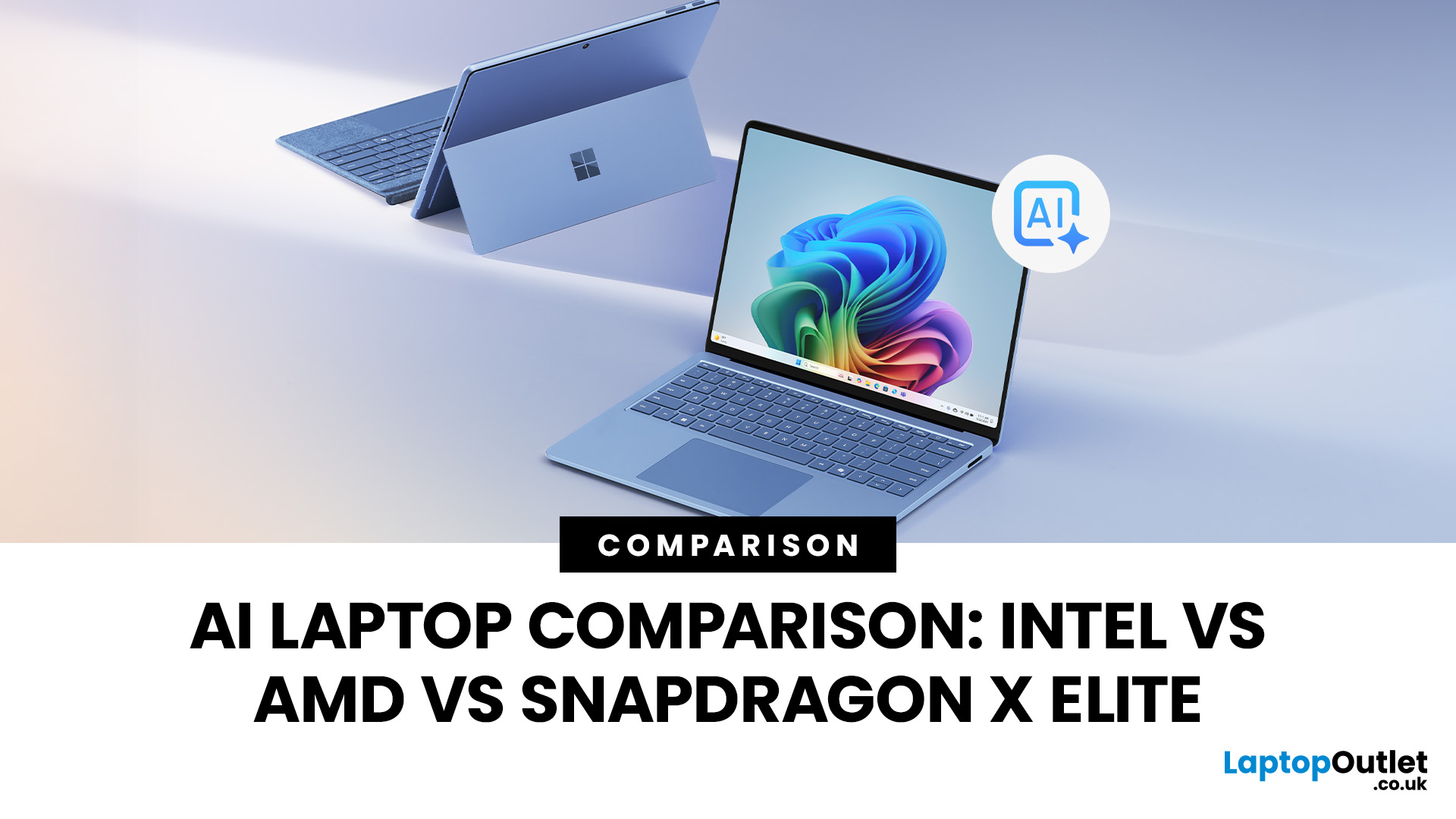
Buying an AI laptop in 2026 should be a quick decision. You pick a size, set a budget, and choose the “best” chip, right? In reality, the AI label is doing far too much work. Two laptops can sit side by side, both advertised as “AI-powered”, yet behave completely differently once you start writing documents, editing photos, joining video calls, or trying the latest Windows features.
That confusion usually comes down to one thing: people treat “AI laptop” as a single spec, when it’s really a mix of three engines working together.
- CPU: the general performance engine for everything you already do
- GPU: the visual and creative engine, also used for some AI workloads
- NPU: the efficiency engine for AI tasks that are built to run locally
This guide compares the 3 platforms shoppers are most likely to cross-shop when searching for an AI laptop today: Intel Core Ultra 200V (Lunar Lake), AMD Ryzen AI 300 (XDNA 2), and Qualcomm Snapdragon X Elite. We’ll keep it practical, explain the specs, and help
Last Updated: March 09, 2026
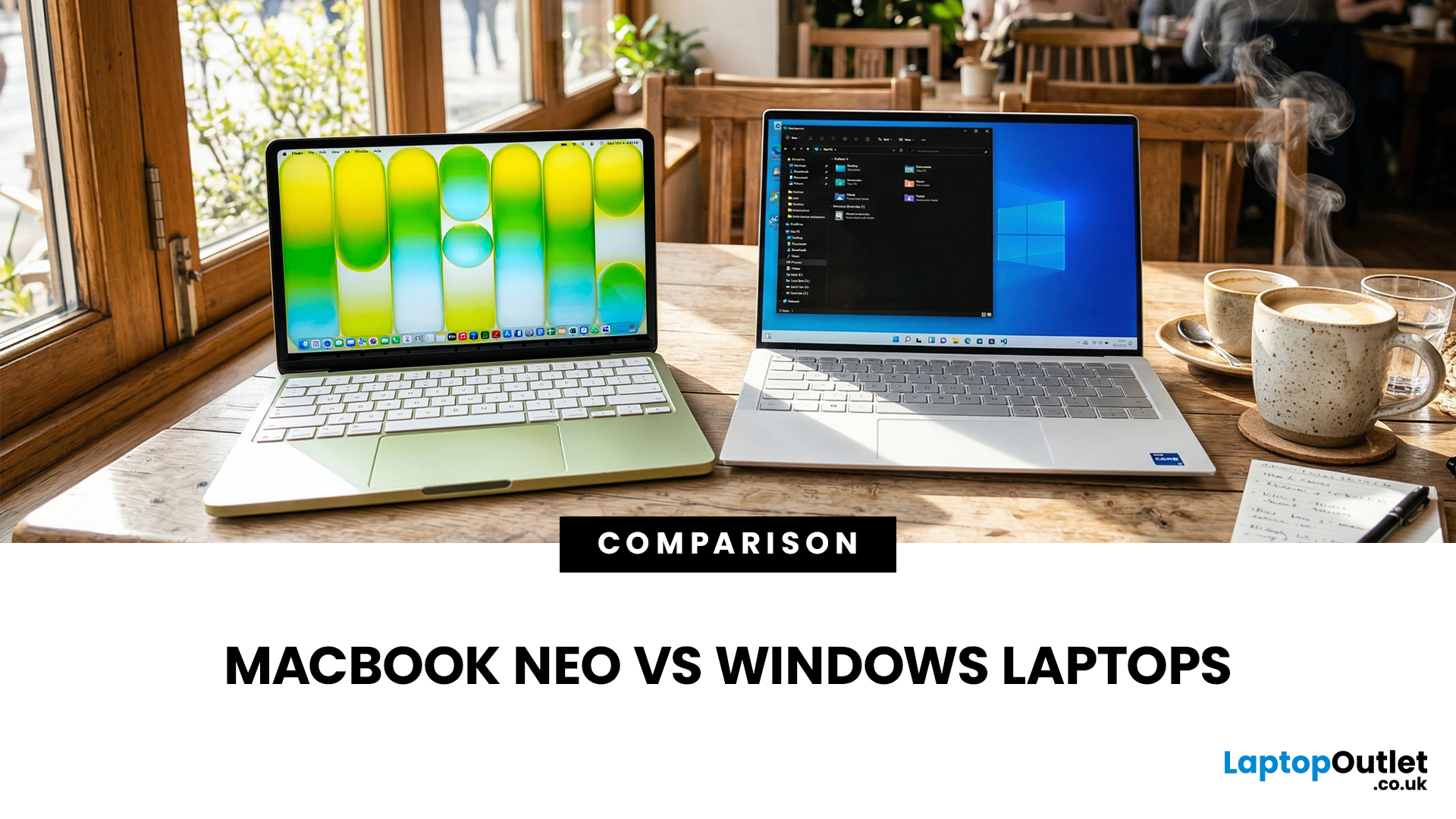
If you are comparing MacBook Neo vs Windows laptops, you are really asking one question: should you buy Apple’s cheapest Mac, or get a budget Windows laptop with more ports and more choice?
MacBook Neo is new, starts at £599, and is designed to be a simple, premium-feeling everyday laptop with macOS, long battery life, and strong call quality.
Budget Windows laptops can offer more screen sizes, more ports, and sometimes better upgrade options. But quality is inconsistent in this price range, and that’s where Neo tries to win.
Below is the practical, buyer-focused breakdown.
10-Second Answer Box
Choose MacBook Neo if
- You want the cleanest everyday experience for browsing, school, docs, and calls
- You value build quality and trackpad feel
- You want a laptop that stays fast and quiet for years, without tweaking settings
Choose a budget Windows laptop if
- You want more ports like HDMI and USB-A built in
- You need a bigger screen for the money
- You want the flexibility of Windows software and lots

