



Best Keyboards for Gaming!
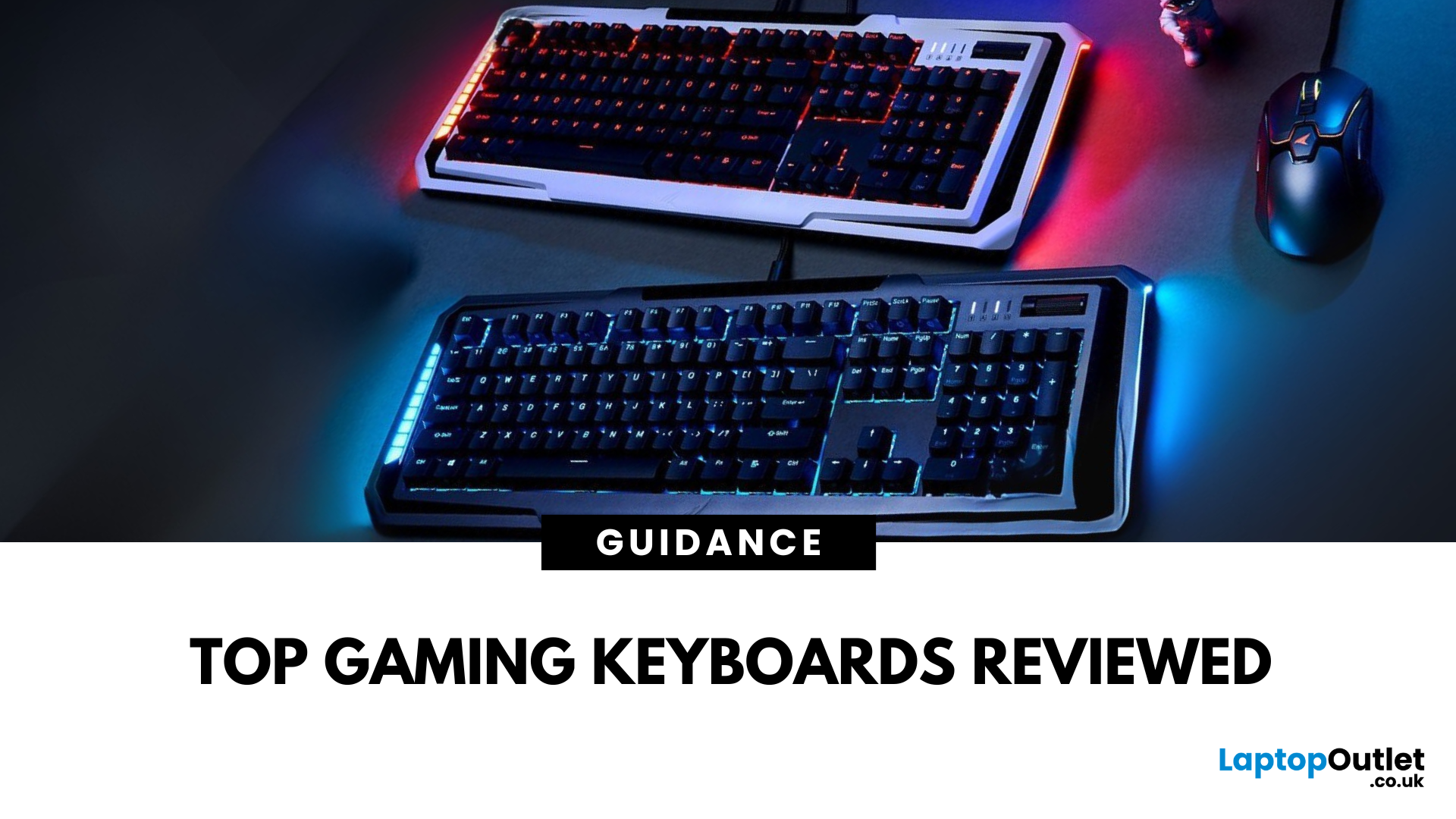
Level Up Your Gameplay
In fast-paced gaming, your keyboard can make or break your performance. But what makes a keyboard truly gaming-ready? Here’s a guide to help you find the best keyboard for gaming, focusing on key features instead of specific products.
Why Your Gaming Keyboard Matters
A good gaming keyboard offers:
Faster response times
Customisable keys for complex commands
Enhanced durability for intense sessions
Mechanical vs Membrane Keyboards
Mechanical Keyboards
Preferred for gaming due to:
Tactile feedback
Faster actuation
Longer lifespan (50M+ keystrokes)
Membrane Keyboards
Budget-friendly and quieter but:
Less responsive for competitive gaming
Shorter lifespan
Tip: Mechanical keyboards with red or silver switches are ideal for fast-paced FPS and MOBA games.
Key Features to Look For in a Gaming Keyboard
1. Switch Type
- Linear switches (Red): Smooth, fast keypresses
- Tactile switches (Brown): Feedback without loud clicks
- Clicky switches (Blue): Audible clicks for satisfying typing
2. Anti-Ghosting & N-Key Rollover
- Prevents missed keystrokes when pressing multiple keys simultaneously
- Essential for executing combos and commands
3. Backlighting & RGB Effects
- Customisable lighting profiles
- Improves visibility in low-light setups
4. Programmable Keys & Macros
- Assign complex combos to single keys
- Great for MMOs and strategy games
5. Build Quality
- Metal or reinforced plastic frames for durability
- Double-shot keycaps to resist fading
4. Wired vs Wireless Gaming Keyboards
|
Feature |
Wired Keyboard |
Wireless Keyboard |
|
Latency |
Lower (better for esports) |
Slightly higher, but improving |
|
Portability |
Less portable |
More portable |
|
Battery Needed? |
No |
Yes |
Serious gamers often prefer wired for zero-lag performance.
5. Full-Size vs Tenkeyless (TKL) vs 60% Keyboards
- Full-Size: Includes number pad—ideal for productivity and gaming
- TKL: Compact, no numpad—more mouse space
- 60%: Ultra-compact—great for minimalist setups
Final Thoughts: The Perfect Gaming Keyboard
The best gaming keyboard is all about personal preference and your gaming style. Focus on mechanical switches, anti-ghosting, and build quality to stay ahead in every match.
Shop gaming keyboards at Laptop Outlet—find designs for FPS, MMO, and casual gaming setups.
Watch our Video on Gaming Keyboard.
FAQs: Gaming Keyboards
1. Are mechanical keyboards better for gaming?
Yes—they’re faster, more durable, and provide better tactile feedback.
2. Do I need RGB lighting on a gaming keyboard?
Not essential but enhances aesthetics and visibility.
3. Can wireless keyboards be used for gaming?
Yes—look for low-latency wireless models.
4. What’s the difference between linear and tactile switches?
Linear = smooth, no bump; Tactile = noticeable feedback bump.
5. How long do gaming keyboards last?
Quality mechanical keyboards can last 5–10 years.
Read More:
| How to Clean Your Laptop Keyboard |
| How to Change the Keyboard Language |
| Which Gaming Keyboard and Mouse Are the Best |
Related Articles

Last Updated: December 15, 2025
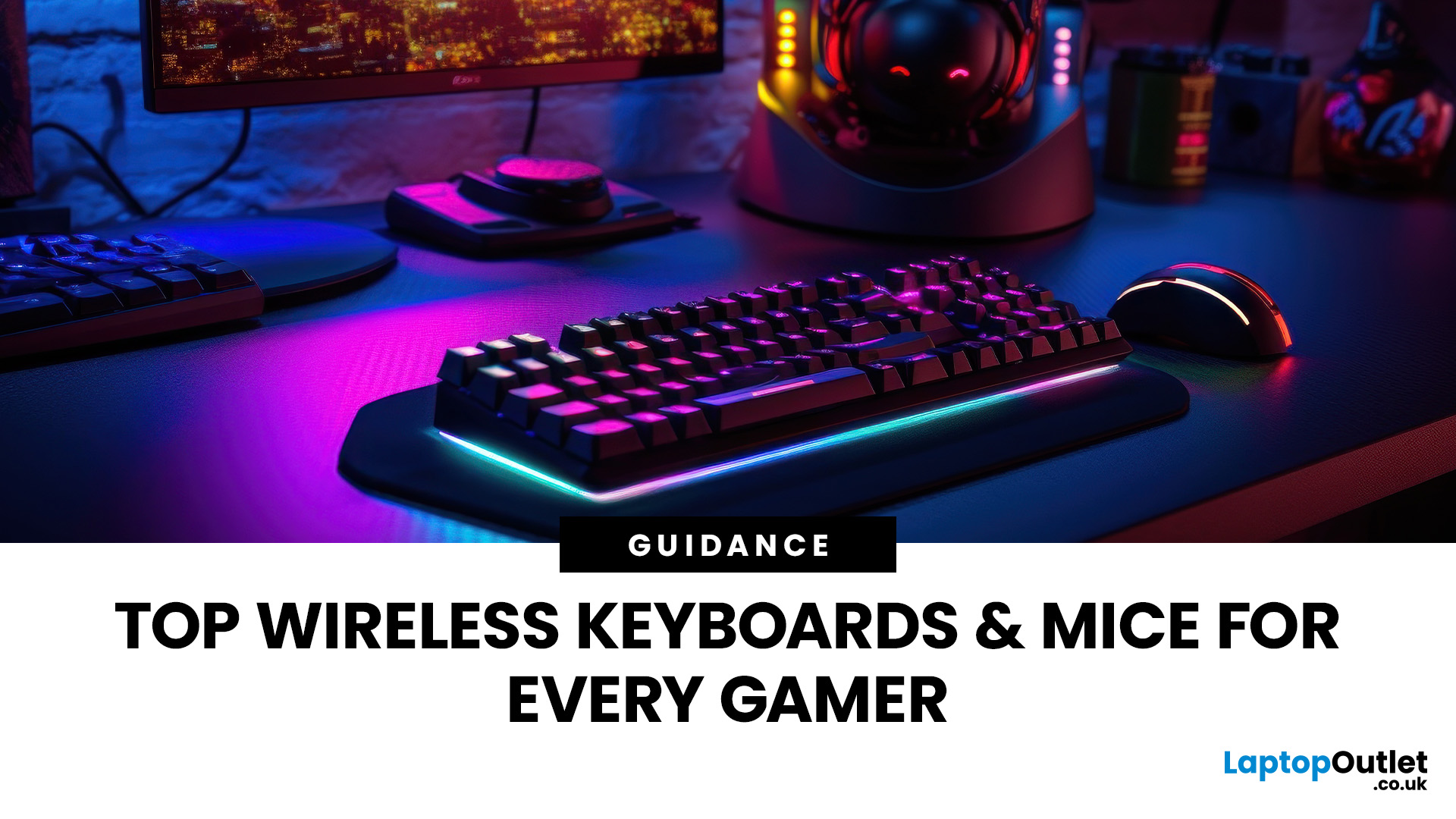
Gaming has evolved beyond just powerful PCs and sharp monitors. Now, your keyboard and mouse can make or break your gameplay. With modern wireless gaming technology, lag-free performance and ultra-fast response times are no longer exclusive to wired setups.
In this guide, we’ll help you discover the best wireless gaming keyboards and mice available right now; the perfect mix of speed, comfort, and freedom.
Whether you’re a casual player, a competitive esports enthusiast, or someone who just hates cable clutter, we’ve rounded up the top wireless setups that deliver professional-grade precision and style.
5 Best Wireless Gaming Keyboards
These five wireless gaming keyboards cover everything from compact esports layouts to premium custom-style boards.
1. ASUS ROG Falchion RX Low Profile Wired/Wireless RGB Gaming Keyboard – White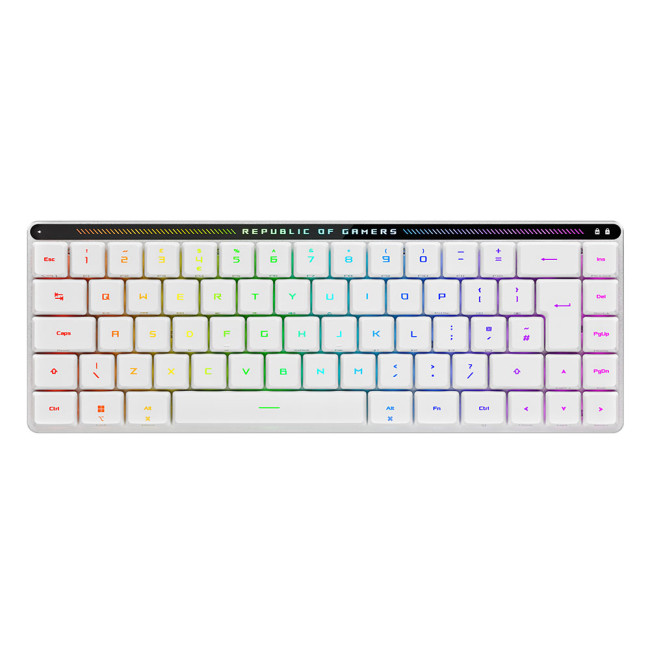
A slim 65% gaming keyboard that gives you full-size power in a backpack-friendly footprint.
Specifications
- Form Factor: 65% compact layout
- Switches: ROG
Last Updated: August 28, 2026
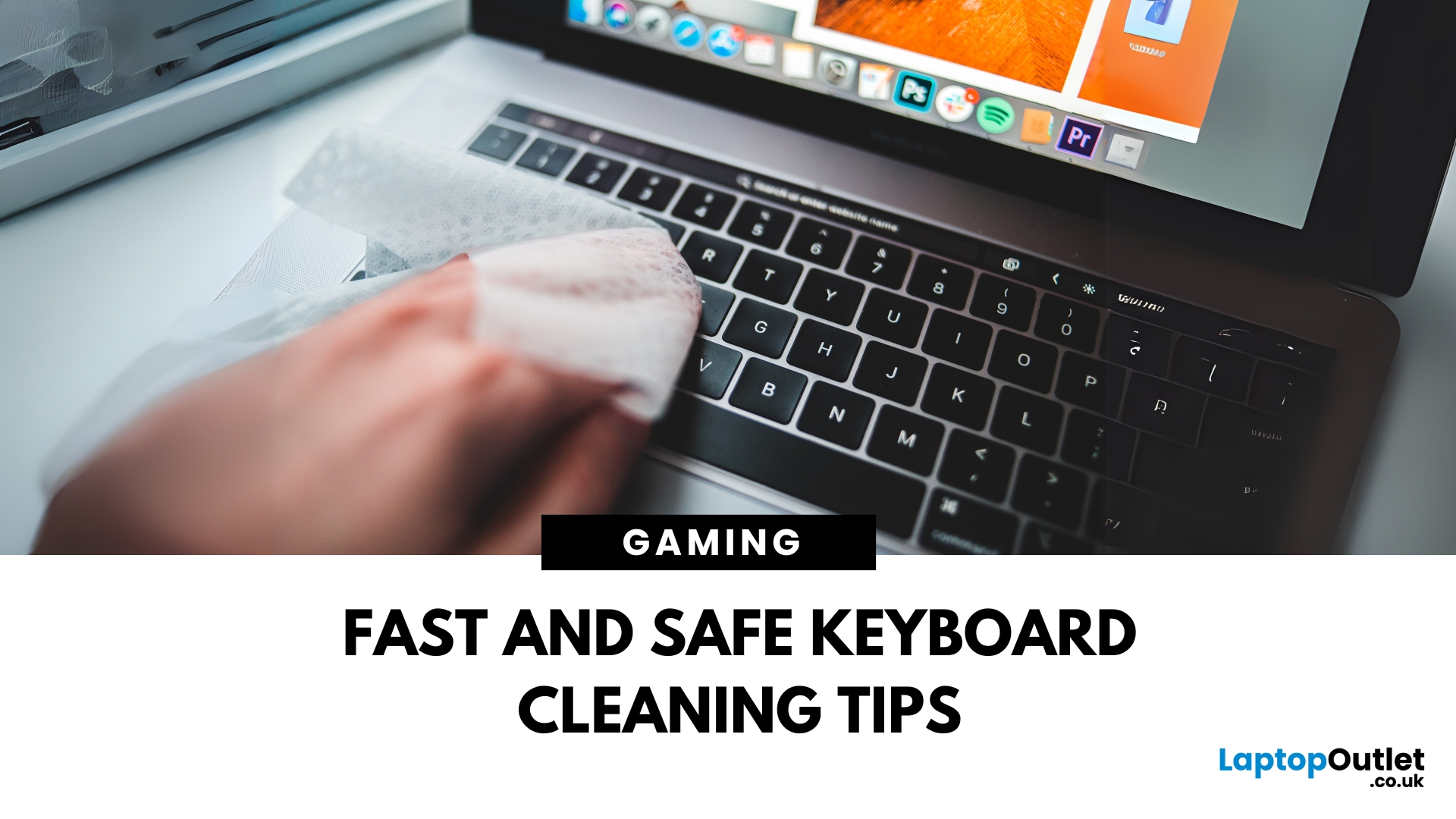
Dust, crumbs, skin oils, and drink residue can make a laptop keyboard look grubby or leave keys slow and sticky. Cleaning it correctly takes only a few minutes, but excess liquid or unsuitable products can damage the key coating and electronics.
How to Clean a Keyboard Safely: Quick Answer
Shut down and unplug the laptop. Remove loose debris with short bursts of compressed air, then wipe the keys with a soft microfibre cloth lightly dampened with 70% isopropyl alcohol. Never spray liquid directly onto the keyboard and let it dry fully before switching it on.
What You Will Need
- Soft microfibre cloth
- Compressed air
- Cotton buds or a soft brush
- 70% isopropyl alcohol
How to Clean a Laptop Keyboard Step by Step
1. Turn Off and Unplug the Laptop
Save your work, shut the laptop down and disconnect the charger and accessories. Cleaning

Last Updated: August 11, 2026
Changing your keyboard language lets you type in different languages, access regional characters, and use a layout that matches your physical keyboard. It is also one of the quickest ways to fix keys that produce the wrong symbols.
The process varies slightly between Windows, macOS, ChromeOS, Android, and iOS. This guide explains how to switch keyboard language on each platform, change a keyboard from US to UK and stop the layout from changing unexpectedly.
Quick Answer: How Do You Switch Keyboard Language?
On Windows, press Windows key + Spacebar. On a Mac, press Control + Spacebar. Chromebook users can press Ctrl + Shift + Space, while phone and tablet users can select the globe or language icon on the on-screen keyboard. These shortcuts only work when more than one keyboard language or layout has been added to the device.
Keyboard Language vs Keyboard Layout
A keyboard language controls features such as autocorrect, spelling suggestions and predictive text. A keyboard layout determines

