



How to Get Teacher Discounts on Laptops in the UK (Step-by-Step Guide)

If you are searching for teacher discount laptops UK, the good news is that there are several ways to cut the cost of a new device without compromising on performance. In the UK, teachers, lecturers, and some school staff can often access education pricing, retailer offers, refurbished savings, and category-specific deals designed for work and study. Apple’s UK education pricing is available to students, teachers and staff, while Lenovo UK also includes teachers in its education discount programme.
The key is knowing where teachers get discounts on laptops in the UK, what proof you need, and which laptop category makes the most sense for your day-to-day workload. Whether you need a lightweight machine for lesson planning, a durable device for classroom use, or a more powerful system for admin-heavy tasks, there are smart ways to save.
In this step-by-step guide, we’ll show you how to access laptop discounts for teachers in the UK, what the verification process typically looks like, and how to decide between new, business, student, and refurbished models.
Why teachers can get laptop discounts in the UK
Many brands and retailers group teachers under broader “education” or “staff” pricing. That means the discount may not always be labelled as a teacher offer, but it can still apply to you if you work in a school, college, university, or other qualifying educational setting. Apple’s UK education store states that its pricing is available to students, teachers and staff, and Lenovo UK says its discount programme includes teachers through a verified education account.
This is why many buyers miss out. They search only for “teacher discount” and ignore education stores, academic pricing, approved staff schemes, and specialist refurb ranges. In practice, the best savings may come from a direct education store, a staff platform, a refurbished business laptop, or a retailer category page with stronger base pricing than a small percentage-off discount.
Step 1: Check whether your role qualifies

The first step is to confirm whether your role is eligible. If you are a classroom teacher, teaching assistant, lecturer, tutor, or school-based support staff member, you may qualify depending on the retailer or scheme. Some broader education-sector schemes even include roles beyond teachers, such as office staff and support staff, though eligibility varies by provider.
This matters because school staff laptop discounts UK are not always identical to teacher-only discounts. Some retailers are strict and only accept current education employees. Others extend access to wider school staff or higher-education personnel. If you work at a university, you may also be eligible for education pricing, as lecturers are often included under staff or educator discount schemes. Apple’s education pricing covers teachers and staff, and one UK Apple education reseller explicitly lists teachers, lecturers and tutors with proof of employment or affiliation.
Step 2: Understand the teacher discount verification process in the UK
The teacher discount verification process in the UK usually comes down to proving your education status. Different retailers use different systems, but the most common options are:
- a school, college, or university work email
- staff ID or employee ID card
- a recent payslip
- an official employment letter
- a third-party verification partner
For example, Lenovo says verified education accounts get access to special education pricing and that access lasts for a full year. Dell access routes promoted through university staff pages use work or academic email to request codes, while BeansiD says verification can use a work email or an official document. KRCS, an Apple education specialist, says teachers can qualify with proof such as a current payslip, school ID, or letter of employment.
The practical takeaway is simple: before you shop, have your work email and one backup proof document ready. That speeds up checkout and reduces the risk of losing a deal while waiting for approval.
Teacher discounts can help, but they are not the only way to save, so it is also worth reading our guide to smart ways to save money when buying a laptop in the UK.
Step 3: Know the difference between student and teacher laptop discounts
One of the biggest points of confusion is the difference between student and teacher laptop discounts. Some brands use a shared education store for both groups. Others separate student-only discounts from broader staff or teacher offers.
For example, Apple’s UK education pricing is available to students, teachers and staff, while UNiDAYS is student-focused and requires users to verify student status and re-verify every 12 months. That means a teacher should not assume every “education” deal works the same way as a student offers.
In plain terms, student discounts are often tied to enrolment status and student platforms, while teacher discounts are more likely to rely on employment verification, work email, or approved staff schemes. If a student-only route rejects your application, that does not mean you are ineligible everywhere. It usually just means you need the teacher or staff to route instead.
Step 4: Decide what kind of laptop you actually need
Before chasing the biggest discount, decide what type of machine suits your role. This is the part many buyers skip, and it is often why they overspend.
For classroom teachers
If your day mostly involves lesson planning, browser-based platforms, email, PowerPoint, online meetings, and admin tasks, focus on portability, battery life, webcam quality, and a comfortable keyboard. You do not always need the most expensive processor. A slim, reliable, every day, or productive model is often enough.
For lecturers and university staff
If you regularly work across multiple tabs, research platforms, video conferencing, presentation software, and large documents, you may benefit more from a business-class laptop. This is where browsing best laptops for professionals makes sense, especially if you want extra durability, better keyboards, and a more work-focused feature set. Laptop Outlet’s navigation separates laptops into general, business, student, and refurbished categories, which makes it easier to shop by use case rather than brand alone.
For school staff on tighter budgets
If budget matters most, start with the best refurbished laptops in the UK. A well-restored, refurbished business laptop can give you stronger build quality and better specifications than a cheap, brand-new entry-level machine for the same money. Laptop Outlet’s refurbished pages explain condition grades such as New Open Box, Manufacturer Certified Refurbished – Excellent, Refurbished – Excellent, Very Good, and Good, and they describe warranty-backed refurbished listings as a safer alternative to buying second-hand as-is.
Step 5: Compare new, business, student, and refurbished options

If you’re wondering which laptops teachers get discounts on in the UK, the answer is usually broader than people expect. Teachers do not just qualify on one narrow laptop type. The best-value options often fall into four categories.
1. Standard new laptops
These are ideal if you want the latest design, longer manufacturer support, and a wide choice of specs. Start with top-rated laptops if you want the broadest range.
2. Business laptops
Business models are often the smartest choice for teachers because they prioritise reliability, good keyboards, strong chassis design, and practical connectivity. If you are buying for daily professional use, best laptops for professionals is usually a better place to start than gaming or premium lifestyle categories.
3. Student-style laptops
Do not dismiss the laptops for students category. Student laptops are often selected for portability, long battery life, webcam readiness, and value. Laptop Outlet’s student laptop guidance highlights reliability, affordability, portability, and suggests aiming for at least 8–10 hours of battery life for on-the-go use.
4. Refurbished laptops
For many UK teachers, refurbished is where the real value is. A refurbished laptop can make more sense than a small teacher discount on a brand-new model, especially if you want business-grade quality at a lower price. Laptop Outlet’s refurbished category also explains the condition grading clearly, which helps you balance price against cosmetic condition.
Step 6: Look beyond the headline discount
A lot of buyers focus only on the percentage off, but the better question is total value. A smaller teacher discount on a premium device may still cost more than a stronger deal in a retailer’s sale category. That is why it is worth checking brand-specific promotions, alongside education pricing routes.
Laptop Outlet’s HP deals page covers a wide selection of HP models, from lightweight notebooks to higher-performance systems. That matters if you want a balance between classroom portability and enough power for multitasking, admin software, or creative teaching resources.
Always compare:
- final checkout price
- warranty length
- delivery cost
- included accessories
- finance options if relevant
- storage and RAM at the price point
The cheapest laptop is not always the best laptop deal.
Step 7: Time your purchase properly
Teacher discounts can stack well with seasonal promotions, clearance events, and brand-led sales. Back-to-school periods, end-of-quarter clearances, and retailer-specific sale events are often better buying windows than random full-price shopping. Even if you qualify for a staff discount, compare that route against open sale prices, bundle deals, and refurbished offers before you commit.
This is especially true for premium brands, where a sale plus a strong category page can sometimes beat a standard education price. The smartest shoppers do not just ask, “Can I get a teacher discount?” They ask, “Which buying route gives me the best overall value today?”
If you are replacing an older device, our guide on how to sell or trade in your old laptop safely can help you lower the cost of your upgrade.
Step 8: Choose the right spec for teaching and productivity
To avoid overpaying, use these practical minimums as a guide:
- Processor: Intel Core i3/i5, Ryzen 3/5, or modern equivalent
- Memory: 8GB RAM minimum, 16GB if you multitask heavily
- Storage: 256GB SSD minimum
- Battery: aim for all-day use where possible
- Screen: Full HD is the sweet spot for work
- Webcam and mic: essential for meetings, remote lessons, and training
- Weight: lighter is better if you carry it between home and school
If your role includes media editing, design software, or heavier workloads, step up to a stronger processor and 16GB laptop RAM. If your work is mainly browser tabs, Office apps, and video calls, a good mid-range system will usually be enough.
Where teachers get discounts on laptops in the UK

If you are still asking where teachers get discounts on laptops UK, here is the shortlist of places to check first:
1. Brand education stores
Some manufacturers offer direct education pricing for teachers and staff. Apple UK and Lenovo UK are current examples.
2. Retailer discount and staff-verification platforms
Some routes use work email, official documents, or third-party verification services such as BeansiD.
3. Education-sector membership schemes
Wider teacher discount platforms can sometimes open access for teachers and certain support roles across many brands, though eligibility varies.
4. Refurbished specialist categories
If savings matter more than buying brand new, refurbished ranges are often the most cost-effective route.
5. Retailer category pages with strong base pricing
Even without a dedicated teacher code, browsing top-rated laptops, laptops for students, and best HP laptop deals can uncover better value than expected.
Should teachers buy refurbished laptops?
For many buyers, yes. If you want dependable performance without stretching your budget, refurbished laptops for teachers UK are worth serious consideration. The biggest advantage is value: you can often move up to a better-built device, with more RAM or storage, for the same money you would spend on a lower-tier new model.

Final thoughts
Finding the best teacher discount laptop deal in the UK is not just about entering a promo code. It is about choosing the right buying route, proving your eligibility quickly, and matching the laptop to your real workload.
The smartest approach is simple: verify your eligibility, compare all buying routes, and prioritise value over headline discount percentages.

FAQs
What laptops do teachers get discounts on in the UK?
Teachers can often access discounts on a wide range of laptops, including standard everyday models, business laptops, premium productivity devices, and refurbished systems. The exact range depends on the retailer or manufacturer’s education policy. Apple and Lenovo both currently offer UK education routes that include teachers or staff.
Are laptop discounts for teachers UK different from student discounts?
Sometimes yes. Some brands group students, teachers and staff together under one education store, while other platforms are student-only. UNiDAYS is focused on students and requires ongoing student re-verification, while teacher routes more often rely on work email or employment proof.
Can school staff get laptop discounts in the UK?
In some cases, yes. Certain education-sector discount schemes include roles beyond teachers, such as teaching assistants and office staff, but eligibility depends on the retailer or verification partner.
Can university lecturers get laptop discounts in the UK?
Yes, in many cases. Lecturers are commonly treated as education staff, and some UK education retail routes explicitly include lecturers or teachers in supervisory roles.
What is the teacher discount verification process in the UK?
It usually involves confirming your employment through a work email, staff ID, payslip, employment letter, or an approved third-party verification service. The exact process varies by retailer.
Are refurbished laptops a good choice for teachers?
Yes, especially if you want better specs for less money. Refurbished business-grade laptops can offer excellent value, provided they come from a trusted retailer with clear grading and warranty information.
| Read More: |
| Smart Ways to Save Money When Buying a Laptop in the UK |
| How to Sell or Trade in Your Old Laptop Safely (Complete Guide) |
| Where to Look for Refurbished Laptop Deals in 2026 |
Related Articles


Last Updated: May 01, 2026
Streaming accounted for over 38% of total TV and video consumption globally last year, overtaking traditional viewing for the first time. That means more people are now watching films on laptops, tablets, and personal screens than ever before, not TVs.
But here’s the problem: most laptops aren’t actually built for a good viewing experience.
You can open the same film on two different laptops and get completely different results. On one, colours look rich, scenes feel immersive, and everything flows smoothly. On another, the image feels dull, brightness struggles in daylight, and the whole experience falls flat - even if the specs look similar on paper.
That’s where most buyers get caught out. Terms like “Full HD,” “OLED,” or “high brightness” sound impressive, but they don’t always translate into a better streaming experience. Many people end up choosing based on performance or price, while overlooking what actually matters for watching films.
This guide breaks that down clearly - focusing

Last Updated: June 11, 2026
Choosing the best laptops for teachers in the UK is not about chasing the highest specs or the most expensive model. It is about finding a device that aligns with the realities of teaching. That means smooth multitasking for lesson planning, marking, presentations, browser-based platforms, video calls, and the everyday admin that comes with school life. A good teacher's laptop should feel reliable from the first lesson of the day to the last task in the evening.
In 2026, teachers need more from their laptops than ever. Hybrid working, online meetings, digital classroom tools, and resource-heavy workflows have made performance, portability, and practicality far more important than they used to be. For most buyers, the right choice comes down to a balance of speed, battery life, screen size, webcam quality, and the ports that still matter in real classrooms.
This guide focuses on laptops that make sense for teachers in the UK today. Whether you need a lightweight everyday device for commuting,

Last Updated: May 19, 2026
Staying connected wherever you go is no longer a luxury, it’s a necessity. Whether you’re working remotely, travelling frequently, or simply want a more reliable connection than public Wi-Fi, laptops with sim card slot capabilities are becoming an increasingly popular choice in 2026. If you’re considering making the switch to a laptop with built-in mobile internet, this guide will walk you through everything you need to know, from how they work to the key differences between 4G and 5G models, and who should be using them.
What are Laptops with SIM Card Slots?
A laptop with sim card functionality allows you to insert a SIM card directly into your device, giving you access to mobile data networks, just like your smartphone. These are often referred to as laptops with built-in mobile internet or cellular laptops.
Instead of relying solely on Wi-Fi, these devices connect to 4G LTE or 5G networks, ensuring you stay online wherever there’s mobile coverage. You’ll commonly find this feature

Last Updated: May 01, 2026
Finding the best laptop for CAD in 2026 means looking beyond a decent spec sheet. AutoCAD, Fusion 360, SolidWorks, and similar tools push processors, RAM, and graphics to their absolute limits. Whether you are a working engineer, an architect, or a design student, this guide covers everything you need to make the right call.
What Makes a Laptop Good for CAD Work?
Not every high-performance laptop is cut out for CAD. The right machine needs a specific combination of components working together, and getting even one wrong can cost you hours of frustration on a deadline.
Processor: The Core of CAD Performance
CAD software is heavily reliant on single-core CPU speed for most tasks, though multi-core performance matters for rendering. Look for at least an Intel Core i7 or AMD Ryzen 7 series as a minimum. For demanding 3D work, Intel Core Ultra 9 or AMD Ryzen AI 9 processors are the gold standard in 2026.
Turbo clock speeds above 4.5GHz keep viewport navigation snappy and simulation times down.

Last Updated: July 03, 2026
For most developers, the best machine is not necessarily the most expensive one. It is the one that keeps up with your workflow, feels comfortable to use for hours at a time, and still makes sense a few years down the line.
That matters even more in 2026. Modern development work is heavier than it used to be. A typical day might include an IDE, a browser with far too many tabs open, Docker, a local database, Slack, video calls, design files, and maybe a virtual machine or AI-assisted tools running in the background. A laptop that feels fine on paper can start to struggle surprisingly quickly once real work begins.
This guide is designed for a UK audience looking for a dependable laptop for software development, whether you are a student, a junior developer, a freelancer, or a full-time engineer replacing an ageing machine. Given below are top 10 laptops for programming and coding 2026:
1. ASUS Zenbook 14
Technical Specs:
- Intel Core Ultra 5 225H 14-Core Processor
- AI Ready Laptop
Last Updated: May 01, 2026
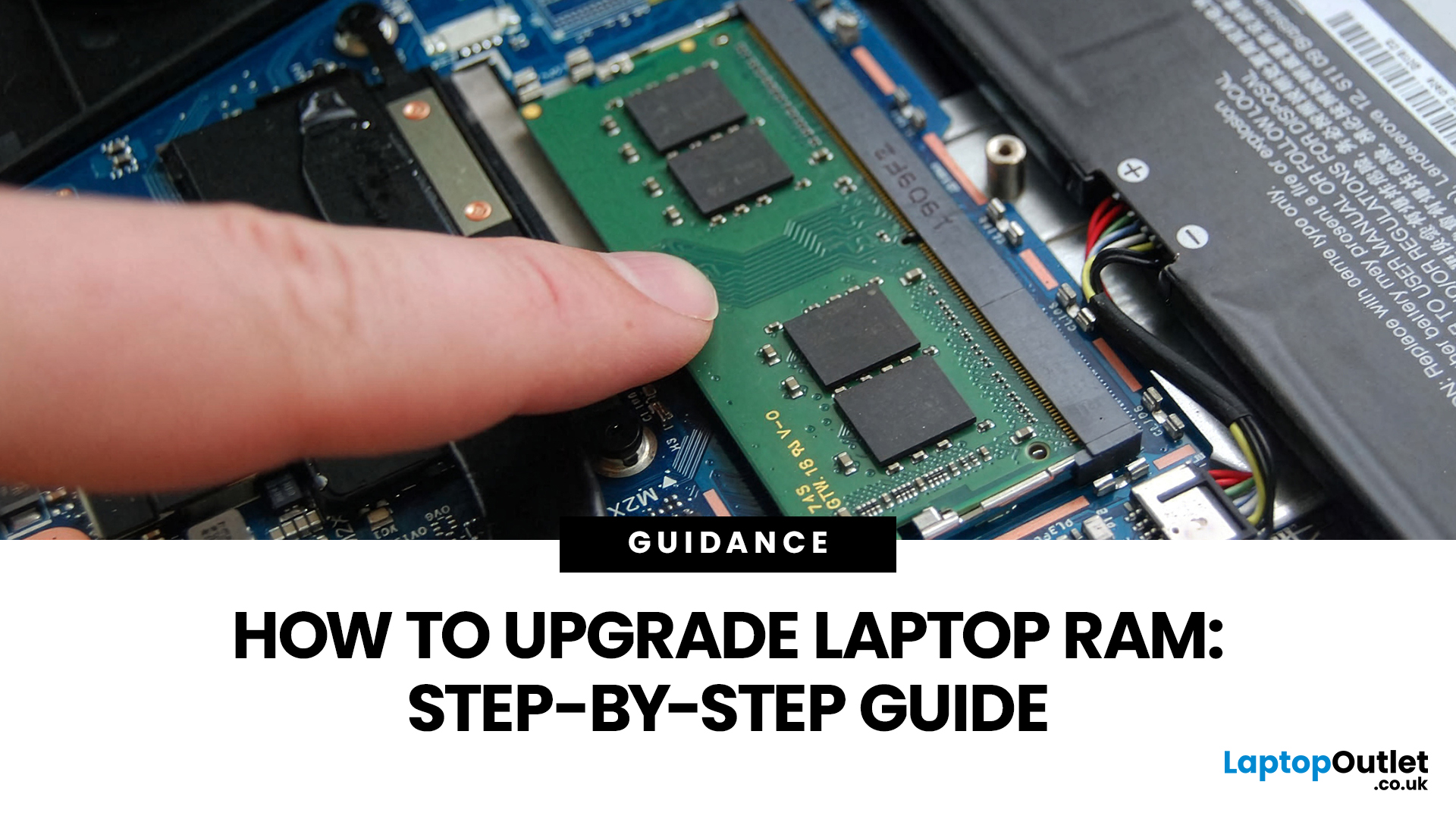
Upgrading laptop RAM is one of the simplest ways to make an older machine feel faster and more capable again, but only if the compatibility side is right from the start. That is the part many quick guides skip. Before buying anything, we always recommend checking whether the laptop has upgradeable memory, what RAM standard it uses, how much it supports, and whether upgrading means adding another module or replacing the existing setup.
For UK shoppers, that matters because a RAM upgrade can be a much smarter option than replacing a laptop too early. If a system slows down with lots of browser tabs, Office apps, study tools, or light creative work, upgrading the RAM can improve day-to-day responsiveness at a much lower cost than buying a new machine. If the laptop is already maxed out, has soldered memory, or is really held back by old storage, the better move may be to consider an SSD upgrade or a newer device.
Why Upgrade Laptop RAM in the First Place?
RAM is the short-term memory your
Last Updated: May 01, 2026
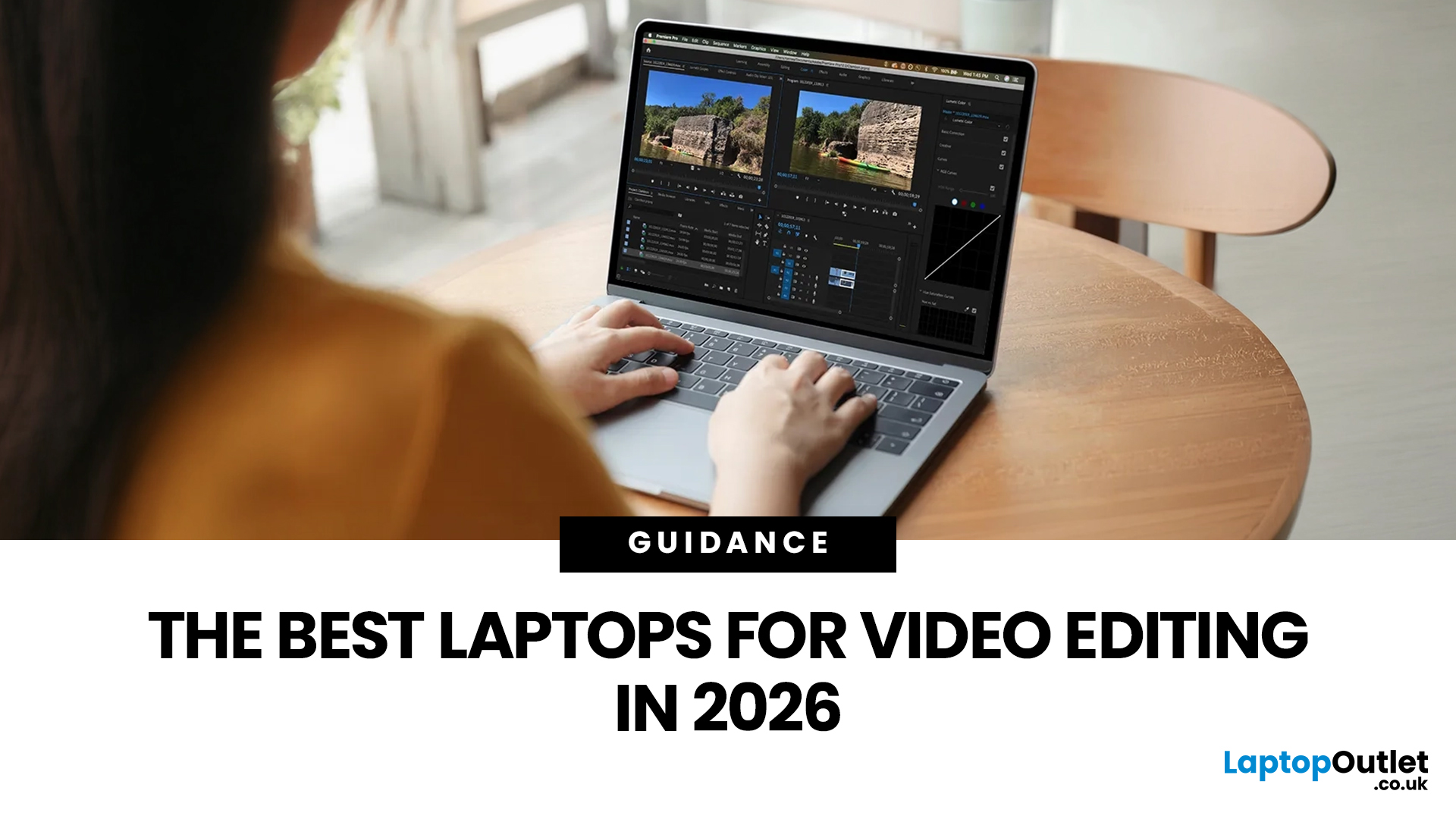
Video editing has become one of the most demanding everyday laptop workloads. Even relatively simple projects can involve high-resolution footage, multiple layers, colour work, motion graphics, audio cleanup, and export-heavy timelines. That means the best laptop for video editing is not just the one with the biggest headline spec. It is the one that fits the kind of editing you do, whether that is short-form social content, YouTube videos, client work, documentary edits, or more advanced professional production.
This guide includes mainstream creator laptops, premium ASUS ProArt models, mobile workstations, and a few higher-powered gaming machines that are relevant because video editing often benefits from the same strengths: strong sustained performance, capable graphics, fast storage, and displays built for visual work.
What Makes a Good Video Editing Laptop in 2026?
A good video editing laptop needs to do three things well:
- Handle demanding timelines smoothly,
- Stay responsive under
Last Updated: May 01, 2026
The computer that helped guide the Apollo missions worked with just 4 KB of RAM and around 72 KB of stored memory. Today, a modern laptop can burn through more than that just opening a few tabs.
That is how fast tech has moved and why an older laptop can suddenly feel frustratingly slow. Long boot times, laggy apps, and constant low-storage warnings can make even simple tasks feel harder than they should.
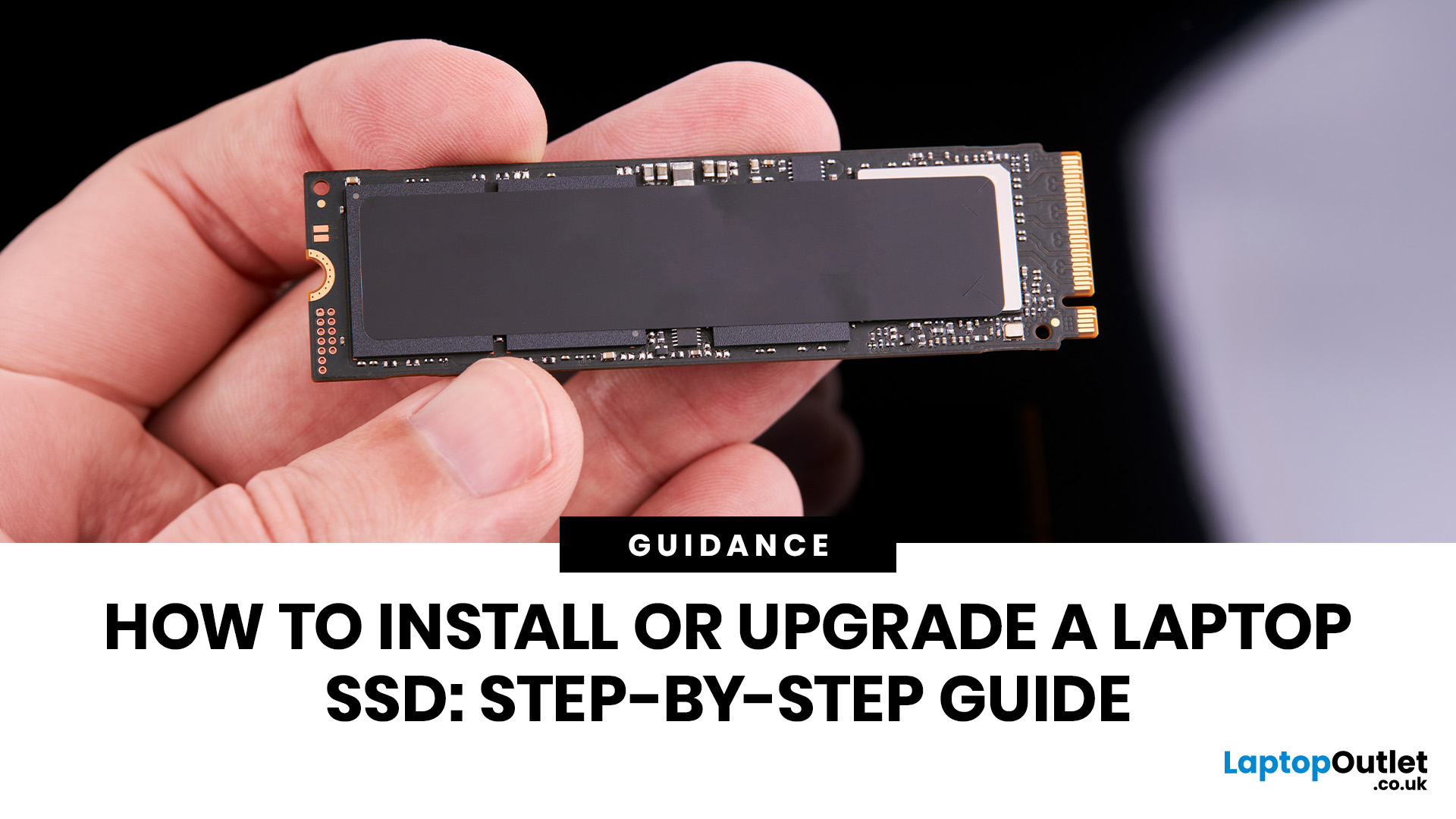
The good news is that you do not always need a brand-new machine. In many cases, upgrading your SSD is one of the easiest ways to make your laptop feel faster, smoother, and far more usable.
In this guide, we will show you how to upgrade a laptop SSD step by step, from checking compatibility to choosing the right drive and installing it properly.
Why upgrading your laptop SSD is worth it
Faster boot times, file transfers, and app loading
A slow laptop gets old fast. Long startup times, laggy apps, and endless waiting usually point to one thing: slow storage.
That is why how to upgrade
Last Updated: July 09, 2026
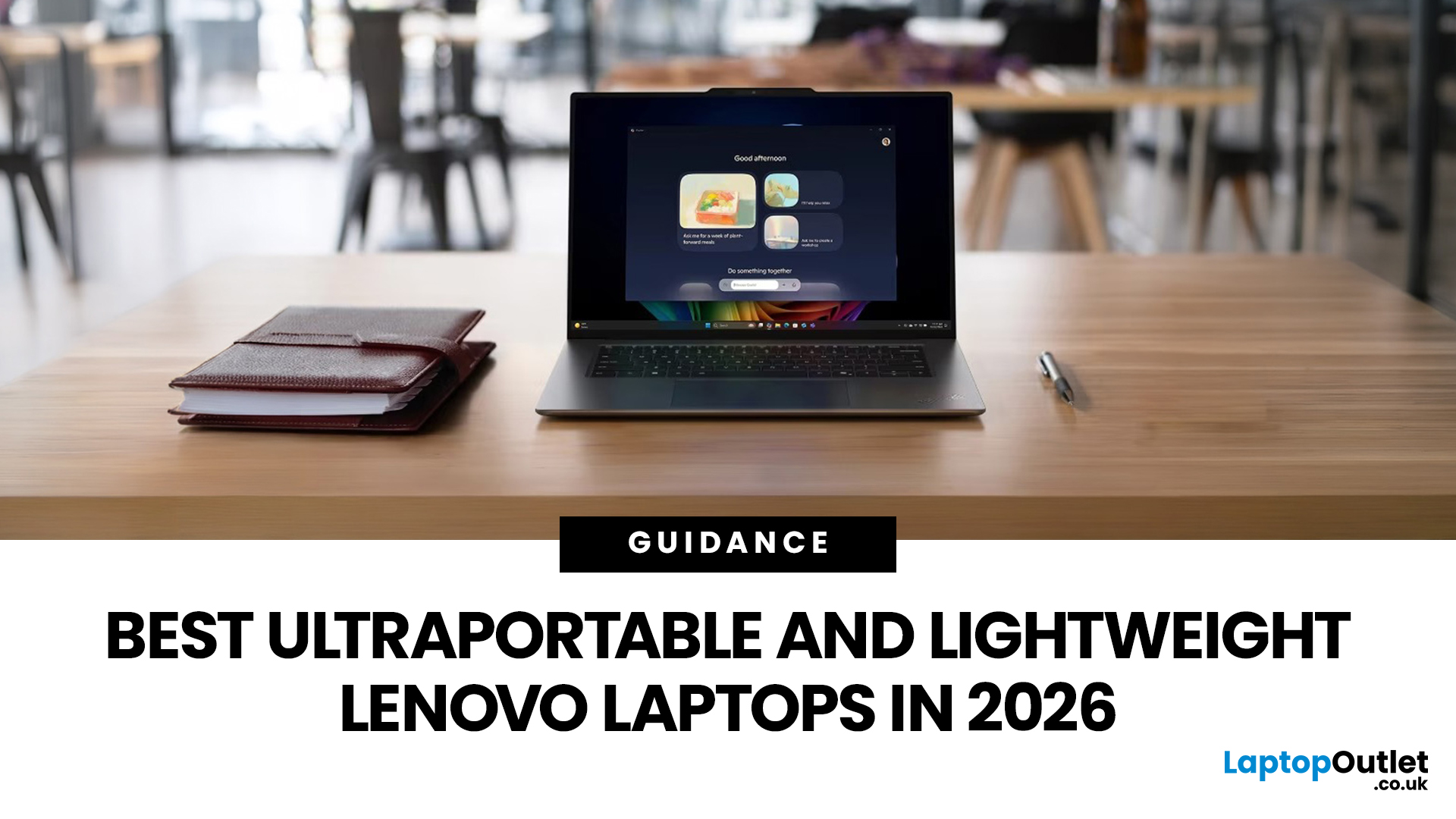
The best lightweight Lenovo laptops in 2026 are not all trying to do the same job. If we want the lightest premium 14-inch option, Lenovo’s Yoga Slim 7i Ultra Gen 11 Aura Edition stands out at 975g with a 75Wh battery. If business travel comes first, the ThinkPad X1 Carbon Gen 13 Aura Edition is still one of the strongest all-round choices thanks to its sub-1kg starting weight on some configs, proper business-grade connectivity, and classic ThinkPad focus.
That matters because buyers looking for ultraportable Lenovo laptops usually care about more than one thing at once: low carry weight, reliable battery life, enough ports to avoid living off dongles, and a screen that still feels good after a full day of work, study or travel. In this guide, we break down the best current Lenovo options for commuters, students, professionals, creators and home users, using Lenovo’s own 2026-era spec sheets first and independent reviews where they add useful trade-offs.
What Counts as a Genuinely Lightweight

Last Updated: April 29, 2026
If you want to spend less on a laptop in 2026, the smartest move is to make better buying decisions from the start. That means:
- Buy the right type of laptop for the way you actually use it
- Compare new and refurbished properly
- Avoid machines that look cheap but cost you more later through poor performance, weak battery life, or missing warranty cover.
In the UK, refurbished options can save you a lot when you buy from a reputable retailer, but you still need to check condition grading, warranty, return options, and whether the laptop is genuinely suitable for today’s Windows requirements.
That is the real cheapest way for UK shoppers to buy a laptop they can feel good about. A low headline price only counts as a good deal on laptops if the machine still fits your workload, stays supported, and does not force you into another purchase too soon. This laptop deals & savings guide helps you work that out clearly, without making the process feel more complicated than it needs to be.

