



AMD Ryzen X vs Non-X Processors: Is the Extra Cost Worth It?
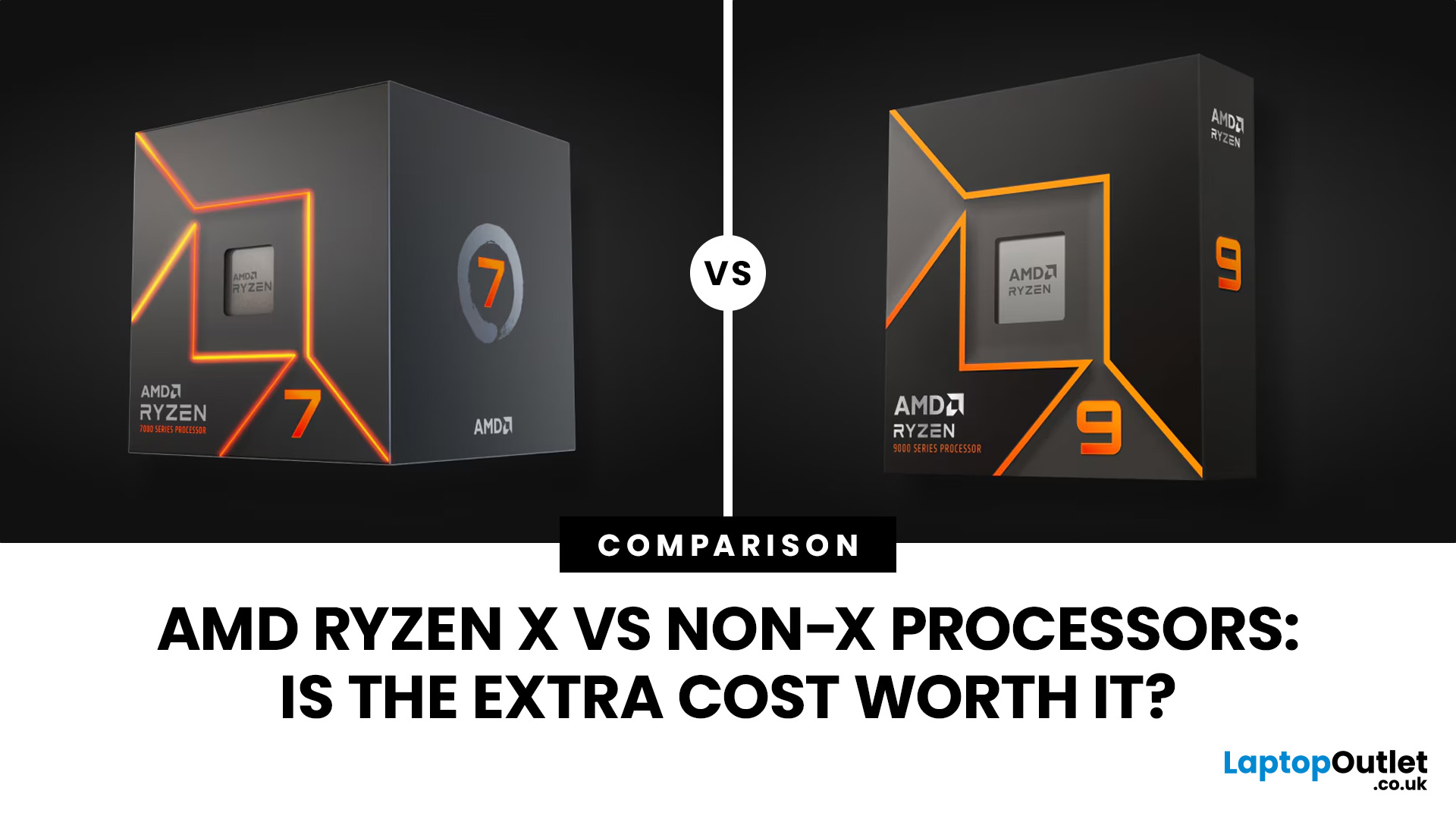
AMD Ryzen X vs non-X processors mainly differ in their factory clock speeds, power settings and, sometimes, cooling requirements. X models generally target higher performance, while non-X versions often offer better efficiency and value. However, the gaming difference can be small, and newer X processors are not necessarily more power-hungry. The better choice depends on the specific processors, prices and workload.
What Does X Mean in AMD Ryzen Processors?
The X suffix identifies a performance-oriented variant within AMD's Ryzen desktop processor range. These models typically have higher factory clock speeds than their equivalent non-X versions, although the exact differences depend on the generation.
For example, the Ryzen 5 7600X and Ryzen 5 7600 both use AMD's Zen 4 architecture, feature six cores and twelve threads, and support the AM5 platform. The X version runs at higher specified frequencies and has a higher default thermal design power (TDP).
However, the AMD Ryzen X meaning does not automatically translate into more cores, a newer architecture or significantly better gaming performance.
Understanding the broader Ryzen processor suffix system helps avoid confusion:
|
Suffix |
What It Generally Indicates |
|
X |
Performance-oriented desktop processor, usually with higher clock speeds |
|
No suffix |
Standard desktop model, often prioritising balanced performance and efficiency |
|
X3D |
Processor featuring AMD 3D V-Cache technology, often particularly effective in gaming |
|
G |
Desktop processor with comparatively capable integrated Radeon graphics, depending on generation |
|
F |
Processor without functioning integrated graphics, requiring a dedicated graphics card |
These descriptions mainly apply to desktop Ryzen processors. AMD uses additional suffixes and naming conventions for laptop CPUs.
Important: An X processor is not automatically faster than an X3D model in gaming. Additional cache can be more valuable than higher clock speeds in certain games.
AMD Ryzen X vs Non-X: What Are the Main Differences?
The biggest Ryzen X vs non X difference is usually how aggressively the processor is configured to operate out of the box. This can affect boost behaviour, power consumption, temperatures and performance under sustained workloads.
|
Feature |
Ryzen X Processors |
Ryzen Non-X Processors |
|
Clock speeds |
Usually higher factory frequencies |
Usually slightly lower frequencies |
|
Core and thread count |
Generally the same as the equivalent non-X model |
Generally the same as the equivalent X model |
|
Gaming performance |
May achieve slightly higher frame rates |
Often delivers similar real-world results |
|
Productivity |
Can be faster in sustained CPU-intensive work |
Competitive in lighter or mixed workloads |
|
Power consumption |
Model-dependent; some have higher power limits |
Often lower in comparable older-generation models |
|
Cooling |
Frequently sold without a stock cooler |
Some boxed models include an AMD cooler |
|
Overclocking |
Supported on compatible unlocked models and platforms |
Also supported on many unlocked Ryzen models |
|
Pricing |
Varies with retailer pricing and availability |
Sometimes cheaper, but not always |
These are general tendencies, not fixed rules. AMD's Ryzen 9000 Series demonstrates why comparing actual specifications matters more than relying on the X suffix alone.
Comparing Ryzen 7000 and 9000 Series Specifications
AMD's official specifications illustrate how the relationship changes between processor generations.
|
Processor |
Architecture |
Cores/Threads |
Base Clock |
Max Boost Clock |
Default TDP |
|
Ryzen 5 7600 |
Zen 4 |
6/12 |
3.8 GHz |
5.1 GHz |
65 W |
|
Ryzen 5 7600X |
Zen 4 |
6/12 |
4.7 GHz |
5.3 GHz |
105 W |
|
Ryzen 7 7700 |
Zen 4 |
8/16 |
3.8 GHz |
5.3 GHz |
65 W |
|
Ryzen 7 7700X |
Zen 4 |
8/16 |
4.5 GHz |
5.4 GHz |
105 W |
|
Ryzen 5 9600 |
Zen 5 |
6/12 |
3.8 GHz |
5.2 GHz |
65 W |
|
Ryzen 5 9600X |
Zen 5 |
6/12 |
3.9 GHz |
5.4 GHz |
65 W |
Source: AMD's official Ryzen desktop processor specifications. TDP values represent default thermal ratings rather than measured electricity consumption.
Notice the difference between generations. The Ryzen 5 7600X has a substantially higher default TDP than the 7600. Meanwhile, the Ryzen 5 9600 and 9600X are both rated at 65 W.
Therefore, choosing an X processor does not necessarily mean accepting a higher default power rating.
This also explains why buyers should compare individual AMD Ryzen processors rather than treating every X and non-X model as part of the same performance category.
Ryzen X vs Non-X Gaming Performance: Does the X Model Deliver More FPS?
In most GPU-limited gaming scenarios, the difference between equivalent Ryzen X and non-X processors is relatively small. Higher processor clock speeds can improve frame rates, but only when CPU performance is a meaningful limiting factor.
For example, the Ryzen 5 7600X has a maximum boost clock of 5.3 GHz, compared with 5.1 GHz for the Ryzen 5 7600. Both processors share the same core count, thread count and Zen 4 architecture.
The higher clock speed gives the X model additional performance potential, but this does not mean games will automatically run at proportionally higher frame rates.
Actual Ryzen X gaming performance depends on the game, graphics card, resolution, memory configuration and processor power settings.
Why Resolution and Graphics Cards Matter
At 1080p, particularly with a powerful graphics card and high refresh rate, the processor may have more influence over gaming performance.
At 1440p or 4K, graphics rendering often places greater demand on the GPU, reducing the benefit of higher CPU clock speeds.
For example:
- Competitive gaming: An X model may offer an advantage when targeting very high FPS in CPU-limited esports titles.
- 1440p gaming: A non-X processor paired with a stronger graphics card may provide a better overall experience.
- 4K gaming: The graphics card is frequently the main performance constraint, making small CPU differences less important.
The type of game also matters. Large simulations, strategy games and CPU-heavy multiplayer titles can behave differently from visually demanding single-player games.
For a meaningful comparison, examine benchmarks using the same GPU, memory configuration and graphics settings. Average FPS is useful, but 1% low FPS can provide additional insight into frame-rate consistency.
Practical takeaway: If the non-X version is significantly cheaper, spending the difference on a better GPU may have a greater impact on gaming performance than choosing the X model.
Productivity Performance: Is Ryzen X Better for Work?
Ryzen X processors can offer better performance in demanding productivity workloads, particularly when higher clock speeds can be sustained across multiple cores.
However, the actual advantage depends on the software and whether the task benefits more from clock speed, core count, memory capacity or GPU acceleration.
Everyday Productivity and Multitasking
For web browsing, Microsoft Office, video calls, streaming and general multitasking, equivalent X and non-X processors are unlikely to feel dramatically different.
Both typically have the same number of cores and threads, so their ability to handle several everyday tasks is broadly similar.
For a home office PC, memory capacity, SSD performance and system responsiveness may matter more than a modest CPU frequency advantage.
Video Editing, Rendering and Content Creation
The difference can become more noticeable during sustained tasks such as CPU-based 3D rendering, software compilation and video encoding.
For example, the Ryzen 9 7900X and Ryzen 9 7900 both offer 12 cores and 24 threads. However, the 7900X has higher factory clock speeds and a higher default TDP, allowing more aggressive performance behaviour under suitable conditions.
The performance advantage varies between applications. Software that makes effective use of multiple CPU cores may respond differently from programmes that depend heavily on single-core performance.
For occasional creative projects, a non-X processor may be sufficient. Professionals completing lengthy CPU-intensive tasks several times a day may benefit more from additional performance.
Even then, comparing different core counts is important. An eight-core non-X processor can be a more suitable investment than a six-core X model for software that scales effectively across additional cores.
Power Consumption and Cooling: Which Runs More Efficiently?
Ryzen non X power consumption is often lower than that of equivalent X models from the Ryzen 7000 Series. However, this relationship is not consistent across every generation.
A processor's power draw depends on its architecture, clock speeds, voltage, power limits and workload.
Understanding TDP and Actual Power Draw
Thermal design power, or TDP, is a specification used to describe a processor's thermal requirements. It should not be interpreted as the exact electricity consumption of the CPU or complete PC.
For example, the Ryzen 5 7600 has a default TDP of 65 W, compared with 105 W for the Ryzen 5 7600X.
That does not mean the 7600X always consumes 105 W while the 7600 always consumes 65 W.
Power consumption changes continuously according to system activity, processor settings and boost behaviour.
Likewise, the Ryzen 7 7700 has a default TDP of 65 W, while the Ryzen 7 7700X is rated at 105 W. The X processor has more thermal and power headroom at default settings, which can help sustain higher performance in demanding applications.
However, the additional power available does not necessarily produce an equivalent percentage improvement in performance.
Are Ryzen X Processors Harder to Cool?
Some Ryzen X processors require more capable cooling to sustain higher boost frequencies, especially when their power limits are higher.
However, models such as the Ryzen 5 9600X and Ryzen 7 9700X both have 65 W default TDP ratings. AMD recommends premium air cooling for optimal performance on these processors.
The cooling difference between an X and non-X processor should therefore be assessed individually.
Several practical factors matter:
- CPU cooler: A suitable aftermarket air cooler may offer lower temperatures and noise than a basic stock cooler.
- Case airflow: Restricted airflow can affect temperatures regardless of the processor suffix.
- Ambient temperature: Warmer rooms can reduce available cooling headroom.
- Power settings: Higher power limits can increase heat output without a proportional performance improvement.
- Noise levels: A quieter PC depends on the cooling system and fan configuration, not simply the processor model.
Before selecting a processor and cooling combination, review compatible CPU cooling solutions based on socket support, cooler clearance and thermal requirements.
Practical advice: If quiet operation is a priority, a well-cooled non-X processor running at default settings may be more suitable than a higher-power X model. However, an efficient X processor with appropriate cooling can also deliver quiet operation.
Can You Overclock a Ryzen Non-X Processor?
Yes. Many desktop Ryzen non-X processors support overclocking, including the Ryzen 5 7600, Ryzen 7 7700 and Ryzen 5 9600.
The common assumption that only AMD X series processors can be overclocked is incorrect.
AMD provides several performance-tuning technologies on supported processors and platforms.
Precision Boost Overdrive (PBO)
Precision Boost Overdrive allows compatible Ryzen processors to use available power and thermal headroom to increase performance.
Unlike a fixed manual overclock, PBO adjusts behaviour dynamically according to the processor's operating conditions.
However, enabling PBO does not guarantee that a non-X processor will match its X equivalent. Results depend on cooling, silicon characteristics, motherboard settings and workload.
Curve Optimiser
AMD's Curve Optimiser allows supported processors to adjust the voltage-frequency relationship.
Carefully configured negative curve offsets may improve efficiency or boost behaviour, but aggressive settings can introduce instability.
Users should test changes thoroughly and understand that manual tuning can cause crashes, data corruption or additional thermal stress.
For most users, default settings are a sensible starting point. Overclocking should be treated as an optional adjustment rather than a requirement for good performance.
Ryzen X vs Non-X: Which Offers Better Value in the UK?
The processor with the lower purchase price is not necessarily the cheaper option once cooling and other build requirements are considered.
For UK buyers, comparing total build cost provides a more reliable basis for deciding whether the X suffix justifies additional spending.
Factor in the Price of a Cooler
Some boxed Ryzen non-X processors include a cooler, potentially reducing the initial cost of the build.
For example:
- Ryzen 5 7600 includes an AMD Wraith Stealth cooler.
- Ryzen 7 7700 includes an AMD Wraith Prism cooler.
- Ryzen 5 9600 includes an AMD Wraith Stealth cooler.
- Ryzen 5 9600X does not include a thermal solution in the standard boxed package.
Always check the precise retail package. Tray processors, OEM versions and certain bundles may have different contents.
A Practical UK Cost Comparison
Consider two hypothetical Ryzen 5 builds.
|
Component |
Non-X Build |
X Build |
|
CPU |
£170 |
£190 |
|
CPU cooler |
Included |
£30 |
|
Motherboard |
£120 |
£120 |
|
Memory |
£90 |
£90 |
|
Total for listed components |
£380 |
£430 |
These are illustrative prices for comparison, not current Laptop Outlet selling prices. Additional components are required to build a complete PC.
In this example, choosing the X processor adds £50 to the cost of the listed components.
That difference could potentially contribute towards more storage, additional memory or a better graphics card.
However, the calculation changes if both processors cost approximately the same or if the buyer already owns a compatible cooler.
For a new PC, compare processors for gaming and productivity alongside the other components you intend to use.
Does a Non-X Processor Save Money on Electricity?
It can, particularly when the processor consistently draws less power under demanding workloads.
However, a lower TDP alone is insufficient to calculate electricity savings.
Actual running costs depend on:
- Average CPU power consumption during use.
- Daily operating hours.
- The electricity tariff.
- How frequently demanding workloads occur.
- The time each processor takes to complete the task.
A faster processor may draw more power but finish a task sooner, so performance per watt and total energy per task can be more useful than peak power consumption alone.
For an occasional gaming PC, the electricity-cost difference may be relatively modest. In a workstation performing prolonged CPU-intensive tasks, efficiency becomes more relevant.
Motherboard Compatibility: Does the X Suffix Matter?
Equivalent X and non-X Ryzen processors from the same generation generally use the same desktop socket and memory platform.
For instance, the Ryzen 5 7600, 7600X, 9600 and 9600X all use AMD's AM5 socket and DDR5 memory.
The X suffix itself does not require a more expensive motherboard.
However, compatibility involves more than matching the socket.
Before purchasing, check:
- Socket compatibility: Confirm that the processor fits the motherboard's socket.
- BIOS support: Older AM5 motherboards may need a BIOS update to recognise newer processors.
- Chipset features: Consider connectivity, storage expansion and overclocking support.
- Power delivery: Higher-power processors can benefit from suitable voltage regulator modules (VRMs), particularly under sustained workloads.
- Memory compatibility: Check the supported DDR generation and motherboard memory specifications.
An AMD X-series chipset is also different from an X-suffix processor. For example, an X870 motherboard is not required simply because you choose a Ryzen 5 9600X.
You can compare motherboards for your Ryzen build to find a model with suitable CPU support, connectivity and expansion options.
AMD Ryzen X vs Non-X: Which Should You Choose?
The most suitable processor depends on the workload, price difference and the rest of your PC configuration.
|
Your Main Requirement |
What to Prioritise |
|
Budget gaming |
Non-X if meaningfully cheaper |
|
Competitive 1080p gaming |
X if benchmarks justify the premium |
|
1440p or 4K gaming |
Overall CPU/GPU balance |
|
Everyday office use |
Non-X value and efficiency |
|
Frequent CPU rendering |
Measured multi-core performance |
|
Quiet, compact PC |
Power limits and cooling efficiency |
|
Existing aftermarket cooler |
Compare CPU prices directly |
|
Long-term upgrade flexibility |
Socket, BIOS and motherboard support |
Choose a Ryzen X Processor If...
An X model makes sense when you want the available performance advantage without needing additional tuning.
It may be particularly worthwhile if the price difference is small, you already own suitable cooling, or your applications benefit from higher sustained clock speeds.
Choose a Ryzen Non-X Processor If...
A non-X model is often more appealing when you want balanced performance while keeping the overall build cost manageable.
It can be particularly suitable for everyday productivity, mainstream gaming and systems where power efficiency or cooling simplicity matters.
However, do not pay more for a non-X processor simply because it is labelled as the value-oriented option.
Consider a Ryzen X3D Processor Instead If...
Gaming performance is the main priority, and your budget allows for a more specialised CPU.
AMD's X3D processors use additional L3 cache through 3D V-Cache technology, which can significantly improve performance in certain CPU-sensitive games.
The benefit varies by title, and X3D processors are not necessarily the strongest value for every productivity workload. Compare relevant gaming benchmarks and total platform costs before deciding.
Common Mistakes When Comparing Ryzen X and Non-X CPUs
Several misconceptions can lead buyers towards the wrong processor.
-
Assuming X always means significantly faster: Performance differences can be small, particularly in GPU-limited gaming.
-
Assuming non-X always uses less power: Some recent X and non-X models share the same default TDP.
-
Ignoring the included cooler: A lower CPU price may not represent the lowest complete build cost.
-
Comparing processors from different generations using suffixes alone: Architecture, cache and core count can outweigh clock-speed differences.
-
Buying purely on advertised boost frequency: Maximum boost speed does not describe sustained all-core performance.
-
Assuming non-X models cannot be overclocked: Many support PBO and other tuning technologies on compatible platforms.
The most reliable approach is to compare the specific processor pair using official specifications, relevant benchmarks and current UK pricing.

Final Thoughts: Is Ryzen X Worth the Extra Cost?
The AMD Ryzen X vs non-X decision comes down to performance gains, pricing and how you use your PC. X models can offer higher clock speeds and improved results in demanding workloads, but the difference is not always noticeable in everyday use or gaming.
Non-X processors frequently provide a more economical balance of performance, efficiency and cooling requirements. However, newer generations demonstrate that the X suffix does not automatically indicate higher power consumption.
Compare the specific models, review relevant benchmarks and account for the cooler and motherboard before buying. Ultimately, the better processor is the one that delivers the performance your workloads require at a sensible overall cost.

Frequently Asked Questions
1. Is AMD Ryzen X better than non-X?
Ryzen X processors generally offer higher factory clock speeds, but they are not always significantly faster. Non-X versions can deliver comparable gaming performance and better value, depending on the processor generation, workload and current price.
2. Is Ryzen X worth the extra money for gaming?
Ryzen X can be worth paying more for when the price difference is small and gaming performance is CPU-limited. At higher resolutions, the graphics card often matters more, making non-X processors attractive alternatives.
3. Do Ryzen non-X processors use less power?
Many Ryzen non-X processors use less power than equivalent X versions, particularly in the Ryzen 7000 Series. However, some Ryzen 9000 X and non-X models share identical default TDP ratings, so specifications must be checked individually.
4. Can you overclock an AMD Ryzen non-X processor?
Yes. Many desktop Ryzen non X processors support overclocking through compatible motherboards and AMD tuning technologies such as Precision Boost Overdrive. Actual performance gains depend on cooling, power limits, processor characteristics and system stability.
5. Do AMD Ryzen X processors come with a cooler?
Many Ryzen X desktop processors do not include a stock cooler. Several non-X models include AMD Wraith cooling solutions, although this varies by processor and packaging. Always confirm the supplied accessories before purchasing.
Related Articles


Last Updated: January 27, 2026
Building or buying a high-end gaming PC is an exciting journey for any enthusiast. The market moves fast, and staying updated on the latest hardware is essential for the best experience.
In this gaming desktop PC breakdown, we will explore the core parts that make a machine powerful. We will look at the latest processors from AMD and Intel, the incredible graphics power of NVIDIA RTX and Radeon RX, alongside other core components.
Whether you want to play the newest AAA titles or compete in esports, understanding these parts is vital. Let us dive into the modern world of gaming PC technologies.
Understanding Gaming Desktop PCs
A gaming desktop PC is a high-performance computer designed specifically to handle demanding video games. Unlike standard PCs, these machines focus on graphical power and fast processing speeds. They use specialised parts that can handle high heat and heavy workloads.
While gaming laptops and consoles are popular, the desktop remains the "gold standard" for several

Last Updated: February 03, 2026
Choosing a new processor used to be a simple choice between raw power and budget value. However, as we move through 2026, the landscape has shifted.
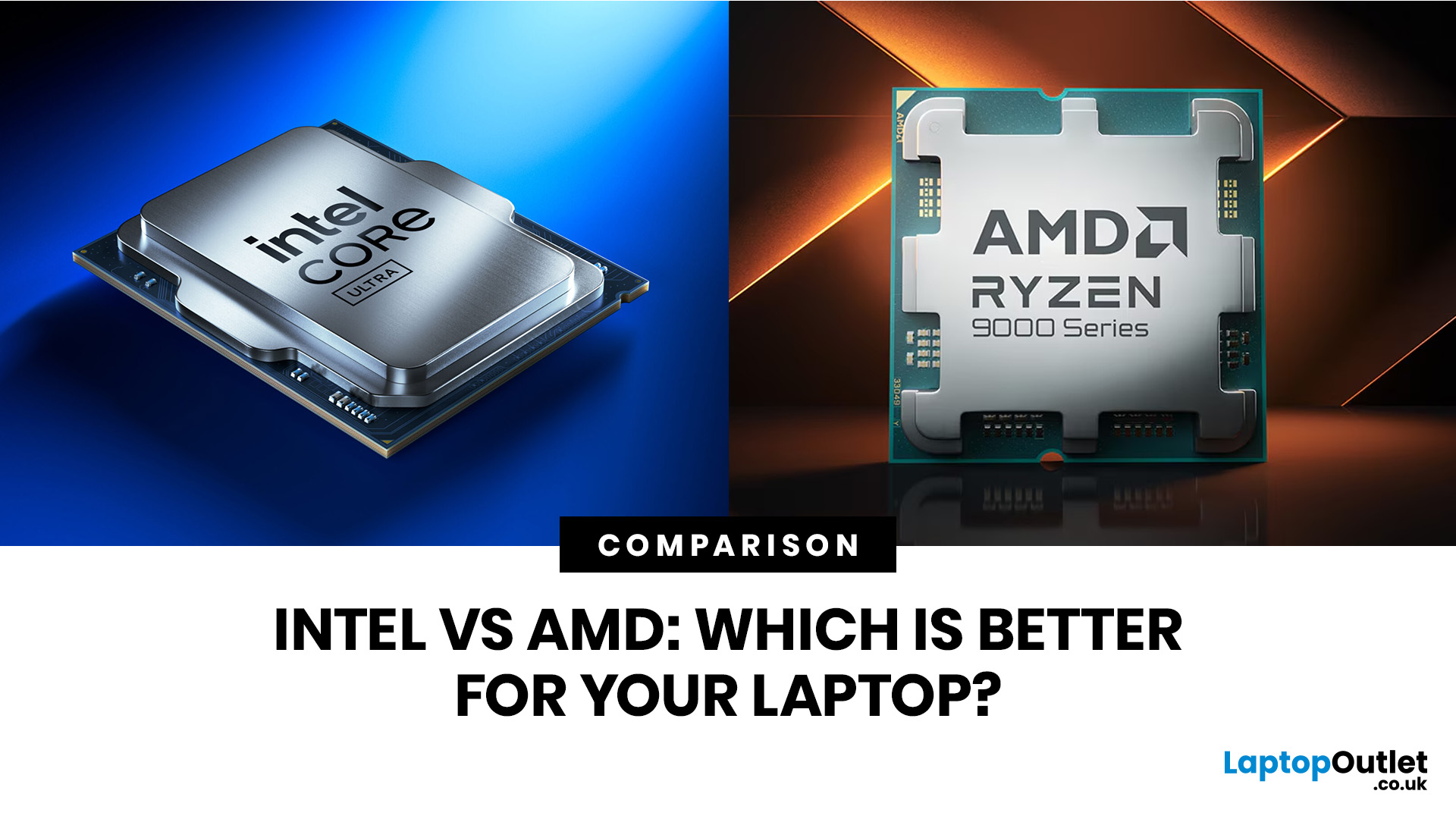
The rivalry of Intel vs AMD desktop processors has reached a fever pitch, with both "Team Blue" and "Team Red" offering incredible technology that caters to very specific types of users.
This guide breaks down everything you need to know about the current market to help you decide which brand deserves a spot in your desktop PC.
The State of the Market in 2026
As we move through 2026, both manufacturers have moved beyond simple core-count wars.
Intel has doubled down on its "Arrow Lake" and "Nova Lake" architectures, focusing heavily on integrated AI NPUs (Neural Processing Units) and a refined tiled architecture.
Meanwhile, AMD continues to dominate the enthusiast market with its Zen 5 architecture, led by the legendary 3D V-Cache technology.
Intel’s Current Strategy: The AI PC Era
Intel has successfully transitioned to its LGA 1851 socket.
Last Updated: April 07, 2026
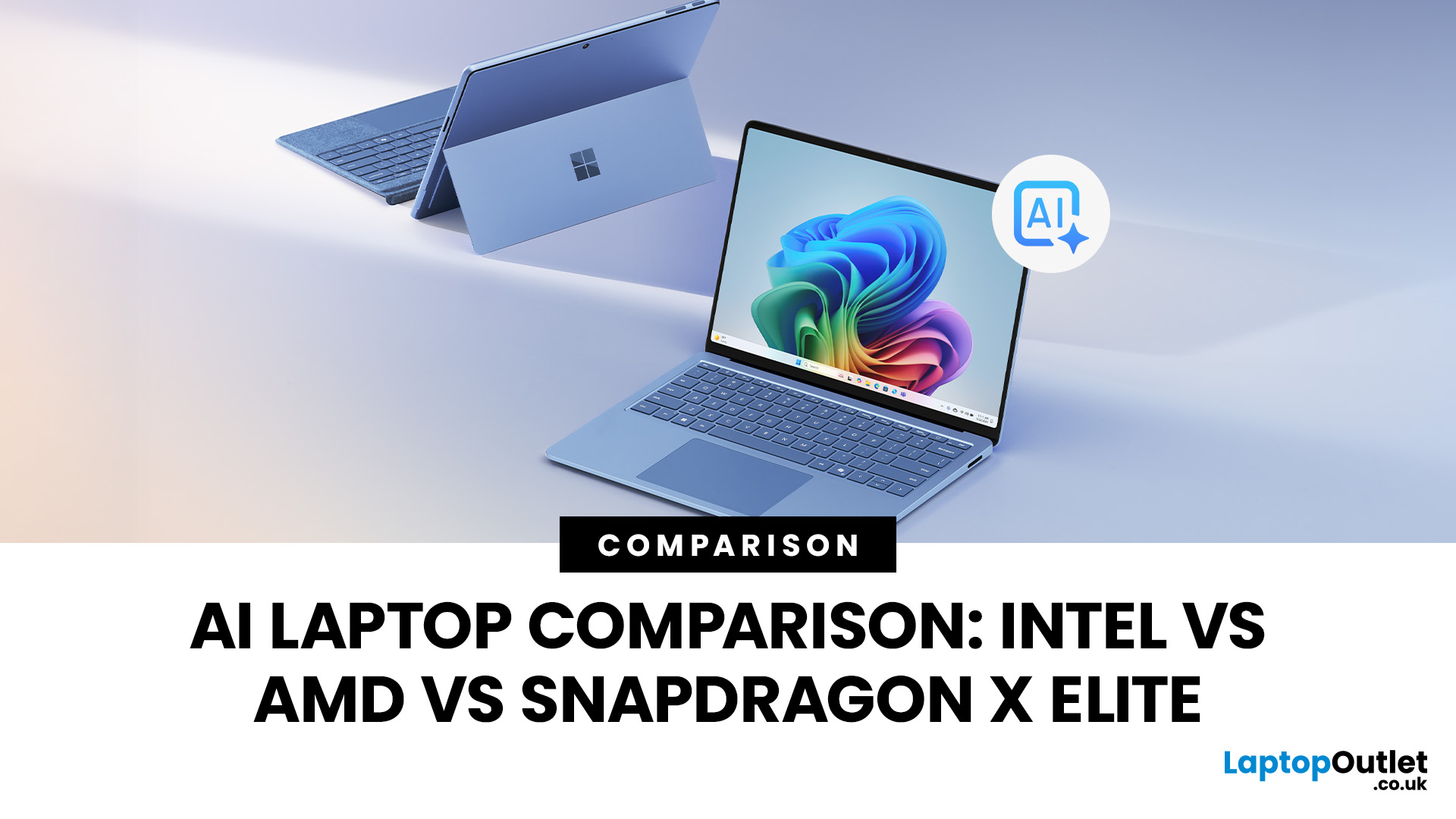
Buying an AI laptop in 2026 should be a quick decision. You pick a size, set a budget, and choose the “best” chip, right? In reality, the AI label is doing far too much work. Two laptops can sit side by side, both advertised as “AI-powered”, yet behave completely differently once you start writing documents, editing photos, joining video calls, or trying the latest Windows features.
That confusion usually comes down to one thing: people treat “AI laptop” as a single spec, when it’s really a mix of three engines working together.
- CPU: the general performance engine for everything you already do
- GPU: the visual and creative engine, also used for some AI workloads
- NPU: the efficiency engine for AI tasks that are built to run locally
This guide compares the 3 platforms shoppers are most likely to cross-shop when searching for an AI laptop today: Intel Core Ultra 200V (Lunar Lake), AMD Ryzen AI 300 (XDNA 2), and Qualcomm Snapdragon X Elite. We’ll keep it practical, explain the specs, and help
Last Updated: July 09, 2026
Choosing a laptop CPU should not feel like decoding a boss fight.
You open five tabs, see terms like Core Ultra, Ryzen AI, Core i7, Ryzen 7, NPU TOPS, HX, U-series, integrated graphics, and suddenly the simple question - AMD or Intel for laptop? - becomes way more stressful than it should be.
This guide breaks down the Intel vs AMD laptop 2026 debate in plain English. You will learn how AMD Ryzen vs Intel laptop performance compares, which processor types in laptops actually matter, when Intel is the smarter buy, when Ryzen gives better value, and which in-stock Laptop Outlet models are
Last Updated: July 14, 2026
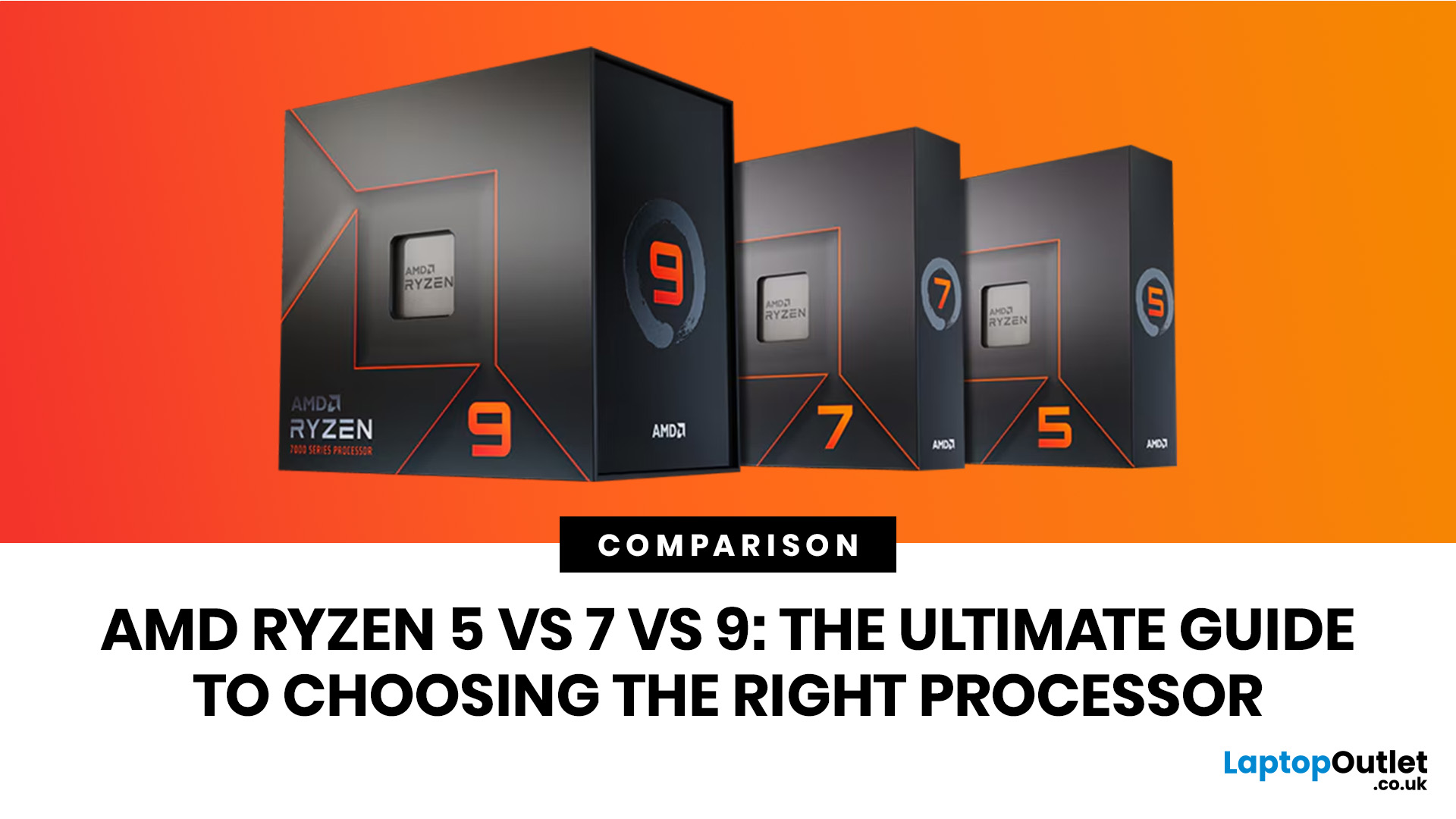
Ryzen 5 processors suit everyday use, budget gaming, and light multitasking. Ryzen 7 processors are better for 1080p and 1440p gaming, streaming, and moderate content creation. Ryzen 9 processors are good for heavy workloads like 4K video editing and 3D rendering. For most laptop buyers in 2026, a Ryzen 7 hits the sweet spot between performance and value.
This guide cuts through the noise and gives you a clear AMD Ryzen 5 vs 7 vs 9 comparison, so you can make a confident decision before you spend a penny.
What Is AMD Ryzen? Explained
AMD Ryzen is AMD’s mainstream family of computer processors. Ryzen CPUs power everything from affordable student laptops to high-end gaming PCs and professional workstation systems.
The number after “Ryzen” tells you the performance tier:
- Ryzen 5: Mainstream performance for everyday use, productivity and value gaming.
- Ryzen 7: Higher performance for gaming, creative work and heavier multi-tasking.
- Ryzen 9: Premium performance for professional workloads,
Last Updated: August 17, 2026
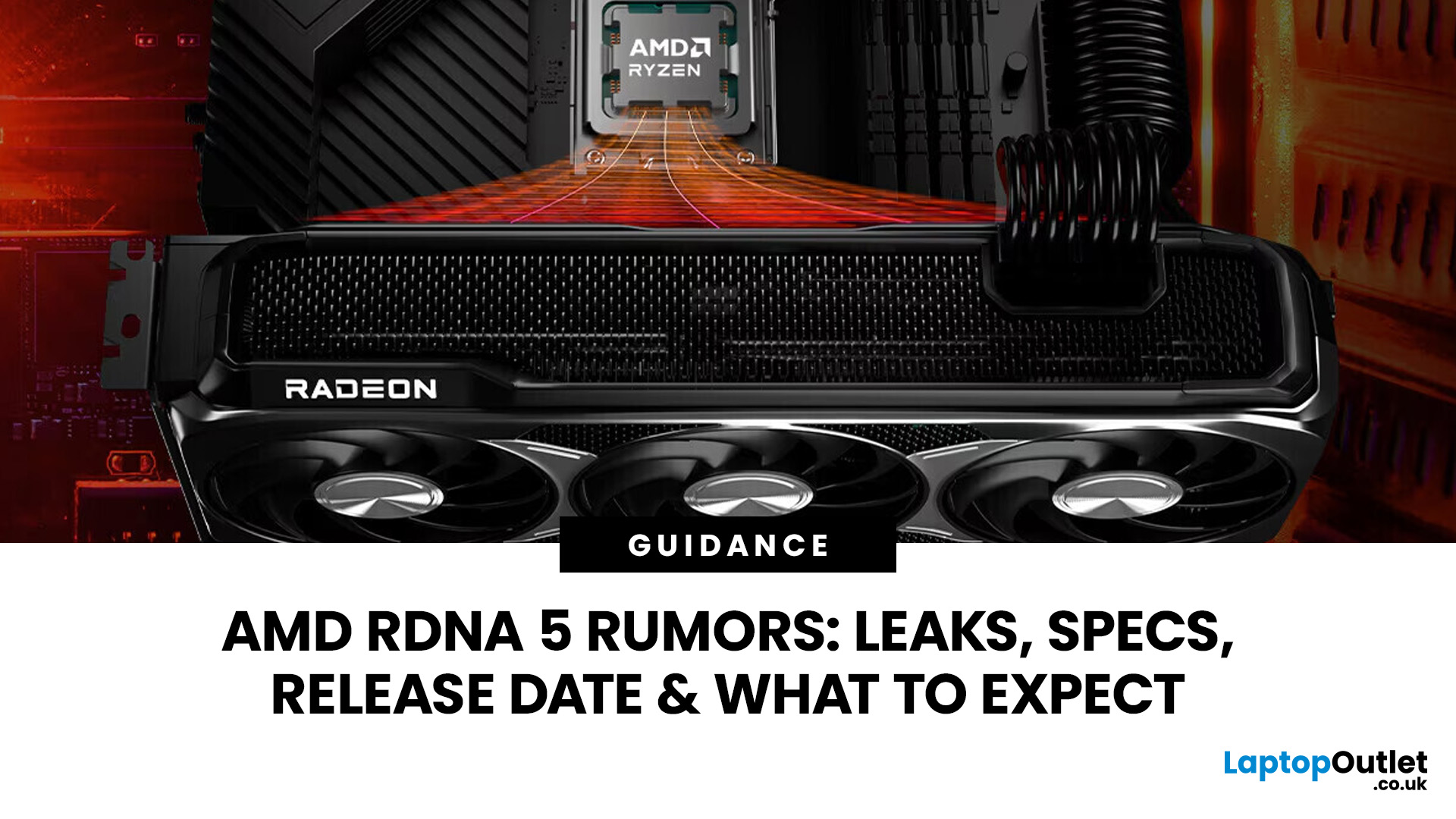
AMD RDNA 5 is the rumoured next-generation graphics architecture from AMD, expected to succeed the RDNA 4-based Radeon RX 9000 series. Based on credible leaks as of mid-2026, RDNA 5 is reportedly built on TSMC's N3P process node and is expected to introduce Neural Arrays, Radiance Cores, and GDDR7 graphics memory. Multiple OEM partners and industry sources point to a mid-to-late 2027 consumer launch window, with AMD itself yet to confirm any details publicly.
If you keep an eye on the GPU market, you will have noticed the buzz growing around AMD RDNA 5. AMD's current lineup, the Radeon RX 9000 series built on RDNA 4, has only recently settled into the market, yet the tech community is already looking ahead to what Team Red has in store next.
To be clear from the outset: AMD has not officially confirmed RDNA 5 by name, nor announced a release date or specifications for its next-generation consumer GPUs. Everything covered in this blog is based on leaks, patent filings, industry sources,
Last Updated: September 08, 2026
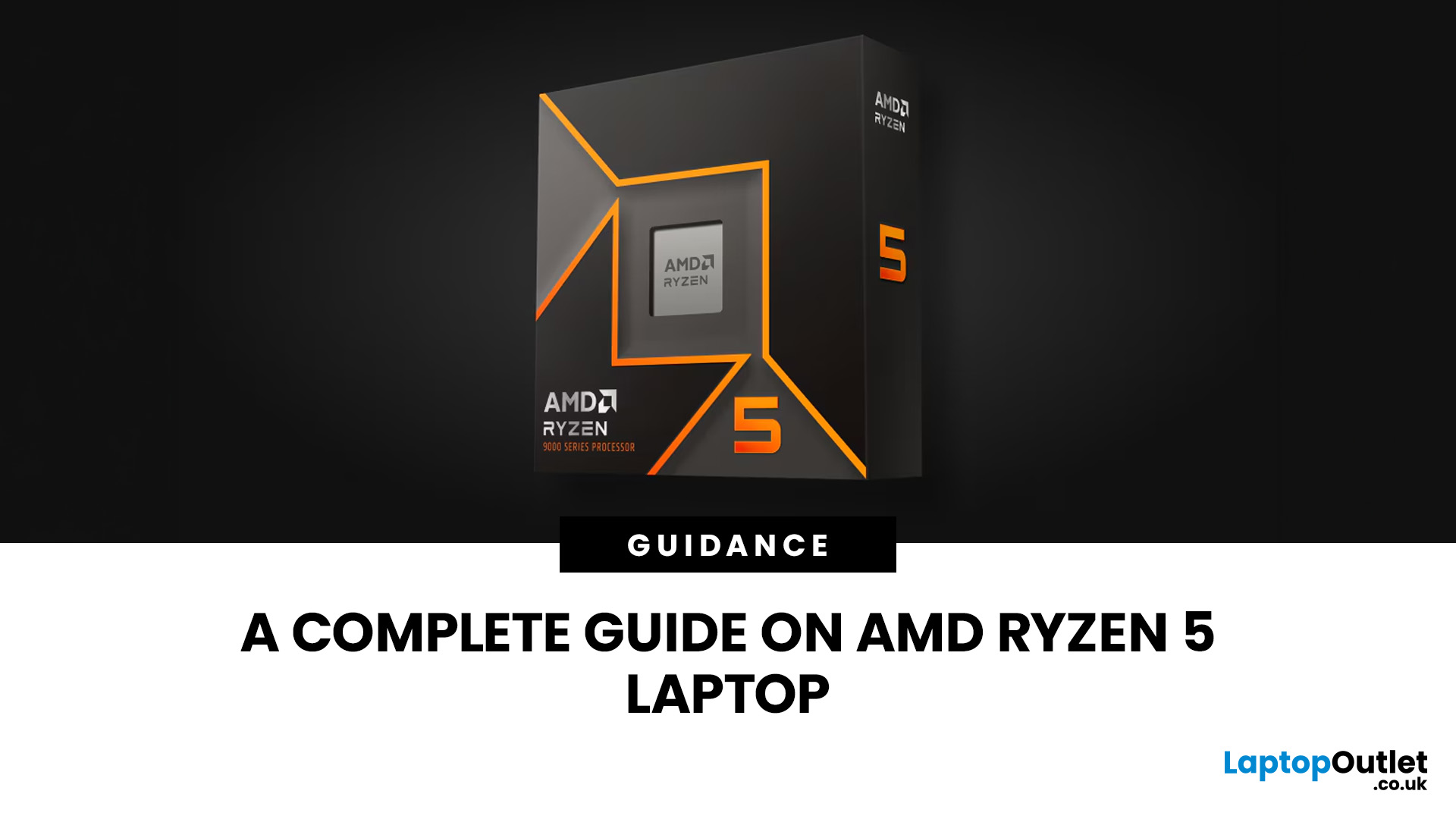
Two laptops can both say AMD Ryzen 5 on the specification sheet and still be built for very different jobs. One may prioritise battery efficiency and portability, while another is designed to sustain more performance for gaming, coding or creative work.
That is why choosing an AMD Ryzen 5 laptop in 2026 means looking beyond the tier name. AMD currently spans several mobile naming families, from Ryzen 7000 and 8000 to newer Ryzen 100, Ryzen 200 and Ryzen AI ranges. The exact processor, power class, memory, graphics, storage and laptop design all influence the experience.
This guide explains how to read those specifications, avoid misleading shortcuts and match the complete configuration to the way you actually use your laptop.
Quick Answer: How to Choose a Ryzen 5 Laptop
For most buyers, the right Ryzen 5 laptop is the one with a balanced specification rather than simply the largest processor number. Start with your main workload, then check the full CPU name, RAM, storage, graphics, display
Published: August 12, 2026
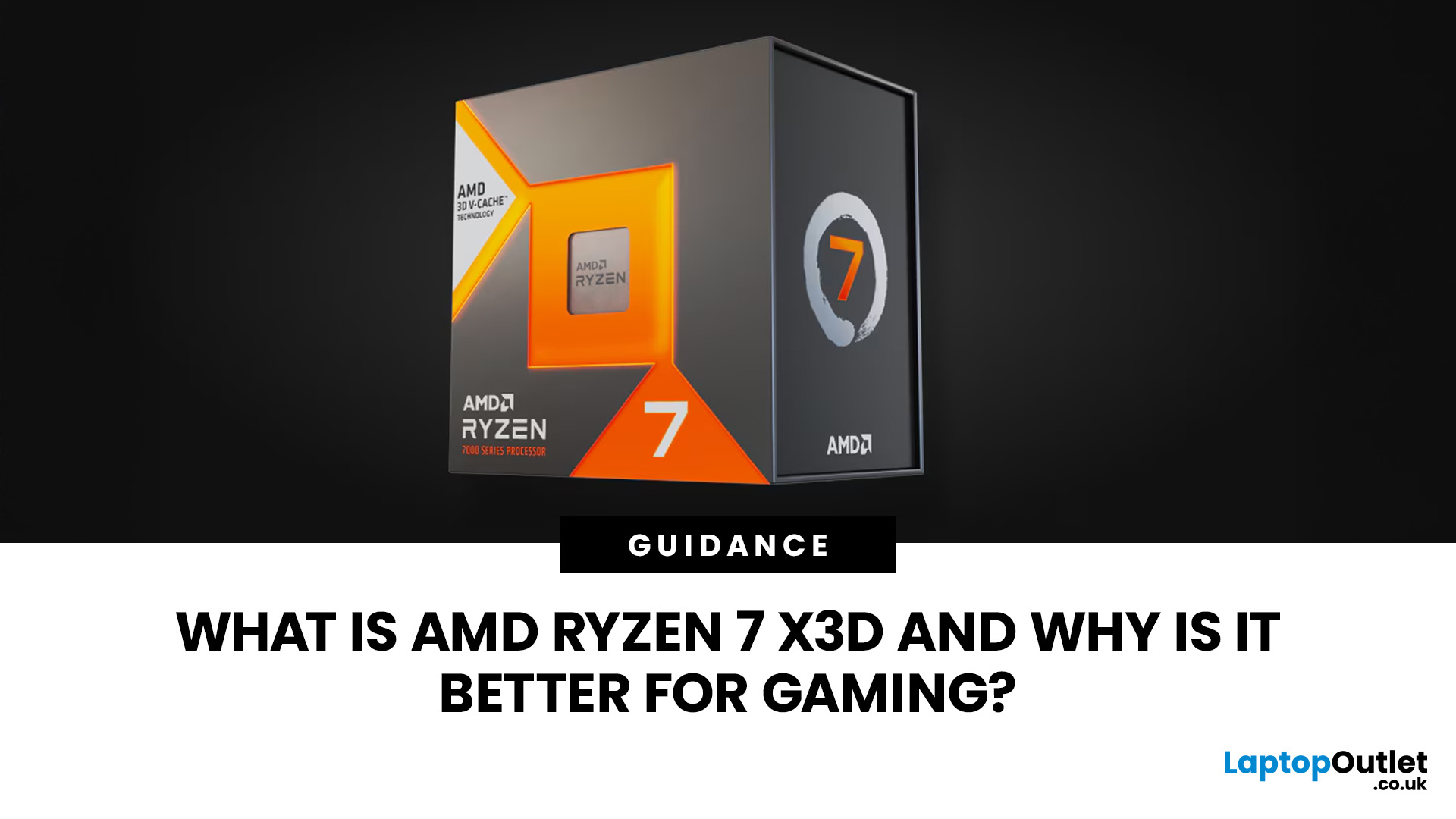
AMD Ryzen 7 X3D refers to high-performance desktop processors that combine Ryzen 7 CPU cores with AMD 3D V-Cache technology. The additional cache keeps more frequently used game data close to the processor, which can reduce delays, improve frame rates and deliver smoother frame times.
AMD Ryzen 7 X3D is a gaming-focused CPU that uses AMD 3D V-Cache to store more game data closer to the processor. This helps reduce delays and can improve FPS, 1% lows and smoothness in CPU-heavy and competitive games. The benefit is smaller at 4K or when the GPU is the main limit. Overall, it’s a strong choice for gamers wanting smoother, high-performance desktop gaming.
The benefit is usually greatest in CPU-limited games, competitive titles and high-refresh-rate systems. Results still depend on the graphics card, resolution and game engine. This guide explains how X3D works and whether it suits your setup.
What Does X3D Mean on an AMD Ryzen 7 Processor?
Ryzen 7 Describes the Performance Tier
Among AMD Ryzen
Last Updated: August 18, 2026
Choosing the best AMD gaming PC in 2026 is less about buying the fastest processor and more about matching the CPU, GPU, memory and monitor to your target resolution. AMD Ryzen processors scale from efficient integrated-graphics systems for light Full HD gaming to X3D-equipped towers built for demanding AAA titles.
This guide compares six current AMD Ryzen gaming PCs across 1080p, 1440p and 4K use. It explains where each system makes sense, where it has limitations and which games suit its hardware.
Best AMD Gaming PCs at a Glance
The six systems below cover very different levels of gaming performance. That matters because an office-focused PC with integrated graphics should not be judged in the same way as dedicated gaming desktop PCs equipped with RTX graphics.
| PC | Processor | Graphics | RAM | Storage | Best For |
| Lenovo ThinkCentre M75s Gen 2 | Ryzen 5 5600G | Integrated Radeon | 8GB DDR4 | 256GB SSD | Light 1080p gaming |
| Lenovo IdeaCentre AIO 24ARR9 | Ryzen 5 7533HS | Radeon 660M | 16GB DDR5 | 512GB SSD | Casual 1080p |
Last Updated: August 24, 2026

