



GPU Sag Explained: Do You Need a Graphics Card Support Bracket?
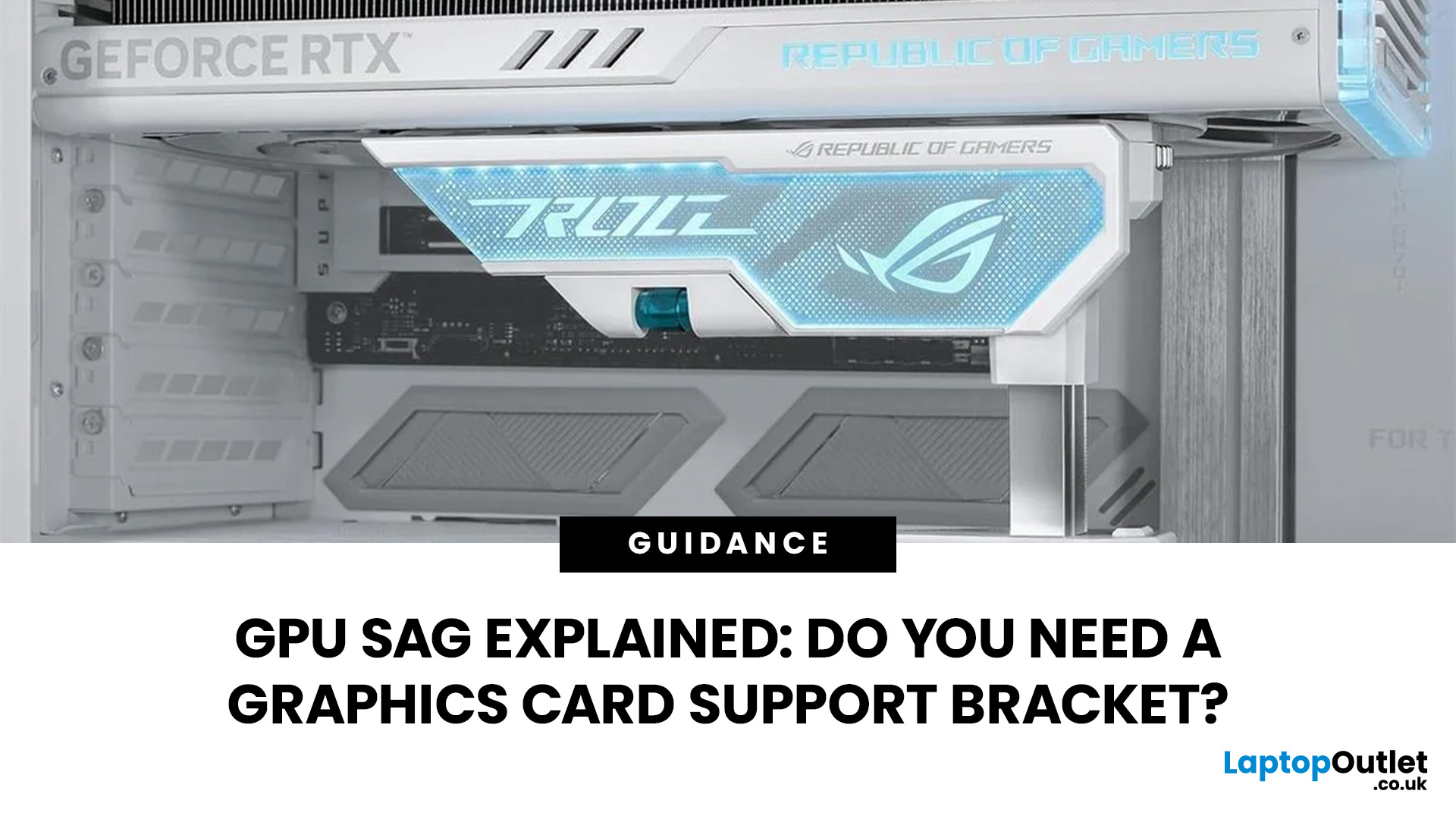
GPU sag is the downward tilt of a graphics card caused by its weight pulling on the unsupported end of the card. It is most noticeable with long, heavy GPUs using large multi-fan coolers. A slight tilt is not automatically a sign of damage, but obvious sag is worth checking rather than ignoring.
GPU sag is the downward tilt of a graphics card caused by its weight pulling on the unsupported end. A GPU support bracket is not always necessary, but it can help stabilise long or heavy graphics cards that visibly droop after correct installation. Before adding support, check the card is fully seated, securely screwed in and not being pulled by cables.
Before buying a GPU support bracket, make sure the graphics card is fully seated and properly secured to the case. If it still droops, a bracket, stand or holder can support the free end of the card without placing unnecessary upward pressure on it.
What Is GPU Sag?
GPU sag happens when one end of a horizontally mounted graphics card sits lower than the end attached to the PC case.
A graphics card is normally secured through its PCIe connection to the motherboard and its metal I/O bracket at the rear of the case. The rest of the card extends into the chassis. On longer cards, the cooler, heatsink, fans and shroud place considerable weight beyond those mounting points.
Gravity then pulls down on the unsupported end, creating the familiar tilted appearance known as graphics card sag.
The amount of sag can vary between two cards using the same GPU because cooler size, PCB design, backplate construction, card length and mounting hardware can all differ.
Why Do Modern Graphics Cards Sag?
Cooling hardware is one of the main reasons GPU sag has become more noticeable. Powerful graphics cards often use larger heatsinks, several heatpipes or vapour chambers, metal backplates and two or three fans.
Longer cards also create more leverage because more of their weight sits farther away from the PCIe slot and case mounting screws.
This is particularly worth considering when comparing larger high profile graphics cards for a new PC build. The GPU chipset alone does not tell you how physically demanding a card will be to support. Two cards using the same processor may have very different cooler dimensions.
Other factors can contribute too:
- loose or incorrectly fitted expansion-slot screws
- a card that is not fully seated in the PCIe slot
- poor alignment between the case and GPU bracket
- power cables pulling down or sideways on the card
- frequent transport of the PC
- a particularly long or heavy cooler assembly
That is why visible sag should be diagnosed before assuming an extra bracket is the only solution.
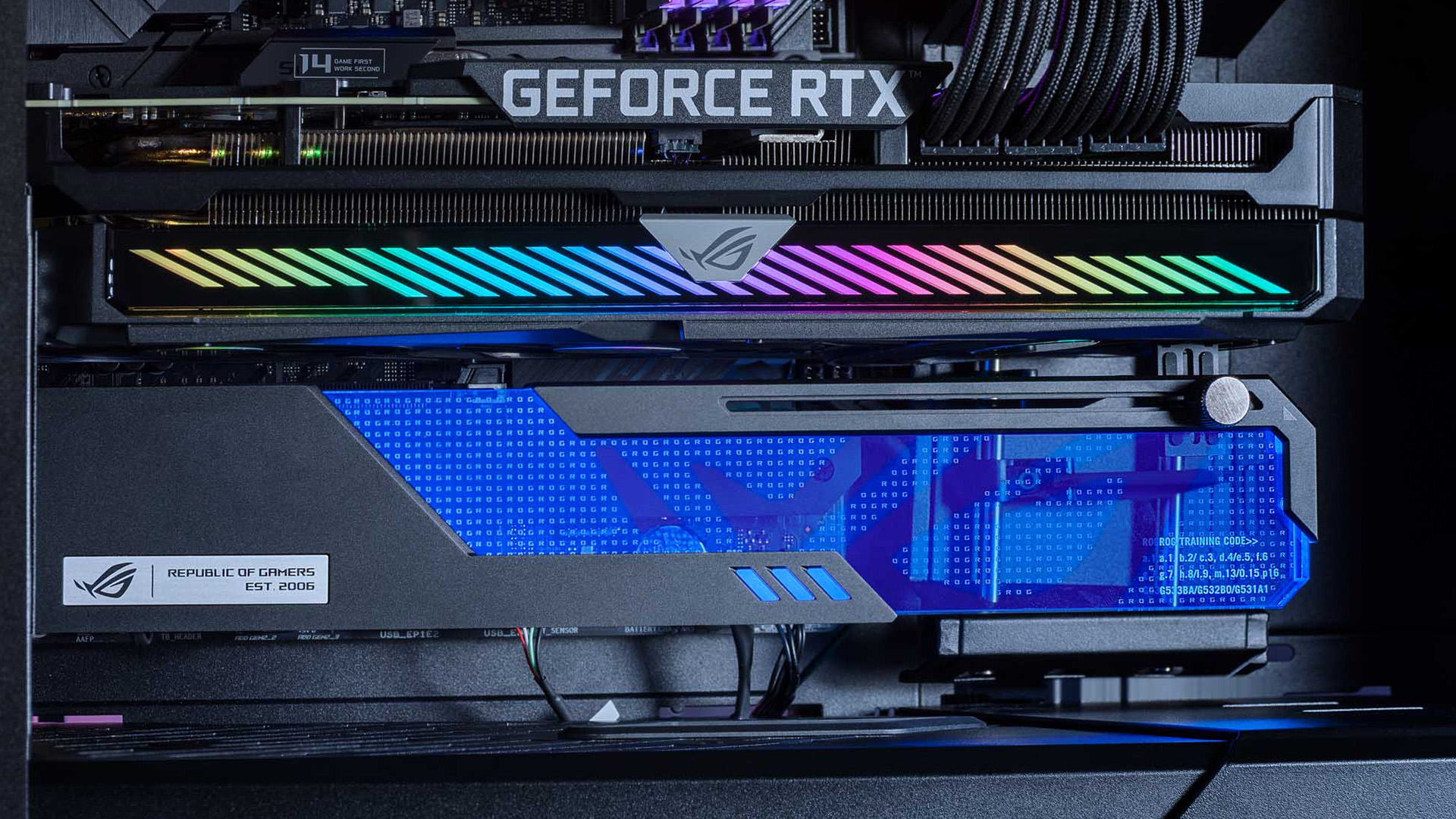
Is GPU Sag Bad for Your Graphics Card?
A small amount of graphics card sag can be largely cosmetic. What matters more is whether the card is securely installed and whether its PCB, connector or mounting points are being placed under obvious mechanical strain.
More pronounced sag can place additional load on the PCIe connection and cause the card itself to flex. This does not mean a slightly tilted GPU will suddenly fail, and there is no useful universal measurement that makes every card safe below one number and unsafe above it.
Instead, look for practical warning signs such as:
- a clearly tilted card after the rear screws have been tightened
- visible bowing rather than the whole card simply sitting at a slight angle
- movement when the PC is repositioned
- the card no longer sitting squarely in its slot
- a manufacturer-supplied support that has not been installed
GPU sag does not normally reduce gaming frame rates simply because the card is tilted. The concern is mechanical support, not additional GPU performance. Other GPU behaviours can have completely different causes. For example, GPU coil whine is an electrical noise rather than a symptom of graphics card sag or poor physical support.
What About Reinforced PCIe Slots?
Some gaming motherboards use reinforced PCIe slots designed to improve physical strength around large expansion cards.
This can strengthen the connection area, but it does not support the far end of a long graphics card. A heavy GPU can therefore still sag even when installed in a motherboard with a reinforced slot.
Check Your GPU Mounting Before Adding Support
Before ordering a GPU anti-sag bracket, rule out installation problems. A badly mounted card should be correctly installed rather than simply propped up.
Shut the PC down completely, disconnect it from mains power and inspect the graphics card mounting.
Check that the GPU is fully inserted into the correct PCIe slot and that the slot's retention mechanism has engaged correctly. The metal bracket at the rear of the GPU should also sit squarely against the case rather than being twisted or caught against an expansion-slot cover.
Make sure the GPU's case screws are present and secure. Depending on the card and chassis, more than one screw may be required.
Also inspect the power cable. A tightly routed cable pulling down on the connector side of the GPU can make an alignment problem look worse. The cable should have enough freedom to reach the graphics card without dragging it out of position.
If the card becomes level after being properly reseated and secured, the original problem was mounting rather than true GPU sag.
Do You Need a GPU Support Bracket?
Not every graphics card needs extra support. The decision should be based on the complete card and PC layout rather than the GPU model name alone.
|
Your setup |
Is extra support useful? |
What to check |
|
Short, light card sitting level |
Usually unnecessary |
Correct seating and rear screws |
|
Long multi-fan card with visible droop |
Often useful |
Support point and case clearance |
|
GPU supplied with its own holder |
Use the included solution where compatible |
Manufacturer instructions |
|
Heavy card in a PC moved regularly |
Worth considering |
Bracket stability during movement |
|
Visible PCB or cooler distortion |
Investigate promptly |
Mounting, support and card condition |
|
Bottom case fans directly below GPU |
Choose bracket carefully |
Fan and blade clearance |
A support becomes particularly sensible when a long card remains visibly unsupported after it has been correctly mounted.
Before buying anything separately, check the graphics card box, accessories and manual. Some larger GPUs already include a graphics card holder or bracket designed for the card.
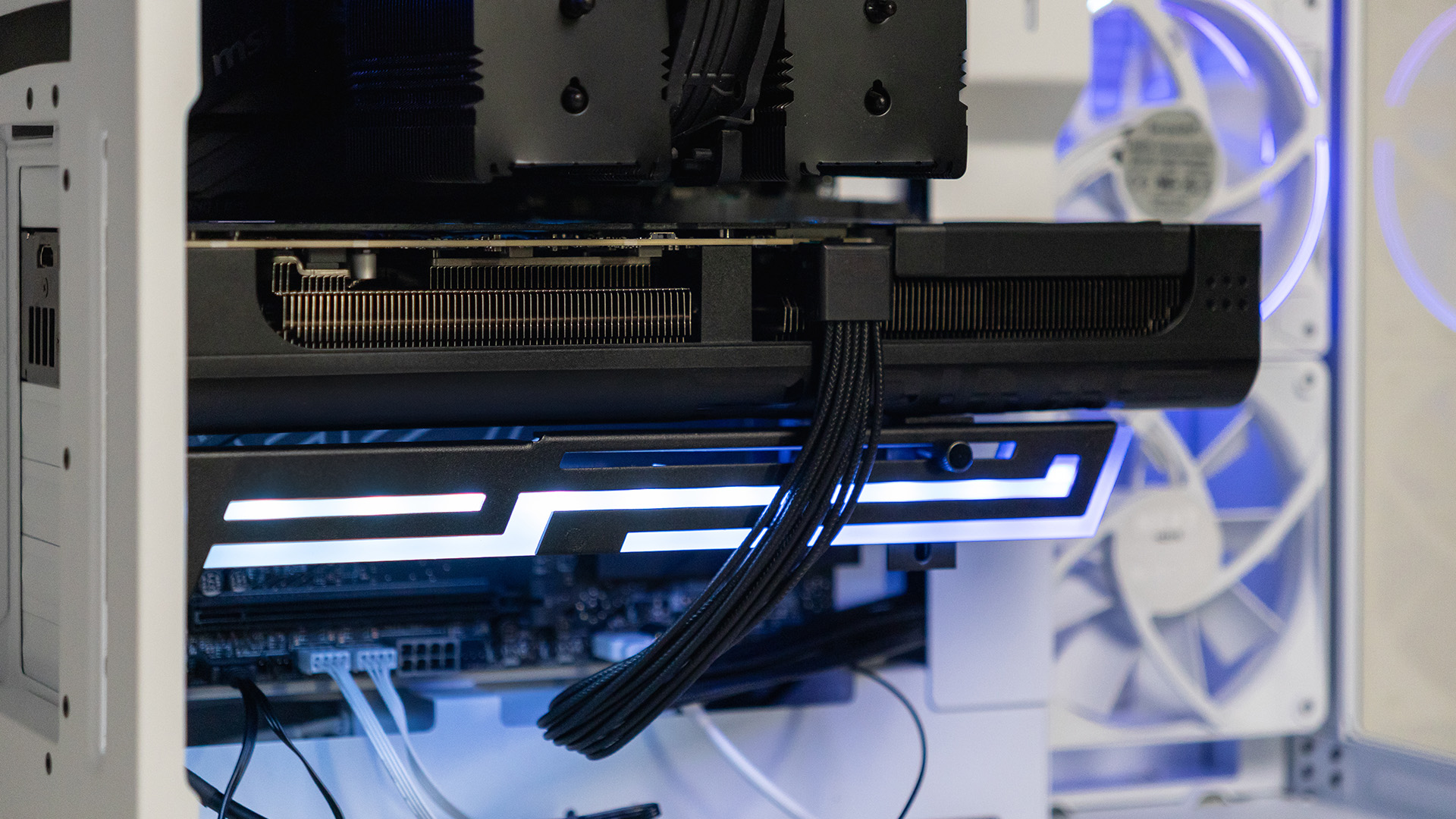
GPU Support Bracket, Stand or Brace?
Several accessories are sold as GPU supports, and the names are often used interchangeably. The important difference is how they attach to the PC.
|
Support type |
How it works |
Main consideration |
|
GPU support stand |
Adjustable post sits beneath the GPU |
Needs a stable surface underneath |
|
Slot-mounted bracket |
Attaches to case expansion-slot positions |
Requires compatible space below GPU |
|
Motherboard-mounted brace |
Uses motherboard or chassis mounting points |
Compatibility varies by board and case |
|
Integrated case holder |
Support is built into or supplied with the chassis |
Check its adjustment range |
|
Vertical GPU mount |
Changes the orientation of the graphics card |
Needs case and riser compatibility |
A simple GPU brace can work just as effectively as a more elaborate RGB-equipped bracket if it fits securely and supports the correct part of the card.
The most important factors are stability, placement and adjustment range.
How to Measure GPU Support Bracket Height
GPU support bracket height matters because a stand that is too short cannot carry the card's weight, while one that is too tall may push the GPU above its natural level.
Measure your actual PC rather than relying only on the case's overall dimensions.
With the system installed in its normal upright position, measure vertically from the surface where the support will sit to the underside of the GPU at the intended contact point.
For example, the base may stand on:
- the case floor
- a solid PSU shroud
- a dedicated mounting rail
- another surface specifically designed by the case manufacturer for GPU support
Then choose a bracket whose adjustment range comfortably includes that measurement. Avoid buying a stand that would need to sit at the very end of its minimum or maximum adjustment range.
Case layout is equally important. Different gaming PC cases can place PSU shrouds, lower fans, cable covers and drive mounts in very different positions beneath the graphics card.
Where Should a GPU Support Stand Touch?
Place the support beneath a structurally suitable part of the card indicated by the GPU or holder manufacturer.
The support must not interfere with:
- spinning fan blades
- fan intake openings
- exposed PCB components
- power connectors
- cables
- delicate decorative parts of the shroud
For many conventional horizontal cards, supporting the outer portion of the card helps reduce the leverage causing the sag.
If you cannot find a safe contact point because fans cover most of the underside, consider a slot-mounted or motherboard-mounted support instead of forcing a vertical stand into an unsuitable position.
How Much Should a GPU Bracket Lift the Card?
The aim is to support the GPU, not bend it upwards.
Raise the bracket until it takes the weight and the graphics card sits naturally level. Avoid continuing to increase the height once the sag has been corrected.
Over-adjusting a stand can simply replace downward bending with upward pressure. More force does not mean better support.
How to Install a GPU Anti-Sag Bracket
Installation varies between designs, so always follow the instructions supplied with your GPU, case or support accessory. The general principle is straightforward.
- Shut down the PC, switch off the power supply and disconnect mains power.
- Confirm that the graphics card is fully seated and securely screwed into the chassis.
- Identify a stable mounting or standing point for the support.
- Position the support beneath a suitable structural part of the GPU, keeping clear of fans and cables.
- Adjust it until the card becomes level and the support carries some of its weight.
- Secure the bracket's adjustment mechanism so it cannot gradually move.
- Check fan clearance manually before powering the PC back on.
After installation, inspect the card from the side. It should look naturally supported rather than being visibly pushed upwards.
It is also sensible to recheck the support after moving the computer or carrying out work inside the case.
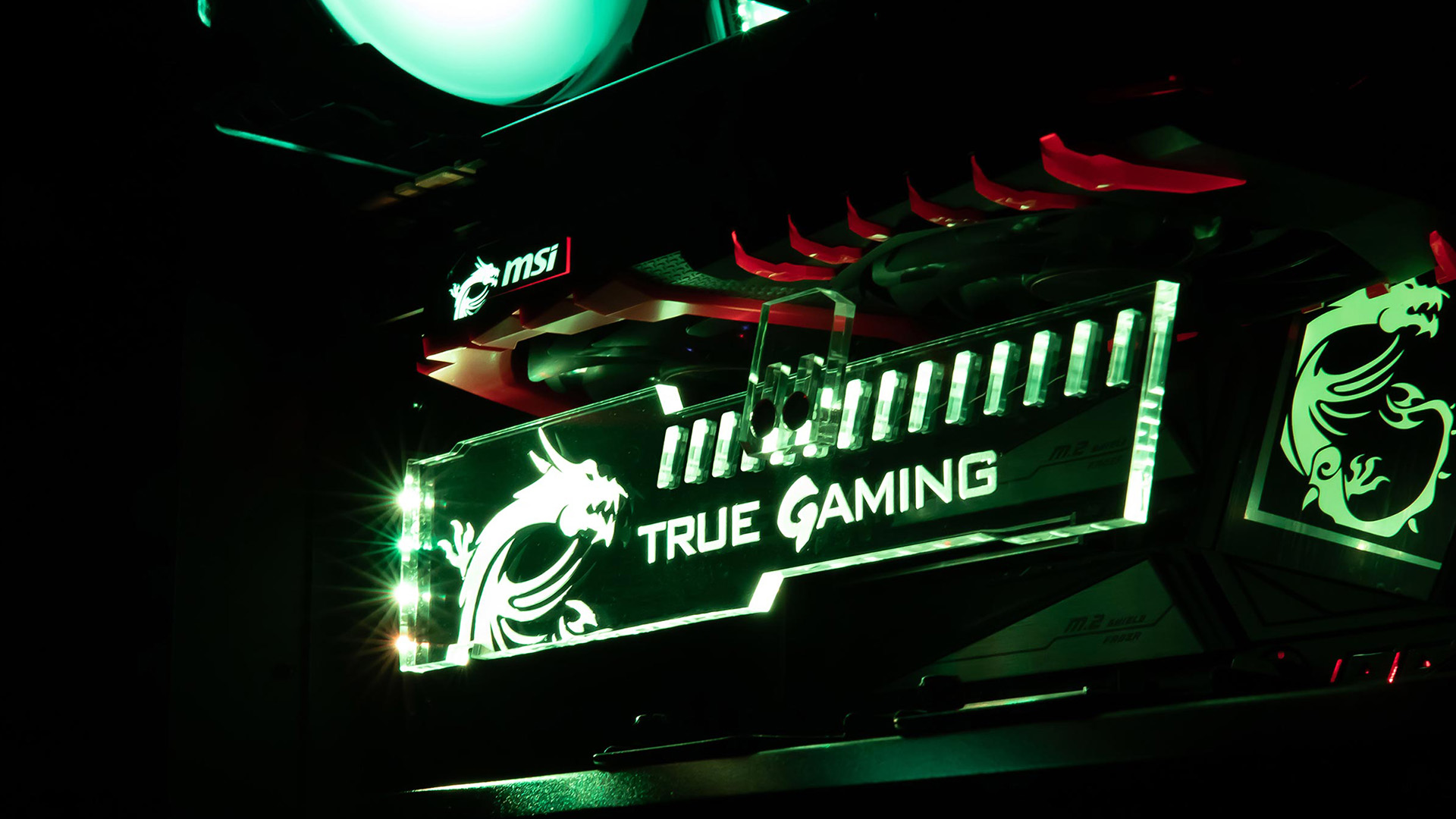
Can You Fix GPU Sag Without a Bracket?
Sometimes. If the problem is caused by poor installation, reseating the GPU and correctly securing its rear mounting screws may solve it completely.
Cable routing can also help. A power cable should not be used as a makeshift suspension system, but removing unnecessary downward cable tension can stop it exaggerating existing sag.
A vertical GPU installation can change how the card's weight is supported, although it requires a compatible case, mounting hardware and PCIe riser arrangement. It may also change the distance between the GPU fans and the case panel, so cooling clearance still matters.
You may also see improvised supports made from plastic blocks or other household items. While a stable non-conductive object can physically prop up a graphics card, a purpose-designed holder provides more predictable adjustment and mounting security.
If you are considering changing the card’s orientation, it is also worth understanding how vertical vs horizontal GPU mounting can affect cooling, case clearance and overall compatibility.
Does a GPU Support Bracket Affect Airflow?
A correctly positioned support should have little effect on cooling because it occupies very little space.
Problems arise when a large holder blocks a GPU fan or when a support stand is positioned directly where intake air needs to pass. This is especially relevant in builds with bottom-mounted case fans feeding fresh air towards the graphics card.
Check the full path of the fan blades as well. A bracket sitting safely beneath a stationary GPU can still cause trouble if it extends into a fan once the system starts.
Support and airflow should therefore be considered together rather than treating bracket placement as a purely mechanical decision.

Do You Actually Need a Graphics Card Support Bracket?
A GPU support bracket is useful when a correctly installed graphics card still has noticeable sag or when its manufacturer provides a holder specifically for additional support.
Compact cards that remain level generally do not require an extra bracket. Larger cards with long cooling assemblies are more likely to benefit, particularly if the unsupported end visibly drops.
Start with installation checks, then assess the card's length, cooler weight, case layout and available support points. If you add a bracket, set it high enough to carry the load but not so high that it bends the card in the opposite direction.
That approach solves the actual mechanical problem instead of simply hiding the angle.

GPU Sag FAQs
Can GPU sag reduce gaming performance?
GPU sag itself does not normally reduce FPS. The concern is mechanical strain. If severe movement affected the card's connection to the motherboard, you could experience instability, but ordinary cosmetic sag does not make the GPU process frames more slowly.
Do I need a GPU bracket with a reinforced PCIe slot?
Not necessarily, but a reinforced PCIe slot does not support the outer end of the graphics card. A long, heavy card may still benefit from a support even when the motherboard uses a strengthened slot.
Can I place a GPU support stand on a case fan?
Avoid placing a support where it could obstruct fan blades, deform the fan frame or restrict airflow. If bottom fans leave no safe supporting surface, use another bracket design or a case-supported mounting point.
Should a GPU support bracket touch the card firmly?
It should make secure enough contact to carry some of the GPU's weight without forcing the card above level. Once the visible sag has been corrected, further upward adjustment is unnecessary.
What should I do if my graphics card already includes a support bracket?
Use the supplied support where it is compatible with your case and follow the manufacturer's installation instructions. A purpose-designed holder may use specific mounting points or contact areas intended for that graphics card.
Does vertically mounting a GPU prevent sag?
Vertical mounting removes the conventional downward droop seen when a long GPU projects horizontally from the motherboard. However, you still need a compatible case, secure mounting hardware, a suitable PCIe riser and enough clearance around the card for cooling.
Related Articles


Last Updated: April 28, 2026
When it comes to high-performance computing, gaming realism, and creative workloads, NVIDIA graphics cards continue to set the benchmark. From immersive gaming experiences to professional-grade rendering and AI acceleration, NVIDIA’s GPUs power some of the most advanced systems on the market today. This guide explores everything you need to know about Nvidia graphics cards.
Understanding NVIDIA Graphics Cards and their Advantages
When performance matters, NVIDIA continues to lead the graphics card market with technology designed for today’s most demanding applications. From immersive gaming worlds to high-speed creative workflows, NVIDIA GeForce graphics cards deliver the power, efficiency, and visual realism modern users expect. Trusted by gamers and professionals alike, NVIDIA GPUs have become the benchmark for smooth gameplay, intelligent upscaling, and advanced rendering. What truly sets NVIDIA graphics cards apart is how each generation evolves. With smarter architecture, improved

Last Updated: April 28, 2026
If you’re looking for the most powerful consumer GPU NVIDIA has ever produced, the RTX 5090 graphics card is designed with you in mind. Whether you’re building a no-compromise gaming PC, upgrading a professional workstation, or simply want the very best from the latest graphics technology, the RTX 5090 sits at the very top of NVIDIA’s graphics cards UK lineup. In this guide, we’ll walk you through everything you need to know as a UK buyer, from the RTX 5090 release date and expected pricing to real-world performance and whether this GPU actually makes sense for how you use your PC.
What Exactly is the RTX 5090 Graphics Card?
The RTX 5090 graphics card is NVIDIA’s flagship GPU, built for users who don’t want to make trade-offs. If you play at 4K, use ultra-wide monitors, or rely on your system for demanding creative work, this is the kind of hardware designed to keep up. As a true RTX 5090 high-end GPU, it’s aimed at:
- Gamers who want maximum frame rates at ultra settings
- Creators working

Published: January 09, 2026
If you’re searching for graphics cards 9060 in the UK, you’re clearly looking for the next sweet spot in gaming and creative performance without overspending. At Laptop Outlet, we know UK gamers and professionals want powerful, reliable graphics cards at genuinely competitive prices, backed by trusted brands and fast delivery. In this guide, we’ll explore graphics cards 9060 deals, discuss how they compare to alternatives, and help you decide whether an AMD-based option, a next-generation NVIDIA alternative, or a trusted gaming brand like ASUS, Gigabyte, or XFX is right for you.
What are Graphics Cards 9060 and Why are they Generating So Much Interest?
The growing interest in graphics cards 9060 comes from demand for mid-to-upper-tier GPUs that deliver excellent performance at a more accessible price point. These cards are widely associated with AMD’s next-generation lineup, including expected models such as the AMD RX 9060 XT graphics card. Gamers and creators are excited because graphics
Last Updated: April 28, 2026
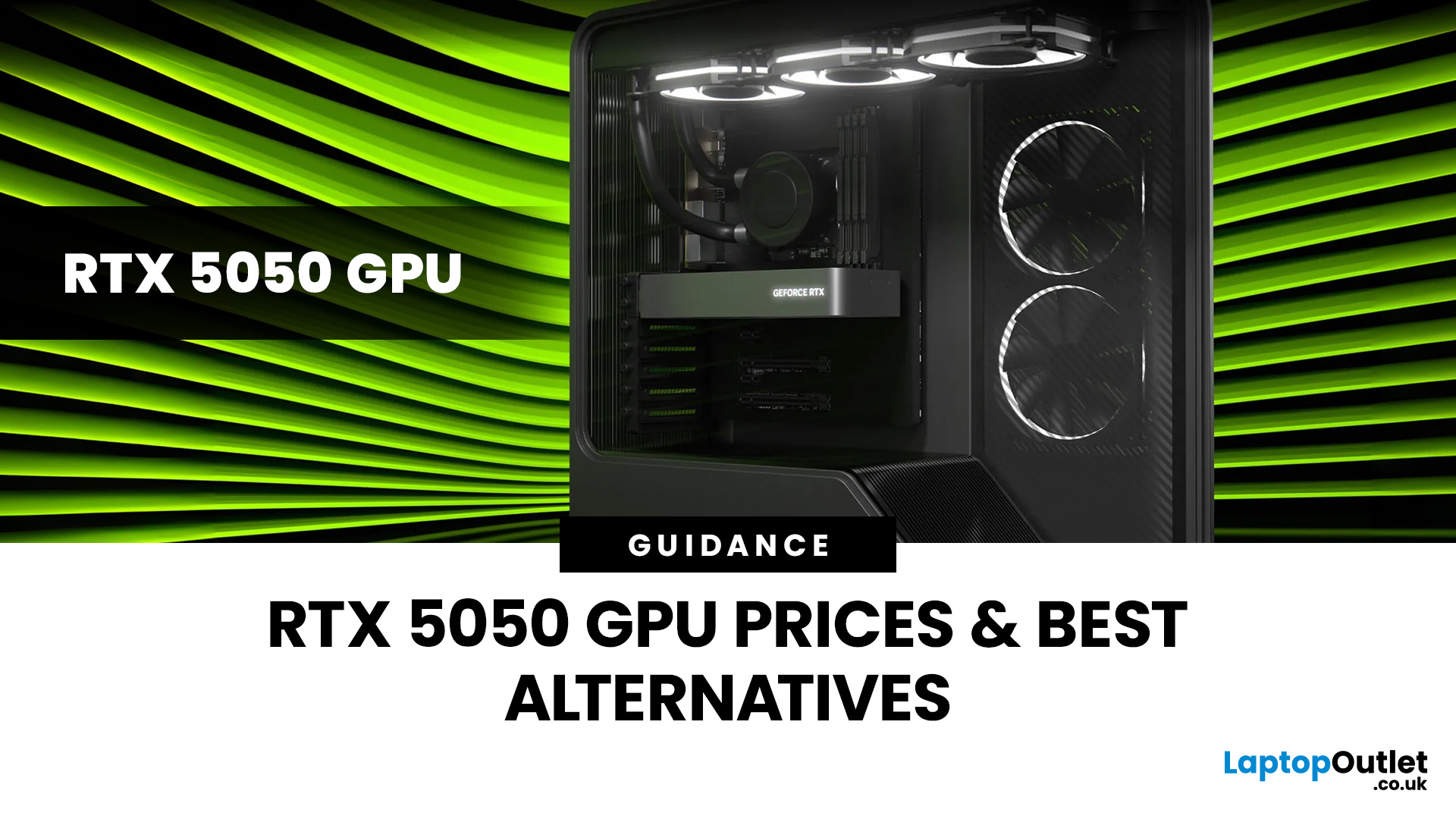
Finding the right graphics card at the right price has become one of the biggest challenges for PC gamers in the UK. With new GPU generations launching and stock levels fluctuating, buyers are looking for hardware that delivers strong performance without stretching their budget. In this guide, we explore everything you need to know about the NVIDIA RTX 5050 GPU, including expected gaming performance, anticipated UK pricing, and where it fits within today’s competitive graphics card market. We’ll also highlight the best alternatives available at Laptop Outlet, ensuring you have plenty of options if stock is limited.
What is the NVIDIA RTX 5050 GPU?
The NVIDIA RTX 5050 GPU is expected to sit at the entry-to-mid-level end of NVIDIA’s next-generation RTX lineup. Designed for gamers who want modern features without the premium price tag, the RTX 5050 PC graphics card is aimed at smooth 1080p gaming and entry-level 1440p performance. As part of NVIDIA’s latest architecture, the RTX 5050 graphics
Last Updated: January 13, 2026
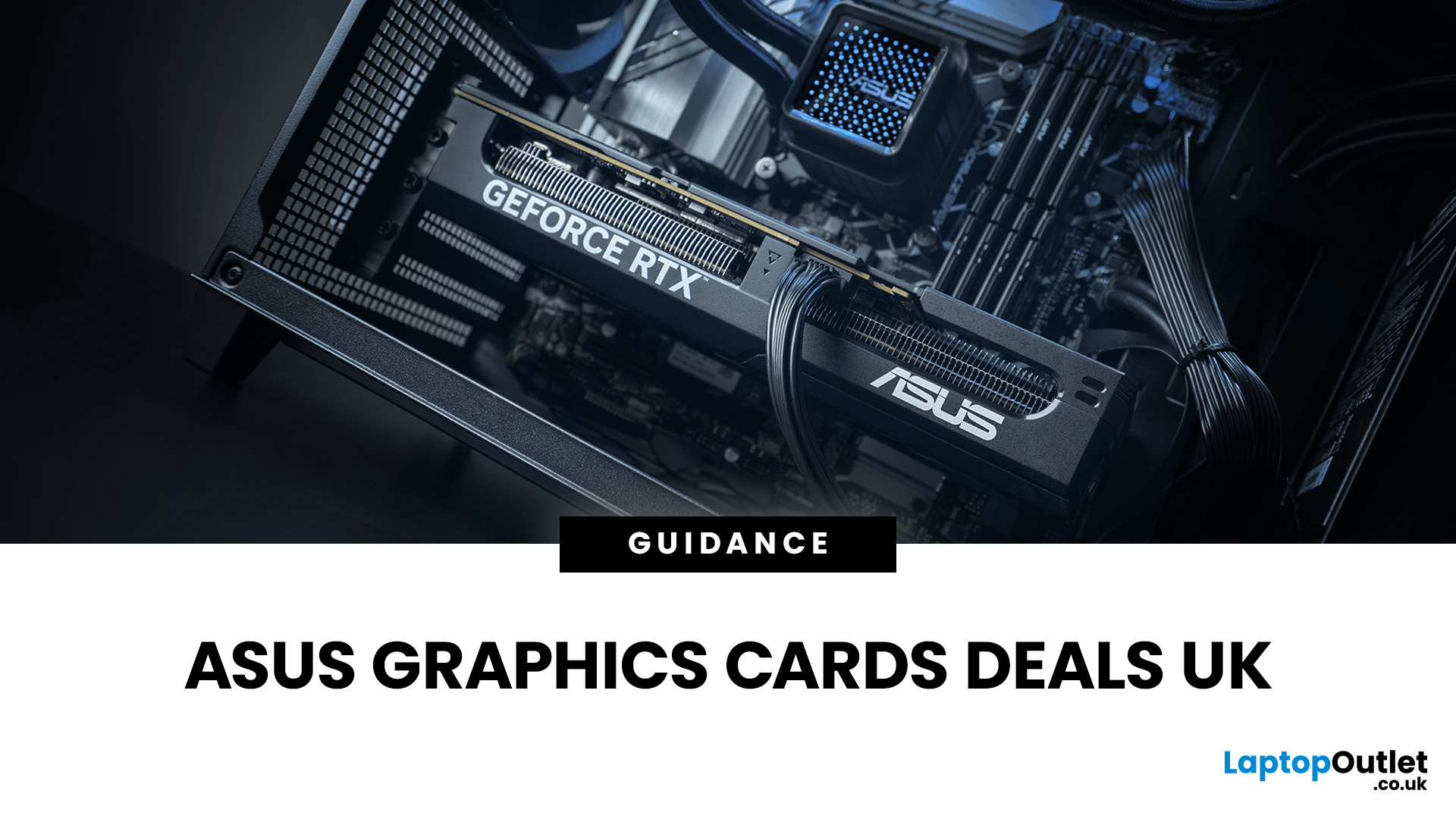
Are you looking to upgrade your PC with cutting-edge performance, reliability, and exceptional gaming visuals? ASUS graphics cards remain one of the most trusted choices in the UK market. We bring you competitive prices, frequent deals, and a wide selection of ASUS GPUs designed for gamers, creators, and professionals alike. From advanced NVIDIA RTX models to efficient AMD Radeon options, ASUS continues to lead the way in innovation, cooling, and long-term durability.
Why Choose ASUS Graphics Cards?
ASUS has built a global reputation for producing premium PC components, and its graphics cards are no exception. Designed with performance, stability, and longevity in mind, ASUS PC graphics cards are trusted by enthusiasts and professionals worldwide.
Proven Engineering and Build Quality
ASUS graphics cards are engineered using high-quality components, reinforced PCBs, and advanced power delivery systems. This ensures consistent performance even under heavy workloads such as 4K gaming, 3D
Published: January 13, 2026
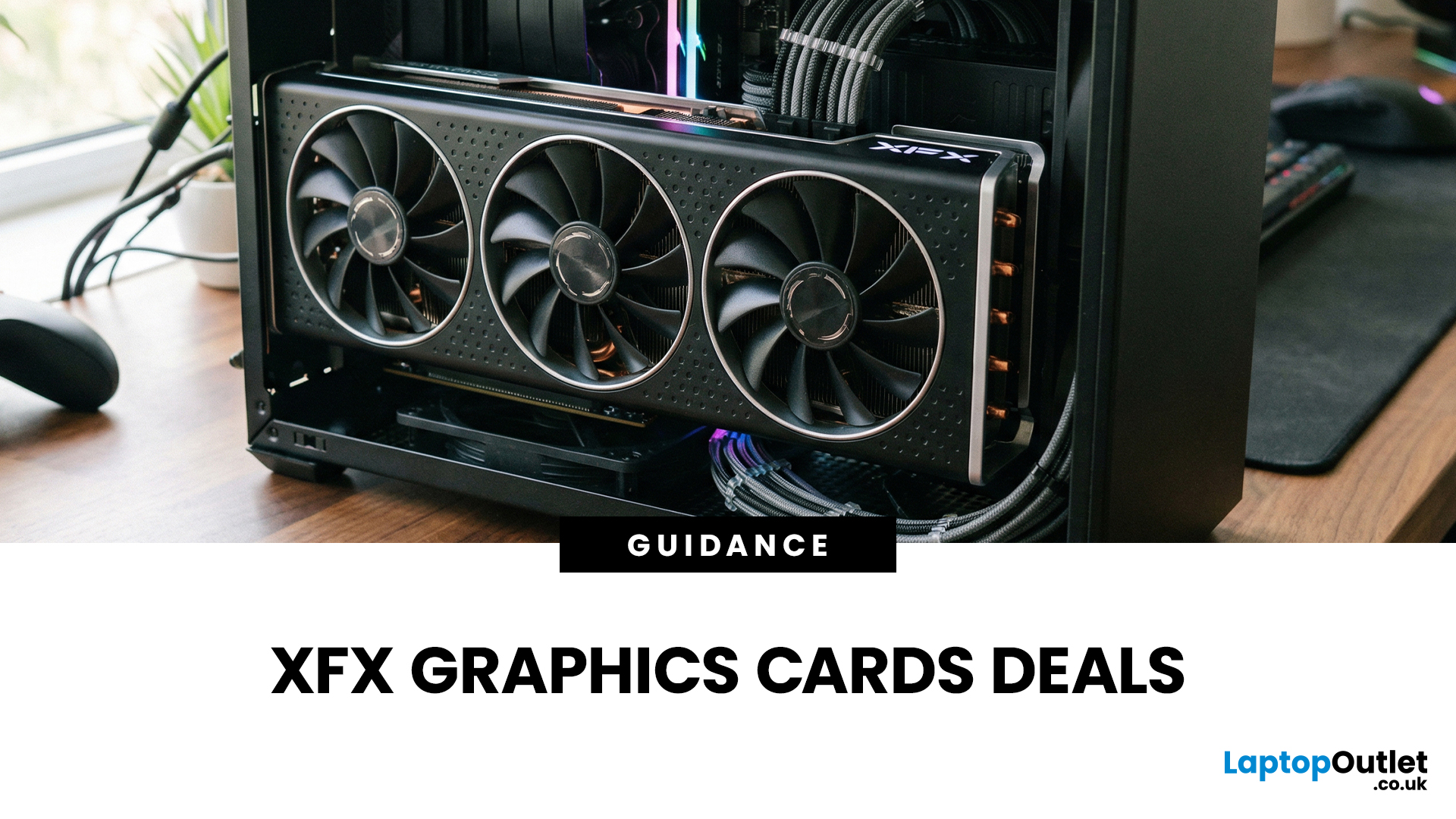
Choosing the right graphics card is one of the most important decisions when building or upgrading a gaming PC, and XFX graphics cards UK gamers trust continue to stand out for performance, reliability and value. As one of AMD’s most established board partners, XFX focuses exclusively on Radeon GPUs, delivering powerful gaming performance at highly competitive prices. We offer a wide range of XFX graphics cards deals, making it easier for you to access cutting-edge AMD technology without overspending. Whether you’re upgrading an older system, building a new gaming rig or searching for better value than current NVIDIA options, XFX delivers a compelling alternative. This guide explores everything you need to know about XFX GPUs, including performance, pricing, comparisons, and how to find the best XFX GPU deals UK buyers can rely on.
Why XFX Graphics Cards Are a Trusted Choice for AMD Gamers
XFX has built a strong reputation by focusing entirely on AMD hardware. Unlike brands that split
Last Updated: April 28, 2026
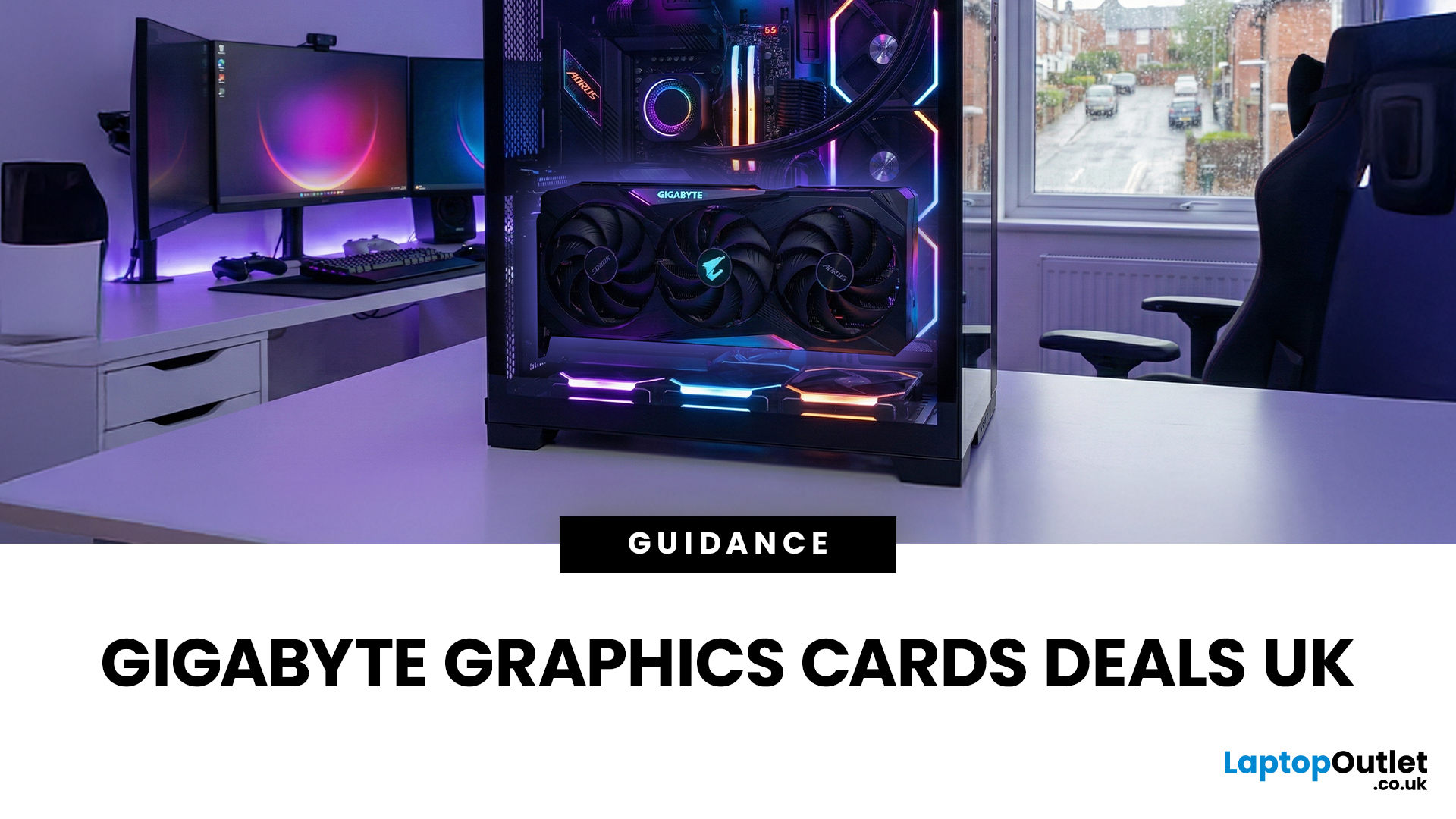
When it comes to upgrading your gaming PC or building a reliable high-performance setup, Gigabyte graphics cards are one of the suitable choices for gamers and creators. Known for strong performance, efficient cooling and excellent value, Gigabyte GPUs are designed to handle everything from everyday gaming to demanding creative tasks. Whether you’re aiming for smooth gameplay, detailed visuals or future-ready performance, there’s a Gigabyte graphics card to suit your needs and budget.
What Makes Gigabyte Gaming Graphics Cards Ideal for Modern Gaming?
Modern games demand more from hardware than ever before. Gigabyte has responded with GPUs that deliver high frame rates, detailed visuals and smooth gameplay across popular titles.
Performance that Keeps Up with New Games
From competitive esports titles to AAA blockbusters, Gigabyte gaming graphics cards are built to handle demanding workloads. Features such as ray tracing, DLSS (on NVIDIA models) and high memory bandwidth ensure consistent
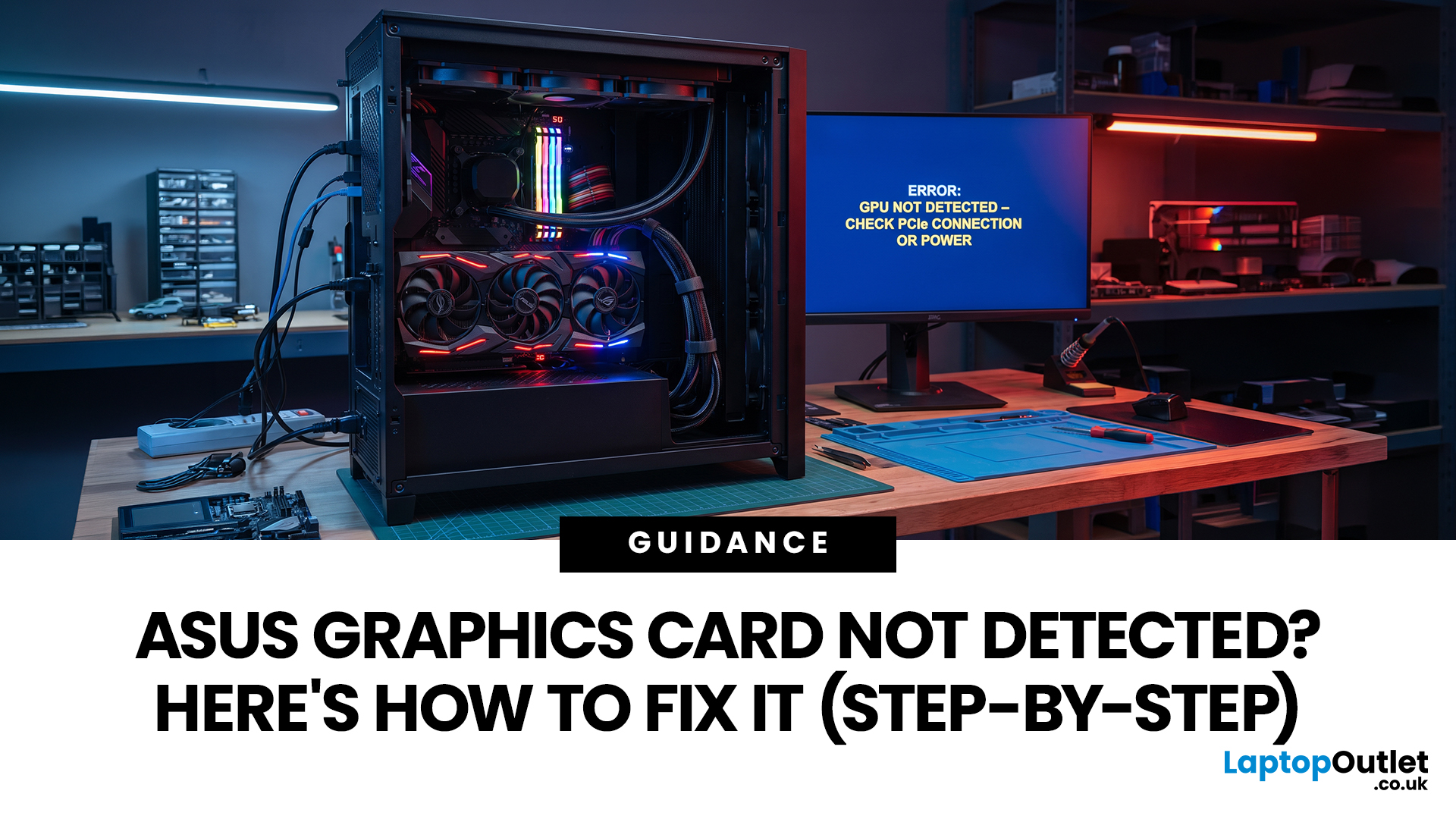
Last Updated: August 24, 2026
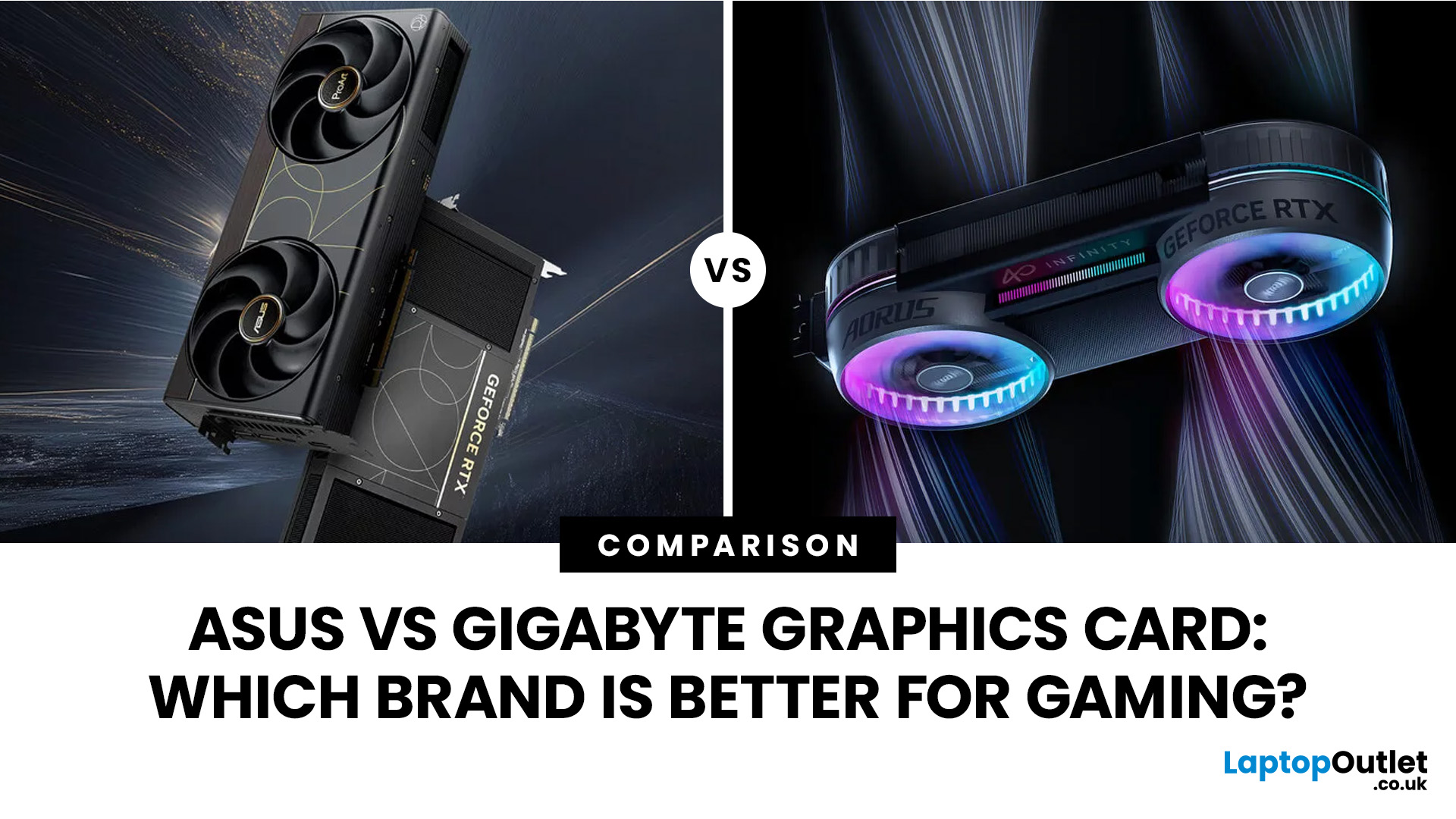
Last Updated: September 03, 2026
Both ASUS and Gigabyte are among the most trusted graphics card manufacturers available to UK gamers in 2026. In the ASUS vs Gigabyte graphics card comparison, ASUS typically leads on premium cooling, build quality, and software, while Gigabyte offers strong value across its mid-range and budget tiers. The right choice comes down to your budget, performance needs, and preferred feature set.
Choosing between ASUS and Gigabyte for your next graphics card is a decision many UK gamers face when building or upgrading a system. This guide breaks down every relevant factor so you can make an informed decision, whether you're gaming at 1080p, pushing 1440p on a competitive title, or targeting 4K. We also include best graphics card recommendations for different types of gamers.
A Quick Look at Both Brands
Before diving into the ASUS vs Gigabyte graphics card debate, here is a brief introduction to each brand and how they structure their GPU ranges. Knowing this makes it much easier to understand
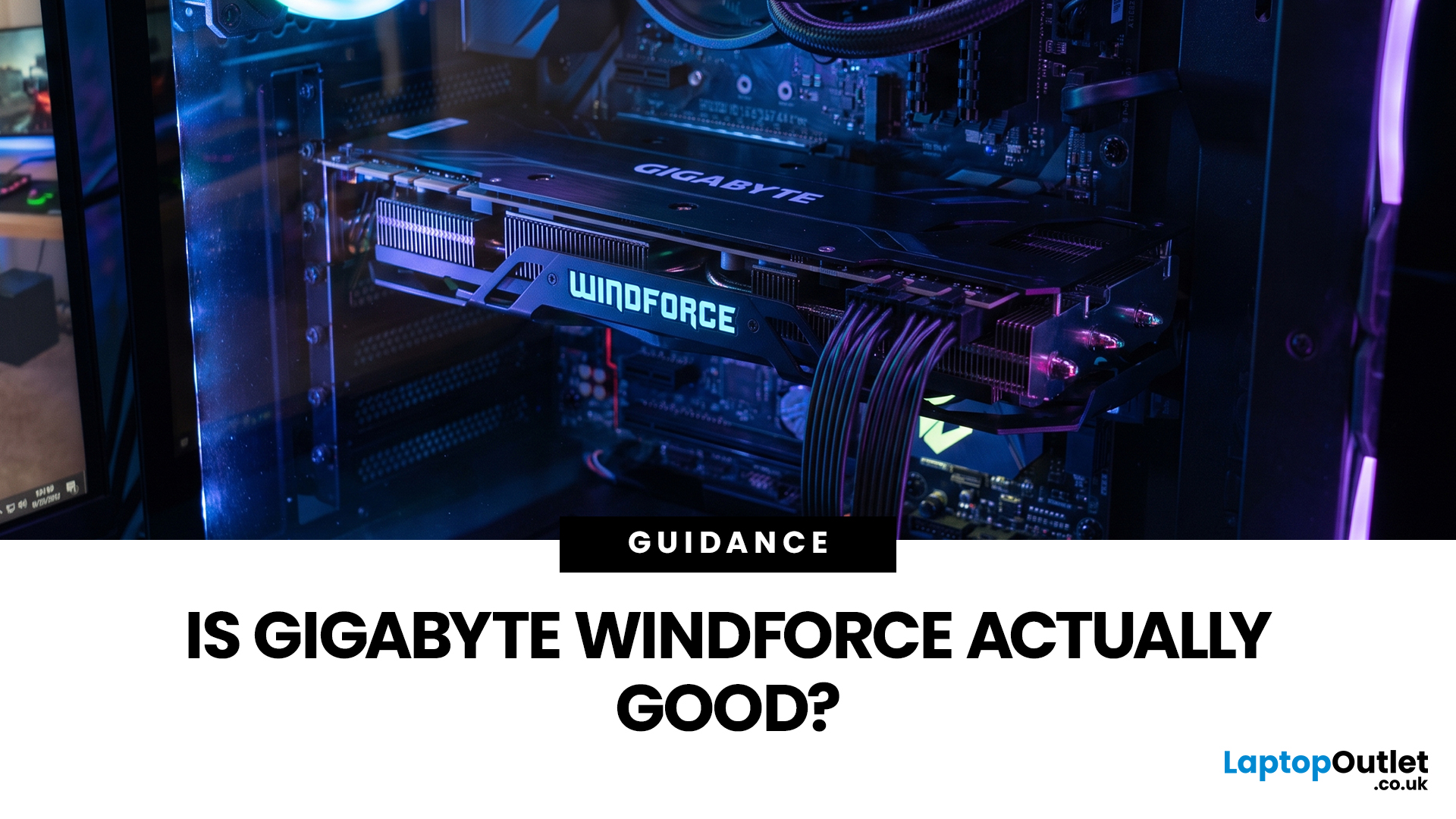
Last Updated: August 06, 2026
Gigabyte WINDFORCE graphics cards are generally good choices for gamers who want dependable cooling, sensible dimensions, and competitive pricing without paying extra for every premium feature. However, WINDFORCE does not identify the performance level of the GPU itself. An RTX 5080 WINDFORCE will still be substantially faster than an RTX 5060 WINDFORCE because the graphics processor matters more than the cooler’s name.
This guide explains how the WINDFORCE cooling system works, what to expect from temperatures and noise, and how Gigabyte WINDFORCE compares with Gaming OC and AORUS models.
What Does Gigabyte WINDFORCE Mean?
WINDFORCE is Gigabyte’s name for a collection of graphics card cooling technologies rather than a specific GPU architecture. Gigabyte uses the name both on dedicated WINDFORCE models and as the underlying cooling platform for certain Gaming OC and AORUS cards.
This distinction is important. A Gigabyte RTX graphics cards may use two or three fans, different numbers of

