



10 Best Gaming Headsets Under £100 for Gaming and Music
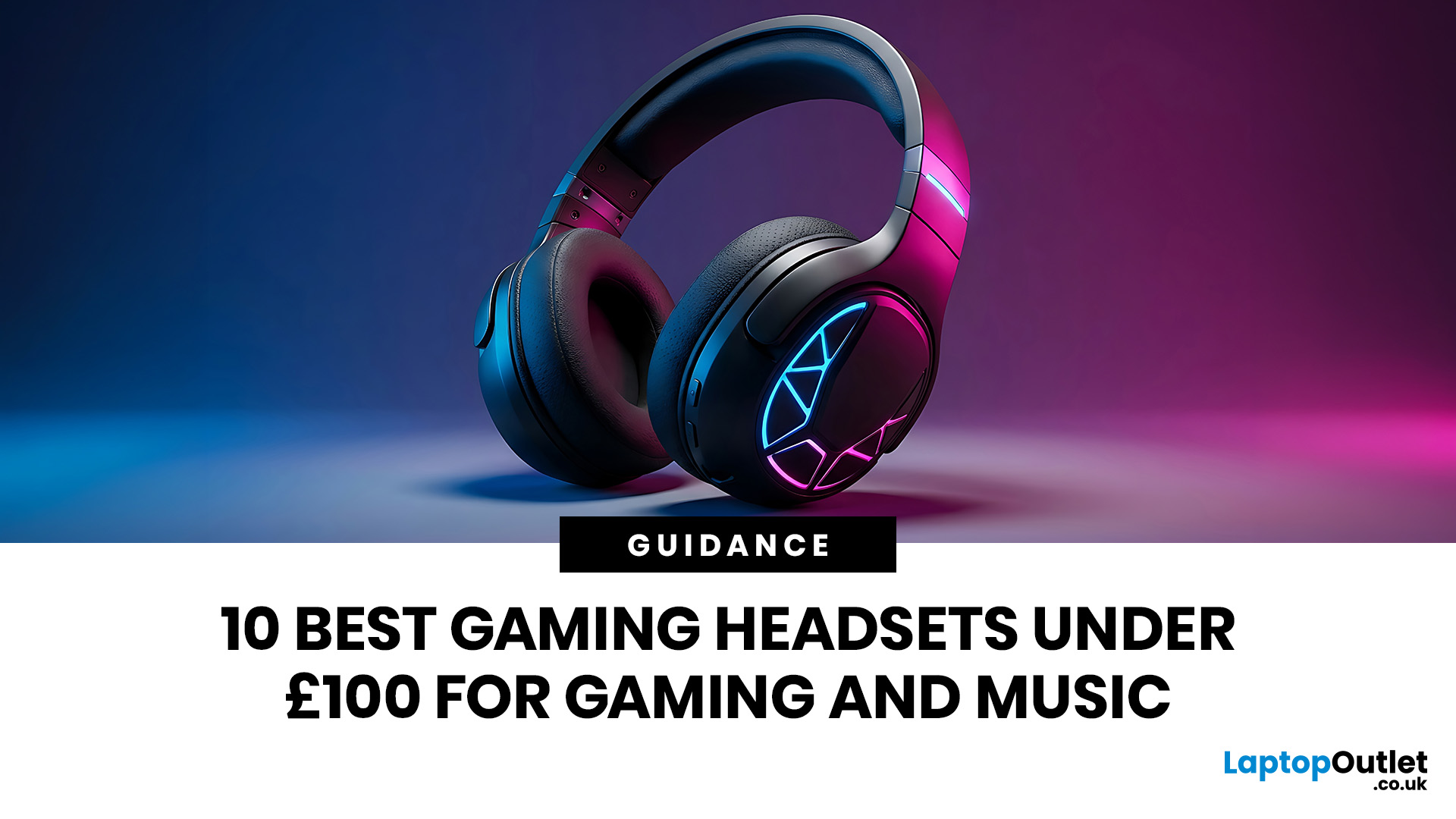
Finding the best gaming headsets UK players can actually rely on should not feel like a side quest with impossible difficulty. Whether you are grinding ranked matches, jumping into weekend co-op, streaming with friends, or just vibing to your favourite playlist, the right headset can completely change the experience.
A good headset is not only about loud audio. It is about clean sound, clear voice chat, comfort during long sessions, and solid value for money. That is why a budget gaming headset can still be a total win when it gets the basics right. You do not always need a super-premium setup to hear footsteps, enjoy cinematic soundtracks, or keep your squad comms crisp.
In this guide, we have rounded up 10 strong picks for gamers who want quality without overspending. Most of these are good gaming headsets under 100, while a few premium “stretch picks” are included because they are worth watching when deals drop. Prices can change, so it is always smart to check the latest offer before buying.
For a wider range of headphones for gaming and music, you can also explore Laptop Outlet’s full audio range. But if your main goal is gaming, these best gaming headsets are a strong place to start.
Why a Good Gaming Headset Matters

A headset is one of those upgrades you feel instantly. Better audio makes games more immersive, music more detailed, and voice chat much easier to deal with. If you play competitive games, directional sound can help you spot enemies before you see them. If you play story games, better drivers can make explosions, ambience, and dialogue feel way more cinematic.
The best part? You do not need to spend wild money. A low-cost gaming headset can still deliver solid bass, clear mids, and a decent mic. The trick is choosing a model that balances sound quality, comfort, build, and compatibility.
To complete your setup, it is worth checking out other must-have laptop accessories like keyboards, monitors, cooling stands, and more, especially if you want a cleaner and more comfortable gaming space.
A good budget headset should offer:
- Clear audio for gaming, music, and calls
- A comfortable headband and soft ear cushions
- A reliable microphone for online chat
- Strong compatibility with PC, console, or mobile
- Good value compared to its price
If you are building a full setup, a headset pairs nicely with other essential gaming accessories, from keyboards and mice to controllers and charging gear. And if you want your visuals to match your audio, consider upgrading to high-refresh-rate gaming monitors for smoother gameplay.
1. Razer BlackSharkV2 X Wired Gaming Headset Xbox Licensed - Black
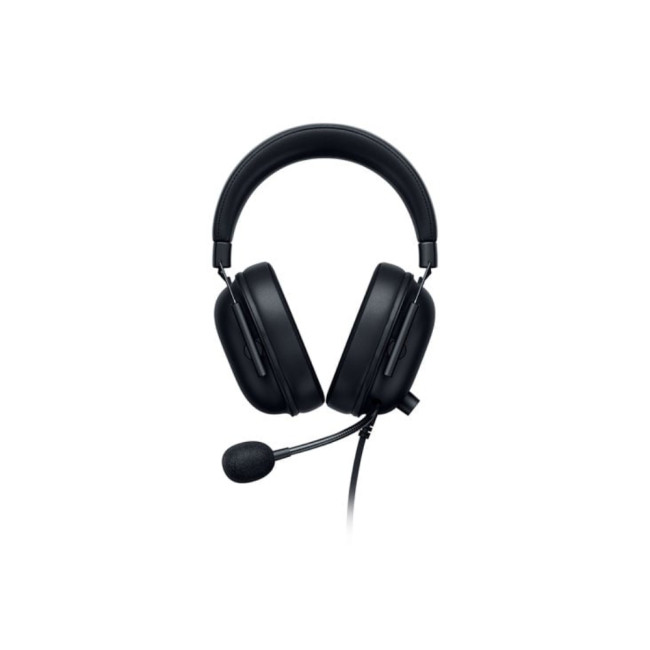
The Razer BlackShark V2 X Xbox Licensed headset is easily one of the strongest choices for anyone looking for the best budget headset without sacrificing performance. It is lightweight, clean-looking, and made for gamers who want focused sound without unnecessary extras.
This model is especially good for Xbox players, but it also works well for anyone who wants a simple wired setup. Wired headsets are still a great choice because they avoid battery stress, charging breaks, and connection lag. Just plug in and play.
The sound profile is punchy enough for action games and detailed enough for music. Explosions feel powerful; dialogue stays clear, and in competitive games, you get a better sense of movement and direction. That makes it a strong, affordable gaming headset for players who want everyday reliability.
The microphone is another big plus. Squad chat stays clear, and your voice does not sound like it is coming from another planet. For the price, it gives serious value.
|
Best for: Xbox players, competitive gaming, and budget-conscious buyers Why it stands out: Great value, lightweight design, trusted Razer audio, strong mic clarity |
2. Razer BlackSharkV2 X Wired Gaming Headset for PlayStation - Black
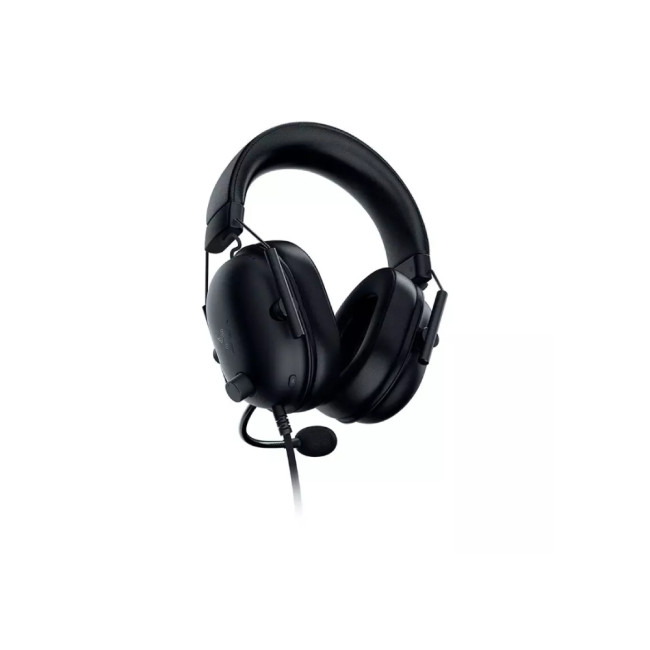
If you are on PlayStation and want a gaming headset on a budget, this PlayStation-focused Razer BlackShark V2 X is a very safe pick. It keeps the same sharp BlackShark design and focuses on the stuff that actually matters: clean audio, comfort, and mic quality.
This headset is a nice fit for PS5 and PS4 gamers who play everything from shooters to open-world adventures. It gives you a more private and immersive sound than TV speakers, and it helps you stay locked in during longer sessions.
As a best inexpensive gaming headset option, it has that “does the job properly” energy. It is not trying to be flashy for no reason. Instead, it gives you a lightweight frame, comfortable earcups, and audio that works well for both gaming and music.
For anyone upgrading from basic earbuds or a low-quality headset, this is a big step up. It is also a solid gift option because it feels premium without going overboard.
|
Best for: PlayStation gamers who want strong value Why it stands out: Console-ready design, comfortable fit, clear mic, reliable wired performance |
3. Razer Kraken V4 X Wired Gaming Headset - Black
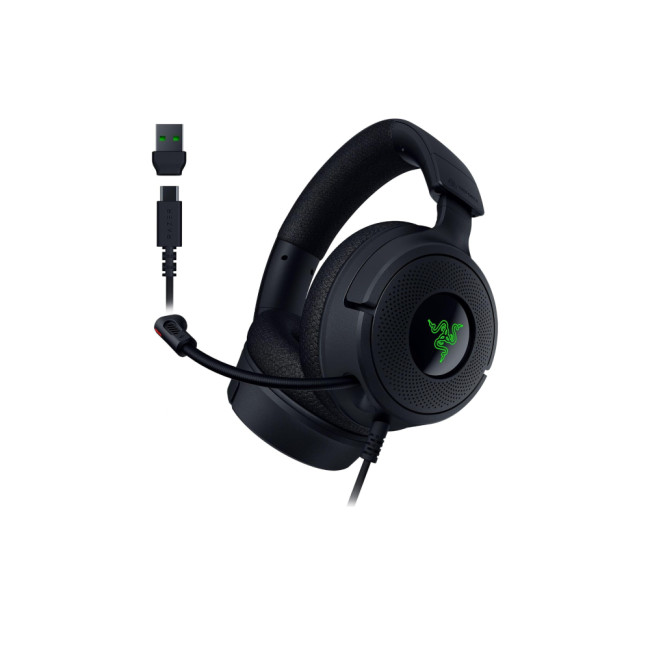
The Razer Kraken V4 X is for gamers who want their setup to look and sound more premium while still staying within a sensible price range. It brings that classic Kraken style with a modern finish, making it a great pick for players who care about performance and aesthetics.
This headset is a strong choice for PC gamers, especially if you want USB or USB-C connectivity. The surround sound support helps create a wider audio space, which is useful in FPS games, racing titles, RPGs, and cinematic single-player games.
It also works well for music. Bass has good weight, vocals are clear, and the overall sound feels more immersive than what you usually get from a basic economical gaming headset. The RGB design adds some extra personality without feeling too much.
If you are trying to build a setup that feels clean, modern, and fun, this headset fits the vibe. It is one of the top gaming headsets under 100 for players who want stronger features without stepping into premium pricing.
|
Best for: PC gamers, RGB setups, surround sound fans Why it stands out: Stylish design, immersive sound, USB/USB-C connection, strong all-round performance |
4. ASUS TUF Gaming H1 Gen II Wired Gaming Headset - Black
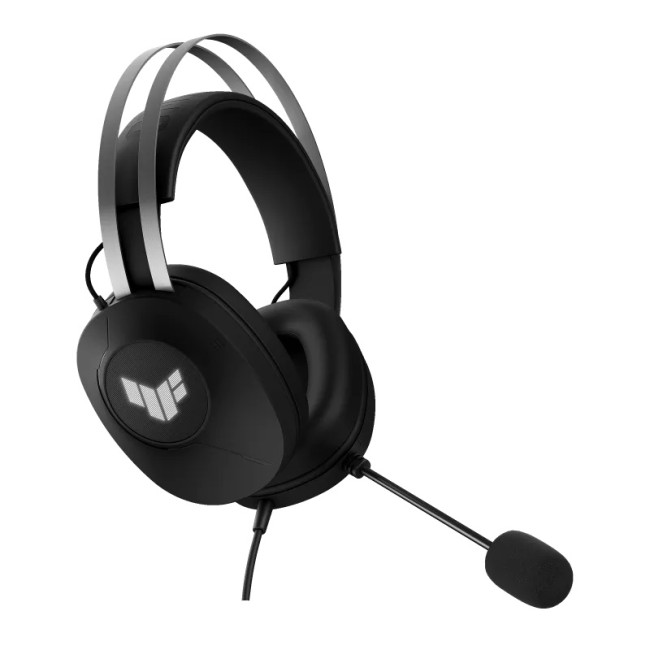
The ASUS TUF Gaming H1 Gen II is a smart choice for gamers who want an affordable gaming headset with immersive sound and a simple wired connection. It has the tough, practical TUF Gaming style while keeping the design clean enough to fit into almost any gaming setup.
Its 40mm ASUS Essence drivers deliver clear audio with deep, punchy bass, making explosions, soundtracks, dialogue, and everyday music feel more powerful. Virtual 7.1 surround sound also creates a wider sense of space, which can be useful when tracking footsteps and movement in competitive games or exploring cinematic open-world titles.
Comfort is another strong point. The lightweight design and metal suspension headband help distribute pressure evenly during longer gaming sessions. The durable over-ear cushions are also removable and easy to clean, making this a practical good budget headset for regular use.
The TeamSpeak-certified unidirectional microphone helps keep your voice clear during squad chat, while the USB-A connection offers straightforward compatibility with PC, PS4, and PS5. In-line controls give you quick access to volume, microphone mute, surround sound, and lighting without pulling you away from the game.
|
Best for: PC and PlayStation gamers, immersive wired gaming, and longer play sessions Why it stands out: 40mm ASUS Essence drivers, virtual 7.1 surround sound, lightweight suspension headband, and clear voice communication. |
5. Mad Catz P.I.L.O.T 3 Wired Gaming Headset Plug-and-Play - Black
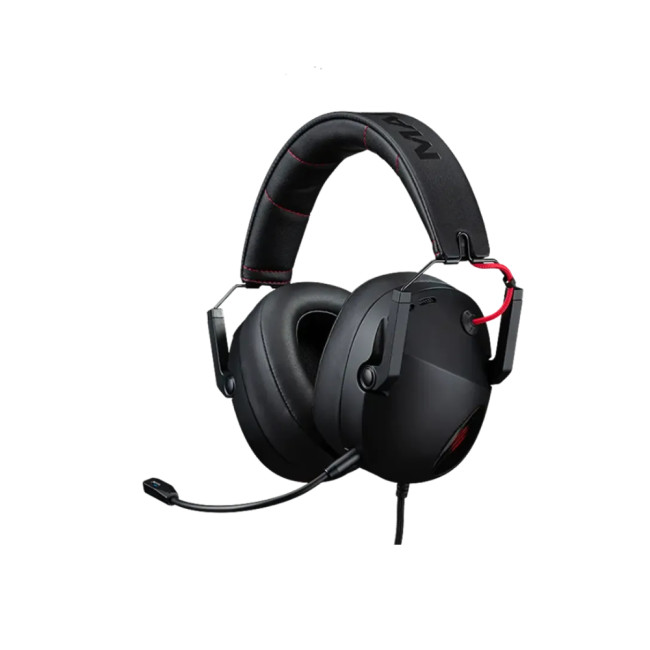
The Mad Catz P.I.L.O.T 3 is a strong replacement for anyone who wants a proper low-cost gaming headset without losing the essentials. It keeps things simple with a wired plug-and-play design, so you can connect it quickly and get straight into the game.
This headset uses 50mm neodymium drivers, which is a nice win at this price point. That helps deliver fuller sound for explosions, footsteps, dialogue, and music. It is a practical choice for gamers who want more punch than basic earbuds or entry-level headphones can offer.
Comfort is another key selling point. The ergonomic headband and Mad Pro earcups are designed for longer play sessions, while the in-line controls make it easy to adjust volume or mute without breaking focus.
Because it uses a 3.5mm connection, it works across a wide range of devices, including PC, PlayStation, Xbox, Nintendo Switch, Mac, and mobile. For a best inexpensive gaming headset, this one gives very strong everyday value.
|
Best for: Budget gamers, plug-and-play setups, and multi-platform use Why it stands out: 50mm drivers, detachable microphone, in-line controls, wide compatibility |
6. ACER Predator Galea 550WirelessGaming Headset - Black
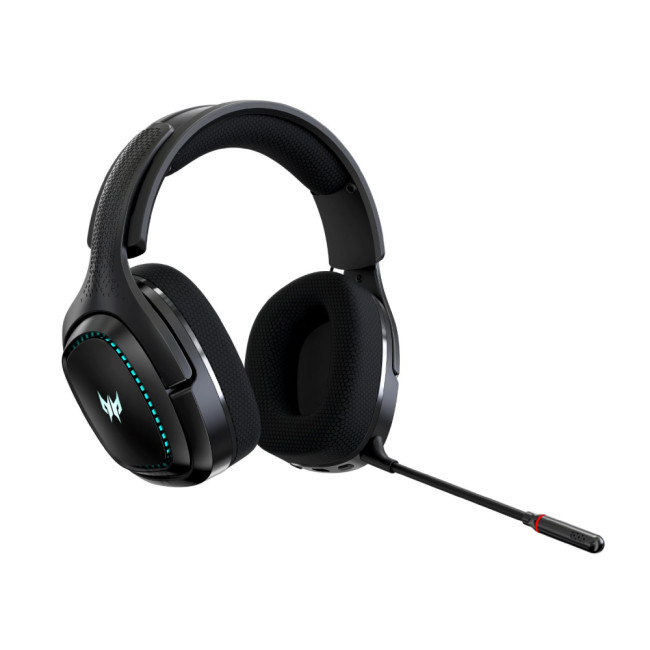
The ACER Predator Galea 550 is one of the most interesting wireless options for anyone who wants a good budget gaming headphones alternative without going too premium. It offers a strong balance of wireless convenience, gaming style, and value.
Wireless headsets are great if you like a cleaner desk or you move around while chatting with friends. The Predator Galea 550 gives you that freedom while still keeping the gaming-first design. It is bold, but not over the top.
The sound is solid for action games, multiplayer sessions, and casual music listening. You get enough punch for explosions and bass-heavy tracks, while voice chat stays clear enough for everyday gaming.
This is a smart pick if you want an affordable gaming headset but do not want to stay wired. It gives you the convenience of wireless without making your wallet rage quit.
|
Best for: Wireless gaming on a budget Why it stands out: Good value, wireless design, gaming-focused style, strong everyday audio |
7. Razer Barracuda XWirelessMulti-platform Gaming and Mobile Headset - Pink
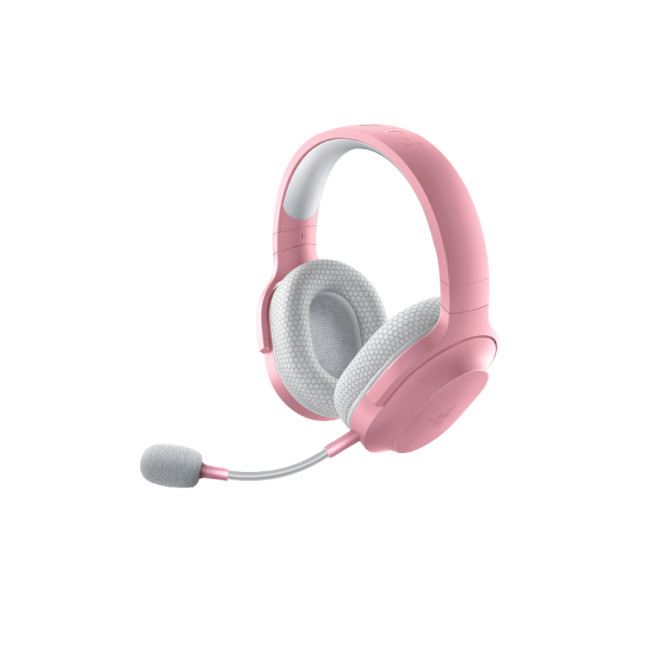
The Razer Barracuda X Wireless in pink is perfect if you want performance and personality in the same package. Not every gaming headset has to be black, grey, or aggressively “gamer.” This one brings a softer look while still offering the features you need.
It is made for multi-platform use, so you can move between gaming devices more easily. That makes it useful for players who switch from console to PC or from gaming to mobile listening throughout the day.
As a budget gaming headset option, it gives you wireless freedom, a lightweight design, and enough audio quality to handle both games and music. It is also a strong choice for anyone who wants a headset that looks good in a desk setup, bedroom setup, or streaming corner.
If you are after a good budget headset that does not look boring, this is the one. It has style, comfort, and flexibility in one clean package.
|
Best for: Stylish wireless gaming and multi-device use Why it stands out: Pink design, wireless connection, lightweight comfort, multi-platform support |
8. Sony INZONE H3 Wired Gaming Headset for Sony PlayStation 5 - White
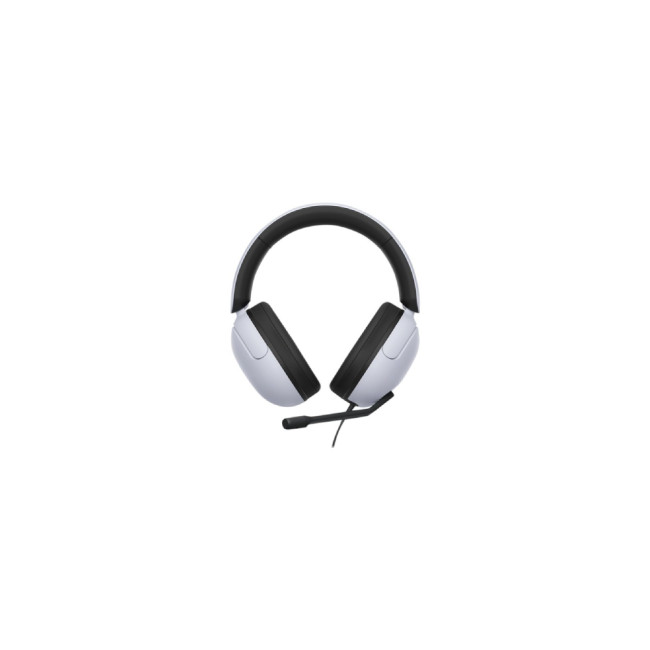
The Sony INZONE H3 is a natural fit for PlayStation players who want a headset that looks right next to a PS5. The white design matches the console's aesthetic, and the wired connection keeps things simple.
This headset is built for immersive gaming, especially on PlayStation. If you love story games, shooters, sports games, or late-night sessions where you do not want to wake up the whole house, the INZONE H3 is a strong choice.
It is also a good option for music, with clear enough sound for playlists, background tracks, and game soundtracks. For players searching for good gaming headsets under 100, this model brings brand trust, comfort, and console-friendly design.
The microphone is useful for multiplayer chat, and the wired setup means you do not need to worry about battery life. It is simple, clean, and reliable.
|
Best for: PS5 gamers and Sony setup fans Why it stands out: PS5-style design, wired reliability, immersive audio, comfortable fit |
9. ASUS TUF Gaming H1 7.1 Surround 2.4GHzWirelessGaming Headset - Black
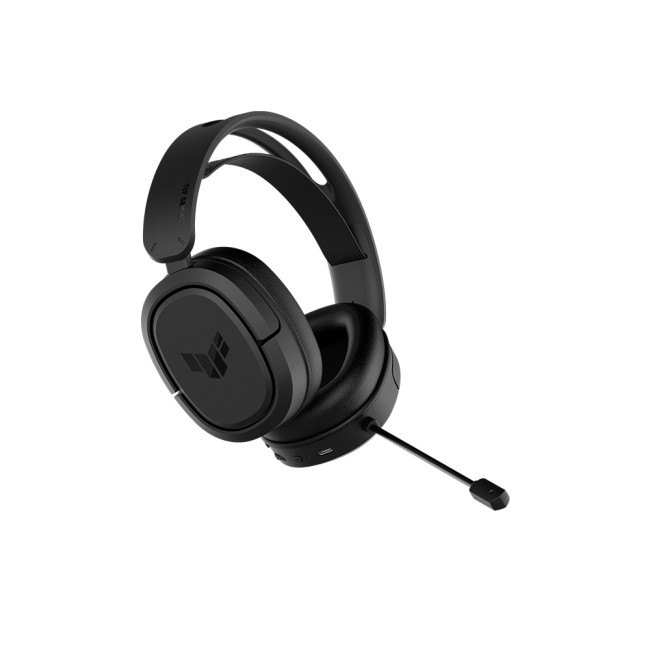
The ASUS TUF Gaming H1 Wireless is a smart choice for gamers who want wireless audio and virtual 7.1 surround without pushing too far above budget. It has that durable TUF Gaming identity, which makes it feel practical and setup-ready.
This headset is made for players who want fuller sound in competitive and cinematic games. Virtual 7.1 surround can help create a wider sense of space, especially in shooters and open-world titles. That makes it a strong economical gaming headset for users who care about immersion.
The wireless connection is also a big plus. You get fewer cables, more movement, and a cleaner desk. If you are building a neat gaming station, that matters more than people think.
For anyone comparing affordable gaming headsets, this ASUS model sits in a nice spot. It gives you wireless comfort, gaming features, and a trusted brand without feeling overpriced.
|
Best for: Wireless surround sound on a budget Why it stands out: 7.1 surround, wireless freedom, durable TUF design, strong value |
10. Cherry XTRFY H2 1.35mm Wired Boom Mic Gaming Headset - Black
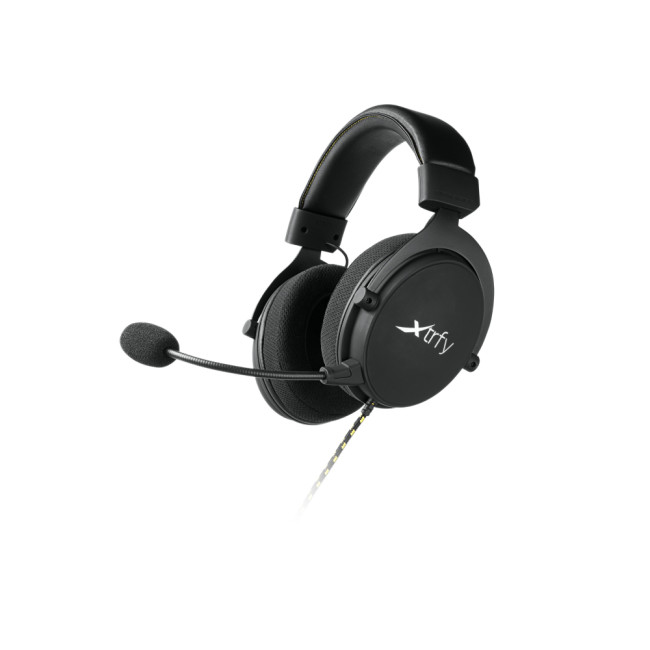
The Cherry XTRFY H2 is a great final pick for gamers who want a more esports-focused wired headset while still staying under £100. It has a clean black design, a durable build, and a comfort-first feel that works well for long gaming sessions.
This headset is built around large over-ear cups, memory foam cushions, and a lightweight construction. That makes it a strong choice if comfort is one of your top priorities. The sound profile is designed to highlight important in-game details, which can help in competitive games where footsteps, reloads, and movement cues matter.
The 53mm drivers give it a fuller sound than many basic low-cost gaming headset options. It is also useful beyond gaming, because it can handle music, movies, and everyday listening without feeling too limited.
The detachable boom microphone is another plus. It gives you clear team-chat functionality when you need it, but you can remove it when you just want to listen. With PC, Mac, console, and mobile compatibility, the Cherry XTRFY H2 is a strong all-round choice for the final spot in this list.
|
Best for: Esports-style gaming, comfort, and wired multi-platform setups Why it stands out: 53mm drivers, detachable boom mic, memory foam earcups, durable lightweight build |
Wired vs Wireless: Which Gaming Headset Should You Choose?

Both wired and wireless headsets can be great. The right choice depends on how you play.
A wired headset is usually better if you want simple plug-and-play performance. You do not need to charge it, and latency is usually very low. Wired models are often cheaper too, which makes them ideal if you want the best inexpensive gaming headset.
A wireless headset is better if you want freedom. No cable drag, less desk mess, and easier movement during long sessions. Wireless models can cost more, but many gamers feel the convenience is worth it.
Choose wired if you want:
- Lower price
- No charging
- Simple setup
- Reliable connection
Choose wireless if you want:
- Cleaner desk setup
- More movement
- Multi-platform flexibility
- A more modern feel
If you are still deciding between headsets and desktop audio, you can also check out speakers for gaming and music. Speakers are great for casual play and room-filling sound, while headsets are better for competitive gaming, privacy, and voice chat.
What to Look for in the Best Budget Gaming Headset
When choosing a budget gaming headset, do not only look at the price. A cheap headset that feels uncomfortable or sounds bad is not really a good deal. The best value comes from balanced features.
Comfort
Comfort matters a lot, especially if you play for hours. Look for padded earcups, adjustable headband, and lightweight design. A headset can sound amazing, but if it feels painful after 30 minutes, it is not the one.
Sound Quality
For gaming, you want clear positional audio, strong mids, and enough bass to make action feel exciting. For music, balance matters more. A good headset should handle both without sounding muddy.
Microphone Quality
If you play online, your mic is important. A clear mic makes team chat smoother and avoids that classic “your mic sounds cooked” moment. Noise reduction is a nice bonus.
Compatibility
Always check whether the headset works with your device. Some are better for Xbox, some are PlayStation-focused, and others are made for PC or multi-platform use.
Value for Money
A good deal is not always the cheapest option. The real goal is finding an affordable gaming headset that gives you the best mix of comfort, audio, mic quality, and durability.
If you prefer wireless devices, keeping a portable power bank nearby is a smart move for longer gaming sessions, commutes, or working away from your desk.
Best Overall Picks
If you want the best value under £100, the Razer BlackShark V2 X Xbox Licensed and Razer BlackShark V2 X PlayStation are the easiest recommendations. They are affordable, reliable, and strong enough for both gaming and music.
If you want wireless on a budget, the ACER Predator Galea 550 and ASUS TUF Gaming H1 Wireless are great choices. They give you more freedom without jumping too far into premium pricing.
If you want something compact and wireless, the ASUS ROG Cetra True Wireless SpeedNova in Moonlight White is a smart pick. It is ideal for gamers who prefer in-ear audio, mobile use, and a clean setup.
If you want strong wired value, the Mad Catz P.I.L.O.T 3 and MSI H991 are excellent low-cost options. They are simple, practical, and easy to recommend for everyday gaming.
If you want something more esports-focused, the Cherry XTRFY H2 is one of the strongest picks in the list. It combines comfort, large drivers, a detachable boom mic, and multi-platform compatibility while staying within budget.
A gaming headset is great for everyday comms, but a separate recording microphone is the better move if you want studio-style clarity for streaming, podcasts, or voiceovers.

Final Verdict: Which Gaming Headset Should You Buy?
The best headset depends on your budget and gaming style. For the best all-round gaming headset on a budget, the Razer BlackShark V2 X is a standout choice, offering great sound, comfort, and clear communication at an affordable price.
If you prefer wireless freedom, the ACER Predator Galea 550, ASUS TUF Gaming H1 Wireless, Razer Barracuda X Pink, and ASUS ROG Cetra True Wireless SpeedNova are excellent options. They give you cleaner setups, easier movement, and flexible use across different devices.
For gamers who want the lowest possible price, the MSI H991 and Mad Catz P.I.L.O.T 3 are strong budget-friendly picks. They keep the essentials covered without making the price feel heavy.
For anyone who wants a more competitive wired headset, the Cherry XTRFY H2 is a great choice. It is comfortable, durable, and built to highlight important in-game audio details.
For anyone searching for the best gaming headsets UK, this list includes reliable options for gaming, music, team chat, and everyday use. Whether you need a best budget headset, a wireless model, or one of the top gaming headsets under 100, there is a strong option here for your setup.

Common Questions for Gaming Headsets
What is the best gaming headset under £100?
The best gaming headset under £100 depends on your platform and playing style. Wired options are usually better for pure value, while wireless headsets are better if you want a cleaner setup and more freedom. Look for clear sound, a comfortable fit, a reliable microphone, and compatibility with your PC, PlayStation, Xbox, Nintendo Switch, or mobile device.
Are budget gaming headsets good for music too?
Yes, many budget gaming headsets are good for music as well as gaming. A good budget headset should offer balanced sound, clear vocals, and enough bass for playlists, movies, and game soundtracks. If you want one headset for gaming and everyday listening, choose a model with strong drivers, comfortable earcups, and a sound profile that is not too muddy or overly bass-heavy.
Is a wired or wireless gaming headset better?
A wired gaming headset is usually better if you want a lower price, simple setup, and no battery worries. A wireless gaming headset is better if you want more movement, fewer cables, and a cleaner gaming desk. For competitive gaming on a budget, wired headsets are often the safest choice. For casual gaming, music, and multi-device use, wireless models can be more convenient.
What should I look for in a low-cost gaming headset?
When buying a low-cost gaming headset, focus on comfort, sound quality, microphone clarity, and device compatibility. Soft ear cushions and an adjustable headband are important for long sessions. A clear microphone helps with online chat, while good audio drivers improve footsteps, dialogue, music, and cinematic effects. Always check whether the headset works with your chosen gaming platform before buying.
Can I use a gaming headset with PS5, Xbox, PC, and Nintendo Switch?
Many gaming headsets work across multiple platforms, but compatibility depends on the connection type. A 3.5mm wired headset often works with many controllers, laptops, PCs, and handheld devices. USB, USB-C, and wireless headsets may have more specific compatibility requirements. Before buying, always check the product details to make sure it supports your console, computer, or mobile device.
| Read More: |
| Best laptop accessories: keyboards, monitors & more |
| Best Microphones for PC and Recording: Buyer’s Guide 2026 |
| Best Portable Laptop Power Banks in 2026 |
Related Articles

Last Updated: April 14, 2026
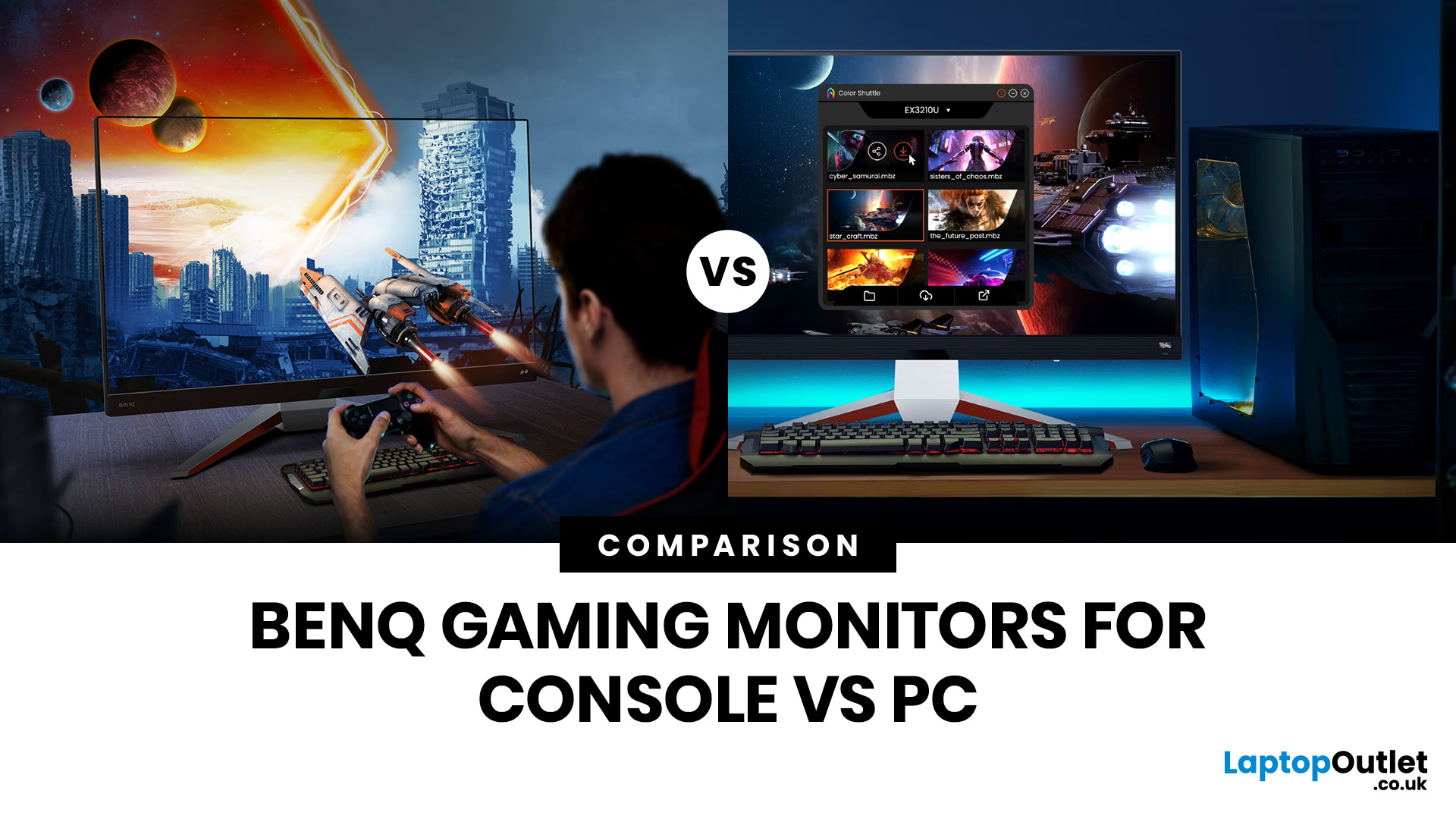
Picking the right gaming monitor is no longer as simple as choosing the biggest screen you can afford. Your setup matters, your platform matters, and the way you play matters even more. A monitor that feels perfect for a competitive PC player might not be the best fit for someone gaming on a PS5 or Xbox Series X.
That’s exactly why choosing the right BenQ gaming monitor for console or PC comes down to more than specs on a product page. You need to think about refresh rate, resolution, connectivity and whether you care more about raw speed or immersive visuals.
BenQ makes that decision easier by offering two clear gaming monitor families. ZOWIE is built for fast, focused competitive PC play, while MOBIUZ is designed for players who want strong performance with more visual depth and better console-friendly features. If you’ve been stuck comparing 1080p, 1440p and 4K, this guide breaks it all down in a way that helps.
Do Console and PC Gamers Need Different BenQ Monitors?
Console and PC
Last Updated: April 08, 2026
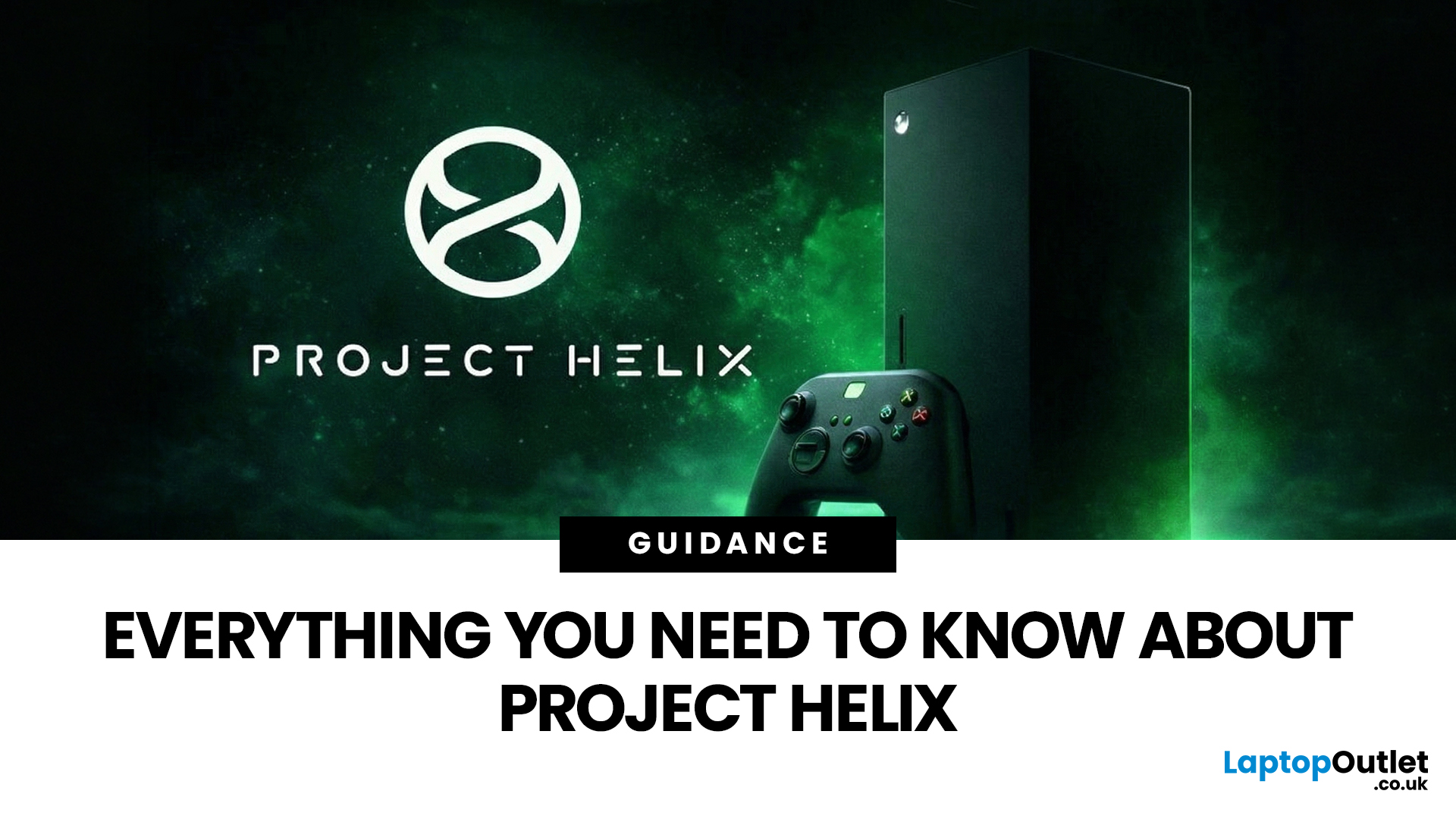
Microsoft has just officially lifted the lid on what comes after the Xbox Series X and Series S. If you have been following gaming news in early 2026, you have likely heard the name Project Helix floating around. This is the codename for Microsoft's next-gen gaming console, and it is shaping up to be unlike anything Xbox has released before.
The announcement came at the 2026 Game Developers Conference (GDC) in March, where Xbox VP of Next Generation, Jason Ronald, laid out the vision for the platform. There is a lot to unpack here, so let us go through everything you need to know.
| Note: Prices and availability referenced in this article are based on information available at the time of writing in March 2026. Product specifications for Project Helix remain unconfirmed by Microsoft and are subject to change. |
What Exactly Is Project Helix?
Project Helix is not simply the next Xbox console. It is a hybrid gaming platform designed to run both traditional Xbox titles and full PC games from
Last Updated: September 01, 2026
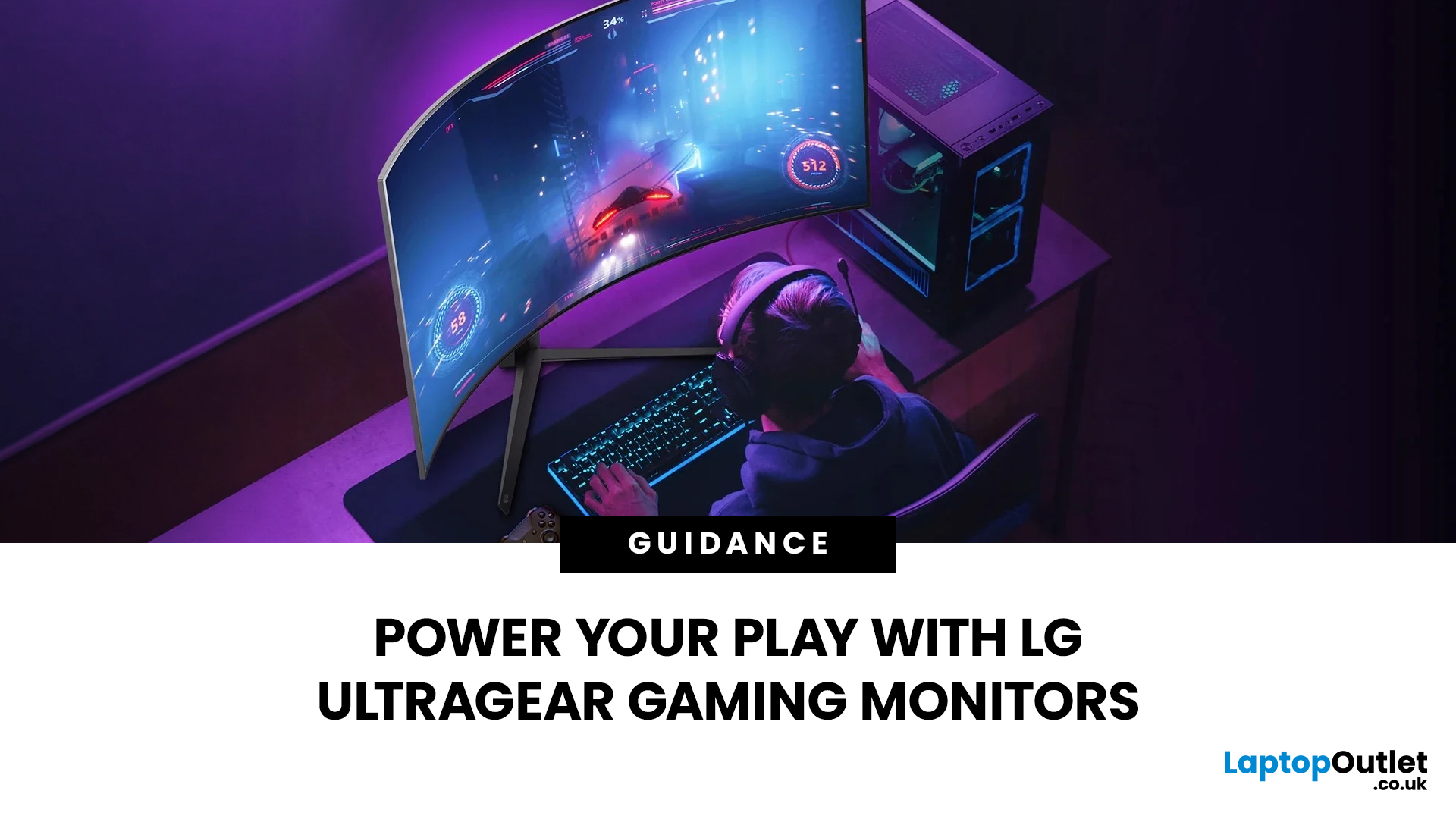
Not all gaming monitors are built the same, and the LG UltraGear range makes that very clear. Whether you're playing for fun on weekends, grinding ranked matches on a mid-range rig, or competing at a serious level, there's a specific UltraGear model that fits your needs.
This LG UltraGear guide breaks down the full lineup by player type so you can make a genuinely informed decision before spending your money.
What Makes LG UltraGear Different from Standard LG Monitors?
LG produces monitors for all sorts of uses, from office work to content creation to home cinema. UltraGear is the gaming-focused sub-brand, and it comes with a noticeably different spec sheet compared to LG's standard displays.
The core differences come down to priorities. Standard LG monitors are built around colour accuracy, ergonomics, and value for office use. UltraGear monitors are tuned for speed, responsiveness, and visual clarity under fast-moving gaming conditions.
In practical terms, this means LG UltraGear gaming
Published: April 13, 2026
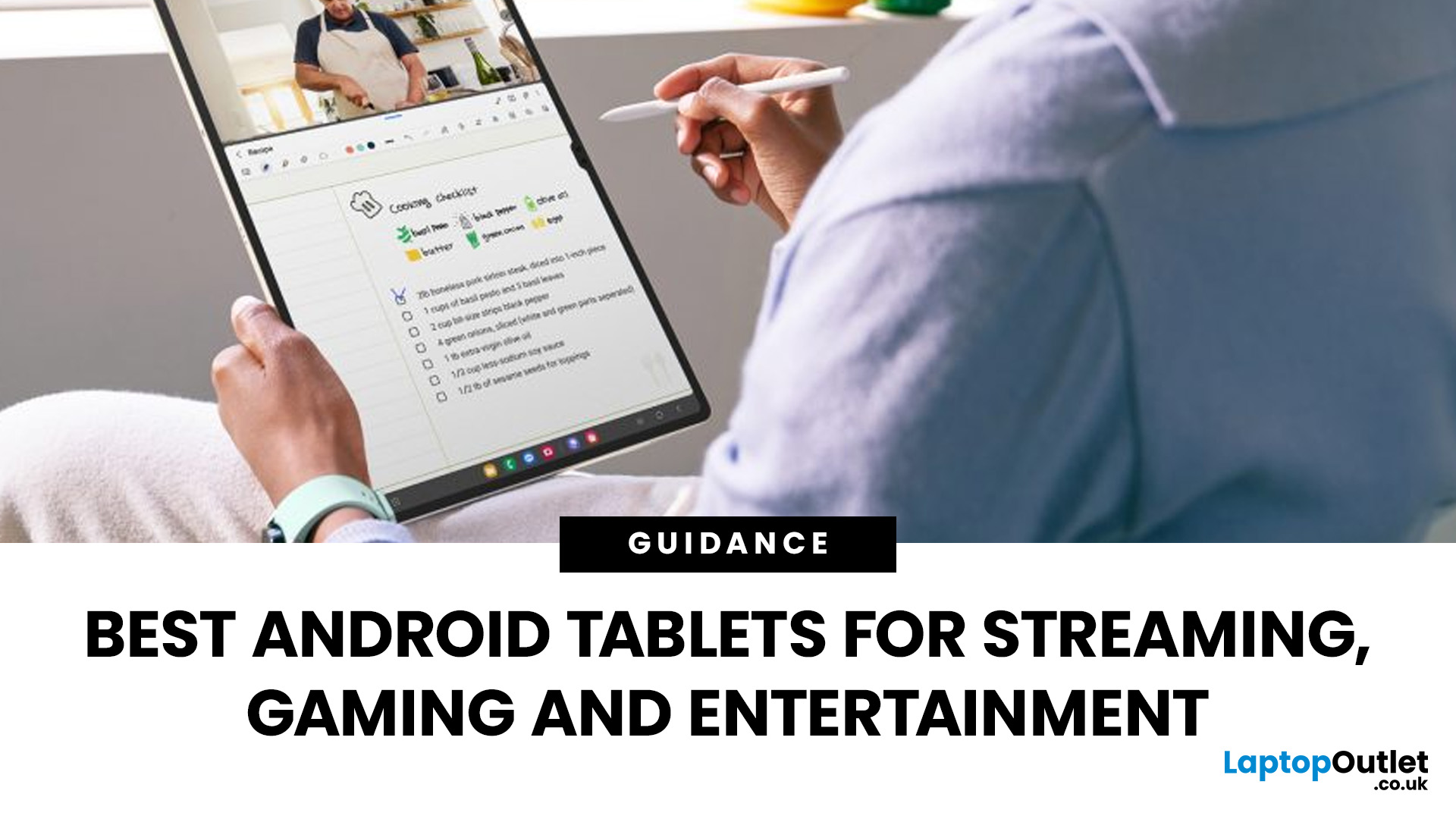
Looking for a tablet that’s built more for watching, playing, and relaxing than working? You’re not alone, Android tablets have quietly become some of the best-value options for streaming and gaming in 2026.
- Big-screen Android tablets are now sharper, louder, and more immersive
- Mid-range processors comfortably handle streaming and casual gaming
- Battery life and audio quality now matter more than raw performance
Streaming, gaming, and genera l entertainment are now the main reasons people pick up tablets again. While flagship devices still exist, most buyers today are leaning toward practical, well-balanced options that deliver strong visuals, solid audio, and long battery life, without pushing into premium pricing.
What actually makes a tablet good for streaming and gaming?
Before jumping into specific models, it helps to understand what separates a good tablet from a great entertainment device.
A strong Android tablet for streaming and gaming isn’t just about specs, it’s about how everything
Last Updated: April 28, 2026
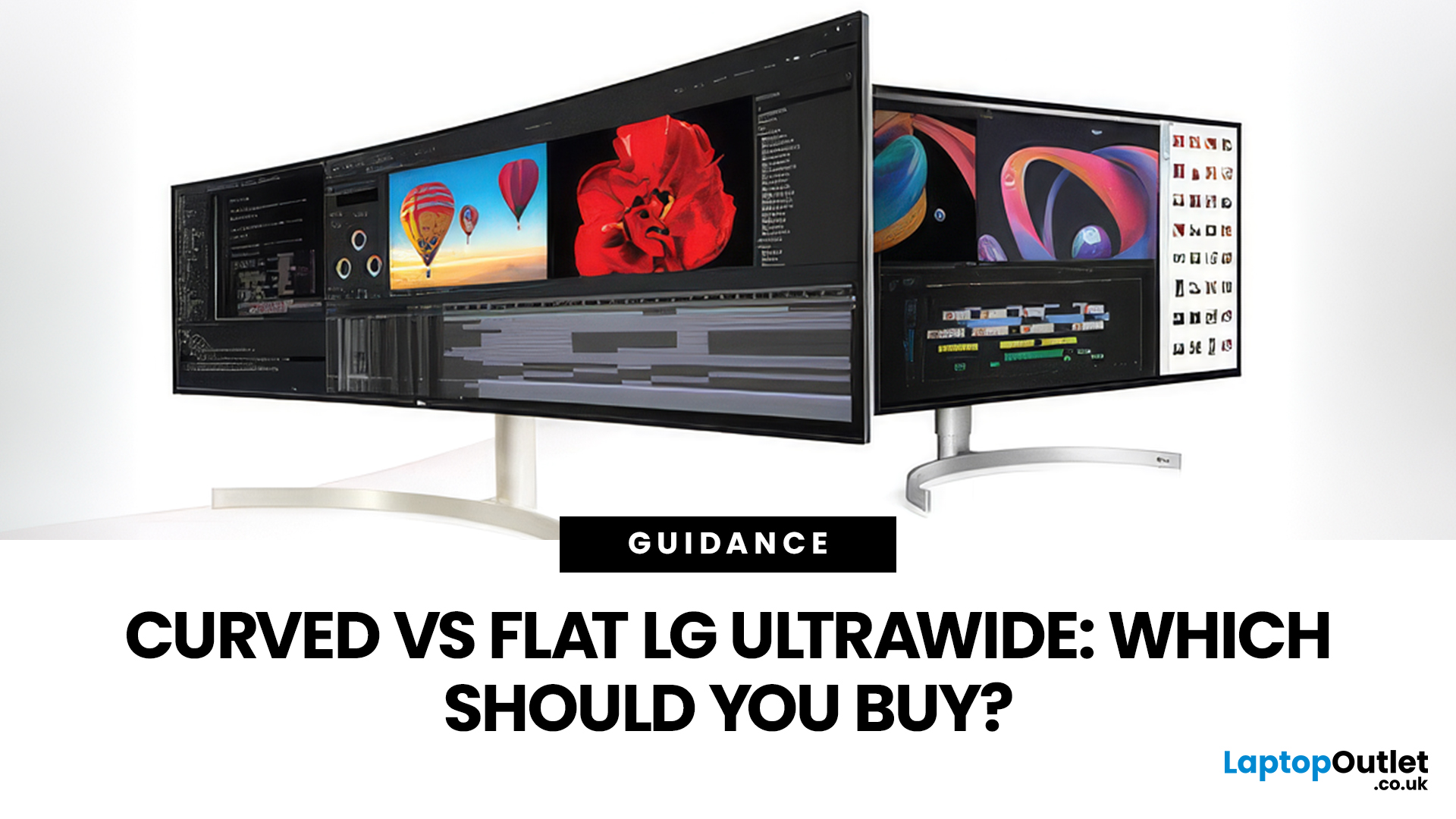
If you're choosing between a curved vs flat LG UltraWide monitor, the decision is more nuanced than it first appears. The right choice depends on what you do, how long you sit at your desk, and the kind of experience you want from your screen.
This guide breaks down every major use case side by side, with a clear verdict for each one, so you can make the right call before you spend your money.
What Makes LG UltraWide Monitors Different?
LG UltraWide monitors use a 21:9 aspect ratio, giving you roughly a third more horizontal screen space than a standard 16:9 display. That extra width is what makes the curved vs flat debate so relevant on these screens specifically.
On standard 26 to 28-inch monitors, the curve debate is largely down to personal preference. But once you hit 34 inches and beyond, the physics of how your eyes scan left-to-right starts to matter. On ultrawide displays of 34 inches or larger, the curvature brings the edges of the screen closer to you, covering more of your
Last Updated: August 28, 2026
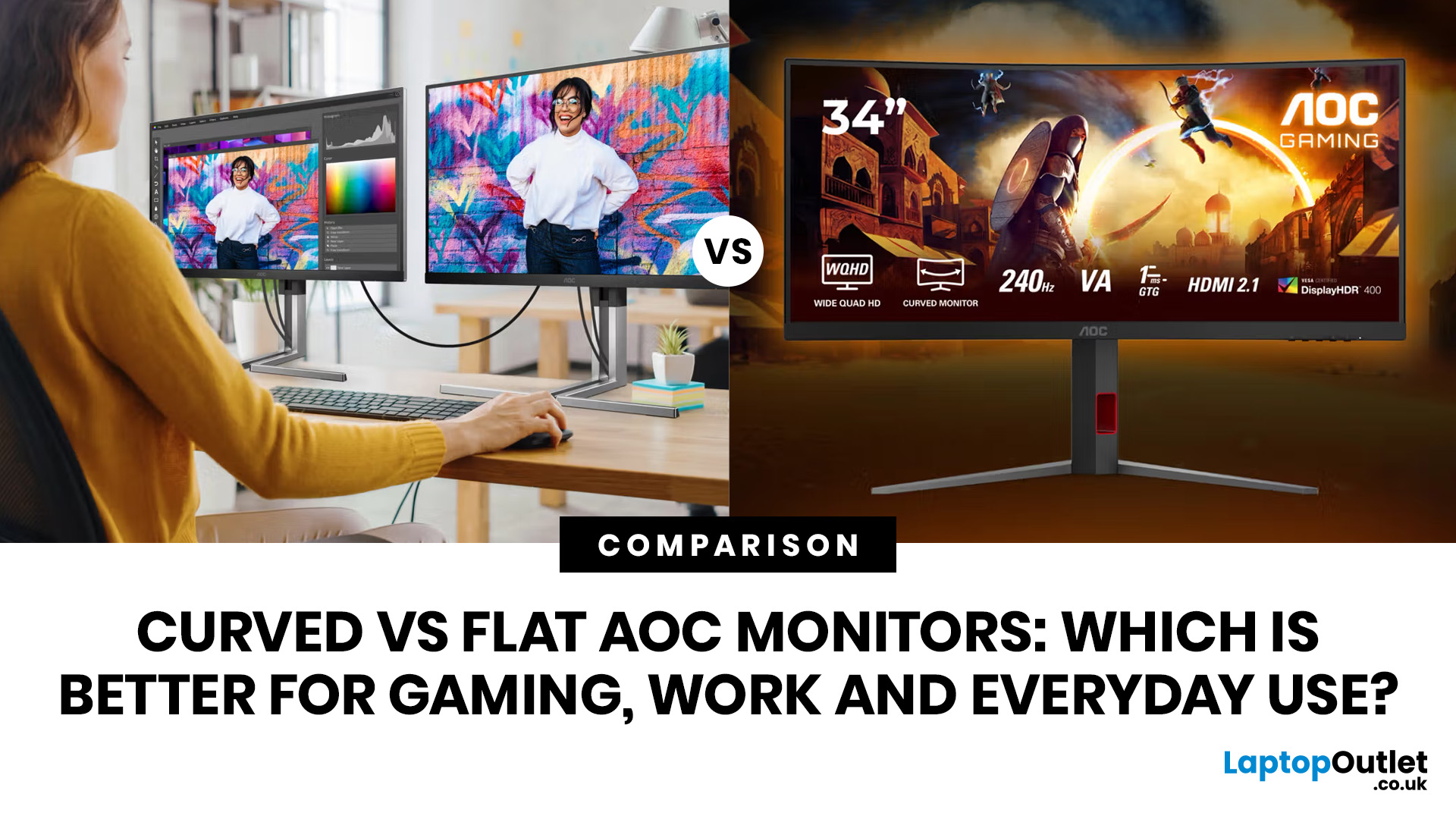
If you are comparing curved vs flat AOC monitors, the right choice depends less on trends and more on how you actually use your screen every day.
For gaming and entertainment, a curved display often feels more immersive, especially in racing games, open-world titles and films. For work, study and general day-to-day use, a flat screen is usually the more practical option because it is easier to position, easier to pair in dual-screen setups and often better suited to documents, spreadsheets and precision-focused tasks.
So, are curved monitors better? Not always. A curved model can be a great upgrade for the right person, but flat screens still make more sense for many buyers.
Here is the simplest way to think about it:
| Use case | Usually the better choice | Why |
| Immersive gaming | Curved | Feels more engaging and cinematic |
| Esports and fast competitive play | Depends | Refresh rate matters more than screen shape |
| Office work and spreadsheets | Flat | Cleaner lines, easier multi-window working |
| Study and everyday |
Last Updated: September 01, 2026
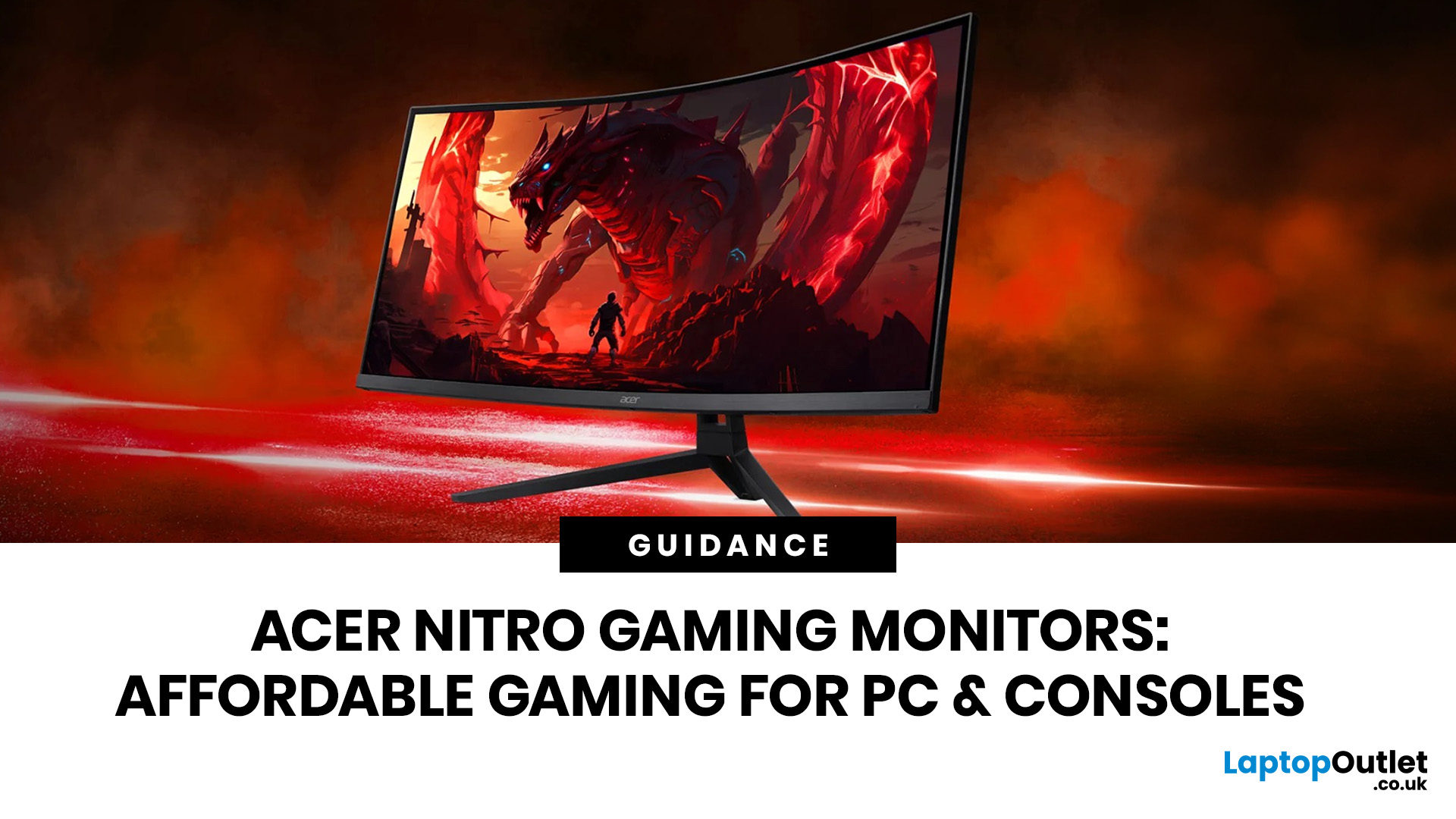
If you want smooth gameplay without jumping straight into premium OLED pricing, Acer Nitro gaming monitors are one of the easiest ranges to shortlist. Acer positions the Nitro line as a gaming family with options for fast-paced play, ultrawide immersion and richer colour, while Our Acer monitor range backs that up with Full HD, QHD, curved and ultrawide Nitro models aimed at buyers who want value, not just spec-sheet flexing.
That is exactly why Acer Nitro monitors UK shoppers keep coming back to the series. The range is broad enough to cover casual desk gaming, PS5 and Xbox setups, and entry-level PC esports, but it still stays realistic on price compared with high-end Predator and OLED alternatives. Nitro models from compact 23.8-inch Full HD panels up to 34-inch curved UWQHD displays, with refresh rates running from 120Hz to 240Hz.
Are Acer Nitro Gaming Monitors Good for Budget Gaming?
Yes. For casual gaming, console play and entry-level PC builds, Acer Nitro sits in a very practical
Last Updated: July 06, 2026
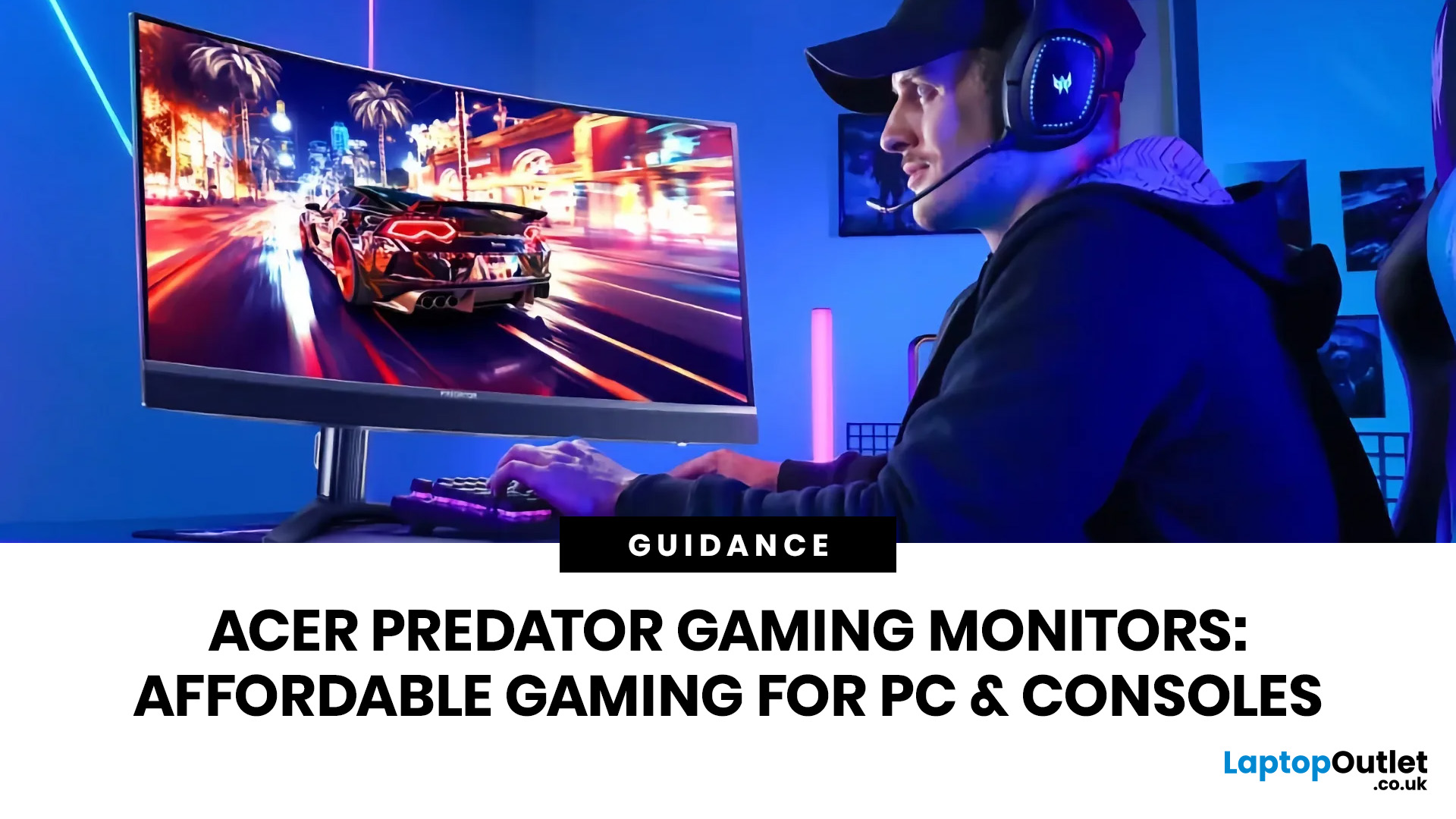
you are shopping for Acer Predator gaming monitors, you are usually not looking for a basic panel. You are looking for speed, image quality and a monitor that genuinely fits the kind of games you play. For some buyers, that means a fast 27-inch display for ranked shooters and esports titles. For others, it means a bigger 4K panel for high-detail single-player games. And for enthusiasts building the kind of setup that makes every desk photo look dramatic, it means an ultrawide or super-ultrawide screen that turns a gaming PC into the centrepiece of the room.
That is why Predator remains such an interesting range. Acer's broader monitor line covers different budgets and uses cases, but the Predator family is where Acer pushes harder on premium gaming features like OLED and QD-OLED panels, very high refresh rates, ultrawide formats and esports-level response times.
If you want the simple answer: Why choose Acer Predator monitor
Here is the short version.
- For competitive esports and fast shooters,
Last Updated: June 17, 2026
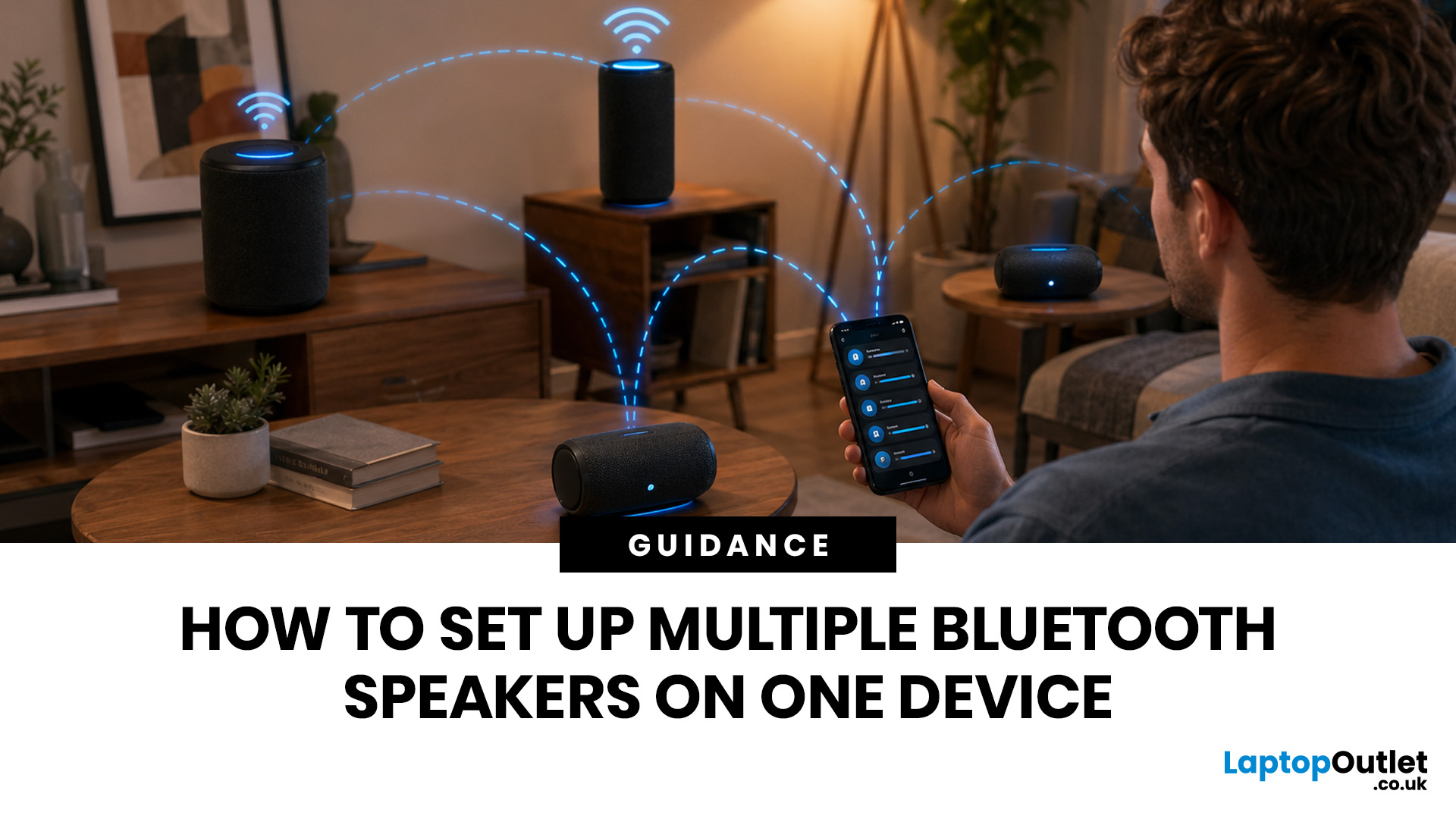
Quick Answer: You can set up multiple Bluetooth speakers on one device when your phone, laptop, tablet, or speakers support multi-speaker audio. The easiest method is to use compatible speakers from the same range and link them via the speaker’s party mode, stereo pair mode, the connect button, or the companion app.
Standard Bluetooth pairing does not always let you play sound through multiple Bluetooth speakers simultaneously. Your device may remember several speakers yet only send audio to one. For two-speaker playback, Samsung Galaxy Dual Audio, AirPlay-compatible speakers, Bluetooth LE Audio, Auracast, same-brand speaker pairing, or a Bluetooth transmitter are usually the best routes.
Introduction
You can connect multiple Bluetooth speakers, but the right setup depends on your device and the compatibility of your speakers. A Samsung Galaxy phone, an iPhone, an Android phone, a Windows laptop, a MacBook, or a TV may all need a slightly different method.
The main thing to know is
Last Updated: June 08, 2026
Noise is one of the biggest distractions in modern life. Whether you are working from a busy home, taking Teams calls in an open office, gaming late at night, travelling by train or trying to focus in a café, good noise cancelling headphones can make a noticeable difference.
| The best noise-cancelling headphones are those that block background noise effectively while offering clear audio, comfort, reliable battery life, and good microphone quality. Whether you need them for work calls, travel, gaming, or music, choosing the right model depends on your budget and daily usage. |
In 2026, the best Bluetooth headphones with noise cancellation are no longer just for music lovers. Many now include adaptive ANC, voice-isolating microphones, multi-device pairing, low-latency gaming modes and long battery life. That makes them useful for work, study, gaming, streaming, commuting and everyday entertainment.
Best Bluetooth Noise-Cancelling Headphones UK: Quick Comparison
| PRODUCT | BEST FOR | CONNECTION TYPE |

