



What Is Generative AI
A New Frontier of Artificial Intelligence
You’ve likely seen AI-generated images, videos, or even entire essays—but what powers this technology? Welcome to the world of Generative AI—an AI model designed to create content, not just analyse it. Here’s a beginner-friendly guide to what it is, how it works, and why it matters.
What Is Generative AI?
Generative AI refers to artificial intelligence systems capable of creating original content, including:
- Text (articles, emails, code)
- Images and art
- Videos and animations
- Music and voice
- Synthetic data and simulations
Unlike traditional AI, which analyses or classifies data, Generative AI produces new outputs based on patterns it’s learned.
How Does Generative AI Work?
- It uses machine learning models, often based on neural networks, to:
- Learn patterns from large datasets
- Understand structure (grammar, design, sound, etc.)
- Generate content based on prompts
Popular model types include:
- GPT (Generative Pre-trained Transformer) for text
- DALL·E and Stable Diffusion for images
- MusicLM for audio
Real-World Uses of Generative AI
- Content creation: Blog writing, product descriptions, ad copy
- Design and marketing: AI-generated images, logos, mock-ups
- Customer service: Chatbots and virtual agents
- Entertainment: Scripts, game design, music production
- Education: AI tutoring, lesson generation
- Healthcare: Synthesised medical data for training
Examples of Generative AI in Action
- ChatGPT – Text generation and conversation
- Midjourney – Visual art and design
- Runway ML – AI video editing
- Bard (Google), Claude (Anthropic) – Generative AI assistants
Benefits of Generative AI
- Boosts productivity
- Reduces time and cost for content creation
- Democratizes creativity and innovation
- Assists in ideation and problem-solving
Limitations and Challenges
- Risk of bias in training data
- Potential for misinformation or plagiarism
- Ethical concerns around deepfakes or fake content
- Requires large datasets and computing power
The Future of Generative AI
Generative AI is rapidly evolving:
- Better understanding of context and nuance
- Integration into productivity tools (Microsoft Copilot, Adobe Firefly)
- Personalised AI assistants
- AI regulation and transparency frameworks
Final Thoughts: Creation Meets Code
Generative AI is transforming the way we work, learn, and create. From writing and design to music and data, it opens new doors for innovation while raising important questions about ethics and control.
Want to explore AI-powered tech tools? Check out Laptop Outlet’s latest range of devices and software bundles.
FAQs: Generative AI Questions Answered
1. Is Generative AI the same as ChatGPT?
ChatGPT is one example of generative AI focused on text generation.
2. Can generative AI replace human creativity?
It can assist and enhance creativity, but human input and originality remain essential.
3. Is generative AI safe to use?
Yes, when used ethically and with proper safeguards in place.
4. What skills are needed to use generative AI?
No technical skills needed for basic use—just clear instructions or prompts.
5. Will generative AI become mainstream?
It already is—expect to see it in education, business, entertainment, and everyday tools.
Read More:
| What Is an AI PC |
| What Is NVIDIA DLSS |
| What Is a Cache |
Related Articles

Last Updated: April 08, 2026

Last Updated: October 02, 2025
Don’t Let Your Old Phone Gather Dust
So you’ve upgraded to a shiny new phone—but what about your old one? Instead of letting it rot in a drawer, there are plenty of useful, profitable, or eco-friendly ways to put it to good use. Here’s exactly what to do with old mobile phones (that doesn’t involve forgetting about them forever).
1. Trade It in for Cash or Credit
- Most retailers, mobile networks, and tech stores offer trade-in programmes.
- Get store credit or instant cash
- Helps reduce e-waste
2. Donate It to Charity
- Many organisations accept old phones:
- Help survivors of domestic abuse, refugees, or people in crisis
- Some charities refurbish and resell phones to raise funds
3. Recycle Responsibly
- Phones contain valuable materials—and harmful ones, too. Don’t bin it!
- Use local e-waste recycling centres or certified recycling schemes
- Some brands (Apple, Samsung) offer mail-in recycling
4. Turn It into a Backup Phone
- Accidents happen. Having a backup means you’re

Last Updated: October 02, 2025
Want to Know Your GPU? Here's How
Whether you’re gaming, editing videos, or just curious—knowing what graphics card (GPU) you have matters. It affects performance, display quality, and what software your laptop can handle. Good news: it’s easy to check.
How to Find Out What Graphics Card You Have on Windows
1. Use Device Manager
- Press Windows + X, then select Device Manager
- Click the Display Adapters dropdown
- You’ll see the name of your graphics card listed
- This method works for both integrated (e.g. Intel HD) and dedicated GPUs (e.g. NVIDIA, AMD)
2. Use System Information
- Press Windows + R to open Run
- Type msinfo32 and press Enter
- Navigate to Components > Display
- Look for Adapter Type and Adapter Description
3. Use DirectX Diagnostic Tool (dxdiag)
- Press Windows + R, type dxdiag, and hit Enter
- Go to the Display tab
- Your GPU details will be listed under “Device”
4. Use Task Manager (Quick Check)
- Press Ctrl + Shift + Esc to open Task Manager
- Go to the

Last Updated: October 03, 2025
What’s the Deal with Airplane Mode?
Ever wondered what happens when you hit that little airplane icon on your phone or laptop? It’s not just for flights—Airplane Mode is a handy feature that disconnects your device from all wireless signals. Here’s exactly what it does and why you might want to use it.
What Does Airplane Mode Do?
- When you turn on Airplane Mode, your device disables:
- Cellular connection (no calls, texts, or mobile data)
- Wi-Fi (disconnects from networks)
- Bluetooth (stops connecting to wireless accessories)
- GPS (location tracking may be limited)
- NFC and other wireless communication
Quick Note: On some devices, you can manually re-enable Wi-Fi and Bluetooth after activating Airplane Mode.
Why Is It Called Airplane Mode?
The name comes from its original purpose:
- Prevents interference with aircraft communication systems
- Complies with airline regulations during take-off and landing
When Should You Use Airplane Mode?
You don’t have to be on a plane

Last Updated: August 20, 2026
Buying a new desktop PC can be confusing when you are faced with different processors, graphics cards, RAM capacities, storage options and form factors.
The right choice depends on what you actually need the computer to do. A PC for browsing, studying and office work does not need the same hardware as a gaming desktop or professional workstation.
This guide explains what to look for when buying a desktop PC in 2026, whether you need an affordable home computer, a productive office setup, a powerful gaming PC or a machine for creative work.
Key Factors to Consider Before Buying
Before comparing individual desktop PCs, think about:
- Your main use, such as gaming, work, study or creative applications
- Processor (CPU) performance
- Graphics (GPU) requirements
- RAM capacity
- SSD storage
- Desktop size and form factor
- Upgrade potential
- Connectivity and ports
- Operating system
- Your overall budget
For most buyers, getting a balanced specification is more important than simply choosing the fastest processor

Last Updated: May 23, 2025
Cache—Your Device’s Short-Term Memory
You’ve likely heard the term "cache" when clearing your browser or troubleshooting an app. But what exactly is a cache? In simple terms, a cache is temporary storage used by your device or apps to speed things up.
What Is a Cache?
A cache (pronounced “cash”) is a small amount of fast-access memory that stores temporary data. This helps websites, apps, and devices load faster and perform more smoothly.
Think of it as a memory shortcut—it saves versions of data so your device doesn’t have to reload them every time.
Types of Cache You Might Encounter
1. Browser Cache
- Stores website files like images, scripts, and stylesheets
- Speeds up page loading the next time you visit
2. App Cache
- Apps like YouTube or Instagram store temporary data to load content faster
- Over time, this data can build up and take space
3. System Cache
- Found in operating systems like Windows, macOS, iOS, or Android
- Helps apps and system processes run smoothly
Last Updated: May 23, 2025
A New Era of Computing
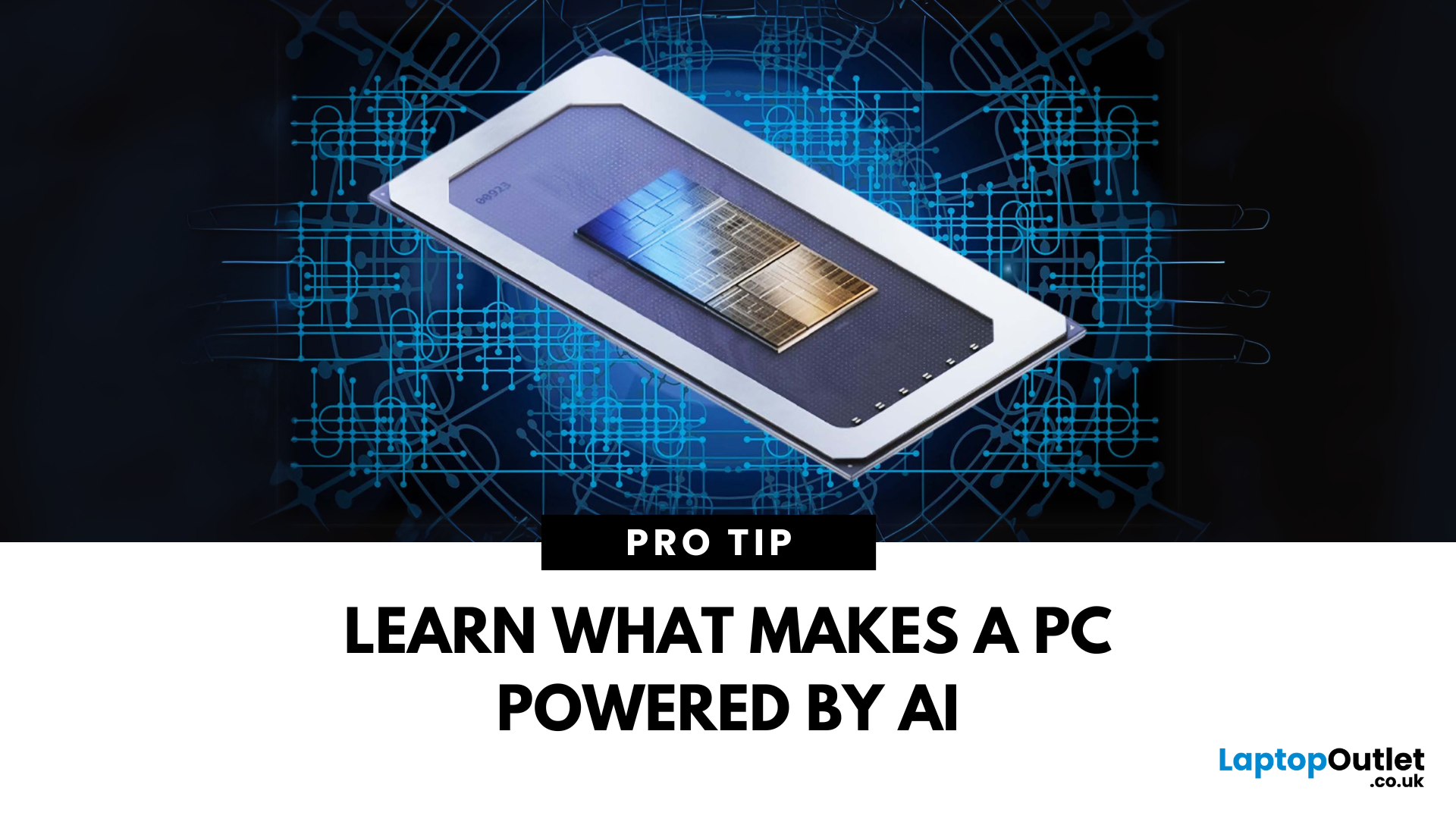
You’ve heard of AI in smartphones and smart homes—but now, AI PCs are becoming the next big thing. From smarter performance to predictive features, AI is transforming how laptops and desktops operate. Here’s everything you need to know about AI PCs and why they matter.
1. What Is an AI PC?
An AI PC is a computer that uses artificial intelligence technologies built directly into its hardware and software to:
- Optimise performance automatically
- Predict user behaviour
- Enhance multitasking and battery life
- Improve security and personalisation
Think of it as a computer that adapts to you, rather than you adapting to it
2. How Does an AI PC Work?
AI PCs use a combination of:
- Dedicated AI processors (like NPUs—Neural Processing Units)
- Machine learning algorithms to predict user needs
- On-device AI models that analyse data without needing the cloud
The result? Faster performance, smarter multitasking, and highly efficient energy use—all in real time.

