



Samsung Unveils Galaxy S26 Series with Advanced AI Features
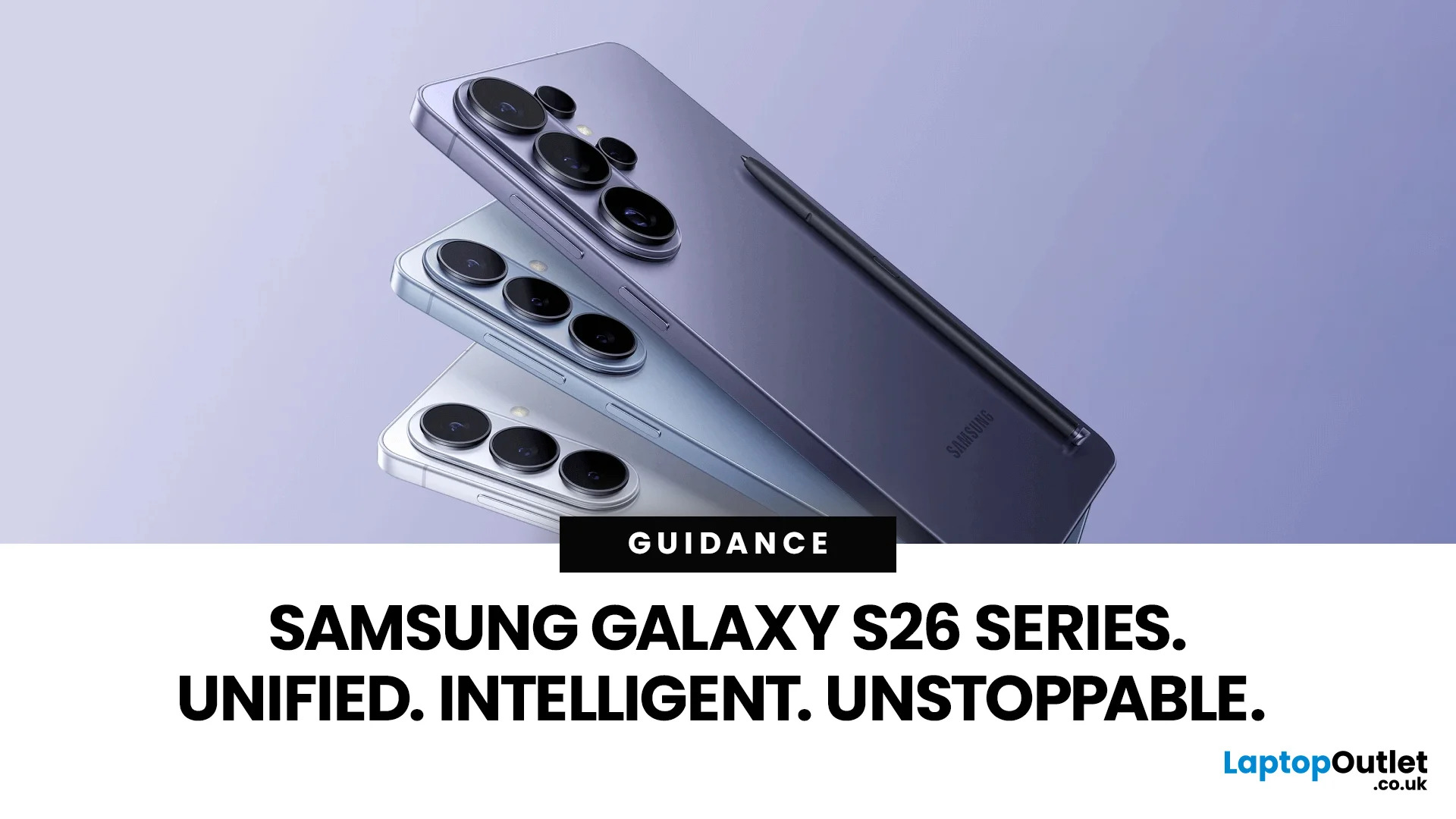
Samsung has officially pulled back the curtain on the Galaxy S26 series — and it is safe to say the company came prepared.
On 25 February 2026, at Galaxy Unpacked 2026 in San Francisco, Samsung introduced the Galaxy S26, S26+, and S26 Ultra to the world. These are Samsung's third-generation Galaxy AI phones, and they represent a clear step forward in how artificial intelligence can shape daily smartphone use.
From a revolutionary Privacy Display to a smarter, more proactive Galaxy AI experience, the Galaxy S26 lineup is built around one simple idea: your phone should do more of the work, so you don't have to.
Let's break it all down.
A New Era of Unified Design
For several years, the Ultra model looked very different from the base and Plus models. The Ultra usually had sharp, blocky corners, while the others were rounded.
This year, Samsung decided to bring the whole family together. The Galaxy S26 Ultra now has smooth, rounded edges that match the Galaxy S26 and S26+. This creates a unified look across the entire range.

Materials and Build Quality
Samsung made a surprising choice with the build materials for the 2026 lineup. In the previous year, the S25 Ultra used a titanium frame. However, for the Galaxy S26 series, Samsung has moved to Armor Aluminium 2 for all three models. This material is lighter than titanium but still very strong. It is also easier to shape and paint, which allowed Samsung to offer a wider variety of finishes.
The Galaxy S26 Ultra remains the most durable phone in the group. It uses Corning Gorilla Armor 2 on the screen. This glass is great at reducing reflections and resists scratches better than standard glass. The standard S26 and S26+ use the first generation of Gorilla Armor.
Slimmer and Lighter Profiles
Samsung engineers worked hard to make these phones feel better in the hand. The Galaxy S26 Ultra is the thinnest Ultra phone yet. It is 0.3 mm thinner than the S25 Ultra, coming in at just 7.9 mm. It is also lighter, weighing only 214 grams. These small changes make a big difference when you use the phone for a long time.
|
Specification |
Galaxy S26 |
Galaxy S26+ |
Galaxy S26 Ultra |
|
Dimensions (mm) |
149.6 x 71.7 x 7.2 |
158.4 x 75.8 x 7.3 |
163.6 x 78.1 x 7.9 |
|
Weight (g) |
167 |
190 |
214 |
|
Frame Material |
Armor Aluminium 2 |
Armor Aluminium 2 |
Armor Aluminium 2 |
|
Screen Protection |
Gorilla Armor |
Gorilla Armor |
Gorilla Armor 2 |
|
IP Rating |
IP68 |
IP68 |
IP68 |
The design of the back of the phones has changed as well. The camera lenses still run vertically, but they sit in a new raised section. This makes the lenses stick out more than before. Because of this, the phones do not sit flat on a table and will wobble if you touch the screen while they are lying down.
Display Technology and Privacy Innovations
Samsung is famous for its screens, and the Galaxy S26 series does not disappoint. All three models use Dynamic AMOLED 2X panels. These displays are bright, sharp, and very responsive. However, the biggest talking point this year is not the resolution. It is a new hardware feature called the Privacy Display, which is only found on the Ultra model.

The Revolutionary Privacy Display
The Privacy Display is a game-changer for people who use their phones in public. It is the first time a phone has had a privacy filter built directly into the screen at a pixel level. It uses a technology called Flex Magic Pixel.
Standard privacy screens are just films that you stick on top of the display. They often make the screen look dim or blurry. Samsung’s version is different because it is part of the hardware. The pixels are arranged at specific angles. When you turn the feature on, the phone switches off the "wide-angle" pixels.
This means light only travels directly forward to your eyes. If someone is sitting next to you on a bus or train, they will only see a dark, blank screen.
You can control this feature in several ways:
- You can turn it on or off for the whole phone using a button in the settings.
- You can set it to turn on only for certain apps, like your bank or private messages.
- There is a "Partial Screen Privacy" mode that hides only your notification pop-ups.
Higher Brightness and Better Colours
Even without the privacy features, these screens are impressive. The Galaxy S26 series displays can reach a peak brightness of 3000 nits. This makes them very easy to read even in direct sunlight.
Samsung also added support for 10-bit colour, which means the screen can show over one billion individual colours. This makes photos and videos look much more realistic.
|
Display Feature |
Galaxy S26 |
Galaxy S26+ |
Galaxy S26 Ultra |
|
Size |
6.3 inches |
6.7 inches |
6.9 inches |
|
Resolution |
2340 x 1080 (FHD+) |
3120 x 1440 (QHD+) |
3120 x 1440 (QHD+) |
|
Peak Brightness |
3000 nits |
3000 nits |
3000 nits |
|
Refresh Rate |
1-120Hz |
1-120Hz |
1-120Hz |
|
Privacy Mode |
No |
No |
Yes (Hardware-based) |
The Plus and Ultra models also feature a new tool called ProScaler 6. This uses AI to make low-resolution images and videos look better. It sharpens text and smooths out textures so that everything looks crisp on the high-resolution screen.
Galaxy AI Gets Smarter: The Features That Actually Matter
Samsung has invested heavily in making Galaxy AI more useful in real, everyday situations. Rather than offering flashy demos that rarely get used, the Galaxy S26 series focuses on AI that works quietly in the background — saving time and reducing the steps needed to get things done.

Now Nudge: Proactive Suggestions Before You Even Ask
Now Nudge is one of the most practical new additions to the Galaxy S26 lineup. It delivers timely, context-aware suggestions based on what's happening around you.
For example, if a friend asks to see photos from a recent trip, your Galaxy S26 can automatically surface those images before you even open the gallery. It can also flag calendar conflicts when a related message arrives. It is intuitive, low-friction, and genuinely useful.
Now Brief: Your Daily AI-Powered Summary
Now Brief has been upgraded to become more personalised and proactive. It analyses your schedule, habits, and daily routine to surface the most relevant reminders and updates each morning. Think of it as a smart briefing that gets better the more you use it.
Photo Assist: AI Editing Made Simple
Photo Assist has received a major upgrade on the Galaxy S26 series. Users can now describe the change they want to make, and the AI handles the rest.
Want to remove a stranger from the background? Done. Want to restore a cake with a bite taken out of it? AI reconstructs it seamlessly. You can even transform a daytime scene into a night shot, or change what someone is wearing in a photo.
All AI-edited images carry a watermark, so there is full transparency about what has been altered.
Creative Studio: Generate, Edit, and Create
Creative Studio takes AI-powered content creation further. Users can sketch an idea, type a prompt, or upload a photo to generate stickers, wallpapers, and personalised visuals. It is built directly into the Galaxy experience — no third-party apps required.
Circle to Search: Now with Multi-Object Recognition
Circle to Search, the popular feature that lets users search for anything by circling it on screen, now supports multi-object recognition. That means you can identify and explore several items within a single image at the same time — a useful upgrade for shopping, research, and discovery.
Call Screening: Know Who's Calling
AI-powered Call Screening on the Galaxy S26 series detects unknown callers, asks them to state their reason for calling, and delivers a summary to the user. It is a simple but genuinely helpful feature, especially for anyone who receives a high volume of unsolicited calls.
Choice of AI Agents
Samsung is not forcing you to use just one AI. The Galaxy S26 series lets you choose between several different "agents".
- Bixby: The classic assistant is back with a major upgrade. It now uses natural language, so you can talk to it like a real person to change settings or find files.
- Google Gemini: This agent is deeply built into the phone. It can handle multi-step tasks in the background. For instance, you can ask Gemini to book a taxi. It will open the taxi app in a secure window, fill in your details, and then ask you to tap "confirm".
- Perplexity AI: Samsung partnered with Perplexity to offer a high-end search experience. You can set Perplexity as your default agent for finding information. It is great at researching complex topics and giving you clear summaries.
One UI 8.5: A Fresh Software Experience
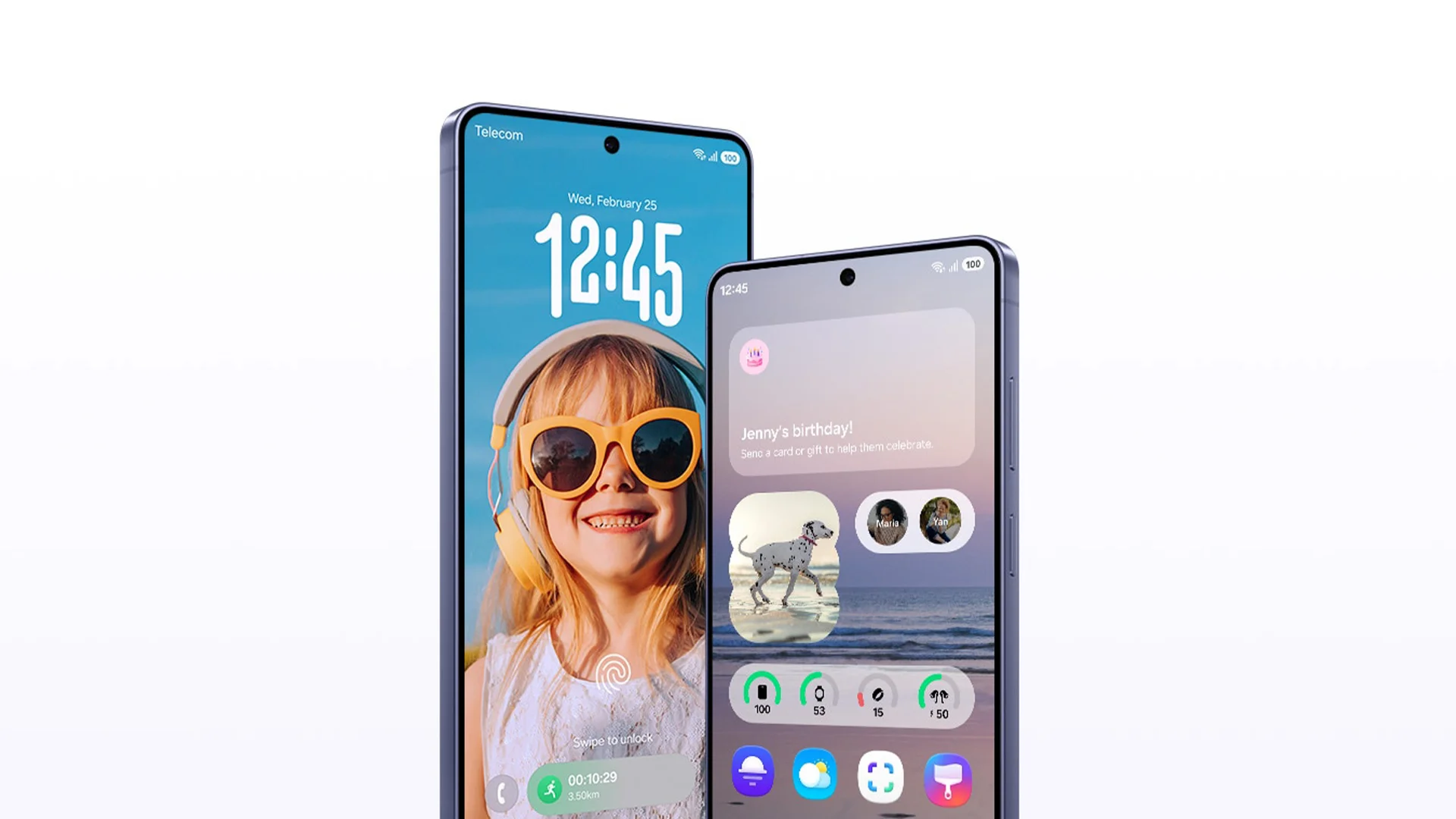
The Galaxy S26 series ships with One UI 8.5 out of the box, based on Android 16. This is Samsung's most refined software experience to date.
One UI 8.5 brings a refreshed visual identity, with colour gradients applied to pop-up cards and menus throughout the interface. The overall look feels more lively and modern. Samsung has confirmed that One UI 8.5 will roll out to the S25 Galaxy series from 11 March 2026 as well.
The software also tightens integration between Galaxy AI, Bixby, Gemini, and Perplexity. Each assistant has its strengths, and One UI 8.5 makes switching between them feel seamless rather than disjointed.
Privacy tools are also stronger this generation:
- Privacy Alerts use machine learning to notify users when apps with device admin privileges attempt to access sensitive data without good reason.
- The Private Album feature has been added directly into the Gallery app, letting users hide selected photos and videos without any complicated setup.
Performance and Power Under the Hood
To run all these advanced AI features, Samsung needed the fastest chips in the world. The Galaxy S26 series uses new processors that are faster and more efficient than anything we saw last year.
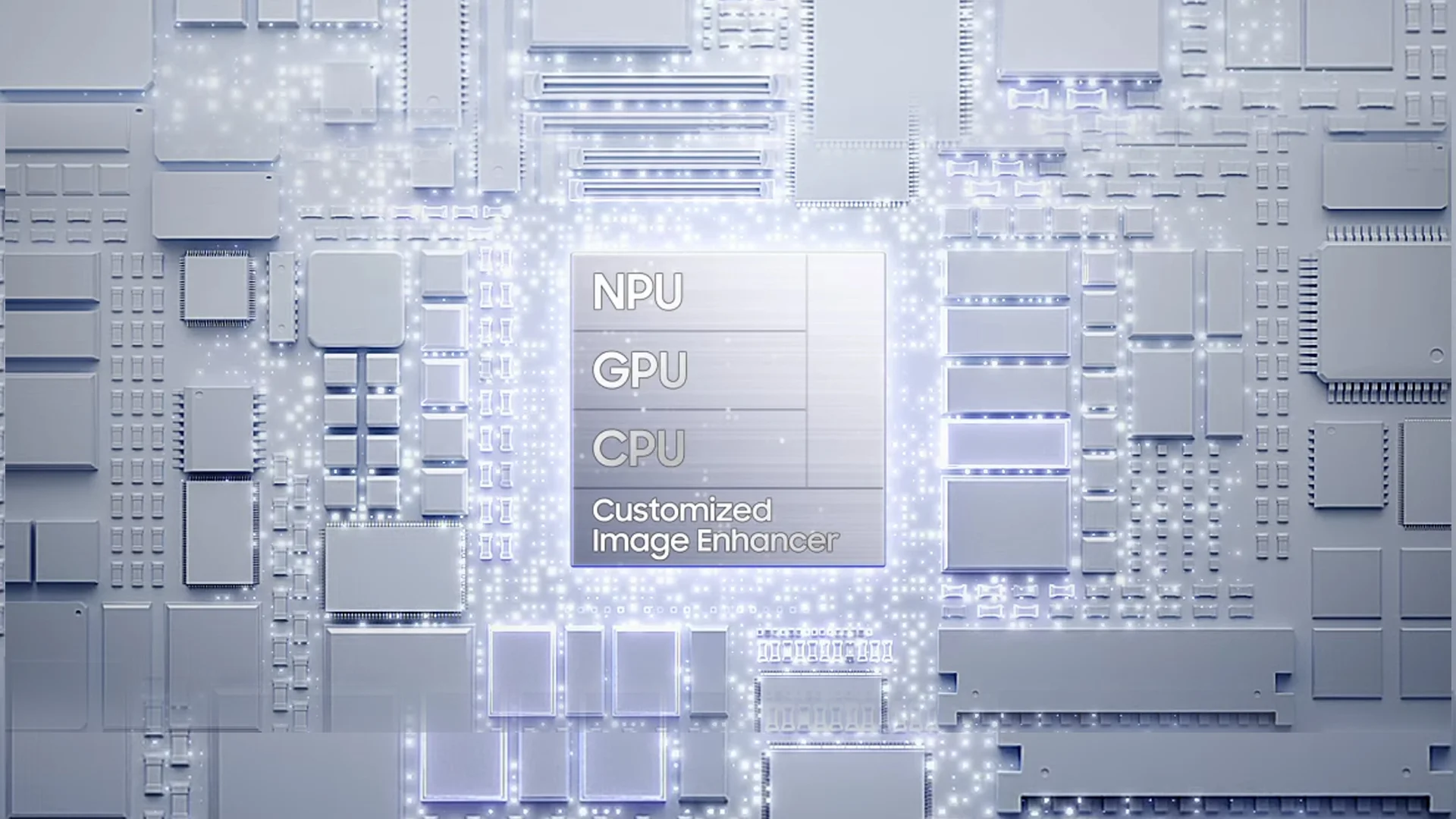
Snapdragon 8 Elite Gen 5
The Galaxy S26 Ultra uses the Qualcomm Snapdragon 8 Elite Gen 5 for Galaxy chipset in all countries. This chip is a powerhouse. Compared to the S25 Ultra like SM-S938BZTGEUB, it offers:
- 19% faster CPU for opening apps and multitasking.
- 24% faster GPU for smoother gaming and better graphics.
- 39% faster NPU which specifically speeds up AI tasks.
For the standard S26 and S26+, Samsung uses different chips depending on where you live. Some regions will get the Snapdragon chip, while others will get Samsung's own Exynos 2600. The Exynos 2600 is built using a new 2nm process, which helps it stay cool and use less battery.
Enhanced Cooling and RAM
Because these chips are so powerful, they can get hot. To fix this, Samsung redesigned the vapor chamber inside the phones. In the S26 Ultra, the cooling system is 21% more efficient. It uses special materials to move heat away from the processor quickly. This means you can play heavy games or edit 8K video for longer without the phone slowing down.
Samsung also increased the memory (RAM) in these devices. More RAM allows the phone to keep more apps open at once. It also helps the Agentic AI work in the background without lag. The S26 and S26+ now come with 12GB of RAM as standard. The S26 Ultra can be bought with either 12GB or 16GB of RAM.
|
Model |
Chipset |
RAM |
Storage Options |
|
Galaxy S26 |
Snapdragon 8 Gen 5 / Exynos 2600 |
12GB |
256GB / 512GB |
|
Galaxy S26+ |
Snapdragon 8 Gen 5 / Exynos 2600 |
12GB |
256GB / 512GB |
|
Galaxy S26 Ultra |
Snapdragon 8 Gen 5 for Galaxy |
12GB / 16GB |
256GB / 512GB / 1TB |
Advanced Camera Systems for Content Creators
Samsung focused heavily on improving the camera hardware and software for the S26 series. While the base and Plus models have similar cameras to last year, the Ultra has received some massive upgrades.
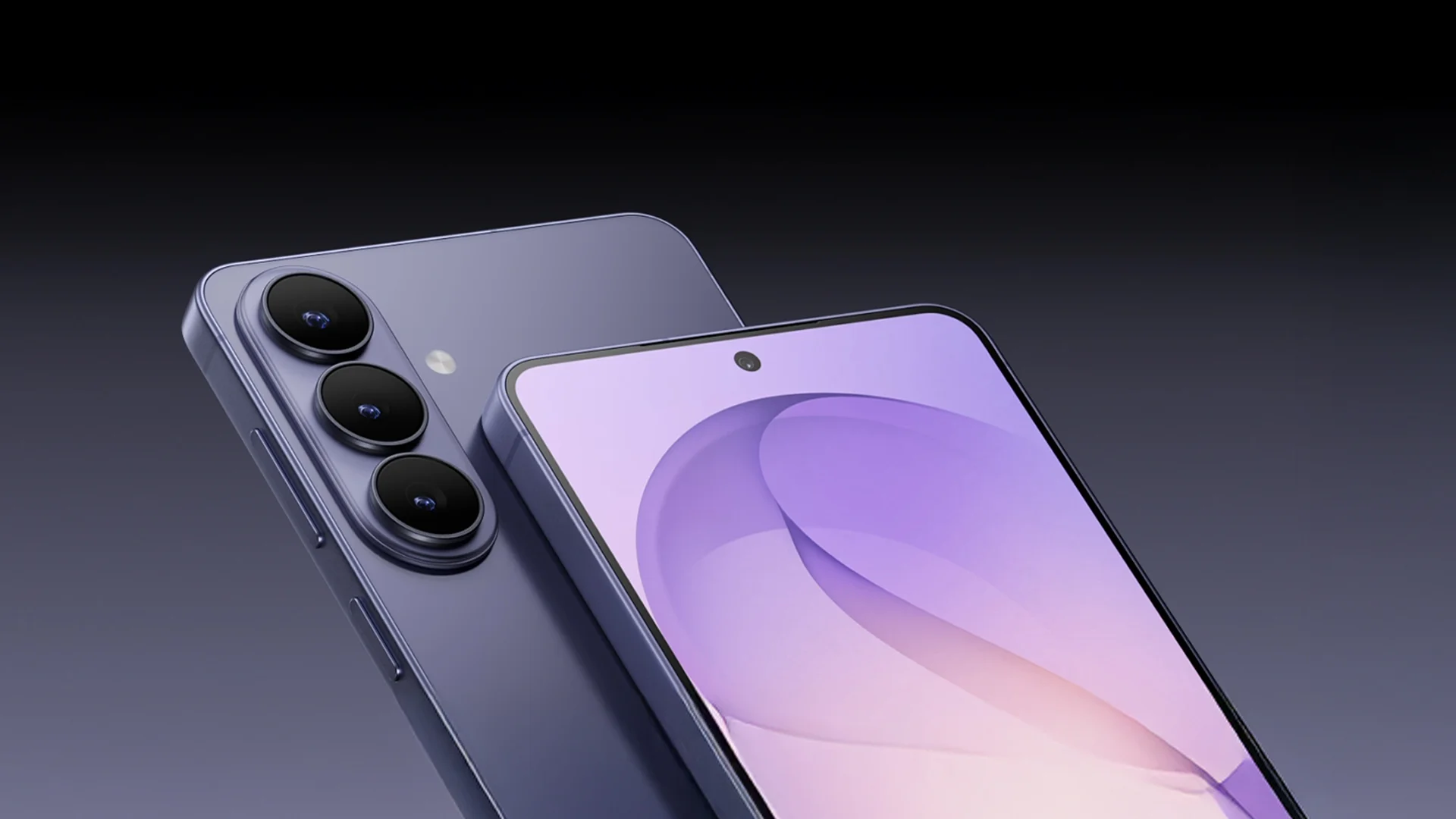
The 200MP Main Sensor
The Galaxy S26 Ultra still has a 200MP main camera, but it is much better in the dark. Samsung changed the aperture to f/1.4. This allows the lens to capture 47% more light. This means your night photos will look clearer and have much less "noise" or graininess.
The telephoto (zoom) lenses are also brighter. The 5x zoom lens is now 37% brighter than the one on the S25 Ultra. This is great for taking photos at concerts or sports events where you are far away and the lighting is not perfect.
Professional Photo and Video Features
The S26 series is a dream for people who make content for social media.
- Horizon Lock: This is a part of the Super Steady video mode. It acts like a gimbal. Even if you spin the phone 360 degrees while recording, the video stays perfectly level with the horizon.
- Ocean Mode: A dedicated camera setting that adapts performance for underwater shooting. It is a niche but welcome addition for divers, snorkellers, and adventure photographers.
- APV Codec: The S26 Ultra is the first phone to support the APV video standard. This is a professional-grade way to save video that keeps all the detail. It is perfect for creators who want to edit their footage on a computer later without losing quality.
- Nightography: Focuses on video quality in low-light environments. The wider aperture on the main camera lets in significantly more light, resulting in sharper, cleaner footage after dark — without the need for extra lighting.
- External SSD Support: Because 8K video files are huge, you can now record directly to an external SSD drive plugged into the phone's USB-C port.
|
Camera |
Galaxy S26 / S26+ |
Galaxy S26 Ultra |
|
Main (Wide) |
50MP (f/1.8) |
200MP (f/1.4) |
|
Ultra-Wide |
12MP (f/2.2) |
50MP (f/1.9) |
|
Telephoto 1 |
10MP (3x Zoom) |
10MP (3x Zoom) |
|
Telephoto 2 |
None |
50MP (5x Zoom) |
|
Selfie Camera |
12MP |
12MP (with dedicated AI ISP) |
Samsung also improved the selfie camera. While it is still 12MP, it now has its own Image Signal Processor (ISP). This helps it understand skin tones better and makes hair look more detailed in portrait shots.
Battery Life and Faster Charging
One of the biggest complaints about modern phones is how long they take to charge. Samsung has finally addressed this with the Galaxy S26 series.
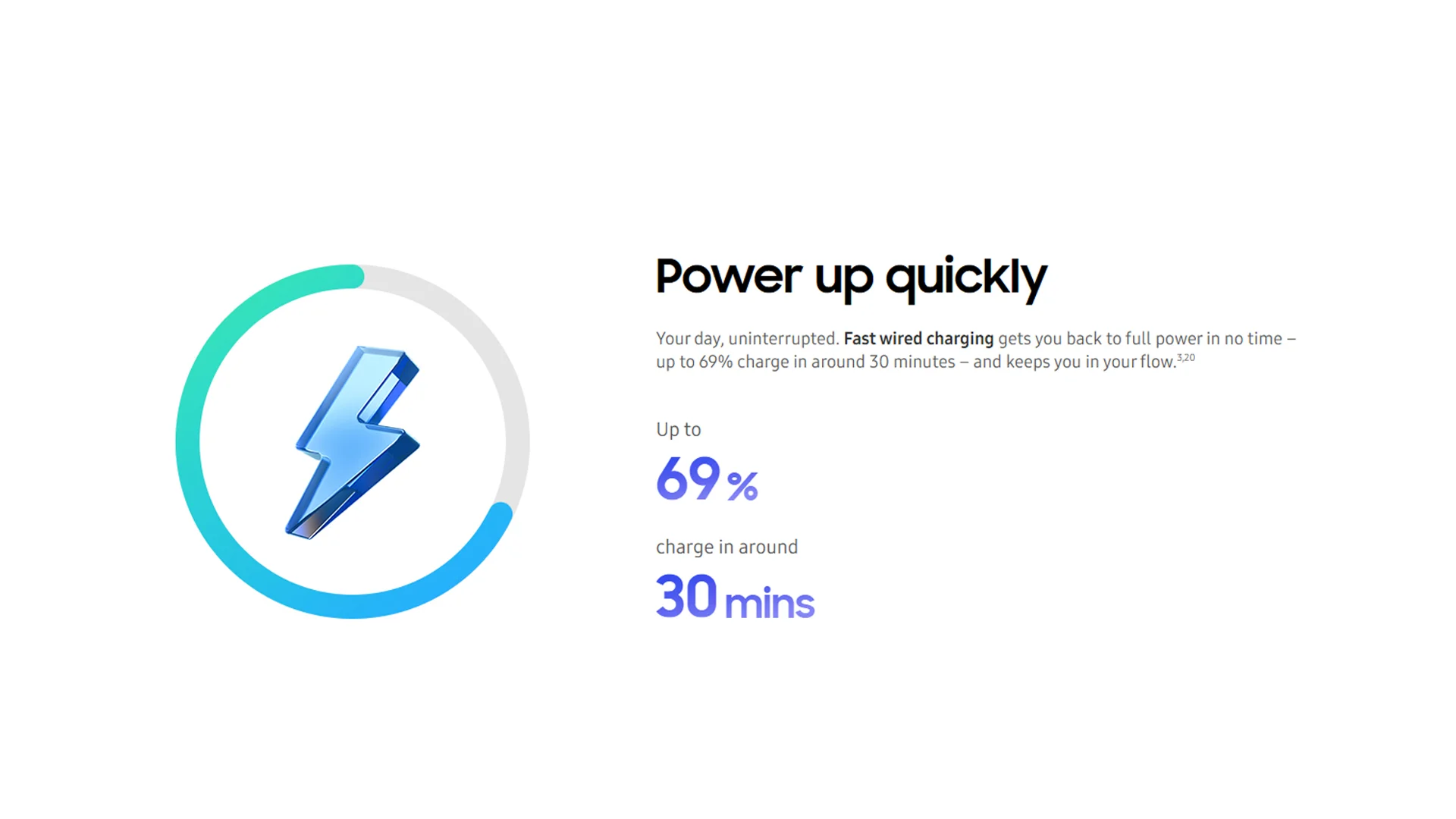
60W Super Fast Charging
The Galaxy S26 Ultra now supports 60W wired charging. This is a big jump from the 45W charging on the previous model. With a compatible 60W charger, the Ultra can go from zero to 75% battery in just 30 minutes.
The battery sizes have also been tweaked to help the phones last all day:
- Galaxy S26: 4300mAh battery (up from 4000mAh).
- Galaxy S26+: 4900mAh battery.
- Galaxy S26 Ultra: 5000mAh battery.
Wireless charging has also become faster. The Ultra supports 25W wireless charging, while the S26+ supports 20W. These improvements mean you spend less time plugged into a wall and more time using your device.
|
Model |
Battery Capacity |
Max Wired Charging |
Max Wireless Charging |
|
Galaxy S26 |
4300mAh |
25W |
15W |
|
Galaxy S26+ |
4900mAh |
45W |
20W |
|
Galaxy S26 Ultra |
5000mAh |
60W |
25W |
What About the Price Increase?
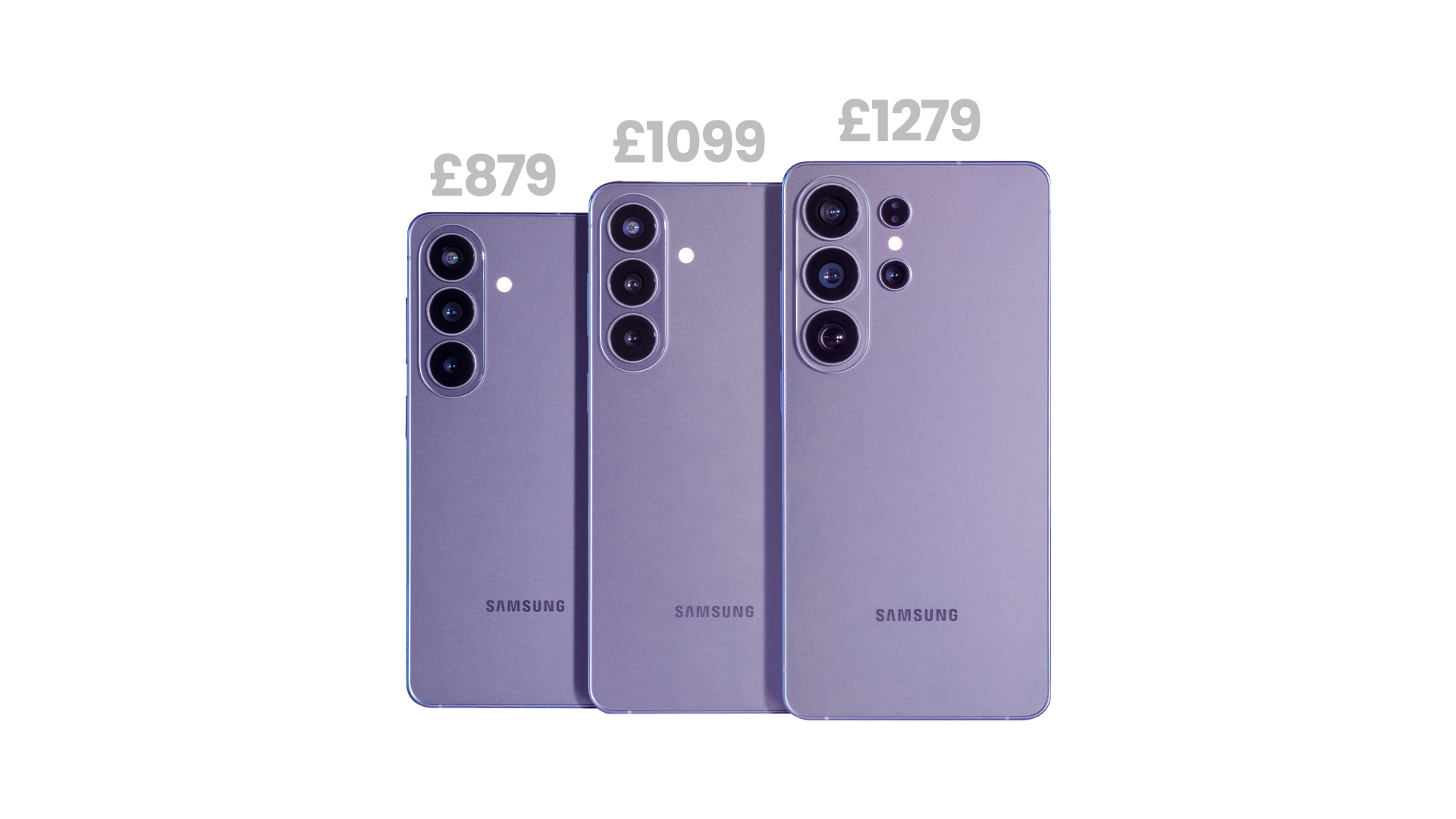
It would not be a complete overview without addressing the elephant in the room. The Galaxy S26 and S26 Plus both carry a significant price increase compared to their predecessors in the UK.
- The Galaxy S26 now starts at £879 for the 256GB model (as there is no 128GB option this year).
- Meanwhile, the Galaxy S26 Plus starts at £1,099.
- In contrast, the Galaxy S26 Ultra remains at £1,279 for the base 256GB version, which is a modest £30 increase over the previous generation but keeps it relatively steady compared to its siblings.
Whether the price hike is justified will depend on how much value users place on the new agentic AI features, the improved hardware, and the significant camera upgrades. The Ultra, at least, remains competitively priced given the sheer amount of technology it offers.
Be the first to own the Galaxy S26. Landing soon at Laptop Outlet. Stay tuned!

A Final Take on the S26 Lineup
The Samsung Galaxy S26 series does not shout for attention. It earns it. With a Privacy Display that is genuinely innovative, Galaxy AI features that work naturally and usefully, a powerful new chipset, and a design identity that finally feels consistent across all three models, Samsung has built a flagship lineup that is confident in what it offers.
Whether you choose the accessible Galaxy S26, the well-rounded S26+, or the feature-packed S26 Ultra, you are getting one of the finest Android smartphones available in 2026. The AI features alone make this a serious step forward for mobile computing — not just for Samsung, but for the industry as a whole.
The Galaxy S26 series is not the future. It is what smartphones look like right now, at their very best.

Just So You Know...
When is the Galaxy S26 release date in the UK?
The official launch took place on 25 February 2026, with pre-orders available immediately. The phones are scheduled for general retail release on 11 March 2026.
What is the Privacy Display on the S26 Ultra?
The Privacy Display is a new hardware feature that restricts side viewing angles. It ensures that only the person looking directly at the screen can see the content.
How much does the Samsung Galaxy S26 cost?
The Galaxy S26 starts at £879, the S26+ at £1,099, and the S26 Ultra at £1,279.
How long will Samsung support the S26 series?
Samsung has promised seven years of Android OS upgrades and seven years of security patches. This ensures the devices remain secure and modern until at least 2033.
What are the key Galaxy AI features on the S26 series?
Key features include Now Nudge, Now Brief, Photo Assist, Creative Studio, Circle to Search, Call Screening, and Private Album.
How is the camera different on the Galaxy S26 Ultra compared to the S26?
The Ultra offers a 200MP main camera, dual telephoto lenses, Ocean Mode, and APV codec support — far more advanced than the base S26's triple camera system.
What colours does the Galaxy S26 series come in?
Standard colours include Cobalt Violet, Black, Sky Blue, and White. Samsung also offers online-exclusive shades like Pink Gold and Silver Shadow on their official store.
| Read More: |
| What is Galaxy AI? |
| Samsung Mobiles Compared: Which Galaxy Phone Is Right for You? |
| iPhone 17 vs Samsung Galaxy S25: Which Flagship Wins |
Related Articles

Last Updated: May 23, 2025
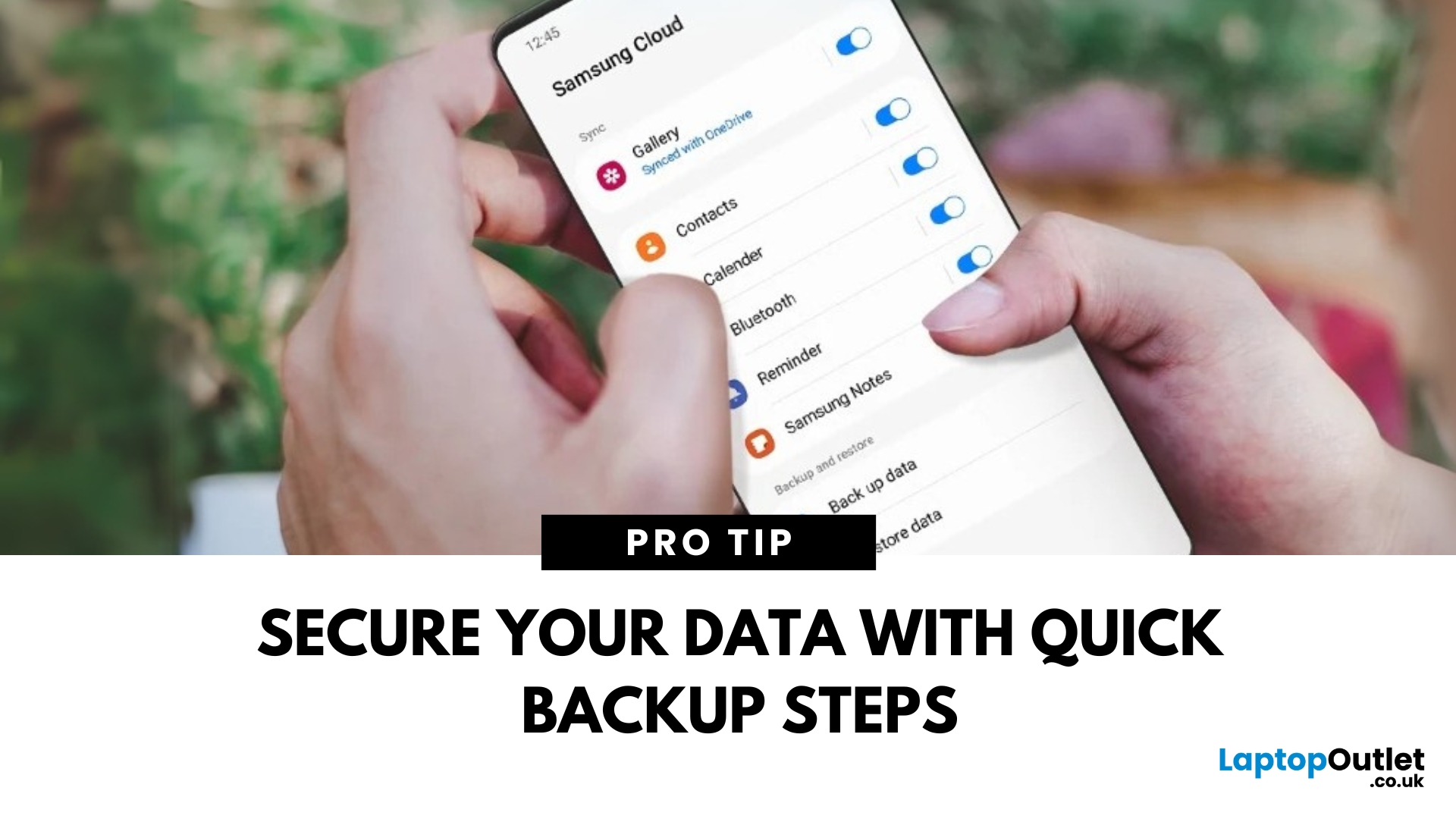
Protect Your Data – Back It Up
Your Samsung phone holds everything—photos, contacts, apps, messages. Losing that data can be a nightmare. That’s why it’s essential to back up your Samsung phone regularly. Here’s how to do it quickly and securely.
How to Back Up a Samsung Phone to Samsung Cloud
1. Open Settings
Tap the Settings app on your Samsung phone.
2. Go to Accounts and Backup
Scroll down and tap Accounts and Backup > Samsung Cloud.
3. Tap Back Up Data
Select the data you want to back up—Contacts, Messages, Apps, Settings, etc.
4. Tap Back Up Now
The backup will start. Make sure you’re connected to Wi-Fi.
Pro Tip: Enable Auto Backup to automatically save your data regularly.
How to Back Up Samsung Phone to Google Account
1. Open Settings
Go to Settings > Google > Backup.
2. Turn On Backup by Google One
Switch on Backup by Google One.
3. Select Data to Back Up
Choose apps, contacts, photos, and more.
4. Tap Back Up Now
Your data will be backed
Last Updated: September 11, 2025
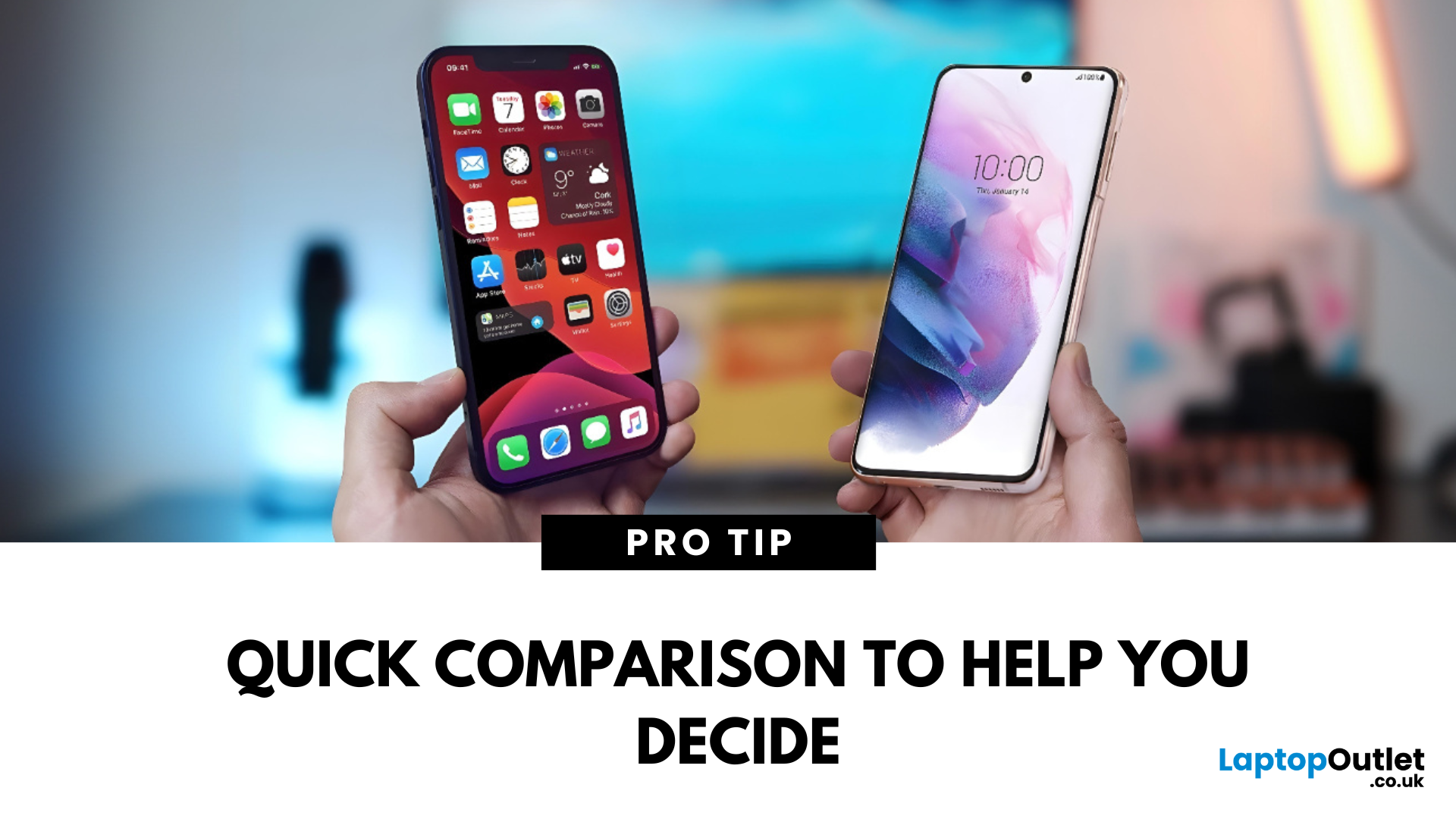
The Ultimate Smartphone Showdown
Samsung or iPhone—which is better? It’s a question that sparks debates in group chats, tech forums, and even family dinners. The truth is, both are excellent—but they suit different users. Here’s a breakdown to help you decide which smartphone brand is the better fit for you in 2025.
Design & Build Quality
- iPhone: Premium build, minimalist design, consistent look across models
- Samsung: Sleek designs, more variety (curved displays, foldables like Galaxy Z series)
Verdict: iPhone offers uniform elegance, Samsung delivers bold variety
Display Quality
- iPhone: Super Retina XDR OLED displays, true-to-life colour accuracy
- Samsung: Dynamic AMOLED 2X displays, higher refresh rates (up to 120Hz on most models)
Verdict: Samsung leads in brightness, refresh rate, and screen innovation
Camera Performance
- iPhone: Excellent video quality, cinematic mode, reliable consistency
- Samsung: Powerful zoom (Space Zoom), versatile sensors, vibrant photos
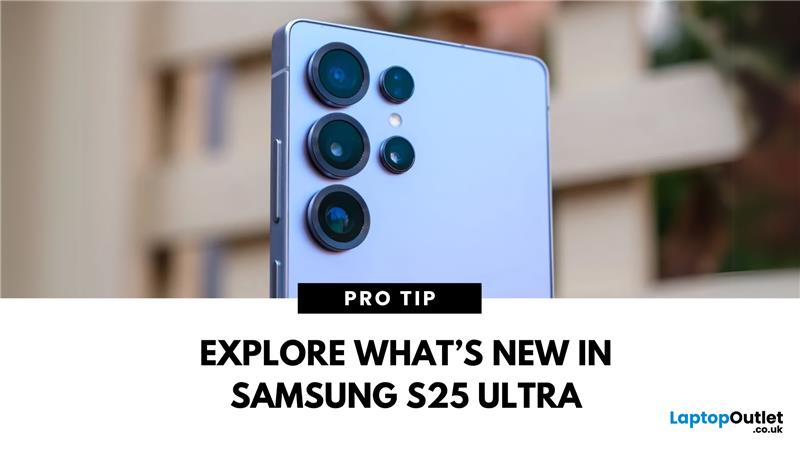
Last Updated: September 11, 2025
The Galaxy Just Got Smarter
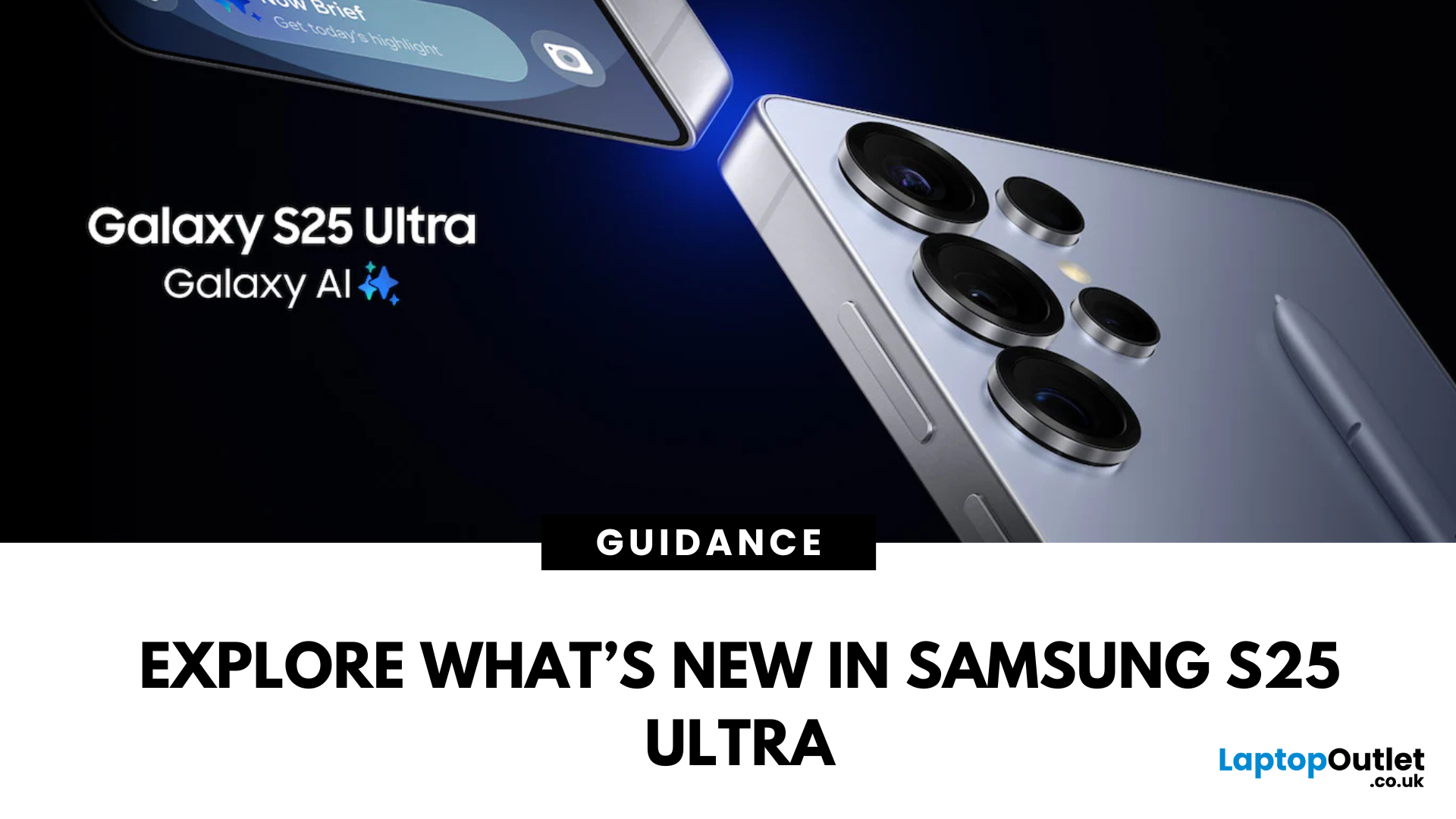
Samsung’s flagship phone has levelled up again. The Samsung Galaxy S25 Ultra brings futuristic performance, next-gen AI capabilities, and premium design upgrades to the palm of your hand. If you're wondering what’s new in the 2025 Ultra model, here’s everything you need to know.
1. Galaxy AI Is Front and Centre
The S25 Ultra introduces Galaxy AI, bringing:
- Live call translation in real-time
- AI photo editing for on-the-fly enhancements
- Generative image suggestions
- Smart calendar, email and writing assistance features
AI tools are deeply integrated into daily tasks, making the phone more intuitive than ever.
2. New Snapdragon 8 Gen 3 Processor
- Enhanced speed, multitasking, and power efficiency
- Faster app load times and smoother gaming performance
- Built to optimise AI and camera functions
Expect top-tier performance for everything from video editing to mobile gaming.
3. Upgraded Camera with AI Nightography
- 200MP main sensor with better
Last Updated: March 17, 2026
Samsung has long dominated the smartphone world, blending cutting-edge innovation, sleek style, and powerful performance with every launch. If you’re wondering what the latest Samsung Galaxy phone is, you’re in the right place. In this blog, we’ll unveil the newest Samsung Galaxy release, highlight its standout specs and features, and guide you to the best deals and offers available right now.
Ready to explore? Let’s uncover the latest together!
What’s the Latest Samsung Galaxy Phone?
To answer the question ‘what’s the latest Samsung Galaxy phone’, we first need to reframe it slightly to ‘what’s the latest Samsung Galaxy series’. That’s because the latest Samsung Galaxy phones all belong to the Samsung S25 Series, which includes three models — the S25, S25+, and S25 Ultra — all launched in the UK in February 2025.
These three models, the S25, S25+, and S25 Ultra, together make up the latest Samsung Galaxy phones. However, if you’re wondering which Samsung Galaxy phone is the most
Last Updated: September 11, 2025
Locked Out or Changing Network?
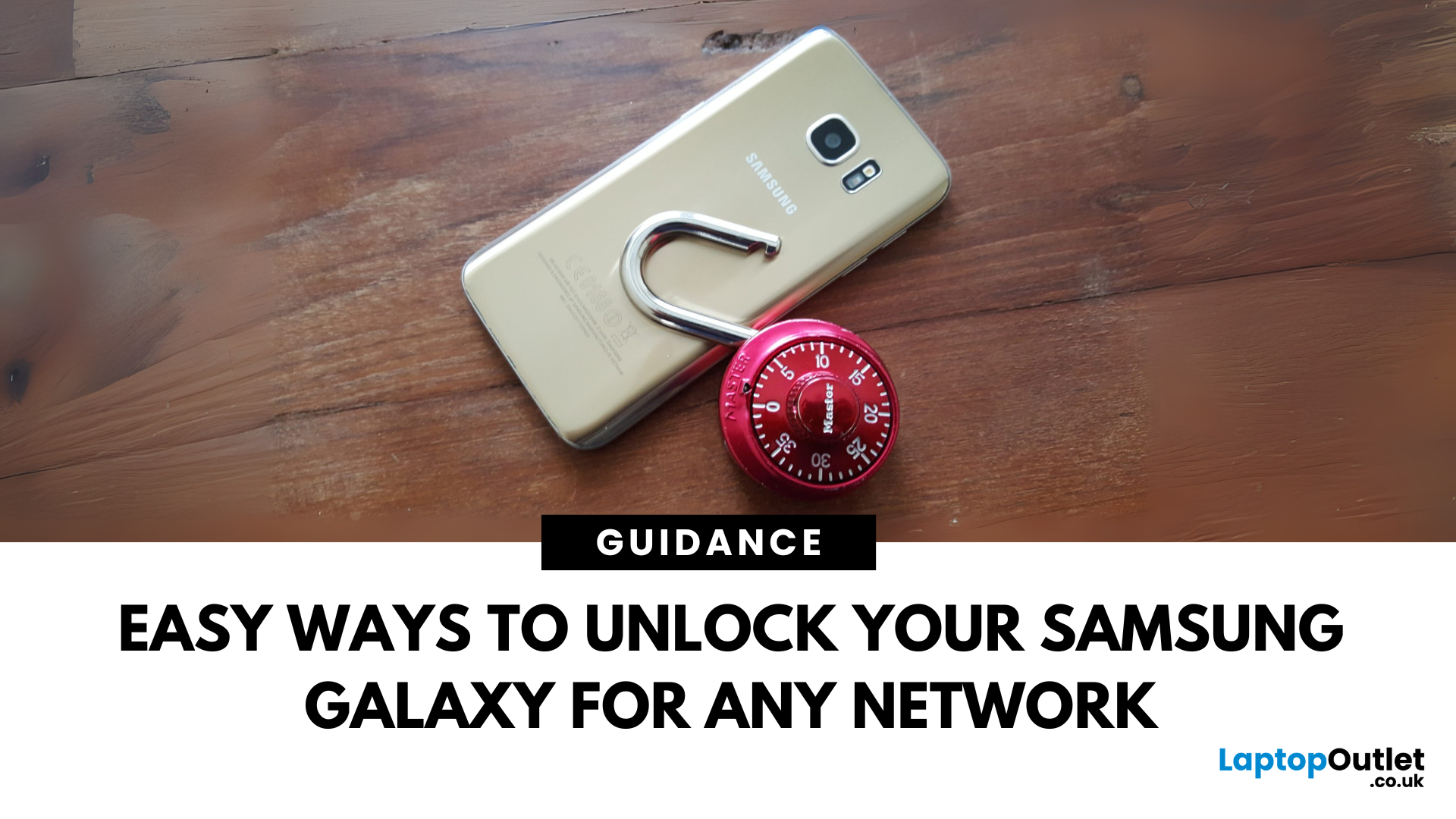
Whether you're switching mobile networks or forgot your passcode, knowing how to unlock your Samsung Galaxy phone can save you time, money, and stress. Here's how to do it the right way—safely and securely.
Types of Phone Locks
Samsung phones can be locked in several ways:
- Screen lock: PIN, password, pattern, fingerprint, face unlock
- Network lock (SIM lock): Tied to a specific carrier
- FRP lock (Factory Reset Protection): Google account verification after reset
Let’s look at how to unlock each one.
Unlocking Screen Lock (If You Forgot PIN/Pattern)
Using Samsung Find My Mobile
- Go to findmymobile.samsung.com
- Sign in with your Samsung account
- Select your device
- Click Unlock
Your device must be online and connected to your Samsung account.
Using Factory Reset (As Last Resort)
- Power off your phone
- Hold Power + Volume Up + Bixby (if present)
- Enter recovery mode > Wipe Data/Factory Reset
- Note: This erases all data
Unlocking a Network-Locked
Last Updated: May 05, 2026
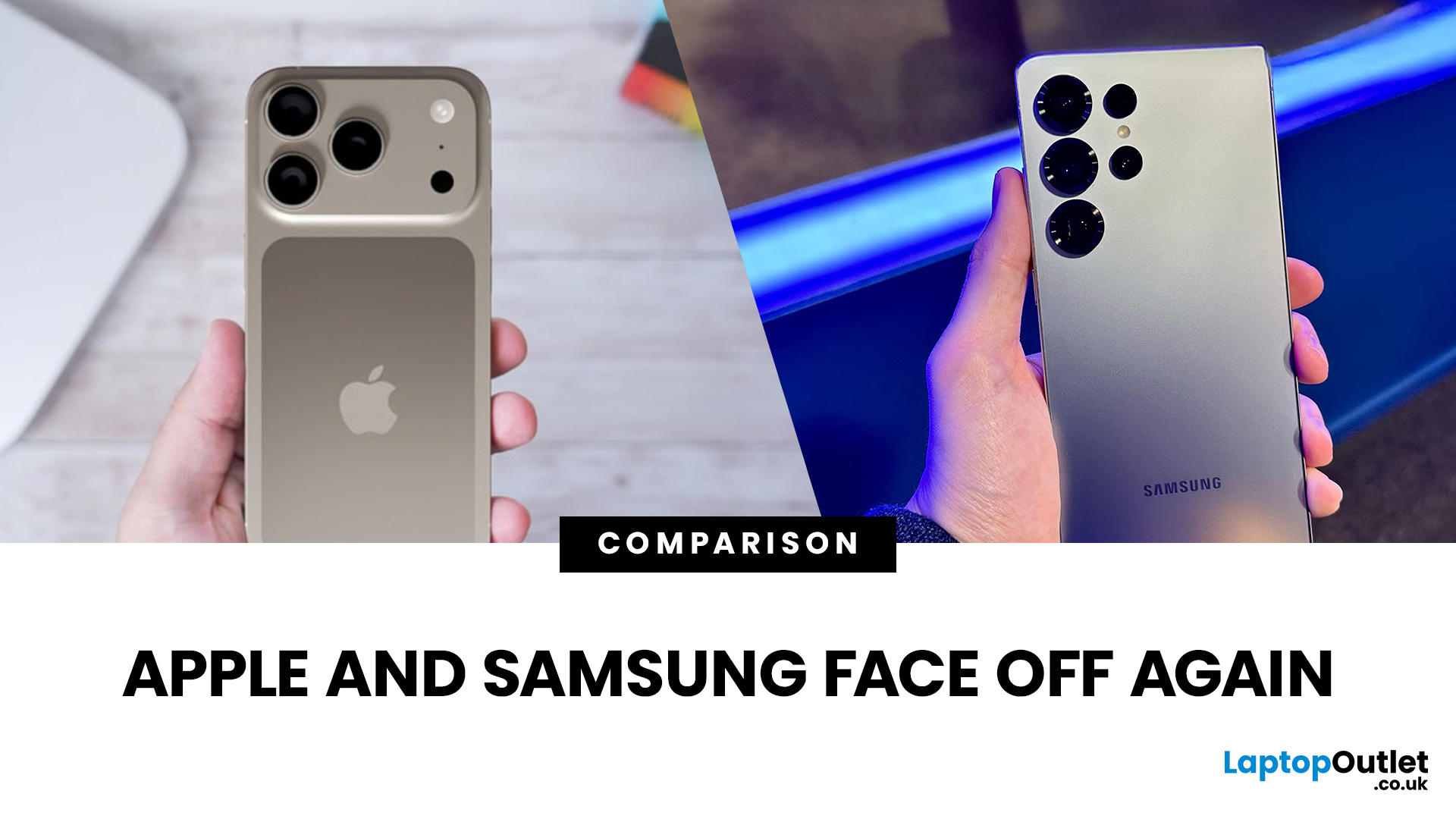
If you're deciding between iPhone 17 and Samsung Galaxy S25 for your next flagship, you’ve got quite the choice. Both phones represent 2025’s top-tier in design, performance, and smart features, but they lean in different directions. iPhone 17 excels in its seamless Apple experience, security, premium build, and camera enhancements. Galaxy S25 pushes AI features, flexible Android customisation, strong displays, and multiple variants. Let’s dig into what you get, how they differ, and which phone wins depending on what matters to you.
What We Know About Galaxy S25 (UK)
- Display: 6.2-inch Dynamic LTPO AMOLED 2X, 120 Hz, HDR10+; very bright peak brightness.
- Processor: Samsung’s custom-made (for Galaxy) Snapdragon 8 Elite chip, built on a 3 nm process, offering improved efficiency, performance, and graphics.
- Cameras: Triple-camera rear: 50 MP main (wide), 10 MP telephoto, 12 MP ultra-wide. Front camera is 12 MP. Multiple AI enhancements via “Galaxy AI”, improved image processing.
- Battery &

Last Updated: December 05, 2025
Portable monitors have completely changed the way we work, game, and watch media on the move. They offer a much larger display than your smartphone, transforming your pocket-sized device into a mini-desktop or a fully immersive entertainment system.
If you want to connect smartphone to a portable monitor for work or play, you've come to the right place. This complete guide will walk you through every possible connection method, covering both Android and iPhone devices, as well as essential tips for a seamless setup.
What You Need to Connect Smartphone to a Portable Monitor
Before we dive into 'how to use phone with portable monitor, you need to check a few things. Having the right kit is essential for a successful smartphone to portable monitor setup.

1. The Right Portable Monitor
Your monitor needs to have the correct input ports. The best portable monitors for phones feature a dual-connection design, offering both USB-C (for single-cable power and video) and Mini-HDMI ports (for universal
Last Updated: May 05, 2026
Smartphones have come a long way in the past decade, from simple communication tools to powerful pocket-sized computers. But 2025 marks a turning point. The biggest upgrades are no longer about camera megapixels or faster processors. The real revolution is happening behind the scenes with AI in smartphones.
Artificial intelligence is reshaping how phones think, respond, predict, and interact with users. Whether it’s personalisation, photography, battery management, or voice assistance, AI is quietly powering the features we rely on every day. And with the next generation of AI chips, on-device assistants, and multimodal models, smartphones are evolving at a pace we’ve never seen before.
In this article, we break down how AI is transforming the smartphone industry, what it means for users, and what the future of mobile tech looks like in an AI-driven world.
What Does AI in Smartphones Actually Mean?
While “AI” can sound like marketing hype, its role in smartphones is very real-and very
Last Updated: April 21, 2026
A new year, a fresh scroll, and maybe… a phone that doesn’t need charging twice a day. If that sounds like a goal, you’re in the right place. New Year smartphone deals in 2026 are shaping up to be one of the best times to upgrade without blowing past the £500 mark.
Thanks to rapid tech upgrades and fierce competition, smartphones under £500 in 2026 are no longer “budget compromises.” We’re talking flagship-style cameras, 5G speeds, premium displays, and batteries that actually last a full day (and then some). Whether you’re hunting for Android phone New Year discounts, eyeing iPhone deals, or comparing specs like a pro, this guide breaks it all down, minus the boring bits.
Why New Year Is the Sweet Spot for Smartphone Deals
New Year sales are kind of the underrated MVP of tech shopping. While Black Friday grabs the headlines, January is when retailers quietly drop serious discounts—especially on last year’s premium and mid-range models.
Here’s why New Year Smartphone Deals hit different:

Last Updated: April 21, 2026
In 2026, a 5G connection is no longer a "nice to have"—it is essential. Whether you are commuting through London or working from a coastal town, you need a device that keeps up with the national rollout of ultra-fast networks.
Finding the best 5G smartphones can feel overwhelming. With so many latest 5G phones hitting the market, how do you choose? You need a phone that balances speed, battery life, and price. From premium Apple iPhones to versatile Android smartphones, the options are better than ever.
In this guide, we break down the top 5G smartphones UK users should consider.
New 5G Phone Deals UK: Top Picks for 2026
If you want the latest technology, the following brand-new models, available at Laptop Outlet, offer the best performance and future-proofing.
1. Oppo Reno13 F 5G (CPH2699L Blue)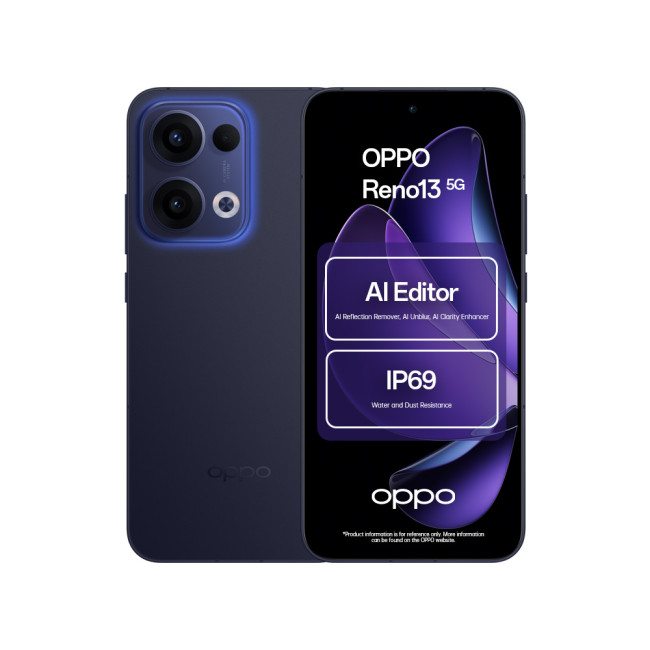
Key Specifications
- Display: 6.67-inch AMOLED, 120 Hz refresh rate
- Resolution: 1080 x 2400 Pixels.
- CPU: Qualcomm Snapdragon 6 Gen 1
- RAM: 8 GB
- Storage: 256 GB

