



What Is a 2-in-1 Laptop? Everything You Need to Know
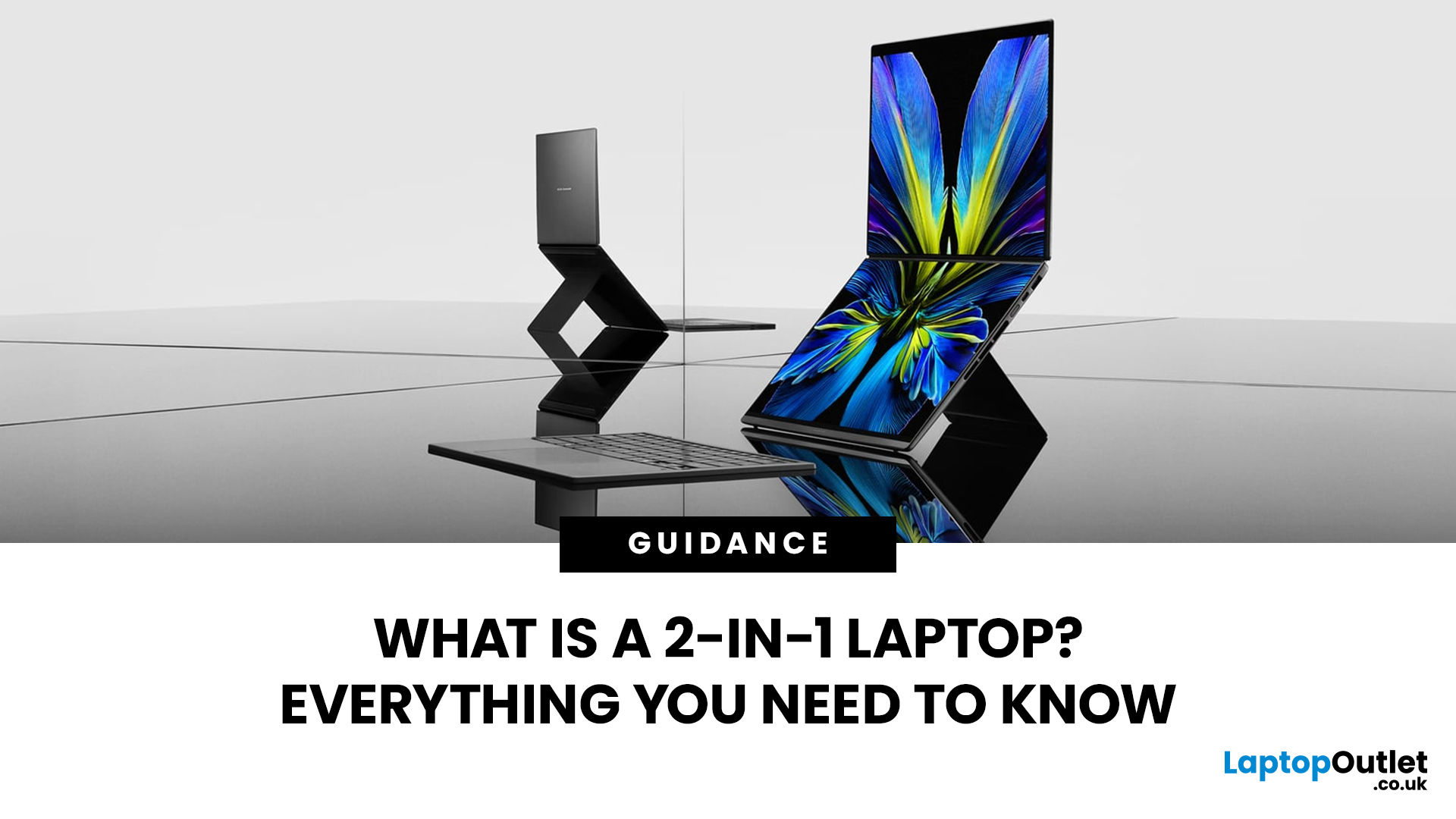
A 2-in-1 laptop gives you the flexibility of a traditional laptop with the touch-first convenience of a tablet, letting you type, draw, take notes, present or watch content in different modes. That versatility also brings important choices around hinges, stylus support, performance, weight and battery life.
This guide explains how 2-in-1 laptops work, the main types available, their advantages and disadvantages, who they suit, and what to look for when choosing one.
What Is a 2-in-1 Laptop?
A 2-in-1 laptop is a portable computer designed to work in both a conventional laptop configuration and a touch-focused form. It has a touchscreen plus either a flexible hinge that moves the keyboard behind the display or a keyboard that can be physically detached.
The term describes the hardware design rather than a particular operating system or performance level. Current 2-in-1 laptops therefore range from compact everyday machines to higher-specification systems designed for productivity and creative work.
Is a Touchscreen Laptop the Same as a 2-in-1?
No. A touchscreen laptop simply allows direct input on the display. If its hinge operates like a conventional clamshell and the keyboard cannot be removed, it is still a standard laptop.
A 2-in-1 is specifically designed to change physical configuration. Someone who only wants to tap, scroll or zoom occasionally may be perfectly well served by regular touchscreen laptops, while frequent handwriting or screen-first use makes the convertible design more relevant.
Convertible vs Detachable 2-in-1 Laptops
Most 2-in-1 computers fall into two broad designs. Neither is automatically better because each prioritises a different balance between typing and touch use.
Convertible 2-in-1 Laptops
A convertible laptop keeps the keyboard permanently attached and normally uses hinges capable of rotating the display through roughly 360 degrees.
It feels much like a conventional laptop during desk work, but the display can be folded back when touch or pen input is more convenient. Because the keyboard, trackpad and computer remain one unit, convertibles tend to work particularly well for people who spend most of their time typing but want additional modes occasionally.
Detachable 2-in-1 Laptops
A detachable design places the essential computer hardware behind the display. The keyboard attaches when required and can be removed completely.
Removing the keyboard usually makes handheld use more comfortable than folding an entire laptop base behind the screen. The trade-off is that detachable keyboards can provide less rigidity on a lap, and connectivity, battery capacity and cooling arrangements can differ considerably between individual designs.
What Are Laptop, Tent, Stand and Tablet Modes?
Convertible 2-in-1 laptops can normally be positioned in several ways. Each mode is useful for a different task rather than simply giving the hinge more positions.
- Laptop mode: The normal screen-and-keyboard position. Best for essays, spreadsheets, emails, programming and other typing-heavy work.
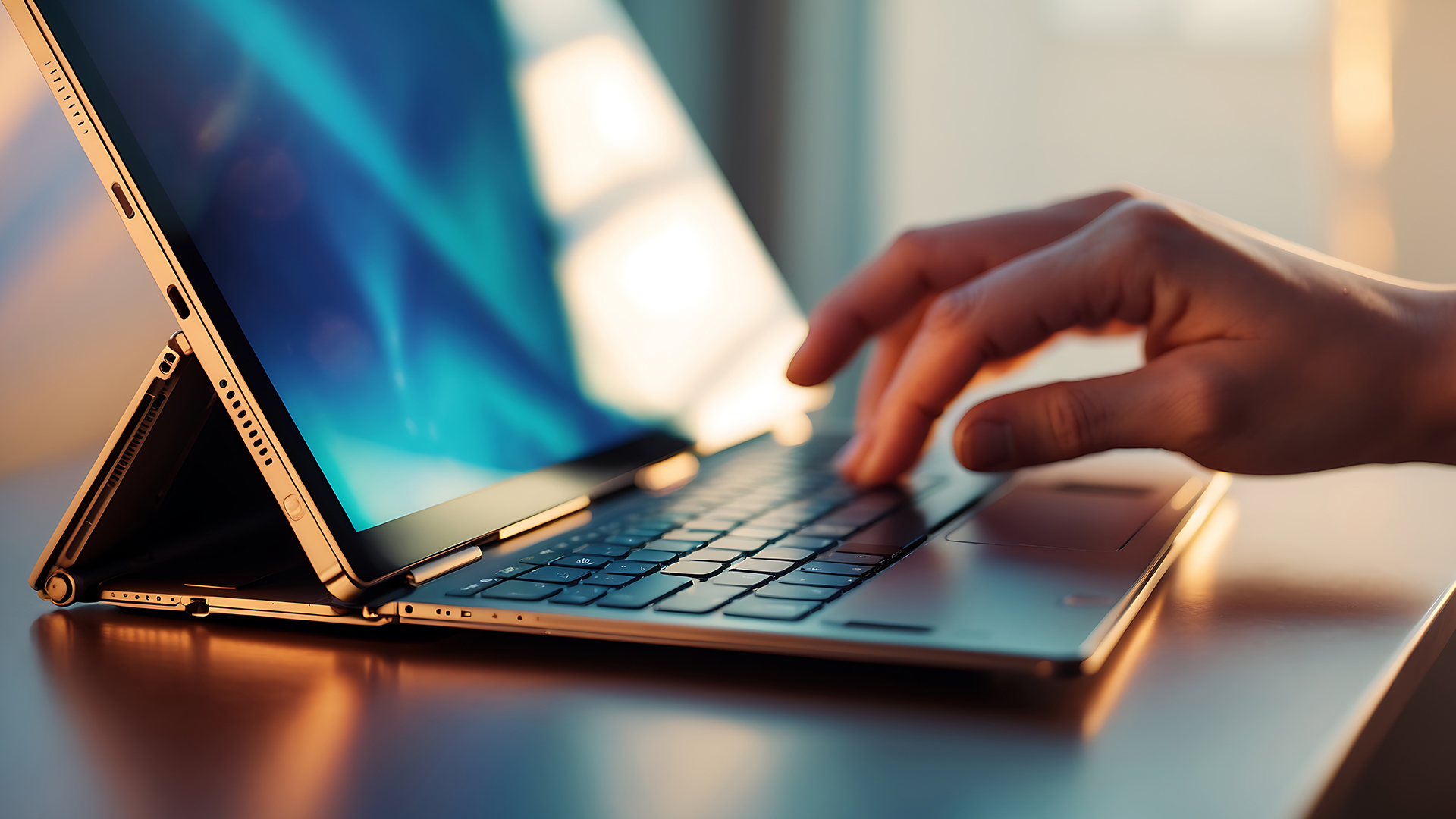
- Tablet mode: The keyboard is folded behind the screen, or removed on a detachable model. Useful for handwriting, reading, drawing and direct touch interaction.
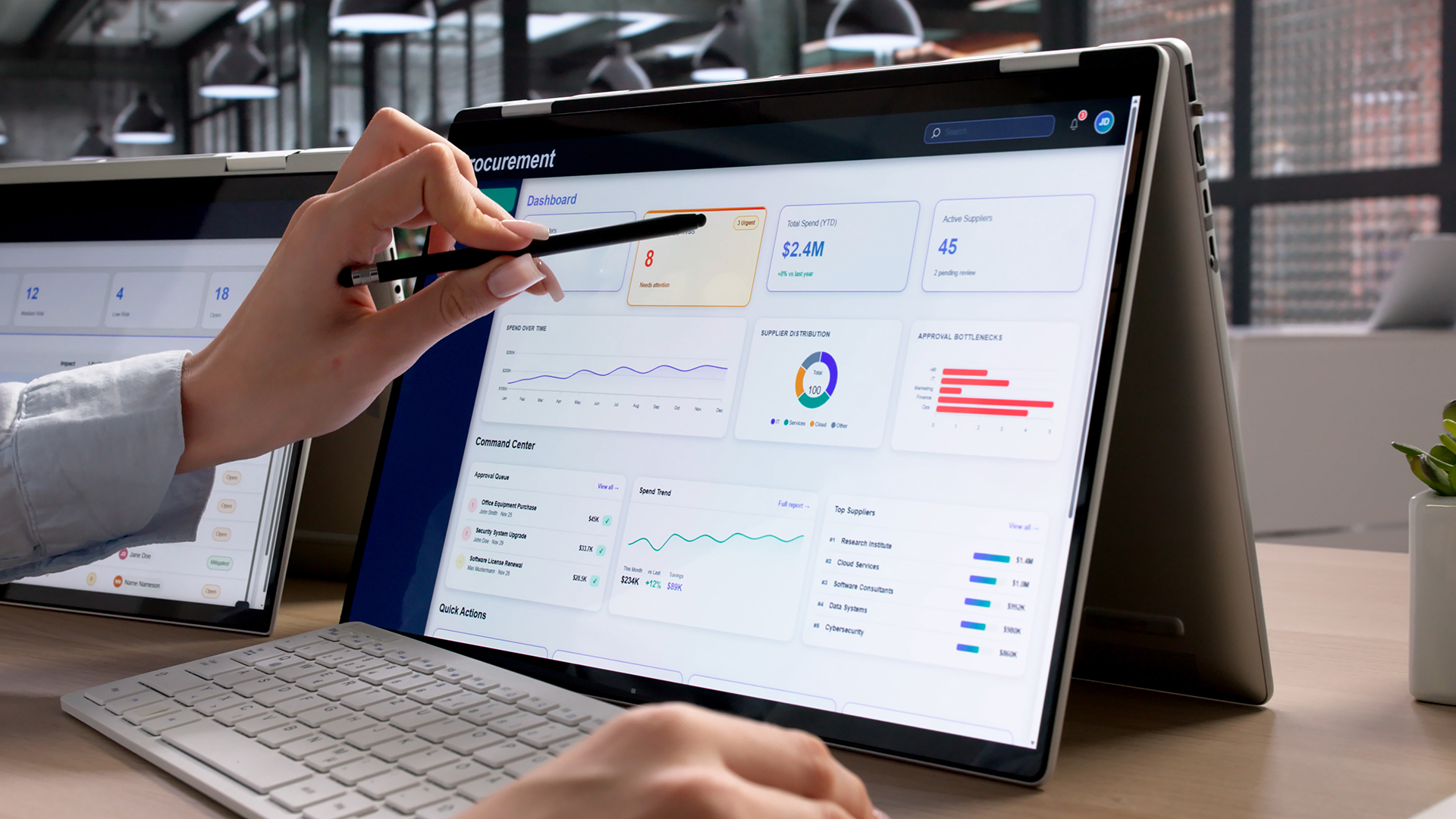
- Tent mode: The computer rests like an inverted V. This can work well for watching video in a small space or following instructions while keeping the keyboard away from the work surface.
- Stand mode: The keyboard sits underneath or behind the display while the screen faces forward. It suits presentations, video calls, demonstrations and touch-controlled media.
Windows 11 supports touchscreen gestures and digital pen input on compatible hardware, including actions such as scrolling, zooming, switching between apps, handwriting and document annotation. Higher display refresh rates can also make scrolling and digital inking feel smoother, although they can consume more power.
Common 2-in-1 Laptop Ranges
Current 2-in-1 laptops appear across several well-established ranges, covering everything from everyday convertibles to detachable designs and higher-specification creative systems.
- Lenovo Yoga 2-in-1: Convertible models with 360-degree hinges, with digital pen support available across selected devices.
- HP OmniBook X Flip: A current convertible range built around touchscreens and multiple operating modes.
- ASUS Vivobook Flip: Includes 14-inch and 16-inch convertible models, with stylus support available on compatible versions.
- Acer Aspire Spin: Touchscreen convertibles available across several Aspire models, with stylus support or an included stylus on selected versions.
- Samsung Galaxy Book 360: The Galaxy Book5 360 and Pro 360 use 360-degree designs and support S Pen input.
- Microsoft Surface Pro: A detachable-style 2-in-1 that uses a built-in kickstand and optional keyboard for laptop-style use.
Specifications, pen support and included accessories vary between individual models, so the range name alone should not determine which 2-in-1 is suitable.
Where Does a 2-in-1 Laptop Make Sense?
The strongest reason to choose a 2-in-1 laptop is having tasks that genuinely benefit from both keyboard and screen-based input. Different users benefit from that flexibility in different ways.
Studying and Handwritten Notes
For university or college, a 2-in-1 can let you type an assignment and later handwrite equations, annotate lecture slides or organise notes on the same computer. Portability, battery life, keyboard quality and pen support can matter just as much as raw processing power for this type of use.
Office Work, Meetings and Presentations
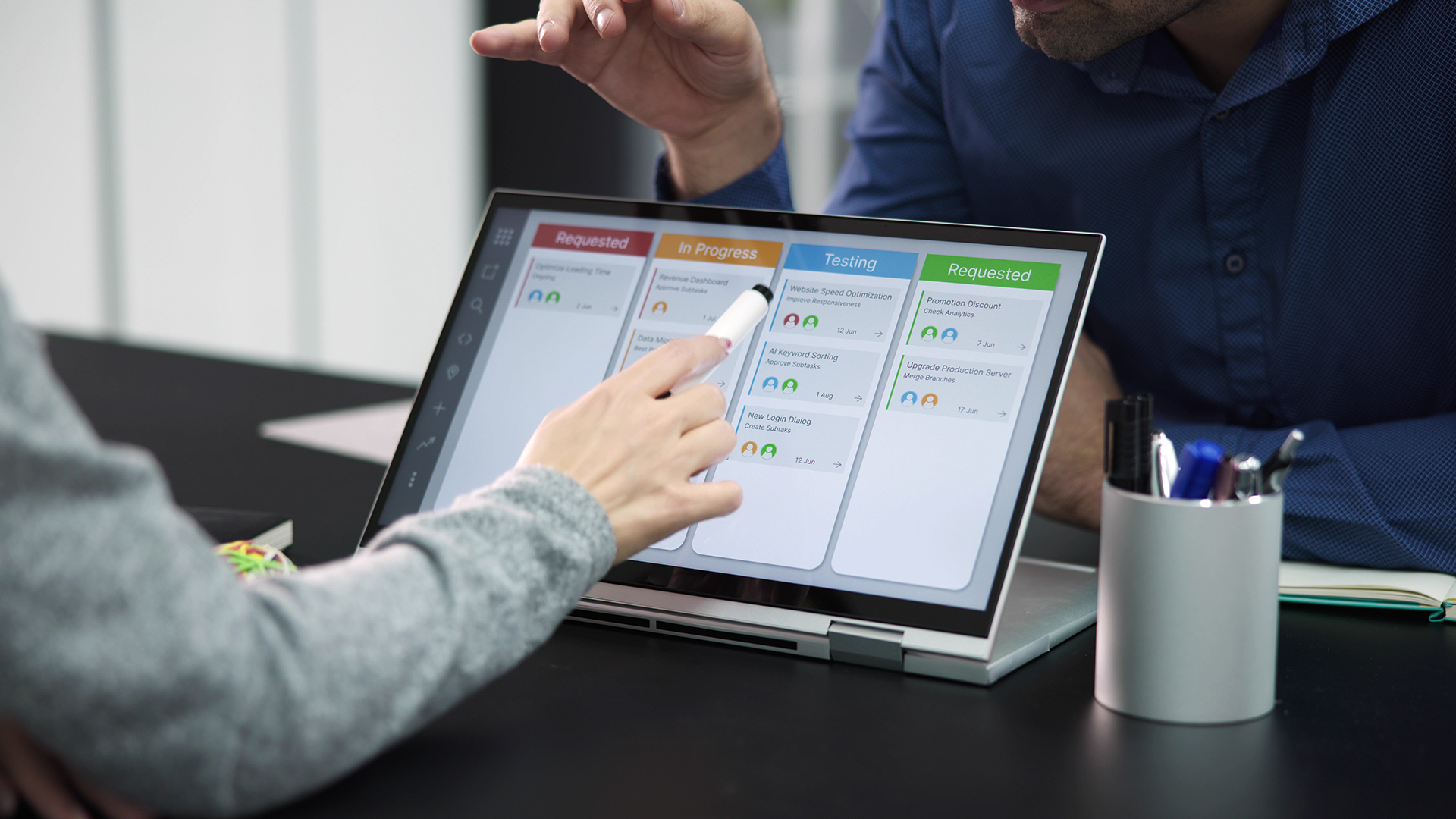
Office users may benefit differently. A 2-in-1 can operate normally at a desk, move into stand mode for a video call and then present information without the keyboard sitting between the viewer and screen. Good input devices, reliable connectivity and durable construction are especially important for frequent professional use.
Drawing and Creative Work
Creative uses depend heavily on the display and pen implementation. A compatible active stylus can make sketching, handwritten notes, photo retouching and document markup much more precise than finger input, but touchscreen capability alone does not guarantee an equally good drawing experience.
Travel and Everyday Use
For travel, the main benefit is reducing the need for separate devices. However, being easy to carry in a bag is not the same as being comfortable to hold for 30 minutes. A 1.3kg convertible may be very portable by laptop standards while still feeling considerably heavier in the hands than a dedicated slate.
Advantages of a 2-in-1 Laptop
The useful 2-in-1 laptop advantages come from changing how you interact with the same computer rather than simply adding a touchscreen.
One Device Can Handle Different Input Methods
Typing remains faster for long documents, spreadsheets and many workplace applications. Handwriting is often more natural for equations, diagrams, signatures, annotations or quick notes.
A 2-in-1 lets you move between those input methods without transferring files between separate devices. That can simplify study and creative workflows where keyboard, touch and pen input are all used during the same project.
The Screen Can Adapt to the Environment
A normal laptop needs enough room for both its base and display. Tent or stand mode reduces that footprint and allows the screen to face the user without the keyboard occupying the space directly in front of it.
This can be useful on an aeroplane tray, a compact desk, a kitchen worktop or during a presentation. The advantage is situational, but significant if those situations are common for you.
Pen Input Can Be More Precise Than Touch
On compatible models, an active stylus can provide much finer control than a fingertip. Windows 11 supports digital pen functions for handwriting, drawing and document annotation, although the exact pen features depend on the hardware.
This is why stylus compatibility should be checked separately from touchscreen support. A pen may also be an optional accessory rather than something included in the box.
Portability Can Extend Beyond Low Weight
Thin convertibles are often designed with mobility in mind, but dimensions matter alongside the headline weight figure. A smaller chassis can be easier to use on crowded desks and lecture seats, while compact chargers can reduce the total weight carried each day.
Anyone prioritising commuting should therefore compare complete dimensions and charger size alongside lightweight laptops, rather than treating the laptop's weight alone as the deciding measurement.
What Are the Disadvantages of a 2-in-1 Laptop?
A flexible chassis creates engineering compromises. Their importance depends on the individual machine and how you intend to use it.
Thin Designs Can Restrict Sustained Performance
High-performance processors and graphics hardware generate heat that must be removed through the cooling system. Very thin 2-in-1 designs have less internal space available for large fans, heatsinks and airflow.
That does not mean convertible laptops are inherently slow. Modern models cover a wide performance range, but someone running long 3D rendering, engineering simulations or demanding games should examine sustained performance and cooling rather than assuming two laptops with similar processor names will behave identically.
Port Selection May Be Limited
Some slim convertibles use a small collection of USB-C or similar compact connections to preserve chassis space. Others still include USB-A, display outputs or additional ports.
Check what is physically present rather than assuming an adapter will never be required. This matters particularly if you frequently connect monitors, wired networks, memory cards, external storage or specialist peripherals.
Upgradeability Varies Significantly
Compact construction can result in memory being soldered to the motherboard, but this is not universal. Current 2-in-1 designs exist with replaceable storage, expandable memory or even more extensive modular components.
If you plan to keep the laptop for several years, check whether its RAM and SSD can be replaced before purchase. Non-upgradeable memory makes choosing sufficient capacity from the beginning especially important.
Tablet Mode Can Be Heavier Than Expected
A convertible may feel light while carried between rooms yet uncomfortable when supported in one hand. Larger 15-inch and 16-inch designs make this distinction particularly noticeable.
If handheld reading or handwriting is a major priority, consider not only kilograms but also screen size, thickness, weight distribution and whether a detachable design would remove unnecessary keyboard weight.
Touch Displays Need Different Care
Touchscreens collect fingerprints because they are handled directly. Glossy display surfaces can also produce distracting reflections in bright rooms or near windows.
Brightness, coating, colour accuracy, resolution and refresh rate therefore deserve attention alongside the fact that the panel supports touch.
The Hinge Becomes More Important
A convertible hinge has to hold the screen securely through a much wider range of movement than a conventional laptop hinge. That makes hinge design, chassis rigidity and the strength of the surrounding mounting points particularly relevant for a machine that will be converted regularly.
A 360-degree hinge does not automatically mean poor reliability. Durability varies by model and construction, so hinge quality and chassis rigidity are worth checking if you expect to switch between modes frequently.
2-in-1 Laptop vs Traditional Laptop vs Tablet
The three form factors overlap, but their priorities are different.
|
Feature |
2-in-1 laptop |
Traditional laptop |
Tablet |
|
Keyboard |
Built in or detachable |
Built in |
Usually optional |
|
Touchscreen |
Standard |
Model dependent |
Standard |
|
Stylus use |
Common on compatible models |
Less common |
Common on compatible models |
|
Portability |
Good, but weight varies |
Varies widely |
Usually highest |
|
Performance range |
Broad |
Broadest overall |
Platform dependent |
|
Desktop software |
Depends on operating system |
Usually strong |
More platform dependent |
|
Ports |
Often fewer on slim models |
Usually broader choice |
Usually limited |
|
Upgradeability |
Model dependent |
Model dependent, often broader |
Usually minimal |
|
Typing productivity |
Strong |
Strongest overall |
Depends on keyboard accessory |
|
Media viewing |
Very flexible |
Good |
Excellent for handheld viewing |
|
Best suited to |
Mixed typing, touch and pen workflows |
Keyboard-heavy or high-performance work |
Touch-first and handheld tasks |
The important distinction is not which form factor is universally better. It is which one places the fewest compromises around the tasks you perform most often.
What to Look for When Choosing a 2-in-1 Laptop
Start with how you expect to use the device when the keyboard is folded away or removed. This will help determine whether a convertible or detachable design suits you and which specifications matter most.
Display and Touch Quality
Look beyond resolution and consider brightness, reflections, viewing angles and touch responsiveness. If you plan to draw or take handwritten notes, smooth pen tracking and effective palm rejection are particularly important.
Stylus Compatibility
Check whether the laptop supports an active stylus and which pens are compatible. A pen is not always included, so confirm whether it comes with the laptop or needs to be purchased separately.
Processor, RAM and Storage
Choose the specification around your workload. Everyday browsing and note-taking require less processing power than coding, creative applications, CAD or gaming. Check RAM capacity carefully if it is soldered, and find out whether the SSD can be replaced or upgraded.
Keyboard and Trackpad
If the laptop will still spend much of its time in laptop mode, keyboard comfort matters. Consider key travel, layout, chassis rigidity and trackpad accuracy, particularly for extended typing, programming or office work.
Battery Life
Do not rely solely on manufacturer battery figures. Screen brightness, refresh rate, video calls, background applications and demanding workloads can all reduce runtime. Independent battery testing can give a more realistic idea of how long a particular model lasts in everyday use.
Ports and Connectivity
Check that the available USB-C, USB-A, display, audio and memory-card connections suit your accessories. Slimmer 2-in-1 models may provide fewer physical ports, making adapters or docks necessary.
Operating System and Software
Make sure the operating system supports the software and peripherals you need. Current Windows 11 laptops can also support touch gestures, handwriting and digital pen features when paired with compatible hardware.
Size, Weight and Build Quality
A laptop that is easy to carry is not necessarily comfortable to hold in tablet mode. Consider screen size, overall weight and thickness together. Also pay attention to chassis rigidity and hinge construction, especially if you expect to switch between modes frequently.

Is a 2-in-1 Laptop Right for You?
A 2-in-1 laptop is most useful when you genuinely benefit from switching between typing, touch and pen input. Its flexible design can suit studying, note-taking, presentations, creative work and everyday tasks, but the experience varies considerably between models.
Before choosing one, consider how much you will use its convertible features alongside factors such as weight, battery life, ports, performance and hinge quality. If touch and tablet-style use are only occasional requirements, a traditional laptop may offer a simpler and more practical fit.

In Case You Were Wondering...
Are 2-in-1 laptops durable enough for university?
Yes. Durability depends on the chassis, hinge quality and how the laptop is handled. For university use, look for solid construction, firm hinges, a protective sleeve and suitable warranty cover.
Are 2-in-1 laptops good for programming?
Yes, if the processor, RAM, storage, keyboard and operating system suit your development tools. For heavier coding workloads, performance and software compatibility matter more than the convertible design.
Can you game on a 2-in-1 laptop?
Yes, but performance varies. Integrated graphics suit lighter games, while demanding titles need stronger graphics and cooling. Slim convertible designs may offer fewer high-performance GPU options than larger gaming laptops.
Do all 2-in-1 laptops come with a stylus?
No. Some models support an active stylus but do not include one. Check pen compatibility, pressure sensitivity and whether the stylus is supplied separately if handwriting or drawing matters.
Can you upgrade a 2-in-1 laptop?
Sometimes. Upgradeability varies by model. Some have soldered RAM, while others allow memory or storage upgrades. Check the exact specification before buying if future upgrades are important.
Can a 2-in-1 laptop last for several years?
Yes. Longevity depends on build quality, battery condition, software support and whether the hardware remains suitable for your needs. Battery capacity will also gradually decline with regular use.
Related Articles


Last Updated: September 09, 2025
The Lenovo IdeaPad is your straightforward, affordable everyday laptop—with reliable performance, solid keyboard, and value pricing. The Lenovo Yoga delivers premium 2in1 flexibility with a 360° hinge and touchscreen, perfect for creators or anyone who wants tablet-style versatility. Choose IdeaPad for costeffective practicality. Choose Yoga if you want sleek, convertible power.
What’s the Main Difference Between IdeaPad and Yoga?
Lenovo “IdeaPad” targets everyday users with a range of reliable, budget to mid-range laptops designed for typical computing tasks and content consumption. The “Yoga” series, on the other hand, leans into versatility and premium feel - most models feature a touchscreen with a 360° hinge, letting you use them as tablets or laptops.
Feature Comparison Table
| Feature | IdeaPad (Everyday Laptop) | Yoga (2-in-1 Convertible) |
| Design & Form Factor | Traditional clamshell design with fixed hinge. | 360° convertible hinge supports laptop, tent, stand, |

Last Updated: September 15, 2026
The business laptop market in 2026 is more diverse than ever. Organisations and professionals are no longer limited to a one-size-fits-all approach; instead, laptops are tailored to specific needs. Whether it’s ultraportable design, raw performance, flexible form factors, or cost-efficient practicality, the right choice depends on aligning device capabilities with your workload, lifestyle, and budget.
This guide explores the four main types of business laptops: Ultrabooks, mobile workstations, 2-in-1 hybrids, and budget-friendly models. Each has evolved significantly over the past decade, offering innovations in AI integration, battery optimisation, display technology, and security features.
If you’re new to business laptops and want a broader perspective before diving into categories, check out our complete overview of business laptops for expert picks and detailed comparisons.”
1. Ultrabooks: Sleek Productivity Machines
Ultrabooks represent the premium side of portability. Thin, light,

Last Updated: January 21, 2026
Let’s be honest - most of us don’t work (or study, or relax) in just one way anymore. One minute you’re typing notes, the next you’re scrolling, watching something, sketching ideas, or replying to emails from the sofa.
That’s exactly why convertible tablets exist.
Also called 2-in-1 laptops, laptop tablets, or the very literal notebook two-in-one, these devices are designed to adapt to how you use tech throughout the day - not force you into one setup.
But choosing the right 2 in 1 laptop convertible isn’t always straightforward. Some lean more laptop. Some feel more like tablets. And some just… try to do everything and don’t quite nail it.
This guide breaks it all down in a way that actually makes sense.
What Is a Convertible Tablet (And Why Do People Buy Them)?
A convertible tablet is a hybrid device that combines:
- A laptop’s power (keyboard, trackpad, desktop software)
- A tablet’s flexibility (touchscreen, pen input, portability)
Most convertible tablets run Windows, which means you’re
Last Updated: August 07, 2026
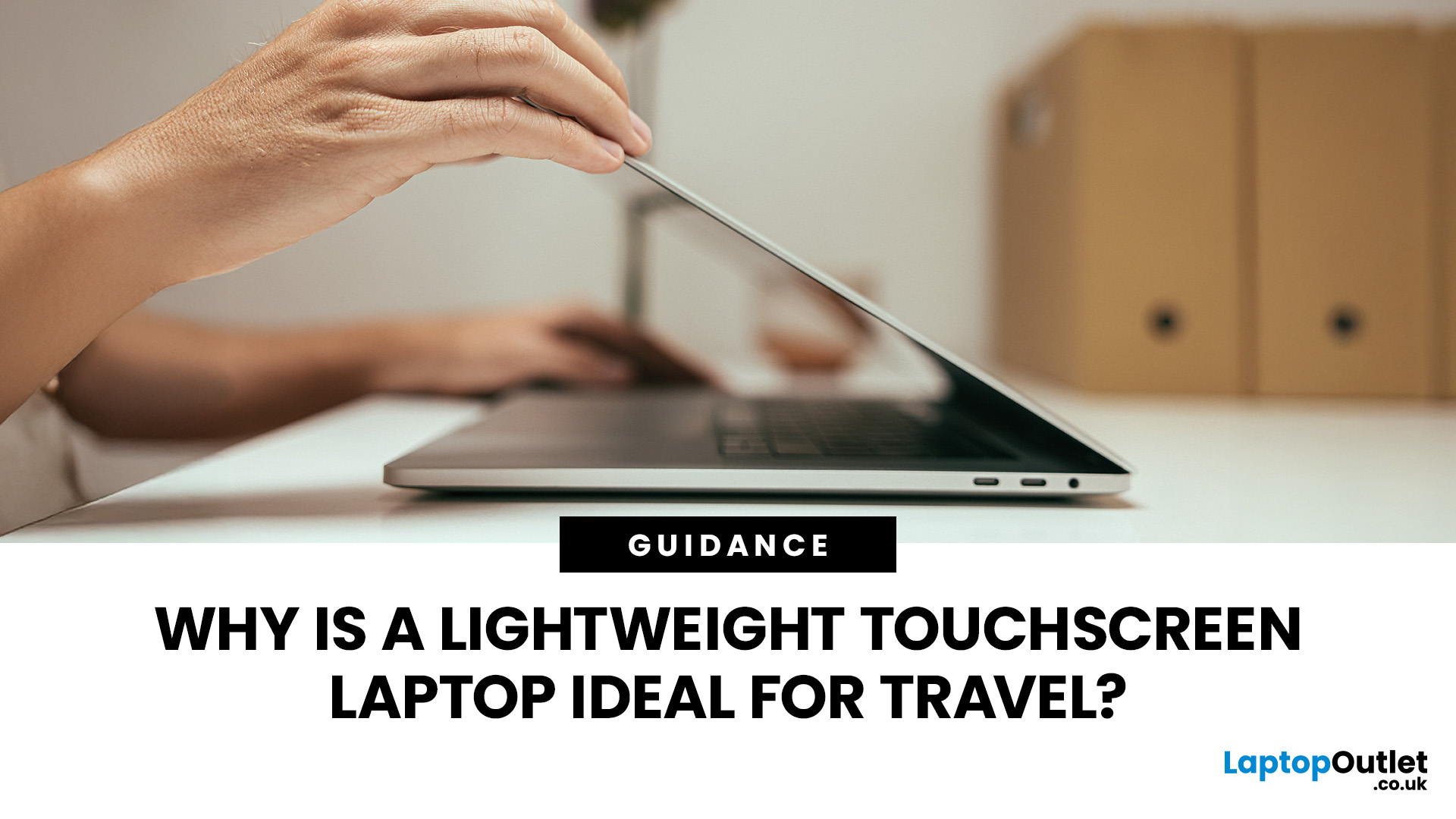
Travel exposes a laptop to crowded trains, small café tables, airport queues, limited sockets and long periods inside a backpack. A lightweight touchscreen laptop addresses these problems by combining easier portability with direct, phone-like control.
It can be quicker to tap, scroll, zoom, sign or annotate when there is little room for a mouse. The right model can also replace a separate tablet, when it has a 360-degree hinge and pen support.
However, weight alone is not enough. Battery endurance, screen visibility, keyboard comfort, charging options, durability and software compatibility all determine whether a device is genuinely suitable for journeys.
Why Does a Lightweight Touchscreen Laptop Suit Travel?
1. It Reduces the Weight You Carry All Day
A lighter computer makes a noticeable difference when it shares a backpack with a charger, phone, headphones, water bottle and travel documents. For regular commuting or cabin-only trips, the complete kit matters more than the laptop weight
Last Updated: August 11, 2026
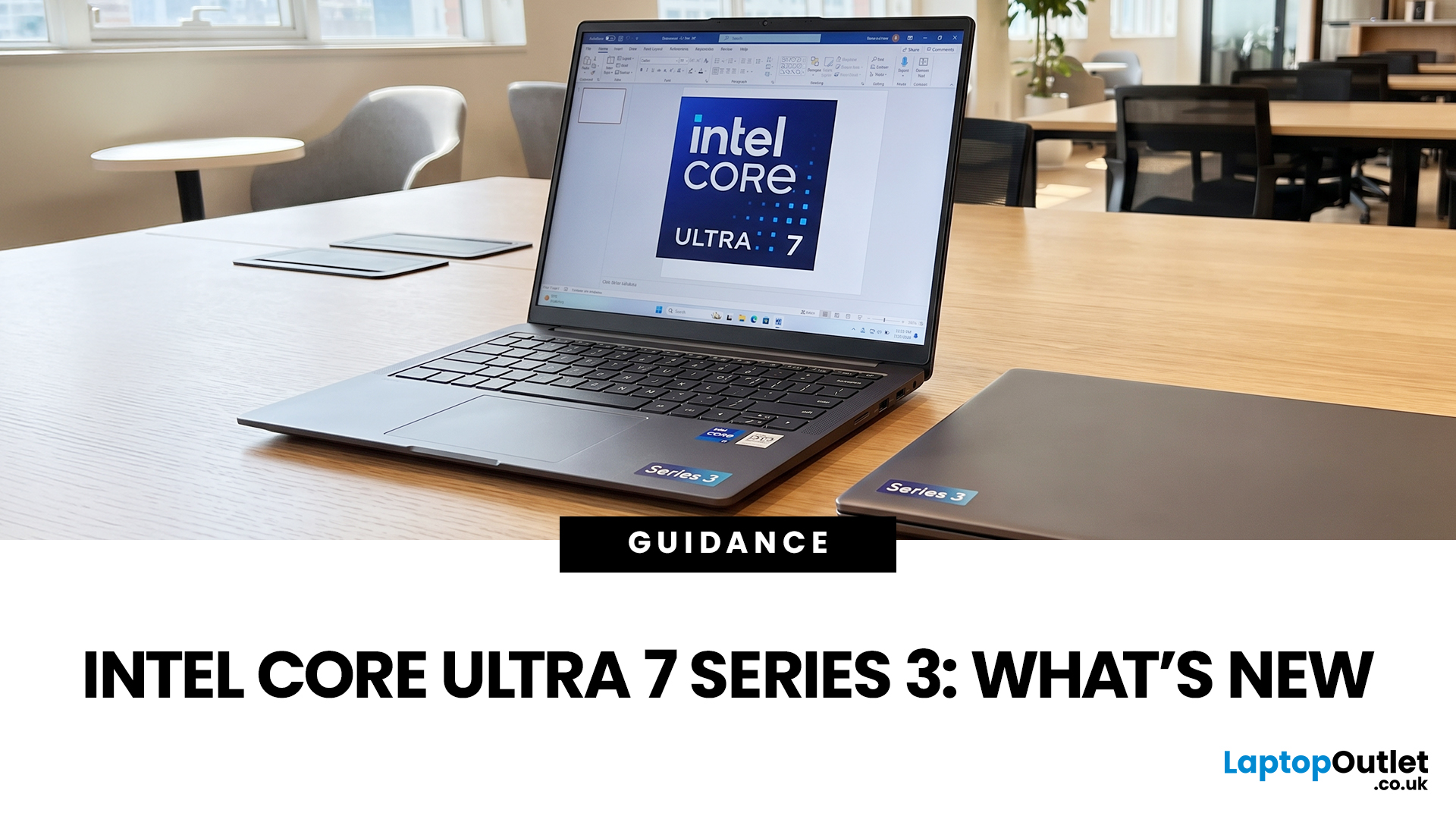
If you’re considering an Intel Core Ultra 7 Series 3 laptop in 2026, the processor name is only part of the story. Intel’s latest Core Ultra Series 3 generation brings a new architecture, Intel 18A process technology, built-in AI acceleration and updated graphics capabilities.
However, different Series 3 processors can have significantly different core and graphics configurations, so it is important to look beyond the “Core Ultra 7” label when choosing a laptop.
Series 3 is aimed at modern laptops that need to balance

Last Updated: August 17, 2026
An HP OMEN laptop moves plenty of air during gaming and other demanding work. That airflow can draw dust, lint and pet hair towards its intake vents. As debris builds up, cooling may become louder, airflow can weaken and sustained performance can suffer.
The safest approach is to start with external cleaning. Only remove the bottom cover when deeper cleaning is necessary and you have checked the service instructions for your exact OMEN model. This guide covers both methods, essential safety precautions and post-cleaning checks.
Why HP OMEN Fan Cleaning Matters
Gaming laptops generate considerable heat because the processor and dedicated graphics chip can remain under heavy load for long periods. Their fans draw cooler air through the chassis and push warm air across the heatsink fins towards the exhausts.
Effective laptop fan dust removal prevents debris from reducing the space available for air to pass through. A thin layer of dust may only increase noise, while a compacted blockage can
Published: August 17, 2026
Dell laptops are built for everything from everyday study to demanding business workloads, but any device can develop faults over time. Common Dell laptop problems can involve slow performance, charging, overheating, displays, connectivity, or startup. The useful first step is not replacing parts at random, but identifying exactly what the laptop is doing. In this guide, you’ll learn how to recognise common symptoms, try safe, practical Dell laptop troubleshooting steps and decide when a repair or replacement makes practical sense.
What are the Most Common Dell Laptop Problems?
Slow Performance and System Lag
A Dell laptop may slow down because of too many startup apps, limited free storage, demanding background processes or outdated software. These Dell laptop issues often appear as slow boot times, freezing, or delayed app launches.
Battery Draining Too Quickly
Fast battery drain can result from high brightness, heavy workloads, background activity or an ageing battery. If runtime has

Published: August 18, 2026
Carrying a heavy laptop between home, work, university and client meetings can quickly become inconvenient. A slim laptop offers a more portable alternative, combining a thinner design with the performance needed for everyday computing, study, business and entertainment.
However, buyers should compare processor performance, RAM, screen quality, ports, cooling and upgradeability before choosing. The best lightweight laptop balances low weight with the features and power required for its intended daily use.
The right thin and light laptop reduces bag weight without losing key features, but performance, battery life and connectivity vary, so understanding the trade-offs is important before choosing.
Why Heavy Laptops Are Becoming a Dealbreaker
A larger,
Last Updated: August 24, 2026

Last Updated: September 21, 2026

