



Lenovo IdeaPad vs Yoga: Everyday Laptop vs 2-in-1 Flexibility

The Lenovo IdeaPad is your straightforward, affordable everyday laptop—with reliable performance, solid keyboard, and value pricing. The Lenovo Yoga delivers premium 2in1 flexibility with a 360° hinge and touchscreen, perfect for creators or anyone who wants tablet-style versatility. Choose IdeaPad for costeffective practicality. Choose Yoga if you want sleek, convertible power.
What’s the Main Difference Between IdeaPad and Yoga?
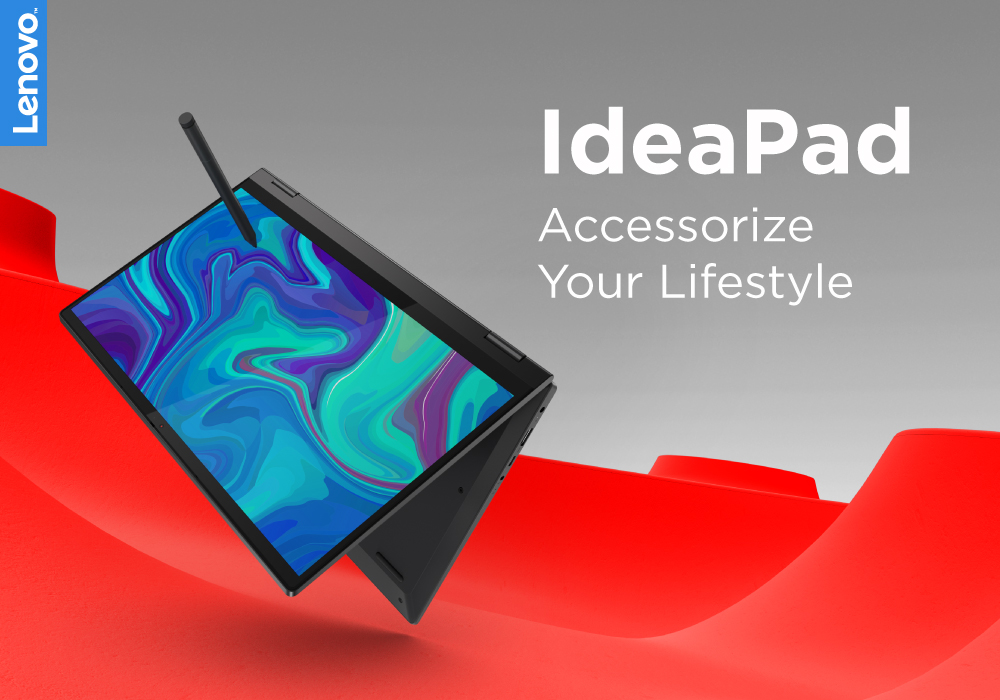
Lenovo “IdeaPad” targets everyday users with a range of reliable, budget to mid-range laptops designed for typical computing tasks and content consumption. The “Yoga” series, on the other hand, leans into versatility and premium feel - most models feature a touchscreen with a 360° hinge, letting you use them as tablets or laptops.
Feature Comparison Table
|
Feature |
IdeaPad (Everyday Laptop) |
Yoga (2-in-1 Convertible) |
|
Design & Form Factor |
Traditional clamshell design with fixed hinge. |
360° convertible hinge supports laptop, tent, stand, and tablet modes. |
|
Build Quality |
Mostly polycarbonate or ABS plastic chassis |
Premium aluminium or hybrid metal/plastic build |
|
Touchscreen |
Optional on select mid/high-end IdeaPad models |
Standard on most Yoga models with FHD or 2K IPS touch panels |
|
Portability & Weight |
Lightweight — many models ~1.4 kg for 14″ and ~1.6 kg for 15″ |
Slightly heavier ~1.35 kg for 13″ models, ~1.6–1.7 kg for larger screens. |
|
Price Point |
Broad range — entry-level IdeaPads start ~£350; mid-tier Ryzen 5/i5 models ~£550–£700. |
Higher cost— most start ~£650; premium configurations with OLED or 2K panels can exceed £1,200. |
|
Target User |
Students, home users, casual workers |
Creatives, professionals, and commuters |
|
Performance Options |
Intel Core i3–i7 / AMD Ryzen 3–7; integrated graphics; up to 16GB RAM; SSD storage up to 1TB; basic cooling design |
Intel Core i5–i7 / AMD Ryzen 5–7; integrated or entry-level discrete GPUs (Iris Xe / Radeon); up to 16–32GB RAM; SSD up to 1TB; enhanced cooling |
|
Display Technology |
Mostly FHD IPS panels with 250–300 nits brightness; limited colour gamut (~45% NTSC on budget models). |
FHD or 2K touch IPS/OLED panels with 300–400 nits brightness; wider colour gamut (~72% NTSC or 100% sRGB) on premium models. |
|
Battery Life |
Average 6–9 hours |
7–11 hours |
1. Flexibility & Design
- Yoga: Offers a 360° hinge design so you can use it in laptop, tent, stand, or tablet modes—great for presentations, drawing, or watching content.
- IdeaPad: Keeps it simple with a traditional laptop layout—best for keyboard-heavy tasks and basic use.
If you need a laptop that turns into a tablet or propped stand for creativity or watching media, the Yoga is the better choice for flexibility-minded users. However, if you value straightforward typing and a classic form factor, the IdeaPad could be the right fit.
2. Build Quality & Feel
- Yoga: Feels premium, often featuring aluminium or mixed-material construction with sharper design cues.
- IdeaPad: Functional plastic casing—durable enough for everyday use but less flashy.
If premium design and a luxe feel matter to you, the Yoga is the better choice. However, if your priority is budget-friendly reliability, the IdeaPad could be the right fit.
3. Price & Value
- IdeaPad: Generally, more affordable—reliable performance for your money.
- Yoga: Higher price due to extra features like touchscreen and convertible hinge.
If price is your biggest consideration, the IdeaPad is the better choice. However, if you’re willing to invest a bit more for tablet-style versatility, the Yoga could be the right fit.
4. Everyday Use & Performance
Both laptop lines offer configurations with Intel Core and AMD Ryzen processors, suitable for web browsing, streaming, office apps, and even light multitasking. However, Yoga models often include touch features and better hinge mechanics.
If you just need steady performance for daily tasks, both can deliver—but for a richer interactive experience, the Yoga edges ahead.
Pros & Cons
|
Series |
Pros |
Cons |
|
IdeaPad |
More affordable Dependable Lightweight |
No tablet mode Less premium feel |
|
Yoga |
Flexible 2-in-1 design Touchscreen Premium build |
Pricier Slightly heavier Unnecessary features for some users |
Which Should You Choose?
Choose IdeaPad if you’re after a practical, budget-friendly laptop for school, casual work, or light entertainment. Choose Yoga if you want stylish versatility, tablet convenience, or a sleek device for creative use or presentations.
Ready to choose your everyday companion or flexible powerhouse? Explore the Lenovo IdeaPad range for solid value or check out the Yoga lineup for sleek 2-in-1 flair and shop now to find your ideal match.
FAQs
Q1: Do all Yoga models have a touchscreen?
Yes—most Yoga laptops feature an interactive touchscreen and a 360° hinge for tablet-style use.
Q2: Are IdeaPads cheaper than Yogas?
Yes—IdeaPads generally cost less since they stick to the standard laptop design and omit the extra 2-in-1 hardware.
Q3: Which is lighter, IdeaPad or Yoga?
It depends on the model—but in general, IdeaPads may be slightly lighter due to simpler designs and no rotating hinge.
Q4: Can both run productivity apps and streaming?
Absolutely—both handles everyday tasks like browsing, streaming, emailing, and office work smoothly.
Q5: Is Yoga worth the extra cost?
If you value versatility like tablet mode, touch control, and premium build, then yes—Yoga offers standout flexibility and design.
| Read More: |
| Review: Lenovo IdeaPad 5 Laptop Ryzen 5-4500U 8GB RAM 256GB |
| Lenovo yoga slim 9 Touchscreen windows laptop review |
| Why Top Executives Rely on the Lenovo ThinkPad Laptops |
Related Articles

Last Updated: April 01, 2026
Last Updated: October 08, 2025
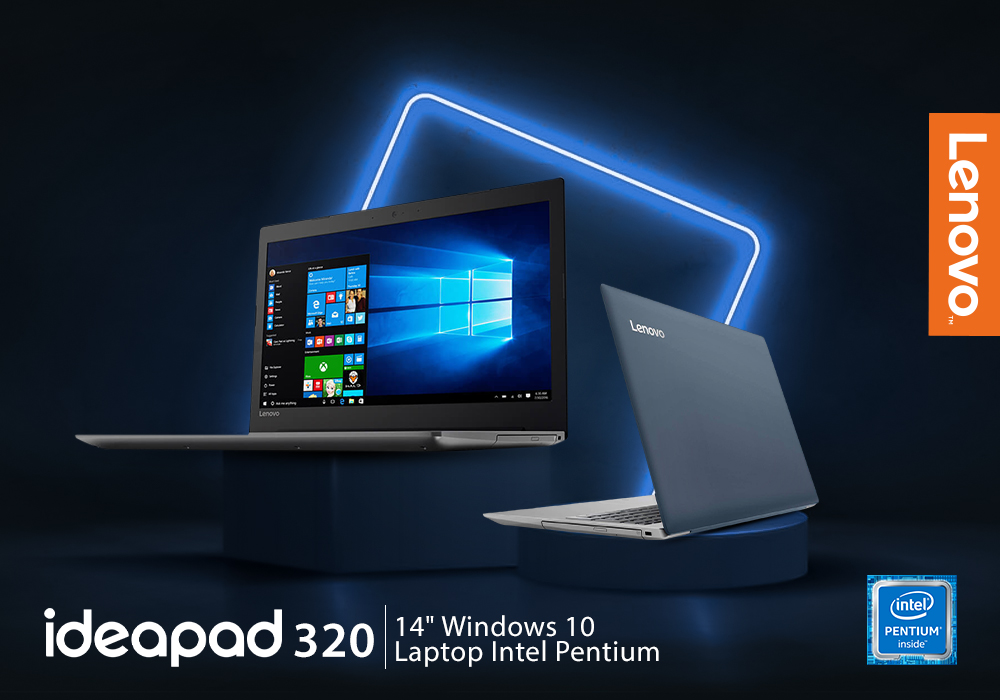
It's a big deal to get a new computer. Not only is it a significant financial expenditure, but there are so many possibilities that finding the correct one can be difficult. Do you want something suitable for the office, school, or something more enjoyable to play with? Which brand should you go with? Do you want a desktop computer, a ThinkPad, or an Ideapad, for example?
Lenovo laptops have lately improved significantly in key areas. With strong processors and graphics cards becoming the norm, their graphics are greater than ever. All of this is happening while computers have dropped in size, making them far more portable and convenient than ever before.
Now when you have chosen the Lenovo brand, the next step is to choose between the Thinkpad and Ideapad. Investing in Ideapad is a way better option as compared to the ThinkPad. The Ideapad is better for regular users who don't require all of the Thinkpad's features. If all you want to do is browse the internet, the inexpensive Ideapad
Last Updated: November 12, 2025
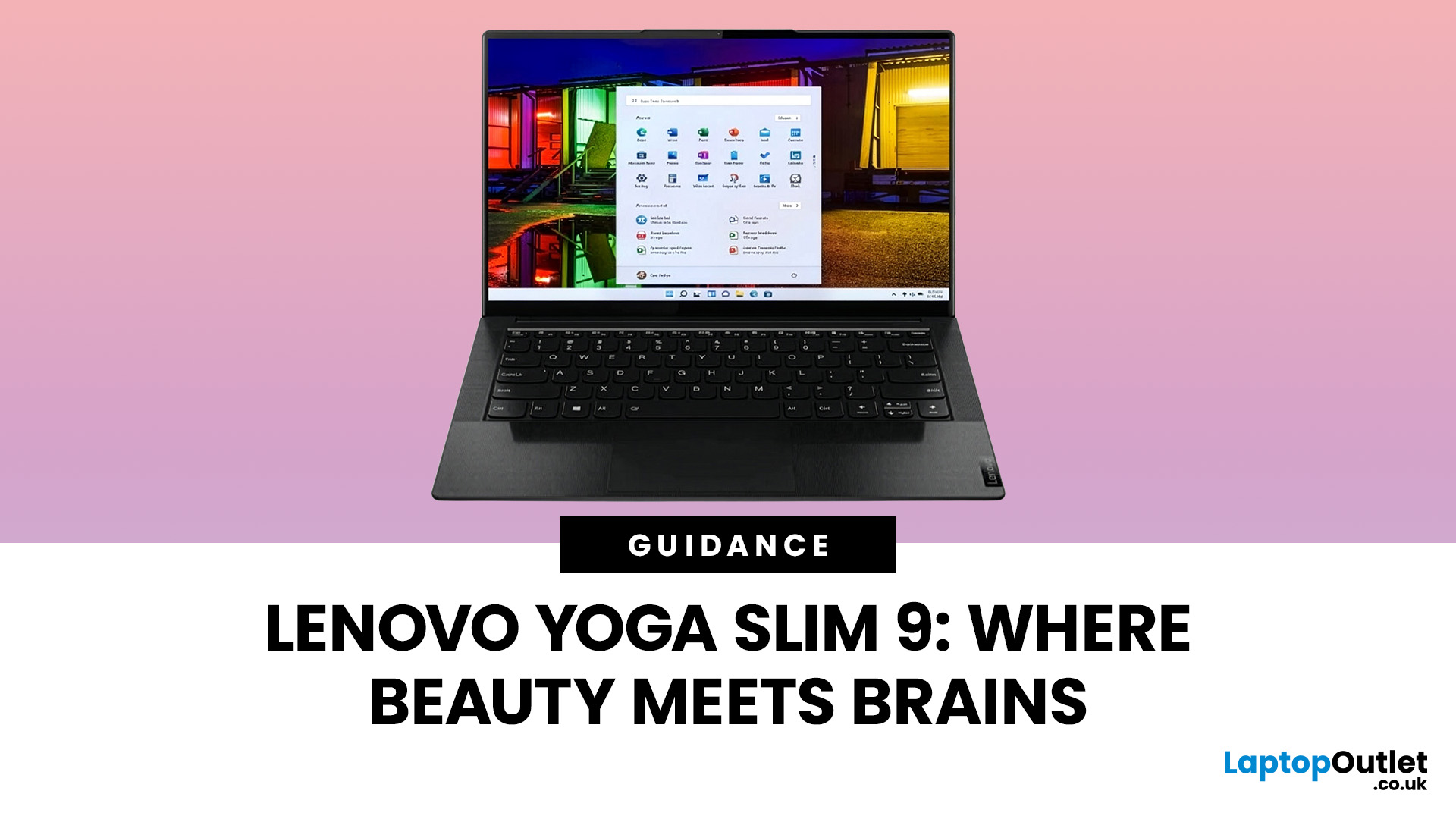
Are you looking for a laptop that’s as sleek as it is smart? Then buckle up! The Lenovo Yoga Slim 9 is an incredibly lightweight laptop that combines a slick design with capable performance.
This laptop distinguishes itself by setting new standards for premium design and performance. It’s crafted with meticulous attention to detail, a stunning appearance, and a responsive touchscreen.
But it’s not just about the looks; the Yoga Slim 9 packs a punch with an OLED touchscreen (up to 4K/3840×2400 with Dolby Vision), modern Intel Core P-series processors, and efficient thermals. Despite the high-resolution panel, battery life is solid for its class. However, some users may find the keyboard’s short travel a drawback.
This blog will explore the features and functionalities of the Lenovo Yoga Slim 9 and discover why it is a top choice for users seeking a combination of innovation, style, and productivity in their laptops and notebooks.
So, let’s get to it!
Key Features
Some of the standout

