



Foldable Laptop vs 2-in-1: Which Should You Choose in 2026?
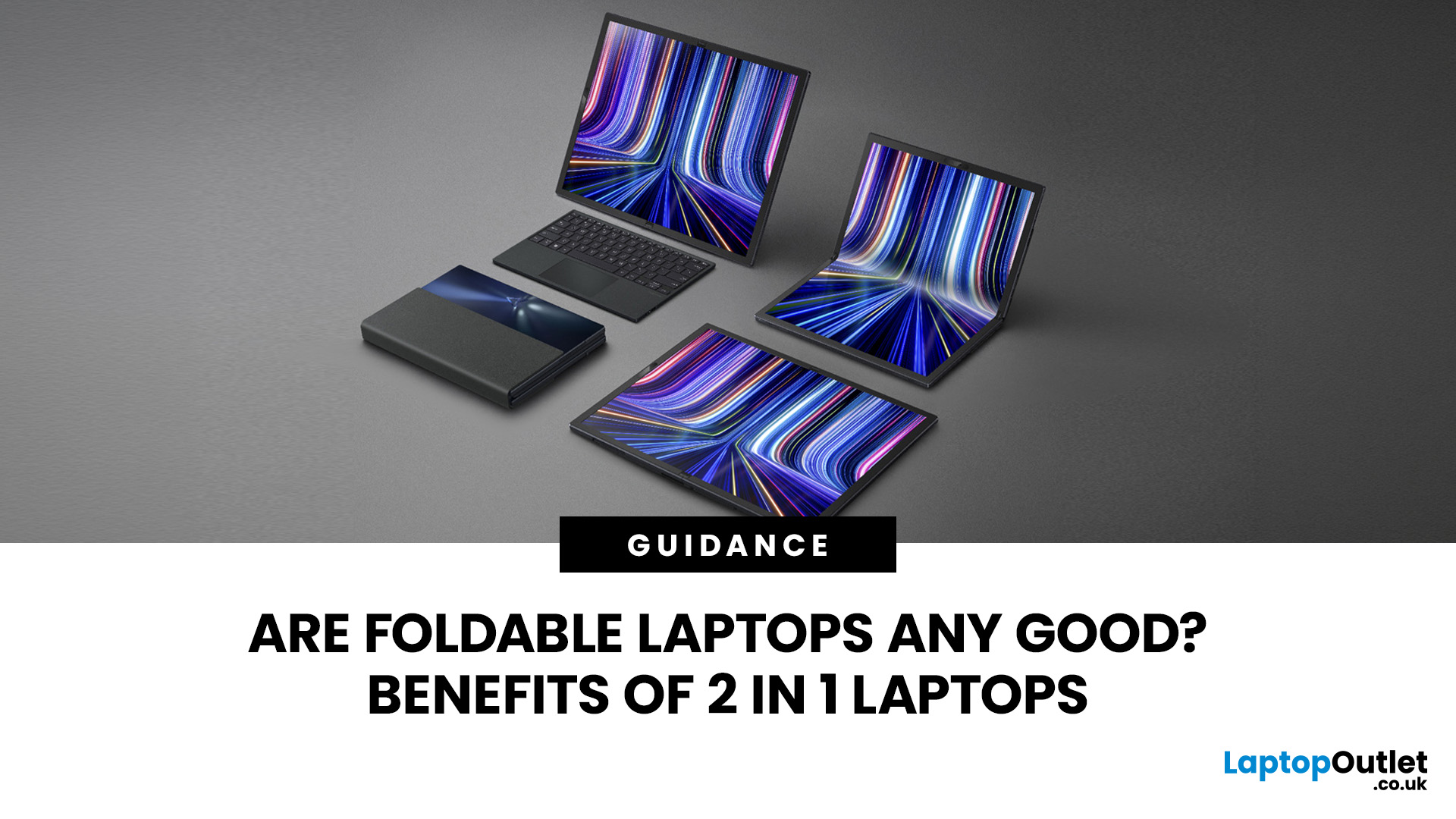
A foldable laptop uses a flexible display that physically bends, allowing a large screen to fold into a smaller device. A 2-in-1 laptop normally uses a rigid touchscreen with either a 360-degree hinge or detachable keyboard. Foldables give you more screen space in an unusual compact form, while 2-in-1s are generally the more practical choice for everyday work, study, note-taking and travel.
Both can change the way you use a portable computer, but they achieve that flexibility very differently. The distinction affects everything from typing comfort and display durability to portability, pen support and how naturally the device works on your lap.
Here is what actually matters when comparing a foldable laptop vs 2-in-1 in 2026.
Foldable Laptop vs 2-in-1 at a Glance
|
Feature |
Foldable laptop |
2-in-1 laptop |
|
Display |
Flexible screen that physically folds |
Rigid touchscreen |
|
Main designs |
Folding-screen PC |
Convertible or detachable |
|
Keyboard |
Often separate, wireless or virtual |
Attached or detachable |
|
Screen space |
Can provide a large screen in a smaller folded footprint |
Usually similar to a conventional laptop |
|
Tablet use |
Full flexible display |
Keyboard folds behind or detaches |
|
Pen support |
Depends heavily on the display; some foldables restrict stylus use |
Common on selected models |
|
Typing |
Depends on supplied/separate keyboard |
Usually more conventional |
|
Durability considerations |
Flexible panel needs additional care |
More established rigid-screen design |
|
Availability |
Relatively specialised |
Wide range of models |
|
Best suited to |
Users prioritising adaptable screen space |
Work, study, travel and everyday hybrid use |
The important difference is the screen itself. A foldable bends its display. A conventional 2-in-1 changes form by moving or removing the keyboard while its display stays rigid.
What Is a Foldable Laptop?
A foldable laptop is a PC built around a flexible display that can bend along a designated section of the screen.
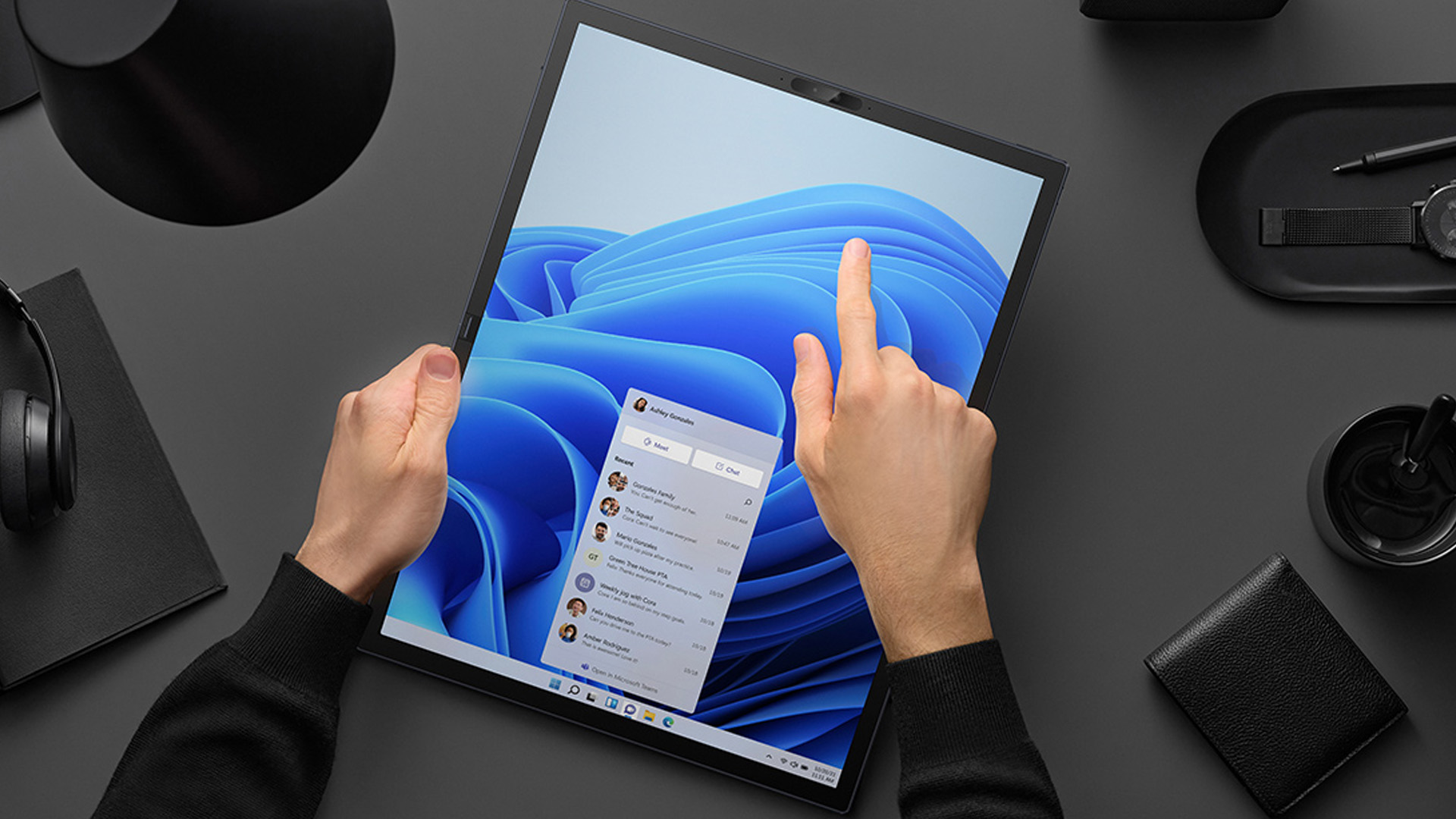
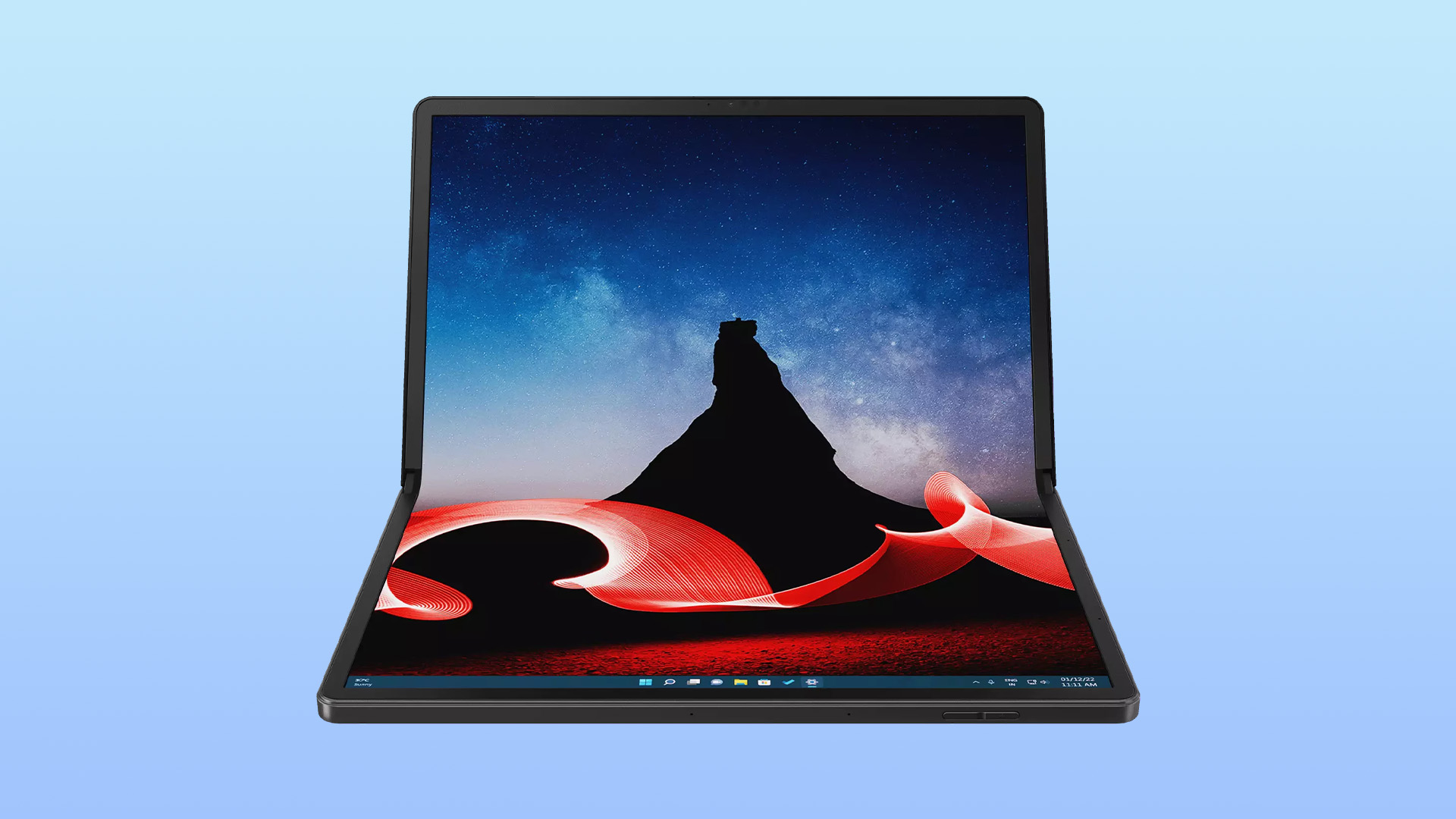
Instead of having a conventional display on one half and a permanent keyboard on the other, much of the opened device can become usable screen space. Depending on the design, you might use it fully open as a large tablet-style display, partially folded like a compact laptop, or positioned on a desk with a separate physical keyboard.
For example, Lenovo's ThinkPad X1 Fold uses a 16.3-inch flexible OLED display that can fold down to a smaller carrying size and work with a detachable Bluetooth keyboard. This illustrates the main attraction of the category: large usable display area without permanently carrying a conventional large-screen laptop chassis.
That flexibility comes with compromises, however. The display is a moving part rather than a rigid panel, so handling, keyboard design and workspace setup can differ considerably from a standard laptop.

What Is a 2-in-1 Laptop?
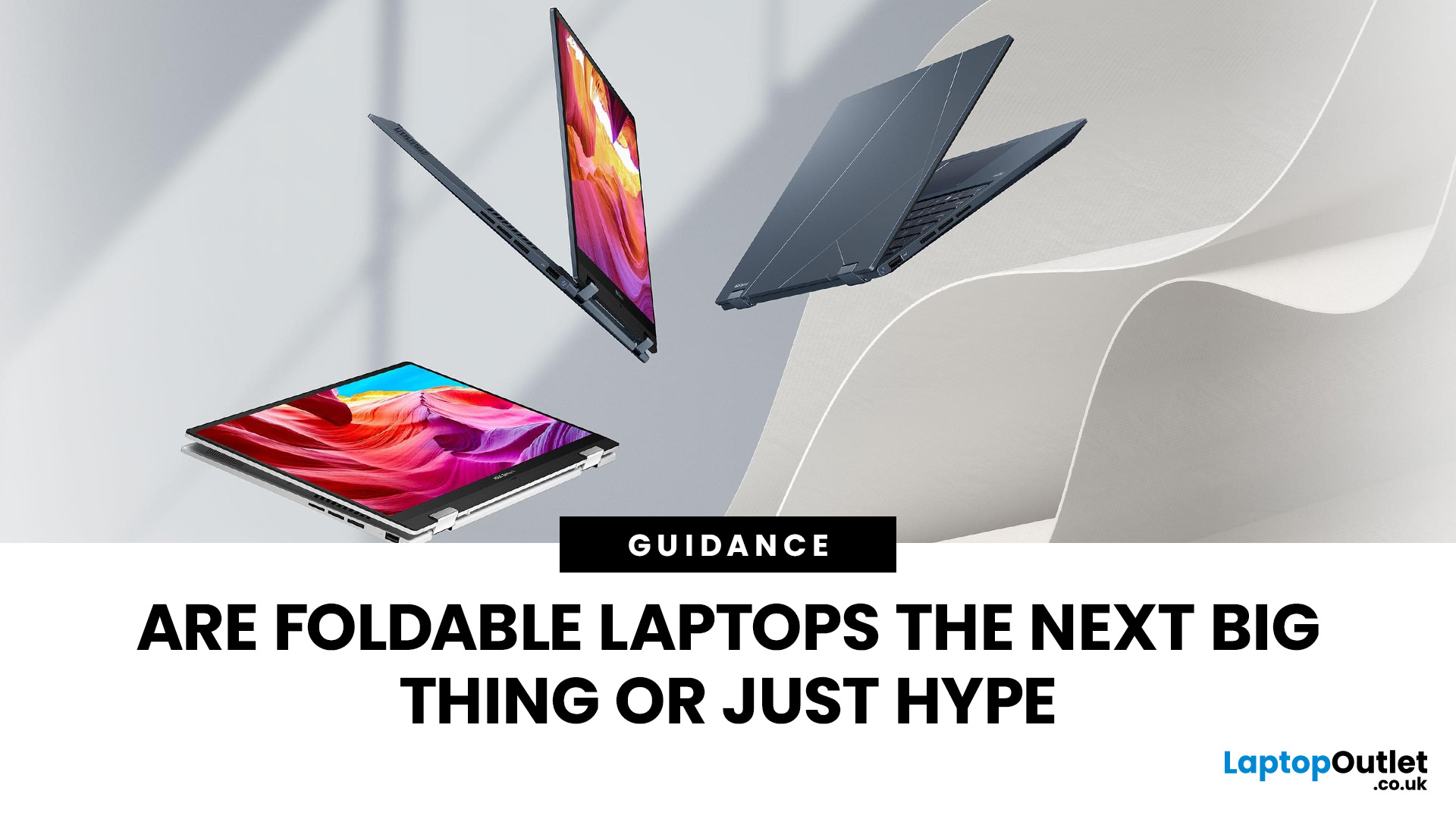
A 2-in-1 laptop combines conventional laptop functionality with a touchscreen design that can also be used like a tablet.
There are two main types:
- Convertible: the keyboard remains attached and a flexible hinge usually allows the screen to rotate into laptop, stand, tent and tablet positions.
- Detachable: the screen separates from its physical keyboard and becomes a standalone tablet.
Microsoft uses these same two classifications for 2-in-1 PCs. Windows 11 can also automatically adapt its interface when compatible hardware is converted into a tablet posture or its keyboard is removed.
So, although people sometimes call any flexible computer a "foldable", a conventional 2-in-1 does not normally fold its display.
If you want a deeper explanation of the form factor itself, our guide to what a 2-in-1 laptop is covers convertible and detachable designs in more detail.
How Are Foldables and 2-in-1s Different?
The difference goes much further than the hinge.
1. Display Technology
This is the defining distinction.
A foldable laptop needs a flexible display panel capable of bending repeatedly. Foldable OLED has made these designs possible because the display structure can curve rather than remaining completely rigid.
A 2-in-1 normally uses a conventional rigid touchscreen. The entire lid may rotate through approximately 360 degrees on a convertible, but the actual panel does not bend.
That also means a visible fold line or crease can occur on a flexible-screen device. ASUS, for example, notes that a crease may sometimes be visible around the folding area of its Zenbook 17 Fold OLED. This is a characteristic of the flexible display, not a normal feature of conventional convertible laptops.
2. Screen Space
A foldable can make an unusually large display portable.
Open the device completely and you may have enough screen space for multiple windows, documents or creative applications. Fold it and its carrying footprint becomes considerably smaller.
That makes foldables interesting for people who want something closer to desktop-style screen space when stationary without always carrying a conventional large laptop.
A 2-in-1 gives you less dramatic physical transformation. Its screen size remains the same regardless of mode, but laptop, stand, tent and tablet positions can make that display more useful in different situations.
3. Keyboard Experience
This is an easy detail to overlook when comparing the two.
Many foldable-screen PCs rely on a removable Bluetooth keyboard or an on-screen keyboard. A physical keyboard may provide conventional keys when working at a desk, but you may have another accessory to charge, carry and position.
Typing directly on a virtual keyboard displayed on the lower part of a folded screen is useful for occasional input, but it does not provide the physical key travel or tactile feedback of a normal laptop keyboard.
Convertible 2-in-1 laptops retain their keyboard permanently, making them feel much closer to ordinary laptops during long typing sessions.
Detachable 2-in-1s sit somewhere between the two. Their removable keyboard makes tablet use easier, but a kickstand-and-keyboard arrangement can be less comfortable on your lap than a traditional hinged laptop.
4. Durability and Everyday Handling
Foldable displays require more careful handling.
A flexible OLED panel uses different materials from a conventional rigid screen. Manufacturer guidance can therefore include restrictions you would not normally see on an ordinary laptop. ASUS, for example, advises Zenbook 17 Fold owners not to apply strong pressure around the hinge area or use sharp objects and styluses on its flexible display.
That does not mean every foldable is fragile. Manufacturers test hinges and folding mechanisms extensively; ASUS stated that the hinge on its Zenbook 17 Fold OLED was tested through more than 30,000 opening and closing cycles. But such figures are model-specific, so they should not be treated as a durability guarantee for every foldable laptop.
Conventional 2-in-1 hinges also experience additional movement compared with standard clamshell laptops, but the rigid touchscreen itself does not repeatedly bend.
Whichever design you choose, check the manufacturer's warranty and handling guidance rather than assuming one form factor will automatically last longer.
5. Touch and Pen Input
Touch is central to both categories, but touchscreen does not automatically mean stylus support.
Many 2-in-1 laptops support an active digital pen for handwriting, diagrams, document annotation or illustration. Compatibility varies by model, and the pen may be optional rather than included.
Foldables need more careful checking. Because the surface of a flexible display may be softer, some models may restrict stylus use entirely.
If handwritten notes or digital illustration are important, look beyond the word "touchscreen". Check active-pen compatibility, palm rejection, pressure sensitivity and whether the correct pen is supplied.
Which Is Better for Work?
For most office and hybrid-working setups, a 2-in-1 laptop is the more straightforward option.
You still have a conventional keyboard when writing long documents, working with spreadsheets or answering emails. Flip the device into stand or tent mode and it becomes useful for presentations, video calls or content viewing.
A foldable becomes more interesting when screen space is the priority. Fully opening a large flexible display can provide room for side-by-side windows without carrying a traditional 16- or 17-inch laptop.
The trade-off is setup. A separate keyboard, stand or desk surface may be required to get the most from it.
For people who spend most of the day typing, the quality of the keyboard and trackpad will often matter more than how dramatically the device transforms.
Which Is Better for Students?
A conventional 2-in-1 usually makes more sense for university, college or school use.
It can work as a normal laptop for essays and research before switching into tablet mode for reading, presentations or compatible digital note-taking. There is also a much broader choice of screen sizes and specifications.
For students considering handwritten notes, check whether the laptop supports an active pen rather than assuming every touchscreen does.
Weight matters too. Carrying a device between lectures every day can make a few hundred grams noticeable, so compare the complete carrying weight, including any detachable keyboard and charger.
Which Is Better for Creative Work?
This depends on what "creative" means for you.
For illustration and handwritten work, a pen-enabled 2-in-1 with reliable palm rejection is often the more practical format. Tablet mode lets you interact directly with the rigid screen without the keyboard getting in the way.
For photography, design layouts and multitasking, the expanded screen space of a foldable can be appealing. A large OLED display can provide room for toolbars, previews and multiple windows while folding into a smaller footprint afterwards.
But the form factor alone tells you very little about performance.
Check the processor, RAM, graphics capability, colour coverage, storage and cooling against the software you actually use. A conventional laptop or mobile workstation may still be more appropriate for sustained 3D rendering, professional video production or other demanding workloads.
What About Gaming?
Neither foldable nor 2-in-1 automatically tells you whether a laptop can game well.
Gaming performance depends primarily on the processor, GPU, memory, cooling system and display.
Some 2-in-1 devices are powerful enough for gaming, while many thin hybrid laptops rely on integrated graphics. Foldable PCs have historically prioritised screen flexibility and portability rather than large dedicated GPUs and high-capacity cooling systems.
If modern AAA gaming is your priority, compare the actual graphics hardware rather than choosing according to the hinge design.
What Should You Check Before Buying?
Instead of asking whether foldables or convertibles are universally "better", check whether you will genuinely use the features you are paying for.
How will you use the device?
Think about your normal week.
Will you spend hours typing? Draw with a pen? Travel frequently? Present to clients? Read documents in tablet mode? Work with several windows at once?
A feature is only valuable if it makes those real tasks easier.
Will the keyboard suit you?
Test or research the keyboard arrangement carefully.
A permanent convertible keyboard is usually simpler for sustained typing. Detachable and foldable designs can give you more flexibility, but their typing experience varies considerably.
Is the display suitable?
Look at more than resolution.
Brightness, colour reproduction, refresh rate, reflections, OLED burn-in considerations, touch response and pen support can all matter depending on the workload.
For a foldable, also check the manufacturer's guidance around the bend area and display surface.
How portable is the complete setup?
A device may look extremely compact in promotional images but still require a keyboard, stand or charger.
Compare the weight and dimensions of everything you expect to carry, not only the display unit itself.
If portability is your main priority, comparing lightweight laptops alongside flexible designs can reveal whether you actually need tablet functionality at all.
Does it have the right connections?
Thin laptops can have limited physical connectivity.
Check for the USB-C, USB-A, Thunderbolt, HDMI, headphone or memory-card connections you regularly use. USB-C ports also differ in their capabilities, so confirm whether a particular port supports charging or external displays when those features matter.
Should You Buy a Refurbished Model?
A refurbished 2-in-1 can be worth considering, particularly when it gives you access to stronger specifications than you would otherwise choose.
Condition matters more with moving and touch-sensitive components, though. Check the touchscreen, hinge, keyboard, battery condition and included accessories, and buy from a retailer that clearly explains its grading and warranty.
Extra care is sensible with a refurbished foldable because the flexible display and folding mechanism are central to the device. Inspect the stated condition closely and make sure any specialist keyboard, stand or charger you need is included.

Foldable or 2-in-1: Which Should You Choose?
For most people, a 2-in-1 is the more practical flexible laptop. You get a familiar keyboard, touchscreen functionality and the option to switch between laptop and tablet-style use, with a much broader choice of configurations.
Choose a foldable laptop when its specific advantage genuinely solves a problem for you - particularly if you want a large display that can collapse into a smaller carrying footprint and you are comfortable with a more specialised setup.
Choose a 2-in-1 if you mainly want a normal laptop that can occasionally become a tablet, presentation screen or digital notebook.
And if you rarely expect to use touch or tablet mode, don't rule out a conventional clamshell. A standard laptop may give you the features you actually need without paying for flexibility you rarely use.
At Laptop Outlet, you can compare 2-in-1 laptops, touchscreen models and conventional laptops across different screen sizes and specifications to find the form factor that matches how you actually work, study and travel.

Is a foldable laptop the same as a 2-in-1?
Not quite. A foldable laptop uses a flexible screen that physically bends. A conventional 2-in-1 uses a rigid touchscreen and changes form through a rotating hinge or detachable keyboard.
Are foldable laptops worth it?
They can be worth considering if you specifically want a large screen that folds into a smaller footprint. For general work, study and tablet use, conventional 2-in-1 laptops currently provide a wider choice of designs.
Can a 2-in-1 laptop screen develop a fold crease?
A conventional 2-in-1's rigid display does not fold, so a central screen crease is not an expected characteristic. Visible creasing is associated with flexible displays used in certain foldable-screen devices.
Can you use a stylus on a foldable laptop?
It depends on the model. Some flexible displays should not be used with a stylus because their surface requires additional care. Always follow the manufacturer's guidance. Pen support is more common across compatible conventional 2-in-1 laptops.
Are 2-in-1 laptops good for university?
Yes, particularly if you combine typing with reading, presentations or handwritten notes. Look for manageable weight, suitable battery performance and at least the level of processor, memory and storage your course software requires.
Is a 2-in-1 better than a touchscreen laptop?
A 2-in-1 is more versatile if you regularly want tablet, tent or stand modes. A standard touchscreen laptop can make more sense when you mainly type and simply want touch navigation without a convertible hinge.
| Read More: |
| Review – Lenovo Yoga 510 – 2 In 1 Convertible Laptop |
| Top 10 Laptop Deals You Can't Miss in the UK! |
| Save Extra Up to £100 on Microsoft Laptops & Tablets |
Related Articles


Last Updated: September 09, 2025
The Lenovo IdeaPad is your straightforward, affordable everyday laptop—with reliable performance, solid keyboard, and value pricing. The Lenovo Yoga delivers premium 2in1 flexibility with a 360° hinge and touchscreen, perfect for creators or anyone who wants tablet-style versatility. Choose IdeaPad for costeffective practicality. Choose Yoga if you want sleek, convertible power.
What’s the Main Difference Between IdeaPad and Yoga?
Lenovo “IdeaPad” targets everyday users with a range of reliable, budget to mid-range laptops designed for typical computing tasks and content consumption. The “Yoga” series, on the other hand, leans into versatility and premium feel - most models feature a touchscreen with a 360° hinge, letting you use them as tablets or laptops.
Feature Comparison Table
| Feature | IdeaPad (Everyday Laptop) | Yoga (2-in-1 Convertible) |
| Design & Form Factor | Traditional clamshell design with fixed hinge. | 360° convertible hinge supports laptop, tent, stand, |

Last Updated: September 15, 2026
The business laptop market in 2026 is more diverse than ever. Organisations and professionals are no longer limited to a one-size-fits-all approach; instead, laptops are tailored to specific needs. Whether it’s ultraportable design, raw performance, flexible form factors, or cost-efficient practicality, the right choice depends on aligning device capabilities with your workload, lifestyle, and budget.
This guide explores the four main types of business laptops: Ultrabooks, mobile workstations, 2-in-1 hybrids, and budget-friendly models. Each has evolved significantly over the past decade, offering innovations in AI integration, battery optimisation, display technology, and security features.
If you’re new to business laptops and want a broader perspective before diving into categories, check out our complete overview of business laptops for expert picks and detailed comparisons.”
1. Ultrabooks: Sleek Productivity Machines
Ultrabooks represent the premium side of portability. Thin, light,
Published: November 14, 2025
The Rise of Foldable Laptops – Are We Folding into the Future?
We’ve seen foldable phones. We’ve even seen rollable TVs. But foldable laptops? Now that’s a twist, literally.
The tech industry has been buzzing with the idea of folding screens for a few years now, but with major brands like ASUS, Lenovo, and HP stepping into the ring, the question is louder than ever: Are foldable laptops the next big thing, or just a novelty with a short shelf life?
Let’s break it down, no screen cracking involved.
What Are Foldable Laptops, anyway?
Imagine opening a laptop and being greeted with one massive, uninterrupted OLED display that bends right down the middle. That’s the essence of a foldable laptop.
They ditch the traditional clamshell with a keyboard and screen combo in favour of a single flexible screen. You can use it as:
- A regular laptop with a virtual or physical keyboard on the bottom half
- A huge tablet for drawing or reading
- A dual-screen productivity machine
- A portable monitor when

Last Updated: January 21, 2026
Let’s be honest - most of us don’t work (or study, or relax) in just one way anymore. One minute you’re typing notes, the next you’re scrolling, watching something, sketching ideas, or replying to emails from the sofa.
That’s exactly why convertible tablets exist.
Also called 2-in-1 laptops, laptop tablets, or the very literal notebook two-in-one, these devices are designed to adapt to how you use tech throughout the day - not force you into one setup.
But choosing the right 2 in 1 laptop convertible isn’t always straightforward. Some lean more laptop. Some feel more like tablets. And some just… try to do everything and don’t quite nail it.
This guide breaks it all down in a way that actually makes sense.
What Is a Convertible Tablet (And Why Do People Buy Them)?
A convertible tablet is a hybrid device that combines:
- A laptop’s power (keyboard, trackpad, desktop software)
- A tablet’s flexibility (touchscreen, pen input, portability)
Most convertible tablets run Windows, which means you’re

Published: March 12, 2026
The foldable phone market is growing fast. And 2026 is shaping up to be its most exciting year yet.
Samsung's Galaxy Z Fold 7 is already here, refined and polished after seven generations. Apple's iPhone Fold, set to arrive in autumn 2026, is the most anticipated foldable debut in smartphone history. So, when it comes to iPhone Fold vs Galaxy Z Fold 7, which one is actually worth your money?
This foldable smartphone buying guide covers every major spec, feature, and difference between the two. Whether you are a longtime Samsung user or a loyal iPhone owner eyeing something new, read on.
| Important note: The iPhone Fold has not been officially announced at the time of writing. All iPhone Fold details are based on credible leaks, analyst reports from Ming-Chi Kuo and Mark Gurman (Bloomberg), and supply-chain sources. |
Full Specs at a Glance: Apple iPhone Fold vs Galaxy Z Fold 7
Here is a complete, detailed Galaxy Z Fold 7 specs comparison against the expected iPhone Fold. Every
Last Updated: July 24, 2026
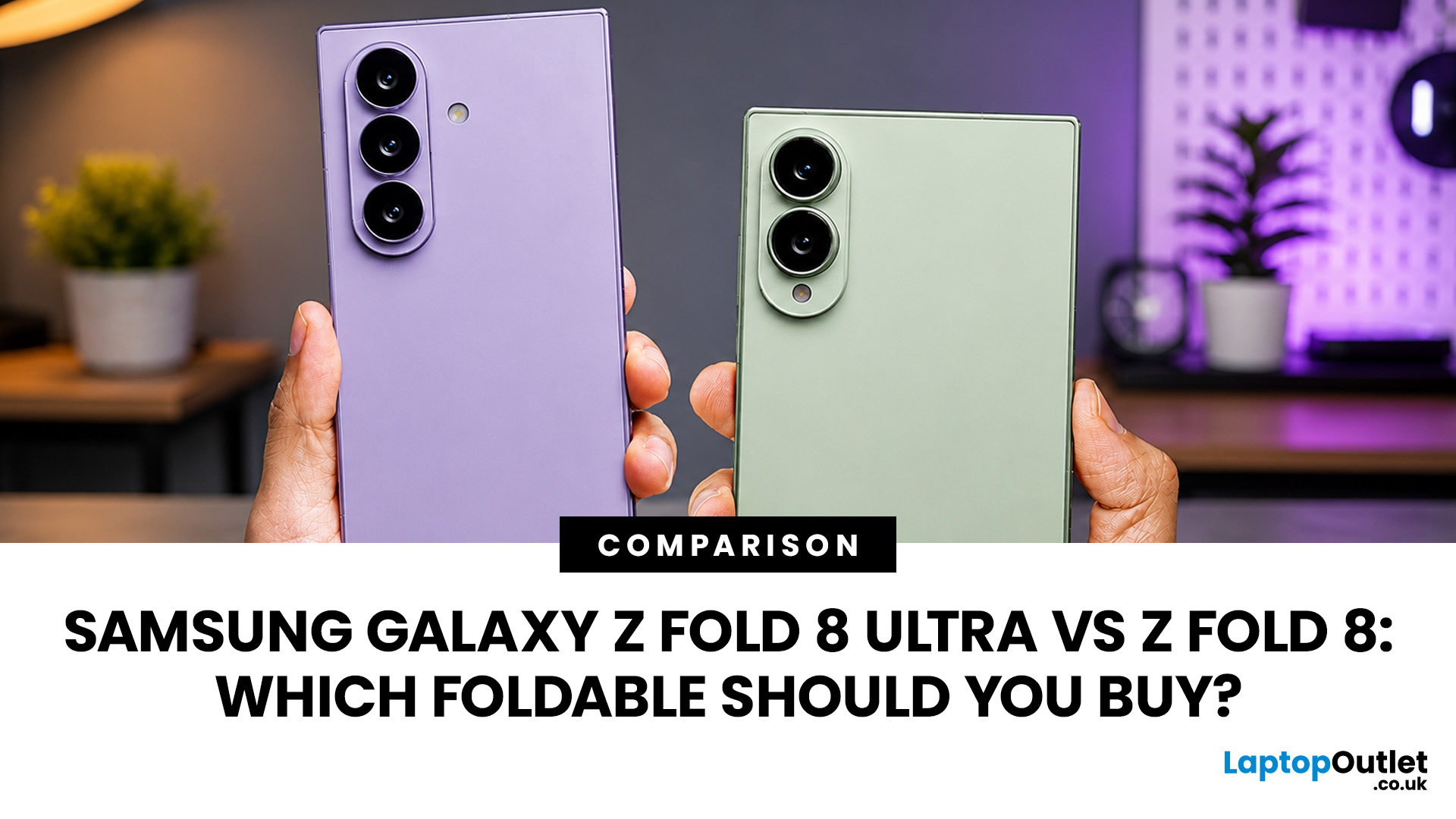
Samsung unveiled the Galaxy Z Fold8 Ultra and Galaxy Z Fold8 at its Galaxy Unpacked event on 22 July 2026. While both belong to its latest foldable range, they target different users. The Fold8 Ultra sticks to the classic book-style design, offering a larger display, advanced cameras and a bigger battery. The standard Fold8 adopts a shorter, wider and lighter design, better suited to landscape use. Notably, the rumoured “Fold8 Wide” name was dropped. This comparison explores their key differences in display, camera, performance, battery, pricing and overall value as everything expected from Samsung Unpacked.
Key Takeaways
- The Galaxy Z Fold8 starts at £1,699, while the Galaxy Z Fold8 Ultra starts at £1,899 in the UK.
- Both phones use the Snapdragon 8 Elite Gen 5 for Galaxy processor, so you do not need the Ultra for flagship performance.
- The Galaxy Z Fold8 is lighter at 201g and uses a distinctive short-and-wide design.
- The Galaxy Z Fold8 Ultra has larger screens, a 200MP main camera, a
Last Updated: September 03, 2026
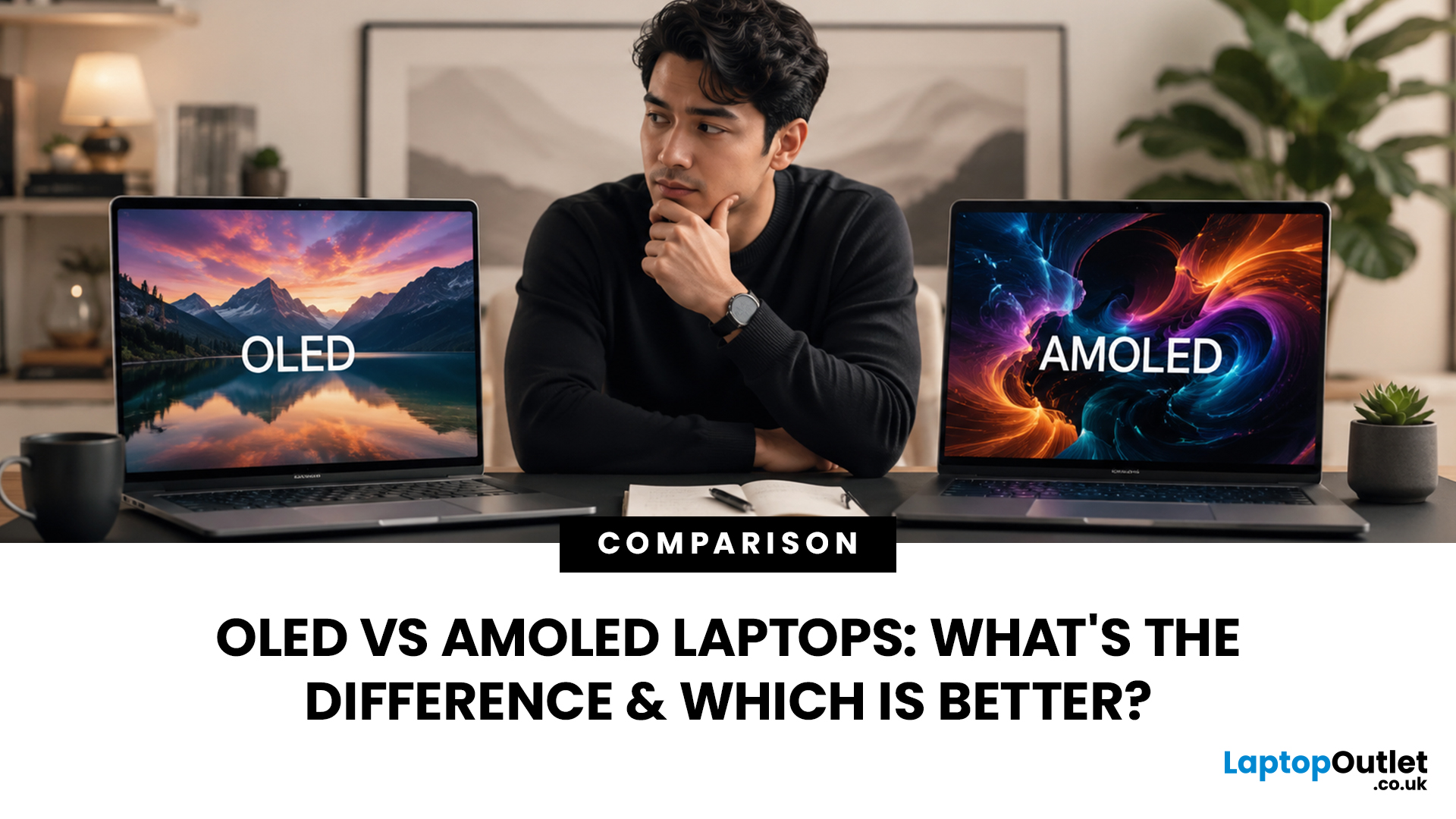
When comparing premium laptop screens, the OLED vs AMOLED debate is simpler than it seems. Both deliver deep blacks, vibrant colours, fast response times and strong contrast. OLED is the broader technology, while AMOLED is a type of OLED that uses an active-matrix system to control pixels. Many modern OLED laptops already use this system, even if not labelled AMOLED. Instead of focusing on the name, buyers should compare resolution, refresh rate, brightness, colour accuracy, battery life and burn-in protection. This guide helps you understand the differences and choose the right display for your needs.
OLED vs AMOLED: The Quick Answer
OLED, or Organic Light-Emitting Diode (OLED), is a display technology in which each pixel creates its own light. An OLED screen does not require the separate backlight used by traditional LCD panels.
AMOLED, or Active Matrix OLED (AMOLED), is a type of OLED display that uses an active-matrix transistor system to control each pixel quickly and individually.

Last Updated: August 17, 2026
HP OMEN laptops use powerful processors and dedicated graphics, so their cooling systems can become clearly audible during gaming and other demanding work. Some HP OMEN fan noise is normal, but constant noise at idle, grinding or repeated overheating deserves attention. This guide explains how to identify the sound, diagnose the cause and choose a safe fix across the top HP OMEN laptop range.
| HP OMEN Fan Noise: Quick Answer Loud fan noise is normal while an OMEN laptop starts, updates, games, renders or runs a demanding AI task. HP says a brief fan surge for about five to twenty seconds at startup can be normal, while Performance mode deliberately increases fan speed to manage higher CPU and GPU power and temperature. Investigate an HP OMEN loud fan when it remains noisy during light use, produces mechanical sounds or appears with weak airflow, throttling or shutdowns. Many cases improve after reducing background load, changing settings, updating HP software and BIOS, restoring airflow |
Last Updated: August 20, 2026
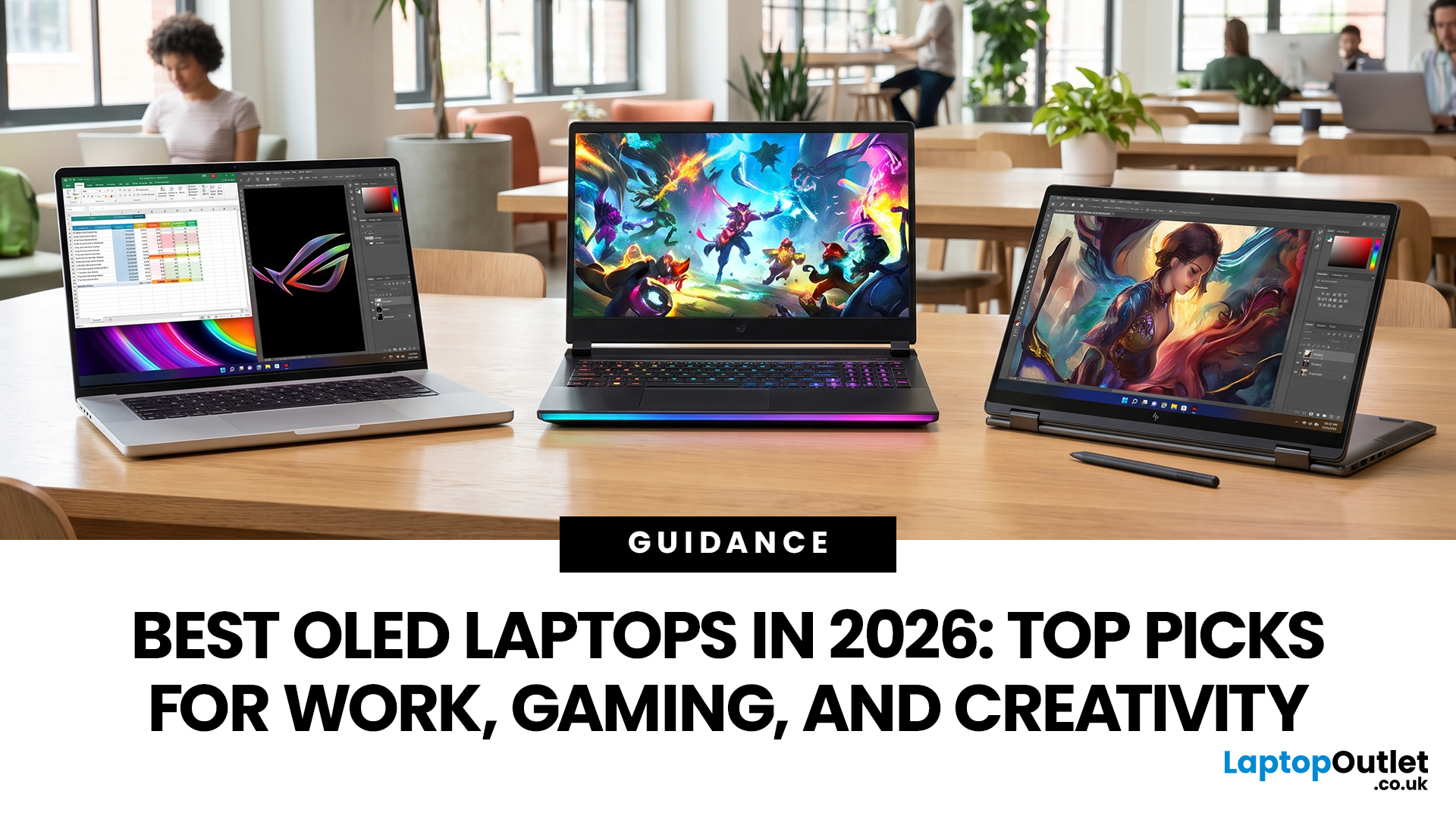
OLED screens are becoming more common across premium ultrabooks, creator workstations and gaming laptops in 2026. Newer panels offer higher resolutions, faster refresh rates and improved efficiency, while recent tandem OLED developments are also increasing brightness and durability.
However, an OLED screen does not automatically make a laptop suitable for every buyer. Processing power, graphics, memory, ports, battery life and weight remain equally important.
This guide compares the best OLED laptops for students, professionals, creators, gamers and everyday users. It also explains the specifications that matter, helping you understand what each feature means when choosing a laptop.
Quick Picks: Best OLED Laptops in 2026
| Category | Laptop |
| Best Overall | ASUS Zenbook S 16 |
| Best Premium | Samsung Galaxy Book5 Pro |
| Best Value | Samsung Galaxy Book4 |
| Best Student Laptop | ASUS Zenbook 14 OLED |
| Best Business Laptop | Samsung Galaxy XE550XGA |
| Best Creator Laptop | ASUS ProArt PX13 |
| Best Professional Workstation |
Published: August 03, 2026
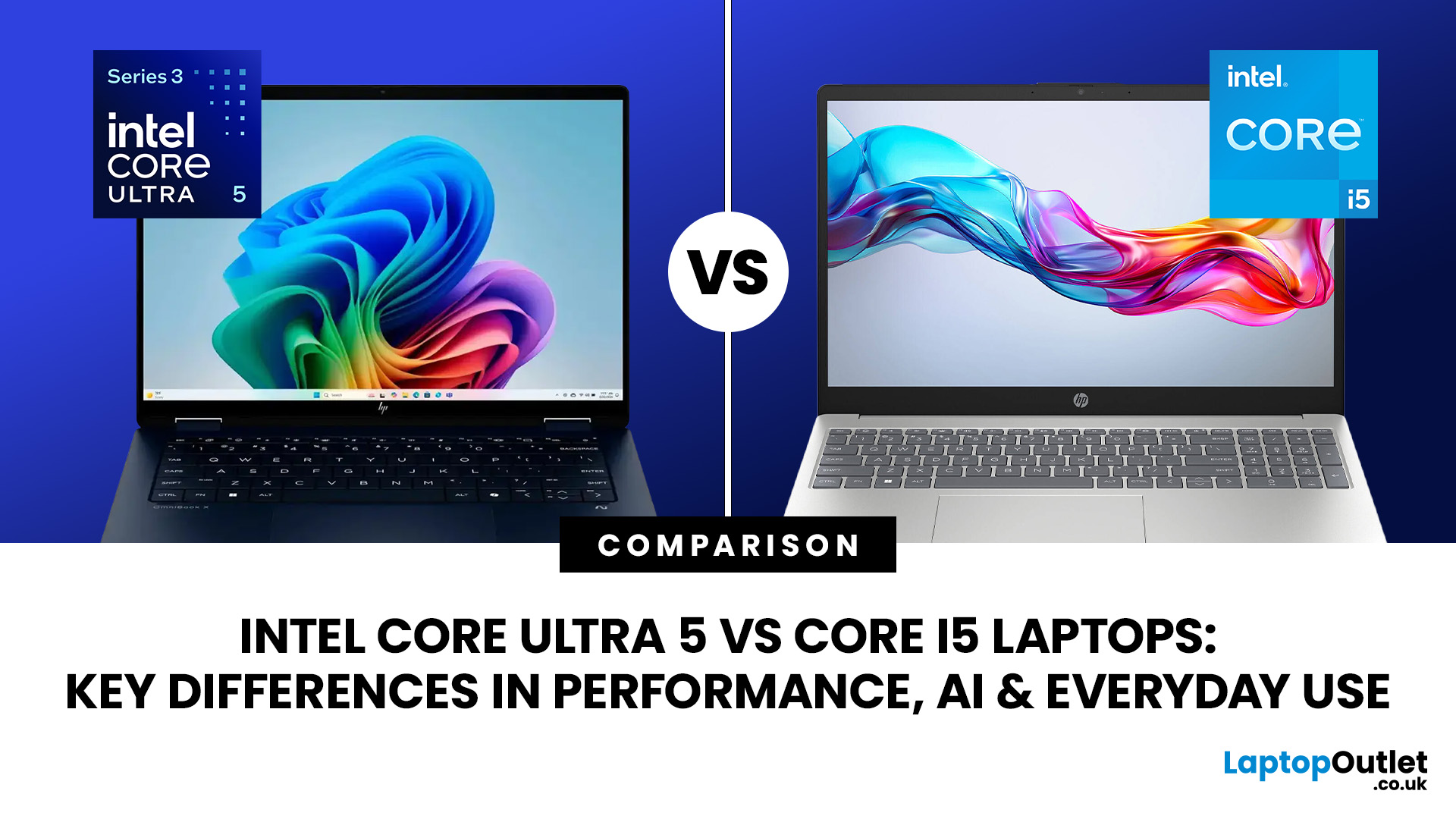
Intel has changed how it names and builds its laptop processors (CPUs). Traditional Core i5 chips remain widely available, but newer premium laptops increasingly use the Core Ultra 5 name, which Intel introduced alongside a major architectural redesign and built-in AI acceleration. That makes the Intel Core Ultra 5 vs i5 comparison more complicated than simply checking which number looks newer.
This guide explains the differences in everyday speed, multitasking, graphics, gaming, AI features, and battery life, without burying the answer under unnecessary technical jargon.
Quick Answer: Should You Buy Intel Core Ultra 5 or Core i5?
Buy Core Ultra 5 for stronger integrated graphics, on-device AI features and generally better efficiency. Buy Core i5 when price matters most, especially for office work or laptops with dedicated graphics card. Always compare the exact processor suffix and laptop configuration.
| If you want... | Buy | Why |
| Lowest price | Core i5 | Older i5 laptops are regularly discounted |

