



Network Adapters: Upgrade Your Connectivity in the UK
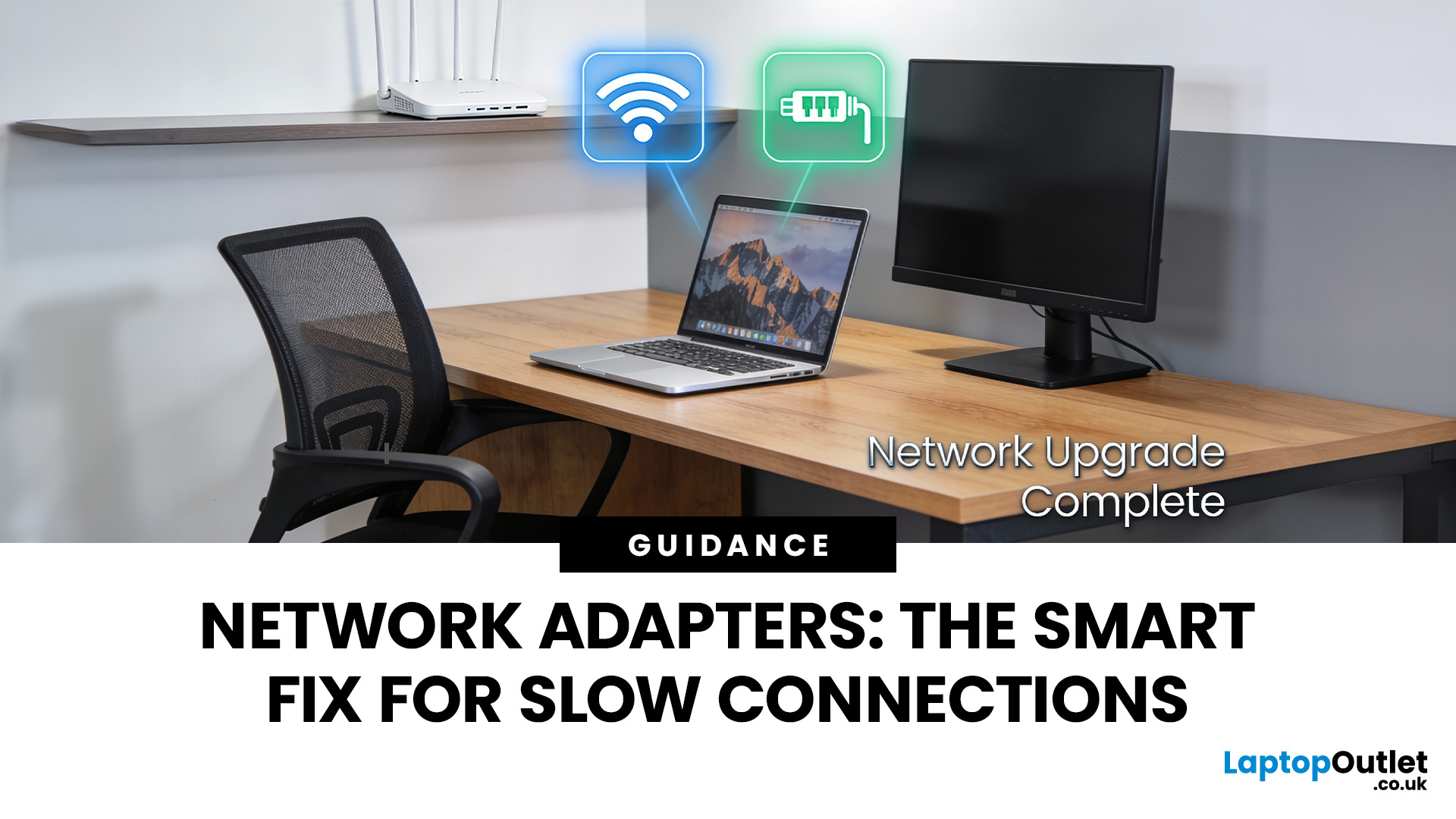
If you’ve ever wondered why your laptop struggles to stay connected while your phone works perfectly on the same Wi-Fi, the answer is often simpler than people expect.
It’s usually the network adapter.
Understanding what is a network adapter, and what it actually does — is the key to fixing many everyday connectivity problems without replacing your router, broadband plan, or entire device.
This section explains network adapters in plain English, with real UK use cases, so you can recognise when an adapter is the missing piece in your home or PC setup.
What Is a Network Adapter, Really?

A network adapter is the component that allows a device to connect to a network, either wirelessly or with a cable.
Every device that accesses the internet has one:
- Laptops and PCs
- Smartphones and tablets
- Smart TVs and consoles
Without a network adapter, a device simply cannot communicate with your router or the wider internet.
Think of the adapter as a translator:
- Your router speaks “network”
- Your device speaks “computer”
- The adapter makes sure both understand each other
This is why network adapters are fundamental to connectivity, even though they’re rarely discussed.
Why Network Adapters Are Often Invisible (Until They Fail)
In most modern devices, the network adapter is built in. You never see it, never think about it, and assume it “just works”.
The problem is:
- Built-in adapters age
- They don’t always support newer Wi-Fi standards
- They struggle as networks get busier
That’s why older laptops often perform badly on modern home networks, not because the Wi-Fi is weak, but because the adapter can’t keep up.
Built-In vs External Network Adapters
Built-In Network Adapters
These are installed inside laptops and PCs by default.
They work well for:
- Basic browsing
- Light streaming
- Small networks
But they often fall short when:
- Multiple devices are active
- The router uses newer Wi-Fi standards
- Low latency is required (gaming, video calls)
External Network Adapters
External adapters plug into a device via USB or a port and instantly upgrade connectivity.
This includes:
- USB network adapters
- Wireless adapters
- Ethernet adapters
External adapters often outperform built-in ones because they:
- Use newer chipsets
- Have better antennas
- Receive driver updates longer
For many UK users, upgrading the adapter is the cheapest and fastest fix for poor connectivity.
Why Network Adapters Matter More in Modern UK Homes
Home networks have changed dramatically.
Today, UK households commonly have:
- Several laptops and phones
- Smart TVs and consoles
- Smart speakers, cameras, plugs
- Work-from-home setups
This creates constant background traffic that older adapters were never designed to handle.
Modern routers, including Wi-Fi 6 and Wi-Fi 7 models, can only perform as well as the devices connecting to them. A weak adapter becomes the bottleneck.
This is why upgrading an adapter can suddenly make:
- Wi-Fi feel more stable
- Downloads more consistent
- Video calls smoother
Wireless Adapters vs Ethernet Adapters (The Core Difference)
Not all network adapters are wireless.
Wireless Adapters
Wireless adapters connect devices to Wi-Fi networks.
They’re ideal for:
- Laptops
- Portable setups
- Shared spaces
They prioritise:
- Flexibility
- Convenience
- Mobility
However, they are affected by:
- Distance from the router
- Interference
- Network congestion
Ethernet Adapters
Ethernet adapters allow devices to connect via a cable.
They offer:
- Maximum stability
- Lower latency
- Consistent speeds
Ethernet adapters are ideal for:
- Gaming PCs
- Home offices
- Fixed workstations
Many modern laptops no longer include Ethernet ports, which makes USB-to-Ethernet adapters increasingly important.
Why Phones Often Have Better Wi-Fi Than Laptops
This surprises many people.
Phones usually have:
- Newer wireless chipsets
- Better antenna tuning
- Faster update cycles
Laptops, especially budget or older models often ship with basic adapters that are quickly outpaced by network improvements.
This is why a phone can feel “faster” on the same network.
Upgrading the laptop’s network adapter often closes that gap instantly.
Network Adapters vs Network Cards (Quick Clarification)
The terms are related but not identical.
- Network adapter is the general term
- Network card usually refers to an internal adapter (PCIe)
Network cards are common in desktops and offer:
- Higher performance
- Better antennas
- Direct motherboard connection
External adapters are more flexible, but internal cards are often the best choice for permanent setups.
Why Network Adapters Are a Smarter Upgrade Than Most People Think

Many people upgrade:
- Their router
- Their broadband package
- Their entire device
…when the real limitation is a £15–£40 adapter.
A modern network adapter can:
- Extend the useful life of older laptops
- Improve reliability without new wiring
- Unlock the performance of modern routers
That’s why understanding what is a network adapter isn’t just technical knowledge, it’s practical decision-making.
Types of Network Adapters Explained (And When Each One Makes Sense)
Once you understand what a network adapter is, the next challenge is choosing the right type. This is where many UK users get stuck, because adapters all look similar but solve very different problems.
- Some fix weak Wi-Fi.
- Some eliminate lag completely.
- Some are quick, portable upgrades.
- Others are permanent performance solutions.
This section breaks down the main types of network adapters, explains what they’re best at, and just as importantly, when they’re not the right choice.
USB Network Adapters: The Easiest Connectivity Upgrade
For most people, USB network adapters UK searches exist for one reason:
they want a fast, simple fix without opening a PC or replacing a laptop.
USB network adapters plug directly into a USB port and instantly add or upgrade network connectivity.
What USB Network Adapters Are Good At
- Upgrading older Wi-Fi hardware
- Adding connectivity to devices with weak built-in adapters
- Quick fixes for laptops and compact PCs
- Portability (move between devices easily)
Modern USB adapters often support newer Wi-Fi standards than built-in laptop hardware, which is why they can outperform the internal adapter almost immediately.
USB-A vs USB-C Adapters
- USB-A adapters work with most existing laptops and desktops
- USB-C adapters are ideal for modern ultrabooks and slim laptops
The key limitation to be aware of is USB speed. Older USB ports can limit peak performance, even if the adapter itself is capable of more.
When USB Adapters Are Not Ideal
- Permanent desktop setups
- High-performance gaming rigs
- Situations where maximum stability is required
In those cases, internal or wired options usually perform better.
Wi-Fi Adapters vs Ethernet Adapters: Stability vs Flexibility
One of the most important choices is whether you want wireless freedom or wired reliability.
Wi-Fi Adapters
Wi-Fi adapters connect your device to a wireless network.
They are best for:
- Laptops
- Shared spaces
- Rooms where cables aren’t practical
They offer:
- Mobility
- Clean setups
- Easy installation
However, Wi-Fi adapters are affected by:
- Distance from the router
- Interference from walls and neighbours
- Network congestion
This is where higher-quality wireless adapters with better antennas make a noticeable difference.
Ethernet Adapters
Ethernet adapters connect devices directly to a router, switch, or powerline adapter using a cable.
They are best for:
- Gaming
- Work-from-home setups
- Video conferencing
- Fixed desks
Ethernet adapters deliver:
- Lower latency
- Consistent speeds
- Near-zero interference
As many modern laptops no longer include Ethernet ports, USB-to-Ethernet adapters have become one of the most reliable upgrades for productivity and gaming.
PC Network Adapters (Internal Network Cards)
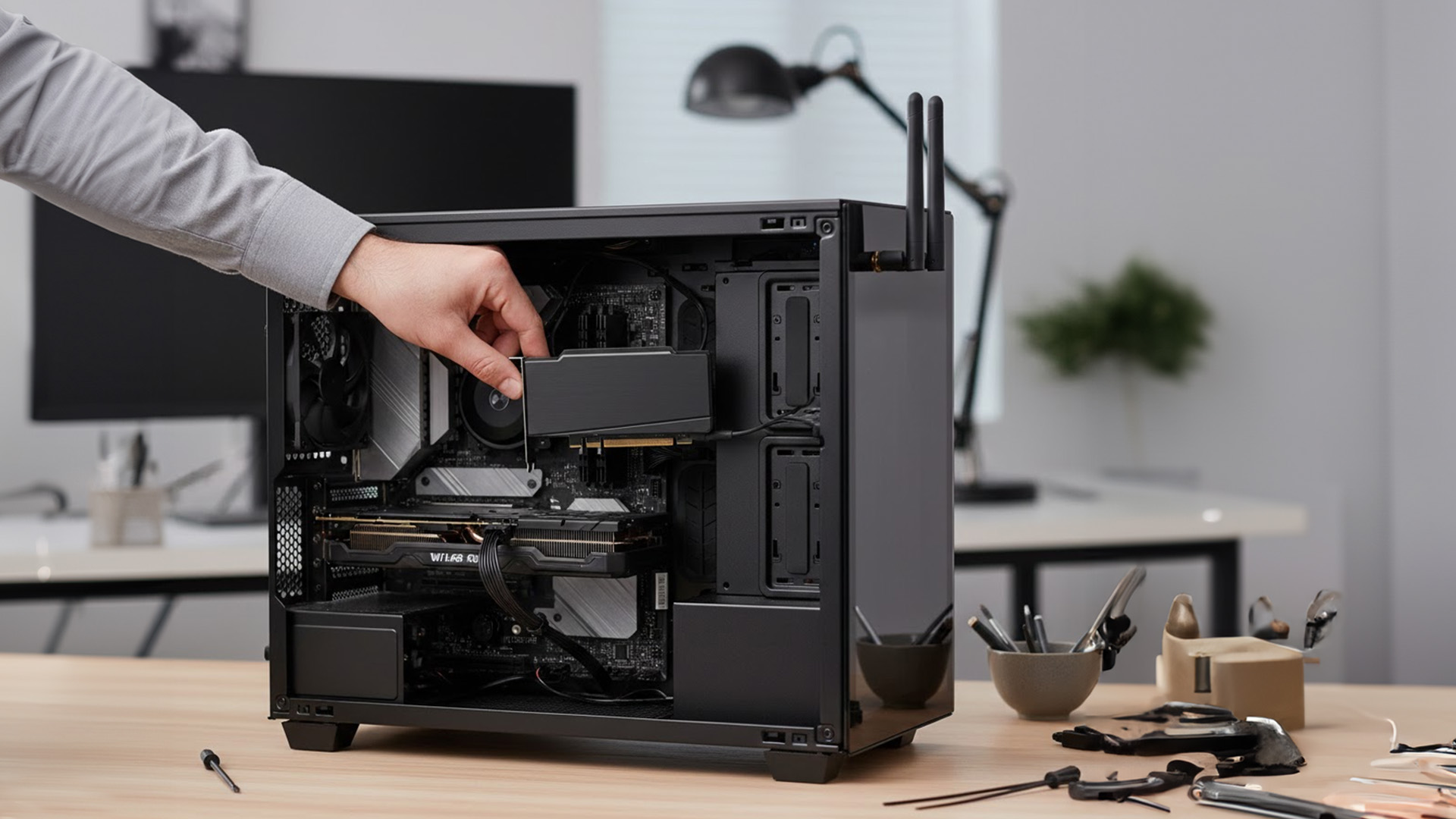
For desktop PCs, PC network adapters usually mean internal network cards installed directly into the motherboard.
These are often the best long-term solution.
Why Internal Network Cards Perform Better
- Direct motherboard connection
- Stronger antennas
- Better thermal performance
- No USB bottleneck
Internal network cards are ideal for:
- Gaming PCs
- Workstations
- Home servers
They provide the most stable wireless performance short of using Ethernet.
When Internal Cards Are Worth It
- Your PC is stationary
- You want maximum performance
- You plan to keep the system long-term
If you regularly move between devices, USB adapters are more flexible, but internal cards win on raw performance.
Wireless Adapters for Older or Limited Devices
Many older laptops and PCs struggle on modern networks because their adapters:
- Only support older Wi-Fi standards
- Have poor antenna design
- Can’t cope with crowded networks
In these cases, replacing the adapter is often more effective than replacing the entire device.
A modern wireless adapter can:
- Improve speeds
- Reduce dropouts
- Improve compatibility with newer routers
This is especially useful when upgrading to modern routers, including Wi-Fi 6 or Wi-Fi 7 models, where older adapters become the limiting factor.
How Network Adapters Interact with the Rest of Your Network
A network adapter never works alone, it’s part of a system.
Adapters + Routers
Even the best adapter can’t outperform a weak router, and vice versa. Balanced upgrades matter.
Modern routers from brands like Netgear, TP-Link, and ASUS often reveal the weaknesses of older adapters rather than hiding them.
Adapters + Access Points
In larger homes, adapters often connect to access points rather than the main router.
If Wi-Fi signal strength varies around the house, the adapter may not be the issue, coverage might be.
Adapters + Powerline Adapters
Where Ethernet cabling isn’t possible, powerline adapters can bridge the gap.
A common setup is:
- Powerline adapter to the room
- Ethernet adapter to the device
This combination delivers far more stability than Wi-Fi alone.
Common Myths About Network Adapters
“All Adapters Perform the Same”
They don’t. Chipset quality, antenna design, and driver support matter hugely.
“Wi-Fi Is Always Slower Than Ethernet”
In ideal conditions, modern Wi-Fi adapters can be extremely fast, but Ethernet remains more consistent.
“If My Router Is Fast, My Adapter Doesn’t Matter”
Your adapter is often the bottleneck, not the router.
Real-World Problems Network Adapters Solve (The Value Most People Miss)
Many connectivity problems are blamed on Wi-Fi, broadband providers, or routers, when in reality, the network adapter is the weak link.
This section covers the most common UK scenarios where a network adapter upgrade fixes issues people struggle with for months.
“My Wi-Fi Is Fast on My Phone but Slow on My PC”
This is one of the most common complaints, and it’s almost always an adapter issue.
Why it happens:
- Phones use newer wireless chipsets
- Phones receive frequent hardware updates
- Laptop adapters are often basic or outdated
Your phone isn’t “better at Wi-Fi” by magic; it just has a more capable network adapter.
Upgrading a PC or laptop with a modern wireless adapter often brings performance in line with newer devices immediately.
Gaming Lag, Packet Loss & Random Disconnects
Online gaming exposes network weaknesses faster than anything else.
Common symptoms:
- Lag spikes
- Rubber-banding
- Sudden disconnections
In many cases, the gaming router is fine, but the adapter can’t maintain a stable connection.
Solutions that work:
- Ethernet adapters for consoles and PCs
- Internal network cards for desktops
- High-quality wireless adapters with better antennas
This pairs especially well with performance-focused routers.
Work-From-Home & Video Call Reliability
Video calls and remote work stress networks differently from streaming.
They require:
- Stable upload speeds
- Low latency
- Consistent packet delivery
A weak adapter causes:
- Frozen video
- Audio dropouts
- Call disconnects
For UK remote workers, upgrading to:
- A USB-to-Ethernet adapter
- Or a stronger wireless adapter
Often improves reliability more than upgrading broadband speed.
Older PCs on Modern Networks
Older PCs often struggle on modern networks not because they’re “slow”, but because their adapters:
- Don’t support newer Wi-Fi standards
- Handle congestion poorly
- Lose connection under load
Replacing the adapter extends the usable life of older hardware, a cost-effective alternative to replacing the entire system.
Network Adapters Within the Bigger Home Network
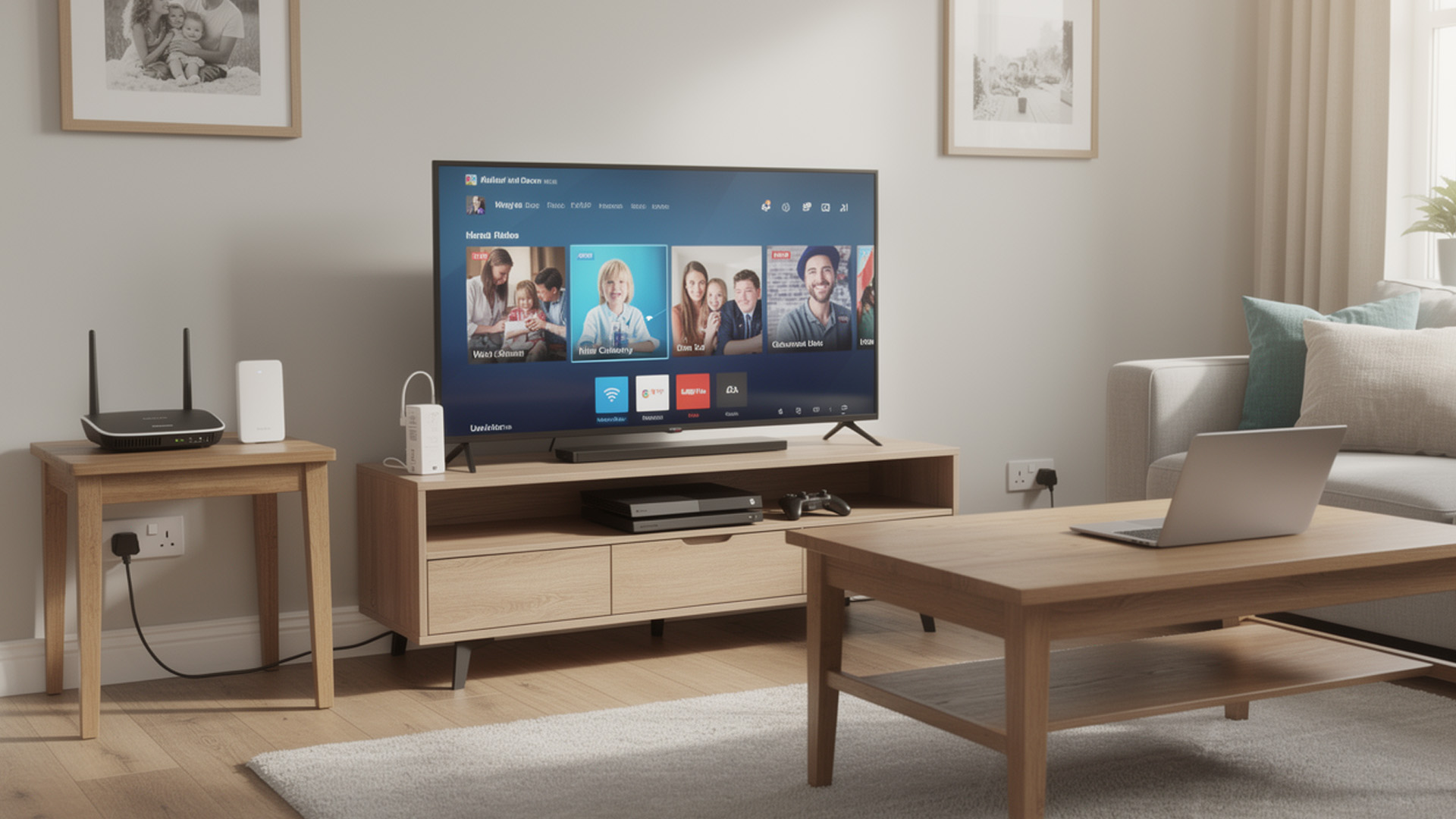
Network adapters don’t exist in isolation. They’re part of a wider connectivity ecosystem.
Understanding how adapters compare to and work with other networking tools helps you choose the right fix.
Network Adapters vs Access Points vs Powerline Adapters
- Improve how a single device connects
- Fix device-side bottlenecks
Best when:
- One device performs badly
- Others on the same network are fine
- Improve Wi-Fi coverage
- Create new wireless zones
Best when:
- Signal is weak in certain rooms
- Multiple devices struggle in the same area
- Extend wired connectivity using electrical wiring
Best when:
- Ethernet cables can’t be run
- Wi-Fi is unreliable in specific rooms
Network Adapters in Mesh Wi-Fi Setups
Mesh Wi-Fi improves coverage, but device adapters still matter.
If a device has:
- A weak or outdated adapter
It may not roam cleanly between mesh nodes or benefit fully from the system.
A strong adapter ensures:
- Faster handover between nodes
- More stable performance in large homes
Choosing the Right Network Adapter (UK Buying Guidance)
This section helps you buy correctly, not expensively.
Key Specs That Actually Matter
Ignore marketing fluff. Focus on:
- Supported Wi-Fi standards
- Antenna quality
- Driver support (Windows, macOS, Linux)
- USB or PCIe interface speed
A cheap adapter with poor drivers causes more issues than it solves.
Wireless vs Wired: How to Decide
Choose wireless adapters if:
- You need portability
- Cabling isn’t practical
- Mobility matters
Choose Ethernet adapters if:
- Stability is critical
- You work or game at a fixed desk
- You want consistent performance
There’s no wrong choice, only wrong expectations.
Compatibility with Modern Routers
Adapters should match your router’s capability.
If you’re using:
An outdated adapter will limit performance.
Supporting Hardware That Enhances Adapter Performance
Adapters perform best when the rest of the network supports them.
Network Cables & Switches
Even in wireless homes, wired infrastructure matters.
Quality network cables and network switches:
- Reduce bottlenecks
- Improve wired backhaul
- Increase reliability
Range Extenders, Server Racks & Structured Networks
In larger setups:
- Range extenders fill gaps
- Server racks organise equipment
- Structured cabling improves long-term reliability
When to Upgrade a Network Adapter (And When Not To)
Knowing when not to upgrade builds trust.
Signs Your Adapter Is the Bottleneck
- Wi-Fi works better on other devices
- Frequent disconnects
- Poor upload speeds
- Lag despite strong signal
When the Router Is the Real Problem
Upgrade the router if:
- All devices perform badly
- Coverage is poor everywhere
- The router is very old
In those cases, an adapter upgrade alone won’t help.

Network Adapters as Smart, Targeted Upgrades
Network adapters are one of the most overlooked but effective ways to improve connectivity.
They:
- Fix device-specific problems
- Extend the life of older hardware
- Unlock the performance of modern networks
Understanding what a network adapter is and choosing the right type, helps you upgrade precisely, without unnecessary expense.

Answering the Questions for Network Adapters UK
What is a network adapter and why do I need one?
A network adapter is the component that allows your device to connect to a network, either wirelessly or via Ethernet. You may need one if your device has weak Wi-Fi, frequent disconnects, or lacks an Ethernet port, even if your internet connection and router are working fine.
Will a USB network adapter improve my Wi-Fi speed?
Yes, in many cases. A modern USB network adapter can outperform an older built-in adapter, especially on crowded or newer Wi-Fi networks. It can improve stability, reduce dropouts, and increase real-world speeds on laptops and PCs.
What’s the difference between a wireless adapter and an Ethernet adapter?
A wireless adapter connects your device to Wi-Fi and offers flexibility and portability. An Ethernet adapter connects your device using a cable, providing lower latency and more stable performance. Ethernet adapters are usually better for gaming, work-from-home setups, and fixed desks.
Do network adapters work with mesh Wi-Fi and modern routers?
Yes. Network adapters are compatible with mesh Wi-Fi systems and modern routers, including Wi-Fi 6 and Wi-Fi 7 models. However, using an outdated adapter can limit performance, even on advanced networks.
Should I upgrade my network adapter or replace my router?
Upgrade your network adapter if only one device has connection problems while others work fine. Replace or upgrade your router if all devices struggle with speed or coverage. Knowing which part is the bottleneck helps you avoid unnecessary upgrades.
| Read More: |
| Network Cards: Boost Your PC Connectivity in the UK |
| Mesh Wi-Fi Systems: Full Coverage Networking Solutions for UK Homes |
| Access Points: Extend Your Wi-Fi Coverage Easily in the UK |
Related Articles

Last Updated: January 02, 2026
The Backbone of Connectivity
When you check emails, browse the web, or stream videos, you’re using a network—but what exactly does that mean? In simple terms, a network is a group of devices linked together to share information and resources. Let’s explore the basics of computer and internet networks.
What Is a Network?
A network is a system where two or more computers or devices are connected to exchange data.
Networks let devices like laptops, smartphones, and printers communicate with each other
Types of Networks
LAN (Local Area Network):
- Covers a small area like a home, school, or office
- Connects devices via Ethernet or Wi-Fi
WAN (Wide Area Network):
- Covers large distances—like the internet
- Connects multiple LANs across cities or countries
WLAN (Wireless LAN):
- Like LAN, but wireless (Wi-Fi)
PAN (Personal Area Network):
- Very small—used for devices like Bluetooth headphones or smartwatches
Wired vs Wireless Networks
- Wired networks: Use Ethernet cables;

Last Updated: July 01, 2025
The Power of Digital Connections
In today’s world, few devices operate in isolation. Whether you’re sharing files, streaming media, or collaborating online, computer networking is at the heart of it all. So what exactly is networking in computers? Let’s break it down simply.
What Is Networking in Computers?
Networking in computing refers to connecting multiple computers and devices so they can share data, resources, and communication.
It’s how laptops, smartphones, printers, and servers talk to each other
Why Is Networking Important?
- Enables file and data sharing
- Supports remote access and teleworking
- Allows internet access for all connected devices
- Powers smart home and office automation
How Does Computer Networking Work?
- Devices connect via physical cables or wirelessly (Wi-Fi)
- A router or switch directs traffic
- Data travels in packets to the right device using IP addresses
Each device gets a unique network ID to manage communication
Types of Computer Networks
Last Updated: September 11, 2025
Smarter Connections Behind the Scenes
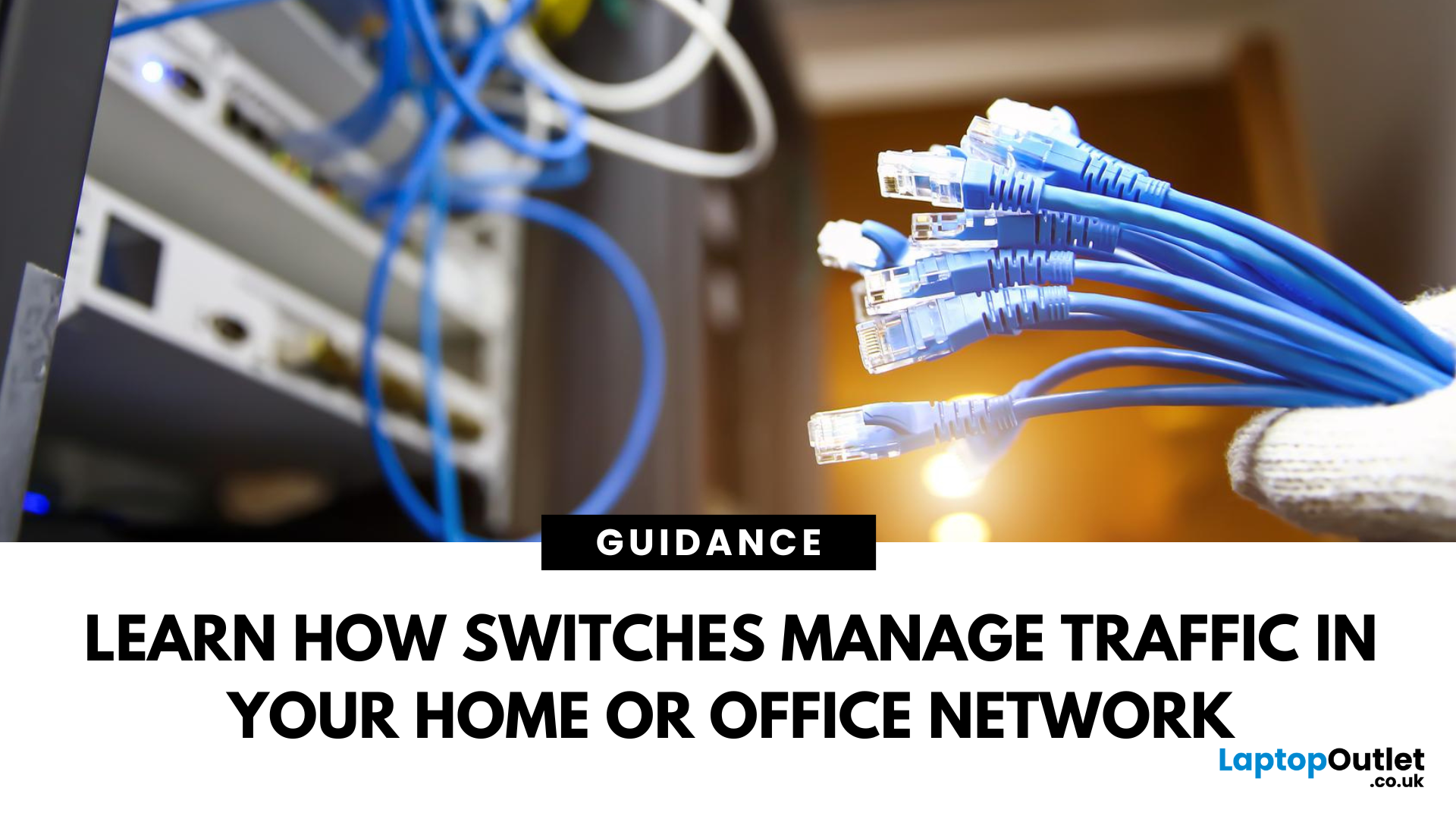
When we think of internet connectivity, routers usually get all the attention. But there’s another key player—the network switch. It quietly keeps your devices connected, organised, and running smoothly behind the scenes. So, what is a network switch, and what does it do? Let’s find out.
1. What Is a Network Switch?
A network switch is a hardware device that connects multiple devices (like PCs, printers, and servers) within a Local Area Network (LAN) and allows them to communicate efficiently.
It’s like a digital traffic controller—making sure data reaches the right destination
2. What Does a Network Switch Do?
- Directs data from one device to another within a network
- Uses MAC addresses to identify devices and send data accurately
- Reduces traffic congestion by sending data only where it’s needed
Unlike a hub, a switch doesn’t broadcast data to every device—only the one intended
3. How a Switch Differs from a Router
- Switch: Connects
Last Updated: April 17, 2026
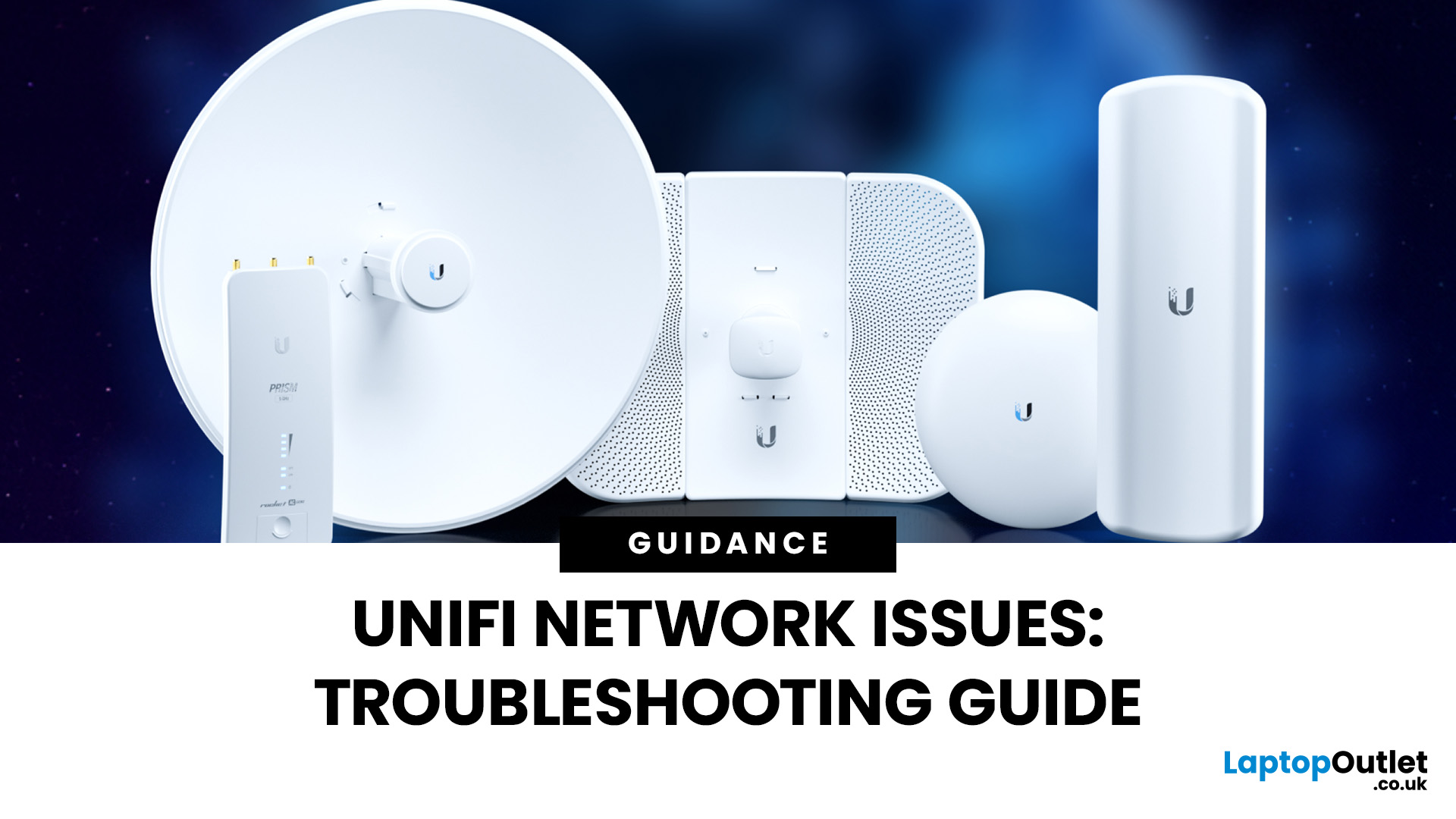
Ubiquiti’s UniFi ecosystem is a favourite for IT professionals, businesses, and advanced home users who want enterprise-level WiFi networking without the complexity or cost of traditional solutions. While UniFi access points, switches, and gateways are built for performance and reliability, no wireless system is completely immune to problems. Let's explore some common troubleshooting common Unifi network issues to optimise your network for long-term stability.
Step 1: Identify UniFi Signal Strength Issues
Signal strength remains one of the most important factors in WiFi performance, especially in environments with many connected devices. In 2025, UniFi has introduced smarter tools and AI-powered insights to make diagnosing these problems easier.
How to Check Signal Health
- Use the UniFi Network Controller or UniFi mobile app to monitor RSSI (Received Signal Strength Indicator) values per client.
- Excellent: -50 dBm or better (fast and stable).
- Good: -60 dBm (suitable for streaming and
Last Updated: January 26, 2026
From working remotely and online learning to 4K streaming, smart home devices, and competitive gaming, UK households are placing more demand than ever on their home networks. Yet many homes still struggle with weak signals, dead zones, and inconsistent speeds. This is where mesh Wi-Fi explained properly can make all the difference.
In this guide, we’ll break down exactly how mesh Wi-Fi works, why it’s ideal for British homes, and how to choose the right system for your space. Whether you live in a Victorian terrace with thick brick walls, a multi-storey townhouse, or need reliable connectivity in a garden office, a modern Wi-Fi mesh system could be the upgrade your home network needs.
Mesh Wi-Fi Explained: What is a Mesh Network?
Traditional home Wi-Fi usually relies on a single router placed near where your broadband enters the property. While this can work in smaller flats, it often struggles to deliver consistent coverage across larger or more complex homes. Signal strength drops rapidly
Last Updated: January 26, 2026
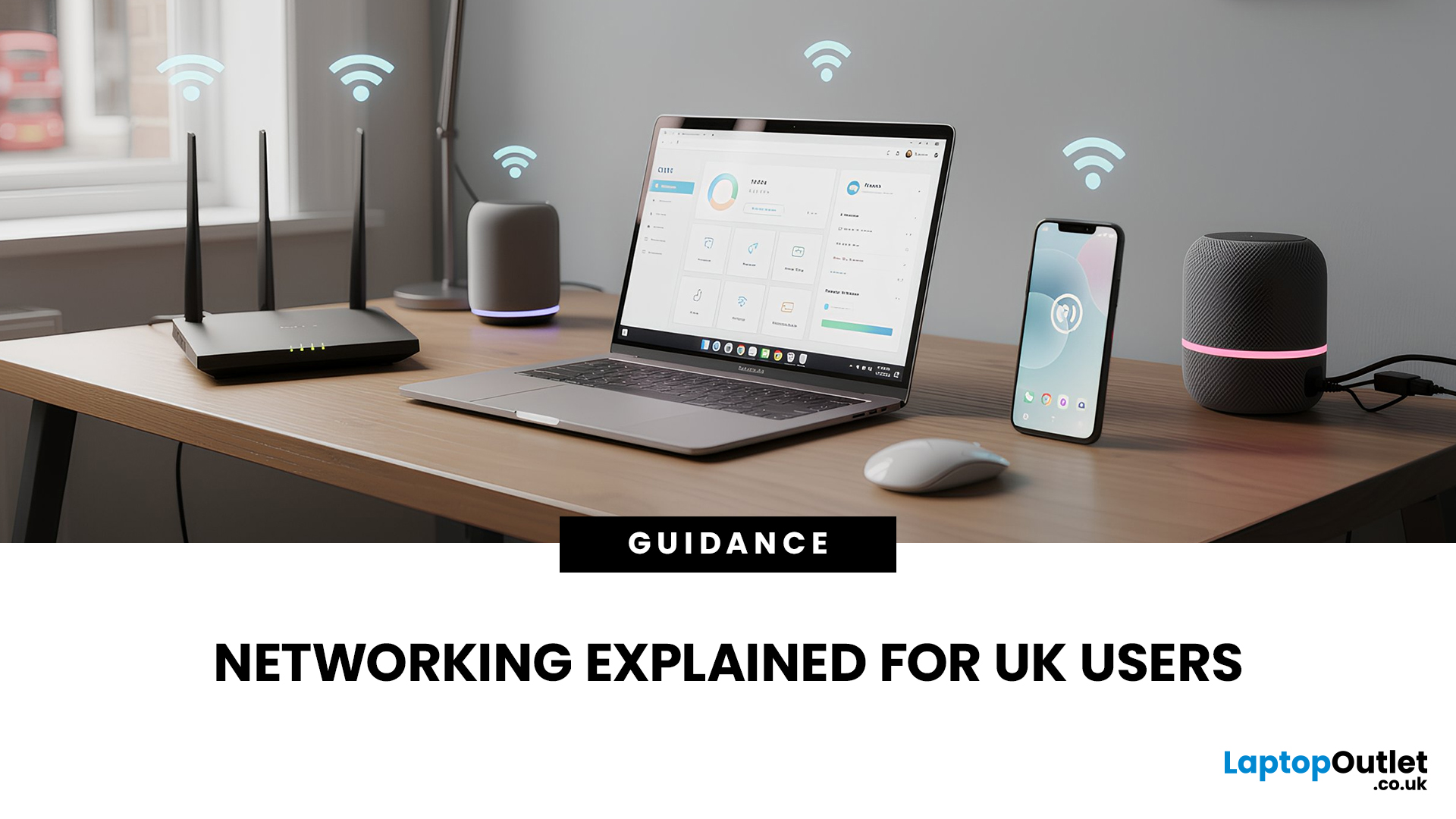
In today’s UK homes and offices, networking isn’t optional - it’s the backbone of how we work, study, stream, and stay connected. From remote meetings and online gaming to smart homes and cloud storage, everything relies on reliable networking accessories and networking devices working together behind the scenes.
Yet many people still struggle with slow Wi-Fi, unstable connections, or poor coverage, not because their internet provider is bad, but because their networking equipment isn’t set up correctly.
What Is Networking? (A Simple Explanation)
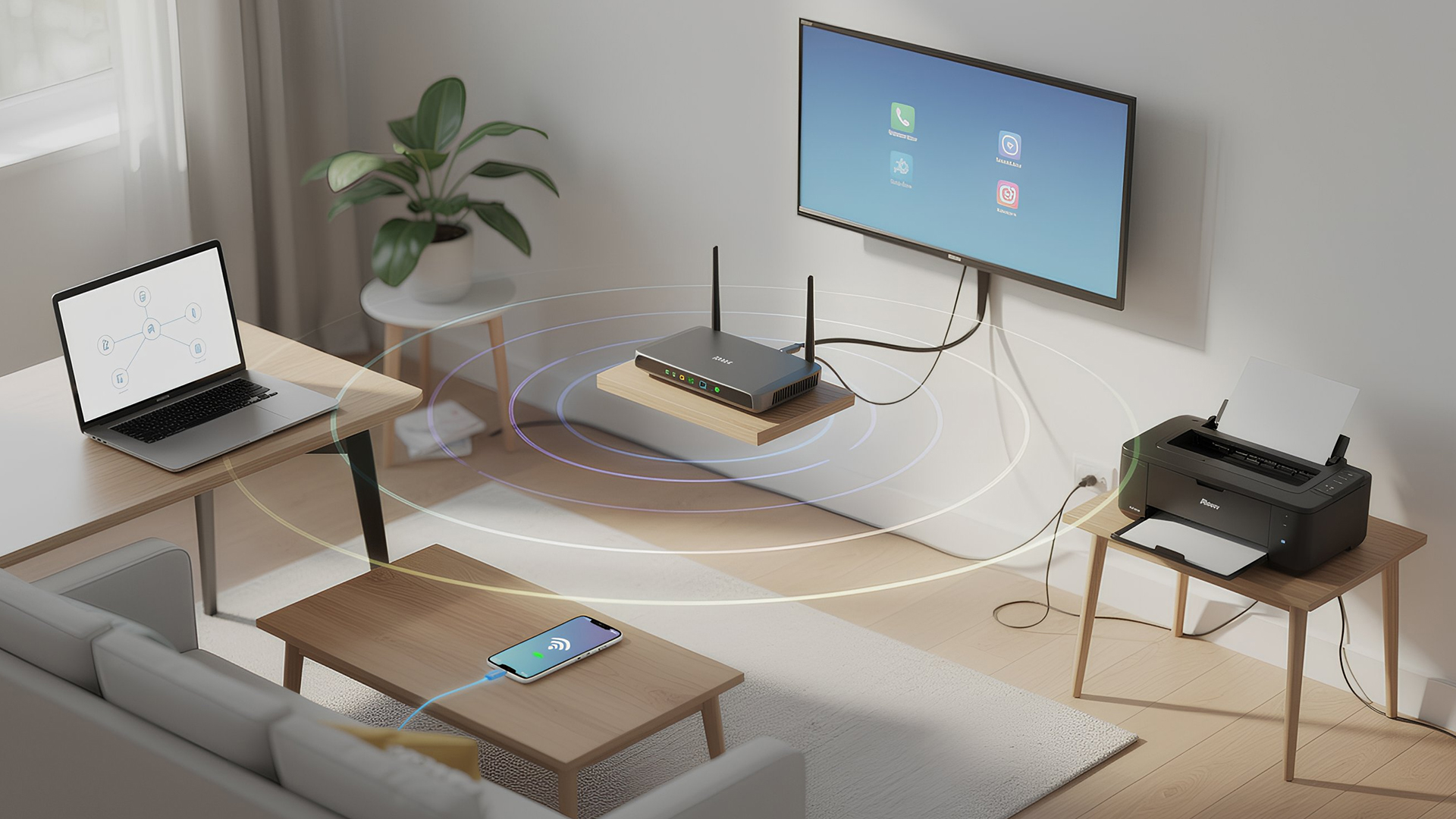
Networking is the process of connecting devices so they can communicate, share data, and access the internet. These devices might include:
- Laptops and desktops
- Smartphones and tablets
- Printers and scanners
- Smart TVs and streaming devices
- Smart home systems (lights, cameras, thermostats)
To make this possible, you need a combination of networking devices (like routers and access points) and networking accessories (such as network cards, adapters,
Last Updated: June 22, 2026
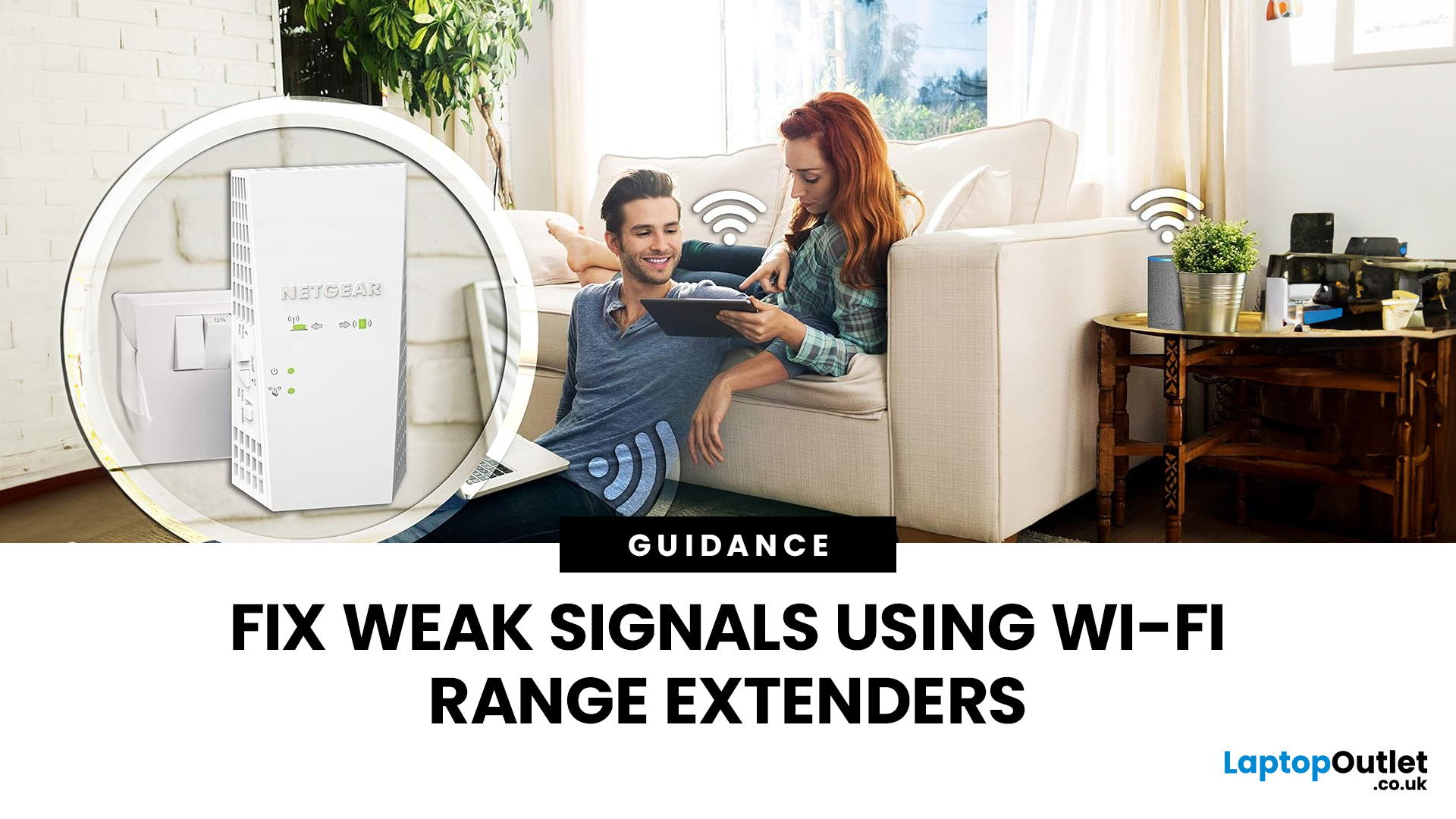
Imagine sitting down to stream your favourite show, join a work call or load a game, only for your Wi-Fi to drop the moment you move into another room. Weak signals, buffering, and dead zones are common in UK homes, especially in larger houses, older properties with thick walls, garden offices, and busy family spaces with several connected devices.
The good news is that you do not always need a new broadband package to fix the problem. A Wi-Fi range extender, mesh system, or access point can help extend your Wi-Fi range and make your home network more reliable.
This guide explains how Wi-Fi range extenders work, what to check before buying, which newer products are worth knowing about, and when a mesh system may be a better fit than a standard booster.
What are Wi-Fi Extenders?
A Wi-Fi range extender is a networking device that helps improve wireless coverage in areas where your main router struggles to reach.
It sits between your router and the weak-signal area, receives the existing Wi-Fi

Last Updated: June 05, 2026
Dead zones and buffering are the enemies of a modern home. We rely on the internet for almost everything. We stream 4K movies in the lounge. We join video calls in the home office. We play fast-paced games in the bedroom. However, thick walls and long distances often weaken Wi-Fi signals.
This is where home network powerline adapters become essential. They offer a clever way to extend your internet connection without drilling holes or running long, messy network cables through your hallway. In this guide, we will explore the best PLC adapters UK residents can buy today.
What is a Powerline Adapter?
A powerline adapter (also known as a PLC adapter) is a device that sends internet data through the copper wiring in your walls. Most people use these home network powerline adapters to connect devices that require high bandwidth, such as gaming consoles, smart TVs, laptops, or desktop PCs. They provide the stability of a wired network adapter with the convenience of a plug-and-play setup.

Last Updated: January 26, 2026
Whether you are gaming, working from home, or streaming 4K content, having a slow internet connection is frustrating. While many people blame their ISP or router, the culprit might be inside your computer. Upgrading to high-quality network cards can transform your online experience.
In this guide, we will explore the best options available in the UK. We will also explain the technology behind these devices to help you make an informed choice.
What is a Network Card?
A network card, also known as a Network Interface Controller (NIC), is a hardware component that allows a computer to connect to a network. It acts as a middleman. It takes data from your computer and translates it into a format that can travel through cables or radio waves.
How Network Cards Work
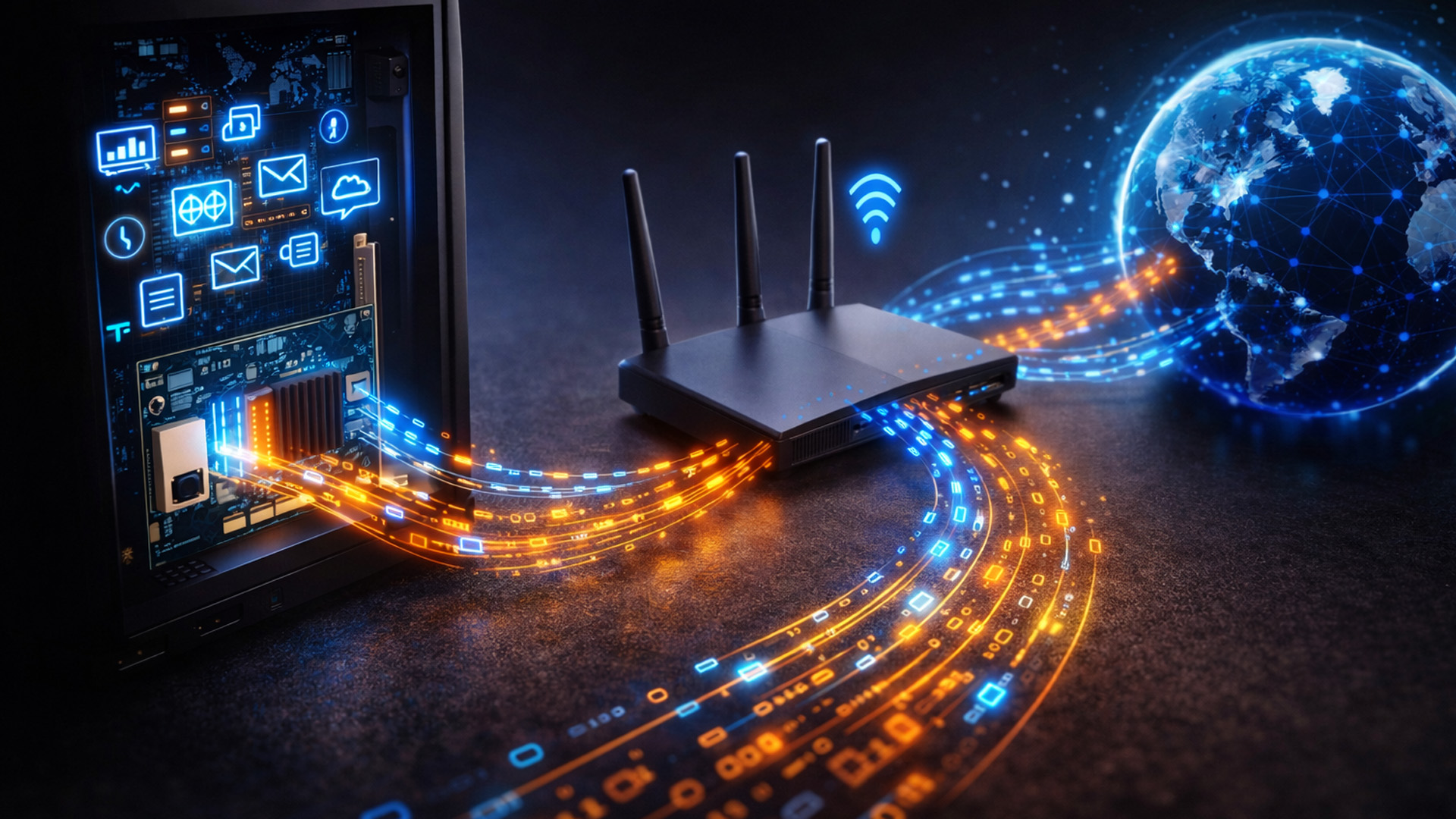
If you are wondering how network cards work, think of them as a translator. Your computer processes data in a specific way. To send this data to a router or another PC, it needs to be packaged correctly.
The network card prepares
Last Updated: April 03, 2026
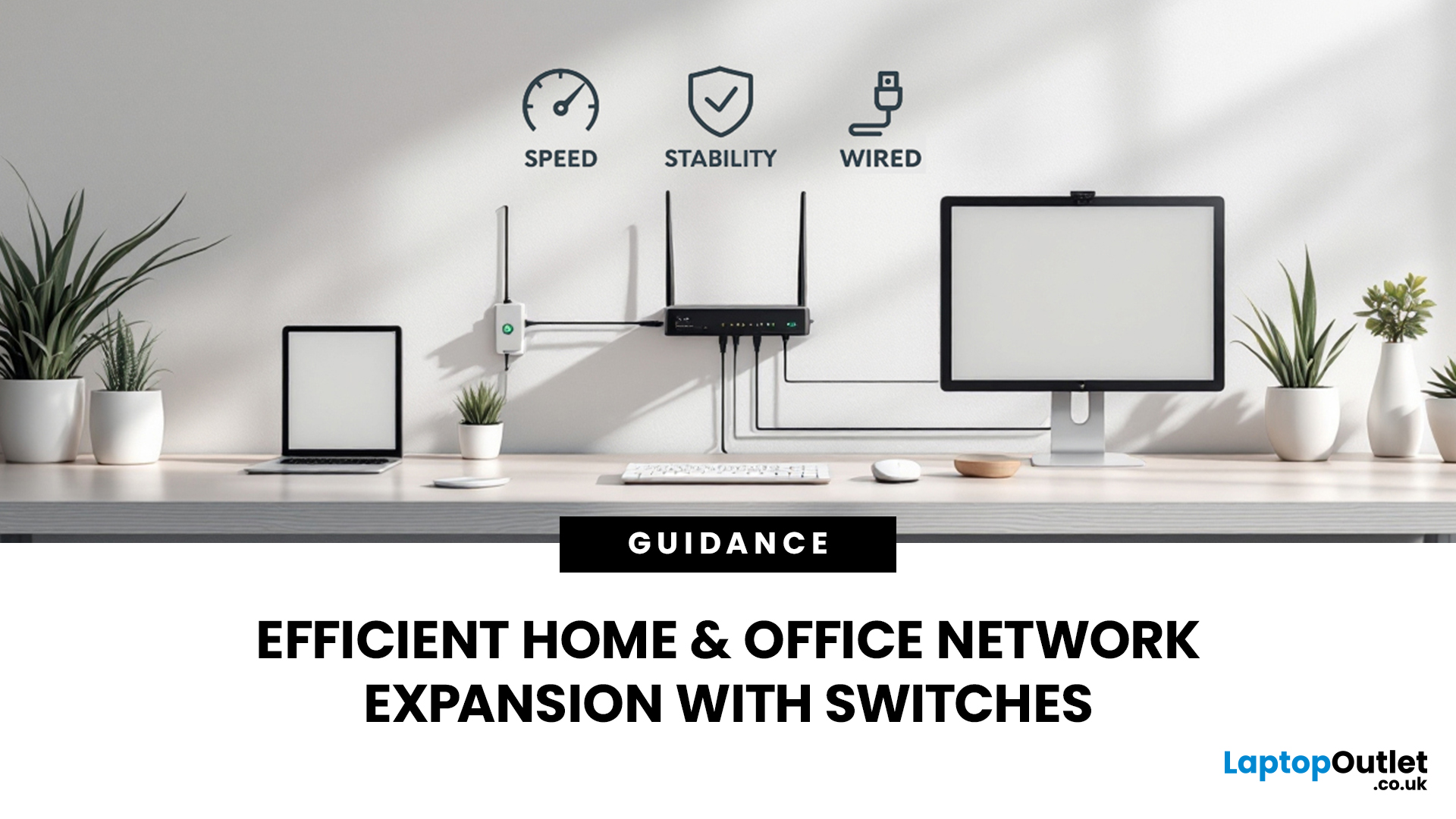
Slow, glitchy internet is a certified vibe killer. One minute you’re streaming in 4K or mid-game, the next everything freezes, painful. That’s the problem. The solution? A solid wired setup. A well-organised network isn’t just “nice to have” anymore, it’s essential for modern homes and busy offices. That’s where this network switch guide UK comes in. We’ll break down what network switches actually do, why a wired network switch UK boosts speed and stability, and how to choose the right one for your setup. No jargon, no stress, just smoother connections and fewer rage quits.
How do Network Switches Help with Connectivity?
A network switch is a device that connects multiple wired devices within a local area network (LAN). Unlike older hubs, switches intelligently direct data only to the device it’s intended for, improving both speed and security.
By acting as a central connection point, network switches allow devices such as desktop PCs, laptops, printers, servers, smart TVs, and games

