



Dual-Band vs Tri-Band Routers: Which One Do You Need?
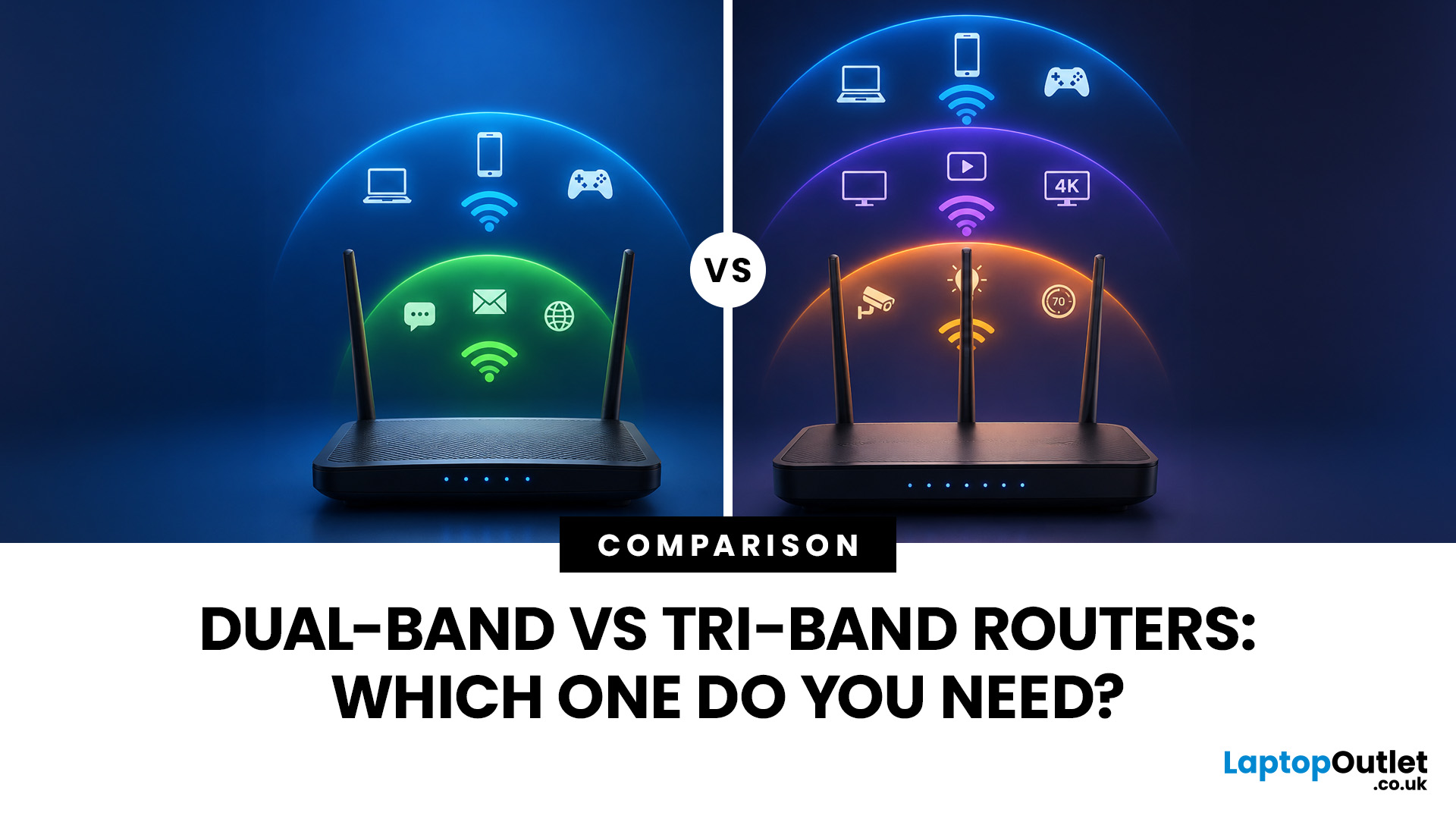
Your broadband speed might be fine. Your router might be the problem.
Slow WiFi is not always your broadband’s fault. Sometimes, your router simply cannot keep up.
A dual-band router is usually enough for everyday browsing, streaming, and home working. A tri-band router is better for larger homes, busy networks, mesh WiFi, and lots of connected devices.
This guide explains the key differences so you can choose the right router without overspending.
What Is a Dual Band Router?
A dual band router is a Wi-Fi router that broadcasts on two wireless frequency bands:
- 2.4GHz
- 5GHz
The 2.4GHz band gives you better range and wall penetration, while the 5GHz band gives you faster speeds over shorter distances. Most modern home routers use both bands to balance coverage and performance.
So, when people search what is a dual band router, the direct answer is:
A dual-band router uses two Wi-Fi bands, 2.4GHz and 5GHz, to give devices a choice between longer range and faster speed.
2.4GHz vs 5GHz: What’s the Difference?
|
BAND |
BEST FOR |
STRENGTHS |
LIMITATIONS |
|---|---|---|---|
|
2.4GHz |
Smart home devices, older laptops, long-range coverage |
Travels further, better through walls |
Slower, more crowded |
|
5GHz |
Streaming, gaming, video calls, newer phones and laptops |
Faster, less congested than 2.4GHz |
Shorter range |
Think of 2.4GHz as the steady commuter lane and 5GHz as the faster lane. You need both, but you do not want every device stuck in the same lane.
Who Should Buy a Dual-Band Router?
A dual-band router is usually enough if you:
- Live in a small or medium home
- Have standard fibre broadband
- Stream Netflix, YouTube, iPlayer, or Disney+
- Work from home with video calls
- Have around 10–25 connected devices
- Want better Wi-Fi than a basic ISP-supplied router
- Need a good-value upgrade without going full premium
For most buyers, the best dual frequency router is one that supports Wi-Fi 6, has decent coverage, includes gigabit Ethernet ports, and can handle multiple users without slowing down.
A dual-band router is the best-value choice for everyday Wi-Fi. It is practical, affordable, and more than capable for many UK homes.
What Is a Tri-Band Router?
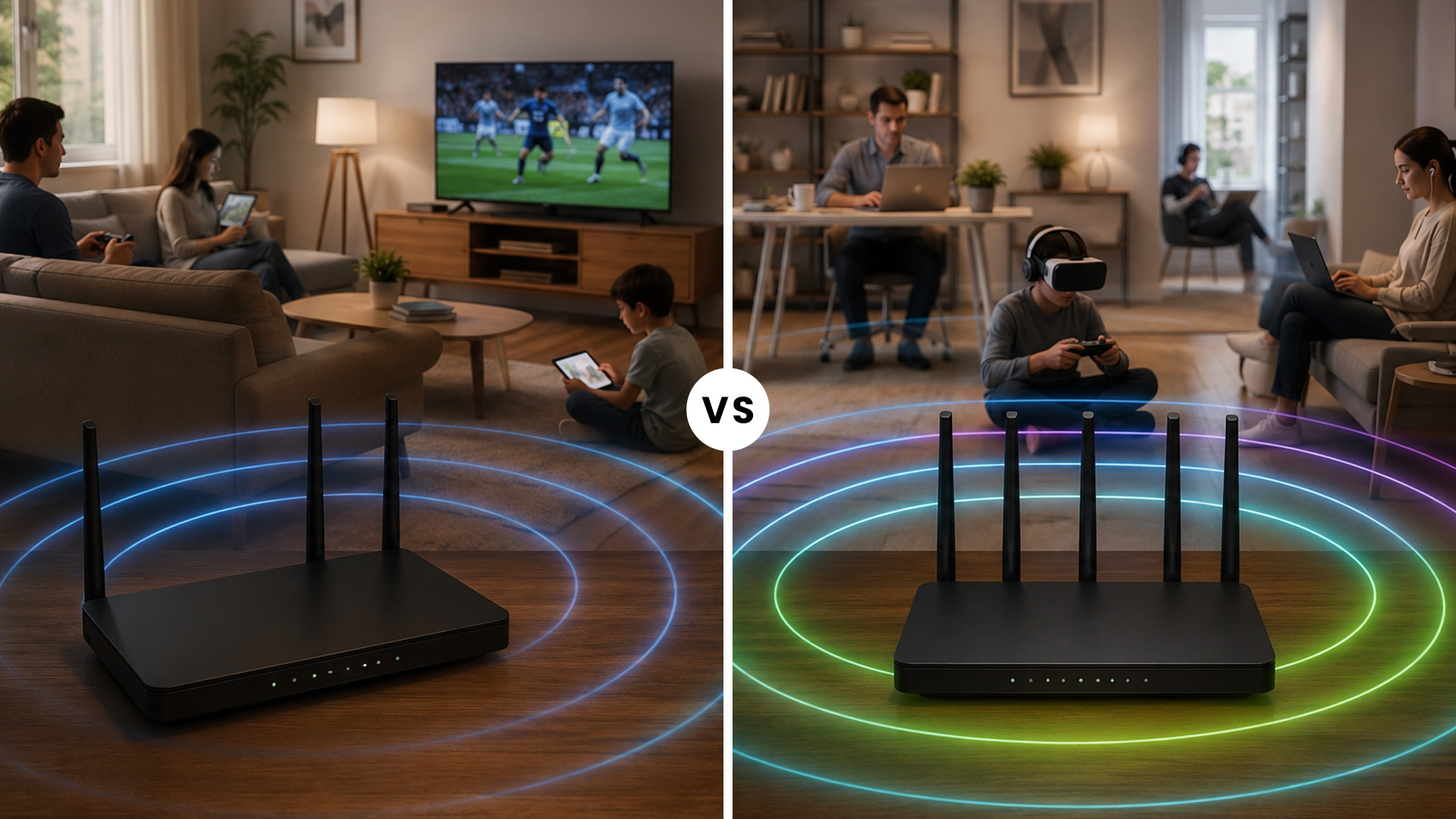
A tri-band router broadcasts on three wireless bands instead of two.
There are two common types:
1. Traditional tri-band routers:
2.4GHz + 5GHz + second 5GHz band
2. Newer Wi-Fi 6E and Wi-Fi 7 tri-band routers:
2.4GHz + 5GHz + 6GHz band
The second option is becoming more important because Wi-Fi 6E extends Wi-Fi 6 into the 6GHz band, giving compatible devices more room to operate with less congestion. Wi-Fi Alliance explains that Wi-Fi 6E brings Wi-Fi 6 capabilities into 6GHz, improving capacity, latency, and performance in bandwidth-heavy environments.
What Does the Third Band Actually Do?
The third band gives your network extra space. That can help in three ways:
- Less congestion: More devices can connect without fighting for the same band.
- Better performance for demanding devices: Gaming PCs, 4K TVs, and Wi-Fi 6E laptops can use faster, cleaner channels.
- Stronger mesh performance: A tri-band mesh Wi-Fi system can use one band for communication between nodes, helping preserve speed across the home.
That last point is huge.
A dual band vs tri band mesh router comparison is different from a normal router comparison. In mesh systems, the extra band can be used as a dedicated wireless backhaul, which means your mesh nodes can talk to each other without stealing as much bandwidth from your phones, laptops, and TVs.
Tri-band routers are not automatically faster for every device. They are better at handling busy networks, high-speed broadband, modern devices, and mesh setups.
Dual Band vs Tri Band Router: Quick Comparison
|
FEATURE |
DUAL-BAND ROUTER |
TRI-BAND ROUTER |
|---|---|---|
|
Bands |
2.4GHz + 5GHz |
2.4GHz + 5GHz + 5GHz or 6GHz |
|
Best For |
Everyday homes |
Busy homes, gamers, mesh WiFi, future-proofing |
|
Price |
More affordable |
Usually more expensive |
|
Device Handling |
Good |
Better for lots of devices |
|
Mesh Performance |
Good for smaller spaces |
Better for larger homes |
|
6GHz Support |
No, unless not applicable |
Yes, on Wi-Fi 6E / Wi-Fi 7 models |
|
Worth It? |
Yes, for most users |
Yes, for heavy users and larger homes |
The simplest way to frame tri band router vs dual band is this:
Choose dual-band if you want reliable Wi-Fi at a sensible price. Choose tri-band if your network is busy, your home is large, or you want stronger mesh Wi-Fi performance.
Is Tri-Band Wi-Fi Faster Than Dual-Band Wi-Fi?
Sometimes. But not always.
This is where router marketing gets a bit cheeky. A tri-band router may advertise a massive, combined speed, but your individual device does not usually connect to all bands at once. It connects to one band at a time, unless you are using newer technologies such as Wi-Fi 7 Multi-Link Operation.
Wi-Fi 7 introduces features such as 320MHz channels and Multi-Link Operation, designed to improve capacity, throughput, and latency across supported devices.
For most current devices, tri-band helps more with capacity than raw single-device speed.
Real-World Example
Let’s say you have:
- Two people working from home
- One person gaming online
- A 4K smart TV streaming
- Several phones
- Smart speakers
- Security cameras
- A few smart plugs and bulbs
A dual-band router can handle this if it is a strong model. But if everything is active at once, congestion can appear. A tri-band router gives your network another lane, so high-demand devices are less likely to slow each other down.
That is the real win.
Not magic speed. Better traffic management.
When a Dual-Band Router Is Enough
A dual-band router is enough for plenty of homes. In fact, buying tri-band when you do not need it is one of the most common router-shopping mistakes.
You probably only need dual band if your home Wi-Fi setup looks like this:
- One to three bedrooms
- One router covers most rooms
- Broadband under or around gigabit speeds
- Mostly phones, laptops, tablets, and smart TVs
- No serious Wi-Fi dead zones
- No large mesh network required
- You want value over premium features
A good dual-band Wi-Fi 6 router can feel like a massive upgrade if you are replacing an older ISP router. You may notice better stability, smoother streaming, and fewer random dropouts.
For buyers comparing Wi-Fi router dual band vs tri band, this is the practical rule:
If your issue is old hardware, weak coverage, or too many devices on an outdated router, a modern dual-band router may solve the problem without the cost of tri-band.
Best Use Cases for Dual-Band Routers
Dual-band routers are ideal for:
- Students and renters
- Small flats
- Medium family homes
- Everyday remote work
- HD and 4K streaming
- Casual gaming
- Budget-conscious upgrades
Looking to compare options? You can buy routers online and filter based on speed, brand, wireless standard, and budget.
Dual-band is not “basic” anymore. A well-chosen dual-band Wi-Fi 6 router can be fast, stable, and excellent value.
When a Tri-Band Router Is Worth It
Now for the big question: is a tri-band router worth it?
Yes, if you will actually use the extra band.
A tri-band router makes sense if you:
- Have a large home or thick internal walls
- Use a mesh Wi-Fi system
- Have gigabit or multi-gig broadband
- Own Wi-Fi 6E or Wi-Fi 7 devices
- Game competitively online
- Stream 4K or 8K content
- Transfer large files over Wi-Fi
- Have 30+ connected devices
- Want better future-proofing
The third band becomes especially useful in homes where multiple high-bandwidth activities happen at the same time.
Picture this: someone is on a Teams call, someone else is gaming, the TV is streaming in 4K, cloud backups are running, and smart cameras are uploading footage. A tri-band router has more room to keep those tasks separated.
That is when the extra spend starts to make sense.
Best Use Cases for Tri-Band Routers
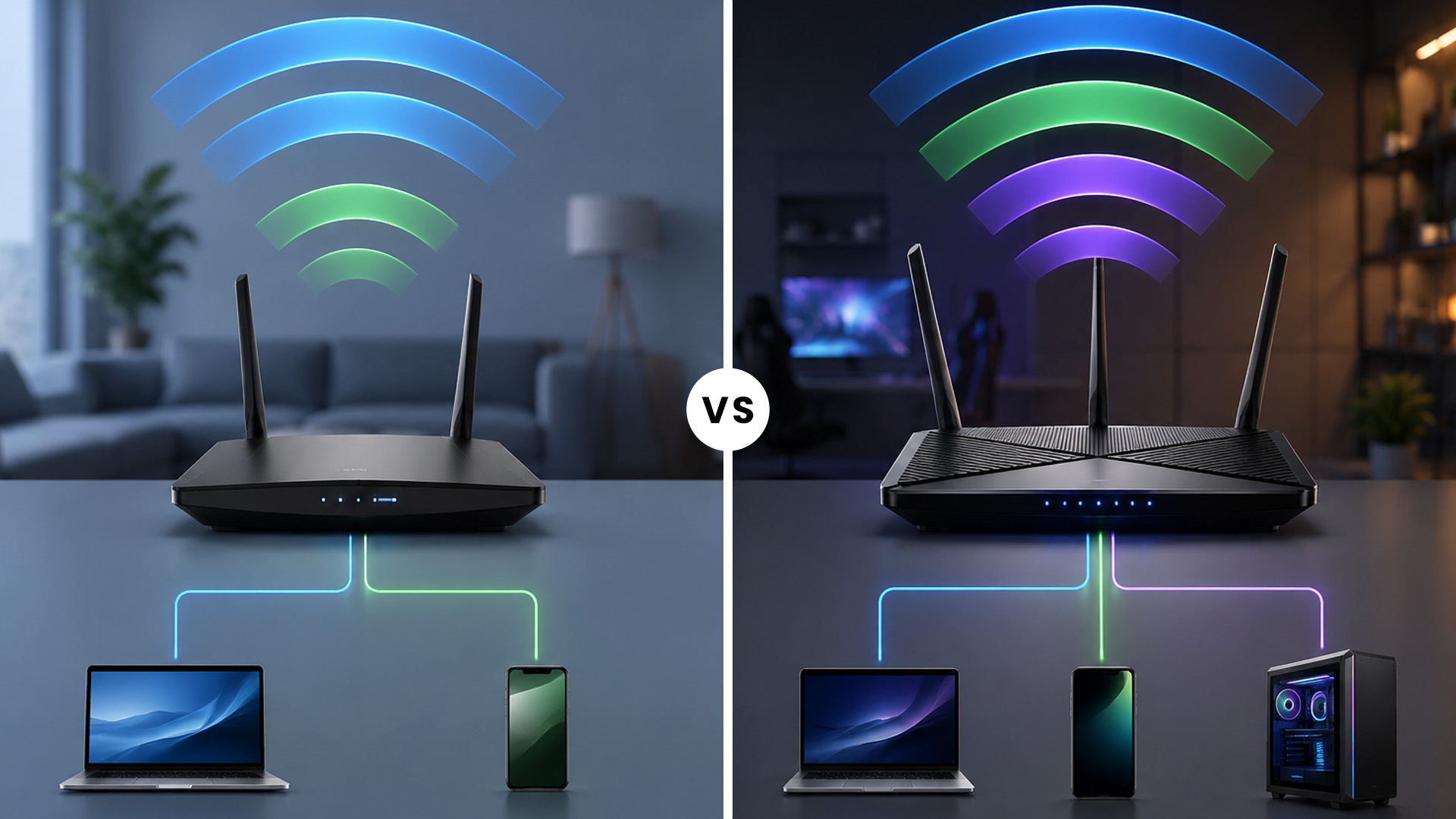
Tri-band routers are best for:
- Busy family homes
- Tech-heavy households
- Smart homes
- Home offices
- Gaming setups
- Mesh Wi-Fi systems
- Future-ready Wi-Fi 6E and Wi-Fi 7 networks
If you are searching for the best tri-band router, prioritise wireless standard, coverage, Ethernet port speed, security features, and device compatibility instead of only looking at headline Mbps numbers.
Dual Band vs Tri Band Mesh Router: The Difference Matters
Mesh Wi-Fi changes the conversation.
A standard router sends Wi-Fi from one central point. A mesh system uses multiple nodes around the home to spread coverage more evenly. This is useful in larger UK homes, older properties with thick walls, or spaces where the router has to sit in an awkward hallway corner.
With a dual-band mesh system, the same bands often handle both:
- Your device connections
- Communication between mesh nodes
With a tri-band mesh Wi-Fi system, the third band can be used for backhauling. That means the mesh nodes have a dedicated route to communicate, which can improve performance.
When Tri-Band Mesh Wi-Fi Makes Sense
Consider tri-band mesh Wi-Fi if:
- Your current mesh system loses speed upstairs
- You have dead zones in bedrooms or a garden office
- You use wireless backhaul instead of Ethernet
- You want stable speeds across multiple floors
- You have a lot of connected devices spread around the home
A dual-band mesh system is still a strong choice for smaller properties. But if your home is larger or your mesh nodes are far apart, tri-band can be the smoother option.
For value-focused upgrades, compare affordable Mesh WiFi systems before jumping straight to the most expensive kit.
For single-router setups, tri-band is useful. For mesh setups, tri-band can be genuinely transformative.
What About Wi-Fi 6E and 6GHz?
The 6GHz band is one of the biggest reasons people are looking at tri-band routers.
Wi-Fi 6E routers can use 6GHz, but only compatible devices can connect to it. That means your older phone, older laptop, smart speaker, or printer will still use 2.4GHz or 5GHz.
The 6GHz band can offer cleaner, faster connections because it has more available spectrum. Wi-Fi Alliance notes that 6GHz supports additional wide channels, including more 80MHz and 160MHz channels, which helps with high-performance Wi-Fi.
But there is a catch.
6GHz does not travel as far as 2.4GHz and is not as good through walls. So, it works best when you are closer to the router or mesh node.
Should You Buy Wi-Fi 6E?
Buy Wi-Fi 6E if:
- You already own Wi-Fi 6E devices
- You are buying a premium laptop or phone soon
- You want cleaner short-range performance
- You live in a Wi-Fi-congested area
- You are building a future-ready setup
Skip it for now if:
- Most of your devices are older
- Your broadband is not especially fast
- You mainly need long-range coverage
- You want the lowest possible price
This is why an affordable tri band router can be a sweet spot: you get extra capacity without necessarily paying ultra-premium Wi-Fi 7 prices.
Common Buying Mistakes to Avoid
Router shopping is full of numbers, acronyms, and “up to” speed claims. Here are the mistakes to dodge.
✖ Buying Based Only on Advertised Speed
Router speeds are often combined across bands. That does not mean one device will get that full number.
Instead, check:
- Wi-Fi standard: Wi-Fi 5, Wi-Fi 6, Wi-Fi 6E, Wi-Fi 7
- Number of bands
- Ethernet port speeds
- Processor and RAM, where listed
- Coverage rating
- Mesh compatibility
- Security features such as WPA3
✖ Ignoring Your Devices
A tri-band Wi-Fi 6E router will not magically turn an old laptop into a 6GHz device. Your client devices need to support the band too.
✖ Forgetting Router Placement
Even the best router struggles if it is hidden behind the TV, boxed inside a cupboard, or shoved next to thick walls.
Place your router:
- Centrally where possible
- Away from large metal objects
- Off the floor
- Away from microwaves and cordless phone bases
- In open space, not inside furniture
✖ Overbuying for a Small Home
A premium tri-band router may be overkill for a one-bedroom flat. A strong dual-band model could do the job perfectly.
✖ Underbuying for Mesh
If you are building a wireless mesh network across a larger home, do not focus only on the cheapest dual-band system. A tri-band mesh kit may save you from speed drops and frustration later.
How to Choose: Dual-Band or Tri-Band?
Use this quick decision guide.
Choose a Dual-Band Router If:
- You want better Wi-Fi on a sensible budget
- Your home is small to medium-sized
- You have fewer than 25 connected devices
- You mainly browse, stream, work, and game casually
- You do not own Wi-Fi 6E or Wi-Fi 7 devices
- You want the best value upgrade
A dual-band router is the practical choice for most buyers looking for reliable WiFi routers.
Choose a Tri-Band Router If:
- You have lots of connected devices
- Your home has coverage issues
- You want better mesh performance
- You have gigabit broadband
- You use Wi-Fi for gaming, streaming, work, and smart home devices
- You want Wi-Fi 6E or Wi-Fi 7 futureproofing
- You are tired of network slowdowns at peak times
A tri-band router is the better long-term choice when your network is busy, and performance really matters.
Best Practical Recommendation
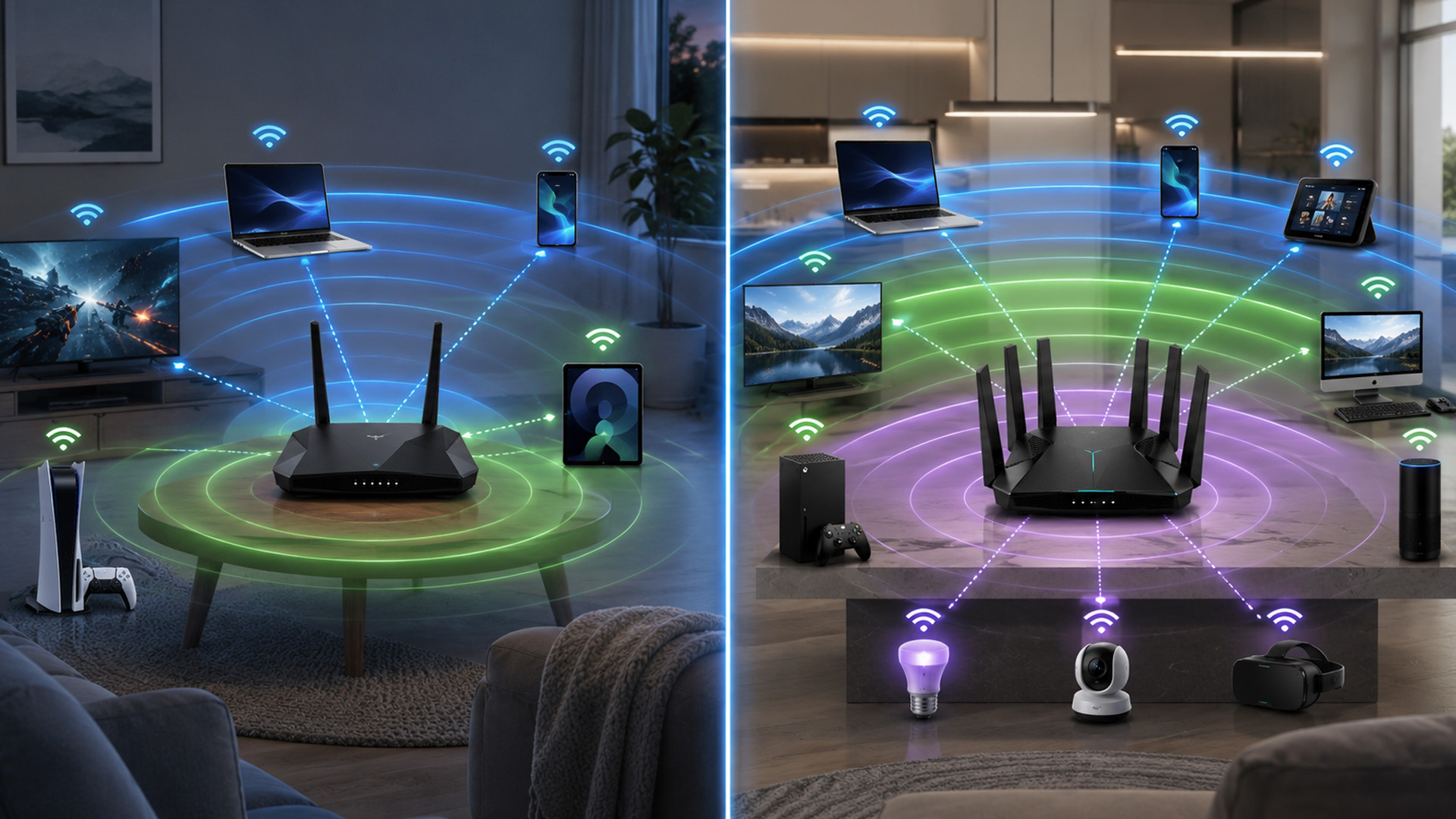
For most UK homes:
- Small flat or budget upgrade: Dual-band Wi-Fi 6 router
- Family home with many devices: Higher-end dual-band or entry tri-band router
- Large home or mesh setup: Tri-band mesh Wi-Fi
- Gaming, 6GHz, and futureproofing: Tri-band Wi-Fi 6E or Wi-Fi 7 router
Need brand-specific options? Check current TP-Link router deals if you want a balance of performance, features, and price.
Do Networking Adapters Matter Too?
Yes. Your router is only half the connection.
If your desktop PC or older laptop uses an outdated Wi-Fi adapter, it may not benefit from your new router. That is why upgrading the device-side connection can make a big difference.
Consider a new adapter if:
- Your PC does not support 5GHz
- Your laptop has weak Wi-Fi reception
- You want Wi-Fi 6 or Wi-Fi 6E support
- You use a desktop far from the router
- Ethernet is not practical
You can shop networking adapters to improve compatibility before replacing your whole setup.

Final Verdict: Which Router Do You Need?
Choose a dual-band router if you need reliable Wi-Fi for everyday browsing, streaming, remote work, and casual gaming. These are ideal and affordable online routers for most UK homes.
Choose a tri-band router if you have lots of devices, a large home, gigabit broadband, a mesh setup, or Wi-Fi 6E/Wi-Fi 7 devices. The extra band helps reduce congestion and keeps your connection smoother.

Common Questions for Dual Band vs Tri Band Router
Is tri-band better than dual-band?
Tri-band is better for busy networks, mesh Wi-Fi, and homes with many connected devices. Dual-band is better value for everyday use. The best choice depends on your home size, device count, broadband speed, and whether you need mesh coverage.
Do I need a tri-band router for gaming?
Not always. A strong dual-band Wi-Fi 6 router can be good for gaming, especially if you are close to the router. A tri-band router is better if other people are streaming, working, or downloading at the same time.
Is a tri-band router worth it for a small flat?
Usually not. For a small flat, a good dual-band router is often enough. Tri-band makes more sense if you have Wi-Fi 6E devices, very fast broadband, or unusually heavy network use.
What is the difference between dual band vs tri band Wi-Fi router setups?
A dual-band Wi-Fi router uses 2.4GHz and 5GHz bands. A tri-band Wi-Fi router adds a third band, either another 5GHz band or a 6GHz band on Wi-Fi 6E and Wi-Fi 7 models. The third band helps reduce congestion and improve performance in busy homes.
Should I buy a dual-band or tri-band mesh router?
Choose dual-band mesh for smaller homes and lighter use. Choose tri-band mesh for larger homes, multiple floors, wireless backhaul, and better whole-home performance.
Are there good dual vs tri band router deals?
Yes. The best dual vs tri band router deals usually depend on the Wi-Fi standard, coverage, and brand rather than bands alone. Compare Wi-Fi 6 dual-band routers against entry-level tri-band models to see which gives better value for your home.
| Read more: |
| Best Gaming Routers for High-Performance UK Setups 2026 |
| How to Choose the Best Wi-Fi Router for Your Home |
| Wi-Fi 7 Routers: Future-Proof Your Home Network in the UK |
Related Articles

Last Updated: January 26, 2026
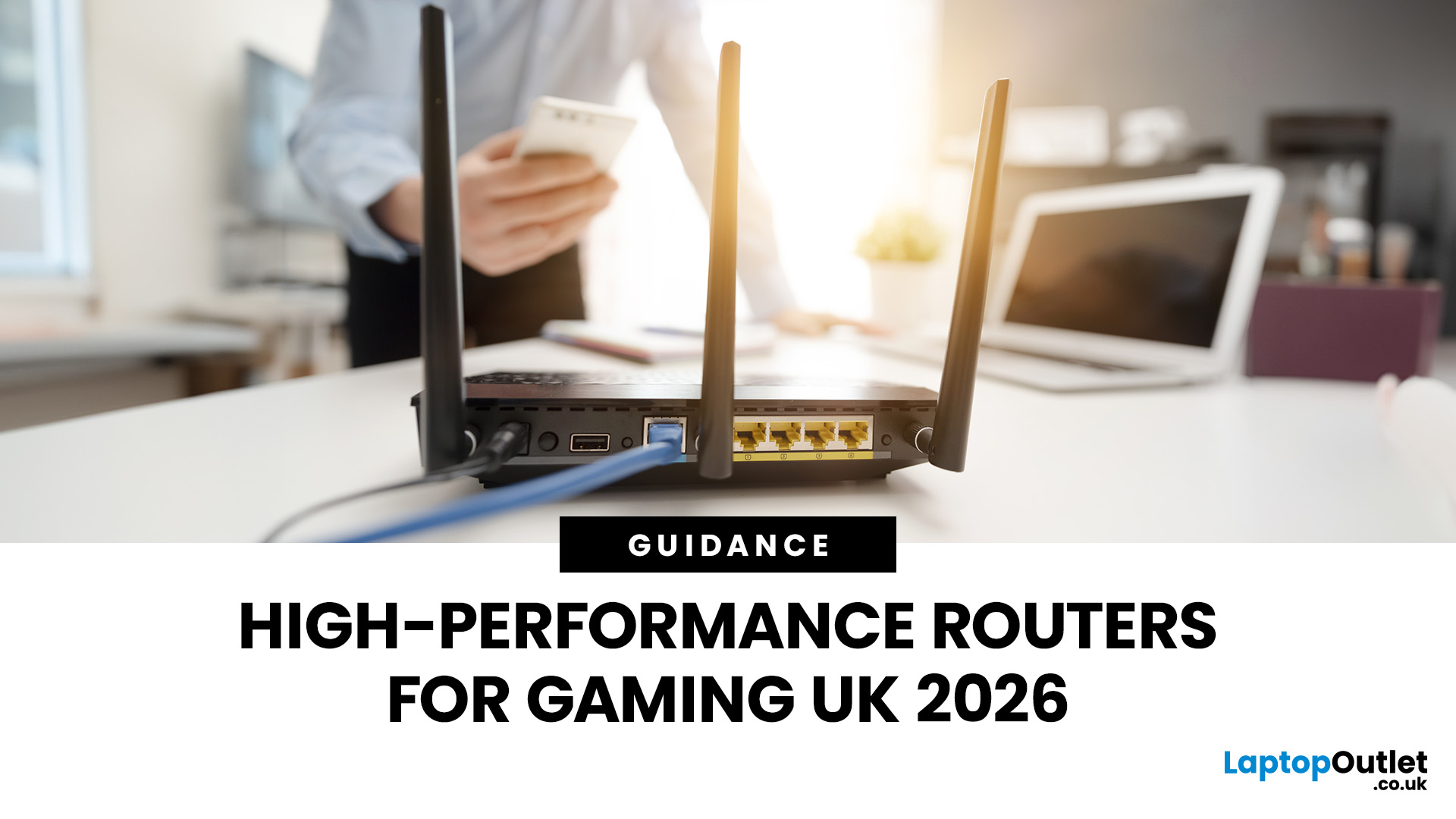
If you’re still using the free router that came with your broadband deal, you need to read this gaming router guide UK. With faster broadband speeds, competitive multiplayer titles, cloud gaming services, and always-connected consoles and PCs, your home network plays a critical role in how well you play. A powerful gaming PC or next-gen console can only perform at its best if it’s supported by a reliable, high-performance router. Whether you’re a competitive PC gamer, a PS5 warrior, a streamer juggling Twitch and Discord, or someone who just wants smooth online gaming without drama, this guide breaks down the best gaming routers UK gamers should actually care about, with real detail, not fluff.
What Makes a Router Good for Online Gaming?
Not all routers are created equal, and “gaming” isn’t just a marketing label. Understanding the core features will help you choose the right router for online gaming setup.
Low Latency and Stable Connections
Latency, often referred to as ping, is the
Last Updated: January 26, 2026
From working remotely and online learning to 4K streaming, smart home devices, and competitive gaming, UK households are placing more demand than ever on their home networks. Yet many homes still struggle with weak signals, dead zones, and inconsistent speeds. This is where mesh Wi-Fi explained properly can make all the difference.
In this guide, we’ll break down exactly how mesh Wi-Fi works, why it’s ideal for British homes, and how to choose the right system for your space. Whether you live in a Victorian terrace with thick brick walls, a multi-storey townhouse, or need reliable connectivity in a garden office, a modern Wi-Fi mesh system could be the upgrade your home network needs.
Mesh Wi-Fi Explained: What is a Mesh Network?
Traditional home Wi-Fi usually relies on a single router placed near where your broadband enters the property. While this can work in smaller flats, it often struggles to deliver consistent coverage across larger or more complex homes. Signal strength drops rapidly
Last Updated: March 12, 2026
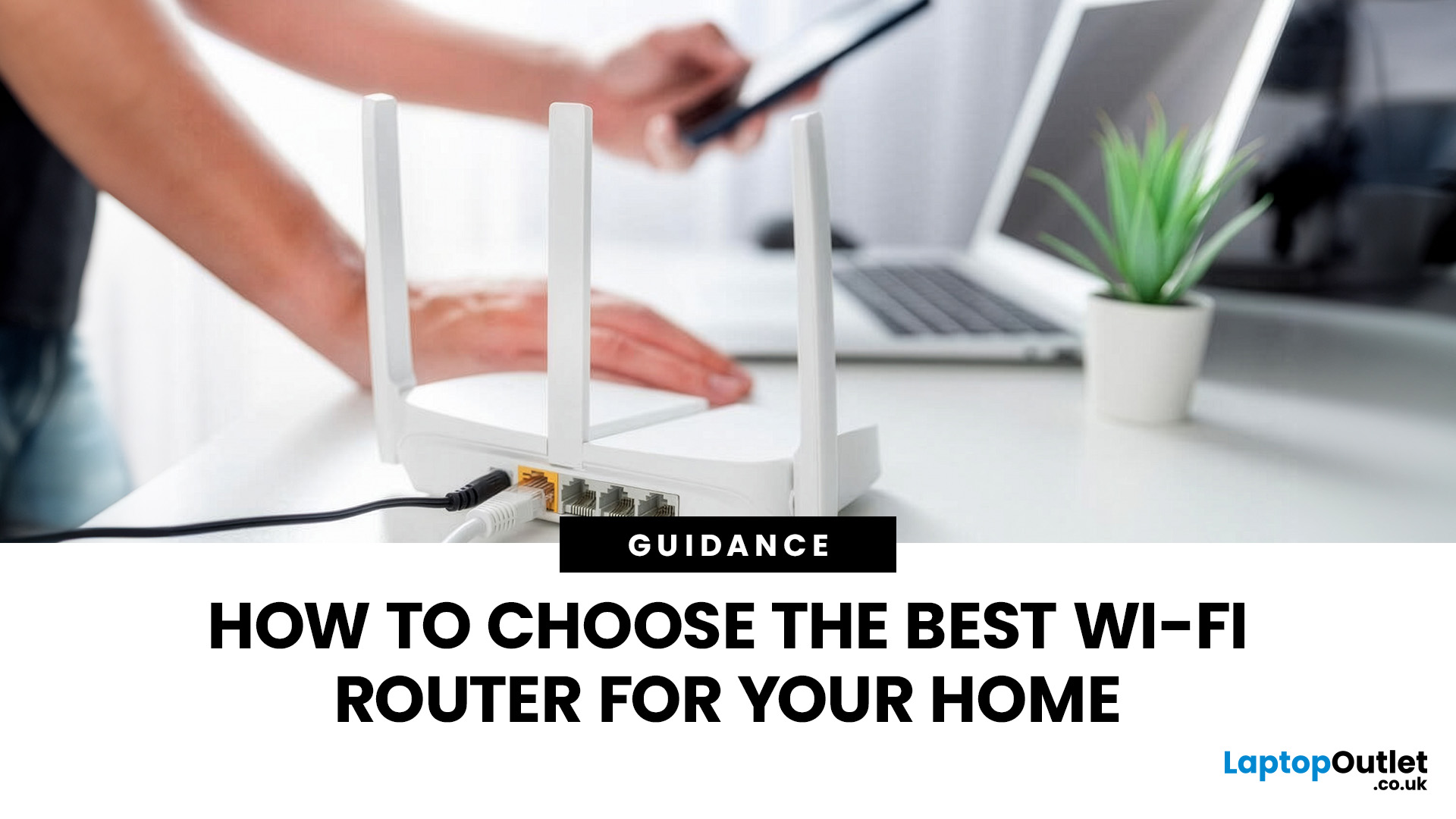
Most Wi-Fi guides start with specs. That’s already the wrong place.
To choose the best Wi-Fi router for your home, you first need to understand how Wi-Fi behaves inside real buildings, especially UK homes, which are often older, brick-built, and not designed for wireless signals.
What Wi-Fi Really Is (Without the Marketing Spin)
Wi-Fi is not “internet speed in the air”. It’s a radio signal that carries data between your router and your devices.
That signal:
- Weakens over distance
- Loses strength passing through walls
- Competes with other signals nearby
This is why Wi-Fi performance changes dramatically depending on where you are in your home, even when your broadband speed stays the same.
Important reality check:
Your router doesn’t “push” Wi-Fi evenly in all directions. It broadcasts radio waves that are:
- Reflected
- Absorbed
- Blocked
UK homes often make this worse because of:
- Solid brick and stone walls
- Metal-backed insulation
- Floor heating systems
- Older layouts with thick internal walls
This
Last Updated: January 26, 2026
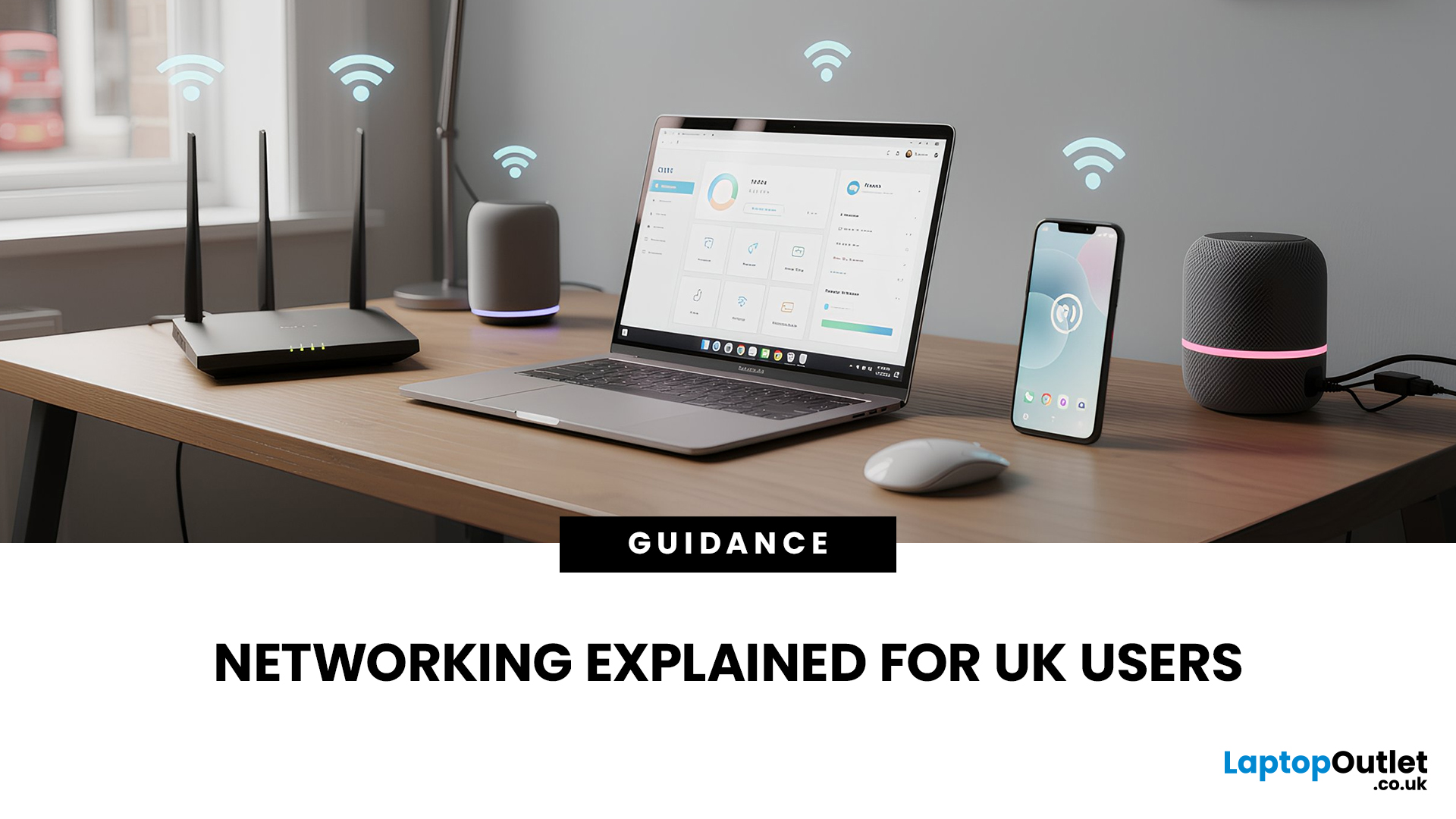
In today’s UK homes and offices, networking isn’t optional - it’s the backbone of how we work, study, stream, and stay connected. From remote meetings and online gaming to smart homes and cloud storage, everything relies on reliable networking accessories and networking devices working together behind the scenes.
Yet many people still struggle with slow Wi-Fi, unstable connections, or poor coverage, not because their internet provider is bad, but because their networking equipment isn’t set up correctly.
What Is Networking? (A Simple Explanation)
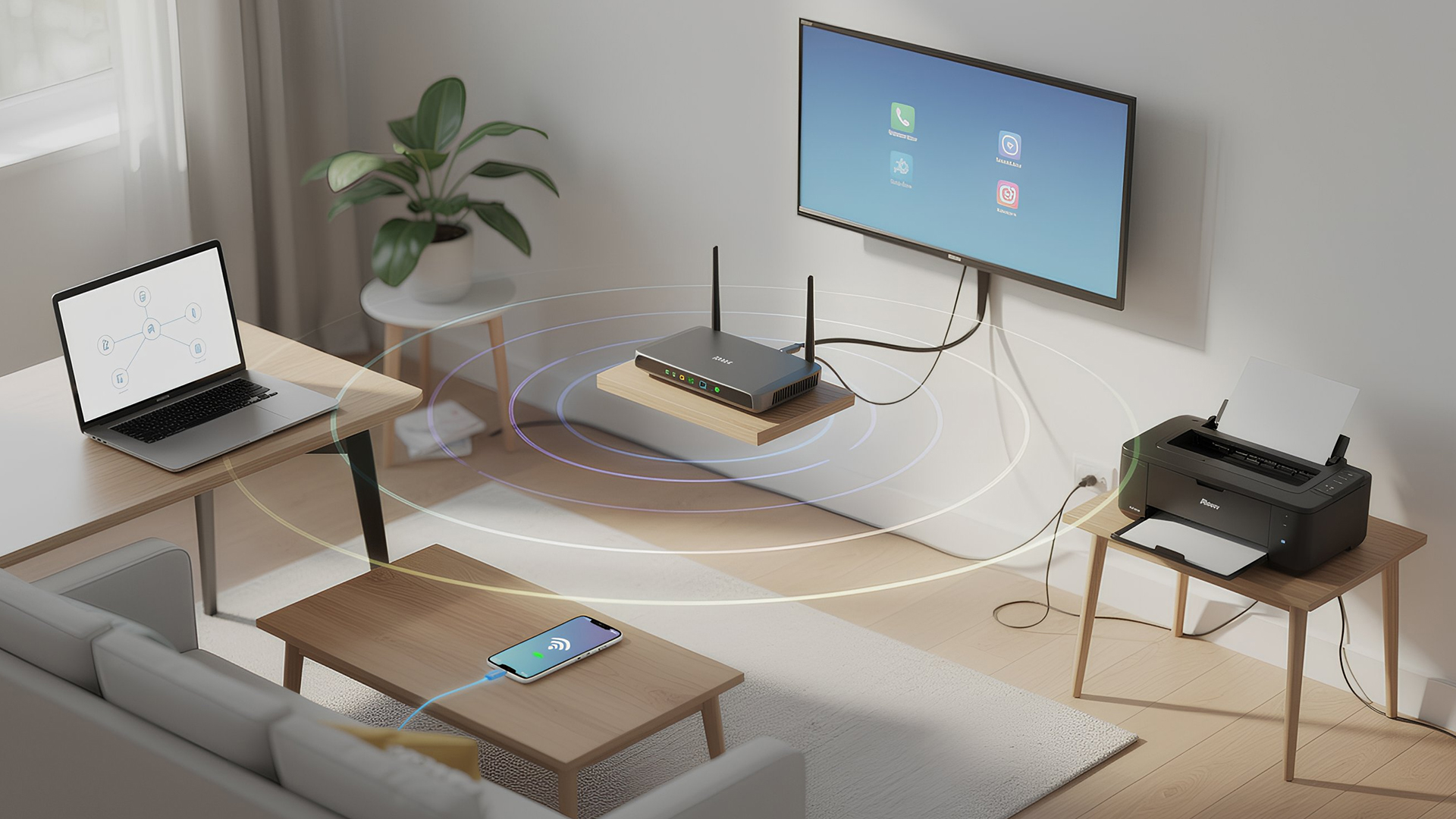
Networking is the process of connecting devices so they can communicate, share data, and access the internet. These devices might include:
- Laptops and desktops
- Smartphones and tablets
- Printers and scanners
- Smart TVs and streaming devices
- Smart home systems (lights, cameras, thermostats)
To make this possible, you need a combination of networking devices (like routers and access points) and networking accessories (such as network cards, adapters,

Last Updated: June 05, 2026
Dead zones and buffering are the enemies of a modern home. We rely on the internet for almost everything. We stream 4K movies in the lounge. We join video calls in the home office. We play fast-paced games in the bedroom. However, thick walls and long distances often weaken Wi-Fi signals.
This is where home network powerline adapters become essential. They offer a clever way to extend your internet connection without drilling holes or running long, messy network cables through your hallway. In this guide, we will explore the best PLC adapters UK residents can buy today.
What is a Powerline Adapter?
A powerline adapter (also known as a PLC adapter) is a device that sends internet data through the copper wiring in your walls. Most people use these home network powerline adapters to connect devices that require high bandwidth, such as gaming consoles, smart TVs, laptops, or desktop PCs. They provide the stability of a wired network adapter with the convenience of a plug-and-play setup.

Last Updated: August 10, 2026
Let’s be real – slow, drop-out Wi-Fi is a nightmare. Buffering mid-stream, lag during games, frozen Zoom calls and smart devices that just won’t connect can turn everyday life into a frustration fest. In a world where everything lives online is the backbone of your day. That’s the problem ASUS routers are built to fix. Known for pushing boundaries in performance, speed and reliability, ASUS creates Wi-Fi that actually keeps up with how we live now.
This guide breaks down how ASUS routers work, what makes their features genuinely worth it, and how to choose the right model for your setup. Whether you’re ditching outdated tech or building a future-proof smart home, ASUS delivers fast, stable Wi-Fi with zero compromises.
How ASUS Routers Work
Understanding how ASUS routers work begins with understanding the role of a router itself. A router connects your home network to the internet via your broadband provider, then distributes that connection wirelessly (or via Ethernet) to all your devices.

Last Updated: January 26, 2026
Wi-Fi dropping mid-scroll? Lag spikes during gaming? Smart lights randomly going offline like they’ve got a mind of their own? Yeah… we’ve all been there. Bad Wi-Fi isn’t just annoying, it disrupts work, entertainment, and pretty much everything connected in your home. That’s the problem.
The agitation is real: frozen video calls, buffering Netflix, unstable smart devices, and routers that just can’t keep up with modern internet use. UK homes today are packed with connected tech, yet many networks still rely on outdated or poorly matched routers.
The solution starts with understanding how modern routers work, and that’s where TP-Link comes in. This guide breaks down how TP-Link routers work, why they’re popular across the UK, and how different models support everything from casual browsing to gaming, streaming, and smart homes, without the tech headache.
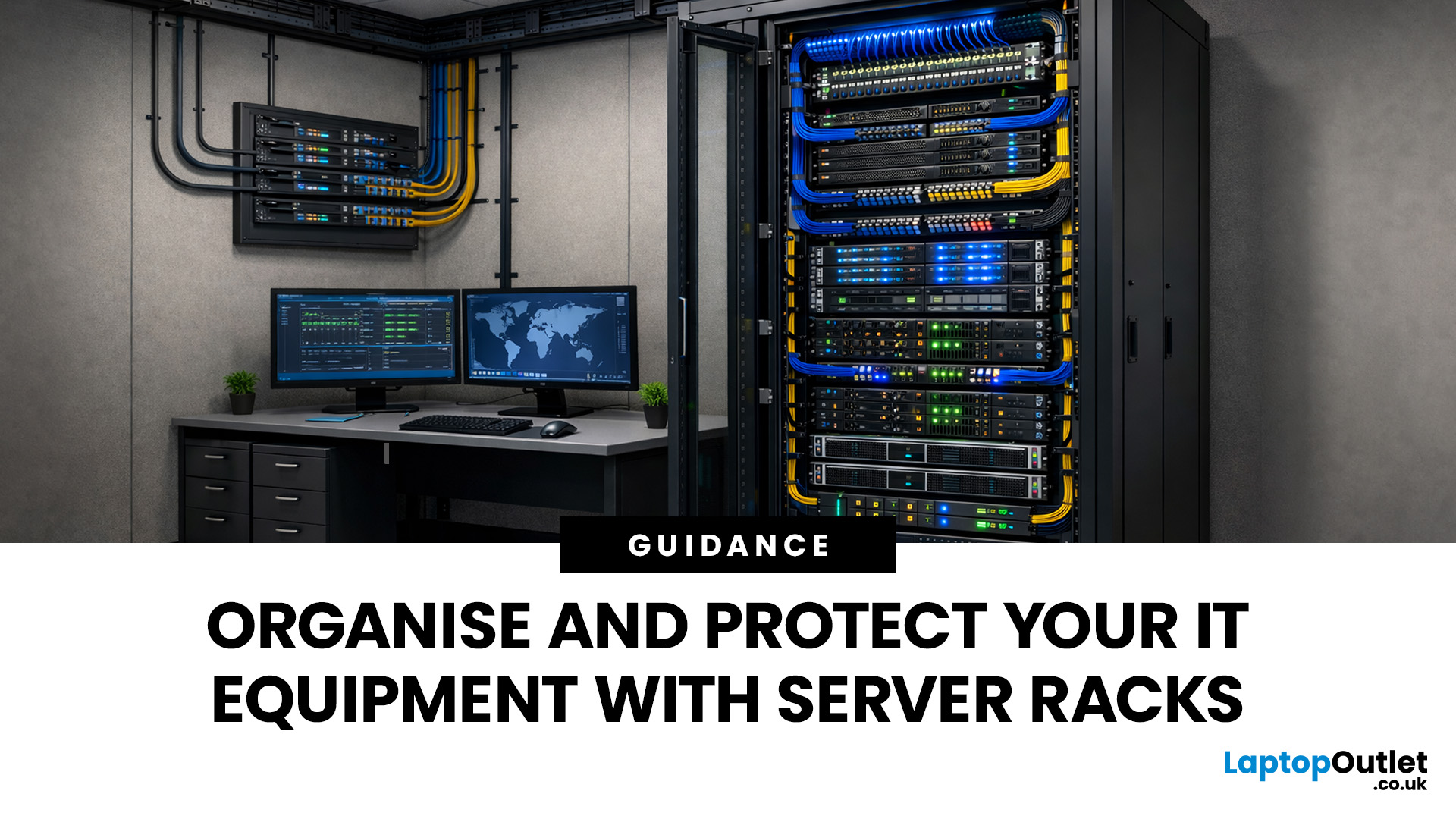
How TP-Link Routers Work (Without the Tech Overload)
At their core, routers act as traffic controllers for your internet connection.
Last Updated: January 26, 2026
Modern businesses and home offices rely heavily on digital connectivity to stay productive. Managing various devices can become quite difficult without a clear plan for physical hardware.
Proper cable management and hardware protection are essential for any reliable setup. Investing in the right storage ensures your devices stay cool, safe, and accessible at all times.
Many people often ask, what is a server rack and how does it help? Understanding this central piece of infrastructure is the first step toward a professional IT environment.
What is a Server Rack?
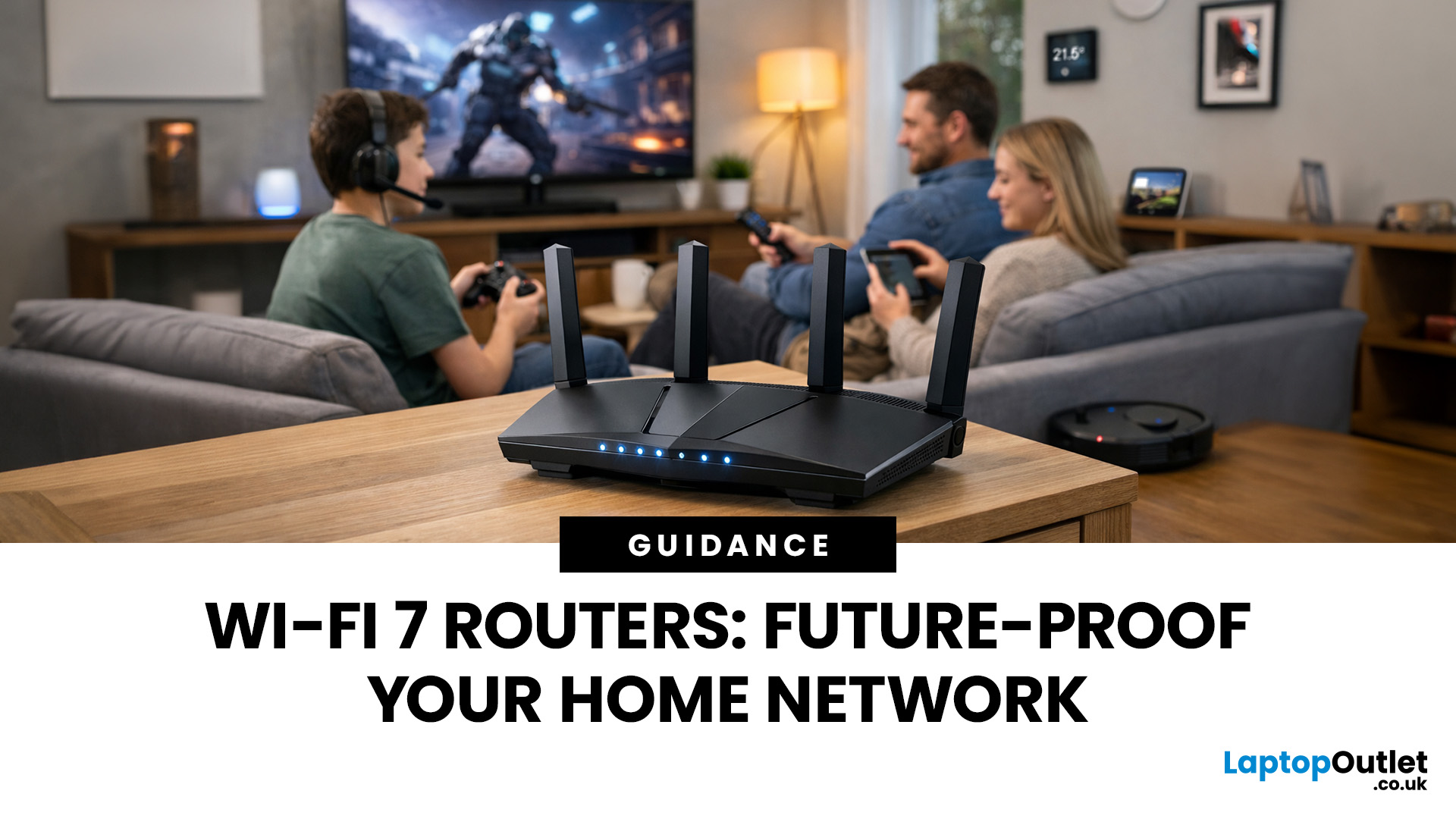
A server rack is a specialised steel frame designed to hold, stack, and secure various IT components, including servers, switches, and routers. These units are built to a standard width, usually 19 inches, allowing equipment from different brands to fit perfectly into the same space.
Whether you are looking at professional server racks or a small home server rack, the goal is the same. You want to keep your hardware safe, cool,
Last Updated: January 26, 2026
Wi-Fi 7 is being described everywhere as “the fastest Wi-Fi ever”, but that description alone doesn’t help most people decide whether it actually matters for their home.
To understand the real Wi-Fi 7 benefits for home users, you first need to understand why Wi-Fi 7 exists at all and what problems previous generations never fully solved, especially in modern UK homes.
This section breaks Wi-Fi 7 down in plain language, without marketing noise, so you can understand what genuinely changes and what doesn’t.
The Evolution of Home Wi-Fi: Why Wi-Fi 7 Exists
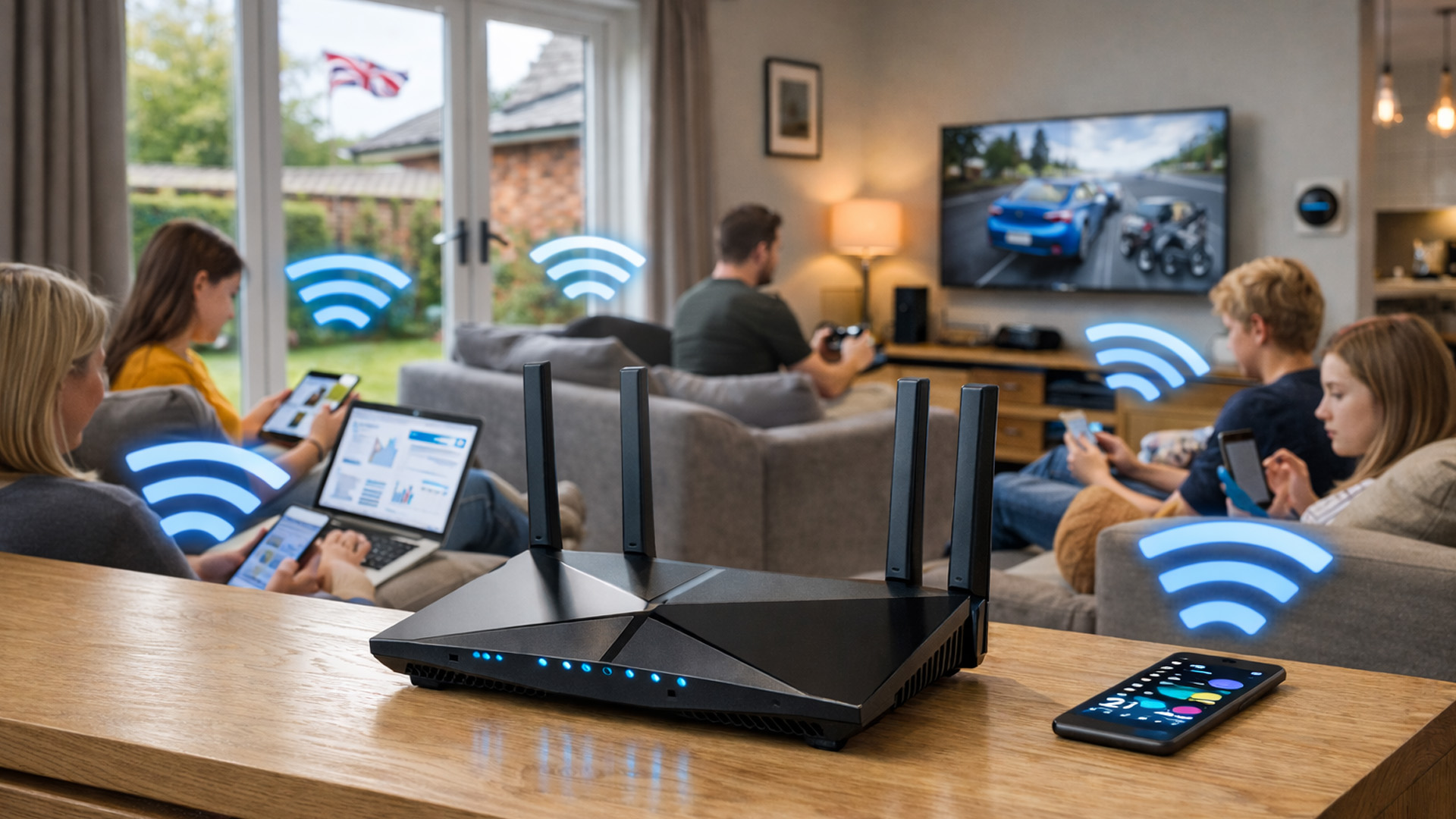
Home Wi-Fi hasn’t evolved because people want bigger speed numbers. It’s evolved because how we use networks has fundamentally changed.
Where Older Wi-Fi Generations Fell Short
Wi-Fi 5 (802.11ac) was built for a world where:
- Most homes had a few devices
- Streaming was mainly HD
- Smart homes were rare
Wi-Fi 6 (802.11ax) improved efficiency and multi-device handling, but it still assumed:
- Moderate device counts
- Predictable usage patterns
- Limited
Last Updated: January 26, 2026
When people talk about routers, they often focus on speed but speed alone doesn’t explain why some networks feel solid and dependable while others constantly drop out, lag, or need rebooting.
To understand why Netgear routers have built a reputation for reliability in UK homes, you need to understand how Netgear routers work, not just what they claim on the box.
What Makes a Router “Reliable” in Real UK Homes
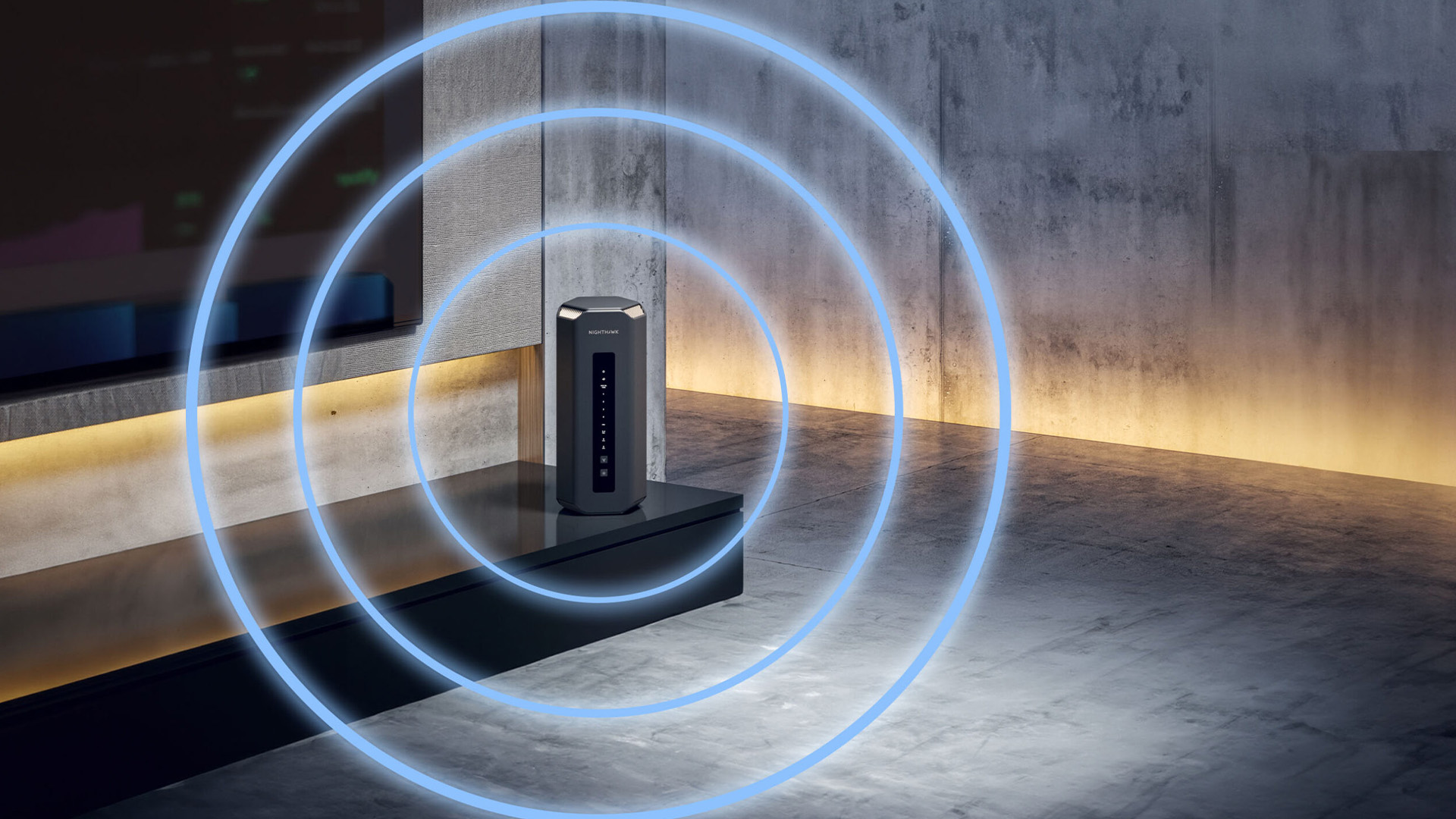
Reliability isn’t about peak performance in perfect conditions.
It’s about how a router behaves when things get messy, which they always do.
In a typical UK home, a router must handle:
- Multiple people online at once
- Video calls overlapping with streaming
- Smart TVs, consoles, and background downloads
- Smart home devices constantly checking in
A reliable router does three things well:
- Keeps connections stable
- Manages traffic intelligently
- Avoids sudden performance drops under load
Netgear’s design philosophy focuses on those three areas rather than chasing headline speed numbers.
Many

