



Single-Channel vs Dual-Channel RAM: What’s the Difference?
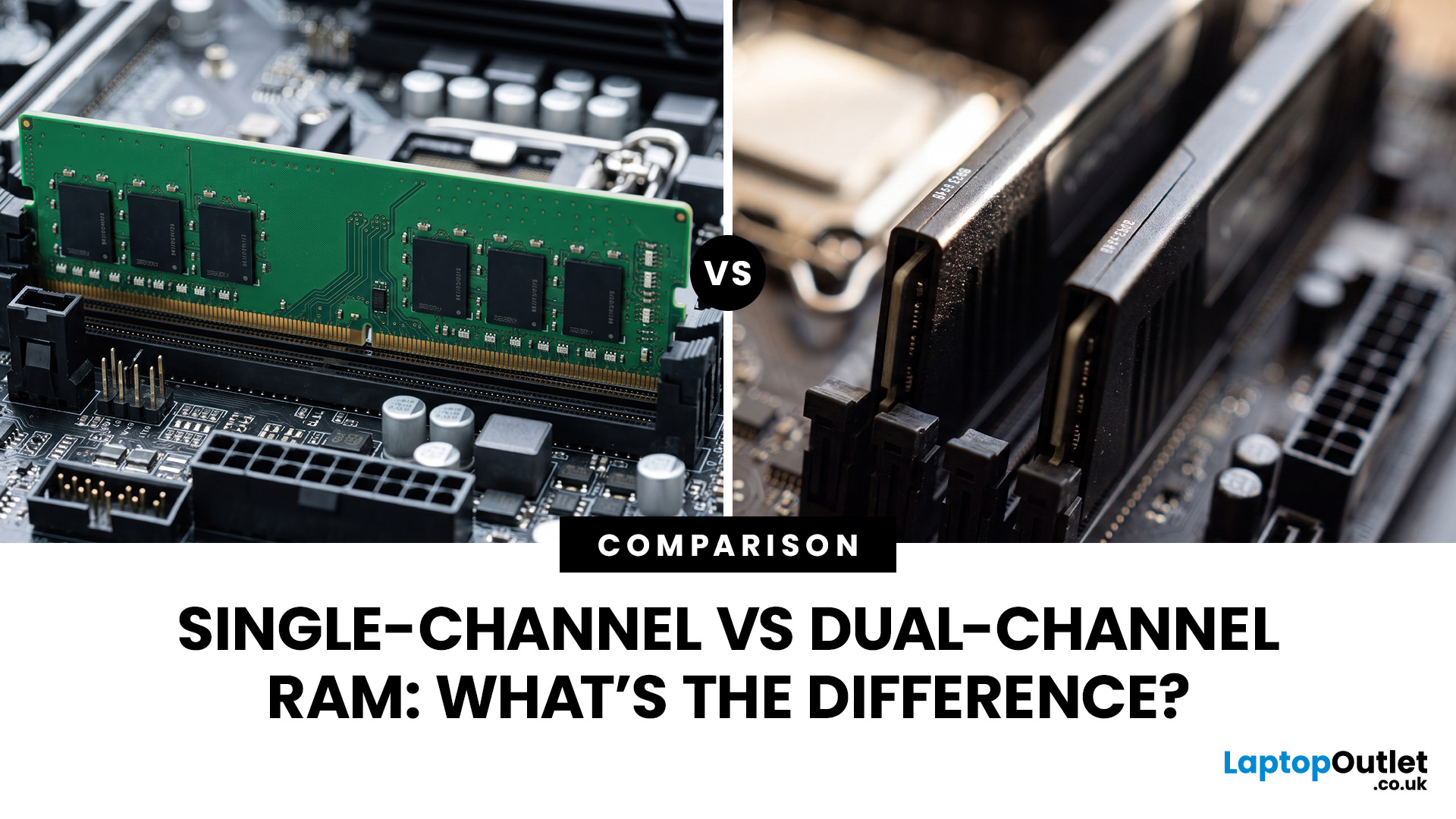
The difference between single channel vs dual channel RAM comes down to how the processor communicates with your system memory. Single-channel memory uses one system memory channel, while dual-channel memory uses two, allowing more data to move between the RAM and processor at the same time.
That extra memory bandwidth can improve performance in workloads that rely heavily on memory access. However, dual-channel RAM does not automatically make a desktop PC twice as fast. The difference you notice depends on the processor, graphics hardware, application and memory configuration.
If you are choosing new RAM and memory kits, understanding how channels work can help you decide whether one larger module or two smaller modules make more sense.
Single-Channel vs Dual-Channel RAM at a Glance
Here is the practical difference between the two configurations:
|
Options |
Single-Channel RAM |
Dual-Channel RAM |
|
System memory channels used |
One |
Two |
|
Common configuration |
1x16GB |
2x8GB |
|
Available memory bandwidth |
Lower |
Higher |
|
Total capacity |
Can be identical |
Can be identical |
|
Number of modules normally required |
One |
Usually two |
|
Upgrade flexibility |
Often leaves more free slots |
Uses more slots |
|
Best suited to |
Basic systems or staged upgrades |
Gaming and bandwidth-sensitive workloads |
Intel's memory-controller documentation describes single-channel operation as using one populated memory channel, while symmetric dual-channel configurations distribute memory access across both channels.
The important point is that capacity and memory channels are separate things. A PC with one 16GB stick and another with two 8GB sticks both have 16GB of RAM, but their available memory bandwidth can differ.
How Do RAM Memory Channels Work?
A memory channel is essentially a communication path between the processor's memory controller and the RAM.
With single channel memory, data travels through one system memory channel. In dual channel mode, two channels are available, allowing the processor to access memory across both.
Think of it as increasing the number of lanes available for memory traffic. You are not making each individual RAM module faster. You are giving the processor more bandwidth for moving data.
This is why adding a second suitable module can improve performance without increasing total memory capacity.
Dual-channel operation also does not halve memory latency. Memory speed, timings, processor architecture and the workload itself still influence how quickly a system responds.
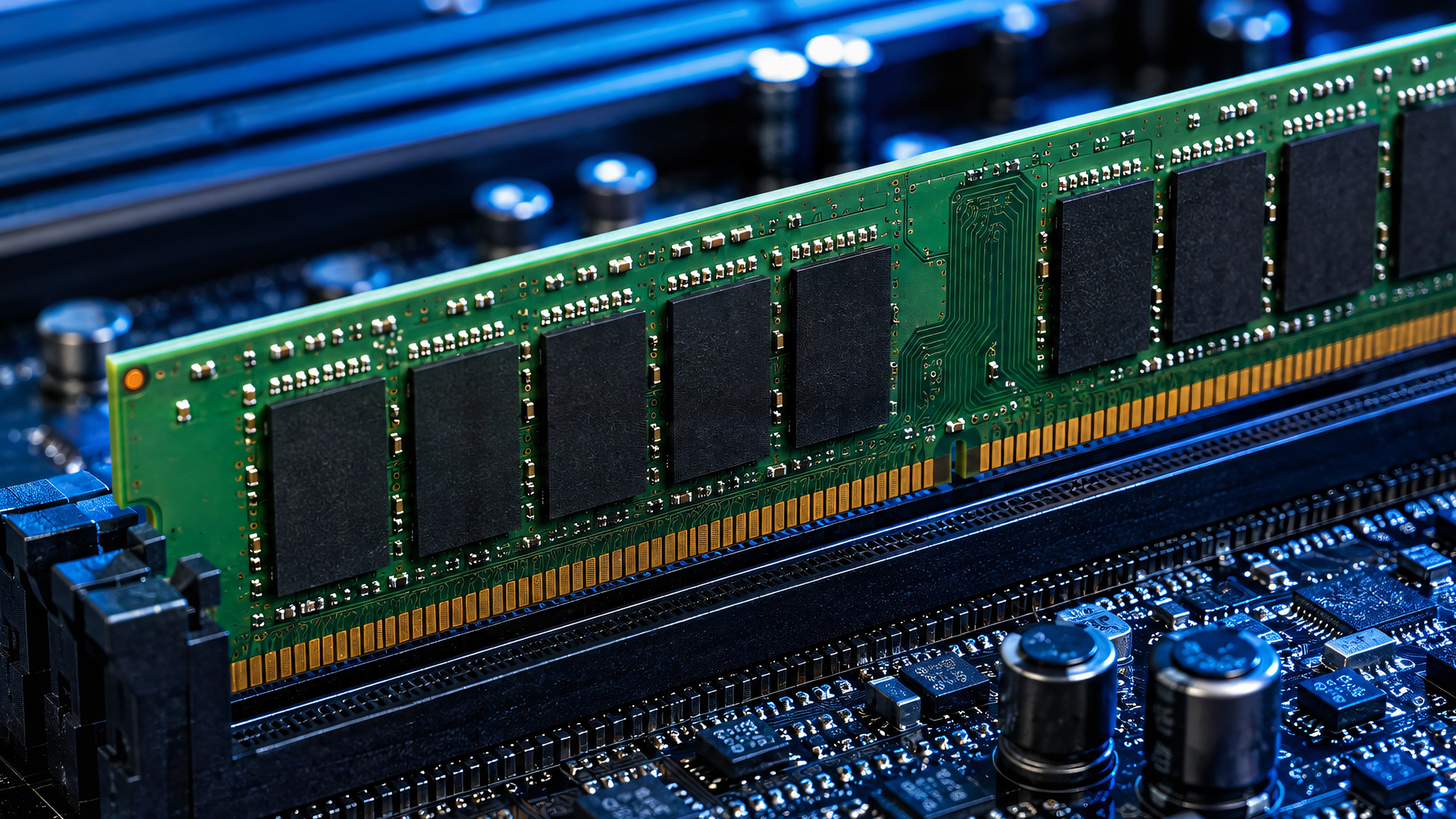
1x16GB vs 2x8GB RAM
A 1x16GB vs 2x8GB RAM comparison is one of the easiest ways to see the difference.
Both configurations provide 16GB of total capacity.
With 1x16GB, a typical dual-channel desktop or laptop has only one memory channel populated. The main advantage is flexibility: if another compatible slot is available, you can add a second 16GB module later.
With 2x8GB, compatible modules installed in the correct slots can operate across both memory channels. This provides more memory bandwidth immediately, but occupies two slots.
So neither configuration gives you more memory capacity. The difference is how that memory is connected to the processor.
The same principle applies to 1x32GB vs 2x16GB RAM. One 32GB module can offer easier expansion, while two compatible 16GB modules can make use of both channels from the start.
Does Dual-Channel RAM Improve Gaming?
When comparing single vs dual channel for gaming, dual-channel memory can help, but the size of the difference varies considerably.
Games need the processor to move data between system memory, CPU cores and the graphics subsystem. More available memory bandwidth can reduce a bottleneck when a game is particularly dependent on CPU and memory performance.
The effect may be less noticeable when performance is mainly limited by the dedicated graphics card. Resolution, graphical settings, CPU architecture, GPU performance and the game engine can all change how much the memory configuration matters.
Integrated graphics are especially dependent on system RAM because they use shared system memory rather than having a large pool of dedicated video memory. In this type of system, additional memory bandwidth can be particularly useful.
That is why claims about a fixed dual channel RAM FPS increase are misleading. There is no single FPS improvement that applies to every PC or game.
DDR4 Dual Channel vs DDR5 Memory Channels
The basic idea of using multiple system memory channels applies to both DDR4 and DDR5, but DDR5 changes how each individual DIMM is organised.
A standard DDR4 DIMM uses a single 64-bit data channel. DDR5 redesigned the module into two independent 32-bit subchannels, improving the way requests can be handled within the DIMM. Micron's DDR5 documentation describes these two independent subchannels and how they improve concurrency.
This can make DDR5 memory channels sound confusing.
A DDR5 module having two internal subchannels does not mean that installing one DDR5 stick is equivalent to populating both system memory channels on a conventional dual-channel PC.
In other words:
- DDR4: two suitable DIMMs are commonly used for DDR4 dual channel operation.
- DDR5: each DIMM has its own internal subchannels, but using suitable modules across both CPU memory channels still provides additional system-level bandwidth.
If you are upgrading an older compatible system, you can compare DDR4 RAM sticks. Newer platforms increasingly use DDR5 RAM sticks, but the correct generation is determined by your processor and motherboard.
DDR4 and DDR5 are not interchangeable.
Does RAM Speed Matter More Than Dual Channel?
Memory speed and channel configuration affect different parts of RAM performance, so it is better to consider them together.
A higher memory data rate increases how quickly a channel can transfer data. Dual-channel operation increases the number of system memory channels available for transferring it.
Other factors also matter, including:
- RAM capacity
- memory timings
- processor support
- motherboard support
- workload
- module configuration
This means choosing RAM purely because it has a higher advertised speed can overlook an important part of the setup.
Capacity should usually come first. Having enough RAM for your applications is more important than sacrificing necessary capacity purely to achieve a particular channel configuration.
Do RAM Sticks Need to Match?
For the simplest dual-channel configuration, using a matched kit is generally preferable.
A kit containing two modules is supplied as a pair with matching rated capacity, speed and timings. That removes much of the uncertainty involved in combining separate modules.
Different-capacity modules can work on some systems. Intel, for example, documents a Flex Memory configuration in which matched memory regions can operate across both channels while unmatched capacity operates differently. Exact behaviour depends on the platform.
Mixing memory can also cause the system to run at settings supported by both modules rather than the specification of the faster stick.
If you are building or significantly upgrading a PC, check the processor's memory support and your motherboard documentation before buying RAM. The latest motherboards vary in DDR generation, supported capacities, memory speeds and DIMM layout.
Which Slots Should Dual-Channel RAM Use?
On a four-slot motherboard, two RAM modules should normally be installed in the recommended paired slots rather than simply placed next to each other.
These are commonly labelled something similar to:
DIMM_A1 – DIMM_A2 – DIMM_B1 – DIMM_B2
Many boards recommend A2 and B2 for a two-module configuration, but this is not a universal rule. Always use the layout specified in your motherboard manual.
Installing four modules on a mainstream dual-channel motherboard does not automatically create quad-channel memory. The number of system memory channels is determined by the processor and platform, not simply by how many RAM sticks are installed.
Compatibility is particularly important when upgrading several computer components at once, as the processor, motherboard and memory must all support the same RAM generation and configuration.
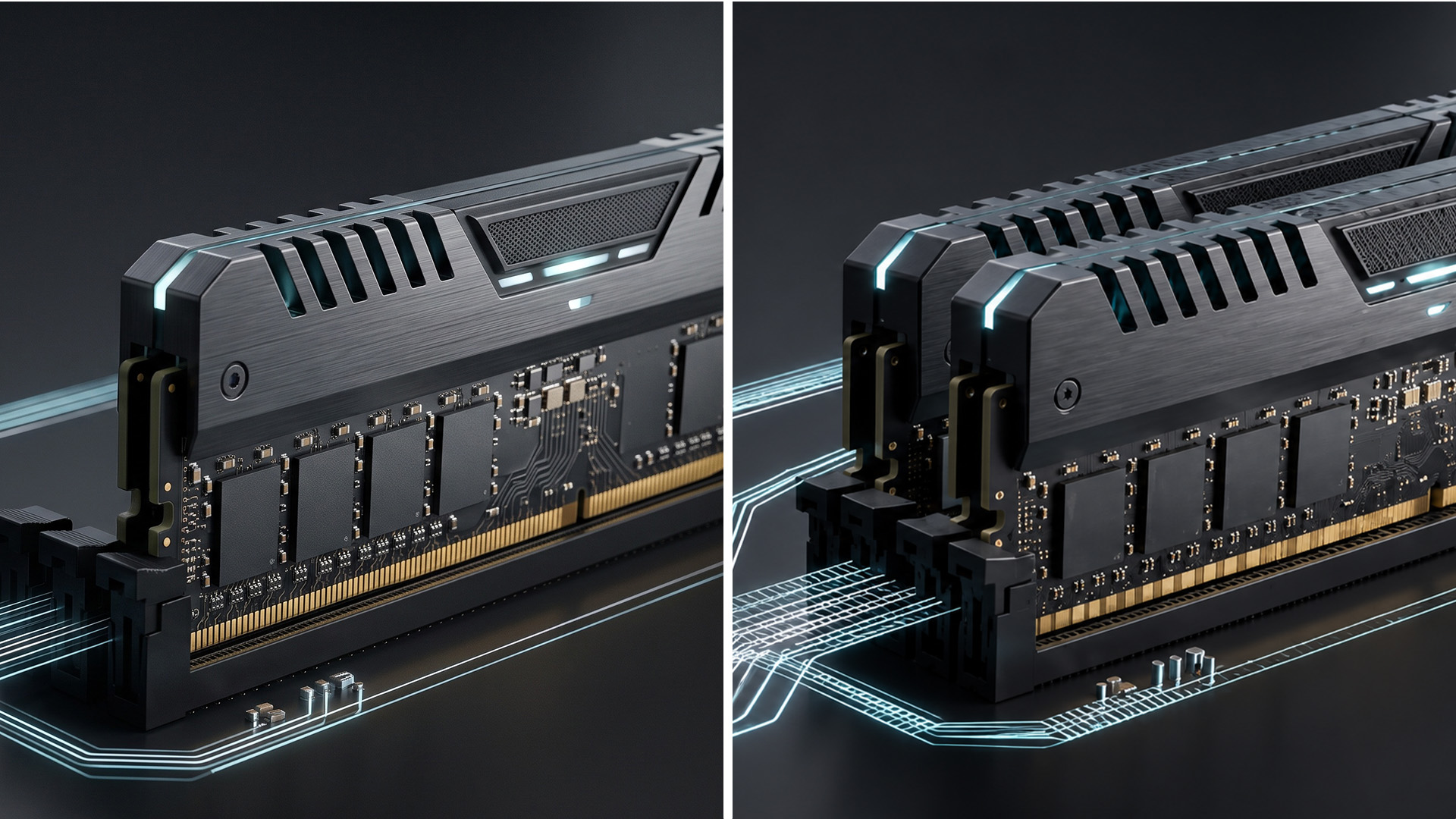
One RAM Stick vs Two: Which Makes More Sense?
For most dual-channel PCs, two suitable modules provide the more balanced configuration because they allow both system memory channels to be used.
There are situations where one RAM stick vs two is less straightforward, though.
A single larger module can make sense when:
- you plan to increase capacity shortly
- the system has very few memory slots
- keeping a slot free is important
- the machine does not support a conventional dual-channel upgrade
Two modules make more sense when:
- you want dual-channel operation immediately
- the required total capacity is already known
- the workload can make use of additional memory bandwidth
- you are configuring a new PC with compatible memory from the start
The best arrangement is therefore not simply the one with the most sticks. It is the configuration that provides enough capacity while making appropriate use of the memory channels supported by the system.

The Right RAM Setup Depends on Your System
Single-channel and dual-channel RAM can offer the same total capacity, but they do not provide the same memory configuration. Dual-channel memory allows a compatible processor to use two system memory channels, increasing available bandwidth compared with using only one.
For most PCs that support it, two appropriately matched modules are a sensible way to use the available memory channels. A single larger module can still be practical when future expansion matters more.
Whichever configuration you choose, check capacity, DDR generation, memory speed and motherboard compatibility together rather than treating channel mode as the only measure of RAM performance.

A Few Things to Know...
Is dual-channel RAM better than single-channel?
Dual-channel RAM provides more available memory bandwidth by using two system memory channels. Whether that produces a noticeable performance improvement depends on the processor, application, graphics hardware and workload.
Does dual-channel RAM increase FPS?
It can improve FPS in some games, particularly where CPU or memory bandwidth is a limiting factor. There is no fixed FPS increase, and GPU-limited games may show a smaller difference.
Is 2x8GB better than 1x16GB RAM?
Both provide 16GB capacity. Two compatible 8GB modules can use dual-channel memory, while one 16GB module may leave a slot free for an easier future upgrade.
Can different-sized RAM sticks run in dual channel?
Some platforms support mixed-capacity configurations where part of the memory operates across both channels. Support and behaviour vary, so matched modules remain the simpler option when configuring dual-channel RAM.
Does DDR5 need two sticks for dual-channel mode?
DDR5 DIMMs contain two internal subchannels, but these should not be confused with the CPU's system memory channels. On conventional dual-channel platforms, populating both system channels still provides additional bandwidth.
Which RAM slots should I use for dual channel?
Use the paired slots recommended by the motherboard manufacturer. A2 and B2 are common for two-module desktop configurations, but you should check your motherboard manual because slot requirements can vary.
Related Articles

Last Updated: May 06, 2026
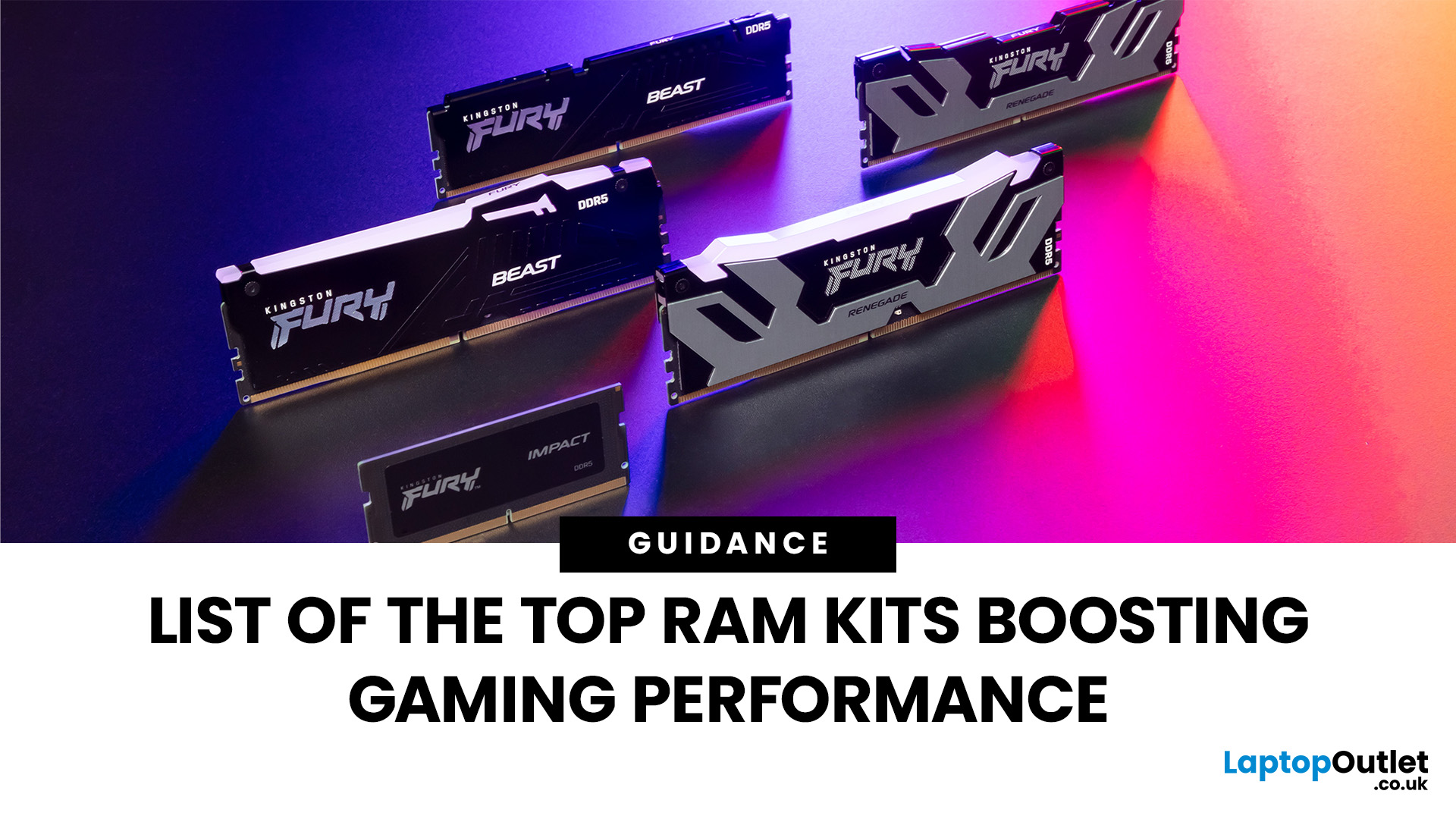
When building or upgrading a gaming PC in 2025, RAM is one of the most important components you’ll need to choose carefully. With DDR5 now mainstream and DDR4 still relevant for budget or older builds, there’s a wide variety of options on the market. But with so many choices, it’s easy to feel overwhelmed. Do you go for raw speed, bigger capacity, or flashy RGB? The truth is the best RAM kits for gaming in 2025 balance speed, latency, and capacity. Let’s highlight the top 10 RAM kits worth buying this year, from budget-friendly DDR4 sets to premium DDR5 kits designed for enthusiasts.
What Makes a RAM Kit Great for Gaming in 2025
The right kit can make the difference between smooth, responsive gameplay and frustrating stutters, especially in modern titles that demand more memory. Before the list, some essentials so you get RAM that actually improves your gaming:
- Capacity First: 32 GB is the new sweet spot. 16 GB still works for many (especially eSports, lighter titles) but headroom matters.

Last Updated: October 15, 2025
Buying a MacBook isn’t just about picking between an Air or a Pro - it’s also about making smart choices with RAM and storage. These two specs are often overlooked, yet they’re the backbone of your laptop’s performance and longevity. Choose too little, and you’ll quickly hit frustrating slowdowns or run out of space. Choose wisely, and your MacBook will stay fast, reliable, and future-proof for years.
Unlike many Windows laptops, MacBook RAM and storage can’t be upgraded later - what you buy upfront is what you’ll live with. That makes it essential to understand how much you really need. Do students get by with 8GB of RAM? Should professionals always go for 16GB or more? Is 256GB storage enough in the cloud era, or do video editors really need 1TB and beyond?
Why RAM & Storage Matter in a MacBook
When you’re choosing a MacBook, the processor often gets the spotlight - but RAM and storage are just as important. They determine how smooth your experience is today and how well your laptop
Last Updated: April 02, 2026
Black Friday 2025 is set to bring some of the best deals we’ve seen yet on gaming laptops and PCs, especially those powered by NVIDIA’s RTX 40-series graphics. But this year, smart buyers aren’t just chasing discounts, they’re targeting the right specs for lasting performance. The RTX 4060 and RTX 4070 GPUs have become the ideal mid-to-high range picks, balancing power, efficiency, and price. Pair that with fast DDR5 RAM and a 1TB NVMe SSD, and you have a future-ready setup built for modern gaming. This guide breaks down exactly what to look for in fast DDR5 RAM and a 1TB NVMe SSD, and you have a future-ready setup built for modern gaming. This guide breaks down exactly what to look for and make the most of Black Friday gaming laptop deals (RTX 4070) in the UK.
The 2025 Gaming Hardware Landscape: What’s Changed
Gaming hardware has evolved quickly over the past year, and 2025’s market looks very different from before. NVIDIA’s RTX 40-series GPUs, like the RTX 4060 and RTX 4070, now deliver
Last Updated: September 24, 2026
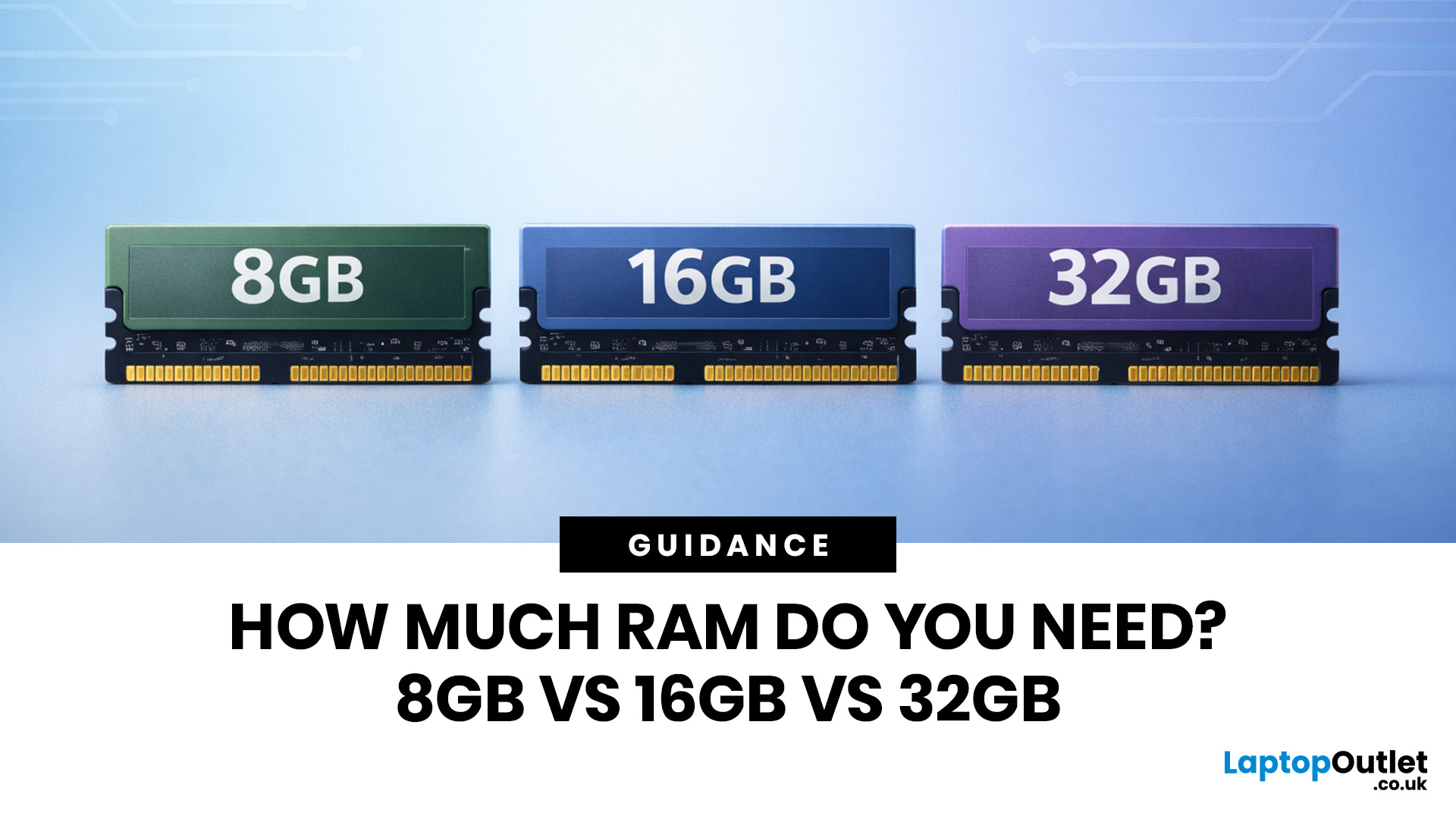
Wondering how much RAM you need? The practical answer is fairly simple. 8GB is still usable for basic laptop tasks; 16GB is the best all-around choice for most buyers, and 32GB is the right move for heavier gaming, creative work, coding, or extra long-term headroom.
For most laptop users, 16GB of RAM is the best all-round choice for work, study, multitasking and mainstream gaming. 8GB is still suitable for lighter everyday use, while 32GB makes more sense for creative work, coding, heavier gaming and demanding multitasking. 64GB is mainly for specialist professional workloads, while 4GB is best avoided on a new Windows laptop.
For RAM shoppers, the real question is not just how much RAM a laptop can run. It is about how much memory will give you a smooth, comfortable experience for how you actually work, study, stream, game, and multitask every day. That is where the difference between 8GB vs 16GB RAM, or 16GB vs 32GB, starts to matter.
What RAM Actually Does?
RAM is your laptop’s short-term
Last Updated: September 24, 2026
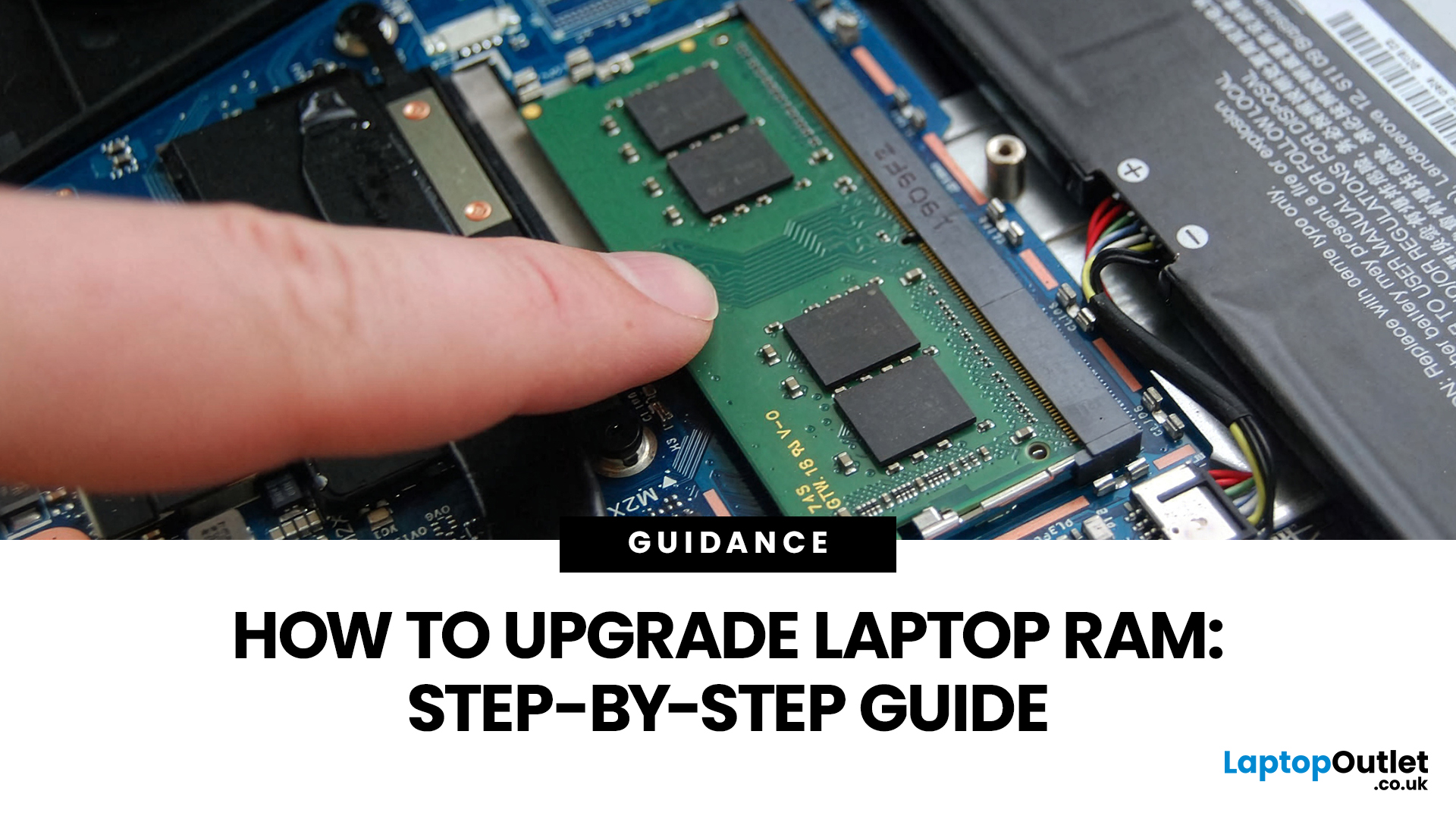
Upgrading laptop RAM is one of the simplest ways to make an older machine feel faster and more capable again, but only if the compatibility side is right from the start. That is the part many quick guides skip. Before buying anything, we always recommend checking whether the laptop has upgradeable memory, what RAM standard it uses, how much it supports, and whether upgrading means adding another module or replacing the existing setup.
To upgrade laptop RAM, first check whether your model has upgradeable SO-DIMM slots, the supported DDR generation, maximum capacity and current memory configuration. Buy compatible RAM, shut the laptop down, disconnect power, open the service panel, remove or add the module, then reassemble and boot up. Finally, confirm the new memory is recognised and test system performance for improved multitasking.
For UK shoppers, that matters because a RAM upgrade can be a much smarter option than replacing a laptop too early. If a system slows down with lots of browser

Last Updated: June 10, 2026
The 2026 RAM crunch is being driven by AI data centre demand. Memory makers are shifting capacity towards high-bandwidth memory, server DDR5, and enterprise SSDs, leaving less supply for consumer laptops. As a result, laptop RAM and SSD costs may rise, making many 2026 laptops more expensive or less generously specified.
If you were hoping laptop prices would settle down in 2026, the RAM market may have other plans.
The AI boom is pushing huge demand for memory chips, including DDR5, SSD storage, and high-bandwidth memory used in data centres. As manufacturers prioritise these high-margin AI products, consumer laptops could face tighter supply and higher component costs.
For UK buyers, that may mean more expensive laptops in 2026, fewer strong discounts, and budget models with weaker specs than before.
What Is the 2026 RAM Crunch?
The 2026 RAM crunch is a global memory shortage caused by rising demand for AI servers, high-bandwidth memory, DDR5 server memory, and enterprise SSDs.
In
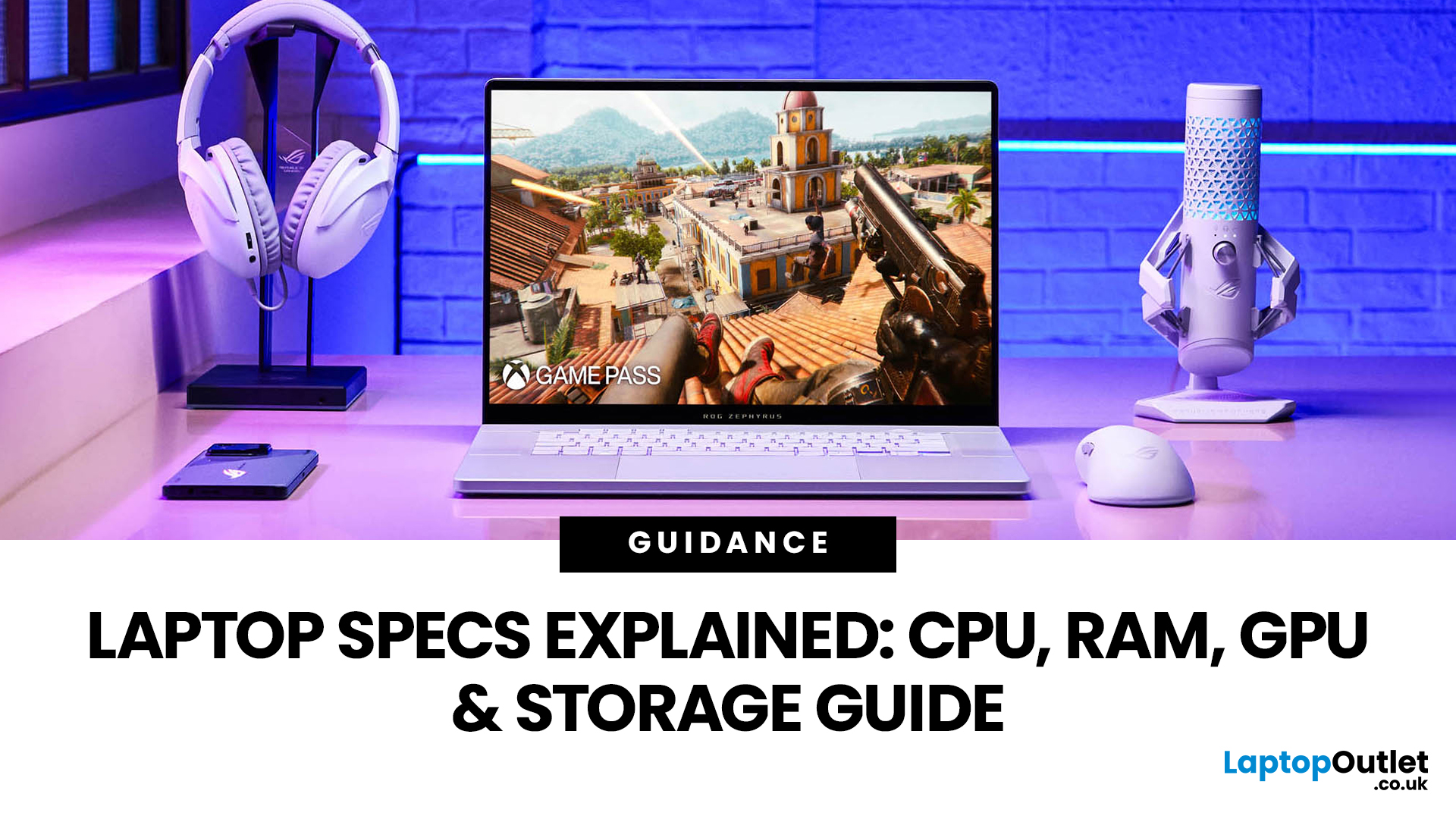
Last Updated: June 18, 2026
For most buyers in 2026, the best laptop specs are a modern Intel Core Ultra 5/7 or AMD Ryzen AI 5/7 processor, 16GB RAM, 512GB SSD storage, and integrated graphics. Choose 32GB RAM, 1TB storage, and a dedicated GPU if you edit videos, create content, play demanding games, or use professional software.
Buying a new laptop in 2026 can feel confusing, especially when every product page is packed with technical words, numbers, and abbreviations. This processors & specs explained guide breaks everything down in plain English so you can understand what matters before you spend your money.
For most buyers, the four most important laptop components are the CPU, RAM, GPU, and storage. Once you understand these, it becomes much easier to compare models, avoid overspending, and choose a laptop that actually suits your daily needs.
What are Laptop Specs and Why Do They Matter?
Understanding laptop specifications becomes important. Specs affect:
- How fast your laptop feels when opening apps.
- How many
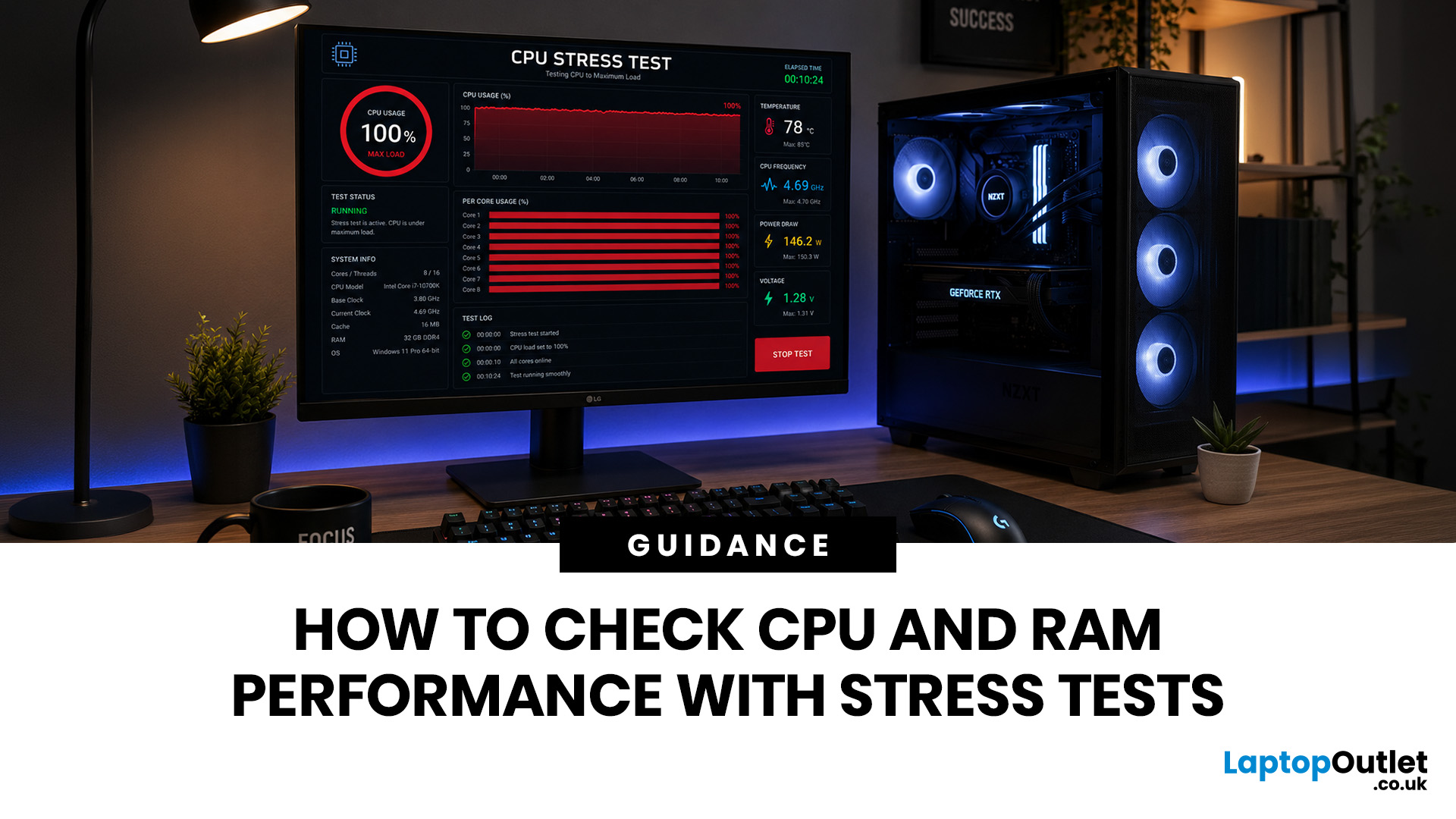
Last Updated: June 22, 2026
Your PC can look perfectly fine on the outside and still fail the moment it is pushed hard.
A game crashes after 20 minutes. A video export freezes at 92%. Your laptop randomly restarts during a heavy workload. Or maybe you have just upgraded your memory, changed your processor, built a new desktop, or enabled XMP/EXPO in the BIOS and want to know one thing:
Is my system actually stable?
That is where a stress test CPU RAM process helps. By running a controlled CPU, RAM, or combined system stress testing session, you can find problems before they interrupt your work, gaming, editing, coding, or daily use.
In this guide, you will learn:
- What CPU and RAM stress testing
Last Updated: August 06, 2026
Published: July 27, 2026
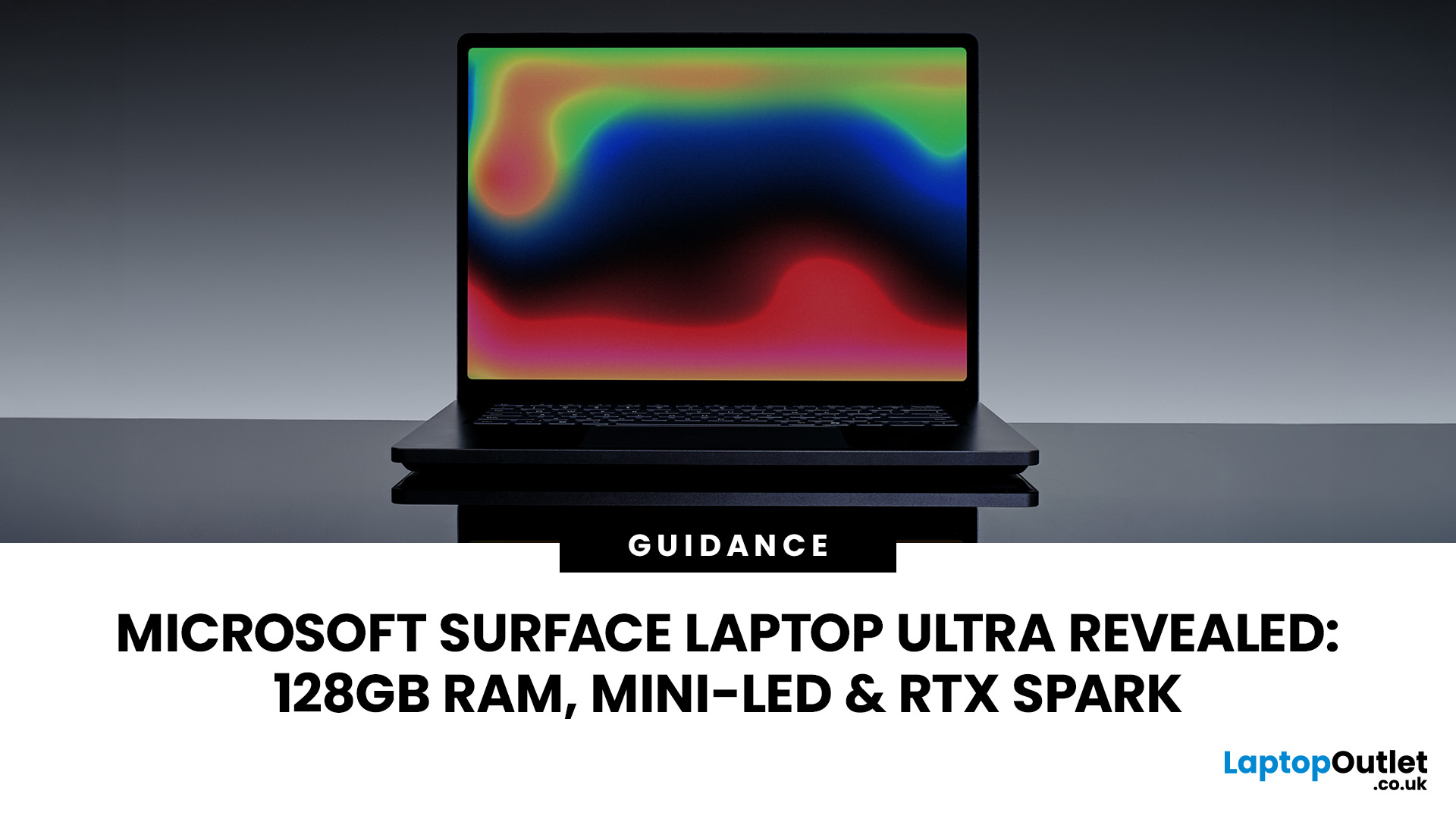
The Surface Laptop Ultra is Microsoft’s boldest laptop yet, built for local AI, 3D work, coding and demanding creative projects. It combines NVIDIA RTX Spark, Blackwell graphics, full CUDA support, and up to 128GB of unified memory, giving it serious workstation-level potential in a much slimmer design.
The 15-inch Mini-LED PixelSense Ultra display, upgraded cooling, and wider port selection make it even more appealing for power users. The only catch is that the exact UK price, full configurations and release date are still under wraps.
Microsoft Surface Ultra Specs at a Glance
The confirmed Microsoft Surface Ultra specs place the device above Microsoft’s conventional

