



How to Choose a Philips Monitor in 2026: Series and Features Explained
Choosing a Philips display is easier once you understand how the brand organises its range. Philips' UK catalogue currently mixes familiar lettered families, including E Line, V Line, S Line, B Line and P Line, with newer numbered series and the Evnia gaming range. Those labels indicate the type of user a display may suit, but they do not guarantee a particular panel, port or stand.
The useful question is therefore not simply, “Which Philips series is best?” It is, “Which series gives me the right starting point, and which specifications must I confirm on the exact model?”
This guide explains the Philips range from that angle. It covers the differences between the main series, how to read a Philips model number, what features such as SmartImage, PowerSensor, MultiView and Smart KVM mean, and how to match the right display to home, office, creative or gaming use. It deliberately avoids temporary prices and product rankings so the advice remains useful when the available models change.
The Short Answer: Which Philips Series Should You Start With?
- For straightforward home computing: begin with V Line, E Line or an entry-level numbered series, then compare resolution, panel type and stand adjustment.
- For a home office or business desk: look at S Line, B Line and current business-focused numbered series. Check USB-C power delivery, height adjustment, a USB hub, RJ45 and webcam support rather than assuming they are included.
- For advanced professional or multi-device work: P Line and higher-spec business ranges are useful starting points for 4K, SuperWide, docking, MultiView and KVM features.
- For PC or console gaming: Evnia is the dedicated gaming family. Choose within it by resolution, refresh rate, panel technology and the capabilities of your graphics card or console.
- For touch or specialist installations: Philips also makes touch displays and open-frame monitors. These should be selected by operating-system support, mounting, touch interface and environment, not by the mainstream desktop series alone.
This is a starting map, not a ranking. Two displays in the same family can have different ports, panels, refresh rates and stands.
Philips Monitor Series at a Glance
|
Philips family |
Useful starting point for |
Features commonly found in the family |
What to verify on the exact model |
|
V Line |
Essential home use, study and secondary screens |
Full HD options, straightforward inputs and comfort modes on selected models |
Panel type, speakers, stand adjustment and available inputs |
|
E Line |
Home computing, entertainment and mixed use |
A broad choice of sizes, resolutions, flat or curved formats and gaming-friendly features on selected models |
USB-C functions, refresh rate, Adaptive Sync, speakers and VESA support |
|
S Line |
Everyday office deployment |
Business-focused layouts, practical connectivity and ergonomic features on selected models |
Height, swivel and pivot adjustment, USB hub and input mix |
|
B Line |
Home office, corporate and productivity setups |
Ergonomic stands, PowerSensor, docking, webcams, KVM or network connectivity on selected models |
USB-C charging wattage, RJ45, DP-out, webcam, KVM and sensor support |
|
P Line / Brilliance |
Professional, high-resolution and multi-device workflows |
4K or SuperWide formats, MultiView, KVM, docking and wider colour capabilities on selected models |
Colour-space coverage, calibration information, ports, stand and device support |
|
Numbered series |
Current home and business models across several specifications |
Current-generation designs ranging from basic Full HD displays to USB-C, QHD, 4K, OLED and SuperWide options |
Do not treat the number alone as a quality score; compare the full model code and specification |
|
Evnia |
PC gaming, console gaming and high-refresh mixed use |
Fast IPS, Fast VA, OLED or QD-OLED options, high refresh rates and selected gaming tools such as SmartImage Game, Smart MBR or Ambiglow |
Resolution and refresh rate by input, VRR support, response-time method, HDMI/DisplayPort version and OLED care features |
What Do Philips Monitor Model Numbers Mean?
Philips model codes look complicated, but the opening characters can still tell you something useful. A code may resemble 24E..., 27B... or 49M....
The first two digits normally point to the screen-size class. For example, a code beginning with 24 usually refers to a display sold in the 24-inch class, while 27 and 49 point to the 27-inch and 49-inch classes. The measured diagonal may be slightly smaller, such as 23.8, 26.9 or 48.8 inches, so use the specification rather than the code when exact dimensions matter.
The next letters often help identify the product family or design. E, V, S, B and P appear in the familiar lettered lines, while M is common in Evnia gaming codes. Further numbers and suffix letters distinguish the generation, panel, connectivity package, stand or regional variant. Endings such as /00 and /01 can separate market versions.
Philips does not use one simple public decoding rule that works for every range and generation. Read the code as an identifier, not a complete specification. After finding the model number, confirm the panel size, native resolution, refresh rate, ports, power delivery, stand and included accessories on the product page or manual.
Philips E Line vs V Line: What Is the Difference?
E Line and V Line both appear mainly in Philips' home-use range, which is why they are often confused.
V Line is generally the more straightforward place to begin when you need a display for documents, browsing, study, streaming or a secondary-screen setup. Models commonly focus on essential picture quality and familiar connections. That does not mean every V Line display has the same panel or feature set. Speakers, height adjustment and DisplayPort support still need to be checked individually.
E Line covers a wider mixture of home and entertainment specifications. Across different generations, the family has included Full HD, QHD, 4K, curved and ultrawide displays, as well as models with Adaptive Sync or higher refresh rates. Some E Line products can therefore suit casual gaming or a more capable home workspace, but the E badge alone does not confirm those features.
If you are choosing between the two, compare the exact models rather than assuming E Line is automatically better. Resolution, ports and ergonomics will make a larger difference to daily use than the family letter.
Philips S Line, B Line and P Line Explained
Philips' business-oriented families overlap, but they tend to place the emphasis in different areas.
S Line: Practical Office Foundations
S Line is a sensible starting point for standard office duties, reception desks, education and multi-monitor deployment. The important checks are whether the stand has the adjustment you need, which digital inputs are present and whether the model includes a USB hub, speakers or eye-comfort modes.
B Line: Productivity, Ergonomics and Energy Features
B Line appears frequently in Philips' business catalogue. Selected models combine height, swivel, tilt and pivot adjustment with features such as PowerSensor, LightSensor, USB-C docking, an integrated webcam, a USB hub or a KVM switch. These additions can make a B Line display useful for a permanent office desk or a hybrid worker who connects a laptop each day.
The phrase “selected models” matters. A B Line name does not guarantee USB-C, Ethernet, a webcam or every SmartErgoBase adjustment. Verify each feature against the full specification.
P Line and Brilliance: Advanced Professional Workflows
P Line and Brilliance models are useful places to look when a workflow needs high resolution, a large or SuperWide canvas, several connected devices, or more detailed colour specifications. Philips has used the family for 4K, MultiView, KVM, USB-C docking and wide-screen productivity displays.
P Line should not be treated as an automatic certificate of colour accuracy. For photography, design or video work, check the stated sRGB, Adobe RGB or DCI-P3 coverage, bit depth, uniformity information, calibration options and Delta E data for the exact model.
What About Philips 1000, 3000, 5000, 6000 and 8000 Series?
The current Philips catalogue also uses numbered series alongside the older lettered names. This can make the range look as if it follows one simple ladder, but the number alone is not enough to choose a display.
A numbered family may contain different sizes, resolutions and connection packages. Current listings span straightforward Full HD models, USB-C displays, QHD business screens, 4K options and specialist formats. A higher number may indicate more advanced positioning within part of the range, but it does not make every 8000-series model a better fit than every 5000-series model. A compact office user, a designer and a gamer value different specifications.
Use the numbered series to narrow your search, then compare the complete code. If Philips lists both a series number and a letter within the model number, keep both pieces of information and rely on the detailed specification for the final decision.
Philips Evnia Series Explained
Evnia is Philips' dedicated gaming family. It includes different performance levels rather than one single type of gaming screen. Current Evnia ranges cover Full HD, QHD, WQHD and 4K formats, flat and curved designs, and Fast IPS, Fast VA, OLED or QD-OLED panels on selected models.
That variety means “Evnia” tells you the intended use, but not the performance by itself. A competitive player may prioritise a smaller Full HD panel and a very high refresh rate. Someone playing cinematic games may prefer QHD, 4K or an ultrawide OLED format. A console user needs to check what the HDMI input supports, while a PC user must match the panel to the graphics card and DisplayPort or HDMI output.
Philips also uses several gaming-specific names:
- SmartImage Game provides selectable gaming picture modes and user presets on compatible displays.
- Smart MBR is a motion-blur-reduction mode. It can reduce brightness and may introduce visible flicker, so it is intended for gaming rather than routine desktop work.
- Smart Crosshair, Smart Sniper and Stark ShadowBoost are on-screen or visibility tools available on selected Evnia models, not universal features across the range.
- Ambiglow projects light behind selected displays to complement on-screen content.
- Dual Mode allows a compatible model to switch between a high-resolution mode and a lower-resolution, higher-refresh mode. The device and cable must support the chosen setting.
For a deeper model-by-model gaming comparison, read The 5 Best Philips Evnia Monitors for Gamers in 2026. Keeping those product recommendations in a separate gaming article allows this guide to remain focused on how the Philips range works.
Philips Features to Consider in 2026
Philips uses several branded feature names across its monitor range. Knowing what they mean prevents a useful tool from being mistaken for a panel specification or performance guarantee.
SmartImage and SmartImage Game
SmartImage is Philips' set of picture presets. Depending on the model, the menu may include modes for office work, reading, photos, films, games or lower energy use. The display adjusts settings such as contrast, colour saturation and sharpness for the selected scenario.
SmartImage is convenient, but it is not the same as hardware calibration. If colour accuracy matters, start with the relevant colour mode and verify the monitor using suitable calibration equipment and the requirements of your workflow.
SmartContrast
SmartContrast dynamically adjusts the displayed image and backlight behaviour to increase the perceived difference between bright and dark content. The very large SmartContrast figure shown on some specification sheets is a dynamic value. It should not be compared directly with a panel's native contrast ratio or used as proof of HDR performance.
LowBlue Mode, Flicker-Free and EasyRead
LowBlue Mode changes the display output to reduce short-wavelength blue light. Flicker-Free technology changes how brightness is regulated to reduce visible or imperceptible flicker from the backlight. EasyRead adjusts the picture for text-focused content. Availability and the exact modes differ by model.
These settings may improve comfort for some users, but they do not replace sensible brightness, room lighting, screen positioning and regular breaks.
PowerSensor and LightSensor
PowerSensor is a presence-sensing feature on selected business displays. It can reduce screen brightness when the user moves away from the desk. LightSensor responds to surrounding light and adjusts brightness on compatible models. These are especially relevant to shared offices or desks that remain powered for long periods.
SmartErgoBase
SmartErgoBase is Philips' name for an ergonomic stand design used on selected monitors. Depending on the model, adjustment can include height, tilt, swivel and pivot, with cable management built into the stand. Always check the actual adjustment ranges because not every Philips stand carries the same movements.
MultiView, KVM and Smart KVM
MultiView can show content from two connected sources on one compatible display using picture-in-picture or picture-by-picture modes. A KVM switch solves a different problem: it lets one keyboard and mouse control more than one connected computer.
Some current Philips displays use Smart KVM, which can switch sources through a keyboard command when the system is connected correctly. If you work between a desktop and a laptop, check the number of upstream USB connections, the supported inputs and how the KVM switch is activated.
USB-C Docking
A USB-C socket is not automatically a full dock. On a compatible Philips docking display, one USB-C cable may carry video, USB data and laptop charging, while some models add Ethernet and DisplayPort output. Confirm all of the following:
- the laptop supports DisplayPort Alt Mode or the connection method required by the monitor;
- the USB-C port provides power delivery and its wattage is sufficient for the laptop;
- the USB data speed suits your storage and peripherals;
- RJ45, audio and downstream USB ports are included if you need them;
- the chosen resolution and refresh rate are supported over USB-C.
Choose the Right Philips Screen Size and Resolution
Philips sells displays across compact desktop sizes, standard office formats and large ultrawide screens. The best pairing depends on viewing distance, desk depth and the amount of information you need on screen.
21.5 to 24 Inches
A 21.5-inch or 24-inch Philips display works well on a compact desk, in a dual-screen layout or for standard office and study tasks. Full HD at 1920 x 1080 is a practical match at this size. A higher refresh rate, such as 100Hz or 120Hz on selected current models, can make scrolling and pointer movement feel smoother than an older 60Hz screen.
27 Inches
Philips offers 27-inch screens across home, business and Evnia families. Full HD uses less graphics power, while QHD at 2560 x 1440 provides finer text and more working space. A Philips 4K monitor at 3840 x 2160 can provide still greater detail for high-resolution media, large spreadsheets and creative work, although interface scaling may be needed.
31.5 to 32 Inches
A 32-inch Philips monitor gives documents, dashboards and games more physical presence. QHD may suit mixed work and gaming, while 4K produces a denser desktop and finer detail. Full HD is available on some large screens but has a lower pixel density, so assess it at your normal viewing distance before choosing.
34-Inch UltraWide and 49-Inch SuperWide
A Philips ultrawide monitor usually uses a 21:9 format, while some SuperWide business and gaming models extend to 32:9. WQHD at 3440 x 1440 is common at 34 inches, and Dual QHD at 5120 x 1440 provides a workspace similar in width to two QHD screens on selected 49-inch models.
A curved Philips display can make the edges of a wide screen easier to view from a central position. Before choosing one, check desk depth, stand footprint, VESA support and whether your applications or games make effective use of the wider aspect ratio.
For the physical measurement behind these size labels, see How Monitor Size Is Measured.
Choose the Right Refresh Rate and Panel
Refresh rate is one of the most useful filters in the Philips range, but it must be considered alongside resolution and device performance.
- 60Hz to 75Hz: suitable for documents, email, browsing and basic desktop work.
- 100Hz to 120Hz: provides smoother everyday movement and can suit mixed home, office and light gaming use.
- 144Hz to 180Hz: a common target for responsive PC gaming when the graphics hardware can sustain the frame rate.
- 240Hz and above: aimed mainly at competitive gaming, where motion clarity and latency take priority.
- Dual Mode: offers two operating points on selected Evnia models, such as a high-resolution mode and a faster Full HD mode.
The maximum refresh rate may work only through a particular input, at a particular resolution or with certain settings enabled. Check the Philips manual and the output limits of the connected device.
Panel choice changes the experience as well:
- IPS and Fast IPS are useful when wide viewing angles, consistent colour and a balanced work-and-play setup matter.
- VA and Fast VA generally provide stronger native contrast and are common in curved home, business and gaming displays.
- OLED and QD-OLED provide pixel-level light control, deep blacks and fast transitions. Follow the screen-care guidance supplied with the model, especially when static desktop elements remain visible for long periods.
Which Philips Range Fits Your Main Use?
Home Office and Hybrid Work
Begin with B Line or a current business-focused numbered series if the desk needs USB-C docking, Ethernet, a USB hub, an adjustable stand or a webcam. P Line can suit a wider or more advanced multi-device setup. E Line can still work for a simpler home office when connectivity and ergonomics meet your needs.
Prioritise the charging wattage, native resolution and stand before decorative features. A single-cable setup is only useful if the monitor can power the laptop adequately.
Study, Browsing and Home Entertainment
V Line, E Line and entry-level numbered series provide the broadest starting point. A 24-inch Full HD screen is easy to place, while 27-inch QHD gives more room for documents and media. Check speakers separately because they are available only on selected models.
Creative and Colour-Sensitive Work
P Line, Brilliance and higher-spec numbered models may offer the resolution, connectivity and colour information required for creative work. Do not choose by family alone. Confirm the panel, colour-space coverage, uniformity specification, bit depth, calibration support and the ports needed by the workstation.
Gaming and Mixed Use
Evnia is the clearest starting point for gaming. Select the resolution first, then choose a refresh-rate target the PC or console can drive. Check Adaptive Sync or other variable-refresh support, the response-time measurement, HDMI and DisplayPort capabilities, and whether the stand fits the desk.
An Evnia display can also handle office work, but an OLED model may require more careful management of static content. A business display may handle occasional gaming, but it may not provide the same high-refresh or gaming-specific tools.
Two Computers on One Desk
Look for a Philips model that combines the required video inputs with a KVM switch. MultiView is useful if both sources need to appear at once. USB-C docking can connect a laptop while HDMI or DisplayPort connects a desktop, but the upstream USB arrangement determines whether the keyboard and mouse can switch correctly.
Touch and Specialist Use
A Philips touch monitor is a separate category from a conventional desktop screen. Check the supported operating system, USB touch connection, touch-point count, front-surface protection, mounting design and whether the display is intended for a desk, kiosk or embedded installation. The most suitable mainstream series name is less important than those deployment details.
Common Mistakes When Comparing Philips Monitors
- Treating the series name as the full specification. The family is a filter; the model number and manual confirm what is included.
- Assuming a higher series number is always better. A higher number does not automatically suit a different screen size, resolution or use case.
- Reading SmartContrast as native contrast. Dynamic contrast figures and native panel contrast describe different measurements.
- Assuming USB-C means one-cable docking. Video, data, charging, Ethernet and power-delivery wattage must be listed separately.
- Comparing response times from different methods. Grey-to-grey, MPRT, SmartResponse and Smart MBR figures are not interchangeable.
- Missing input-specific limits. The highest resolution or refresh rate may be available through DisplayPort but not through every HDMI or USB-C connection.
- Assuming speakers, a webcam or full stand adjustment are standard. Philips includes these on selected models only.
- Choosing an ultrawide screen without checking the desk. Width, curvature, stand depth and VESA-mount compatibility can matter as much as resolution.
Philips Monitor Selection ChecklistBefore settling on a model, answer these questions:
|

Final Verdict: Start with the Philips Series, Finish with the Specification
Philips gives buyers several useful routes into its display range. V Line and E Line cover many home and everyday needs. S Line and B Line provide office-focused starting points, while P Line and Brilliance suit more advanced professional, high-resolution or multi-device workflows. Newer numbered series sit across home and business use, and Evnia is the dedicated path for high-refresh gaming.
The strongest choice is the model that fits the actual setup, not the one with the highest series number or longest feature list. Use the family to create a shortlist, then confirm size, Full HD, QHD or 4K resolution, refresh rate, panel, ports, stand and device compatibility.
When you are ready to move from general research to current availability, compare the Philips monitor range using the checklist above.

Common Questions About Philips Monitor Series
Does a Philips Monitor Model Number Show the Screen Size?
Usually. The opening digits indicate the marketed size class, but a 24-inch-class model may measure 23.8 inches. Check the technical specification for the exact panel size.
Does Every Philips USB-C Monitor Charge a Laptop?
Only when the specification lists USB Power Delivery. Confirm the wattage is sufficient and that the laptop supports the required USB-C video connection.
Is SmartImage the Same as Monitor Calibration?
No. SmartImage applies picture presets for different content. Calibration measures and corrects colour output against a defined target.
Can a Philips Monitor Show Two Computers at the Same Time?
Selected displays with MultiView can show two sources. A compatible KVM can let one keyboard and mouse control both computers, but it is a separate feature.
| Read More: |
| Philips Evnia Monitors for Gamers |
| How Monitor Size Is Measured |
| Refurbished Monitor Buying Checklist |
Related Articles

Last Updated: August 28, 2026
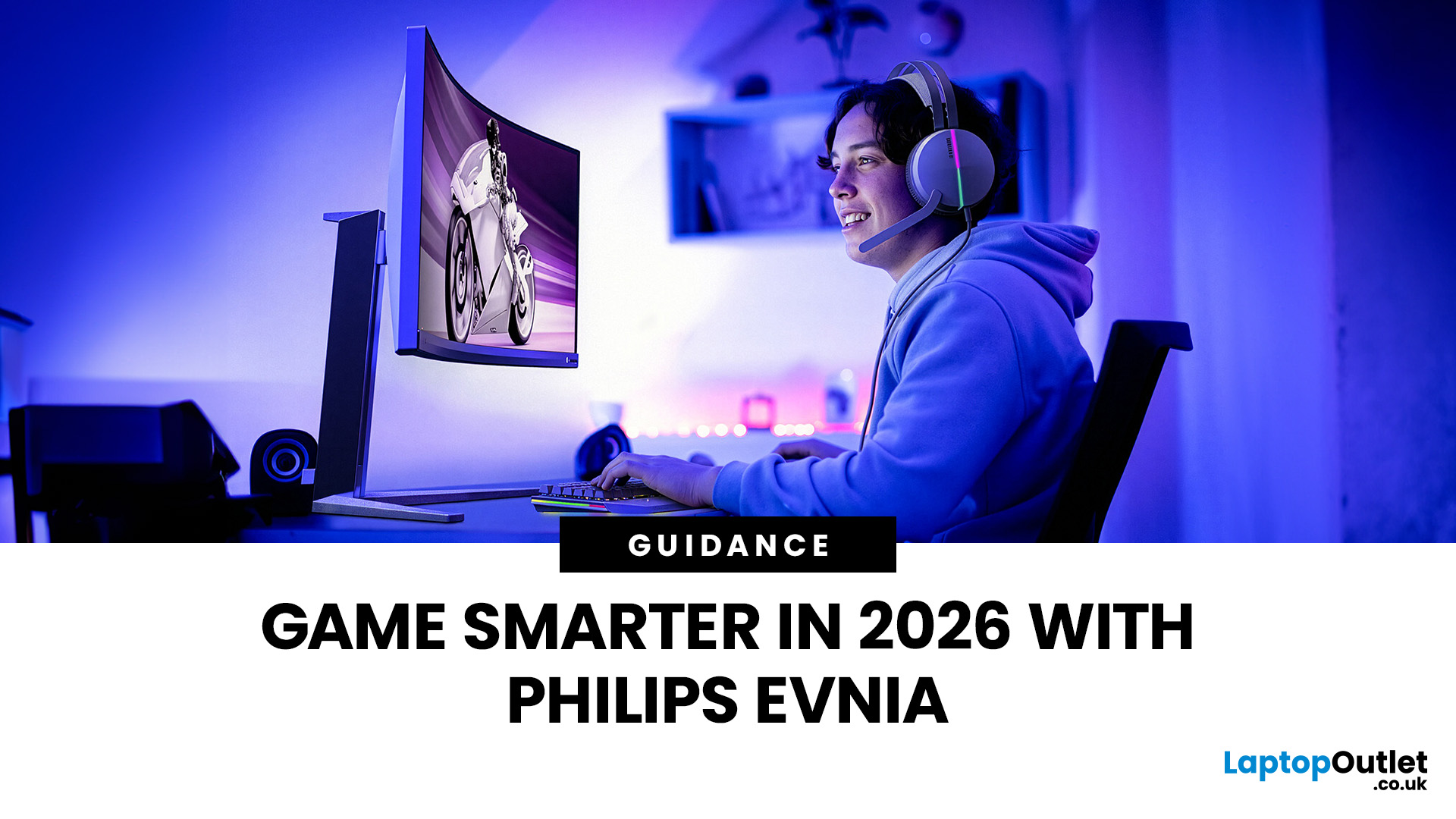
Gaming has changed rapidly over the last few years. In 2026, players demand more than just a clear picture. They want fluid movement, deep colours, and hardware that looks as good as the game itself. This is where Philips Evnia monitors come into play.
The Evnia range was designed to break the "typical gamer" stereotype. These screens combine high-end performance with a sleek, modern aesthetic. Whether you are a competitive esports player or a casual console gamer, there is a model tailored for you.
Finding the right display can be tricky. You have to balance refresh rates, resolution, and panel types. In this guide, we break down the five best Philips monitors for gaming to help you level up your setup.
1. Philips Evnia 24M2N3201A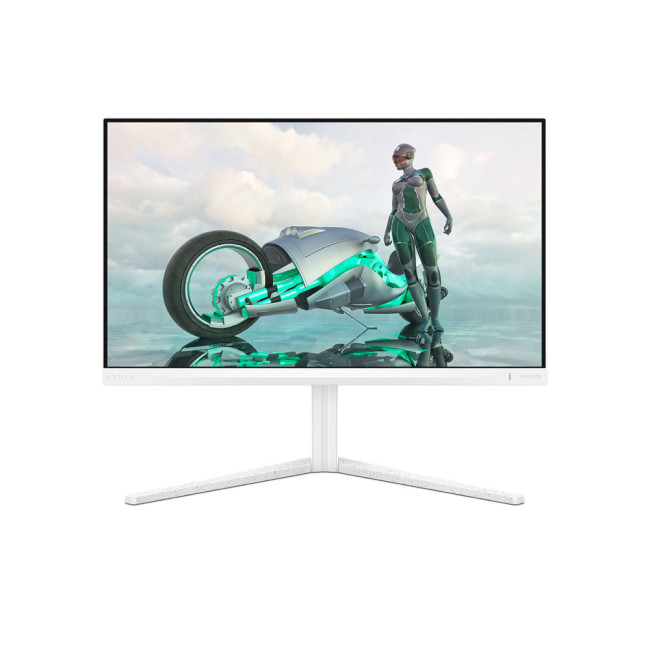
Key Specifications:
- Screen Size: 23.8 Inches
- Panel Type: Fast IPS
- Resolution: Full HD (1920 x 1080)
- Refresh Rate: 180Hz
- Response Time: 1ms (GtG)
- Aspect Ratio: 16:9
- Screen Shape: Flat
- Connectivity: 2x HDMI 2.0, 1x DisplayPort 1.4
- Features: Adaptive Sync,
Last Updated: August 28, 2026
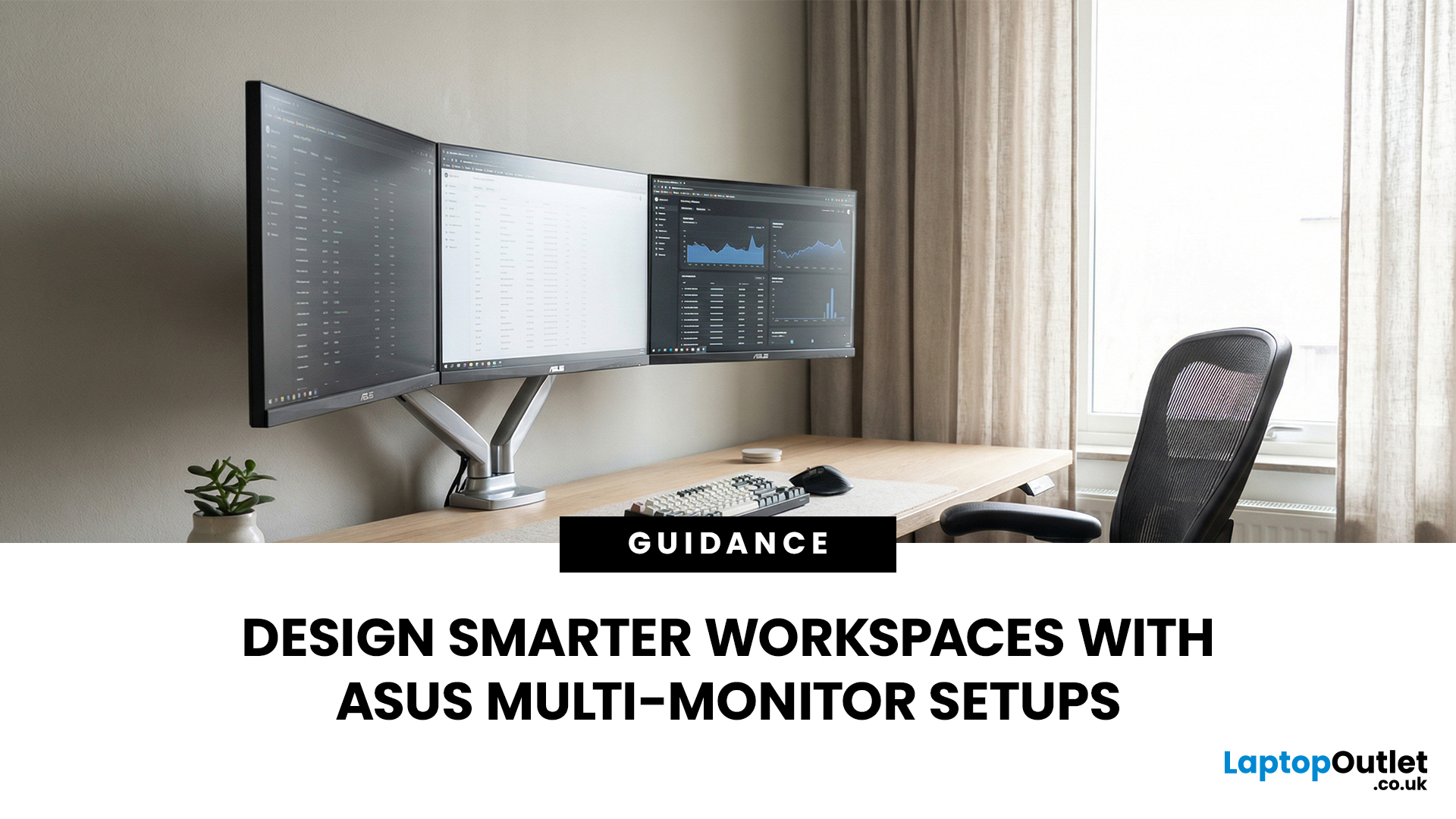
A single screen just does not cut it anymore. Whether you are writing code, managing client accounts, or analysing live market data, a well-built ASUS multi monitor setup can transform how you work. It gives you more room to think, less time switching between tabs, and a setup that genuinely supports your workflow.
This guide walks you through everything — from picking the right monitors to cabling, ergonomics, and ready-to-use layout ideas for teams and individuals alike.
Why Multi-Monitor Setups Boost Productivity
The case for multiple screens is not just about having more space. It is about working smarter. Research consistently shows that extended display setups can cut task-switching time and reduce cognitive load. When your reference document, communication tool, and primary work window each have their own screen, you stay in flow longer.
Suitable Roles: Devs, Finance, Support, Creatives
Not every job benefits equally, but a wide range of professionals gain a clear edge from multi-screen
Last Updated: August 28, 2026
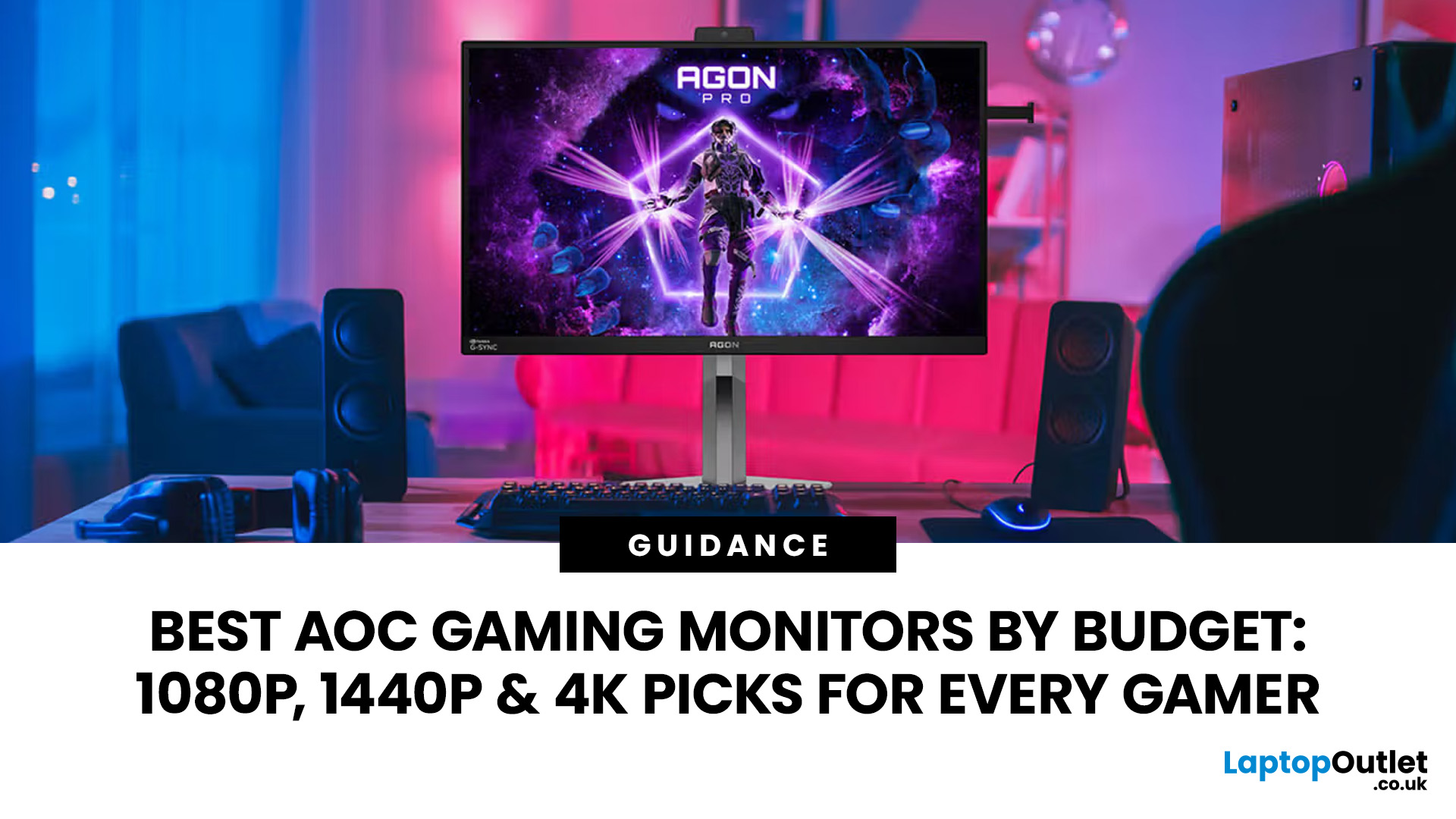
Choosing the right gaming monitor depends on factors like refresh rate, resolution, panel type, response time, and HDR support.
AOC offers gaming monitors across every budget, making it hard to know which one is right for you.
This guide highlights the best AOC gaming monitors by budget and helps you choose between 1080p, 1440p, and 4K options based on your gaming needs.
How to Choose an AOC Gaming Monitor for Your Budget
Before looking at specific recommendations, it's important to understand what you're paying for.
Resolution Matters More Than Most Gamers
Last Updated: August 25, 2026
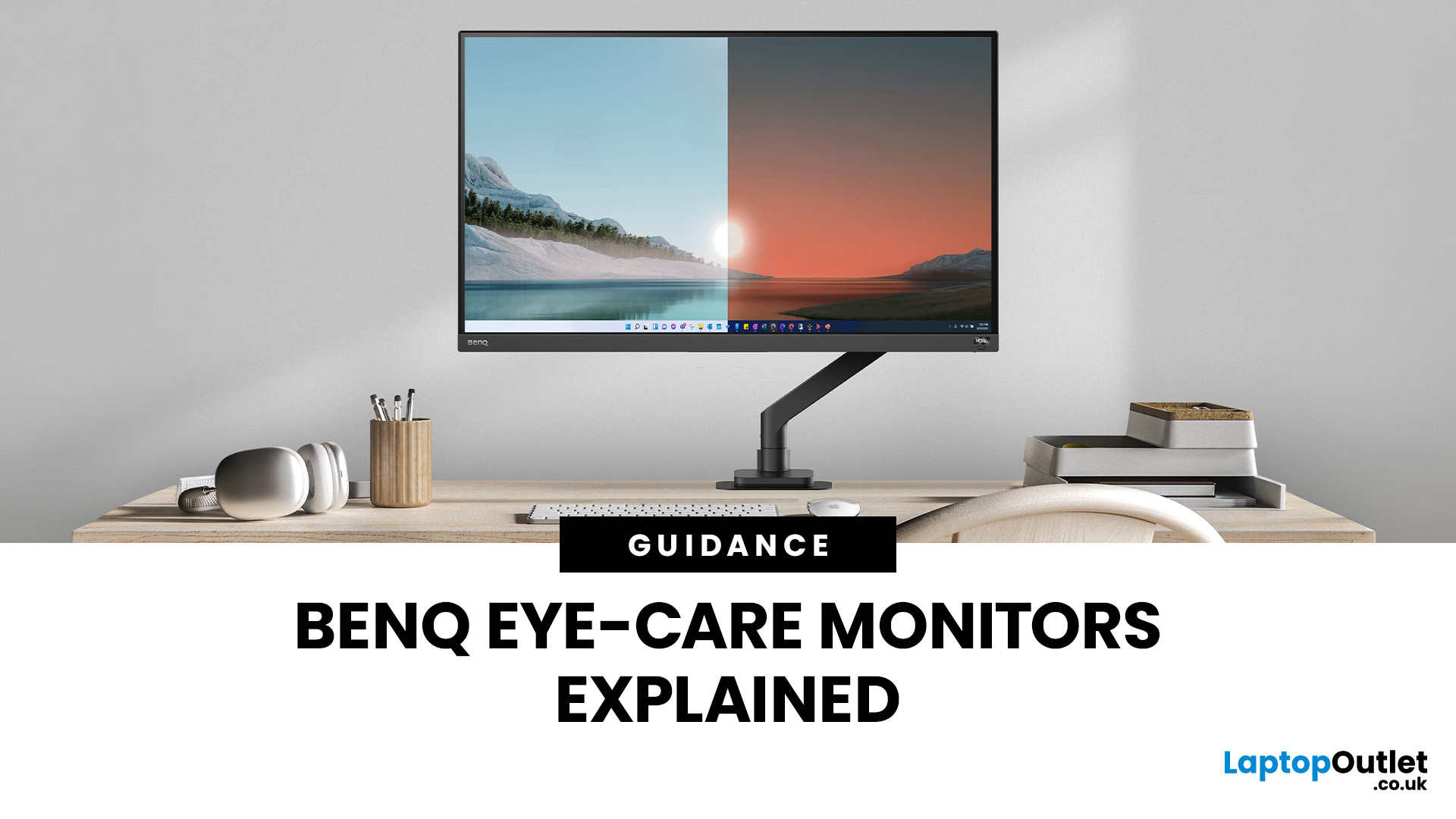
If you spend hours a day on a screen, you’ve probably felt it: tired eyes, headaches, dryness or that slightly gritty end-of-day sensation. While no monitor can solve every cause of screen-related discomfort, BenQ Eye-Care monitors include features designed to make longer sessions more comfortable by managing brightness, reducing flicker and giving you control over blue-heavy light, particularly for evening use.
What BenQ Eye-Care Means: Features and What They’re For
Several BenQ monitor ranges include comfort-focused tools under the Eye-Care umbrella. The exact feature set varies by model, but the typical options include:
- BenQ Brightness Intelligence, sometimes called Brightness Intelligence Plus or B.I.+, to adjust the screen according to your surroundings and displayed content
- Visual Optimizer, the newer name for B.I.+ on supported BenQ monitors, which can adapt brightness and colour temperature
- BenQ Low Blue Light or Low Blue Light Plus modes to reduce blue-heavy light output
- BenQ
Last Updated: March 13, 2026
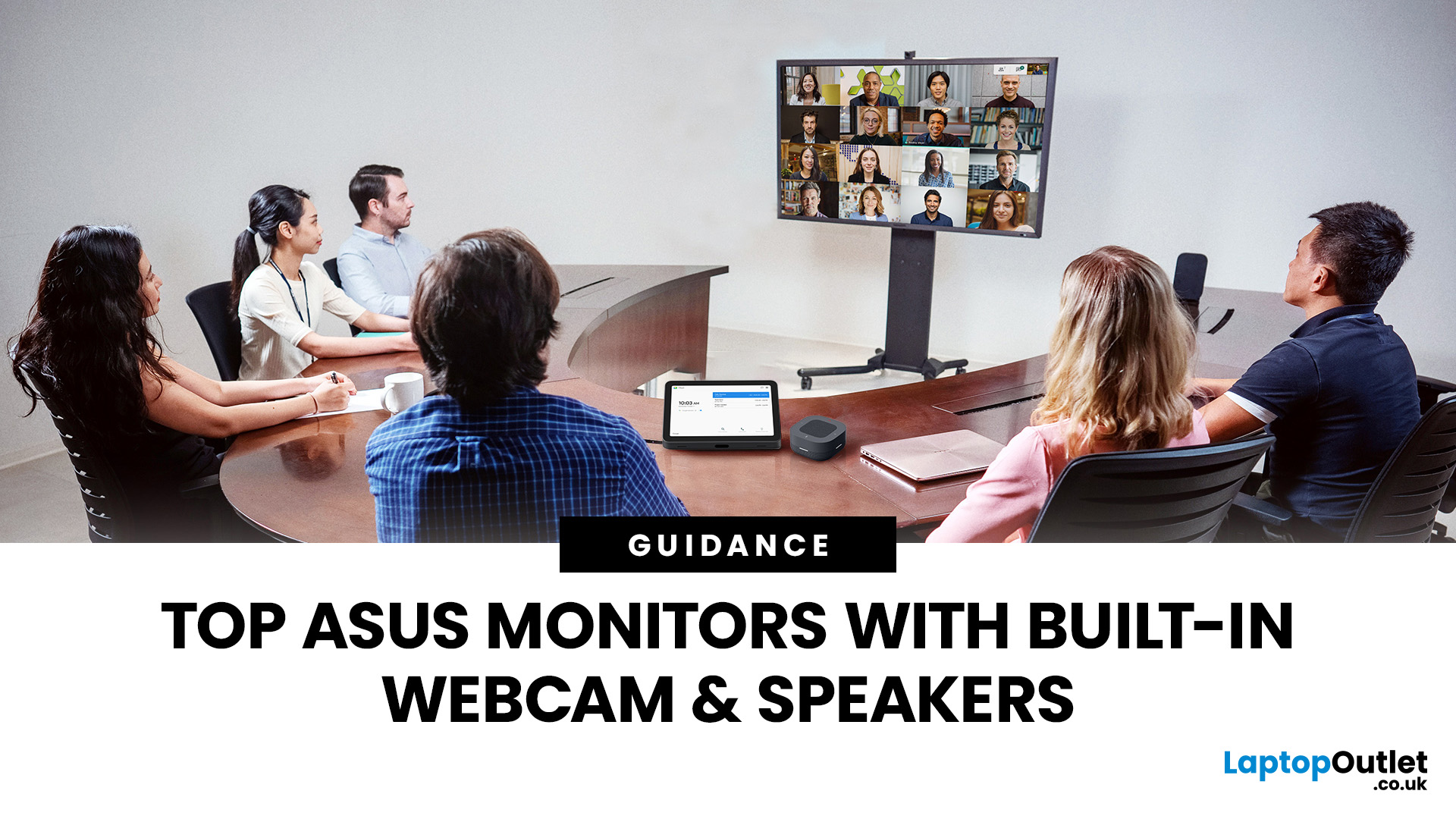
Choosing the right ASUS monitor with a webcam can significantly simplify how modern meeting rooms operate. As hybrid work becomes the norm, businesses are looking for cleaner, more efficient conferencing setups that don’t rely on multiple external peripherals. An integrated solution that combines display, camera, microphone, and speakers into one device makes deployment faster and more cost-effective. For small meeting spaces and huddle rooms in particular, an ASUS business monitor with speakers and a built-in webcam offers a practical alternative to a full conferencing kit.
What to Know About Microsoft Teams Rooms Compatibility
It’s important to clarify how an ASUS monitor with webcam fits into a Microsoft Teams Rooms environment.
Microsoft Teams Rooms (MTR) systems are typically powered by a dedicated PC or collaboration bar. The monitor itself is not the Teams Rooms system, instead, it acts as the display and USB conferencing endpoint. When paired with a Teams-enabled PC, many ASUS
Last Updated: August 11, 2026
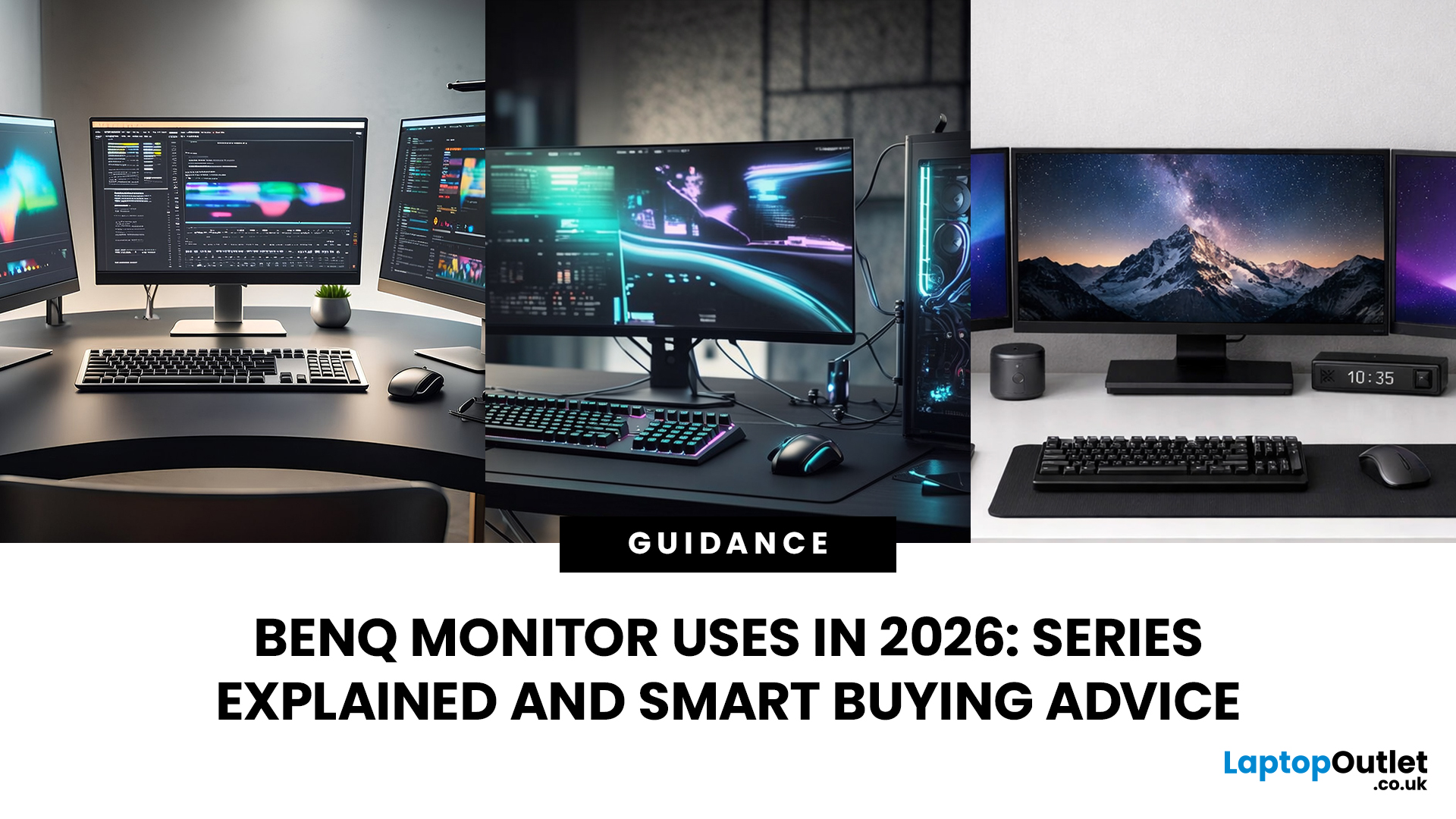
Getting the right monitor is no longer just about picking a size and hoping for the best. In 2026, the best results come from matching the screen to the job. That is where BenQ tends to do well. Instead of trying to make every display “good at everything”, the range is split into clear families built around specific uses: creative colour work, programming and text-heavy productivity, competitive gaming, immersive gaming, and comfortable home office setups.
This guide focuses on BenQ monitors uses in real setups, the key differences between series, and what to look for when you want one monitor for both gaming and work.
BenQ as a Brand in 2026
BenQ is a Taiwan-based electronics brand known globally for displays, including monitors and projectors. The BenQ name is tied to the idea of “Bringing Enjoyment ‘N’ Quality to life,” and the company’s display focus shows up most clearly in how it splits monitors into specialised series instead of pushing one “flagship for everyone.”
That specialisation
Last Updated: April 08, 2026
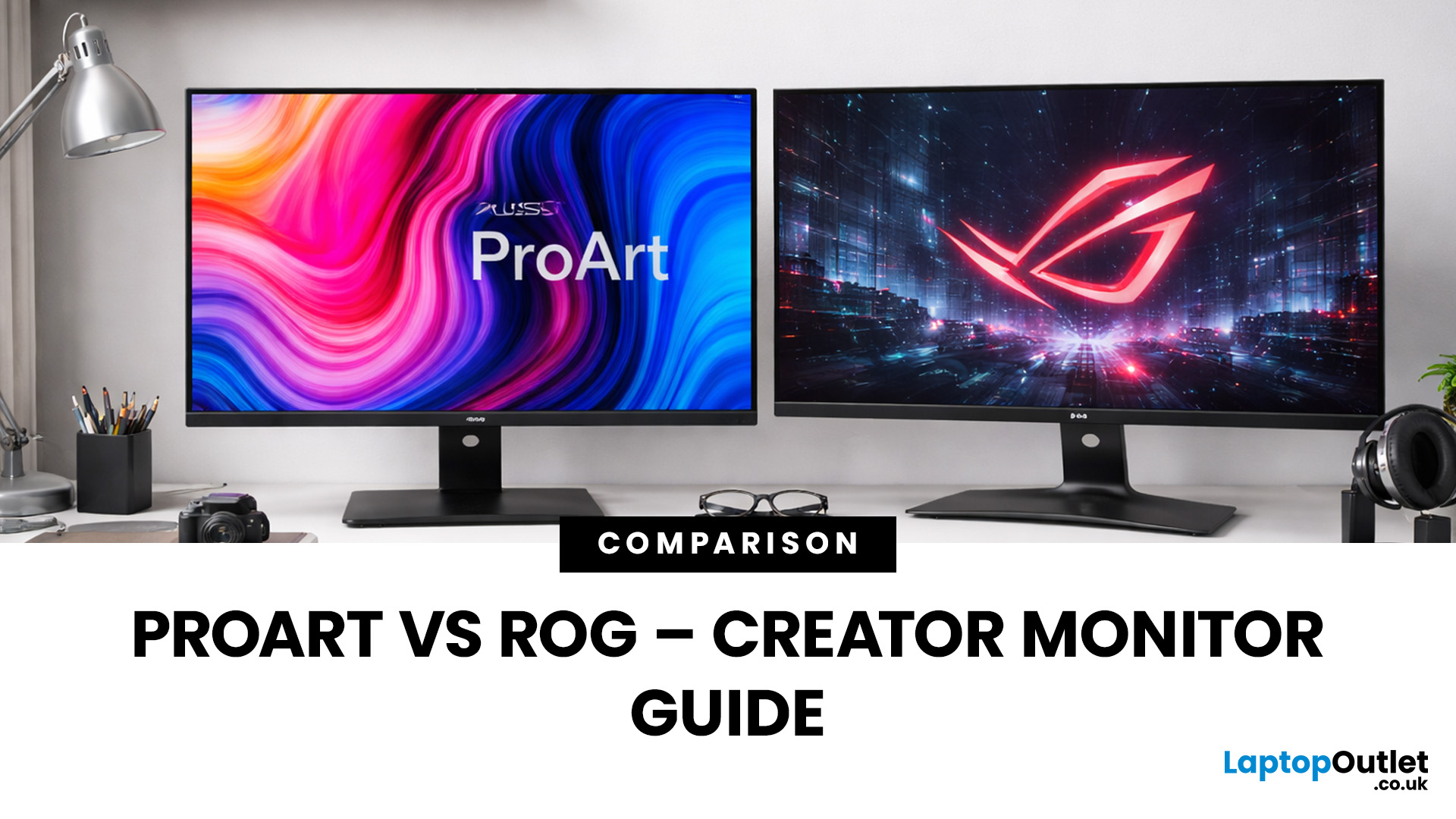
Choosing the right display can dramatically impact your workflow, especially when it comes to colour grading, motion graphics, and smooth timeline playback. If you're deciding between ASUS ProArt vs ROG for video editing, you're essentially choosing between two different philosophies: precision-focused colour accuracy or high refresh performance.
Both ranges are among the best ASUS monitors available today, but they serve different types of creators. In this guide, we’ll break down everything you need to know about ASUS ProArt vs ROG, including panel technology, refresh rates, HDR performance, and which models make the most sense for editors in the UK.
What Video Editors Actually Need from a Monitor
Before comparing models, it’s important to understand what really matters in a video editing monitor UK buyers should consider.
1. Colour Accuracy (ΔE, Rec.709 & DCI-P3)
For editors, colour accuracy is critical. If you're delivering to YouTube or broadcast, your monitor must reproduce colours
Last Updated: September 01, 2026
A monitor can suit very different tasks depending on its resolution, refresh rate, panel type, colour performance, screen format, and connectivity. That is why understanding LG monitor uses is more helpful than simply comparing model names or product lines.
For gaming, the priority may be smooth motion and responsiveness. For office work, text clarity, screen space and ergonomics usually matter more. Creative workplaces greater emphasis on colour consistency, detail and a display that can be set up accurately for visual tasks.
This guide explains how LG displays can support gaming, productivity and creative applications, and how the most important display requirements change depending on what you do at your desk.
How LG Monitors Support Gaming
Refresh Rate and Motion Smoothness
Gaming places different demands on a display from office or general home use. Fast-moving scenes, rapid camera movement and competitive play can make refresh rate, response behaviour and motion clarity much more
Last Updated: August 28, 2026
Choosing the best gaming monitor brand can make a huge difference to your gaming experience. Whether you play competitive esports titles, immersive AAA games, or console exclusives on PS5 and Xbox Series X, the right monitor brand delivers smoother performance, better visuals, and long-term reliability.
In the UK gaming market, several brands consistently stand out for quality, innovation, and value. Companies like ASUS, LG, BenQ, AOC, Philips, and iiyama offer gaming monitors across every price range - from affordable 144Hz displays to cutting-edge OLED and 4K panels.
But with so many options available, it’s not always obvious which gaming monitor brand is best for your setup, budget, and gaming style.
Let’s discuss the best gaming monitor brands in the UK, compare their strengths, and help you choose the right one based on resolution, refresh rate, and platform compatibility.
What Makes a Gaming Monitor Brand Worth Buying in 2026?
When comparing the top gaming monitor brands, it’s important
Last Updated: September 03, 2026
Creative work depends on display quality, from colour accuracy to detail clarity.
The best Philips 4K monitors for creative work include the 27E1N1800AE for affordable 4K clarity, the 27E1N1900AE for convenient USB-C laptop connectivity and the curved 328E1CA for a larger editing workspace. A 27-inch IPS model suits most designers and photographers, while a 31.5-inch VA display offers stronger contrast and more room for video timelines. Choose according to colour requirements, connectivity, available desk space and your everyday creative workflow needs.
These 4K monitors deliver four times Full HD resolution for sharper visuals and more workspace, but panel type, colour performance and connectivity are just as important.
This guide highlights the best Philips 4K options for design, video editing and photography. It also highlights key considerations so you can compare different computer monitors for designers more effectively.
Best Philips 4K Monitors at a Glance
| Philips Monitor | Best For |

