



What to Check Before Buying a Refurbished Monitor?
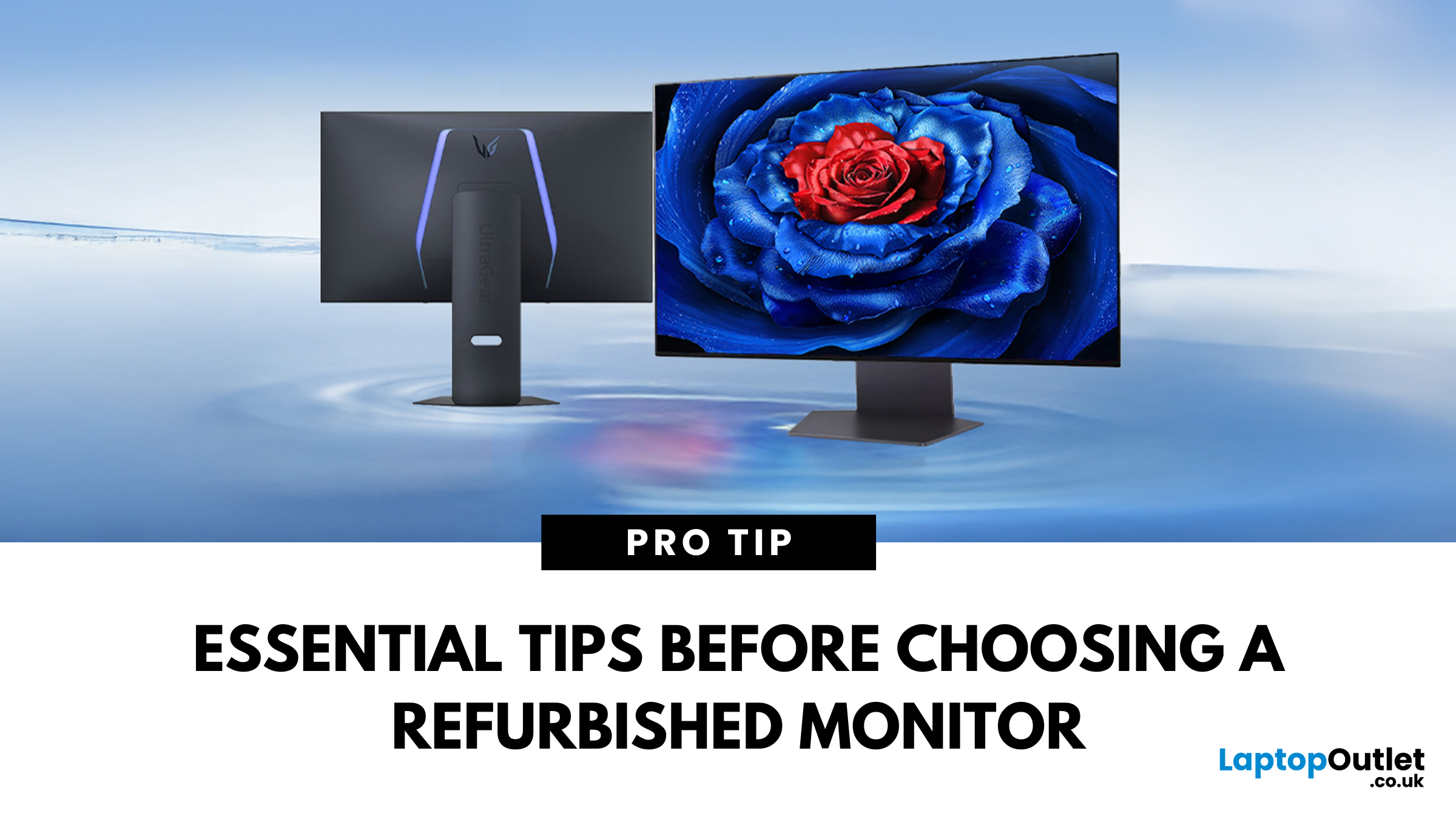
Imagine this: You’ve just snagged what seemed like an absolute steal on a refurbished monitor. You’re feeling pretty good about saving some cash. But the moment you set it up—bam! Dead pixels, faded colours, flickering screen. Suddenly, that "amazing deal" feels like a waste of money. Sound familiar?
Here’s the thing: not all refurbished monitors are created equal. Some are fantastic value-for-money finds, while others; well, let’s just say they don’t belong on. So, how do you make sure you’re getting a quality monitor that actually works? We’ve got you covered.
This refurbished monitor buying guide will walk you through everything you need to check before you click that ‘Buy Now’ button—so you get a deal that’s worth every penny.
Let’s get into it!
Understanding Refurbished Monitors: What You Need to Know
First things first—what does “refurbished” actually mean?
“A refurbished monitor isn’t just a used one. It’s a monitor that has been returned (for various reasons like minor defects, buyer’s remorse, or damaged packaging), repaired, and tested to meet quality standards before being resold. The best ones are often manufacturer-certified, ensuring they work as good as new—but at a much lower price.”
Certified Refurbished vs. Third-Party Sellers: What’s the Difference?
- Certified Refurbished: Sold by manufacturers like Dell, HP, Lenovo, or reputable retailers. These monitors go through rigorous quality checks and usually come with a warranty.
- Third-Party Refurbished: May not follow strict quality standards. Some sellers do a fantastic job, but others might just wipe it down, package it up, and call it "refurbished."
Pro Tip: Always buy from trusted sellers like Laptop Outlet, where you’ll find top-brand refurbished monitors at unbeatable prices, backed by warranty and quality assurance.
Refurbished Monitor Buying Guide: 7 Essential Checks Before You Purchase!
Here are 7 essential things to check before buying a refurbished monitor:
1. Physical Condition: What to Inspect Before Purchase
Screen Condition: Scratches, Cracks & More
A few tiny marks? No big deal. But cracks, major scratches, or dark patches? Hard pass. Always check:
- For scratches, cracks, or discolouration on the screen.
- Bezels and frame for excessive wear or damage.
Port & Button Functionality
The last thing you want is to get your new monitor and realise it won’t even connect to your setup.
Before buying, confirm:
- HDMI, DVI, VGA, DisplayPort, and USB-C ports work properly.
- Power buttons and menu controls are responsive.
Essential Accessories
Some refurbished monitors come barebones, meaning no stand, power cable, or display cables.
Check that it includes:
- Power Cable (essential for functionality)
- HDMI/DisplayPort/VGA Cable (whichever you need for your setup)
- Monitor Stand or Mounting Hardware (for stability)
Need an epic monitor upgrade? Check out the refurbished monitors at Laptop Outlet fully tested and ready to go, with all necessary accessories included!
2. Functionality & Performance: Key Display Tests
This is where things get serious. A good-looking screen means nothing if the display itself is faulty.
- Screen Uniformity: Check for uneven brightness or colour patches—these can affect clarity and make images look distorted.
- Dead Pixels & Stuck Pixels: Display a black and white screen to check for tiny dots that don’t change colour.
- Backlight Bleeding: In a dark room, display a black screen—if there’s too much glow around the edges, it could be distracting.
- Colour Accuracy & Vibrancy: Compare colours against a test image to ensure they appear natural and vivid.
- Brightness & Contrast Levels: Adjust settings to ensure the monitor delivers clear, crisp contrast without dull blacks or washed-out whites.
- Refresh Rate & Response Time: If you’re a gamer or video editor, a monitor with 120Hz or 144Hz refresh rate is a must for smooth motion.
- Built-in Speakers: If the monitor has speakers, test their clarity—some models have surprisingly decent audio, while others are barely usable.
3. Monitor Condition Grades: Understanding the Quality Categories
Not all refurbished monitors are the same. Depending on the condition, they fall into different conditions, which affect their price, appearance, and performance. Here’s what you need to know:
Excellent Condition
- Minimal cosmetic wear—looks almost new
- Fully tested and meticulously restored
- Includes all essential accessories
- Manufacturer or seller warranty included
Good Condition with Noticeable Wear
- Fully functional and tested
- Some noticeable cosmetic wear (scratches, scuffs, minor dents)
- Original packaging may not be included
- Non-original or missing accessories
Certified Refurbished – Professionally Restored
- Professionally tested and repaired to meet high standards
- Cosmetically in good condition
- May come in original or generic packaging
- Some non-original accessories may be included
Open Box – Like New with Minor Differences
- Like-new, returned units in pristine condition
- Professionally tested and verified
- May have non-original accessories or packaging
- Manufacturer warranty intact
Box Damaged – Brand New but with Minor Packaging Issues
- Brand new, unopened item
- Box may have external damage, but product is untouched
- Includes original packaging and all accessories
- Manufacturer warranty intact
Looking for the best condition for your budget? Check out our Refurbished monitors at Laptop Outlet—fully tested, fully reliable, and fully worth it!
4. Warranty & Return Policy: Protect Your Investment
A good refurbished monitor warranty is a must-have. If a seller isn’t offering at least 90 days, walk away.
- Manufacturer vs. Seller Warranty: Manufacturer-backed warranties are best.
- Return Policy: Ensure there’s a no-hassle return window (7, 14, or 30 days).
- Hidden Fees: Some retailers charge restocking fees—check before buying!
5. Price Comparison: Is It Actually a Good Deal?
Refurbished monitors can save you big money but always check:
- Price vs. New Models: If the difference is only £20, get a new one instead.
- Hidden Costs: Additional warranty, missing accessories, shipping fees.
- Performance vs. Value: Don’t just buy cheap—buy smart.
- Exclusive Laptop Outlet Deals: Snag insane savings on premium refurbished Dell, HP, and Lenovo monitors today!
6. Checking the Seller’s Reputation & Legitimacy
- Buy from Trusted Sellers: Choose manufacturer refurb programs like Dell, HP, Lenovo, or certified retailers such as Amazon Renewed, Best Buy, or Newegg.
- Read Customer Reviews & Ratings: Look for consistent positive feedback.
- Verify the Refurbishment Process: Ensure the seller conducts hardware testing, repairs, and quality control checks before reselling.
7. Environmental Benefits: Refurbished is the Future!
- Buying a refurbished monitor isn’t just good for your wallet—it’s good for the planet too.
- Reduces e-waste (millions of screens get dumped every year).
- Lowers carbon footprint by cutting down on new manufacturing.
- Supports sustainable tech choices without compromising on performance.
Best Place to Buy Refurbished Monitors
When looking for the best place to buy refurbished monitors, Laptop Outlet stands out as a top choice. They offer high-quality refurbished monitors from leading brands like Lenovo, Samsung, Acer, Dell, and more. Whether you need a monitor for work, gaming, or general use, they have a variety of options to fit your needs.
Some of the recommended models include the Refurbished ASUS ProArt PA328QV (31.5-inch, 2560 x 1440 Quad HD IPS LED Flat Monitor), Refurbished Lenovo Legion Y27q-30 (27-inch, 2560 x 1440 QHD IPS Monitor), and Refurbished Samsung Essential LS24A336NH (24-inch, 1920 x 1080 Full HD VA LED 60Hz 5ms Flat Monitor).
With a wide selection and reliable quality, Laptop Outlet is a great destination for buying refurbished monitors.
Conclusion: How to Get the Best Refurbished Monitor?
By now, you know exactly what to check before buying a refurbished monitor. To make a smart purchase, always buy from trusted sellers like Laptop Outlet, where quality is assured. Before making a final decision, inspect the physical condition, including the screen, ports, buttons, and accessories, to ensure everything is intact.
Don't forget to test the display performance for issues like dead pixels, uniformity, brightness, and colour accuracy. A solid warranty and return policy are crucial for peace of mind, so make sure your purchase is protected. Finally, compare prices to guarantee you're getting a genuine bargain.
In case you’re looking for a complete setup, Laptop Outlet also offers some of the best refurbished accessories, headphones, and everything you need for your tech needs!
So, are you ready to snag an epic deal on a refurbished monitor? Don't wait—check out the best options at Laptopoutlet.co.uk and upgrade your setup today!
Read More:
| Why Choose a Refurbished Monitor? Affordable & Reliable Options |
| Gaming on a Budget: Refurbished Monitors for Competitive Edge |
| How to Save Money and the Environment with Refurbished Monitors |
Related Articles

Last Updated: July 01, 2025
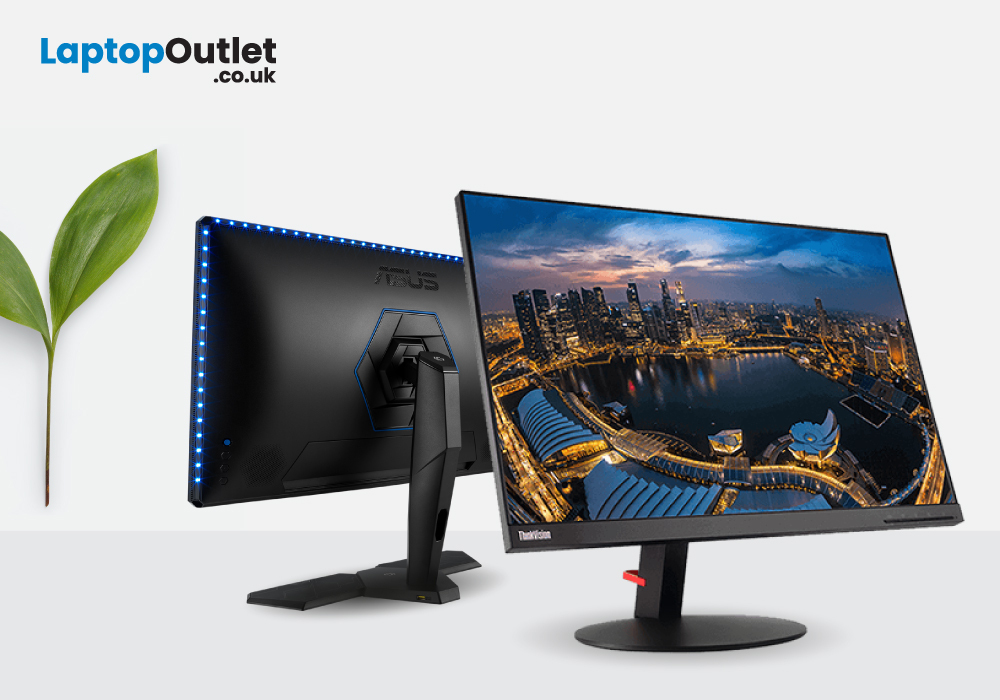
Let’s face it. Technology can be expensive. Whether you are a professional, a gamer, or a casual user, purchasing a high-end computer monitor can really put a dent in your wallet. But what if we told you there was a way to save money without sacrificing quality or reliability? Introducing the solution: refurbished monitors!
Given that it's significantly cheaper than a brand-new monitor, one might be led to think there's a catch. But that's not the case! Refurbished monitors are far from second-hand ones. They are repaired and restored to their original condition by the seller, and they are usually in pretty good condition.
Most of the refurbished computer monitors on the market are not even returned due to technical issues. In many cases, consumers return the monitors because they simply upgraded their computer equipment or because the product didn’t meet their expectations. There’s also a high chance of getting a refurbished monitor that’s barely been used. This means that you can
Last Updated: September 25, 2025
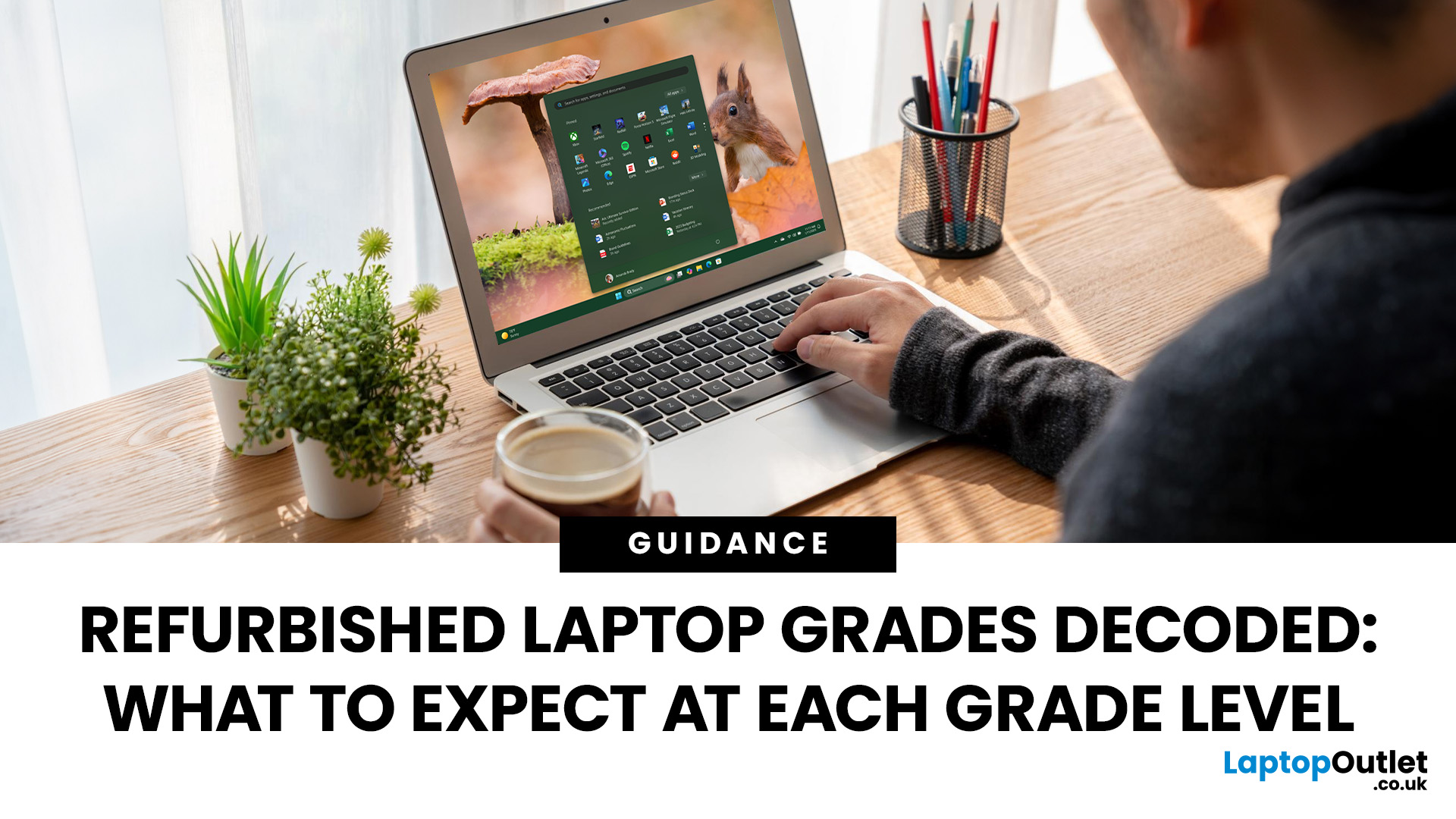
Get premium tech without the premium price - refurbished laptops make it possible! Affordable, reliable, and eco-friendly, they’re quickly becoming the smart choice for students, professionals, and everyday users. But not all refurbished laptops are the same - their condition matters. At Laptop Outlet, clear grading categories like New Open Box, Manufacturer Certified Refurbished – Excellent, and Refurbished – Good to Excellent help you understand exactly what you’re buying. The closer to “New Open Box,” the better the cosmetic and functional quality. In this guide, we’ll break down these grades so you can shop smarter and with confidence.
What are Refurbished Laptops?
Refurbished laptops, such as refurbished MacBooks and refurbished Chromebooks, are pre-owned devices returned to the manufacturer, retailer, or a specialised refurbisher. These returns can be for various reasons, including defects, trade-ins, or buyer’s remorse.
Why Choose Refurbished Laptops?
Enjoy affordable innovation
Last Updated: September 26, 2025
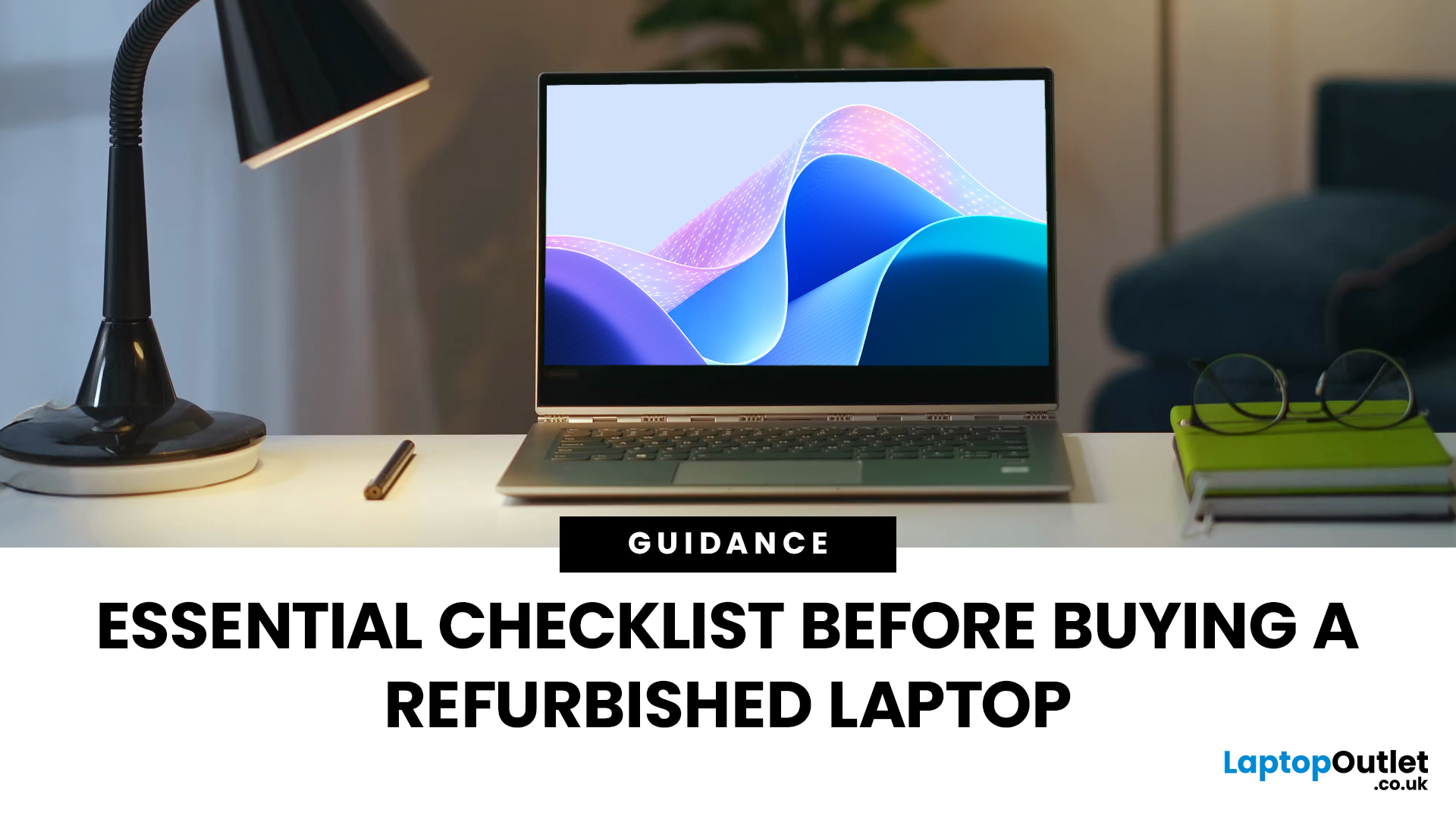
Buying a refurbished laptop is an incredible way to get a high-quality device while keeping costs low. However, the refurbished laptop landscape can indeed be tricky to navigate, and the right decision can help you save hundreds or even thousands of pounds while still getting a sound and reliable device. In this refurbished laptops checklist guide, we will cover everything you need to know before buying a refurbished laptop, from features and grades to warranty coverage, budget, and more! By the end of it, we’re sure you’ll be able to avoid the common mistakes and identify the key features that matter most for your needs.
Even though buying a high-end laptop at a fraction of the retail price sounds compelling and is tempting, the refurbished market comes with its own set of challenges and considerations. While many shoppers have found exceptional value in refurbished laptops, others have learned valuable lessons from hasty decisions. With so many options, grades, and sellers to consider,

Last Updated: September 09, 2025
Introduction: Refurbished Tech Explained
You’ve probably seen laptops, phones, and tablets labelled as refurbished—often at lower prices than new models. But what does "refurbished" actually mean? And is it worth buying? Let’s break it down.
What Does Refurbished Mean?
A refurbished product is a pre-owned item that has been professionally inspected, repaired (if needed), and tested to ensure it works like new.
This could include:
- Customer returns
- Devices with cosmetic damage
- Products with minor faults repaired by technicians
After refurbishment, the item is often cleaned, repackaged, and sold at a discounted price.
Refurbished vs. Used: What’s the Difference?
Refurbished:
- Professionally checked and repaired
- Usually comes with a warranty
- Sold by reputable retailers
Used:
- Sold "as is" by individuals
- No guarantee of condition or warranty
- No professional testing or repairs
Pro Tip: Always buy refurbished tech from trusted sellers like Laptop Outlet to ensure

