



HP Laptop Series and Models Explained: Complete 2026 Guide
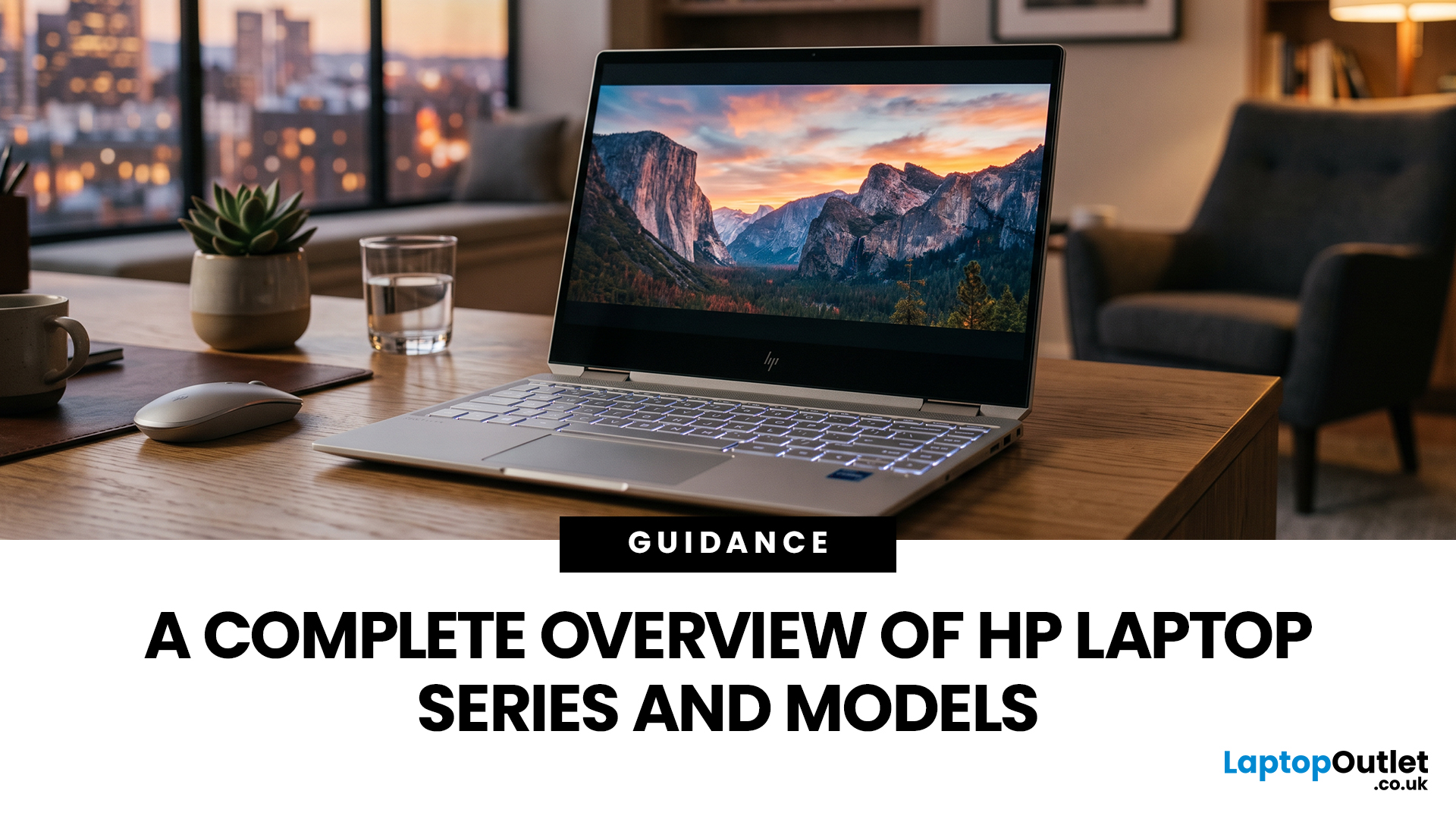
HP offers several laptop families designed for different types of users, which can make choosing between them difficult. The current HP laptop series range covers everyday home computing, education, gaming, business and demanding professional workloads.
OmniBook and Chromebook models mainly serve consumers and students, while Victus and OMEN focus on gaming. ProBook and EliteBook are designed for business environments, and ZBook systems target professional workstation tasks.
HP has also reorganised much of its newer consumer range under the OmniBook name. This guide explains the major HP series, their current model families, advantages, limitations and the users they suit best.
HP Laptop Series at a Glance
HP divides its laptops broadly according to workload, performance level and intended user. The series name gives you a useful starting point, but individual specifications still matter because two models within the same range may use different processors, graphics, displays and memory configurations.
|
HP Series |
Category |
Major Models or Tiers |
Performance Position |
Main Use |
Best For |
|
HP OmniBook |
Consumer |
OmniBook 3, 5, 7, X, Ultra |
Entry-level to premium |
Everyday computing, study and productivity |
Home users, students, professionals |
|
HP Chromebook |
Consumer/Education |
Chromebook, Chromebook x360, Fortis |
Entry-level to mainstream |
Web-based tasks and education |
Students and casual users |
|
HP Victus |
Gaming |
Victus 15, Victus 16 |
Mainstream gaming |
PC gaming and mixed daily use |
Value-focused gamers |
|
HP OMEN |
Gaming |
OMEN 15, 16, 17, Transcend 14, MAX 16 |
Mid-range to enthusiast |
High-performance gaming |
Enthusiast gamers |
|
HP ProBook |
Business |
ProBook 4, 440, 445, 460 |
Mainstream business |
Office productivity |
SMEs and hybrid workers |
|
HP EliteBook |
Business |
EliteBook 6, 8, X |
Mainstream to premium business |
Secure professional computing |
Corporate users |
|
HP ZBook |
Mobile workstation |
ZBook 8, X, Ultra, Fury |
Professional workstation |
CAD, 3D, engineering and creation |
Technical professionals |
Older Pavilion, ENVY and Spectre laptops may still appear in existing or refurbished stock. However, HP's newer consumer naming increasingly centres on OmniBook.
Consumer & Everyday Series: OmniBook & Chromebook
HP's consumer laptop range covers basic web use, education, entertainment, hybrid working and more demanding everyday productivity.
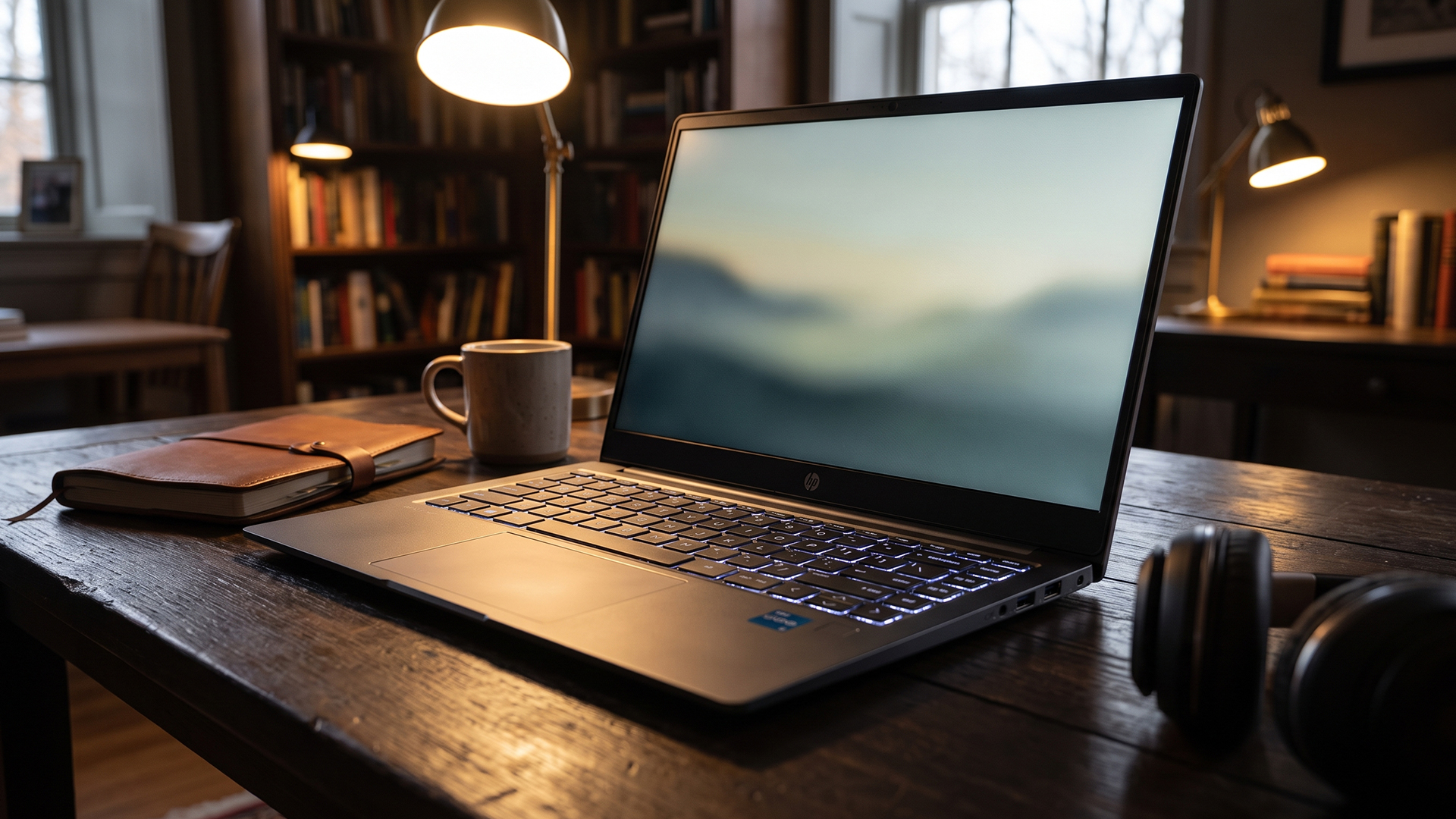
1. HP OmniBook
HP OmniBook is HP's main modern Windows consumer laptop family. It spans several performance and price tiers rather than representing a single type of laptop.
Depending on the configuration, OmniBook laptops can use Intel, AMD or Qualcomm processors. Selected models also include dedicated neural processing hardware for AI-assisted Windows features.
Major OmniBook tiers include:
- OmniBook 3: Designed primarily for everyday computing, including browsing, documents, entertainment and study.
- OmniBook 5: A step up for heavier everyday multitasking, university work and hybrid productivity.
- OmniBook 7: Higher-performance models that can offer more advanced displays and, on selected configurations, discrete graphics.
- OmniBook X: Premium thin-and-light and Flip options focused on mobility, performance and modern AI PC features.
- OmniBook Ultra: Sits towards the top of the consumer family, with premium displays and higher-end processor configurations.
The current range stretches from straightforward everyday notebooks to premium AI-focused laptops, so the exact specification is more important than the OmniBook name alone.
Who is HP OmniBook best for?
- Home and family users
- School and university students
- Remote and hybrid workers
- General office productivity
- Everyday creative work
- Buyers wanting a Windows laptop with several performance levels to choose from
2. HP Chromebook
HP Chromebook laptops run ChromeOS rather than Windows. They are designed primarily for web applications, cloud storage, Google Workspace, streaming, communication and education.
They generally require less powerful hardware than conventional Windows laptops, although performance still varies between configurations.
Major HP Chromebook models include:
- HP Chromebook: The standard clamshell range for browsing, online learning, Google Workspace, streaming and everyday cloud-based tasks.
- HP Chromebook x360: A convertible touchscreen model with a 360-degree hinge that can work in laptop, tablet, tent or presentation modes.
- HP Fortis Chromebook: A more education-focused family aimed at classrooms and institutional use, with practical designs suited to shared environments.
Who is HP Chromebook best for?
- School and college students
- Browser-based learning
- Email and video calls
- Streaming
- Google Workspace users
- People who do not rely on specialist Windows applications
|
Consumer Series |
Main Advantages |
Main Limitations |
|
OmniBook |
Wide choice, Windows compatibility, several performance tiers |
Specifications and prices vary considerably |
|
Chromebook |
Simple to use, suitable for cloud-based tasks and education |
Some specialist Windows software is not supported |
HP Gaming Series: Victus & OMEN
HP's dedicated gaming laptops are divided mainly between Victus and OMEN. Victus focuses on accessible mainstream gaming, while OMEN extends into more powerful enthusiast configurations.
1. HP Victus
HP Victus is the more accessible HP gaming family. It typically combines dedicated NVIDIA graphics with gaming-focused processors and higher-refresh-rate displays without immediately moving into premium gaming territory.
Major HP Victus models include:
- Victus 15: A 15.6-inch gaming laptop aimed mainly at first-time and mainstream PC gamers, with configurations ranging across different processors and dedicated GeForce RTX graphics.
- Victus 16: A larger-screen alternative that gives users more display space for gaming, multitasking and entertainment while offering different CPU and GPU configurations.
Victus models can vary considerably in gaming performance. Two Victus 15 laptops may use very different graphics processors, so compare the exact GPU before buying.
Who is HP Victus best for?
- First-time gaming laptop buyers
- Students who also play PC games
- Mainstream 1080p gaming
- Buyers balancing cost and dedicated graphics
- Users who do not require flagship gaming hardware
2. HP OMEN
HP OMEN is HP's higher-performance gaming family. These systems typically provide stronger graphics options, faster displays, more advanced cooling and configurations aimed at demanding games.
Major HP OMEN models include:
- HyperX OMEN 15: A relatively compact gaming model that combines dedicated graphics with high-refresh-rate display options.
- OMEN 16: A versatile performance-focused gaming laptop with a broad choice of processors and dedicated GPUs.
- OMEN 17: A larger-screen model for users who value display space and performance more than portability.
- OMEN Transcend 14: A thinner and lighter gaming laptop designed to balance portability with dedicated graphics and creative performance.
- OMEN MAX 16: A higher-performance OMEN tier aimed at enthusiast hardware, advanced cooling and faster gaming configurations.
The OMEN range therefore covers both portable gaming systems and powerful desktop-replacement-style options.
Who is HP OMEN best for?
- Enthusiast gamers
- Demanding AAA games
- High-refresh-rate gaming
- Gaming and streaming
- GPU-accelerated creative applications
- Users who need more graphics performance than mainstream gaming laptops provide
|
Gaming Series |
Advantages |
Limitations |
Best For |
|
Victus |
More accessible, dedicated graphics, good mainstream gaming capability |
Lower-tier configurations have less performance headroom |
New and value-focused gamers |
|
OMEN |
Wider high-performance GPU options, faster displays, more advanced cooling |
Typically more expensive and less portable |
Enthusiast and demanding gamers |
Business & Professional Series: ProBook, EliteBook & ZBook
HP's business range progresses from practical everyday professional laptops to premium enterprise machines and specialist mobile workstations.
1. HP ProBook
HP ProBook is HP's mainstream business laptop family. It focuses on productivity, security, connectivity and manageability for professional environments.
Major HP ProBook models include:
- ProBook 4: HP's newer mainstream business family, available in different screen sizes and processor configurations for everyday professional workloads.
- ProBook 440: A compact 14-inch business laptop focused on portability, office productivity and everyday professional applications.
- ProBook 445: A 14-inch business option commonly associated with AMD processor configurations.
- ProBook 460: A larger-screen model offering more workspace for spreadsheets, multitasking and office applications.
Who is HP ProBook best for?
- Small and medium-sized businesses
- Office employees
- Hybrid workers
- Organisations buying multiple work laptops
- Users who need practical business security and connectivity
2. HP EliteBook
HP EliteBook sits above ProBook in HP's commercial range. It places more emphasis on mobility, security, collaboration, enterprise management and premium business design.
Major HP EliteBook tiers include:
- EliteBook 6: The mainstream commercial tier for everyday productivity, security and hybrid working.
- EliteBook 8: A higher-tier business family with greater emphasis on portability, collaboration and premium configurations.
- EliteBook X: The premium end of the modern EliteBook range, combining lightweight designs with higher-performance processors and advanced business features.
- EliteBook Flip: Convertible configurations available within selected EliteBook families, adding touchscreen and 360-degree flexibility.
Who is HP EliteBook best for?
- Corporate professionals
- Managers and executives
- Frequent travellers
- Hybrid and remote employees
- Organisations prioritising security and device management
3. HP ZBook
HP ZBook is HP's mobile workstation family. These laptops are designed for workloads that can require more CPU, GPU and memory performance than standard office computing.
Major HP ZBook models include:
- ZBook 8: A mobile workstation suited to professional design work, photography, 2D applications and moderate 3D workloads.
- ZBook X: A more performance-focused workstation for advanced 3D modelling, rendering, simulation and demanding professional applications.
- ZBook Ultra: A compact high-performance workstation designed to combine strong CPU, graphics and memory capability with greater portability.
- ZBook Fury: The high-end mobile workstation family for complex engineering, rendering, visual effects and other demanding professional workloads.
Older ranges such as ZBook Firefly, Power and Studio may still appear when comparing previous generations or existing stock.
Who is HP ZBook best for?
- Engineers
- Architects
- CAD professionals
- 3D designers
- Technical specialists
- Professional content creators
|
Business Series |
Main Advantages |
Main Limitations |
Best For |
|
ProBook |
Practical business features, security and connectivity |
Less premium than EliteBook |
SMEs and general business |
|
EliteBook |
Strong mobility, enterprise security and management |
Higher price than mainstream business laptops |
Corporate professionals |
|
ZBook |
Workstation performance and professional graphics options |
Expensive and unnecessary for routine office work |
Engineering, CAD and 3D workloads |
Which HP Laptop Series Should You Choose?
The best HP laptop series depends on what you actually need the computer to do. Buying a more expensive range does not necessarily improve your experience if you will not use its additional performance or professional features.
- For everyday home use: Consider an OmniBook 3 or 5 for web browsing, streaming, documents and normal productivity.
- For students: An OmniBook 5 provides broad Windows compatibility, while a Chromebook can suit courses built mainly around browsers and cloud services.
- For premium everyday computing: Look at OmniBook X or Ultra if portability, premium displays or higher-performance processors matter.
- For mainstream gaming: Choose Victus if you want dedicated graphics without moving immediately into higher-end gaming hardware.
- For demanding gaming: Consider OMEN, particularly when higher GPU performance, faster displays or improved cooling are important.
- For normal business work: ProBook offers a practical combination of commercial features and everyday productivity.
- For enterprise users: EliteBook is more suitable when premium design, mobility, manageability and business security are priorities.
- For engineering, CAD or professional 3D work: ZBook is designed specifically for workstation-class applications.
For more help comparing individual components, an HP laptop buying guide can help explain how specifications affect real-world use.
Before Purchasing, Compare These Features
After choosing the right family, compare the specifications of individual HP laptop models carefully.
- Processor: Match CPU performance to your actual applications and workload.
- RAM: More memory can improve multitasking and help with demanding applications.
- Storage: Consider how much SSD space you need for applications, documents, games and media.
- Graphics: Integrated graphics suit everyday tasks, while gaming, 3D and some creative applications benefit from a dedicated GPU.
- Display: Check size, resolution, brightness, panel technology, colour coverage and refresh rate.
- Battery life: Real-world battery performance varies according to workload, brightness and connectivity.
- Weight: Gaming laptops and workstations are typically heavier than everyday ultraportable models.
- Ports: Check USB-C, USB-A, HDMI, Thunderbolt, USB4 and Ethernet requirements.
- Operating system: Make sure your applications support Windows or ChromeOS before choosing.
- Upgradeability: Some thin laptops use soldered memory or offer limited internal upgrades.
- Security: Business users should consider biometric login, TPM and enterprise management features.
- Warranty: Check the specific warranty supplied with the individual configuration.

One Brand, Many Paths: Finding Your HP Fit
The current HP laptop series range covers almost every major type of laptop user. OmniBook and Chromebook models serve everyday consumers and students, Victus and OMEN focus on gaming, ProBook and EliteBook cover professional computing, and ZBook handles specialist workstation tasks.
Choosing the right series is only the first step. Individual models can differ significantly in processor, RAM, storage, graphics and display quality. Start by identifying your workload, software requirements and budget, then compare the specifications within the most suitable HP family. This approach makes it easier to choose the performance you actually need without paying for unnecessary hardware.

Since We’re on the Subject...
What are the main HP laptop series?
HP's main laptop families include OmniBook and Chromebook for consumers, Victus and OMEN for gaming, ProBook and EliteBook for business, and ZBook for professional workstation workloads. Older Pavilion, ENVY and Spectre models may also remain available.
Which HP laptop series is best for gaming?
Victus generally suits mainstream and value-focused gaming, while OMEN covers more powerful enthusiast configurations. The right option depends on the individual laptop's GPU, processor, display refresh rate, cooling system and the games you intend to play.
Which HP laptop series is best for business use?
ProBook suits mainstream business productivity, while EliteBook offers more premium enterprise, security and mobility features. ZBook is intended for professionals who require workstation-level performance for demanding applications such as CAD, engineering, simulation or 3D design.
What is the most affordable HP laptop series?
HP Chromebooks and entry-level OmniBook configurations are generally among the more affordable options. Actual UK prices vary according to processor, memory, storage and current availability, so compare individual specifications rather than assuming one series is always cheapest.
Which HP laptop series is best for students?
OmniBook 3 and 5 laptops suit students who need Windows applications and everyday productivity. Chromebooks can work well for browser-based study and Google Workspace, although students should confirm that any specialist software required by their course supports ChromeOS.
Related Articles


Last Updated: February 11, 2026
Choosing the right desktop PC can feel a bit like picking a side in a long-running tech rivalry. HP, Dell, and Lenovo are three of the biggest names and for good reason. They all offer reliable, powerful desktops that suit everything from casual home use to hardcore business workloads and creative setups.
But when it comes to HP vs Dell vs Lenovo desktop PCs, which brand actually wins for you?
Why Compare HP, Dell, and Lenovo Desktop PCs?
HP, Dell, and Lenovo are all global heavyweights in the PC world. They each offer a wide range of desktops — from budget-friendly towers to powerful workstations and compact all-in-one PCs.
But here’s the thing:
Not all desktop PCs are built for the same kind of user.
Some are better for productivity, some for gaming, and others for long-term reliability. Understanding the differences is key before you hit “Add to Basket”.
HP Desktop PCs: Style Meets Performance
HP desktops are known for blending solid performance with modern design. If you like your
Last Updated: September 04, 2026
If you’re shopping for a new laptop this year, HP continues to be one of the most reliable and exciting brands to watch. From premium Ultrabooks and powerful gaming machines to flexible 2-in-1 devices built for modern work and study, the latest releases bring something for everyone.
In this guide, we’ll explore the latest HP laptops you shouldn’t miss in 2026, highlighting what makes them stand out, which users they suit best, and why HP remains a top choice for shoppers across the UK. Whether you’re upgrading your home setup, buying for university, or looking for a performance machine that keeps up with your workload, these HP laptop models are worth considering.
Top HP Laptop Models You Can Choose in 2026
The latest HP laptops in 2026 are redefining versatility, performance and AI-enabled productivity across the board. Let’s explore few of them:
HP OmniBook X FlipNGAI 14-fm0005na – Compact AI-Ready Performance
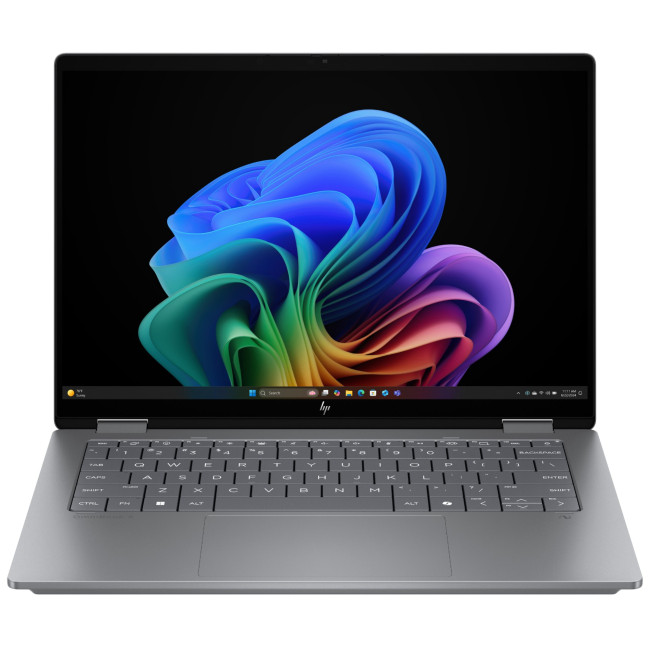
The HP OmniBook X FlipNGAI 14-fm0005na Intel® Core™ Ultra 5 226V
Last Updated: June 10, 2026
The best HP printer depends on what you print, how often you print, whether you need scanning or copying, and how much you want to spend on ink or toner. For home users, an HP inkjet or all-in-one printer is usually the best choice. For offices and small businesses, HP OfficeJet, LaserJet or multifunctional printers are better for speed, reliability and heavier workloads.
Buying a printer can feel confusing because HP offers many different models for different users. Some are made for simple home printing. Some are designed for students and families. Others are built for small businesses, offices, shipping labels, high-volume printing or professional document handling. That is why choosing the right printer is not just about finding the cheapest model. It is about understanding your print habits, running costs, space, connectivity and long-term needs.
This HP printer guide 2026 will take you from basic printer knowledge to more advanced buying terms, so whether you are buying your first

Last Updated: July 06, 2026
Buying one of the many HP printers for small business setups out there sounds easy until you start comparing them properly. Some are better for fast document printing, some are built for scanning and colour work, and some save you more money over time. The trick is not buying the fanciest one. It is buying the one that suits your workload. This guide walks through the HP printer types that make the most sense for home offices, small teams, and day-to-day business use.
Which HP Printer Type Should a Small Business Choose?
- If your business prints mixed colour documents, scans paperwork regularly and needs one compact machine, go for an HP all-in-one in the OfficeJet Pro range. OfficeJet Pro printers are best for higher-volume printing and all-around productivity in a home or home office, which is exactly the kind of workload many sole traders, hybrid workers and small teams deal with.
- If your business prints lots of text-heavy documents and speed matters more than photo-quality colour, choose
Last Updated: May 05, 2026
HP printers are reliable, but even the best machines throw a wobble from time to time. The good news is that the vast majority of issues are easy to resolve on your own. This guide will show you how to fix common HP printer problems without calling a professional. Whether you've got an HP OfficeJet, DeskJet, LaserJet, or ENVY, many of the checks below apply across the range.
What Are the Most Common HP Printer Problems?
Before diving into individual fixes, it helps to know what you are actually dealing with. HP printers, from compact home models to full office workhorses, tend to run into the same handful of issues time and again.
Here is a quick overview of the most frequently reported HP printer problems and what typically causes them:
| Problem | Most Likely Cause |
| Printer not printing | Stuck print queue, offline status, driver fault |
| Paper jam | Overfilled tray, worn rollers, torn paper fragments |
| Printer showing offline | Wi-Fi dropout, incorrect default printer setting |
| Blank or faded pages |
Published: May 05, 2026
Running out of ink mid-print is one of those small but genuinely annoying life moments. HP Instant Ink aims to put an end to that, replacing the old "buy cartridges when you remember" system with a smarter, subscription-based approach. If you've been wondering what it's all about and whether it's right for you, you're in the right place.
What Is HP Instant Ink?
HP Instant Ink is HP's ink subscription service, available in the UK since 2014. Rather than purchasing individual cartridges as and when you need them, you sign up to a monthly plan and pay a flat fee based on how many pages you print each month.
The key difference from traditional ink buying is simple: you're paying for pages, not cartridges. That means printing a full-colour photo costs the same as printing a plain black text document, which is a genuinely useful feature for households that mix everyday printing with occasional photo printing.
How Does It Differ from Buying Regular Cartridges?
With standard cartridges, you
Last Updated: May 19, 2026
Quick Answer
For a quick HP printer installation, follow this order:
- Place the printer close to your router during setup.
- Connect the power cable and turn the printer on.
- Load plain A4 paper.
- Install the supplied ink cartridges or toner.
- Open the HP app or HP Smart app.
- Choose Set Up a New Printer or Add Printer.
- Connect the printer to your Wi-Fi network.
- Print a test page.
Once that is done, you can print wirelessly from your laptop, phone, tablet, or desktop.
Setting up an HP printer should not feel technical, even when you are doing it for the first time. Most new printers require only a few basic steps: power, paper, ink or toner, Wi-Fi connection, and device setup.
The confusion usually starts when different devices ask for different setup routes. A Windows laptop may ask you to add the printer through Printers & Scanners. A Mac may detect it through AirPrint. A phone may need the HP app. A Chromebook may require you to add it in Chrome OS printer settings. Your printer may also
Last Updated: June 25, 2026
Your HP gaming PC should not feel like a boss fight before the game even loads.
HP gaming PC problems include black screens, overheating, lag, crashes, fan noise, slow performance, and startup failures. Most can be fixed by updating drivers, cleaning dust, improving airflow, freeing storage, and checking power or display connections.
You will also learn when a repair is worth it, when an upgrade makes more sense, and when it might be time to compare newer HP desktop PCs for gaming.
What Are the Most Common HP Gaming PC Problems?
Last Updated: September 03, 2026
Buying an HP gaming laptop in 2026 can feel like being asked to pick between “save money now” and “avoid regret later.”
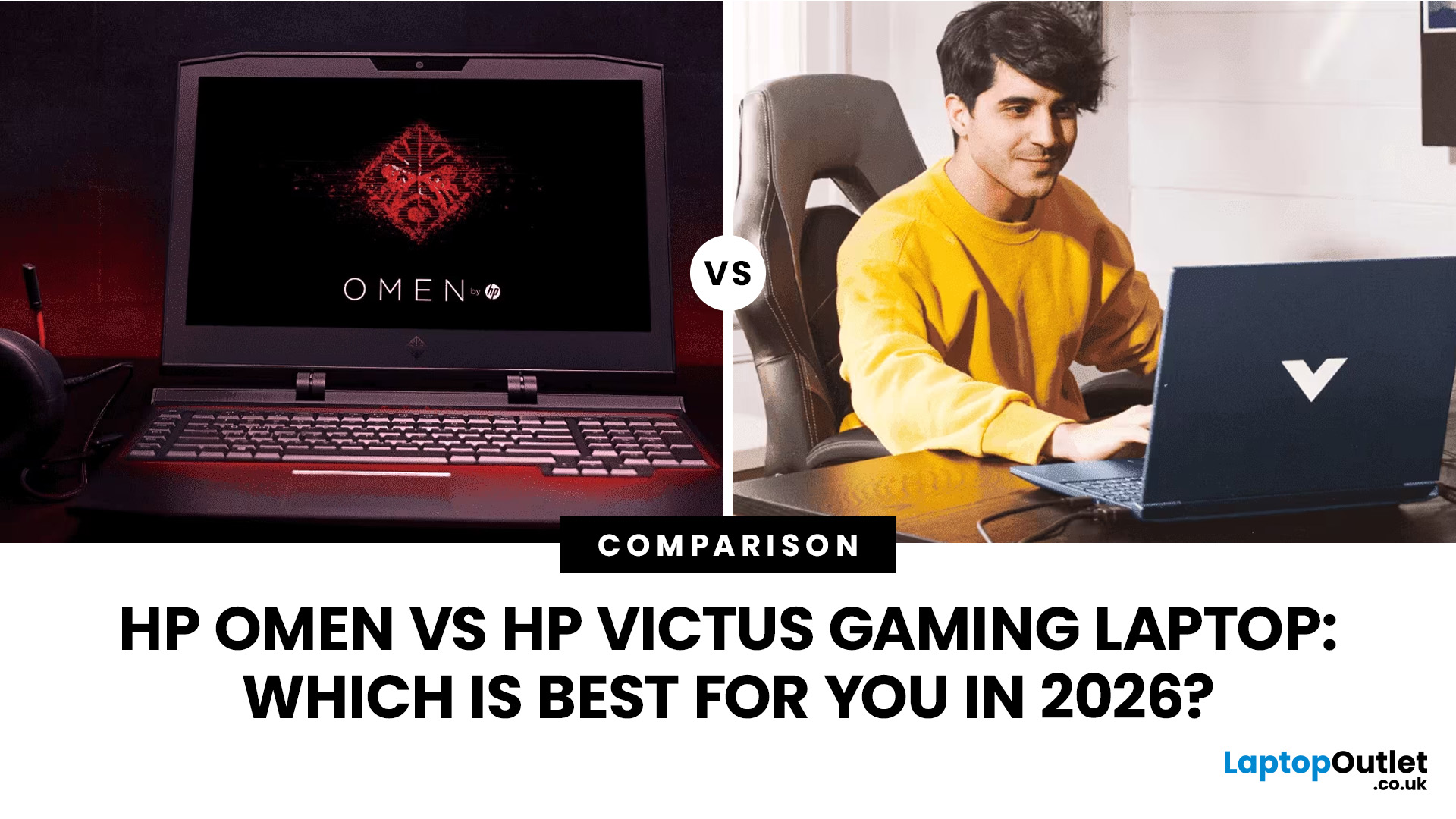
Choose HP Victus if you want the best price-to-performance balance for esports, coursework, everyday use, and casual AAA gaming. Choose HP OMEN if you want higher frame rates, better display quality, stronger cooling, and a laptop that feels ready for heavier games over the next few years.
The HP Victus gaming laptop is the value pick: more affordable, more student-friendly, and solid for 1080p gaming. The HP OMEN gaming laptop is the performance pick: stronger cooling, better displays, higher-end GPUs, and more headroom for AAA games, streaming, and long-term use.
So, which one should you actually buy?
HP OMEN vs HP Victus: The Simple Difference
HP uses Victus and OMEN for different types of gamers.
The HP Victus gaming laptop is built for mainstream buyers who want a proper gaming laptop without paying premium money. It usually targets 1080p gaming, 144Hz displays, and
Last Updated: August 17, 2026
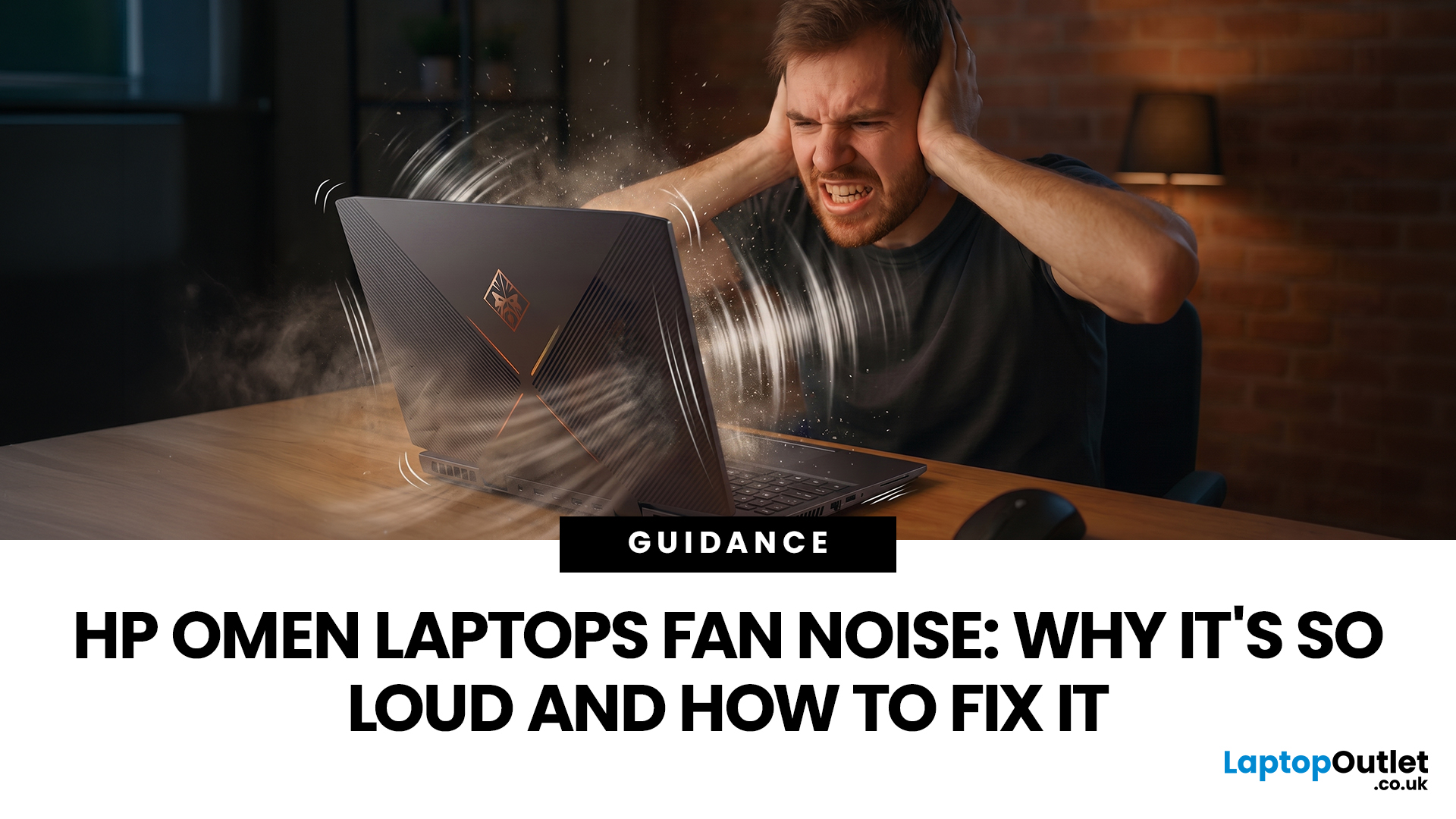
HP OMEN laptops use powerful processors and dedicated graphics, so their cooling systems can become clearly audible during gaming and other demanding work. Some HP OMEN fan noise is normal, but constant noise at idle, grinding or repeated overheating deserves attention. This guide explains how to identify the sound, diagnose the cause and choose a safe fix across the top HP OMEN laptop range.
| HP OMEN Fan Noise: Quick Answer Loud fan noise is normal while an OMEN laptop starts, updates, games, renders or runs a demanding AI task. HP says a brief fan surge for about five to twenty seconds at startup can be normal, while Performance mode deliberately increases fan speed to manage higher CPU and GPU power and temperature. Investigate an HP OMEN loud fan when it remains noisy during light use, produces mechanical sounds or appears with weak airflow, throttling or shutdowns. Many cases improve after reducing background load, changing settings, updating HP software and BIOS, restoring airflow |

