



WiFi 6E vs WiFi 6: What’s the Difference?
Both WiFi 6 and WiFi 6E use the same 802.11ax standard. The key difference is that WiFi 6E adds access to the 6 GHz frequency band, alongside the usual 2.4 GHz and 5 GHz bands. This gives WiFi 6E more available channels, faster real-world speeds, and significantly lower latency, especially in crowded environments. However, both your router and your device need to support WiFi 6E to benefit from the 6 GHz band.
With WiFi 6 vs WiFi 6E explained below, you'll have everything you need to make an informed decision on which WiFi router standard is right for you.
What Is Wi-Fi 6 (802.11ax)?
Wi-Fi 6, officially known as 802.11ax, is the sixth generation of Wi-Fi technology. It was introduced in 2019 as the successor to Wi-Fi 5 (802.11ac), and it has since become the mainstream standard found in most modern laptops, smartphones, and routers sold in the UK.
The core aim of Wi-Fi 6 was not simply to increase raw speed, but to handle more devices simultaneously and perform better in busy environments, such as flats, open-plan offices, and crowded public spaces.
Key Technologies Inside Wi-Fi 6
- OFDMA (Orthogonal Frequency-Division Multiple Access): Splits each channel into smaller sub-channels, so multiple devices can send and receive data in a single transmission window. Think of it as a bus that picks up several passengers at once rather than making individual trips.
- MU-MIMO (Multi-User, Multiple Input, Multiple Output): Allows a router to communicate with up to eight devices simultaneously. Wi-Fi 5 could only handle four devices at a time in this manner.
- 1024-QAM: Packs more data into each transmission by using more complex signal encoding. This improves throughput, particularly for 4K streaming and large file downloads.
- Target Wake Time (TWT): Reduces battery drain on connected devices by scheduling when they communicate with the router, rather than keeping radios active constantly.
- BSS Colouring: Reduces interference between neighbouring Wi-Fi networks by tagging signals so devices can identify and ignore transmissions from outside their own network.
Wi-Fi 6 operates on the 2.4 GHz and 5 GHz bands, the same two bands used by older Wi-Fi standards. The 5 GHz band offers faster speeds with less interference but shorter range, while 2.4 GHz covers more distance with lower speeds.
| Good to know: Wi-Fi 6 is backwards compatible. If you have a Wi-Fi 6 router, older Wi-Fi 4 and Wi-Fi 5 devices will still connect on the 2.4 GHz and 5 GHz bands. |
What Is Wi-Fi 6E?

Wi-Fi 6E is an extension of the Wi-Fi 6 standard. The "E" stands for "Extended", referring to its access to an entirely new frequency band: the 6 GHz band. Every feature present in Wi-Fi 6 is also present in Wi-Fi 6E, but Wi-Fi 6E adds a third, cleaner lane of wireless spectrum on top.
Wi-Fi 6E was announced in 2020 following regulatory approval in several markets. In the UK, Ofcom made the lower portion of the 6 GHz band, 5925 to 6425 MHz, available for licence-exempt Wi-Fi use, enabling Wi-Fi 6E and Wi-Fi 7 devices to operate legally on this spectrum.
What Does the 6 GHz Band Add?
The 6 GHz band is the single most significant addition Wi-Fi 6E brings. In the UK, it provides 500 MHz of additional spectrum in the lower 6 GHz band, giving compatible devices access to cleaner wireless channels with less interference from older equipment.
- Up to six additional 80 MHz channels or three 160 MHz channels are available in the UK lower 6 GHz band. This is lower than the full 1,200 MHz allocation available in some other markets, such as the United States.
- Exclusive to Wi-Fi 6E and newer devices. Older Wi-Fi 4, Wi-Fi 5, and standard Wi-Fi 6 devices cannot connect on 6 GHz, so the band stays uncongested.
- No DFS scanning required. The 5 GHz band sometimes forces your router to pause and scan for radar signals from airports or weather stations. The 6 GHz band has no such restriction, resulting in more stable connections when using wide 160 MHz channels.
- Mandatory WPA3 encryption on the 6 GHz band, providing stronger security by default.
| Think of it this way: If Wi-Fi 6 is a well-managed motorway shared by everyone, Wi-Fi 6E adds a brand-new private road that only the newest vehicles can use. No lorries from 2010, no traffic from older devices. Just your latest kit, moving freely. |
Wi-Fi 6 vs Wi-Fi 6E: Key Differences at a Glance
For a quick overview before we go deeper, here is a side-by-side breakdown of the most important differences between the two wireless standards.
|
FEATURE |
WI-FI 6 |
WI-FI 6E |
|---|---|---|
|
Technical Standard |
802.11ax |
802.11ax (Extended) |
|
Frequency Bands |
2.4 GHz, 5 GHz |
2.4 GHz, 5 GHz, 6 GHz |
|
Theoretical Max Speed |
9.6 Gbps |
9.6 Gbps |
|
Number of Channels (80 MHz) |
Up to 6 |
Up to 14 |
|
Congestion Level |
Moderate (shared with older devices) |
Low on 6 GHz (new devices only) |
|
Real-World Latency |
Lower than Wi-Fi 5 |
Lower still on 6 GHz band |
|
DFS Scanning (5 GHz 160 MHz) |
Required near radar/airports |
Not required on 6 GHz |
|
WPA3 Security |
Supported, not always mandatory |
Mandatory on 6 GHz band |
|
Backwards Compatibility |
✓ Full (Wi-Fi 4, 5) |
~ 2.4/5 GHz only for older devices |
|
Typical Router Cost (UK, 2026) |
From around £40 – £200+ |
From around £80– £250+ |
|
Device Availability |
Very wide (2019 onwards) |
Growing (premium devices 2022+) |
WiFi 6 vs 6e Frequency Bands Explained
The frequency band is arguably the most important thing to understand when comparing wireless networking standards. Each band operates differently in terms of range, speed, and how susceptible it is to interference from neighbouring networks and household devices.
The 2.4 GHz Band
The 2.4 GHz band offers the longest range of the three and penetrates walls and solid objects most effectively. The downside is that it is extremely congested: every microwave, Bluetooth device, baby monitor, and Wi-Fi router in your building also uses this band. In a block of flats in Manchester or London, the 2.4 GHz band is effectively a traffic jam.
Both Wi-Fi 6 and Wi-Fi 6E use 2.4 GHz for wider coverage and legacy device compatibility.
The 5 GHz Band
The 5 GHz band delivers faster speeds and less interference than 2.4 GHz, but its range is shorter and it struggles more with physical obstacles. As Wi-Fi 6 adoption has grown, the 5 GHz band has become increasingly crowded, particularly in densely populated areas.
Both standards use 5 GHz. Wi-Fi 6 improves efficiency here significantly compared to Wi-Fi 5, but congestion from older devices remains a factor.
The 6 GHz Band (Wi-Fi 6E Only)
This is the big differentiator. The 6 GHz band is exclusively available to Wi-Fi 6E (and Wi-Fi 7) devices, meaning it carries no traffic from your older Wi-Fi 4, Wi-Fi 5, or Wi-Fi 6 gadgets. In practical terms, this creates a clean, uncrowded environment for high-bandwidth and low-latency tasks.
|
BAND |
RANGE |
SPEED POTENTIAL |
CONGESTION RISK |
AVAILABLE TO |
|---|---|---|---|---|
|
2.4 GHz |
Long |
Low–Medium |
Very High |
All Wi-Fi standards |
|
5 GHz |
Medium |
High |
Moderate–High |
Wi-Fi 5, 6, 6E, 7 |
|
6 GHz |
Short–Medium |
Very High |
Very Low |
Wi-Fi 6E and Wi-Fi 7 only |
|
Worth noting: The 6 GHz band has a shorter range than 5 GHz due to the physics of higher-frequency radio waves. Walls and distance will reduce signal strength more noticeably. If you're several rooms away from your router, you may not benefit from the 6 GHz band at all. |
Speed and Latency of WiFi 6 and 6e
Speed and latency are the two metrics most people care about when comparing wireless standards. Here is what you need to know, with an honest take on theoretical versus real-world performance.
Theoretical vs Real-World Speeds
Wi-Fi 6 and Wi-Fi 6E share the same theoretical maximum speed of 9.6 Gbps. However, these peak figures require ideal laboratory conditions: no interference, perfect signal strength, and multiple spatial streams. In a real home or office, neither standard comes anywhere close to this figure.
What actually matters is real-world throughput under typical conditions. Wi-Fi 6E's advantage on 6 GHz comes from having cleaner spectrum rather than inherently faster radios. Less congestion and interference translates directly into more consistent, faster connections in practice, especially in densely populated areas.
In other words, Wi-Fi 6E is not automatically faster than Wi-Fi 6 in every situation. It becomes faster and more stable when your device can use the 6 GHz band and is close enough to the router to maintain a strong signal.
Latency: Where Wi-Fi 6E Really Shines
Latency is the time it takes for data to travel from your device to its destination and back. For online gaming, video calls, and VR applications, low latency is more important than raw speed.
- Wi-Fi 6 on 5 GHz: noticeably lower latency than Wi-Fi 5, benefiting from OFDMA and improved channel management.
- Wi-Fi 6E on 6 GHz: can deliver very low latency under good conditions, often close to wired performance for local network tasks. Real-world results vary depending on distance, interference, router quality, and broadband performance.
- By comparison, Ethernet (wired) remains the most consistent option for competitive gaming and professional workloads.
| Practical tip: If you live in a flat or a dense urban area, Wi-Fi 6E's 6 GHz band offers a much more noticeable real-world upgrade than the headline speed figures suggest. Crowded 5 GHz spectrum is the biggest performance killer in built-up areas, and 6 GHz sidesteps it entirely. |
DFS Channels and Stable 160 MHz Connections
One frequently overlooked benefit of Wi-Fi 6E is that the 6 GHz band does not require Dynamic Frequency Selection (DFS) scanning. On the 5 GHz band, routers near airports, military installations, or weather stations may have to pause and switch channels to avoid radar interference. This can cause brief disconnections and instability. The 6 GHz band is free from this restriction, making it more reliable for wide 160 MHz channels.
Range and Coverage

Range is one area where Wi-Fi 6E does not have an advantage over Wi-Fi 6. In fact, the 6 GHz band has a shorter range than both 2.4 GHz and 5 GHz. Higher radio frequencies lose signal strength more quickly over distance and are less effective at passing through walls, floors, and furniture.
What This Means in Practice
If your router is in the living room and you want 6 GHz performance in the bedroom two floors up, you are likely to be disappointed. The signal will be too weak, and your device will fall back to 5 GHz or 2.4 GHz instead.
To get the full benefit of Wi-Fi 6E's 6 GHz band throughout a larger home, you would typically need a mesh Wi-Fi 6E system, where satellite nodes are placed in each room or on each floor.
|
SENARIO |
BEST SUITED STANDARD |
REASON |
|---|---|---|
|
Studio flat or single room |
Wi-Fi 6E |
Short range is fine; 6 GHz performs well close to router |
|
3-bedroom house, router central |
Wi-Fi 6 or Mesh Wi-Fi 6E |
Wi-Fi 6 handles range better; 6E mesh needed for full 6 GHz coverage |
|
Dense apartment block |
Wi-Fi 6E |
6 GHz avoids congestion from neighbours' networks |
|
Large office or multi-floor home |
Wi-Fi 6E mesh system |
Satellites extend 6 GHz range to where it is needed |
|
Rural property with few neighbours |
Wi-Fi 6 |
Congestion is minimal anyway; 6E premium is harder to justify |
Device Support and Compatibility
This is the section that could save you money. Understanding which of your devices actually support Wi-Fi 6E is essential before deciding to upgrade. Buying a Wi-Fi 6E router will not help your existing devices unless they have a 6 GHz radio built in.
What Happens When a Wi-Fi 6 Device Connects to a Wi-Fi 6E Router?
Wi-Fi 6E routers for home and office use are fully backwards compatible on the 2.4 GHz and 5 GHz bands. A Wi-Fi 6 laptop connecting to a Wi-Fi 6E router will work perfectly well at Wi-Fi 6 speeds on 5 GHz. It simply cannot access the 6 GHz band. You are not wasting anything, but you are also not gaining the 6E benefits on that device.
Devices That Support Wi-Fi 6E (as of 2026)
- Laptops: Most premium laptops released from 2022 onwards include Wi-Fi 6E. This covers high-end models from Dell (XPS range), HP (Spectre, EliteBook 800 series), ASUS (ZenBook Pro, ROG), Lenovo (ThinkPad X1, Yoga 9i), and selected Apple MacBook Pro models, depending on generation and specification.
- Smartphones: Samsung Galaxy S21 Ultra and many later Galaxy flagship models, Google Pixel 6 and later premium models, and various other Android flagships. Apple added Wi-Fi 6E to selected iPhone models, including iPhone 15 Pro and iPhone 15 Pro Max.
- Gaming consoles and handhelds: The PlayStation 5 uses Wi-Fi 6, not Wi-Fi 6E. Wi-Fi 6E support in mainstream gaming hardware remains limited, although some newer handhelds, PCs, and VR systems support it.
- Smart TVs: Select Samsung Neo QLED (2021 onwards) and LG OLED (2023 onwards) models include Wi-Fi 6E.
- VR/AR headsets: Some newer headsets, including recent Meta Quest models, support Wi-Fi 6E for low-latency streaming.
| Before you upgrade: Check your devices' specifications carefully. Many laptops sold as "Wi-Fi 6" do not support 6E. Look specifically for "Wi-Fi 6E" or "802.11ax with 6 GHz" in the spec sheet. "Wi-Fi 6" alone means 2.4 and 5 GHz only. |
Adoption Outlook for 2026
As of 2026, Wi-Fi 6E has moved beyond early adopter territory into the premium mainstream. Most flagship smartphones and high-end laptops now include it as standard. Mid-range devices are catching up, and full mainstream adoption across budget devices is expected by 2027 to 2028.
Security: WPA3 and What It Means
Security is one area where Wi-Fi 6E has a clear, non-negotiable advantage. Both Wi-Fi 6 and Wi-Fi 6E support WPA3 encryption, the latest security protocol from the Wi-Fi Alliance. However, on the 6 GHz band, WPA3 is mandatory, not optional.
Why Mandatory WPA3 Matters
WPA2, the previous standard, has known vulnerabilities, including the KRACK (Key Reinstallation Attack) weakness discovered in 2017. Whilst WPA2 networks are not automatically insecure with modern firmware and patches, WPA3 removes those vulnerabilities by design and introduces stronger individual data encryption.
- WPA3-Personal uses Simultaneous Authentication of Equals (SAE), which makes it far harder for attackers to guess your password through brute-force methods.
- Forward secrecy means that even if your password is compromised in future, past sessions cannot be decrypted retroactively.
- Wi-Fi Enhanced Open is also required on 6 GHz for open networks, providing opportunistic encryption on public Wi-Fi without requiring a password.
If you are handling sensitive data, working from home, or simply want the most secure wireless environment available, Wi-Fi 6E's mandatory WPA3 on 6 GHz is a meaningful benefit, not just a checkbox.
Wi-Fi 6E in the UK: Ofcom and Regulation
Wi-Fi 6E operates on a frequency band that requires regulatory approval in each country. The rules in the UK differ from those in the United States and Europe, so it is worth knowing the current position before purchasing equipment.
Current UK Status (2026)
Ofcom, the UK's telecoms regulator, has approved the lower 6 GHz band, 5925 to 6425 MHz, for licence-exempt Wi-Fi use, covering indoor and low-power operation. This means Wi-Fi 6E devices sold and used in the UK can legally operate on this spectrum, and standard Wi-Fi 6E routers and laptops will work as expected indoors.
The upper 6 GHz band, 6425 to 7125 MHz, is still subject to further regulatory planning and consultation. Buyers should not assume that UK Wi-Fi 6E routers currently have access to the same full 1,200 MHz 6 GHz allocation available in some other countries.
| What this means for you: Wi-Fi 6E devices are fully legal and functional in the UK today on the lower 6 GHz band. Future regulatory changes may unlock more 6 GHz spectrum for Wi-Fi 7 and future standards, but this should be treated as a future benefit rather than a reason to buy Wi-Fi 6E today. |
Outdoor and Higher-Power Use
Ofcom has also approved outdoor and higher-power Wi-Fi use on the lower 6 GHz band, provided devices are controlled by an Automated Frequency Coordination (AFC) system. This AFC requirement ensures outdoor Wi-Fi does not interfere with existing users of the band, such as fixed satellite services and radio astronomy equipment.
Which Standard Is Right for You? WiFi 6 or 6e?
Understanding WiFi 6 vs 6e in the abstract is useful, but the real question is which one suits your actual situation. Here is a straightforward breakdown based on common scenarios.
WiFi 6 Is Likely Enough If:
- You live in a house with a moderate number of devices (10 to 20) and your broadband speed is below 500 Mbps.
- Most of your devices are a couple of years old and do not support WiFi 6E.
- You have a larger property and need good coverage throughout, rather than peak speeds close to the router.
- Budget is a consideration; WiFi 6 routers are now available from around £80–£130 for solid options.
- You're upgrading from WiFi 5 or older and want a meaningful improvement without spending top money.
- You mainly browse the web, stream Netflix, use social media, work on documents, or join standard video calls.
WiFi 6E Is Worth Considering If:
- You have compatible devices (recent MacBook, flagship Android, Snapdragon X laptop) that can actually use the 6 GHz band.
- You're on a gigabit broadband plan and want to make the most of those speeds wirelessly.
- You live in a flat or terrace in a busy urban area where 5 GHz is congested with neighbouring networks.
- You do a lot of gaming, video conferencing, or large file transfers and want the lowest possible latency.
- You're planning for the medium term and want your router to remain relevant for the next four or five years.
- You work from home and need reliable, high-performance wireless throughout the day.
- You already own several Wi-Fi 6E devices, or you plan to buy new premium laptops and smartphones soon.
Trusted WiFi 6/6E Router Brands in the UK
Here is a look at the leading WiFi 6/6E router brands in the UK market today.
- Netgear routers: These premium devices deliver exceptional whole-home coverage using high-performance Orbi mesh systems.
- TP-Link WiFi routers: They offer highly affordable Archer and Deco systems that make multi-gigabit speeds accessible.
- ASUS routers: These systems dominate the gaming market with top-tier optimisations and advanced customisation features.
- Zyxel routers: They excel at providing cloud-managed security alongside high-capacity networks for smaller commercial premises.
- Ubiquiti routers: This brand targets prosumers wanting enterprise-grade wireless control through sleek UniFi hardware deployments.
- DrayTek routers: They supply small businesses with reliable, robust security firewalls and extensive VPN connectivity options.
For home users, TP-Link, Netgear, and ASUS are usually the easiest brands to compare. For small businesses or advanced users, DrayTek, Zyxel, and Ubiquiti may offer stronger control, VPN, and network management features.
WiFi 6E vs WiFi 6 vs WiFi 7: What Comes Next?

With WiFi 7 (802.11be) now available in hardware sold in the UK, it is worth knowing where these three standards sit relative to each other. WiFi 7 is not a minor update. It introduces Multi-Link Operation (MLO), which lets devices transmit across multiple bands simultaneously rather than switching between them.
WiFi 7 also supports 320 MHz-wide channels (double that of WiFi 6E) and a theoretical maximum speed of 46 Gbps. It works across the same 2.4 GHz, 5 GHz, and 6 GHz bands as WiFi 6E.
As of 2026, Wi-Fi 7 routers are available to buy in the UK, but Wi-Fi 7 client devices are still less common than Wi-Fi 6 and Wi-Fi 6E devices. Prices are also higher, so Wi-Fi 7 is best suited to enthusiasts, early adopters, and users who want the longest upgrade cycle.
|
FEATURE |
WIFI 6 |
WIFI 6E |
WIFI 7 |
|---|---|---|---|
|
Standard |
802.11ax |
802.11ax (Extended) |
802.11be |
|
Bands |
2.4 + 5 GHz |
2.4 + 5 + 6 GHz |
2.4 + 5 + 6 GHz |
|
Max Channel Width |
160 MHz |
160 MHz |
320 MHz |
|
Multi-Link Operation |
No |
No |
Yes |
|
Theoretical Max Speed |
9.6 Gbps |
9.6 Gbps per band |
46 Gbps |
|
Typical UK Price (router) |
From ~£40 |
From ~£80 |
From ~£150 |
If you are planning a long-term purchase and your budget stretches to it, WiFi 7 is worth considering. That said, for most UK broadband plans (100–500 Mbps), a solid WiFi 6 or WiFi 6E router handles day-to-day demands without any bottleneck.

Which Standard Wins Your Vote?
With WiFi 6 vs WiFi 6E explained in full, the choice between the two comes down to your environment, your devices, and your budget.
WiFi 6 remains a capable, well-supported standard that handles most UK household needs without compromise. WiFi 6E adds access to the uncongested 6GHz band, delivering lower latency and more consistent performance in busy, interference-heavy environments.
For a broader look at what's available, Laptop Outlet stocks a range of WiFi routers and networking accessories to suit different budgets, broadband speeds, and property types across the UK.

Things You Might Want to Know...
What is the main difference between WiFi 6 and WiFi 6E?
WiFi 6E adds a third 6 GHz frequency band to standard WiFi 6. Both use the 802.11ax standard but 6E offers less congestion and lower latency on compatible devices.
Will WiFi 6E work with my WiFi 6 or older devices?
Yes. A WiFi 6E router is fully backward-compatible. Older devices connect via 2.4 GHz or 5 GHz bands as normal; only 6E-certified devices access the 6 GHz band.
Do I need a special internet plan for WiFi 6E?
No special plan is required, though WiFi 6E shows its greatest benefit with gigabit (1 Gbps) broadband. You can use it with any broadband connection, though lower-speed plans see less gain.
Is the 6 GHz band available for WiFi 6E in the UK?
Yes. Ofcom has approved the lower 6 GHz band, 5925 to 6425 MHz, for Wi-Fi in the UK. This gives UK users access to 500 MHz of 6 GHz spectrum, not the full 1,200 MHz available in some other markets.
Is WiFi 6E worth it for gaming?
WiFi 6E offers 3–7 ms latency in ideal conditions, much lower than older standards. It benefits online gaming and streaming, though Ethernet still edges it for competitive play.
Does WiFi 6E have better range than WiFi 6?
No. The 6 GHz band has a shorter range than 5 GHz because higher frequencies penetrate walls less effectively. For long-range coverage, 2.4 GHz remains strongest.
Should I buy Wi-Fi 6E or Wi-Fi 7?
Choose Wi-Fi 6E if you want a cleaner 6 GHz connection at a lower price. Choose Wi-Fi 7 if you want the latest standard, have compatible devices, and are comfortable paying more. For most UK homes, Wi-Fi 6 and Wi-Fi 6E still offer excellent value.
| Read More: |
| WiFi vs Ethernet: Which Connection Is Better for Laptops? |
| Do USB to Ethernet Adapters Work? Everything You Need to Know |
| How to Mirror or Cast Your Screen to a TV: Complete Guide |
Related Articles

Last Updated: January 26, 2026
If you’re still using the free router that came with your broadband deal, you need to read this gaming router guide UK. With faster broadband speeds, competitive multiplayer titles, cloud gaming services, and always-connected consoles and PCs, your home network plays a critical role in how well you play. A powerful gaming PC or next-gen console can only perform at its best if it’s supported by a reliable, high-performance router. Whether you’re a competitive PC gamer, a PS5 warrior, a streamer juggling Twitch and Discord, or someone who just wants smooth online gaming without drama, this guide breaks down the best gaming routers UK gamers should actually care about, with real detail, not fluff.
What Makes a Router Good for Online Gaming?
Not all routers are created equal, and “gaming” isn’t just a marketing label. Understanding the core features will help you choose the right router for online gaming setup.
Low Latency and Stable Connections
Latency, often referred to as ping, is the
Last Updated: October 08, 2026
Mesh WiFi is a wireless networking system that uses two or more connected units, called nodes, to provide WiFi across different parts of your home. Instead of relying on one router to reach every room, the nodes work together as one network, helping improve coverage where distance, walls and floors weaken the signal.
For larger UK homes, multi-storey properties and layouts with difficult WiFi dead zones, a mesh network can provide more consistent coverage than relying on a single router alone. This guide explains what mesh WiFi is, how it works, where to position the nodes, and when it makes sense for your home.
What is Mesh WiFi?
A mesh WiFi system uses a main unit and one or more additional nodes positioned around your property. Together, they create a single wireless network rather than several disconnected WiFi zones.
The main mesh router normally connects to your broadband equipment. Additional nodes communicate with the main unit, with other compatible nodes, or through a wired Ethernet
Last Updated: March 12, 2026
Most Wi-Fi guides start with specs. That’s already the wrong place.
To choose the best Wi-Fi router for your home, you first need to understand how Wi-Fi behaves inside real buildings, especially UK homes, which are often older, brick-built, and not designed for wireless signals.
What Wi-Fi Really Is (Without the Marketing Spin)
Wi-Fi is not “internet speed in the air”. It’s a radio signal that carries data between your router and your devices.
That signal:
- Weakens over distance
- Loses strength passing through walls
- Competes with other signals nearby
This is why Wi-Fi performance changes dramatically depending on where you are in your home, even when your broadband speed stays the same.
Important reality check:
Your router doesn’t “push” Wi-Fi evenly in all directions. It broadcasts radio waves that are:
- Reflected
- Absorbed
- Blocked
UK homes often make this worse because of:
- Solid brick and stone walls
- Metal-backed insulation
- Floor heating systems
- Older layouts with thick internal walls
This
Last Updated: January 26, 2026
In today’s UK homes and offices, networking isn’t optional - it’s the backbone of how we work, study, stream, and stay connected. From remote meetings and online gaming to smart homes and cloud storage, everything relies on reliable networking accessories and networking devices working together behind the scenes.
Yet many people still struggle with slow Wi-Fi, unstable connections, or poor coverage, not because their internet provider is bad, but because their networking equipment isn’t set up correctly.
What Is Networking? (A Simple Explanation)
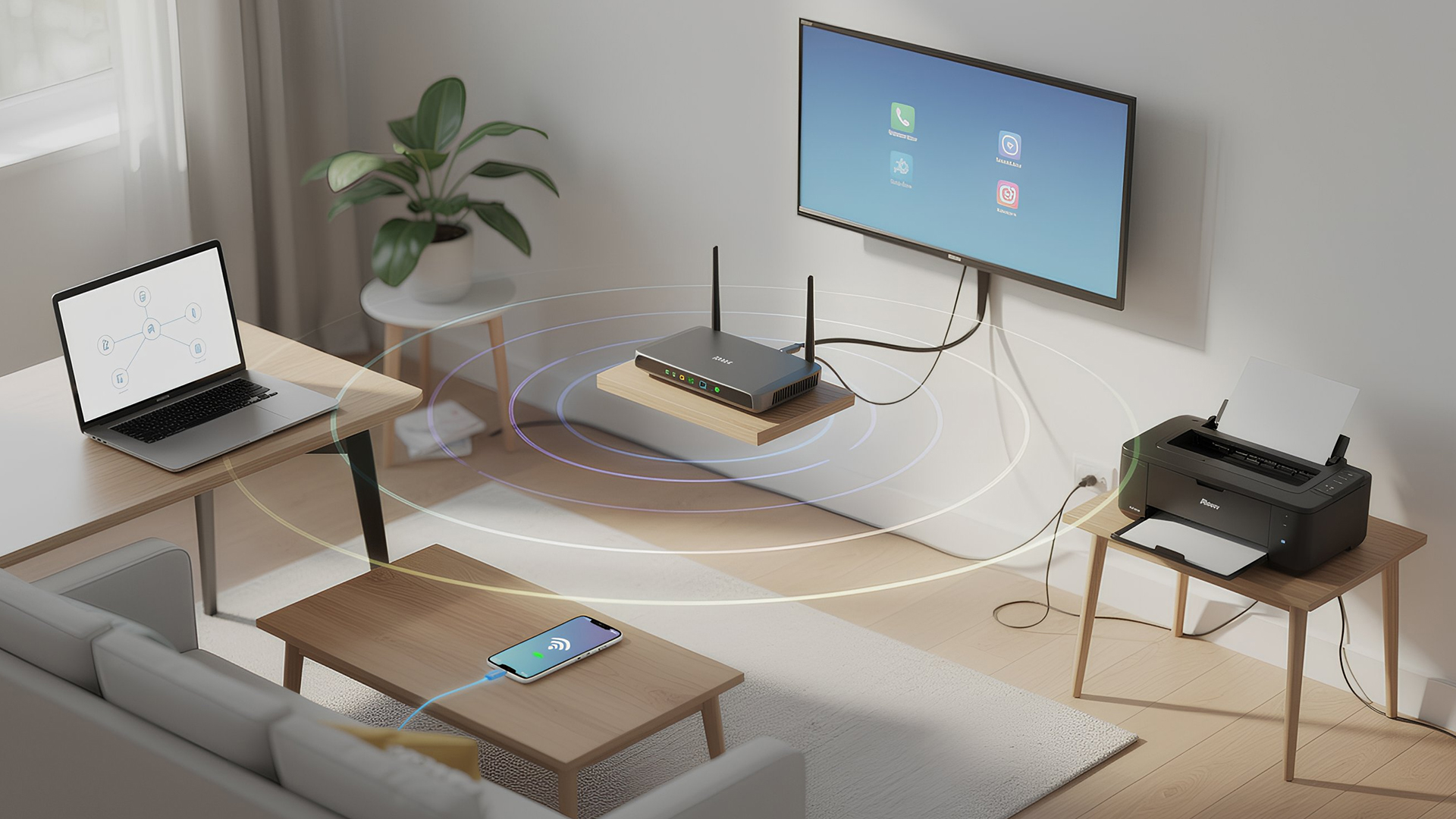
Networking is the process of connecting devices so they can communicate, share data, and access the internet. These devices might include:
- Laptops and desktops
- Smartphones and tablets
- Printers and scanners
- Smart TVs and streaming devices
- Smart home systems (lights, cameras, thermostats)
To make this possible, you need a combination of networking devices (like routers and access points) and networking accessories (such as network cards, adapters,
Last Updated: June 22, 2026
Imagine sitting down to stream your favourite show, join a work call or load a game, only for your Wi-Fi to drop the moment you move into another room. Weak signals, buffering, and dead zones are common in UK homes, especially in larger houses, older properties with thick walls, garden offices, and busy family spaces with several connected devices.
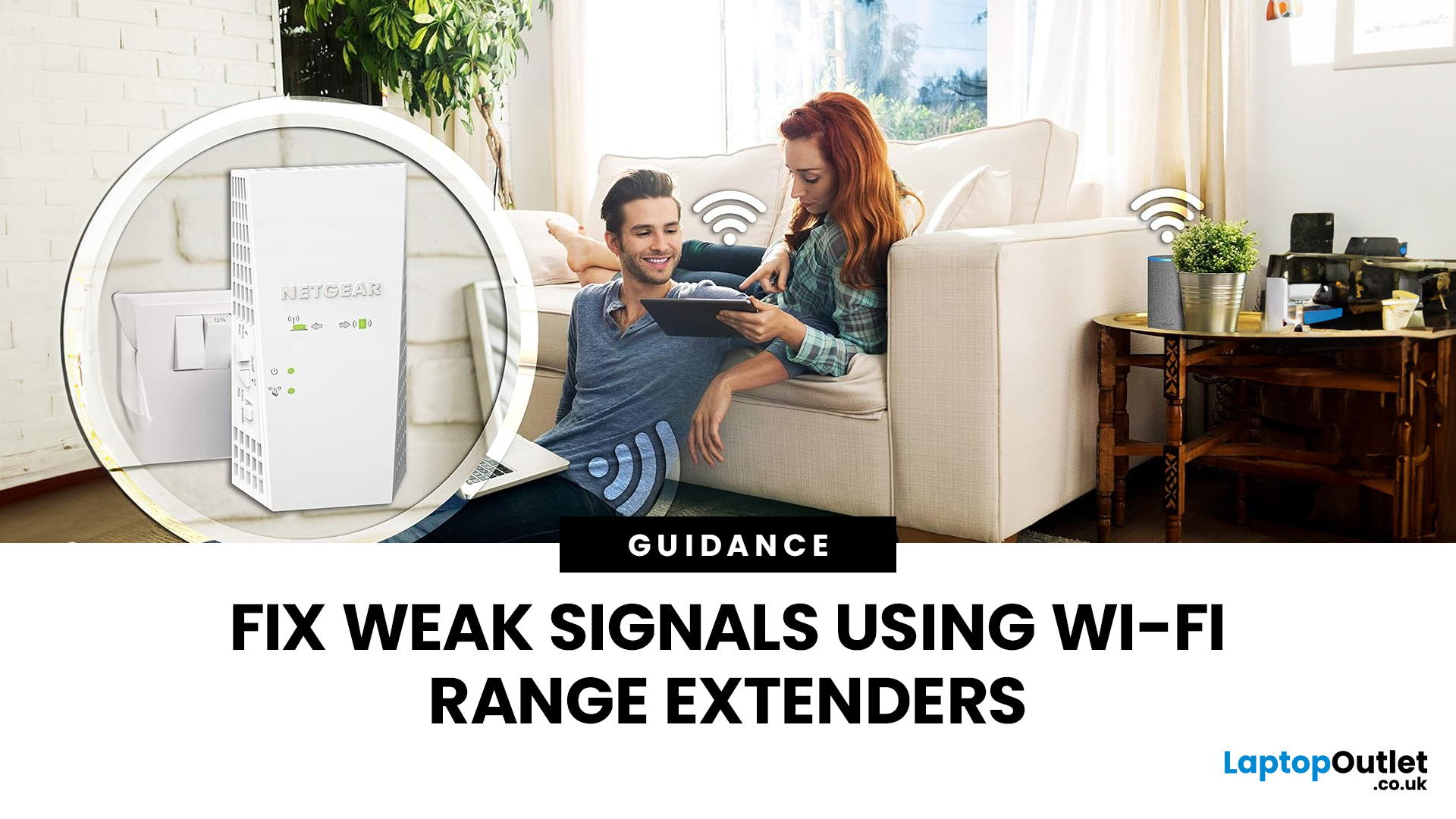
The good news is that you do not always need a new broadband package to fix the problem. A Wi-Fi range extender, mesh system, or access point can help extend your Wi-Fi range and make your home network more reliable.
This guide explains how Wi-Fi range extenders work, what to check before buying, which newer products are worth knowing about, and when a mesh system may be a better fit than a standard booster.
What are Wi-Fi Extenders?
A Wi-Fi range extender is a networking device that helps improve wireless coverage in areas where your main router struggles to reach.
It sits between your router and the weak-signal area, receives the existing Wi-Fi

Last Updated: June 05, 2026
Dead zones and buffering are the enemies of a modern home. We rely on the internet for almost everything. We stream 4K movies in the lounge. We join video calls in the home office. We play fast-paced games in the bedroom. However, thick walls and long distances often weaken Wi-Fi signals.
This is where home network powerline adapters become essential. They offer a clever way to extend your internet connection without drilling holes or running long, messy network cables through your hallway. In this guide, we will explore the best PLC adapters UK residents can buy today.
What is a Powerline Adapter?
A powerline adapter (also known as a PLC adapter) is a device that sends internet data through the copper wiring in your walls. Most people use these home network powerline adapters to connect devices that require high bandwidth, such as gaming consoles, smart TVs, laptops, or desktop PCs. They provide the stability of a wired network adapter with the convenience of a plug-and-play setup.
Last Updated: January 26, 2026
Is your Wi-Fi struggling to reach the far corners of your home or office? You are not alone. Many UK homes and businesses face "dead zones" where the internet signal simply vanishes. While a standard router is a great starting point, it often lacks the reach for larger properties or thick brick walls.
This is where wireless access points come into play. By adding the right hardware, you can enjoy a seamless, high-speed connection in every room. In this guide, we will explore how Wi-Fi access points work and 15 of the best Wi-Fi access points UK buyers can choose today to eliminate connectivity frustrations once and for all.
What are Wireless Access Points?
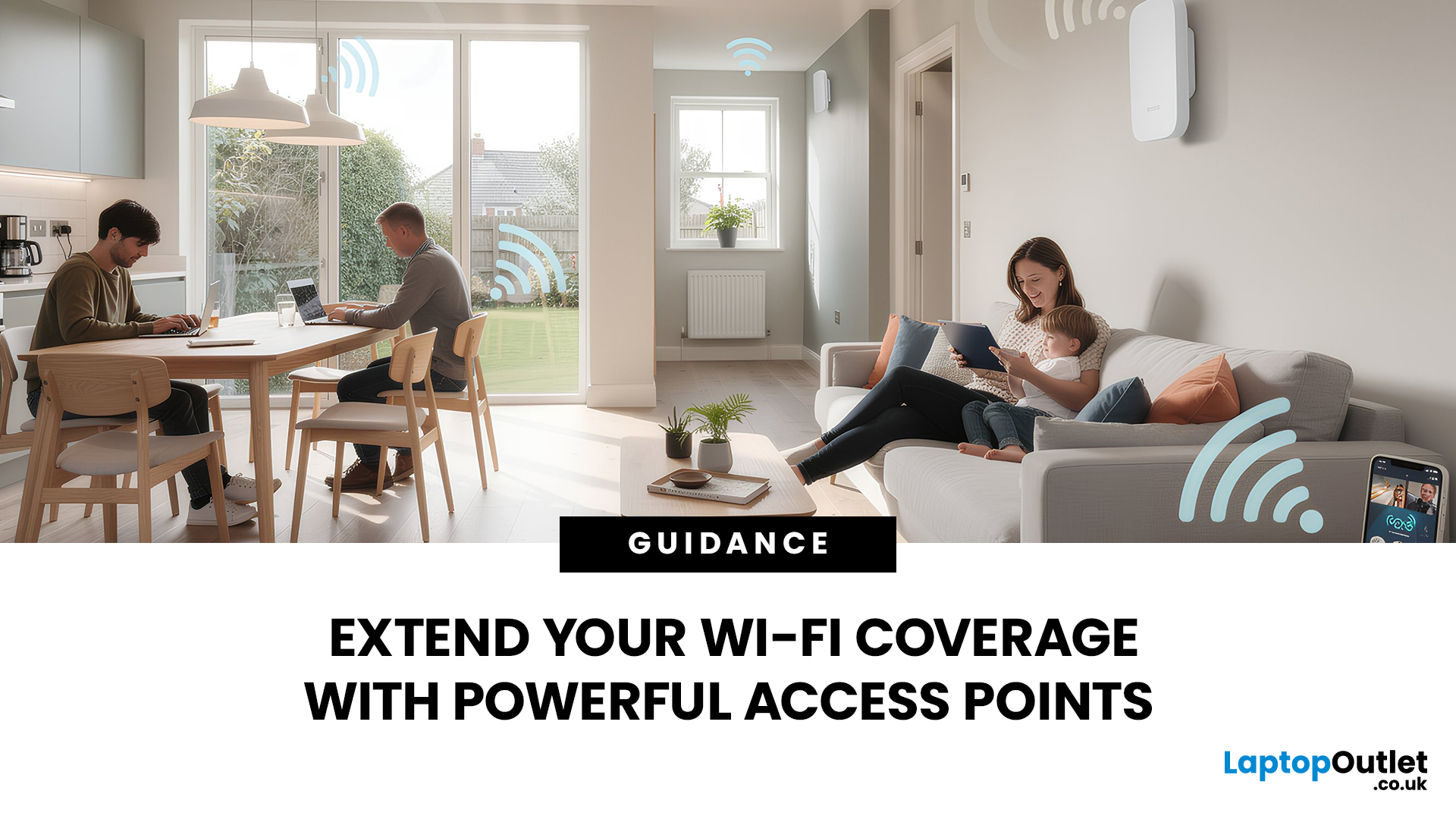
A wireless access point (WAP) is a device that creates a wireless local area network, or WLAN. It usually connects to your main router via an Ethernet cable. Once connected, it projects a Wi-Fi signal to a designated area.
Think of a router like a lightbulb in the hallway. It might light up the immediate area, but the bedrooms remain

Last Updated: August 10, 2026
Let’s be real – slow, drop-out Wi-Fi is a nightmare. Buffering mid-stream, lag during games, frozen Zoom calls and smart devices that just won’t connect can turn everyday life into a frustration fest. In a world where everything lives online is the backbone of your day. That’s the problem ASUS routers are built to fix. Known for pushing boundaries in performance, speed and reliability, ASUS creates Wi-Fi that actually keeps up with how we live now.
This guide breaks down how ASUS routers work, what makes their features genuinely worth it, and how to choose the right model for your setup. Whether you’re ditching outdated tech or building a future-proof smart home, ASUS delivers fast, stable Wi-Fi with zero compromises.
How ASUS Routers Work
Understanding how ASUS routers work begins with understanding the role of a router itself. A router connects your home network to the internet via your broadband provider, then distributes that connection wirelessly (or via Ethernet) to all your devices.

Last Updated: January 26, 2026
Wi-Fi dropping mid-scroll? Lag spikes during gaming? Smart lights randomly going offline like they’ve got a mind of their own? Yeah… we’ve all been there. Bad Wi-Fi isn’t just annoying, it disrupts work, entertainment, and pretty much everything connected in your home. That’s the problem.
The agitation is real: frozen video calls, buffering Netflix, unstable smart devices, and routers that just can’t keep up with modern internet use. UK homes today are packed with connected tech, yet many networks still rely on outdated or poorly matched routers.
The solution starts with understanding how modern routers work, and that’s where TP-Link comes in. This guide breaks down how TP-Link routers work, why they’re popular across the UK, and how different models support everything from casual browsing to gaming, streaming, and smart homes, without the tech headache.
How TP-Link Routers Work (Without the Tech Overload)
At their core, routers act as traffic controllers for your internet connection.
Last Updated: January 26, 2026
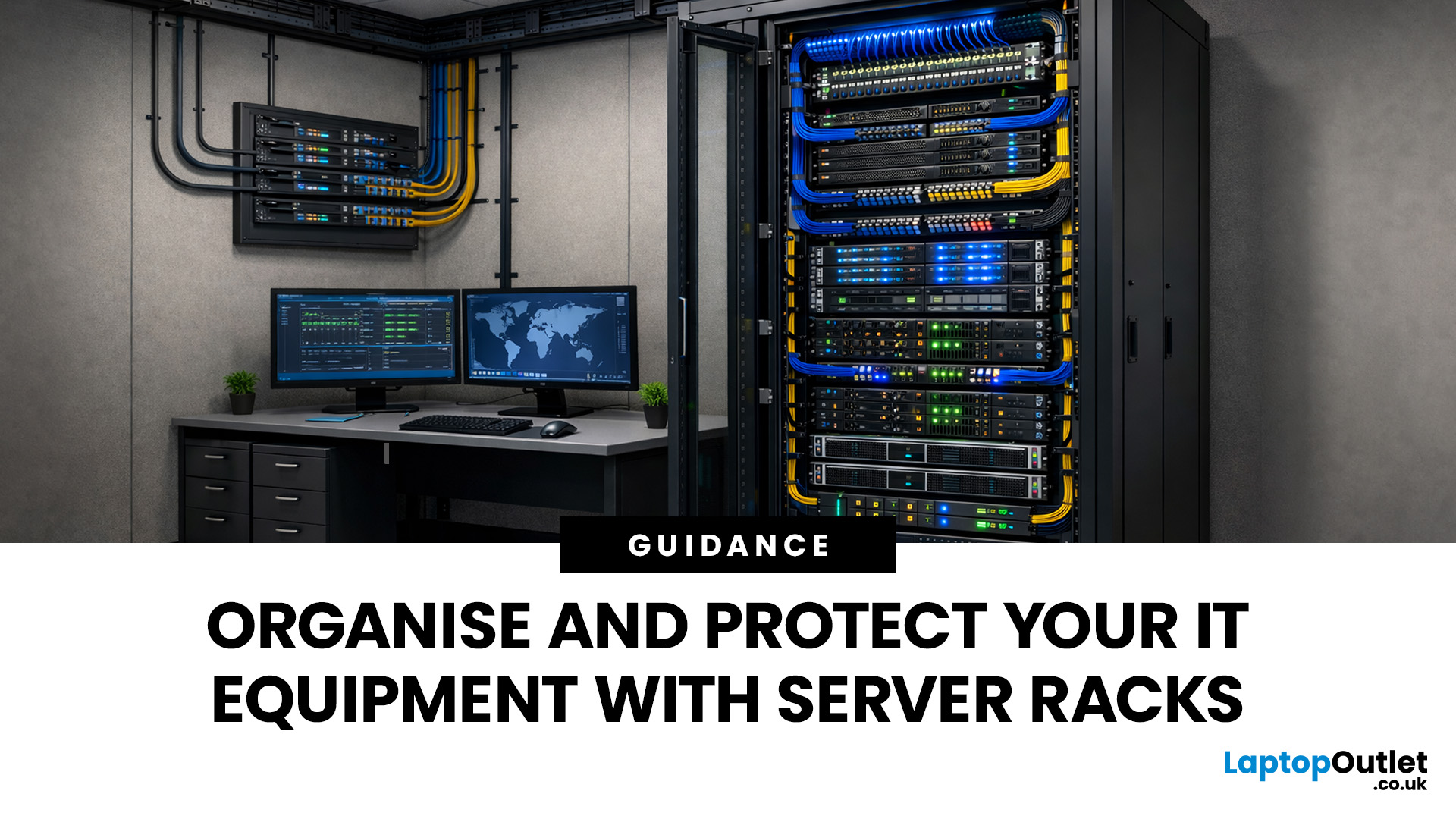
Modern businesses and home offices rely heavily on digital connectivity to stay productive. Managing various devices can become quite difficult without a clear plan for physical hardware.
Proper cable management and hardware protection are essential for any reliable setup. Investing in the right storage ensures your devices stay cool, safe, and accessible at all times.
Many people often ask, what is a server rack and how does it help? Understanding this central piece of infrastructure is the first step toward a professional IT environment.
What is a Server Rack?
A server rack is a specialised steel frame designed to hold, stack, and secure various IT components, including servers, switches, and routers. These units are built to a standard width, usually 19 inches, allowing equipment from different brands to fit perfectly into the same space.
Whether you are looking at professional server racks or a small home server rack, the goal is the same. You want to keep your hardware safe, cool,

