



Powerline Adapter vs Wi-Fi Extender: Which Is Better for Your Home?
Quick Answer
A powerline adapter is usually better for a fixed device in a room where Wi-Fi struggles, provided your home's electrical wiring supports a reliable link. A Wi-Fi extender is better for expanding wireless coverage into a nearby weak-signal area. In a powerline adapter vs WiFi extender comparison, neither always wins: wiring quality, extender placement and your workload decide the result.
A weak connection upstairs, in a back bedroom or in a home office does not always mean your broadband package is too slow. Often, the problem is simply how the connection travels from the router to that room.
Powerline adapters and Wi-Fi extenders solve that problem in different ways. One sends network data through electrical wiring; the other receives your existing wireless signal and rebroadcasts it. Choosing the right one starts with identifying which path is more reliable in your home.
What Is a Powerline Adapter?
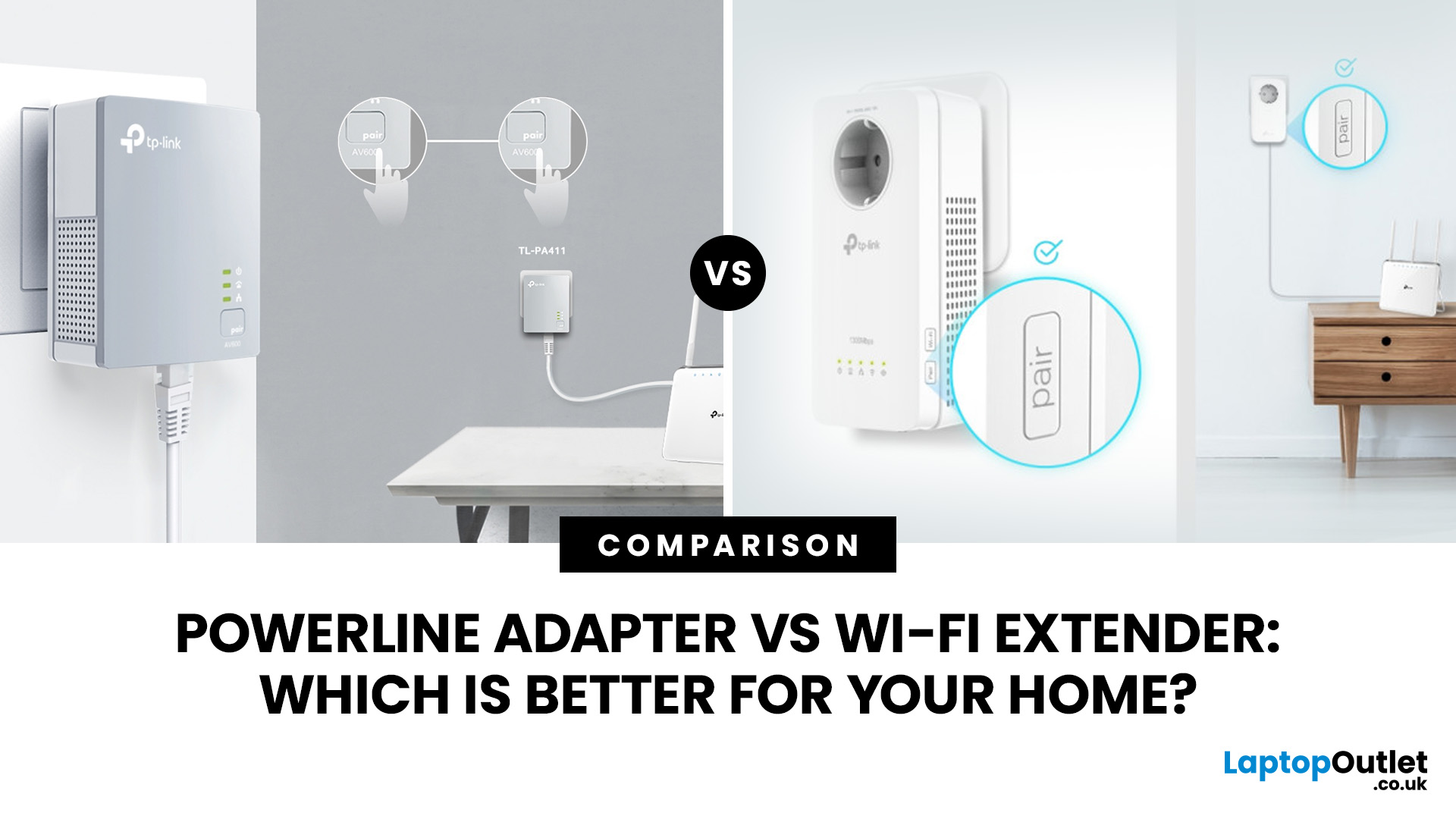
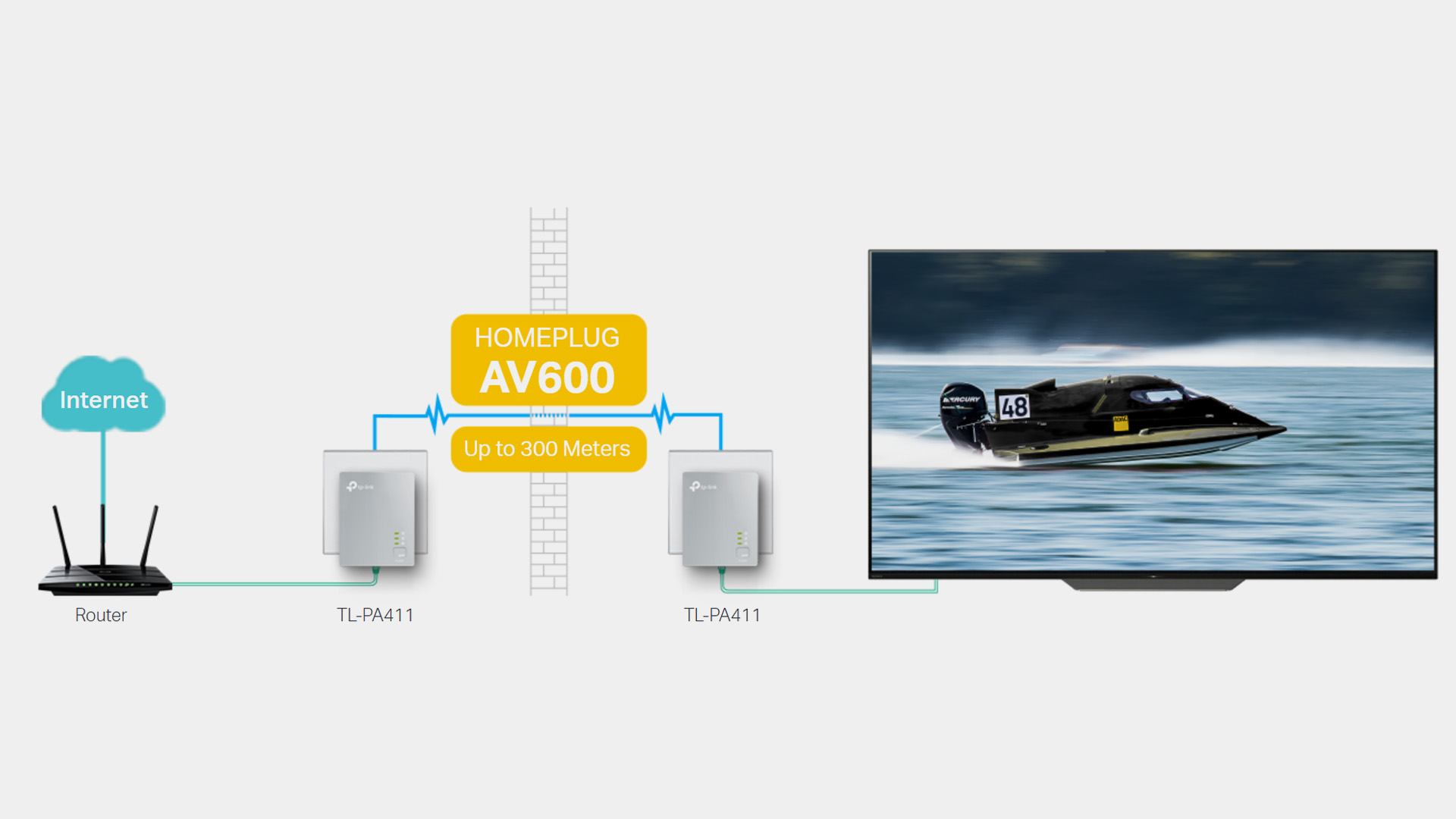
A powerline adapter uses your home's mains wiring to carry network data between rooms. A typical kit has at least two units: one connects to the router by Ethernet, while the other plugs into a wall socket near the device that needs a connection.
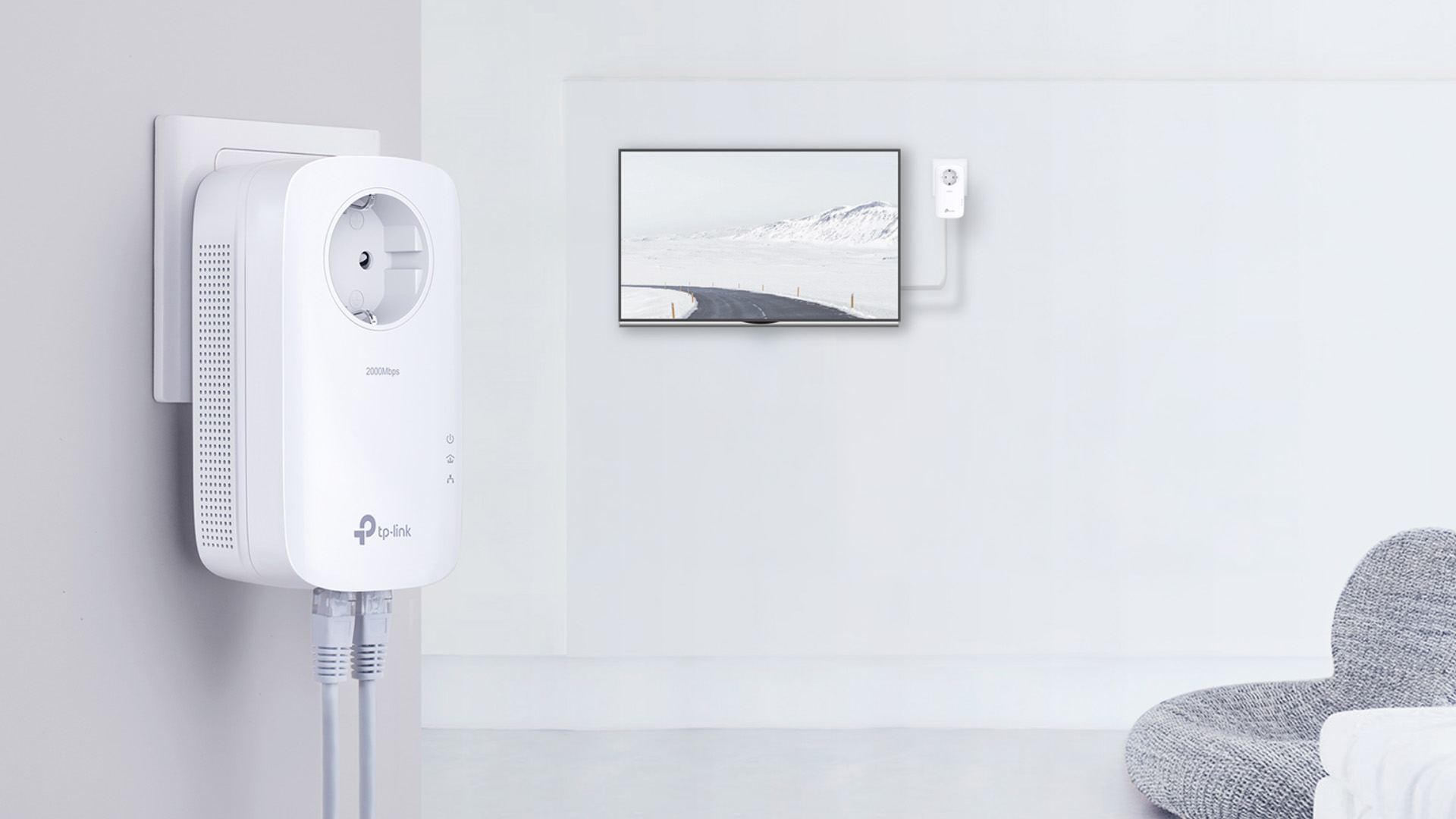
The remote adapter may provide Ethernet only, or it may also create Wi-Fi in that room. That second type is sometimes described as a powerline WiFi extender. This distinction matters because a standard Ethernet-only kit does not improve wireless coverage by itself.
Powerline performance depends heavily on the electrical environment. For the most reliable connection, plug the adapters directly into wall sockets and keep them away from devices that can introduce electrical interference. Performance can still vary between rooms because the signal has to travel through the home's wiring.
Do not treat an AV1000, AV1300 or similar rating as guaranteed internet speed. Those figures describe the maximum powerline link rate under ideal conditions, not the real throughput you should expect at a computer, console or TV.
What Is a Wi-Fi Extender?
A Wi-Fi extender, also called a range extender or repeater, connects wirelessly to your router and rebroadcasts that connection farther into the home. It is useful when the router signal still reaches part of the route to the problem room but becomes weak before reaching the final device.
Where you place a Wi-Fi extender has a major effect on how well it works. Position it between the router and the weak-signal area, but close enough to the router to receive a dependable signal. If you plug it into a complete dead zone, there is very little useful signal available for it to rebroadcast.
A modern dual-band or tri-band TP-Link extender may support newer Wi-Fi standards and mesh-style features on compatible networks, but the exact behaviour varies by model and router. The best Wi-Fi extender is therefore not simply the one with the largest advertised speed figure.
Powerline Adapter vs Wi-Fi Extender: Key Differences
The key difference is the backhaul, which is the link carrying data from the router towards the room you are trying to reach. Powerline uses electrical wiring for that path. A conventional extender uses Wi-Fi.
|
Factor |
Powerline Adapter |
Wi-Fi Extender |
|
How it connects |
Carries data through compatible electrical wiring between adapters. |
Receives and rebroadcasts the router's wireless signal. |
|
Main dependency |
Wiring layout, electrical noise, socket choice and adapter standard. |
Signal strength between router and extender, placement, walls and interference. |
|
Best coverage use |
Reaching a specific room or fixed device without running Ethernet. |
Extending wireless coverage into a nearby weak-signal area. |
|
Speed behaviour |
Can be consistent, but actual throughput may be far below the advertised powerline rate. |
Can be fast with a strong backhaul, but repeating wireless traffic can reduce throughput and responsiveness. |
|
Gaming suitability |
Often useful for a fixed console or PC if the powerline link is stable. |
Can work, but a weak or congested wireless backhaul may add variability. |
|
Mobility |
Best suited to fixed devices or a Wi-Fi-enabled remote adapter. |
Designed for phones, tablets, laptops and other wireless devices. |
|
Main limitation |
Performance can change dramatically between homes and sockets. |
Cannot create a strong connection from a poor signal at the extender itself. |
If you are comparing a TP-Link extender with a TP-Link powerline adapter, the brand alone does not decide which will perform better. The quality of the route back to the router is usually more important than the logo on the device.
Which Is Better for Speed, Stability, and Coverage?
There is no reliable rule that powerline is always faster or that an extender is always slower. Either can win in the right conditions.
For Speed
A well-placed modern extender with a strong 5GHz or 6GHz connection to the router can outperform a poor powerline link. Conversely, a good powerline path can beat an extender that is trying to repeat a weak signal through several walls.
Wi-Fi extenders can reduce throughput and add some delay because data has to travel through an extra wireless link. Powerline performance varies for a different reason: it depends on the quality and layout of the electrical wiring. Headline speed ratings should therefore be treated as capability figures, not guaranteed real-world results.
For Stability
Powerline can provide a steady connection to a fixed device because it avoids the same wall and floor losses as Wi-Fi. However, appliances, chargers and the wiring layout can introduce electrical noise, so stability still needs to be tested in the actual sockets you plan to use.
An extender can also be stable when it has a strong connection back to the router. If that backhaul is marginal, moving the extender closer to the router often helps more than buying a higher-rated model.
For Coverage
A Wi-Fi extender is the clearer choice when your goal is to give phones, tablets and laptops a stronger wireless signal in one nearby area. A powerline kit is better thought of as a way to carry the network to another room, where you can use Ethernet or create fresh Wi-Fi if the remote unit supports it.
Before buying either option, test your internet close to the router. If the connection is slow there as well, the problem may be the broadband service, router or device rather than Wi-Fi coverage. Fixing the underlying connection first is more useful than adding an extender or powerline kit to a network that is already slow at the source.
Which Is Better for Gaming, Streaming and Working from Home?
Gaming
For a fixed gaming PC or console, Ethernet remains the strongest option when running a cable is practical. If it is not, a powerline adapter for gaming can be a sensible compromise when the electrical link is stable because it removes one wireless hop from the route to the router.
A good Wi-Fi extender for gaming needs more than a high advertised wireless rate. The extender must itself have a clean, strong link to the router. An Ethernet port on an extender does not automatically make the connection wired end to end if the extender still uses Wi-Fi for its backhaul.
Streaming
Streaming benefits from sustained throughput more than ultra-low latency. Either solution can work well if it delivers a stable connection at the television or media device. Powerline is especially useful for a smart TV or media box that stays in one place and has Ethernet.
An extender may be more convenient where several wireless devices need coverage in the same room. If streaming problems affect multiple rooms rather than one area, mesh is usually a more scalable fix.
Working From Home
Video calls, cloud apps and remote desktop sessions depend on consistency. A stable powerline link can suit a permanent home-office desk, while an extender is more useful if you move around the room with a laptop, tablet or phone.
For important work, test the connection at the times your household is busiest. A solution that looks fast during a quiet speed test can still feel unreliable when several people are streaming, gaming or downloading at once.
When Should You Choose a Powerline Adapter?
Choose powerline when the problem is concentrated in one room and wireless signals struggle to cross the walls or floors between that room and the router. It is particularly useful for devices that stay in one place, such as desktop PCs, consoles, smart TVs and office docks.
- You cannot easily run a long Ethernet cable.
- The target device is fixed rather than moving around the home.
- Wi-Fi is weak because of distance, thick walls or floor construction.
- You have suitable wall sockets on compatible electrical wiring.
- You are prepared to test different sockets if electrical noise affects performance.
If that matches your setup, you can shop powerline adapters . Focus on Ethernet port speed, pass-through sockets, Wi-Fi capability and the powerline standard rather than choosing from the headline rate alone.
The best powerline adapter for one home may perform poorly in another, so keep the packaging and test the intended sockets early. Avoid power strips and surge protectors unless the product is designed for them, as a direct wall connection is usually the better choice for powerline performance.
If you already own powerline equipment, check compatibility before adding another unit. Different powerline technologies and generations are not always interoperable, so matching the standard matters as much as matching the brand.
When Should You Choose a Wi-Fi Extender?
Choose a Wi-Fi extender when the router signal is usable in part of the route to the weak area and you mainly need better wireless coverage for mobile devices. This is often the simpler fix for one bedroom, landing, study corner or similar local dead spot.
- The existing Wi-Fi signal is still reasonably strong where the extender can be placed.
- You mainly need wireless coverage rather than Ethernet for one fixed device.
- The problem affects one nearby area, not several floors or many rooms.
- You want a relatively simple way to extend the current network.
When looking at home Wi-Fi extenders , check the Wi-Fi generation, supported bands, Ethernet ports and compatibility with your router. The best Wi-Fi range extender is the one that can maintain a good backhaul from the position where you actually need to install it.
Do not put the extender in the dead zone simply because that is where you want better coverage. Move it back towards the router until it receives a healthy signal, then check whether the rebroadcast network still reaches the problem area.
Powerline vs Mesh Wi-Fi: When Should You Consider Mesh?
Mesh becomes more attractive when the problem is no longer one room. A mesh system uses multiple coordinated nodes to create broader coverage under one network, with devices able to move between nodes more smoothly than with a patchwork of independent repeaters.
A Wi-Fi extender is usually a targeted fix for one weak area, while mesh is designed to improve wireless coverage across a larger part of the home. Mesh becomes more useful when several rooms are affected, although performance still depends on where the nodes are placed and how well they communicate with one another.
Consider mesh networking solutions when several rooms have weak Wi-Fi, many devices move around the home, or you want one coordinated wireless system rather than solving each dead zone separately.
Some mesh systems can also use Ethernet or, in certain product families, powerline as backhaul. That can be useful in homes where wireless communication between mesh nodes is itself obstructed by thick walls.

Powerline Adapter vs Wi-Fi Extender: Which Should You Choose?
Choose a powerline adapter when you need a reliable connection to a fixed device in a room that Wi-Fi struggles to reach, and your electrical wiring can support a good link. Choose a Wi-Fi extender when one nearby area simply needs broader wireless coverage and the extender can still receive a strong router signal.
If several rooms have coverage problems, move beyond the powerline adapter vs WiFi extender decision and consider mesh. Most importantly, diagnose the problem first. Neither device can make a slow broadband connection faster, and neither can overcome a poor backhaul simply by having a larger number printed on the box.

Common Questions About Powerline Adapters and Wi-Fi Extenders
strong>Is a powerline adapter better than a Wi-Fi extender?
A powerline adapter can be better for a fixed device in a hard-to-reach room if the electrical wiring provides a stable link. A Wi-Fi extender is often better when you mainly need wireless coverage in one nearby weak-signal area.
Is powerline faster than a Wi-Fi extender?
Not always. Powerline speed depends on wiring quality and electrical interference, while extender speed depends on the wireless backhaul to the router. A strong modern extender can beat a poor powerline link, and the reverse can also happen.
Can I use a powerline adapter and Wi-Fi extender together?
Yes, but it is usually better to avoid adding unnecessary network hops. A Wi-Fi-enabled powerline kit can carry data over the mains and create wireless coverage in the remote room without needing a separate conventional extender.
Does a powerline adapter improve Wi-Fi?
Only some models do. Basic powerline adapters provide Ethernet at the remote socket, while Wi-Fi-enabled powerline units also broadcast a wireless network. Check the product specification if improving wireless coverage is part of your goal.
Do Wi-Fi extenders reduce internet speed?
They can. Extenders must receive data from the router and forward it to your devices, so throughput and responsiveness may fall, particularly when the backhaul signal is weak. Better placement and newer multi-band hardware can reduce the impact.
| Read More: |
| Powerline Adapters: Reliable Home Networking via Electrical Wiring |
| Wi-Fi Range Extenders: Boost Your Home Network Coverage |
| Wi-Fi vs Ethernet: Which Connection Is Better for Laptops? |
Related Articles


Last Updated: January 21, 2026
If you’re shopping for a tablet in 2026, you’ve probably hit the same question everyone else has:
Do I need a 4G tablet, or will a Wi-Fi tablet do the job?
With hybrid work, online study, and always-on lifestyles becoming the norm in the UK, tablets aren’t just Netflix machines anymore. They’re work tools, study partners, and portable productivity hubs.
In this guide, we’re breaking down 4G tablets vs Wi-Fi tablets in a way that actually makes sense, no tech jargon overload, no outdated advice. Just real talk, real use cases, and real buying advice for the UK market.
What Actually Is the Difference Between 4G Tablets and Wi-Fi Tablets?

Let’s start simple
What Are Wi-Fi Tablets?
Wi-Fi tablets connect to the internet only when a Wi-Fi network is available, think home broadband, office Wi-Fi, cafés, libraries, or hotspots.
They’re the most common type of tablet and usually the cheapest option.
Best for:
- Home and office use
- Streaming, browsing, and casual gaming
- Students studying mainly at
Last Updated: March 12, 2026
Most Wi-Fi guides start with specs. That’s already the wrong place.
To choose the best Wi-Fi router for your home, you first need to understand how Wi-Fi behaves inside real buildings, especially UK homes, which are often older, brick-built, and not designed for wireless signals.
What Wi-Fi Really Is (Without the Marketing Spin)
Wi-Fi is not “internet speed in the air”. It’s a radio signal that carries data between your router and your devices.
That signal:
- Weakens over distance
- Loses strength passing through walls
- Competes with other signals nearby
This is why Wi-Fi performance changes dramatically depending on where you are in your home, even when your broadband speed stays the same.
Important reality check:
Your router doesn’t “push” Wi-Fi evenly in all directions. It broadcasts radio waves that are:
- Reflected
- Absorbed
- Blocked
UK homes often make this worse because of:
- Solid brick and stone walls
- Metal-backed insulation
- Floor heating systems
- Older layouts with thick internal walls
This
Last Updated: January 26, 2026
In today’s UK homes and offices, networking isn’t optional - it’s the backbone of how we work, study, stream, and stay connected. From remote meetings and online gaming to smart homes and cloud storage, everything relies on reliable networking accessories and networking devices working together behind the scenes.
Yet many people still struggle with slow Wi-Fi, unstable connections, or poor coverage, not because their internet provider is bad, but because their networking equipment isn’t set up correctly.
What Is Networking? (A Simple Explanation)
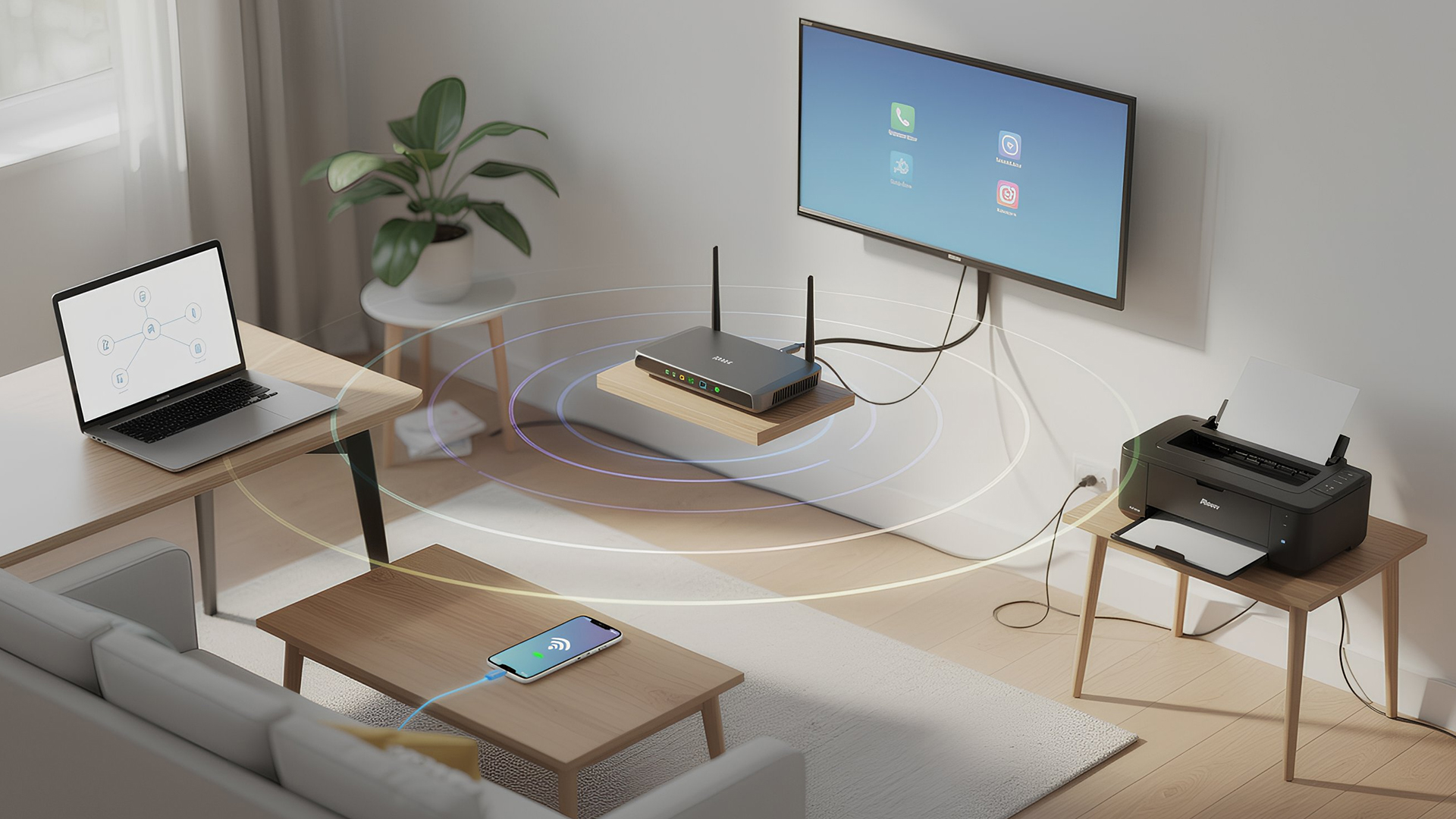
Networking is the process of connecting devices so they can communicate, share data, and access the internet. These devices might include:
- Laptops and desktops
- Smartphones and tablets
- Printers and scanners
- Smart TVs and streaming devices
- Smart home systems (lights, cameras, thermostats)
To make this possible, you need a combination of networking devices (like routers and access points) and networking accessories (such as network cards, adapters,
Last Updated: June 22, 2026
Imagine sitting down to stream your favourite show, join a work call or load a game, only for your Wi-Fi to drop the moment you move into another room. Weak signals, buffering, and dead zones are common in UK homes, especially in larger houses, older properties with thick walls, garden offices, and busy family spaces with several connected devices.
The good news is that you do not always need a new broadband package to fix the problem. A Wi-Fi range extender, mesh system, or access point can help extend your Wi-Fi range and make your home network more reliable.
This guide explains how Wi-Fi range extenders work, what to check before buying, which newer products are worth knowing about, and when a mesh system may be a better fit than a standard booster.
What are Wi-Fi Extenders?
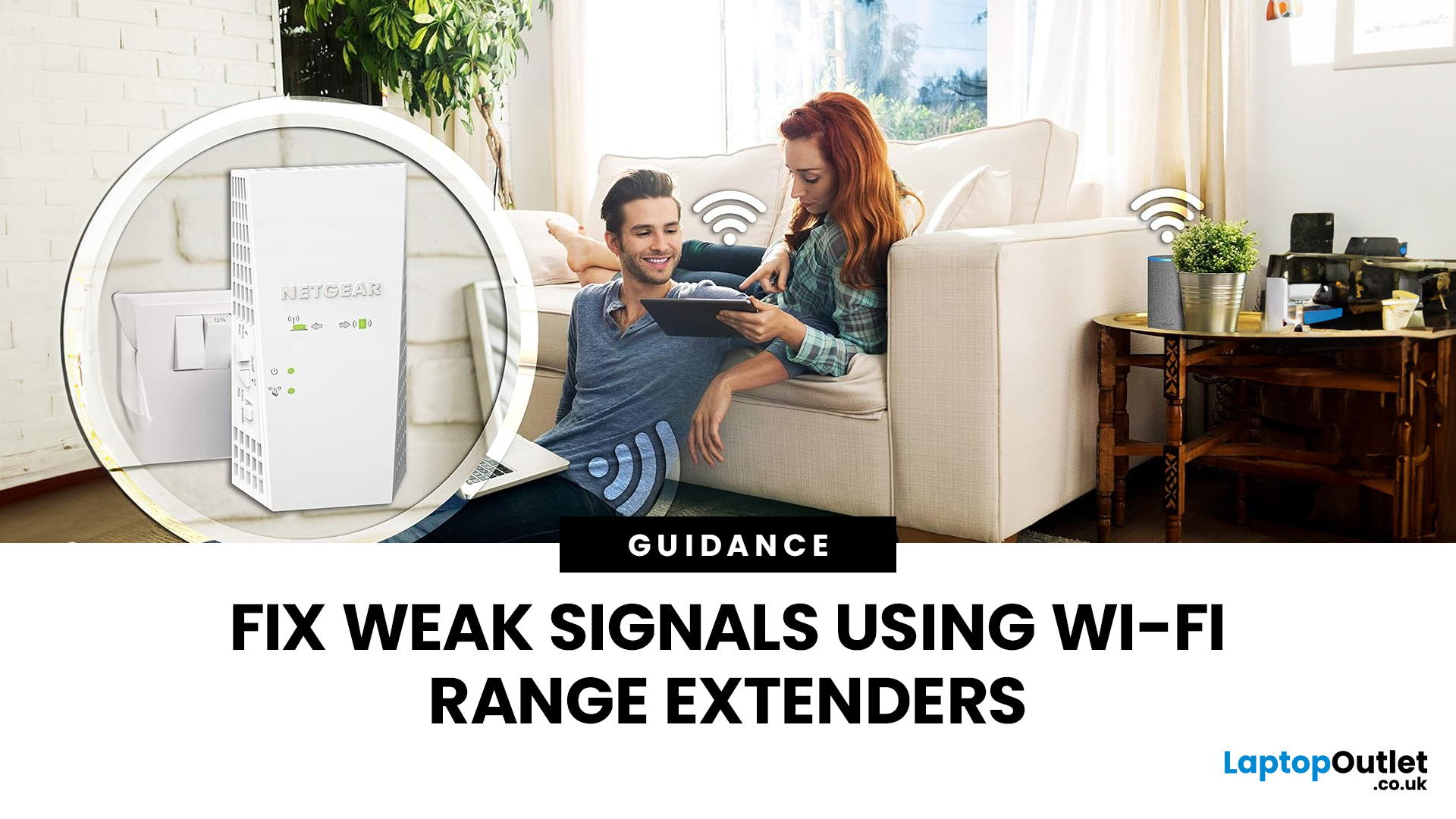
A Wi-Fi range extender is a networking device that helps improve wireless coverage in areas where your main router struggles to reach.
It sits between your router and the weak-signal area, receives the existing Wi-Fi

Last Updated: June 05, 2026
Dead zones and buffering are the enemies of a modern home. We rely on the internet for almost everything. We stream 4K movies in the lounge. We join video calls in the home office. We play fast-paced games in the bedroom. However, thick walls and long distances often weaken Wi-Fi signals.
This is where home network powerline adapters become essential. They offer a clever way to extend your internet connection without drilling holes or running long, messy network cables through your hallway. In this guide, we will explore the best PLC adapters UK residents can buy today.
What is a Powerline Adapter?
A powerline adapter (also known as a PLC adapter) is a device that sends internet data through the copper wiring in your walls. Most people use these home network powerline adapters to connect devices that require high bandwidth, such as gaming consoles, smart TVs, laptops, or desktop PCs. They provide the stability of a wired network adapter with the convenience of a plug-and-play setup.
Last Updated: January 26, 2026
Is your Wi-Fi struggling to reach the far corners of your home or office? You are not alone. Many UK homes and businesses face "dead zones" where the internet signal simply vanishes. While a standard router is a great starting point, it often lacks the reach for larger properties or thick brick walls.
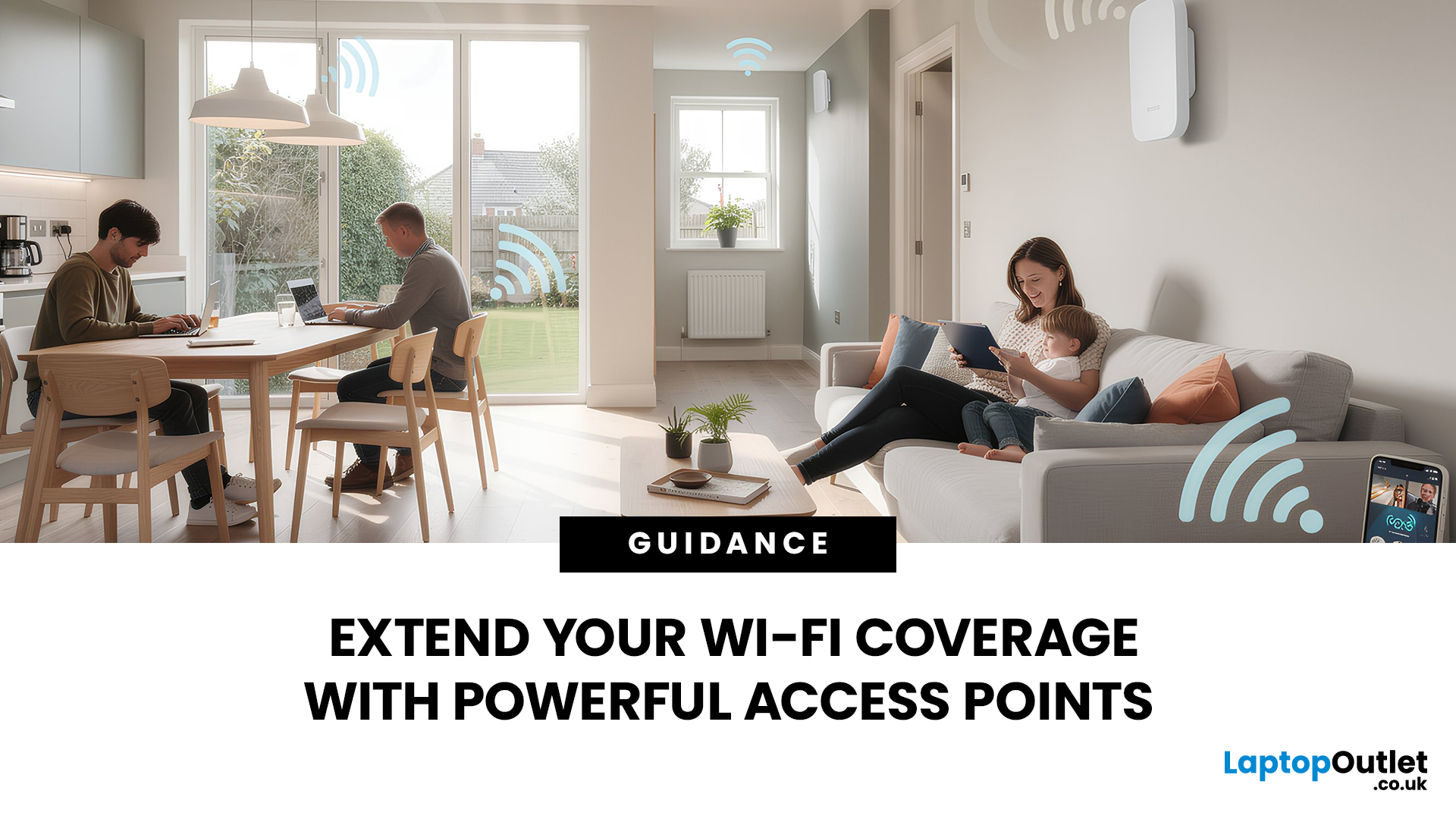
This is where wireless access points come into play. By adding the right hardware, you can enjoy a seamless, high-speed connection in every room. In this guide, we will explore how Wi-Fi access points work and 15 of the best Wi-Fi access points UK buyers can choose today to eliminate connectivity frustrations once and for all.
What are Wireless Access Points?
A wireless access point (WAP) is a device that creates a wireless local area network, or WLAN. It usually connects to your main router via an Ethernet cable. Once connected, it projects a Wi-Fi signal to a designated area.
Think of a router like a lightbulb in the hallway. It might light up the immediate area, but the bedrooms remain

Last Updated: August 10, 2026
Let’s be real – slow, drop-out Wi-Fi is a nightmare. Buffering mid-stream, lag during games, frozen Zoom calls and smart devices that just won’t connect can turn everyday life into a frustration fest. In a world where everything lives online is the backbone of your day. That’s the problem ASUS routers are built to fix. Known for pushing boundaries in performance, speed and reliability, ASUS creates Wi-Fi that actually keeps up with how we live now.
This guide breaks down how ASUS routers work, what makes their features genuinely worth it, and how to choose the right model for your setup. Whether you’re ditching outdated tech or building a future-proof smart home, ASUS delivers fast, stable Wi-Fi with zero compromises.
How ASUS Routers Work
Understanding how ASUS routers work begins with understanding the role of a router itself. A router connects your home network to the internet via your broadband provider, then distributes that connection wirelessly (or via Ethernet) to all your devices.

Last Updated: January 26, 2026
Wi-Fi dropping mid-scroll? Lag spikes during gaming? Smart lights randomly going offline like they’ve got a mind of their own? Yeah… we’ve all been there. Bad Wi-Fi isn’t just annoying, it disrupts work, entertainment, and pretty much everything connected in your home. That’s the problem.
The agitation is real: frozen video calls, buffering Netflix, unstable smart devices, and routers that just can’t keep up with modern internet use. UK homes today are packed with connected tech, yet many networks still rely on outdated or poorly matched routers.
The solution starts with understanding how modern routers work, and that’s where TP-Link comes in. This guide breaks down how TP-Link routers work, why they’re popular across the UK, and how different models support everything from casual browsing to gaming, streaming, and smart homes, without the tech headache.
How TP-Link Routers Work (Without the Tech Overload)
At their core, routers act as traffic controllers for your internet connection.
Last Updated: January 26, 2026
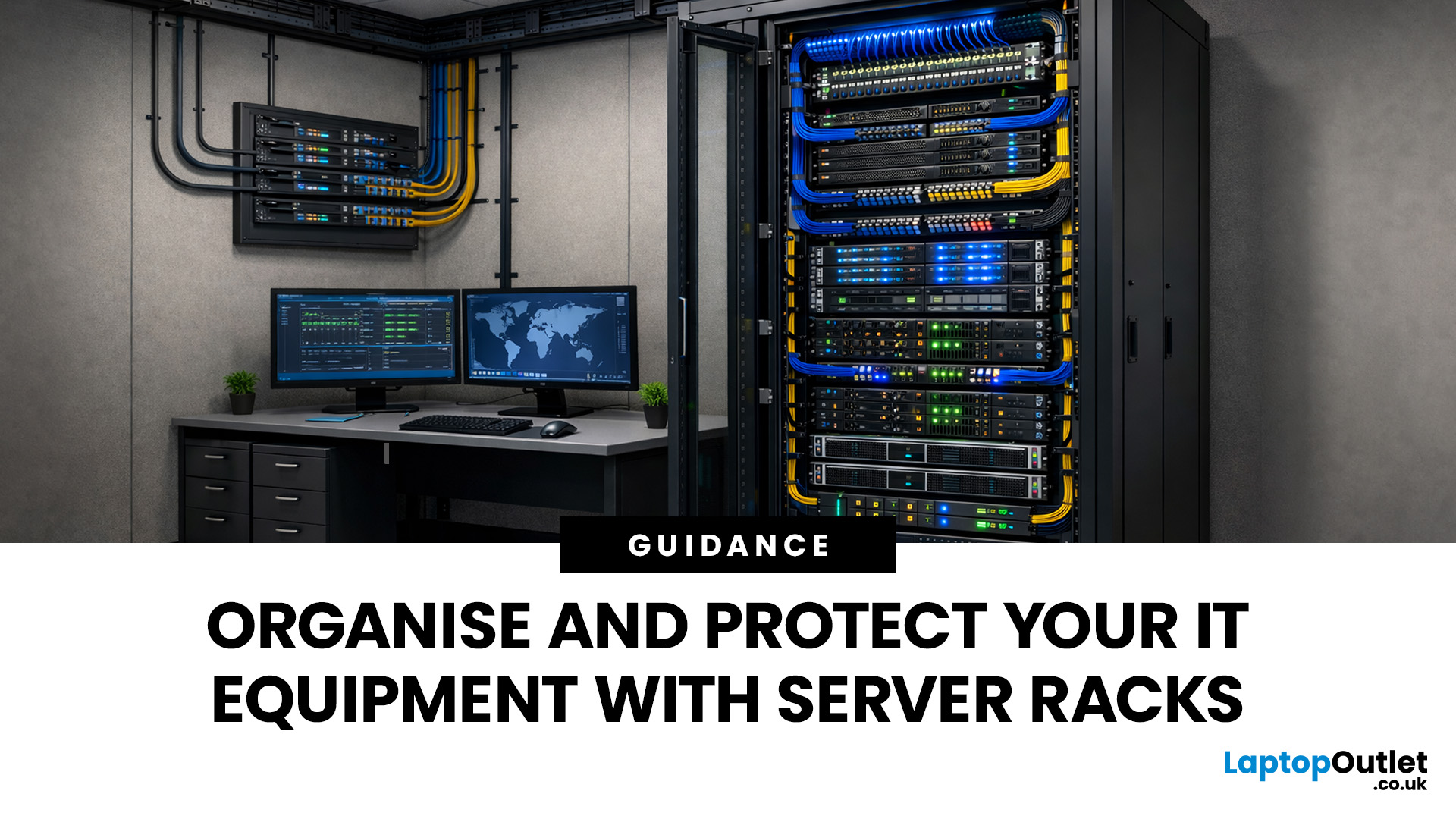
Modern businesses and home offices rely heavily on digital connectivity to stay productive. Managing various devices can become quite difficult without a clear plan for physical hardware.
Proper cable management and hardware protection are essential for any reliable setup. Investing in the right storage ensures your devices stay cool, safe, and accessible at all times.
Many people often ask, what is a server rack and how does it help? Understanding this central piece of infrastructure is the first step toward a professional IT environment.
What is a Server Rack?
A server rack is a specialised steel frame designed to hold, stack, and secure various IT components, including servers, switches, and routers. These units are built to a standard width, usually 19 inches, allowing equipment from different brands to fit perfectly into the same space.
Whether you are looking at professional server racks or a small home server rack, the goal is the same. You want to keep your hardware safe, cool,
Last Updated: January 26, 2026
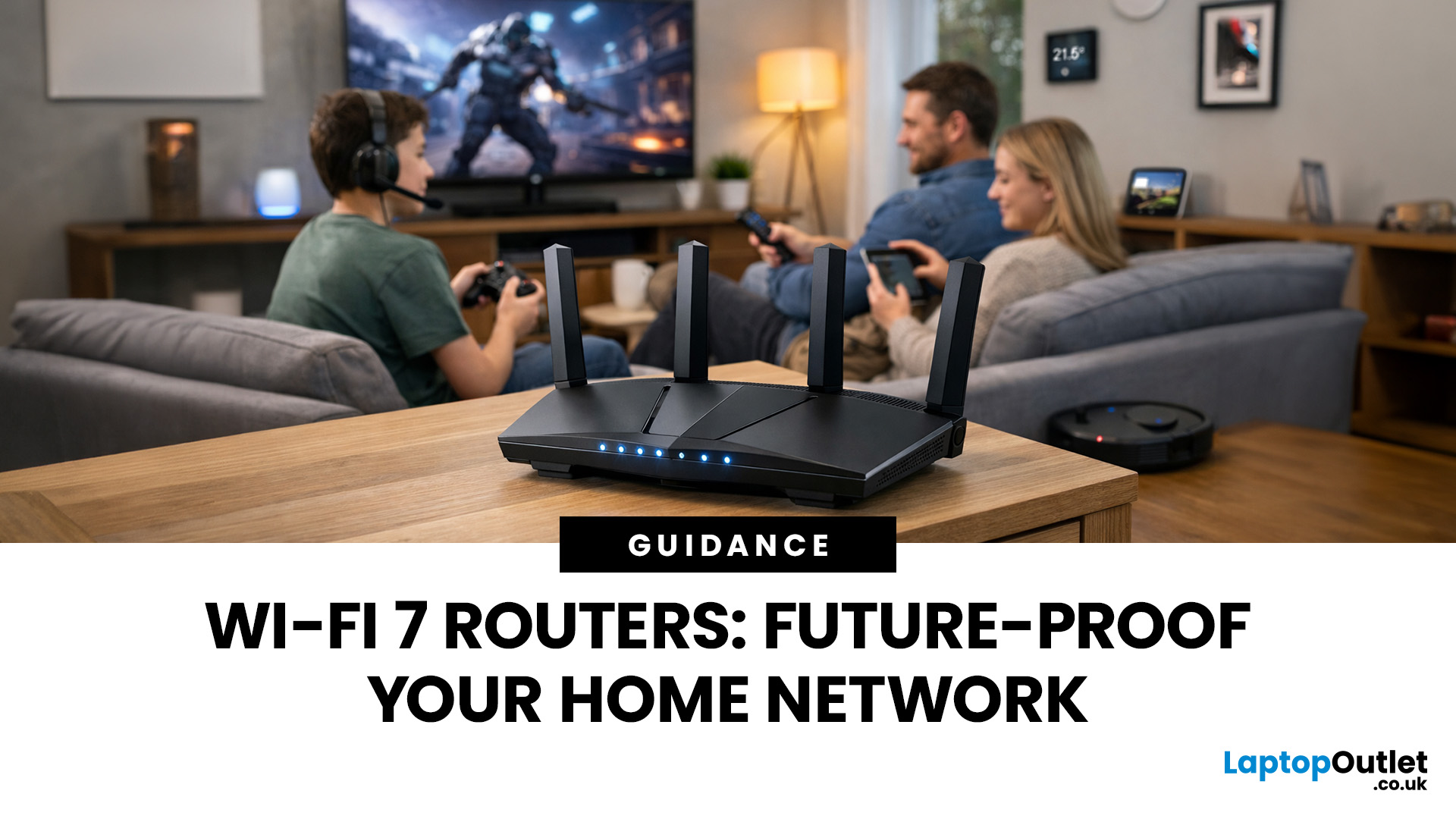
Wi-Fi 7 is being described everywhere as “the fastest Wi-Fi ever”, but that description alone doesn’t help most people decide whether it actually matters for their home.
To understand the real Wi-Fi 7 benefits for home users, you first need to understand why Wi-Fi 7 exists at all and what problems previous generations never fully solved, especially in modern UK homes.
This section breaks Wi-Fi 7 down in plain language, without marketing noise, so you can understand what genuinely changes and what doesn’t.
The Evolution of Home Wi-Fi: Why Wi-Fi 7 Exists
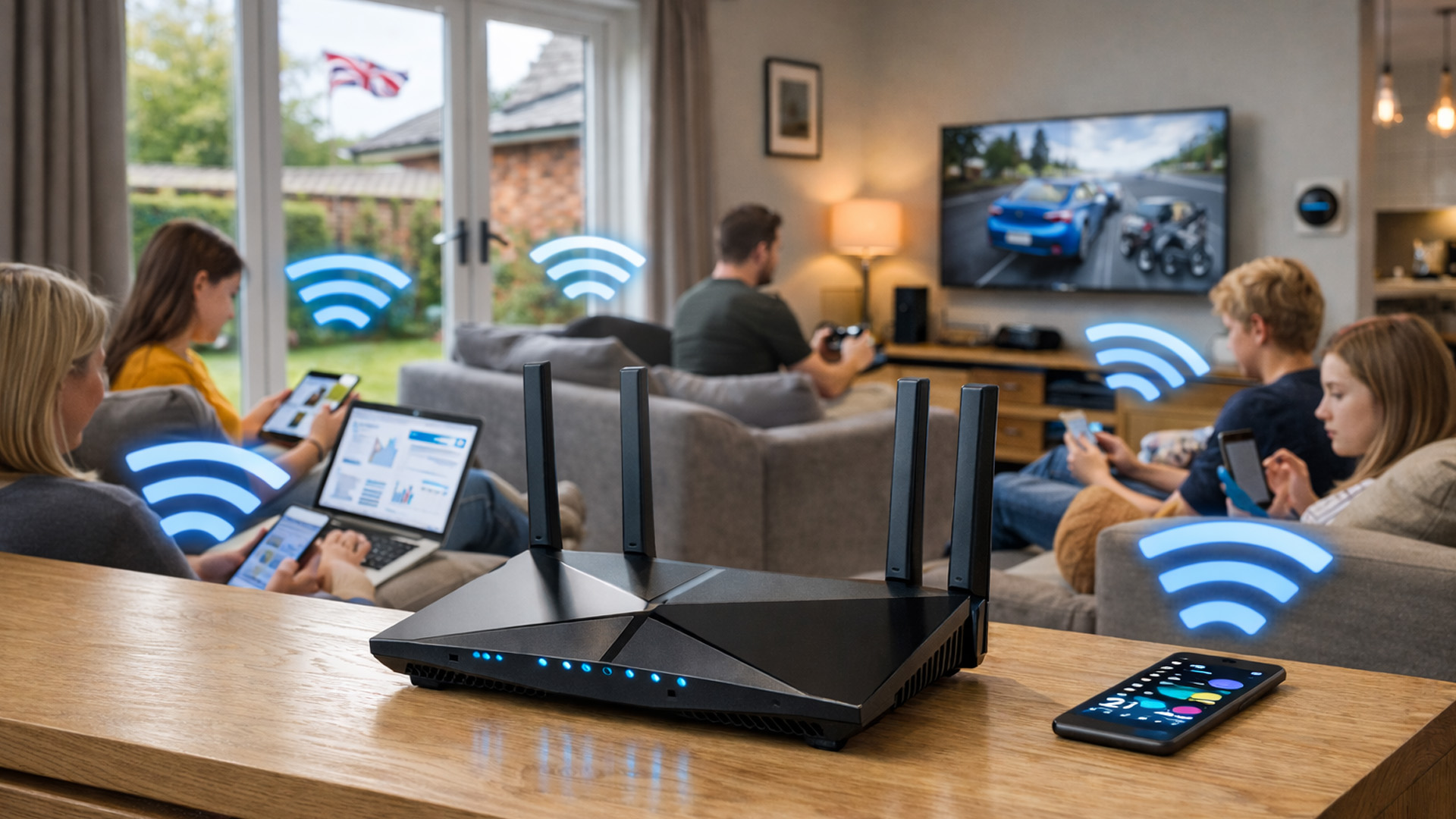
Home Wi-Fi hasn’t evolved because people want bigger speed numbers. It’s evolved because how we use networks has fundamentally changed.
Where Older Wi-Fi Generations Fell Short
Wi-Fi 5 (802.11ac) was built for a world where:
- Most homes had a few devices
- Streaming was mainly HD
- Smart homes were rare
Wi-Fi 6 (802.11ax) improved efficiency and multi-device handling, but it still assumed:
- Moderate device counts
- Predictable usage patterns
- Limited

