



Why Choose a Medion Erazer Gaming PC for Your Setup?
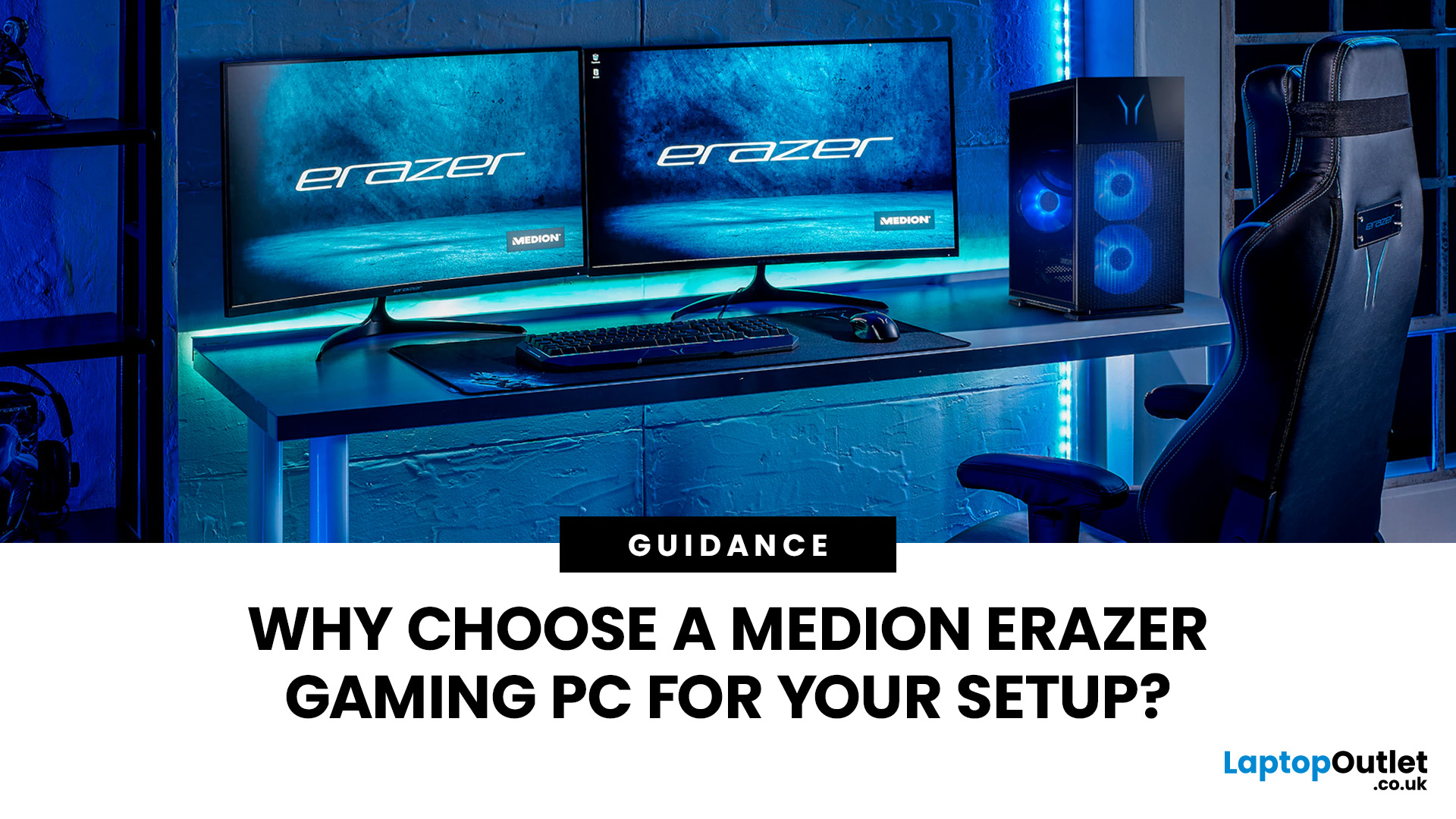
A Medion Erazer gaming PC is a solid choice for desktop gaming without the hassle of building your own system.
The range covers 1080p, 1440p and high-end gaming with NVIDIA GeForce RTX graphics, Intel or AMD processors, SSD storage and Windows 11.
However, not every model suits every gamer. Entry-level options work well for esports and 1080p gaming, while AAA titles, streaming and higher resolutions need stronger specs. The key is to match the PC to your games, not just its design.
This guide covers where Medion Erazer desktops fit in the UK market, their strengths and what to check before buying.
What Is a Medion Erazer Gaming PC?
Erazer is Medion’s dedicated gaming range. Unlike an everyday desktop designed mainly for browsing, office work and video calls, an Erazer gaming desktop combines a dedicated graphics card with a performance-focused processor, faster storage and a cooling system designed for sustained workloads.
Current configurations can vary considerably. At the time of writing, the UK range includes Recon, Engineer, Tank and Hunter desktops with hardware ranging from NVIDIA GeForce RTX 5060 graphics to considerably more powerful RTX 5080 configurations. Processor options also include AMD Ryzen, Intel Core and Intel Core Ultra chips.
This variety matters because “Medion Erazer PC” does not describe one performance level. The name tells you that the system belongs to Medion’s gaming range, but the CPU, GPU, RAM and storage determine what it can realistically do.
If you are still comparing manufacturers and specifications, looking across the latest desktop gaming PCs can help you see how Erazer configurations fit within the wider prebuilt market.
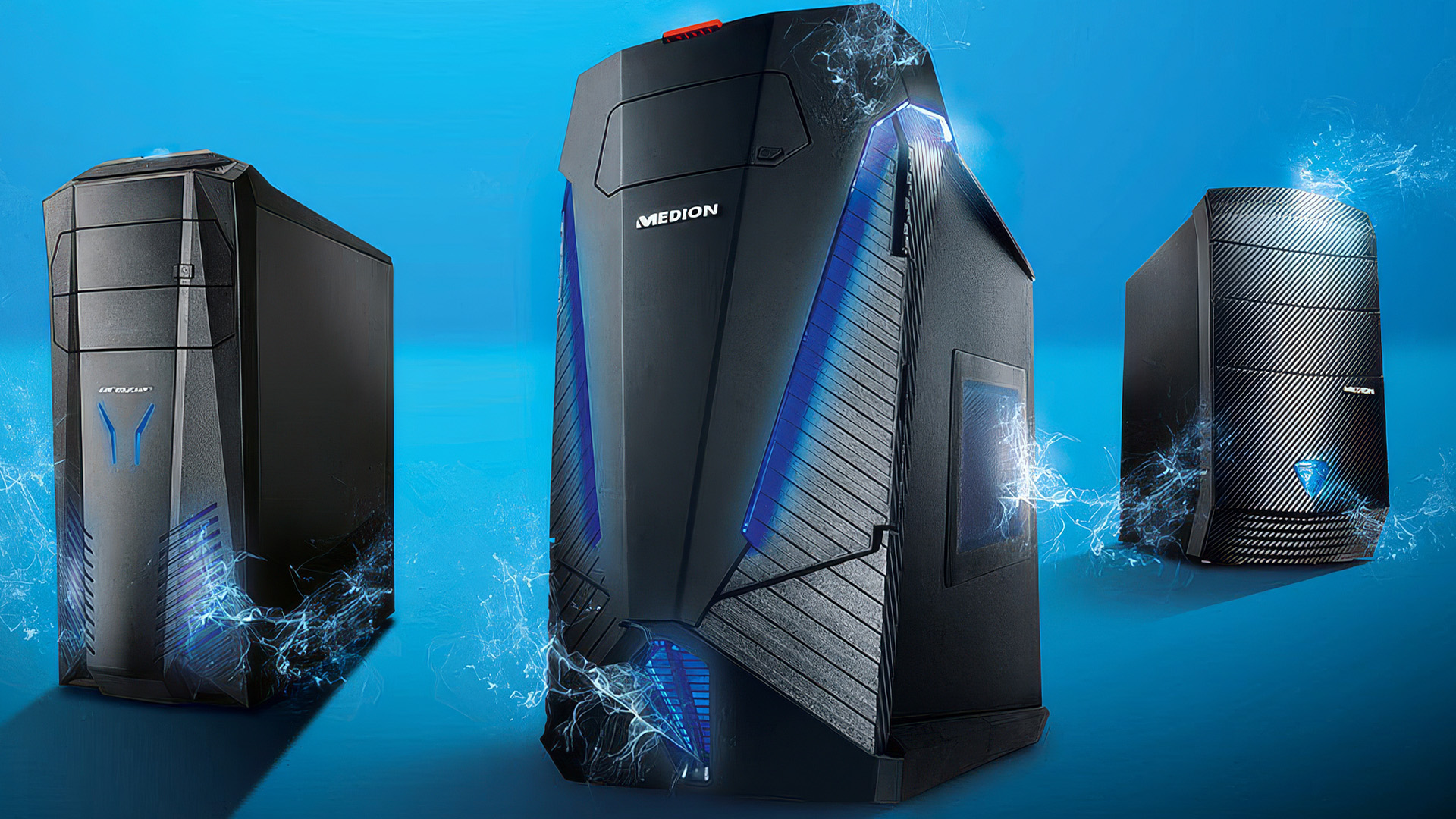
3 Reasons to Choose a Medion Erazer Desktop for Gaming?
The main appeal of a Erazer gaming PC is convenience. You receive a complete system with compatible components and Windows already installed, so you do not need to research motherboards, assemble the hardware or troubleshoot a first boot.
That makes the range especially relevant to first-time PC gamers, console players making the switch and anyone who wants to start gaming without turning the buying process into a side quest.
1. Ready to Use Without Building It Yourself
Building a PC can be rewarding, but it requires more than choosing a graphics card and processor. You must check the motherboard socket, case clearance, memory support, cooling, power requirements and cable connections. A mistake in any of these areas can mean extra costs or a system that does not work as intended.
A Medion prebuilt gaming PC removes most of that setup pressure. You will still need to complete Windows updates, install current graphics drivers and download your preferred game launchers, but the actual computer is assembled and tested before it reaches you.
That simplicity is valuable if you want PC gaming flexibility without becoming a hardware expert first.
2. Specifications for Different Gaming Ambitions
The Erazer range is broad enough to cover several types of player. More accessible configurations can handle popular competitive and mainstream games, while high-end systems are built for demanding graphics settings, higher resolutions and heavier multitasking.
The best choice depends on your real use case:
|
Gaming Goal |
What to Prioritise |
|
Esports at 1080p |
Strong CPU performance, 16GB or more RAM and a suitable dedicated GPU |
|
AAA gaming at 1080p |
Modern graphics card, adequate VRAM and SSD storage |
|
Gaming at 1440p |
More GPU headroom and ideally 32GB RAM for heavier multitasking |
|
Streaming while gaming |
Multi-core CPU, 32GB RAM and a modern GPU encoder |
|
High-end 4K gaming |
Premium GPU, capable cooling and sufficient power capacity |
These are selection principles rather than guaranteed frame-rate targets. Performance changes by game, graphics preset, resolution, driver version and whether features such as ray tracing or upscaling are enabled.
3. RTX Features for Modern Games
Current Erazer desktops commonly use NVIDIA GeForce RTX graphics. Depending on the exact GPU and supported game, RTX hardware can provide ray-traced effects, AI-assisted upscaling and frame-generation features.
These technologies can improve visual quality or perceived smoothness, but they do not make every GPU equally capable. An RTX 5060 and an RTX 5080 belong to the same wider generation yet target very different budgets and performance levels.
When comparing gaming PCs with RTX graphics, check the complete GPU name rather than focusing on the RTX badge alone. You should also consider the amount of graphics memory, your target resolution and the types of games you expect to play.
Which Medion Erazer Desktop Suits Your Setup?
A useful way to compare the range is to look at Medion’s desktop families and then check the individual specification. Model names can help you navigate the line-up, but they should never replace a full component comparison.
Erazer Recon for Accessible PC Gaming
Recon configurations generally sit towards the more accessible end of the Erazer desktop range. They can make sense for first-time buyers, younger gamers and players focused mainly on 1080p gaming.
A current Recon P45 configuration pairs an AMD Ryzen 5 processor with RTX 5060 graphics, 32GB RAM and a 1TB SSD. That is a balanced starting point for mainstream gaming, although performance still depends on the individual title and settings.
This type of erazer PC setup suits someone who wants to play games rather than pay for performance they may never use. It can also leave more of the total budget available for a monitor, keyboard, mouse and headset.
Erazer Engineer for a Stronger Mid-Range Build
Engineer models move towards higher CPU and GPU combinations. Current Engineer X30 configurations include an Intel Core i7-14700 processor with either RTX 5060 Ti or RTX 5070 graphics, alongside 32GB RAM.
The Core i7-14700 has 20 cores and is suited to heavier multitasking as well as gaming. That makes an Engineer configuration relevant if you want to stream, edit videos, run voice chat and keep multiple applications open alongside a game.
For many buyers, this is the sensible middle ground. You gain more performance headroom without automatically jumping to the price of the most powerful Medion gaming PC.
Erazer Tank for Gaming-Focused CPU Performance
Some Tank configurations combine a gaming-focused AMD processor with a modern RTX graphics card. One current Tank X15, for example, pairs the Ryzen 7 7800X3D with RTX 5070 graphics, 32GB RAM and a 2TB SSD.
The Ryzen 7 7800X3D uses AMD’s 3D V-Cache technology and has eight cores and 16 threads. It remains a capable gaming processor, particularly in games that benefit from its large cache.
A Tank configuration can therefore suit players who prioritise high and consistent frame rates, especially when gaming is the system’s main job. As always, compare the whole build because the processor alone does not determine performance.
Erazer Hunter for High-End Gaming
Hunter desktops sit at the performance-heavy end of the line-up. Current configurations can include an Intel Core Ultra 7 processor, RTX 5080 graphics, 32GB RAM and a 2TB SSD.
That hardware targets demanding 1440p, ultrawide or 4K gaming rather than basic esports. It also makes more sense for creators and streamers who can use the additional processing and graphics power.
The catch is obvious: high-end performance comes with a much higher price. Buying a Hunter for lightweight games at 1080p would be excessive unless you have a specific longer-term plan for the system. Powerful hardware is great, but unused power is still unused money.
If you also plan to use demanding creative or AI-powered software, understanding what an AI-ready desktop PC actually means can help you decide whether these higher-end specifications offer practical value for your workload.
Is a Medion Erazer PC Good for 1080p and 1440p Gaming?
Yes, the right Medion Erazer desktop can be suitable for either 1080p or 1440p gaming. The important phrase is “the right desktop”.
For 1080p gaming, a current entry or mid-range Erazer configuration can be enough for many popular games. Competitive players may also prefer 1080p because reducing resolution and selected graphics settings can help produce higher frame rates.
Gaming at 1440p places more demand on the graphics card. An RTX 5060 Ti or RTX 5070-class configuration generally provides more useful headroom than an entry-level model, particularly in visually demanding games. However, there is no honest single frame-rate promise that applies to every title.
Your screen matters too. A PC producing more than 100 frames per second cannot show its full benefit on a basic 60Hz display. Pairing the system with one of the available high-refresh-rate gaming monitors can make motion feel clearer and controls more responsive, especially in fast-paced games.
Does Cooling Matter in an Erazer Gaming Setup?
Cooling matters because processors and graphics cards produce heat under load. If temperatures become too high, components may reduce their operating speed to protect themselves, which can affect sustained performance.
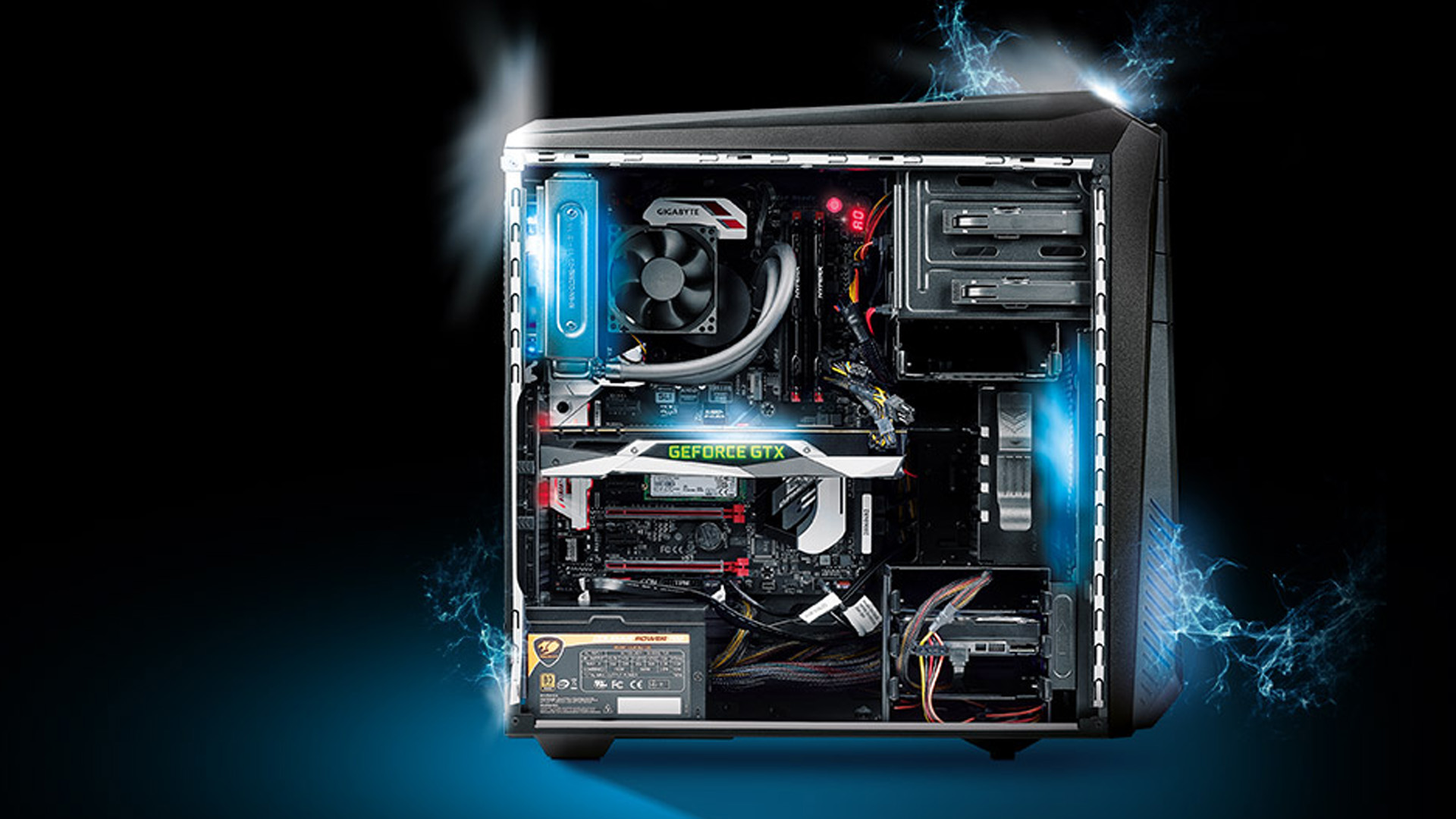
A gaming case should therefore have clear airflow paths, suitable intake and exhaust fans and enough space around heat-producing components. More powerful configurations may also use larger air coolers or liquid-cooling systems.
Do not assume every Erazer gaming desktop uses the same cooling layout. Before buying, inspect the individual product description and images. Check:
- The type of CPU cooling
- The number and placement of case fans
- Whether the front panel allows good airflow
- The space required around the case
- Expected fan noise under load, where verified testing is available
Once the PC is installed, keep its vents clear and avoid placing the tower directly against a wall or inside a cramped cupboard. Even strong cooling hardware cannot do much if it cannot access fresh air.
Can You Upgrade a Medion Erazer Gaming PC?
Many desktop PCs allow some level of upgrading, but compatibility must be confirmed for the exact system. Common upgrades include adding RAM, installing another SSD or replacing the graphics card.
A future GPU upgrade may also require:
- Enough physical space inside the case
- A power supply with sufficient wattage
- The correct power connectors
- Suitable cooling and airflow
- Motherboard and firmware compatibility
Opening or modifying a prebuilt system can also affect support or warranty conditions, so check the applicable terms before replacing components.
If gaming is only one part of what you need from a computer, comparing affordable Medion desktop computers may reveal whether you genuinely need an Erazer. An office-focused Medion desktop can cost less, but it will not replace a dedicated gaming system if modern games are a priority.
Is a Medion Prebuilt Better Than Building Your Own PC?
Neither option wins for everyone.
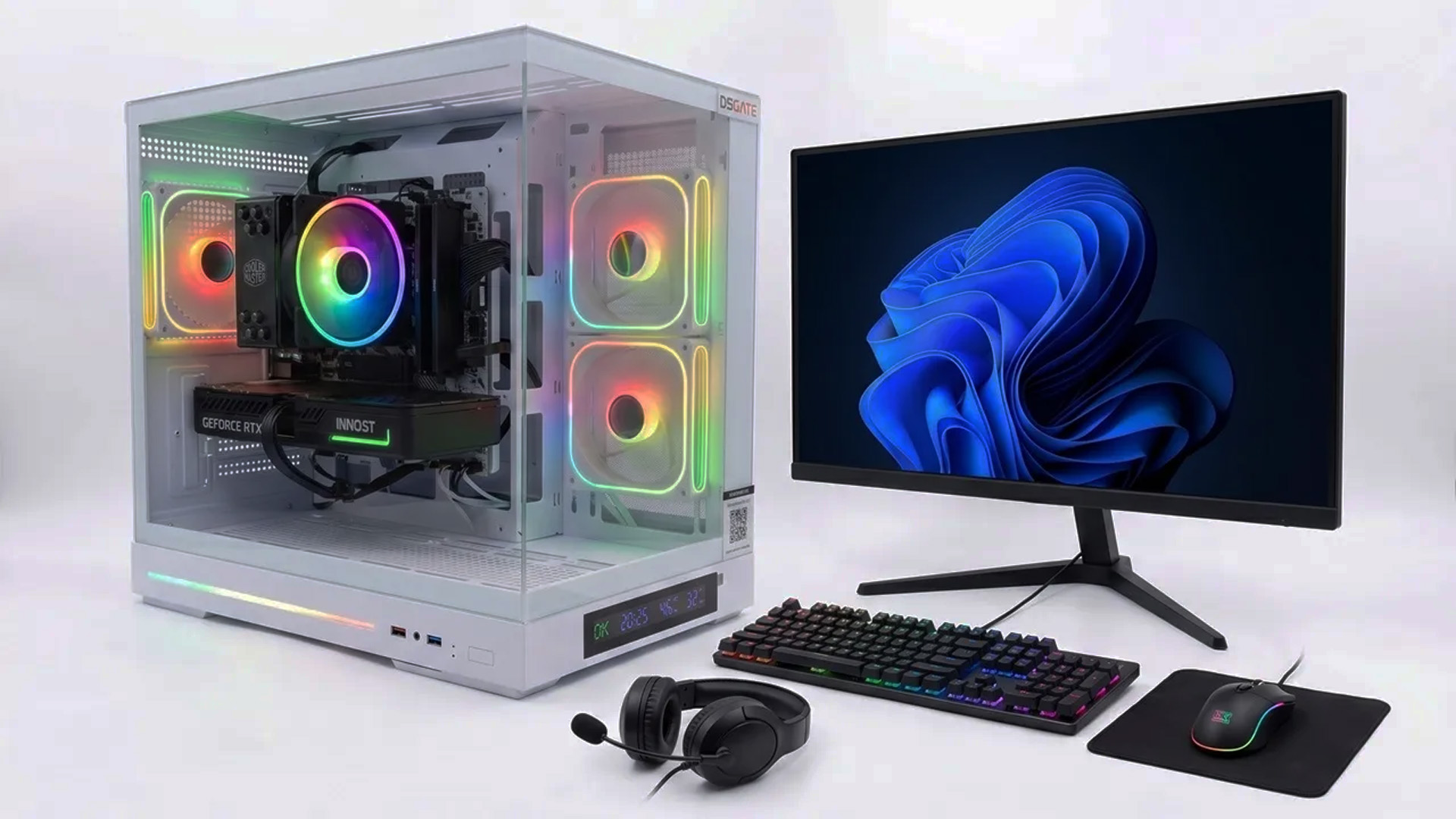
A Medion prebuilt gaming PC is usually the easier choice. It arrives assembled, uses pre-selected compatible hardware and gives you one complete system to set up and support. That is ideal if you value time, simplicity and a lower risk of assembly problems.
A custom build gives you more control. You can choose the exact motherboard, case, power supply, cooling and component brands. It may also offer a clearer upgrade path, but only if you know how to select compatible parts and are comfortable handling installation and troubleshooting.
Choose a prebuilt if: |
Consider a custom build if: |
|
|
Price alone should not decide it. Compare like for like, including Windows, cooling, assembly time, delivery and support rather than looking only at the CPU and graphics card.
What Should You Check Before Buying?
Before choosing a gaming PC Medion Erazer configuration, work through these points:
- Graphics card: Match the exact GPU to your resolution, games and graphics expectations.
- Processor: Prioritise a balanced pairing rather than buying a top CPU with a much weaker GPU.
- RAM: Treat 16GB as a practical starting point for modern gaming. Consider 32GB for streaming, content creation, demanding multitasking or heavier games.
- Storage: A 1TB SSD is more comfortable than a smaller drive once large games and updates are installed. A 2TB SSD gives a growing library more room.
- Cooling: Check the individual chassis and cooler rather than relying on general claims about the range.
- Connectivity: Confirm the USB ports, display outputs, Ethernet, Wi-Fi and Bluetooth support you need.
- Monitor compatibility: Make sure the PC and monitor connection support your intended resolution and refresh rate.
- Upgrade options: Check memory slots, storage capacity, internal space and power-supply headroom.
- Current stock: Erazer specifications and prices can change, so verify the live listing before making a decision.

Final Verdict: Should You Choose a Medion Erazer Gaming PC?
A Medion Erazer gaming PC is worth considering if you want the performance and flexibility of desktop gaming without building a computer from individual parts. The range covers accessible 1080p systems, balanced mid-range desktops and high-end configurations for more demanding setups.
The best value will not automatically be the cheapest or most powerful model. A Recon may be enough for a first gaming setup, while an Engineer or Tank can offer stronger 1440p and multitasking potential. A Hunter makes more sense when high-end performance is genuinely part of the plan.
Start with your games, target resolution and monitor refresh rate. Then choose the processor, graphics card, memory and storage that support those needs. That approach delivers a more balanced PC gaming setup and helps you avoid spending extra on specifications you will not use.
Ready to compare current specifications and prices? Explore the best Medion Erazer gaming PCs available at Laptop Outlet.

Is a Medion Erazer Gaming PC Good for Beginners?
Yes. A Medion Erazer can be a good first gaming desktop because it arrives assembled with compatible components and Windows installed. Beginners should still compare the exact graphics card, processor, RAM and storage rather than choosing by the Erazer name alone.
Can a Medion Erazer Gaming PC Run Modern Games?
Yes, provided the specification meets the game’s requirements. Entry and mid-range models can suit 1080p gaming, while stronger GPU configurations provide more headroom for 1440p, ray tracing and demanding graphics settings.
Is a Medion Erazer Gaming PC Better Than Building Your Own PC?
An Erazer is better for convenience, while a custom build is better for complete component control. Choose the prebuilt option if you want to avoid assembly and compatibility research. Build your own if selecting and installing every component is part of the appeal.
Can I Use a Medion Erazer Gaming PC for Streaming?
Yes. For gaming and streaming together, look for a capable multi-core processor, a modern dedicated GPU and ideally 32GB RAM. Streaming performance also depends on the game, resolution, encoder settings and internet upload speed.
Can I Upgrade a Medion Erazer Desktop Later?
Some models may support RAM, SSD or graphics-card upgrades, but this varies by configuration. Check internal space, available slots, power capacity, connectors and warranty conditions before making any changes.
| Read More: |
| Is the Medion Erazer Recon p45 Gaming PC Good for Gaming? |
| AI-Ready Desktop PCs: What Does It Actually Mean? |
| Top Gaming PC Accessories to Upgrade Your Gaming Setup in 2026 |
Related Articles

Last Updated: August 25, 2026
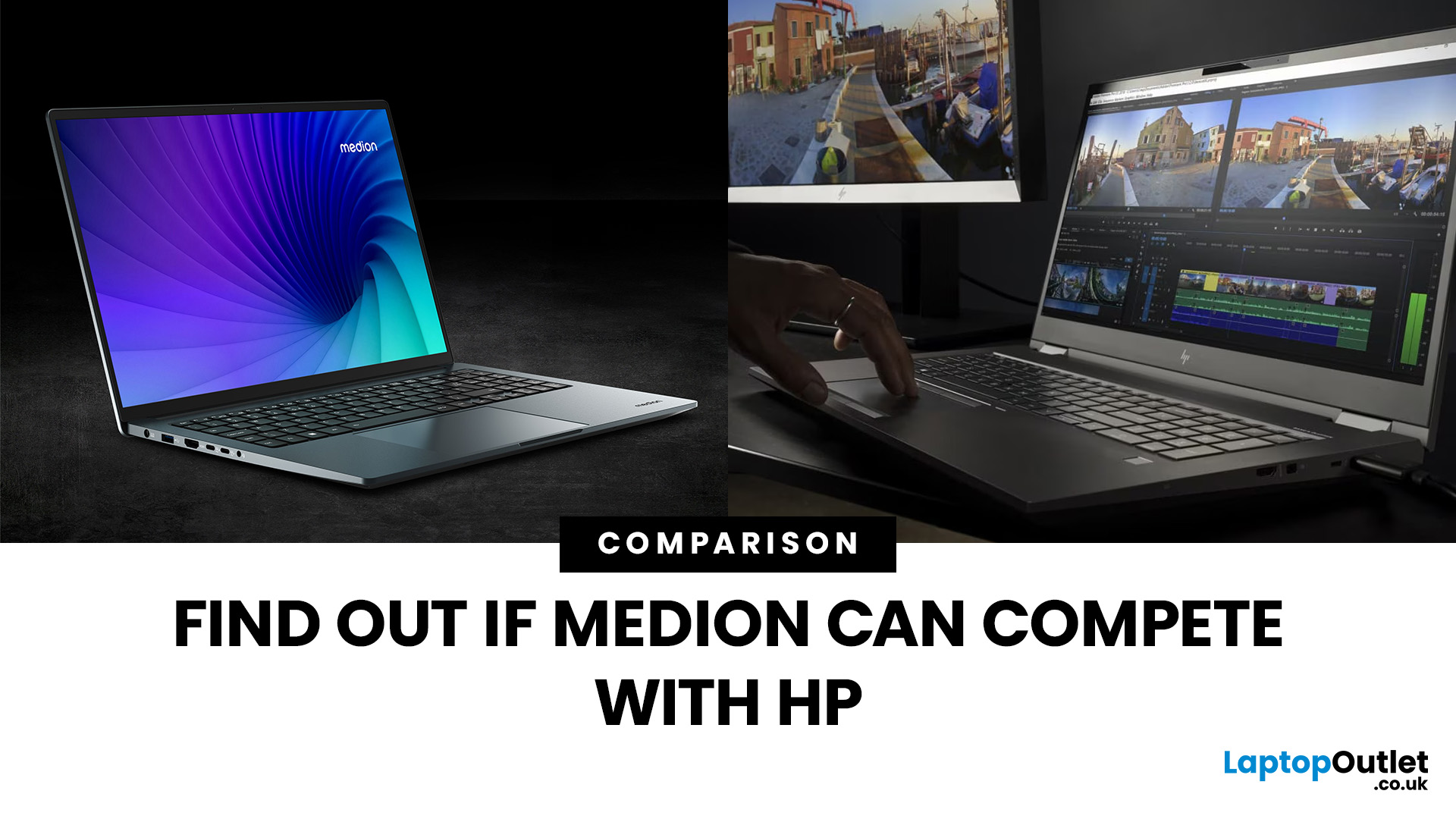
“Everyday user” laptops need to do the basics well; surfing, streaming, document editing, video calls, without breaking the bank. If you’re comparing Medion vs HP laptops, you're comparing two brands that aim to hit that sweet spot: affordability, usability, and decent performance. Medion leans into budget value and basic gaming, while HP offers more variety across entry, mid and upper tiers, often with extra polish.
Let’s dig into what each brand does well, where they fall short, and which is better depending on what you do daily. It will help you decide whether to buy a Medion or HP laptop.
What Is Medion? What Is HP?
- Medion is a German-brand, long known for delivering solid value. Its main UK laptop ranges include AKOYA for general home and office use and ERAZER for gaming. Medion has been part of the Lenovo Group since 2011.
- HP (Hewlett-Packard) is one of the most established laptop makers. Its range covers affordable consumer laptops, premium devices,
Last Updated: June 15, 2026
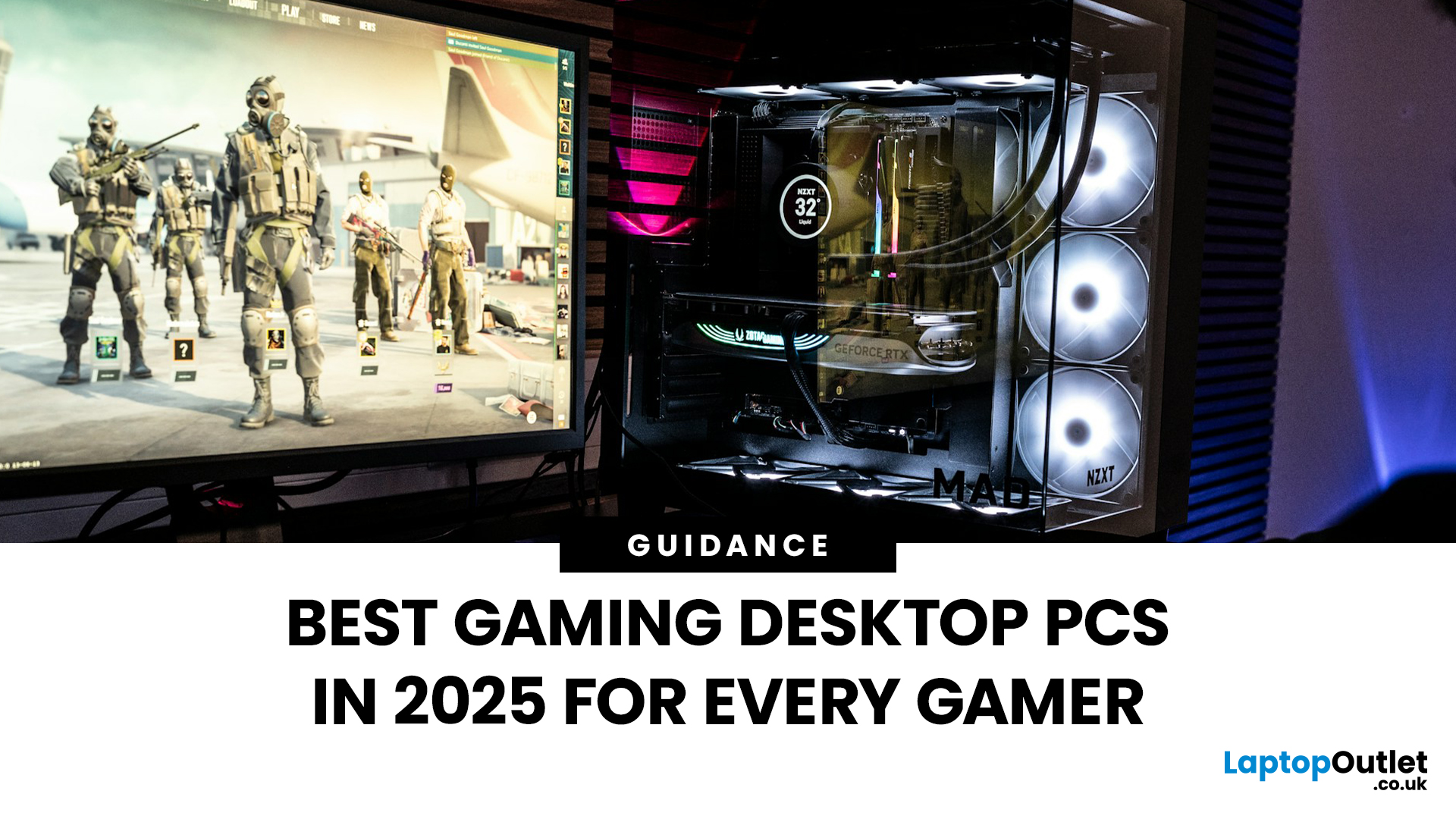
The world of gaming desktops has never been more exciting. In 2026, gamers can enjoy next-level performance powered by Intel Core 14th Gen and AMD Ryzen 9000-series processors, paired with NVIDIA RTX 40 and 50-series GPUs. Whether you’re after an entry-level setup or a high-end machine for 4K gaming and VR, today’s best gaming desktop 2026 options offer something for every type of player. This guide breaks down the top categories, performance, features, and ideal users, to help you buy the best gaming desktop PC for your needs.
Best Budget Gaming Desktops in 2026
If you’re new to PC gaming or shopping on a budget, 2026 offers plenty of affordable options that deliver reliable 1080p performance.
Budget Highlights
- Processor: Intel Core i5-14400F / AMD Ryzen 5 8600G
- Graphics: NVIDIA RTX 50 series / AMD Radeon RX 7000 series XT
- RAM & Storage: 16GB DDR5, 512GB – 1TB SSD
Top Choices
| Model Image | Model | Processor | Graphics Capability | Memory (RAM) | Storage | Operating System | Special Features |
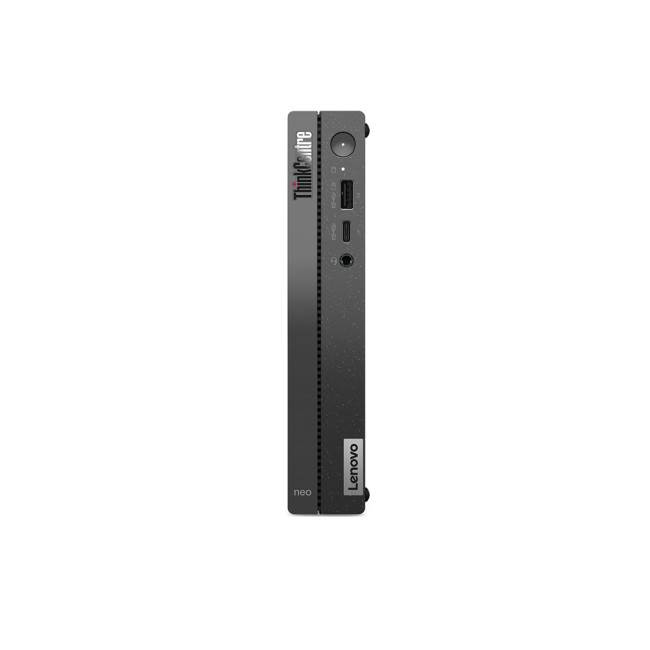 | Lenovo |

Last Updated: January 27, 2026
Intel has remained a titan in the world of PC gaming for decades. Their processors power some of the most capable high-performance gaming desktops on the market today.
Recently, we have seen a massive shift in how these chips operate. The evolution from the classic Core i-series to the brand-new Ultra Core processors marks a new era. These advancements are not just about speed; they are redefining the entire gaming experience.
If you want a top-tier machine, understanding how Intel CPUs work in gaming desktops is essential.
The Role of a CPU in Gaming
The CPU acts as the brain of your computer. It handles every logic calculation and physics instruction required for your game.
CPU vs GPU: Understanding the Balance
The GPU handles the visuals and graphics rendering. Meanwhile, the CPU manages physics, logic, and artificial intelligence.
You need a strong balance between both components to avoid lag. If one is too slow, the other cannot perform at its full potential during intense sessions.

Last Updated: January 27, 2026
Building or buying a high-end gaming PC is an exciting journey for any enthusiast. The market moves fast, and staying updated on the latest hardware is essential for the best experience.
In this gaming desktop PC breakdown, we will explore the core parts that make a machine powerful. We will look at the latest processors from AMD and Intel, the incredible graphics power of NVIDIA RTX and Radeon RX, alongside other core components.
Whether you want to play the newest AAA titles or compete in esports, understanding these parts is vital. Let us dive into the modern world of gaming PC technologies.
Understanding Gaming Desktop PCs
A gaming desktop PC is a high-performance computer designed specifically to handle demanding video games. Unlike standard PCs, these machines focus on graphical power and fast processing speeds. They use specialised parts that can handle high heat and heavy workloads.
While gaming laptops and consoles are popular, the desktop remains the "gold standard" for several
Last Updated: July 20, 2026
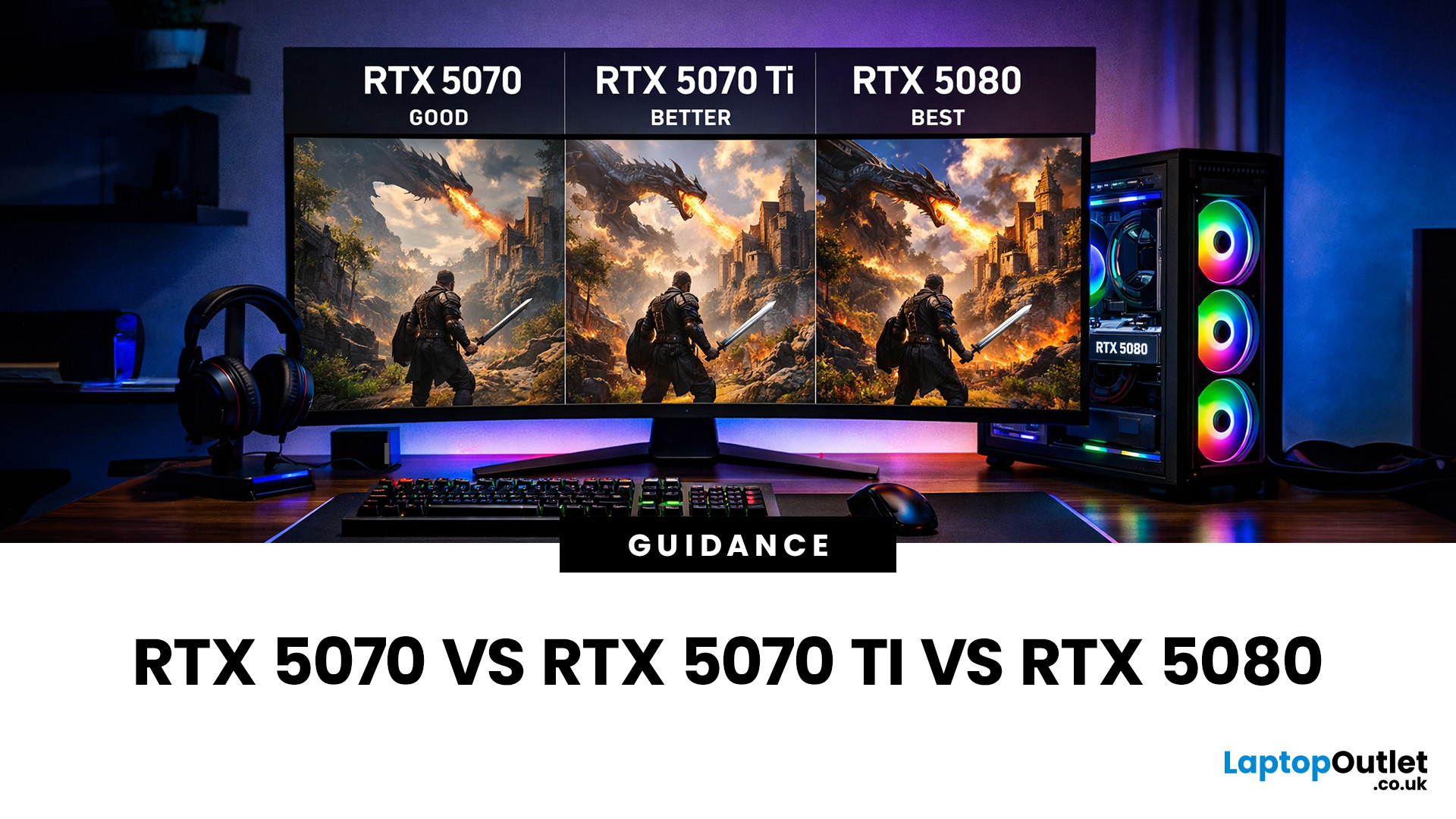
Choosing between an RTX 5070 and RTX 5080 gaming PC is one of the biggest decisions you may face when buying or upgrading a gaming desktop. Although both GPUs support NVIDIA’s latest gaming technologies, they are designed for different resolutions, performance targets, system budgets, and types of players.
In this RTX 5070 vs RTX 5080 comparison, we examine gaming performance, ray tracing, power requirements, system specifications, overall value and the right graphics card for you. We will also briefly explain where the RTX 5070 Ti fits for buyers who want more performance than the RTX 5070 without moving to a premium RTX 5080 gaming PC.
Whether you are considering an RTX 5070 prebuilt PC or planning a high-end custom desktop, this guide will help you understand the difference between RTX 5070 and 5080 gaming systems.
Understanding the RTX 50 Series Line-Up
NVIDIA’s RTX 50 series GPUs are designed to push performance further while improving efficiency and AI-powered features. Across the
Published: June 11, 2026
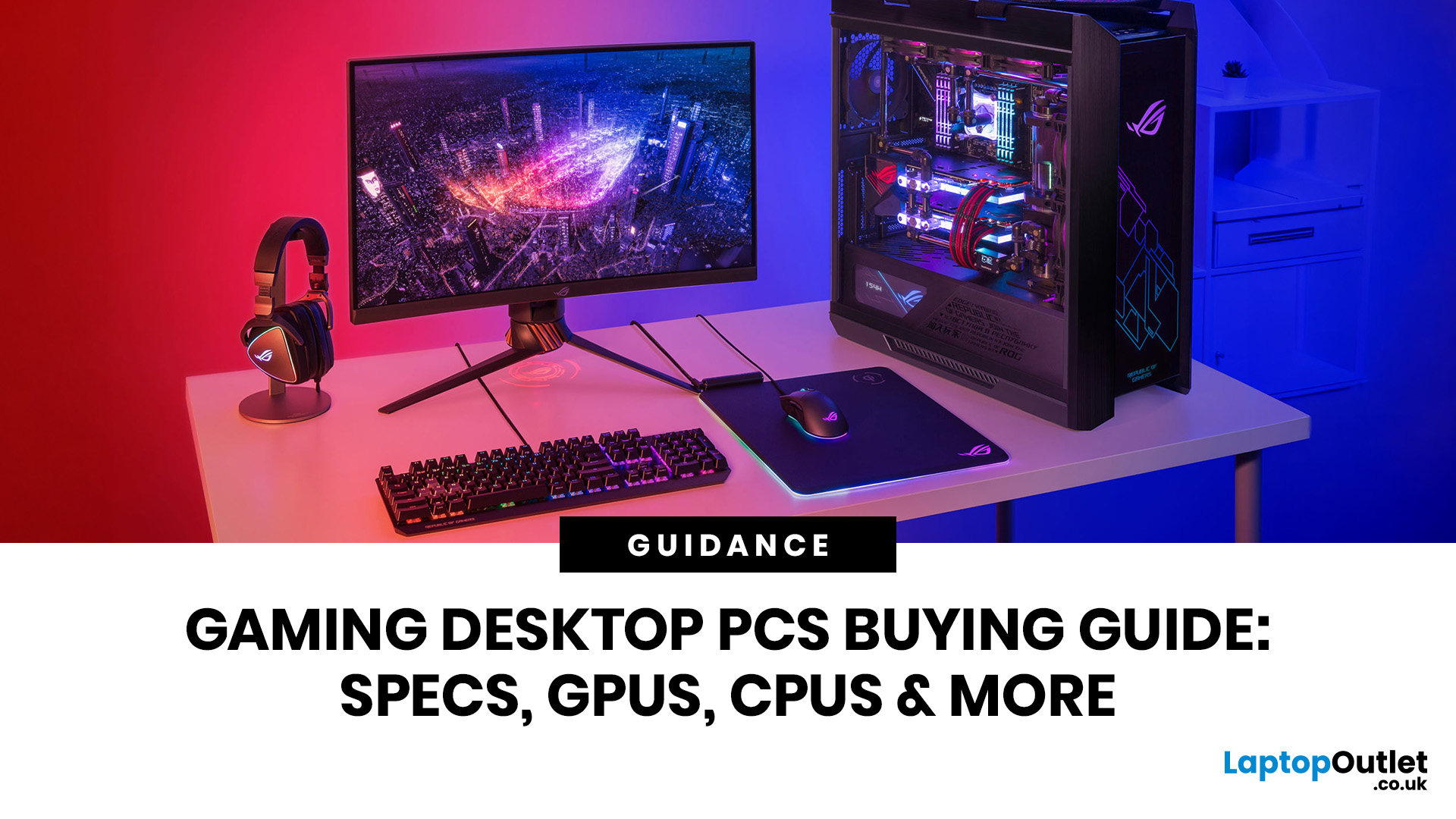
Choosing the right gaming desktop can be the difference between smooth, immersive gameplay and a system that struggles within a year. This gaming PC buying guide explains the key components that affect gaming performance, future-proofing, and value for money, so you can buy with confidence rather than guessing from confusing spec sheets.
A good gaming PC is not just about the most expensive graphics card. It is about balance. The CPU, GPU, RAM, storage, cooling, power supply, motherboard, and case all work together. Whether you play competitive esports, cinematic single-player titles, open-world RPGs, racing games or VR, understanding the right configuration helps you avoid overspending and choose a desktop that lasts.
This article is designed as a practical gaming PC specs guide for beginners, but it also includes up-to-date 2026 advice for buyers comparing modern RTX, Radeon, Intel, and AMD-powered systems.
Why Buy a Gaming Desktop PC?
A gaming desktop PC remains one of the best choices
Last Updated: June 15, 2026
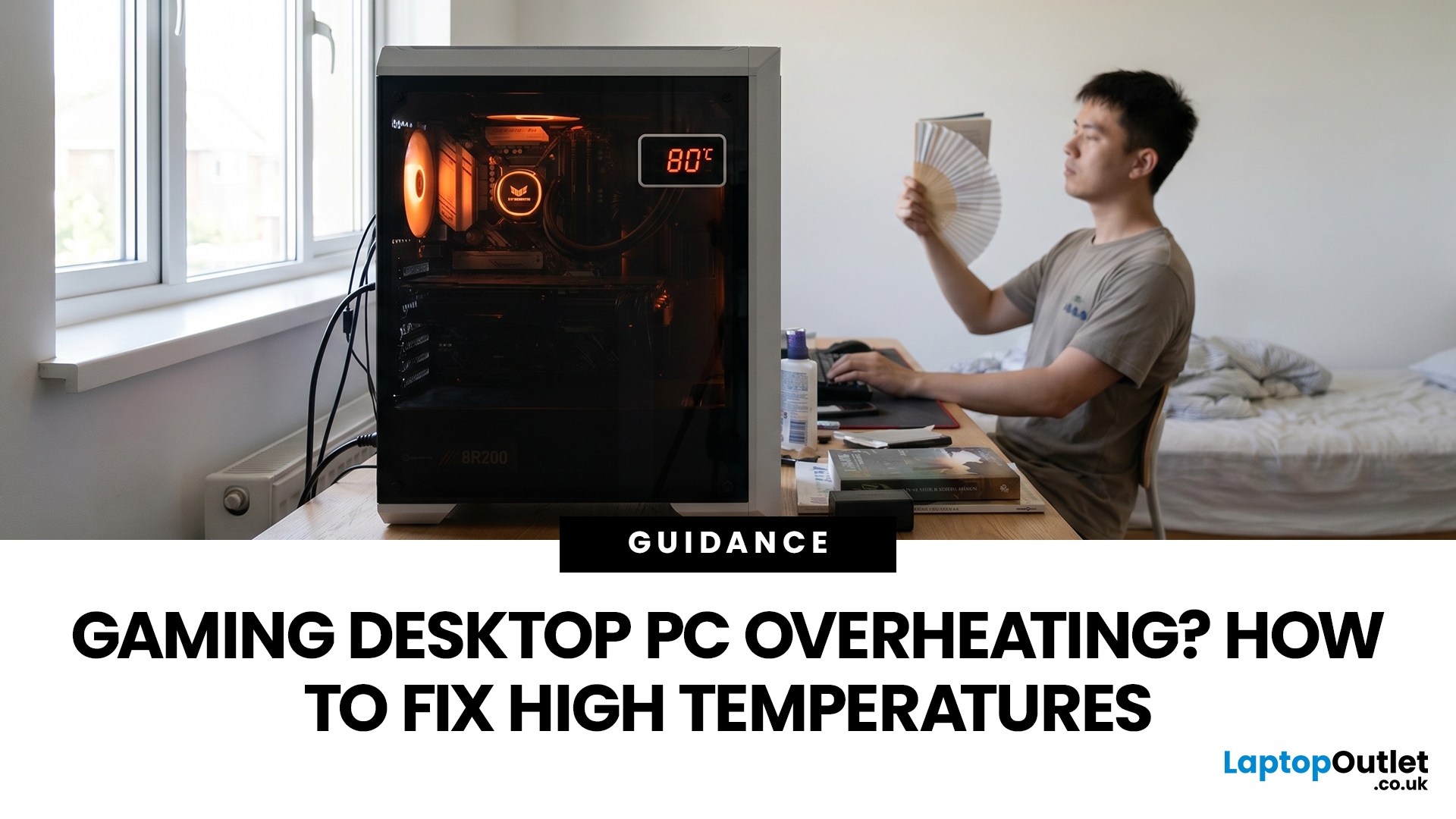
A gaming PC overheating usually comes down to one of five things: blocked airflow, dust build-up, weak cooling, aggressive game settings, or poor contact between the CPU/GPU and its cooler.
| Here is the fast version:
|
Gaming PC Overheating: What It Means and Why It Matters
You’re mid-match. Your FPS is smooth. Then suddenly, the game stutters, the fans sound like a jet engine, and your PC feels like it could toast bread.
That is not “just gaming PC life”.
A hot gaming desktop is normal. An overheating
Published: July 08, 2026
AI RTX gaming PCs can deliver real value, but only when their features align with how you actually play.
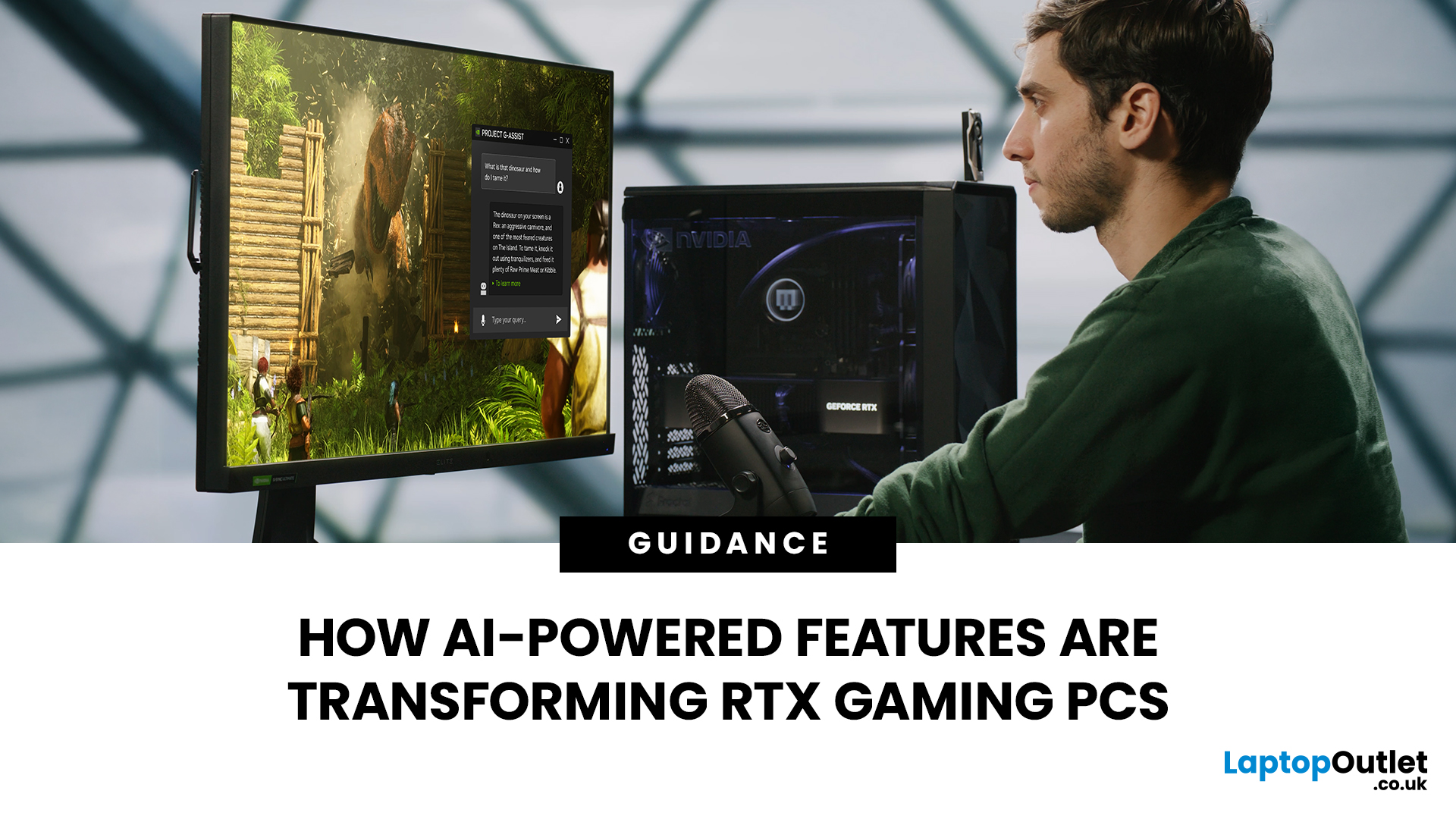
| AI-powered RTX gaming PCs use NVIDIA RTX AI features like DLSS upscaling, Frame Generation, ray tracing, and Reflex to boost FPS, improve visual quality, and reduce input lag. They are worth buying when matched to your games, monitor, and budget, especially for 1080p high-refresh, 1440p, streaming, and creator workloads. For UK gamers, prioritise RTX 5050/5060 or higher, 16GB RAM, a strong CPU, and 1TB SSD to get smoother gameplay, better ray tracing, and future-ready performance. |
Modern RTX gaming PCs use AI features like DLSS, Frame Generation, ray tracing, and NVIDIA Reflex to boost FPS, improve visuals, and reduce input lag. But the real value depends on your games, monitor, budget, and specs.
This guide explains what AI-powered RTX gaming actually means, which features matter, and how UK gamers can choose the right RTX PC without falling for marketing hype.
What Does “AI RTX Gaming
Last Updated: July 13, 2026
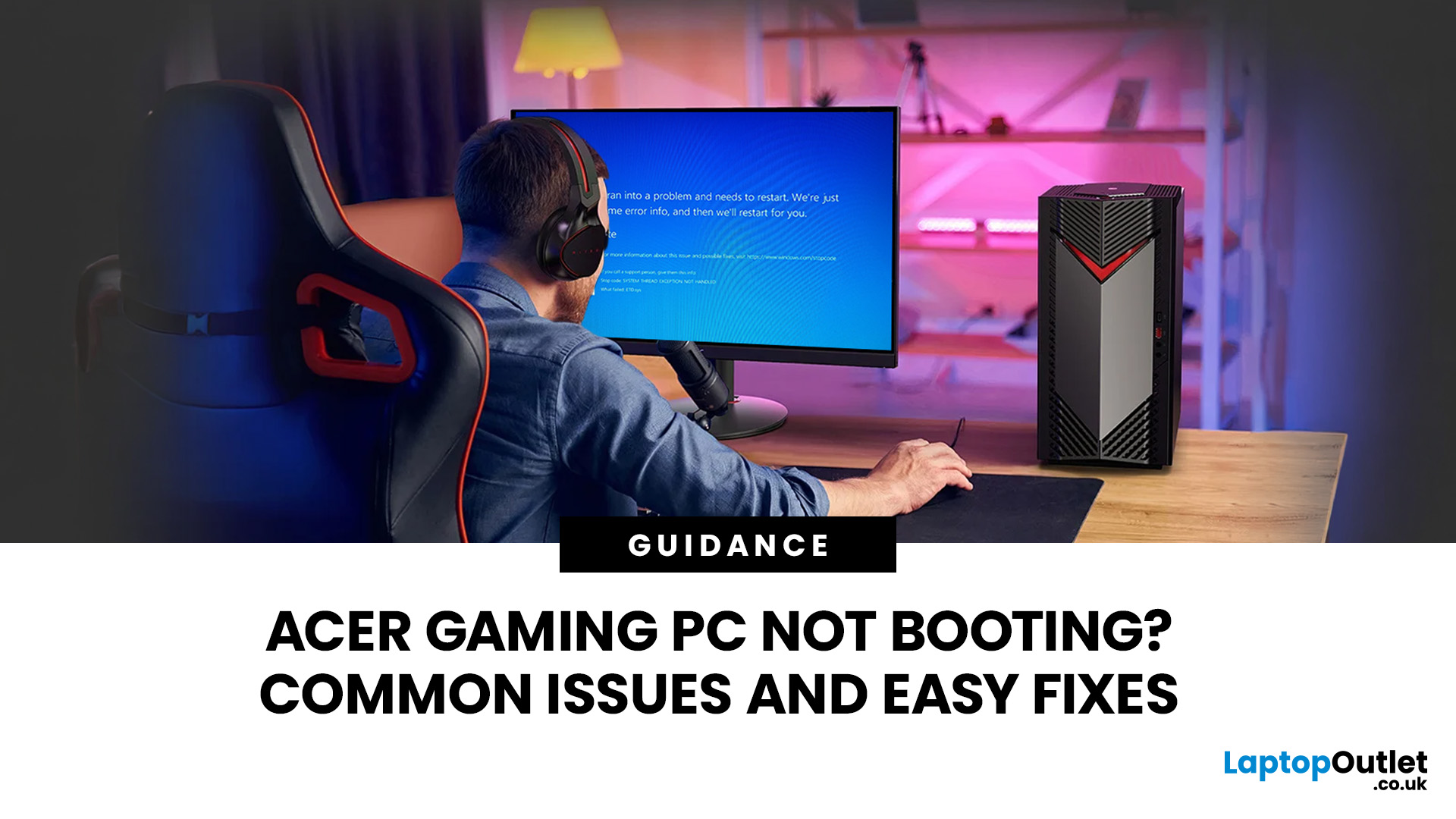
An Acer gaming PC not booting can feel like instant panic mode, especially when you were ready to jump into a game, finish work, or just chill. One minute everything is fine, and the next your PC turns on but no display appears, the monitor says no signal, or the screen stays completely black.
The good news? A PC not booting does not always mean something major is broken. Sometimes it is a loose cable, a monitor input issue, a RAM problem, or a BIOS setting that needs a reset. In this guide, we will walk through the most common Acer desktop startup issues, what they usually mean, and the easy fixes you can try before heading straight to a repair shop.
Is Your Acer PC Actually Not Booting, or is There No Display?
Before you start unplugging parts, it helps to know what problem you are really dealing with. A PC can fail in different ways, and each one points to a different cause.
If your Acer PC is not starting up that means there are no lights, no fans, and no sound at all, it may be a power
Last Updated: September 03, 2026
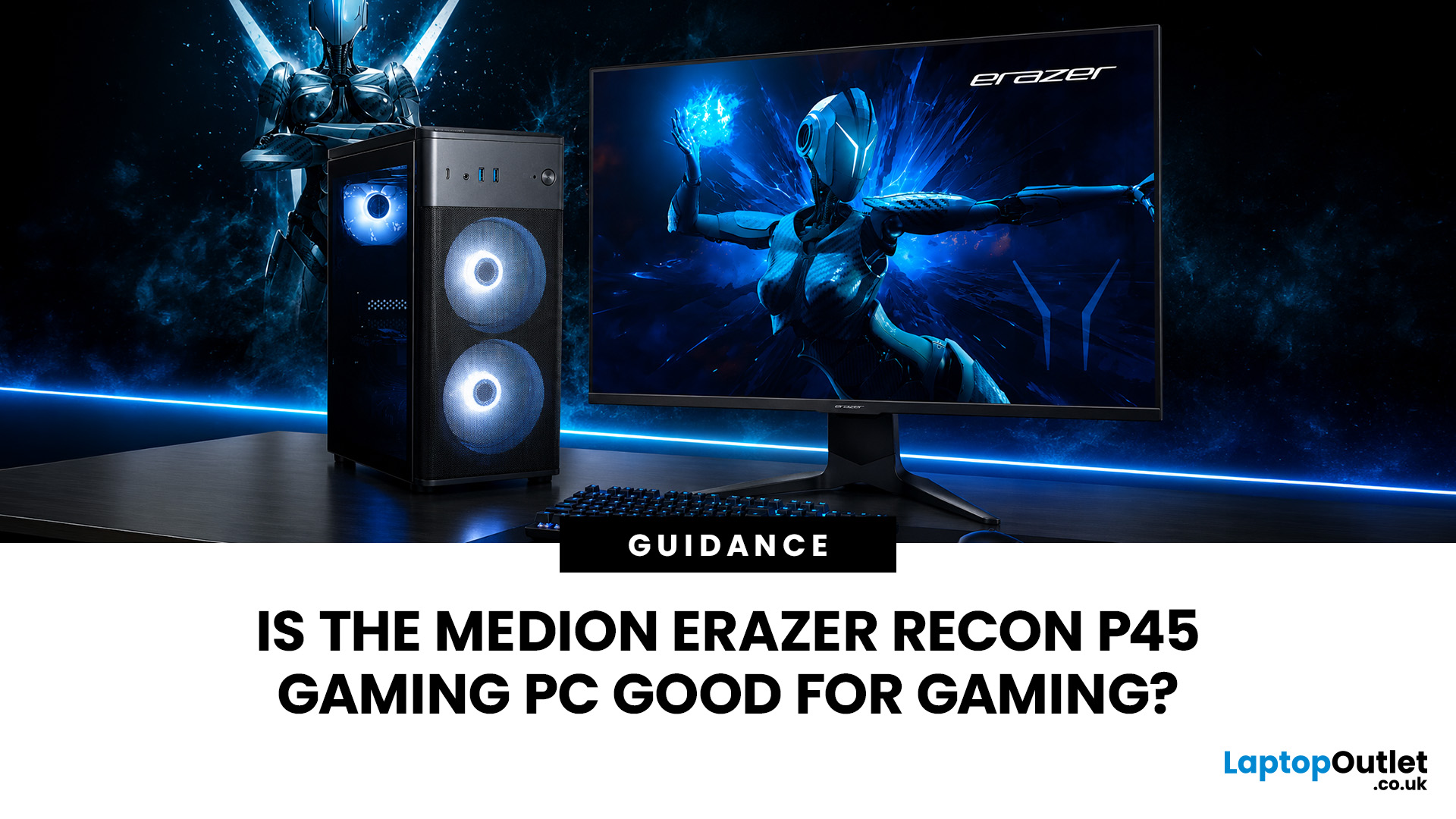
Yes, the Medion Erazer Recon P45 is a good gaming PC for players who want smooth everyday gaming, strong 1080p performance, fast loading times and a ready-to-use desktop without building a PC from scratch.
At Laptop Outlet, current Medion Erazer Recon P45 Gaming PC options include configurations with an AMD Ryzen 5 5500, 1TB SSD, Windows 11 Home, and dedicated NVIDIA RTX graphics, including RTX 5060 and RTX 5050 variants. The RTX 5060 model also includes 32GB RAM in the listed specification, while the RTX 5050 model is listed with 16GB RAM.
Is the Medion Erazer Recon P45 Worth it?
For most UK gamers, the Medion Recon P45 PC makes sense if you want a capable prebuilt gaming desktop that can handle modern games, multitasking, streaming, schoolwork, everyday browsing, and entertainment. It is especially suitable for:
| User Type | Is it a Good Fit? | Why |
| Beginner gamers | Yes | No PC-building knowledge needed |
| 1080p players | Yes | RTX graphics and Ryzen 5 power are well matched |
| Students | Yes | Good for gaming, |

