



MacBook Air M5 for Students, Creators & Professionals: Who Should Buy?
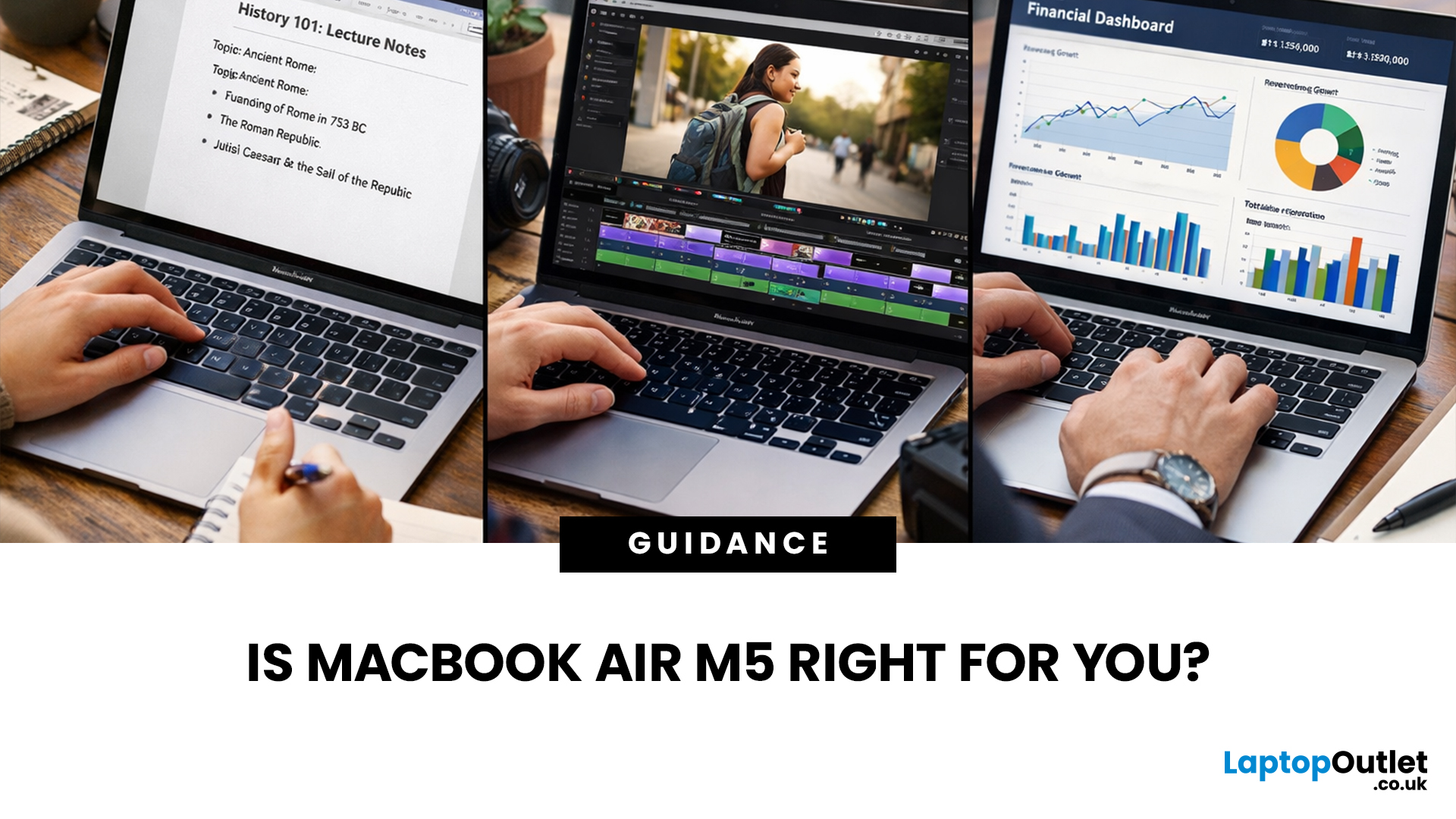
If you’re eyeing the MacBook Air M5 for students (or for your work era), you’re not alone. The MacBook Air is basically the “does-everything-without-being-annoying” laptop, portable, quiet, and powerful enough for most real-life tasks. But the big question is: is it the right buy for you in 2026, or are you about to spend money on features you’ll never use?
What’s New with the MacBook Air M5 in 2026 (Quick Recap)
Without turning this into a specs spreadsheet, here’s what matters in the latest model vibes:
Performance
Think: faster app launches, smoother multitasking, fewer “why is everything lagging?” moments when you have 42 tabs open. For most people, the M5 Air will feel effortlessly quick for years.
Battery + Portability (the Air’s whole personality)
The MacBook Air is built for life on the move, classes, cafes, commutes, and travel days. Expect strong battery performance in real usage and a laptop that doesn’t make your bag feel like a gym session.
Display, Camera, Speakers (the underrated trio)
If you do online classes, meetings, content, or presentations, these are not “nice-to-haves.” A good webcam + mic + speakers = fewer “can you repeat that?” moments.
Ports: the Only “Air” Compromise
If you’re plugging in lots of stuff, you’ll likely want a hub/dock. If you’re mostly wireless, you’ll barely notice.
MacBook Air M5 for Students: Who it’s Perfect for
Here’s the honest tea: the MacBook Air M5 for students is one of the easiest “yes” buys in 2026, because student life is basically portability + multitasking + battery.
Best Student Use Cases
- Note-taking + research: Lots of tabs, PDFs, docs, and citation chaos
- Office/Google apps: essays, slides, spreadsheets, group projects
- Online classes + presentations: camera, mic, screen sharing
- Light creative work: Canva, basic photo edits, short video projects
- Coding (depending on your course): web dev, Python, beginner/intermediate CS workflows
Why Students Love it
- You can carry it all day without hating your life
- It’s quiet (library-friendly, lecture-friendly)
- It handles “I’m doing five things at once” energy well
Best Config Picks for Students
- Base-level config: Great for notes, research, writing, general coursework
- Upgrade RAM if: you code a lot, multitask aggressively, run heavier apps, or want a longer “future-proof” runway
- Upgrade storage if: you keep lots of files locally (video projects, big downloads, offline media)
Student Setup Checklist
- A protective sleeve (seriously)
- A small USB-C hub for HDMI/USB-A moments
- Cloud storage + a basic backup plan (future you will say thank you)
MacBook Air M5 for Creators
Yes, the MacBook Air M5 for creators can be a solid move, depending on the type of creator you are.
Creator Workflows the Air is Great for
- Short-form content editing: reels/TikTok/YouTube Shorts
- Photo editing: everyday Lightroom-style workflows
- Design: Canva, Figma, general graphics work
- Music production: small-to-mid projects, recording, editing
- Streaming + content planning: lighter production pipelines
Where the Air Might Not be the Vibe
If your workflow is heavy, sustained, and intense, you may outgrow an Air:
- Long video timelines with heavy effects
- Advanced motion graphics / 3D rendering
- Very large music projects with lots of plugins
- Multi-monitor + pro peripherals + heavy workloads all day
Best Config Picks for Creators
- Upgrade RAM if: you edit video, run creative suites, or multitask while exporting/rendering
- Upgrade storage if: you keep media locally (or plan to travel with footage)
Creator Add-Ons that Unlock the Setup
- External SSD (fast storage = smooth editing)
- A hub/dock (ports + reliability)
- A monitor if you do design/editing often
- Good headphones/mic if you record or do voiceovers
This is one of the most practical Apple M5 model use cases: light-to-mid content creation with portability.
MacBook Air Professionals 2026
For many jobs, the Air is a productivity monster in a minimalist body. The MacBook Air professionals 2026 crowd usually falls into this bucket:
Great for these roles
- Marketing, content, writing, social media
- Project management, operations, HR, admin
- Sales, consulting, client-facing roles
- Light analytics / dashboard work
- Remote work + meetings all day
Why it wins for work
- You can take it anywhere and still feel fully equipped
- Battery life reduces “charger anxiety”
- It’s quiet and reliable, perfect for meetings and shared spaces
When Professionals Should Consider Something More Powerful
- Heavy data science workflows (big local datasets, constant compute)
- Advanced engineering tasks (CAD/3D, heavy builds all day)
- Pro-grade creative pipelines running nonstop
- Multiple external display setups and very port-heavy desks
Pro Config Picks
- Email + docs + calls all day: base-to-mid config is usually fine
- Power user (many apps, heavy multitasking): consider extra RAM and enough storage to avoid constant cleanup
Curious about the glow-up details? Dive into Apple MacBook Air M5: New Colours, Sleek Design & What’s Changing to see what’s new (and what’s just marketing).
Best Apple Laptop for Work & Study: How the Air M5 Stacks Up
If you’re choosing the best Apple laptop for work & study, this is the simplest way to decide:
Choose MacBook Air M5 if…
- You want portability and battery as top priorities
- You do school/work tasks + some creative work
- You want a laptop that’s easy to live with daily
- You’re fine using a hub/dock for extra ports
If all-day battery is your non-negotiable, read MacBook Air M5 Battery & Portability: What to Expect to see how it holds up for commutes, classes, and travel days.
Consider a “Pro-tier” model if…
- Your job is heavy video, 3D, engineering, or intense dev builds
- You need sustained performance under load for long periods
- Your workflow depends on lots of external displays and pro ports
Consider an older/discount model if…
- You want the Apple experience on a tighter budget
- Your tasks are basic and you’re not chasing the newest chip
Who Should Buy? Final Recommendations
Buy it if you’re a student and…
- You want something portable with strong battery
- You do essays, research, presentations, light creative work
- You want a laptop that will last through multiple school years
Buy it if you’re a creator and…
- You make short-form content, edit photos, design, or do mid-level music production
- You want portability more than maximum sustained power
- You’re okay using an external SSD + a monitor when needed
Buy it if you’re a professional and…
- Your day is docs, meetings, multitasking, client work
- You’re hybrid/remote and travel with your laptop
- You want clean performance without carrying a heavy machine
Want to build the perfect setup? Check MacBook Air M5 Accessories & Must-Have Add-Ons for 2026 for the best cases, stands, docks, and everyday add-ons.
Don’t buy it if…
- Your workflow is consistently heavy (pro editing, 3D, engineering, intense compute)
- You need a lot of external displays and ports without a dock
- You want maximum performance under sustained load all day

Is the MacBook Air M5 the Right Buy for You in 2026?
The MacBook Air M5 for students is a top-tier pick in 2026 because it nails the real-life stuff: portability, battery, and smooth everyday performance. The same laptop also works brilliantly for many creators and professionals, especially if your workflow is light-to-mid and you want a machine that’s easy to live with. Match it to your needs, choose your config wisely, and you’ll get a laptop that stays fast, reliable, and vibe-worthy for years.

MacBook Air M5 FAQs: The Fast, No-Fluff Edition
Is the MacBook Air M5 good for university/college?
Yes, especially if your workload is research, writing, presentations, and everyday multitasking. It’s one of the strongest “portable + long battery” picks.
Is it good for video editing and content creation?
For short-form and moderate edits, yes. For heavy effects, long timelines, and pro workflows, you may want more horsepower.
Is it suitable for business work in 2026?
Absolutely, most business roles don’t need a workstation. The Air is a strong fit for productivity-heavy jobs.
How much RAM and storage do I need?
If you multitask hard, create content, code, or want longer longevity, lean toward more RAM. If you store media/projects locally, upgrade storage or plan an external SSD.
What’s the smartest way to future-proof?
Prioritize RAM first (for multitasking and longevity), then storage based on how many files you keep locally.
Related Articles

Last Updated: September 04, 2026
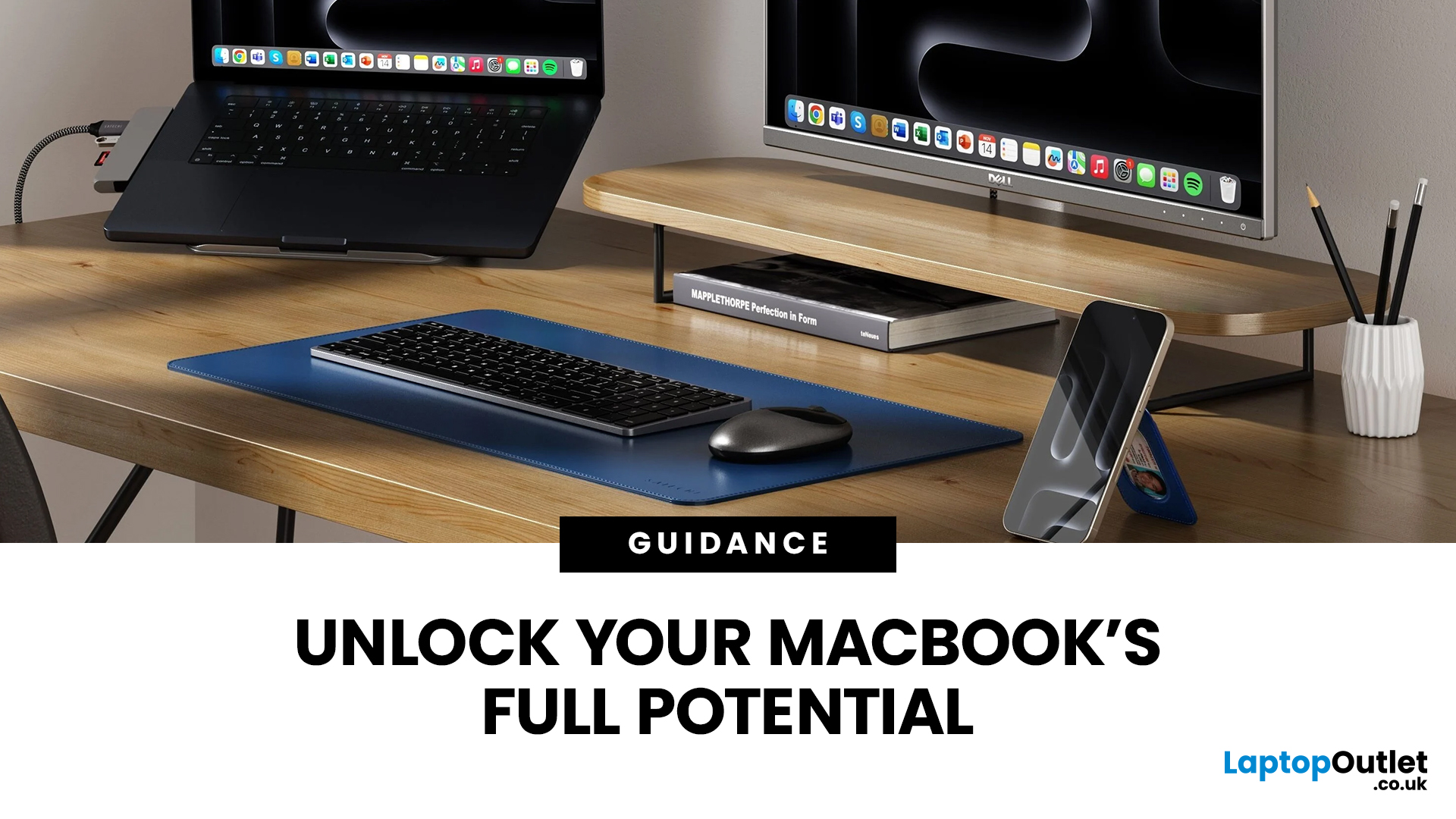
Owning a MacBook already feels like having a premium tool at your fingertips - sleek, powerful, and built for work, study, or creativity. But here’s the truth: on its own, even a MacBook has limits. That’s where accessories step in. The right kit doesn’t just complement Apple’s design; it transforms your MacBook into a full‑on productivity powerhouse.
For students, the right gear means smoother notetaking, better portability, and fewer headaches when deadlines loom. For professionals, accessories bring comfort, efficiency, and a proper setup that makes remote work or long office hours far less draining. Whether it’s a docking station / USB‑C hub to handle multiple screens, a protective sleeve for daily commuting, or noise‑cancelling headphones that save your focus, the right accessories change how you work and study.
Why MacBook Accessories Matter
A MacBook, whether it’s the Air or the Pro, is built to be minimal and stylish - but that also means Apple leaves out a lot of extras. You
Last Updated: October 08, 2025
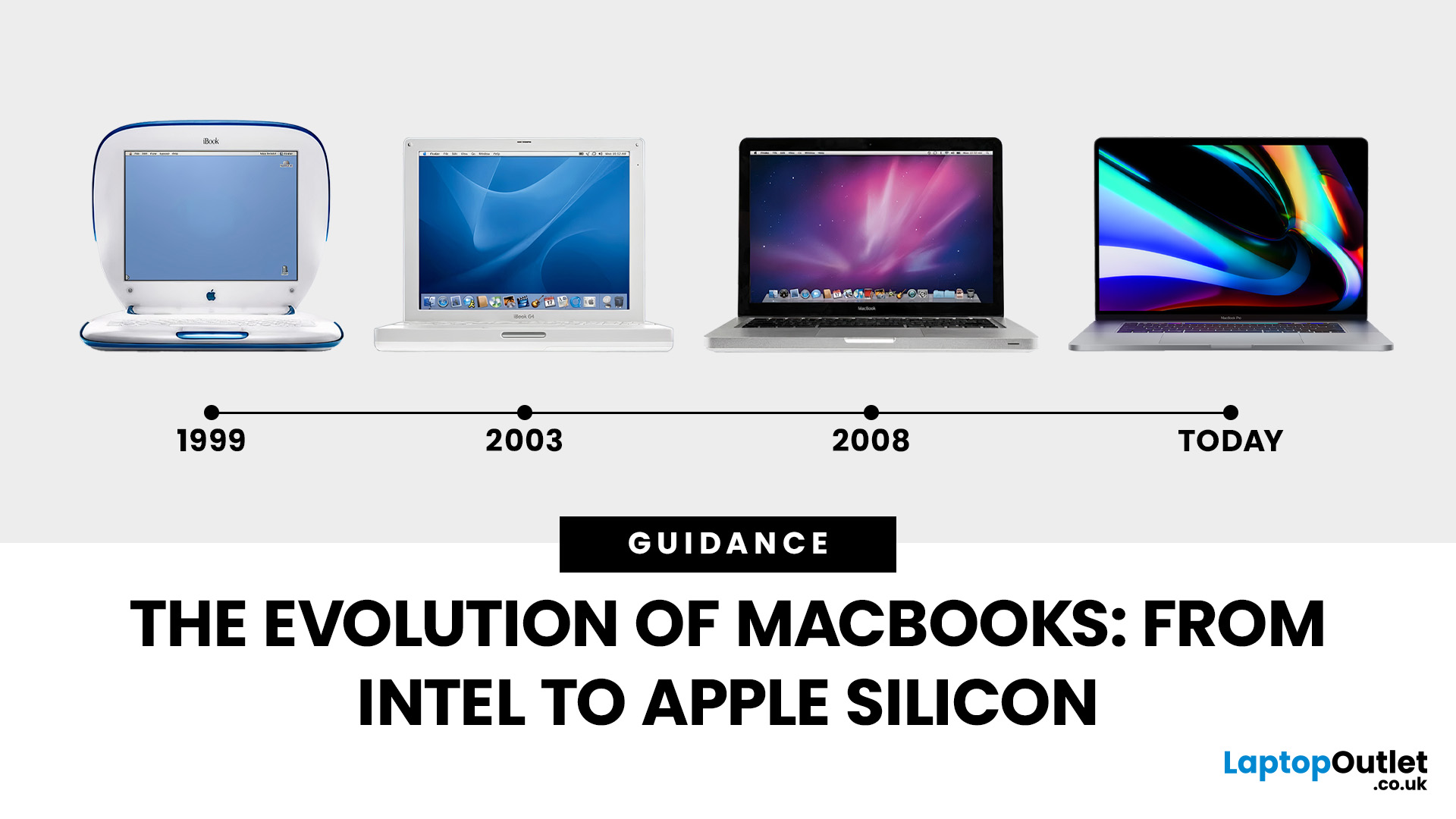
Few products have shaped modern computing quite like the Apple MacBook. From its early Intel-powered beginnings to today’s lightning-fast Apple Silicon machines, the MacBook has consistently pushed the boundaries of laptop design, performance, and portability. Along the way, it’s become a symbol of premium computing - beloved by students, professionals, and creative powerhouses worldwide.
But the evolution of Apple MacBooks hasn’t always been smooth sailing. There have been bold design shifts, controversial choices (remember the butterfly keyboard?), and groundbreaking innovations like Retina displays and MagSafe. The biggest leap of all came in 2020, when Apple ditched Intel processors in favour of its own Apple Silicon chips - a move that completely redefined, what users could expect from a laptop.
In this guide, we’ll take you through the full MacBook journey: from its early days, through key design changes and the Intel era, right up to the Apple Silicon transition and the future of

Last Updated: October 15, 2025
Buying a MacBook isn’t just about picking between an Air or a Pro - it’s also about making smart choices with RAM and storage. These two specs are often overlooked, yet they’re the backbone of your laptop’s performance and longevity. Choose too little, and you’ll quickly hit frustrating slowdowns or run out of space. Choose wisely, and your MacBook will stay fast, reliable, and future-proof for years.
Unlike many Windows laptops, MacBook RAM and storage can’t be upgraded later - what you buy upfront is what you’ll live with. That makes it essential to understand how much you really need. Do students get by with 8GB of RAM? Should professionals always go for 16GB or more? Is 256GB storage enough in the cloud era, or do video editors really need 1TB and beyond?
Why RAM & Storage Matter in a MacBook
When you’re choosing a MacBook, the processor often gets the spotlight - but RAM and storage are just as important. They determine how smooth your experience is today and how well your laptop
Last Updated: October 02, 2026
Black Friday 2026 falls on Friday 27 November, followed by Cyber Monday on 30 November. For Apple buyers, the smartest approach is to track the exact MacBook, iPhone or iPad specification before November, then judge the sale price against its usual selling price. New releases will attract attention, but recent generations and refurbished Apple devices could prove just as worthwhile.
Apple has changed a lot of its hardware since last Black Friday. MacBook Neo has joined the laptop family, MacBook Air has moved to M5, MacBook Pro now stretches from M5 through to M5 Pro and M5 Max, while iPhone 18 Pro has arrived ahead of the first foldable iPhone, the iPhone Duo.
The iPad range has moved forward as well, with M4 powering the latest iPad Air and M5 inside iPad Pro. That makes Black Friday 2026 particularly interesting because shoppers are likely to see brand-new hardware sitting alongside capable previous-generation models.
This guide breaks down the Apple products worth watching, the specifications
Published: November 17, 2025
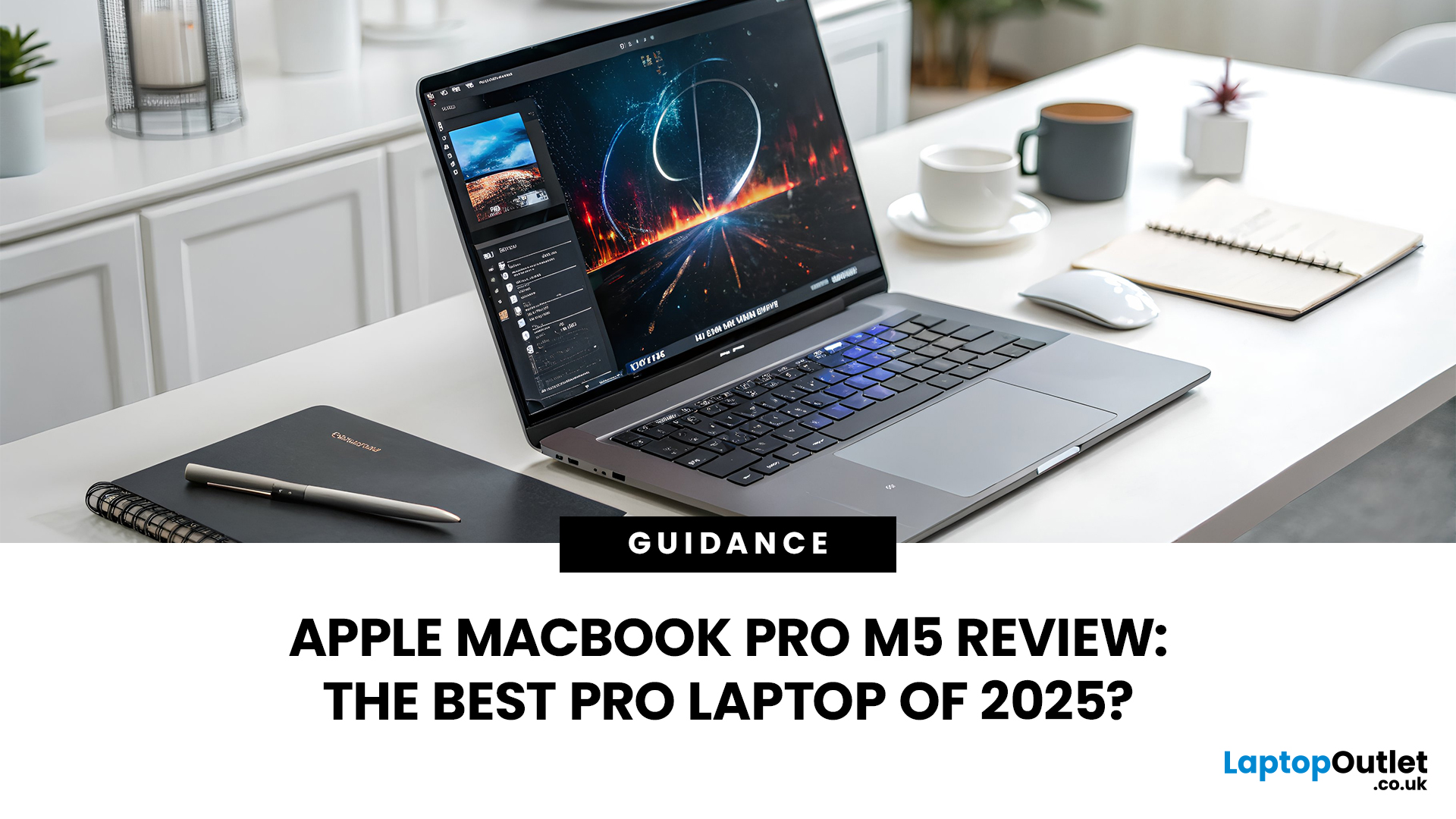
In 2025, Apple continues its dominance in professional laptops with the release of the MacBook Pro M5, the latest evolution of its in-house silicon revolution. Following the impressive M3 Pro and M4 generations, the Apple M5 chip marks a leap in raw performance, AI processing, and energy efficiency - and it’s already being hailed as the gold standard for creative professionals and demanding users.
But does the new M5 MacBook Pro really set a new benchmark in laptop performance? Or are Windows-based power machines like the Dell XPS 15 and Razer Blade 16 catching up?
In this Apple MacBook Pro M5 review, we dive into real-world performance, specs, benchmarks, battery life, display quality, and user experience to see if this is truly the best pro laptop of 2025.
Design and Build: Familiar Excellence, Refined Again
Apple hasn’t reinvented the MacBook’s look - and honestly, it didn’t need to. The M5 edition retains the precision-machined aluminium unibody, but now features a subtle refinement
Last Updated: March 12, 2026
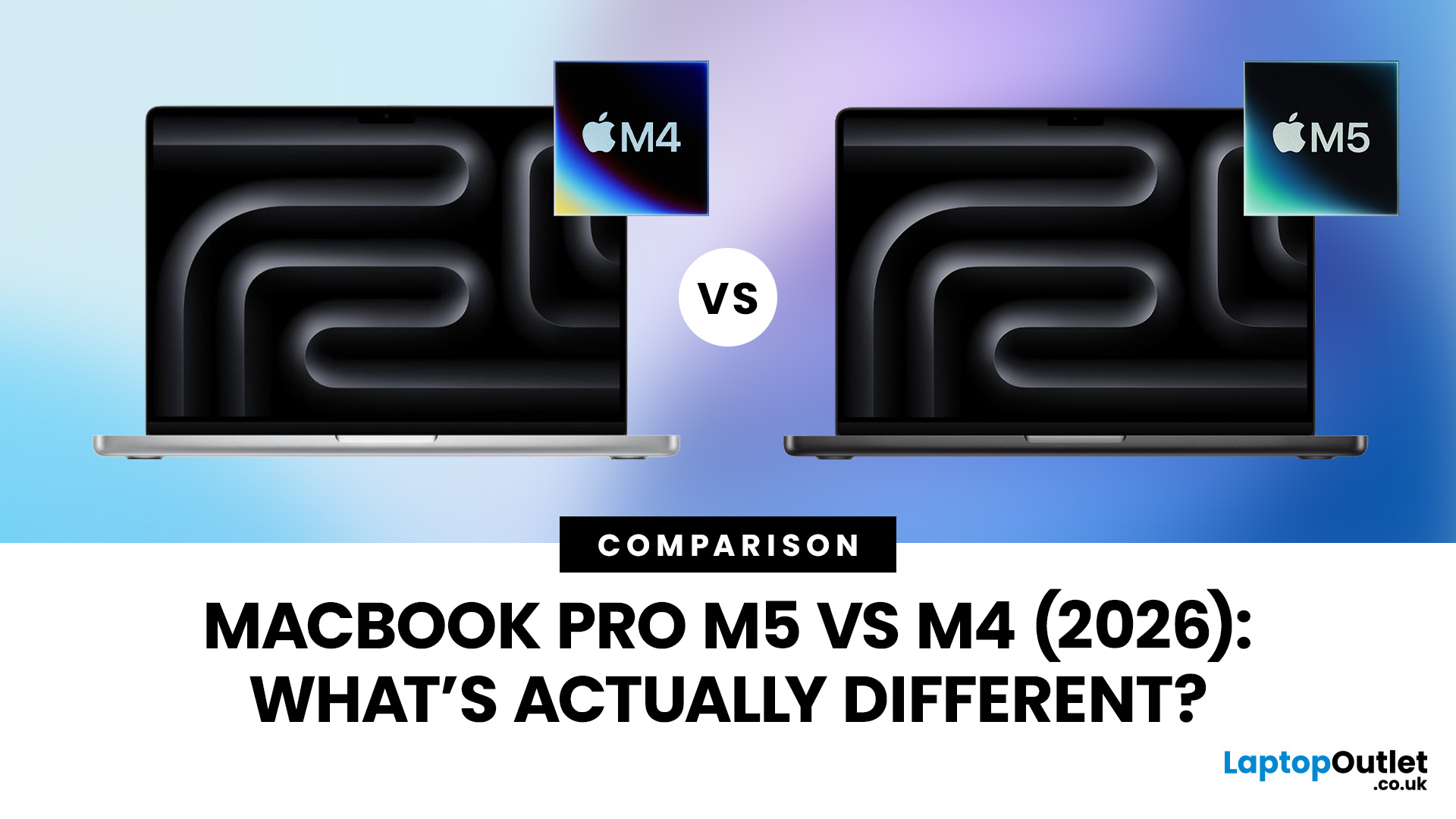
Apple continues to push laptop performance forward with its custom silicon, and the latest generation, powered by the Apple M5 chip - brings new improvements to the MacBook Pro lineup. The previous M4 MacBook Pro, released in 2024, was already one of the most powerful laptops available. However, the 2026 MacBook Pro with the M5 chip introduces several internal upgrades designed to enhance performance, AI processing and efficiency.
For many UK buyers, the key question is simple: is the MacBook Pro M5 a meaningful upgrade over the M4, or should you save money and buy the older model instead?
In this detailed comparison of MacBook Pro M5 vs M4, we will look at:
- CPU and GPU performance differences
- AI and machine learning improvements
- Battery life and efficiency
- Design and display changes
- UK pricing and availability
- Whether upgrading is worth it
By the end of this guide, you’ll have a clear idea of which MacBook Pro is the better choice for UK users in 2026.
MacBook Pro M5 vs M4: Key Differences
Published: November 20, 2025
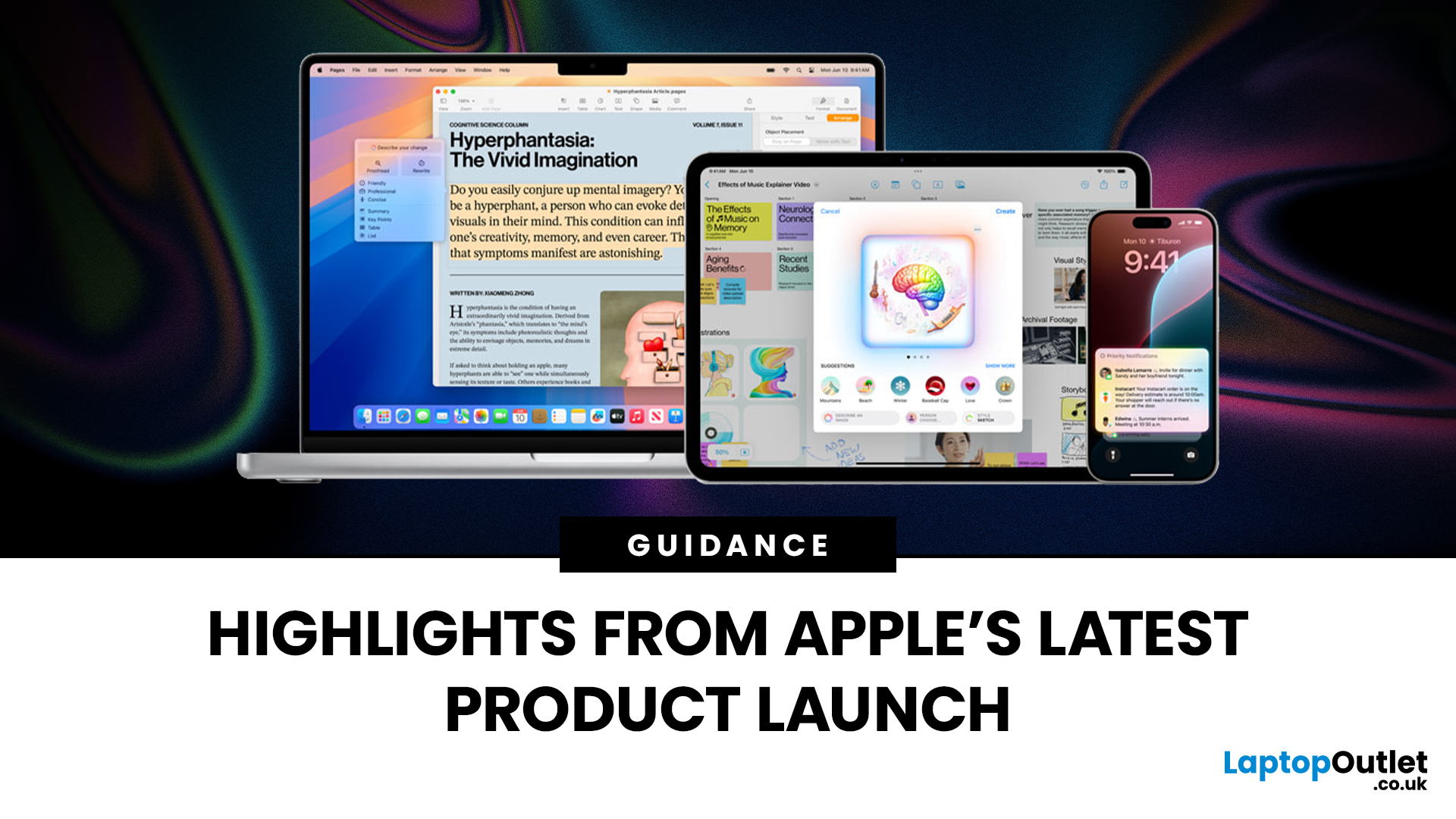
Apple has once again raised the bar with its latest hardware update, unveiling a refreshed line-up including the new Apple MacBook, the iPad Pro, and several other devices. Let’s take a closer look at what’s changed, why it matters, and whether the new Apple MacBook 2025 is worth your attention.
What’s Been Announced?
On 15 October 2025, Apple introduced a suite of devices powered by its latest chip, the Apple M5, including a new 14-inch MacBook Pro, refreshed iPad Pro, and updated mixed-reality headset.
The headline: the new MacBook (and MacBook Pro line) now features the M5 chip built on a 3-nanometre process, offering substantial gains in performance, especially for AI workloads, graphics and battery life.
Meanwhile, the iPad Pro has also seen upgrades, including the M5 chip and enhancements in connectivity, storage, and efficiency.
Why the New Apple MacBook 2025 Matters
Performance and AI
The M5 chip represents a significant step up. According to reports, it delivers AI performance

Last Updated: December 09, 2025
The hashtag symbol (#) is a fundamental part of online communication and social media strategy. It's how you categorise content, join trending conversations, and boost the visibility of your posts across platforms like Instagram, X (Twitter), LinkedIn, and more.
However, many new MacBook users, especially those switching from a Windows machine, find themselves scratching their heads when they look for a dedicated "hash" key. Don't worry, the solution for how to use hashtags on MacBook is incredibly simple. Here’s how to do it:
Your Essential Keyboard Shortcuts
The method for typing the hash symbol (#) on your MacBook depends slightly on the specific keyboard layout your Mac uses, primarily whether you are using a US or UK keyboard.
The US Keyboard Shortcut
If your MacBook uses the standard US keyboard layout, the hash symbol is typically printed directly above the number '3' key on the top row.
Here’s the simple combination you need:
- Find the Shift key.
- Press and hold the Shift key.
Last Updated: December 31, 2025
With the right timing and the right specs, you can land an upgrade that feels genuinely transformative: faster performance, longer battery life, sharper screens, and smoother workflows for work, study, and downtime. New Year promotions are also one of the easiest moments to buy smarter. Stock moves quickly, retailers rotate lines, and discounts get sharper as people reset budgets and goals, meaning the best-value Apple kit often sells out first. That’s why this guide focuses on what to look for, what to prioritise, and how to choose the right Apple device for your needs.
Why New Year is the Best Time to Buy Apple Tech
Apple gear holds value well, which is great when you own it, but it also means discounts can feel harder to find at other times of the year. Around New Year, pricing tends to loosen up across multiple categories, making it easier to upgrade without compromising on model quality. Here’s why New Year shopping is ideal:
- Retail Stock Rotation: end-of-year inventory clears,
Last Updated: March 09, 2026
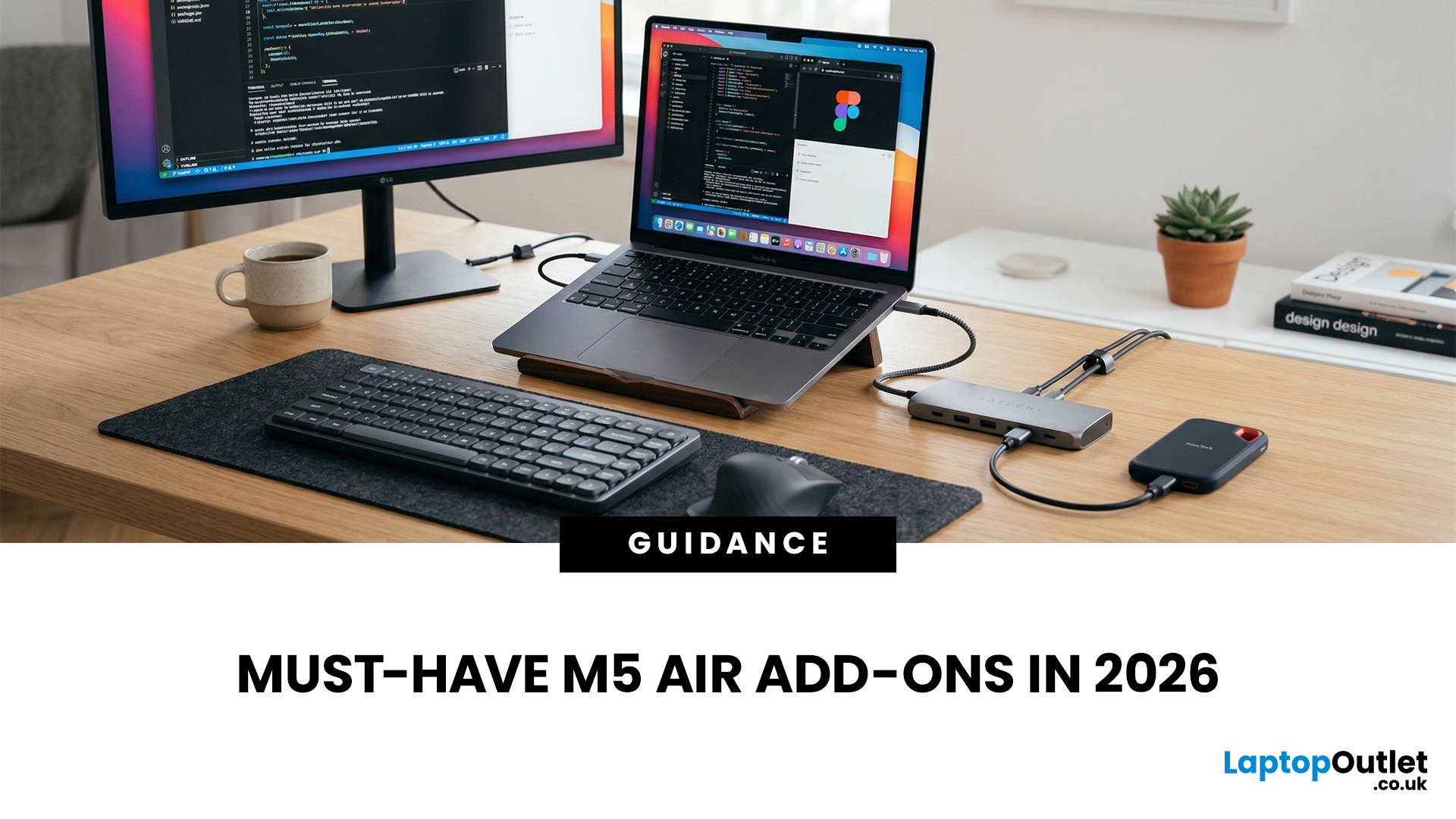
You just got (or are about to get) the M5 MacBook Air. Congrats, your backpack is about to get lighter, and your vibe is about to get cleaner. But here’s the thing: the laptop is the main character… and the right accessories are the supporting cast that makes the whole show hit.
This guide breaks down the best MacBook Air M5 accessories for 2026, what’s worth buying, what’s overhyped, and how to build a setup that fits your life (commuter, student, creator, desk goblin… all valid).
What to Consider Before Buying MacBook Air M5 Accessories
Let’s skip the “add to cart frenzy” and do a 30-second reality check.
1) What ports do you need?
Most people don’t need a spaceship dock, they need a few essentials:
- USB-A for random flash drives or older accessories
- HDMI for monitors/classroom projectors
- SD/microSD if you shoot content
- A pass-through charging port so your hub isn’t stealing your only charging slot
2) Where do you use your MacBook the most?
- On the go: prioritize protection + compact

