



Apple MacBook Air M5: New Colours, Sleek Design & What’s Changing
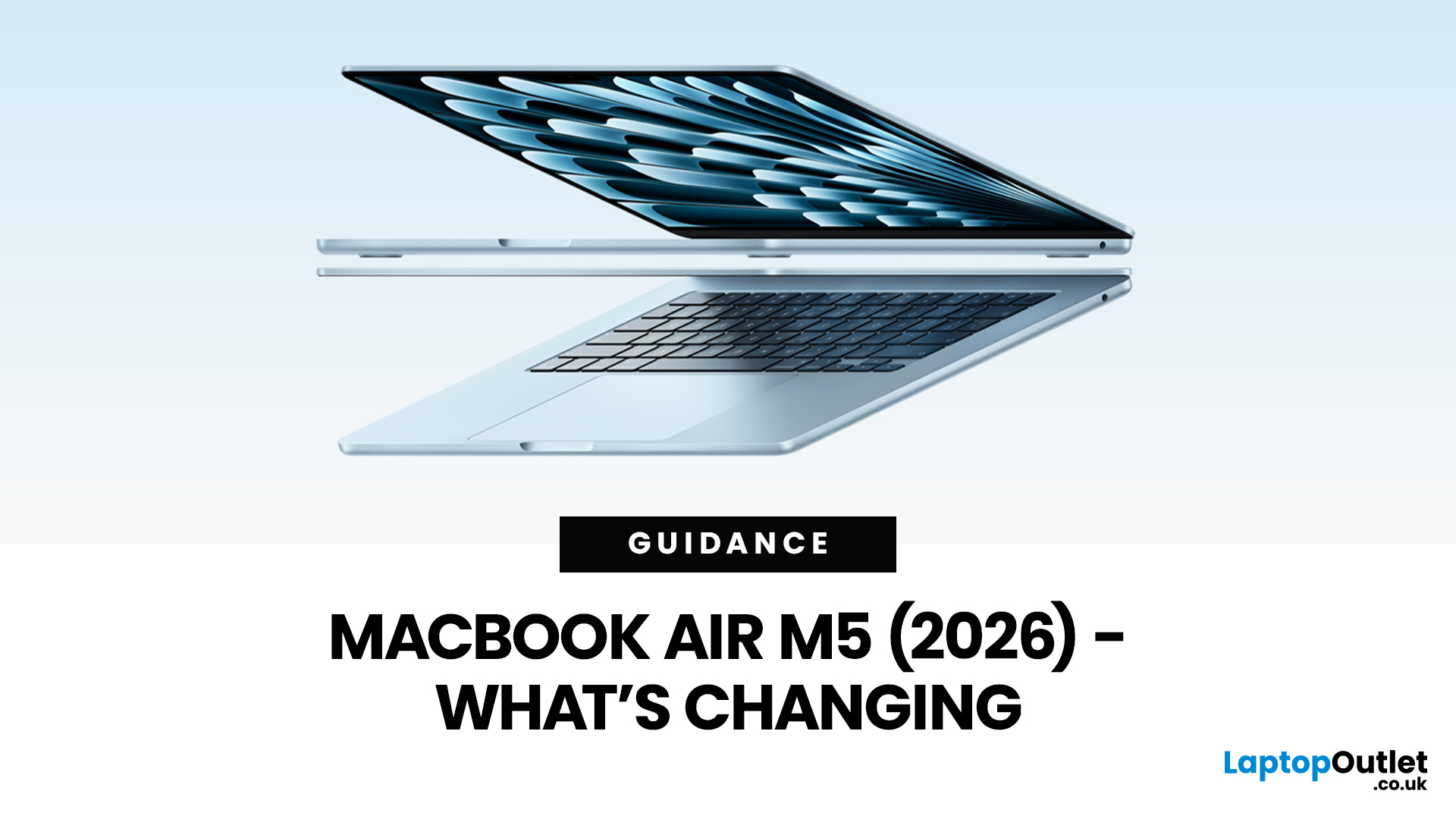
Apple’s MacBook Air refresh for 2026 is official: on 3rd March, 2026, Apple announced the MacBook Air with M5 in 13-inch and 15-inch sizes. The headline isn’t a dramatic redesign, this update is about refining the “already-right” formula: the same thin, fanless aluminium build and the same approachable colour lineup, paired with meaningful under-the-hood upgrades like 512GB base storage, Wi-Fi 7, and a faster SSD.
If your primary focus is MacBook Air M5 design and colours, here’s the most up-to-date, source-backed breakdown of what’s new, what’s unchanged, and how to pick the finish that fits your style (and your tolerance for fingerprints).
MacBook Air M5 design updates at a glance
Apple positions the M5 MacBook Air as a continuation of the current design language: thin, light, durable aluminium, and completely silent because it’s fanless. In other words, no big chassis overhaul this generation.
What’s actually changing in 2026:
- Colours: Apple confirms four finishes: Sky Blue - Midnight - Starlight - Silver.
- Base storage doubles to 512GB, with a new SSD up to 2× faster read/write versus the prior generation; configurable up to 4TB.
- Wireless upgrade: Apple’s N1 wireless chip adds Wi-Fi 7 + Bluetooth 6.
- Core experience remains: Liquid Retina display, 12MP Center Stage camera, MagSafe, two Thunderbolt 4 ports, and up to 18 hours of battery life.
So yes, it’s a “sleek design” story, but it’s more “sleek stays” than “sleek becomes.”
Visual guide: MacBook Air M5 colours 2026 (palette + personality)

Apple kept the same four finishes that defined the most recent Air generation, including Sky Blue, a shade Apple introduced previously as a “metallic light blue” that shifts subtly with light.
The 2026 lineup (confirmed)
|
Finish |
How it looks in real life (quick visual description) |
Best for |
|
Sky Blue |
Light metallic blue; reads “cool” and modern, often shifting slightly under bright light |
People who want colour without loudness |
|
Midnight |
Deep, near-black blue; the most dramatic and “pro-looking” of the Air colours |
Minimalist desks, darker setups |
|
Starlight |
Warm champagne/gold tone; elegant but still neutral |
Softer aesthetics, warm-tone accessories |
|
Silver |
Classic natural aluminium look; timeless and least attention-grabbing |
Long-term ownership, resale confidence |
Tip for your blog layout: you can present this as four “colour cards” with a small rectangular swatch above each description (even if you’re not embedding images). It reads like a visual without needing product photography.
“MacBook Air new finishes”: Are these actually new?
If you’re searching for brand-new finishes in 2026, the key truth is: Apple didn’t add a new colour for the M5 launch. The M5 press release lists the same four finishes: sky blue, midnight, starlight, silver.
That said, “new finishes” can still be true in a practical sense if you frame it correctly:
- Sky Blue is still “new” in the modern Air era (introduced with the M4 generation), and remains the most visibly different option compared to classic Mac neutrals.
- Midnight’s surface treatment matters more than the name. Apple previously addressed Midnight’s tendency to show fingerprints with an improved anodization/seal (discussed widely at the time). While Apple’s M5 Air materials section emphasizes durability and repairability, it doesn’t call out a new Midnight coating specifically—so it’s safer to describe Midnight as the darkest option and include care tips rather than claiming a brand-new finish change in 2026.
Apple M5 MacBook Air build: what the design still gets right
Apple’s own wording for the M5 MacBook Air is consistent: thin, light, durable aluminium design, designed for portability and everyday use.
Build highlights (confirmed)
- Fanless: silent operation, fewer moving parts.
- Two sizes: 13.6-inch and 15.3-inch displays.
- Two Thunderbolt 4 ports + MagSafe charging.
- Liquid Retina 500 nits and “1 billion colours” support.
A quick “design reality check”
If you expected MacBook Air M5 expected design changes like a thinner wedge return, a new notch shape, OLED, or a port overhaul, none of that is part of Apple’s M5 Air announcement. The “design updates” story here is about finish choice, port familiarity, and quality-of-life improvements that don’t change the silhouette.
The subtle design upgrades that do change daily use
Even without a new chassis, the M5 Air brings updates that change how the laptop feels over time.
1) Storage: 512GB standard + faster SSD
Apple doubled the starting storage to 512GB, and says the new SSD delivers 2× faster read/write than the previous generation. For many buyers, that’s the most tangible “upgrade you notice” because it impacts:
- large photo/video imports
- app installs and updates
- opening big project files
- swapping/virtual memory performance under load
This also reduces the chance you’ll immediately need external storage, useful if you care about keeping the clean, minimalist Air setup.
2) Wireless: Wi-Fi 7 + Bluetooth 6 via Apple’s N1 chip
Apple adds Wi-Fi 7 and Bluetooth 6 with an Apple-designed N1 wireless chip. In real-world terms, the upgrade matters most if you:
- use newer Wi-Fi 7 routers (higher peak throughput, better multi-device handling)
- rely on stable low-latency connections for calls or cloud workflows
- use Bluetooth accessories heavily (headphones, mice, keyboards)
(Availability of Wi-Fi 7 can vary by region and support conditions, which Apple notes in the tech specs footnotes.)
MacBook Air M5 sleek design: choosing a colour that stays looking “new”

Colour is emotional, but it’s also practical. Here’s a user-friendly decision matrix you can drop into the blog as a “visual” callout.
Colour decision matrix (fast pick)
Pick Sky Blue if you want:
- a modern MacBook Air vibe that stands out gently
- a lighter shade that tends to hide small dust better than dark finishes
Pick Midnight if you want:
- the most dramatic, near-black look
- a laptop that fits in professional or minimalist setups
- and you don’t mind wiping it down more often than lighter finishes (dark anodized colours show oils more easily). (Historically, Apple and reviewers have discussed efforts to reduce fingerprints in Midnight across generations, but that doesn’t automatically mean “no fingerprints.”)
Pick Starlight if you want:
- a warm, premium tone that’s still neutral
- a finish that pairs well with gold/cream accessories
Pick Silver if you want:
- the safest long-term choice
- the most “classic Mac” look, typically the easiest to keep visually pristine
What’s unchanged: the design baseline Apple is sticking with
For readers trying to understand MacBook Air M5 design updates, it helps to be explicit about what stayed the same, because that’s the point of this generation.
Apple continues to emphasize:
- Liquid Retina display
- 12MP Center Stage camera
- 18-hour battery life
- Spatial Audio sound system
- MagSafe + two Thunderbolt 4 ports
- Two external displays supported
- the same overall thin-and-light positioning
This matters because it tells you exactly who the M5 Air is for: people who already like the Air’s modern flat design and just want it faster, roomier, and more future-proof on wireless.
“Expected design changes” vs reality: what the M5 Air signals for Apple’s roadmap
Before the launch, many expectations around the Air were about whether Apple would tweak the chassis again. But the official release locks in a pattern:
- Apple redesigned the Air chassis in the M2 era, and the company is still iterating on that platform rather than reinventing it.
- The design strategy for 2026 is “platform stability + meaningful spec uplift”: storage, SSD speed, wireless, and M5 performance.
That’s good news if you value accessories and familiarity, cases, sleeves, and workflows don’t need rethinking every cycle.
A clean “What’s changing” checklist for your blog (copy-friendly)
MacBook Air M5 (2026) — What’s changing
- M5 chip (performance + AI focus)
- 512GB base storage; configurable up to 4TB
- Faster SSD (Apple claims up to 2× read/write vs previous gen)
- Wi-Fi 7 + Bluetooth 6 via N1 wireless chip
- Pricing starts at $1,099 (13-inch) and $1,299 (15-inch) in the U.S.
What’s not changing
- Same thin, fanless aluminium design language
- Same four finishes (Sky Blue, Midnight, Starlight, Silver)
- Two Thunderbolt 4 ports + MagSafe; Liquid Retina display baseline

Bottom line: the design-and-colour story in one sentence
The MacBook Air M5 design and colours update is best described as: the same sleek, fanless aluminium body in the same four finishes—now paired with bigger base storage, a faster SSD, and modern wireless (Wi-Fi 7 + Bluetooth 6).

FAQs people are actually searching a lot about MacBook Air M5 (2026)
1) When is the MacBook Air M5 release date, and when will it be available in stores?
Apple announced the MacBook Air with M5 on 3 March 2026. Multiple outlets reporting on the launch say preorders start March 4 and in-store availability begins 11 March (2026).
2) What colors does the MacBook Air M5 come in (MacBook Air M5 colors 2026)?
The 2026 MacBook Air M5 is offered in Sky Blue, Midnight, Starlight, and Silver (Apple’s official lineup).
3) Is there a new design for the MacBook Air M5, or is it the same chassis?
This is one of the top questions because many people expect a redesign with a new chip. Coverage of the announcement notes no major external design change, the update focuses on internals like storage and connectivity.
4) MacBook Air M5 vs M4: what are the biggest differences (is it worth upgrading)?
This comparison is heavily searched right after a launch. Reported key changes include 512GB base storage (up from 256GB) and Apple’s claim of up to 2× faster SSD performance, plus newer wireless (Wi-Fi 7 / Bluetooth 6).
5) Does the MacBook Air M5 finally fix the “256GB SSD is slow” issue?
People ask this because previous base models raised concerns about entry-level storage performance. Apple now starts the Air at 512GB and states the SSD is up to 2× faster than the previous generation, which is why this question is trending.
Related Articles

Last Updated: May 07, 2026
Why pay full price for Apple performance when you can get the same sleek, powerful machine for hundreds less?
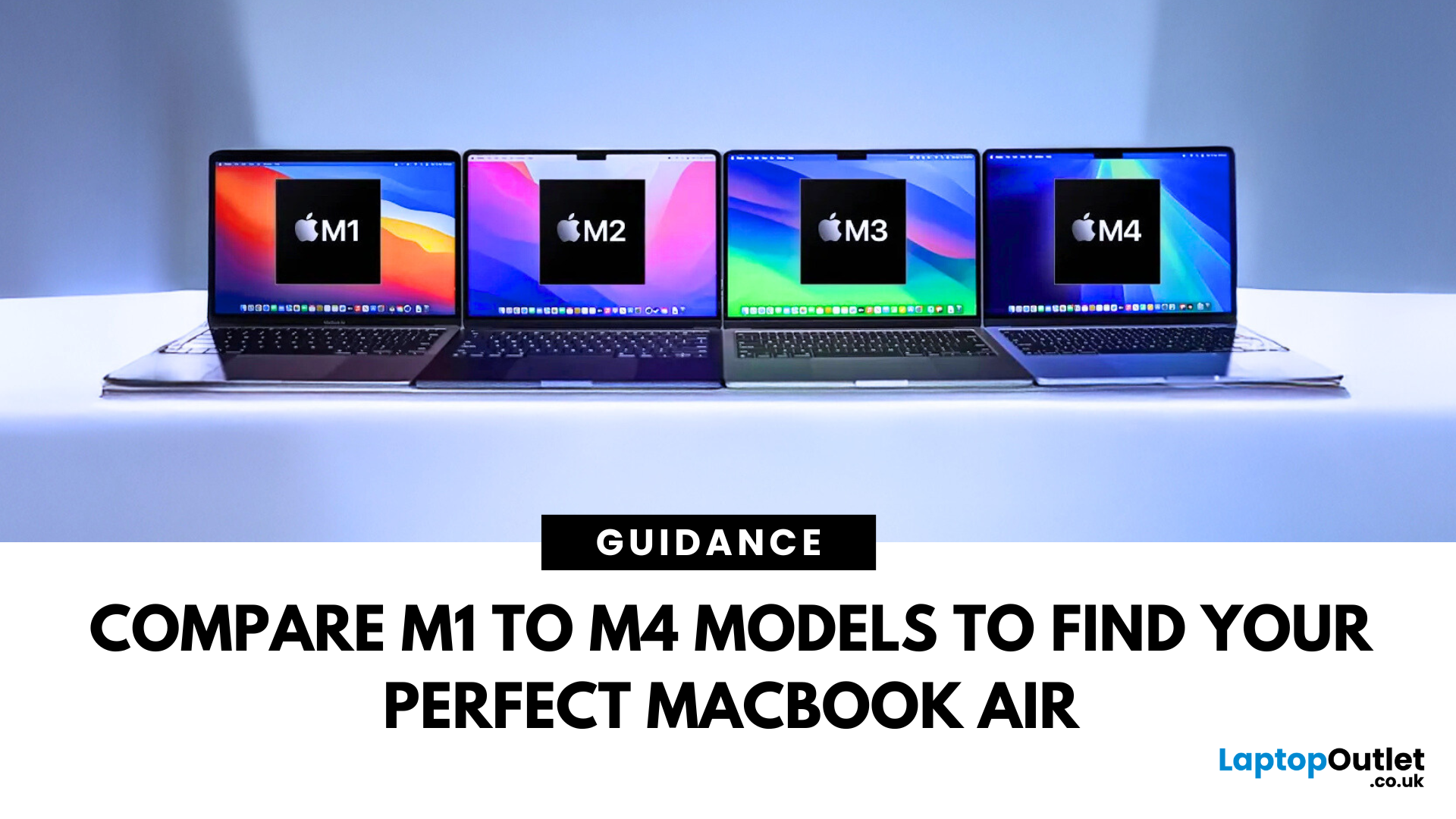
Refurbished MacBook Air have become a go-to option for students, professionals, creatives, and casual users alike. These ultra-thin laptops deliver top-tier performance and battery life, with M1 to M4 chips offering seamless multitasking and future-ready computing.
In this guide, we’ll explore the differences between M1, M2, M3, and M4 MacBook Air’s and help you choose the perfect refurbished laptop for your lifestyle and budget.
Refurbished vs. Used vs. Second Hand: Know the Difference
Not all pre-owned MacBooks are created equal. A refurbished MacBook Air goes through rigorous testing, cleaning, and quality checks before resale. It comes with a warranty and professional refurbishment often indistinguishable from new.
Compare that to a used or second hand MacBook Air, which is typically sold as-is, with no guarantee of condition or long-term performance. Choosing a professionally
Last Updated: October 03, 2025
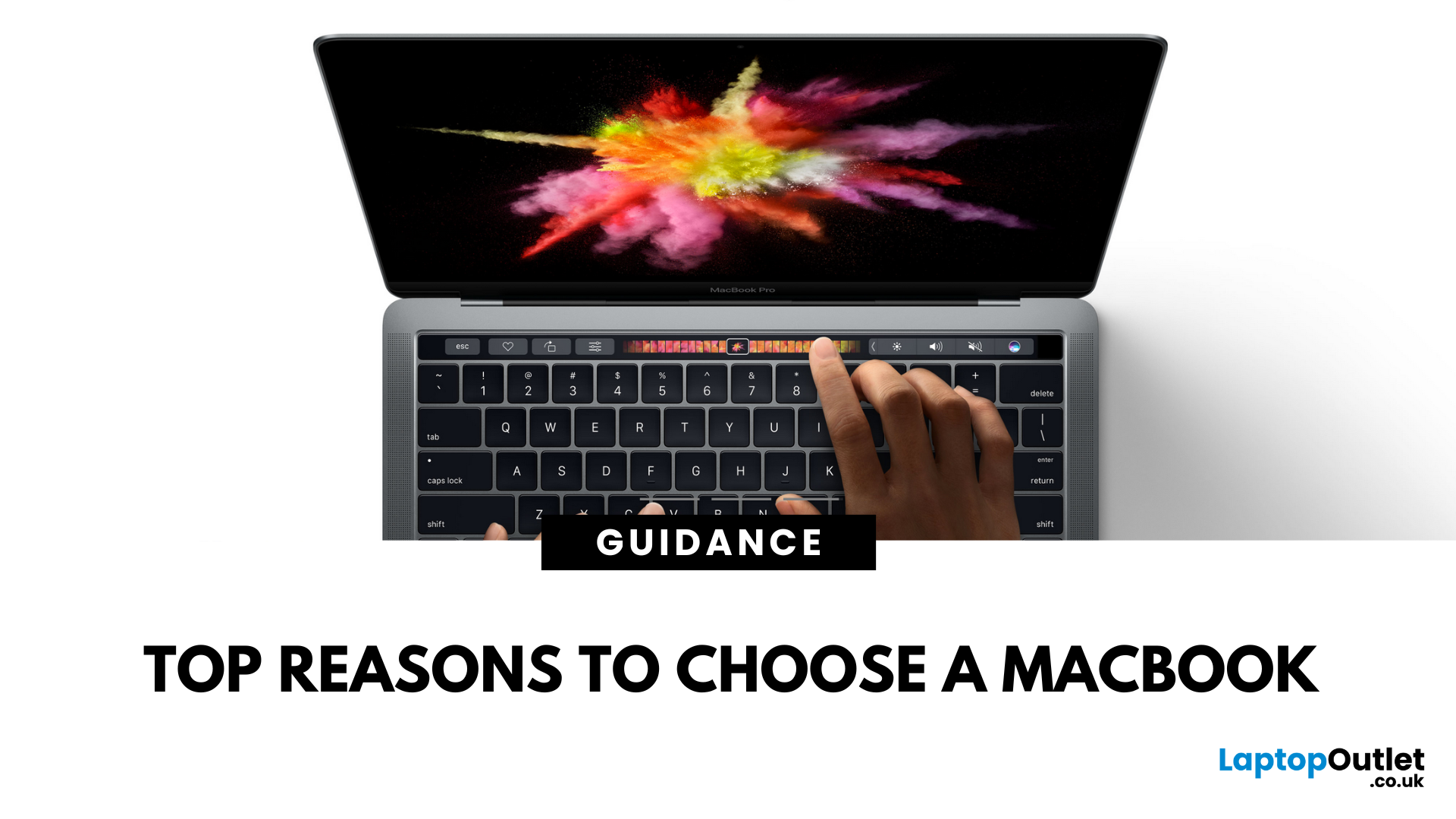
5 Reasons You Should Choose a MacBook
Apple’s MacBook lineup has long been the gold standard for laptops. But what makes them so popular—and are they worth the investment? Here are five reasons why a MacBook could be your perfect next laptop.
1. Sleek Design and Premium Build Quality
MacBooks are known for their ultra-thin, lightweight aluminium bodies. They’re stylish, durable, and designed to slip easily into your backpack or briefcase. Perfect for students and professionals who need a laptop that looks as good as it performs.
2. macOS – Smooth, Secure, and User-Friendly
Apple’s macOS is designed for seamless performance:
- Intuitive interface
- Fewer bugs and crashes compared to some operating systems
- Built-in security features to protect your data
- Regular updates to keep your system fresh and fast
It’s great for both first-time users and seasoned pros.
3. Outstanding Battery Life
With up to 18+ hours of battery life on some models, MacBooks are perfect for all-day
Last Updated: July 06, 2026
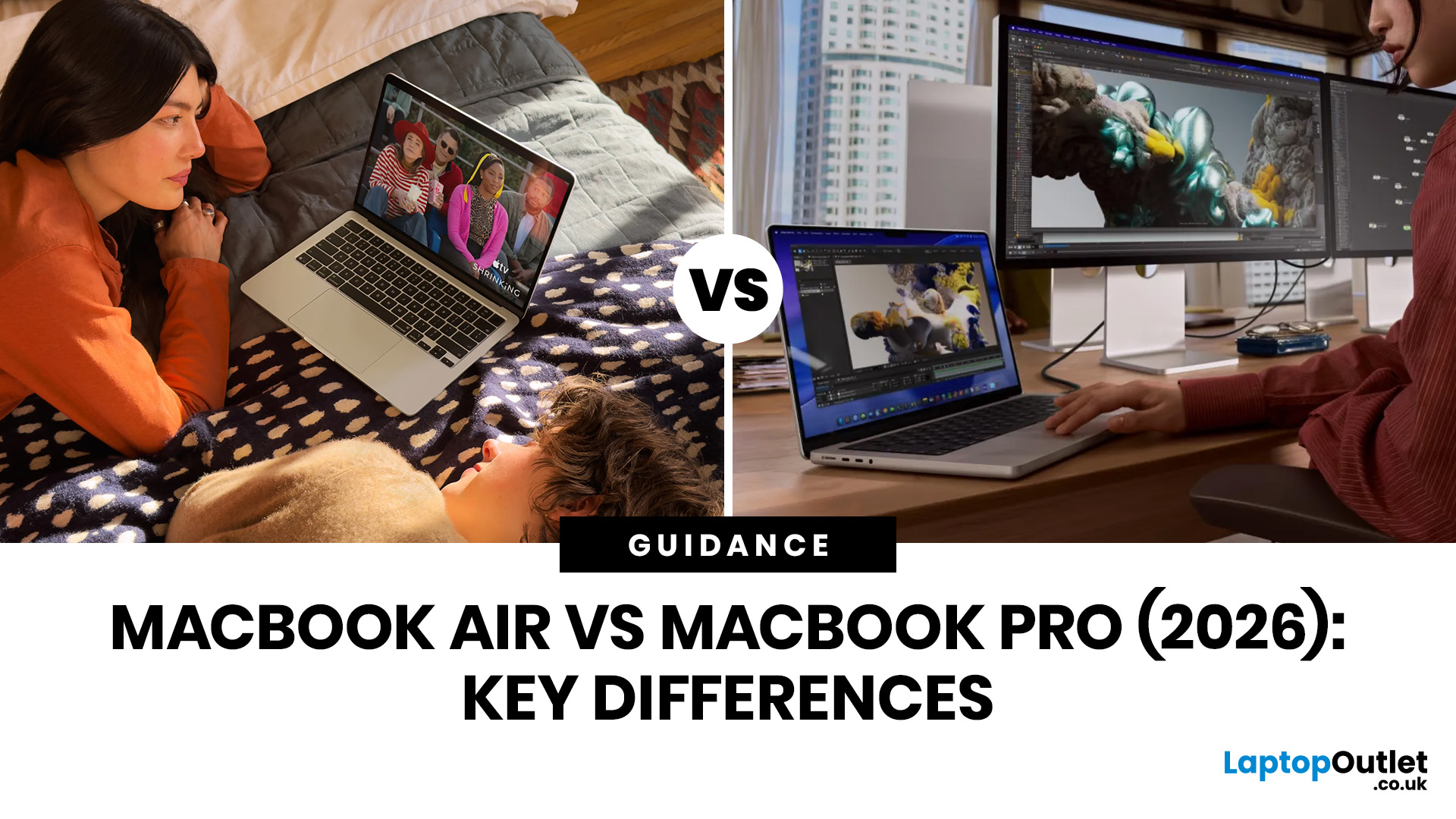
Choosing between the MacBook Air vs MacBook Pro in 2026 isn’t as straightforward as it used to be. With Apple’s latest M-series chips delivering impressive performance across both models, the gap has narrowed, yet key differences still matter depending on how you use your laptop.
Whether you’re a student, creative professional, or everyday user, this guide breaks down the difference between MacBook Air and Pro, including performance, battery life, price in the UK, and which one is right for you.
MacBook Air vs MacBook Pro: Quick Comparison (2026)
| Feature | MacBook Air | MacBook Pro |
|---|---|---|
| Performance | Great for everyday tasks | Excellent for heavy workloads |
| Battery Life | Outstanding (light use) | Excellent (even under load) |
| Portability | Ultra-light & thin | Heavier but still portable |
| Display | Liquid Retina | Liquid Retina XDR (better brightness & refresh rate) |
| Cooling | Fanless | Active cooling (fans) |
| Price (UK) | From ~£999+ | From ~£1,599+ |
| Best For | Students, casual users | Creatives, professionals |
This MacBook Air
Last Updated: May 07, 2026
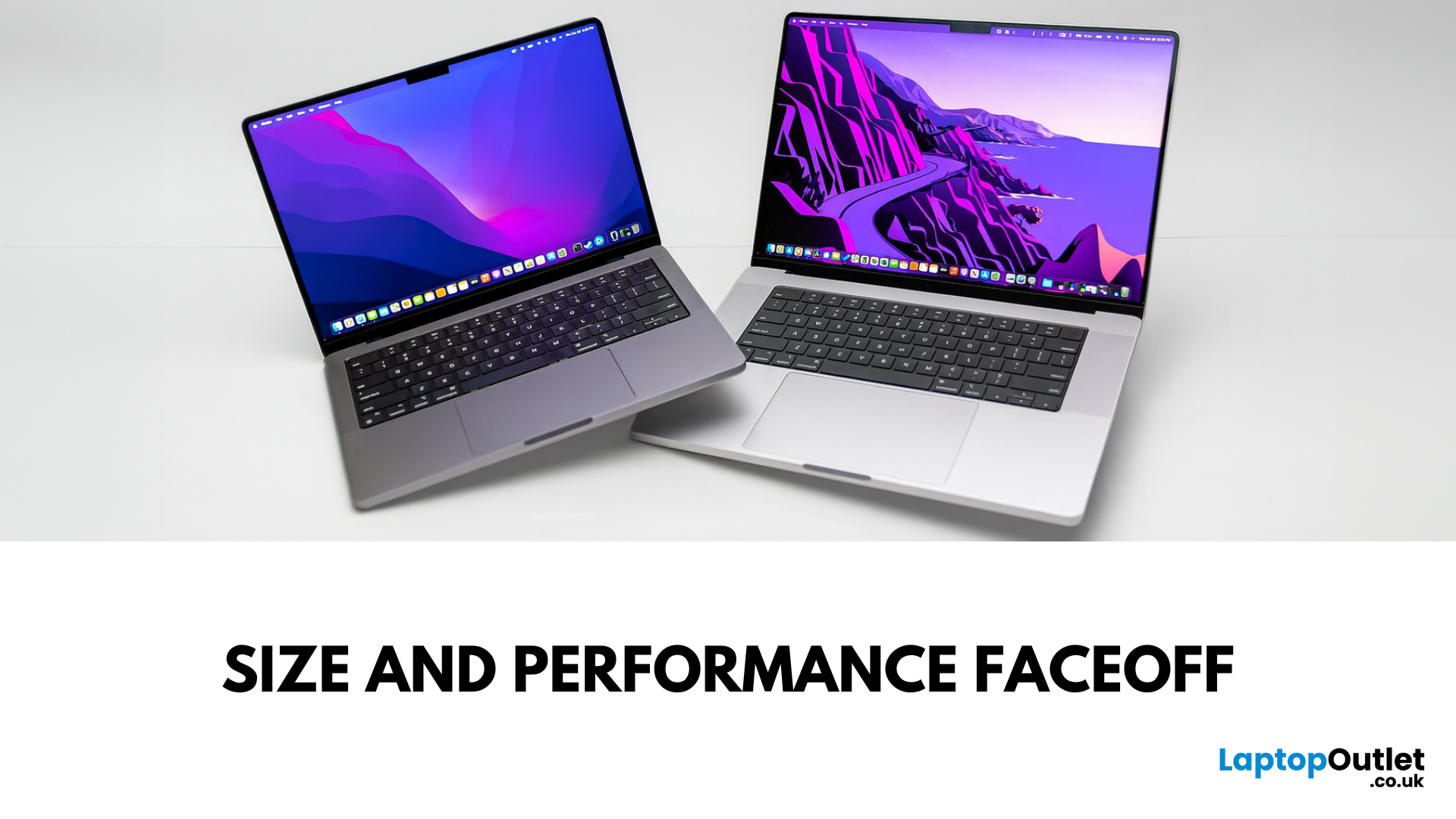
Main Difference Between MacBook Pro 14 and 16
Both laptops share the same Liquid Retina XDR display tech, Apple Silicon (M4/M4 Pro/M4 Max), and near-identical I/O. The real split is portability versus scale: the 14-inch weighs as little as 1.55 kg and fits in almost any bag, while the 16-inch stretches to 2.14–2.15 kg and pairs that larger chassis with a 100-watt-hour battery and better sustained cooling. In short: 14-inch = go-anywhere pro power; 16-inch = bigger canvas and longer runtime.
Feature Comparison Table
| Feature | MacBook Pro 14-inch | MacBook Pro 16-inch |
| Display | 14.2″ Liquid Retina XDR, 3024×1964, ProMotion 120 Hz | 16.2″ Liquid Retina XDR, 3456×2234, ProMotion 120 Hz |
| Size & Weight | 31.26 × 22.12 × 1.55 cm; 1.55–1.62 kg (by chip) | 35.57 × 24.81 × 1.68 cm; 2.14–2.15 kg |
| Chips | M4, M4 Pro, M4 Max (up to 16-core CPU/40-core GPU on Max) | M4 Pro or M4 Max (same top options) |
| Battery & Capacity | Up to 24 hrs (M4), 22 hrs (M4 Pro), 18 hrs (M4 Max); 72.4 Wh | Up to 24 hrs (M4 Pro), 21 hrs (M4 Max); |

Last Updated: May 07, 2026
Main Difference Between MacBook Air M3 and MacBook Pro M3
The core distinction is in what each prioritises: Air M3 delivers silent, lightweight everyday power for general use and portability. In contrast, Pro M3 enhances sustainability under load with active cooling, a premium mini‑LED XDR display, and expanded ports—tailoring it to creators and professionals who do heavy multitasking or editing.
Feature Comparison Table
| Feature | MacBook Air M3 | MacBook Pro M3 (14-inch) |
| Chip & Base Spec | M3 (8‑core CPU, 8‑core GPU), fanless | M3 (same), fans for active cooling |
| Display | 13.6″ Liquid Retina (LED, ~500 nits) | 14.2″ Liquid Retina XDR, mini‑LED, ~1,000 nits sustained, 1,600 nits peak, ProMotion 120 Hz |
| Weight | ~1.24 kg | ~1.55 kg |
| Battery Life | Around 18 hrs real-world usage | Up to 22 hrs (for light tasks) |
| Ports & Connectivity | 2× Thunderbolt/USB-4, MagSafe, 3.5 mm jack | Adds HDMI, SDXC slot, extra TB port |
| Pricing (GBP) | 13″ M3 (8 GB/256 GB): from £1,099 | 14″ M3 (8 GB/512 GB): from £1,599 |
| Best For | Students, |
Published: November 17, 2025
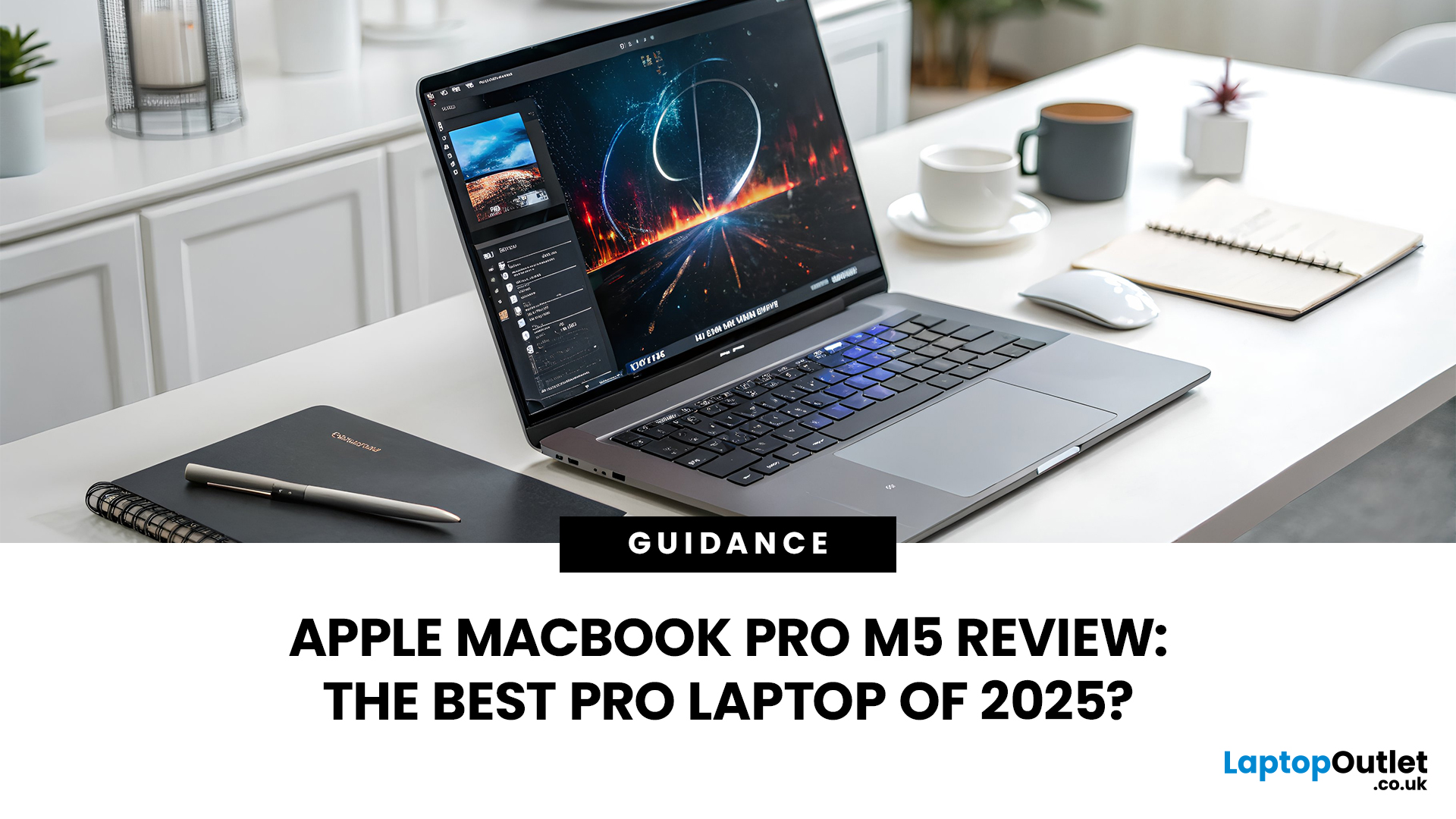
In 2025, Apple continues its dominance in professional laptops with the release of the MacBook Pro M5, the latest evolution of its in-house silicon revolution. Following the impressive M3 Pro and M4 generations, the Apple M5 chip marks a leap in raw performance, AI processing, and energy efficiency - and it’s already being hailed as the gold standard for creative professionals and demanding users.
But does the new M5 MacBook Pro really set a new benchmark in laptop performance? Or are Windows-based power machines like the Dell XPS 15 and Razer Blade 16 catching up?
In this Apple MacBook Pro M5 review, we dive into real-world performance, specs, benchmarks, battery life, display quality, and user experience to see if this is truly the best pro laptop of 2025.
Design and Build: Familiar Excellence, Refined Again
Apple hasn’t reinvented the MacBook’s look - and honestly, it didn’t need to. The M5 edition retains the precision-machined aluminium unibody, but now features a subtle refinement
Last Updated: March 12, 2026
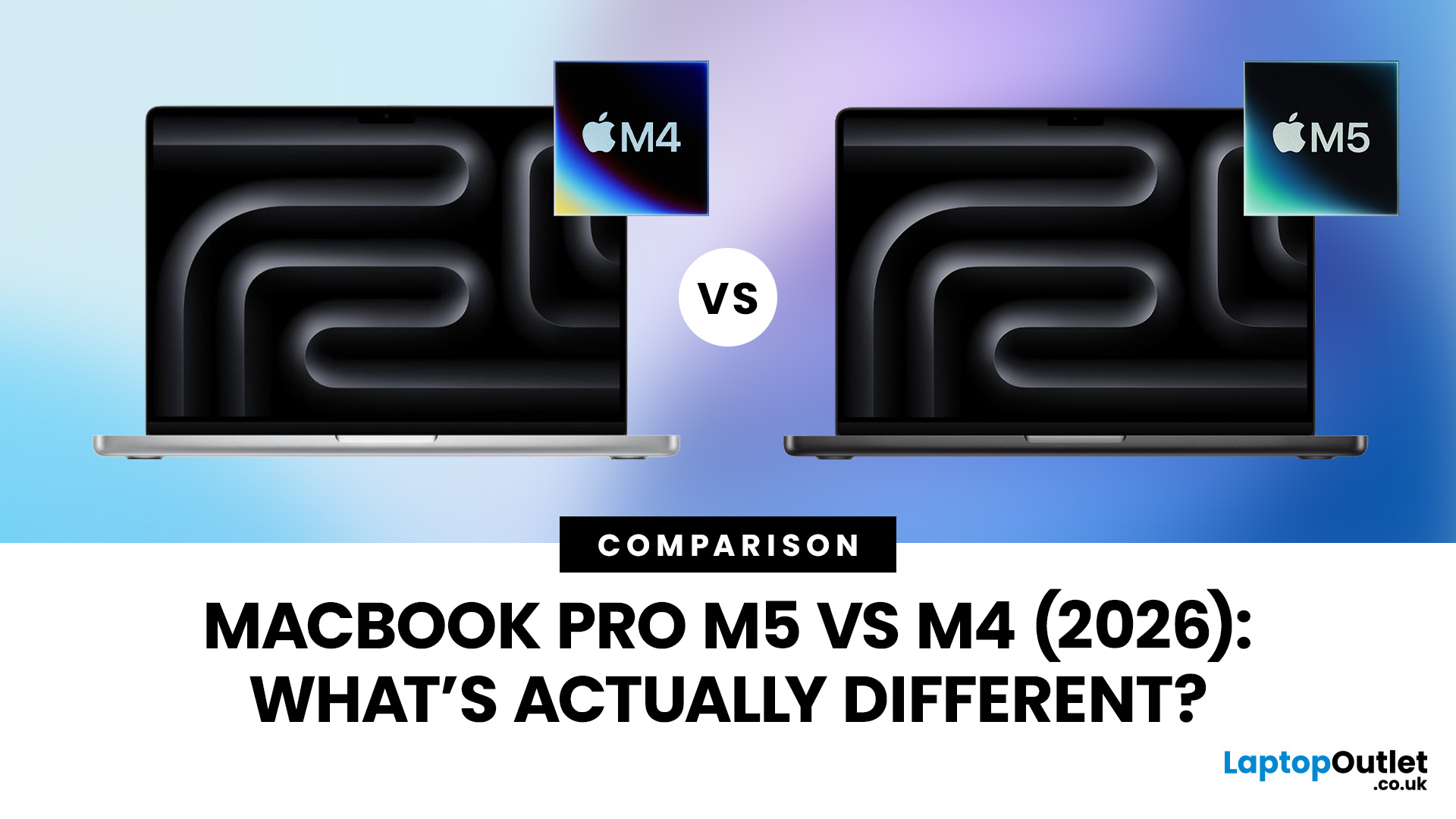
Apple continues to push laptop performance forward with its custom silicon, and the latest generation, powered by the Apple M5 chip - brings new improvements to the MacBook Pro lineup. The previous M4 MacBook Pro, released in 2024, was already one of the most powerful laptops available. However, the 2026 MacBook Pro with the M5 chip introduces several internal upgrades designed to enhance performance, AI processing and efficiency.
For many UK buyers, the key question is simple: is the MacBook Pro M5 a meaningful upgrade over the M4, or should you save money and buy the older model instead?
In this detailed comparison of MacBook Pro M5 vs M4, we will look at:
- CPU and GPU performance differences
- AI and machine learning improvements
- Battery life and efficiency
- Design and display changes
- UK pricing and availability
- Whether upgrading is worth it
By the end of this guide, you’ll have a clear idea of which MacBook Pro is the better choice for UK users in 2026.
MacBook Pro M5 vs M4: Key Differences
Last Updated: March 09, 2026
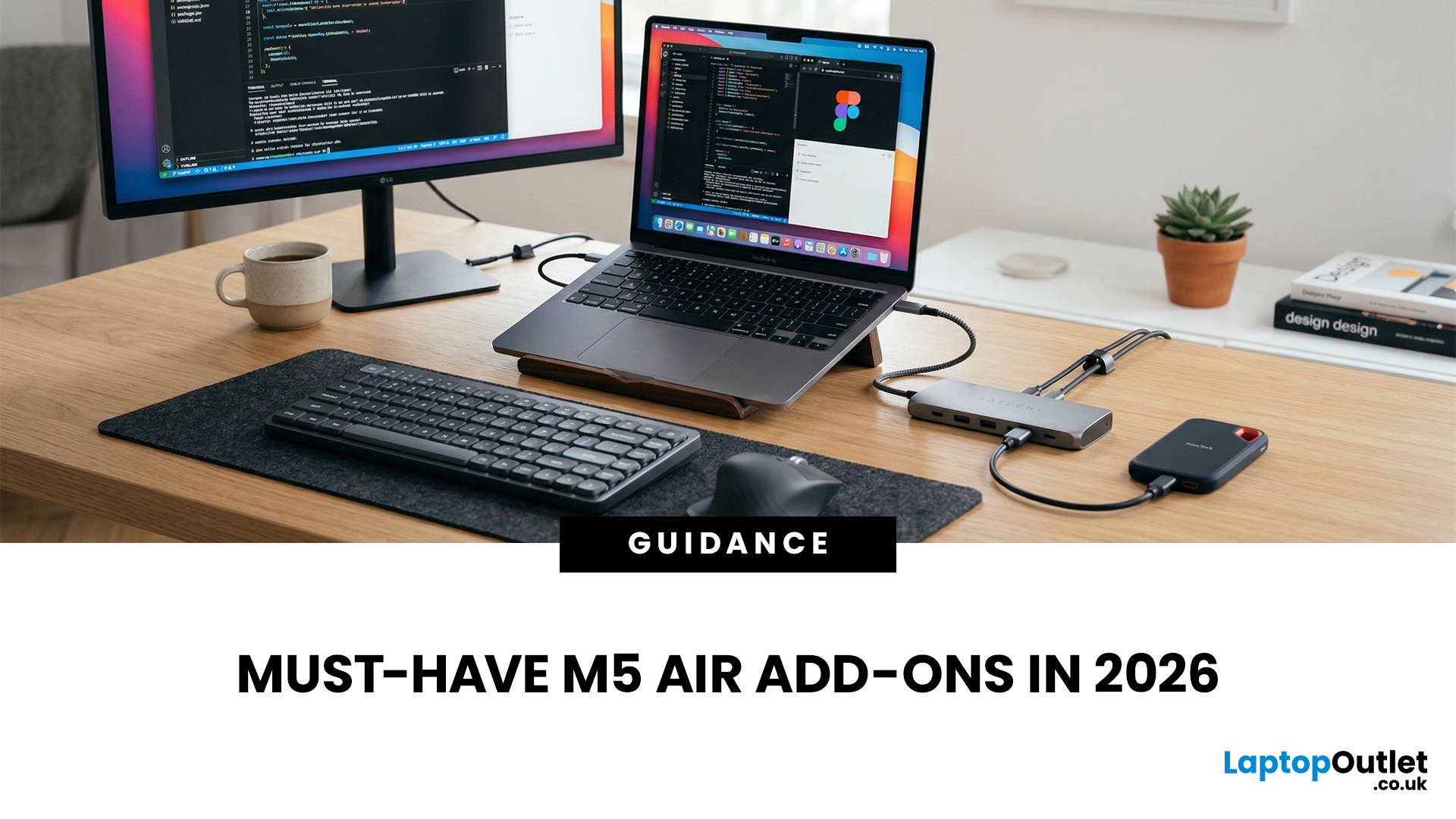
You just got (or are about to get) the M5 MacBook Air. Congrats, your backpack is about to get lighter, and your vibe is about to get cleaner. But here’s the thing: the laptop is the main character… and the right accessories are the supporting cast that makes the whole show hit.
This guide breaks down the best MacBook Air M5 accessories for 2026, what’s worth buying, what’s overhyped, and how to build a setup that fits your life (commuter, student, creator, desk goblin… all valid).
What to Consider Before Buying MacBook Air M5 Accessories
Let’s skip the “add to cart frenzy” and do a 30-second reality check.
1) What ports do you need?
Most people don’t need a spaceship dock, they need a few essentials:
- USB-A for random flash drives or older accessories
- HDMI for monitors/classroom projectors
- SD/microSD if you shoot content
- A pass-through charging port so your hub isn’t stealing your only charging slot
2) Where do you use your MacBook the most?
- On the go: prioritize protection + compact
Last Updated: March 09, 2026
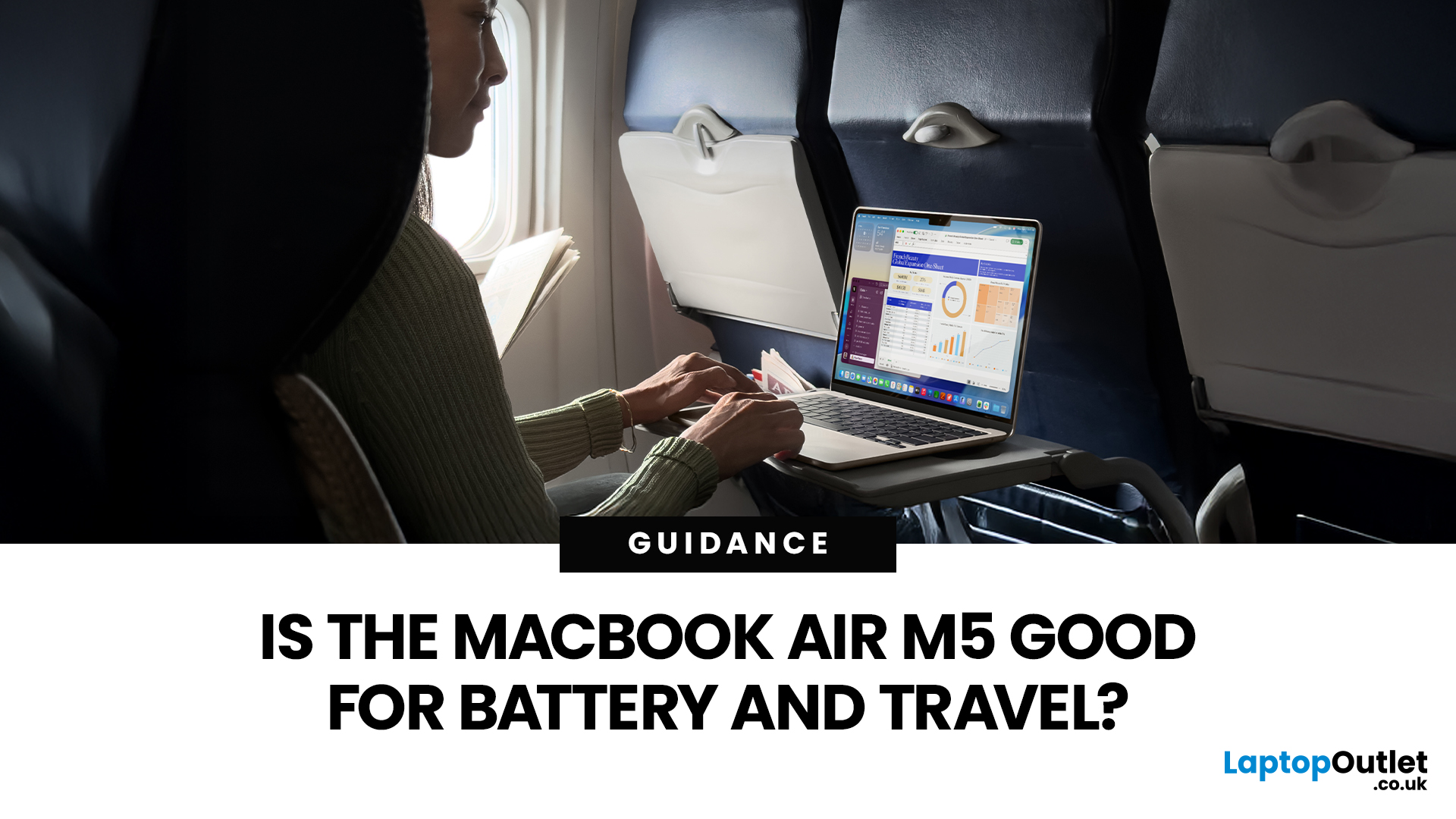
If you are looking up MacBook Air M5 battery life, you probably care about two things more than anything else: how long it lasts away from the charger, and how easy it is to carry every day. The 2026 MacBook Air refresh keeps the same thin, lightweight vibe, but tightens the experience around travel: strong battery ratings, fast charging, modern Wi-Fi 7, and a simple port setup that is actually practical.
This guide breaks down what to expect from Apple’s MacBook M5 battery performance and portability.
Quick Answer: Is The MacBook Air M5 Good for Battery and Travel?
Yes, if you want a true all-day laptop
The MacBook Air with M5 chip is rated for up to 18 hours of battery life, with a separate rating of up to 15 hours for wireless web use. That combination usually covers a full day of classes or meetings without having to plan your life around sockets.
Yes, if portability matters more than raw power
The 13-inch model weighs 1.23 kg, and the 15-inch model weighs 1.51 kg, both staying
Last Updated: March 05, 2026
Apple just dropped another powerhouse, and tech lovers everywhere are paying attention. The MacBook Pro with the new M5 chip has officially arrived, and it’s bringing some serious upgrades in performance, AI capabilities, and efficiency. If you’re a creator, developer, student, or someone who simply loves fast and powerful machines, this launch is worth checking out.
Apple’s MacBook Pro M5: What’s the Big Deal?
Apple’s MacBook Pro lineup has already been dominating the laptop space with its custom silicon chips. Starting from the M1, Apple proved that it could build processors that outperform many traditional laptop chips while using less power.
Now, the M5 generation takes things to the next level.
The new MacBook Pro models come powered by M5 Pro and M5 Max chips, which promise faster speeds, stronger graphics performance, and better AI processing compared to previous models. Apple designed these chips to handle demanding tasks like video editing, software development, 3D rendering,

