



M5 MacBook Pro vs M4 MacBook Pro: What’s New and Should You Upgrade?
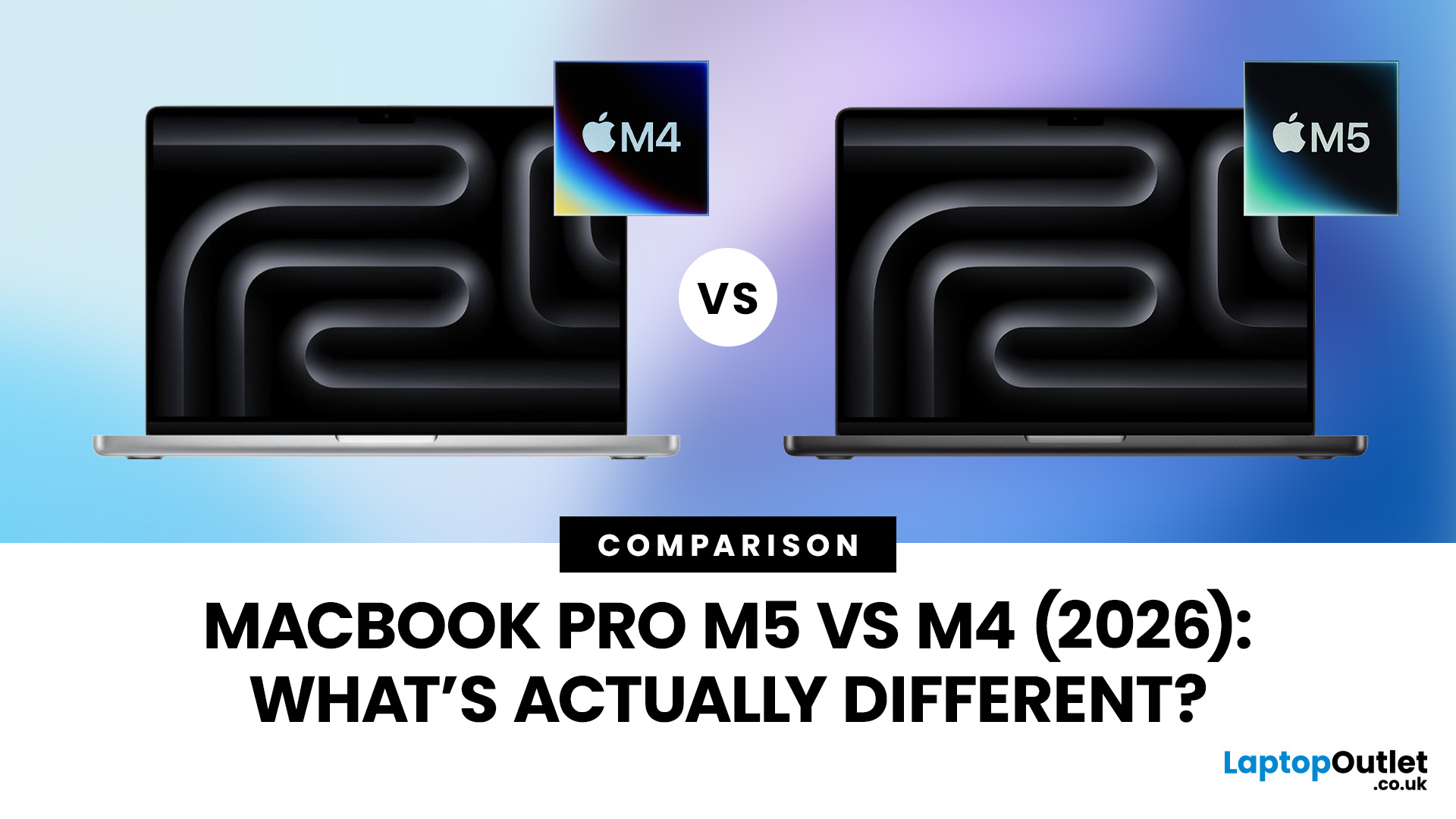
Apple continues to push laptop performance forward with its custom silicon, and the latest generation, powered by the Apple M5 chip - brings new improvements to the MacBook Pro lineup. The previous M4 MacBook Pro, released in 2024, was already one of the most powerful laptops available. However, the 2026 MacBook Pro with the M5 chip introduces several internal upgrades designed to enhance performance, AI processing and efficiency.
For many UK buyers, the key question is simple: is the MacBook Pro M5 a meaningful upgrade over the M4, or should you save money and buy the older model instead?
In this detailed comparison of MacBook Pro M5 vs M4, we will look at:
- CPU and GPU performance differences
- AI and machine learning improvements
- Battery life and efficiency
- Design and display changes
- UK pricing and availability
- Whether upgrading is worth it
By the end of this guide, you’ll have a clear idea of which MacBook Pro is the better choice for UK users in 2026.
MacBook Pro M5 vs M4: Key Differences at a Glance
Before diving into details, here is a quick overview of how the two MacBook Pro generations compare.
|
Feature |
MacBook Pro M5 (2026) |
MacBook Pro M4 (2024) |
|
Chip |
Apple M5 / M5 Pro / M5 Max |
Apple M4 / M4 Pro / M4 Max |
|
CPU |
Up to 18-core CPU |
Up to 16-core CPU |
|
GPU |
Up to 40-core GPU |
Up to 38-core GPU |
|
AI Processing |
Enhanced neural accelerator |
Standard neural engine |
|
Memory |
Up to 128GB unified memory |
Up to 128GB unified memory |
|
Storage |
Faster SSD architecture |
Standard SSD speeds |
|
Display |
Liquid Retina XDR |
Liquid Retina XDR |
|
Battery Life |
Up to ~22 hours |
Up to ~21 hours |
|
Sizes |
14-inch and 16-inch |
14-inch and 16-inch |
At first glance, the design and overall experience remain largely the same, but the new M5 chip delivers improvements under the hood.
Apple M5 vs M4 Chip: Architecture Improvements
The biggest difference in the MacBook Pro M5 vs M4 comparison comes from Apple’s next-generation silicon architecture.
Apple’s M-series chips are based on ARM architecture and use a system-on-a-chip design, integrating CPU, GPU, memory and AI accelerators into a single efficient package.
The M5 chip builds on the M4 architecture with improvements in several key areas:
- Higher clock speeds
- Improved GPU performance
- Enhanced AI processing
- Better power efficiency
These improvements are designed to make the MacBook Pro even more capable for demanding professional workloads.
For most users, the upgrade may feel incremental, but for developers, creative professionals and power users, the differences can be noticeable.
CPU Performance: Faster Multitasking and Workloads
One of the most important aspects of the MacBook Pro M5 vs M4 comparison is CPU performance.
The new M5 chip features improved performance cores and efficiency cores, allowing it to handle demanding tasks more effectively.
Typical improvements include:
- Around 10–15% faster CPU performance
- Better multitasking
- Improved sustained performance during heavy workloads
This means tasks such as:
- Compiling code
- Running virtual machines
- Editing high-resolution video
- Exporting large files
can complete faster on the M5 MacBook Pro.
However, if you primarily use your MacBook for:
- web browsing
- office work
- streaming
- light photo editing
You may not notice a dramatic difference between the two chips.
GPU Performance: A Boost for Creative Professionals
The GPU is another area where the MacBook Pro M5 vs M4 comparison becomes interesting.
Apple has continued improving graphics performance with each new generation of Apple Silicon, and the M5 chip delivers another step forward.
The M5 GPU includes:
- More GPU cores in high-end configurations
- Improved graphics architecture
- Better memory bandwidth
These changes lead to noticeable improvements in tasks such as:
- 3D rendering
- video editing in Final Cut Pro
- colour grading
- gaming on macOS
For professionals using software like:
- Blender
- DaVinci Resolve
- Adobe Premiere Pro
- Cinema 4D
the extra GPU performance can reduce rendering times and improve overall workflow efficiency.
AI and Machine Learning: A Major Focus of the M5
One of the biggest priorities for Apple’s newer chips is on-device artificial intelligence.
In the MacBook Pro M5 vs M4 comparison, the M5 chip introduces improved neural processing capabilities designed to support modern AI workflows.
This includes improvements to:
- machine learning tasks
- AI-powered creative tools
- real-time language processing
- generative AI applications
As more software integrates AI features, having stronger on-device AI processing becomes increasingly valuable.
For example, the M5 MacBook Pro can deliver improved performance in:
- AI image generation
- video upscaling
- AI-powered coding assistants
- machine learning models
This makes the M5 particularly attractive for developers and AI researchers and make it a next-gen AI-ready laptop.
Memory and Storage Performance
Both the M5 and M4 MacBook Pro models support Apple’s unified memory architecture, which allows the CPU and GPU to share the same memory pool.
This results in faster data access and better overall performance.
The two generations support similar maximum configurations:
- Up to 128GB unified memory
- Up to 8TB SSD storage
However, the M5 MacBook Pro introduces faster storage speeds, meaning large files can load more quickly.
For professionals working with large datasets or video projects, this can noticeably improve productivity.
Design and Build Quality
If you were hoping for a completely new design, the MacBook Pro M5 vs M4 comparison may disappoint slightly.
Apple has retained the same MacBook Pro design introduced with the Apple Silicon era.
Key features remain the same:
- aluminium unibody chassis
- Liquid Retina XDR display
- notch design
- high-quality keyboard and trackpad
- premium speaker system
While there is no major redesign, this is not necessarily a negative - the MacBook Pro design is already considered one of the best laptop designs available.
Display Quality
Both the M5 and M4 MacBook Pro models feature Apple’s Liquid Retina XDR display, which offers:
- mini-LED backlighting
- up to 1600 nits peak brightness
- ProMotion 120Hz refresh rate
- excellent colour accuracy
This makes the display ideal for:
- video editing
- photography
- content creation
- watching HDR content
Because the display remains unchanged, buyers comparing MacBook Pro M5 vs M4 will get a similarly excellent viewing experience on either device.
Battery Life
Battery life has always been a strength of Apple Silicon laptops. Both the M4 and M5 MacBook Pro models deliver excellent battery performance.
Typical battery life includes:
- up to 21 hours of video playback
- up to 15 hours of web browsing
The improved efficiency of the M5 chip allows Apple to maintain similar battery life despite the increased performance.
For UK professionals working remotely or travelling frequently, this long battery life remains one of the MacBook Pro’s biggest advantages.
MacBook Pro M5 vs M4: UK Pricing and Availability
For UK buyers, pricing plays an important role when deciding between the two models.
Typical UK prices (including VAT) are expected to be approximately:
|
Model |
Estimated UK Starting Price |
|
MacBook Pro M5 |
~£1,699 |
|
MacBook Pro M4 |
~£1,599 (often discounted) |
This can make the M4 MacBook Pro a very attractive value option.
In some cases, you may find the M4 MacBook Pro £200–£300 cheaper than the latest M5 model.
MacBook Pro M5 vs M4: Which Should You Buy in the UK?
Choosing between the two models depends on your needs.
Buy the MacBook Pro M5 if:
- You want the latest Apple Silicon
- You work with AI or machine learning
- You use GPU-heavy creative software
- You plan to keep your laptop for many years
The M5 MacBook Pro offers the most future-proof performance.
Buy the MacBook Pro M4 if:
- You want the best value
- You mainly use productivity apps
- You don’t need the latest AI features
- You can find a good discount
For many UK buyers, the M4 MacBook Pro will still deliver excellent performance for years to come.

MacBook Pro M5 vs M4: Final Verdict
The MacBook Pro M5 vs M4 comparison shows that Apple’s latest chip delivers meaningful improvements in performance, AI processing and graphics capability.
However, the upgrade is largely incremental rather than revolutionary.
Key takeaways:
- M5 offers better CPU and GPU performance
- AI capabilities are significantly improved
- design and display remain the same
- M4 models may offer better value in the UK
If you already own an M4 MacBook Pro, upgrading immediately may not be necessary.
But if you are upgrading from an older MacBook such as an M1, Intel MacBook Pro or even M2 model, the new M5 MacBook Pro could be a substantial improvement.
Ultimately, both machines remain among the best laptops available in the UK, offering industry-leading performance, build quality and battery life.

Common Questions Explained
1. Is the MacBook Pro M5 much faster than the M4?
The MacBook Pro M5 is around 10–15% faster in CPU performance compared to the M4, with additional improvements in GPU performance and AI processing. While everyday tasks may feel similar, professionals working with video editing, 3D rendering, or machine learning will notice faster processing speeds on the M5.
2. Should I upgrade from the MacBook Pro M4 to the M5?
If you already own a MacBook Pro with the M4 chip, upgrading to the M5 may not be necessary unless you need better AI capabilities, faster GPU performance, or improved storage speeds. However, users upgrading from M1, M2, or Intel MacBooks will see a much bigger performance improvement.
3. Does the MacBook Pro M5 havea new design?
No, the MacBook Pro M5 keeps the same design introduced in recent Apple Silicon models. Both the M5 and M4 MacBook Pro feature the same aluminium chassis, Liquid Retina XDR display, ProMotion technology, and port selection, including HDMI, Thunderbolt and an SD card slot.
4. Is the MacBook Pro M4 still worth buying in the UK?
Yes, the MacBook Pro M4 is still an excellent choice for many UK buyers. Because it is now an older model, retailers like Amazon UK, Currys and John Lewis often offer discounts, making the M4 MacBook Pro a better value option for students and professionals who do not need the latest chip.
5. What is the battery life difference between the MacBook Pro M5 and M4?
Battery life is very similar between the two models. Both laptops can deliver around 20–22 hours of video playback depending on usage. The M5 chip is slightly more power efficient, but most users will experience similar all-day battery performance on both devices.
Related Articles


Last Updated: July 06, 2026
Choosing between the MacBook Air vs MacBook Pro in 2026 isn’t as straightforward as it used to be. With Apple’s latest M-series chips delivering impressive performance across both models, the gap has narrowed, yet key differences still matter depending on how you use your laptop.
Whether you’re a student, creative professional, or everyday user, this guide breaks down the difference between MacBook Air and Pro, including performance, battery life, price in the UK, and which one is right for you.
MacBook Air vs MacBook Pro: Quick Comparison (2026)
| Feature | MacBook Air | MacBook Pro |
|---|---|---|
| Performance | Great for everyday tasks | Excellent for heavy workloads |
| Battery Life | Outstanding (light use) | Excellent (even under load) |
| Portability | Ultra-light & thin | Heavier but still portable |
| Display | Liquid Retina | Liquid Retina XDR (better brightness & refresh rate) |
| Cooling | Fanless | Active cooling (fans) |
| Price (UK) | From ~£999+ | From ~£1,599+ |
| Best For | Students, casual users | Creatives, professionals |
This MacBook Air
Last Updated: May 07, 2026
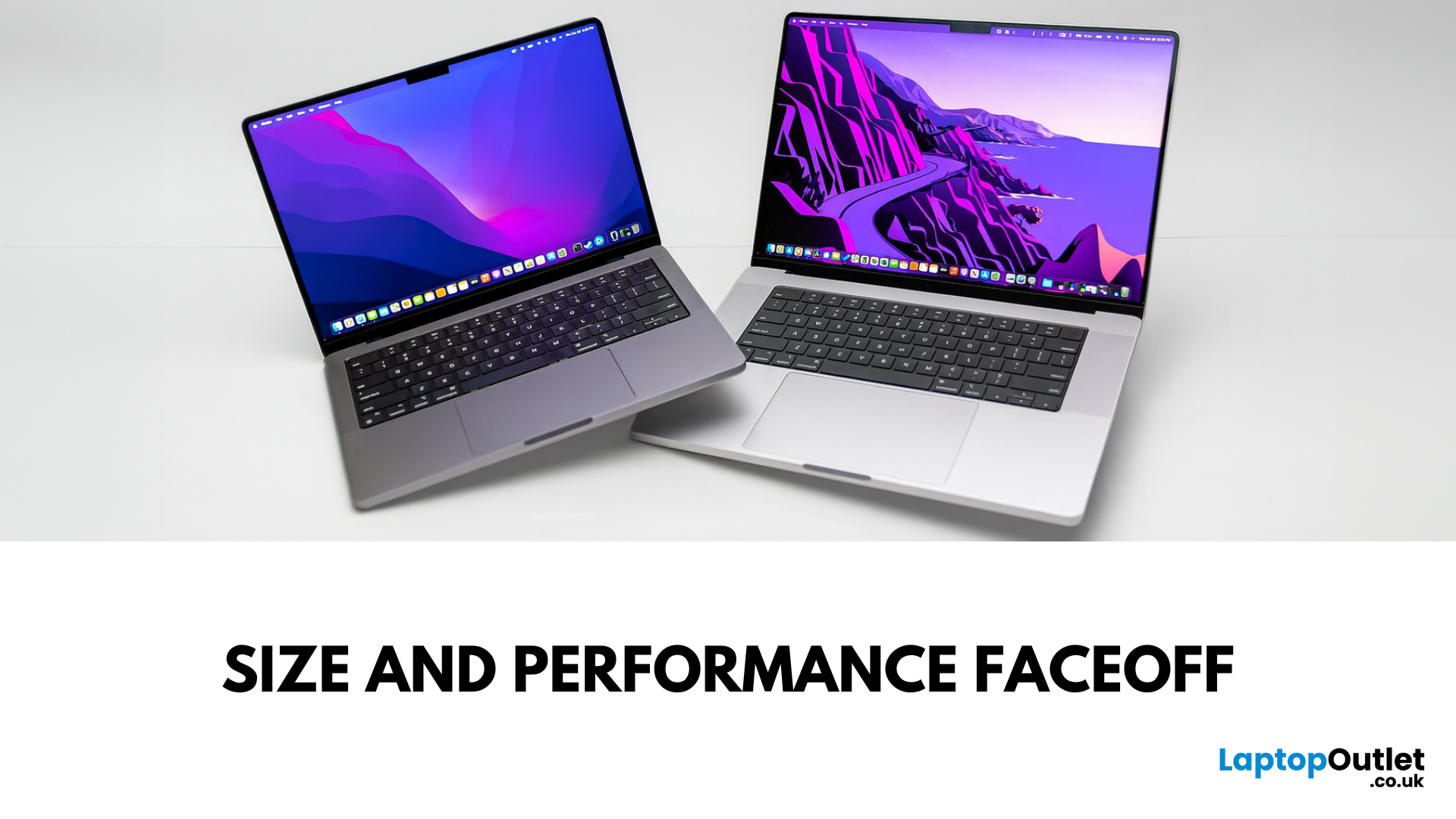
Main Difference Between MacBook Pro 14 and 16
Both laptops share the same Liquid Retina XDR display tech, Apple Silicon (M4/M4 Pro/M4 Max), and near-identical I/O. The real split is portability versus scale: the 14-inch weighs as little as 1.55 kg and fits in almost any bag, while the 16-inch stretches to 2.14–2.15 kg and pairs that larger chassis with a 100-watt-hour battery and better sustained cooling. In short: 14-inch = go-anywhere pro power; 16-inch = bigger canvas and longer runtime.
Feature Comparison Table
| Feature | MacBook Pro 14-inch | MacBook Pro 16-inch |
| Display | 14.2″ Liquid Retina XDR, 3024×1964, ProMotion 120 Hz | 16.2″ Liquid Retina XDR, 3456×2234, ProMotion 120 Hz |
| Size & Weight | 31.26 × 22.12 × 1.55 cm; 1.55–1.62 kg (by chip) | 35.57 × 24.81 × 1.68 cm; 2.14–2.15 kg |
| Chips | M4, M4 Pro, M4 Max (up to 16-core CPU/40-core GPU on Max) | M4 Pro or M4 Max (same top options) |
| Battery & Capacity | Up to 24 hrs (M4), 22 hrs (M4 Pro), 18 hrs (M4 Max); 72.4 Wh | Up to 24 hrs (M4 Pro), 21 hrs (M4 Max); |

Last Updated: May 07, 2026
Main Difference Between MacBook Air M3 and MacBook Pro M3
The core distinction is in what each prioritises: Air M3 delivers silent, lightweight everyday power for general use and portability. In contrast, Pro M3 enhances sustainability under load with active cooling, a premium mini‑LED XDR display, and expanded ports—tailoring it to creators and professionals who do heavy multitasking or editing.
Feature Comparison Table
| Feature | MacBook Air M3 | MacBook Pro M3 (14-inch) |
| Chip & Base Spec | M3 (8‑core CPU, 8‑core GPU), fanless | M3 (same), fans for active cooling |
| Display | 13.6″ Liquid Retina (LED, ~500 nits) | 14.2″ Liquid Retina XDR, mini‑LED, ~1,000 nits sustained, 1,600 nits peak, ProMotion 120 Hz |
| Weight | ~1.24 kg | ~1.55 kg |
| Battery Life | Around 18 hrs real-world usage | Up to 22 hrs (for light tasks) |
| Ports & Connectivity | 2× Thunderbolt/USB-4, MagSafe, 3.5 mm jack | Adds HDMI, SDXC slot, extra TB port |
| Pricing (GBP) | 13″ M3 (8 GB/256 GB): from £1,099 | 14″ M3 (8 GB/512 GB): from £1,599 |
| Best For | Students, |
Published: November 17, 2025
In 2025, Apple continues its dominance in professional laptops with the release of the MacBook Pro M5, the latest evolution of its in-house silicon revolution. Following the impressive M3 Pro and M4 generations, the Apple M5 chip marks a leap in raw performance, AI processing, and energy efficiency - and it’s already being hailed as the gold standard for creative professionals and demanding users.
But does the new M5 MacBook Pro really set a new benchmark in laptop performance? Or are Windows-based power machines like the Dell XPS 15 and Razer Blade 16 catching up?
In this Apple MacBook Pro M5 review, we dive into real-world performance, specs, benchmarks, battery life, display quality, and user experience to see if this is truly the best pro laptop of 2025.
Design and Build: Familiar Excellence, Refined Again
Apple hasn’t reinvented the MacBook’s look - and honestly, it didn’t need to. The M5 edition retains the precision-machined aluminium unibody, but now features a subtle refinement
Last Updated: March 05, 2026
Apple just dropped another powerhouse, and tech lovers everywhere are paying attention. The MacBook Pro with the new M5 chip has officially arrived, and it’s bringing some serious upgrades in performance, AI capabilities, and efficiency. If you’re a creator, developer, student, or someone who simply loves fast and powerful machines, this launch is worth checking out.
Apple’s MacBook Pro M5: What’s the Big Deal?
Apple’s MacBook Pro lineup has already been dominating the laptop space with its custom silicon chips. Starting from the M1, Apple proved that it could build processors that outperform many traditional laptop chips while using less power.
Now, the M5 generation takes things to the next level.
The new MacBook Pro models come powered by M5 Pro and M5 Max chips, which promise faster speeds, stronger graphics performance, and better AI processing compared to previous models. Apple designed these chips to handle demanding tasks like video editing, software development, 3D rendering,
Last Updated: March 09, 2026
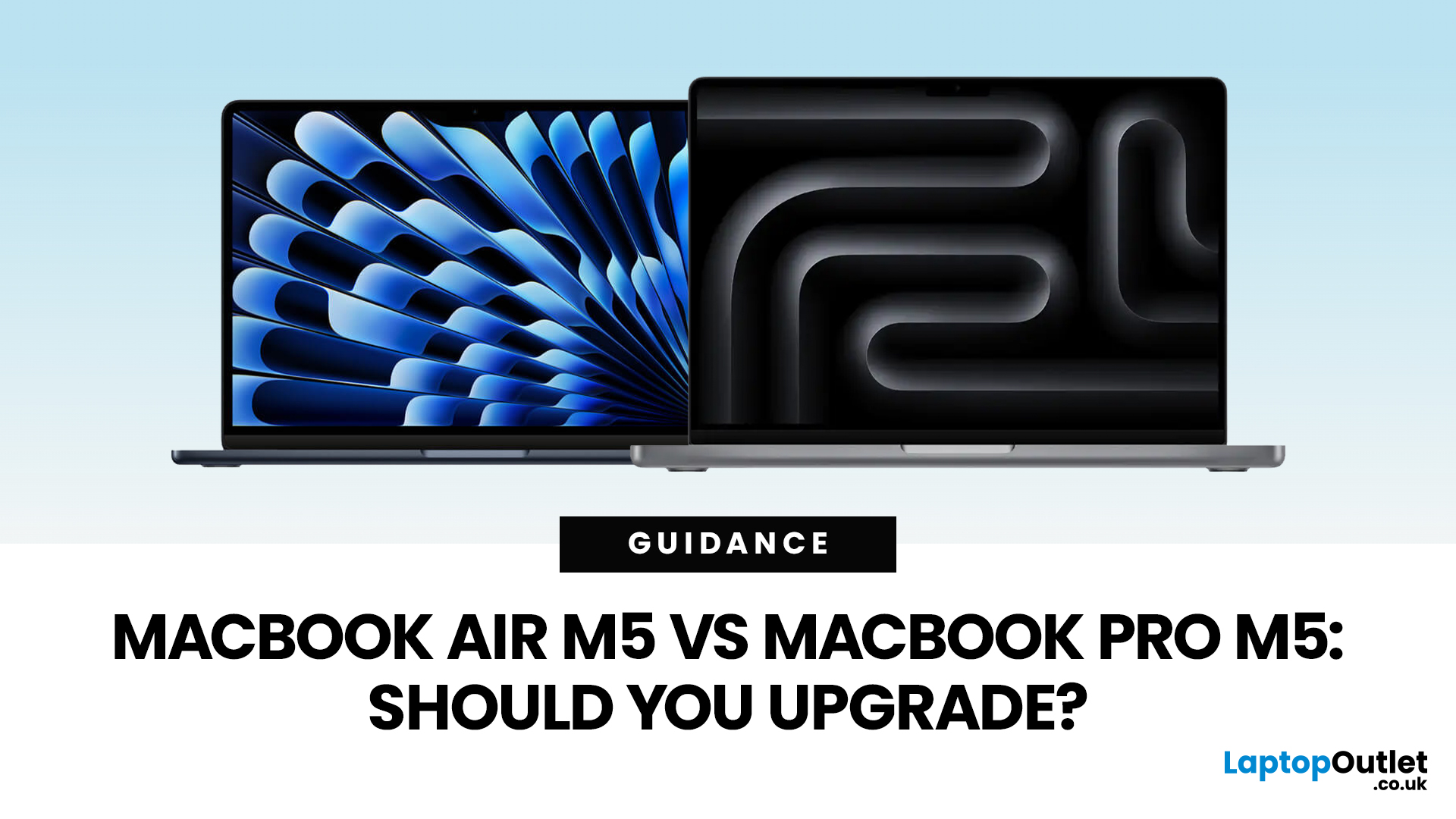
Apple just dropped another round of MacBook upgrades, and the internet is already debating: MacBook Air M5 vs MacBook Pro M5,which one makes sense? If you’re a student, creator, developer, or someone deep in the Apple ecosystem, this decision matters. The M5 generation brings faster AI performance, stronger GPUs, and bigger base storage, but the Air and Pro are designed for very different users.
MacBook Air M5 vs MacBook Pro M5: Quick Overview
Before diving deep, here’s the quick comparison.
| Feature | MacBook Air M5 | MacBook Pro M5 |
| Target user | Students, everyday users | Creators, developers, professionals |
| Chip | M5 | M5 Pro / M5 Max |
| CPU | Up to standard M5 cores | Up to 18-core CPU |
| GPU | Integrated GPU | Up to 40-core GPU |
| Cooling | Fanless | Active cooling |
| Battery | Up to ~18 hours | Up to ~24 hours |
| Base Storage | 512GB | 1TB |
| Price (starting) | ~$1,099 | ~$2,199 |
TheTL;DR:
Air = portability and value.
Pro = raw power.
What’s New in the M5 MacBooks?
Apple’sM5 chip generation focuses heavily on performance and AI workloads.
Last Updated: March 09, 2026
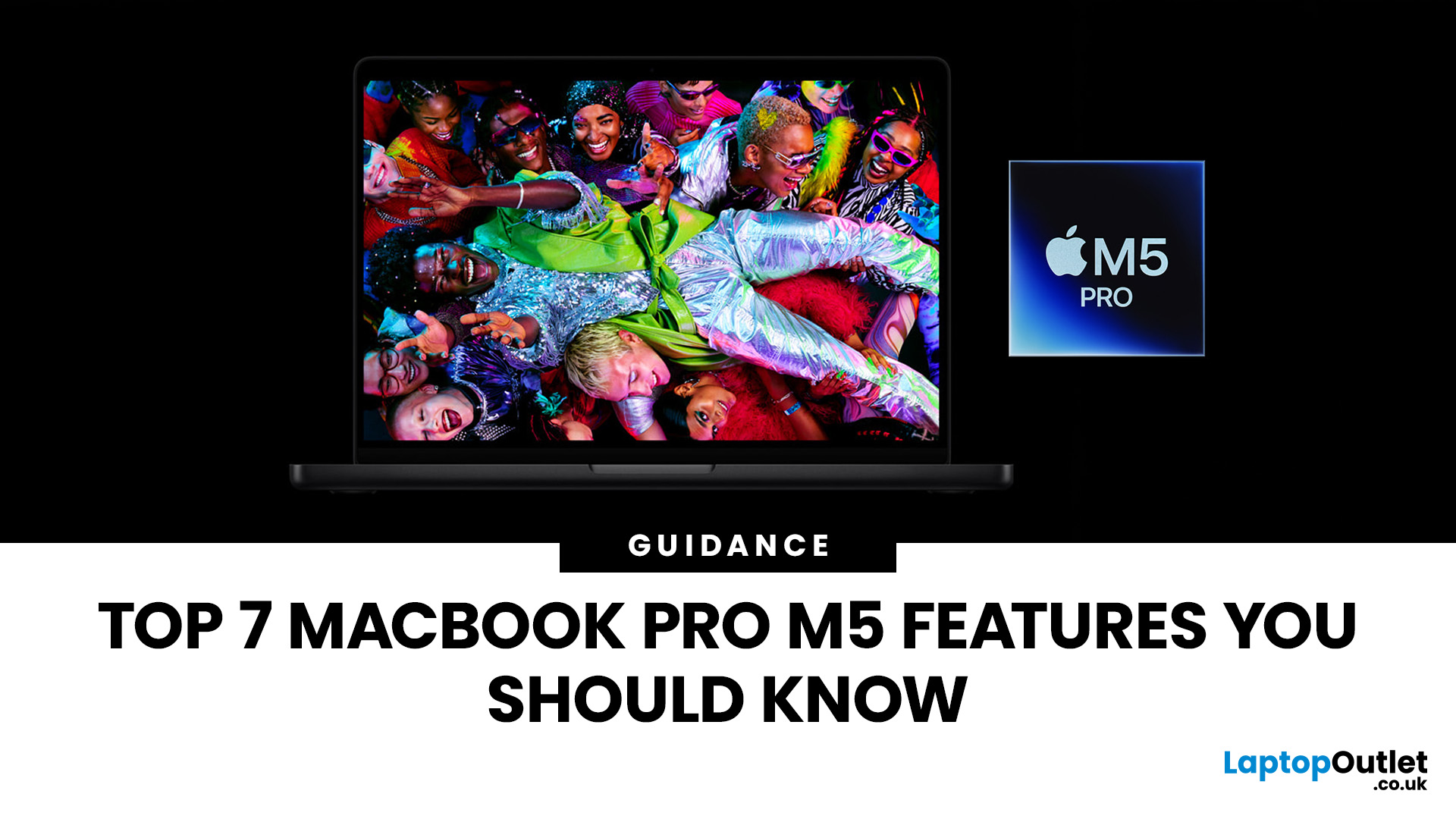
Apple’s MacBook Pro lineup has consistently defined what professional laptops can do, but the introduction of the M5 generation pushes the category even further. Powered by Apple’s latest silicon architecture and backed by upgrades in storage, connectivity, and AI performance, the MacBook Pro M5 is designed to handle modern workflows, from video production and software development to AI experimentation and heavy multitasking.
While the external design remains familiar, the real upgrades are under the hood. Apple has focused heavily on improving computational power, on-device AI processing, wireless capabilities, and storage performance. These changes make the MacBook Pro M5 one of the most capable laptops available for professionals and power users.
Below are the top seven MacBook Pro M5 features that stand out in the latest generation.
1. Next-Generation Apple Silicon: M5 Pro and M5 Max Chips
The biggest upgrade in the MacBook Pro M5 lineup is the introduction of Apple’s M5 Pro and M5
Last Updated: March 09, 2026
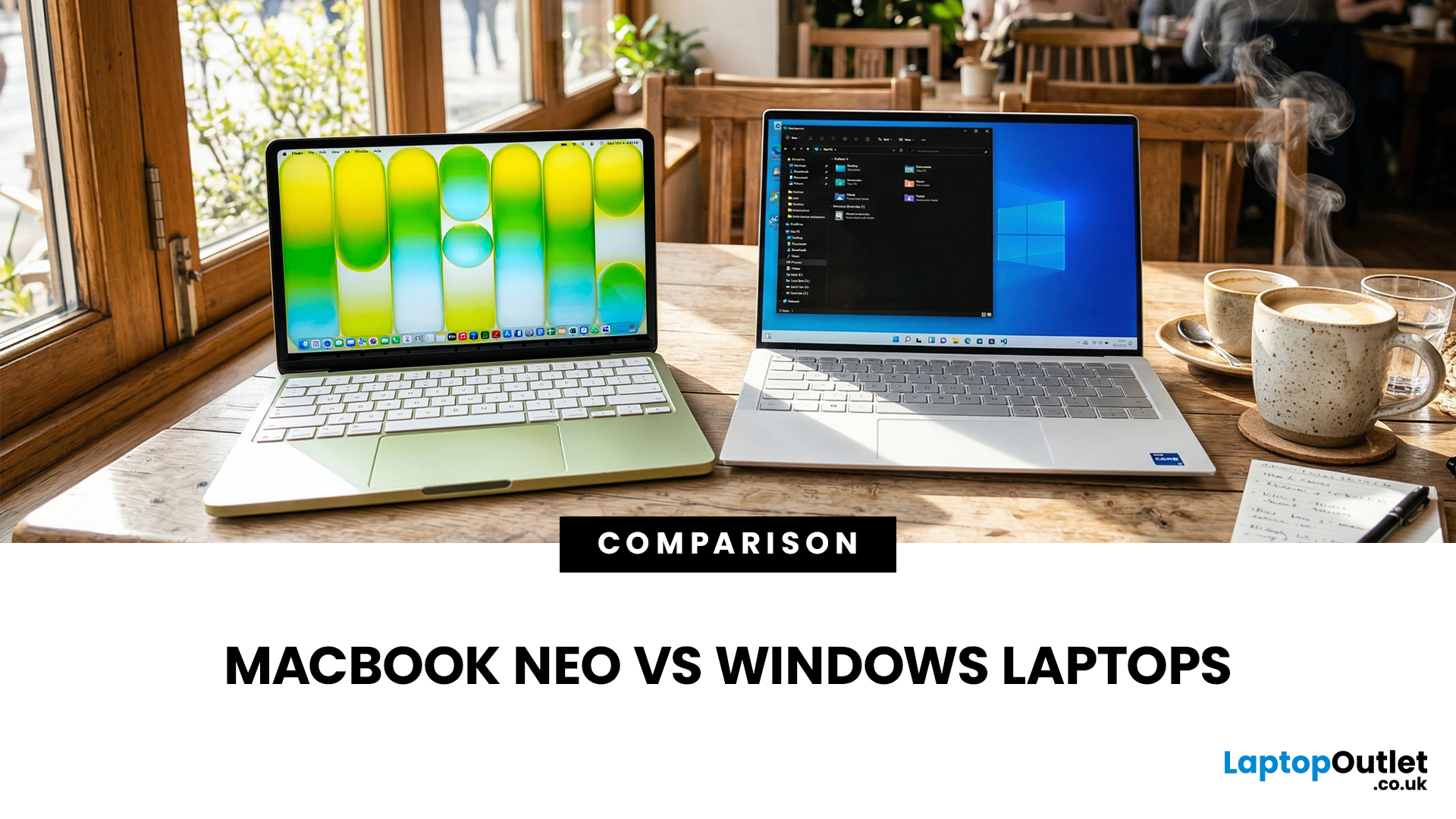
If you are comparing MacBook Neo vs Windows laptops, you are really asking one question: should you buy Apple’s cheapest Mac, or get a budget Windows laptop with more ports and more choice?
MacBook Neo is new, starts at £599, and is designed to be a simple, premium-feeling everyday laptop with macOS, long battery life, and strong call quality.
Budget Windows laptops can offer more screen sizes, more ports, and sometimes better upgrade options. But quality is inconsistent in this price range, and that’s where Neo tries to win.
Below is the practical, buyer-focused breakdown.
10-Second Answer Box
Choose MacBook Neo if
- You want the cleanest everyday experience for browsing, school, docs, and calls
- You value build quality and trackpad feel
- You want a laptop that stays fast and quiet for years, without tweaking settings
Choose a budget Windows laptop if
- You want more ports like HDMI and USB-A built in
- You need a bigger screen for the money
- You want the flexibility of Windows software and lots
Last Updated: March 09, 2026
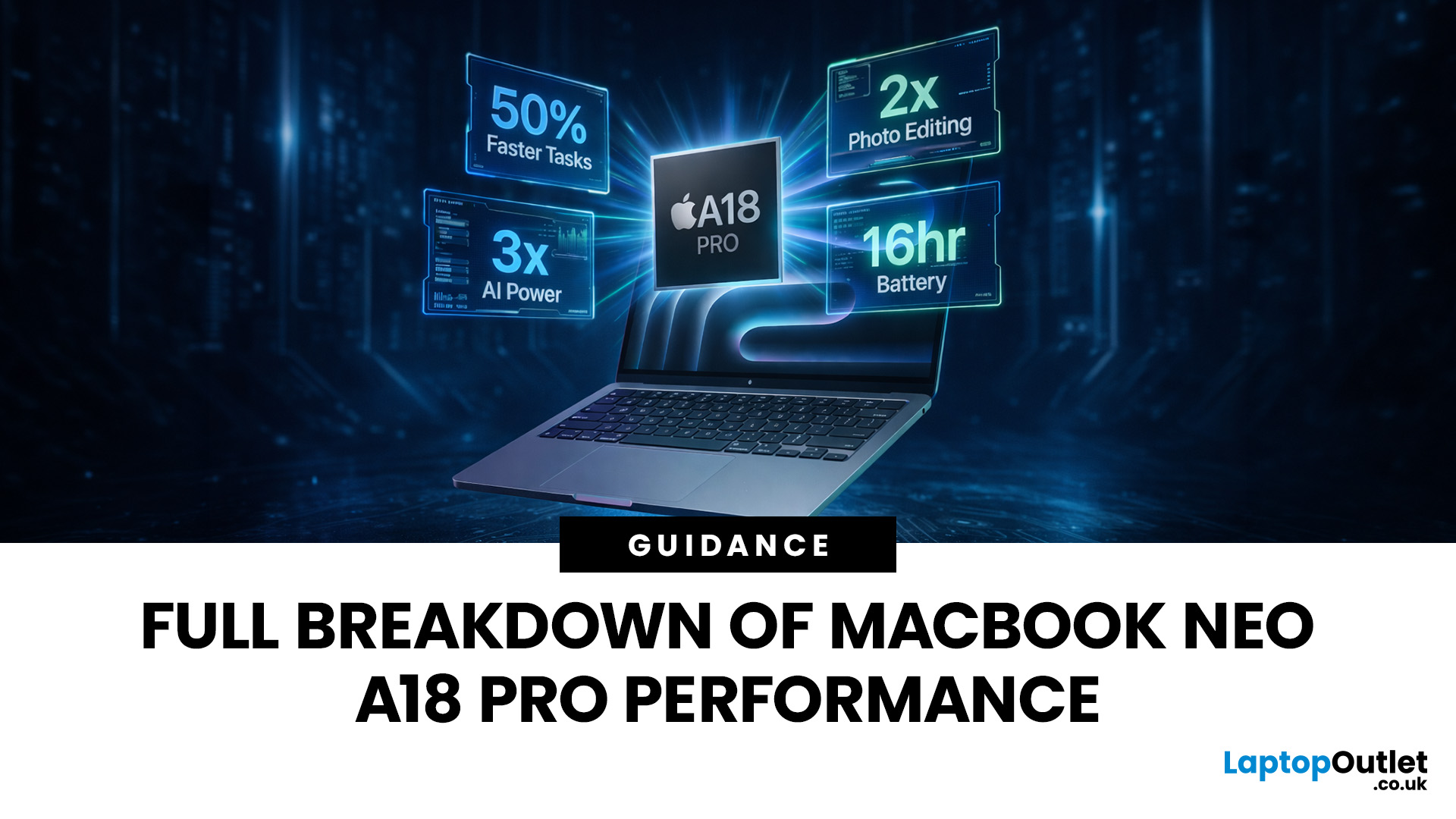
Apple made a bold move on 4 March 2026. It introduced the MacBook Neo — a laptop that starts at just £599 and runs on a chip that, until now, only lived inside iPhones.
That chip is the A18 Pro. And its arrival in a Mac laptop raises a very obvious question: what does it actually mean for performance?
The answer is more interesting than you might expect. This article breaks it all down — the architecture, the real-world gains, the trade-offs, and who this machine is really built for.
What Is the A18 Pro Chip?
The A18 Pro is not a new chip. It first appeared in the iPhone 16 Pro in late 2024. But placing it inside a laptop is entirely new territory for Apple.
This is the first time Apple has ever used a mobile-class chip to power a Mac. That alone makes the A18 Pro MacBook Neo a significant moment in computing history.
The Core Architecture
Here is what sits inside the A18 Pro:
- 6-core CPU — 2 performance cores and 4 efficiency cores
- 5-core GPU — hardware-accelerated ray tracing included

Last Updated: April 28, 2026
Apple’s Studio Display and Pro Display XDR are among the most advanced monitors available for professionals. With ultra-sharp 5K and 6K resolutions, these displays are designed for creatives who need exceptional colour accuracy, brightness, and detail.
However, to get the best experience, you need a powerful MacBook with strong graphics performance and Thunderbolt connectivity. Apple’s latest MacBooks powered by M3, M4, M5, M5 Pro, and M5 Max chips bring major improvements in performance, AI capabilities, and external display support.
Can MacBooks Support the Studio Display or Pro Display XDR?
Yes. Most modern Apple Silicon MacBooks can connect to these displays.
Studio Display
- Resolution: 5K (5120 × 2880)
- Thunderbolt / USB-C connection
- Works with most Apple Silicon Macs
Pro Display XDR
- Resolution: 6K (6016 × 3384)
- Requires high bandwidth Thunderbolt connection
- Best paired with MacBook Pro models
Modern MacBooks with Thunderbolt ports and Apple Silicon chips can drive high-resolution

