



The Evolution of Apple MacBooks: From Intel to Apple Silicon
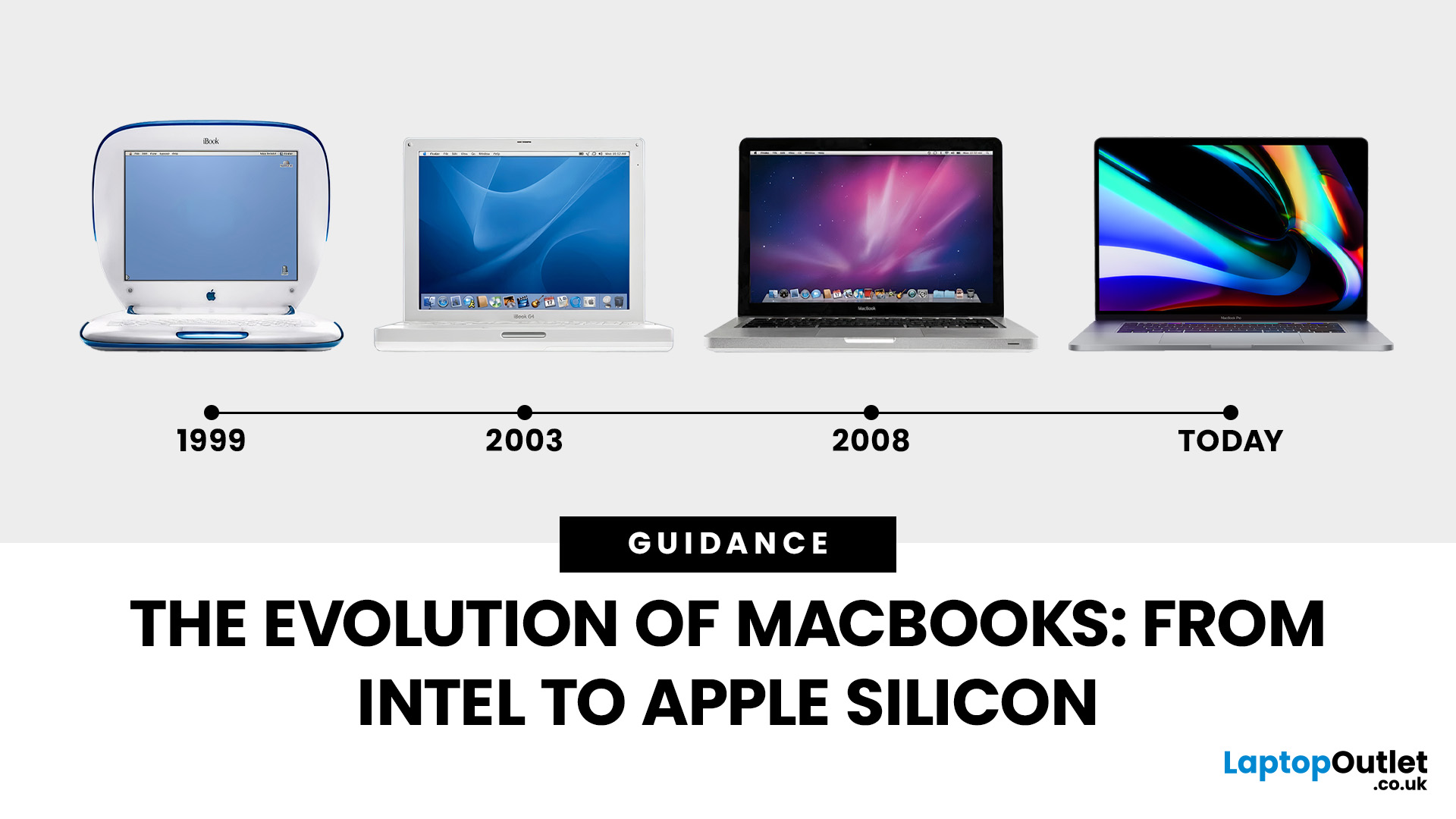
Few products have shaped modern computing quite like the Apple MacBook. From its early Intel-powered beginnings to today’s lightning-fast Apple Silicon machines, the MacBook has consistently pushed the boundaries of laptop design, performance, and portability. Along the way, it’s become a symbol of premium computing - beloved by students, professionals, and creative powerhouses worldwide.
But the evolution of Apple MacBooks hasn’t always been smooth sailing. There have been bold design shifts, controversial choices (remember the butterfly keyboard?), and groundbreaking innovations like Retina displays and MagSafe. The biggest leap of all came in 2020, when Apple ditched Intel processors in favour of its own Apple Silicon chips - a move that completely redefined, what users could expect from a laptop.
In this guide, we’ll take you through the full MacBook journey: from its early days, through key design changes and the Intel era, right up to the Apple Silicon transition and the future of MacBooks. Whether you’re curious about the MacBook history timeline, want to compare design changes, or are wondering where Apple might head next, this guide has you covered.
Early Beginnings – The First MacBooks (2006–2009)
In 2006, Apple retired its long-standing iBook and PowerBook ranges, ushering in a new era with the first MacBook. This was also the year Apple announced its transition to Intel processors, marking one of the most significant shifts in the company’s laptop history.
The first-generation MacBook was designed to appeal to students and general consumers. It came in glossy white (and later black) polycarbonate plastic, which quickly became iconic. Affordable compared to the Pro models, it helped bring Apple laptops into mainstream popularity.
At the same time, Apple launched the MacBook Pro, targeted at professionals who needed more performance. With a sleek aluminium build, larger displays, and dedicated graphics, the Pro instantly became the go-to laptop for creatives.
Between 2006 and 2009, Apple refined the MacBook design with better displays, faster Intel Core processors, and the introduction of the unibody aluminium chassis in 2008 - a design approach that still influences today’s MacBooks. This period laid the foundation for the MacBook’s reputation for both performance and style. Check Cheap MacBooks to get the best deals.
Refining the Formula – MacBook Air & Pro Rise (2010–2014)
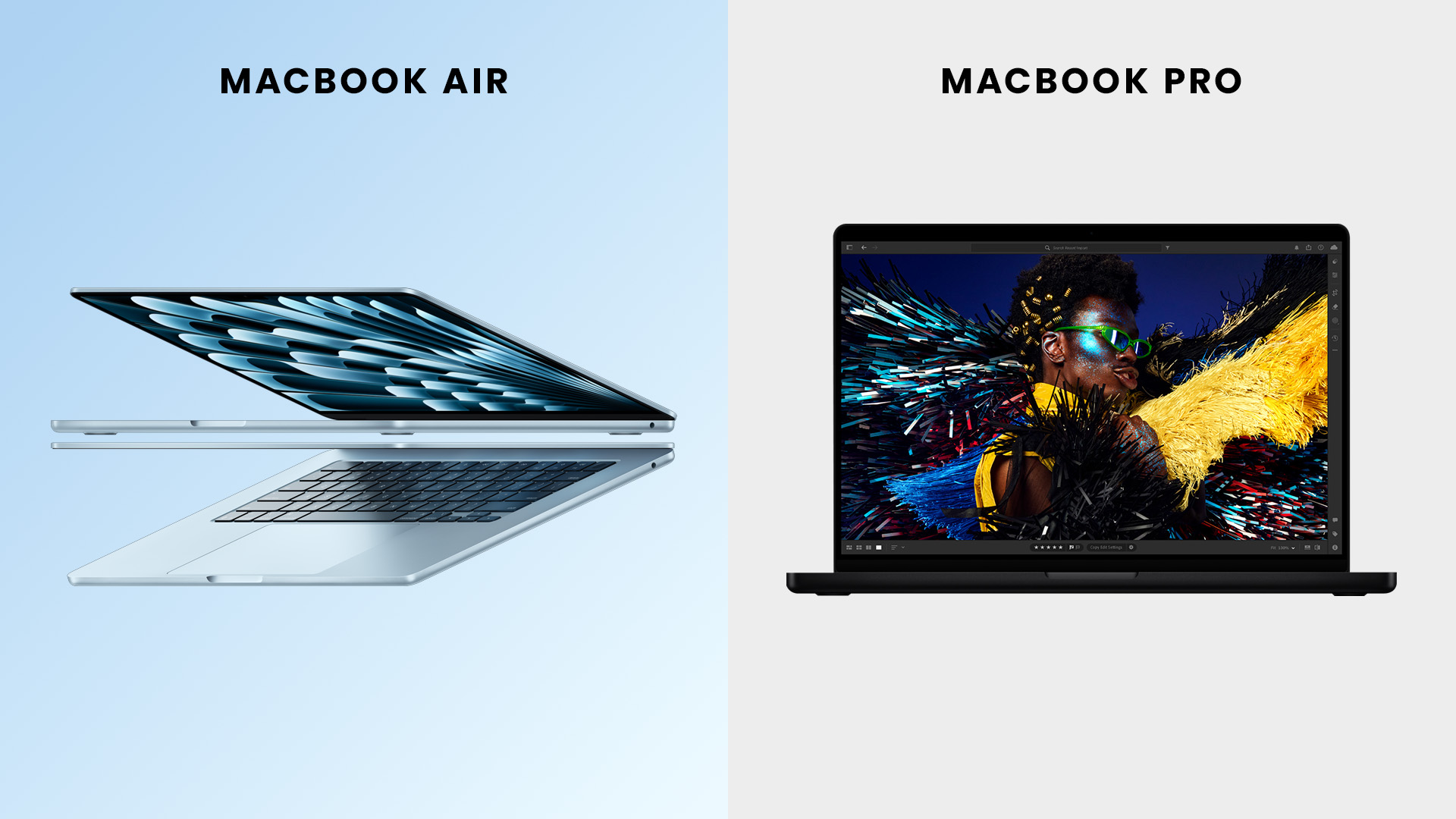
By the end of the 2000s, Apple had already set itself apart in the laptop market, but in 2008 it introduced a model that would redefine portable computing: the MacBook Air. Famously pulled out of a manila envelope by Steve Jobs, the Air stunned the tech world with its impossibly thin profile. While early versions sacrificed ports and power, later models (2010 onwards) hit the sweet spot between portability and performance, making the Air one of Apple’s most popular laptops.
Meanwhile, the MacBook Pro continued to evolve. In 2012, Apple launched the Retina Display MacBook Pro, bringing ultra-high-resolution screens with unmatched sharpness and colour accuracy. This was a turning point for creative professionals -editors, designers, and photographers suddenly had laptop displays that rivalled high-end monitors.
This era also saw the introduction of more connectivity options: HDMI, USB 3.0, and the beloved MagSafe charger, making MacBooks versatile and user-friendly. Between 2010 and 2014, the Air became the ultraportable choice for students and everyday users, while the Pro cemented its place as the professional powerhouse.
The Touch Bar Era & Controversial Choices (2015–2019)
The mid-2010s marked one of the most experimental (and divisive) chapters in MacBook history. In 2015, Apple introduced a new 12-inch MacBook with a single USB-C port. While bold, the move was widely criticised for its lack of connectivity and underwhelming performance, leading many to see it as more of a design showcase than a practical machine.
In 2016, Apple overhauled the MacBook Pro line, debuting the Touch Bar - a thin OLED strip above the keyboard that replaced traditional function keys. It allowed for dynamic controls in apps, but many users found it unnecessary, and developers never fully embraced it.
Perhaps the most infamous change was the butterfly keyboard. Ultra-thin and meant to feel modern, it soon became notorious for reliability issues, with dust and wear leading to stuck or broken keys. Apple faced lawsuits, repair programmers, and years of negative press before eventually reverting back to the more reliable scissor-switch design in 2019.
This period also saw Apple removing many beloved features: HDMI, SD card slots, and MagSafe all disappeared in favour of an all-USB-C approach. For many professionals, this was frustrating, as dongles became a daily necessity. While the MacBooks of this era were sleek and portable, they remain some of the most polarising in the product’s history.
The Transition to Apple Silicon (2020–2021)
2020 will forever be remembered as a turning point for Apple laptops. After more than a decade of relying on Intel processors, Apple officially announced its move to Apple Silicon, beginning with the M1 chip. This wasn’t just an upgrade - it was a complete reimagining of how MacBooks could perform.
The first models - the MacBook Air (M1) and MacBook Pro 13-inch (M1) - stunned reviewers and users alike. Suddenly, Apple was offering laptops with:
- Blazing-fast performance rivalling high-end Intel machines.
- Incredible battery life, with some users reporting up to 20 hours on a charge.
- Fanless design on the Air, proving power and silence could coexist.
For the first time, Apple controlled both the hardware and the processor, optimising macOS and apps to run seamlessly on its chips. Even apps built for Intel were handled smoothly via Rosetta 2 emulation.
The response was overwhelmingly positive. Critics hailed the M1 MacBooks as the best laptops Apple had ever made, and the wider industry took notice: Apple Silicon was a serious disruptor.
MacBook Pro Evolution – Power Redefined (2021–2023)
Apple didn’t stop at the M1. In late 2021, it launched the M1 Pro and M1 Max chips, taking performance to levels never seen in a laptop. These chips brought workstation-class power to the MacBook Pro 14-inch and 16-inch models. Discover why so many professionals choose Apple in Are MacBooks the Go‑to Laptop for Professionals?
The redesign also fixed many of the frustrations from the Touch Bar era:
- MagSafe charging made a triumphant return.
- More ports, including HDMI and an SD card slot, gave professionals what they’d been asking for.
- The Liquid Retina XDR display delivered stunning brightness and contrast, perfect for content creators.
This was Apple saying: the Pro is for pros again. Video editors, 3D designers, and developers suddenly had laptops capable of replacing their desktop setups.
By 2022 and 2023, the Pro models cemented themselves as the gold standard for professionals, while the Air remained the student and general-user favourite.
Apple Silicon 2nd Gen – M2 & M3 Chips (2022–2024)
After the success of the M1 family, Apple introduced the M2 chip in 2022, followed by the M3 series in 2023. These refinements pushed performance even further, with a focus on efficiency and graphics power.
Key Highlights:
- M2 MacBook Air: Redesigned with a thinner chassis, MagSafe, and a brighter display. It became one of Apple’s best-selling laptops ever.
- 15-inch MacBook Air: Launched in 2023, offering more screen real estate while staying lightweight.
- M2 Pro/Max & M3 Pro/Max chips: Delivered better multi-core performance and introduced hardware-accelerated ray tracing, making MacBooks more viable for gaming and high-end 3D work.
- 3nm M3 architecture: Boosted energy efficiency and enabled even longer battery life.
By 2024, Apple Silicon was no longer just a bold experiment - it was the new standard. Intel-based MacBooks quickly faded into history, and Apple firmly established its laptops as leaders in both performance and design. Still unsure which model suits your needs? Check out our comparison: MacBook Air vs MacBook Pro: Which Mac is Right for You in 2025?
Design Changes Over the Years
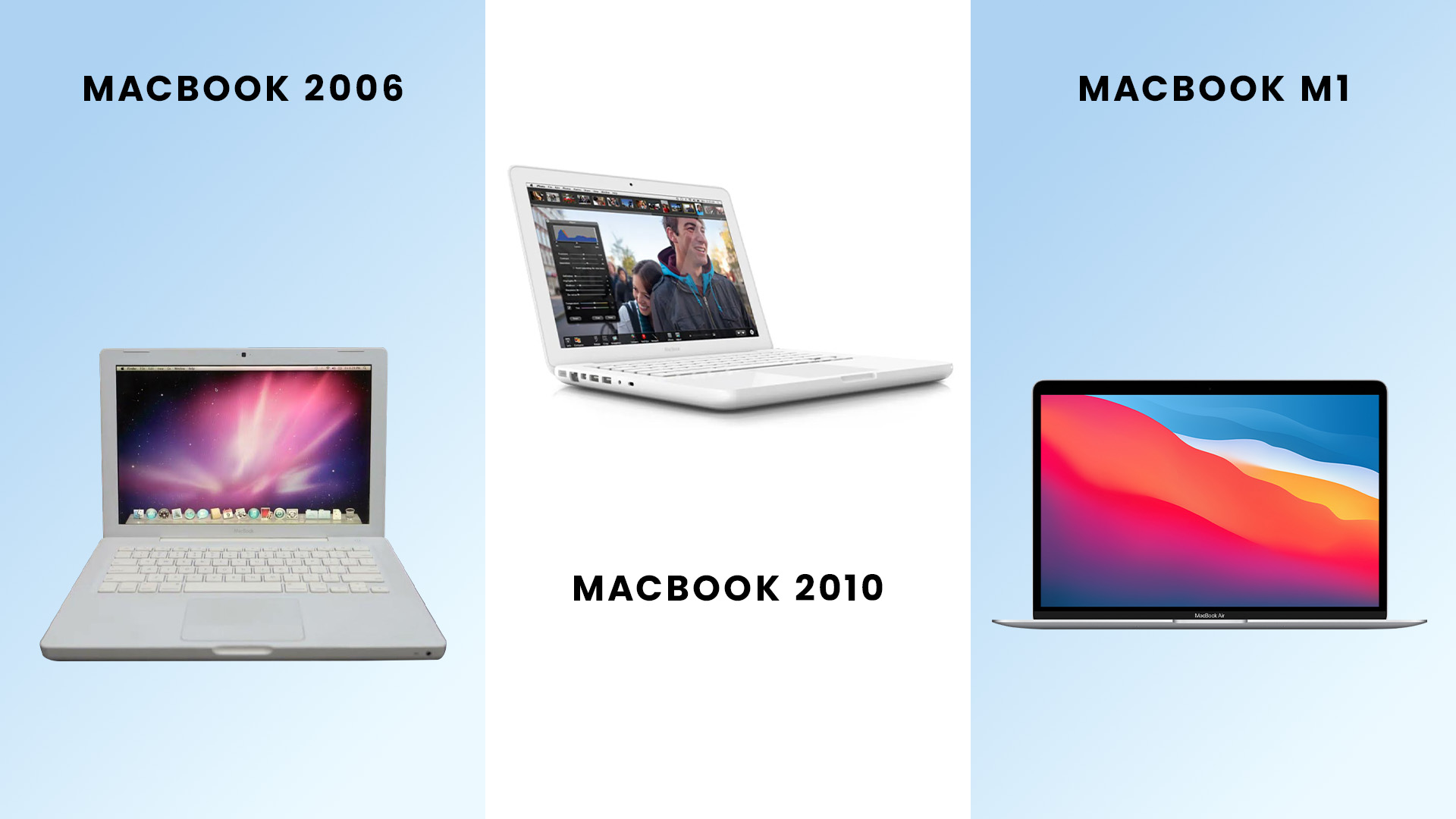
The design of the MacBook has evolved just as dramatically as its internal hardware. Apple has always been known for aesthetics, but each era introduced bold changes - not all of them universally loved.
From Plastic to Aluminium
- Early MacBooks (2006–2008) were built in white or black plastic.
- By 2008, Apple introduced the unibody aluminium chassis, which made laptops lighter, stronger, and sleeker. This design philosophy still defines MacBooks today.
Slimmer Profiles
- The MacBook Air (2008) redefined thin laptops and set the benchmark for ultrabooks across the industry.
- Each generation since has focused on slimmer, lighter builds without compromising durability.
Keyboard Controversy
- The butterfly keyboard (2015–2019) aimed for thinness but faced massive reliability issues.
- Apple ultimately returned to the scissor-switch Magic Keyboard, which remains standard today.
Displays
- Retina Display (2012) was a game-changer, offering incredible sharpness.
- More recent Pro models feature Liquid Retina XDR with mini-LED technology and ProMotion (120Hz refresh rate).
Ports Shuffle
- MagSafe, HDMI, and SD card slots → removed in 2016.
- After backlash, Apple restored them in 2021, proving even Apple adapts when pro users speak loudly enough.
MacBooks today combine durability, elegance, and practicality - a balance honed over nearly two decades.
The Future of MacBooks
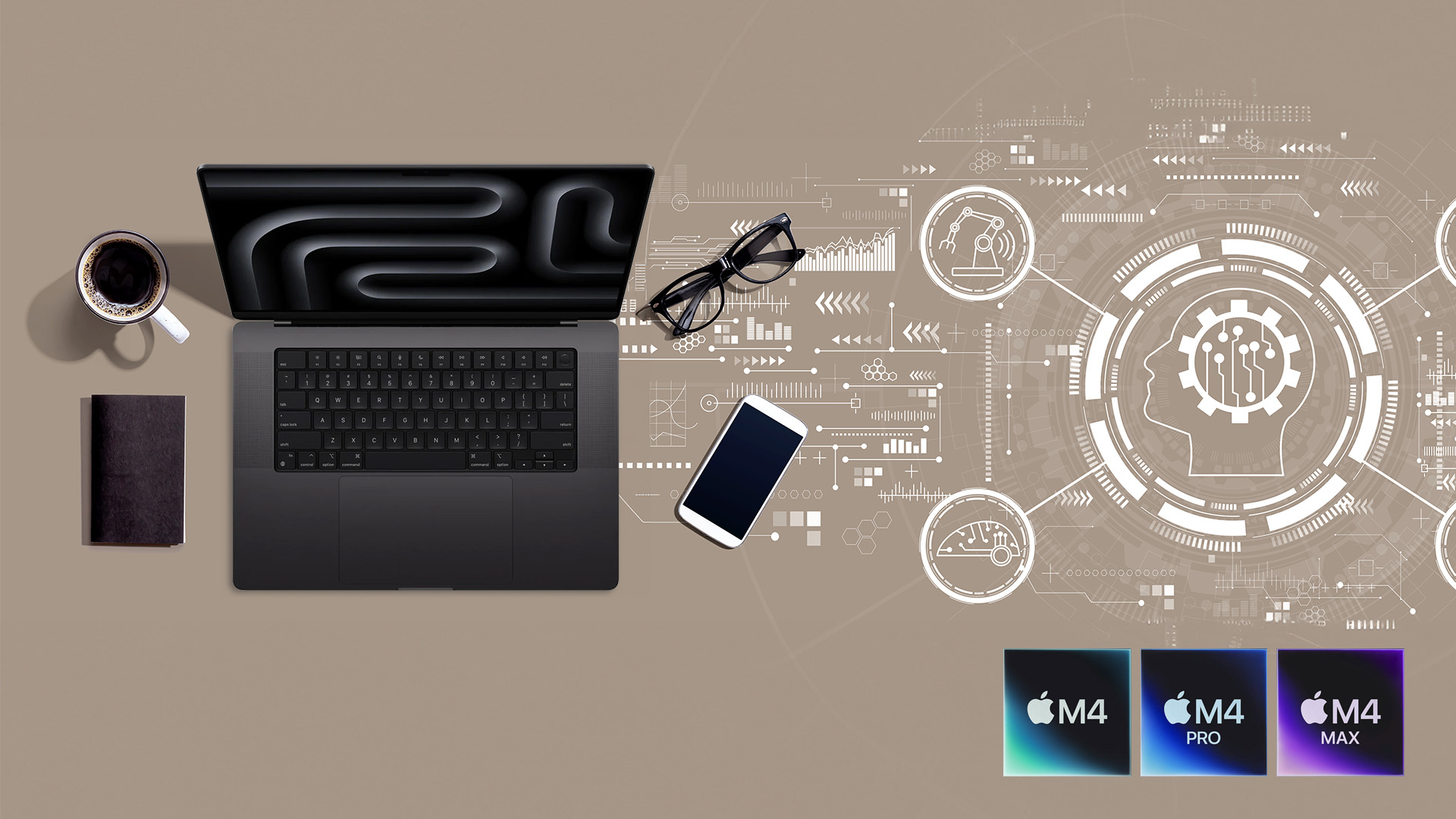
Apple rarely stands still, and the future of MacBooks promises even more exciting innovation.
Next-Gen Chips
- Expect M4 and beyond to bring even greater performance-per-watt gains.
- AI-focused enhancements may appear, optimising everything from video editing to coding.
Displays
- Rumours suggest upcoming OLED or Micro-LED displays, offering richer colours, deeper blacks, and even better efficiency.
Integration with iPad & iPhone
- Apple continues to blur the lines between devices with features like Sidecar, Universal Control, and Handoff.
- A future macOS/iPadOS unification isn’t impossible.
Sustainability
- Apple is already using recycled aluminium and rare earths. Future models may go further, with carbon-neutral production goals in sight by 2030.
The next decade of MacBooks is likely to focus on smarter performance, greener design, and deeper ecosystem integration, making them even harder to beat.
Explore the latest MacBook Pro models for today’s top picks.
Buying MacBooks Today – What to Consider
If you’re looking to buy a MacBook now, the good news is that every model powered by Apple Silicon is excellent. But the best choice depends on your needs:
For Students → MacBook Air
- Lightweight, affordable, long battery life.
- Perfect for note-taking, research, and everyday use.
For a detailed student-focused comparison, see Best Laptop for Students.
For Professionals → MacBook Pro 14-inch
- Balances portability with power.
- Handles demanding workloads with ease.
For Creatives → MacBook Pro 16-inch
- Best for video editing, 3D rendering, and music production.
- Huge display and top-tier performance.
On a Budget → Refurbished MacBooks
- High performance at a fraction of the price.
- Same macOS experience, eco-friendly choice.
Learn more in our in-depth guide: Are Refurbished MacBooks Good?

FAQs – The Evolution of Apple MacBooks
When did Apple switch from Intel to Apple Silicon?
Apple announced the transition in June 2020. The first Apple Silicon MacBooks, powered by the M1 chip, launched later that year.
What’s the difference between Intel MacBooks and Apple Silicon MacBooks?
Apple Silicon models (M1, M2, M3) offer much better performance and battery life. They also run cooler and more efficiently than Intel versions.
Which is the best MacBook for students?
The MacBook Air remains the top choice for students thanks to its lightweight design, affordability, and excellent battery life.
Why did Apple get rid of the Touch Bar?
While innovative, the Touch Bar never gained strong support. Apple removed it in 2021 when reintroducing physical function keys in the MacBook Pro redesign.
Are Intel MacBooks still worth buying?
Not really. While they still work, Intel models don’t offer the same performance, battery life, or future-proofing as Apple Silicon MacBooks.
Where can I buy cheap MacBooks in the UK?
Laptop Outlet offers a wide range of Cheap MacBooks and the latest MacBook Pro models, including refurbished options.

Summing It All Up
The story of the MacBook is one of constant reinventions. From its Intel-powered beginnings to the revolutionary Apple Silicon transition, each chapter has reshaped what users expect from a laptop. Design has become sleeker, performance has skyrocketed, and the MacBook has cemented itself as both a style icon and a productivity powerhouse.
Looking ahead, the future promises even more exciting leaps - from AI-optimised chips to new display technologies. Whether you’re a student, a professional, or a creative, there’s a MacBook that fits your lifestyle and workload.
If you’re ready to join the next stage of this journey, explore Laptop Outlet’s range of MacBooks, from budget-friendly refurbished deals to the latest MacBook Pro models. The evolution continues - and now is the perfect time to be part of it.
Related Articles

Last Updated: October 03, 2025
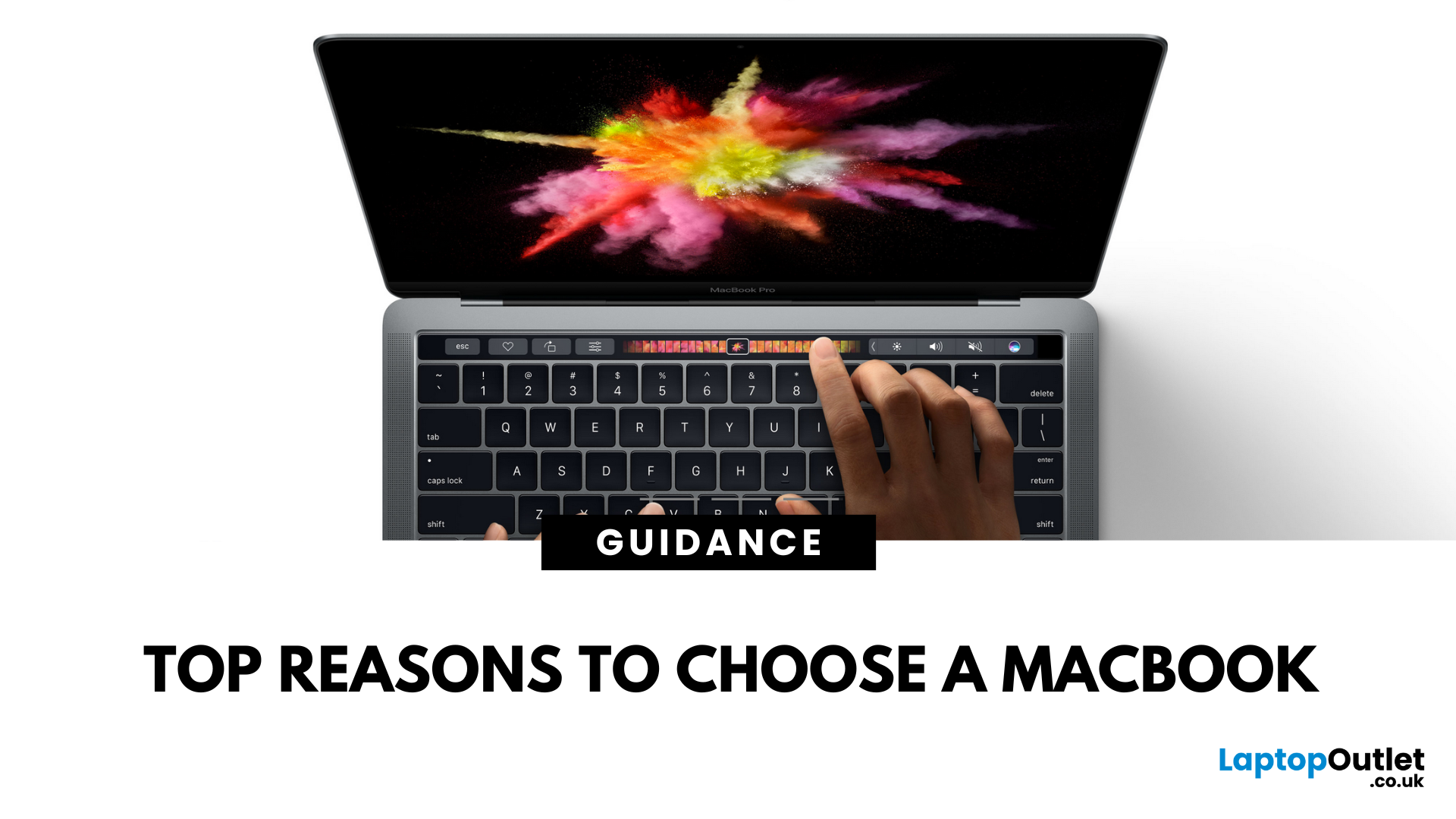
5 Reasons You Should Choose a MacBook
Apple’s MacBook lineup has long been the gold standard for laptops. But what makes them so popular—and are they worth the investment? Here are five reasons why a MacBook could be your perfect next laptop.
1. Sleek Design and Premium Build Quality
MacBooks are known for their ultra-thin, lightweight aluminium bodies. They’re stylish, durable, and designed to slip easily into your backpack or briefcase. Perfect for students and professionals who need a laptop that looks as good as it performs.
2. macOS – Smooth, Secure, and User-Friendly
Apple’s macOS is designed for seamless performance:
- Intuitive interface
- Fewer bugs and crashes compared to some operating systems
- Built-in security features to protect your data
- Regular updates to keep your system fresh and fast
It’s great for both first-time users and seasoned pros.
3. Outstanding Battery Life
With up to 18+ hours of battery life on some models, MacBooks are perfect for all-day
Last Updated: July 06, 2026
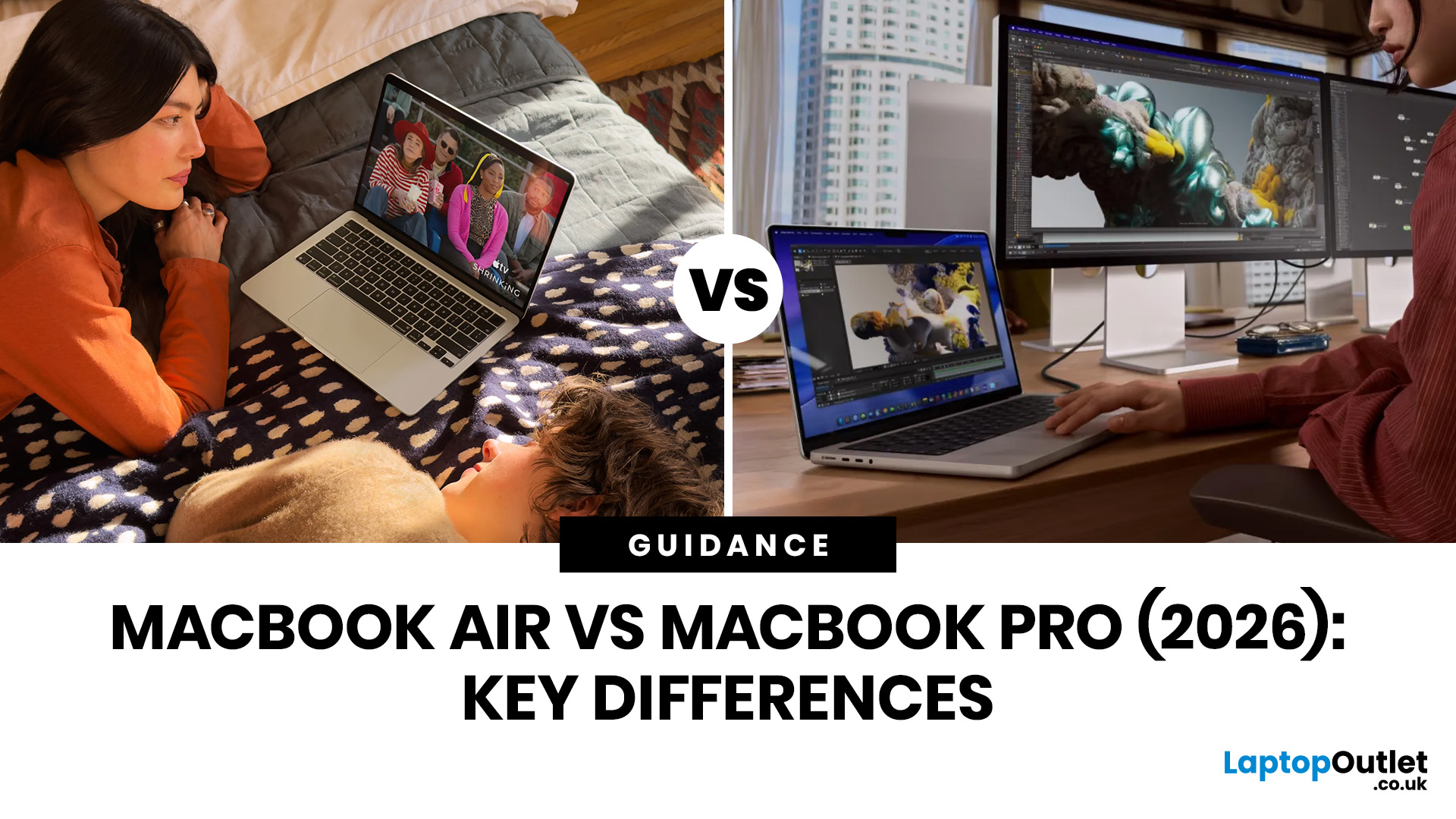
Choosing between the MacBook Air vs MacBook Pro in 2026 isn’t as straightforward as it used to be. With Apple’s latest M-series chips delivering impressive performance across both models, the gap has narrowed, yet key differences still matter depending on how you use your laptop.
Whether you’re a student, creative professional, or everyday user, this guide breaks down the difference between MacBook Air and Pro, including performance, battery life, price in the UK, and which one is right for you.
MacBook Air vs MacBook Pro: Quick Comparison (2026)
| Feature | MacBook Air | MacBook Pro |
|---|---|---|
| Performance | Great for everyday tasks | Excellent for heavy workloads |
| Battery Life | Outstanding (light use) | Excellent (even under load) |
| Portability | Ultra-light & thin | Heavier but still portable |
| Display | Liquid Retina | Liquid Retina XDR (better brightness & refresh rate) |
| Cooling | Fanless | Active cooling (fans) |
| Price (UK) | From ~£999+ | From ~£1,599+ |
| Best For | Students, casual users | Creatives, professionals |
This MacBook Air
Last Updated: May 07, 2026
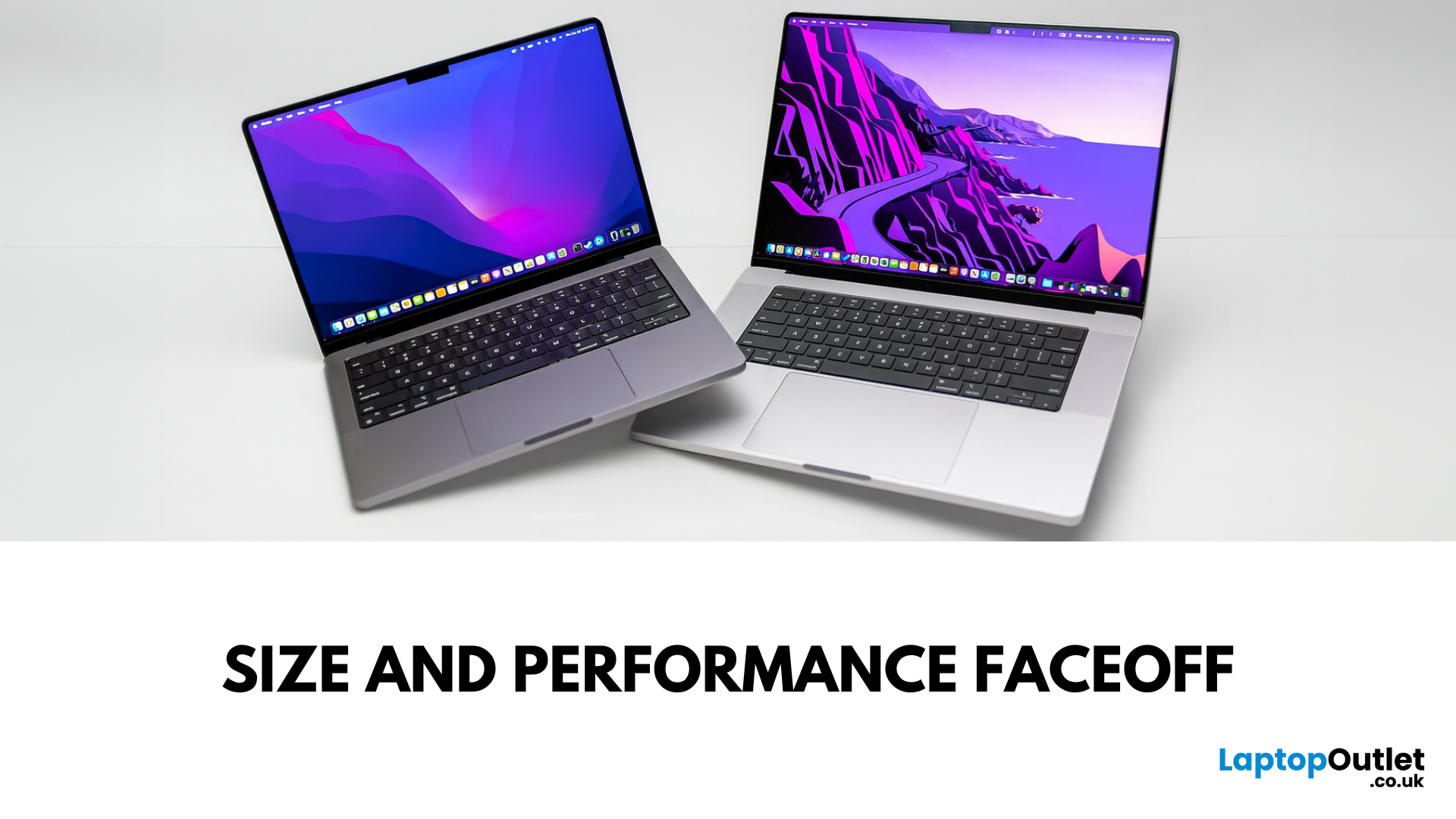
Main Difference Between MacBook Pro 14 and 16
Both laptops share the same Liquid Retina XDR display tech, Apple Silicon (M4/M4 Pro/M4 Max), and near-identical I/O. The real split is portability versus scale: the 14-inch weighs as little as 1.55 kg and fits in almost any bag, while the 16-inch stretches to 2.14–2.15 kg and pairs that larger chassis with a 100-watt-hour battery and better sustained cooling. In short: 14-inch = go-anywhere pro power; 16-inch = bigger canvas and longer runtime.
Feature Comparison Table
| Feature | MacBook Pro 14-inch | MacBook Pro 16-inch |
| Display | 14.2″ Liquid Retina XDR, 3024×1964, ProMotion 120 Hz | 16.2″ Liquid Retina XDR, 3456×2234, ProMotion 120 Hz |
| Size & Weight | 31.26 × 22.12 × 1.55 cm; 1.55–1.62 kg (by chip) | 35.57 × 24.81 × 1.68 cm; 2.14–2.15 kg |
| Chips | M4, M4 Pro, M4 Max (up to 16-core CPU/40-core GPU on Max) | M4 Pro or M4 Max (same top options) |
| Battery & Capacity | Up to 24 hrs (M4), 22 hrs (M4 Pro), 18 hrs (M4 Max); 72.4 Wh | Up to 24 hrs (M4 Pro), 21 hrs (M4 Max); |

Last Updated: May 07, 2026
Main Difference Between MacBook Air M3 and MacBook Pro M3
The core distinction is in what each prioritises: Air M3 delivers silent, lightweight everyday power for general use and portability. In contrast, Pro M3 enhances sustainability under load with active cooling, a premium mini‑LED XDR display, and expanded ports—tailoring it to creators and professionals who do heavy multitasking or editing.
Feature Comparison Table
| Feature | MacBook Air M3 | MacBook Pro M3 (14-inch) |
| Chip & Base Spec | M3 (8‑core CPU, 8‑core GPU), fanless | M3 (same), fans for active cooling |
| Display | 13.6″ Liquid Retina (LED, ~500 nits) | 14.2″ Liquid Retina XDR, mini‑LED, ~1,000 nits sustained, 1,600 nits peak, ProMotion 120 Hz |
| Weight | ~1.24 kg | ~1.55 kg |
| Battery Life | Around 18 hrs real-world usage | Up to 22 hrs (for light tasks) |
| Ports & Connectivity | 2× Thunderbolt/USB-4, MagSafe, 3.5 mm jack | Adds HDMI, SDXC slot, extra TB port |
| Pricing (GBP) | 13″ M3 (8 GB/256 GB): from £1,099 | 14″ M3 (8 GB/512 GB): from £1,599 |
| Best For | Students, |

Last Updated: September 10, 2025
When it comes to professional laptops in 2025, the debate between Microsoft Surface vs MacBook is more relevant than ever. Both brands have carved out distinct reputations—Apple’s MacBook for its premium build quality, seamless ecosystem, and unmatched performance with Apple silicon, while Microsoft’s Surface range is celebrated for its flexibility, touchscreen capabilities, and business-focused Windows integration.
This article breaks down the comparison into design, display, performance, battery life, ports, and ecosystem, helping you decide whether the Surface or MacBook offers the greater value for your professional needs in 2025.
What’s the Main Difference?
Microsoft Surface offers versatile 2-in-1 designs, touchscreens, stylus support, and strong Windows integration with AI-powered Copilot features. On the other hand, Apple MacBook supports premium aluminium builds, macOS ecosystem strength, and Apple silicon (M4) delivering market-leading performance and battery life.
1. Design &
Last Updated: September 04, 2026
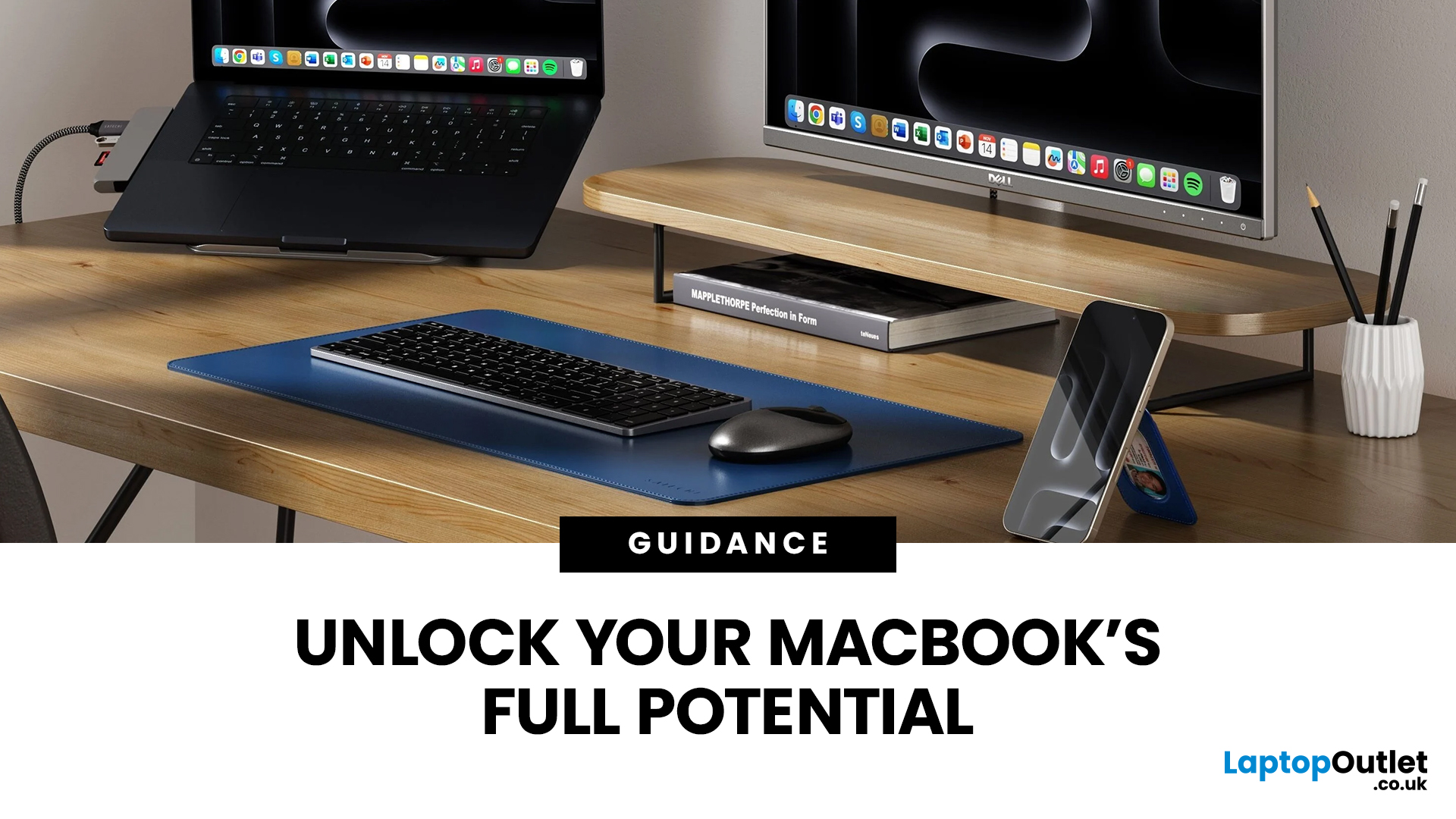
Owning a MacBook already feels like having a premium tool at your fingertips - sleek, powerful, and built for work, study, or creativity. But here’s the truth: on its own, even a MacBook has limits. That’s where accessories step in. The right kit doesn’t just complement Apple’s design; it transforms your MacBook into a full‑on productivity powerhouse.
For students, the right gear means smoother notetaking, better portability, and fewer headaches when deadlines loom. For professionals, accessories bring comfort, efficiency, and a proper setup that makes remote work or long office hours far less draining. Whether it’s a docking station / USB‑C hub to handle multiple screens, a protective sleeve for daily commuting, or noise‑cancelling headphones that save your focus, the right accessories change how you work and study.
Why MacBook Accessories Matter
A MacBook, whether it’s the Air or the Pro, is built to be minimal and stylish - but that also means Apple leaves out a lot of extras. You

