



MacBook Air M5 (2026): Why It’s the Most Anticipated Laptop of the Year

The MacBook Air M5 landed on 3rd March 2026, and it has instantly become the most talked-about laptop of the year. This is the latest MacBook Air model yet, and it delivers upgrades across nearly every single category. Chip performance, display quality, AI features, battery life, storage, wireless connectivity — all of it improved.
This is not just a minor refresh. It is a well-rounded, thoughtfully improved machine that raises the bar for what a thin and light laptop can do in 2026. Let us go through every major feature, so you can decide whether this is the one worth buying.
Apple M5 Chip: A Meaningful Generational Jump
The Apple M5 chip performance is the centrepiece of this entire upgrade. Built on TSMC's third-generation 3-nanometer process, the M5 brings tangible improvements that users will notice from day one.
Here is a clear breakdown of how the M5 compares to the M4:
|
Spec |
MacBook Air M4 |
MacBook Air M5 |
|
CPU |
10-core (4P + 6E) |
10-core (4P + 6E), faster per core |
|
GPU |
Up to 10-core |
Up to 10-core + Neural Accelerator per core |
|
Memory Bandwidth |
120 GB/s |
153 GB/s (+28%) |
|
Neural Engine |
16-core |
16-core (faster) |
|
Base Storage |
256GB |
512GB |
|
Max Storage |
2TB |
4TB |
|
Wireless |
Wi-Fi 6E, Bluetooth 5.3 |
Wi-Fi 7, Bluetooth 6 |
|
AI Performance vs M4 |
Baseline |
Up to 4x faster |
The 28% increase in memory bandwidth is one of the most meaningful gains here. It makes the entire system feel more fluid — from opening apps to switching between heavy workflows. GPU performance is up to 50% faster for gaming and graphics tasks. SSD read and write speeds are up to 2x faster compared to the previous generation.
M5 vs M4 Comparison: Should You Upgrade?
If you are coming from an M1 or M2 MacBook Air, the difference will feel night and day. Apple claims up to 9.5x faster AI performance compared to the M1 chip. Even for everyday tasks, you will notice how responsive everything feels.
If you are currently on an M3 or M4, the upgrade is more nuanced. For standard browsing, writing, and streaming, the difference is smaller. However, if you work with AI tools, edit video, run LLMs locally, or do anything computationally heavy, the M5's Neural Accelerator architecture is a genuinely new addition. It is not something you can replicate through software updates.
For anyone on M1, M2, or even older Intel Macs, the MacBook Air M5 is an easy, confident recommendation.
MacBook Air AI Features: Purpose-Built for 2026
Perhaps no area has improved more than AI. The MacBook Air AI features in the M5 generation are a significant leap forward, and they are baked directly into the chip architecture.
The M5 introduces a Neural Accelerator in every single GPU core. This is a brand new architectural addition that dramatically accelerates AI tasks locally, without needing to send data to the cloud.
In practical terms, here is what that means:
- Apple Intelligence runs noticeably faster across Mail, Messages, Safari, Siri, and Photos.
- On-device LLMs can be run locally by developers and power users, at up to 4x the speed of the M4.
- AI-enhanced video tools like Topaz Video AI are up to 1.9x faster than on the M4 model.
- AI image processing in apps like Affinity Photo is up to 1.5x faster.
- Writing tools, summarisation, and smart replies all feel more responsive and instant.
All of this runs on-device, meaning your data stays private. That is a key part of Apple's philosophy, and it makes the MacBook Air M5 one of the most capable AI laptops available today at this price point.
Paired with macOS Tahoe (available as a free update), the AI experience on the MacBook Air M5 is polished, practical, and genuinely useful.
Design: Familiar, Refined, and Still Beautifully Slim
Apple has kept the same iconic aluminium chassis that was introduced back in 2022, and honestly, there is no reason to change it. The MacBook Air M5 is flat, smooth, and light — a far cry from the old wedge-shaped design.
Both the 13-inch and 15-inch models are available in four colours: Sky Blue, Midnight, Starlight, and Silver. The build is solid throughout. The aluminium unibody feels premium and durable, and the fanless design means there are absolutely no moving parts inside. No fan noise. Ever.
- The 13-inch model weighs just 1.24 kg, making it ideal for commuters and students.
- The 15-inch model comes in at 1.51 kg, still impressively lightweight for its screen size.
The MacBook Air M5 remains one of the slimmest laptops you can buy, at just 11.3mm thin across both sizes. This is a laptop built for life on the move.
Display: Stunning Liquid Retina from Every Angle
The MacBook Air 2026 carries forward Apple's Liquid Retina display technology, and it is genuinely one of the best screens available in this price range.
13-Inch Display
- Size: 13.6-inch LED-backlit IPS panel
- Resolution: 2560 x 1664 native at 224 pixels per inch
- Brightness: 500 nits
15-Inch Display
- Size: 15.3-inch LED-backlit IPS panel
- Resolution: 2880 x 1864 native at 224 pixels per inch
- Brightness: 500 nits
Both screens support over 1 billion colours, wide colour (P3), and True Tone technology, which automatically adjusts the colour temperature based on your surrounding light. Text looks razor sharp. Images appear rich and vivid. Whether you are editing photos, streaming films, or reading long documents, the display is an absolute pleasure to use.
It is worth noting that OLED is not coming yet. Apple is expected to bring OLED panels to MacBooks in 2027, starting with the MacBook Pro. For now, the Liquid Retina display remains class-leading for an LCD.
Both the 13-inch and 15-inch models support up to two external displays simultaneously when the lid is closed, giving you a versatile multi-monitor desktop setup from a single, lightweight laptop.
Camera, Microphone, and Audio: Ready for Every Call and Collaboration
The MacBook Air M5 carries forward the same best-in-class communication hardware that Apple refined in recent generations.
Camera
- 12MP Centre Stage camera with a wide field of view
- Automatically pans and zooms to keep you centred during video calls
- Supports Desk View, which shows a top-down view of your desk during FaceTime or third-party video apps — perfect for tutorials and demos
Microphone
- Three-microphone array with beamforming and directional audio
- Advanced noise cancellation filters out background noise during calls
Speakers
- Four-speaker sound system on the 15-inch model (two speakers on the 13-inch)
- Full support for Spatial Audio and Dolby Atmos
- Wide stereo sound that fills a room impressively for such a thin machine
Whether you are on a video call, watching a film, or listening to music, the MacBook Air M5 delivers a far better audio-visual experience than you would expect from a laptop this slim.
Ports and Connectivity: Everything You Need
The MacBook Air has never been a port-heavy machine, and the M5 model does not change that philosophy. What it does do is ensure that every port included is genuinely useful, and that the wireless side of things has taken a serious step forward.
Physical Ports
The MacBook Air M5 keeps the same practical port selection from its predecessor:
- Two Thunderbolt 4 (USB-C) ports — both located on the left side, supporting charging, DisplayPort, Thunderbolt 4 (up to 40Gb/s), and USB 4 (up to 40Gb/s)
- MagSafe 3 charging port — magnetic, fast, and keeps your desk clutter-free
- 3.5mm headphone jack — with high-impedance headphone support for audiophiles
Thunderbolt 5 remains exclusive to the MacBook Pro lineup for now. However, Thunderbolt 4 at 40Gb/s is more than sufficient for most users. You can connect 4K monitors, fast external SSDs, and USB hubs without any issues.
Wireless Connectivity
This is where the MacBook Air 2026 takes a genuine step forward. Thanks to Apple's new N1 wireless chip — the same one found in the M5 Pro and M5 Max MacBook Pro models — the Air now supports:
- Wi-Fi 7 — significantly faster speeds, lower latency, and better multi-device performance on congested networks
- Bluetooth 6 — improved connection stability and range for peripherals, AirPods, and accessories
Wi-Fi 7 is a meaningful real-world upgrade. If you work in a busy office, use multiple wireless devices, or transfer large files frequently, you will feel the difference immediately.
MacBook Air Battery Life: All-Day and Beyond
Despite all the performance gains, Apple has maintained the MacBook Air's legendary battery endurance.
- Up to 18 hours of battery life (Apple's official rating based on video streaming)
- In real-world testing, most users comfortably get through a full working day on a single charge
- Fast-charge capable — with a 70W USB-C adapter, you can reach 50% in just 30 minutes
The MacBook Air M5 ships with a 40W Dynamic Power Adapter with 60W Max boost. However, UK customers should note: no power adapter is included in the box, in line with European waste regulations. A 40W adapter is available at checkout for an extra £39, and the 70W full fast-charge adapter is available for £59.
The MacBook Air M5 houses a 53.8-watt-hour battery in the 13-inch, and a 66.5-watt-hour battery in the 15-inch. Both deliver class-leading endurance that rivals or exceeds everything else in this laptop category.
Storage and Memory: More Headroom Than Ever
One of the most frustrating things about buying a laptop is realising, a year later, that you did not get enough storage or memory. Apple has addressed that head-on with the MacBook Air M5.
Storage
- Base storage doubles to 512GB — up from 256GB at no extra cost
- Maximum storage now reaches 4TB, a first for any MacBook Air
- SSD speeds are up to 2x faster than the previous generation for both read and write performance
Unified Memory
- All models start with 16GB of unified memory as standard
- Configurable to 24GB or 32GB for power users
The doubling of base storage is one of the most immediately practical upgrades in this generation. Buying a 256GB laptop in 2026 would quickly feel restrictive. Starting at 512GB gives every buyer meaningful breathing room from day one.
MacBook Air M5 Price 2026: What Does It Cost in the UK?
Here is the full MacBook Air price 2026 breakdown for UK buyers:
|
Model |
Starting Price (UK) |
|
MacBook Air 13-inch M5 |
From £1,099 |
|
MacBook Air 15-inch M5 |
From £1,299 |
This is a £100 increase over last year's M4 pricing. But given that the base storage has doubled to 512GB, Wi-Fi 7 has been added, and AI performance is up to 4x faster, the value proposition is strong.
Students can access Apple's education pricing, which brings the 13-inch model down by £100 through Apple's Education Store, making it one of the best student laptops available today.
Pre-orders opened on 4th March 2026, with units shipping from 11th March 2026.
Who Is the MacBook Air M5 Built For?
The honest answer is: most people. That is not a lazy answer — it is genuinely what makes the MacBook Air so remarkable year after year.
- Students — Lightweight, brilliantly battery efficient, and more than capable for coursework, creative projects, and coding. Education pricing sweetens the deal further.
- Remote workers and professionals — Apple Intelligence features, Wi-Fi 7, fast wireless performance, and a stunning display make this a serious daily driver.
- Creative professionals — Faster video enhancement, improved image processing, double the storage, and 4TB headroom give creatives more room to work than ever.
- Everyday users — If you browse, stream, write, and manage your digital life, the MacBook Air M5 will handle everything effortlessly and remain fast for years.
- Light-to-medium developers — On-device AI processing, Xcode performance, and the increased memory bandwidth make this a credible development machine.
The only users who may want to look elsewhere are those doing extremely intensive workloads, such as 3D rendering, high-end video production, or running multiple heavy LLMs simultaneously. For those use cases, the MacBook Pro M5 Pro is the more appropriate choice.

The Best Just Got Better
The MacBook Air M5 is not the kind of laptop that shouts for attention. It earns it quietly, through careful, meaningful upgrades in every area that actually matters. Better chip performance. Faster AI. Double the base storage. Wi-Fi 7. Stunning display. All-day battery. And a refined, portable design that has stood the test of time.
At £1,099 for the 13-inch and £1,299 for the 15-inch, the MacBook Air 2026 continues to represent the gold standard for consumer laptops. If you have been waiting for the right MacBook Air to buy, this is unquestionably it. Available soon at Laptop Outlet!

Just So You Know...
When does the MacBook Air M5 go on sale in the UK?
Pre-orders started on 4th March 2026, with units available in stores and shipping from 11th March 2026.
What is the UK price of the MacBook Air M5?
The 13-inch model starts at £1,099 and the 15-inch starts at £1,299, both in four colour options.
How much faster is the M5 chip compared to the M4?
The M5 offers up to 4x faster AI performance, 28% more memory bandwidth, and around 50% improved GPU performance over the M4.
What ports does the MacBook Air M5 have?
It features two Thunderbolt 4 USB-C ports, a MagSafe 3 charging port, and a 3.5mm headphone jack. Wi-Fi 7 and Bluetooth 6 are included wirelessly.
Does the MacBook Air M5 come with a charger in the UK?
No. A 40W Dynamic Power Adapter can be added at checkout for £39, and the 70W fast-charge adapter costs £59.
Is the MacBook Air M5 display OLED?
No, it uses Apple's Liquid Retina LCD display. OLED is expected to come to MacBooks in 2027, starting with the MacBook Pro.
Related Articles

Last Updated: October 02, 2026
Black Friday 2026 falls on Friday 27 November, followed by Cyber Monday on 30 November. For Apple buyers, the smartest approach is to track the exact MacBook, iPhone or iPad specification before November, then judge the sale price against its usual selling price. New releases will attract attention, but recent generations and refurbished Apple devices could prove just as worthwhile.
Apple has changed a lot of its hardware since last Black Friday. MacBook Neo has joined the laptop family, MacBook Air has moved to M5, MacBook Pro now stretches from M5 through to M5 Pro and M5 Max, while iPhone 18 Pro has arrived ahead of the first foldable iPhone, the iPhone Duo.
The iPad range has moved forward as well, with M4 powering the latest iPad Air and M5 inside iPad Pro. That makes Black Friday 2026 particularly interesting because shoppers are likely to see brand-new hardware sitting alongside capable previous-generation models.
This guide breaks down the Apple products worth watching, the specifications
Published: November 17, 2025
In 2025, Apple continues its dominance in professional laptops with the release of the MacBook Pro M5, the latest evolution of its in-house silicon revolution. Following the impressive M3 Pro and M4 generations, the Apple M5 chip marks a leap in raw performance, AI processing, and energy efficiency - and it’s already being hailed as the gold standard for creative professionals and demanding users.
But does the new M5 MacBook Pro really set a new benchmark in laptop performance? Or are Windows-based power machines like the Dell XPS 15 and Razer Blade 16 catching up?
In this Apple MacBook Pro M5 review, we dive into real-world performance, specs, benchmarks, battery life, display quality, and user experience to see if this is truly the best pro laptop of 2025.
Design and Build: Familiar Excellence, Refined Again
Apple hasn’t reinvented the MacBook’s look - and honestly, it didn’t need to. The M5 edition retains the precision-machined aluminium unibody, but now features a subtle refinement
Last Updated: March 12, 2026
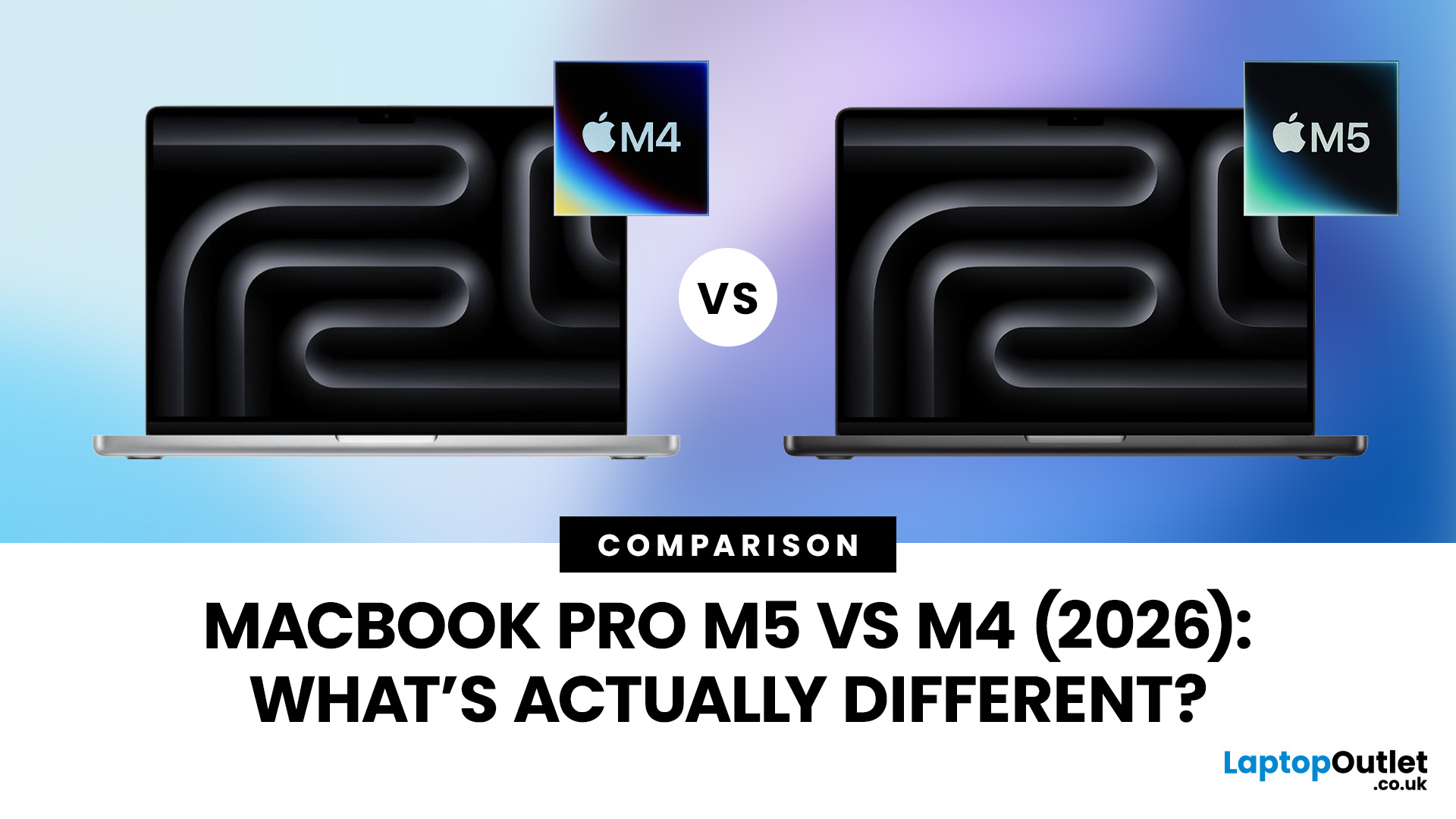
Apple continues to push laptop performance forward with its custom silicon, and the latest generation, powered by the Apple M5 chip - brings new improvements to the MacBook Pro lineup. The previous M4 MacBook Pro, released in 2024, was already one of the most powerful laptops available. However, the 2026 MacBook Pro with the M5 chip introduces several internal upgrades designed to enhance performance, AI processing and efficiency.
For many UK buyers, the key question is simple: is the MacBook Pro M5 a meaningful upgrade over the M4, or should you save money and buy the older model instead?
In this detailed comparison of MacBook Pro M5 vs M4, we will look at:
- CPU and GPU performance differences
- AI and machine learning improvements
- Battery life and efficiency
- Design and display changes
- UK pricing and availability
- Whether upgrading is worth it
By the end of this guide, you’ll have a clear idea of which MacBook Pro is the better choice for UK users in 2026.
MacBook Pro M5 vs M4: Key Differences
Published: November 20, 2025
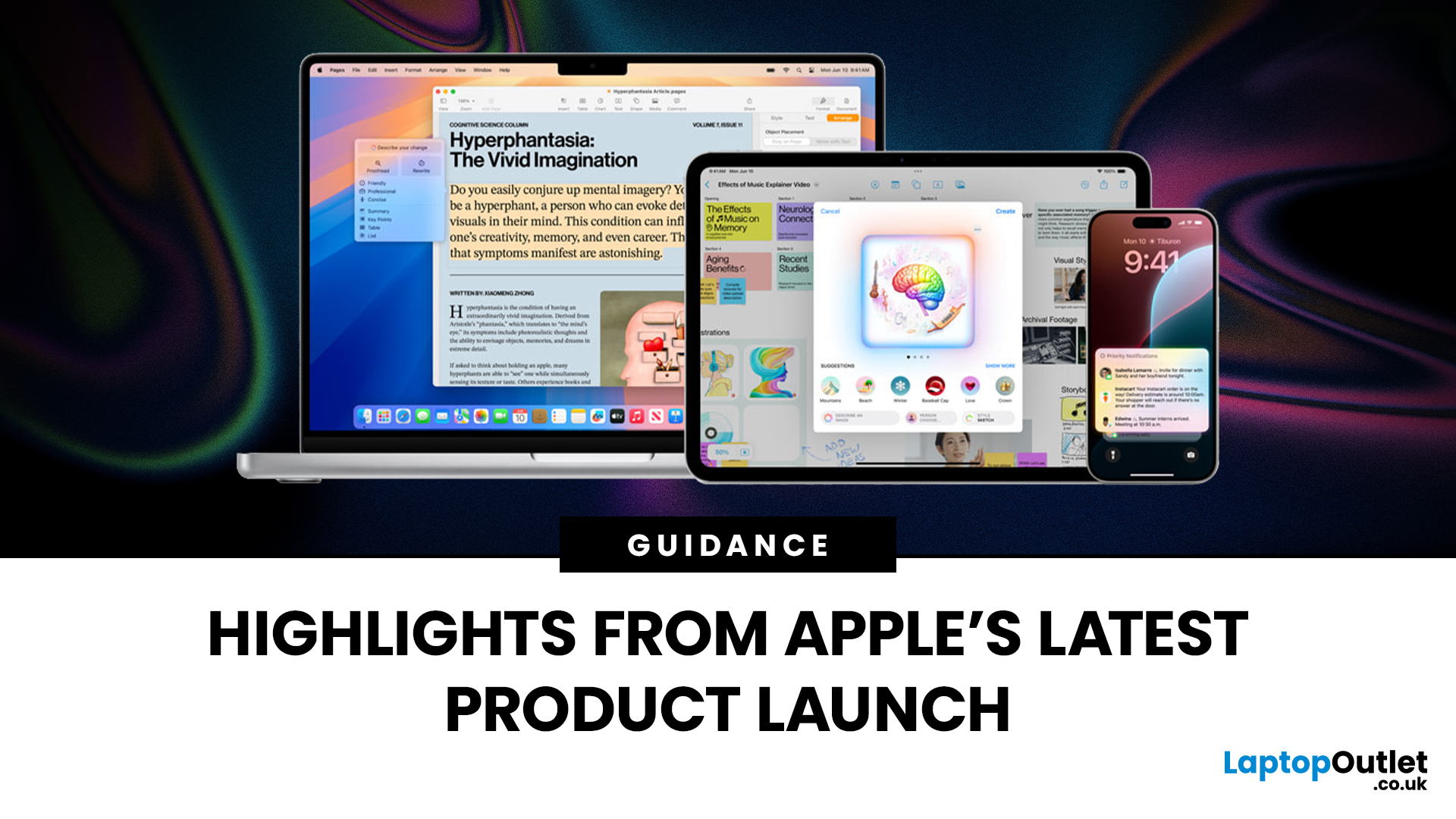
Apple has once again raised the bar with its latest hardware update, unveiling a refreshed line-up including the new Apple MacBook, the iPad Pro, and several other devices. Let’s take a closer look at what’s changed, why it matters, and whether the new Apple MacBook 2025 is worth your attention.
What’s Been Announced?
On 15 October 2025, Apple introduced a suite of devices powered by its latest chip, the Apple M5, including a new 14-inch MacBook Pro, refreshed iPad Pro, and updated mixed-reality headset.
The headline: the new MacBook (and MacBook Pro line) now features the M5 chip built on a 3-nanometre process, offering substantial gains in performance, especially for AI workloads, graphics and battery life.
Meanwhile, the iPad Pro has also seen upgrades, including the M5 chip and enhancements in connectivity, storage, and efficiency.
Why the New Apple MacBook 2025 Matters
Performance and AI
The M5 chip represents a significant step up. According to reports, it delivers AI performance

Last Updated: December 09, 2025
The hashtag symbol (#) is a fundamental part of online communication and social media strategy. It's how you categorise content, join trending conversations, and boost the visibility of your posts across platforms like Instagram, X (Twitter), LinkedIn, and more.
However, many new MacBook users, especially those switching from a Windows machine, find themselves scratching their heads when they look for a dedicated "hash" key. Don't worry, the solution for how to use hashtags on MacBook is incredibly simple. Here’s how to do it:
Your Essential Keyboard Shortcuts
The method for typing the hash symbol (#) on your MacBook depends slightly on the specific keyboard layout your Mac uses, primarily whether you are using a US or UK keyboard.
The US Keyboard Shortcut
If your MacBook uses the standard US keyboard layout, the hash symbol is typically printed directly above the number '3' key on the top row.
Here’s the simple combination you need:
- Find the Shift key.
- Press and hold the Shift key.
Last Updated: March 09, 2026
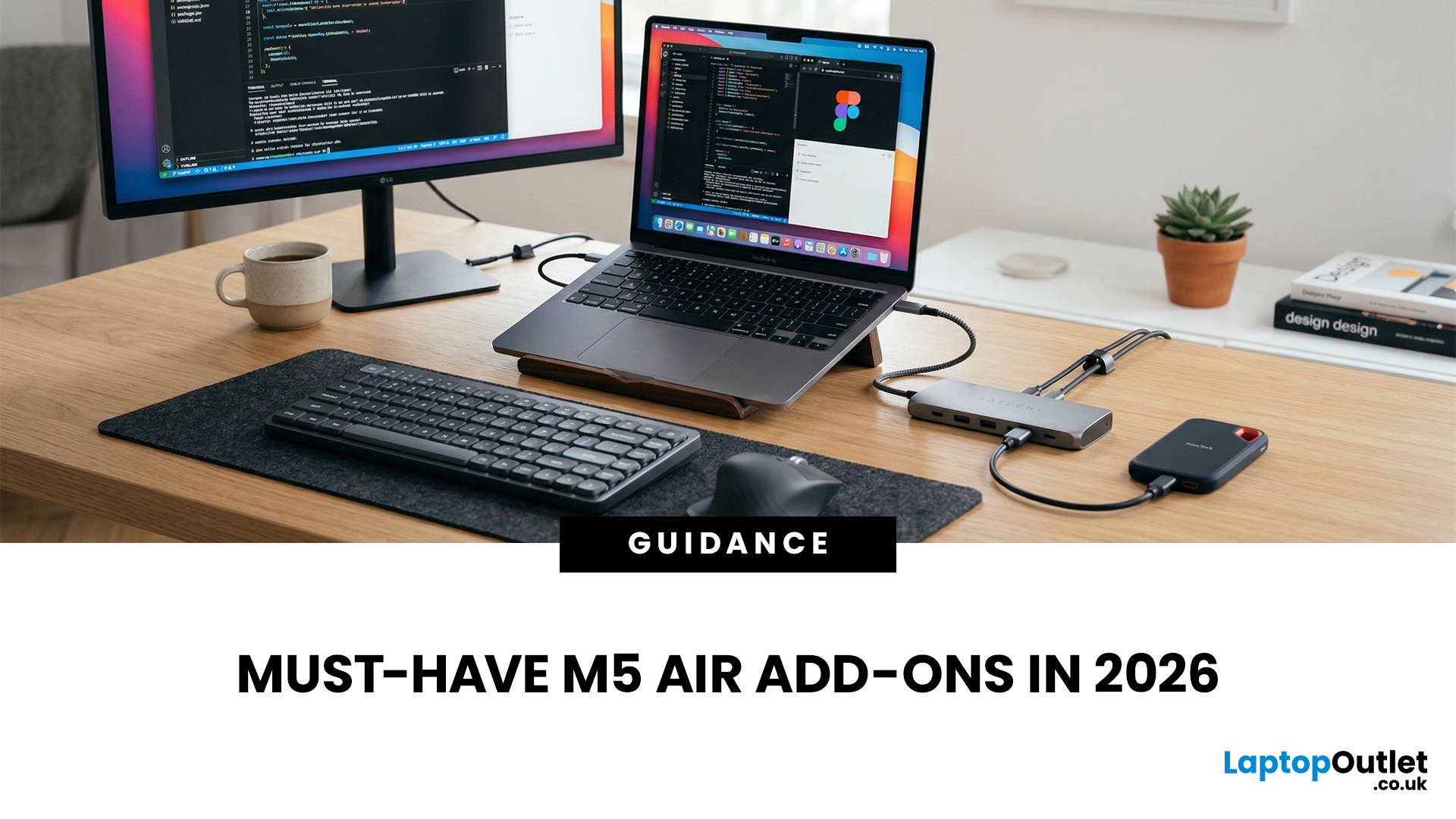
You just got (or are about to get) the M5 MacBook Air. Congrats, your backpack is about to get lighter, and your vibe is about to get cleaner. But here’s the thing: the laptop is the main character… and the right accessories are the supporting cast that makes the whole show hit.
This guide breaks down the best MacBook Air M5 accessories for 2026, what’s worth buying, what’s overhyped, and how to build a setup that fits your life (commuter, student, creator, desk goblin… all valid).
What to Consider Before Buying MacBook Air M5 Accessories
Let’s skip the “add to cart frenzy” and do a 30-second reality check.
1) What ports do you need?
Most people don’t need a spaceship dock, they need a few essentials:
- USB-A for random flash drives or older accessories
- HDMI for monitors/classroom projectors
- SD/microSD if you shoot content
- A pass-through charging port so your hub isn’t stealing your only charging slot
2) Where do you use your MacBook the most?
- On the go: prioritize protection + compact
Last Updated: March 09, 2026
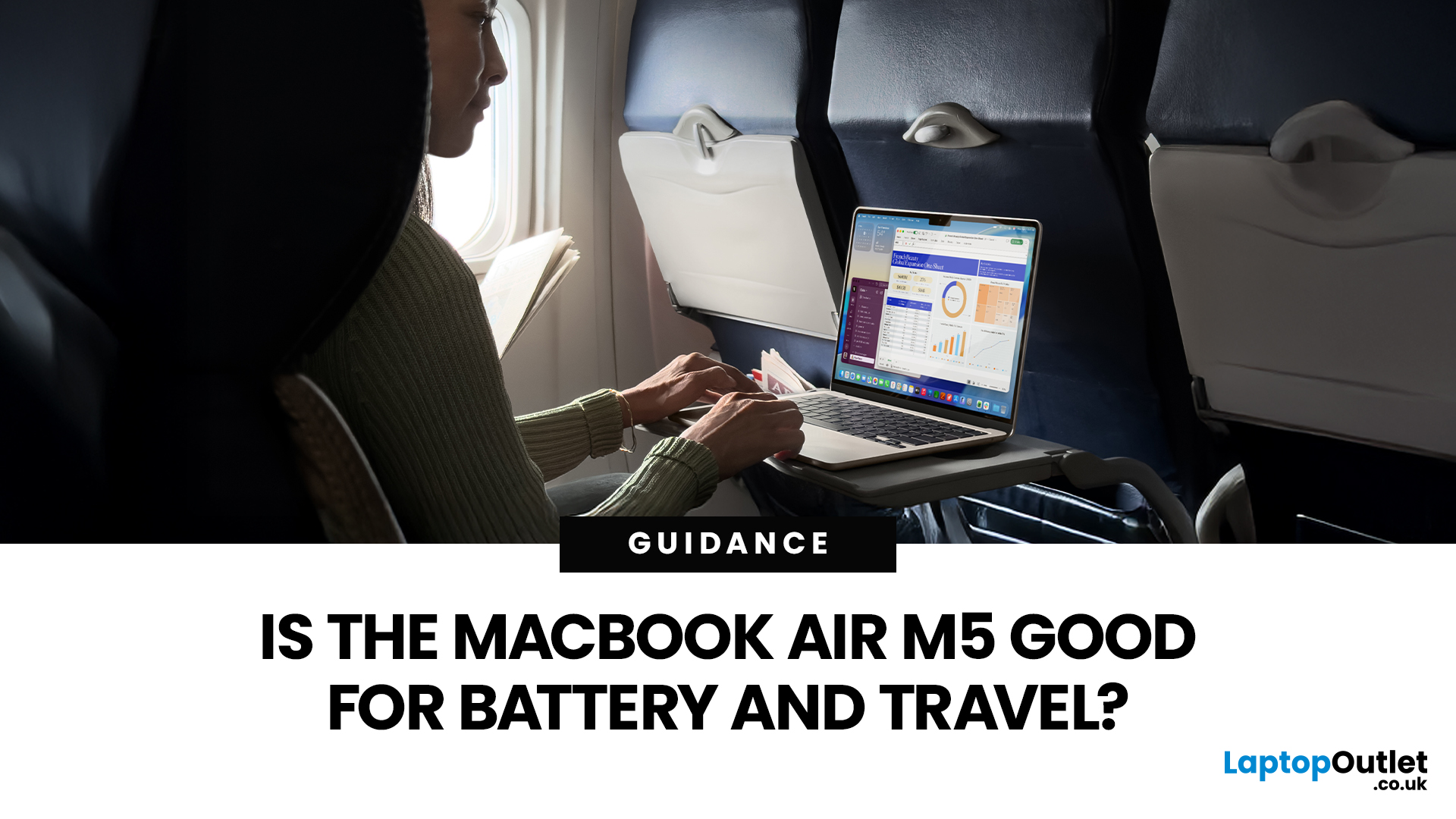
If you are looking up MacBook Air M5 battery life, you probably care about two things more than anything else: how long it lasts away from the charger, and how easy it is to carry every day. The 2026 MacBook Air refresh keeps the same thin, lightweight vibe, but tightens the experience around travel: strong battery ratings, fast charging, modern Wi-Fi 7, and a simple port setup that is actually practical.
This guide breaks down what to expect from Apple’s MacBook M5 battery performance and portability.
Quick Answer: Is The MacBook Air M5 Good for Battery and Travel?
Yes, if you want a true all-day laptop
The MacBook Air with M5 chip is rated for up to 18 hours of battery life, with a separate rating of up to 15 hours for wireless web use. That combination usually covers a full day of classes or meetings without having to plan your life around sockets.
Yes, if portability matters more than raw power
The 13-inch model weighs 1.23 kg, and the 15-inch model weighs 1.51 kg, both staying
Last Updated: March 05, 2026
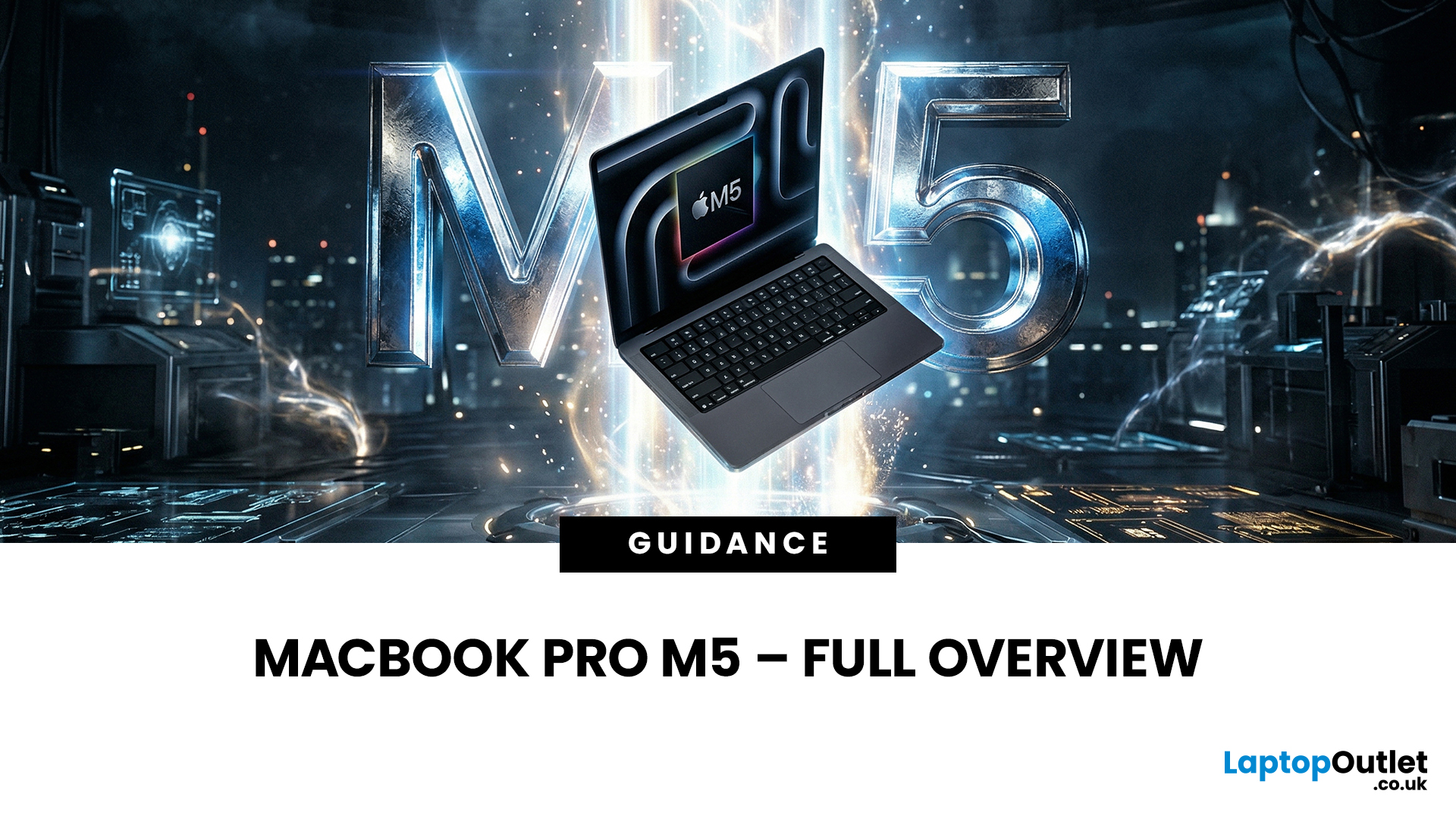
Apple just dropped another powerhouse, and tech lovers everywhere are paying attention. The MacBook Pro with the new M5 chip has officially arrived, and it’s bringing some serious upgrades in performance, AI capabilities, and efficiency. If you’re a creator, developer, student, or someone who simply loves fast and powerful machines, this launch is worth checking out.
Apple’s MacBook Pro M5: What’s the Big Deal?
Apple’s MacBook Pro lineup has already been dominating the laptop space with its custom silicon chips. Starting from the M1, Apple proved that it could build processors that outperform many traditional laptop chips while using less power.
Now, the M5 generation takes things to the next level.
The new MacBook Pro models come powered by M5 Pro and M5 Max chips, which promise faster speeds, stronger graphics performance, and better AI processing compared to previous models. Apple designed these chips to handle demanding tasks like video editing, software development, 3D rendering,
Last Updated: March 09, 2026
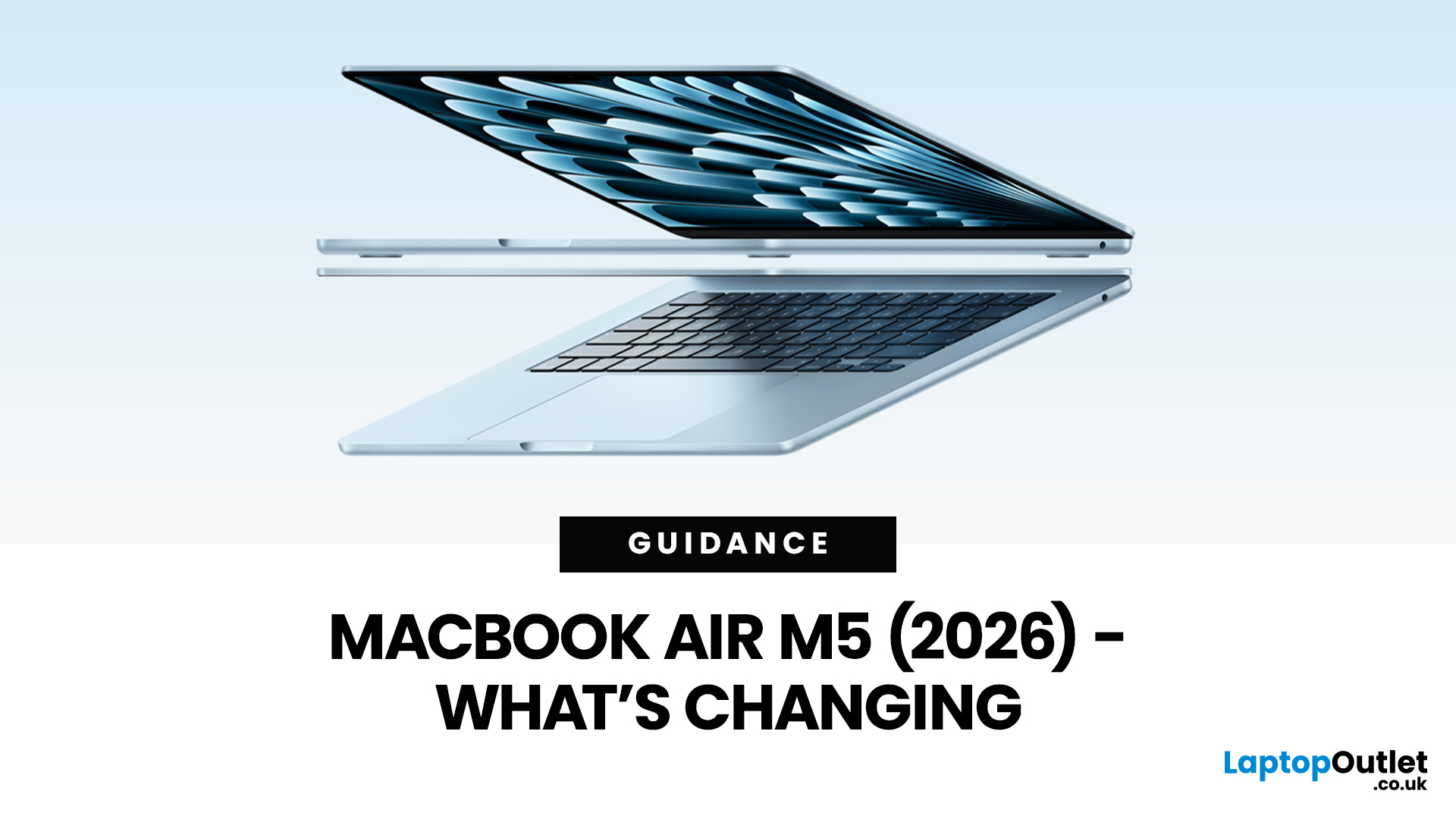
Apple’s MacBook Air refresh for 2026 is official: on 3rd March, 2026, Apple announced the MacBook Air with M5 in 13-inch and 15-inch sizes. The headline isn’t a dramatic redesign, this update is about refining the “already-right” formula: the same thin, fanless aluminium build and the same approachable colour lineup, paired with meaningful under-the-hood upgrades like 512GB base storage, Wi-Fi 7, and a faster SSD.
If your primary focus is MacBook Air M5 design and colours, here’s the most up-to-date, source-backed breakdown of what’s new, what’s unchanged, and how to pick the finish that fits your style (and your tolerance for fingerprints).
MacBook Air M5 design updates at a glance
Apple positions the M5 MacBook Air as a continuation of the current design language: thin, light, durable aluminium, and completely silent because it’s fanless. In other words, no big chassis overhaul this generation.
What’s actually changing in 2026:
- Colours: Apple confirms four finishes: Sky Blue - Midnight
Last Updated: April 03, 2026
If you’re eyeing the MacBook Air M5 for students (or for your work era), you’re not alone. The MacBook Air is basically the “does-everything-without-being-annoying” laptop, portable, quiet, and powerful enough for most real-life tasks. But the big question is: is it the right buy for you in 2026, or are you about to spend money on features you’ll never use?
What’s New with the MacBook Air M5 in 2026 (Quick Recap)
Without turning this into a specs spreadsheet, here’s what matters in the latest model vibes:
Performance
Think: faster app launches, smoother multitasking, fewer “why is everything lagging?” moments when you have 42 tabs open. For most people, the M5 Air will feel effortlessly quick for years.
Battery + Portability (the Air’s whole personality)
The MacBook Air is built for life on the move, classes, cafes, commutes, and travel days. Expect strong battery performance in real usage and a laptop that doesn’t make your bag feel like a gym session.

