



MacBook Air Design & Features: What’s New in 2026?
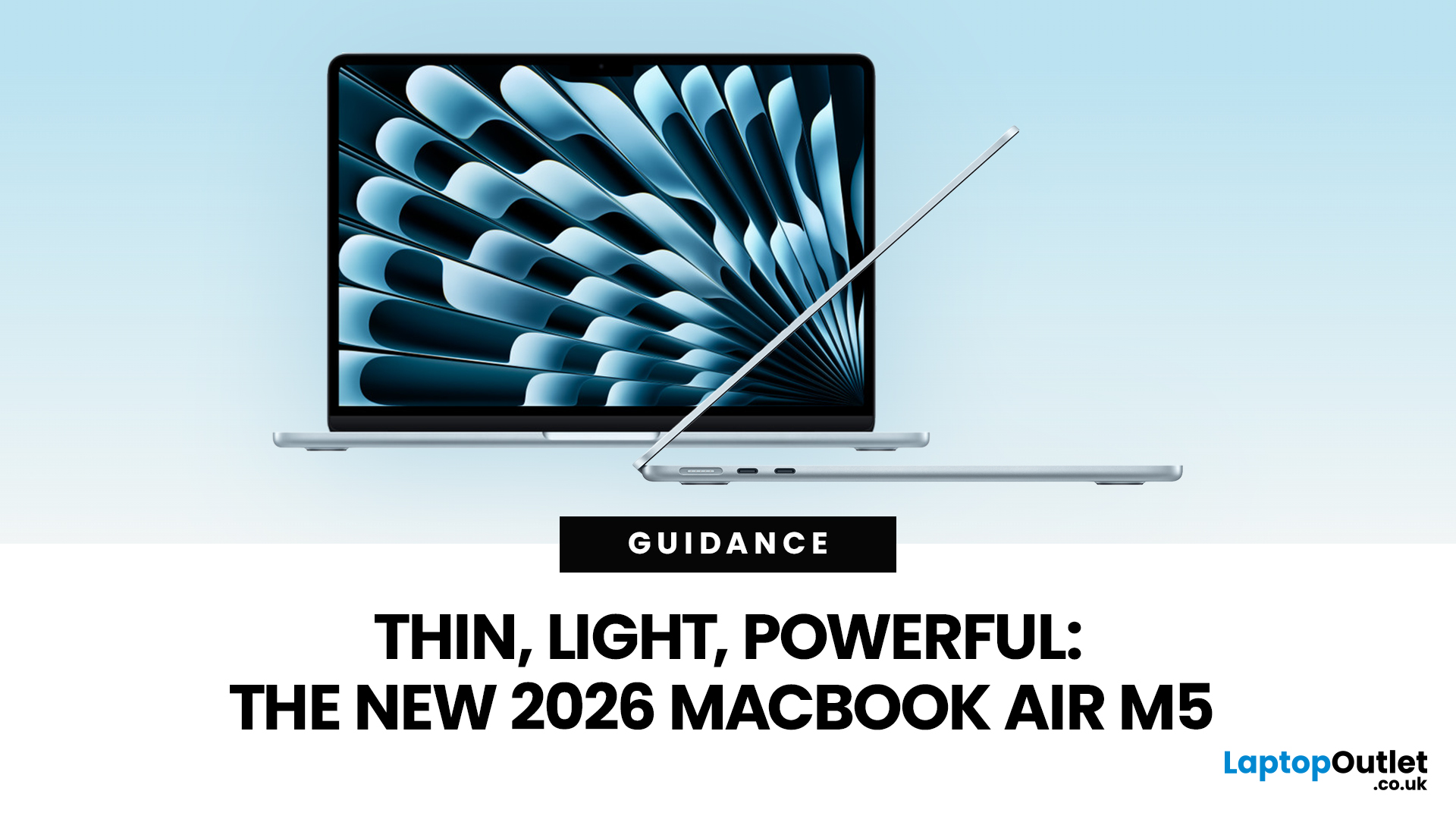
Apple has just announced the MacBook Air M5, and it is one of the most capable versions of the world's most popular laptop yet.
Announced on 3 March 2026, with pre-orders open now and availability from 11 March, the 2026 model brings real, meaningful upgrades. From a faster chip to doubled storage and next-generation wireless connectivity, there is plenty to talk about.
So, what exactly is new with the latest MacBook Air model? Let us walk through everything.
A Familiar Shape, Refined to Perfection
When it comes to MacBook Air design and features, Apple has kept what works. The 2026 model carries forward the same clean, aluminium unibody chassis introduced with the M2 generation back in 2022. It is still fanless, still wedge-free, and still one of the most refined thin and lightweight laptops available in 2026.
Both the 13-inch and 15-inch models remain impressively slim. The 13-inch continues to be the go-to for those who want maximum portability. The 15-inch offers more screen real estate without sacrificing much in the way of build quality or portability.
MacBook Air Build Quality
MacBook Air build quality has always been one of its strongest selling points. The aluminium unibody construction gives the machine a solid, premium feel that is hard to match at this price point. Apple has not changed this, and rightly so. The chassis remains rigid, the hinge movement is smooth, and the overall fit and finish feel genuinely top-tier.
The fanless design also deserves a mention. There are no moving parts, which means silent operation no matter what you are doing. This also contributes to the laptop's long-term reliability.
MacBook Air Colours: What Are Your Options?
One of the most visible updates in the latest MacBook Air model is the continued availability of four striking colours. The M5 MacBook Air comes in:
- Sky Blue — A fresh, modern hue that debuted with the M4 generation and remains a standout choice.
- Midnight — A deep, near-black finish with a subtle blue undertone.
- Starlight — A warm, champagne-gold tone that feels timeless.
- Silver — The classic, clean look that never goes out of fashion.
Each colour runs consistently across the lid, base, and keyboard surround, giving the machine a polished, unified look. MacBook Air colours have always been a talking point, and the 2026 palette is no exception.
MacBook Air Display Quality: Still Sharp, Still Vivid
The display remains a Liquid Retina panel, and it is as good as ever. There is no OLED this time around — Apple is reportedly saving that for future MacBook Pro models — but the existing screen technology still holds up well.
Display Specifications at a Glance
|
Feature |
13-inch |
15-inch |
|
Display Size |
13.6 inches |
15.3 inches |
|
Resolution |
2560 x 1664 pixels |
2880 x 1864 pixels |
|
Brightness |
500 nits |
500 nits |
|
Colour Support |
1 billion colours |
1 billion colours |
|
Refresh Rate |
60Hz |
60Hz |
MacBook Air display quality is genuinely excellent for everyday work, creative tasks, and media consumption. Text is super crisp, colours look vivid, and the True Tone technology ensures the white balance adjusts to your environment. It is not the highest brightness screen on the market, but 500 nits is more than adequate for indoor use.
The M5 Chip: A Serious Performance Jump
This is where the latest MacBook Air model truly shines. The M5 chip brings a substantial leap in both CPU and GPU performance over the M4.
Here is a quick breakdown of what is new under the hood:
- 10-core CPU with four performance cores and six efficiency cores
- Up to 10-core GPU featuring a Neural Accelerator in every core
- 153GB/s unified memory bandwidth — a 28% improvement over M4
- 4x faster AI performance compared to MacBook Air with M4
- Up to 9.5x faster AI tasks compared to MacBook Air with M1
- Up to 50% faster gaming performance over the previous generation
- 2x faster read and write speeds from the new SSD technology
The addition of a Neural Accelerator in each GPU core is a key change. It means the machine can handle AI-heavy tasks locally, without relying on the cloud. Whether you are using Apple Intelligence, running large language models, or working with AI-powered creative tools, the M5 handles it all with ease.
Standard Memory Configuration
All M5 MacBook Air models come with 16GB of unified memory as standard. You can upgrade to 24GB or 32GB depending on your needs. For most users, 16GB is more than sufficient for smooth, responsive daily use.
Storage: Doubled as Standard
One of the most welcome changes in the 2026 MacBook Air is the storage upgrade. The base storage now starts at 512GB, doubling the 256GB that came standard with the M4. You can configure it all the way up to 4TB for the first time, compared to the 2TB maximum previously available.
This is not just about capacity. The new SSD also delivers twice the read and write speeds of the previous generation. That translates to faster app launches, quicker file transfers, and snappier overall responsiveness.
MacBook Air Ports and Connectivity: Wi-Fi 7 Arrives
MacBook Air ports and connectivity get a meaningful upgrade this time around. Apple has included its custom N1 wireless chip, bringing two major improvements:
- Wi-Fi 7 (up from Wi-Fi 6E on the M4 model)
- Bluetooth 6 (up from Bluetooth 5.3)
Wi-Fi 7 is a significant step forward. It supports much faster transfer speeds and lower latency, making it genuinely useful if you are on a compatible router at home or in the office.
Physical Ports
In terms of physical connections, the M5 MacBook Air keeps the same port layout:
- 2x Thunderbolt 4 ports (USB-C) — supporting charging, data transfer, DisplayPort, and Thunderbolt
- MagSafe 3 charging port
- 3.5mm headphone jack
The two Thunderbolt 4 ports can each drive an external display, meaning you can connect up to two external monitors simultaneously. This is a genuinely useful feature for those who use their MacBook Air as a desktop replacement.
Camera, Audio, and Battery Life
12MP Center Stage Camera
The MacBook Air M5 features a 12MP Center Stage camera — the same as on the M4. Center Stage uses machine learning to keep you in frame during video calls, even if you move around. Desk View is also supported, letting you use the camera as an overhead view of your workspace.
Spatial Audio Sound System
The speaker system delivers rich, immersive sound with Spatial Audio support. For a fanless, slim laptop, the audio quality is surprisingly good. It punches well above its weight for calls, music, and film viewing.
Battery Life
Apple claims up to 18 hours of battery life on both models. That is an impressive figure for a thin and lightweight laptop in 2026, and it puts the MacBook Air ahead of most Windows competitors in this category. The included 40W Dynamic Power Adapter can boost to 60W output, and the 70W adapter supports faster charging.
Note for UK buyers: Apple no longer includes a power adapter in the box for customers in the United Kingdom, in line with WEEE regulations. You will need to purchase one separately.
macOS Tahoe and Apple Intelligence
The M5 MacBook Air ships with macOS Tahoe, Apple's latest operating system. Combined with Apple Intelligence — Apple's suite of on-device AI features — the laptop is positioned as a powerful everyday machine that handles intelligent tasks privately, on device.
Features like Writing Tools, Image Playground, and improved Siri capabilities work seamlessly on the M5, thanks to the chip's enhanced Neural Accelerators.
MacBook Air M5 (2026) Pricing in the UK
Here is a straightforward look at the starting prices for UK buyers:
|
Model |
Starting Price (UK) |
|
13-inch MacBook Air M5 |
From £1,099 |
|
15-inch MacBook Air M5 |
From £1,299 |
Both models come standard with 16GB of unified memory and 512GB of storage at the base configuration. Higher memory and storage tiers are available at extra cost. Pre-orders are open now, with availability from 11 March 2026.

Is the 2026 MacBook Air Worth It?
The MacBook Air design and features story for 2026 is one of smart, purposeful refinement. The M5 chip brings substantial gains in AI performance, the SSD is faster, storage starts higher, and Wi-Fi 7 with Bluetooth 6 keeps you better connected.
If you are upgrading from an M1 or M2 MacBook Air, the 2026 model is a massive step forward. Even for M3 users, the jump to M5 brings enough real-world gains — especially in AI performance and storage speed — to make it genuinely tempting.
For those already on the M4, the upgrade is more incremental. But as a thin and lightweight laptop in 2026, the MacBook Air M5 remains the benchmark for what a portable laptop should be.
Ready to upgrade? Get yours soon at Laptop Outlet. Don’t miss out!

Just So You Know...
What are the new MacBook Air colours available in the 2026 model?
The MacBook Air M5 comes in four colours: Sky Blue, Midnight, Starlight, and Silver. These are available on both 13-inch and 15-inch models.
Does the MacBook Air M5 have an OLED display?
No, the MacBook Air M5 uses a Liquid Retina LCD display. Apple is expected to introduce OLED to MacBooks from 2027 onwards, starting with the MacBook Pro.
How much storage does the MacBook Air M5 come with as standard?
The M5 MacBook Air starts with 512GB of storage, which is double the 256GB that came standard with the M4 model.
What ports does the MacBook Air M5 have?
It has two Thunderbolt 4 USB-C ports, a MagSafe 3 charging port, and a 3.5mm headphone jack. It supports up to two external displays simultaneously.
Does the MacBook Air M5 support Wi-Fi 7?
Yes. The M5 model includes Apple's custom N1 wireless chip, enabling Wi-Fi 7 and Bluetooth 6 for the first time on the MacBook Air.
What is the starting price of the MacBook Air M5 in the UK?
The 13-inch starts at £1,099 and the 15-inch at £1,299. Pre-orders opened on 4 March 2026, with availability from 11 March.
Related Articles


Last Updated: October 15, 2025
Buying a MacBook isn’t just about picking between an Air or a Pro - it’s also about making smart choices with RAM and storage. These two specs are often overlooked, yet they’re the backbone of your laptop’s performance and longevity. Choose too little, and you’ll quickly hit frustrating slowdowns or run out of space. Choose wisely, and your MacBook will stay fast, reliable, and future-proof for years.
Unlike many Windows laptops, MacBook RAM and storage can’t be upgraded later - what you buy upfront is what you’ll live with. That makes it essential to understand how much you really need. Do students get by with 8GB of RAM? Should professionals always go for 16GB or more? Is 256GB storage enough in the cloud era, or do video editors really need 1TB and beyond?
Why RAM & Storage Matter in a MacBook
When you’re choosing a MacBook, the processor often gets the spotlight - but RAM and storage are just as important. They determine how smooth your experience is today and how well your laptop

Last Updated: April 02, 2026
If you’ve been holding off on upgrading your Apple tech, this is the moment you’ve been waiting for. Black Friday 2025 is just around the corner, which means serious savings on everything from MacBooks and iPhones to iPads and AirPods.
Apple products rarely see big discounts, so when Black Friday arrives, it’s a golden opportunity to grab the device you’ve had your eye on or to tick a few gifts off your Christmas list. Whether you’re looking for the best MacBook Pro deals, a lightweight MacBook Air, an iPad for the kids or even a refurbished iMac, this year’s offers are shaping up to be impressive.
Here’s your ultimate guide to finding the best Black Friday Apple Deals in 2025, how to shop smartly, and where to get the most for your money.
Why Black Friday 2025 Is a Big Deal for Apple Fans
Apple’s premium design and performance mean prices don’t drop often which is exactly why Black Friday is so exciting. Retailers across the UK slash prices on top Apple gear for a limited time, making
Published: November 17, 2025
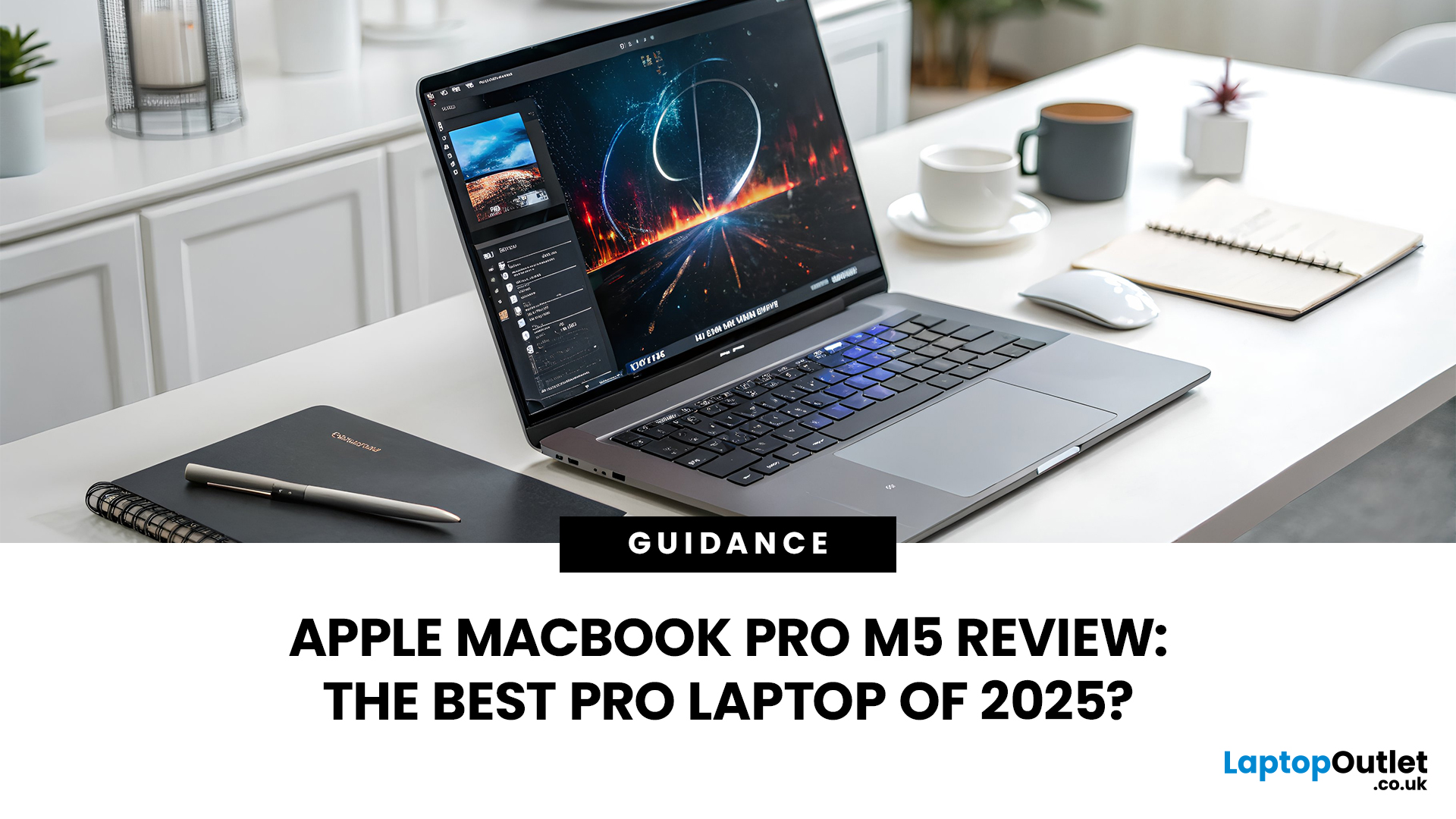
In 2025, Apple continues its dominance in professional laptops with the release of the MacBook Pro M5, the latest evolution of its in-house silicon revolution. Following the impressive M3 Pro and M4 generations, the Apple M5 chip marks a leap in raw performance, AI processing, and energy efficiency - and it’s already being hailed as the gold standard for creative professionals and demanding users.
But does the new M5 MacBook Pro really set a new benchmark in laptop performance? Or are Windows-based power machines like the Dell XPS 15 and Razer Blade 16 catching up?
In this Apple MacBook Pro M5 review, we dive into real-world performance, specs, benchmarks, battery life, display quality, and user experience to see if this is truly the best pro laptop of 2025.
Design and Build: Familiar Excellence, Refined Again
Apple hasn’t reinvented the MacBook’s look - and honestly, it didn’t need to. The M5 edition retains the precision-machined aluminium unibody, but now features a subtle refinement
Last Updated: March 12, 2026
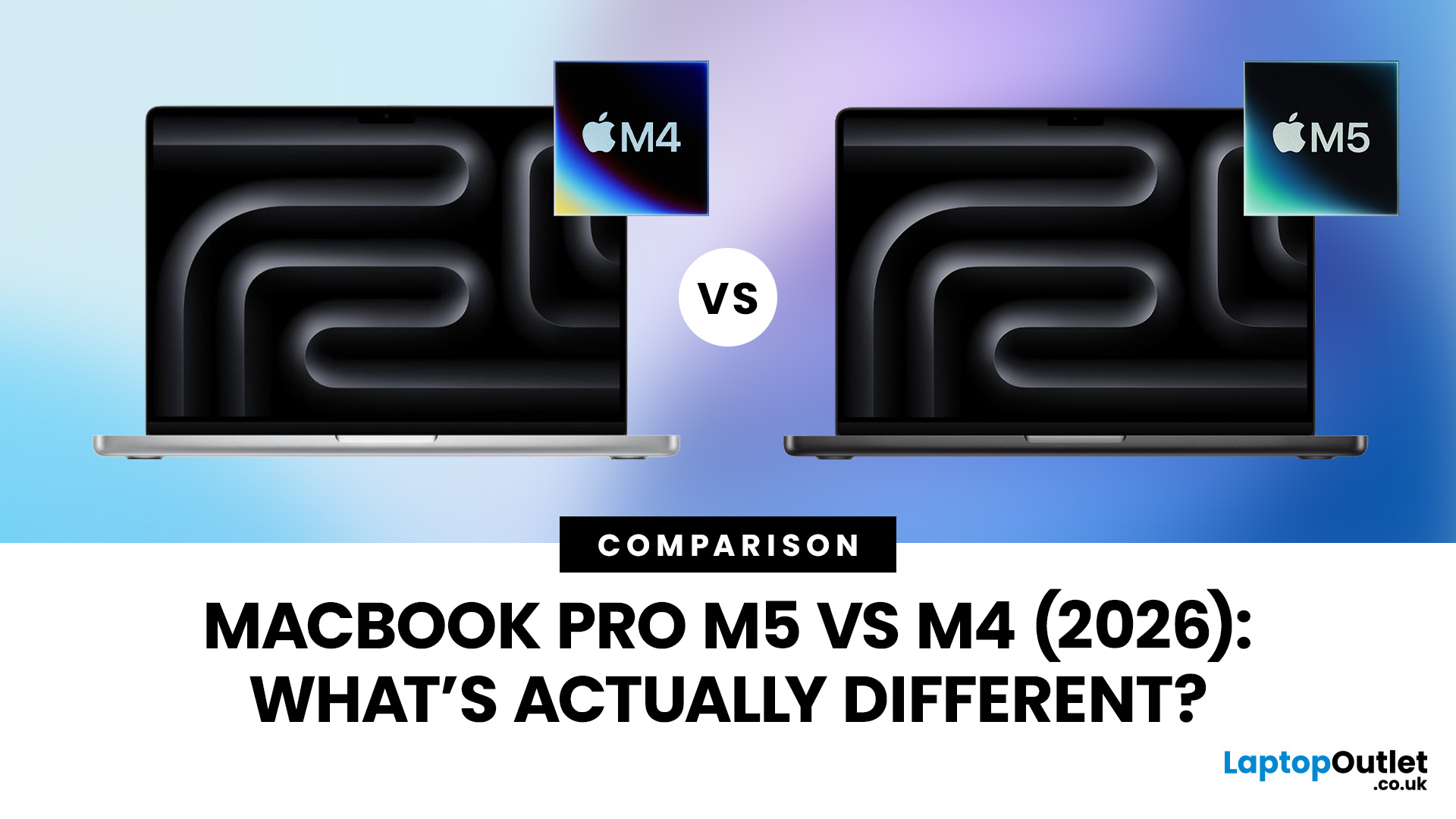
Apple continues to push laptop performance forward with its custom silicon, and the latest generation, powered by the Apple M5 chip - brings new improvements to the MacBook Pro lineup. The previous M4 MacBook Pro, released in 2024, was already one of the most powerful laptops available. However, the 2026 MacBook Pro with the M5 chip introduces several internal upgrades designed to enhance performance, AI processing and efficiency.
For many UK buyers, the key question is simple: is the MacBook Pro M5 a meaningful upgrade over the M4, or should you save money and buy the older model instead?
In this detailed comparison of MacBook Pro M5 vs M4, we will look at:
- CPU and GPU performance differences
- AI and machine learning improvements
- Battery life and efficiency
- Design and display changes
- UK pricing and availability
- Whether upgrading is worth it
By the end of this guide, you’ll have a clear idea of which MacBook Pro is the better choice for UK users in 2026.
MacBook Pro M5 vs M4: Key Differences
Published: November 20, 2025
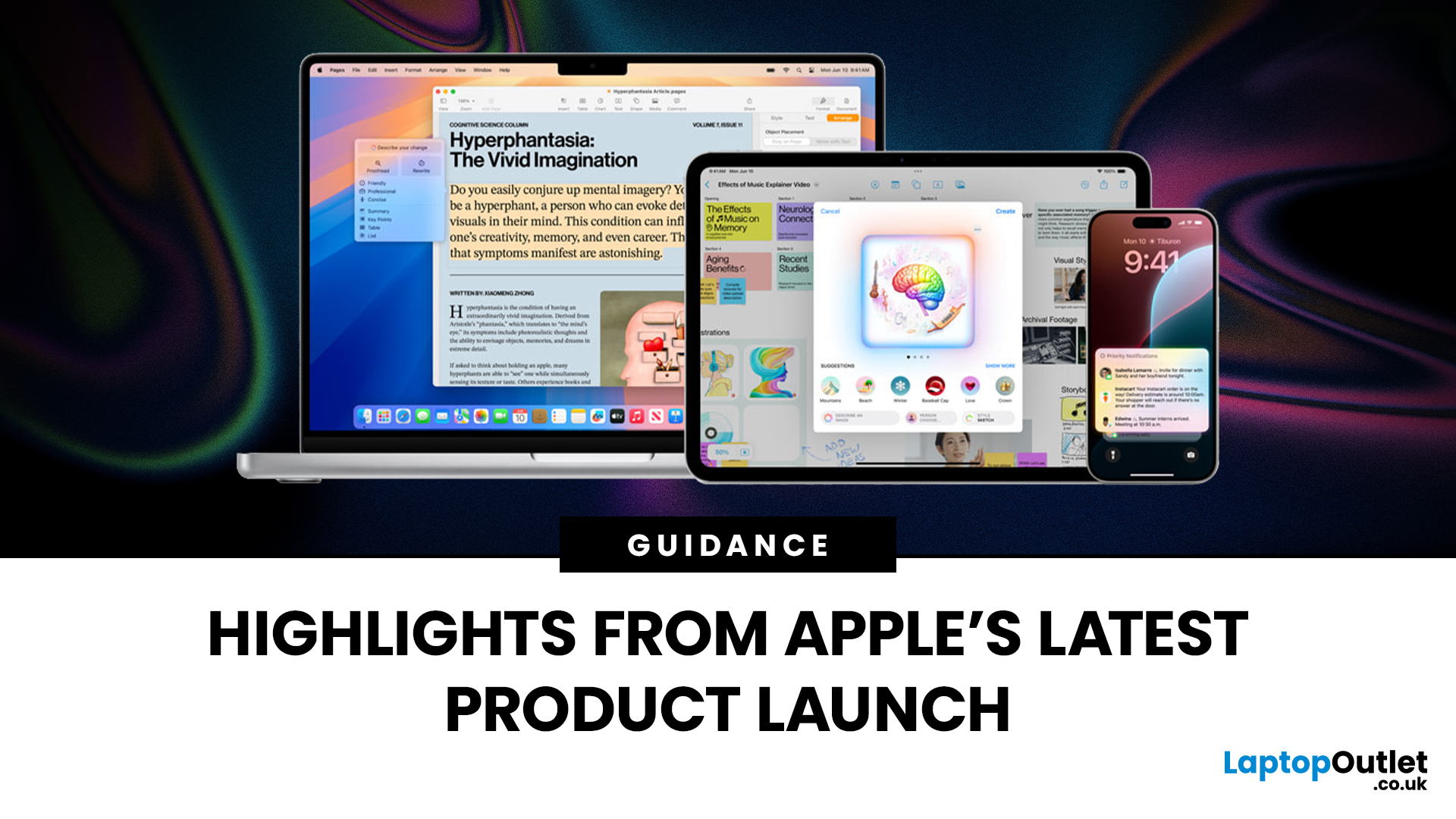
Apple has once again raised the bar with its latest hardware update, unveiling a refreshed line-up including the new Apple MacBook, the iPad Pro, and several other devices. Let’s take a closer look at what’s changed, why it matters, and whether the new Apple MacBook 2025 is worth your attention.
What’s Been Announced?
On 15 October 2025, Apple introduced a suite of devices powered by its latest chip, the Apple M5, including a new 14-inch MacBook Pro, refreshed iPad Pro, and updated mixed-reality headset.
The headline: the new MacBook (and MacBook Pro line) now features the M5 chip built on a 3-nanometre process, offering substantial gains in performance, especially for AI workloads, graphics and battery life.
Meanwhile, the iPad Pro has also seen upgrades, including the M5 chip and enhancements in connectivity, storage, and efficiency.
Why the New Apple MacBook 2025 Matters
Performance and AI
The M5 chip represents a significant step up. According to reports, it delivers AI performance

Last Updated: December 09, 2025
The hashtag symbol (#) is a fundamental part of online communication and social media strategy. It's how you categorise content, join trending conversations, and boost the visibility of your posts across platforms like Instagram, X (Twitter), LinkedIn, and more.
However, many new MacBook users, especially those switching from a Windows machine, find themselves scratching their heads when they look for a dedicated "hash" key. Don't worry, the solution for how to use hashtags on MacBook is incredibly simple. Here’s how to do it:
Your Essential Keyboard Shortcuts
The method for typing the hash symbol (#) on your MacBook depends slightly on the specific keyboard layout your Mac uses, primarily whether you are using a US or UK keyboard.
The US Keyboard Shortcut
If your MacBook uses the standard US keyboard layout, the hash symbol is typically printed directly above the number '3' key on the top row.
Here’s the simple combination you need:
- Find the Shift key.
- Press and hold the Shift key.

Last Updated: December 31, 2025
With the right timing and the right specs, you can land an upgrade that feels genuinely transformative: faster performance, longer battery life, sharper screens, and smoother workflows for work, study, and downtime. New Year promotions are also one of the easiest moments to buy smarter. Stock moves quickly, retailers rotate lines, and discounts get sharper as people reset budgets and goals, meaning the best-value Apple kit often sells out first. That’s why this guide focuses on what to look for, what to prioritise, and how to choose the right Apple device for your needs.
Why New Year is the Best Time to Buy Apple Tech
Apple gear holds value well, which is great when you own it, but it also means discounts can feel harder to find at other times of the year. Around New Year, pricing tends to loosen up across multiple categories, making it easier to upgrade without compromising on model quality. Here’s why New Year shopping is ideal:
- Retail Stock Rotation: end-of-year inventory clears,
Last Updated: March 09, 2026
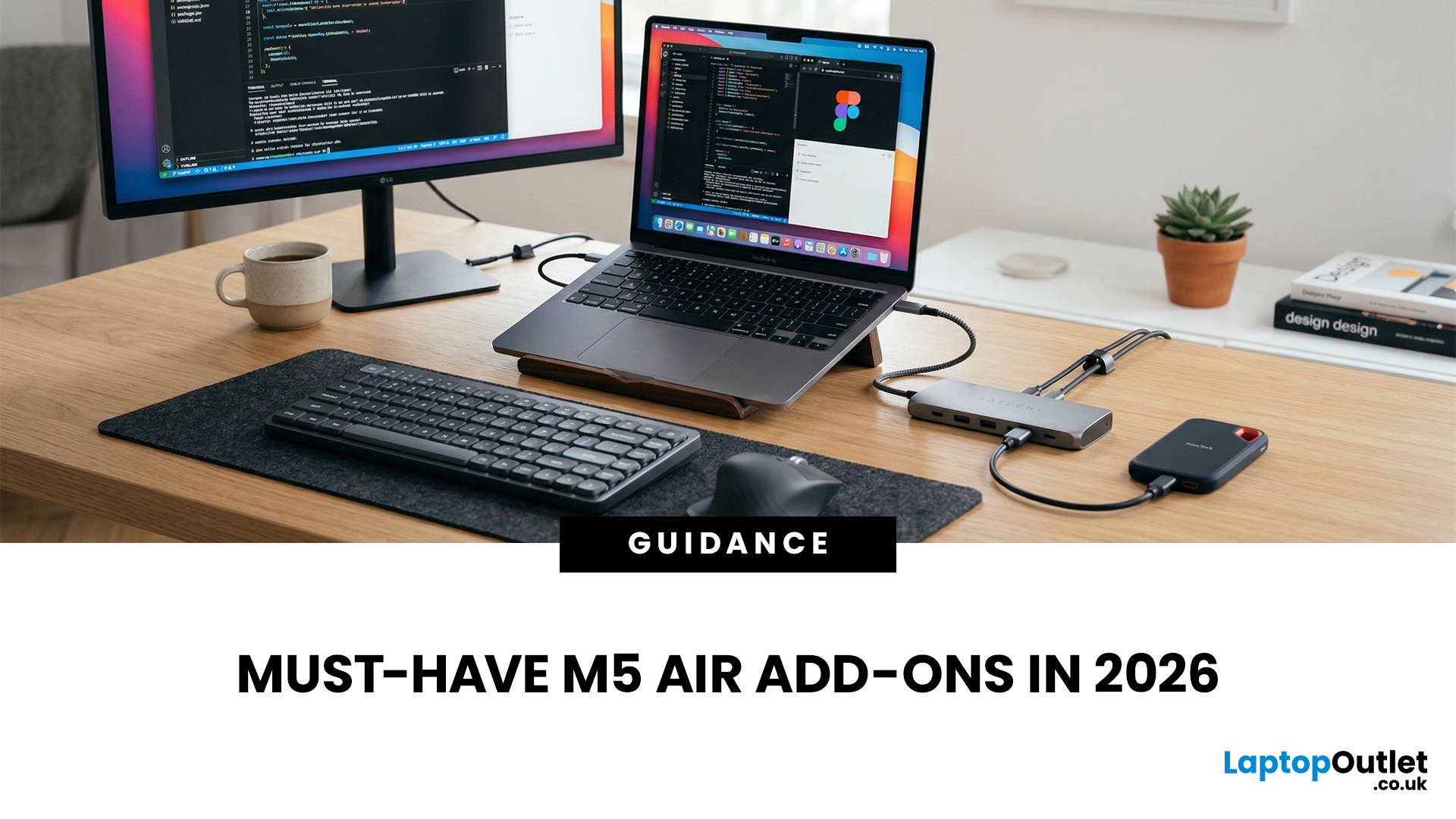
You just got (or are about to get) the M5 MacBook Air. Congrats, your backpack is about to get lighter, and your vibe is about to get cleaner. But here’s the thing: the laptop is the main character… and the right accessories are the supporting cast that makes the whole show hit.
This guide breaks down the best MacBook Air M5 accessories for 2026, what’s worth buying, what’s overhyped, and how to build a setup that fits your life (commuter, student, creator, desk goblin… all valid).
What to Consider Before Buying MacBook Air M5 Accessories
Let’s skip the “add to cart frenzy” and do a 30-second reality check.
1) What ports do you need?
Most people don’t need a spaceship dock, they need a few essentials:
- USB-A for random flash drives or older accessories
- HDMI for monitors/classroom projectors
- SD/microSD if you shoot content
- A pass-through charging port so your hub isn’t stealing your only charging slot
2) Where do you use your MacBook the most?
- On the go: prioritize protection + compact
Last Updated: March 09, 2026
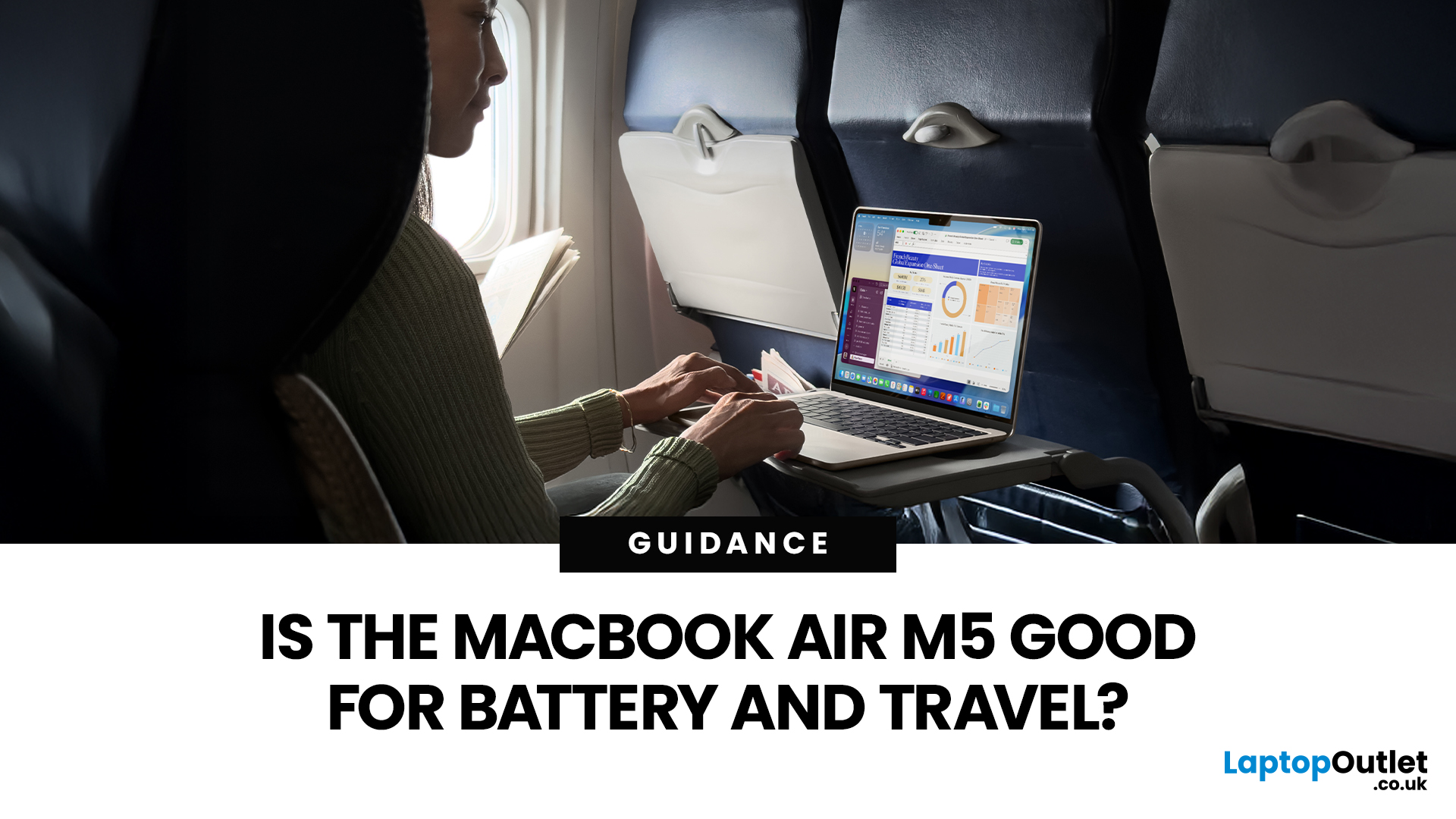
If you are looking up MacBook Air M5 battery life, you probably care about two things more than anything else: how long it lasts away from the charger, and how easy it is to carry every day. The 2026 MacBook Air refresh keeps the same thin, lightweight vibe, but tightens the experience around travel: strong battery ratings, fast charging, modern Wi-Fi 7, and a simple port setup that is actually practical.
This guide breaks down what to expect from Apple’s MacBook M5 battery performance and portability.
Quick Answer: Is The MacBook Air M5 Good for Battery and Travel?
Yes, if you want a true all-day laptop
The MacBook Air with M5 chip is rated for up to 18 hours of battery life, with a separate rating of up to 15 hours for wireless web use. That combination usually covers a full day of classes or meetings without having to plan your life around sockets.
Yes, if portability matters more than raw power
The 13-inch model weighs 1.23 kg, and the 15-inch model weighs 1.51 kg, both staying
Last Updated: March 05, 2026
Apple just dropped another powerhouse, and tech lovers everywhere are paying attention. The MacBook Pro with the new M5 chip has officially arrived, and it’s bringing some serious upgrades in performance, AI capabilities, and efficiency. If you’re a creator, developer, student, or someone who simply loves fast and powerful machines, this launch is worth checking out.
Apple’s MacBook Pro M5: What’s the Big Deal?
Apple’s MacBook Pro lineup has already been dominating the laptop space with its custom silicon chips. Starting from the M1, Apple proved that it could build processors that outperform many traditional laptop chips while using less power.
Now, the M5 generation takes things to the next level.
The new MacBook Pro models come powered by M5 Pro and M5 Max chips, which promise faster speeds, stronger graphics performance, and better AI processing compared to previous models. Apple designed these chips to handle demanding tasks like video editing, software development, 3D rendering,

