



Why Buy a MacBook?
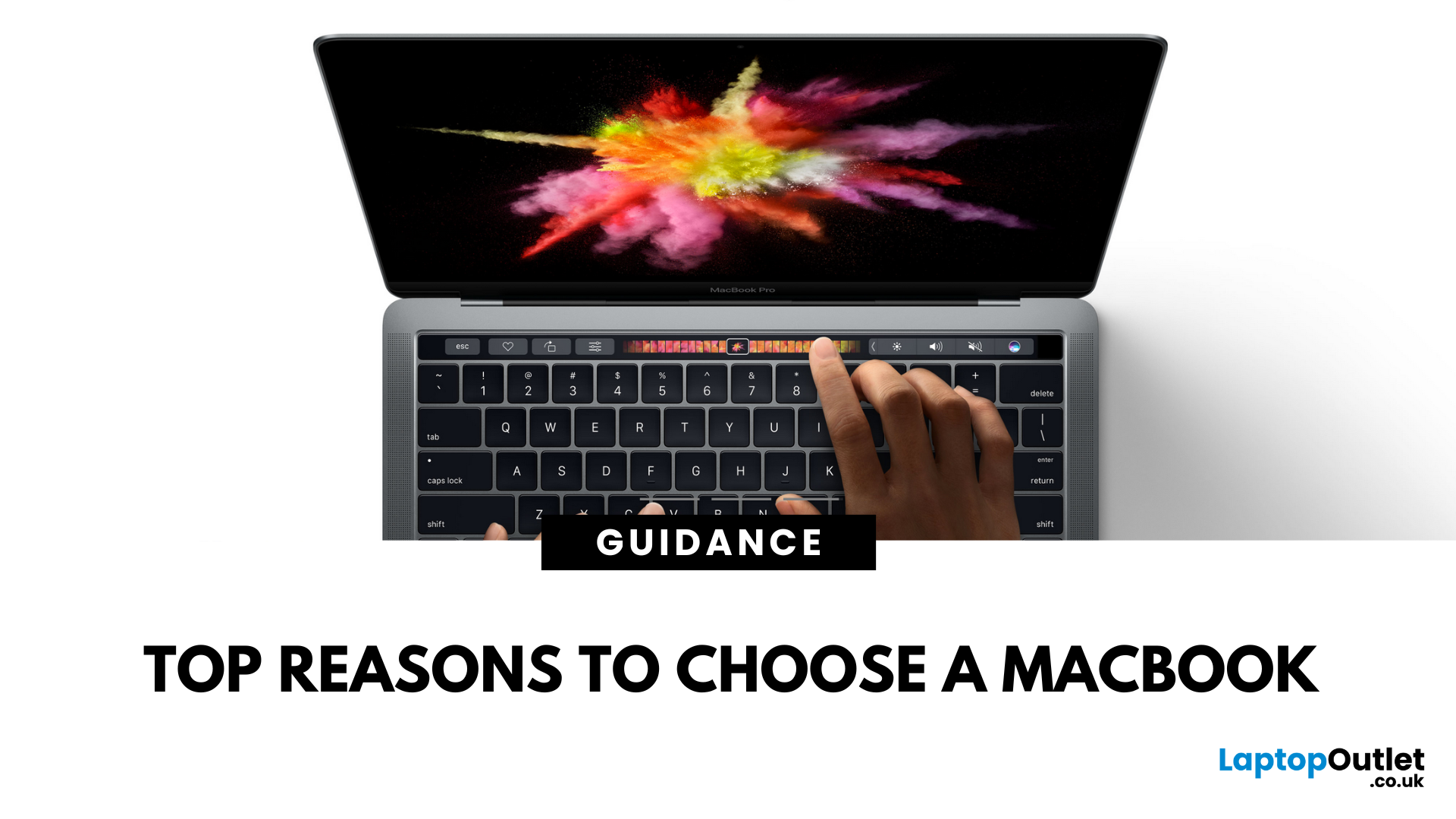
5 Reasons You Should Choose a MacBook
Apple’s MacBook lineup has long been the gold standard for laptops. But what makes them so popular—and are they worth the investment? Here are five reasons why a MacBook could be your perfect next laptop.
1. Sleek Design and Premium Build Quality
MacBooks are known for their ultra-thin, lightweight aluminium bodies. They’re stylish, durable, and designed to slip easily into your backpack or briefcase. Perfect for students and professionals who need a laptop that looks as good as it performs.
2. macOS – Smooth, Secure, and User-Friendly
Apple’s macOS is designed for seamless performance:
- Intuitive interface
- Fewer bugs and crashes compared to some operating systems
- Built-in security features to protect your data
- Regular updates to keep your system fresh and fast
It’s great for both first-time users and seasoned pros.
3. Outstanding Battery Life
With up to 18+ hours of battery life on some models, MacBooks are perfect for all-day work or study sessions. Forget the charger and stay productive wherever you go.
4. Performance That Keeps Up With You
Whether you’re editing videos, designing graphics, or running multiple apps at once, MacBooks pack serious power:
- Apple’s M1 and M2 chips deliver lightning-fast speed
- Smooth multitasking with plenty of RAM
- Retina displays for stunning visuals and true-to-life colours
5. Perfect Ecosystem Integration
Own an iPhone or iPad? A MacBook fits right in:
- AirDrop files instantly between devices
- Answer calls and texts on your Mac
- Seamless handoff between Apple apps
- Universal Clipboard to copy-paste across devices
The Apple ecosystem makes life easier and more connected.
Ready to upgrade?
Shop MacBooks at Laptop Outlet—unbeatable UK deals on new and refurbished Apple laptops.
FAQs: Buying a MacBook
1. Is a MacBook good for students?
Yes—long battery life, lightweight design, and powerful apps make it ideal for studies.
2. Can MacBooks run Windows?
Yes—with Boot Camp or virtual machines.
3. Are MacBooks worth the price?
For premium build, performance, and longevity—many say yes.
4. Do MacBooks get viruses?
Rarely—macOS has strong built-in security.
5. Which MacBook is best for creatives?
The MacBook Pro offers extra power for editing, design, and 3D work.
Why should you buy a MacBook? Watch our latest video.
Read More:
| How to Split Screen on Mac |
| How to Change Your MacBook Name |
| How Do I Change Desktop Background on Mac? |
Related Articles

Last Updated: July 16, 2025

Last Updated: November 12, 2025
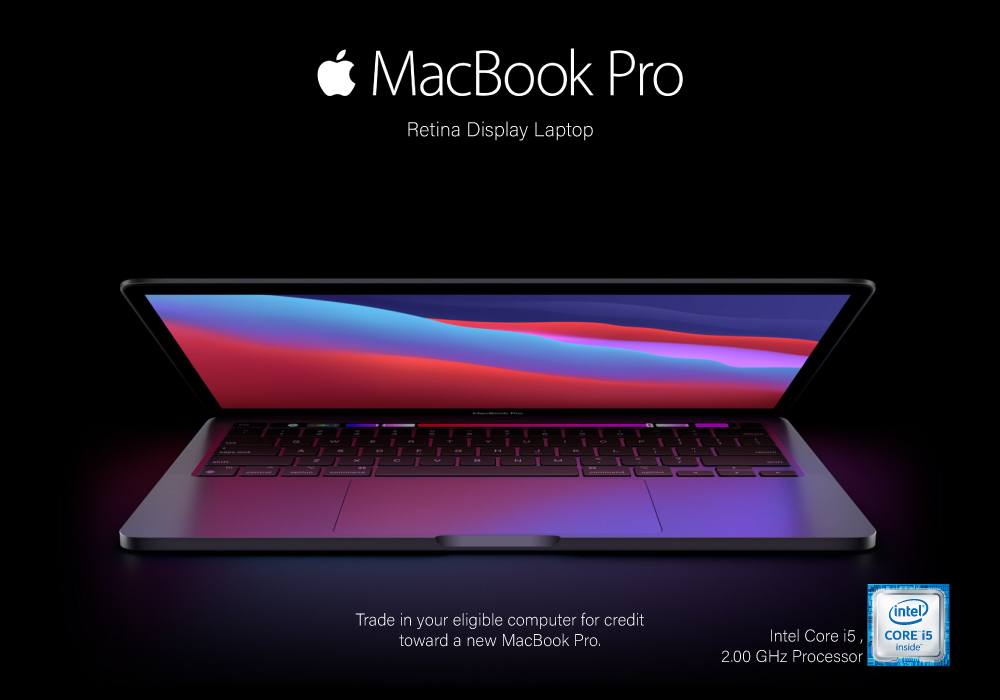
Yes, MacBook is the go-to laptop for professionals. It’s no surprise that Macs were traditionally associated with creative industries like graphic design and marketing, but over time more businesses have started to adopt Apple technology. We now see them in so many industries i.e., association, retail, government, construction, transportation, etc.
There are many good reasons for this, but many businesses still regard Macs with suspicion and are hesitant to switch from PCs to Macs. The high cost of Macs is a common criticism leveled at them. While they are not cheap, they are generally comparable in price to high-end PCs and offer outstanding quality and longevity.
Businesses can easily stick with what they know and continue to rely on PCs, but there are numerous reasons to consider switching to Macs.
Let's look at a few of the more significant ones.
Security:
As compared to PCs, Macs are a safer option. Viruses for Apple are very less in number. Apple mostly does not get attacked by cybercriminals
Last Updated: December 12, 2025
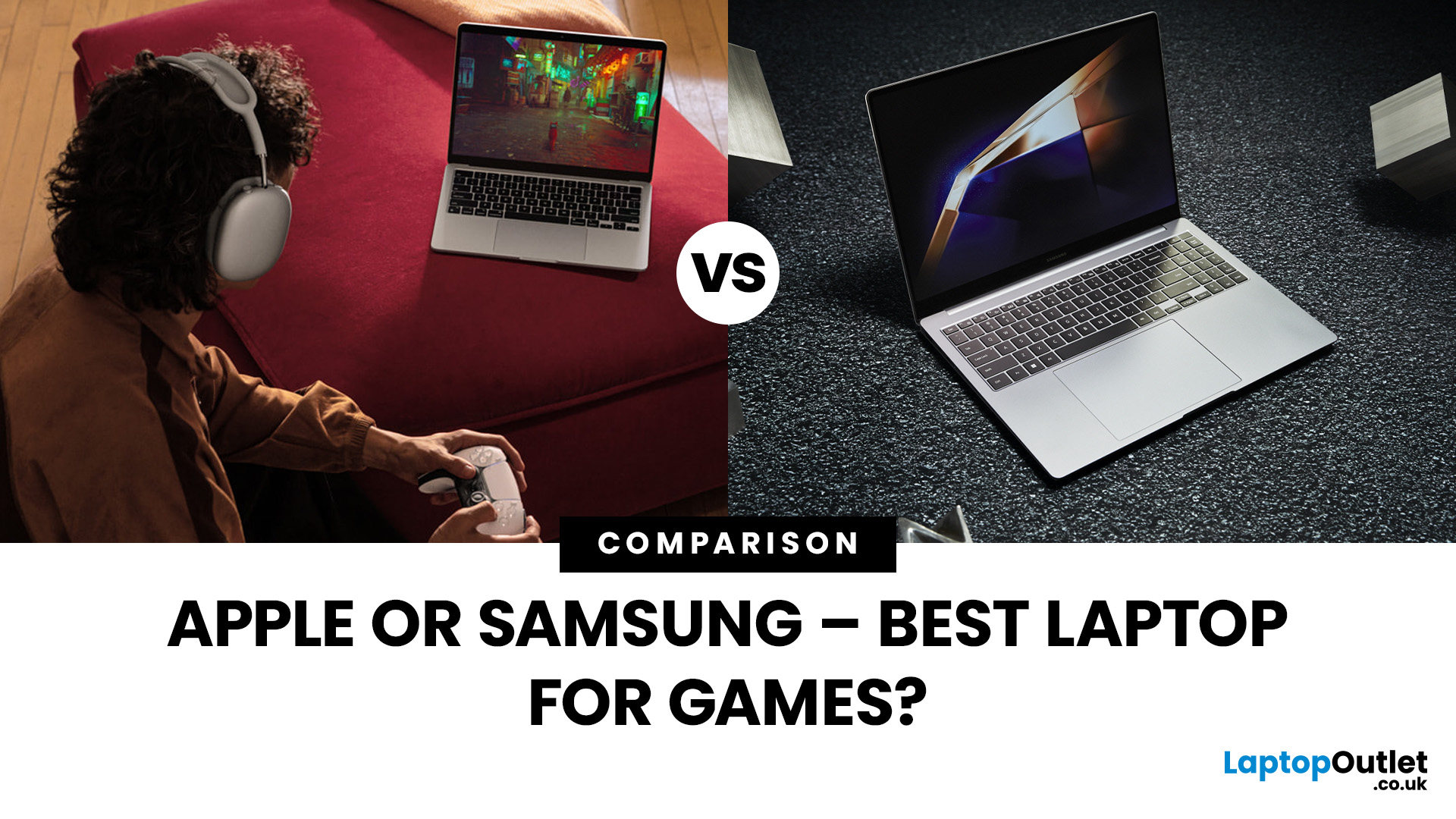
Are you in the market for a new gaming laptop and wondering what to choose between Samsung or Apple?
If you're even remotely familiar with the gaming arena, then you've no doubt heard of two big names which emerged as frontrunners in the high-stakes race of gaming laptops: Samsung and Apple. The latest Samsung models are super thin and ultraportable, and gaming on them may be mediocre if you stick to older titles. On the other hand, Apple laptops are technically suitable for demanding tasks like video editing and creative design as they have powerful CPUs, but the price may dig a big hole in your pocket. So, what to choose?
To provide you with a definitive answer, this guide covers everything from hardware and performance to laptops' design and user experience.
So, let's get started!
Samsung Laptops (Window-Based)
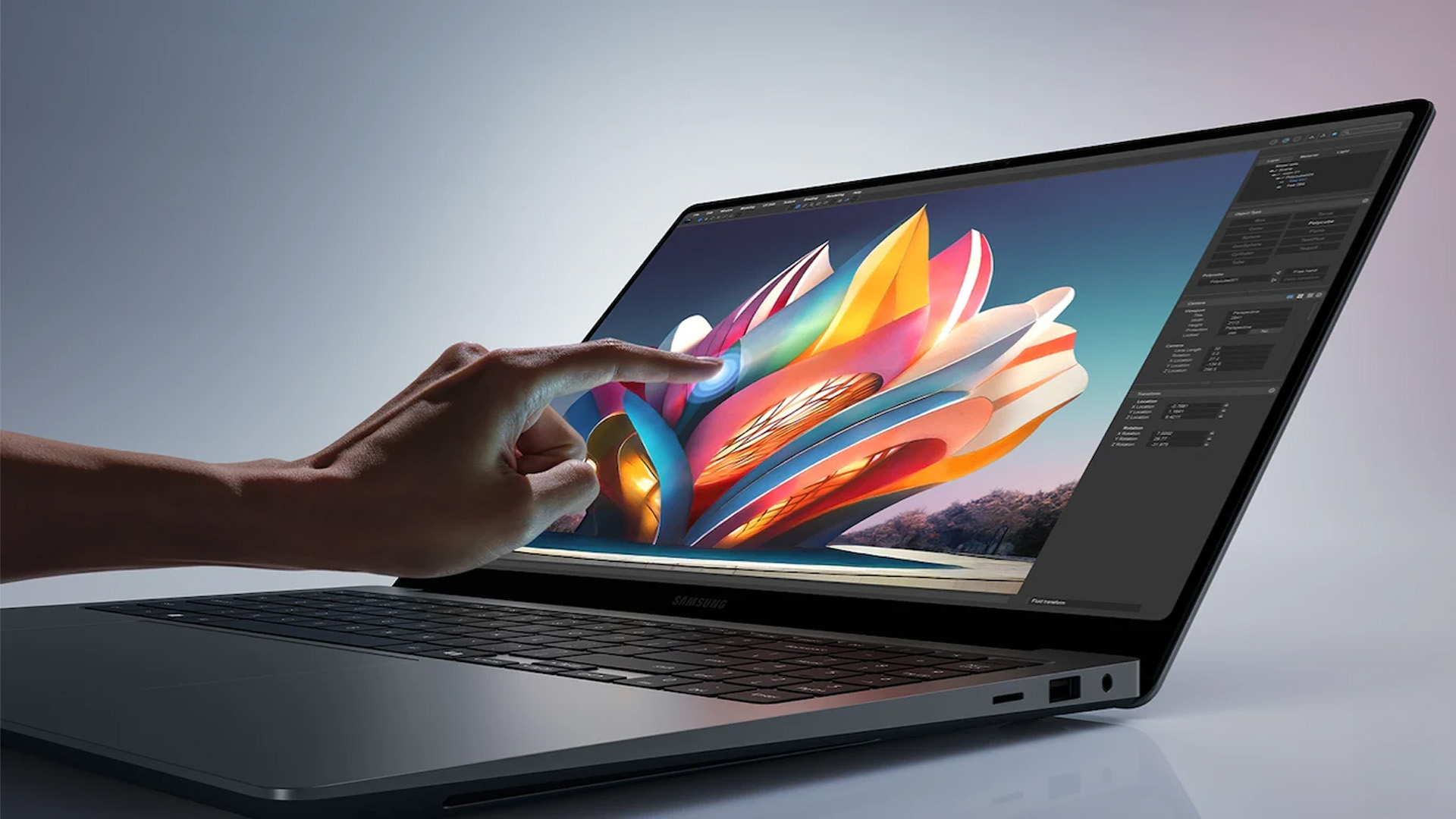
Samsung stands out among the top leading electronics brands in the world. Their laptops are best known for their innovative designs, spectacular build quality, colour-accurate

Last Updated: July 01, 2025
Rename Your Mac in Seconds
Whether you just got a new MacBook or want to keep your devices organised, changing your Mac’s name is quick and simple. It helps when using AirDrop, Bluetooth, iCloud, or sharing files on a network. Here's exactly how to do it.
How to Change MacBook Name – Step by Step
1. Open System Settings
- Click the Apple Menu in the top-left corner
- Select System Settings (or System Preferences on older macOS versions)
2. Go to General > About
- In the left-hand menu, click General
- Then choose About
3. Click the Current Name
- At the top, you’ll see your Mac’s current name
- Click the name field to edit it
4. Enter a New Name
- Type in your desired name (e.g. “John’s MacBook Pro”)
- Press Enter to save it
Your MacBook is now renamed! This will reflect across iCloud, AirDrop, and local network sharing.
Why Change Your MacBook’s Name?
- Makes it easier to identify on a shared network
- Keeps AirDrop clear when using multiple Apple devices
- Helps with iCloud
Last Updated: July 01, 2025
Mac Performance Without the Mac Price
Apple fans love the sleek design, power, and ecosystem of MacBooks—but the price can be a deal-breaker. If you’re eyeing a cheaper alternative, you’re probably wondering: are refurbished MacBooks good? The answer is yes, but only if you buy smart. Here’s what you need to know.
1. What Is a Refurbished MacBook?
A refurbished MacBook is a previously owned Apple laptop that’s been returned, restored to working order, tested, cleaned, and resold.
It’s not “used” in the traditional sense. Refurbished models go through inspection and come with warranties.
2. Benefits of Buying a Refurbished MacBook
- Save up to 40% compared to buying new
- Same macOS experience and Apple ecosystem integration
- Eco-friendly – reduces electronic waste
- Comes with warranty – usually 6–12 months
- Tested for performance and reliability
3. Downsides to Consider
- Slight cosmetic wear (depends on grade)
- Older models may lack the newest features
- May not come in original

