



MacBook Air M3 vs MacBook Pro M3: Best Choice for Students and Creators

Main Difference Between MacBook Air M3 and MacBook Pro M3
The core distinction is in what each prioritises: Air M3 delivers silent, lightweight everyday power for general use and portability. In contrast, Pro M3 enhances sustainability under load with active cooling, a premium mini‑LED XDR display, and expanded ports—tailoring it to creators and professionals who do heavy multitasking or editing.
Feature Comparison Table
|
Feature |
MacBook Air M3 |
MacBook Pro M3 (14-inch) |
|
Chip & Base Spec |
M3 (8‑core CPU, 8‑core GPU), fanless |
M3 (same), fans for active cooling |
|
Display |
13.6″ Liquid Retina (LED, ~500 nits) |
14.2″ Liquid Retina XDR, mini‑LED, ~1,000 nits sustained, 1,600 nits peak, ProMotion 120 Hz |
|
Weight |
~1.24 kg |
~1.55 kg |
|
Battery Life |
Around 18 hrs real-world usage |
Up to 22 hrs (for light tasks) |
|
Ports & Connectivity |
2× Thunderbolt/USB-4, MagSafe, 3.5 mm jack |
Adds HDMI, SDXC slot, extra TB port |
|
Pricing (GBP) |
13″ M3 (8 GB/256 GB): from £1,099 |
14″ M3 (8 GB/512 GB): from £1,599 |
|
Best For |
Students, writers, general productivity |
Creators, editors, power users |
1. Performance & Thermals
- MacBook Air M3 (fanless): ultra-sleek for everyday tasks without noise.
- MacBook Pro M3 (active cooling): holds performance over longer sessions.
If you need silent, lightweight multitasking and student-level performance, the Air M3 is the better choice. However, if you value thermal resilience for long creative workloads, the Pro M3 could be the right fit.
2. Display & Visual Experience
- MacBook Air M3: compact Liquid Retina, sufficient for everyday visuals.
- MacBook Pro M3: brighter, more vibrant mini-LED XDR display with smooth refresh and HDR.
If you need a sharp and light screen for note-taking and writing, Air M3 is the better choice. However, if you value high dynamic range and smoother motion for editing or design, Pro M3 could be the right fit.
3. Portability & Battery Life
- MacBook Air M3: incredibly light at ~1.51 kg and ~18 hours battery—great for all-day carry.
- MacBook Pro M3: slightly heavier but extends battery to ~22 hours for light work.
If you need the lightest option with excellent endurance, Air M3 is the better choice. However, if you value more connectivity and longer battery life even with a slight weight penalty, Pro M3 might be the right fit.
4. Ports & Connectivity
- MacBook Air M3: minimal ports (USB-C, MagSafe, headphone jack).
- MacBook Pro M3: adds HDMI, SD slot, and a third Thunderbolt port.
If your daily routine involves minimal peripherals, the Air M3 is the better value. However, if you rely on multiple connections like SD cards or external displays, the Pro M3 could be the right fit.
Pros & Cons
|
Model |
Pros |
Cons |
|
MacBook Air M3 |
Silent Featherweight Lower price |
Smaller screen Basic ports Less thermal headroom |
|
MacBook Pro M3 |
Brighter XDR display More ports Sustained performance |
Heavier Louder under load Higher cost |
Final Verdict
Choose MacBook Air M3 if you want an affordable, light, and silent laptop that handles most tasks with ease—perfect for students and casual creators. Choose MacBook Pro M3 if your work demands a brighter screen, better heat management, and expanded ports—ideal for professional creators, photo/video editors, or multitaskers.
Ready to pick your match? Explore the MacBook Air M3 for sleek efficiency or the MacBook Pro M3 for creator-grade features and shop now to match your workflow with style and power.
FAQs
Q1: Can the MacBook Air handle creative workloads?
Yes—it's surprisingly powerful thanks to the M3 chip. But under constant heavy use, it may throttle due to passive cooling.
Q2: How much longer does the Pro M3 battery last?
The Air M3 offers around 18 hours, while the Pro M3 extends runtime to approximately 22 hours during light use.
Q3: Is the Pro M3 worth the extra port options?
Yes. HDMI and SDXC slots make life much easier for creators, avoiding dongles or adapters.
Summary
The MacBook Air M3 offers whisper-quiet, featherweight portability, with the same M3 chip as the Pro and superb battery life—great for students and casual creators. The MacBook Pro M3 (14-inch) comes with active cooling, a brighter mini‑LED XDR display, extra ports, and better sustained performance. Choose Air M3 for portability and value, or Pro M3 for creative muscle and pro features.
| Read More: |
| Are MacBooks the go-to laptop for professionals? |
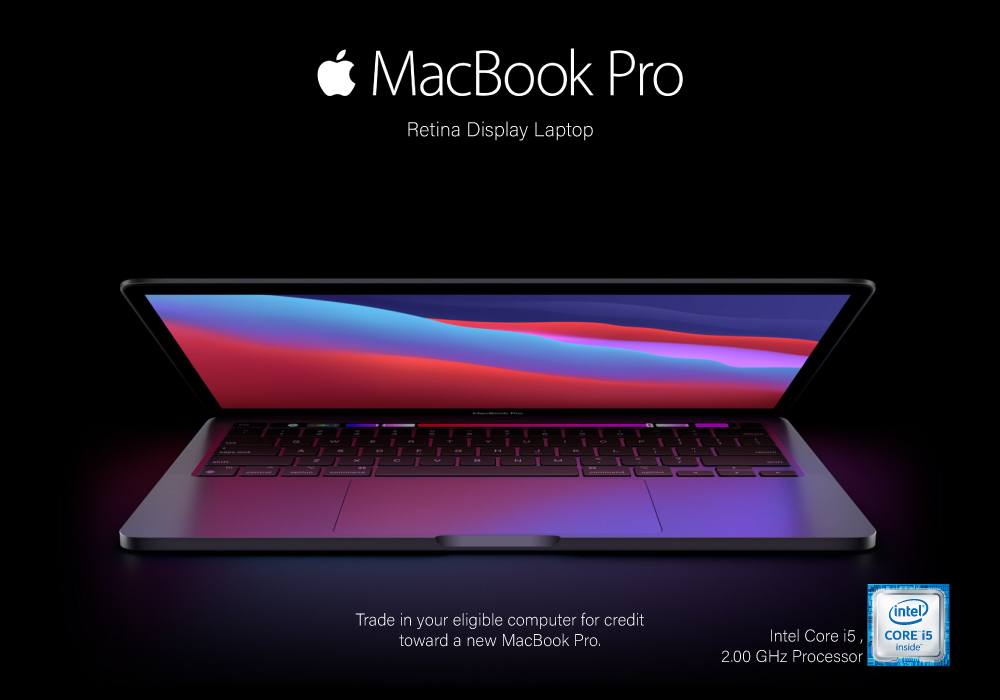
| Review: Apple MacBook Pro 13.3" Retina Display Laptop Intel Core i5 |
| are refurbished macbooks good |
Related Articles

Last Updated: July 16, 2025

Last Updated: November 12, 2025
Yes, MacBook is the go-to laptop for professionals. It’s no surprise that Macs were traditionally associated with creative industries like graphic design and marketing, but over time more businesses have started to adopt Apple technology. We now see them in so many industries i.e., association, retail, government, construction, transportation, etc.
There are many good reasons for this, but many businesses still regard Macs with suspicion and are hesitant to switch from PCs to Macs. The high cost of Macs is a common criticism leveled at them. While they are not cheap, they are generally comparable in price to high-end PCs and offer outstanding quality and longevity.
Businesses can easily stick with what they know and continue to rely on PCs, but there are numerous reasons to consider switching to Macs.
Let's look at a few of the more significant ones.
Security:
As compared to PCs, Macs are a safer option. Viruses for Apple are very less in number. Apple mostly does not get attacked by cybercriminals
Last Updated: May 07, 2026
Why pay full price for Apple performance when you can get the same sleek, powerful machine for hundreds less?
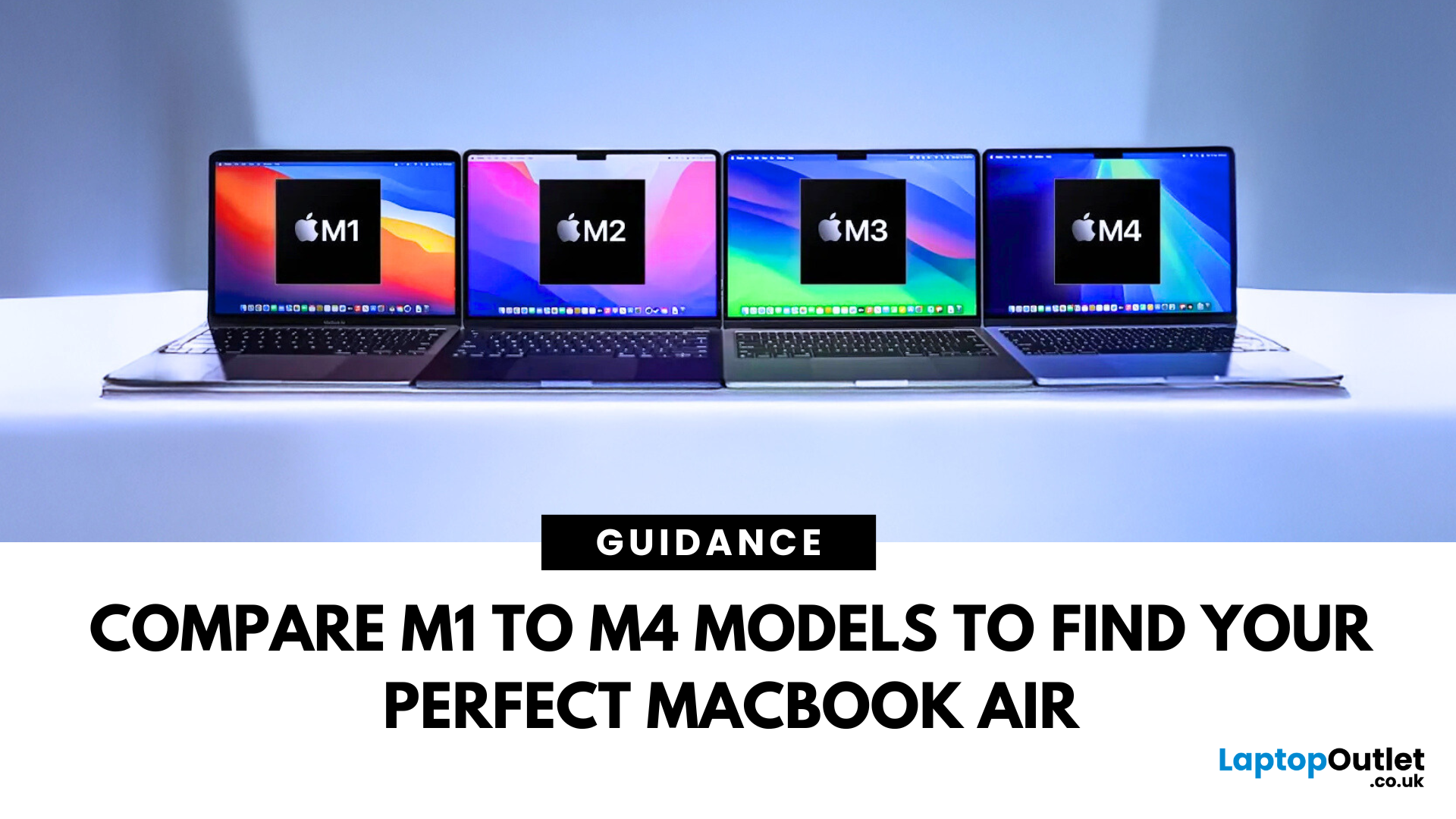
Refurbished MacBook Air have become a go-to option for students, professionals, creatives, and casual users alike. These ultra-thin laptops deliver top-tier performance and battery life, with M1 to M4 chips offering seamless multitasking and future-ready computing.
In this guide, we’ll explore the differences between M1, M2, M3, and M4 MacBook Air’s and help you choose the perfect refurbished laptop for your lifestyle and budget.
Refurbished vs. Used vs. Second Hand: Know the Difference
Not all pre-owned MacBooks are created equal. A refurbished MacBook Air goes through rigorous testing, cleaning, and quality checks before resale. It comes with a warranty and professional refurbishment often indistinguishable from new.
Compare that to a used or second hand MacBook Air, which is typically sold as-is, with no guarantee of condition or long-term performance. Choosing a professionally
Last Updated: July 06, 2026
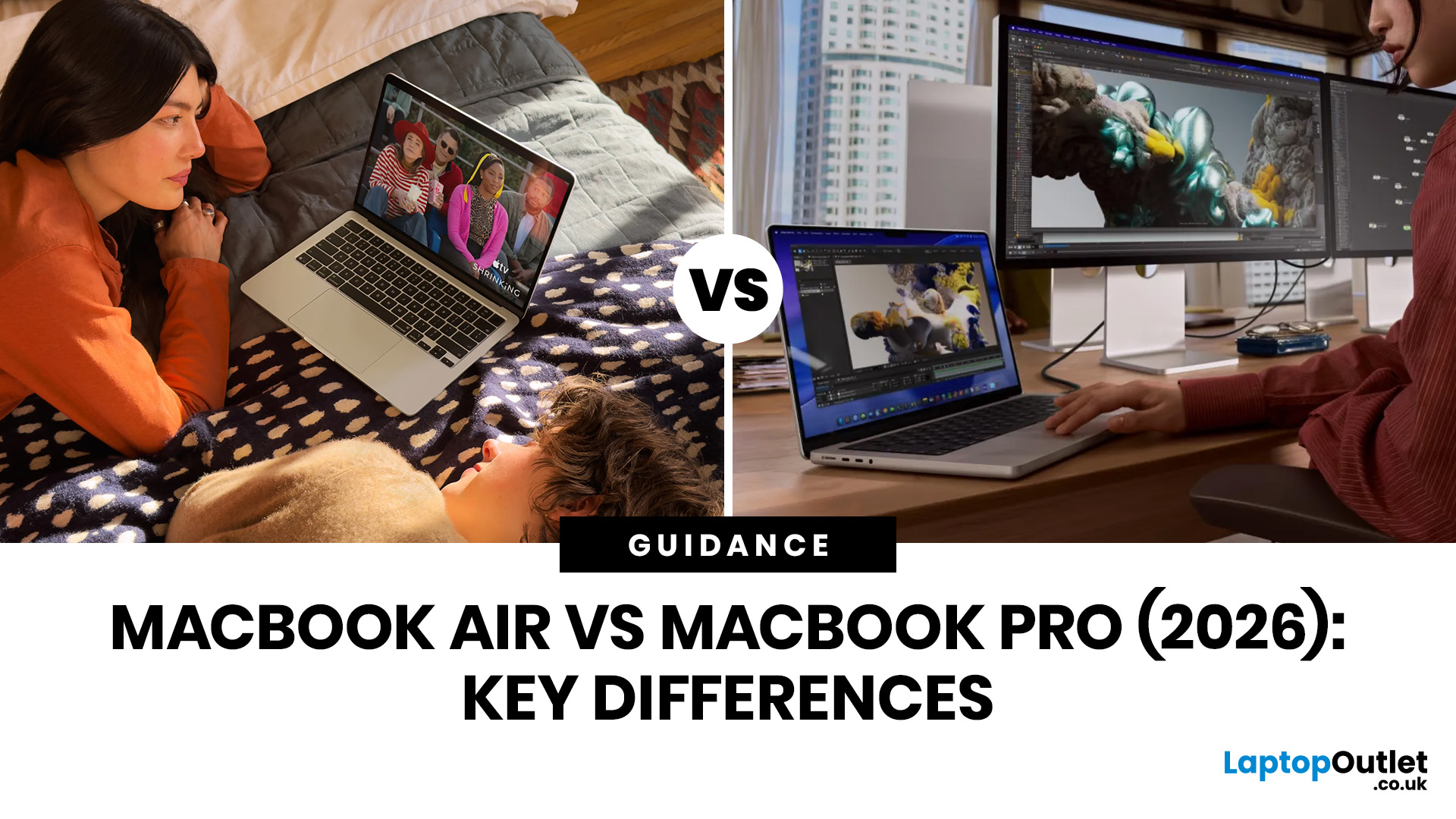
Choosing between the MacBook Air vs MacBook Pro in 2026 isn’t as straightforward as it used to be. With Apple’s latest M-series chips delivering impressive performance across both models, the gap has narrowed, yet key differences still matter depending on how you use your laptop.
Whether you’re a student, creative professional, or everyday user, this guide breaks down the difference between MacBook Air and Pro, including performance, battery life, price in the UK, and which one is right for you.
MacBook Air vs MacBook Pro: Quick Comparison (2026)
| Feature | MacBook Air | MacBook Pro |
|---|---|---|
| Performance | Great for everyday tasks | Excellent for heavy workloads |
| Battery Life | Outstanding (light use) | Excellent (even under load) |
| Portability | Ultra-light & thin | Heavier but still portable |
| Display | Liquid Retina | Liquid Retina XDR (better brightness & refresh rate) |
| Cooling | Fanless | Active cooling (fans) |
| Price (UK) | From ~£999+ | From ~£1,599+ |
| Best For | Students, casual users | Creatives, professionals |
This MacBook Air

