



Microsoft Surface vs MacBook: The Ultimate Comparison for Professionals

When it comes to professional laptops in 2025, the debate between Microsoft Surface vs MacBook is more relevant than ever. Both brands have carved out distinct reputations—Apple’s MacBook for its premium build quality, seamless ecosystem, and unmatched performance with Apple silicon, while Microsoft’s Surface range is celebrated for its flexibility, touchscreen capabilities, and business-focused Windows integration.
This article breaks down the comparison into design, display, performance, battery life, ports, and ecosystem, helping you decide whether the Surface or MacBook offers the greater value for your professional needs in 2025.
What’s the Main Difference?
Microsoft Surface offers versatile 2-in-1 designs, touchscreens, stylus support, and strong Windows integration with AI-powered Copilot features. On the other hand, Apple MacBook supports premium aluminium builds, macOS ecosystem strength, and Apple silicon (M4) delivering market-leading performance and battery life.
1. Design & Build Quality
- Surface devices, like the Laptop and Pro series, emphasise lightweight portability and flexible 2-in-1 usage. Tablet mode, detachable keyboards, and stylus support offer creative freedom.
- MacBooks continue Apple’s tradition of minimalist aluminium unibody construction, renowned for durability and premium feel.
Final Verdict: Microsoft Surface is better if you value touch and tablet modes. MacBook wins for premium build and design consistency.
2. Display & Visual Experience
- Surface: Bright, sharp PixelSense displays, often at 120 Hz refresh rates, with multi-touch support - ideal for sketching, design, and interactive presentations.
- MacBook: Retina and Liquid Retina displays deliver exceptional colour accuracy, sharpness, and brightness. Creatives in video and photo editing consistently prefer macOS screens for accuracy.
Final Verdict: For touch and interactivity, Surface excels. For professional colour work, MacBook remains the standard.
3. Performance & Ecosystem
- Surface: Strong for productivity and enterprise software; AI-ready Copilot+ PCs give an edge in on-device AI workflows. Some app compatibility limitations may appear on Arm-based versions.
- MacBook: Powered by Apple’s M4 chips, delivering up to 60% stronger single-core performance over Surface equivalents. Perfectly optimised for creative suites like Final Cut, Logic, and Adobe.
Final Verdict: MacBook leads in raw performance and software integration. Surface balances productivity with flexibility, especially for Windows-centric workflows.
4. Battery Life & Portability
- Surface: Long endurance, with some models hitting 17+ hours. Lightweight and versatile designs enhance portability for professionals who travel.
- MacBook: Industry-leading battery life—up to 18–20 hours on the MacBook Air M4without sacrificing performance under heavy workloads.
Final Verdict: Both are designed to impress, but the MacBook is slightly more consistent under demanding use. Surface scores for portability and multi-mode use.
5. Ports & Connectivity
- Surface: Typically includes USB-A, USB-C, headphone jacks, and sometimes expandable storage—making it practical without adapters.
- MacBook: Focuses on Thunderbolt/USB-C only, offering high-speed connections but requiring dongles for legacy peripherals.
Final Verdict: Microsoft Surface is the winner for connectivity and port variety. MacBook suits those who prefer minimalism but don’t mind carrying adapters.
6. Software & Workflow Integration
- Surface: Runs Windows 11 Pro, with strong enterprise compatibility and AI Copilot built-in. Great for Microsoft 365 and mixed productivity environments.
- MacBook: Seamlessly integrates with iPhone, iPad, and iCloud, making it unbeatable for Apple ecosystem users. MacOS is stable, secure, and optimised for professional creative workflows.
Final Verdict: Surface is the better option in enterprise or hybrid environments. MacBook dominates for those invested in Apple’s ecosystem.
Pros & Cons Table
|
Brand |
Pros |
Cons |
|
Surface |
Touch + stylus support, versatile 2-in-1s, more ports, AI Copilot integration |
Slightly weaker performance on Arm versions, app compatibility issues possible |
|
MacBook |
Industry-leading performance, premium build, long battery, ecosystem integration |
Higher prices, limited ports, no touchscreen |
Overall Verdict: Microsoft Surface vs MacBook in 2025
The debate of Microsoft Surface vs MacBook in 2025 is less about one brand being universally better and more about how each aligns with professional needs. Surface devices excel in flexibility—touchscreens, 2-in-1 functionality, stylus support, and broader port selection. MacBooks, by contrast, continue to dominate in raw performance, battery life, and ecosystem integration. Powered by Apple’s M-series silicon, they remain the gold standard for creative professionals, developers, and power users.
In short:
Want versatility and Windows compatibility? → Microsoft Surface.
Need uncompromising performance and long battery life? → Apple MacBook
FAQs
Q1: Which has better battery life, Microsoft Surface or MacBook?
Both excel, but MacBooks with M4 processors consistently last longer under heavy workloads.
Q2: Which is better for creatives?
MacBooks are the top choice for design, video, and photo editing, thanks to colour-accurate displays and optimised software.
Q3: Do Surface laptops support more ports?
Yes. Surface devices typically include USB-A, USB-C, and audio jacks, while MacBooks focus on Thunderbolt/USB-C only.
Q4: Which is more versatile for professionals?
Surface wins for versatility due to touchscreen, tablet, and stylus support. MacBook is stronger for sheer performance and reliability.
Q5: Which offers more value in 2025?
For flexibility and enterprise use, Surface offers value. For performance and ecosystem synergy, MacBook is worth the premium.
Summary
When comparing Microsoft Surface vs MacBook in 2025, the choice is between flexibility and ecosystem strength. Microsoft Surface offers touchscreen versatility, tablet-mode functionality, and broader port selection - ideal for hybrid workflows. MacBook provides unmatched performance with Apple silicon, long battery life, and seamless ecosystem integration, making it the go-to for creative and professional reliability.
| Read More: |
| Best Microsoft Surface Laptops available in UK market |
| Top MacBooks: Which Model is the Right Choice for You? |
| What is the Cheapest Laptop that Comes with 32GB RAM? |
Related Articles


Last Updated: November 12, 2025
Yes, MacBook is the go-to laptop for professionals. It’s no surprise that Macs were traditionally associated with creative industries like graphic design and marketing, but over time more businesses have started to adopt Apple technology. We now see them in so many industries i.e., association, retail, government, construction, transportation, etc.
There are many good reasons for this, but many businesses still regard Macs with suspicion and are hesitant to switch from PCs to Macs. The high cost of Macs is a common criticism leveled at them. While they are not cheap, they are generally comparable in price to high-end PCs and offer outstanding quality and longevity.
Businesses can easily stick with what they know and continue to rely on PCs, but there are numerous reasons to consider switching to Macs.
Let's look at a few of the more significant ones.
Security:
As compared to PCs, Macs are a safer option. Viruses for Apple are very less in number. Apple mostly does not get attacked by cybercriminals
Last Updated: March 17, 2026
Microsoft's Surface line of hardware is among the best you'll find for the Windows operating system. Microsoft's Surface series, originally just a tablet, has grown over the years to include everything from the conventional laptop to a massive desktop. But, among the wide range of Microsoft laptops, it is never easy to choose the one because every other Microsoft laptop stands ahead in the market competition and has its own place. If you are in the same trouble of choosing the right surface laptop, which suits best of your needs, then laptop Outlet has your back!
Microsoft Surface Laptop Go
Few could have predicted Microsoft's hardware lineup would grow so rapidly from its humble beginnings with a single 2-in-1 Surface in 2012. There are currently nine distinct product lines, with four entirely new pieces of hardware having been introduced in only the past three years.
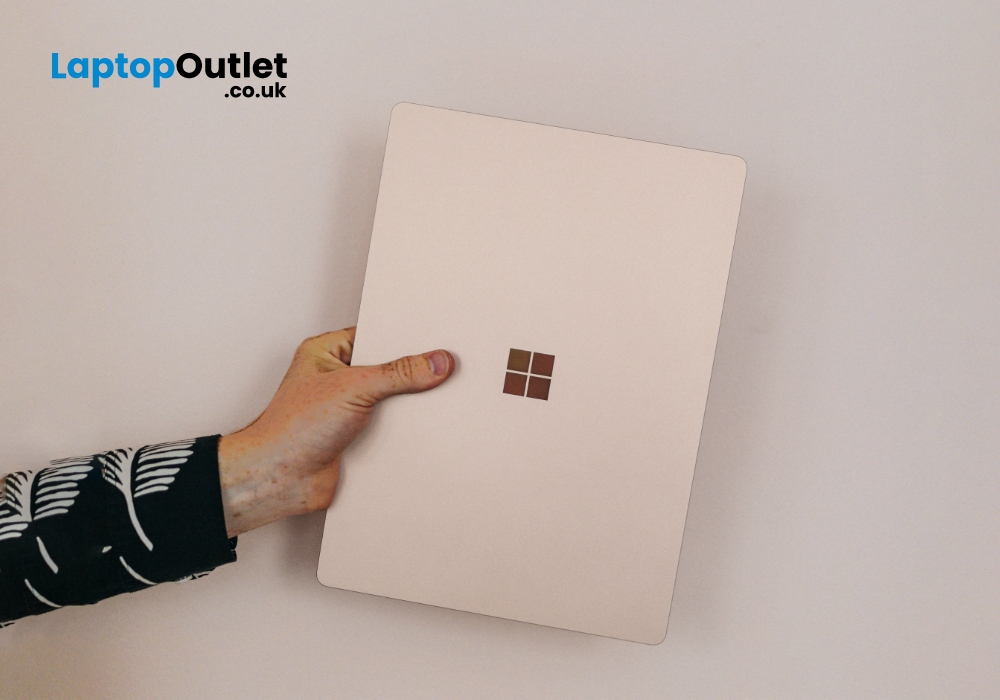
The most recent of these is the Surface Laptop Go, a classic clamshell laptop meant to compete with the premium Surface
Last Updated: May 19, 2025
Over the past few years, Microsoft has extended its roots and now become a huge family of computers and laptops. The versatility and compatibility of Microsoft Surface products make them the topchoice of companies. Among these best-in-class products, Microsoft laptops offer excellent value with a premium experience, good battery life, rigorous design, lower costs, better performance, and greater flexibility.
If you are a student then your computing machine must be powerful, reliable, and efficient enough to handle all your academic operations. In this case, Microsoft provides the best Microsoft Surface laptops for students. These laptops are lightweight, and sleek, and come up with excellent window hardware at very affordable rates. Its remarkable performance and ultra-high speed with unique craftsmanship would tempt everyone.
In this article, we will explore the top 10 reasons why Microsoft Surface laptops are a great choice for students. Let’s dive in!
Versatility - A Class of its
Last Updated: July 06, 2026
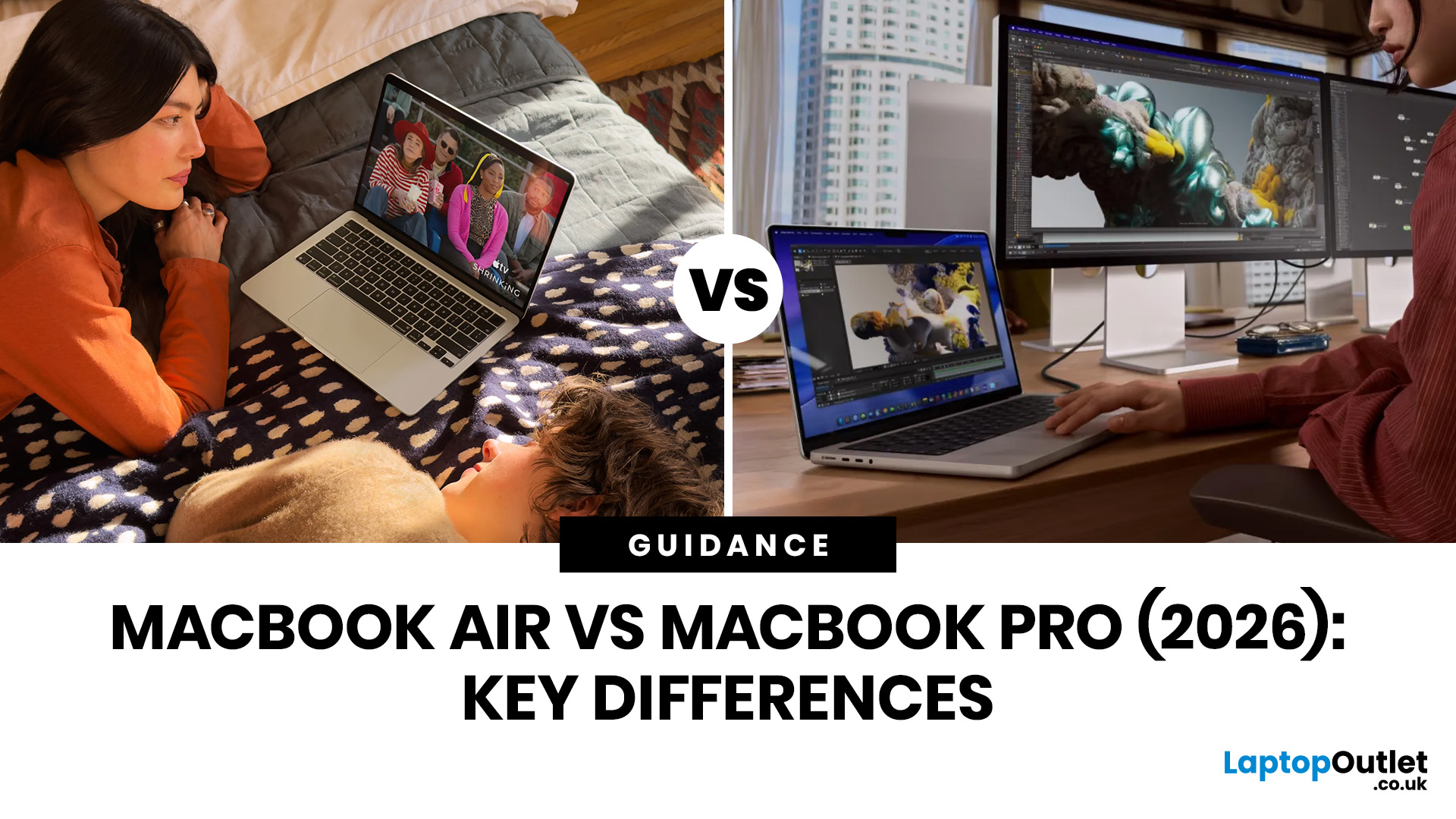
Choosing between the MacBook Air vs MacBook Pro in 2026 isn’t as straightforward as it used to be. With Apple’s latest M-series chips delivering impressive performance across both models, the gap has narrowed, yet key differences still matter depending on how you use your laptop.
Whether you’re a student, creative professional, or everyday user, this guide breaks down the difference between MacBook Air and Pro, including performance, battery life, price in the UK, and which one is right for you.
MacBook Air vs MacBook Pro: Quick Comparison (2026)
| Feature | MacBook Air | MacBook Pro |
|---|---|---|
| Performance | Great for everyday tasks | Excellent for heavy workloads |
| Battery Life | Outstanding (light use) | Excellent (even under load) |
| Portability | Ultra-light & thin | Heavier but still portable |
| Display | Liquid Retina | Liquid Retina XDR (better brightness & refresh rate) |
| Cooling | Fanless | Active cooling (fans) |
| Price (UK) | From ~£999+ | From ~£1,599+ |
| Best For | Students, casual users | Creatives, professionals |
This MacBook Air

