



How Long Does a MacBook Air Last? Lifespan, Updates and Value
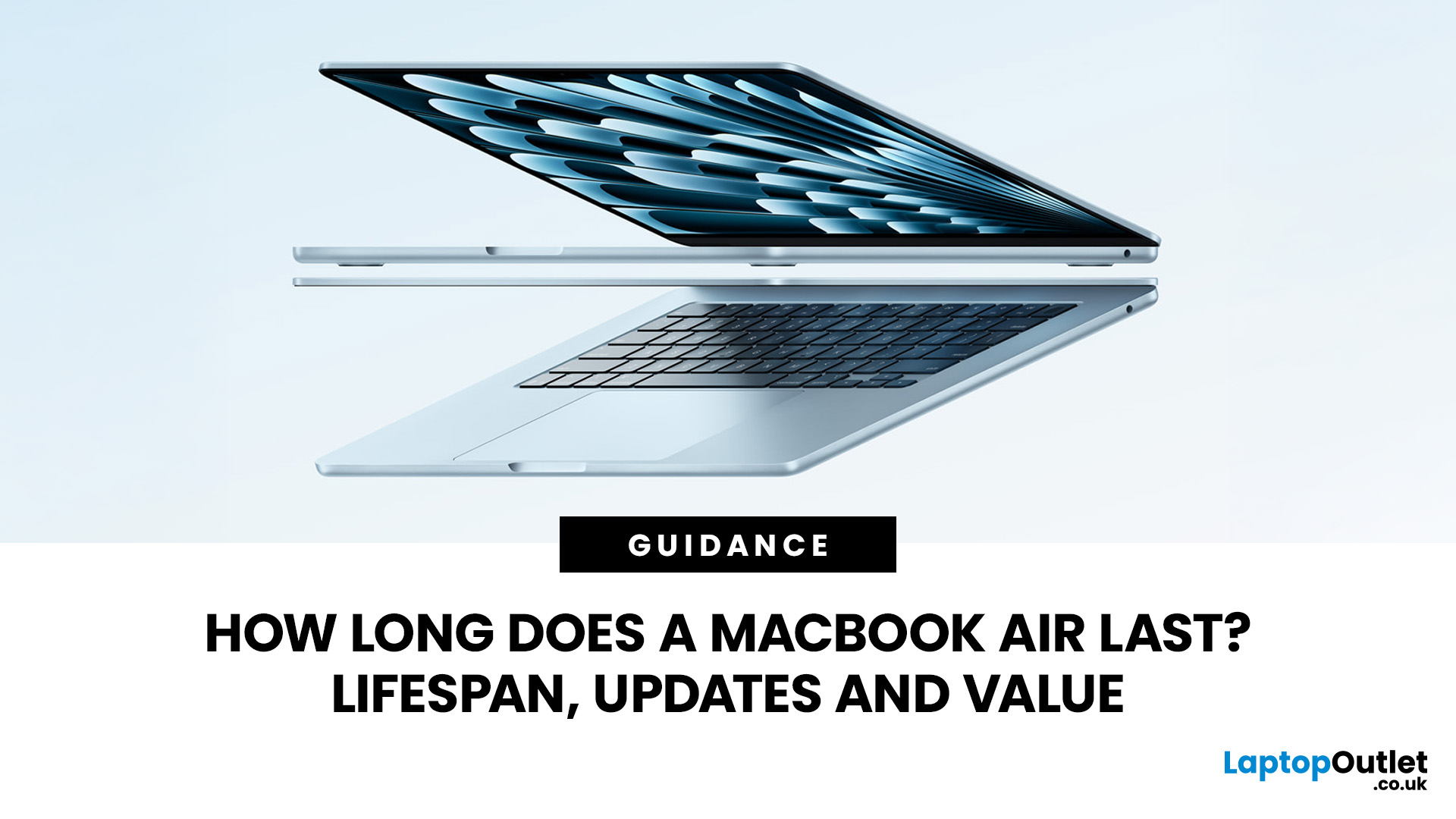
MacBook Air models are built for portability, but their useful life depends on more than the aluminium shell. A machine may still switch on after a decade yet be unsuitable for secure banking, creative software or work.
In 2026, the MacBook Air lifespan is best judged across four separate clocks: physical condition, battery health, macOS compatibility and performance for your workload. Apple does not publish a guaranteed retirement age for each model. Buyers should consider chip generation, memory, storage, repairability and software support.
This guide explains those factors and helps you decide whether to keep, repair, sell or replace yours.
Average Lifespan of a MacBook Air
There's no single number Apple prints on the box. However, between its hardware policies and update schedule, a clear pattern emerges.
How Many Years Does Apple Design the MacBook Air to Last?
Apple doesn't publish an official lifespan figure for any Mac, but its own repair and support policies give a fairly honest answer. Once Apple stops selling a model, it's classed as "vintage" after five to seven years and "obsolete" after seven, at which point spare parts and official repairs become far harder to get hold of.
Taken together, that points to a working assumption for the Apple MacBook Air lifespan: around six to eight years of reliable daily use, with a further stretch of "it still works, but support is thinning out" after that. Build quality rarely lets a MacBook Air down before its software support does.
MacBook Air Lifespan by Chip Generation (Intel vs. M1 vs. M2 vs. M3 vs. M4 vs. M5)
|
Chip |
UK launch |
Estimated useful life from launch |
Software support status (2026) |
Verdict |
|
Intel |
2018–2020 |
4-7 years |
No longer supported by the newest macOS; the final Intel Air is now on Apple's vintage list |
Retirement territory |
|
M1 |
Nov 2020 |
6-8 years, potentially longer for light use |
Fully supported by expected macOS 27 Golden Gate, six years on |
Ages remarkably well |
|
M2 |
Jul 2022 |
7-9 years |
Fully supported, several years of updates likely left |
Strong mid-range buy |
|
M3 |
Mar 2024 |
7-9 years |
Fully supported, effectively still current generation |
Excellent value used |
|
M4 |
Mar 2025 |
7-10 years |
Fully supported, very recent |
Near-new performance |
|
M5 |
Mar 2026 |
7-10 years |
Current model, full support window just beginning |
Longest runway |
The MacBook Air M1 lifespan is a useful real-world case study here. Launched in November 2020, it's still running the current version of macOS in 2026 and is on course for security patches until around 2028, an eight-year run for a laptop that originally cost well under a thousand pounds. Intel models from the same era generally aren't so fortunate, since 2018 and 2019 MacBook Airs are losing security updates around the same time.
Real-World Usage Data: What Owners Report After 3, 5, and 7+ Years
Owner reports and independent repair shops tell a fairly consistent story about the average life of a MacBook Air.
|
After 3 years |
Most Apple silicon Airs should still feel current. Battery capacity may have fallen, but performance remains suitable unless memory or storage was underspecified. |
|
After 5 years |
Battery life, app requirements and storage pressure become more noticeable. A battery service can be better value than replacing an otherwise capable machine. |
|
After 7+ years |
Security support, browser compatibility and repair economics matter more than raw speed. Light tasks may remain possible, but the machine is less dependable as a primary computer. |
Key Factors That Determine How Long Your MacBook Air Will Last
Chip generation sets the ceiling, but day-to-day habits decide whether any individual MacBook Air actually reaches it. These are the factors that matter most.
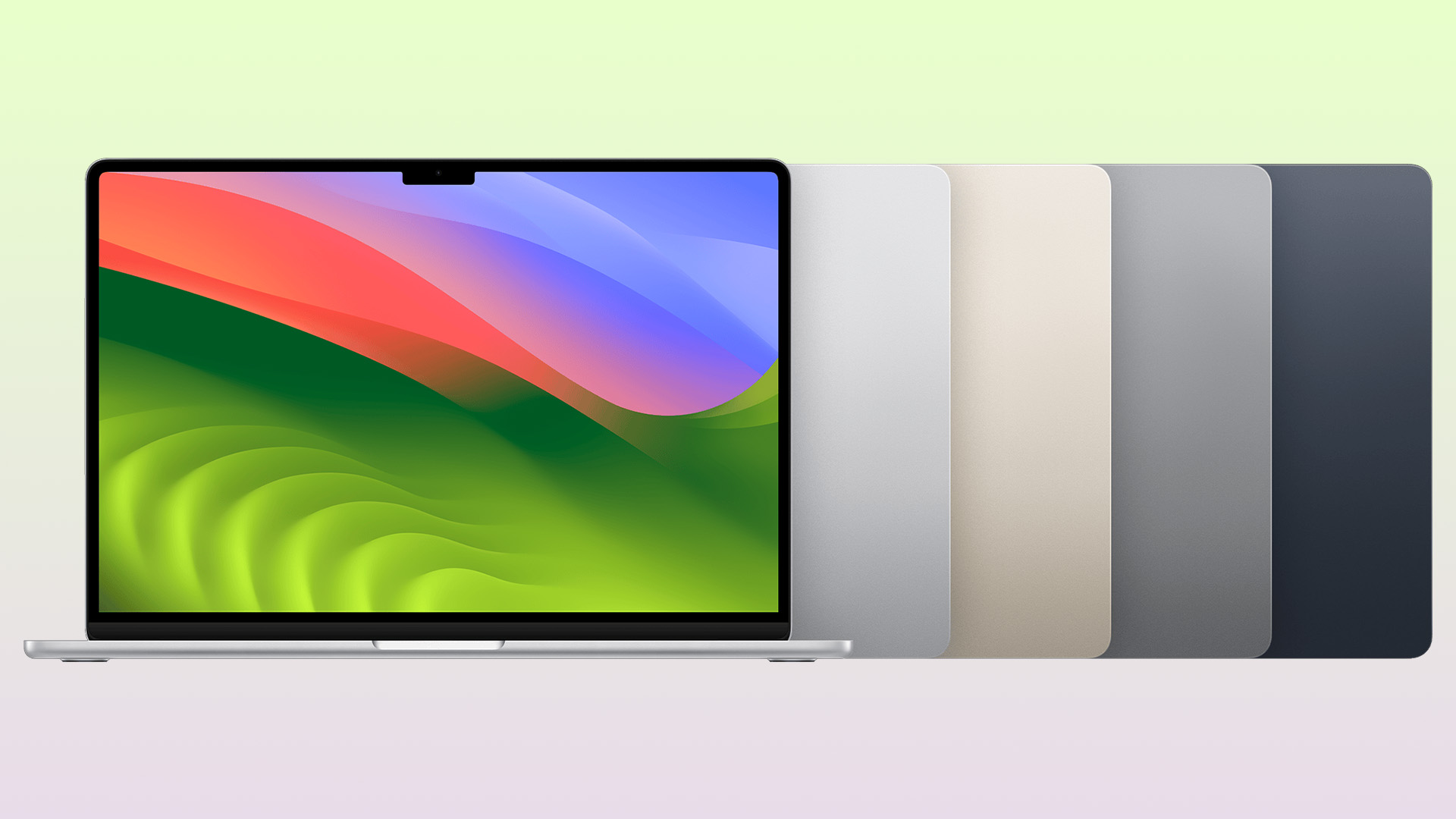
MacBook Air Battery Lifespan
Recent MacBook Air batteries are designed to retain up to 80% of their original capacity at their maximum cycle count, which is 1,000 cycles for current models. One cycle means using a total of 100% capacity, not necessarily in one session.
The MacBook Air battery lifespan is therefore influenced by both cycle count and calendar ageing. Heat, frequent full discharges and long periods at very high charge can accelerate chemical wear.
Storage Longevity and Performance Over Time
Apple does not publish a simple consumer endurance rating for each Air SSD. In normal home, study and office use, the solid-state storage is unlikely to be the first component to wear out.
Capacity matters more. Keep roughly 15% to 20% free for updates, temporary files and swap memory, using Apple’s storage recommendations when needed.
How Usage Habits Affect Lifespan
- Heat: Use the MacBook Air between 10°C and 35°C, on a stable surface with clear ventilation. Avoid beds, cushions and hot cars.
- Charging: Keep Optimised Battery Charging enabled. Apple silicon models on Tahoe 26.4 or later can set an 80% to 100% charge limit.
- Workload: Long video exports, gaming and virtual machines can expose the fanless Air’s thermal limits. That affects sustained speed more than immediate reliability.
- Storage conditions: When unused long-term, keep it dry, moderately charged and away from heat.
Build Quality and Physical Durability
The unibody aluminium chassis has genuinely held up well across every generation, and with no internal fan, there's one less moving part to eventually wear out. The parts most likely to show their age are the hinge, the keyboard, and the battery, which is entirely normal wear and tear rather than a design flaw.
macOS Software Support and Update Lifecycle
Software support is arguably a bigger factor in MacBook Air lifespan than the hardware itself, since it determines how long your laptop stays secure and compatible with modern apps.
How Long Does Apple Provide macOS Updates for MacBook Air Models?
Apple typically supports a Mac with major feature updates for around 5 to 7 years from launch, then continues issuing security-only patches for the current release plus the two versions before it. In practice, that means a MacBook Air usually gets somewhere between seven and eight years of combined feature and security support.
|
macOS version |
Released |
Oldest MacBook Air supported |
Estimated security-support period |
|
Sonoma (14) |
2023 |
2018 model |
Autumn 2026 |
|
Sequoia (15) |
2024 |
2020 model (Intel & M1) |
Autumn 2027 |
|
Tahoe (26) |
Sept 2025 |
M1 and later |
Autumn 2028 |
|
Golden Gate (27) |
Expected late 2026 |
M1 and later; drops Intel entirely |
Autumn 2029 (estimated) |
What Happens When Your MacBook Air Stops Getting Updates
Nothing dramatic happens overnight. Your MacBook Air keeps working exactly as before, but it stops receiving new macOS features, and eventually Apple stops issuing security patches for it too. From that point, apps and browsers gradually drop support one by one, since developers build against current macOS versions, not old ones.
Security Risks of Running an Unsupported macOS Version
Once security patches stop, known vulnerabilities in macOS and Safari's WebKit engine stay open indefinitely. This matters most for online banking, shopping or storing sensitive documents. Antivirus software can reduce the risk but can't patch the operating system itself, so it's worth upgrading once your model drops out of security coverage, especially for anything involving money or personal data.
Signs Your MacBook Air Is Reaching the End of Its Useful Life
Recognising the signs early means you can plan a replacement on your own terms rather than being caught out when MacBook Air lifespan finally runs its course.
Performance Slowdowns and App Compatibility Issues
If apps take noticeably longer to open, your browser struggles with your usual number of tabs, or newer software refuses to install altogether, that's often down to a combination of ageing hardware and an 8GB memory ceiling on older base models rather than any single fault.

Battery Degradation Warning Signs
- macOS shows "Service Recommended" under battery health.
- The laptop shuts down unexpectedly even though charge remains.
- Runtime drops sharply compared with when it was new.
- The trackpad or bottom case lifts slightly, a sign of a swollen battery, which should be checked professionally straight away.
When Repair Costs Outweigh the Value of Keeping It
A MacBook Air battery replacement is usually the single most cost-effective repair you can make, since it's cheap relative to a new laptop and restores much of the original runtime in one go.
|
Repair |
Apple UK, out of warranty |
Independent UK repairer |
Generally worth it? |
|
Battery replacement |
Roughly £150-£190 |
Roughly £80-£150 |
Yes, almost always |
|
Keyboard or top case |
Often £250+ |
Roughly £120-£220 |
Worth it if the Mac is under 5 years old |
|
Logic board or liquid damage |
Can exceed £400-£600 |
Varies widely, often similar |
Usually only worth it on recent models |
As a rule of thumb, if a repair quote gets close to half the price of a comparable used or refurbished replacement, it's generally more sensible to upgrade instead.
How to Extend Your MacBook Air's Lifespan
A few practical habits can help your MacBook Air stay reliable, responsive and useful for longer. Focus on battery care, sensible storage management, regular updates and protection from heat and damage.
Battery Care Best Practices
- Leave Optimised Battery Charging switched on in Settings; it uses on-device learning to reduce time spent at 100%.
- Where it's convenient, keep daily charging roughly between 20% and 80% rather than always running it flat.
- From macOS 26.4, Apple is adding a manual charge limit so you can cap charging at 80-100% yourself, handy if your MacBook Air mostly lives plugged in at a desk.
- Avoid storing it fully drained for long periods; aim for around 50% charge if it won't be used for weeks.
Storage and Software Maintenance Tips
- Install macOS updates reasonably promptly; they often include performance and security fixes, not just new features.
- Offload old photos, videos, and downloads to iCloud or an external drive rather than letting storage creep towards full.
- Restart occasionally rather than relying purely on sleep, which clears background clutter that can build up over weeks.
Recommended AppleCare and Service Options
AppleCare+ for a MacBook Air currently costs around £199 for the 13-inch model and £229 for the 15-inch model over three years, or you can now pay monthly from £4.99 with no fixed end date.
As of mid-2026, Apple has also brought AppleCare One to the UK, a single rolling plan from £16.99 a month that covers up to three Apple devices together, which can work out better value if you own an iPhone or iPad alongside your MacBook Air.
MacBook Air Lifespan vs. MacBook Pro and Windows Laptops
For anyone comparing Apple laptops for work and study against the alternatives, longevity is often the deciding factor rather than raw benchmark scores.
Longevity Comparison: MacBook Air vs. MacBook Pro
Chip for chip, a MacBook Air and MacBook Pro from the same year receive the same macOS support window, so software longevity is essentially identical.
The difference shows up under sustained load: the MacBook Pro's fan lets it hold peak performance for longer stretches, which is why anyone doing regular video export, 3D work, or large codebase compiling may still prefer a MacBook Pro for professionals, even though the Air will comfortably outlast both for everyday tasks.
Longevity Comparison: MacBook Air vs. Windows Ultrabooks
The average lifespan of an Apple laptop, MacBook Air included, tends to run longer than a typical Windows ultrabook in the same price bracket. Much of that comes down to Apple controlling both the hardware and software, and committing to roughly 7 to 8 years of update support per model.
Windows OEM driver and firmware support varies far more by manufacturer and price point, and often falls to 3 to 5 years on mid-range machines, even though the hardware itself might still run perfectly well.
Which Option Offers Better Long-Term Value?
If your workload is genuinely demanding and sustained, a MacBook Pro or a well-specified Windows workstation laptop will serve you better over time.
For everything else, most people who buy MacBook Air laptops today are getting the better long-term value, thanks to the combination of low running costs, strong resale prices, and a long update runway.
MacBook Air Resale Value Over Time
This is also part of why lightweight refurbished Apple MacBooks hold their value so well on the secondhand market: buyers know they're getting years of remaining support, not a device on borrowed time.
How MacBook Air Depreciates Year by Year
MacBook Air resale value holds up better than most laptops on the market, though it still follows a fairly predictable curve. The steepest drop happens in year one, after which depreciation slows considerably.
|
Age |
Typical value retained |
|
Year 1 |
Around 55-70% |
|
Year 2 |
Around 45-60% |
|
Years 3-4 |
Around 35-50% |
|
Year 5+ |
Around 20-35% |
Chip generation is the single biggest driver of resale price, followed by RAM and storage configuration. Note that Apple raised UK prices across the MacBook Air range in June 2026 due to a global memory chip shortage, which has widened the gap between new and used prices even further in favour of buying secondhand.
Best Time to Sell or Trade In Your MacBook Air
The best time to sell is generally before a new chip generation launches, since older models see the sharpest demand drop right after a new one arrives. A battery health reading above 80% also tends to secure a noticeably better trade-in offer than one flagged as "Service Recommended."
How to Maximise Resale Value Before Selling
- Back up your data, then use Apple's official "Erase All Content and Settings" option before selling.
- Keep the original box and charger if you still have them; it can nudge the price up.
- Get quotes from more than one UK trade-in service before accepting, since prices vary between them.
- If the battery is below 80% health, weigh up whether a replacement first would pay for itself in a higher sale price.
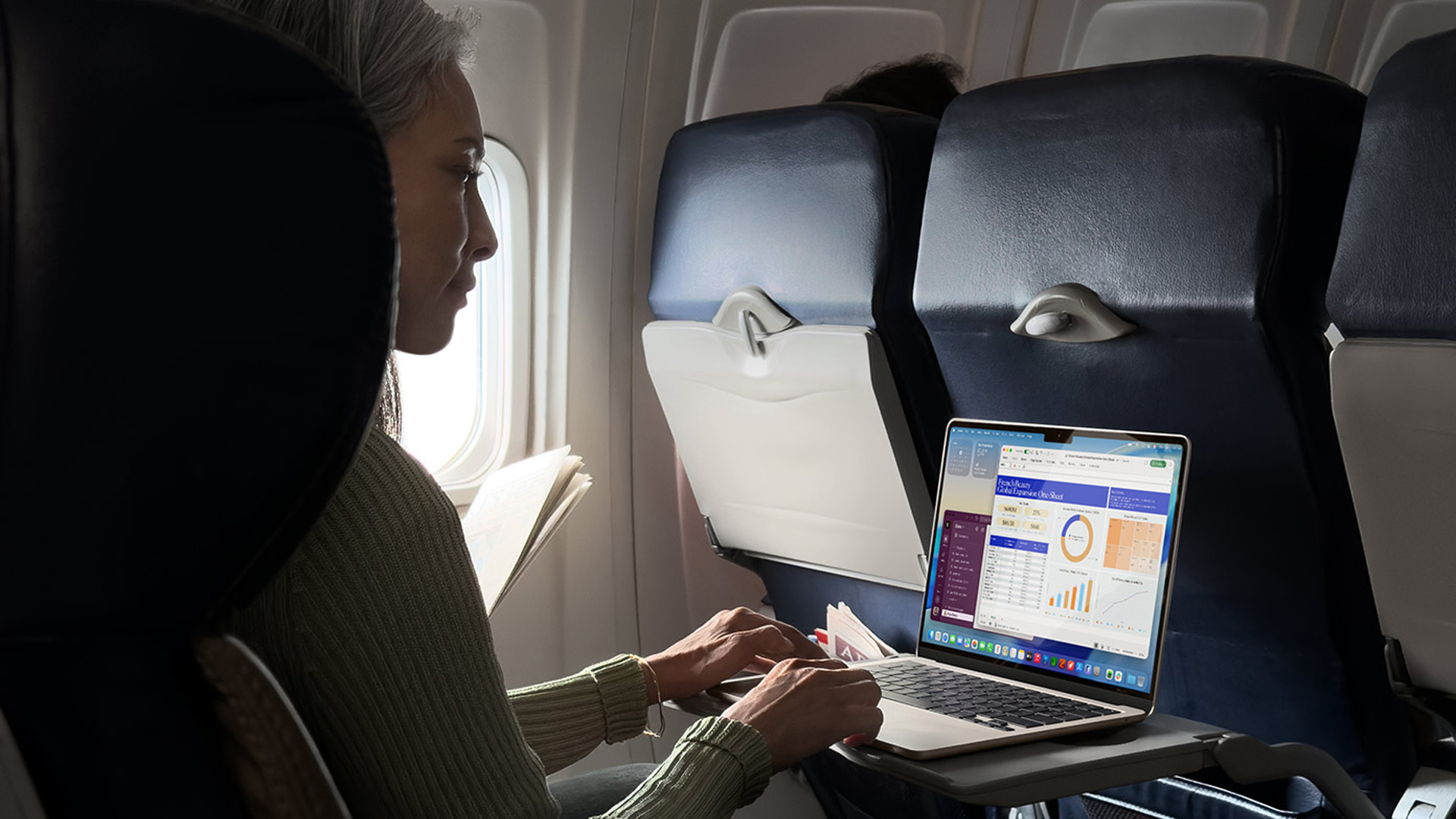
Should You Buy a MacBook Air Now or Wait for the Next Update?
If you're ready to buy one today, the good news is that Apple only refreshes the Air roughly once a year, usually in March, so there's rarely a long wait for the next model.
How to Check If Your MacBook Air Model Is Still "Future-Proof"
- Confirm it can run the current macOS Tahoe update; anything from M1 onward qualifies.
- Check RAM: 8GB is now the practical minimum, and 16GB is a safer long-term choice if your budget stretches to it.
- Favour M1 or newer over any remaining Intel stock, given the shrinking software support window for Intel Macs.
Buying Refurbished vs. New: Lifespan Considerations
An affordable refurbished MacBook Air from a reputable seller like Laptop Outlet can be genuinely excellent value right now, especially with new prices having risen in 2026. Look for a listed battery cycle count or health percentage, a chip of M1 or newer, and a warranty period, and you're removing most of the risk normally associated with buying used electronics.

Is a MacBook Air a Long-Term Investment?
So, is a MacBook Air a long-term investment? For most people, yes. Across Intel and Apple Silicon generations, the average MacBook Air lifespan sits between 6 and 8 years of daily use, with M-series models often stretching well beyond that once you factor in extended macOS security support.
Battery wear is manageable and repairable, storage rarely fails, and resale values stay strong compared with most Windows rivals. The laptop earns its higher price through longevity, not spec sheets alone. Buy sensibly, look after the battery, and a MacBook Air, new or refurbished, should comfortably serve you for close to a decade.

Things You Might Want to know...
How many years do MacBook Airs usually last?
A MacBook Air commonly remains useful for around six to eight years, although workload, battery condition and macOS compatibility can shorten or extend that period.
Does a MacBook Air stop working when Apple stops updates?
No, a MacBook Air keeps working after macOS updates end, but it stops receiving new features and, eventually, security patches. Apps may gradually drop support too, so while the hardware still runs, using it for sensitive tasks like online banking becomes less advisable over time.
Is it worth replacing a MacBook Air battery?
Usually yes, if the rest of the machine is still capable. A battery replacement in the UK typically costs less than a quarter of a new MacBook Air, and it restores full-day battery life to a laptop that may otherwise have years of useful life left.
Which MacBook Air lasts longer, Intel or Apple Silicon?
Apple Silicon models (M1 and later) last considerably longer in practical terms. They run cooler, remain compatible with the newest macOS versions, and hold their resale value far better than any Intel MacBook Air, which is now excluded from future major updates.
Is a used MacBook Air still worth buying?
Yes, provided it's an Apple Silicon model (M1 or newer) with a healthy battery and a few years of macOS support remaining. Check the battery cycle count and condition grade before buying, and confirm it's still eligible for the latest security updates.
| Read More: |
| MacBook Air M5 vs M4: What’s Different in 2026? |
| MacBook Air M5 vs MacBook Pro M5: Should You Wait or Upgrade? |
| Buying a Refurbished MacBook Air: M1 to M4 Explained for Every User Type |
Related Articles


Published: March 12, 2026
Apple’s new MacBook Air M5 is officially here, and after spending time testing it myself, I can confidently say one thing: it’s fast. Like, open-all-my-tabs, edit-4K, switch-between-apps-without-thinking fast. But benchmarks and real use aren’t always the same thing. So, I ran several tests, used it for everyday work, and compared it with previous Air models to answer the real question: Are the MacBook Air M5 benchmarks strong enough to justify the upgrade?
For UK buyers in particular, this is shaping up to be one of the easiest MacBooks to recommend in 2026. Apple kept the thin, fanless design that people already love, but added the new M5 chip, improved base storage, faster wireless connectivity, and stronger performance across both benchmarks and daily workflows. Let’s break down the numbers and the real-world experience.
MacBook Air M5 Overview
Like iPhone 17e, iPad Air M4, and MacBook M5 Pro and M5 Max, Apple announced the MacBook Air M5 on 3 March 2026, with availability beginning

Published: March 13, 2026
If you have just bought Studio Display XDR and want to use it with a MacBook Pro, the setup is usually quick. In most cases, the screen should come on automatically within a few seconds. macOS should recognise the display without extra drivers or manual installation. According to Apple’s official Mac support documentation, compatible MacBook Pro models automatically detect Studio Display when connected through Thunderbolt. Studio Display XDR can also deliver up to 140W of host charging through that same cable, so your MacBook Pro can charge while connected.
This Studio Display XDR setup guide explains the full process for connecting the Apple Studio Display XDR to a MacBook Pro, from the initial cable connection to the display settings you may need to adjust afterwards. Studio Display XDR is not just another external monitor. It is a 27-inch 5K Retina XDR display with mini-LED backlighting, up to 2,000 nits peak HDR brightness, a 120Hz refresh rate with Adaptive Sync, built-in camera and
Published: March 13, 2026
Apple is entering a new era of product strategy. For years, the company has dominated the premium tech market with devices like the iPhone Pro and MacBook Pro. But now Apple appears to be expanding its ecosystem in two directions at once: more affordable devices and ultra-premium hardware.
The recent MacBook Neo release indicates that Apple has a budget-friendly laptop to attract students and first-time Mac users. At the same time, industry reports indicate Apple is building a lineup of Ultra devices that will sit above its current Pro models.
This shift highlights what many analysts now call the Apple Ultra strategy, a long-term plan to stretch Apple’s ecosystem from entry-level devices all the way to cutting-edge luxury hardware. From the MacBook Neo at the affordable end to devices like iPhone Ultra, MacBook Ultra, and AirPods Ultra, Apple’s premium device roadmap is becoming more ambitious than ever.
MacBook Neo: Apple’s New Entry-Level Laptop
The MacBook Neo is expected to become
Last Updated: July 06, 2026
Apple’s MacBook lineup has earned its reputation through years of delivering fast performance, long battery life, and a genuinely premium build quality that is hard to beat. Whether you are buying your first Mac, switching from Windows, or troubleshooting an issue, this MacBook & Apple guide covers everything you need.
What Exactly Is a MacBook?
A MacBook is Apple’s range of portable computers, running macOS. Unlike most Windows laptops, MacBooks use Apple’s own silicon. In 2026, that means the MacBook Neo runs on A18 Pro, while the latest MacBook Air and MacBook Pro run on M5-family chips: M5, M5 Pro, and M5 Max.
All MacBooks benefit from Apple’s tight hardware and software integration, meaning everything from apps to system updates is designed specifically for the machine you are holding. That is a big reason why so many people in creative, professional, education, and everyday roles swear by them.
What Are the Latest MacBook Models in 2026?

Apple currently sells MacBooks in three lines:
Last Updated: May 06, 2026
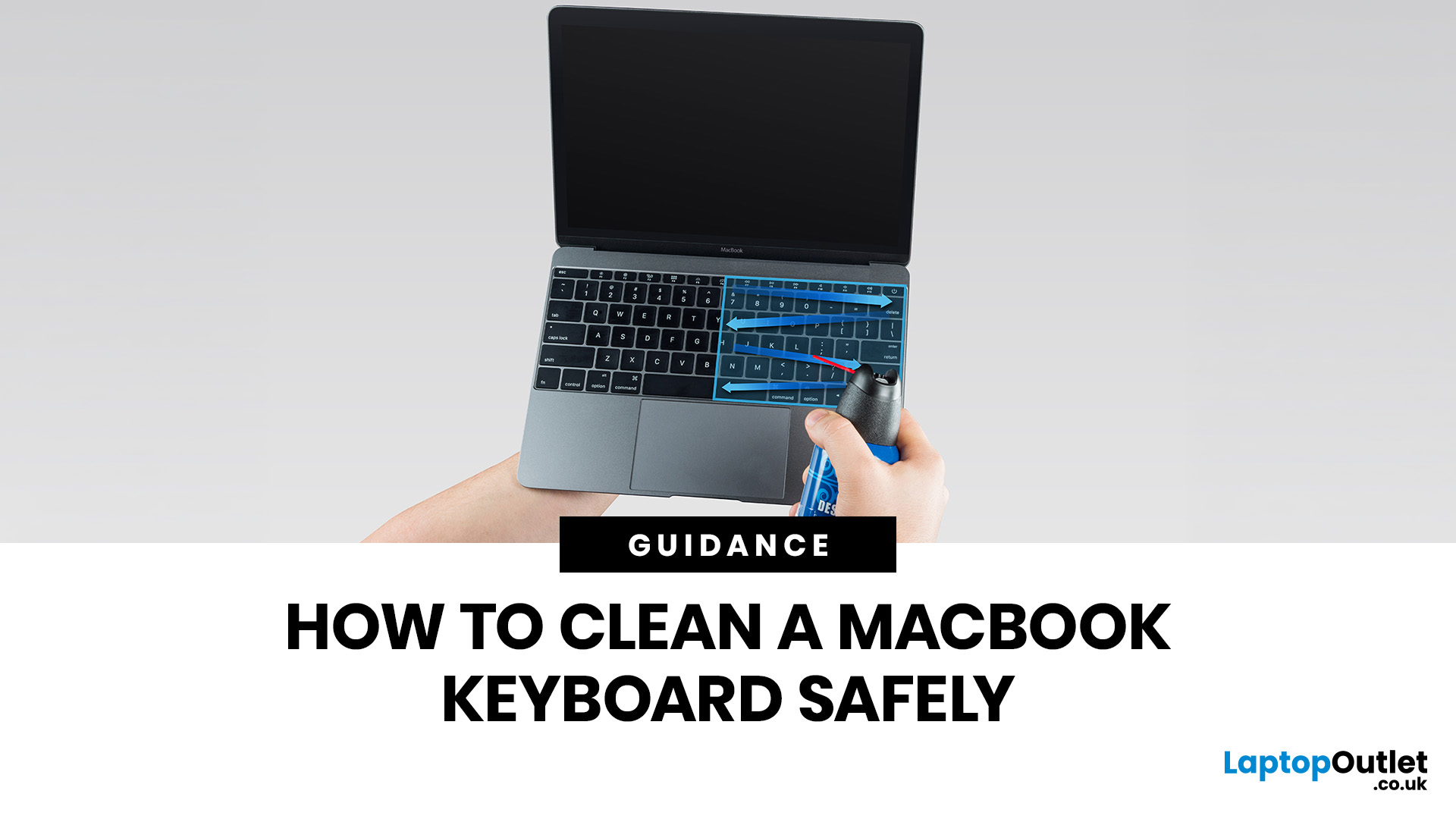
MacBook keyboard cleaning is simple when you do it the Apple-safe way: shut the laptop down, unplug it, use a soft lint-free cloth, keep moisture out of the openings, and never spray cleaner directly onto the keyboard. If you need to disinfect the surface, Apple says you can gently wipe off the hard, non-porous exterior, including the keyboard, with a 70 per cent isopropyl alcohol wipe, a 75 per cent ethyl alcohol wipe, or a disinfectant wipe.
That is the short version. The longer version matters because MacBook keyboards are not built for chaotic cleaning energy. Too much liquid, the wrong cleaner, or one “quick” spray straight onto the keys can turn a dusty keyboard into an expensive repair story. We will discuss today how to clean a Mac keyboard properly, how to remove dirt from MacBook keys, when compressed air makes sense, what not to use, and when a keyboard issue is no longer a cleaning job.
Quick Answer: How Can We Clean a MacBook Keyboard Safely?
The safest way to clean a MacBook
Last Updated: May 01, 2026
If your MacBook is not turning on, the quickest way to solve it is to work out which problem you have. Some Macs have no power at all. Others are turning on, but the screen stays black, the battery is not charging properly, or macOS is failing during startup. Those are different faults, and they need different fixes.
In most cases, the right order is simple: check the charger and outlet, force a restart, rule out a blank-screen issue, then move to Safe Mode, Apple Diagnostics, or macOS Recovery if the Mac still will not boot. If your MacBook is charging but not turning on, the issue is often startup, display, or battery-health related rather than a completely dead machine.
What to do First When MacBook Doesn't Turn On

If your MacBook won't turn on, start with the basics before assuming the worst.
- Plug it into a known-working wall socket with a compatible charger and cable.
- Leave it connected for several minutes if the battery may be flat.
- Press and hold the power button for up to 10 seconds,
Last Updated: May 06, 2026
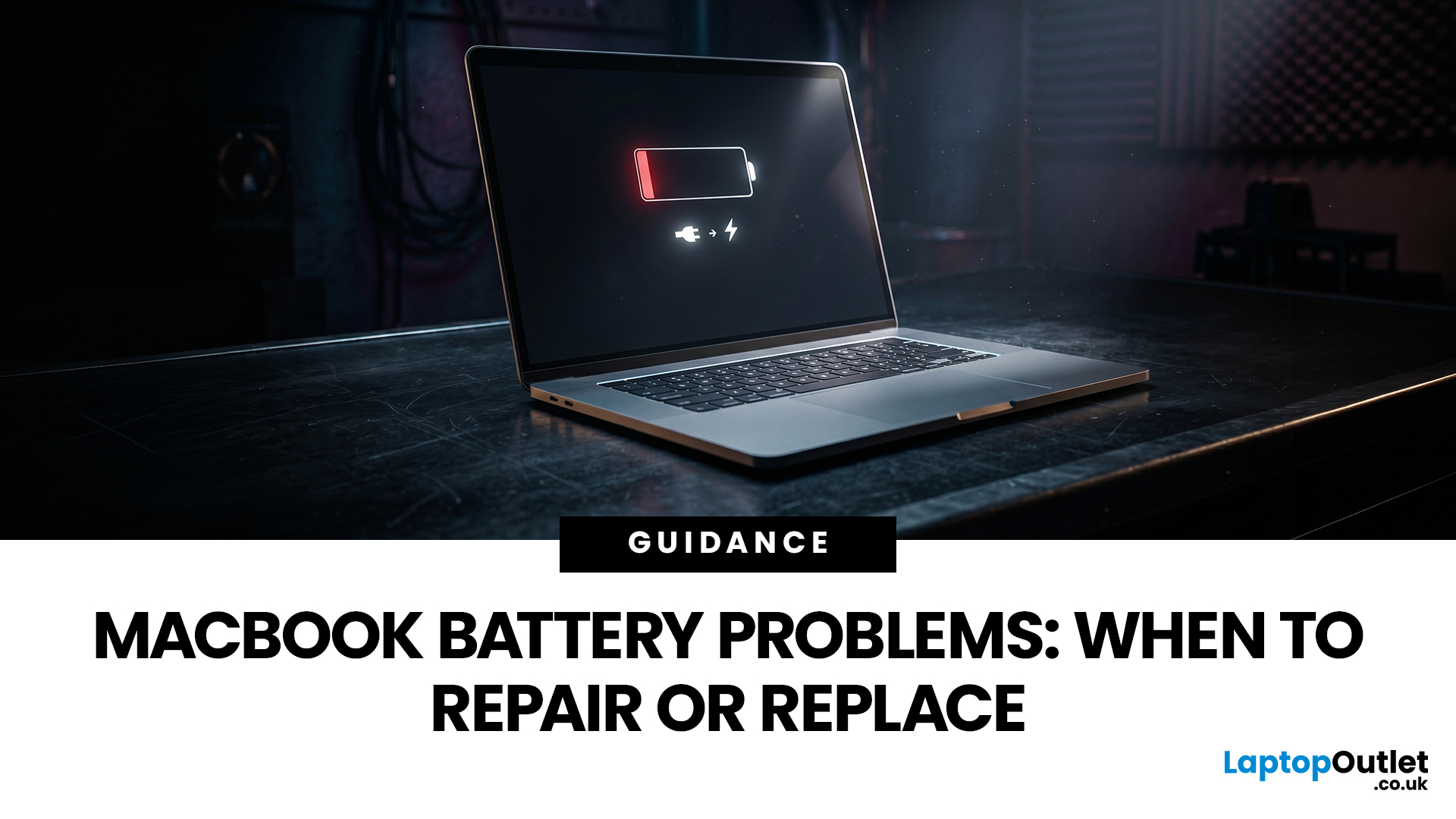
MacBook battery issues do not always mean it is time for a replacement. Sometimes your battery is genuinely wearing out, but sometimes the real problem is heat, charging habits, background apps, or even a charger that is not pulling its weight. That is what makes battery problems so confusing: the symptoms can look dramatic, while the fix might be simple.
In this guide, we will help you figure out what your MacBook is actually trying to tell you. From battery drain and overheating to charging limits and health checks, you will learn how to spot the issue, understand the cause, and decide whether a repair or replacement makes the most sense.
Why MacBook battery issues happen in the first place
MacBook batteries are built with lithium-ion technology, which is great for fast charging and portability, but like every rechargeable battery, they wear down over time. Battery age is not just about how many years you have owned the laptop. It is also shaped by your charging habits, temperature
Last Updated: June 17, 2026
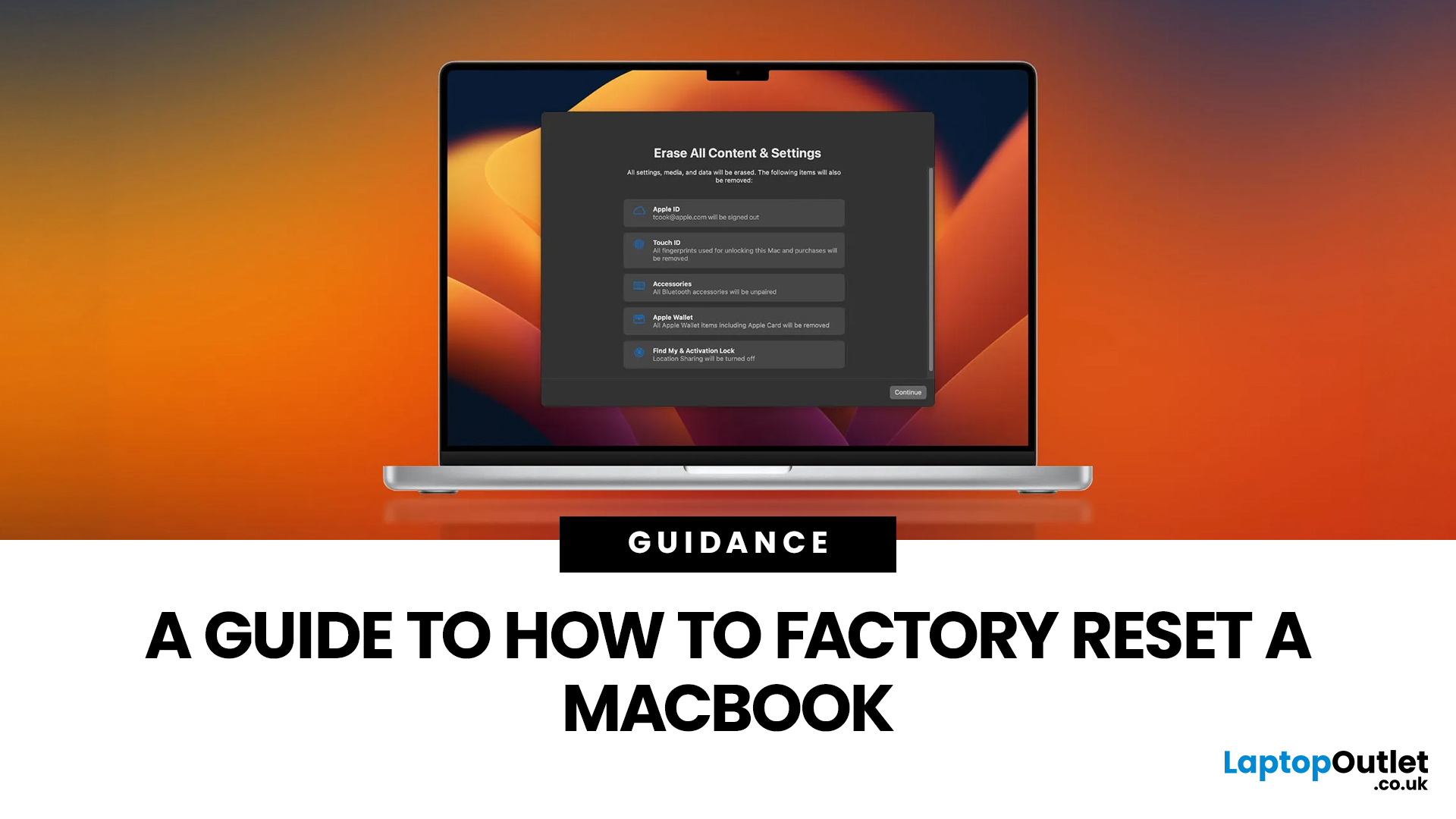
Whether you are selling your MacBook, troubleshooting a persistent software issue, or simply wanting a clean slate, knowing how to factory reset a MacBook safely is an essential skill for any Apple user.
The good news? Apple has made the process simpler than ever. But the steps you need to follow depend entirely on your MacBook model and the version of macOS you are running.
This guide will help you reset your Mac safely, avoid losing important files, and leave the laptop ready either for you or for its next owner.
What Does a Mac Factory Reset Actually Do?
A factory reset wipes your MacBook completely, removing all your files, apps, accounts, and personal settings. The end result is a machine that behaves exactly as it did the day you took it out of the box.
Depending on the method you use, the reset will either keep the current version of macOS installed or reinstall it fresh from scratch. Either way, your personal data is gone, so preparation is everything.
What To Do Before You
Last Updated: June 04, 2026
If you want the quickest answer, buy a Chromebook if you mainly use a browser, Google apps, streaming services, email, and simple everyday tools. Buy a MacBook if you need stronger performance, fuller desktop software support, and a laptop that gives you more room to grow over the next few years. That is the real Chromebook vs MacBook decision. It is less about the logo on the lid and more about how you actually work, study, and relax every day.
A Chromebook is a laptop that runs Chrome OS, built around speed, simplicity, built-in Google services, and lightweight computing. A MacBook runs macOS and is designed for a fuller desktop experience, stronger multitasking, and tighter integration with other Apple devices. If you already know you want to compare categories before choosing, start by browsing the best laptops to see where both options sit in the wider market.
Still deciding whether macOS is right for you at all? Read our PC vs Mac in 2026 guide before you choose.
Chromebook vs MacBook:
Last Updated: June 10, 2026
Quick answer: Apple is rolling out a new premium tier above its Pro range, and 2026 is the year it takes shape. Confirmed and strongly rumoured Apple Ultra releases include the iPhone Ultra, the MacBook Ultra, AirPods Ultra, and the Apple Watch Ultra 4.
For the first time, the word "Ultra" is migrating from a single smartwatch and a line of desktop chips onto iPhones, laptops, and earbuds. This is not a naming exercise. It signals a genuine leap in technology, ambition, and price. Here is everything you need to know, right now.
Note: Apple has not officially confirmed most of the products below. This article summarises current Apple leaks, analyst reports, and industry rumours.
What Exactly Is Apple's "Ultra" Strategy?
Until recently, Apple's product tiers were fairly straightforward: standard, Air, and Pro. Ultra was reserved for chips (like the M2 Ultra) and the Apple Watch Ultra, both of which signalled the absolute best in class. Now Apple is expanding that logic across

