



MacBook Air M5 Review: How Powerful is Apple’s Latest Chip?

Apple’s new MacBook Air M5 is officially here, and after spending time testing it myself, I can confidently say one thing: it’s fast. Like, open-all-my-tabs, edit-4K, switch-between-apps-without-thinking fast. But benchmarks and real use aren’t always the same thing. So, I ran several tests, used it for everyday work, and compared it with previous Air models to answer the real question: Are the MacBook Air M5 benchmarks strong enough to justify the upgrade?
For UK buyers in particular, this is shaping up to be one of the easiest MacBooks to recommend in 2026. Apple kept the thin, fanless design that people already love, but added the new M5 chip, improved base storage, faster wireless connectivity, and stronger performance across both benchmarks and daily workflows. Let’s break down the numbers and the real-world experience.
MacBook Air M5 Overview
Like iPhone 17e, iPad Air M4, and MacBook M5 Pro and M5 Max, Apple announced the MacBook Air M5 on 3 March 2026, with availability beginning 11 March 2026. Physically, it’s familiar. After using it, the design still feels exactly like what you’d expect from the Air: incredibly thin, silent, and easy to carry everywhere. The laptop keeps the same core formula:
- slim aluminium body
- fanless design (completely silent)
- Liquid Retina display
- MagSafe charging
- two Thunderbolt ports
- lightweight portability
The real upgrades are inside.
|
Specification |
MacBook Air M5 |
|
Display |
13.6″ / 15.3″ Liquid Retina |
|
Chip |
Apple M5 |
|
CPU |
10-core |
|
GPU |
Up to 10-core |
|
Memory |
16GB – 32GB |
|
Storage |
512GB – 4TB |
|
Battery Life |
Up to 18 hours |
|
Ports |
MagSafe + 2 Thunderbolt |
|
Wireless |
Wi-Fi 7, Bluetooth 6 |
|
Camera |
12MP Center Stage |
One change I appreciate is the base storage bump to 512GB. Older Air models sometimes felt a bit stingy at the entry level. This time the starting configuration feels much more practical.
What’s New in Apple M5 Chip Performance?
The Apple M5 chip is the biggest change here, and it’s not just a minor refresh. The chip inside the Air features:
- a 10-core CPU
- a next-generation GPU with up to 10 cores
- a Neural Accelerator built into each GPU core
In theory, this should improve things like:
- AI-assisted tasks
- image processing
- multitasking
- large language model workflows
While testing the laptop, I noticed the biggest gains when juggling heavier workloads, especially when running multiple APPs alongside AI-driven tools and browser tabs. Apple claims certain AI-related tasks like LLM prompt processing, can be up to 4× faster than M4 models. Obviously, that depends heavily on the workload, but it shows where Apple is pushing performance this generation.
MacBook Air M5 Benchmarks: The Numbers
Now let’s talk about the numbers, because MacBook Air M5 benchmarks are what most people search for first. After running Geekbench and comparing results with publicly available benchmark data, the results consistently land around the same range. Typical Geekbench 6 scores for the M5 Air:
- Single-core: ~4,195
- Multi-core: ~17,000
That’s noticeably higher than the MacBook Air M4, which averages around:
- Single-core: ~3,655
- Multi-core: ~14,900
Here’s the comparison:
|
Benchmark Test |
MacBook Air M5 |
MacBook Air M4 |
Difference |
|
Geekbench 6 Single-Core |
~4,195 |
~3,655 |
~15% faster |
|
Geekbench 6 Multi-Core |
~17,000 |
~14,900 |
~14% faster |
|
Handbrake Video Export |
4 min 34 sec |
~5 min 15 sec |
Faster |
|
AI Processing |
Significantly faster |
Good |
Improved |
Across multiple benchmark runs, the pattern is consistent:
- M5 is clearly faster than M4
- the gains sit around 12–15%
- single-core and multi-core both improve
For a fanless laptop, those numbers are honestly impressive.
MacBook Air M5 Speed Test: Does it Feel Faster?
Benchmarks are useful, but the real test is everyday use. After using the Air M5 for typical work tasks, it absolutely feels faster, especially if you’re coming from older Apple Silicon or Intel Macs. In my testing, it handled things like this without slowing down:
- 20+ browser tabs
- Google Docs and Notion running together
- Slack and Spotify in the background
- Zoom calls
- light photo editing
- occasional video exports
Switching between APPs feels instant, and the laptop rarely shows signs of struggling. From M4 to M5, the difference is noticeable but not dramatic. From M1 or Intel machines, the jump is huge.
MacBook Air M5 Real-World Performance
The MacBook Air M5 real-world performance is where the laptop really shines. During testing I used it for:
- writing and research
- editing photos
- exporting short video clips
- running multiple productivity apps
- general browsing and streaming
It handled everything smoothly while staying completely silent. Apple also claims the Air can now handle more creative workloads like:
- 4K video editing
- AI image processing
- hardware-accelerated ray tracing
While the MacBook Air isn’t a full workstation, it’s surprisingly capable for something this thin.
MacBook Air M5 vs M4: Should You Upgrade?
Apple also upgraded connectivity this year:
- Wi-Fi 7 instead of Wi-Fi 6E
- Bluetooth 6
But the biggest question is still performance. Here’s the quick comparison:
|
Feature |
MacBook Air M5 |
MacBook Air M4 |
|
Chip |
Apple M5 |
Apple M4 |
|
CPU |
10-core |
10-core |
|
GPU |
Up to 10-core |
Up to 10-core |
|
Geekbench Multi-Core |
~17,000 |
~14,900 |
|
Base RAM |
16GB |
16GB |
|
Base Storage |
512GB |
256GB |
|
Wireless |
Wi-Fi 7 |
Wi-Fi 6E |
|
Battery |
Up to 18 hrs |
Up to 18 hrs |
My honest take after testing:
- Intel Air → massive upgrade
- M1 Air → very worthwhile upgrade
- M2 / M3 Air → depends on workload
- M4 Air → probably not essential yet
The M5 is faster, but the M4 is still a strong laptop.
If you’re debating between the latest model and last year’s version, read our full comparison of MacBook Air M5 vs MacBook Air M4 to see every performance and feature change.
What is the MacBook Air M5 Geekbench Score?
The MacBook Air M5 Geekbench score is currently landing around:
- Single-core: ~4,195
- Multi-core: ~16,995 – 17,276
Those numbers are impressive for a fanless machine and show how far Apple Silicon has pushed ultraportable performance. In fact, in some cases the Air M5 actually scores higher than older MacBook Pro models, which is pretty wild considering how thin the Air is.
Who is the MacBook Air M5 Actually For?
After testing it, the M5 Air feels perfect for several types of users.
Students
It’s lightweight, silent, and has enough power for:
- research
- writing
- presentations
- light creative work
Battery life also easily lasts a full day.
Remote workers
If your job involves:
- browser tabs
- spreadsheets
- video calls
- productivity apps
the Air M5 handles it effortlessly.
Creators
For creators doing:
- Photoshop
- Lightroom
- short video editing
- podcast editing
- design tools like Figma
the Air performs surprisingly well.
Heavy pro users
This is where the MacBook Pro still makes more sense. Long rendering sessions and heavy workloads benefit from active cooling.
Not sure if the Air M5 suits your needs? Our guide on MacBook Air M5 for Students, Creators & Professionals: Who Should Buy? explains which types of users will actually get the most value from it.
Battery Life and Everyday Usability
Apple rates the Air M5 at up to 18 hours of battery life, and during testing it comfortably lasted a full workday. You’re also getting:
- thin and light design
- silent operation
- MagSafe charging
- excellent display
- solid webcam
This combination is why the Air continues to be such a popular laptop.
If battery life matters most to you, don’t miss our detailed breakdown MacBook Air M5 Battery & Portability: What to Expect, where we test how long the M5 Air actually lasts in everyday use.
MacBook Air M5 UK Price: Is It Worth It?
For UK buyers, the MacBook Air M5 starts at £1,099.
That includes:
- 16GB memory
- 512GB storage
Which is a far better base configuration than previous generations.
My recommendation:
- 13-inch model: best for portability
- 15-inch model: better for multitasking and media

Final Thoughts
After testing the MacBook Air M5, it’s clear that Apple has refined an already excellent laptop rather than reinventing it. The MacBook Air M5 benchmarks show solid improvements over the M4, landing around 17,000 in Geekbench multi-core while maintaining the Air’s silent, fanless design. In real-world use, the laptop feels fast, responsive, and capable of handling far more than most ultraportables.
Is it a revolutionary upgrade? Not really.
But it is a smarter, stronger version of one of the best laptops available. For most people in 2026, the MacBook Air M5 remains one of the easiest laptops to recommend.

Most Asked Questions
What are the MacBook Air M5 benchmark scores?
Early results show Geekbench 6 multi-core scores around 16,995 to 17,276, with single-core results around 4,195.
Is the MacBook Air M5 faster than the M4?
Yes. Most tests show a 12–15% CPU performance improvement compared to the M4 Air.
What is the MacBook Air M5 UK price?
The 13-inch MacBook Air M5 starts at £1,099 in the UK.
Is the MacBook Air M5 good for video editing?
Yes, for light to moderate video editing. Heavy professional workloads may still benefit from a MacBook Pro.
Should I upgrade from MacBook Air M4 to M5?
Only if you want the extra performance, Wi-Fi 7, or larger base storage. M4 users don’t urgently need to upgrade.
Related Articles

Last Updated: March 09, 2026
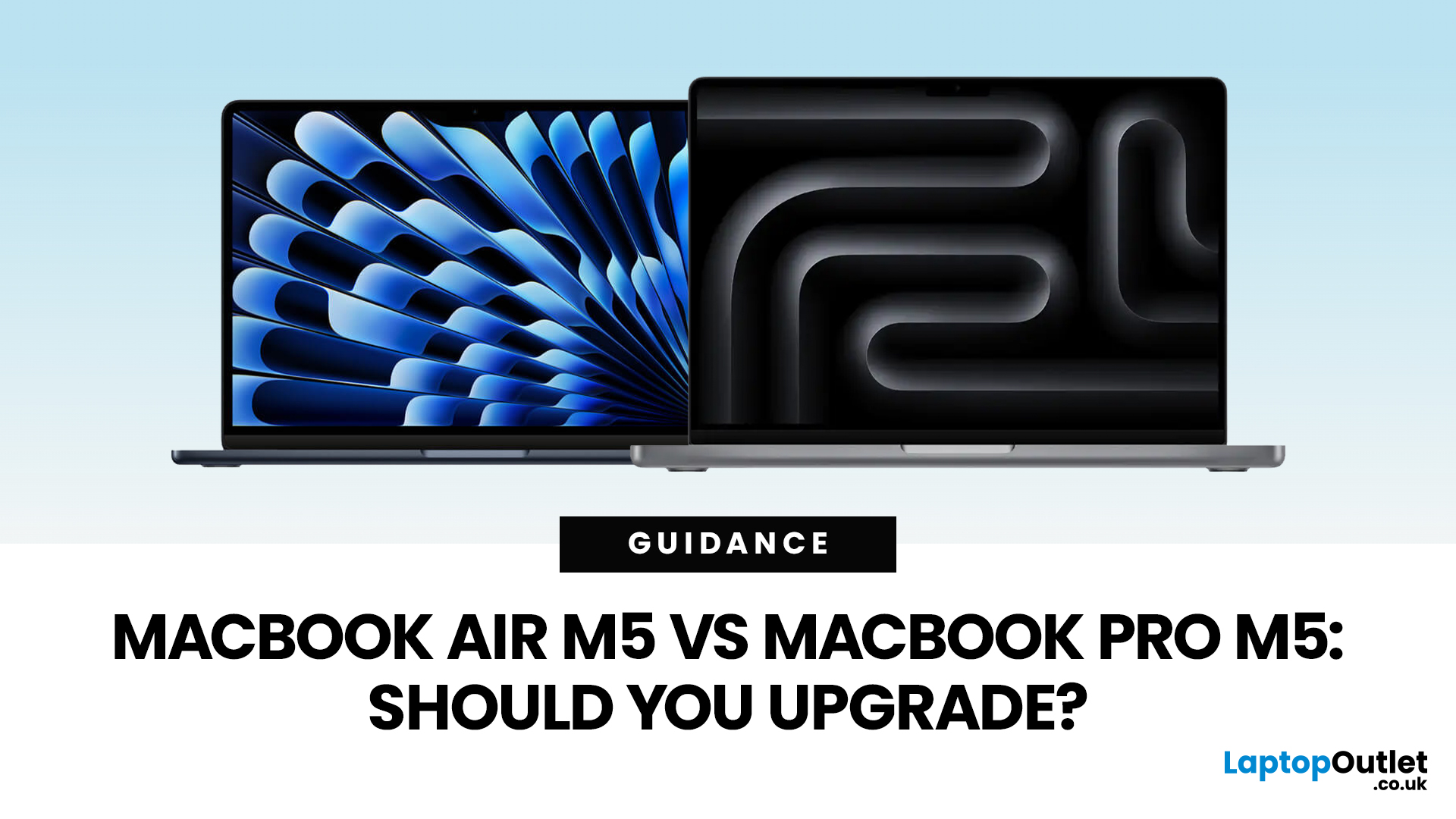
Apple just dropped another round of MacBook upgrades, and the internet is already debating: MacBook Air M5 vs MacBook Pro M5,which one makes sense? If you’re a student, creator, developer, or someone deep in the Apple ecosystem, this decision matters. The M5 generation brings faster AI performance, stronger GPUs, and bigger base storage, but the Air and Pro are designed for very different users.
MacBook Air M5 vs MacBook Pro M5: Quick Overview
Before diving deep, here’s the quick comparison.
| Feature | MacBook Air M5 | MacBook Pro M5 |
| Target user | Students, everyday users | Creators, developers, professionals |
| Chip | M5 | M5 Pro / M5 Max |
| CPU | Up to standard M5 cores | Up to 18-core CPU |
| GPU | Integrated GPU | Up to 40-core GPU |
| Cooling | Fanless | Active cooling |
| Battery | Up to ~18 hours | Up to ~24 hours |
| Base Storage | 512GB | 1TB |
| Price (starting) | ~$1,099 | ~$2,199 |
TheTL;DR:
Air = portability and value.
Pro = raw power.
What’s New in the M5 MacBooks?
Apple’sM5 chip generation focuses heavily on performance and AI workloads.

Last Updated: March 09, 2026
The MacBook Air M5 landed on 3rd March 2026, and it has instantly become the most talked-about laptop of the year. This is the latest MacBook Air model yet, and it delivers upgrades across nearly every single category. Chip performance, display quality, AI features, battery life, storage, wireless connectivity — all of it improved.
This is not just a minor refresh. It is a well-rounded, thoughtfully improved machine that raises the bar for what a thin and light laptop can do in 2026. Let us go through every major feature, so you can decide whether this is the one worth buying.
Apple M5 Chip: A Meaningful Generational Jump
The Apple M5 chip performance is the centrepiece of this entire upgrade. Built on TSMC's third-generation 3-nanometer process, the M5 brings tangible improvements that users will notice from day one.
Here is a clear breakdown of how the M5 compares to the M4:
| Spec | MacBook Air M4 | MacBook Air M5 |
| CPU | 10-core (4P + 6E) | 10-core (4P + 6E), faster per core |
| GPU | Up to 10-core |
Last Updated: March 19, 2026
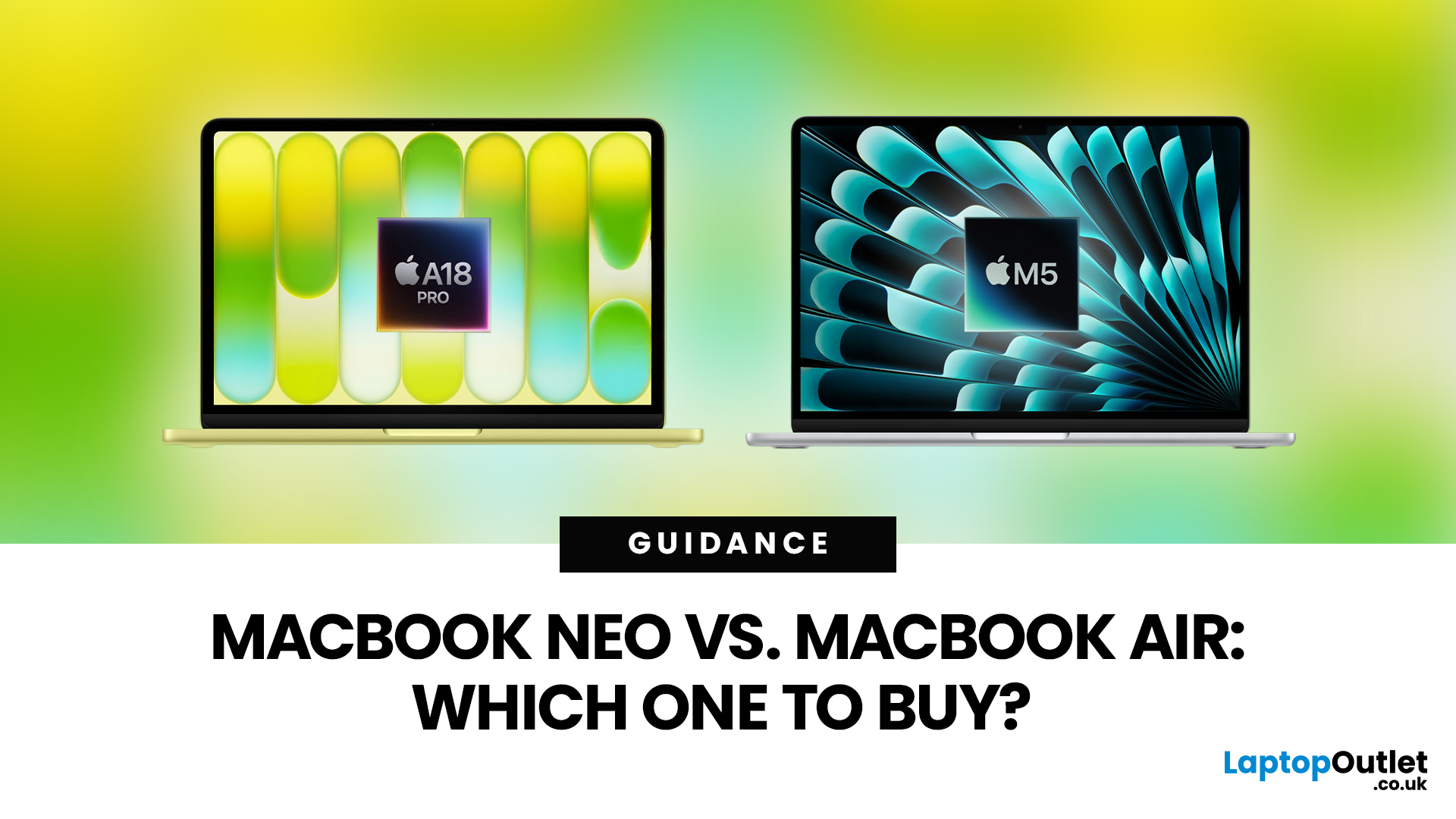
Apple’s 2026 MacBook line-up has a new talking point: MacBook Neo, a genuinely lower-cost Mac designed to bring more people into macOS without asking them to pay MacBook Air money. But the Air hasn’t suddenly become irrelevant. In fact, the newest MacBook Air (M5) is still Apple’s “default” recommendation for most buyers, thanks to stronger performance, more premium extras, and broader long-term headroom.
So, in this MacBook Neo vs MacBook Air guide, we’ll cut through the marketing, look at the real trade-offs (performance, ports, display, battery, and price), and help you choose the right Apple laptop for how you live and work in 2026.
MacBook Neo Overview
The MacBook Neo is Apple’s new entry-level MacBook, positioned below the Air on price. In the UK, Apple lists it from £599. To hit that price, Apple leans on iPhone-class silicon, the Neo is powered by the A18 Pro (the chip family used in iPhone Pro models), paired with 8GB of unified memory and 256GB or 512GB storage.
It also comes
Last Updated: March 09, 2026
Apple has done something it has not done in years. It has built a MacBook that almost anyone can actually afford.
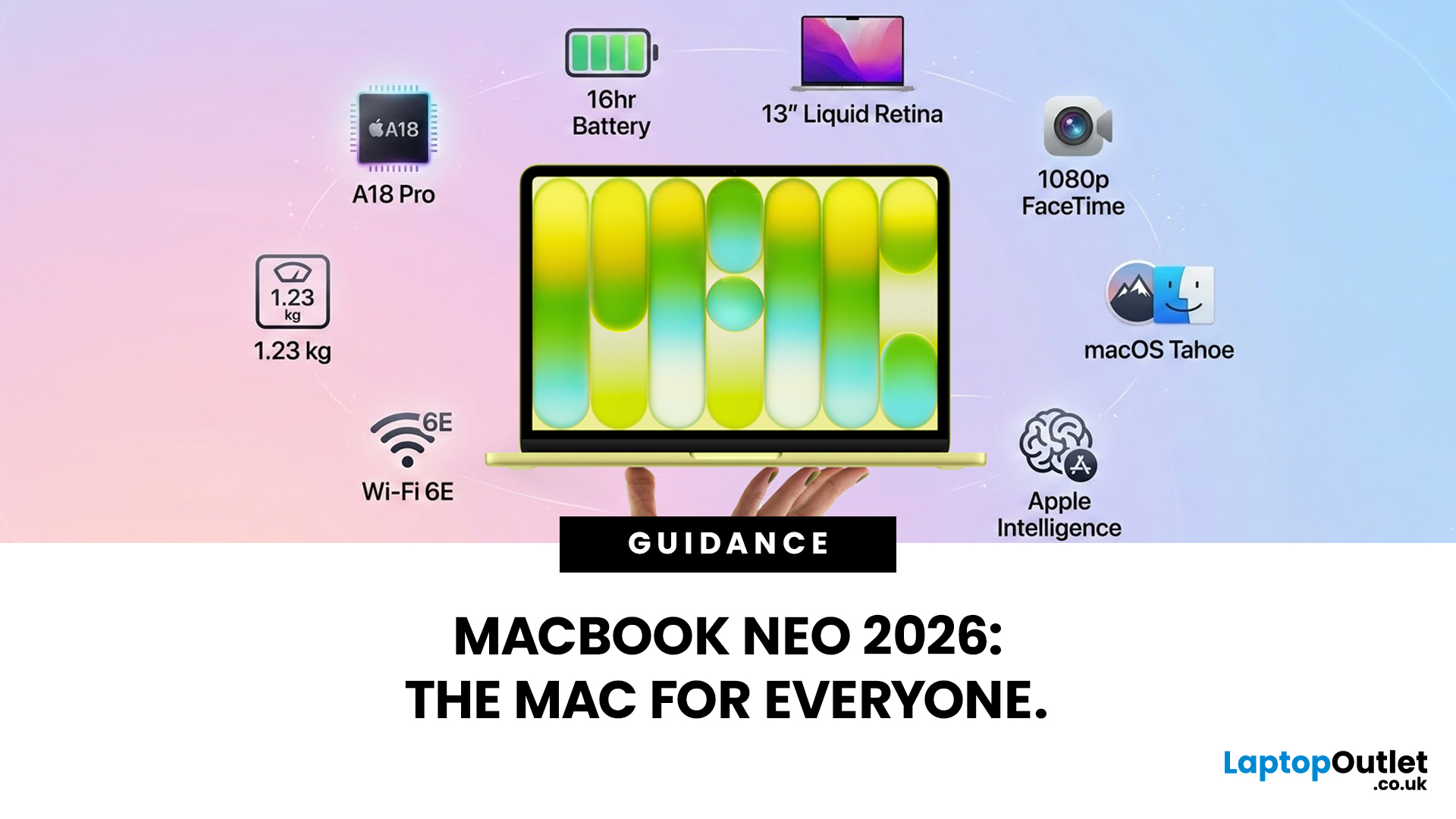
The MacBook Neo 2026 was announced on 4th March 2026 and went on sale from 11th March 2026. Starting at just £599, it is the most affordable Mac laptop Apple has ever made. That is a bold statement. And this time, Apple means it.
So, what exactly is the MacBook Neo, what can it do, and is it worth buying? Let us break it all down.
What Is the MacBook Neo 2026?
The MacBook Neo is Apple's brand new entry-level laptop. It sits below the MacBook Air and MacBook Pro in the lineup. Think of it as a proper Mac for everyone.
For years, the cheapest way into the Mac world was the MacBook Air at £999. That was too steep for many students and first-time buyers. The MacBook Neo changes that. It brings macOS, Apple silicon, and the full Mac experience to people who want a quality laptop without paying a premium price.
It is not a watered-down product. It is simply a smarter, more accessible
Last Updated: March 09, 2026
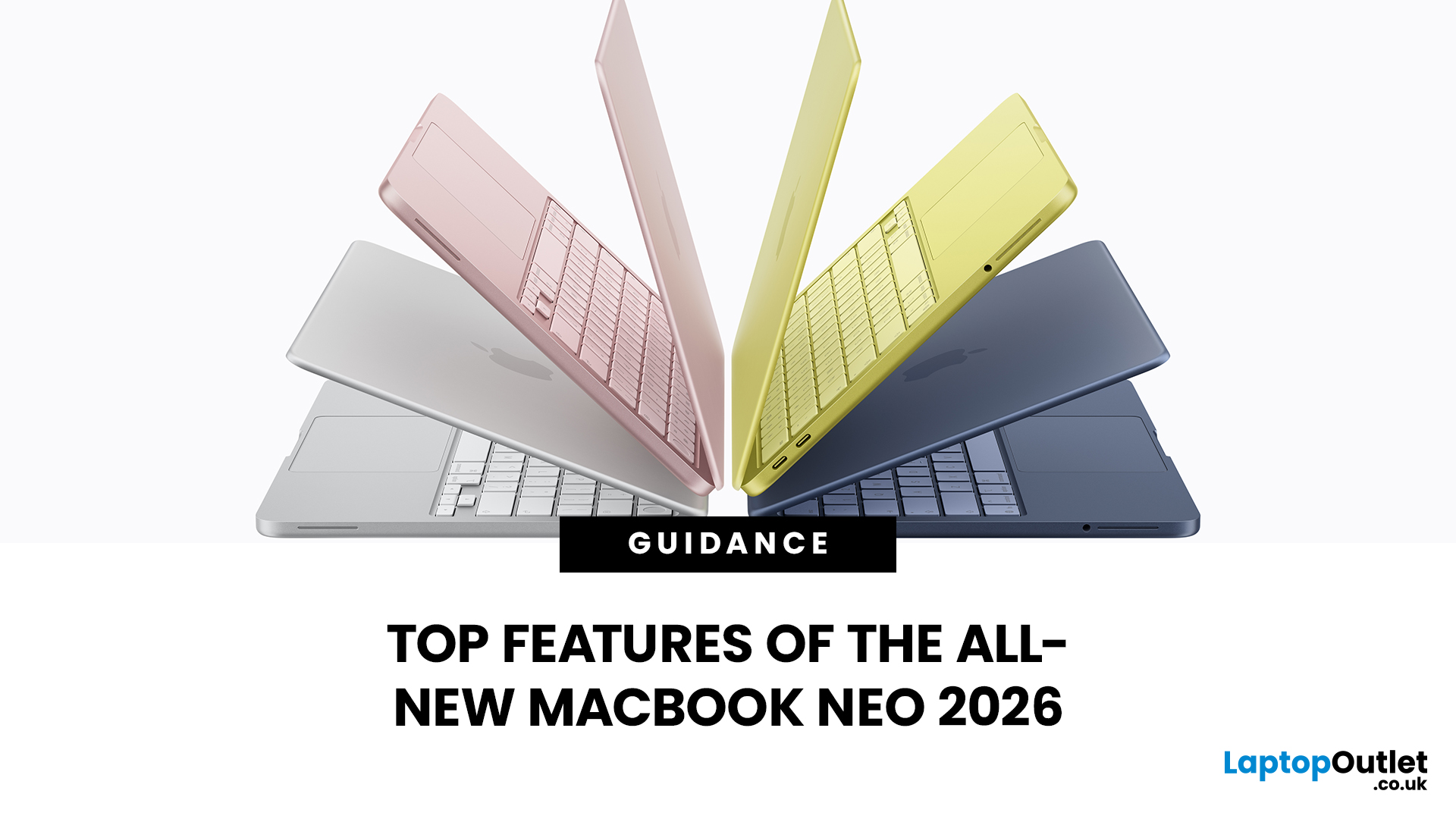
Apple has done something surprising. In March 2026, the company unveiled its most affordable laptop ever: the MacBook Neo.
Starting at just £599, it brings the full Mac experience to a much wider audience: students, first-time buyers, and budget-conscious shoppers who have long been priced out of the Apple ecosystem.
This is not just a stripped-down machine. The MacBook Neo features a beautiful aluminium design, a sharp Liquid Retina display, the A18 Pro chip, and up to 16 hours of battery life. In short, it packs a serious punch for its price.
So, what exactly makes this laptop worth your attention? Let us walk through every key MacBook Neo feature in detail.
MacBook Neo: Full Specs at a Glance
Before diving deep, here is a quick overview of everything the MacBook Neo brings to the table.
| Specification | Details |
| Processor | Apple A18 Pro (6-core CPU, 5-core GPU, 16-core Neural Engine) |
| Display | 13-inch Liquid Retina, 2408 x 1506 resolution, 500 nits |
| Memory | 8GB unified memory |
Last Updated: March 09, 2026
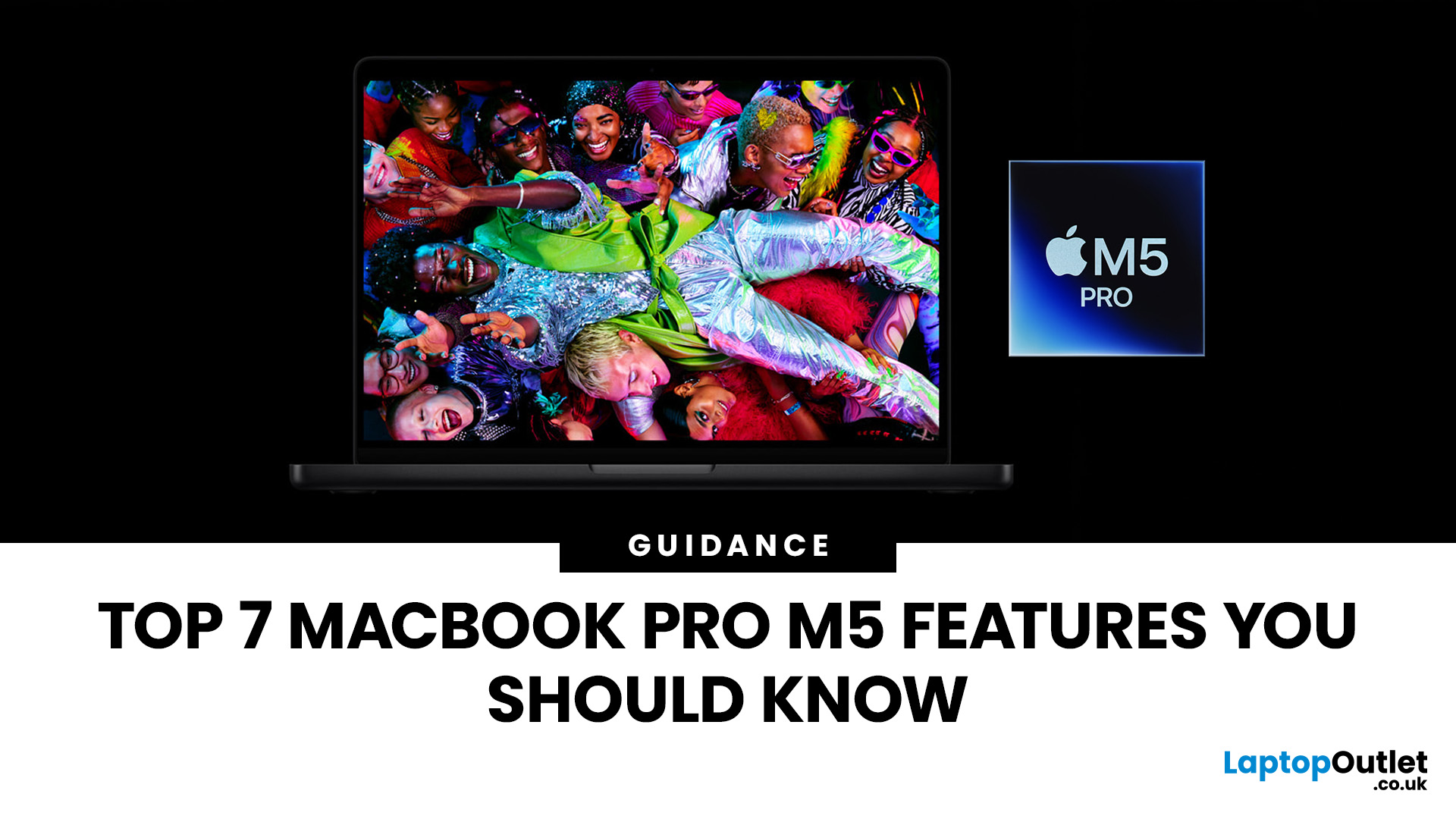
Apple’s MacBook Pro lineup has consistently defined what professional laptops can do, but the introduction of the M5 generation pushes the category even further. Powered by Apple’s latest silicon architecture and backed by upgrades in storage, connectivity, and AI performance, the MacBook Pro M5 is designed to handle modern workflows, from video production and software development to AI experimentation and heavy multitasking.
While the external design remains familiar, the real upgrades are under the hood. Apple has focused heavily on improving computational power, on-device AI processing, wireless capabilities, and storage performance. These changes make the MacBook Pro M5 one of the most capable laptops available for professionals and power users.
Below are the top seven MacBook Pro M5 features that stand out in the latest generation.
1. Next-Generation Apple Silicon: M5 Pro and M5 Max Chips
The biggest upgrade in the MacBook Pro M5 lineup is the introduction of Apple’s M5 Pro and M5

Last Updated: March 09, 2026
If you have been waiting for a proper budget Mac, it is finally here. MacBook Neo launched as Apple’s most affordable laptop ever, and it is clearly built for students, first-time Mac buyers, and anyone who just needs a reliable everyday laptop for browsing, documents, streaming, and calls. The big headline is the price. In the UK, MacBook Neo starts at £599, with £499 education pricing, and it goes on sale on Wednesday, March 11, 2026. Pre-orders are open now.
This guide breaks down what MacBook Neo is, who it is for, what you get for the money, and the trade-offs you should know before ordering.
Want to Buy a MacBook Neo? Quick Verdict
Buy MacBook Neo If You Want the Cheapest New Mac
MacBook Neo makes sense if your daily laptop life looks like this:
- Browsing and web apps
- Word, PowerPoint, Google Docs
- Email and admin
- Zoom or FaceTime calls
- School work and research
- Light photo editing and creative hobbies
It is designed to feel like a real MacBook, just at a lower cost.
Skip MacBook
Last Updated: March 09, 2026
If you’ve been thinking about buying a MacBook Air this year, you’ve probably run into the same question everyone in the UK tech community is asking:
Should you buy the new MacBook Air M5 or save money with the M4?
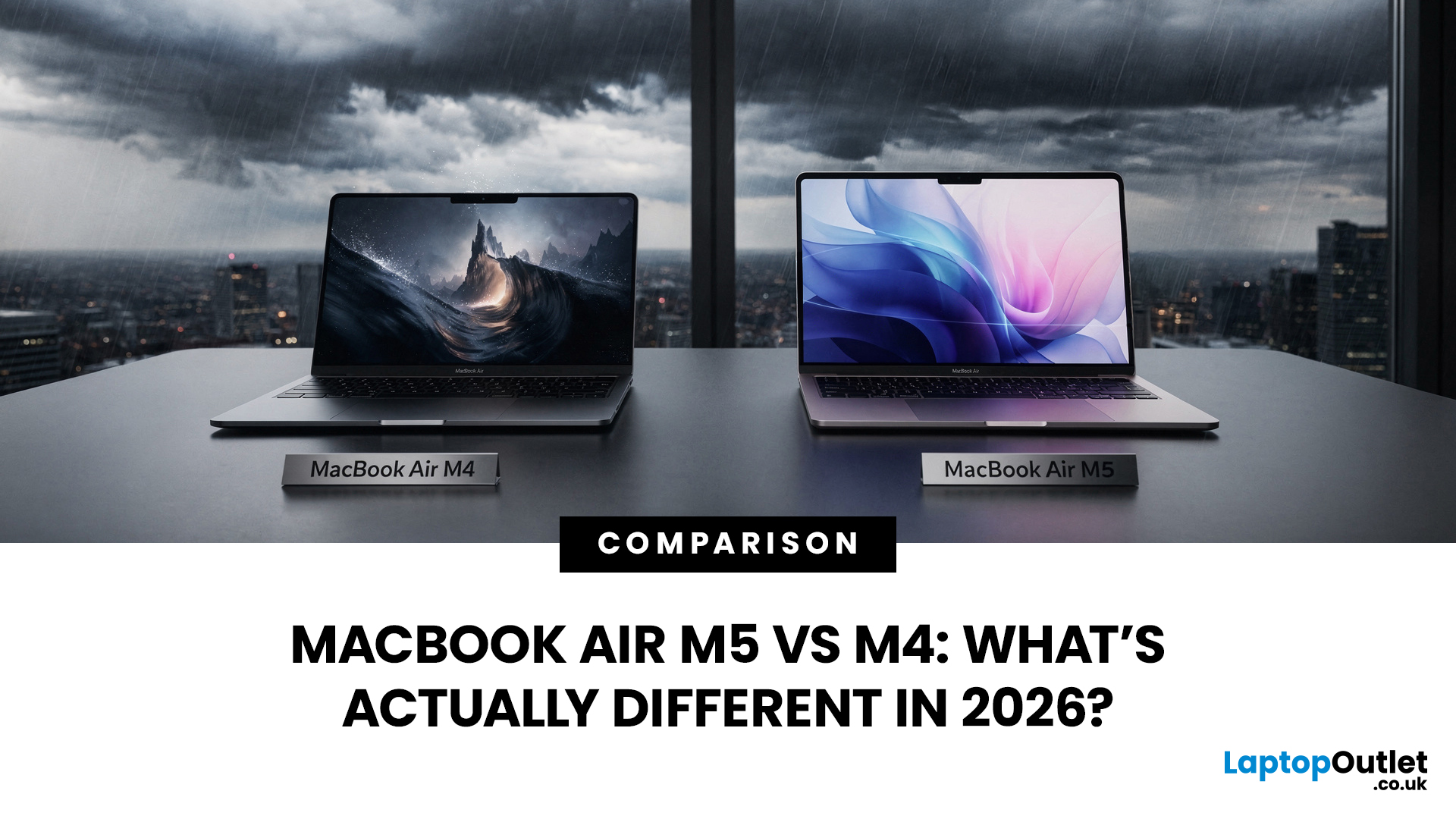
At first glance, the two laptops look almost identical. Same ultra-thin aluminium design. Same beautiful display. Same lightweight build that makes the MacBook Air perfect for working in cafés, trains, or university libraries.
But once you dig a little deeper, the MacBook Air M5 vs M4 comparison starts to reveal some interesting differences.
Apple hasn’t completely reinvented the MacBook Air in 2026, but the company has quietly improved several areas including performance, storage, wireless connectivity, and AI features.
So, if you're planning to buy an Apple MacBook from UK, Laptop Outlet or Amazon, this guide will help you decide which model actually makes more sense.
Let’s break it down.
MacBook Air M5 vs M4: Quick Comparison
Before diving into details, here’s a quick overview

Last Updated: March 09, 2026
Apple laptops have never really been known for being “cheap.” For years, the entry point into the MacBook world started at around £999 or more. But that has finally changed.
In March 2026, Apple unveiled something unexpected: MacBook Neo, the company’s most affordable MacBook ever. Designed for students, casual users, and first-time Mac buyers, the Neo brings the macOS experience to a much lower price point than previous Apple laptops.
So how much does it cost in the UK? What specs do you get? And is it worth buying?
Let’s break it all down.
MacBook Neo Price UK
The MacBook Neo price in the UK starts at around £599 for the base configuration.
That makes it the cheapest MacBook Apple has ever released, significantly undercutting the MacBook Air, which currently starts at around £1,099 in the UK.
Here’s a quick breakdown of expected pricing tiers:
| Model | Storage | Expected UK Price |
| MacBook Neo (Base) | 256GB SSD | ~£599 |
| MacBook Neo | 512GB SSD | ~£699 |
| Education pricing | 256GB SSD | ~£499 (students/educators) |
Last Updated: March 09, 2026
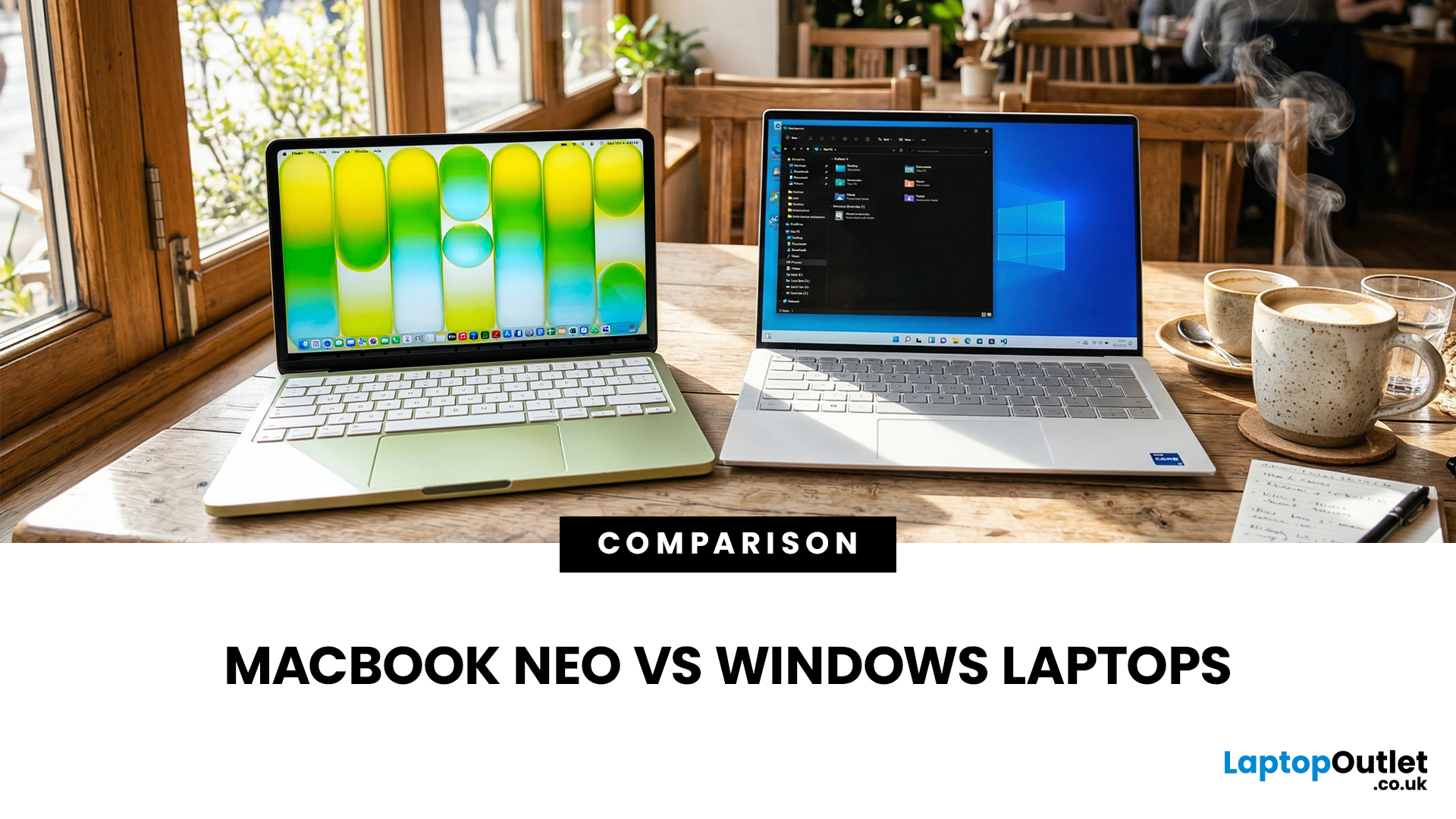
If you are comparing MacBook Neo vs Windows laptops, you are really asking one question: should you buy Apple’s cheapest Mac, or get a budget Windows laptop with more ports and more choice?
MacBook Neo is new, starts at £599, and is designed to be a simple, premium-feeling everyday laptop with macOS, long battery life, and strong call quality.
Budget Windows laptops can offer more screen sizes, more ports, and sometimes better upgrade options. But quality is inconsistent in this price range, and that’s where Neo tries to win.
Below is the practical, buyer-focused breakdown.
10-Second Answer Box
Choose MacBook Neo if
- You want the cleanest everyday experience for browsing, school, docs, and calls
- You value build quality and trackpad feel
- You want a laptop that stays fast and quiet for years, without tweaking settings
Choose a budget Windows laptop if
- You want more ports like HDMI and USB-A built in
- You need a bigger screen for the money
- You want the flexibility of Windows software and lots

