



13-inch vs 15-inch MacBook Air: Which Size Should You Buy?
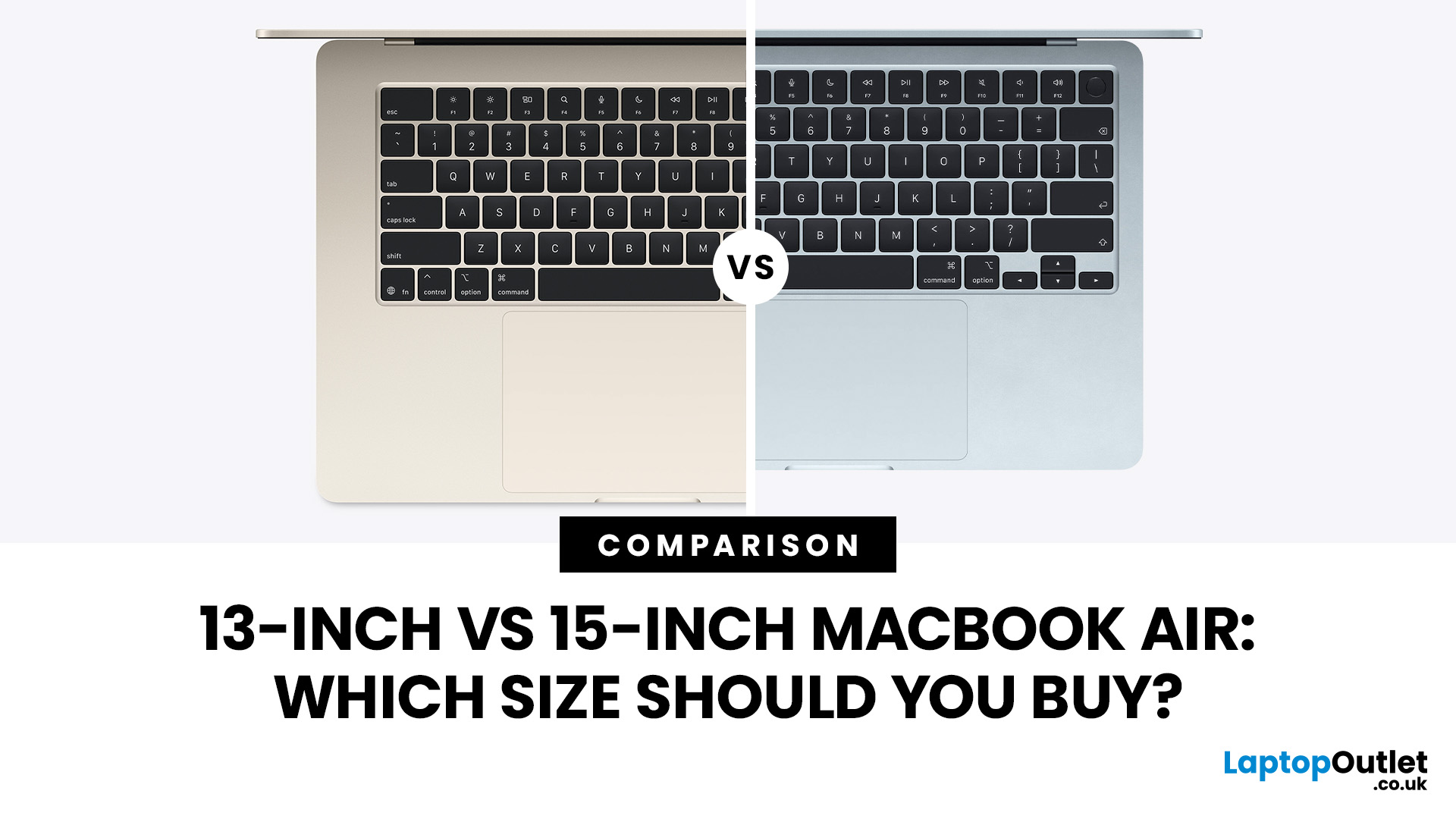
Since the March 2026 update, both models run the same Apple M5 chip, the same Liquid Retina display technology, and near-identical battery ratings, so the MacBook Air 13 vs 15 decision rests mainly on size, weight, and how much screen space suits your daily routine. This guide walks through every practical difference between these best MacBook Air laptops, so you can work out which size actually fits how you live, study or work.
13-inch vs 15-inch MacBook Air: A Quick Comparison
Before you settle on a MacBook Air size, it helps to see both models side by side. Here is how the current M5 generation compares on paper for anyone weighing up MacBook Air 13 vs 15 configurations.
|
Feature |
13-inch MacBook Air |
15-inch MacBook Air |
|
Display |
13.6" Liquid Retina, 2560×1664 |
15.3" Liquid Retina, 2880×1864 |
|
Brightness |
500 nits |
500 nits |
|
Weight |
1.23kg |
1.51kg |
|
Dimensions (W×D×H) |
30.41 × 21.5 × 1.13cm |
34.04 × 23.76 × 1.15cm |
|
Chip |
Apple M5 (10-core CPU: 4 super, 6 efficiency) |
Apple M5 (10-core CPU: 4 super, 6 efficiency) |
|
GPU options |
8-core or 10-core |
10-core only |
|
Unified memory |
16GB, up to 32GB |
16GB, up to 32GB |
|
Storage |
512GB, up to 4TB |
512GB, up to 4TB |
|
Battery cell |
53.8Wh |
66.5Wh |
|
Battery life (rated) |
Up to 18h video / 15h web |
Up to 18h video / 15h web |
|
Speakers |
4-speaker system |
6-speaker, force-cancelling woofers |
|
Ports |
2× Thunderbolt 4, MagSafe 3, 3.5mm headphone jack |
2× Thunderbolt 4, MagSafe 3, 3.5mm headphone jack |
|
Wireless |
Wi-Fi 7, Bluetooth 6 |
Wi-Fi 7, Bluetooth 6 |
|
Colours |
Sky Blue, Midnight, Starlight, Silver |
Sky Blue, Midnight, Starlight, Silver |
|
Price from |
£1,299 (£1,199 education) |
£1,499 (£1,399 education) |
Figures sourced from Apple's official UK tech specifications for the MacBook Air (M5).
Key Differences at a Glance
- Screen: 13.6-inch versus 15.3-inch, both at the same sharpness of 224 pixels per inch.
- Weight: a gap of roughly 280g, similar to the weight of a small paperback.
- Graphics: the entry-level 13-inch MacBook Air ships with an 8-core GPU to hit its lower price, while every 15-inch configuration includes the 10-core GPU as standard.
- Sound: four speakers on the 13-inch against six speakers with force-cancelling woofers on the Mac Air 15 inch model.
- Price: the 15-inch costs around £200 more at every matching configuration.
- Most remaining features, including the camera, ports, memory limits, storage limits and official battery-life ratings, are the same.
Design and Portability: Which MacBook Air Is Easier to Carry?
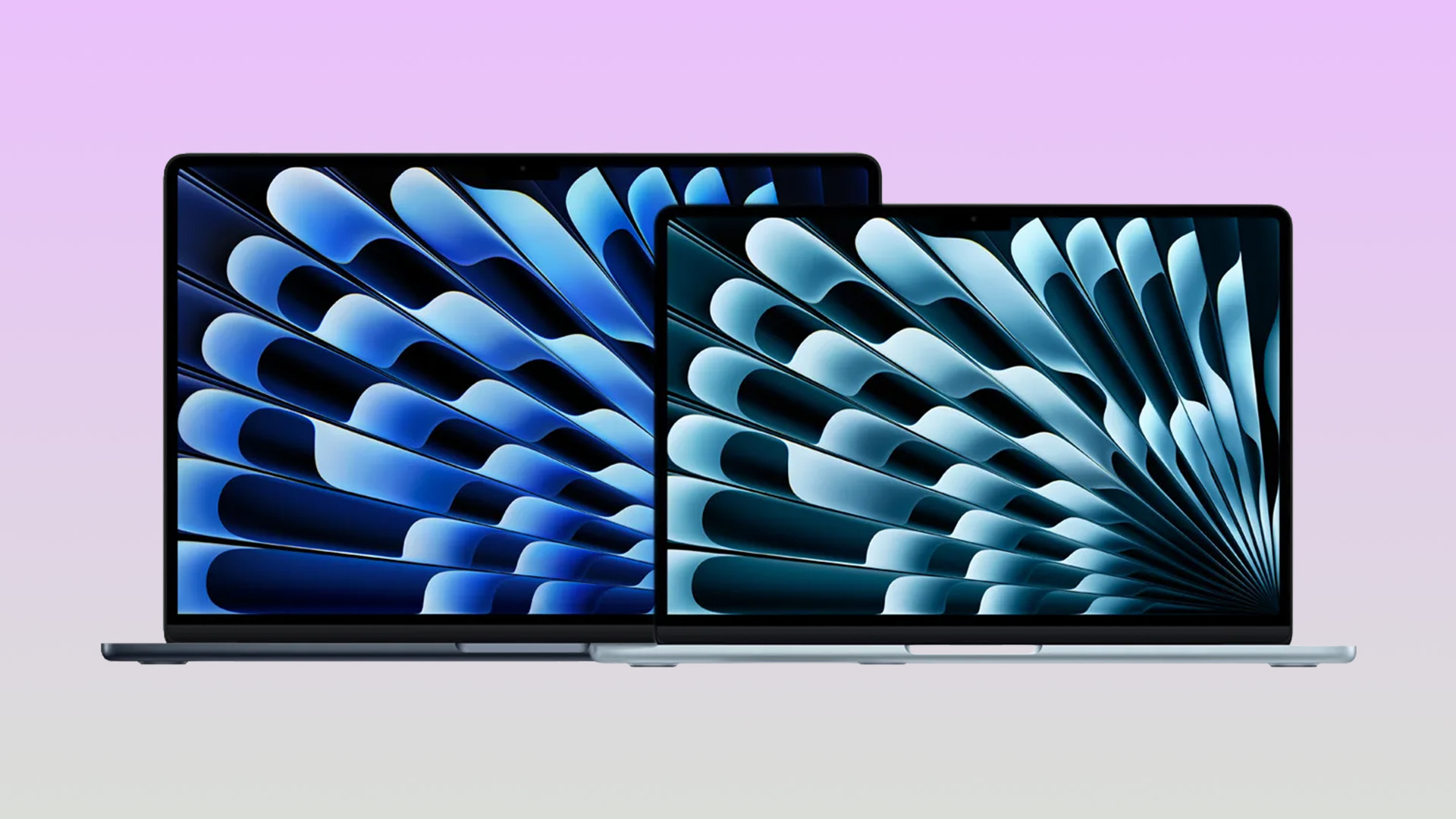
Both models share the same flat, fanless aluminium design Apple introduced with the M2 generation back in 2022, so this is not a build quality question. It is purely about how each size feels in a bag or on your lap.
13-inch MacBook Air for Travel, Study and Commuting
At 1.23kg, the 13 inch MacBook Air is comfortably one of the lightest capable laptops you can buy in the UK. It slips into almost any bag, sits happily on a train tray table and rarely feels like a burden even after a full day of carrying it around campus or between meetings.
15-inch MacBook Air for Bigger-Screen Comfort
The MacBook Air 15 trades a little portability for meaningfully more workspace. At 1.51kg it is still lighter than a 14-inch MacBook Pro, and its wider chassis gives your wrists more room to rest during long typing sessions, which matters if you type for hours at a time.
Does the Extra Size Make a Big Difference?
In everyday use, not as much as the numbers suggest. Both models fit easily into standard laptop sleeves and backpacks. The 15-inch is only around 280g heavier, roughly the weight of a hardback book. You'll notice it when you first pick it up, but for most people it is not a dealbreaker.
Display Size: Is 13-inch Enough or Is 15-inch Better?
Screen size is the biggest difference between the two MacBook Air models and, for most buyers, the factor that deserves the most consideration.
13-inch Display for Everyday Use
The MacBook Air 13 features a 13.6-inch Liquid Retina display with a 2560×1664 resolution. It is sharp, colour-accurate and perfectly comfortable for browsing, emails, writing, video calls and streaming, which covers the vast majority of everyday tasks.
15-inch Display for Multitasking and Entertainment
The 15.3-inch panel increases the resolution to 2880×1864 and gives you noticeably more room for side-by-side windows, spreadsheets and creative applications without making text appear smaller. Combined with the six-speaker sound system, it is also the better choice for films, YouTube and music.
Which Screen Size Is Better for Long Working Hours?
For extended desk sessions, the larger display usually feels less cramped because you spend less time switching between windows. However, if you already connect your laptop to an external monitor most days, that advantage largely disappears, making the 13-inch the more practical and portable option.
|
Display metric |
13-inch |
15-inch |
|
Diagonal size |
13.6" |
15.3" |
|
Native resolution |
2560×1664 |
2880×1864 |
|
Pixel density |
224ppi |
|
|
Brightness |
500 nits |
|
|
Panel type |
Liquid Retina, IPS |
|
|
Refresh rate |
60Hz |
|
Performance: Does the 15-inch MacBook Air Perform Better?
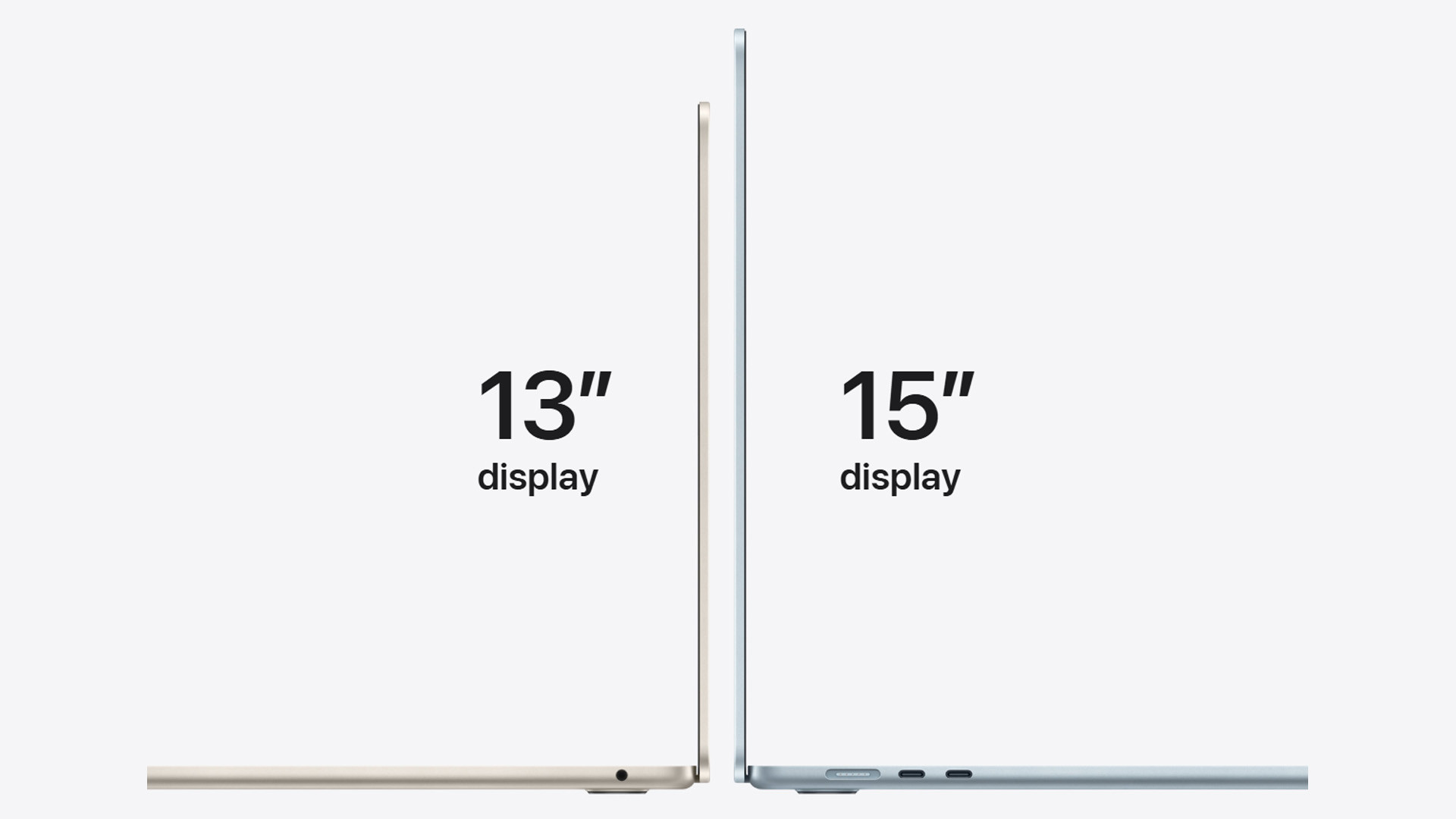
Not because of its size. Performance on the MacBook Air comes down to chip configuration, memory and storage rather than screen size, so the two models are far closer in speed than their price gap might suggest.
Same Core Power for Everyday Tasks
Both sizes run the same Apple M5 chip with a 10-core CPU built from 4 super cores and 6 efficiency cores. For browsing, office work, photo editing, light video editing and everyday multitasking, you will not notice a difference between a 13-inch and 15-inch model configured the same way.
When RAM and Storage Matter More Than Size
If performance is your priority, put your budget into memory and storage rather than screen size. Both models start at 16GB of unified memory and 512GB of storage, and both can be configured up to 32GB and 4TB, which affects how well the laptop handles heavy multitasking and large files far more than which size you pick.
RAM and storage cannot be upgraded after purchase on any MacBook Air, so choose your options carefully.
Should You Choose MacBook Air or MacBook Pro Instead?
If your work involves sustained video exports, 3D rendering, or heavy software development, the MacBook Pro's active cooling allows it to sustain performance for longer under load. New MacBook Pro models start from £1,999 for the 14-inch M5 configuration, a meaningful step up from either MacBook Air model. For most everyday users, students, and hybrid workers, the Air remains the more sensible buy.
You can also compare the full range of latest Apple laptops if you want to weigh the Air against the Pro and MacBook Neo side by side.
Battery Life and Charging: Is There Any Real Difference?
On paper, no. Apple rates both the 13-inch and 15-inch MacBook Air identically, which surprises a lot of first-time buyers given the difference in battery cell size.
Battery Life for Work, Study and Streaming
Both models are officially rated for up to 18 hours of video streaming and up to 15 hours of wireless web browsing. Apple's testing methodology browses 25 popular websites over Wi-Fi for the web figure and streams 1080p content in Safari for the video figure, with brightness set to a fixed level, so treat both numbers as best-case rather than guaranteed.
Real-World Battery Use on Both Sizes
The 15-inch carries a larger 66.5Wh battery against 53.8Wh on the 13-inch, but it also has to power a larger display with more pixels, which is why the two ratings end up matching. In UK households and offices, both sizes comfortably cover a full working day of typical use, though heavier tasks like video calls or exporting media will drain either battery faster than the official figures suggest.
Worth noting for UK buyers: the MacBook Air ships with a USB-C to MagSafe 3 cable, but the power adapter itself is sold separately. The 13-inch requires a minimum 30W power source, while the 15-inch requires at least 35W. Both support fast charging with a 70W-or-higher USB-C Power Delivery adapter.
Speakers, Camera and Everyday Features
Both sizes share the same 12MP Center Stage camera with Desk View support, and the same three-microphone array with Voice Isolation for calls. Where they genuinely diverge is audio hardware.
- 13-inch: four-speaker sound system, more than capable for everyday music, podcasts and calls.
- 15-inch: six-speaker system with force-cancelling woofers, which gives noticeably fuller bass and a wider soundstage.
- Keyboard and trackpad: both use the same backlit Magic Keyboard with Touch ID, though the larger chassis on the 15-inch gives you a touch more palm-rest and trackpad room.
If you regularly use your laptop for music, video calls or watching films without headphones, the 15-inch MacBook Air's speaker setup is a genuine, tangible upgrade rather than a marketing footnote.
13-inch vs 15-inch MacBook Air for Different Users
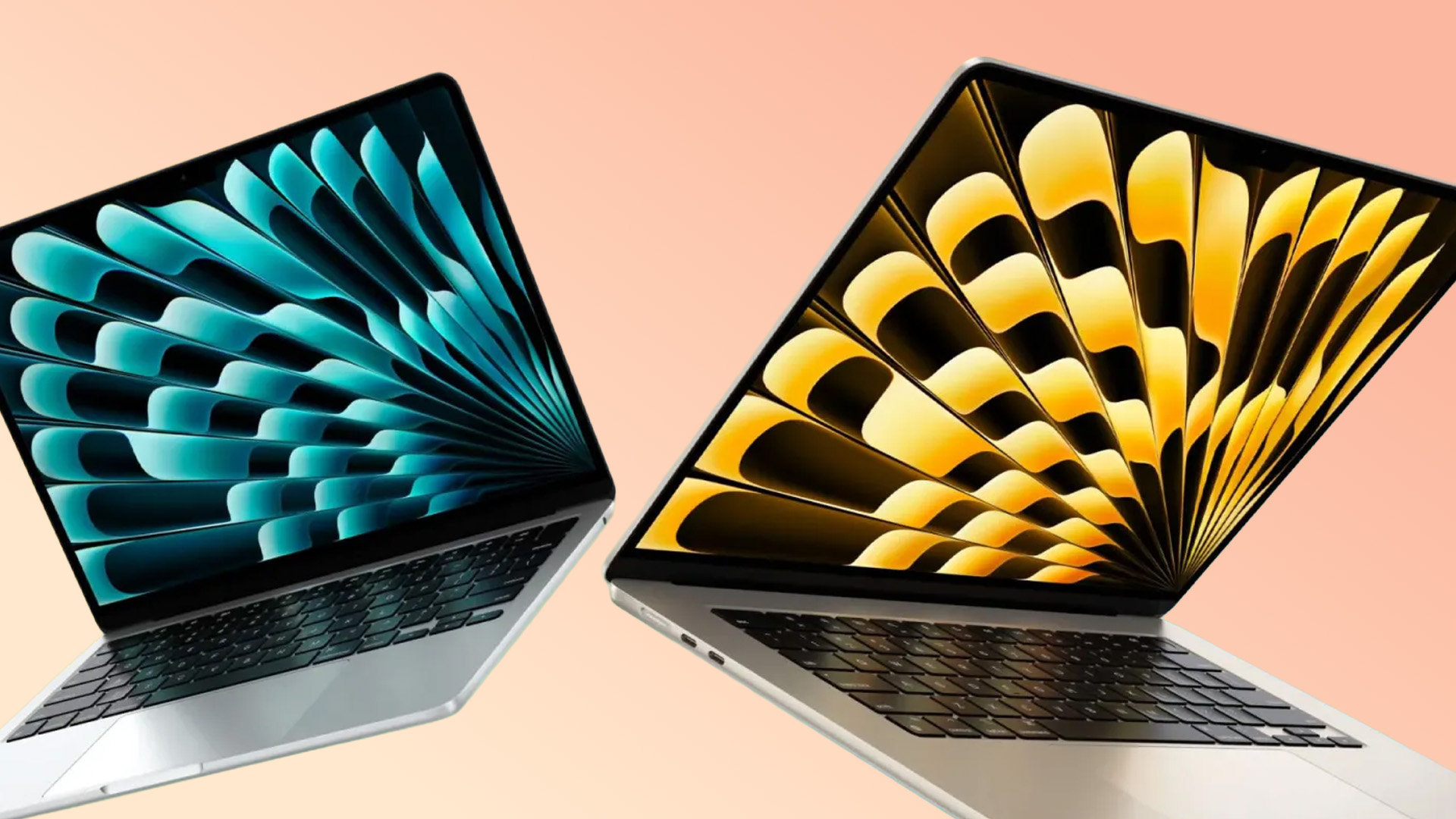
Since performance is so closely matched, the MacBook Air 13 vs 15 choice really comes down to how and where you'll use it day to day. Here's a practical breakdown by user type.
Best MacBook Air Size for Students
Most students are best served by the Apple MacBook Air 13. It is lighter to carry between lectures, cheaper to buy outright and, with Apple's education pricing, can start from £1,199. If your course leans heavily on video editing, design software or spreadsheet-heavy modules, the extra screen on the 15-inch is worth the upgrade.
For a wider look at options in this budget range, our collection of lightweight laptops for students covers portable machines across several brands, not just Apple. However, if you want to stay in the Mac ecosystem but spend significantly less, the newer MacBook Neo (starting at £699) could be worth considering.
Best MacBook Air Size for Work and Business
This one depends entirely on your working pattern. Desk-based professionals who rarely leave the office tend to prefer the 15-inch for its larger canvas, while hybrid and field-based workers who move between locations usually get on better with the lighter 13-inch.
Best MacBook Air Size for Creatives and Multitaskers
Photographers, video editors and anyone juggling multiple creative apps at once generally benefit from the Apple Air 15's extra screen real estate and stronger six-speaker system. The larger canvas makes timeline editing and layered design work noticeably less cramped than on the smaller display.
Best MacBook Air Size for Travel
For frequent flyers and regular travellers, the 13-inch wins on nearly every count: lighter to carry, smaller to pack and easier to use on a cramped tray table. If your trips involve long stretches of focused work rather than short bursts, the extra battery buffer and screen space of the 15-inch can still make sense.
Price and Value: Which MacBook Air Size Is Worth It?
Price is often the deciding factor in the MacBook Air 13 vs 15 decision, and the gap between sizes is a consistent £200 across every matching configuration.
|
Configuration |
MacBook Air 13 inch |
MacBook Air 15 inch |
|
Entry (16GB / 512GB) |
£1,299 |
£1,499 |
|
Education pricing |
£1,199 |
£1,399 |
|
Higher RAM / storage tiers |
Rises to roughly £2,000+ |
Rises to roughly £2,000+ |
Why the 13-inch MacBook Air Offers Better Value
Pound for pound, the 13-inch model is the stronger value pick for most buyers. You get the same M5 chip, the same battery life rating and the same core feature set for £200 less, with the trade-off being a smaller screen and a slightly less powerful base GPU configuration.
When the 15-inch MacBook Air Is Worth the Extra Cost
The extra spend earns you a bigger screen, a noticeably richer speaker system and a roomier trackpad and keyboard deck. Compared with other affordable 15-inch laptops on the Windows side, the MacBook Air 15 remains one of the lightest options in its screen-size class.
Should You Consider a Refurbished MacBook Air?
If budget is the main obstacle, refurbished MacBook Air UK models from an earlier generation, such as M2, M3 or M4, remain excellent choices for everyday computing at a noticeably lower price than the latest M5 models. Reputable UK retailers, like Laptop Outlet, professionally test and certify these machines and back them with a warranty, so buying refurbished doesn't have to mean buying risky.

Should You Buy the 13-inch or 15-inch MacBook Air?
The MacBook Air 13 vs 15 choice ultimately depends on how and where you work rather than raw performance, since both run the identical M5 chip, the same battery life and matching ports.
|
Choose the 13-inch MacBook Air If…
|
Choose the 15-inch MacBook Air If…
|
Overall Best Choice for Most Buyers
For the majority of UK buyers, the 13-inch MacBook Air remains the safer default thanks to its lower price, lighter weight and identical core performance. The 15-inch earns its place for anyone who values screen space and stronger graphics as standard.
Found the right size? Browse our MacBook Air range to compare the latest models, configurations and prices, and choose the one that's right for you.

In Case You Were Wondering...
Is it better to get a 13-inch or 15-inch MacBook Air?
Neither size is objectively better. In the MacBook Air 13 vs 15 decision, the 13-inch suits portability and budget, while the 15-inch suits multitasking and screen comfort. Both run identical M5 performance, so personal use matters most.
Is a 15-inch MacBook Air too big?
Not for most people. At 1.51kg and 34cm wide, it still fits easily in a standard backpack or tote. It only feels oversized if you regularly work in tight spaces like train tables or aeroplane trays.
Is a 13-inch MacBook Air too small?
No, the 13.6-inch Liquid Retina display is sharp and comfortable for everyday browsing, writing and streaming. It only feels cramped if you regularly multitask across several windows or edit large spreadsheets side by side.
Is it worth buying a MacBook Air 15-inch?
Yes, if you value screen space, better speakers and a larger trackpad for the same performance and battery life as the 13-inch. It costs around £200 more, which is a fair trade for regular desk-based use.
Which MacBook Air is better for students?
Most students do well with the 13-inch for its lower price, lighter weight and easier commuting between lectures. Students who edit video, work with large spreadsheets or want a laptop as their main desk display may prefer the 15-inch.
Read More
MacBook Air M5 for Students, Creators & Professionals: Who Should Buy?
MacBook Air M5 vs MacBook Pro M5: Should You Wait or Upgrade?
MacBook Neo vs. MacBook Air: Which Apple Laptop Should You Buy in 2026?
Related Articles

Published: March 13, 2026
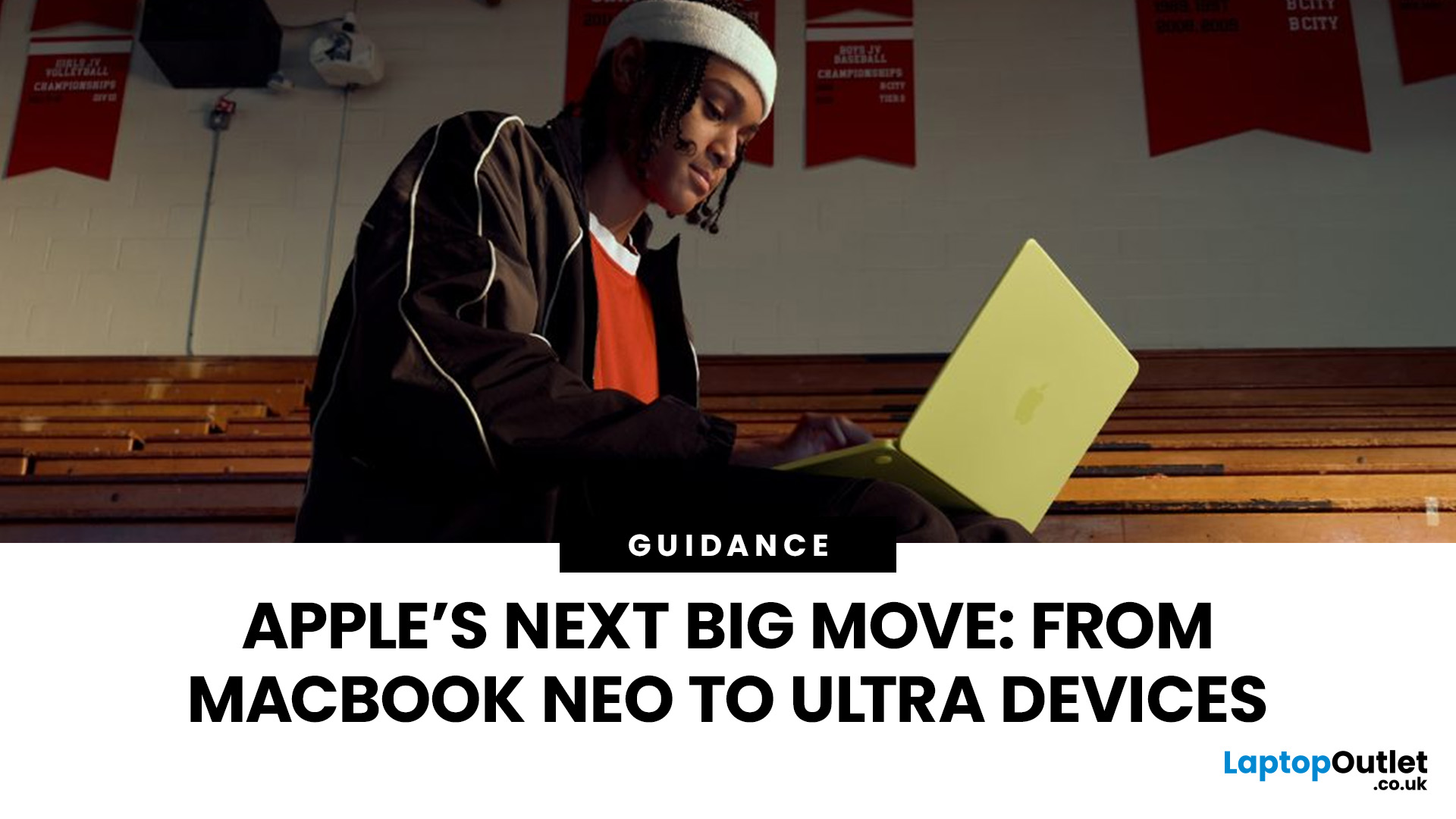
Apple is entering a new era of product strategy. For years, the company has dominated the premium tech market with devices like the iPhone Pro and MacBook Pro. But now Apple appears to be expanding its ecosystem in two directions at once: more affordable devices and ultra-premium hardware.
The recent MacBook Neo release indicates that Apple has a budget-friendly laptop to attract students and first-time Mac users. At the same time, industry reports indicate Apple is building a lineup of Ultra devices that will sit above its current Pro models.
This shift highlights what many analysts now call the Apple Ultra strategy, a long-term plan to stretch Apple’s ecosystem from entry-level devices all the way to cutting-edge luxury hardware. From the MacBook Neo at the affordable end to devices like iPhone Ultra, MacBook Ultra, and AirPods Ultra, Apple’s premium device roadmap is becoming more ambitious than ever.
MacBook Neo: Apple’s New Entry-Level Laptop
The MacBook Neo is expected to become
Last Updated: July 06, 2026
Apple’s MacBook lineup has earned its reputation through years of delivering fast performance, long battery life, and a genuinely premium build quality that is hard to beat. Whether you are buying your first Mac, switching from Windows, or troubleshooting an issue, this MacBook & Apple guide covers everything you need.
What Exactly Is a MacBook?
A MacBook is Apple’s range of portable computers, running macOS. Unlike most Windows laptops, MacBooks use Apple’s own silicon. In 2026, that means the MacBook Neo runs on A18 Pro, while the latest MacBook Air and MacBook Pro run on M5-family chips: M5, M5 Pro, and M5 Max.
All MacBooks benefit from Apple’s tight hardware and software integration, meaning everything from apps to system updates is designed specifically for the machine you are holding. That is a big reason why so many people in creative, professional, education, and everyday roles swear by them.
What Are the Latest MacBook Models in 2026?

Apple currently sells MacBooks in three lines:
Last Updated: May 06, 2026
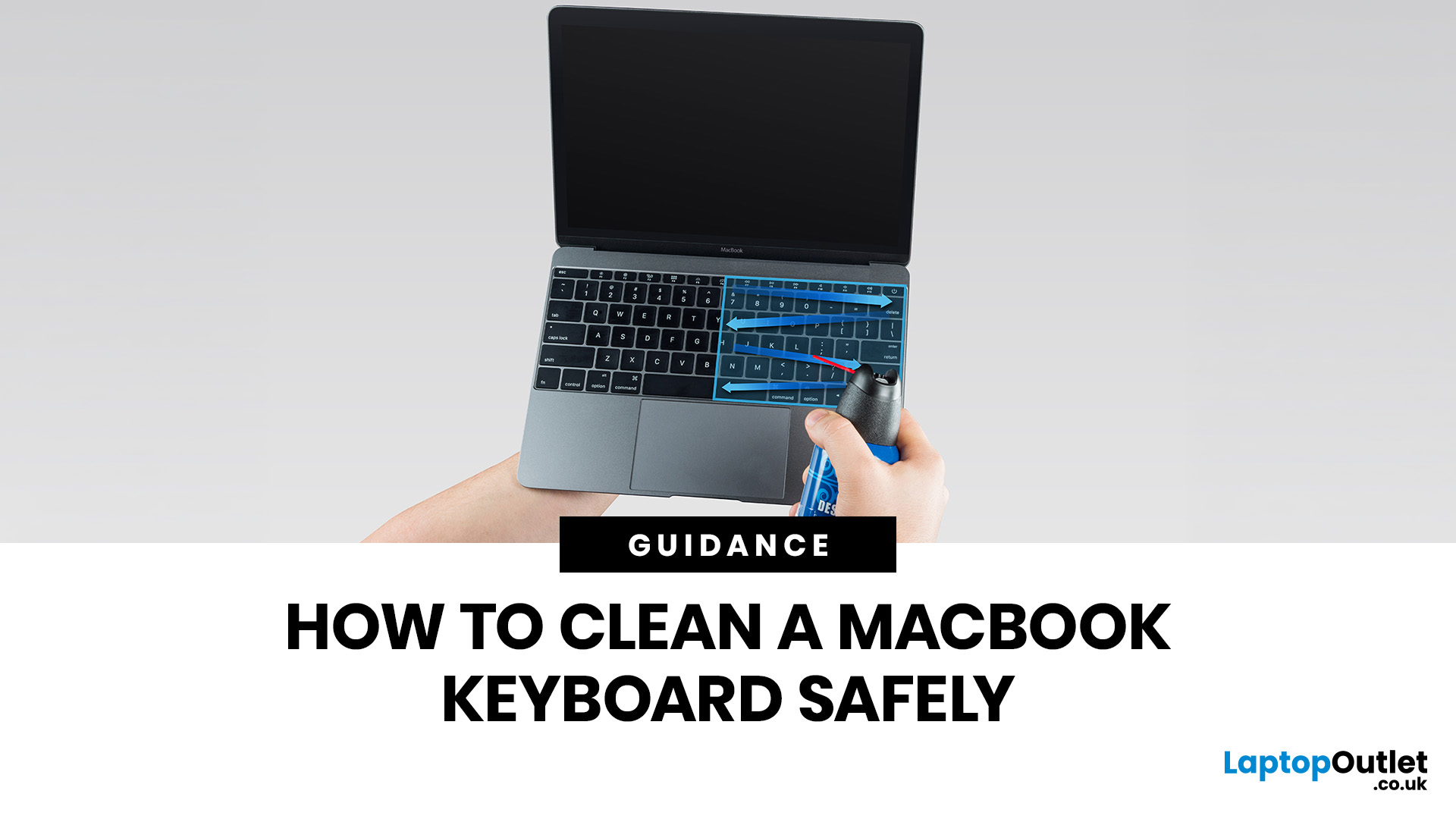
MacBook keyboard cleaning is simple when you do it the Apple-safe way: shut the laptop down, unplug it, use a soft lint-free cloth, keep moisture out of the openings, and never spray cleaner directly onto the keyboard. If you need to disinfect the surface, Apple says you can gently wipe off the hard, non-porous exterior, including the keyboard, with a 70 per cent isopropyl alcohol wipe, a 75 per cent ethyl alcohol wipe, or a disinfectant wipe.
That is the short version. The longer version matters because MacBook keyboards are not built for chaotic cleaning energy. Too much liquid, the wrong cleaner, or one “quick” spray straight onto the keys can turn a dusty keyboard into an expensive repair story. We will discuss today how to clean a Mac keyboard properly, how to remove dirt from MacBook keys, when compressed air makes sense, what not to use, and when a keyboard issue is no longer a cleaning job.
Quick Answer: How Can We Clean a MacBook Keyboard Safely?
The safest way to clean a MacBook
Last Updated: May 01, 2026
If your MacBook is not turning on, the quickest way to solve it is to work out which problem you have. Some Macs have no power at all. Others are turning on, but the screen stays black, the battery is not charging properly, or macOS is failing during startup. Those are different faults, and they need different fixes.
In most cases, the right order is simple: check the charger and outlet, force a restart, rule out a blank-screen issue, then move to Safe Mode, Apple Diagnostics, or macOS Recovery if the Mac still will not boot. If your MacBook is charging but not turning on, the issue is often startup, display, or battery-health related rather than a completely dead machine.
What to do First When MacBook Doesn't Turn On

If your MacBook won't turn on, start with the basics before assuming the worst.
- Plug it into a known-working wall socket with a compatible charger and cable.
- Leave it connected for several minutes if the battery may be flat.
- Press and hold the power button for up to 10 seconds,
Last Updated: May 06, 2026
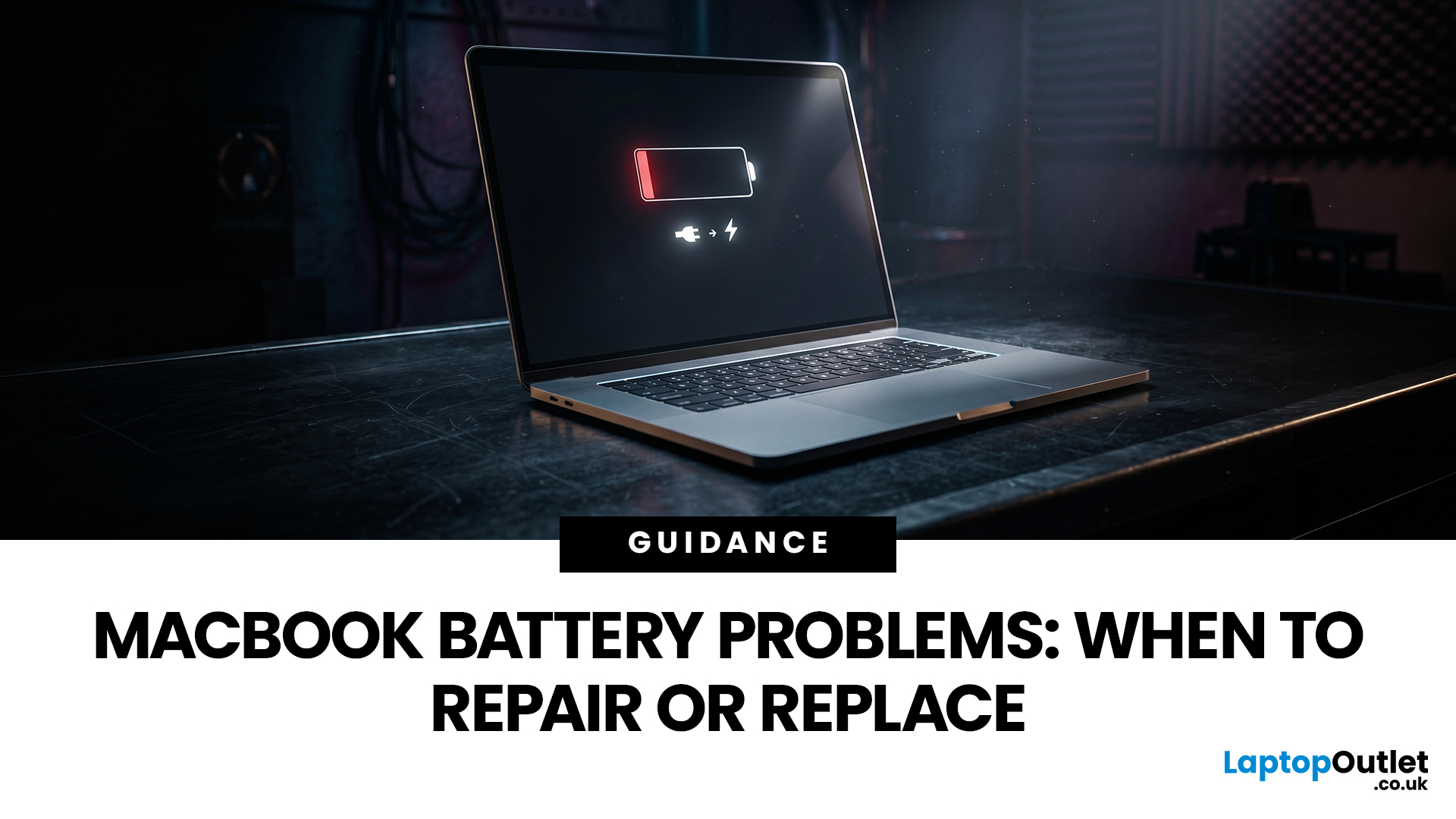
MacBook battery issues do not always mean it is time for a replacement. Sometimes your battery is genuinely wearing out, but sometimes the real problem is heat, charging habits, background apps, or even a charger that is not pulling its weight. That is what makes battery problems so confusing: the symptoms can look dramatic, while the fix might be simple.
In this guide, we will help you figure out what your MacBook is actually trying to tell you. From battery drain and overheating to charging limits and health checks, you will learn how to spot the issue, understand the cause, and decide whether a repair or replacement makes the most sense.
Why MacBook battery issues happen in the first place
MacBook batteries are built with lithium-ion technology, which is great for fast charging and portability, but like every rechargeable battery, they wear down over time. Battery age is not just about how many years you have owned the laptop. It is also shaped by your charging habits, temperature
Last Updated: June 17, 2026
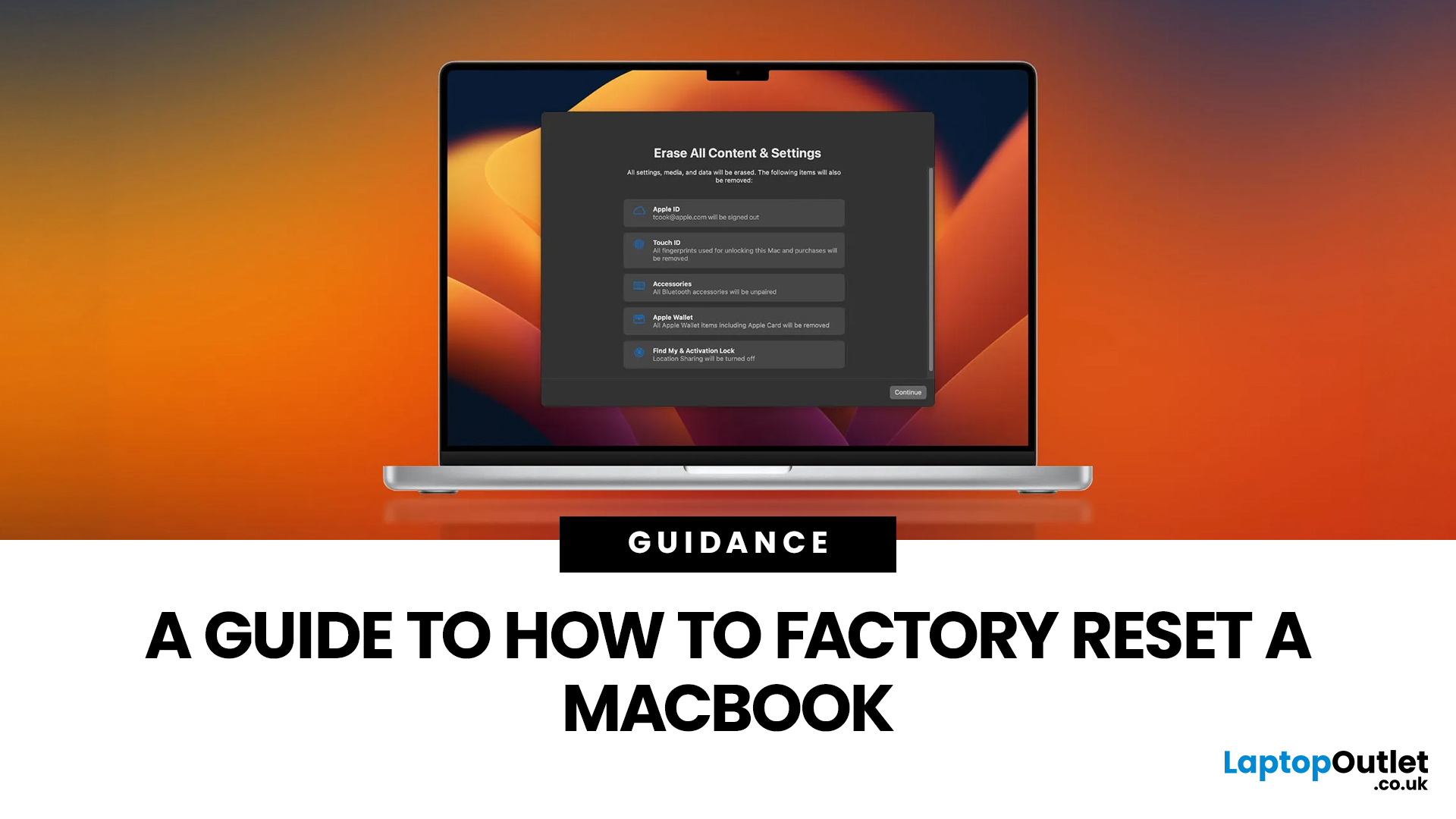
Whether you are selling your MacBook, troubleshooting a persistent software issue, or simply wanting a clean slate, knowing how to factory reset a MacBook safely is an essential skill for any Apple user.
The good news? Apple has made the process simpler than ever. But the steps you need to follow depend entirely on your MacBook model and the version of macOS you are running.
This guide will help you reset your Mac safely, avoid losing important files, and leave the laptop ready either for you or for its next owner.
What Does a Mac Factory Reset Actually Do?
A factory reset wipes your MacBook completely, removing all your files, apps, accounts, and personal settings. The end result is a machine that behaves exactly as it did the day you took it out of the box.
Depending on the method you use, the reset will either keep the current version of macOS installed or reinstall it fresh from scratch. Either way, your personal data is gone, so preparation is everything.
What To Do Before You
Last Updated: June 04, 2026
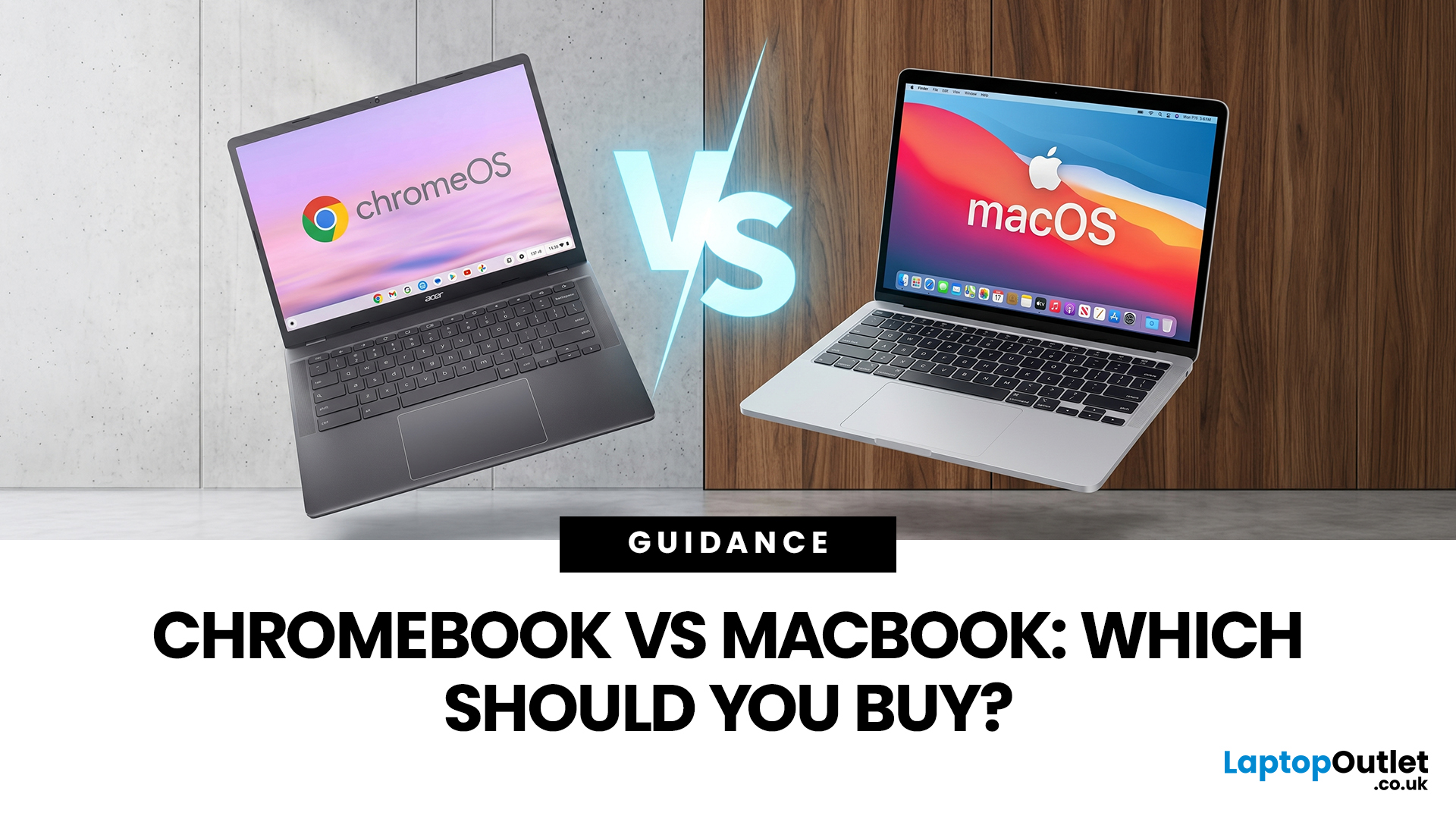
If you want the quickest answer, buy a Chromebook if you mainly use a browser, Google apps, streaming services, email, and simple everyday tools. Buy a MacBook if you need stronger performance, fuller desktop software support, and a laptop that gives you more room to grow over the next few years. That is the real Chromebook vs MacBook decision. It is less about the logo on the lid and more about how you actually work, study, and relax every day.
A Chromebook is a laptop that runs Chrome OS, built around speed, simplicity, built-in Google services, and lightweight computing. A MacBook runs macOS and is designed for a fuller desktop experience, stronger multitasking, and tighter integration with other Apple devices. If you already know you want to compare categories before choosing, start by browsing the best laptops to see where both options sit in the wider market.
Still deciding whether macOS is right for you at all? Read our PC vs Mac in 2026 guide before you choose.
Chromebook vs MacBook:
Last Updated: June 10, 2026
Quick answer: Apple is rolling out a new premium tier above its Pro range, and 2026 is the year it takes shape. Confirmed and strongly rumoured Apple Ultra releases include the iPhone Ultra, the MacBook Ultra, AirPods Ultra, and the Apple Watch Ultra 4.
For the first time, the word "Ultra" is migrating from a single smartwatch and a line of desktop chips onto iPhones, laptops, and earbuds. This is not a naming exercise. It signals a genuine leap in technology, ambition, and price. Here is everything you need to know, right now.
Note: Apple has not officially confirmed most of the products below. This article summarises current Apple leaks, analyst reports, and industry rumours.
What Exactly Is Apple's "Ultra" Strategy?
Until recently, Apple's product tiers were fairly straightforward: standard, Air, and Pro. Ultra was reserved for chips (like the M2 Ultra) and the Apple Watch Ultra, both of which signalled the absolute best in class. Now Apple is expanding that logic across
Last Updated: June 10, 2026
The MacBook new release 2026 lineup brings faster M-series chips, improved battery life, better storage options, and stronger AI performance across Apple’s laptop range. For UK buyers, the biggest updates include the M5 MacBook Air, upgraded MacBook Pro models, and ongoing Apple MacBook leaks suggesting future OLED displays, slimmer designs, and possible M6 chip upgrades.
Apple’s 2026 MacBook lineup is already taking shape, with new models aimed at students, professionals, creatives, and everyday users across the UK. The biggest confirmed updates include the MacBook Air with M5 and the latest MacBook Pro upgrades with M5 Pro and M5 Max chips. Apple says the new MacBook Air offers faster performance, expanded AI capabilities, 512GB starting storage, Wi-Fi 7, Bluetooth 6, and up to 18 hours of battery life.
For UK shoppers, this makes the 2026 MacBook range especially relevant if you are upgrading from an older Intel MacBook, an M1 MacBook Air, or a Windows laptop.
MacBook Air 2026: Best
Last Updated: September 02, 2026
Looking beyond the MacBook Pro in 2026? This guide explores the best high-performance laptop alternatives for creators, developers, designers, and power users who want premium speed, displays, battery life, and value without being locked into Apple’s ecosystem.
If you're searching for the best MacBook Pro alternatives 2026 has to offer, you're not alone. Apple's flagship laptop remains one of the most impressive machines on the market, but it comes at a significant cost, and it isn't the right fit for everyone. Whether you're moving from macOS to Windows, exploring a different ecosystem, or simply want to know your options before spending over £1,500, this guide is for you.
Why Look for MacBook Pro Alternatives in 2026?
Apple's engineering is exceptional, but there are compelling reasons why even dedicated Mac users are reconsidering their options.
Price
The MacBook Pro starts at well over £1,500 in the UK. For many buyers, particularly students, freelancers, and small business owners,

