



Security Features in HP EliteBook Laptops Explained
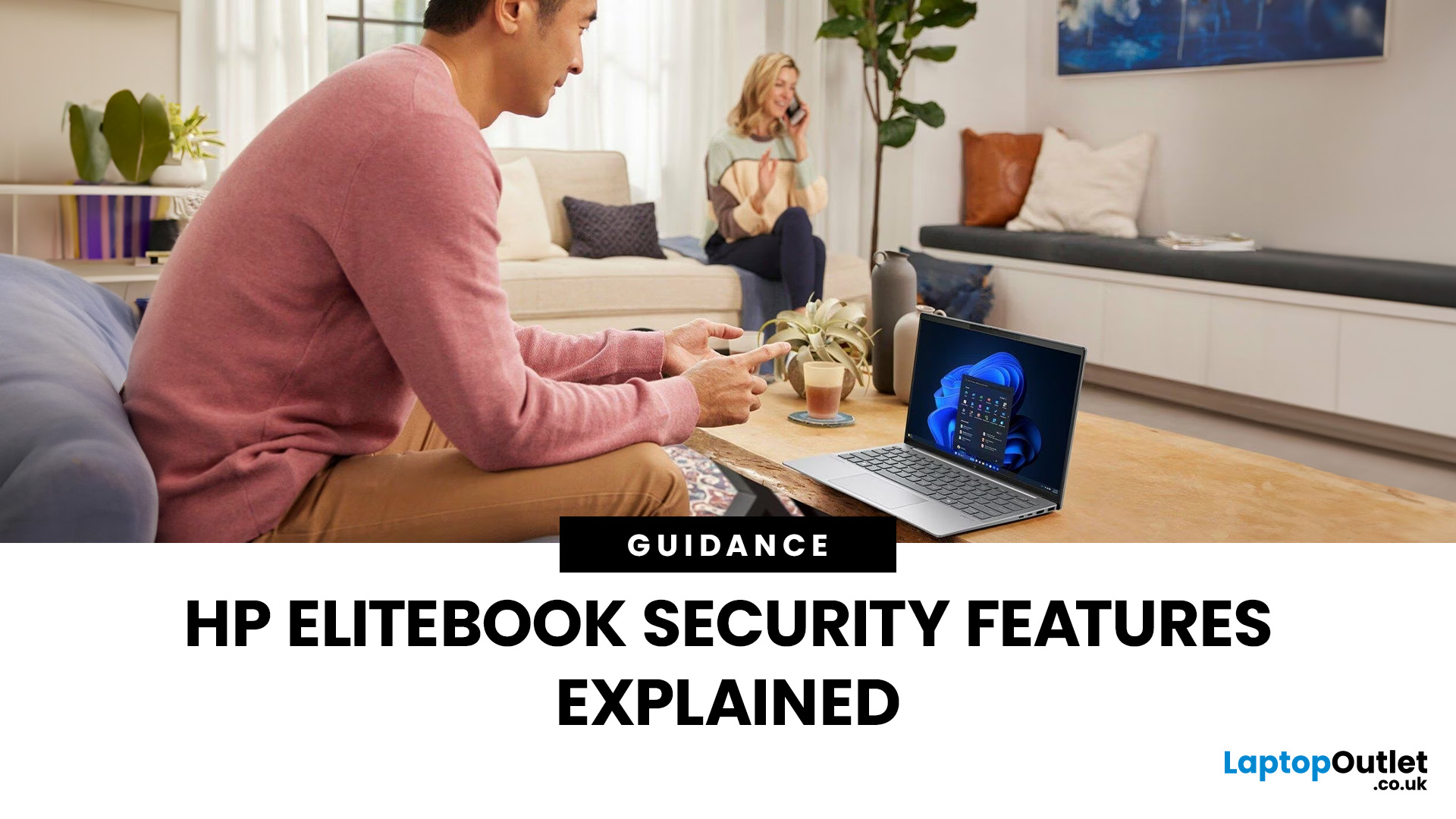
In today’s world of hybrid work, digital threats are more sophisticated than ever. That’s why businesses and professionals turn to HP EliteBook laptops security, a suite of features designed to keep sensitive data safe, reduce cyber risks, and ensure peace of mind. EliteBooks are not only built with premium materials and powerful processors, but also with security as a core principle.
This guide will break down the advanced protections that make HP EliteBook laptops some of the most secure devices on the market. From HP Wolf Security and Sure Click to advanced threat containment and credential protection, we’ll explain how these laptops safeguard your work, your data, and your identity.
Why Choose HP EliteBook Laptops for Security?
EliteBooks go beyond traditional antivirus software by building security into every layer,firmware, operating system, and even hardware. Unlike consumer-grade laptops, they offer enterprise-grade security tools that protect against malware, phishing, and firmware-level attacks.
For professionals who handle confidential information, financial data, or intellectual property, HP EliteBook data protection is a must-have.
HP Wolf Security – Complete Protection Ecosystem
HP Wolf Security is HP’s end-to-end security suite, built directly into EliteBook laptops to protect at every layer, from BIOS and hardware to the operating system and applications. In 2025, HP has enhanced Wolf Security with AI-driven threat detection, hardware isolation, and zero-trust architecture, ensuring protection against even the most sophisticated attacks. Unlike traditional antivirus tools, it doesn’t just detect threats, it actively contains them, reducing the risk of data loss or system compromise.
Key Benefits
- Threat Containment (via Micro-VMs)
Every risky activity,like opening an email attachment or visiting a website, runs in a hardware-isolated micro-virtual machine (micro-VM). Even if the file contains ransomware or spyware, it’s trapped in a secure container that self-deletes after use, keeping the host system safe.
- Advanced Malware Prevention
In 2025, HP Wolf integrates real-time AI threat analysis, capable of recognising and blocking zero-day exploits before they execute. This is especially effective against modern fileless malware and AI-generated phishing attacks.
- Enterprise-Grade Encryption
Built-in hardware-level encryption ensures files, credentials, and sensitive data are protected at rest and in transit. This includes automatic full-disk encryption with BitLocker integration, plus the ability for IT admins to enforce policies remotely.
- Identity and Credential Security
Wolf Security works with HP Sure Sense AI to detect credential-harvesting attempts, while also supporting multi-factor authentication (fingerprint, facial recognition, smart cards).
- Resilient Security for Hybrid Work
With hybrid and remote work now standard, Wolf Security provides consistent protection whether connected to the corporate network or working on public Wi-Fi.
HP Sure Click Protection

Browser-Based Security
One of the most effective tools in HP EliteBook malware prevention is HP Sure Click, and in 2025, it has become even more advanced. Cyberattacks increasingly exploit browsers and emails as entry points, which is why Sure Click is designed to isolate threats before they can harm your system.
How It Works
- Micro-Virtualisation (Micro-VMs): Each browser tab, email attachment, or downloaded file runs inside its own isolated virtual container. If malicious code is hidden inside, it stays trapped within the micro-VM and is deleted once the window is closed.
- Expanded File Support: In 2025, Sure Click now supports protection for a wider range of file formats including PDFs, Office docs, and even embedded scripts, making it far more comprehensive.
- Zero-Trust Approach: Every file and website is treated as potentially unsafe until proven otherwise, following modern zero-trust security principles.
Benefits for Professionals
- Safe Browsing: Even if you unknowingly click a malicious link or visit a compromised site, Sure Click prevents it from escaping its container.
- Email & Collaboration Security: Attachments from Outlook, Teams, and even third-party apps open in secure isolation, protecting against hidden ransomware or keyloggers.
- AI-Powered Threat Detection: The 2025 update integrates with HP Wolf Security’s AI engine, providing real-time analysis of suspicious behaviour, ensuring new threats are caught faster.
- Confidence for Hybrid Workers: Remote professionals who rely heavily on email and cloud collaboration can work with greater peace of mind, knowing that even if they make a risky click, their system and data remain safe.
HP EliteBook Secure Boot & Firmware Protection

HP EliteBook laptops security is built into the very foundation of the device. In 2025, HP has advanced its Secure Boot and firmware protection technologies to defend against the rising wave of firmware and BIOS-level attacks, which are some of the most damaging and hardest to detect.
Enhanced Secure Boot
- Ensures only trusted firmware, drivers, and operating system files load during startup.
- Uses a cryptographic signature verification process, blocking unverified code before Windows 11 even begins.
- Provides early protection against rootkits and bootkits, which attempt to embed themselves into startup files.
HP Sure Start Gen7 (Self-Healing BIOS)
- Automatically detects BIOS corruption or tampering and restores it to a safe, pre-verified state.
- In 2025, Gen7 adds AI-driven anomaly detection, allowing the system to recognise unusual activity patterns in firmware before they escalate.
- Reduces downtime by repairing firmware without user intervention, ensuring business continuity.
Hardware-Enforced Protection
- Credentials and security keys are stored in a hardware-based Trusted Platform Module (TPM 2.0), protected from malware.
- Firmware is locked in a hardware-isolated enclave, making it far harder for attackers to modify.
- Integration with Microsoft Pluton security processor on newer EliteBook models provides additional resistance against physical tampering.
Why It Matters for Business
- Prevents data breaches caused by firmware-level malware.
- Reduces risk of downtime by enabling automatic, instant recovery.
- Provides a resilient foundation for companies working with sensitive financial, healthcare, or government data.
With these 2025 upgrades, HP EliteBooks deliver enterprise-grade firmware resilience, ensuring that your device boots securely every time, no matter the threat.
HP EliteBook Credential Protection
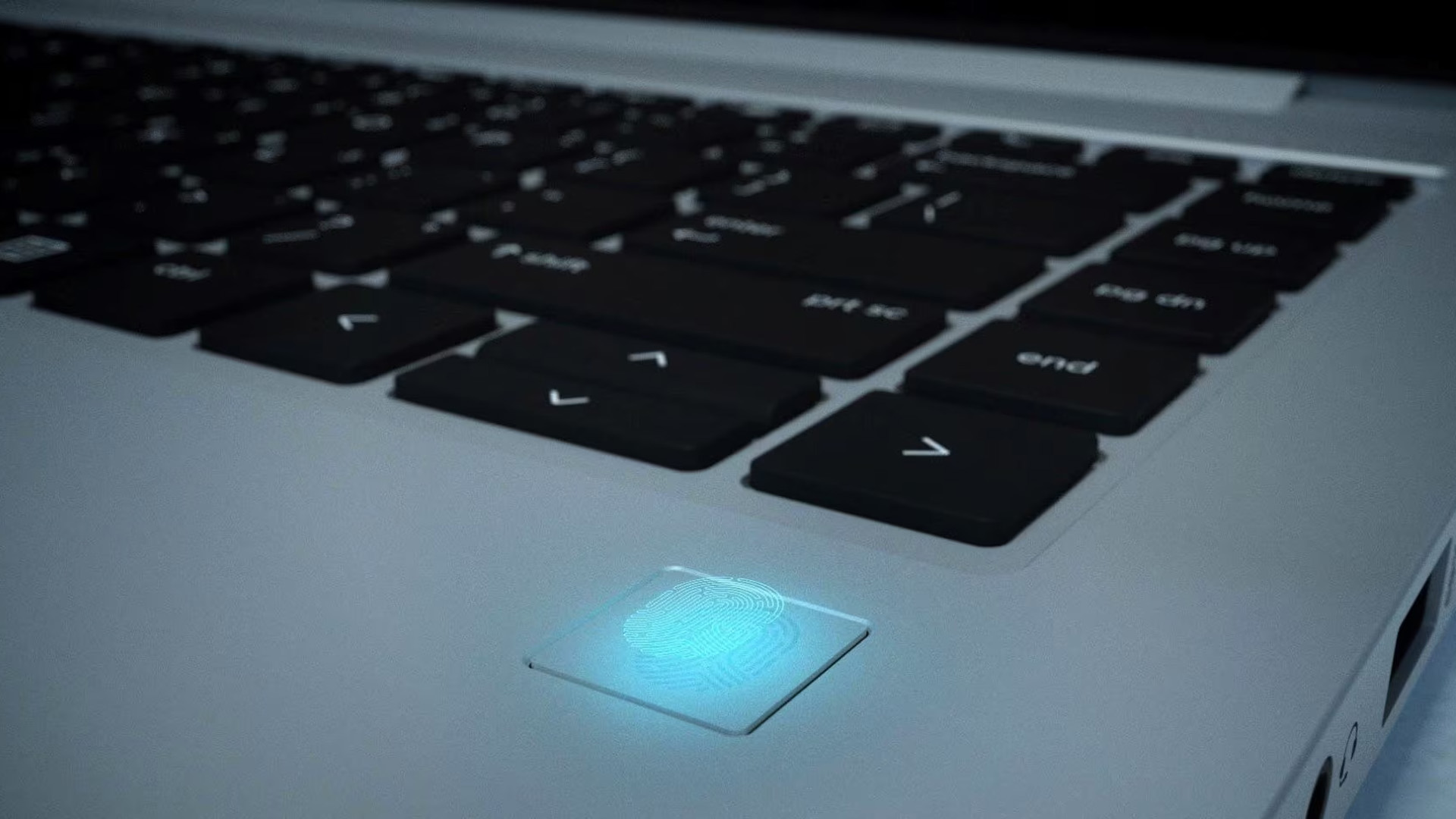
Keeping Your Identity Safe
As cybercriminals increasingly target user credentials to gain access to corporate systems, HP EliteBook laptops security has evolved to protect your digital identity with multiple, layered defences. In 2025, EliteBooks integrate AI, biometrics, and hardware isolation to ensure logins and authentication processes are secure across both local devices and cloud-based services.
HP Sure Sense AI (Next-Gen)
- Now enhanced with behavioural analysis, it can detect sophisticated phishing campaigns that mimic corporate log-in portals or generate fake MFA prompts.
- Works in real time with HP Wolf Security to quarantine suspicious login attempts before they reach the user.
Multi-Factor Authentication (MFA)
- Supports Windows Hello facial recognition, fingerprint readers, smart cards, and security keys.
- 2025 EliteBooks also integrate with FIDO2 authentication, enabling passwordless logins across enterprise applications and cloud platforms.
- MFA policies can now be remotely enforced by IT admins, ideal for hybrid or remote teams.
Secure Enclaves & Hardware-Based Protection
- Credentials are stored in TPM 2.0 chips or the Microsoft Pluton security processor (available in newer EliteBook models), isolating them from the main OS where malware might lurk.
- HP Credential Guard Integration ensures that even if the operating system is compromised, attackers cannot extract saved login data.
- Hardware-backed secure enclaves reduce the attack surface significantly, making brute force or credential harvesting attacks nearly impossible.
Why It Matters for Professionals
- Protects against phishing, credential stuffing, and identity theft.
- Ensures compliance with enterprise security standards such as GDPR, HIPAA, and Zero-Trust frameworks.
- Provides seamless yet secure access for remote and hybrid workers logging into VPNs, cloud apps, or enterprise portals.
HP EliteBook Threat Containment & Malware Prevention
With threats becoming more sophisticated and often AI-driven, HP EliteBook laptops security in 2025 now integrates proactive and intelligent threat containment tools that go far beyond standard antivirus solutions. Instead of just detecting malware after it appears, EliteBooks isolate and neutralise it before it can cause harm.
Advanced Features
Virtualised Sandboxing (Micro-VMs)
- Suspicious files, apps, and links run inside isolated micro-virtual machines (part of HP Wolf Security).
- Even if malware executes, it is contained and erased once the sandbox closes, preventing lateral spread to the OS.
- Expanded support now covers Office macros, PDFs, email attachments, and scripts, common sources of ransomware.
AI-Driven Real-Time Detection
- Uses machine learning and behavioural analytics to detect anomalies, including zero-day exploits not yet listed in threat databases.
- Integrates with HP Sure Sense AI for predictive defence, flagging unusual file behaviour before it activates.
- Particularly effective against fileless attacks, which hide in memory and evade traditional antivirus scans.
Persistent Defence (Always-On Protection)
- EliteBooks provide continuous protection online and offline, unlike cloud-only solutions.
- The latest models use hardware-level monitoring to scan for attacks even without internet access.
- Threat logs are synced with IT admins once the device reconnects, supporting enterprise-wide threat intelligence.
Ransomware & Zero-Day Resilience
- Virtualised containers block ransomware payloads before they can encrypt files.
- Automatic rollback features can restore systems to a safe state after a blocked attack.
- AI-based anomaly detection ensures faster responses to never-before-seen threats.
Why It Matters for Professionals
In 2025, cyberattacks often target remote and hybrid workers, exploiting cloud apps and email collaboration tools. With HP EliteBook threat containment and malware prevention, professionals gain a powerful shield against phishing, ransomware, and zero-day exploits, ensuring work continuity and data integrity at all times.
HP EliteBook Data Protection in Everyday Use
Beyond software, EliteBooks are designed to protect business data in real-world scenarios:
- BitLocker Full Disk Encryption: Keeps all your files encrypted at rest.
- Remote Wipe Capabilities: If a laptop is lost, IT admins can wipe it remotely.
- Privacy Screens (HP Sure View): Defend against visual hacking by limiting screen visibility in public places.

Bottom Line
HP EliteBook laptops security is about more than antivirus; it’s about multi-layered protection for professionals and businesses that cannot afford risks. With Wolf Security, Sure Click, Secure Boot, and AI-powered malware defences, EliteBooks are built for the modern world of hybrid work and digital threats. If you’re looking for a laptop that prioritises data protection, reliability, and peace of mind, the HP EliteBook is an excellent choice.

FAQs
Q1. What makes HP EliteBook security different from standard laptops?
EliteBooks integrate enterprise-grade protection like HP Wolf Security, Sure Click, and hardware-based BIOS recovery, going far beyond consumer antivirus tools.
Q2. Does HP Wolf Security require extra software?
No, Wolf Security comes pre-installed and works seamlessly with Windows 11 for complete system protection.
Q3. Can HP EliteBooks protect against phishing?
Yes. Features like HP Sure Sense AI and Sure Click provide strong defences against phishing attacks by isolating harmful content.
Q4. How does EliteBook secure boot work?
Secure boot ensures only trusted firmware loads at startup, protecting against rootkits and firmware-based malware.
Is HP EliteBook security good for small businesses too?
Absolutely. EliteBooks are excellent for SMEs as well as large enterprises, providing affordable access to enterprise-level data protection.
| Read More: |
| Which HP Laptops Are Best for Gaming |
| The Ultimate Buying Guide to HP Laptops: Models, Features, and Usage |
| How to Improve Battery Life on HP Laptops |
Related Articles

Last Updated: April 03, 2026
Last Updated: August 13, 2026
Choosing between an HP EliteBook and an HP ProBook comes down to your budget, working environment and priorities.
The quick answer is:
- Choose an HP EliteBook if you want a more premium business laptop with stronger enterprise features, higher-quality display options and a refined design.
- Choose an HP ProBook if you need dependable everyday performance, practical connectivity and better value for a small business or growing team.
Both ranges are designed for professional use. However, specifications differ between individual models, so compare the processor, memory, display, ports, security features and warranty before buying.
What Is the Difference Between HP EliteBook and ProBook?
The main difference between HP EliteBook and ProBook laptops is their market position. EliteBook is HP’s premium commercial range, while ProBook is designed to provide essential business features at a more accessible price.
EliteBook models generally offer more premium materials, advanced manageability, higher-grade
Last Updated: March 31, 2026
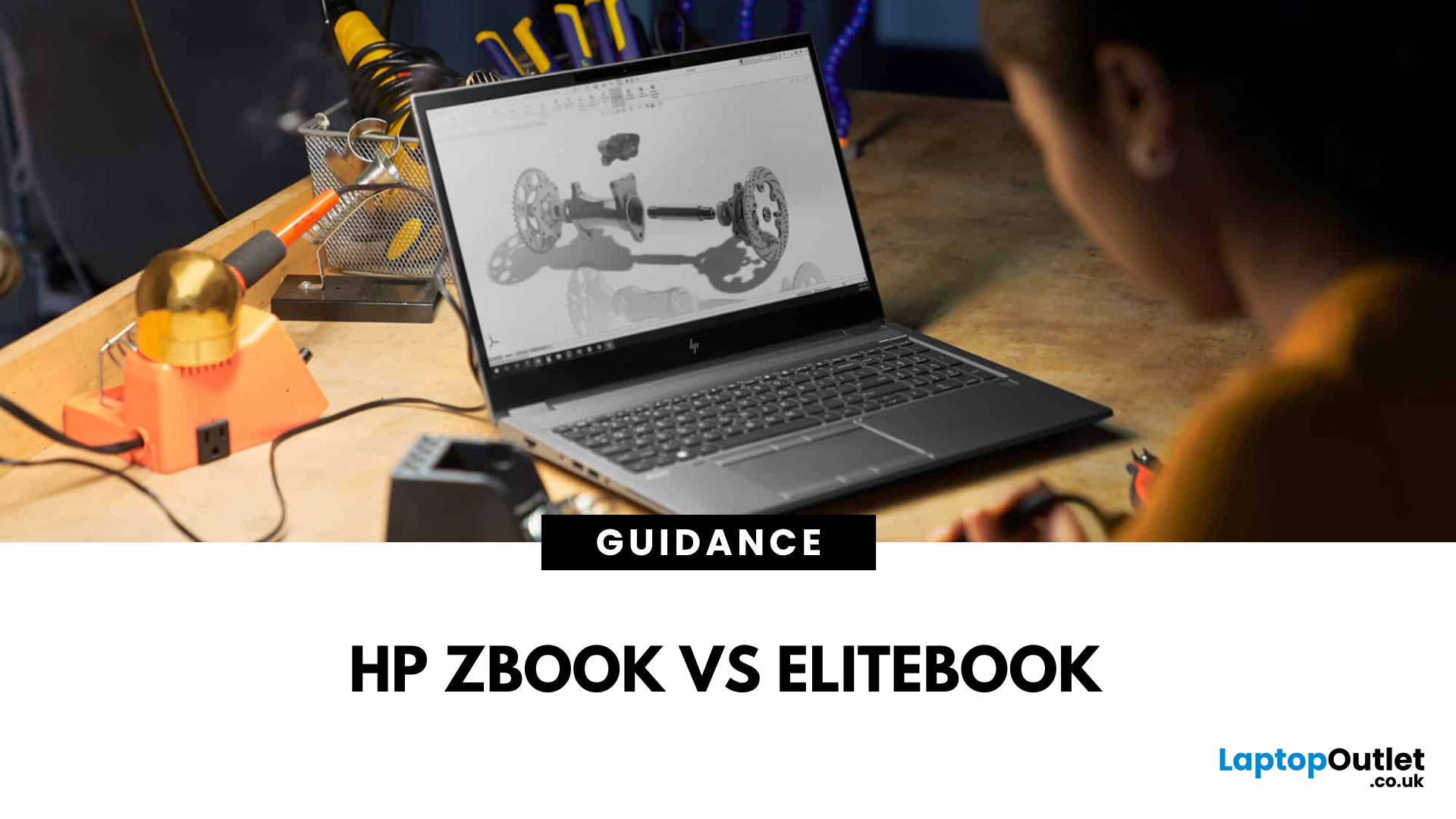
What’s the Main Difference Between ZBook and EliteBook?
The ZBook is HP’s professional workstation series — designed for creators, designers, engineers, and AI-data pros. It packs ISV-certified graphics, high-core CPUs, and upgradeable chassis for heavy-duty work.
The EliteBook is HP’s premium business-focused laptop — sleek, lightweight, secure, and ideal for executives and corporate users. It offers great battery life and enterprise-grade features, but without workstation-level power.
Feature Comparison Table
| Feature | ZBook (Workstation) | EliteBook (Business Laptop) |
| Target Audience | Creatives, engineers, AI pros, CAD designers | Business professionals, executives |
| GPU | NVIDIA Quadro / AMD FirePro (ISV-certified) | Integrated or mid-range options |
| CPU Power | High-end Intel Core H / Core Ultra processors | Core Ultra U/P series (efficient layers) |
| Display Options | HDR, DreamColor, high-resolution, touch | Bright FHD displays, optional privacy screens |
| Upgradeability | Highly |
Last Updated: August 12, 2026
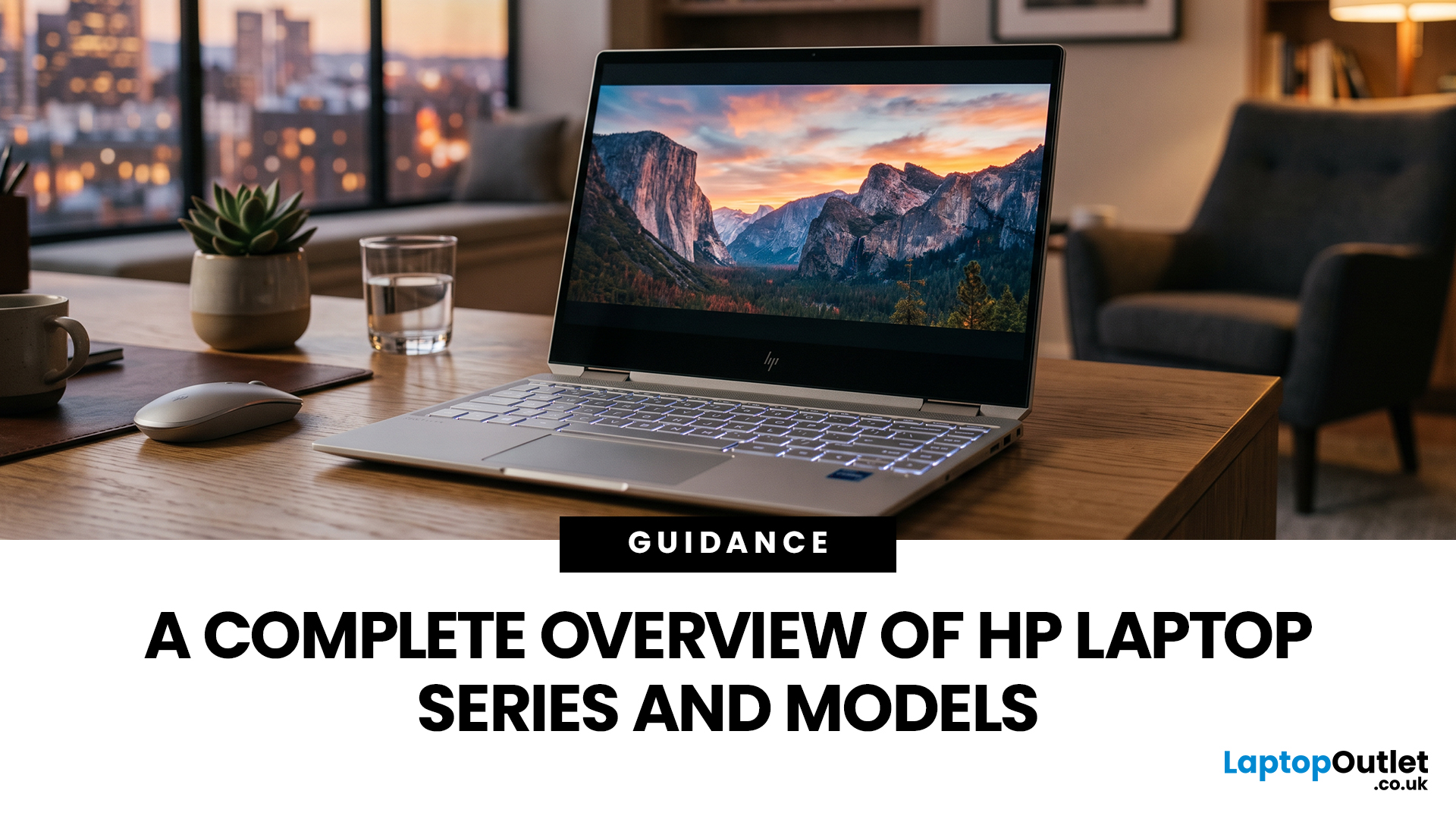
HP offers several laptop families designed for different types of users, which can make choosing between them difficult. The current HP laptop series range covers everyday home computing, education, gaming, business and demanding professional workloads.
OmniBook and Chromebook models mainly serve consumers and students, while Victus and OMEN focus on gaming. ProBook and EliteBook are designed for business environments, and ZBook systems target professional workstation tasks.
HP has also reorganised much of its newer consumer range under the OmniBook name. This guide explains the major HP series, their current model families, advantages, limitations and the users they suit best.
HP Laptop Series at a Glance
HP divides its laptops broadly according to workload, performance level and intended user. The series name gives you a useful starting point, but individual specifications still matter because two models within the same range may use different processors, graphics, displays and memory
Last Updated: September 07, 2026
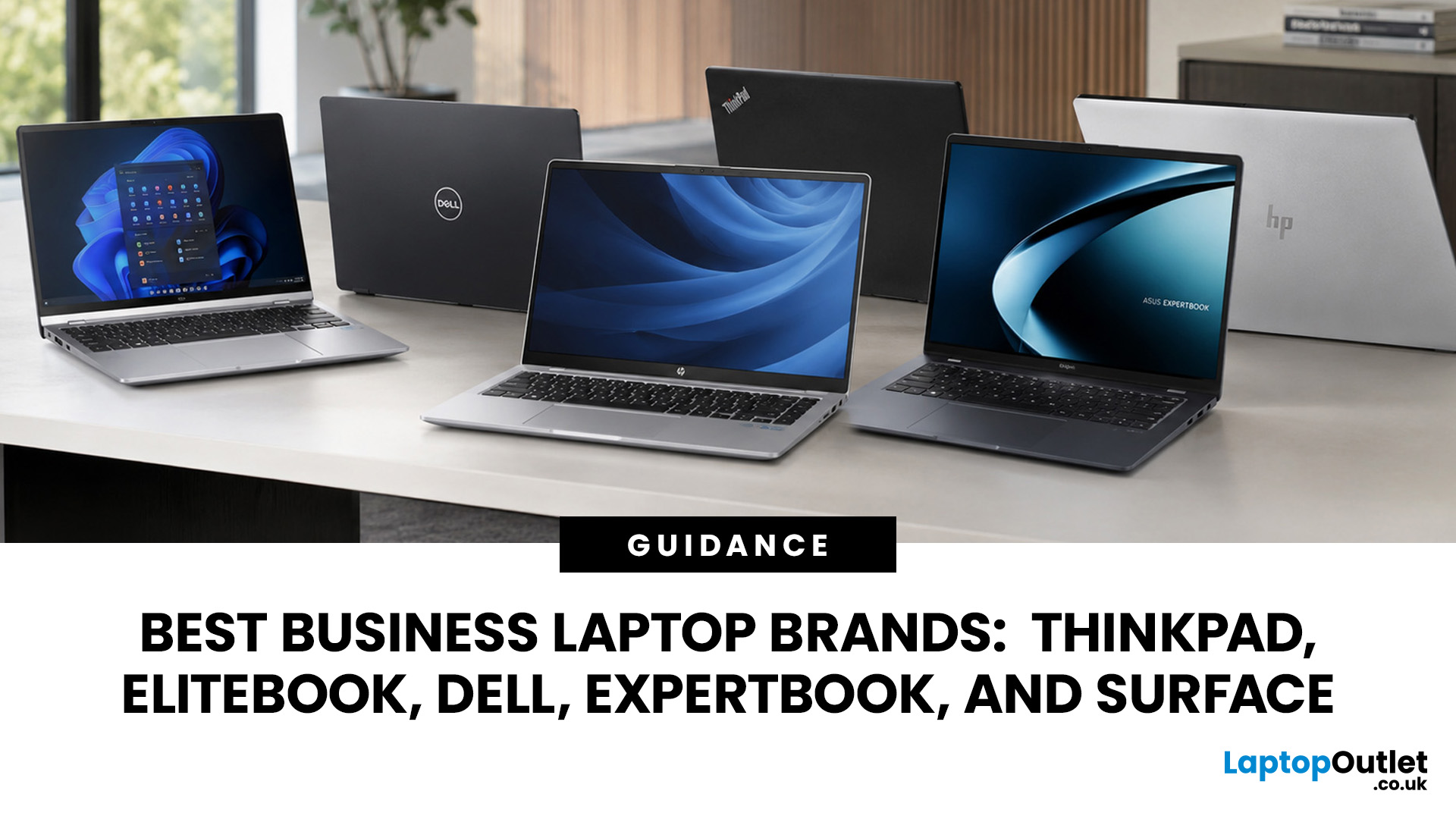
A dependable business laptop must do more than open emails and spreadsheets. It should support your applications, protect company data, connect to workplace equipment, and remain comfortable through long working days. However, even the best business laptop brands take different approaches to these requirements. This guide compares Lenovo ThinkPad, HP EliteBook, Dell Latitude, and Dell Pro, ASUS ExpertBook, and Microsoft Surface so you can identify the most suitable range for your work.
Which Business Laptop Brand is Best?
There is no single best brand for every professional. Lenovo ThinkPad offers one of the broadest selections, while HP EliteBook places strong emphasis on security and collaboration. Dell Latitude and newer Dell Pro systems suit managed IT environments, ASUS ExpertBook provides practical options for SMEs, and Microsoft Surface combines premium mobility with close Windows integration.
The right choice ultimately depends on your software, security policies, working location,

