



ThinkPad X1 Carbon vs ThinkPad T Series: Key Differences Explained
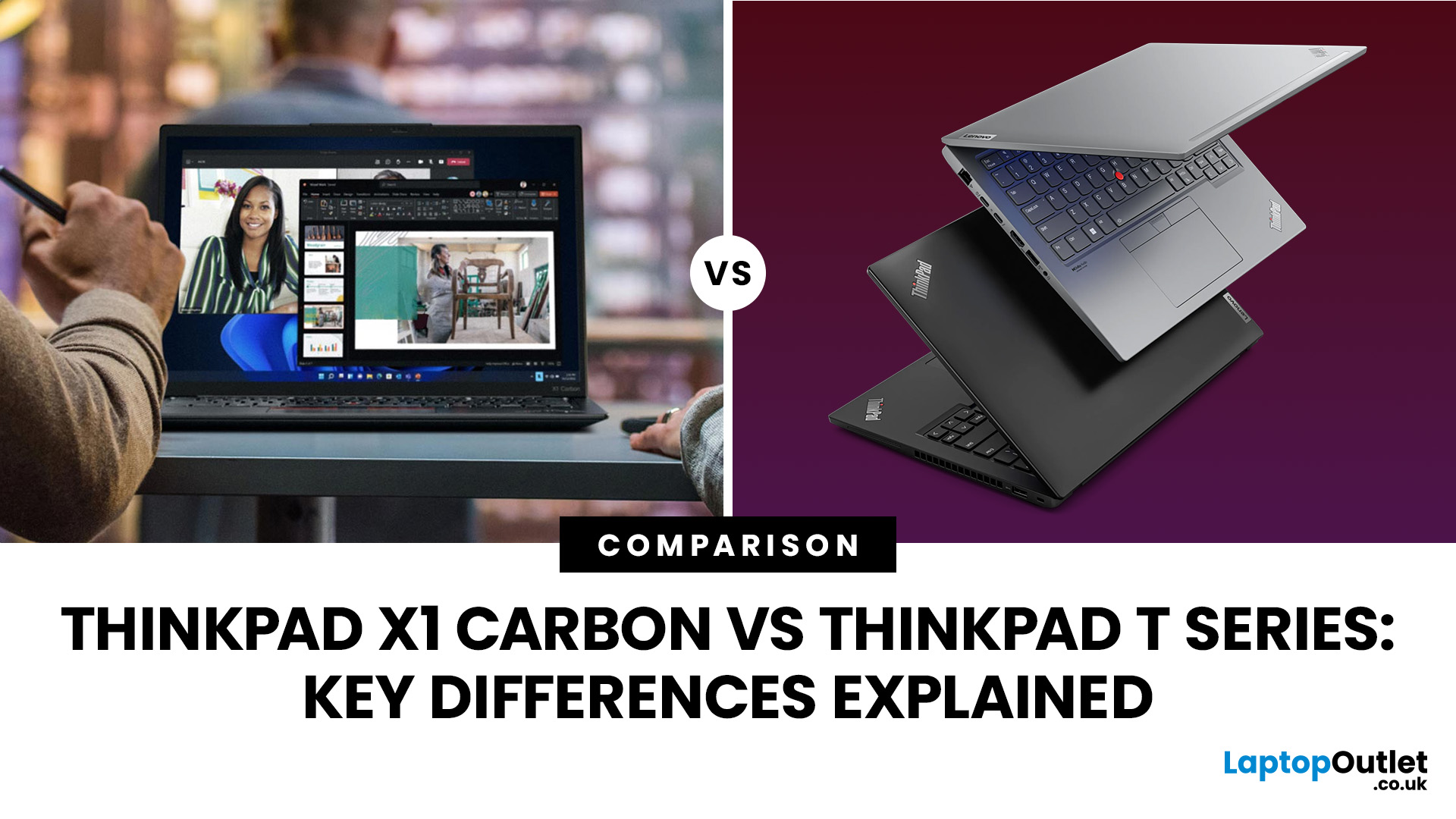
The ThinkPad X1 Carbon is Lenovo’s premium 14-inch business ultraportable, while the ThinkPad T Series is a broader mainstream family of Lenovo laptop collection, built around choice, connectivity and fleet practicality.
The ThinkPad X1 Carbon is the better choice for professionals who prioritise premium build quality, low weight and frequent travel. The ThinkPad T Series offers better value, wider configuration options, more ports and stronger upgradeability, making it more suitable for business teams, students and everyday professional use.
Choose the X1 Carbon for minimum weight and refinement; choose the T Series for stronger upgrade options, wider processor choice and better value.
This X1 Carbon vs T Series guide compares 2026 designs, using the ThinkPad X1 Carbon Gen 14 Aura Edition and ThinkPad T14 Gen 7 as representative models. Specifications vary by platform and region.
ThinkPad X1 Carbon vs T Series
Feature Comparison at a Glance
|
Area |
ThinkPad X1 Carbon |
ThinkPad T Series |
|
Positioning |
Flagship premium ultraportable |
Mainstream enterprise workhorse |
|
Typical sizes |
14 inches |
Usually 14 or 16 inches |
|
Starting weight |
Under 1kg on current Gen 14 models |
Around 1.27kg for current T14 Gen 7 |
|
Processors |
Intel Core Ultra |
Intel Core Ultra or AMD Ryzen AI PRO, depending on model |
|
Memory |
Fast soldered LPDDR5X, up to 64GB |
Replaceable or modular memory on selected T14 models, with higher maximums |
|
Ports |
Modern, compact selection |
More built-in business ports, including Ethernet on T14 |
|
Best for |
Frequent travel and premium mobility |
Business teams, long ownership cycles and value |
Both can offer AI processors, OLED displays, Wi-Fi 7, mobile broadband and enterprise security. The meaningful difference is how each balances portability, serviceability and flexibility.
Which Series Is Designed for Which Type of User?
The ThinkPad X1 Carbon targets professionals who carry their laptop constantly and value low weight. The T Series suits organisations and individuals needing dependable performance, broader configurations and easier standardisation.
Understanding the ThinkPad X1 Carbon and ThinkPad T Series
What Is the ThinkPad X1 Carbon?
The thinkpad x1 carbon is Lenovo’s flagship clamshell business laptop. Current ThinkPad X1 Carbon features include a carbon-fibre top, premium displays, high-resolution conferencing hardware, Thunderbolt connectivity and presence detection. Gen 14 starts below 1kg in selected configurations.
What Is the ThinkPad T Series?
The thinkpad t series is Lenovo’s mainstream premium business line, including the T14, slimmer T14s and larger T16. ThinkPad T Series features emphasise manageability, ports, security, repairability and configurations suited to workplace deployment.
Where Do These Laptops Sit in Lenovo’s ThinkPad Lineup?
The X1 Carbon sits above the T Series in prestige, material refinement and travel focus. The T Series remains a high-grade professional range rather than a budget alternative. Buyers can compare the latest Lenovo ThinkPad range.
Professionals comparing different business laptop families can also explore our Lenovo ThinkPad vs HP EliteBook comparison to assess design, security, portability and workplace features.
Build Quality and Design Differences
Materials and Chassis Construction
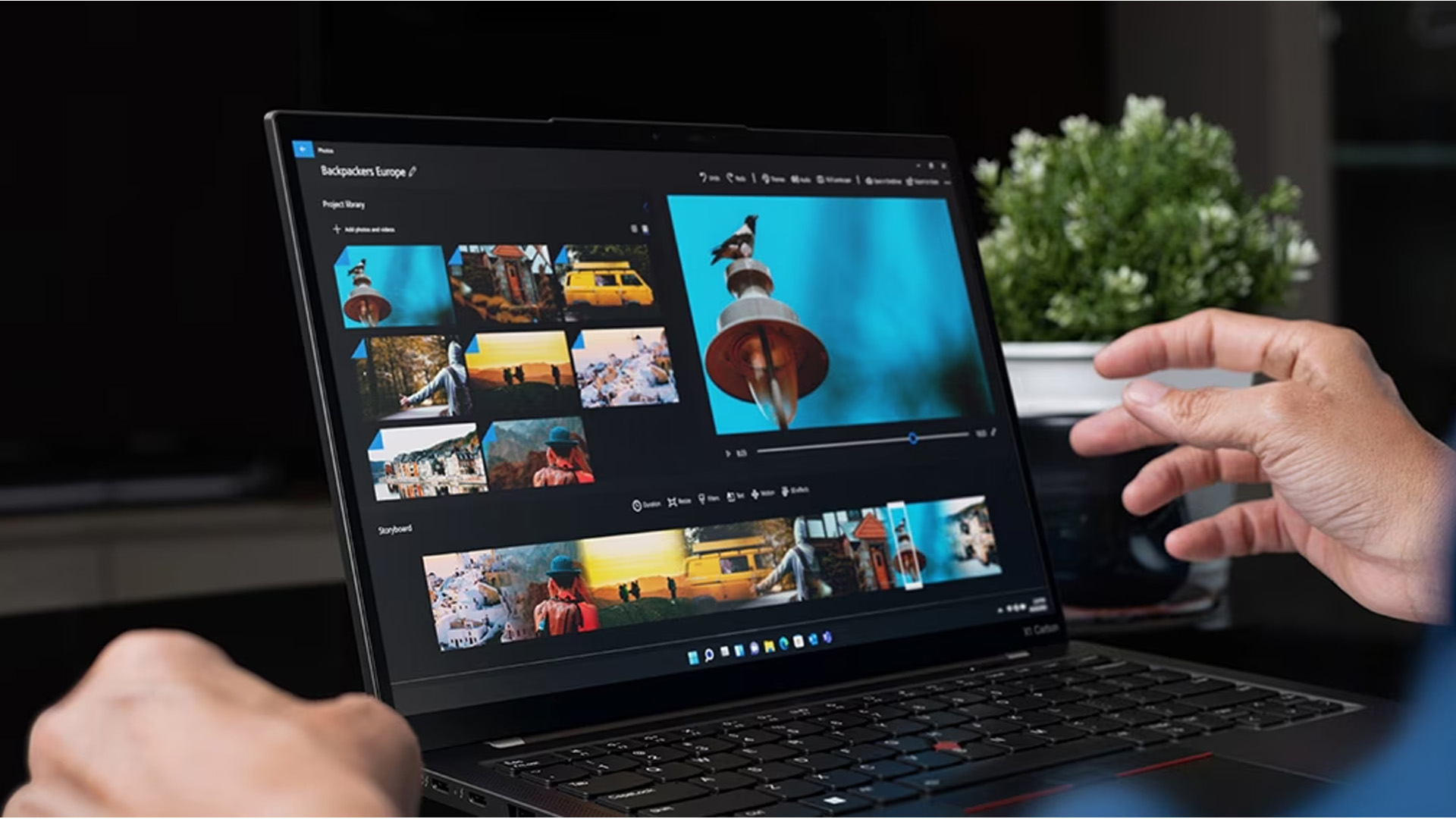
The current thinkpad carbon uses a carbon-fibre lid with magnesium or aluminium underneath, depending on the display. T14 Gen 7 models use carbon-fibre-reinforced polymer, prioritising practicality over extreme lightness. The X1 Carbon is more weight-optimised.
Weight and Portability
Weight is the clearest difference. X1 Carbon Gen 14 configurations start at approximately 0.98kg, while T14 Gen 7 starts around 1.27kg before larger batteries or WWAN hardware. That gap matters, although the T14 remains portable.
Durability and MIL-STD Testing
Both current X1 Carbon and T14 models have passed MIL-STD-810H testing. This does not make either indestructible, but confirms the T Series is not inherently less durable. Configuration and handling still affect long-term condition.
For more travel-friendly choices across Lenovo’s wider range, compare the best ultraportable and lightweight Lenovo laptops in 2026 before paying extra for the X1 Carbon.
Performance Comparison
Processor Options
The current X1 Carbon Gen 14 uses Intel Core Ultra Series 3 processors, including efficient mainstream chips and higher-core H-class options. Current T14 models offer Intel Core Ultra or AMD Ryzen AI PRO platforms. Therefore, ThinkPad T Series performance can equal or exceed an X1 Carbon in sustained multi-core tasks when the chosen processor and cooling profile are stronger.
Lenovo is also expanding its compact business range with a 13-inch ThinkPad featuring Intel Panther Lake processors, giving professionals another portable option with up to 32GB RAM.
Memory and Storage Configurations
Upgradeability favours the T14. X1 Carbon Gen 14 memory is soldered and cannot be expanded after purchase, although configurations reach 64GB. T14 Gen 7 AMD models provide two SODIMM slots and support up to 96GB on selected platforms, while Intel versions can use modular LPCAMM2 memory. Both provide replaceable M.2 SSD storage.
Older searches for thinkpad t14 gen 3 remain common, but that 2022-era model should not be used as a performance baseline for a current buying decision. Compare matching generations, processor tiers, memory capacities and power profiles.
Thermal Performance Under Workloads
The T14’s thicker chassis can provide more thermal headroom, but processor choice matters more than the series badge. An efficient X1 Carbon may feel faster during everyday office use, while a higher-powered T14 can be better for prolonged compiling, analysis or heavy multitasking. Independent configuration-level testing is essential before assuming a winner.
Display, Keyboard, and User Experience
Display Sizes and Resolution Options
Both current 14-inch families offer 16:10 WUXGA IPS and 2.8K OLED options, including 120Hz OLED panels on selected configurations. T Series buyers can also move to larger models such as the T16, while the X1 Carbon remains focused on a compact 14-inch format. Availability differs by market.
Keyboard and TrackPoint Experience
Both retain the familiar spill-resistant ThinkPad keyboard, TrackPoint and physical pointing buttons. Current specifications list similar key travel, so the X1 Carbon does not automatically provide a superior typing mechanism. Its larger touchpad and lighter palm-rest experience may feel more premium, while T14 layouts remain practical and recognisably ThinkPad.
Webcam, Audio, and Collaboration Features
X1 Carbon Gen 14 can be configured with a 10MP ultrawide IR camera, whereas current T14 options commonly reach 5MP with IR. Both can include privacy shutters, far-field microphones and presence detection, but the X1 Carbon offers the more ambitious conferencing package at the top end.

Battery Life and Connectivity
Battery Performance in Real-World Use
Battery life depends on processor, screen, brightness and workload. Efficient configurations last longest, while OLED and higher-performance processors reduce endurance. T14 Gen 7 offers 60Wh or 75Wh batteries; X1 Carbon Gen 14 uses 58Wh.
Ports and Expansion Options
The T14 is more convenient for traditional offices. Current models include two USB-A ports, two Thunderbolt 4 ports, HDMI, audio and built-in RJ-45 Ethernet, with optional smart-card and Nano-SIM slots. X1 Carbon Gen 14 provides one USB-A, three Thunderbolt 4 ports, HDMI and audio, but Ethernet requires an adapter.
Wireless Connectivity Features
Both families can offer Wi-Fi 7, Bluetooth and optional 4G or 5G WWAN. The exact wireless card and mobile broadband readiness vary by configuration, so buyers needing cellular connectivity should confirm that antennas and modem support are included before ordering.
Security and Business Features
Built-in Security Technologies
Both support ThinkShield, discrete TPM 2.0, fingerprint authentication, camera shutters, self-healing BIOS features and optional facial recognition. These similarities make either suitable for security-conscious professional use when configured and managed.
Enterprise Management Features
Intel configurations can support vPro Enterprise for remote management, while AMD T Series systems use AMD-compatible enterprise management technologies such as DASH. Organisations should select exact processor and operating-system combinations that match their existing management stack.
Privacy Features for Professionals
Selected displays support Privacy Guard and Privacy Alert, while human-presence detection can lock or wake the device based on the user’s proximity. These are configuration-dependent options, not universal features on every X1 Carbon or T Series laptop.
Pricing and Value Comparison
Long-Term Value and Reliability
The X1 Carbon’s value comes from reduced carrying weight, premium construction and a high-end user experience. The T Series can deliver stronger lifecycle value through modular memory, built-in Ethernet, broader configurations and easier matching to different employee requirements.
Which Offers Better ROI?
For frequent travellers, saving several hundred grams every working day can justify the premium. For fleets, students and hybrid workers, the T Series usually offers better return on investment because money can be directed towards more memory, a better display or longer warranty coverage.
Explore Lenovo laptops for work and study for business-focused alternatives.
Who Should Buy the ThinkPad X1 Carbon?
Best for Frequent Travellers
Choose the X1 Carbon when minimum weight, compact charging and mobile broadband options matter more than built-in Ethernet or post-purchase memory upgrades.
Best for Executives and Professionals
It suits consultants, senior managers and client-facing professionals who want a refined laptop that remains secure, durable and easy to carry between offices.
Best for Premium Productivity
The X1 Carbon is compelling for writing, presentations, conferencing and multitasking, especially with a bright low-power IPS display or premium OLED option.
Who Should Buy the ThinkPad T Series?
Best for Business Teams
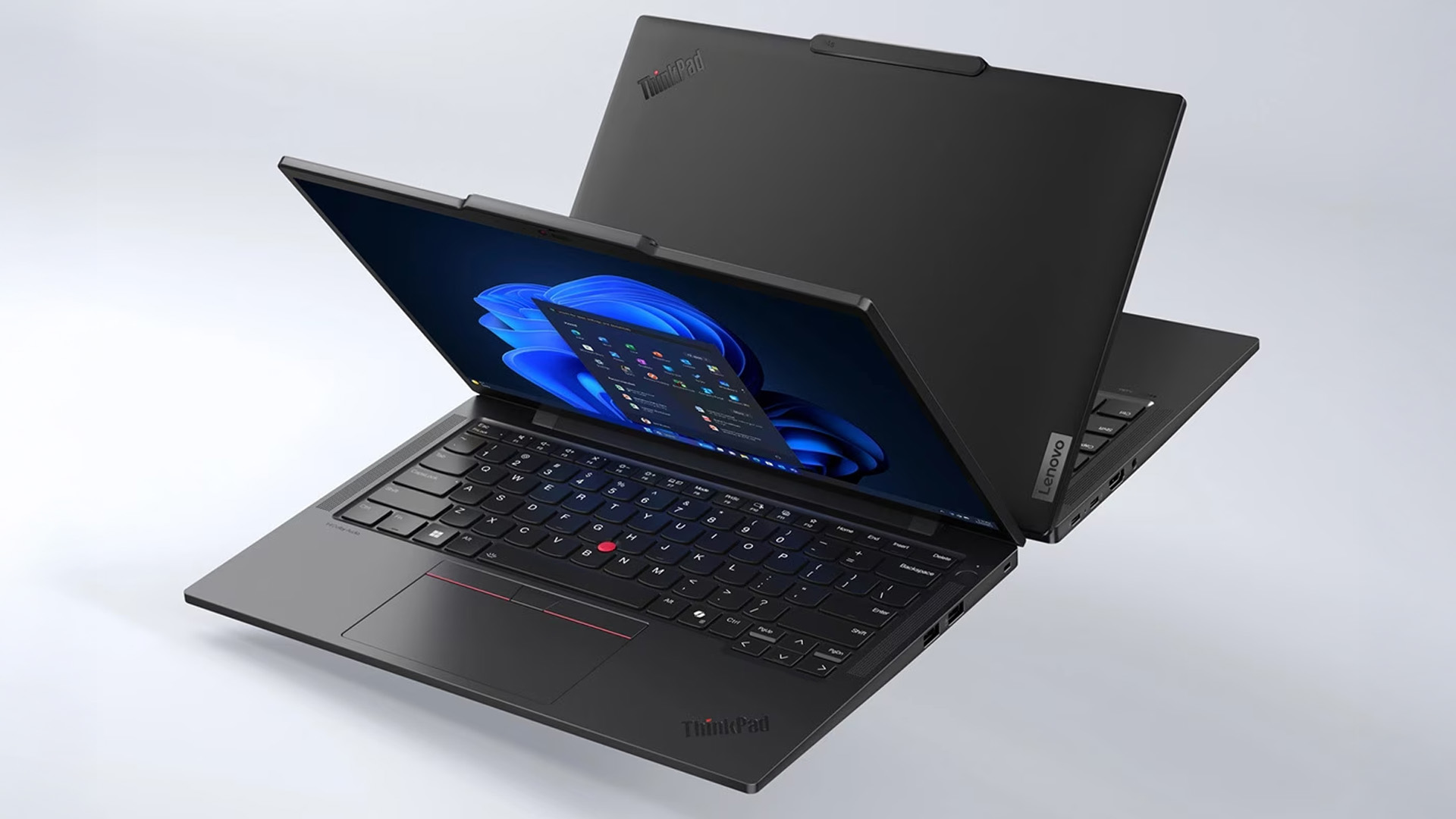
The T Series is better for standardised deployments because it offers more processor platforms, memory choices, ports and service-friendly configurations.
Best for Students and Everyday Professionals
A T14 balances portability and durability without requiring the X1 premium. Buyers with lighter needs can also compare affordable everyday Lenovo laptops and lightweight Lenovo IdeaPad laptops.
Best for Budget-Conscious Buyers
Choose the T Series when configuration value matters more than owning Lenovo’s lightest flagship. Prioritise enough RAM, a 100% sRGB display and suitable warranty cover over the series name alone.

ThinkPad X1 Carbon vs ThinkPad T Series: Which One Should You Choose?
Final Recommendation
In the t series or x1 carbon decision, buy the ThinkPad X1 Carbon for exceptional portability, premium materials and top-tier conferencing. Buy the ThinkPad T14 or another T Series model for better upgradeability, wider platform choice, more built-in ports and stronger value.
For the closest x1 carbon vs t14 comparison, match the same display class, memory capacity and processor tier. The X1 Carbon is the better travel companion; the T14 is the more adaptable business tool.

FAQs
What is the difference between Lenovo X1 Carbon and T14?
The X1 Carbon is lighter, more premium and focused on mobility. The T14 is slightly heavier but generally offers broader processor choices, more built-in ports and stronger upgradeability.
Does the ThinkPad T Series have better upgradeability?
Usually, yes. Current T14 configurations may provide modular LPCAMM2 or SODIMM memory, while X1 Carbon memory is soldered. Upgrade options still vary by generation and processor platform.
Are ThinkPad T Series laptops as durable as the X1 Carbon?
Yes. Current models from both families pass MIL-STD-810H testing. The X1 Carbon uses more weight-optimised premium materials, but the T Series is designed for demanding professional use.
Is the ThinkPad X1 Carbon worth the higher price?
It is worth paying more for professionals who travel frequently and value minimum weight, premium construction and advanced collaboration features. For most office users, the T Series delivers better practical value.
Related Articles

Last Updated: June 05, 2026
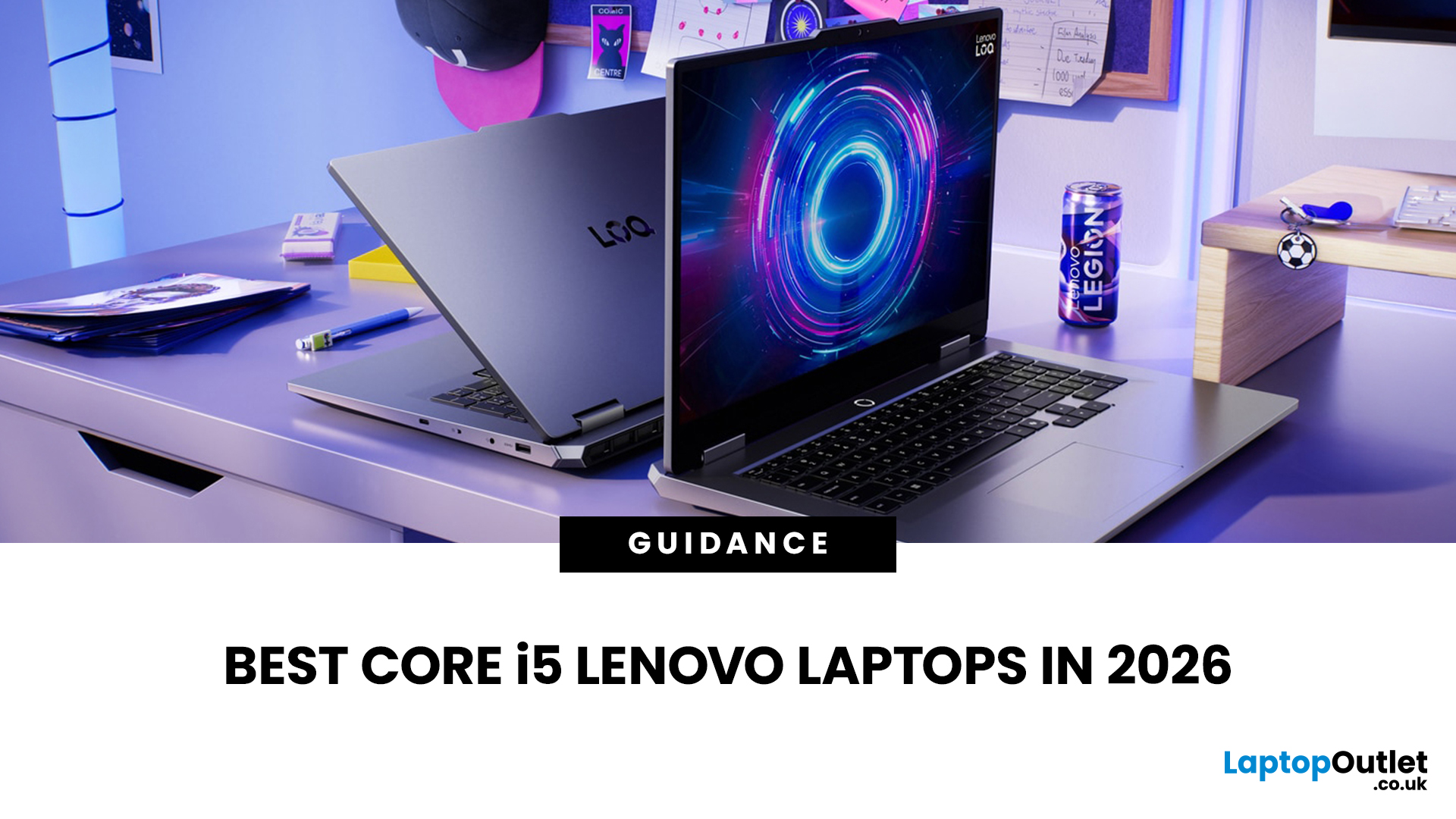
In 2026, you don’t need a four-figure budget to enjoy smooth, high-FPS gaming. With modern RTX 50-series graphics and 16GB RAM becoming the new standard, budget gaming laptops are more powerful and more accessible than ever. That’s where the Lenovo LOQ lineup comes in.
Designed as Lenovo’s entry-level gaming range, LOQ models deliver serious performance without the premium Legion price tag. Whether you’re grinding ranked matches, exploring open-world titles, or just want reliable everyday power, the best Lenovo LOQ laptops strike that sweet spot between price and performance.
In this guide, we’re breaking down the top Lenovo LOQ gaming laptops for 2026, who they’re perfect for, and how to choose the right one without overspending. Let’s get into it.
Why Lenovo LOQ Is Perfect for Budget Gaming in 2026
If you’re looking for a gaming laptop that doesn’t destroy your wallet but still runs modern games smoothly, Lenovo LOQ is basically the sweet spot in 2026.
Lenovo created the LOQ series
Last Updated: June 18, 2026
If you are searching for Core i5 Lenovo laptops, you are likely looking for a balance of performance, price, and reliability. And that is exactly where Lenovo stands out in 2026. From affordable everyday machines to durable business devices, Lenovo’s Core i5 lineup covers a wide range of use cases. Whether you need a laptop for work, study, or general productivity, there is a model that fits without pushing into premium pricing.
This guide breaks down the best options available right now, with a focus on real-world usability, value, and what each model is good for.
Why Choose a Lenovo Core i5 Laptop in 2026?
Lenovo continues to be one of the most consistent brands when it comes to mid-range laptops. Its Core i5 models are particularly popular because they offer:
- Reliable everyday performance
- Strong build quality across price ranges
- Good keyboard and typing experience
- Wide choice across business and budget segments
For most users, a Core i5 processor is more than enough for:
- Office work
Last Updated: July 09, 2026
The best lightweight Lenovo laptops in 2026 are not all trying to do the same job. If we want the lightest premium 14-inch option, Lenovo’s Yoga Slim 7i Ultra Gen 11 Aura Edition stands out at 975g with a 75Wh battery. If business travel comes first, the ThinkPad X1 Carbon Gen 13 Aura Edition is still one of the strongest all-round choices thanks to its sub-1kg starting weight on some configs, proper business-grade connectivity, and classic ThinkPad focus.
That matters because buyers looking for ultraportable Lenovo laptops usually care about more than one thing at once: low carry weight, reliable battery life, enough ports to avoid living off dongles, and a screen that still feels good after a full day of work, study or travel. In this guide, we break down the best current Lenovo options for commuters, students, professionals, creators and home users, using Lenovo’s own 2026-era spec sheets first and independent reviews where they add useful trade-offs.
What Counts as a Genuinely Lightweight
Last Updated: June 30, 2026
Lenovo technology is helping FIFA deliver a smarter and more connected FIFA World Cup 2026. Through advanced AI technology, intelligent infrastructure, and innovative broadcasting tools, Lenovo is transforming how matches are produced, analysed, and experienced by fans, broadcasters, teams, and tournament organisers worldwide.
The FIFA World Cup 2026 is in full swing across Canada, Mexico, and the United States, bringing unprecedented broadcasting demands. As the first 48-team FIFA World Cup with 104 matches, the tournament generates huge volumes of live video, data, and analysis that must be delivered instantly to global audiences.
This is where Lenovo technology plays a crucial role. Through the Lenovo FIFA partnership, Lenovo is supporting FIFA World Cup 2026 broadcasting with Lenovo AI-powered infrastructure, edge computing, connected devices, and near real-time IPTV delivery. Behind every match, Lenovo helps broadcasters manage complex workflows, ensuring fans enjoy a faster, smarter

Last Updated: August 25, 2026
Quick answer: The best Lenovo gaming monitor for streaming and esports is the one your PC can drive consistently at its native resolution while it also handles your broadcast workflow. For many mixed-use setups, a 27-inch QHD display at 165Hz to 180Hz is the balanced choice. A 24.5-inch or 27-inch Full HD screen at 240Hz or above prioritises competitive speed, while a 34-inch UWQHD display at 165Hz to 180Hz provides more room for a single-screen streaming workspace.
Those are useful profiles, not universal rules. Your real decision depends on sustained frame rate, encoder load, game genre, desk space and whether OBS, chat and alerts live on the same display. A monitor does not encode the stream, and a 240Hz panel does not make viewers receive a 240fps broadcast. It changes the experience in front of you, which can still matter greatly during competitive play.
Last Updated: August 06, 2026
Last Updated: July 27, 2026
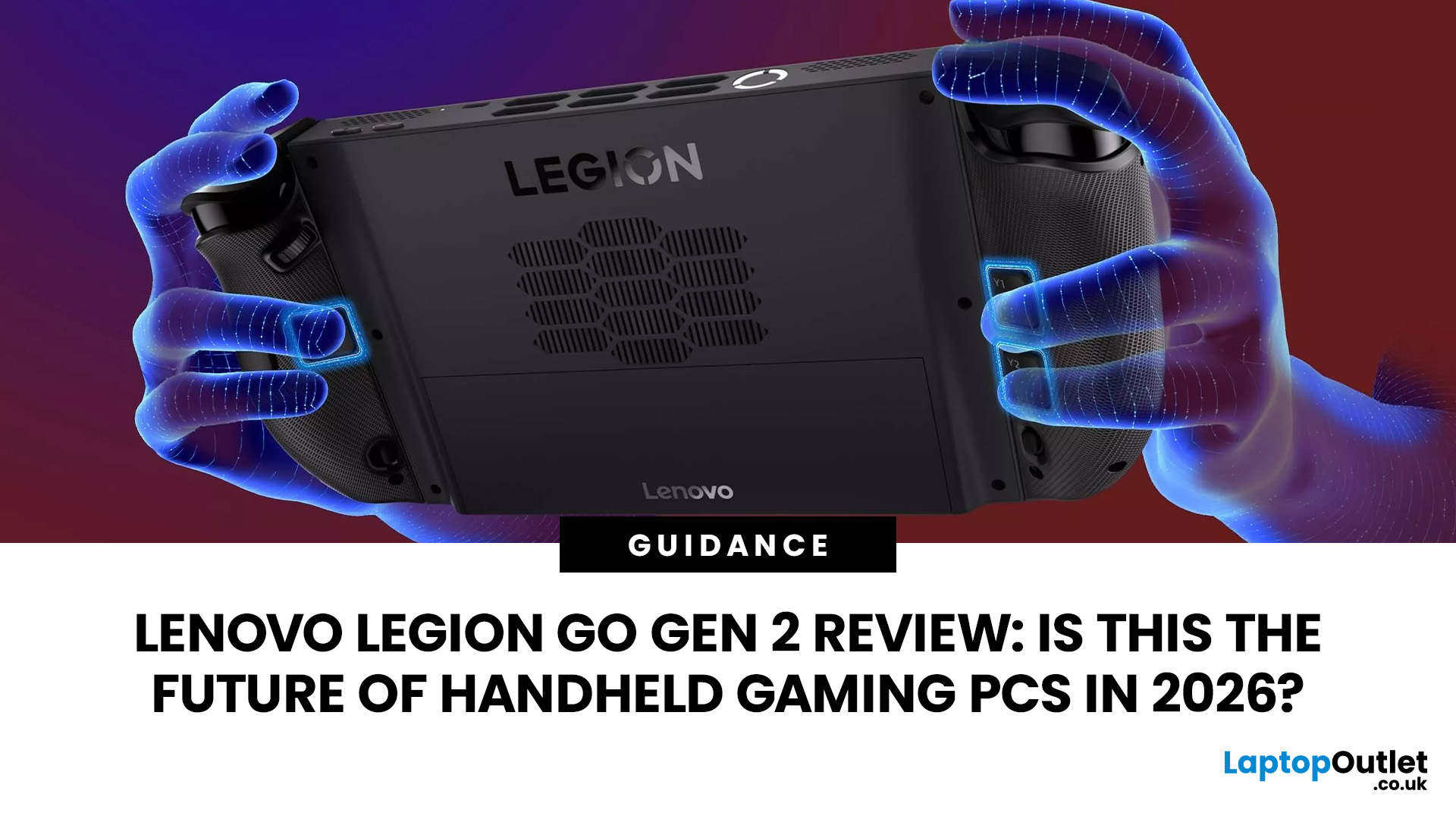
The Lenovo Legion Go Gen 2 takes almost everything that made the original handheld exciting and pushes it further. You get a huge 8.8-inch OLED display, smoother variable refresh rate gaming, upgraded AMD processing power and redesigned detachable controllers. It is powerful, flexible and packed with features, but it is also one of the biggest and most expensive handheld PCs available.
So, does this premium portable gaming PC represent the future of handheld gaming, or has Lenovo built more machine than most gamers need? This review examines its performance, battery, display, software, and competition.
Lenovo Legion Go Gen 2 Overview: What Makes This Handheld Gaming PC Different?
Lenovo officially markets the device as the Legion Go (8.8", 2), although Legion Go Gen 2 and Legion Go 2 are the names most gamers use. You may also see it shortened to Lenovo Go Gen 2, but it belongs firmly to Lenovo’s Legion gaming range. Its standout features include:
| Specification | Lenovo Legion Go Gen 2 |
| Processor |

Last Updated: September 03, 2026
Last Updated: August 06, 2026
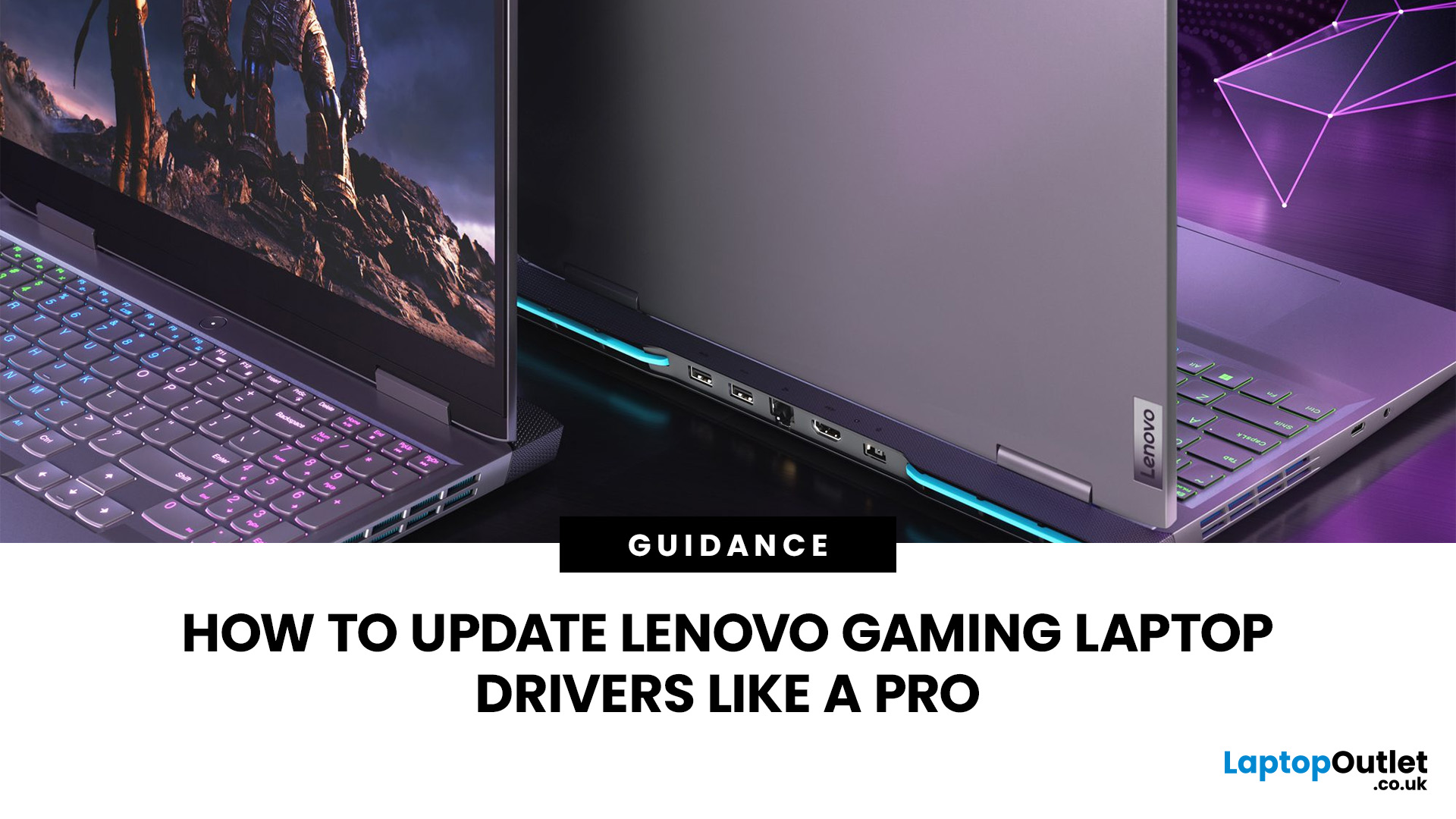
A safe Lenovo drivers update should begin with Lenovo Vantage or Lenovo Support, followed by Windows Update and, when needed, the official NVIDIA or AMD graphics software. Using these trusted sources helps ensure that chipset, graphics, audio, network, firmware and system drivers are matched to your specific Lenovo Legion or LOQ laptop.
Updating drivers can fix hardware problems, improve compatibility with newer games and address security or stability issues. However, installing every available update immediately is not always necessary. Graphics drivers often change frequently, while BIOS and firmware updates require more caution.
This guide explains how to check your current versions, install Lenovo laptop drivers safely and recover if an update causes problems. The same general process can also apply to professional Lenovo laptops for work, although gaming systems require additional attention to graphics and performance-related drivers.
Quick Driver Update Order
For most Lenovo gaming
Last Updated: July 28, 2026

