



Beginner’s Guide to AI Image Generation & Video Editing on Laptops
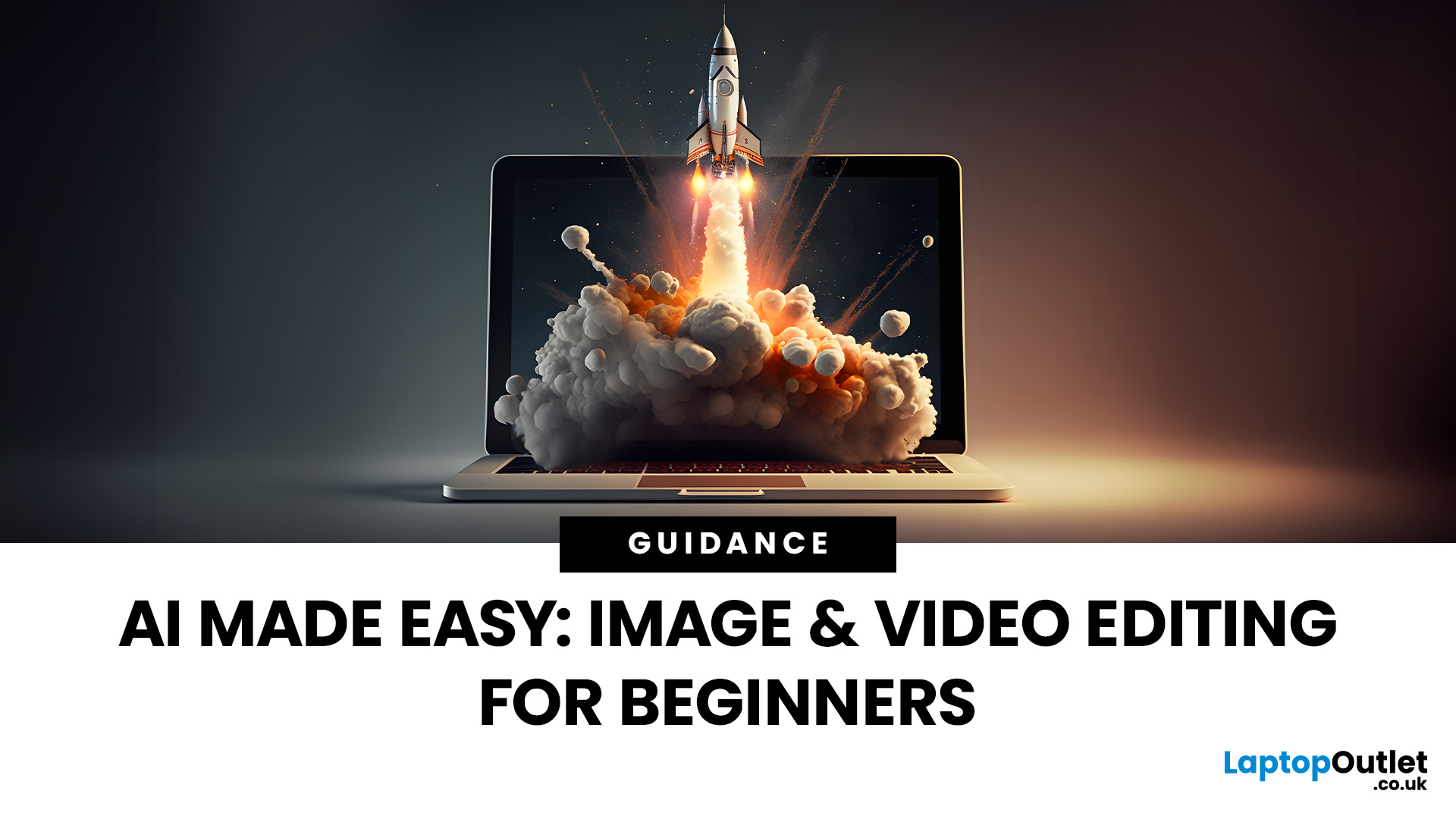
Why AI Editing is the New Creative Superpower
Back in the day, photo and video editing meant hours hunched over Adobe apps, manually tweaking every detail. Fast-forward to 2025, and AI has changed the game. Now, your laptop can generate hyper-realistic art in seconds, cut down video editing workflows, and even clean up footage automatically. But here’s the catch — with so many tools out there and specs to think about, diving into AI image & video editing can feel overwhelming.
What is AI Image & Video Editing, Anyway?
Simply put, AI image & video editing is when your laptop uses machine learning to handle tasks that normally take ages. That includes:
- AI Image Generation: Tools like Stable Diffusion, DALL·E, or MidJourney can create custom visuals, concept art, or even product photos just from text prompts.
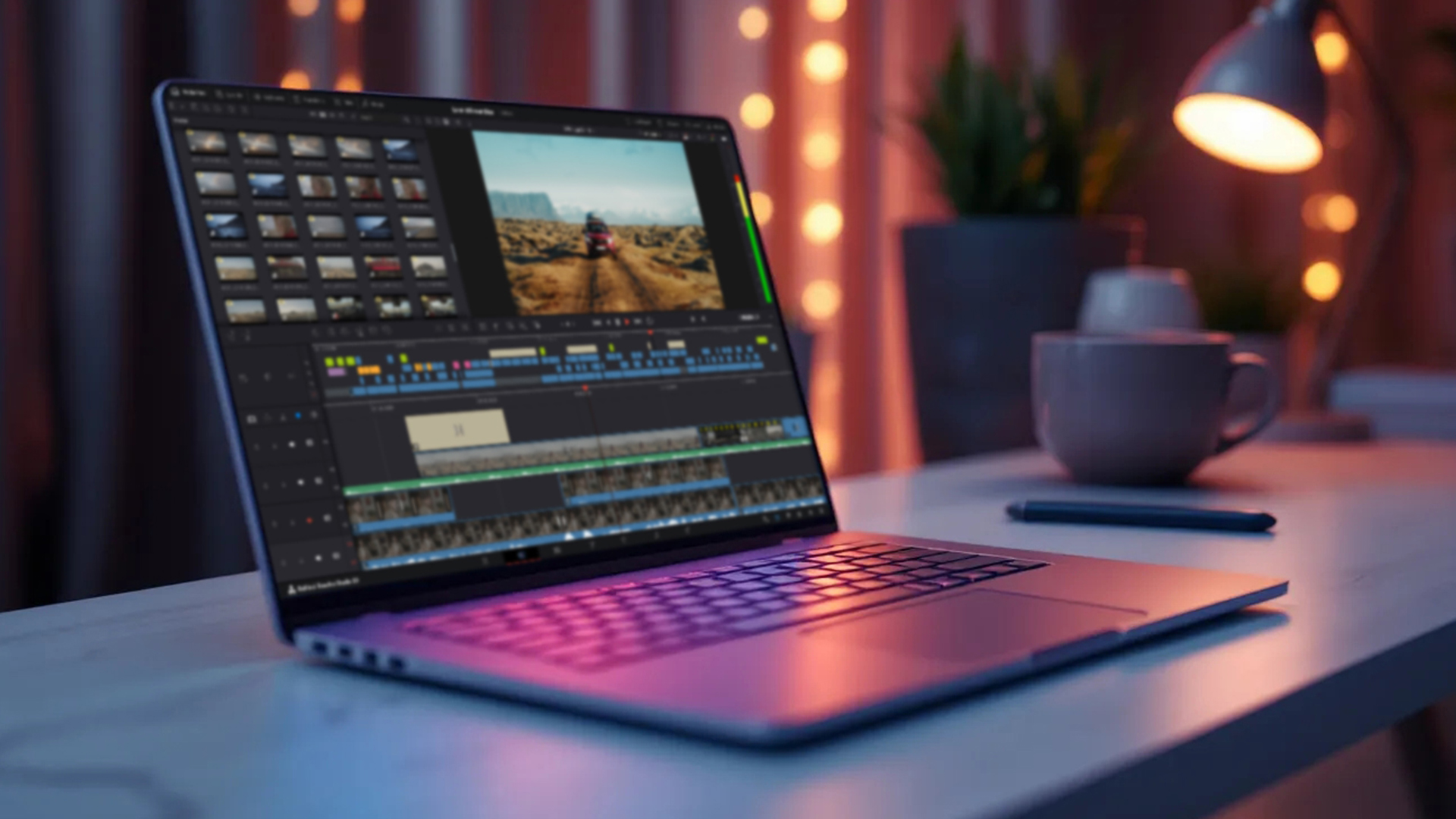
- AI Video Editing: Think auto-cutting, background removal, colour correction, or even AI-generated B-roll clips. Apps like Runway, Adobe Premiere Pro’s AI tools, and DaVinci Resolve are leading the way.
The best part? You don’t have to be a pro editor to use these tools. AI makes content creation accessible, fun, and way less time-consuming.
What Laptop Specs Do You Need for AI Editing?

GPU (Graphics Card)
This is the big one. AI workloads rely heavily on GPU cores. An Nvidia GeForce RTX 4060 laptop or above is a great starting point because it is mid-range, affordable, and packed with Tensor Cores for AI. If budget allows, RTX 5070/5080 laptops give even smoother results.
CPU (Processor)
AI models still need solid CPU support. An Intel i7 / AMD Ryzen 7 or above will keep your editing flow quick and responsive.
RAM (Memory)
For image generation, 16GB RAM is the bare minimum. If you’re diving into video editing with AI features, 32GB RAM is ideal to avoid slowdowns.
Storage
AI files can get chunky, so think 4K video or 3D image datasets. Go for at least 1TB SSD so you’re not constantly deleting projects.
Display
If you’re editing visuals, a high refresh rate display laptop with at least 100% sRGB or OLED is a game-changer. You’ll see colour accuracy and fluid previews without lag.
Beginner-Friendly AI Tools You Should Try
For Image Generation
- Stable Diffusion – Open-source, runs locally on laptops with RTX GPUs.
- DALL·E 3 – Simple, text-to-image tool for quick creative assets.
- Fotor / Canva AI – Great for casual users who want AI-powered design without complexity.
For Video Editing
- Runway Gen-2 – Generate video clips from text prompts.
- Adobe Premiere Pro (AI Beta Features) – Auto-cutting, smart captions, scene editing.
- DaVinci Resolve – AI tools for colour correction and object tracking.
Why Laptops are Perfect for AI Editing in 2025

Back in 2020, you needed a monster desktop rig to run AI workloads. Now? Portable gaming machines with RTX GPUs handle it like a dream. Whether it’s a creative laptop with RTX 4060/5070, a slim Ultrabook with AI-powered GPU, or a gaming laptop with high refresh rate display, you’ve got flexibility to create anywhere.
And with cloud AI options (like Adobe Firefly or Google Imagen), your laptop doesn’t even need to do all the heavy lifting, it just needs a decent GPU to accelerate rendering.
Tips to Get Started Without Overwhelm
- Start Small: Try free AI apps before investing in pro suites.
- Use Presets: Most AI video editors come with auto templates to cut your learning curve.
- Optimise Your Laptop: Close background apps to free up RAM during heavy AI sessions.
- Balance Quality vs Speed: Cranking everything to max will heat your laptop; find sweet spots in resolution and render settings.

Endnote
Getting into AI image & video editing doesn’t need to be intimidating. With the right AI-ready laptop and a few starter tools, you can generate images, edit videos, and level up your creative projects without years of training. In 2025, mid-range laptops with GPUs like the RTX 4060 make AI editing accessible to beginners, while premium models with RTX 5080/5090 unlock professional-grade workflows. Whether you’re chasing TikTok content, YouTube vlogs, or freelance design gigs, AI gives you the power to create faster and smarter.
So, grab your laptop from Laptop Outlet, fire up an AI editor, and start experimenting — because the future of creativity is officially in your hands.

In Case You are Wondering...
What is AI image & video editing?
AI image & video editing uses machine learning tools to generate images, automate editing, and speed up creative workflows. It includes AI image generators like Stable Diffusion and AI video tools like Adobe Premiere Pro’s smart editing features.
Do I need a powerful laptop for AI editing?
Yes. AI editing requires strong hardware. At minimum, go for an Nvidia GeForce RTX 4060 laptop with 16GB RAM. For smoother performance in video editing, 32GB RAM and a higher-end GPU (RTX 5070/5080) are recommended.
Which laptops are best for beginners in AI editing?
Gaming laptops with RTX 4080 GPUs are a sweet spot — affordable, powerful, and portable. Models like the ASUS Vivobook Pro, Acer Predator Helios Neo, and HP Victus Gaming laptops are popular among beginners.
What AI tools can I try for free?
For images, try Stable Diffusion or DALL·E. For video, test out Runway Gen-2 or the free version of DaVinci Resolve. Canva also offers beginner-friendly AI-powered design features.
Can AI editing replace traditional editing skills?
Not entirely. AI speeds up repetitive tasks and enhances creativity, but manual editing skills are still valuable for fine-tuning, storytelling, and professional-level projects.
Related Articles

Last Updated: December 11, 2025
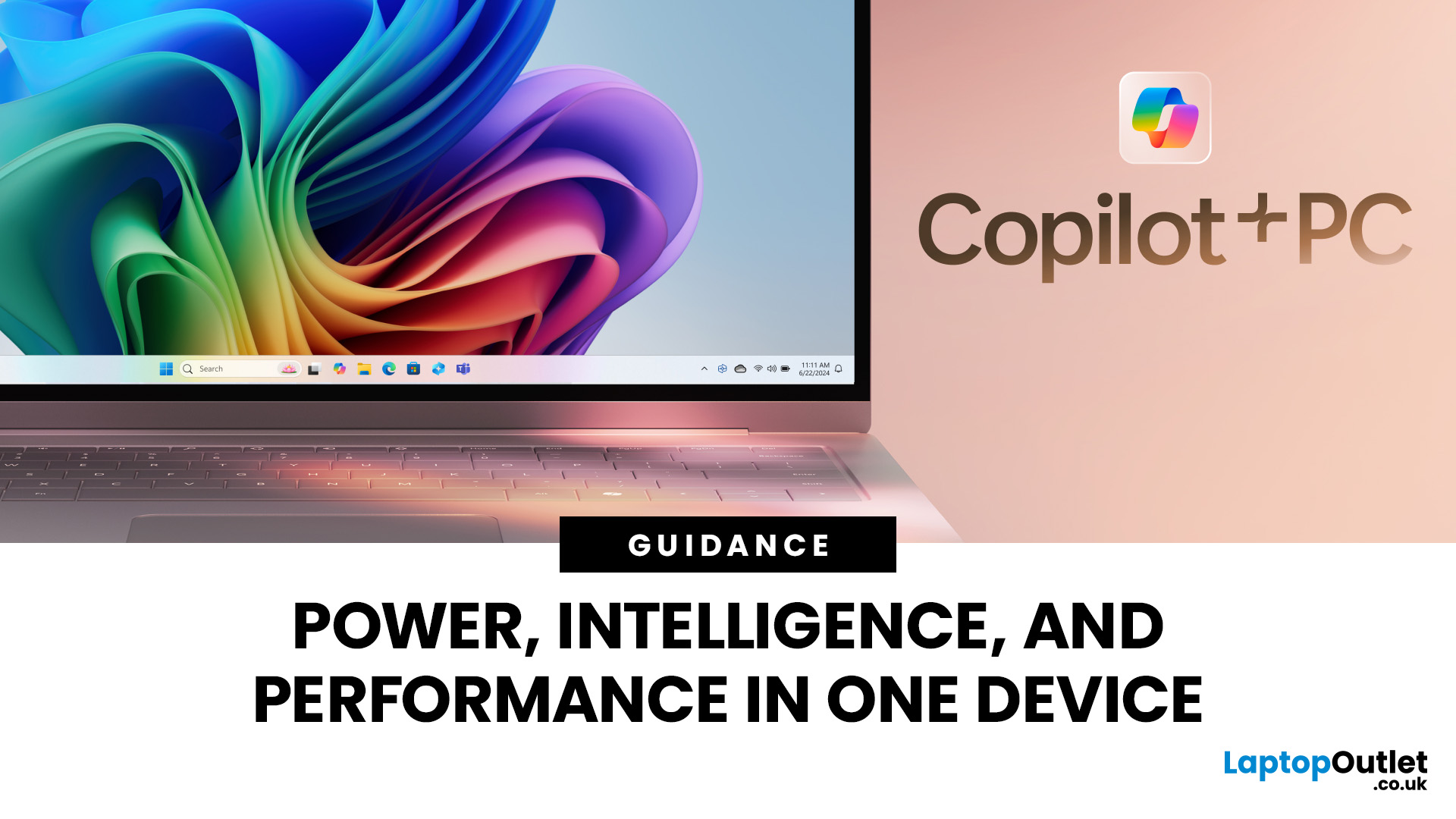
Microsoft introduced the world’s fastest and most powerful Windows PCs ever, Surface Copilot+ PCs. These are not just your run-of-the-mill updates to their previous models; instead, they are complete game changers. With the announcement of these AI-powered systems, Microsoft has again put itself at the vanguard of innovation.
Copilot+ PCs are powered by Qualcomm’s new Snapdragon X chips (or optionally Intel Core Ultra series in business variants), which feature an NPU (Neural Processing Unit) specially designed to handle complex AI (artificial intelligence) tasks that traditional PCs aren’t capable of.
Microsoft’s concept of AI is exciting (as is the technology behind Copilot+ PC), and the advantages are out-of-the-box. For instance, you don’t necessarily need a cloud connection for certain features (since some AI processing runs locally), and the security is top-notch as you’re not sharing all your information with third-party AI tool providers. All tools should be already embedded
Last Updated: May 20, 2025
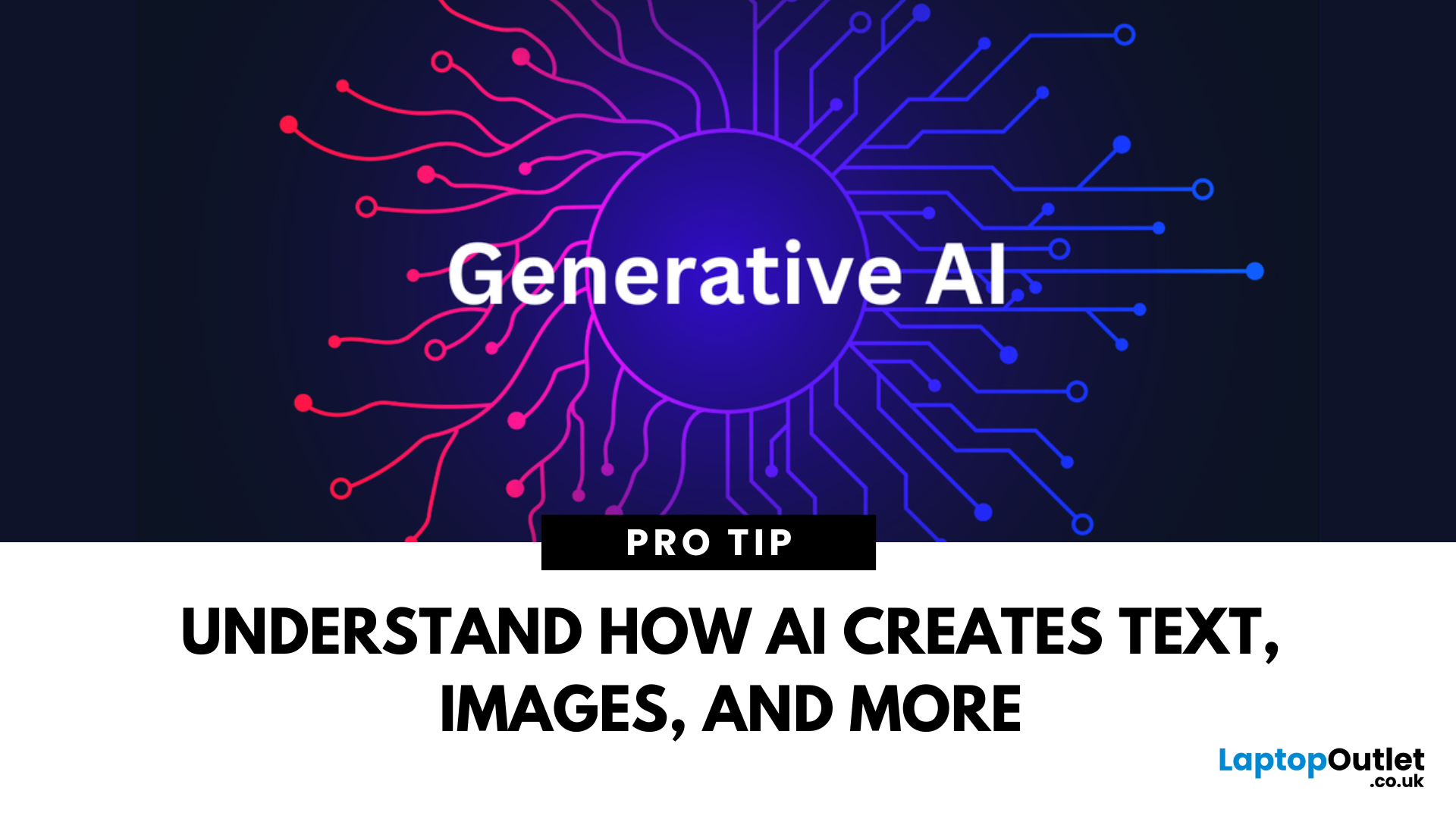
A New Frontier of Artificial Intelligence
You’ve likely seen AI-generated images, videos, or even entire essays—but what powers this technology? Welcome to the world of Generative AI—an AI model designed to create content, not just analyse it. Here’s a beginner-friendly guide to what it is, how it works, and why it matters.
What Is Generative AI?
Generative AI refers to artificial intelligence systems capable of creating original content, including:
- Text (articles, emails, code)
- Images and art
- Videos and animations
- Music and voice
- Synthetic data and simulations
Unlike traditional AI, which analyses or classifies data, Generative AI produces new outputs based on patterns it’s learned.
How Does Generative AI Work?
- It uses machine learning models, often based on neural networks, to:
- Learn patterns from large datasets
- Understand structure (grammar, design, sound, etc.)
- Generate content based on prompts
Popular model types include:
- GPT (Generative Pre-trained
Last Updated: September 24, 2025
Power Meets Intelligence
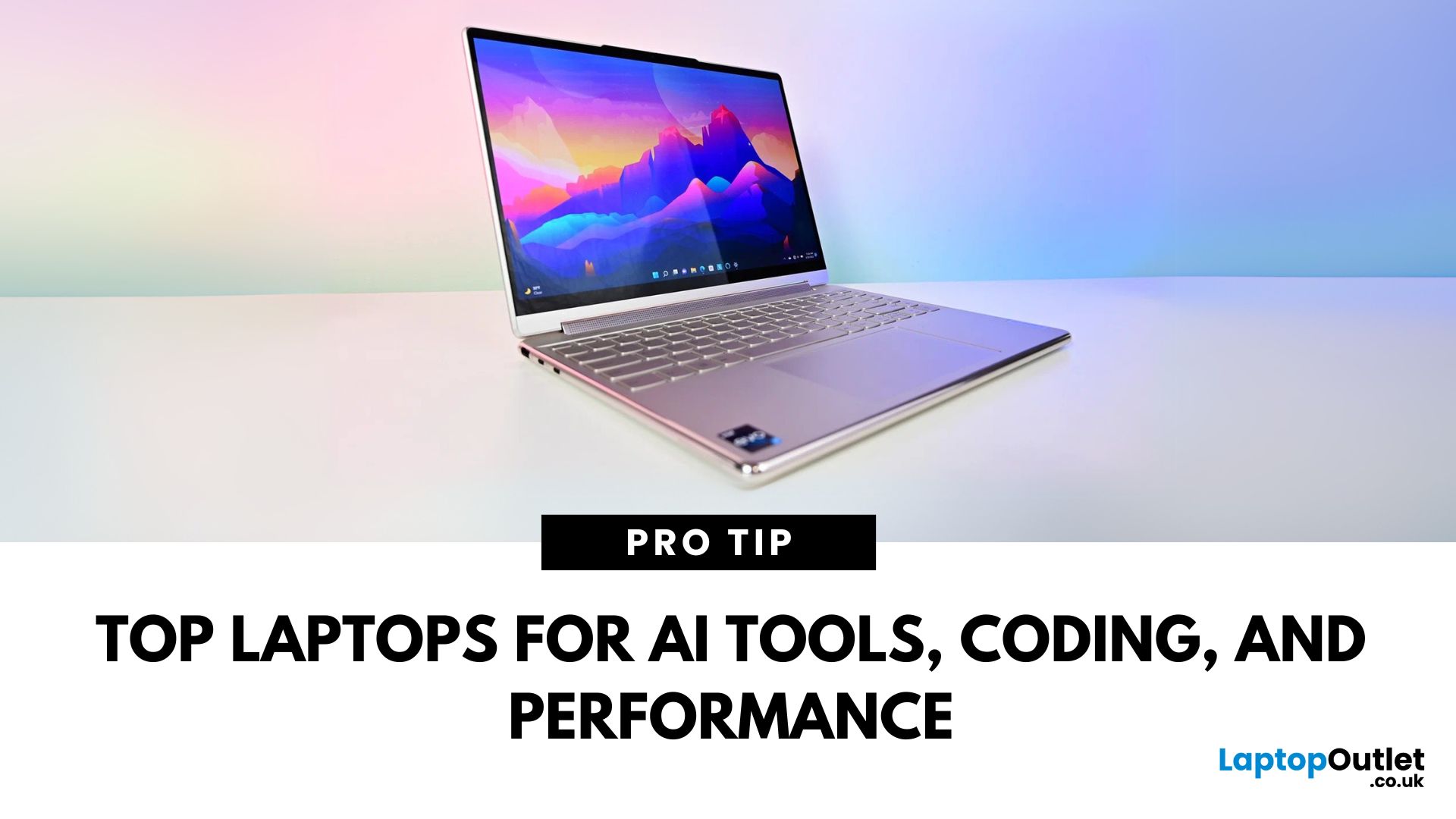
Artificial Intelligence isn’t just a buzzword—it’s a growing career path and essential in modern tech workflows. Whether you’re studying data science, training ML models, or running AI software like TensorFlow or PyTorch, here’s how to choose the best laptop for AI in 2025.
What Makes a Laptop Ideal for AI Work?
To handle AI workloads effectively, your laptop should have:
- High-performance CPU (Intel Core i7/i9, AMD Ryzen 7/9)
- Powerful GPU (NVIDIA RTX or Apple M-series)
- Minimum 16GB RAM (32GB+ preferred for deep learning)
- Fast SSD storage (512GB or more)
- Support for CUDA (for NVIDIA GPU users)
A good display and thermals are also key for long sessions
Best Windows Laptop for AI: Dell XPS 15 (2025)
- CPU: Intel Core i9 (14th Gen)
- GPU: NVIDIA RTX 4070
- RAM: 32GB
- Storage: 1TB SSD
- Why It’s Great: Excellent all-rounder with AI-ready performance and stunning display
Best Mac for AI & Data Science: MacBook Pro M3 Max (2025)
- CPU/GPU: Apple
Last Updated: April 07, 2026
Artificial Intelligence isn’t just a buzzword anymore, it’s reshaping how we work, create, and even relax. From running complex design software to training machine learning models, today’s laptops need to pack a serious punch to keep up with AI-driven workflows. That’s where AI-ready laptops come in. You can learn more about top AI-ready laptops available right now for creators, designers, and developers, plus what features you should look out for before upgrading.
What Makes a Laptop “AI-Ready”?
Before we dive into recommendations, let’s decode what “AI-ready” actually means. An AI-ready laptop isn’t just about being powerful; it’s about being optimised for the workloads that rely heavily on AI, machine learning, and real-time rendering. Here’s what sets them apart:
- High-Performance CPU: Intel Core Ultra, AMD Ryzen 9, or Apple M-series chips that can multitask without breaking a sweat.
- Powerful GPU: Dedicated graphics cards like NVIDIA GeForce RTX 50 series or AMD Radeon RX for AI

Last Updated: March 27, 2026
Business laptops are not what they used to be. Forget those chunky grey bricks you dragged to meetings — 2026 is all about AI business laptops. And no, that’s not just another bit of marketing fluff. These machines are actually smart enough to protect your files, stretch your battery, and even take meeting notes while you’re busy zoning out. If you’re running a business, freelancing, or just want a laptop that makes your workday less painful, let’s break down why these AI-packed beasts are worth a look.
What Makes a Laptop “AI Business Ready”?
Right, so what’s all this on-device AI about? In plain English: the laptop’s got extra brains built into it (NPUs and fancy processors) that don’t need the cloud to work. That means:
- Security features happen locally — no faffing about with servers.
- Productivity boosts are instant — your laptop reacts in real time.
- Less reliance on dodgy Wi-Fi — AI features still work offline.
So instead of just being “fast,” these laptops are clever too.

