



Top GPUs for 3D Rendering, Video Editing & Game Streaming
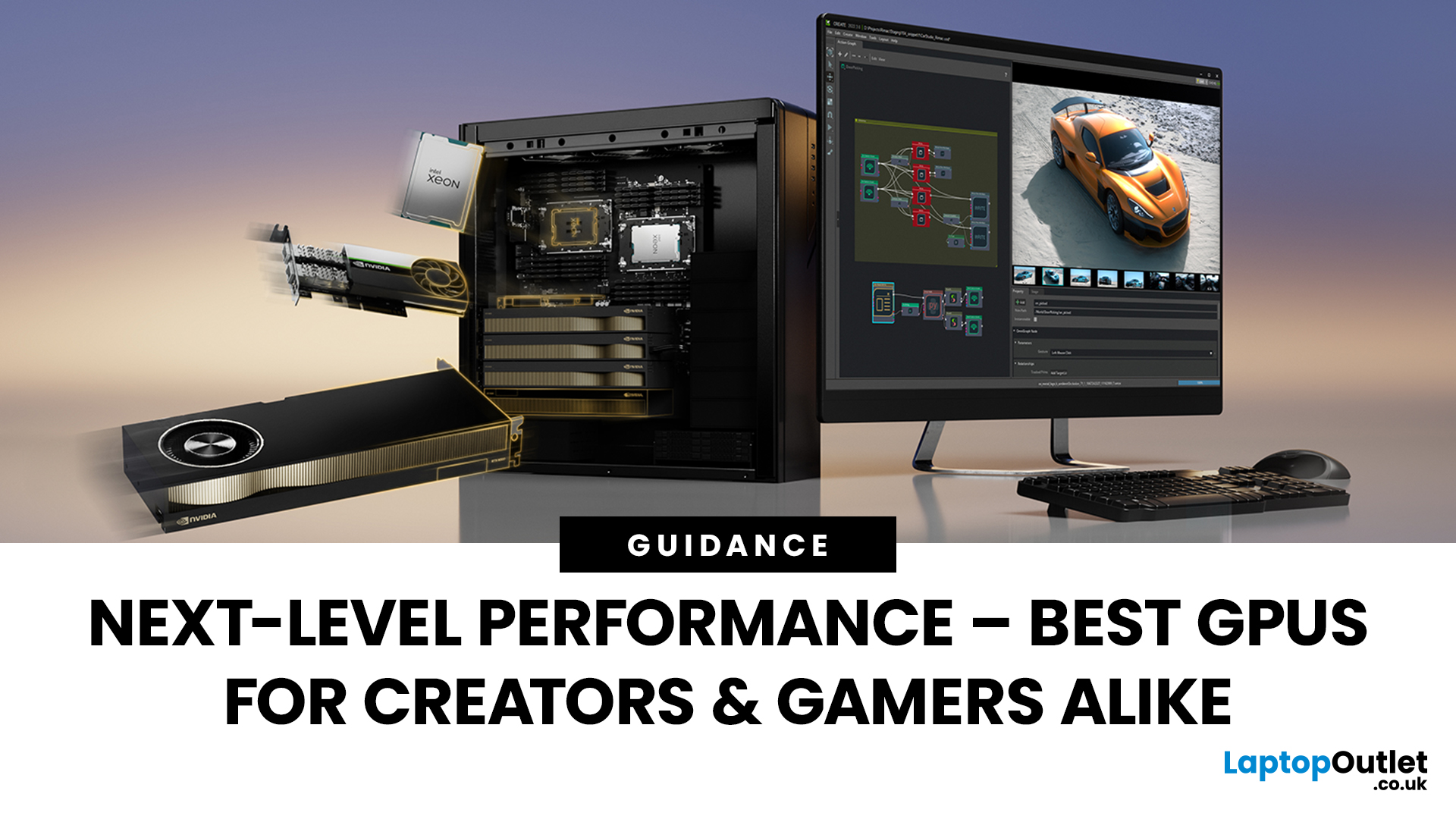
Do you think your GPU needs an immediate upgrade but confused which one is good?
Whether you’re a 3D artist, a content creator, or a streaming professional, choosing the right GPU can make or break your workflow. In 2025, graphics cards have evolved beyond gaming, they’re now AI-accelerated powerhouses that handle everything from 4K video editing to real-time ray tracing and live encoding. Let’s discuss the best GPUs for 3D rendering, video editing, and game streaming, comparing the latest NVIDIA RTX 50-series and AMD Radeon RX 9000-series cards. In addition, learn which models perform best in software like DaVinci Resolve, Adobe Premiere Pro, and OBS, helping you choose the perfect GPU for your professional or creative setup.
What to Look for in a GPU for Creative Work

Before choosing a GPU, it’s important to understand the key specifications that make a real difference in 3D rendering, video editing, and streaming performance. In 2025, the newest GPU architectures, NVIDIA Blackwell and AMD RDNA 4, bring smarter AI-driven acceleration, better energy efficiency, and faster encoding tools designed for professionals.
1. VRAM Capacity, Bandwidth & Memory Type
Creative workloads rely heavily on VRAM to process complex textures, layers, and simulations. In 2025, GDDR7 memory has become the new standard, delivering up to 1.2TB/s bandwidth for smoother playback in 8K editing and 3D visualisation.
- Baseline: 12GB VRAM for 4K editing or basic 3D work.
- Professional Standard: 16GB–24GB for high-poly modelling, rendering, and real-time ray tracing.
- Studio-Level: 32GB+ VRAM for complex VFX, Unreal Engine simulations, or AI compositing.
Larger VRAM pools also allow for faster cache loading, meaning smoother scrubbing through multi-layer timelines or complex animations in DaVinci Resolve or Blender.
2. CUDA, Stream, and AI Cores – The Brains Behind the GPU
Modern GPUs are more than just raw power, they’re intelligent processors.
- NVIDIA RTX 50-series (Blackwell architecture) introduces 5th-gen CUDA cores and 4th-gen Tensor AI cores, offering 2x faster path tracing and real-time upscaling.
- AMD RX 9000-series (RDNA 4) features AI Matrix Accelerators that enhance rendering and encoding speeds while keeping power draw minimal.
AI cores now assist directly in content creation, from automatic scene detection to smart frame interpolation and AI-enhanced denoising, enabling a faster, cleaner workflow for editors and animators.
3. Encoding Power, AI Support & Media Engines
For video editors and streamers, encoding technology is crucial. The AV1 codec has become industry-standard, offering higher quality at lower bitrates.
- NVIDIA NVENC 9th Gen supports dual AV1 encoders, allowing simultaneous 4K/8K live streams or faster exports in Adobe Premiere Pro.
- AMD Advanced Media Engine enables AI-powered video compression and Smart Video Upscaling for smoother playback and reduced file sizes.
AI-driven tools also enhance productivity, automatic subtitle generation, background noise removal, and smart object masking can now run directly on the GPU, freeing your CPU for other tasks.
4. Software & Workflow Compatibility
Choosing a GPU also depends on the software ecosystem you use daily.
- NVIDIA GPUs dominate in CUDA-based applications like Adobe Premiere Pro, After Effects, DaVinci Resolve, and Autodesk Arnold, where GPU acceleration can cut render times by over 60%.
- AMD GPUs excel in OpenCL and HIP-based platforms, including Blender, Unreal Engine, and Fusion Studio, delivering strong performance per watt and cost efficiency.
Both brands now offer AI-optimised drivers, NVIDIA Studio Drivers and AMD Software: Pro Edition, to ensure stability and seamless integration with creative workflows.
5. Power Efficiency & Cooling
2025 GPUs are built with efficiency in mind. The RTX 5090 and RX 9070 XT feature advanced liquid-vapour cooling designs and dynamic thermal management, ensuring stable frame rates even during long render sessions. Their adaptive power profiles automatically balance performance and energy use, perfect for professionals working in multi-device setups or mobile workstations.
Pro Tip: When shopping for your next creative GPU, prioritise VRAM, AI core count, and AV1 encoding over sheer frame rates. These features define how efficiently your workflow performs across creative tools in 2025.
Explore high-performance graphics cards and professional RTX-powered streaming PCs available now at Laptop Outlet, built for creators, designers, and gamers alike.
Best GPUs for 3D Rendering in 2025
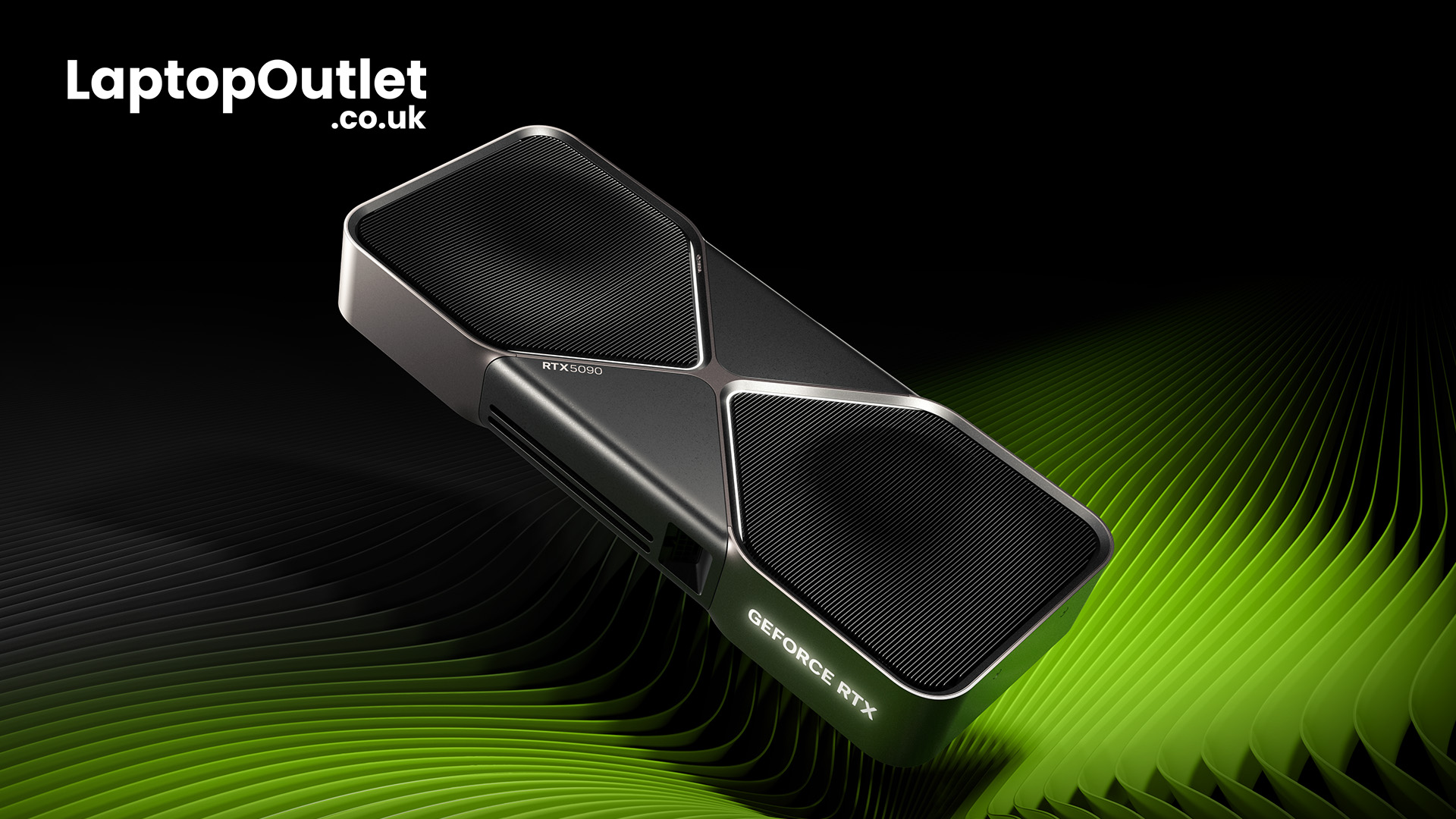
NVIDIA GeForce RTX 5090 – The Ultimate Rendering Powerhouse
The RTX 5090 is the undisputed leader in 2025 for 3D rendering and simulation workflows. Built on NVIDIA’s Blackwell architecture, it features:
- 32GB GDDR7 VRAM
- 4th-Gen RT Cores and DLSS 4.0 Frame Generation
- AI Path Tracing & Dual NVENC 9 Encoders
In software like Autodesk Maya, OctaneRender, and Blender Cycles, it delivers up to 2x faster rendering speeds than the RTX 4090. With advanced OptiX AI Denoiser support, rendering large, photorealistic scenes is smoother and faster than ever.
Best For: 3D designers, architects, and VFX artists who demand top-tier real-time performance.
AMD Radeon RX 9070 XT – Efficiency Meets Creative Power
The AMD Radeon RX 9070 XT strike the perfect balance between performance and efficiency for creators and gamers in 2025. Built on the RDNA 4 architecture, these GPUs feature 16GB to 20GB of ultra-fast GDDR7 VRAM, AI Matrix Accelerators, and dual AV1 encoders for smooth 4K video rendering and high-quality streaming. Their Smart Access Memory and FidelityFX Super Resolution 3.1 deliver enhanced real-time previews, making them ideal for DaVinci Resolve, Blender, and Unreal Engine users. With excellent thermal management and power efficiency, the RX 9070 XT are perfect for professionals who want reliable performance without the high power draw of flagship GPUs.
Best For: Professionals who prefer open-source or AMD-optimised software and need a balance between performance and efficiency.
Best GPUs for Video Editing & Motion Graphics
NVIDIA GeForce RTX 5080 – Built for Editors and Filmmakers
The RTX 5080 offers exceptional value for creators working in 4K and 8K video editing. With 20GB GDDR7 VRAM, AI-assisted encoding, and DLSS 4 upscaling, it’s a top choice for DaVinci Resolve, Adobe Premiere Pro, and After Effects.
New AI video enhancements, including NVIDIA Broadcast Suite 3.0, handle noise suppression, auto-framing, and background blur directly on the GPU. Render times are up to 45% faster than last-gen RTX 4080s, with improved colour accuracy and timeline scrubbing smoothness in heavy projects.
Best For: Professional editors and content creators managing multi-track, 4K HDR workflows.
AMD Radeon RX 9060 XT – The Editing Specialist
Designed specifically for creators, the AMD RX 9060 XT is one of the top graphics cards for editors in 2025. It features 16GB GDDR7 VRAM, AI-assisted upscaling, and AV1 dual encoders for faster render exports. Its OpenCL and HIP acceleration deliver remarkable performance in DaVinci Resolve, Adobe Premiere Pro, and Vegas Pro. AMD’s Smart Access Video also optimises CPU-GPU communication, cutting render times by up to 40%.
Best For: Video editors and digital artists seeking smooth 4K editing and colour grading without overspending.
Shop AMD RX 9060 XT for video editing and discover more high-performance graphics cards at Laptop Outlet.
Best GPUs for Game Streaming
NVIDIA RTX 5070 Ti – Stream, Create, and Play
For streamers and hybrid creators, the RTX 5070 Ti combines power and affordability. Featuring 16GB GDDR7 VRAM, dual AV1 encoders, and NVIDIA Reflex 2.0, it enables 120fps streaming with minimal latency. AI-powered features like NVIDIA Broadcast, Eye Contact Correction, and RTX Remix for creators make it a strong choice for Twitch and YouTube streamers. It’s also highly efficient for editing stream highlights in real-time.
Best For: Content creators and streamers who need fluid gameplay capture, real-time editing, and low-latency live broadcasts.
AMD Radeon RX 9060 XT – Budget Streaming Power
The AMD Radeon RX 9060 XT is one of the most balanced GPUs for creators and streamers seeking high-end performance at a mid-range price. Powered by AMD’s RDNA 4 architectures, it features 16GB of GDDR7 VRAM, AI-enhanced rendering cores, and an Advanced Media Engine that supports dual AV1 encoders for crystal-clear, low-latency streaming. The RX 9060 XT excels in OBS, DaVinci Resolve, and Adobe Premiere Pro, offering smooth 4K video playback and real-time editing capabilities. Its Smart Video Upscaling and FidelityFX technologies deliver vivid image quality without overloading system resources. Ideal for streamers, editors, and gamers on a budget, the RX 9060 XT delivers efficient performance, exceptional cooling, and next-gen features, all without the premium price tag.
Best For: Streamers and small creators looking for affordable, power-efficient GPUs that handle editing and streaming simultaneously.
Nvidia vs AMD for Streaming & Content Creation
|
Feature |
NVIDIA RTX 50-Series |
AMD RX 9000-Series |
|
AI Acceleration |
DLSS 4, Tensor Cores, OptiX |
FidelityFX, AI Matrix Accelerators |
|
Encoder Support |
Dual NVENC + AV1 |
AV1 + Advanced Media Engine |
|
Software Optimisation |
Adobe Suite, DaVinci, OBS |
DaVinci Resolve, Blender, OpenCL tools |
|
Performance Efficiency |
Higher peak performance |
Better power-to-performance ratio |
|
Best For |
Rendering, streaming, hybrid work |
Editing, open-source, energy-efficient setups |
Verdict: NVIDIA dominates for professional workflows and AI acceleration, while AMD remains a top contender for cost-effective, efficient rendering.
Professional Tip: Balance Your Workflow
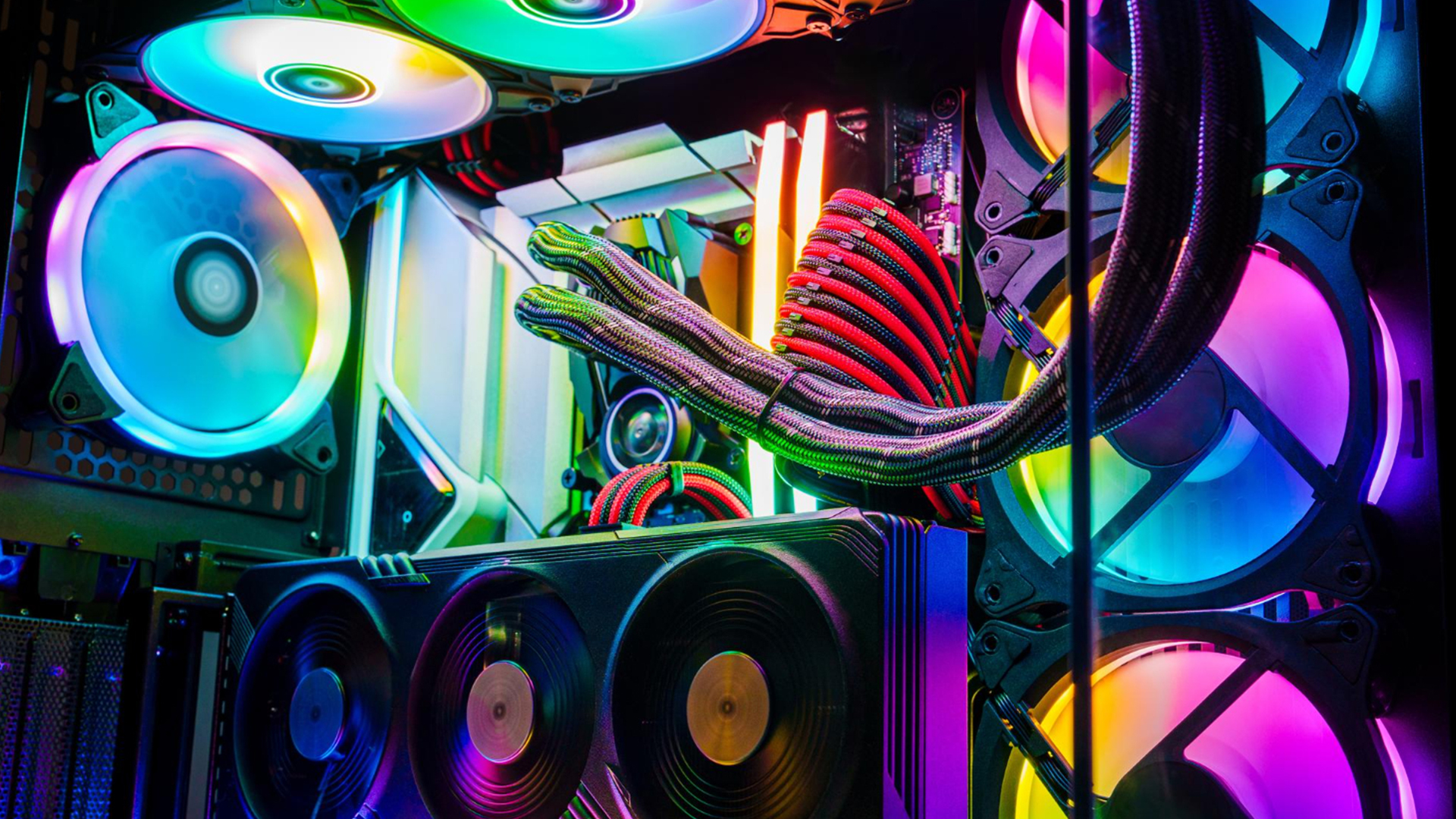
A great GPU works best when paired with the right CPU and RAM. Pairing an RTX 5090 with a Core Ultra 9 or Ryzen AI 9 HX 370, and at least 32GB DDR5 RAM, ensures peak performance. For balanced creative rigs, consider a QHD or 4K 144Hz display and PCIe Gen 5 SSD storage to eliminate bottlenecks.

Bottom Line
The best GPUs for 3D rendering, video editing, and streaming in 2025 combine raw power, AI capability, and efficiency. The NVIDIA RTX 5090 remains the ultimate all-rounder for professionals, while the AMD RX 9060 XT offers incredible value for editors and creators. Whether you prioritise real-time rendering, colour-accurate editing, or seamless streaming, this generation of GPUs is built to handle every creative challenge.
Visit Laptop Outlet to explore all high-performance graphics cards and take advantage of exclusive bundles and financing options for your next creative or gaming build.

Your What & Why
What is the best GPU for 3D rendering in 2025?
The NVIDIA RTX 5090 leads the market with its AI-driven path tracing and 32GB GDDR7 VRAM, ideal for Blender, Unreal, and Maya.
Which GPU is best for video editing in DaVinci Resolve?
Both the NVIDIA RTX 5080 and AMD RX 9060 XT deliver exceptional performance in DaVinci Resolve with fast exports and real-time previews.
Is AMD or NVIDIA better for streaming?
NVIDIA still leads for professional streaming, thanks to superior encoder technology and AI tools. AMD offers better efficiency for budget-conscious streamers.
Do I need a high-end GPU for Adobe Premiere Pro?
A mid-range GPU like the RTX 5070 Ti or RX 9060 XT is enough for 4K editing and playback. For 8K, go for the RTX 5080 or higher.
Where can I buy the latest GPUs for creative use in the UK?
Shop the latest RTX and RX GPUs at Laptop Outlet, featuring verified performance, bundle deals, and exclusive creator discounts.
| Read More: |
| Best High-End GPUs for 4K & Ray Tracing Gaming |
| RTX 4080 vs RTX 4090 – Which GPU Is Right for You? |
| How to Choose the Right GPU for Your PC in 2025 |
Related Articles

Last Updated: March 17, 2026
The future of gaming and computing is here! The NVIDIA RTX 50 Series GPUs unleash groundbreaking technology for jaw-dropping visuals and unprecedented performance, pushing the boundaries of what’s possible! Be prepared to be astonished!
Jensen Huang, CEO of NVIDIA, just revealed the highly anticipated RTX 50 Series graphics cards at CES 2025, setting the gaming world abuzz. Codenamed “Blackwell”, the new 50 Series GPUs bring huge improvements to AI acceleration and overall gaming performance. The announced RTX 50-Series features four new graphics cards: the RTX 5090 and the RTX 5080 (set to release on January 30, 2025), and the RTX 5070 Ti and the RTX 5070, stated for a February 2025 release. NVIDIA may also launch the GeForce RTX 5060 Ti and RTX 5060 as a part of the full lineup later in March. According to Huang, the RTX 50 Series GPUs are the ‘most advanced consumer GPUs for gamers, creators, and developers’, offering “breakthroughs in AI-driven rendering” and “game-changing performance",
Last Updated: September 01, 2026
Looking for portable graphics cards? Graphics cards are an essential component for gamers, creative professionals, and tech enthusiasts. As the market evolves, new models are released with cutting-edge technology, while older ones become more affordable. Whether you are looking for the latest high-performance GPUs or seeking budget-friendly options, 2026 presents some fantastic deals on graphics cards.
In this blog, we will explore the best deals on gaming graphics cards, including RTX and AMD GPUs, and help you find the most value-packed choices from top brands. Whether you are searching for discounts on AMD graphics cards or affordable Nvidia graphics cards, we have you covered.
Why 2026 is a Great Year for Buying a Graphics Card
The GPU market in 2026 has stabilised significantly compared to previous years, making it an ideal time to grab some of the best deals. Key factors influencing the affordability of graphics cards this year include:
- Increased Supply: Manufacturers have ramped

Last Updated: October 28, 2025
People who play games, stream live or create content must select the right GPU because it determines how seamlessly their system works. The quality of your streaming, games or video editing depends strongly on a dependable GPU system. In this blog, we will analyse the best GPUs for 1080p streaming, editing and gaming. We will highlight their standout features that will guide your purchasing decision.
The Best GPUs for 1080p Streaming, Editing, Gaming & Other Functions
Here are some best-in-their-class graphics cards for streaming and other activities.
GIGABYTE GeForce RTX 3060: Fantastic price-to-performance ratio
Users consistently rate the GIGABYTE GeForce RTX 3060 12GB as one of the most superior GPUs for streaming and other purposes. The GPU provides outstanding performance specifically for gamers and streamers while retaining affordability. Content creators and gamers will appreciate this RTX 3060 GPU because it uses Nvidia’s Ampere architecture to deliver high-quality ray tracing

Last Updated: May 21, 2025
PC gaming doesn’t have to cost you an arm and a leg, especially if most of your time is spent exploring the vibrant world of Steam. From high-octane shooters like Apex Legends to the beautifully chaotic world of Palworld, millions of players log in daily without relying on a flagship GPU. The truth is, not everyone wants or needs a thousand-pound graphics card. What most gamers appreciate is a smooth, enjoyable experience at 1080p, and thankfully, plenty of best budget graphics cards can make that happen at a fraction of the cost.
The challenge? There are loads of options out there. New releases, refreshed models, refurbished deals and much more. Add confusing benchmarks, marketing jargon, and ever-evolving game requirements, and finding the right budget GPU for your Steam library can feel like a guessing game.
To help you out in your decision-making, we’ve pulled together a list of the best budget GPUS that strike the right balance between performance and price. Each one has been chosen
Last Updated: June 30, 2026
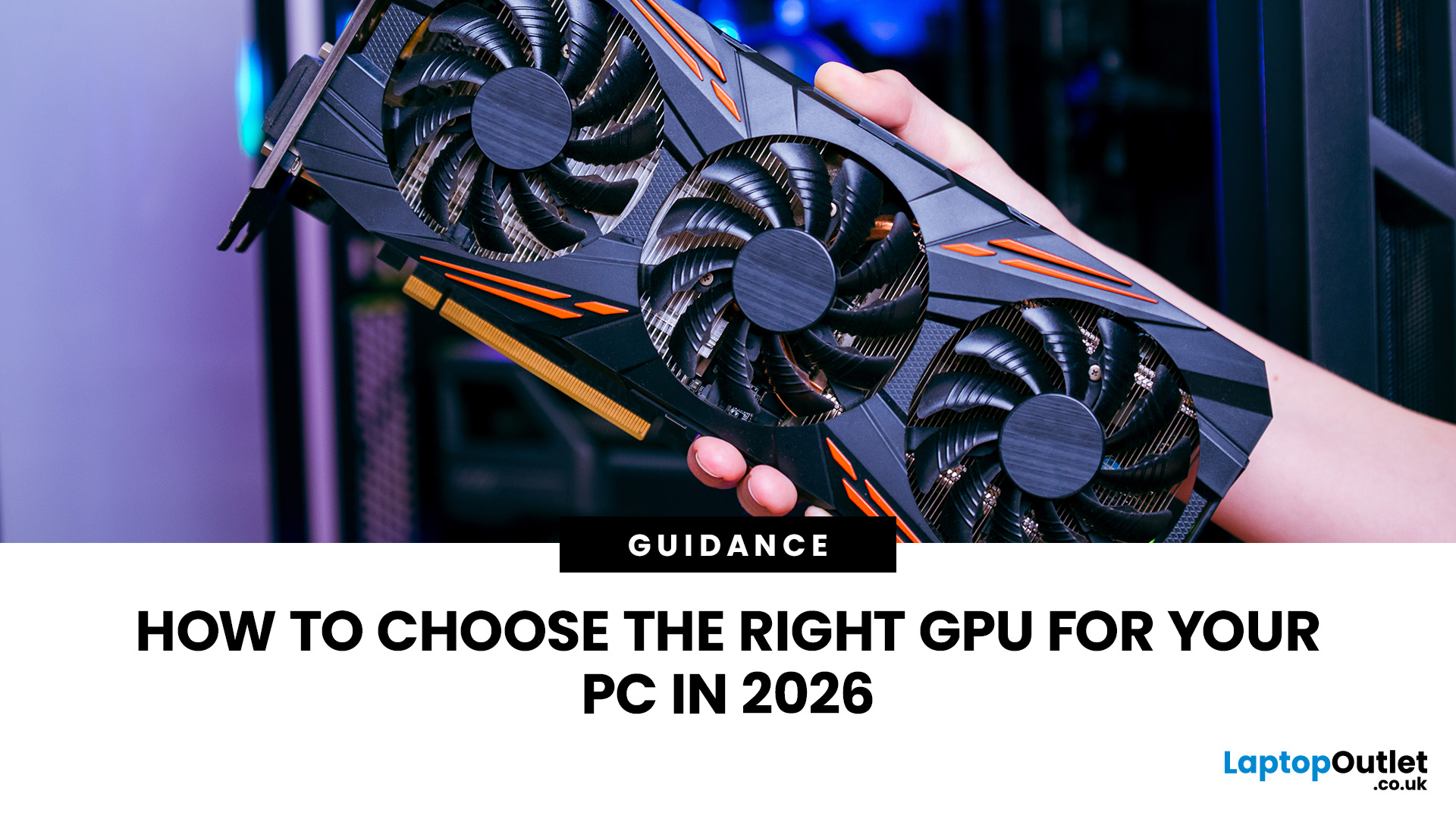
Choosing a GPU in 2026 is not about buying the most expensive graphics card you can afford. It is about buying the right card for your monitor, games, software, power supply, case size, and budget.
That is where many PC builders get it wrong. A powerful GPU can still be a poor choice if your monitor is only 1080p, your case has limited space, your power supply is not ready, or your favourite software works better with another brand. The best GPU for PC gaming is the one that gives you the performance you need without wasting money on power you will not use.
This graphics card buying guide explains how to choose the right GPU for your PC in 2026, what specs matter, how much VRAM you need, and how to pick between NVIDIA, AMD, and Intel graphics cards.
Quick Answer: What Should You Check Before Buying a GPU?Before buying a GPU, check your monitor resolution, refresh rate, main games or software, VRAM requirement, PSU wattage, power connectors, GPU size, case clearance, cooling setup, CPU |
Last Updated: September 09, 2025
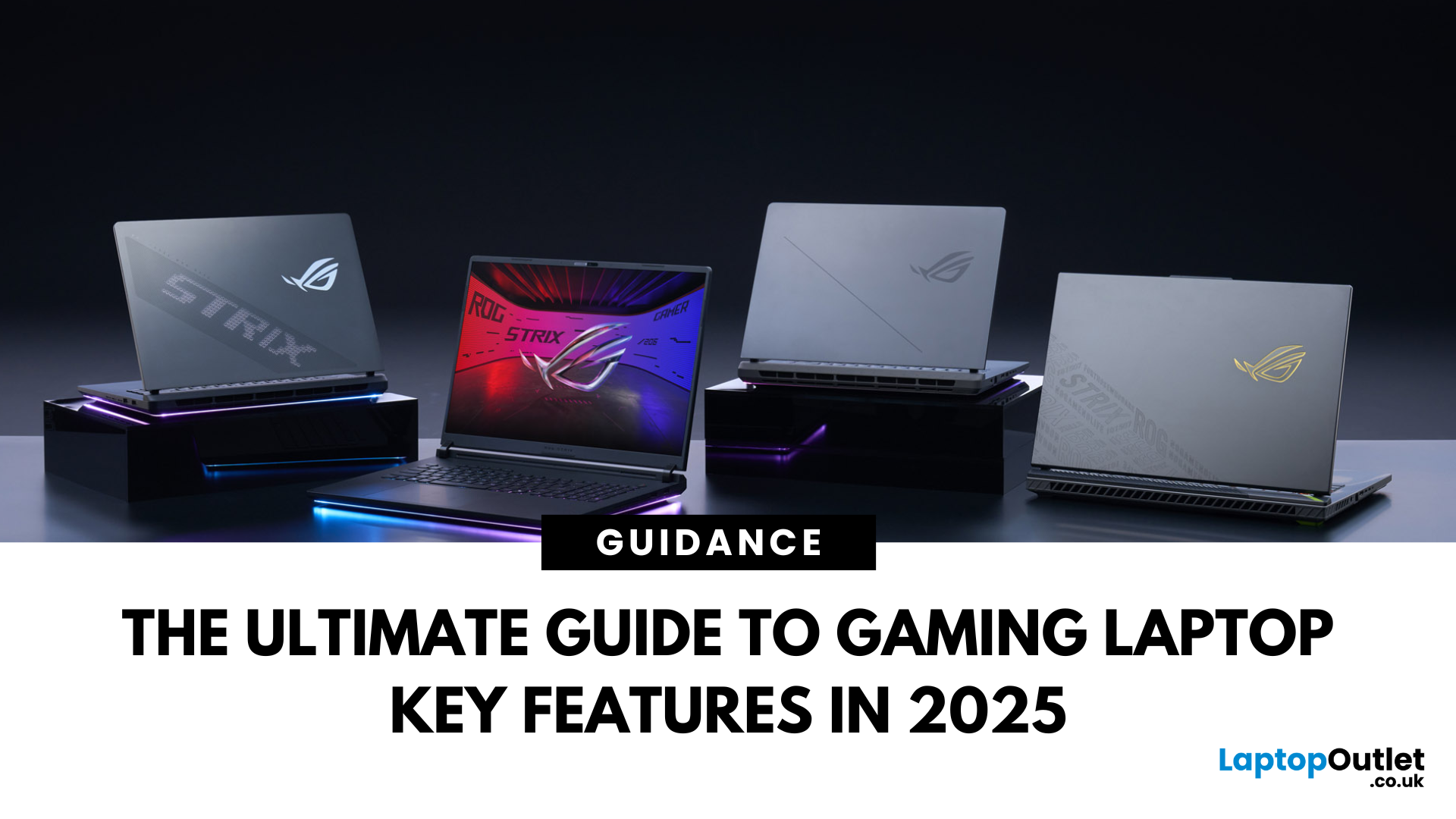
Choosing a gaming laptop today is all about understanding the gaming laptop key features that move the needle foryourgames and workflow. In 2025, the big shifts are real: next‑gen GPUs with AI frame generation, smarter CPUs with onboard NPUs, faster storage that feeds data straight to the GPU, premium displays (OLED/Mini‑LED) at esports‑grade refresh rates, and cooling systems that can keep all of it performing sustainably.
However, what does all of that actually mean when you just want smooth gameplay and a machine that lasts? Below, we have you covered with a clear, up‑to‑date walkthrough of what to look for in a gaming laptop with the evidence to back it. Whether you’re looking at entry-level models around £900, mid-range workhorses at £1,500, or premium powerhouses above £2,000, this guide focuses on the essential gaming laptop key features.
If you’d like a broader perspective from budgeting to comparisons, you can check out our full gaming laptop buying guide.
GPU: the first decision
Last Updated: October 20, 2025
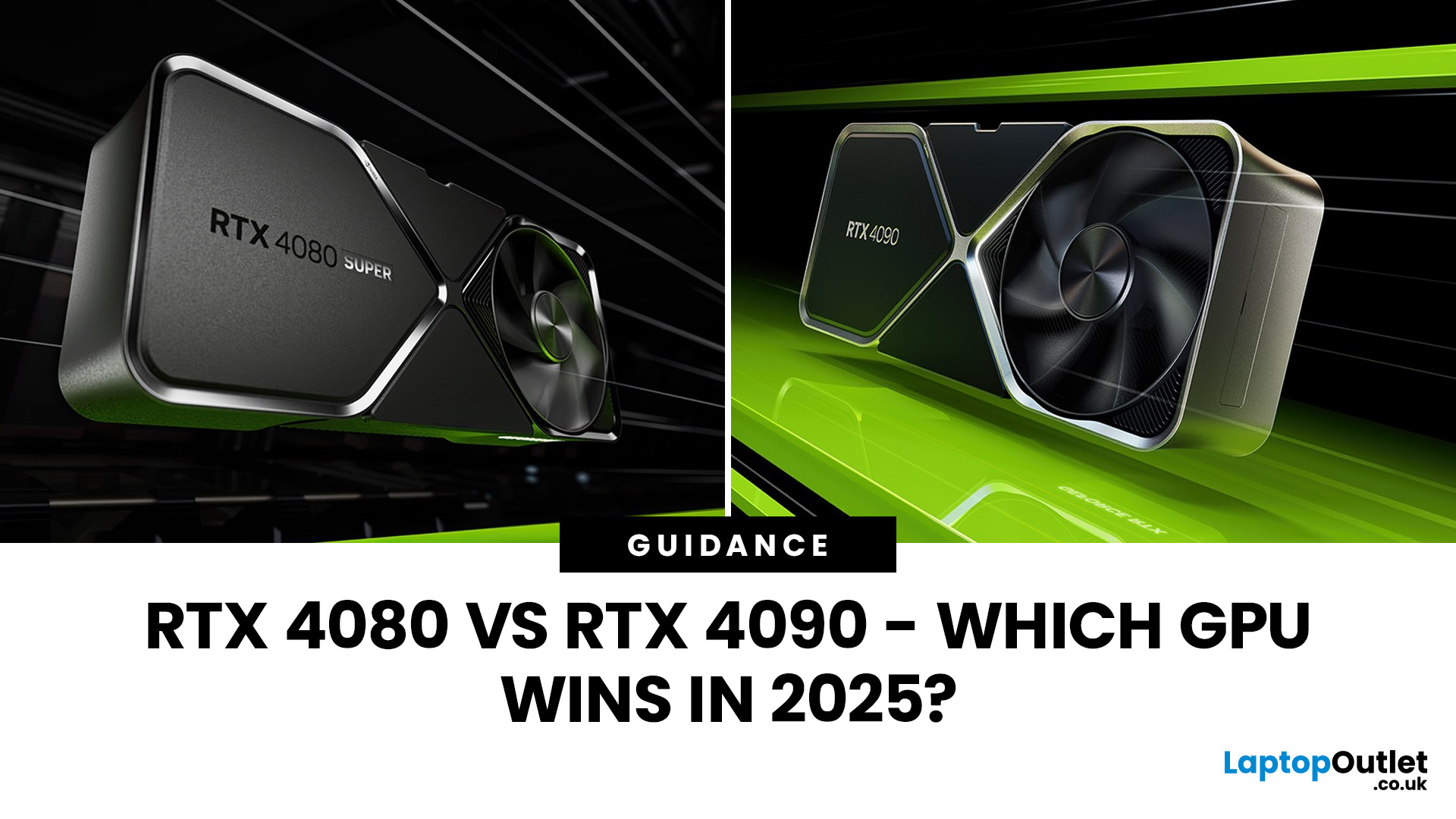
If you're weighing between the RTX 4080 vs RTX 4090, you’re right in the territory of flagship hardware, where even small trade-offs matter. In this guide, we’ll break down everything: specs, benchmarks, ray tracing, power consumption, and real-world use cases, so you can decide which GPU is worth your money.
Nvidia Ada Lovelace GPU Comparison: Architecture & Specs
Before we dig into benchmarks and performance, let’s compare the foundations.
-
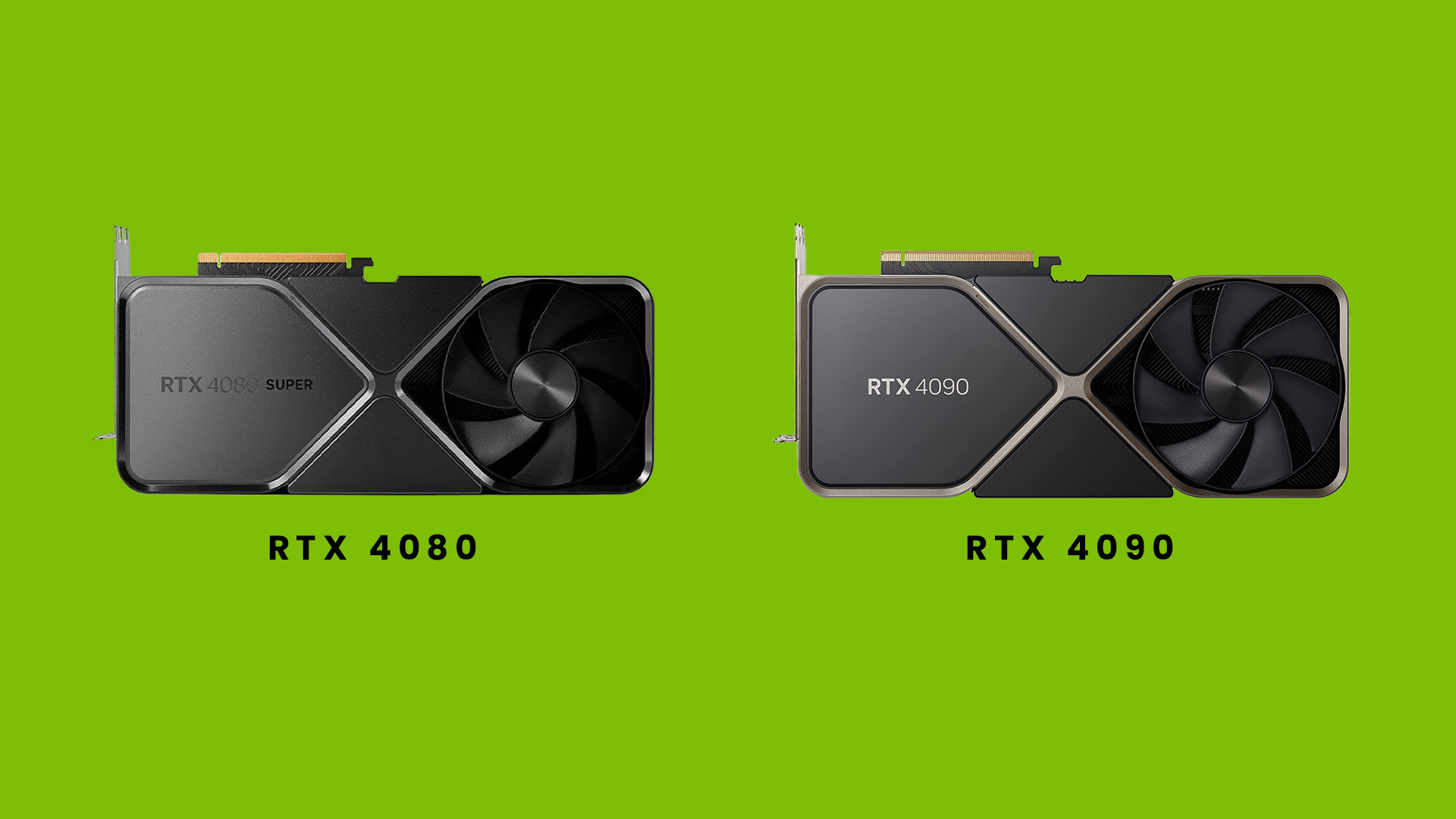
Both the RTX 4080 and RTX 4090 are based on Nvidia’s Ada Lovelace architecture, bringing improvements in ray tracing cores, tensor cores, and DLSS 3 support.
-
The RTX 4090 carries more CUDA cores, more memory bandwidth, and a wider memory bus, giving it a significant hardware advantage in many scenarios.
-
That said, clock speeds between the two cards aren’t wildly different; much of the 4090’s advantage comes from scale (more cores, wider bus, more headroom).
Specs Breakdown: RTX 4080 vs 4090
Here’s a simplified comparison of key specs:
Last Updated: July 17, 2026
Choosing a high-end graphics card for 4K gaming is not as simple as picking the most expensive model. Focus on your monitor, power supply, case size, favourite games, and how much you care about ray tracing.
For some gamers, the smartest choice is an RTX 5080 with strong 4K performance and DLSS support. For others, an RTX 5070 Ti is enough for 1440p ultra and lighter 4K gaming. AMD buyers may prefer the Radeon RX 9070 XT for strong 4K raster performance and FreeSync support.
This guide breaks everything down clearly so you can choose a GPU that fits your setup, rather than paying for performance you may never use.
Quick Answer: Best GPU for 4K GamesFor most serious gamers, the best value GPU for 4K gaming in 2026 is the RTX 5070 Ti with 16GB GDDR7. It delivers excellent 4K gaming performance, full DLSS 4.5 support including Multi Frame Generation, and strong ray tracing at a significantly lower price than the RTX 5080. If you specifically need maximum native 4K frame rates or run creative |

