



Which HP OmniBook Laptop Should You Buy? A Guide to Every Series
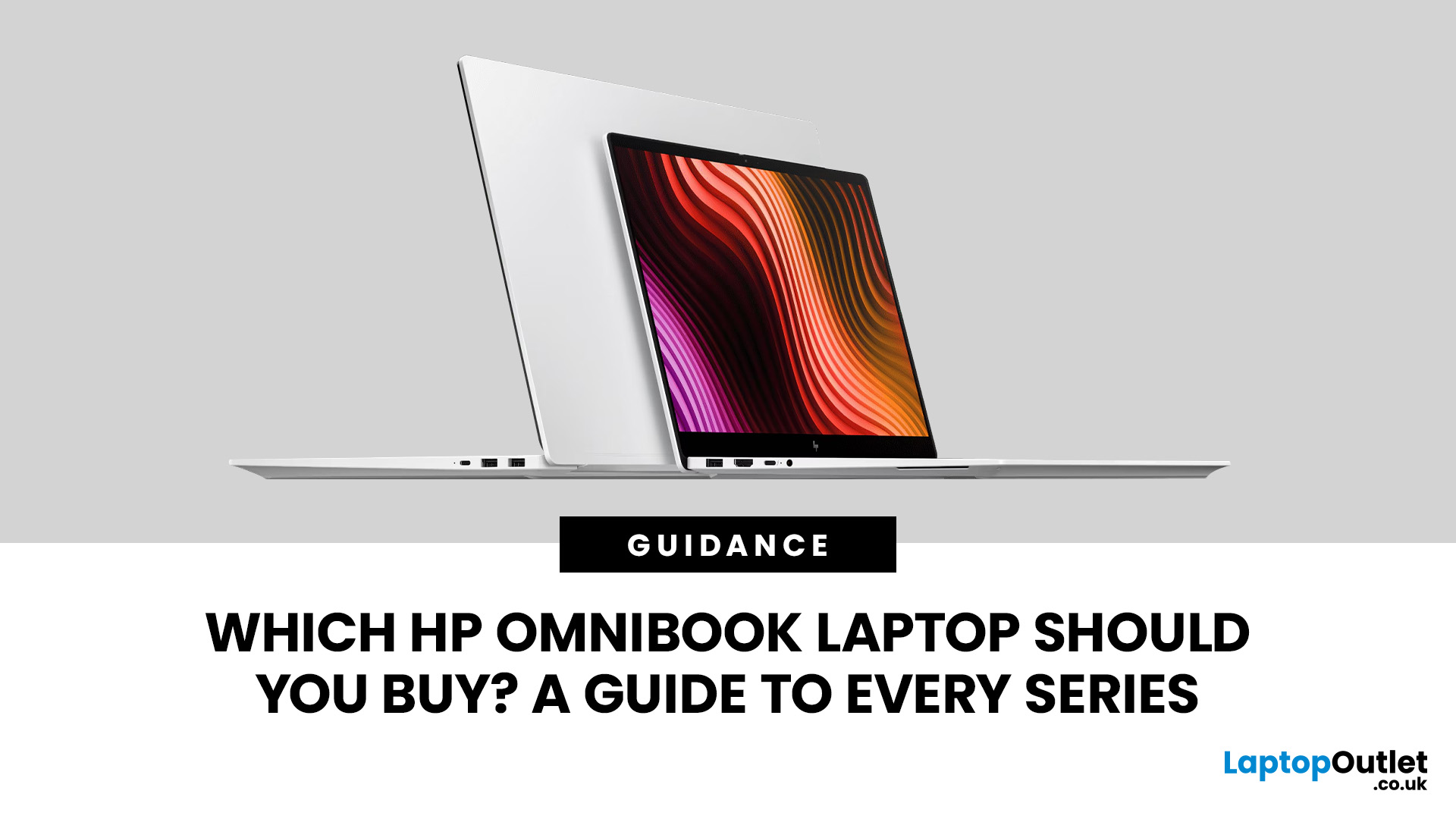
Choosing from the HP OmniBook series looks simple at first: OmniBook 3, 5, 7, X and Ultra appear to form a neat ladder from everyday to flagship. In practice, the exact processor, memory, screen, form factor and AI hardware can change the experience so much that the series badge alone should never make the decision for you.
That matters more in 2026 because HP now sells OmniBook configurations across Intel, AMD and Snapdragon platforms, with standard clamshell, Flip and lightweight Aero designs appearing at different tiers. This guide shows what each range is really for, where the ranges overlap, and when paying for the next tier is actually worthwhile.
Quick answer
Start with OmniBook 3 for straightforward everyday use, OmniBook 5 for the broadest all-round balance, OmniBook 7 for more sustained performance, OmniBook X for premium flexibility and mobility, and OmniBook Ultra for the flagship experience. Then verify the exact configuration before buying - especially the processor platform, RAM, display and form factor.
HP OmniBook Series Compared at a Glance
The fastest way to understand the range is to think in terms of priorities, not just numbers. This HP OmniBook comparison shows the role each tier is designed to play, plus the reason you might choose a neighbouring series instead.
|
Series |
Best starting point for |
What it adds |
When another tier may suit you better |
|
OmniBook 3 |
Everyday home use, school and lighter study |
Core productivity, value-focused configurations and modern processor options |
Move to 5 for broader displays, form factors or a more rounded long-term specification |
|
OmniBook 5 |
Students, families and general professionals |
Wider processor choice, stronger display options and useful all-round flexibility |
Move to 7 if heavy workloads are routine rather than occasional |
|
OmniBook 7 |
Power users, STEM study and demanding productivity |
More performance headroom; Aero variants also add a true lightweight route |
Choose X if premium 2-in-1 flexibility or design is a bigger priority than sustained performance |
|
OmniBook X |
Mobile professionals, premium everyday use and convertible buyers |
Higher-end displays, Flip options and broader premium configurations |
Choose 7 for value/performance; choose Ultra for a more flagship experience |
|
OmniBook Ultra |
Premium creators and users wanting HP’s top consumer tier |
Flagship displays, premium build and advanced collaboration/AI features |
Only worth the premium if you will use those advantages |
How the HP OmniBook Naming System Works
HP revived OmniBook as the umbrella name for its consumer laptop portfolio, bringing familiar consumer families such as Pavilion, ENVY and Spectre into a simpler tiered structure. HP positions OmniBook 3 at the entry end, followed by 5 and 7, then premium X and flagship Ultra.
That hierarchy is useful for orientation, but it is not a benchmark chart. HP OmniBook models within one tier can use different processor families, display sizes and form factors, while neighbouring tiers can overlap in RAM, storage and even AI capability.
What Do “Flip”, “Aero” and “Next Gen AI” Mean?
- Flip describes a 2-in-1 design with a 360-degree hinge, so the device can move between laptop, tent, stand and tablet-style positions. It is a form-factor label, not a performance tier.
- Aero is HP’s portability-focused label. The current OmniBook 7 Aero, for example, is built around low carry weight and mobility rather than simply being a larger, faster version of the OmniBook 5.
- AI-related labels require more care. An AI-capable PC can have an NPU without meeting Microsoft’s Copilot+ PC specification. Microsoft currently requires a compatible NPU capable of 40+ TOPS, at least 16GB RAM and at least 256GB storage for Copilot+ PCs.

How We Compare the OmniBook Series
This guide compares five factors: the intended user, performance ceiling, portability and form factor, display/features, and the value of moving to the next tier. It also checks current UK configurations because HP’s range changes over time and older comparisons can quickly become too rigid.
- Series positioning: what HP intends each tier to do.
- Configuration range: processor platform, memory, storage and graphics options.
- Mobility: size, weight-focused variants and convertible choices.
- Display and interaction: resolution, OLED/touch availability and Flip designs.
- Upgrade value: whether paying for the next tier adds something your workload will actually use.
HP OmniBook 3: Best for Straightforward Everyday Use
OmniBook 3 is the value-focused entry point, but “entry” should not be confused with obsolete. HP’s current range includes modern processor options, up to 32GB memory on the family page, and storage configurations designed for normal home, school and everyday productivity.
It makes the most sense for web work, documents, video calls, streaming, cloud applications and lighter multitasking. If those jobs describe most of your week, a balanced OmniBook 3 can be a smarter purchase than paying for a higher series and leaving its extra capability unused.
HP OmniBook 3 vs 5: When Is the Upgrade Worth It?
For HP OmniBook 3 vs 5, choose the 3 when price and essential productivity matter most. Choose the 5 when you want a broader choice of processors, displays, screen sizes or convertible configurations, or when you expect your workload to grow over the life of the laptop.
The useful comparison is not “3 is slow and 5 is fast”. A well-configured OmniBook 3 can be more suitable than a poorly matched OmniBook 5. Compare RAM, storage and display first, then decide whether the 5’s wider feature set is worth the extra spend.
HP OmniBook 5: The Best All-Round Starting Point
OmniBook 5 is the range many buyers should look at first because it sits in the middle without being narrowly specialised. It can suit university work, family computing, hybrid working, office applications, streaming, large browser workloads and everyday photo or content tasks.
The key strength is breadth. Current HP positioning shows the series spanning multiple processor platforms and screen sizes, with selected OLED and Flip options. That lets you optimise for battery life, display quality or compatibility without automatically moving into the more expensive ranges.
HP OmniBook 5 vs 7: Which One Makes More Sense?
The HP OmniBook 5 vs 7 decision comes down to how often you run demanding work. For email, Office, web applications, video calls and mainstream multitasking, a strong OmniBook 5 is usually enough. OmniBook 7 becomes more compelling when coding, large datasets, creative applications or sustained heavy multitasking are part of the normal workload.
Do not upgrade simply because 7 sounds better. Move up when the exact 7 configuration gives you a processor, memory, graphics, display or durability advantage you will use regularly.
HP OmniBook 7: For More Performance Without Giving Up Mobility
OmniBook 7 is the point where the family starts to make more sense for power users. It suits heavier productivity, development, technical study, bigger datasets and creative workloads that benefit from greater sustained performance or higher memory configurations.
The range is also more varied than many older guides suggest. HP’s current UK line includes the OmniBook 7 Aero, a 13.3-inch model weighing under 1kg in selected configurations. That means the 7 tier can be a travel choice as well as a performance choice.
HP OmniBook X: Premium Flexibility and a Wider Choice of Form Factors
OmniBook X is best viewed as the premium versatility tier. Rather than simply being “faster than 7”, the X family puts more emphasis on design, mobility, touch and convertible options, while current UK configurations span multiple processor platforms and screen sizes.
That makes X particularly relevant for consultants, frequent presenters, mobile professionals and people who genuinely use touch or tablet-style modes.
If a 360-degree hinge is the main attraction, delve into the wider range of best convertible laptops before paying a premium purely for the OmniBook X badge.

HP OmniBook Ultra: The Flagship Choice
OmniBook Ultra sits at the top of HP’s consumer hierarchy. This is where premium display technology, higher-end design, advanced cameras and audio, and flagship AI-capable platforms are most likely to appear.
It is most appropriate for users who care about the complete premium experience: creators who value display quality, professionals who spend heavily on collaboration and mobility, and buyers who want HP’s highest consumer tier rather than simply the cheapest route to a particular processor.
Ultra still should not be treated as an automatic performance winner. A laptop’s CPU, GPU, cooling, memory and power limits determine workload performance. A different X or 7 configuration can be the better technical fit for a particular task.
HP OmniBook X vs Ultra: Which Is Better?
For HP OmniBook X vs Ultra, choose X when you want premium design and flexibility with a broader range of sizes and form factors. Choose Ultra when flagship display, build, collaboration features and the highest-end overall experience justify the premium.
For demanding software, compare the exact CPU, graphics and cooling rather than assuming Ultra wins because it sits higher in the naming structure.
Which HP OmniBook Is Best for Your Type of Use?
|
Use case |
Start with |
Why |
|
Home and everyday computing |
OmniBook 3 or 5 |
3 keeps costs focused; 5 adds broader long-term flexibility. |
|
University and general study |
OmniBook 5 |
A strong balance of portability, memory, display choice and everyday performance. |
|
STEM, coding and heavier study |
OmniBook 7 |
More headroom for sustained multitasking and demanding software. |
|
Hybrid work |
OmniBook 5 or 7 |
Choose 5 for mainstream productivity; 7 for heavier professional workloads. |
|
Frequent travel |
OmniBook 7 Aero, X or compact Ultra |
Actual weight, battery and charger size matter more than the tier name. |
|
2-in-1 note-taking and presentations |
OmniBook X Flip or another Flip configuration |
The hinge and pen/touch experience matter more than extra CPU tiering. |
|
Creative work |
OmniBook 7, X or Ultra |
Choose by display quality, memory and graphics requirements. |
|
Premium everyday experience |
OmniBook X |
Premium features without automatically paying for the flagship tier. |
Which HP OmniBook Is Best for Travel?
There is no single travel winner because current HP OmniBook models span very different sizes. A 13.3-inch OmniBook 7 Aero may be more travel-friendly than a larger X, while a compact X or Ultra may deliver a more premium display or convertible experience.
If low carry weight is the priority, view dedicated thin-and-light laptops as well as the OmniBook badge. Look at actual weight, charger size, battery capacity and screen size before deciding.
Which HP OmniBook Is Best for Students?
OmniBook 5 is the best starting point for most students because it balances capability and portability without moving immediately into premium pricing. OmniBook 3 is sensible for lighter coursework and tighter budgets, while OmniBook 7 makes more sense for STEM, development and creative courses with heavier software demands.
Which HP OmniBook Is Best for Business Use?
For an individual professional, OmniBook 5, 7 or X can all work depending on workload and travel requirements. However, HP positions OmniBook as its consumer family. Organisations that need fleet deployment, enterprise manageability or commercial support should also compare HP’s Elite portfolio rather than assuming the highest OmniBook is automatically the best business laptop.
Processor Platform Matters More Than the Series Badge
One of the biggest 2026 buying mistakes is comparing OmniBook tiers without checking whether the laptop uses Intel, AMD or Qualcomm Snapdragon. These platforms can differ in battery behaviour, integrated graphics, AI hardware and software compatibility.
Intel and AMD
Intel Core Ultra and AMD Ryzen AI platforms use the familiar x86 Windows ecosystem and are the straightforward choice when broad compatibility with traditional Windows software and peripherals is important. Exact performance still depends on the processor generation and model, so compare the full CPU name rather than the brand alone.
Snapdragon and Windows on Arm
Snapdragon-based OmniBooks use Windows on Arm. Windows 11 can run Arm-native software and emulate many x86 and x64 applications through Microsoft’s Prism technology. That has made everyday compatibility far better than early Windows-on-Arm systems.
The important caveat is drivers. Microsoft states that emulation supports user-mode x86 and x64 applications, but kernel-mode drivers must be compiled for Arm64. If you rely on specialist peripherals, older VPN/security tools, niche plug-ins or professional software with hardware drivers, check compatibility before choosing Snapdragon.
AI PC vs Copilot+ PC: Do Not Treat the Labels as the Same
AI terminology is another area where the series badge can mislead. Some OmniBooks include an NPU but are not Copilot+ PCs. Microsoft currently requires a compatible NPU capable of at least 40 TOPS, 16GB DDR5/LPDDR5 memory and 256GB SSD/UFS storage for the Copilot+ PC class.
If on-device AI is a major reason for upgrading, explore the wider collection of AI-powered laptops and check the exact NPU specification rather than relying on “AI” in the product name.
What to Check Before Buying Any HP OmniBook
Once you have narrowed the range to one or two tiers, use the full specification to make the final decision.
1. RAM
8GB can handle lighter work, but 16GB is a more comfortable target for mainstream multitasking and longer-term use. Creators, developers and virtual-machine users may benefit from 24GB or 32GB. Also check whether memory is upgradeable or soldered.
2. SSD storage
512GB is a practical baseline for many people. Consider 1TB if you keep large photo libraries, creative projects or substantial local files. Do not assume a higher OmniBook tier automatically includes more storage.
3. Display quality
Compare resolution, panel type, brightness, colour coverage, refresh rate and touch support. OLED can improve contrast, but a good IPS panel may offer better value or efficiency for some users.
4. Standard vs Flip
Pay for a Flip design if you will use tablet, tent, presentation or pen input modes. For conventional keyboard-and-trackpad work, a clamshell can be simpler and better value.
5. Battery and charger
Manufacturer battery figures are useful for comparison but are not guaranteed real-world runtimes. Screen brightness, workload, video calls, processor platform and power mode all change endurance.
6. Ports
Check USB-A, USB-C, HDMI, audio and charging/display capabilities. USB-C ports can differ in data speed, video output and charging support even when the connector looks identical.
7. Size and weight
A larger display helps desk-based productivity; a smaller system is easier to carry. Compare the actual dimensions and weight of the configuration, not just the tier.
8. Graphics
Integrated graphics are suitable for everyday work and lighter creative tasks. If your workflow needs 3D, GPU-accelerated editing or demanding games, check the exact graphics hardware rather than assuming a higher OmniBook name includes a stronger GPU.
Common HP OmniBook Buying Mistakes
- Assuming 3 → 5 → 7 → X → Ultra is a guaranteed performance ranking. It is primarily a product-positioning ladder.
- Comparing battery claims from different configurations as if they were tested under identical conditions.
- Buying an “AI PC” without checking whether it actually meets Copilot+ PC requirements.
- Choosing Snapdragon without verifying specialist software, plug-in or driver compatibility.
- Paying for a Flip design when the laptop will almost always stay in standard notebook mode.
- Choosing Ultra for status when a better-configured 7 or X fits the actual workload more closely.
- Ignoring display quality, keyboard, ports and weight because the processor specification looks impressive.

HP OmniBook Series: The Final Recommendation
So, which HP OmniBook is best? For everyday users on a tighter budget, start with OmniBook 3. For the broadest balance of price, features and long-term usefulness, OmniBook 5 is the safest starting point for most people. Choose OmniBook 7 when heavier workloads are routine, X when premium flexibility and mobility matter most, and Ultra when you genuinely value the flagship experience.
The most important rule is to treat the series name as a shortlist, not a verdict. Once you identify the right tier, compare the exact processor platform, RAM, storage, display, graphics, ports, weight and form factor before deciding.
When you know which tier and configuration you need, shop HP OmniBook laptops and discover the current UK range without paying for a higher series simply because its name sounds more advanced.

More About HP OmniBook Series
What is the difference between HP OmniBook 3, 5, 7, X and Ultra?
OmniBook 3 is the value-focused entry tier, 5 is the mainstream all-round range, 7 adds more performance headroom, X focuses on premium flexibility and mobility, and Ultra is the flagship consumer tier. Exact specifications still vary within each series.
Is OmniBook 5 better than OmniBook 7?
Not automatically. OmniBook 7 generally targets heavier workloads, while OmniBook 5 offers a more balanced mainstream package. For normal office work, study and multitasking, a well-configured OmniBook 5 can be the more sensible choice.
Which HP OmniBook is best for travel?
Start with compact OmniBook X or Ultra configurations and the lightweight OmniBook 7 Aero. Compare actual weight, battery, screen size and charger rather than assuming one series is always the most portable.
Which HP OmniBook is best for students?
OmniBook 5 is the best starting point for most students. OmniBook 3 suits lighter coursework and tighter budgets, while OmniBook 7 is more appropriate for STEM, programming or creative courses using demanding software.
Which HP OmniBook is best for business use?
OmniBook 5, 7 and X can suit individual professionals depending on workload and travel needs. Organisations requiring enterprise manageability, deployment tools or commercial support should also compare HP Elite laptops, which HP positions for business use.
Is OmniBook X better than OmniBook Ultra?
Neither is universally better. OmniBook X is the stronger starting point for premium versatility and convertible choices, while Ultra targets HP’s flagship experience. Compare the exact processor, display, graphics and form factor for your workload.
| Read More: |
| HP Laptop Series and Models Explained: Complete 2026 Guide |
| Windows 11 Copilot+ Features: AI Tools That Boost Productivity |
| Why Is a Lightweight Touchscreen Laptop Ideal for Travel? |
Related Articles

Last Updated: February 19, 2026
New year, new goals and let’s be honest, maybe a laptop that doesn’t sound like it’s about to take off every time you open a browser. If an upgrade is on your 2026 checklist, New Year Laptop Deals are one of the smartest (and calmest) times to buy.
Unlike peak sales seasons where everything disappears in minutes, New Year brings steady, genuinely good discounts across cheap laptops, premium models, gaming machines, and even business-grade devices. Whether you’re shopping for work, study, gaming, or just everyday life, this is where value really shows up.
In this guide, we’ll break down the best laptops New Year deals, highlight savings on ASUS, HP, Lenovo, and explain how to choose the right laptop—without drowning in specs or hype.
Why New Year Is the Best Time to Buy a Laptop

While Black Friday grabs attention, January quietly delivers better long-term value. Retailers clear remaining stock, refresh product lines, and offer strong discounts across multiple categories.
Here’s why New
Last Updated: April 28, 2026
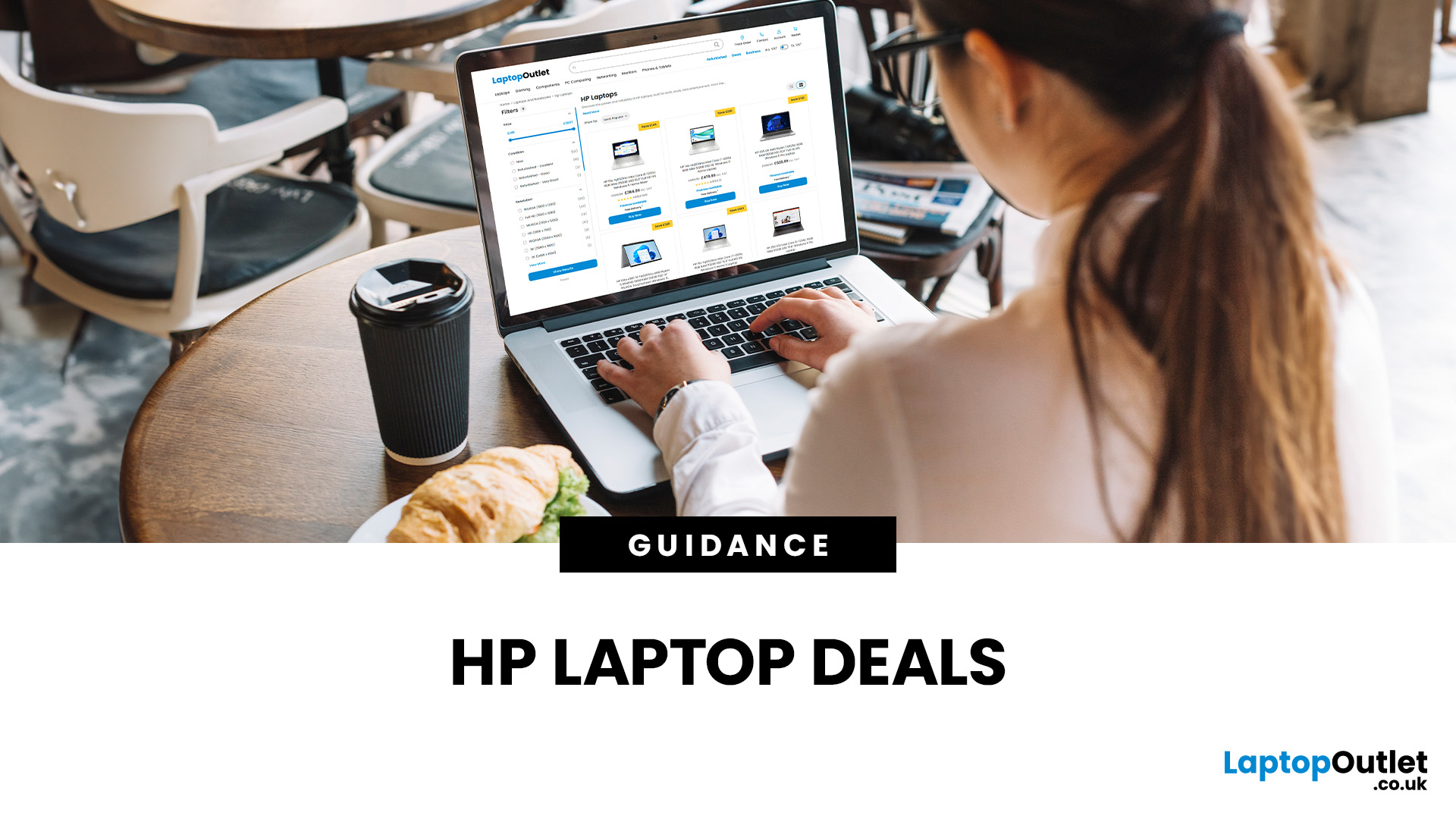
Struggling to find HP laptop deals that don’t feel overpriced, outdated, or just not worth it? Yeah — scrolling through endless specs, inflated prices, and “fake” discounts can be frustrating, especially when you just need a laptop that actually works for study, work, or everyday life.
The problem? Too many laptops either cost way too much or cut corners where it matters. Slow performance, tiny storage, poor screens, not the vibe. And when you’re on a budget, finding reliable HP laptops UK shoppers can trust shouldn’t feel like a gamble.
That’s where Laptop Outlet comes in. We’ve rounded up some of the best HP laptops on sale in the UK, with prices starting from just £149.99. From cheap HP laptops for everyday use to powerful business-ready machines, our handpicked HP laptop offers give you serious value without compromising on quality.
HP 15-fc0045na – Everyday Power for You
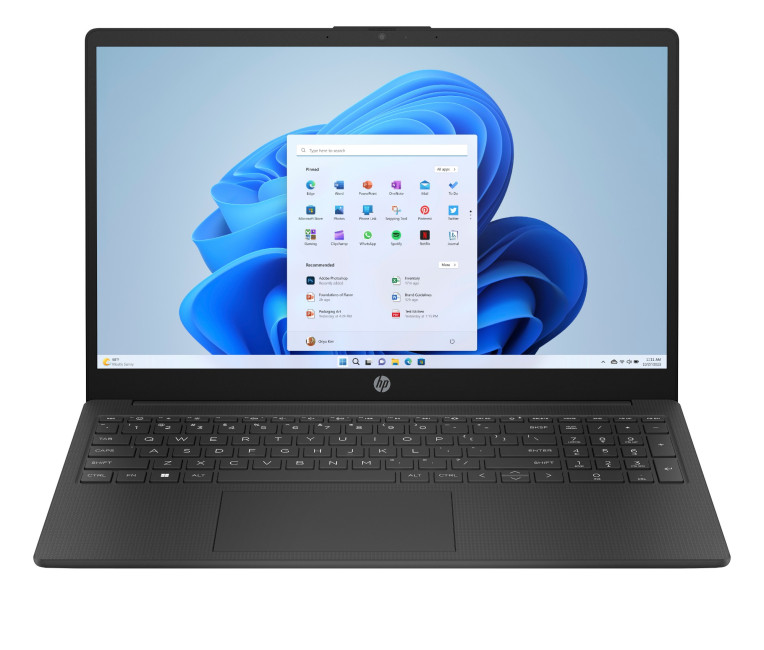
- The HP 15-fc0045na is a well-balanced 15.6-inch laptop that perfectly blends performance with everyday
Last Updated: September 04, 2026
If you’re shopping for a new laptop this year, HP continues to be one of the most reliable and exciting brands to watch. From premium Ultrabooks and powerful gaming machines to flexible 2-in-1 devices built for modern work and study, the latest releases bring something for everyone.
In this guide, we’ll explore the latest HP laptops you shouldn’t miss in 2026, highlighting what makes them stand out, which users they suit best, and why HP remains a top choice for shoppers across the UK. Whether you’re upgrading your home setup, buying for university, or looking for a performance machine that keeps up with your workload, these HP laptop models are worth considering.
Top HP Laptop Models You Can Choose in 2026
The latest HP laptops in 2026 are redefining versatility, performance and AI-enabled productivity across the board. Let’s explore few of them:
HP OmniBook X FlipNGAI 14-fm0005na – Compact AI-Ready Performance
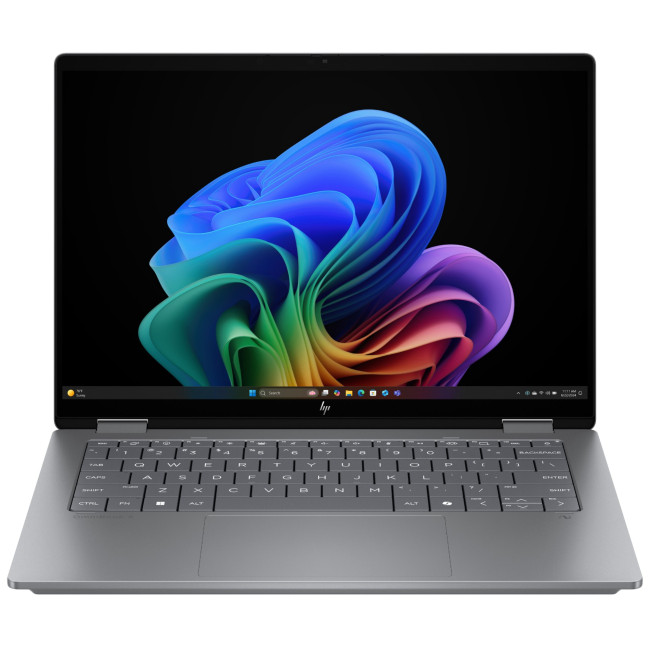
The HP OmniBook X FlipNGAI 14-fm0005na Intel® Core™ Ultra 5 226V

Last Updated: February 13, 2026
Because nothing kills the vibe faster than a laptop, that suddenly decides your fingers are irrelevant.
You sit down. You open your laptop. You’re mentally prepared to be productive (or at least pretend). And then .....boom... your laptop touchpad is not working. Or your laptop keyboard is not working. Or worse… both.
At this point, your laptop isn’t broken; it’s personally offended by you.
Before you rage-buy a new device or spiral into tech despair, here’s the good news: most laptop keyboard problems and touchpad issues are completely fixable. And no, you don’t need a computer science degree or a sacrifice to the tech gods.
This guide is not one of those vague “restart your device” articles and call it a day. This is a deep-dive, all-reasons, all-solutions, no-BS troubleshooting guide, written in human language, with enough detail to actually solve the problem.
We’ll cover:
- Software vs hardware problems (and how to tell the difference)
- Every common and uncommon reason your laptop input
Last Updated: September 03, 2026
Buying an HP gaming laptop in 2026 can feel like being asked to pick between “save money now” and “avoid regret later.”
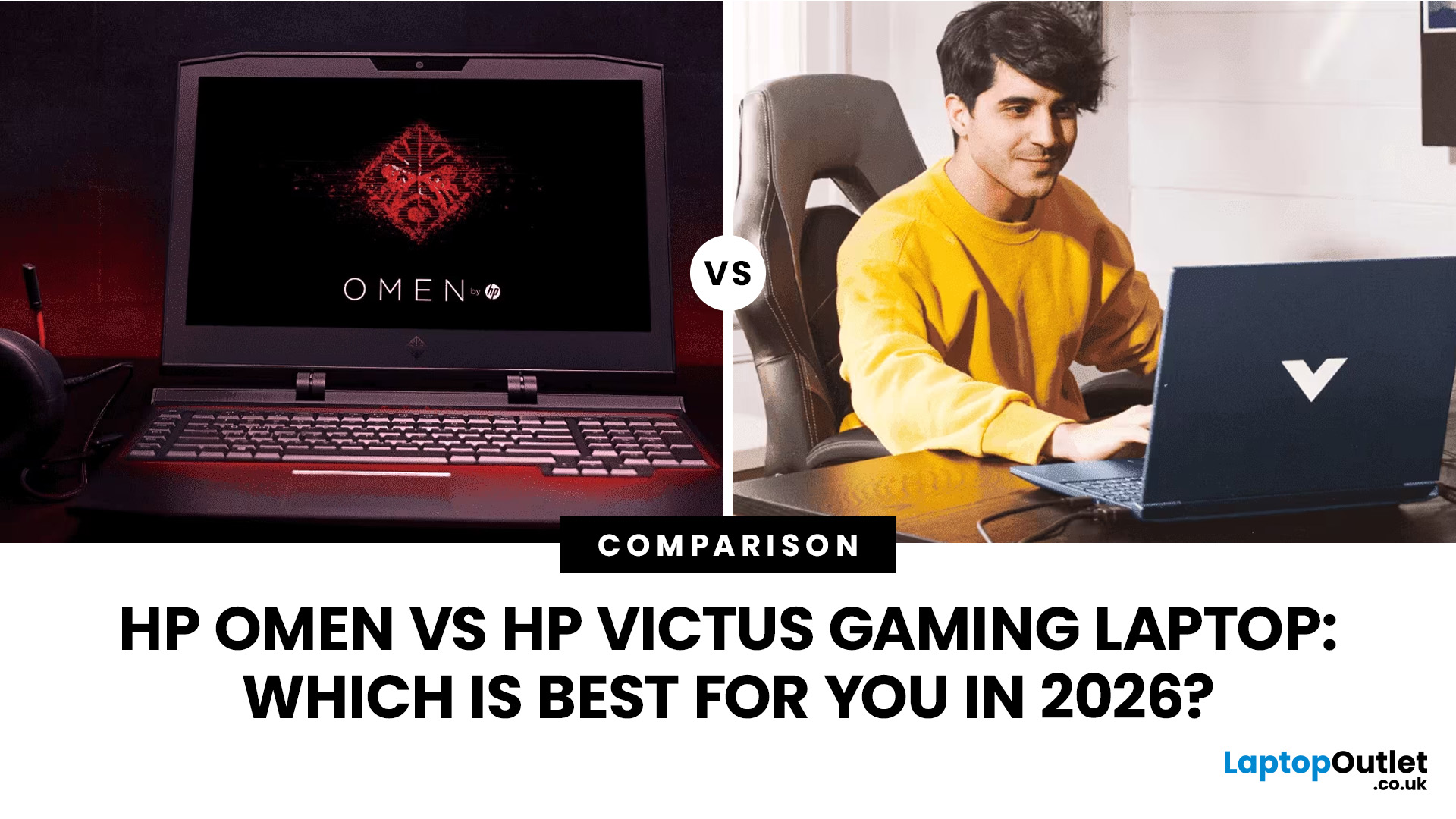
Choose HP Victus if you want the best price-to-performance balance for esports, coursework, everyday use, and casual AAA gaming. Choose HP OMEN if you want higher frame rates, better display quality, stronger cooling, and a laptop that feels ready for heavier games over the next few years.
The HP Victus gaming laptop is the value pick: more affordable, more student-friendly, and solid for 1080p gaming. The HP OMEN gaming laptop is the performance pick: stronger cooling, better displays, higher-end GPUs, and more headroom for AAA games, streaming, and long-term use.
So, which one should you actually buy?
HP OMEN vs HP Victus: The Simple Difference
HP uses Victus and OMEN for different types of gamers.
The HP Victus gaming laptop is built for mainstream buyers who want a proper gaming laptop without paying premium money. It usually targets 1080p gaming, 144Hz displays, and
Last Updated: August 11, 2026
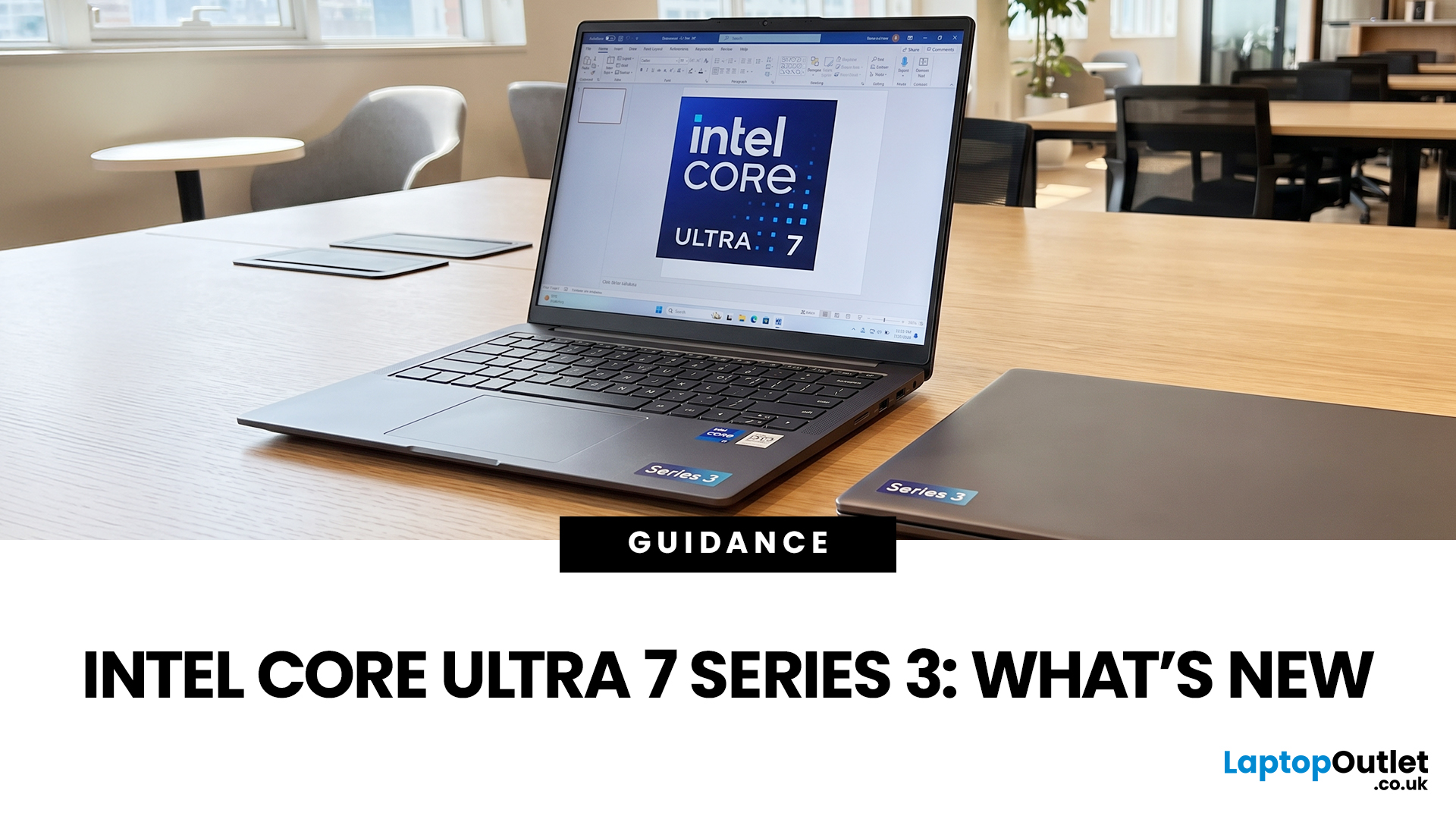
If you’re considering an Intel Core Ultra 7 Series 3 laptop in 2026, the processor name is only part of the story. Intel’s latest Core Ultra Series 3 generation brings a new architecture, Intel 18A process technology, built-in AI acceleration and updated graphics capabilities.
However, different Series 3 processors can have significantly different core and graphics configurations, so it is important to look beyond the “Core Ultra 7” label when choosing a laptop.
Series 3 is aimed at modern laptops that need to balance
Last Updated: August 17, 2026
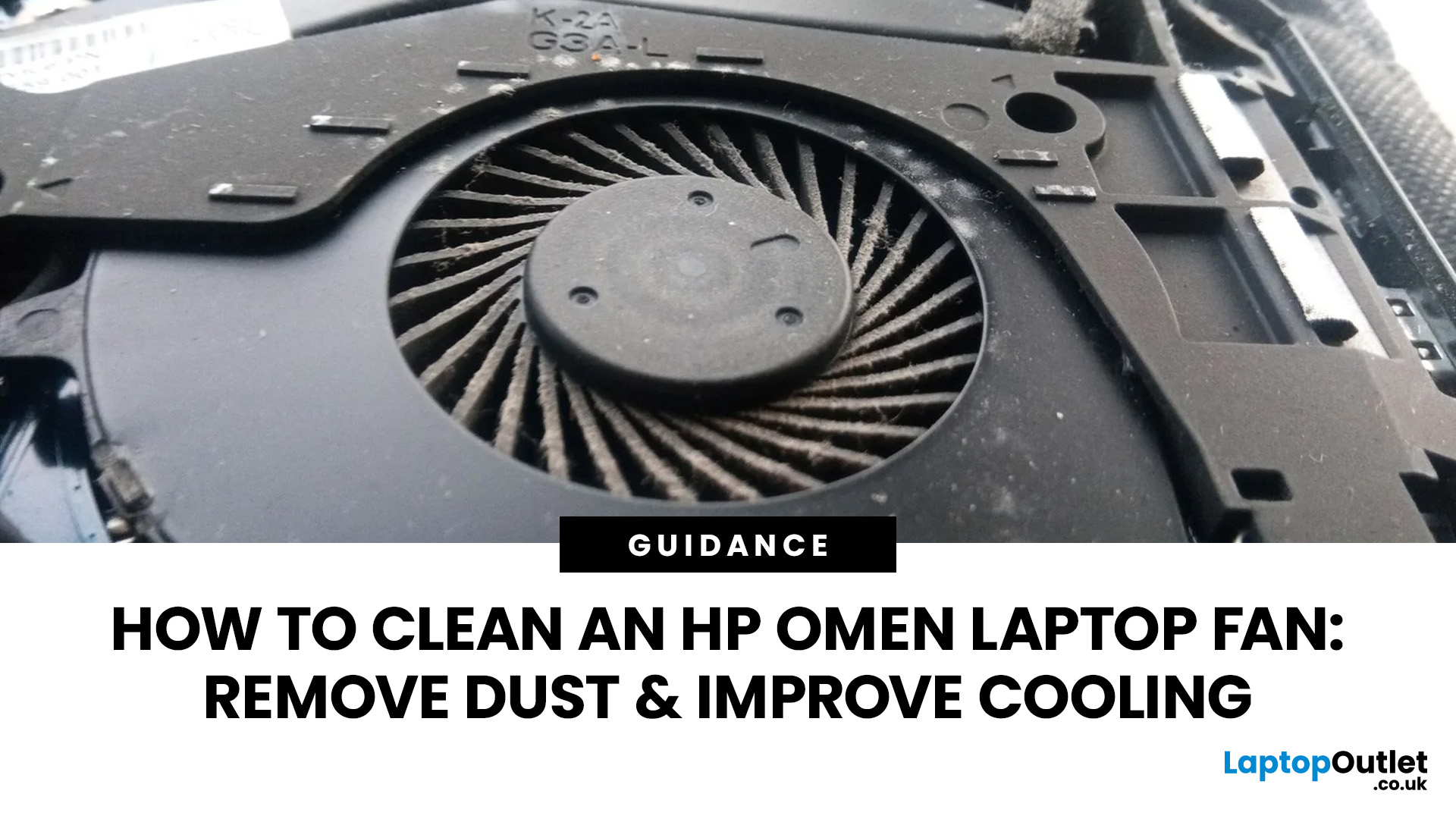
An HP OMEN laptop moves plenty of air during gaming and other demanding work. That airflow can draw dust, lint and pet hair towards its intake vents. As debris builds up, cooling may become louder, airflow can weaken and sustained performance can suffer.
The safest approach is to start with external cleaning. Only remove the bottom cover when deeper cleaning is necessary and you have checked the service instructions for your exact OMEN model. This guide covers both methods, essential safety precautions and post-cleaning checks.
Why HP OMEN Fan Cleaning Matters
Gaming laptops generate considerable heat because the processor and dedicated graphics chip can remain under heavy load for long periods. Their fans draw cooler air through the chassis and push warm air across the heatsink fins towards the exhausts.
Effective laptop fan dust removal prevents debris from reducing the space available for air to pass through. A thin layer of dust may only increase noise, while a compacted blockage can
Published: August 17, 2026
Dell laptops are built for everything from everyday study to demanding business workloads, but any device can develop faults over time. Common Dell laptop problems can involve slow performance, charging, overheating, displays, connectivity, or startup. The useful first step is not replacing parts at random, but identifying exactly what the laptop is doing. In this guide, you’ll learn how to recognise common symptoms, try safe, practical Dell laptop troubleshooting steps and decide when a repair or replacement makes practical sense.
What are the Most Common Dell Laptop Problems?
Slow Performance and System Lag
A Dell laptop may slow down because of too many startup apps, limited free storage, demanding background processes or outdated software. These Dell laptop issues often appear as slow boot times, freezing, or delayed app launches.
Battery Draining Too Quickly
Fast battery drain can result from high brightness, heavy workloads, background activity or an ageing battery. If runtime has
Published: August 18, 2026
Carrying a heavy laptop between home, work, university and client meetings can quickly become inconvenient. A slim laptop offers a more portable alternative, combining a thinner design with the performance needed for everyday computing, study, business and entertainment.
However, buyers should compare processor performance, RAM, screen quality, ports, cooling and upgradeability before choosing. The best lightweight laptop balances low weight with the features and power required for its intended daily use.
The right thin and light laptop reduces bag weight without losing key features, but performance, battery life and connectivity vary, so understanding the trade-offs is important before choosing.
Why Heavy Laptops Are Becoming a Dealbreaker
A larger,
Last Updated: August 24, 2026

